
AI Invitation Maker

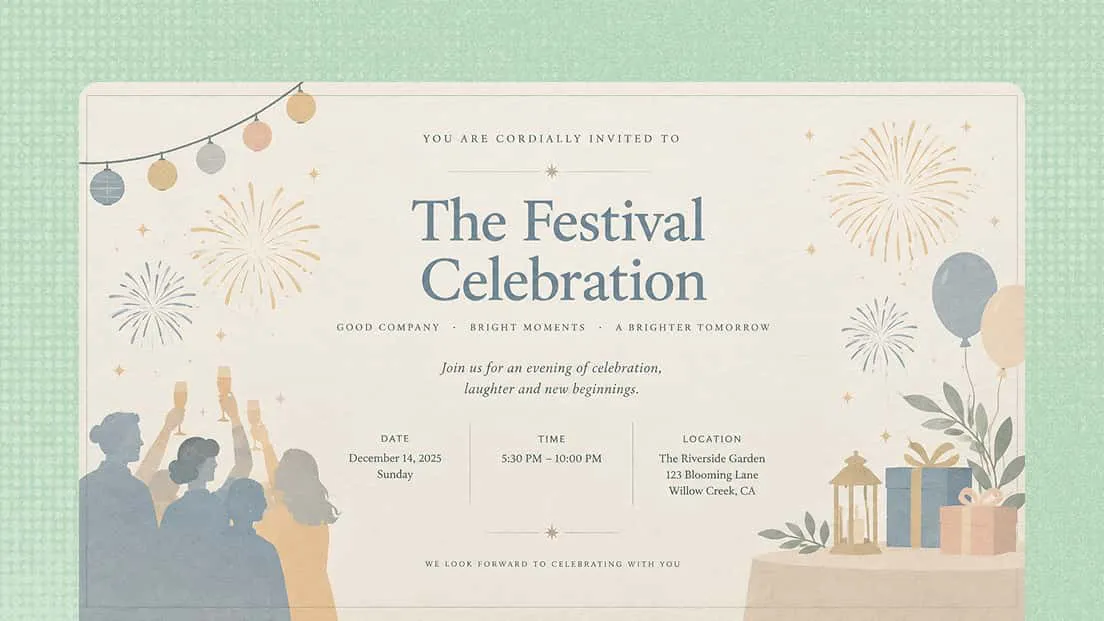
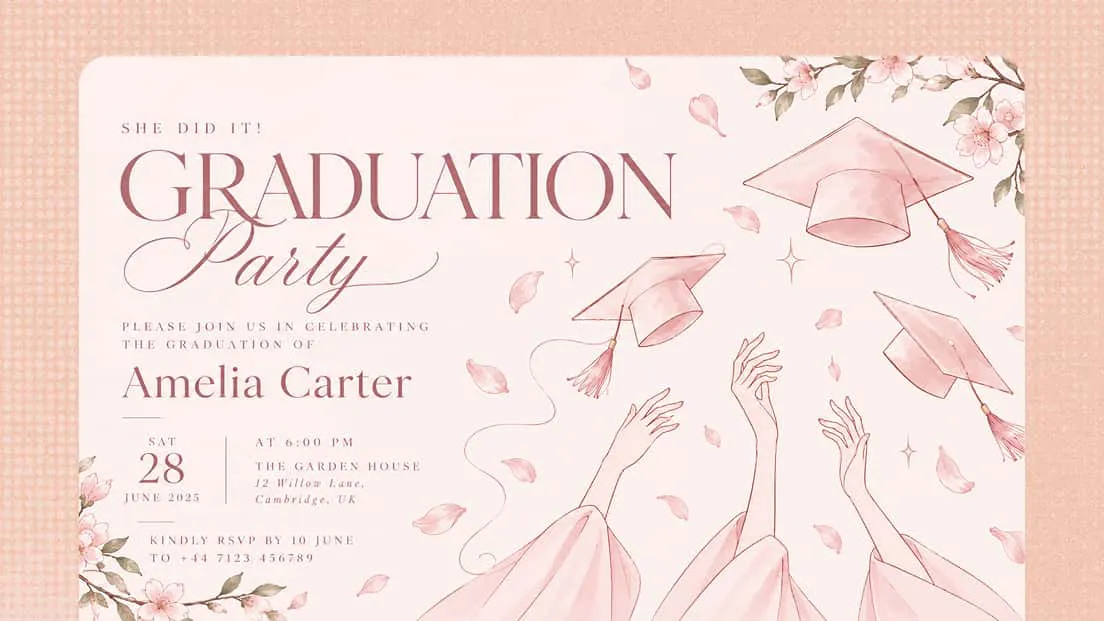
Create personalized invitations with an AI invitation maker. Describe your event, occasion, and preferred style, or provide reference materials, and let AI turn your ideas into a polished invitation that captures the right mood and communicates the essential details.

AI Invitation Maker

Design personalized invitations with Kimi Design

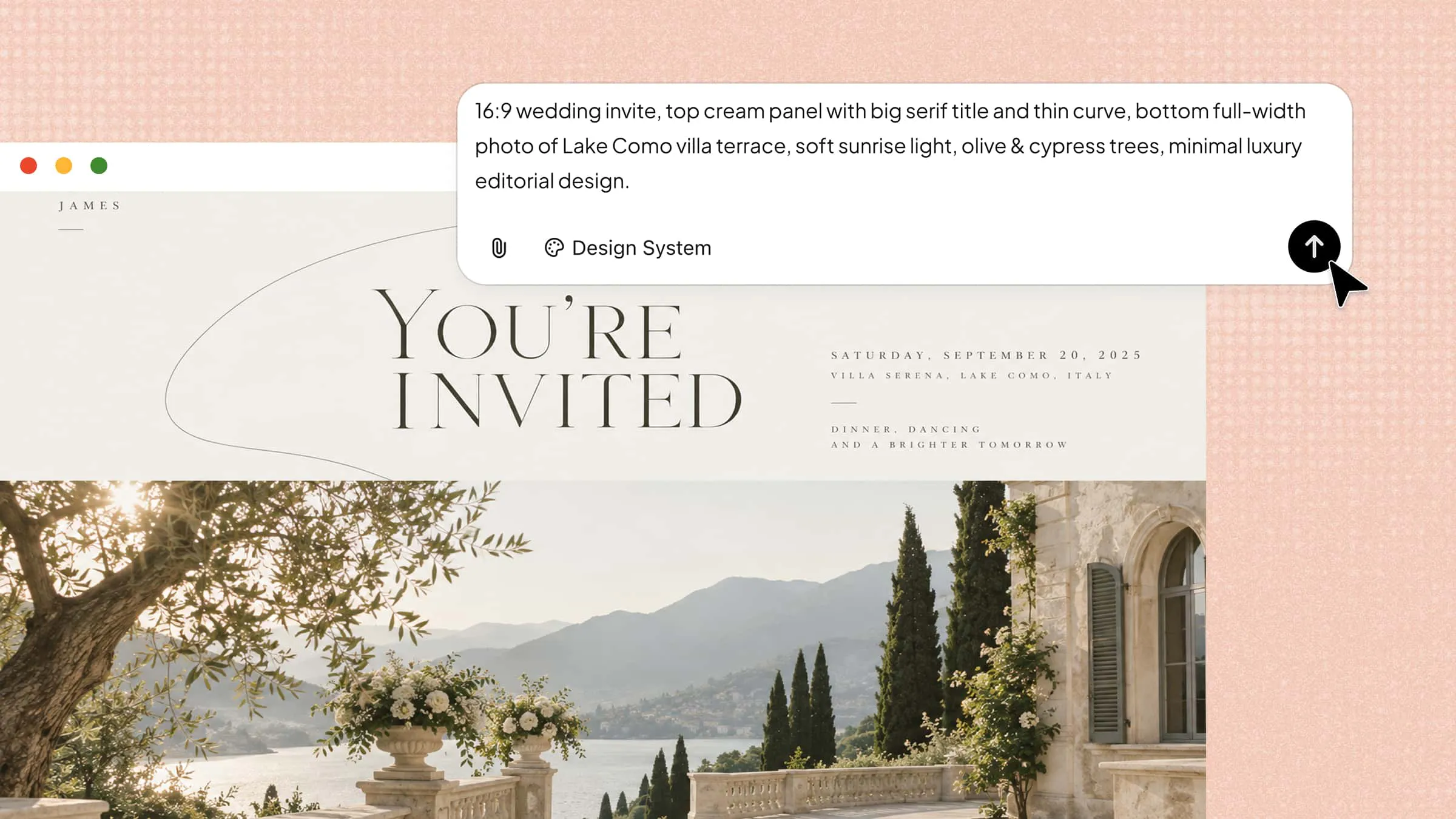
Complete invitation designs from a single prompt

Give AI the essentials of your event, such as the occasion, date, venue, guest information, and preferred aesthetic. It can interpret your requirements and turn them into a complete invitation concept with appropriate wording, imagery, typography, and layout. Upload reference images or other materials when you want AI to follow a particular visual direction.

Create custom invitations with a free AI invitation maker

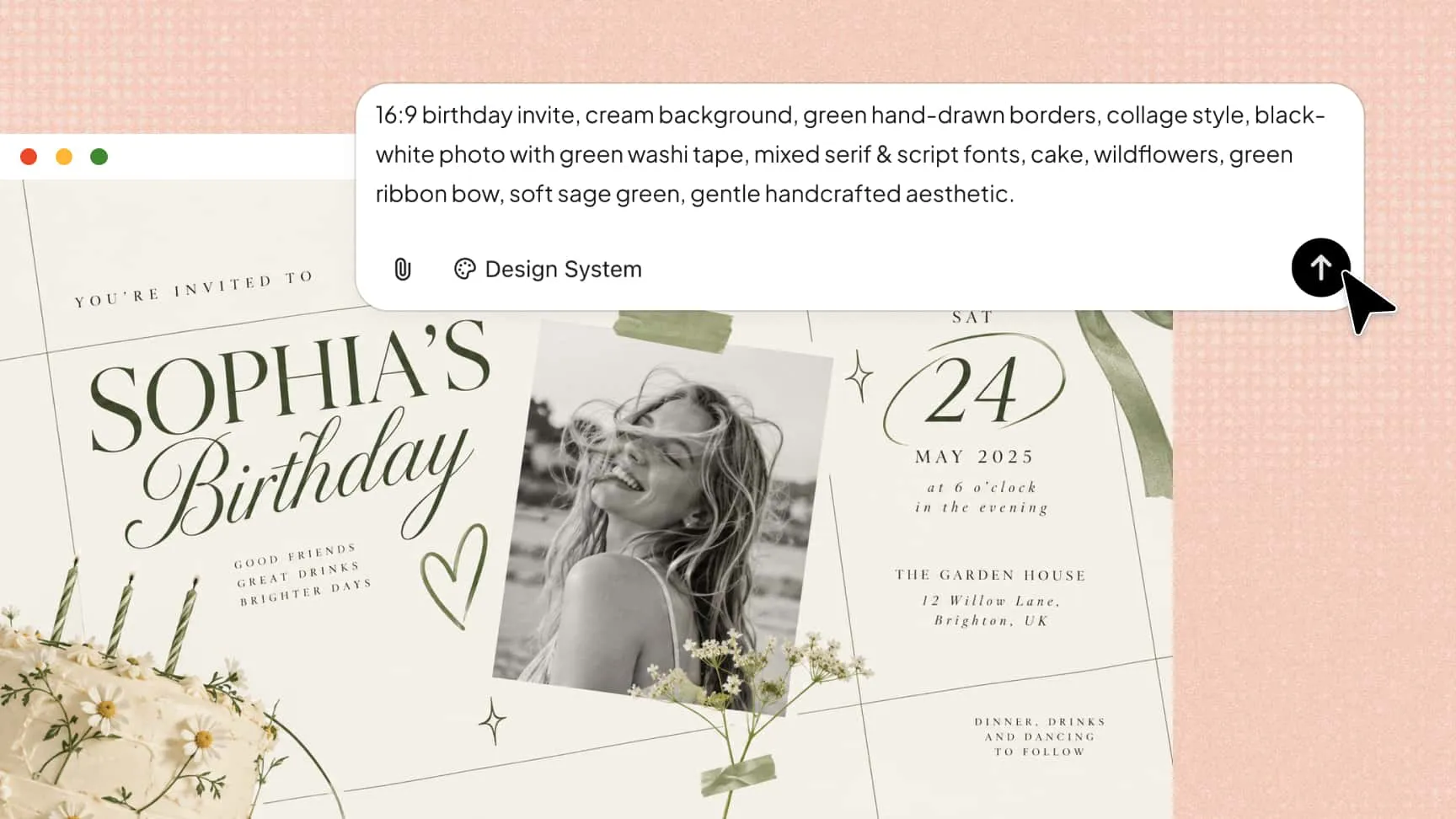
Explore styles for every occasion

Experiment with romantic, festive, playful, formal, or sophisticated designs to match your event. Upload reference images featuring your preferred patterns, colors, or design elements to guide the creative process. Explore fresh ideas for layouts, typography, and decorative details to create an AI invitation card that reflects your style and suits your occasion.

Explore styles with an AI invitation card maker

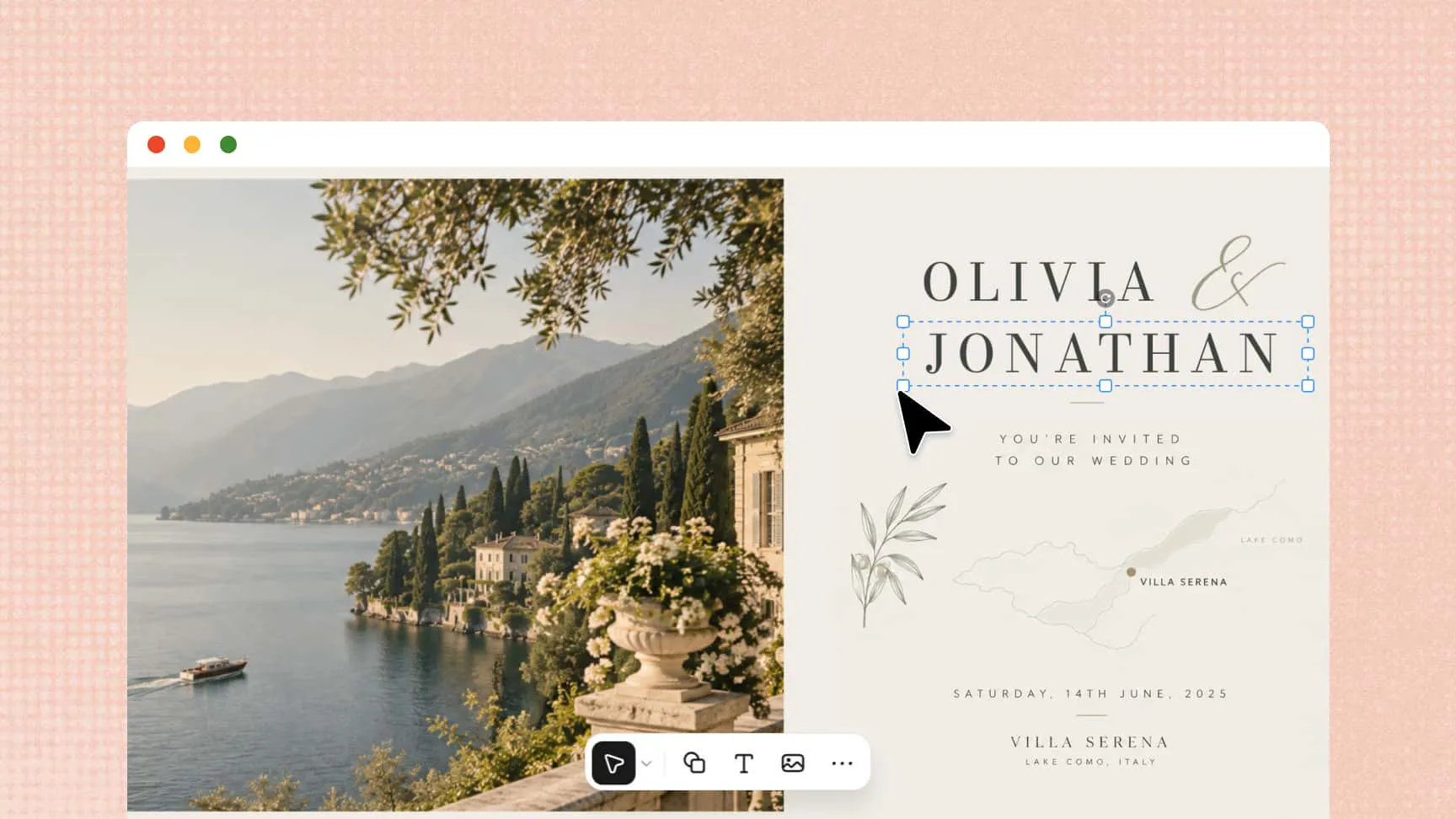
Refine the invitation design flexibly and easily

Use conversational prompts to adjust the wording, layout, colors, imagery, or other visual details. You can also comment on specific elements for targeted changes or use manual controls to fine-tune your design, making it easier to personalize an AI-generated invitation.

Customize designs with an AI invitation card creator

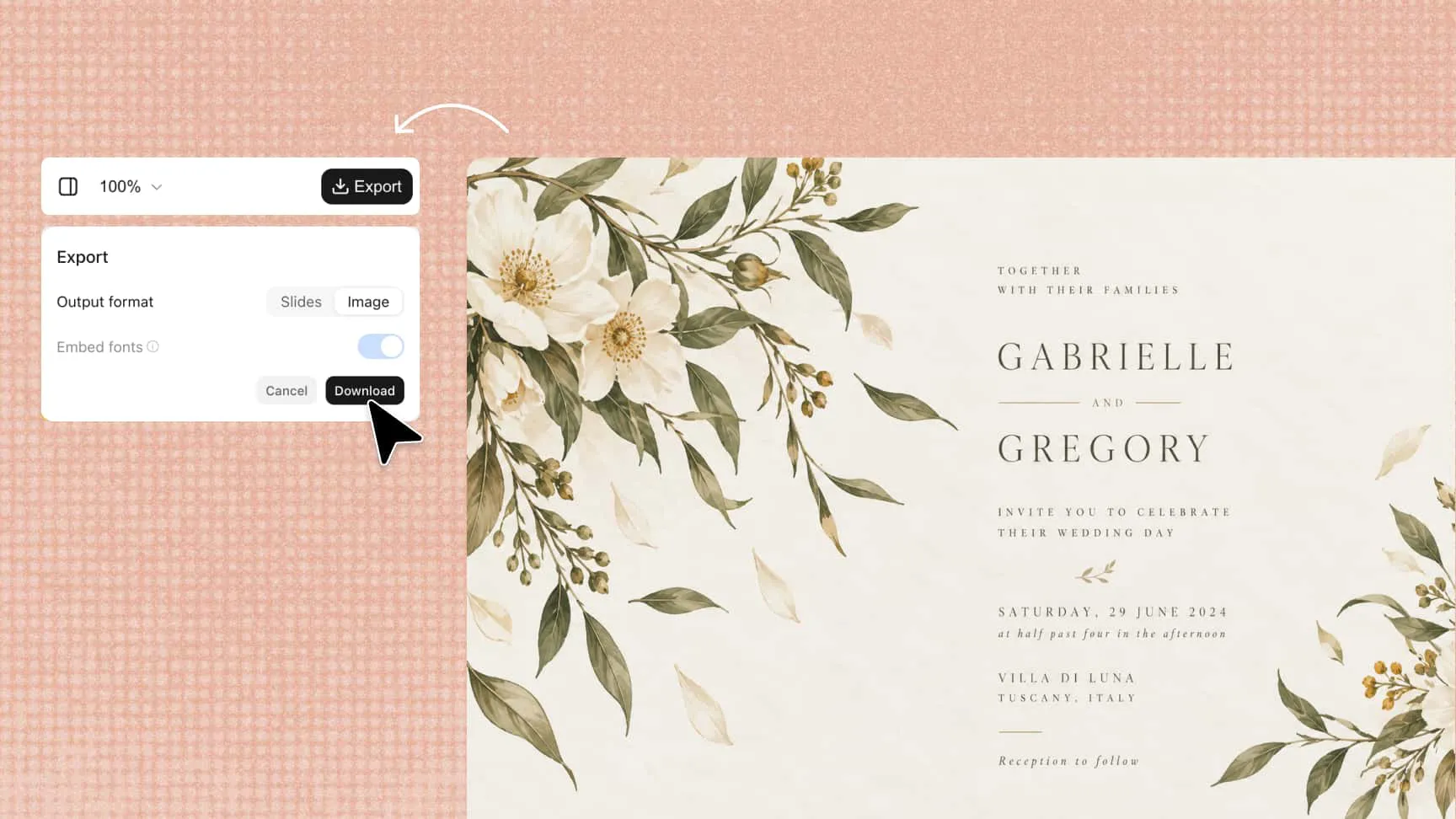
Convenient export for sharing and printing

Once your design is complete, export high-resolution PNG and JPG files for digital sharing or choose PDF for scalable, print-ready output. This makes your finished invitation suitable for sharing online, sending to guests, or preparing for print.

Export digital invitations with an AI digital invitation maker

How to create an AI invitation with Kimi Design

1

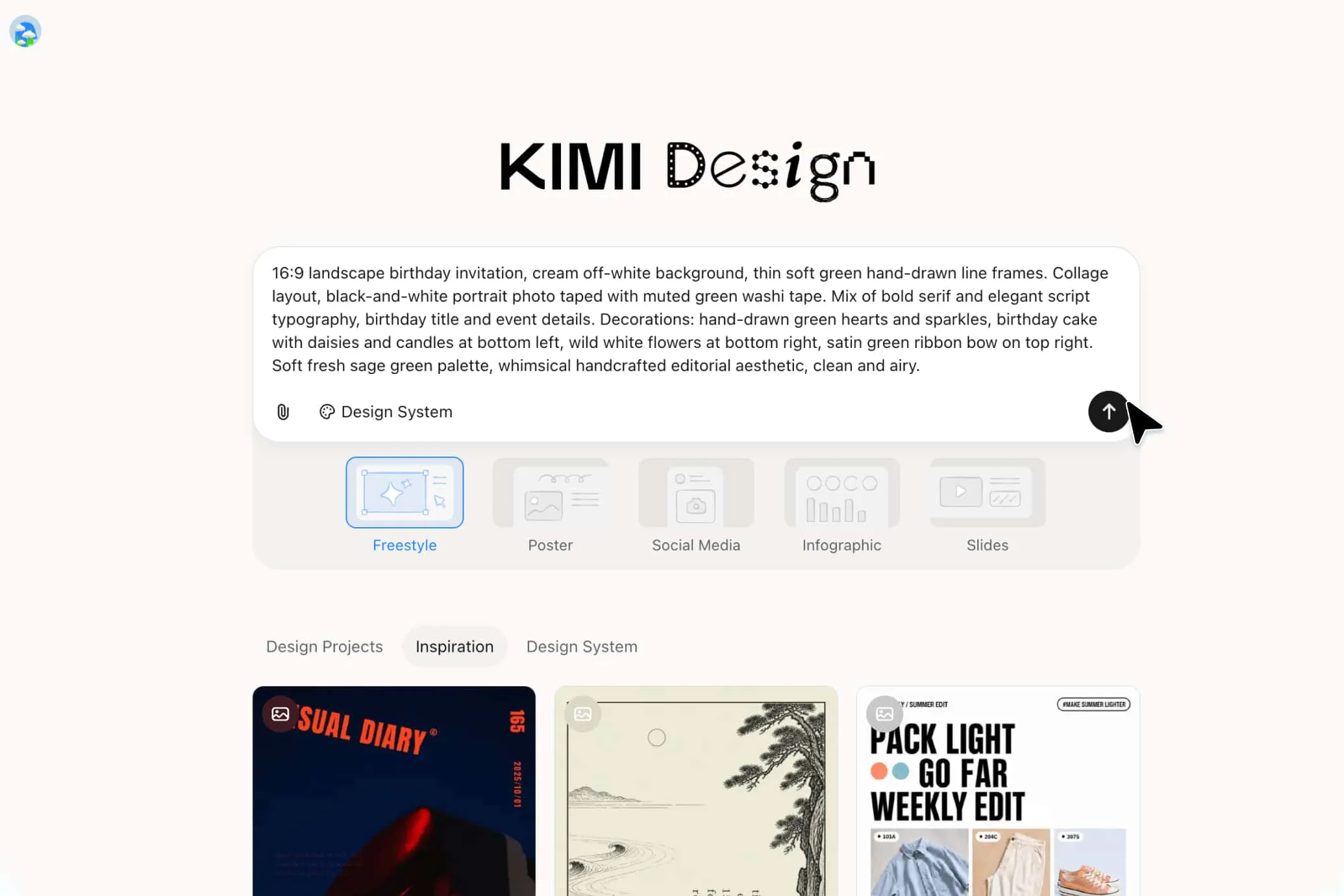
Describe your event and requirements

Specify the occasion, guests, date, location, tone, and essential invitation details. Whether you're planning a wedding, birthday, baby shower, graduation, or business event, provide enough context to guide the design.

2

Generate and customize your invitation

Review the initial design and use conversational prompts to adjust the wording, mood, imagery, or composition. You can also comment on specific elements or manually edit text, colors, fonts, images, and layout for greater control.

3

Review and export your invitation

Check the event details, visual hierarchy, and overall presentation before exporting. Choose a suitable format for digital sharing, social media posting, or printing physical invitations.

Describe your event with an AI invitation maker

Create AI invitations for every occasion

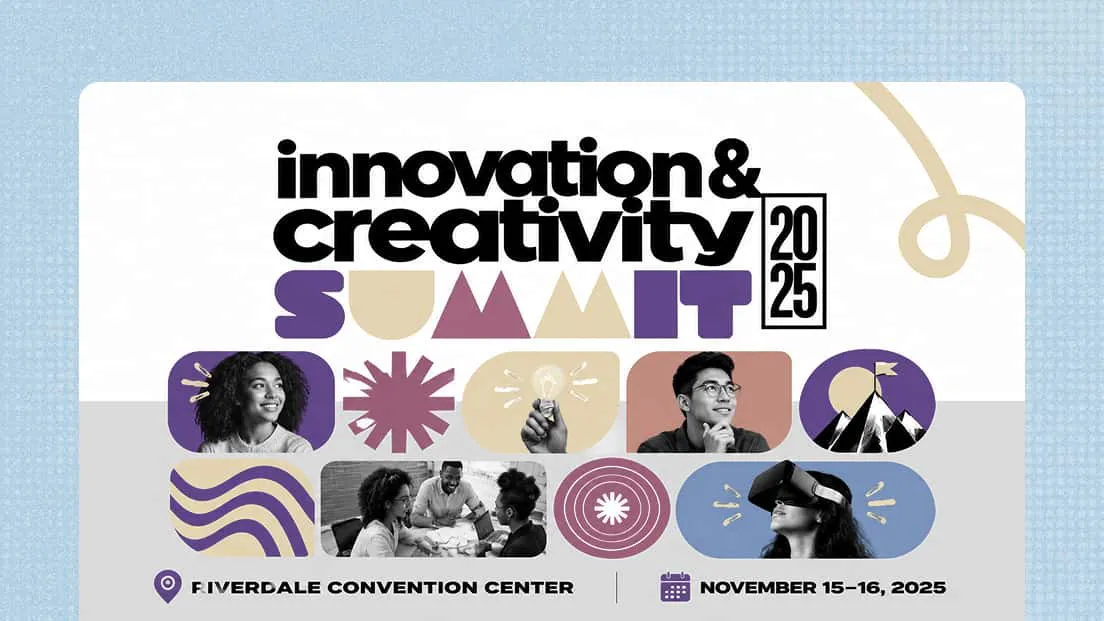
Business and professional events

Design polished invitations for conferences, networking events, product launches, workshops, and company gatherings. Keep the visual direction professional while incorporating brand elements and key event information.

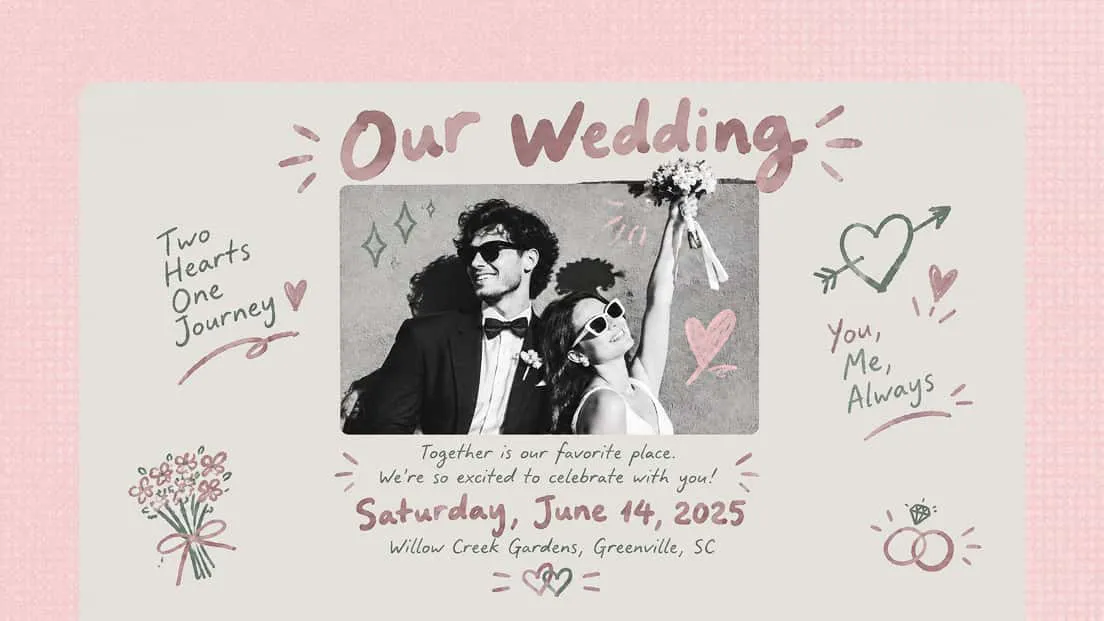
Wedding celebrations

Design elegant wedding invitations that match your theme, from timeless romantic styles to modern, minimalist layouts. Kimi Design can help you create personalized designs featuring ceremony details, reception information, dress codes, and other important details.

Holiday celebrations

Create themed invitations for holiday parties, New Year gatherings, summer socials, and seasonal events. Use AI to develop visuals, colors, and typography that capture the character of the season.

Graduations and reunions

With the AI invitation maker, create invitations for graduation parties, school reunions, alumni gatherings, and other milestone events. Combine important event information with a design that reflects the occasion and brings the group together.

Club and community gatherings

Design invitations for book clubs, hobby groups, neighborhood events, workshops, and local meetups. Adapt the wording and visual style to make the invitation feel relevant to the specific community.

Create professional event invitations with an AI invitation maker

Tips for writing effective AI invitation prompts

Include the essential event details in your prompt

Specify the occasion, date, time, venue, guest type, and any special instructions so the invitation communicates everything clearly. These details help an AI invitation maker create a design suited to your event.

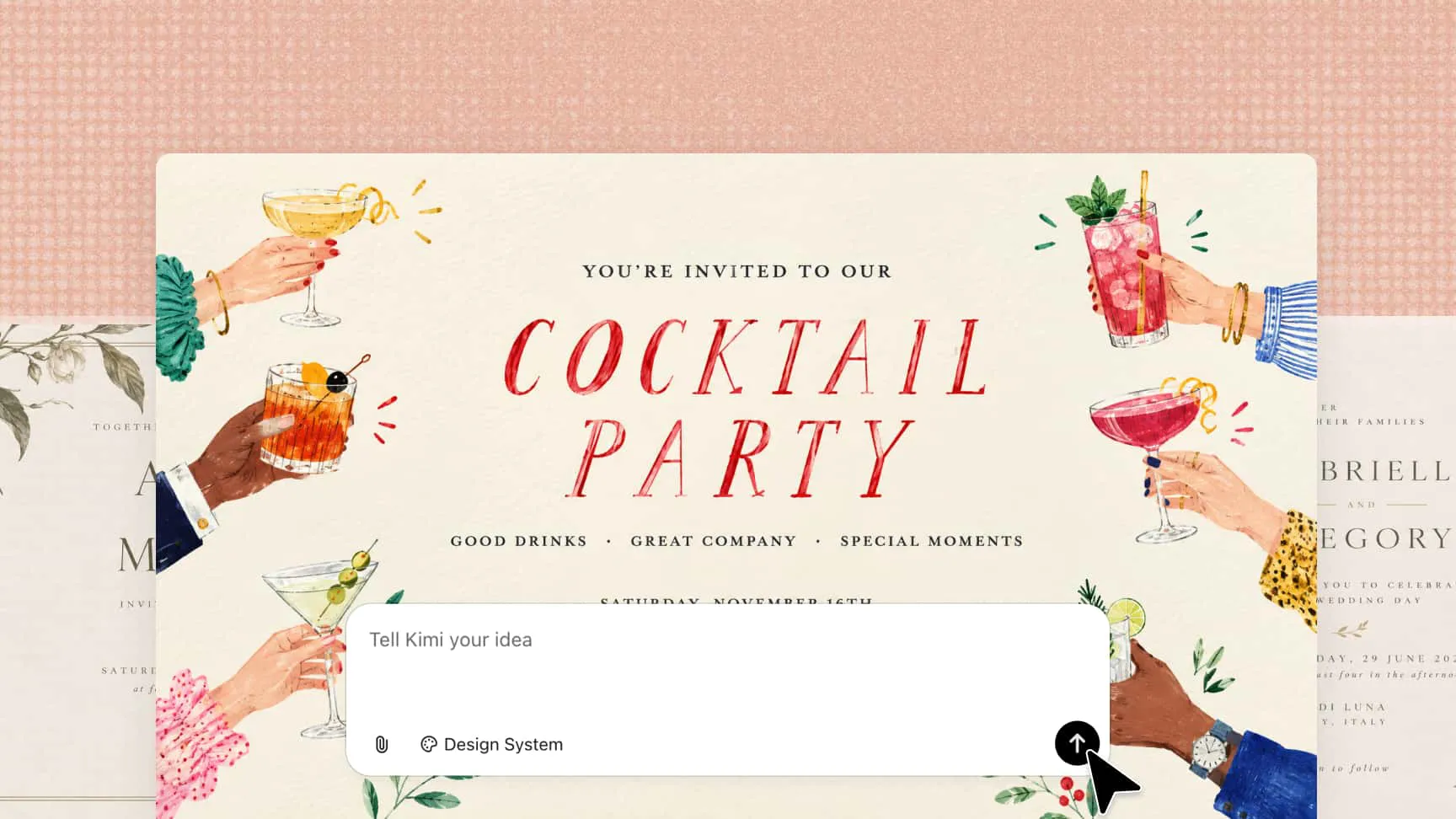
Describe the mood you want to create

Explain the atmosphere and aesthetic you're looking for, such as romantic and elegant for a wedding, bright and playful for a birthday, or refined and professional for a business event. This helps guide the invitation's colors, typography, and overall style.

Use references to communicate your vision

Upload an invitation you like, a color palette, event imagery, brand materials, or other visual references to guide the design. Kimi Design can use these references to better understand your preferences and create a more personalized invitation.

FAQ

Include the event type, date, time, venue, guest details, and any special instructions. A clear prompt helps an invitation generator create a design that communicates the essential information.
Yes, you can upload an existing invitation, image, or color palette to guide the design. Kimi Design can use these references to help you explore styles and create a personalized invitation.
Describe your event's theme, preferred colors, visual style, and overall mood in your prompt. In Kimi Design, you can refine the generated invitation with additional prompts and edits until it suits your event.
Yes, you can experiment with different prompts and visual directions while keeping the event information consistent. An AI invitation card maker can help you explore styles such as minimalist, floral, festive, or formal designs.
Yes, you can specify the intended dimensions or layout for your invitation, such as a portrait card or a landscape design. Choose dimensions that suit your intended platform or printing requirements.
Review the event details, text readability, and image quality before exporting. Kimi Design supports PNG and JPG for digital sharing and PDF for printing, making it easier to prepare your invitation for its intended use.
Yes, you can refine your invitation using conversational prompts or manually adjust the text, colors, fonts, images, and layout. This makes it easier to improve the initial design until it matches your vision.

Turn your event details into a personalized invitation with AI