AI birthday card generator

Create a personalized birthday card with an AI birthday card generator. Share a few details, a message, or reference images, and turn your ideas into a thoughtful design with a style, layout, and visual direction that suits the birthday person.

AI birthday card generator

Create a birthday card that feels personal

Turn birthday details into a personalized design

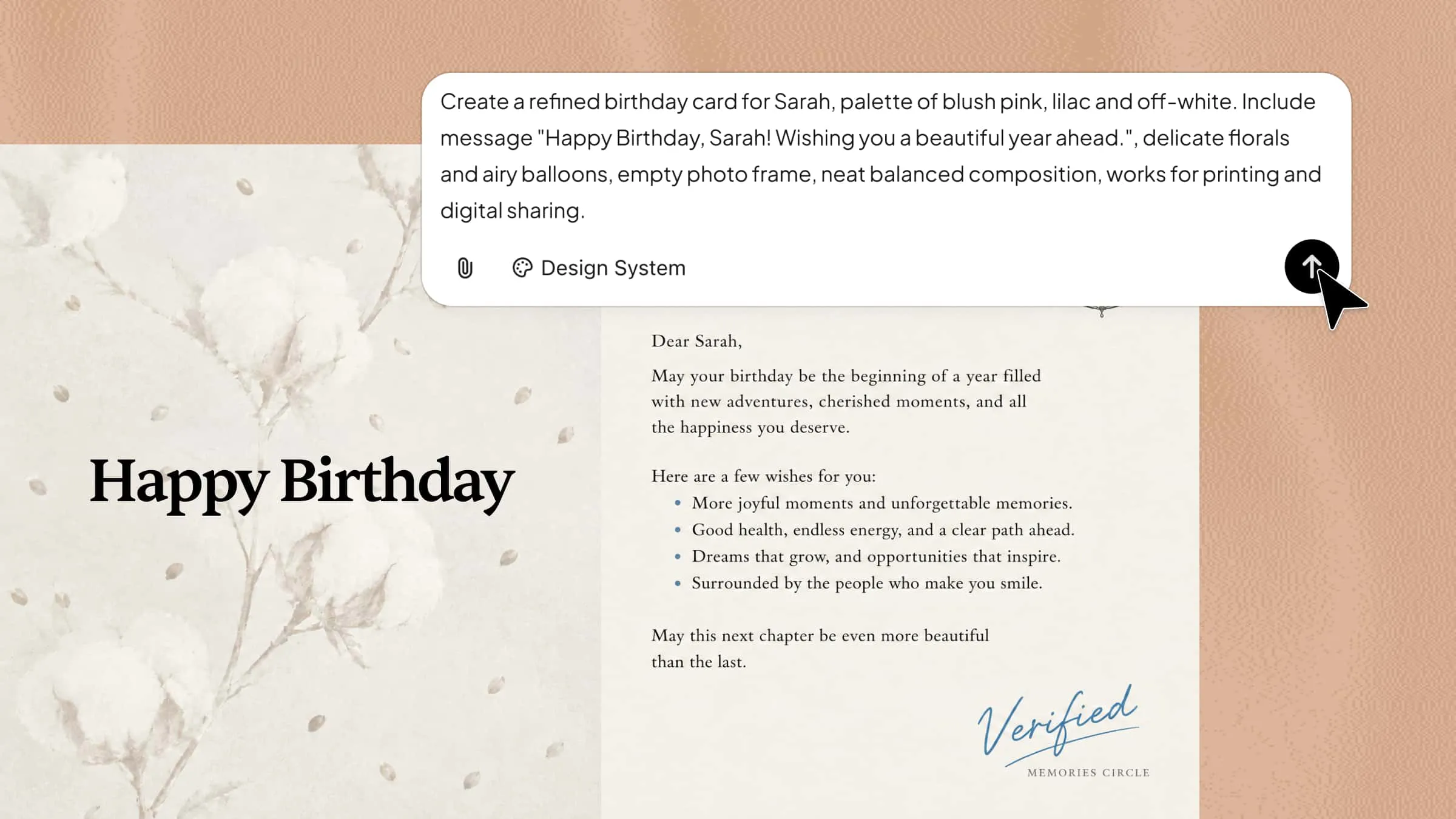
Share details such as the person's name, age, interests, and the message you want to convey. Kimi Design can use these details to create an AI birthday card with suitable wording, imagery, colors, and typography.

Create a personalized AI birthday card with a name and message

Explore creative birthday card ideas with AI

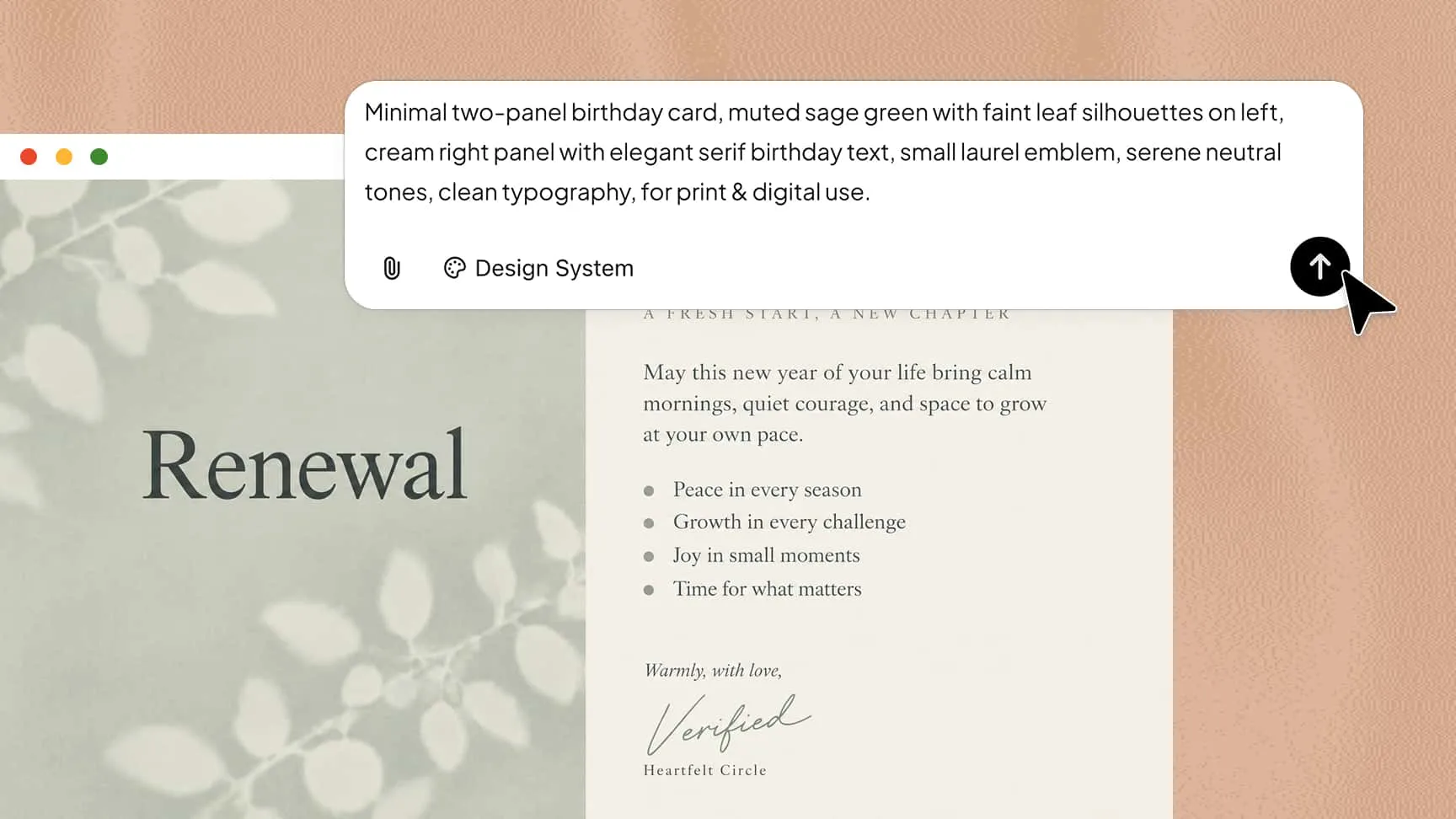
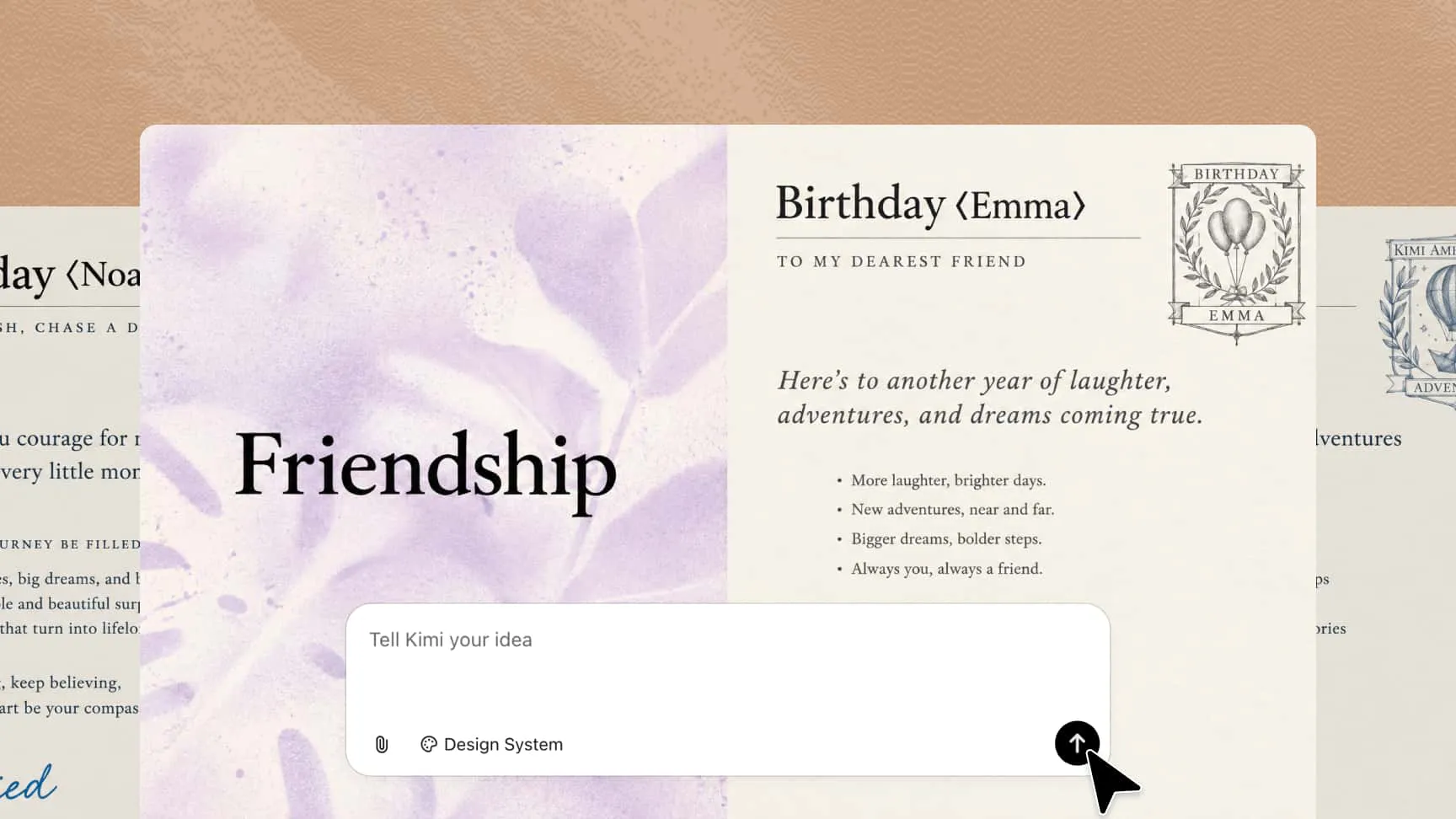
Not sure what the card should look like? Use AI as a creative sounding board. Explore ideas based on the recipient's personality, from playful and colorful to heartfelt, elegant, quirky, or understated. You can also ask for different visual directions, messages, themes, and decorative ideas before choosing a direction.

Explore creative designs with an AI birthday card maker

Customize your design with AI

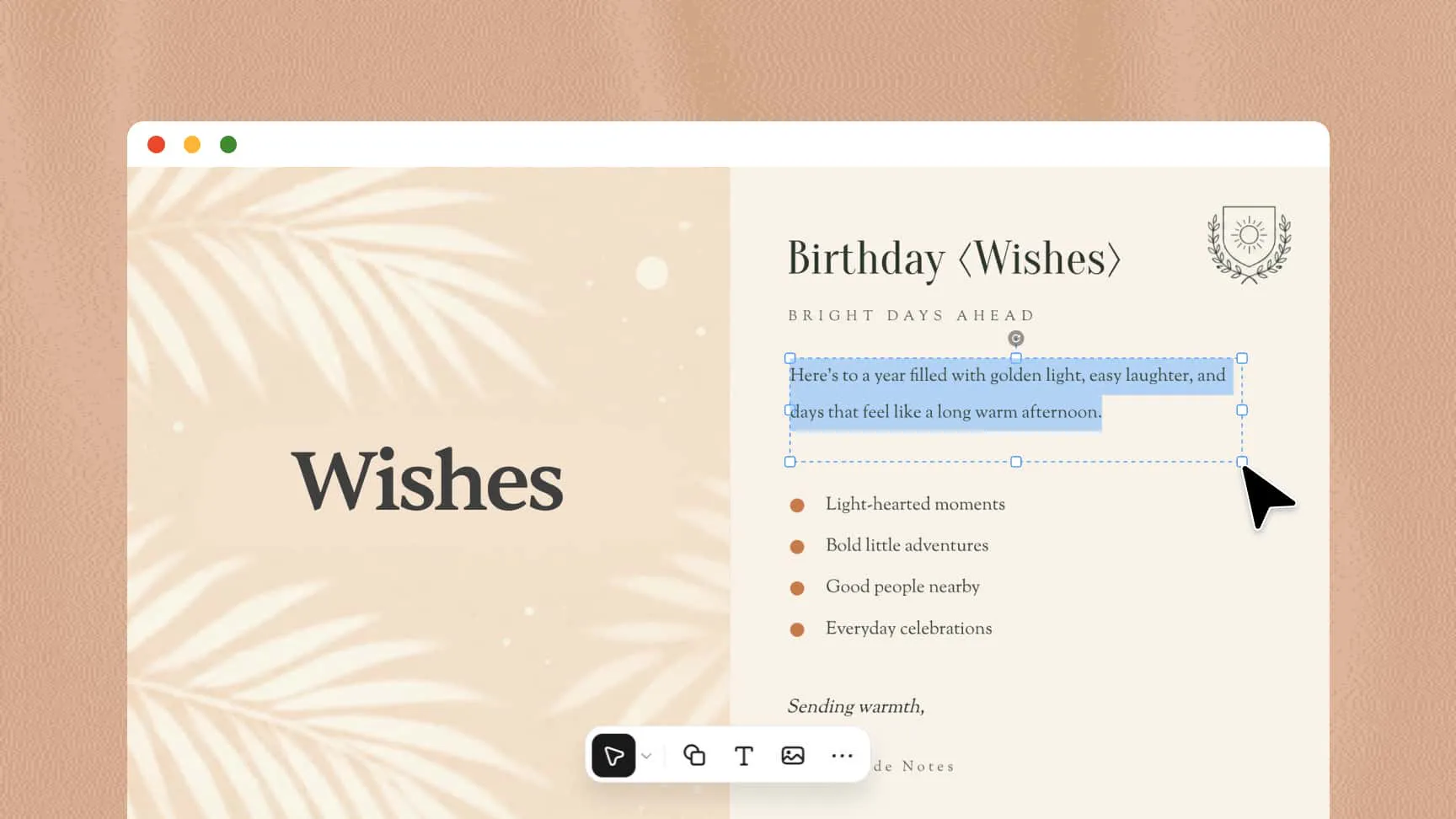
Once you have a design you like, use conversational AI to make targeted changes. Comment on a specific element and ask AI to revise it, whether you want a different message, image, color, font, or layout. Manual controls are also available when you want to make precise changes yourself.

Customize an AI birthday card with personalized text and images

How to make a birthday card with AI

1

Describe your birthday card idea

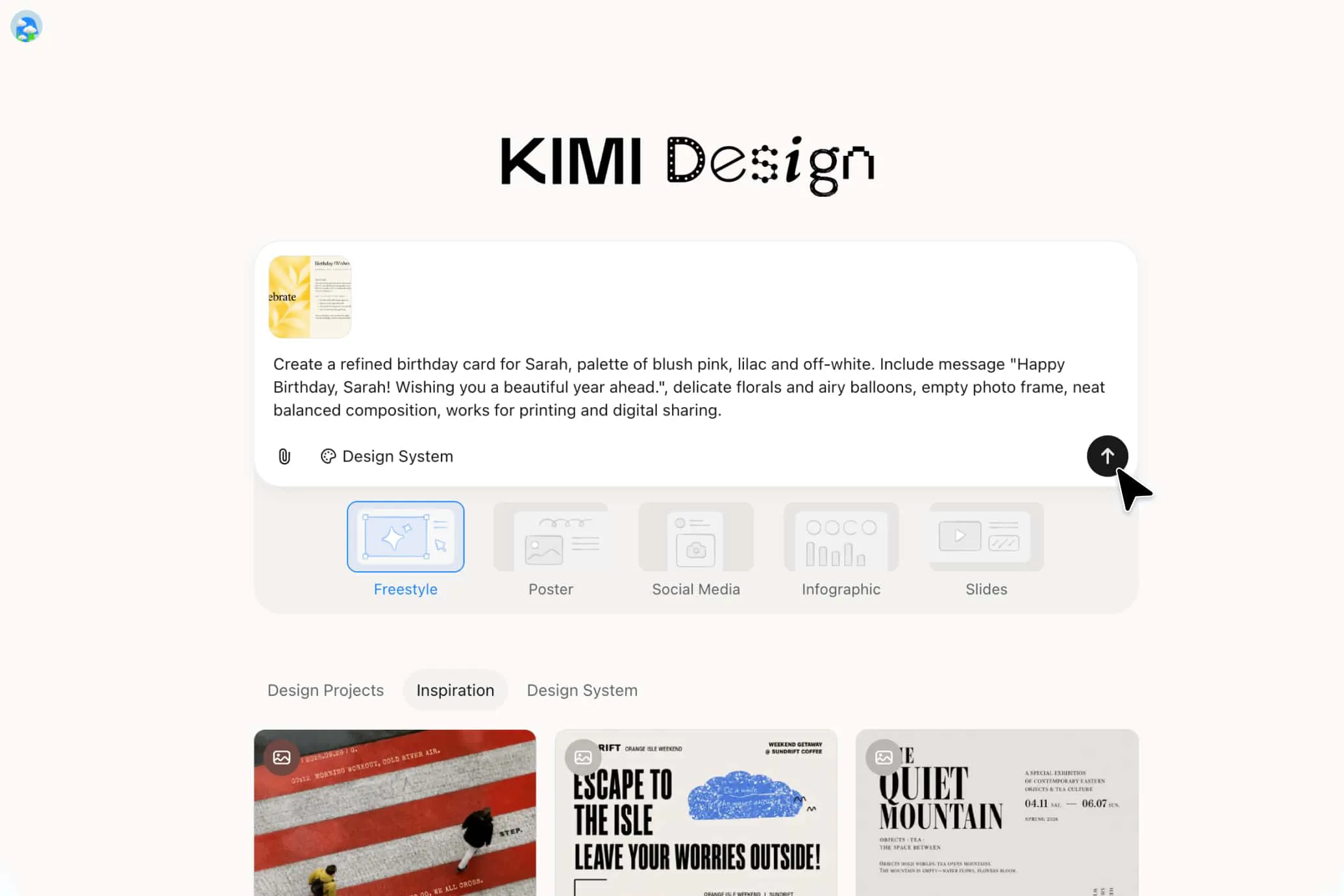
Open Kimi Design and describe the birthday card you want to create. Include the recipient's name, interests, preferred colors, card style, and birthday message. You can also upload a reference image to guide the design.

2

Generate and customize your card

Review the initial design and check whether the message, images, and layout match your idea. Use conversational instructions to change specific elements, or manually adjust the text, colors, fonts, and illustrations until you're satisfied with the result.

3

Export and share your birthday card

Check the spelling, message placement, and overall design before exporting. Choose PNG or JPG for digital sharing, or PDF if you plan to print the card. Then send your personalized birthday card digitally or print it as a keepsake.

Describe your idea with an AI birthday card generator

Tips for getting better results from an AI birthday card generator

Tell AI how you want the birthday card to feel

Describe the feeling you want your card to convey, such as funny, nostalgic, cheerful, or elegant. Specify colors, typography, and illustration styles to help the design match the recipient's personality.

Bring your own visual references

If you already have a color palette, photo, favorite design, or visual style in mind, provide it as a reference. This gives AI more context for developing the overall look of the card.

Ask for multiple creative directions

Ask AI to suggest several layouts, themes, or illustration styles before choosing your favorite. Comparing different ideas helps you find a design that balances personal details, readable text, and attractive visuals.

FAQ

Include a warm birthday greeting, a personal message, and a wish for the year ahead. Mention a shared memory, the recipient's qualities, or something you appreciate about them to make the message more meaningful.
Add the recipient's name, favorite colors, interests, or a memorable photo. An AI birthday card generator can help you create a customized design that reflects the recipient's personality.
Yes, AI can suggest humorous, emotional, or thoughtful birthday messages based on your relationship with the recipient. Describe the tone you want, then personalize the wording to make it sound natural and genuine.
You can create cartoon-themed cards, elegant floral designs, minimalist layouts, photo collages, or colorful illustrated greetings. An AI birthday card generator can help you explore different styles for friends, family members, children, and colleagues.
Upload a clear photo to an AI birthday card generator and describe how you want it incorporated into the design. You can combine it with decorative elements, birthday messages, and matching colors for a personalized result.
Start by telling AI who the card is for and what kind of feeling you want to convey. It can suggest themes, color palettes, messages, and layouts to help you choose a direction before refining the final design.
Yes, if your AI birthday card generator supports suitable export options, you can save the card as a print-ready PDF or a high-resolution image. Check the dimensions, image quality, and margins before printing to ensure the finished card looks clear.

Design a thoughtful card with an AI birthday card generator