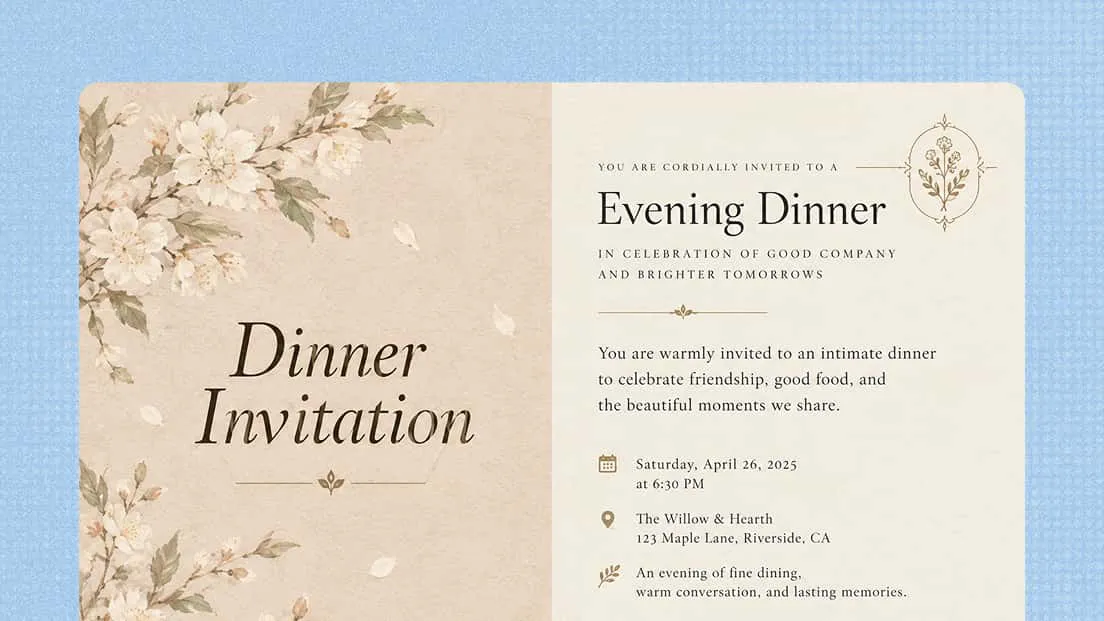
Online Invitation Maker
Create polished invitations with Kimi Design, an invitation maker for weddings, parties, celebrations, and more. Add your event details, message, or reference images, then customize the layout, style, and visual details to match the occasion.
Why use Kimi Design as your invitation maker
Turn event details into custom invitations
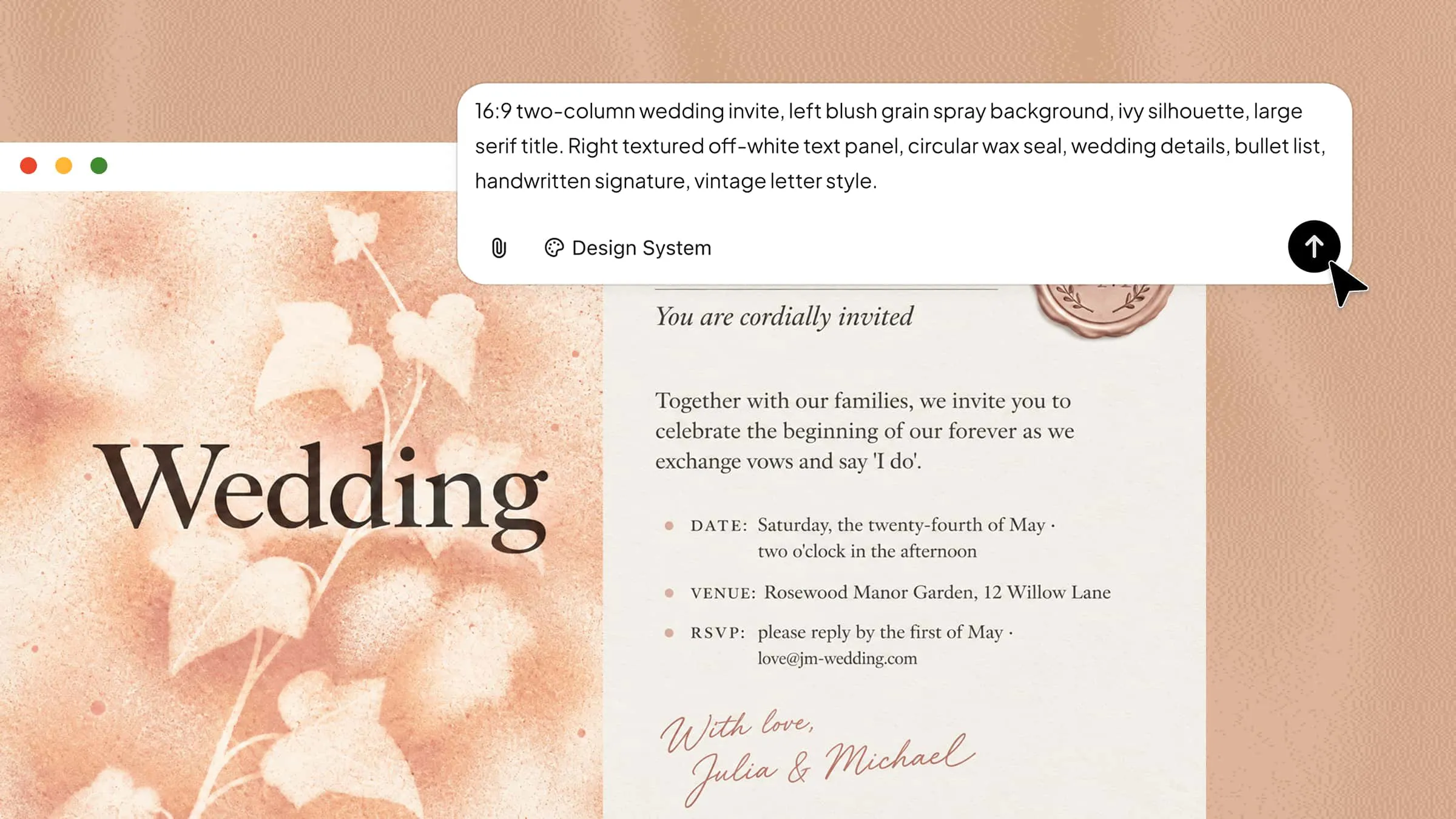
Give Kimi Design the information you want your invitation to include, such as the event name, date, time, location, message, or RSVP details. You can also add reference images to communicate a preferred visual direction. Kimi Design can arrange the content into a balanced invitation with appropriate typography, imagery, colors, and decorative elements.
Explore styles and sizes for every occasion
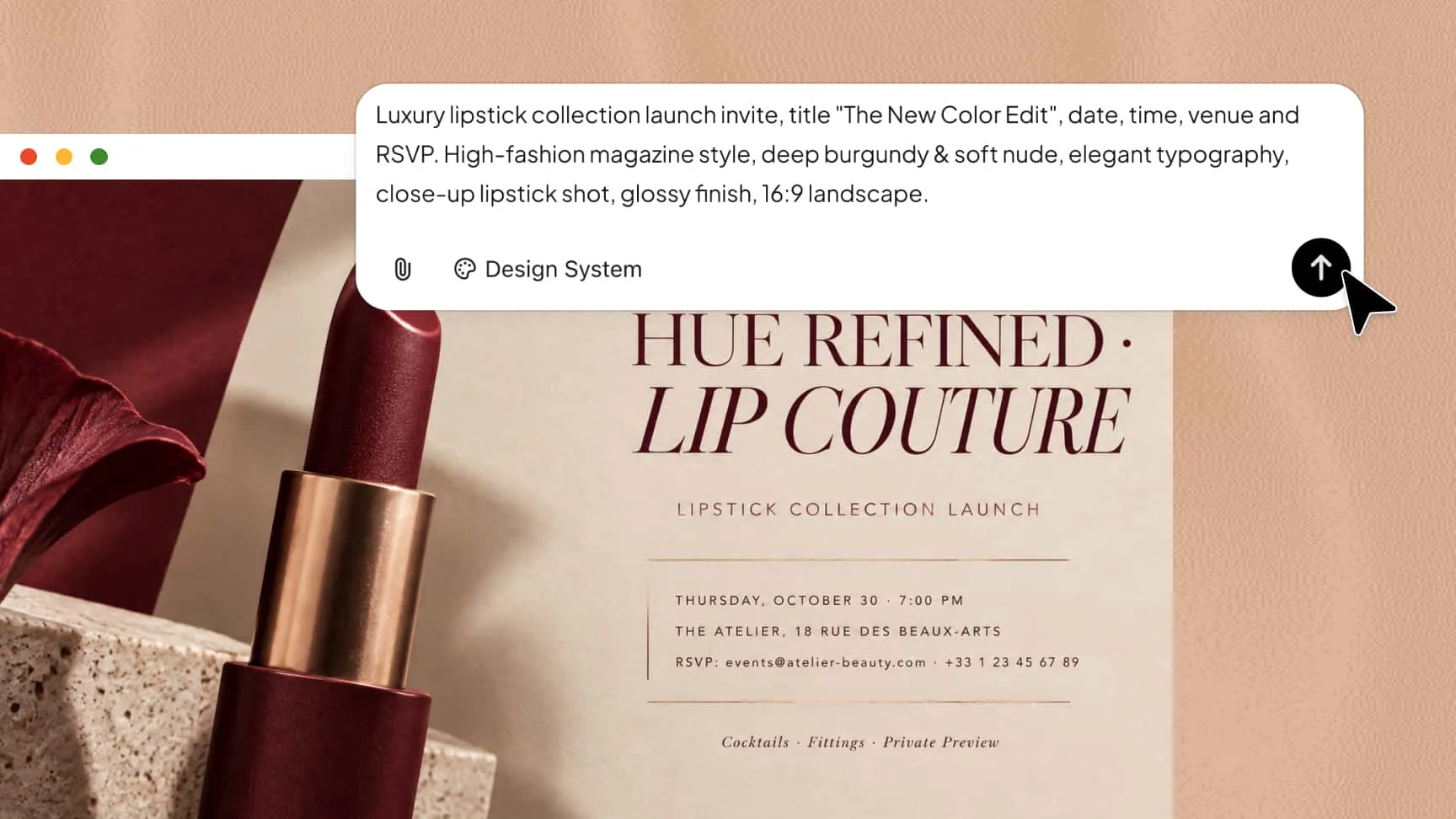
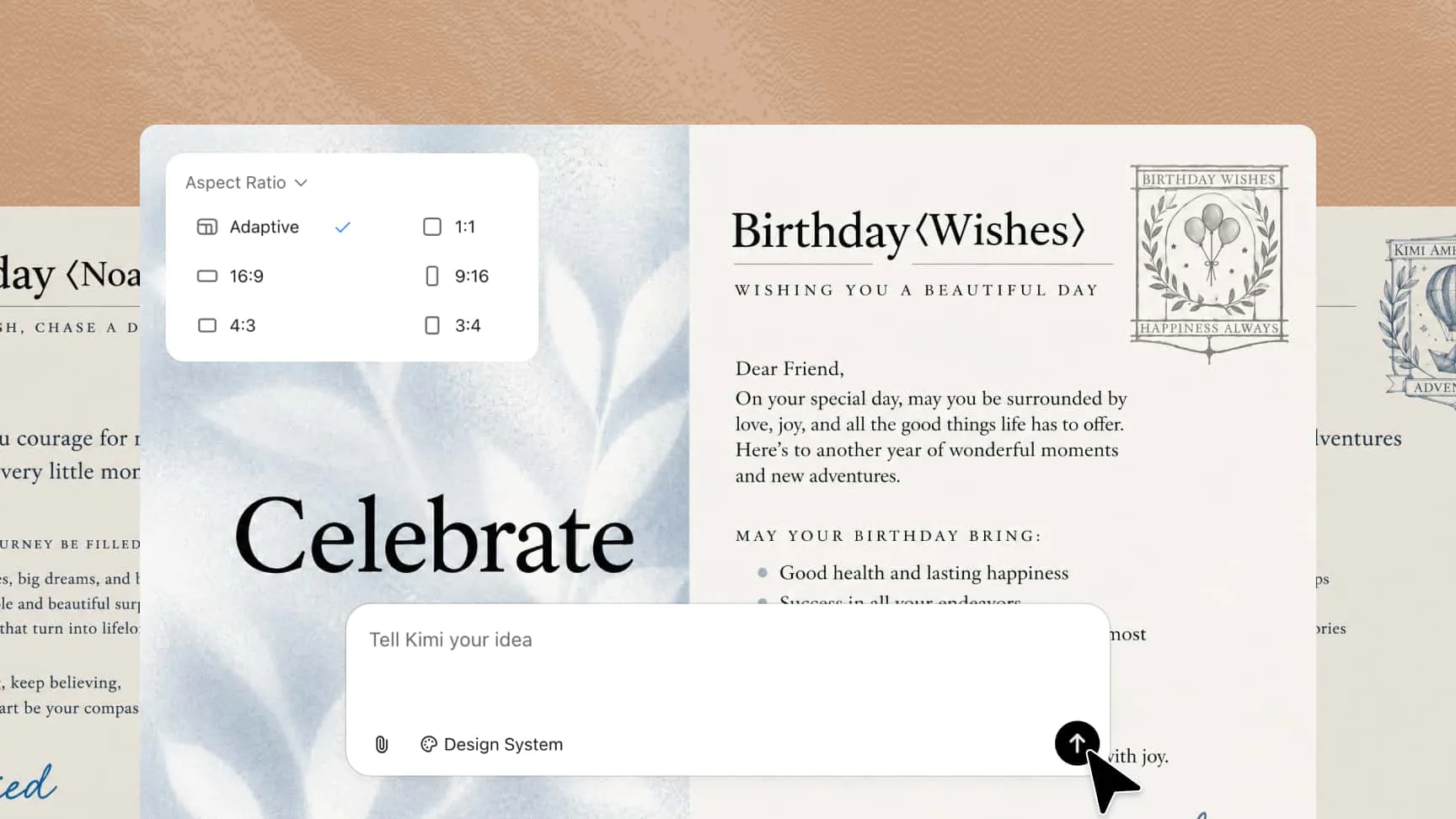
Experiment with elegant typography for formal events, playful graphics for parties, or personalized designs for family celebrations. Kimi Design supports common aspect ratios for online sharing, printed cards, and social media posts.
Personalize every design detail
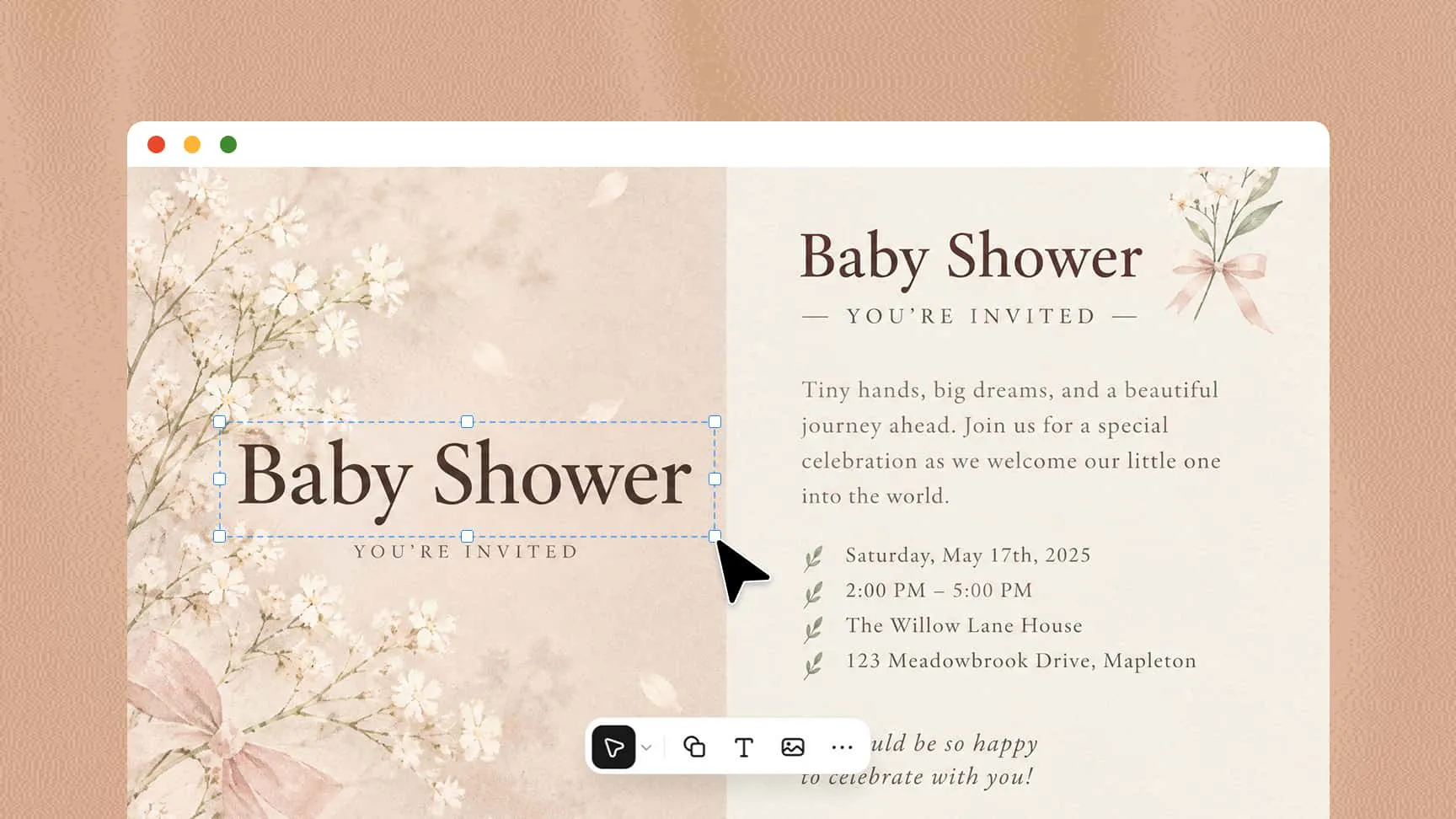
Use conversational editing to change the overall design, comment on individual elements for targeted adjustments, or manually edit text, images, colors, and other details directly on the canvas. This flexibility helps you create a personalized invitation card that matches your preferences.
Create and compare different versions
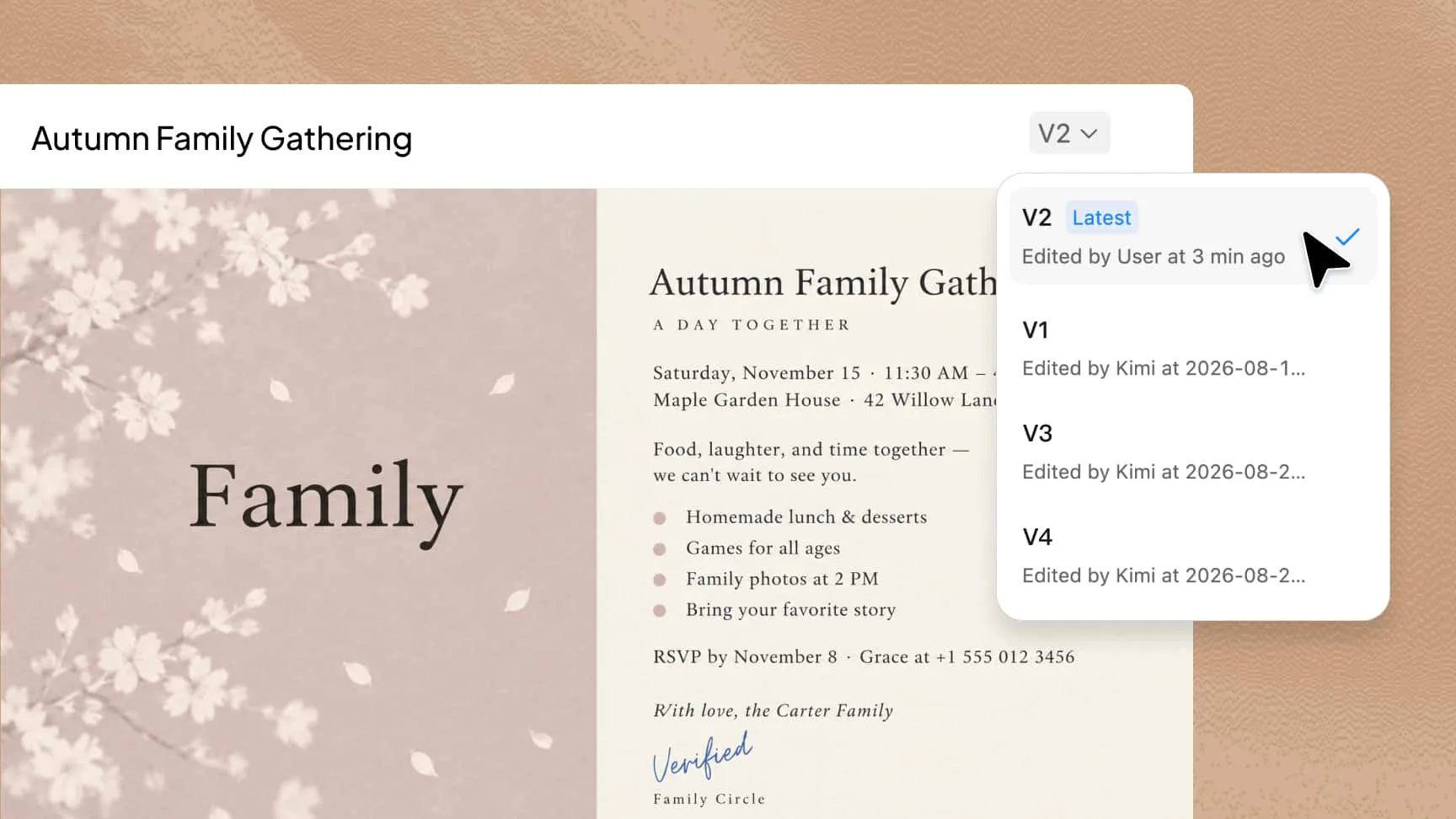
Explore multiple creative directions without starting from scratch each time. Whether you're making a wedding invitation or using an invitation creator for a birthday party, Kimi Design's version history lets you revisit earlier designs, compare changes, and restore a previous version whenever needed.
How to create an invitation with Kimi Design
Share your event details and preferences
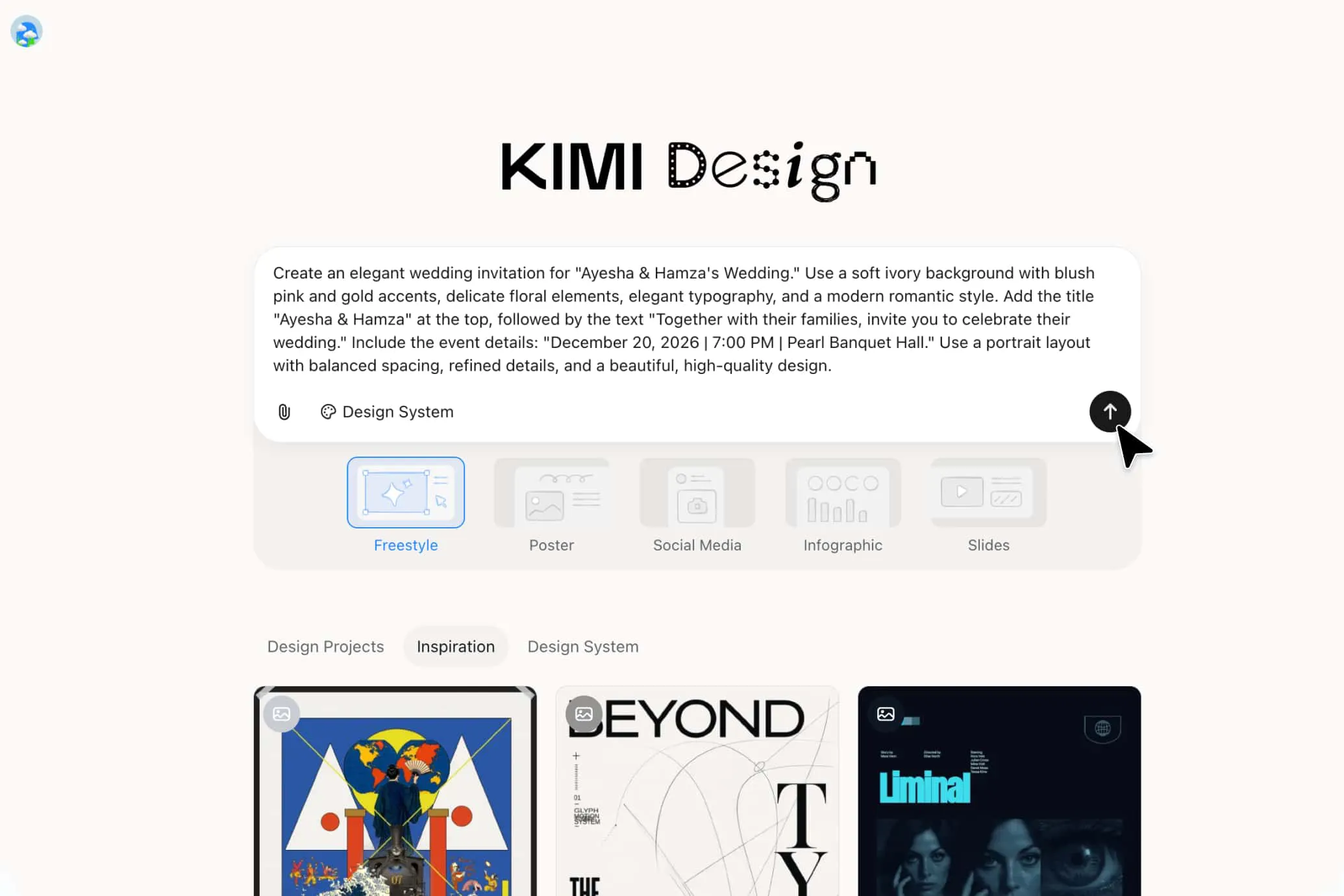
Describe the occasion and include essential information, such as the event title, date, time, venue, invitation message, and RSVP details. You can also specify your preferred style and upload reference images to guide the initial design.
Customize your invitation design
Review the generated invitation and request changes through conversational prompts or comments on specific elements. You can also edit text, images, colors, spacing, and other design details directly on the canvas.
Export your invitation for sharing
Check that all event details are accurate and the layout is clear and balanced. Export your finished design as PNG or JPG for digital sharing, PDF for printing, or PPTX for further editing and presentations.
Create invitations for every occasion
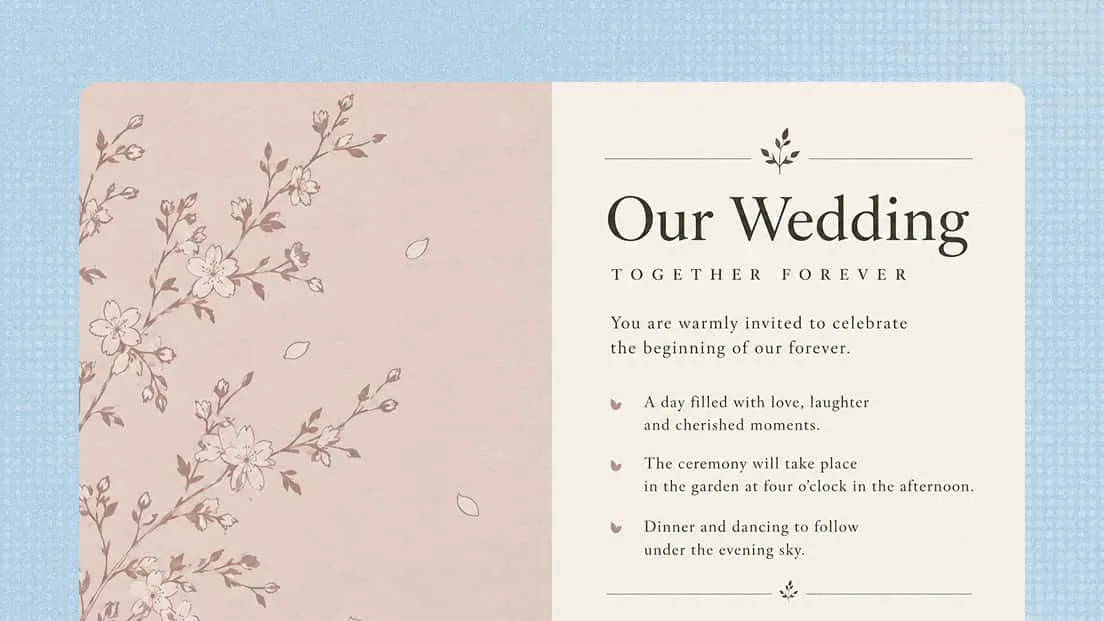
Wedding invitations
Design elegant wedding invitations that match your theme, whether classic, modern, or minimalist. Include the date, venue, and other important details for your big day.
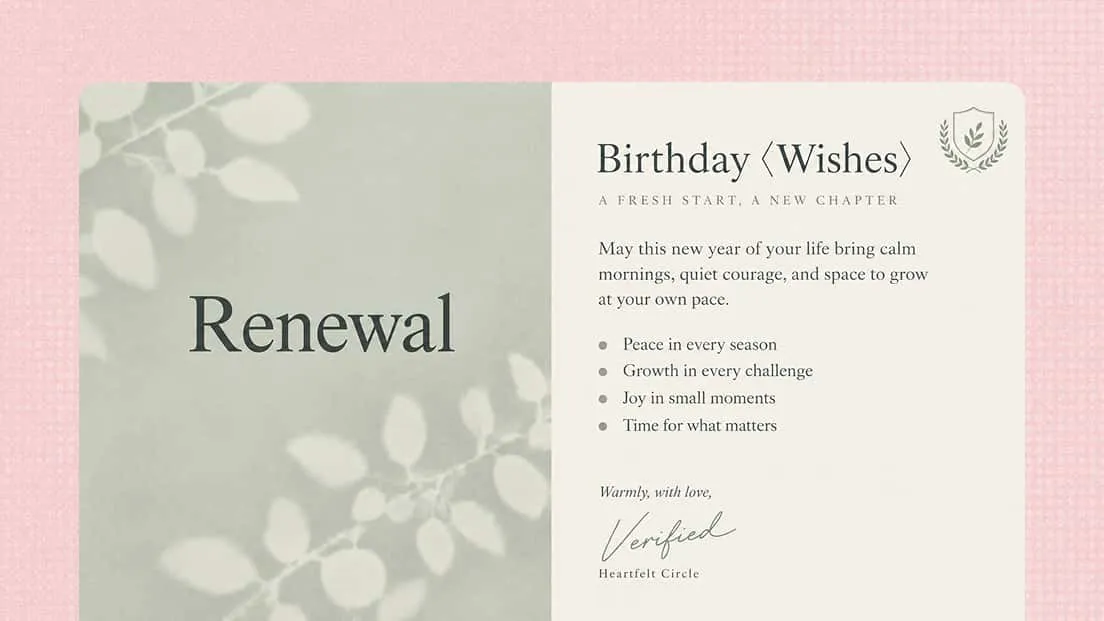
Birthday invitations
Create personalized birthday invitations with colors, graphics, and messages that suit the celebration. A birthday invitation maker helps you bring your party theme to life.
Party invitations
Create invitations for dinner parties, holiday gatherings, house parties, and other celebrations. Customize the design and wording to fit the occasion.
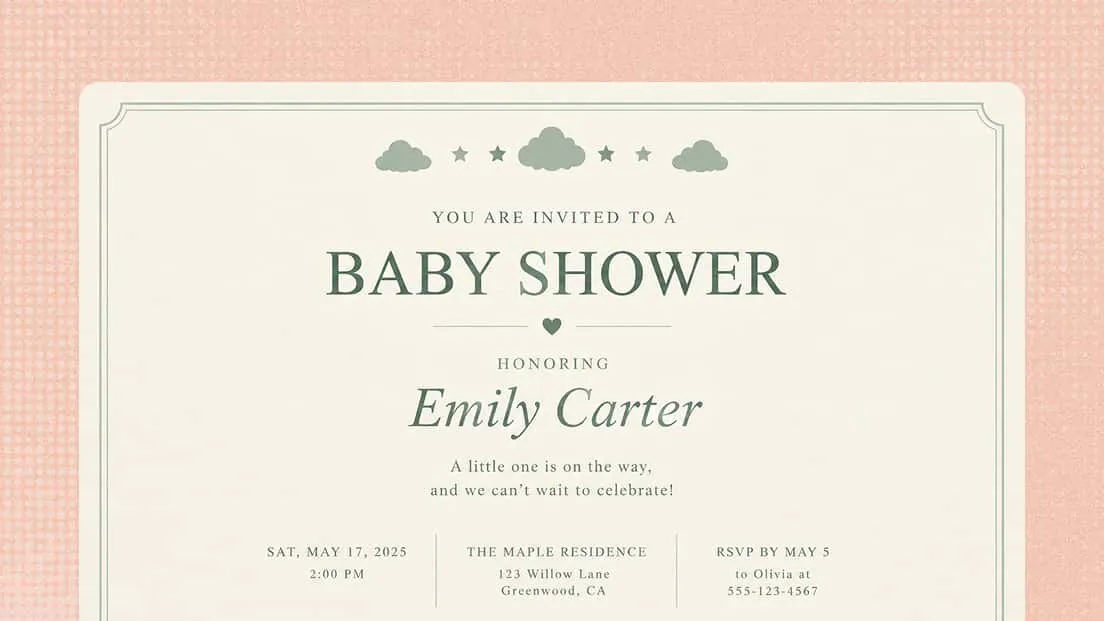
Baby shower invitations
Welcome friends and family with baby shower invitations featuring soft colors, cute illustrations, or elegant designs. Add the event date, location, and RSVP details.
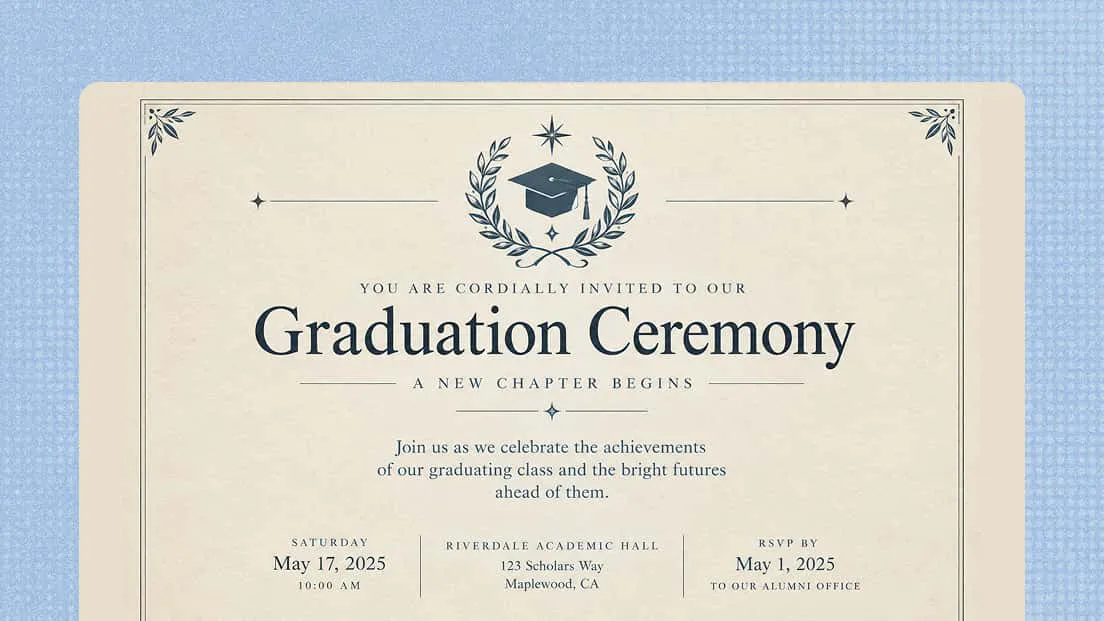
Graduation invitations
Celebrate academic milestones with invitations featuring the graduate's name, ceremony date, and celebration details. Choose a design that makes the achievement feel special.
Event invitations
Use an online invitation maker to create invitations for workshops, fundraisers, community gatherings, and other events. Highlight the key details to help guests plan their attendance.