Instagram Collage Maker
Bring your photos together with an easy-to-use Instagram collage maker. Create polished layouts from multiple images, explore different styles, add text and design elements, and refine your collage for Instagram Posts and Stories.
How to create an Instagram collage
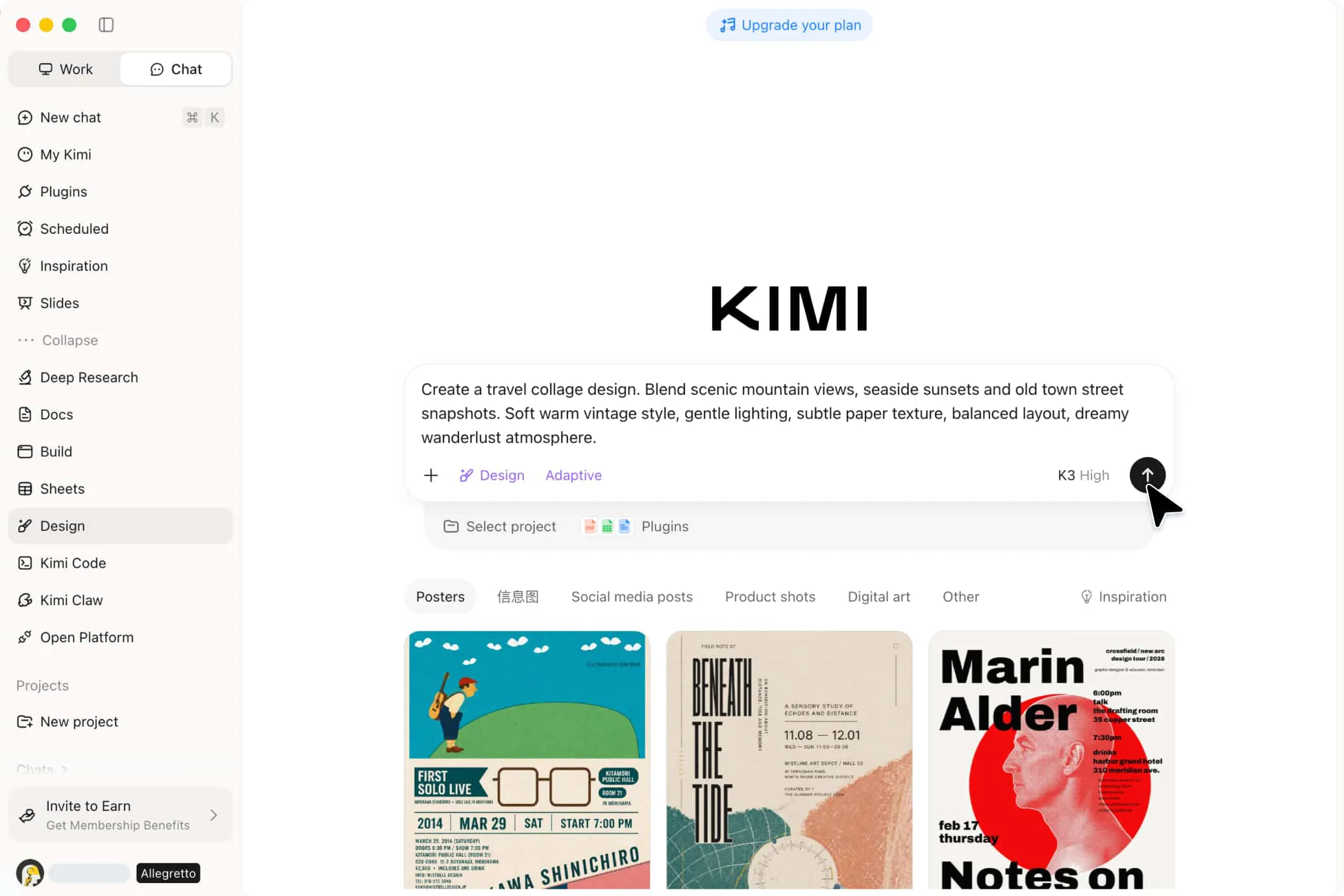
Add your photos and ideas
Upload the photos you want to use and describe the type or purpose of your Instagram collage. Kimi Design can determine a suitable canvas size based on your intended use, such as a post or Story. You can also provide a reference image to guide the visual style, composition, or overall mood.
Create and refine your collage
Turn your instructions into a first draft, then refine the collage to match your vision. Use AI chat to make broader changes or edit the canvas directly to reposition images, adjust text and colors, and fine-tune individual elements.
Preview, export, and share your collage
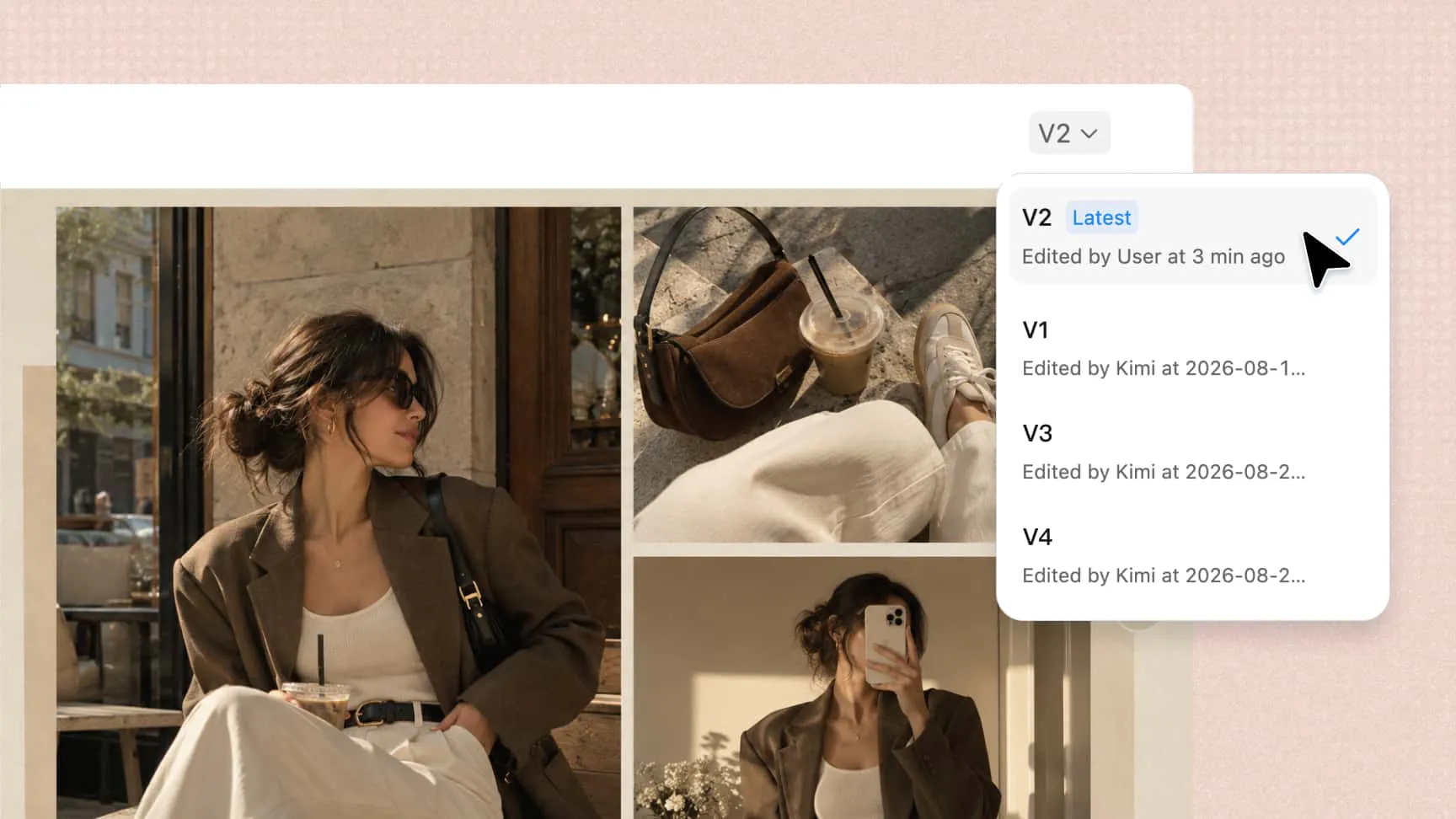
Review the finished collage to check its composition, sizing, and visual balance. Use version history to revisit earlier designs if needed, then export the final design in the appropriate format for sharing or further editing.
Turn your photos into a collage that feels uniquely yours
Turn your collage idea into a complete design
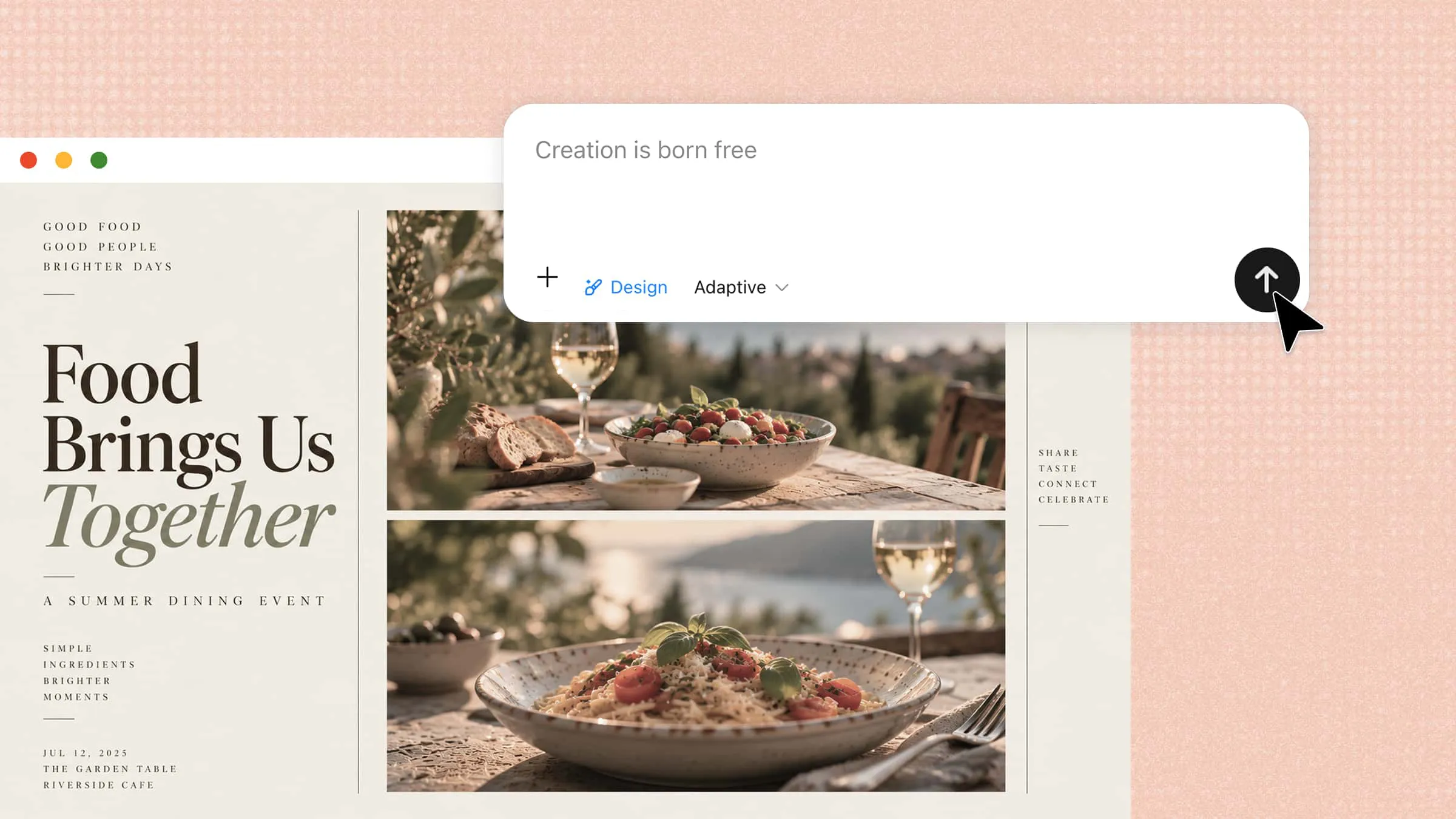
Start with your photos, describe your preferred style, or add a visual reference to guide the design. Kimi Design can arrange your images with suitable spacing, typography, colors, and decorative elements, making it easy to create an Instagram photo collage without starting from scratch.
Explore creative collage styles with AI
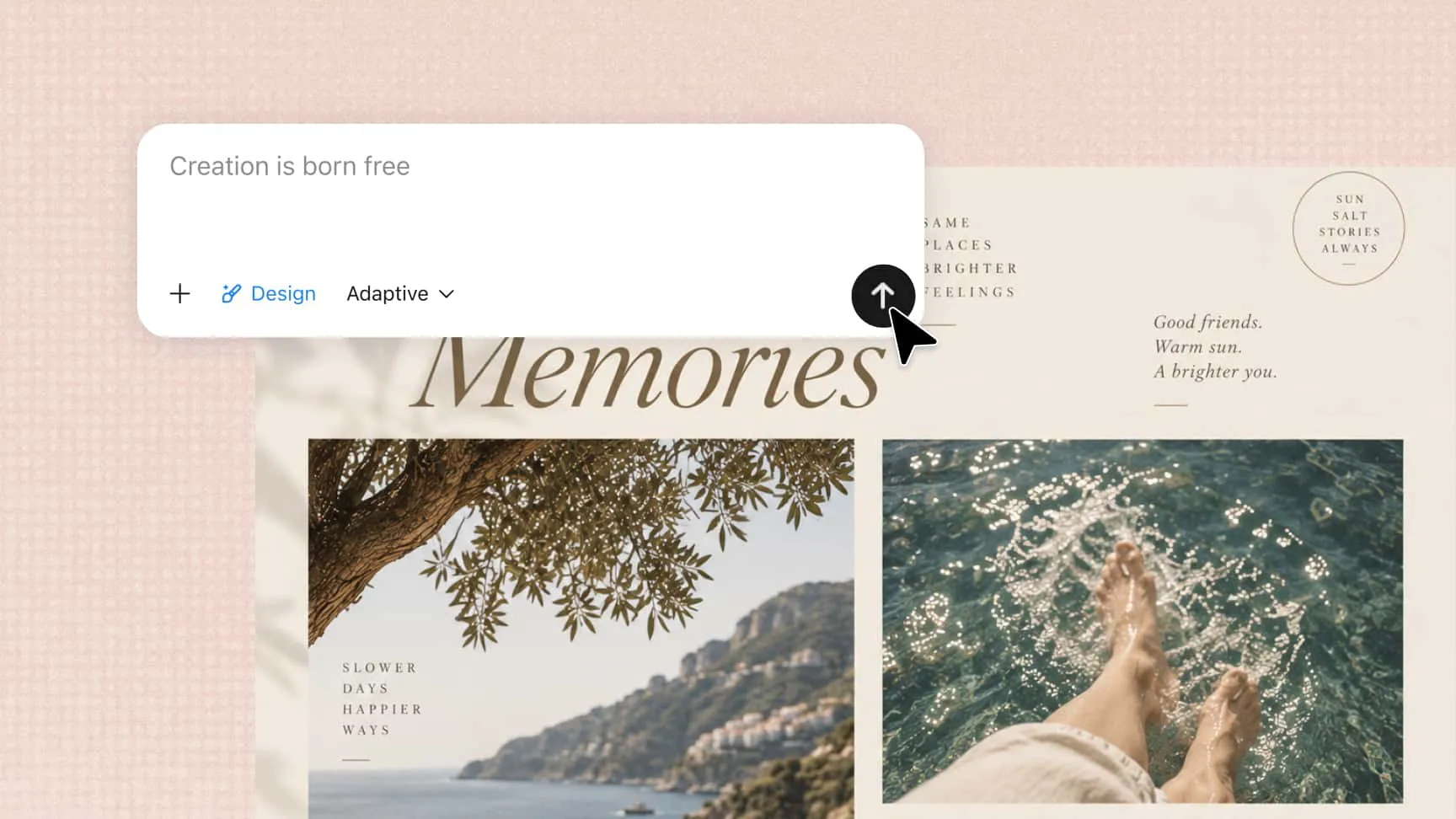
Describe the visual direction you have in mind, from a clean photo grid or scrapbook to an editorial collage or mood board. Kimi Design translates your description into a cohesive visual style, with options for carousel, standalone, or mixed collages, giving you different ways to present the same set of photos.
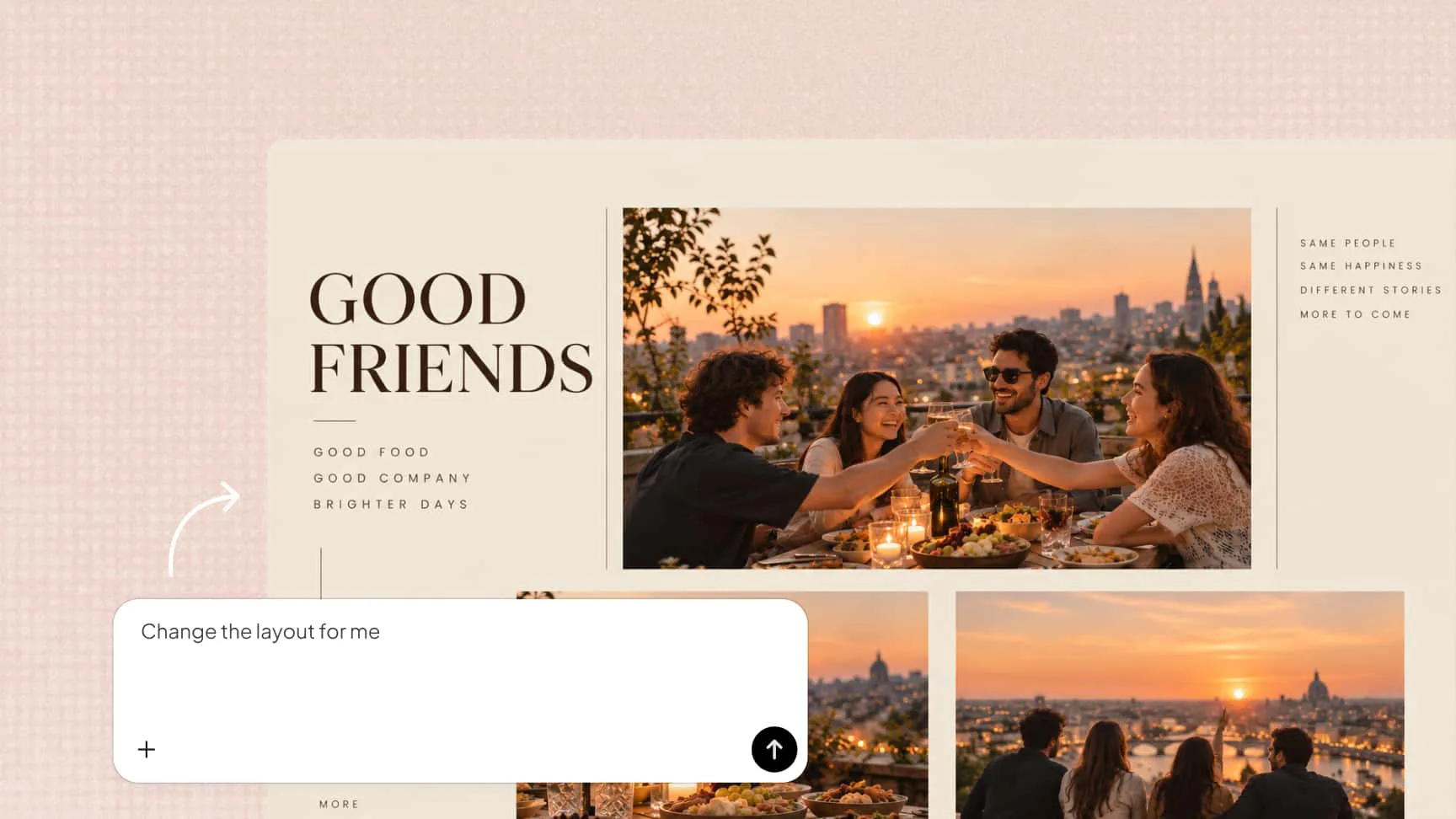
Refine every detail with AI or manual edits
Ask Kimi Design to rearrange photos, change the layout, replace an image, or update colors and text through conversation. For more precise changes, comment on specific areas of the canvas or manually adjust text, images, shapes, colors, and positions.
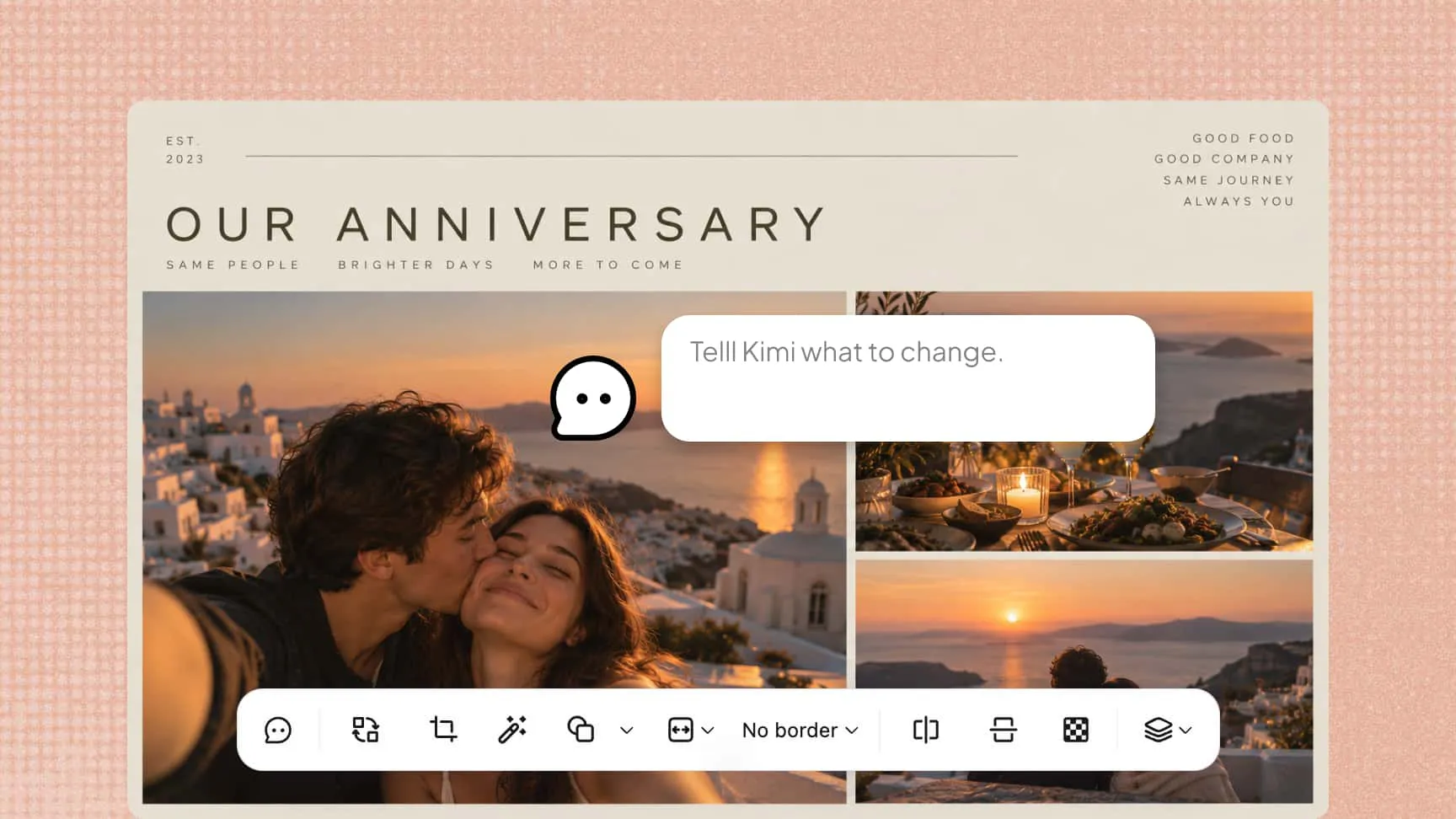
Experiment while keeping earlier versions
Try different layouts and creative directions without worrying about losing previous work. Version history lets you revisit and restore earlier designs, while the finished collage can be exported as a PNG or JPG for sharing or further editing.