Birthday Card Creator
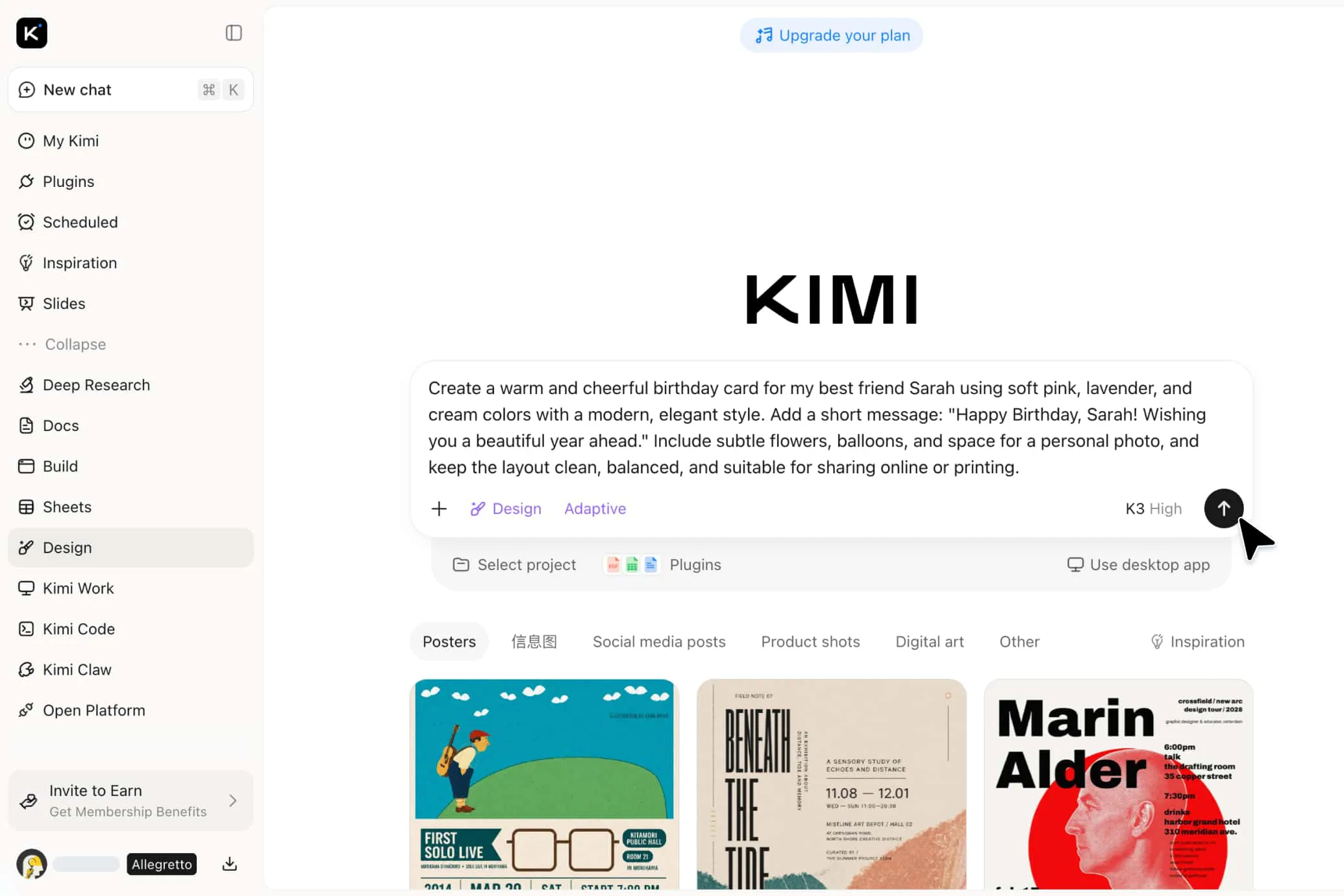
Create personalized birthday cards with Kimi Design, a birthday card creator that turns your ideas or visual references into polished designs. Explore different styles, refine every detail, and bring your birthday wishes to life.
Why choose Kimi Design for birthday cards
Turn your birthday idea into a complete design
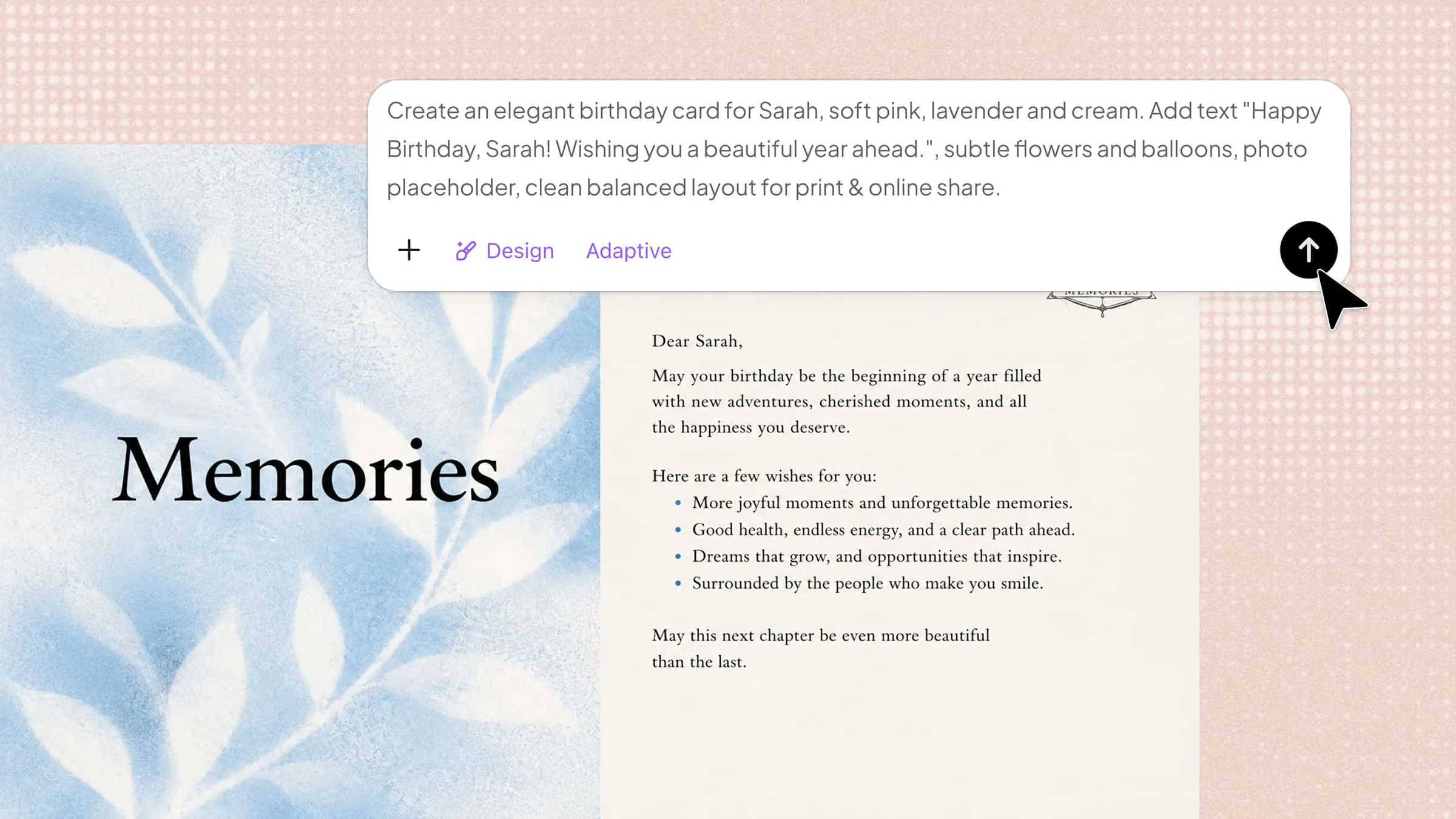
Start with a simple description of the birthday card you want to create. You can also add images, videos, or other visual references to share your ideas and preferences. Kimi Design can turn your input into a polished birthday card with coordinated layouts, typography, colors, and imagery.
Explore different styles for a more personal card
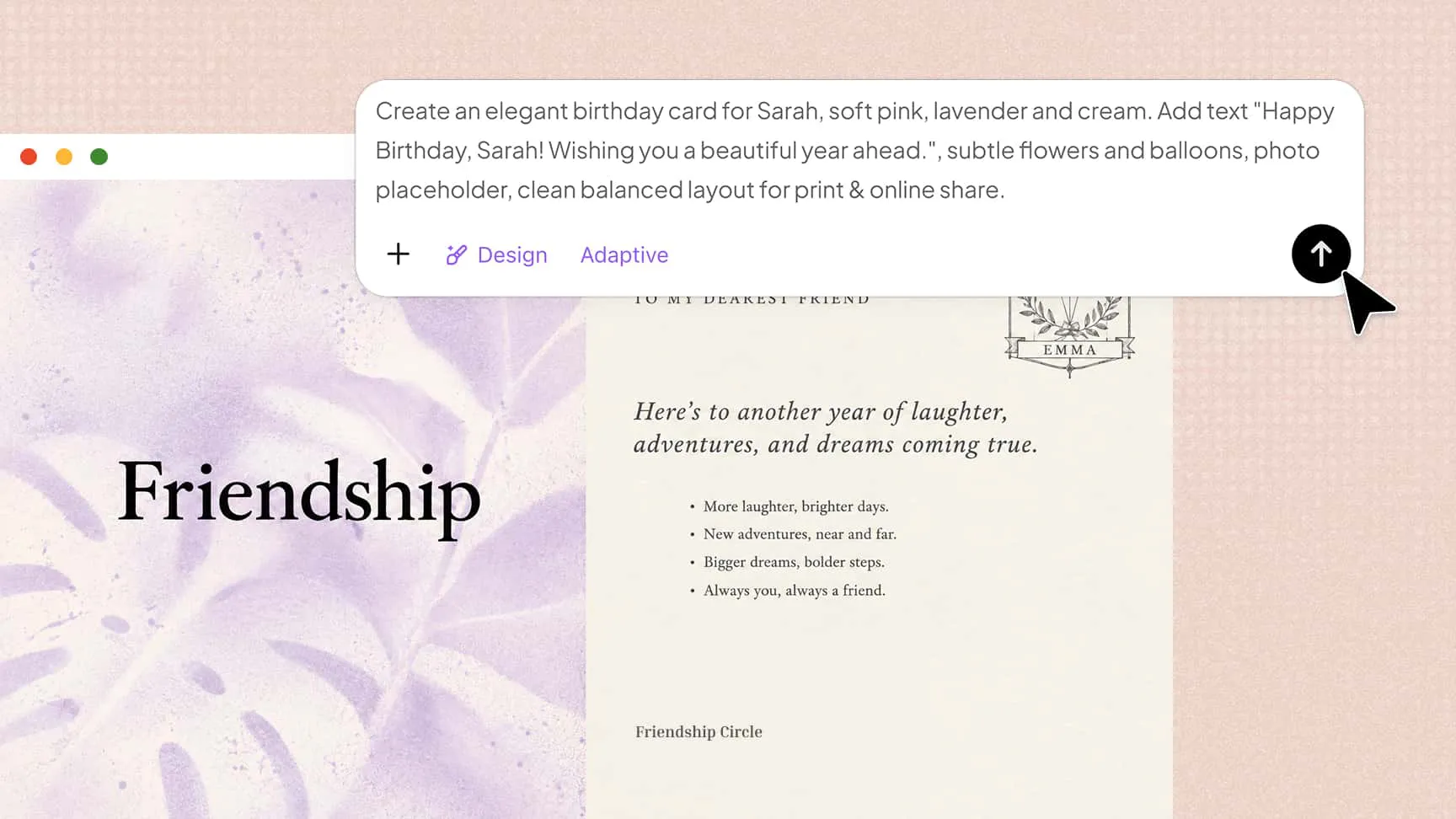
Experiment with layouts, fonts, color palettes, images, and decorative elements to give each birthday card its own character. With MusePool, you can add visual references and explore different directions, whether you want something playful, elegant, warm, colorful, or more distinctive.
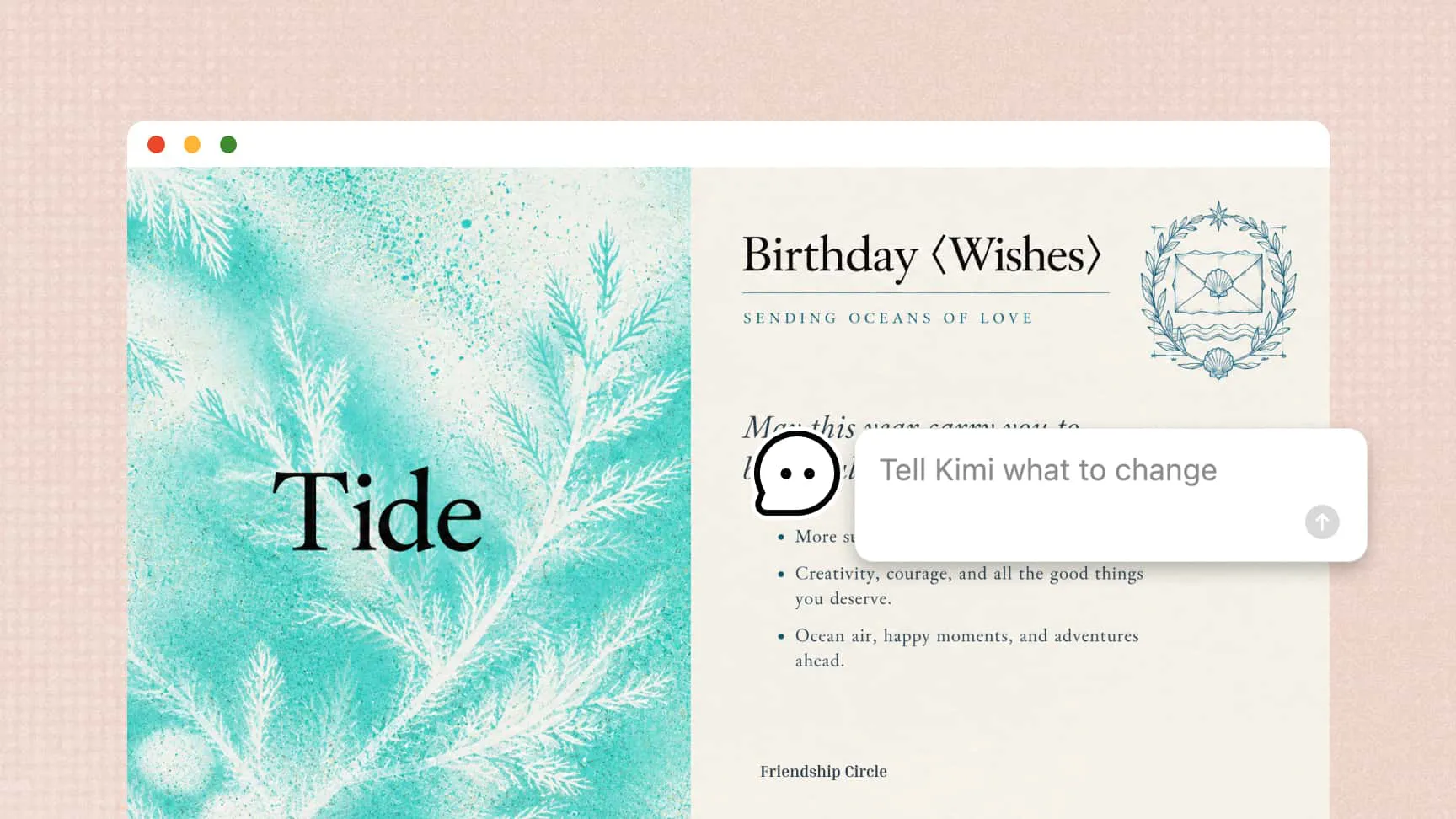
Make changes through conversation or direct editing
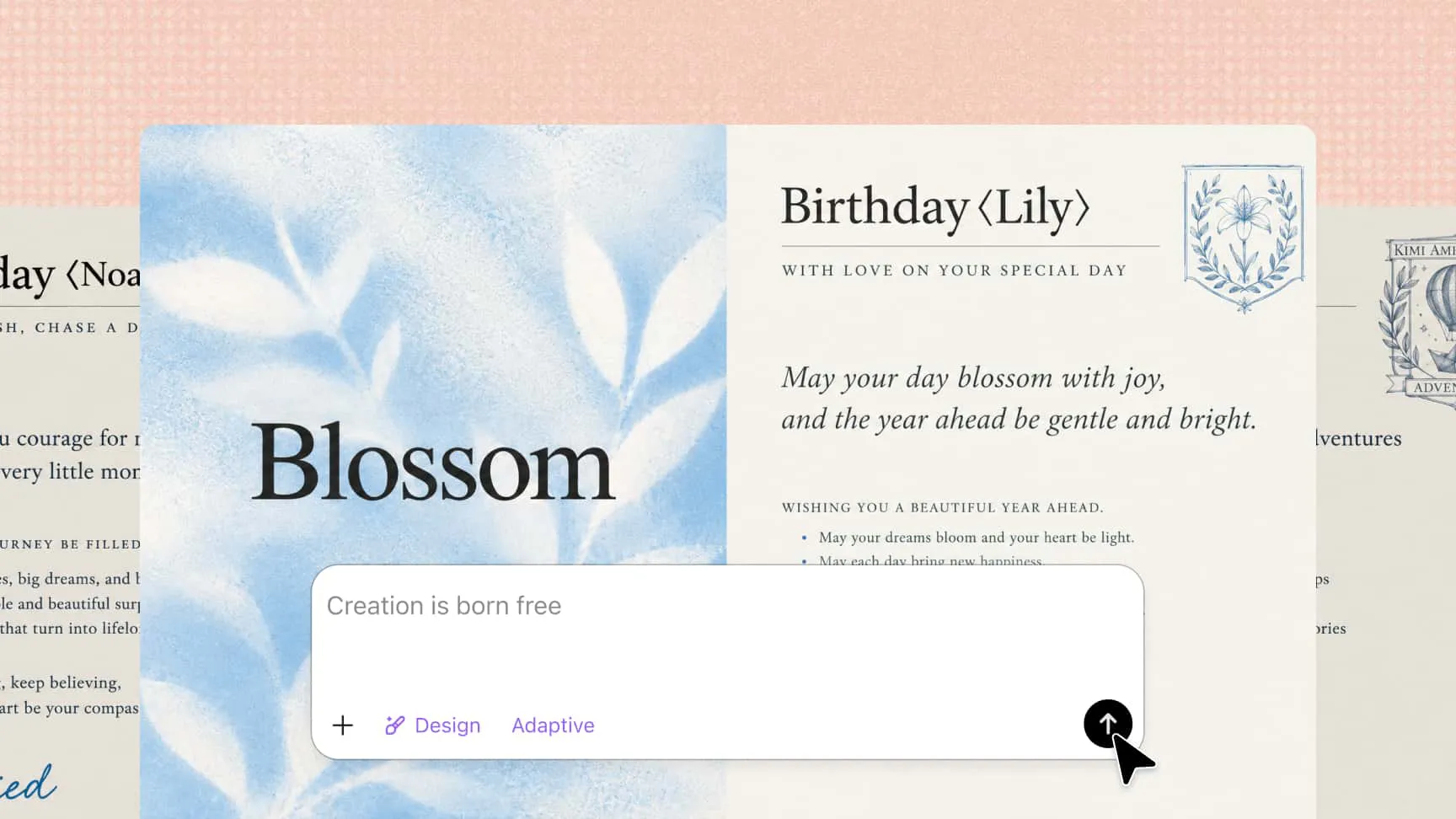
Ask Kimi Design to rewrite the message, change the style, rearrange the layout, or replace an image. You can also select specific elements for AI edits or manually adjust text, colors, images, shapes, and positions.
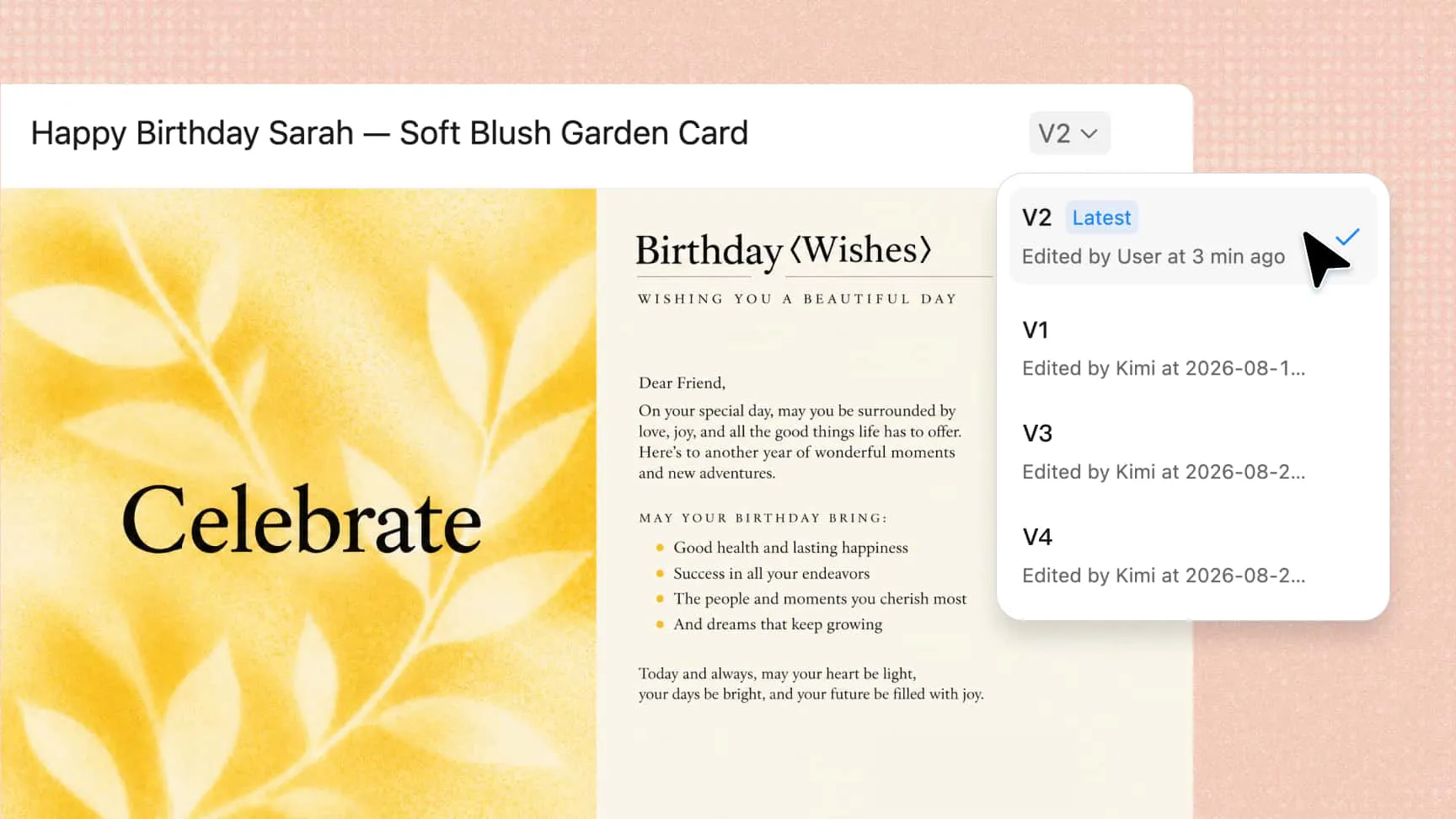
Try different versions without losing your work
Experiment with new ideas while keeping earlier versions available. Version history lets you return to a previous design or roll back changes when you want to take a different direction. When your birthday card is ready, export it as PNG, JPG, or PDF for sharing or printing.
How to create a birthday card with Kimi Design?
Describe the birthday card you want
Tell Kimi Design who the card is for, what message you want to include, and your preferred style, colors, and visual elements. You can also upload an image reference to help guide the overall design.
Refine the card with AI or manual edits
Use Kimi Design to generate a card based on your idea, then review the generated design and refine it using AI or direct canvas editing. Use AI chat to request broader changes, or leave comments to adjust specific areas. You can also manually edit the text, images, icons, colors, spacing, and other design elements.
Share or export your card
Check the finished card for spelling, visual balance, alignment, and overall quality. Once everything looks right, share the design or export it as PNG, JPG, or PDF for digital sharing or printing.