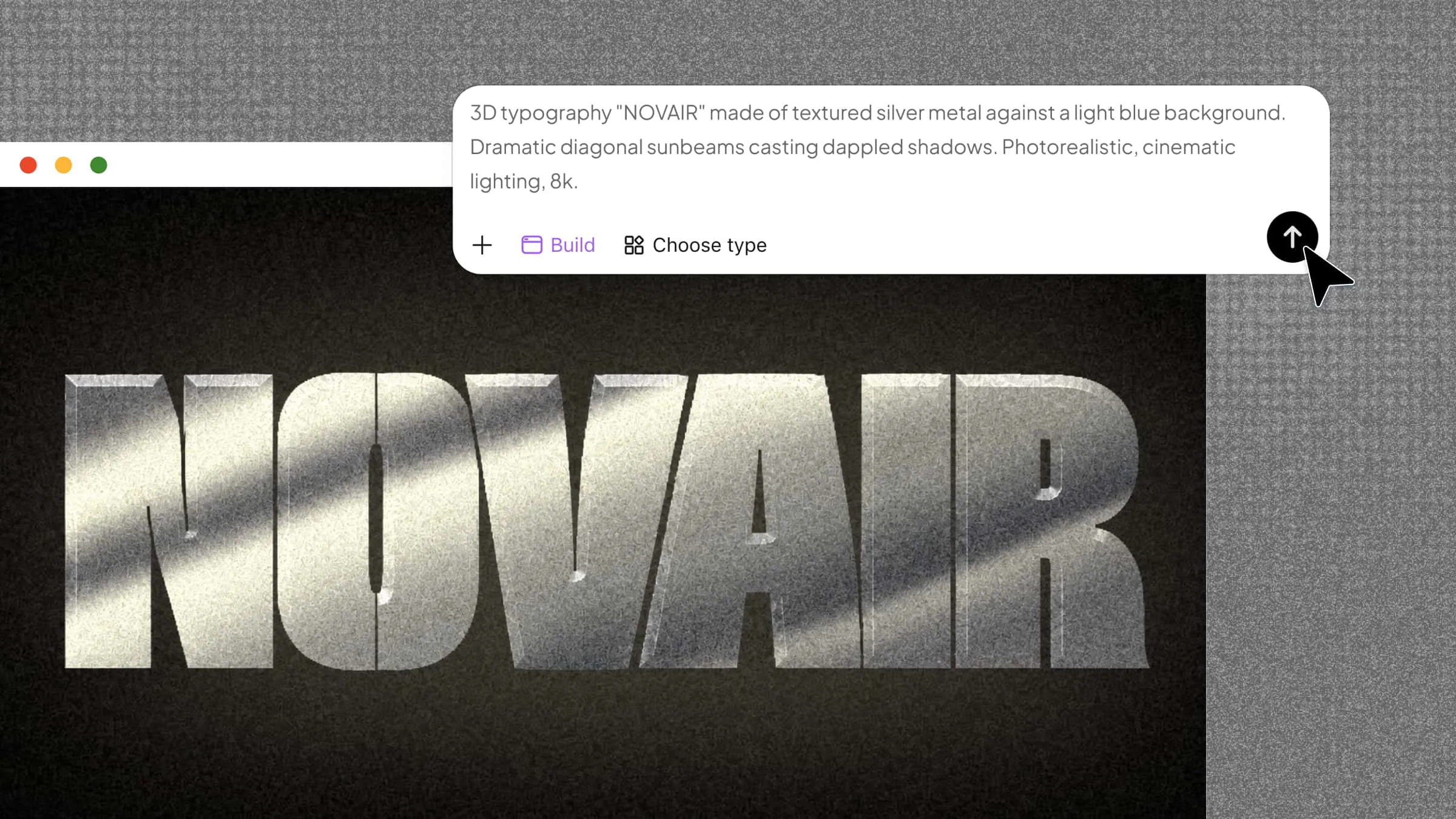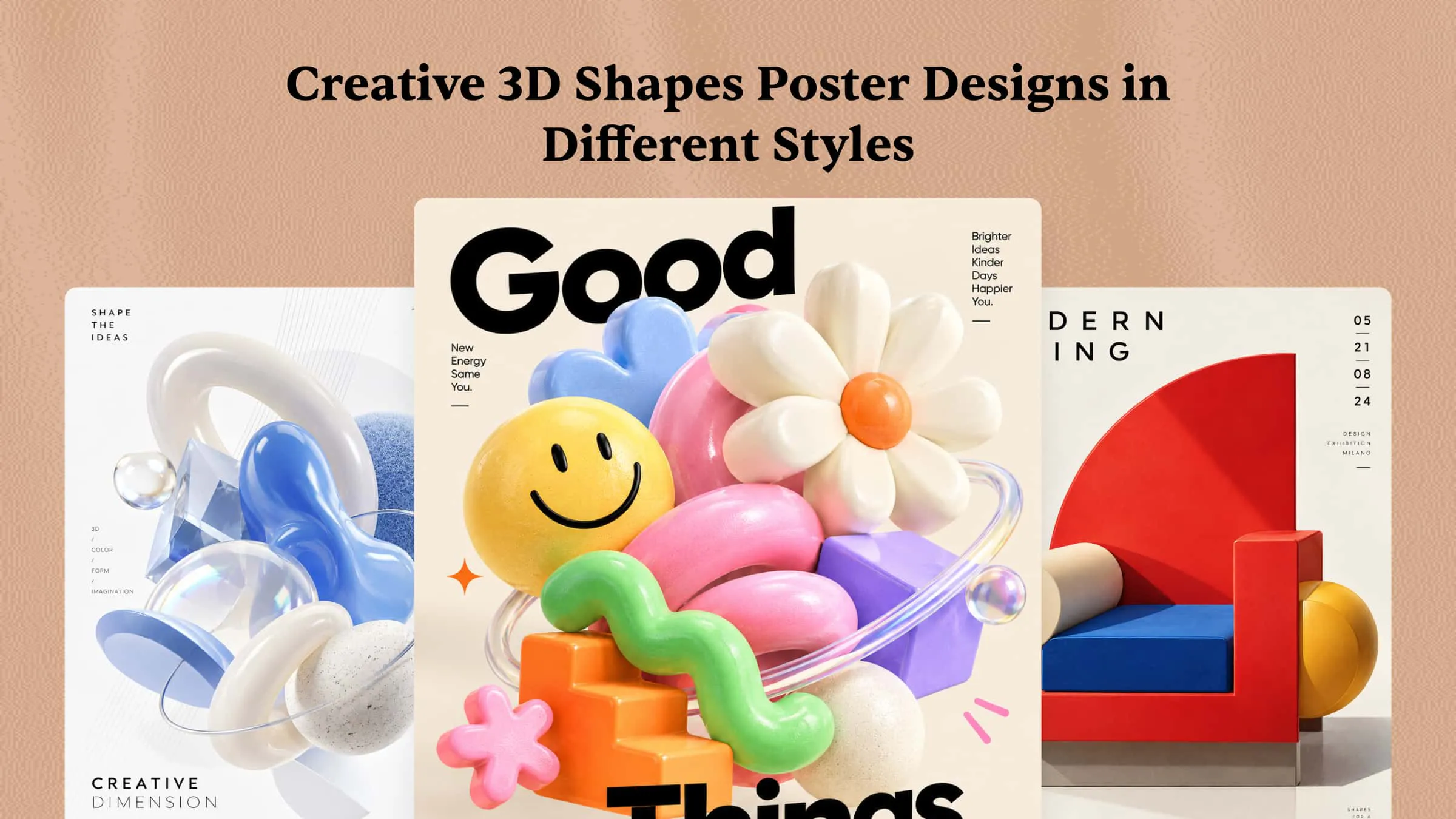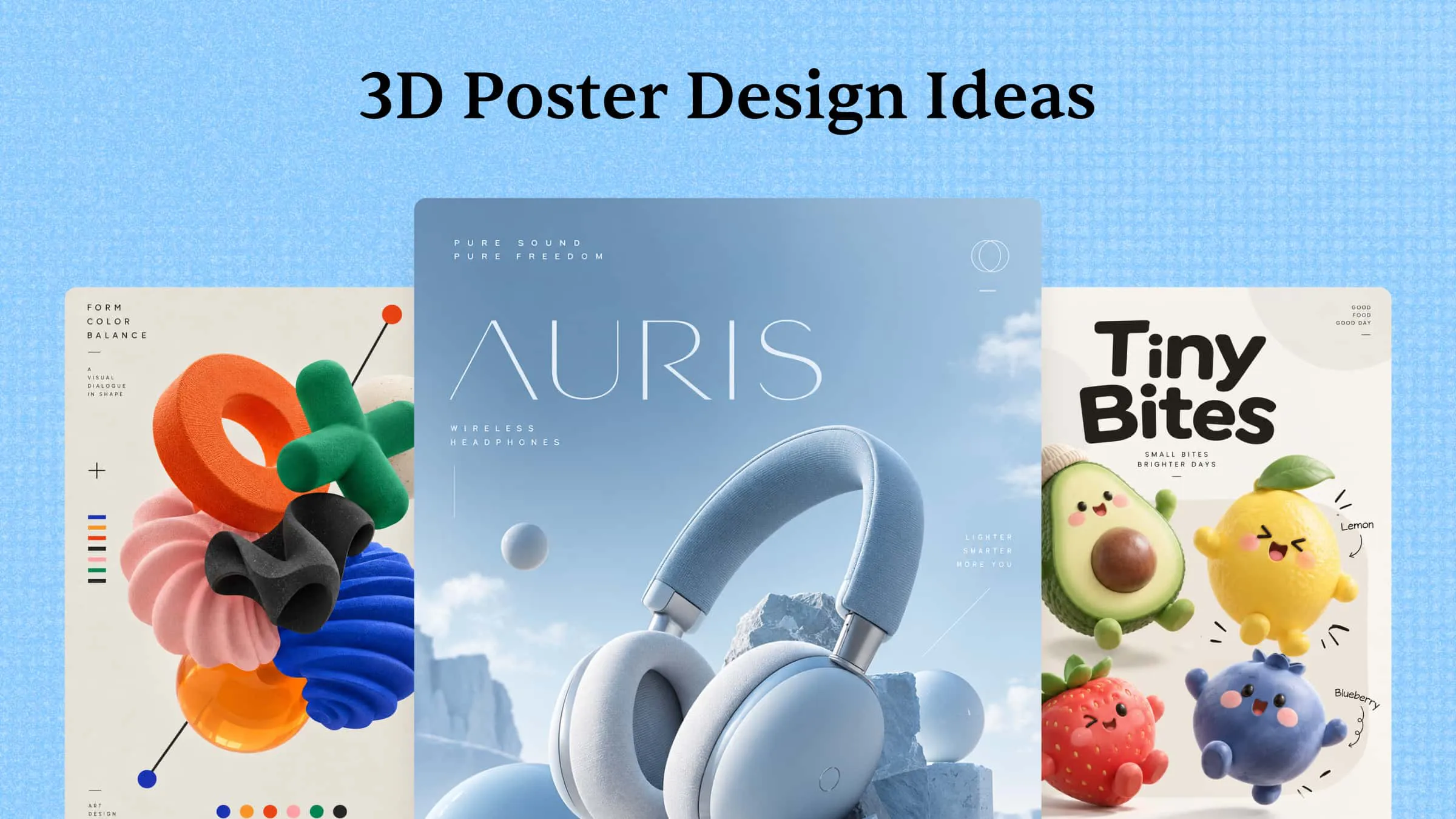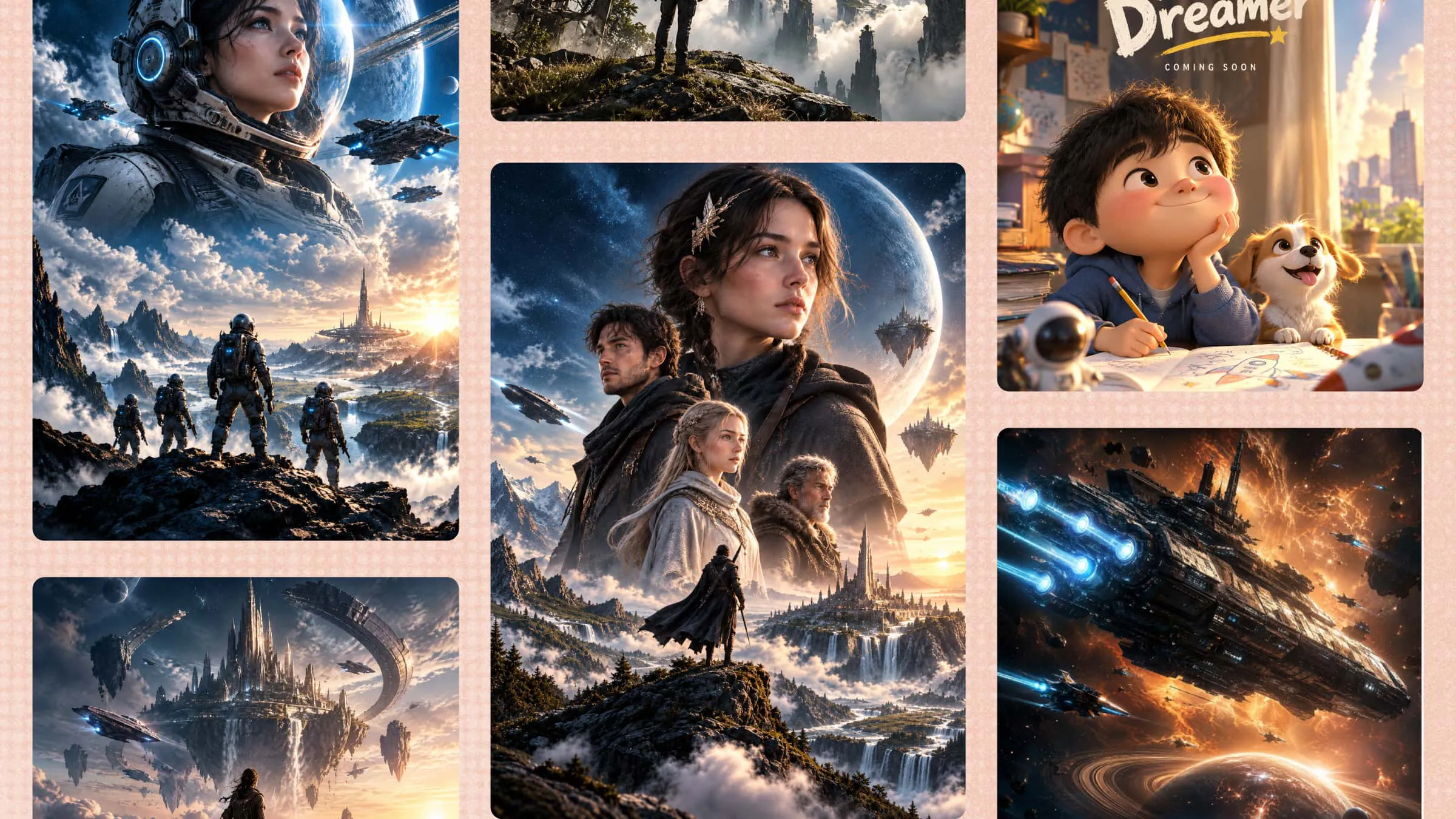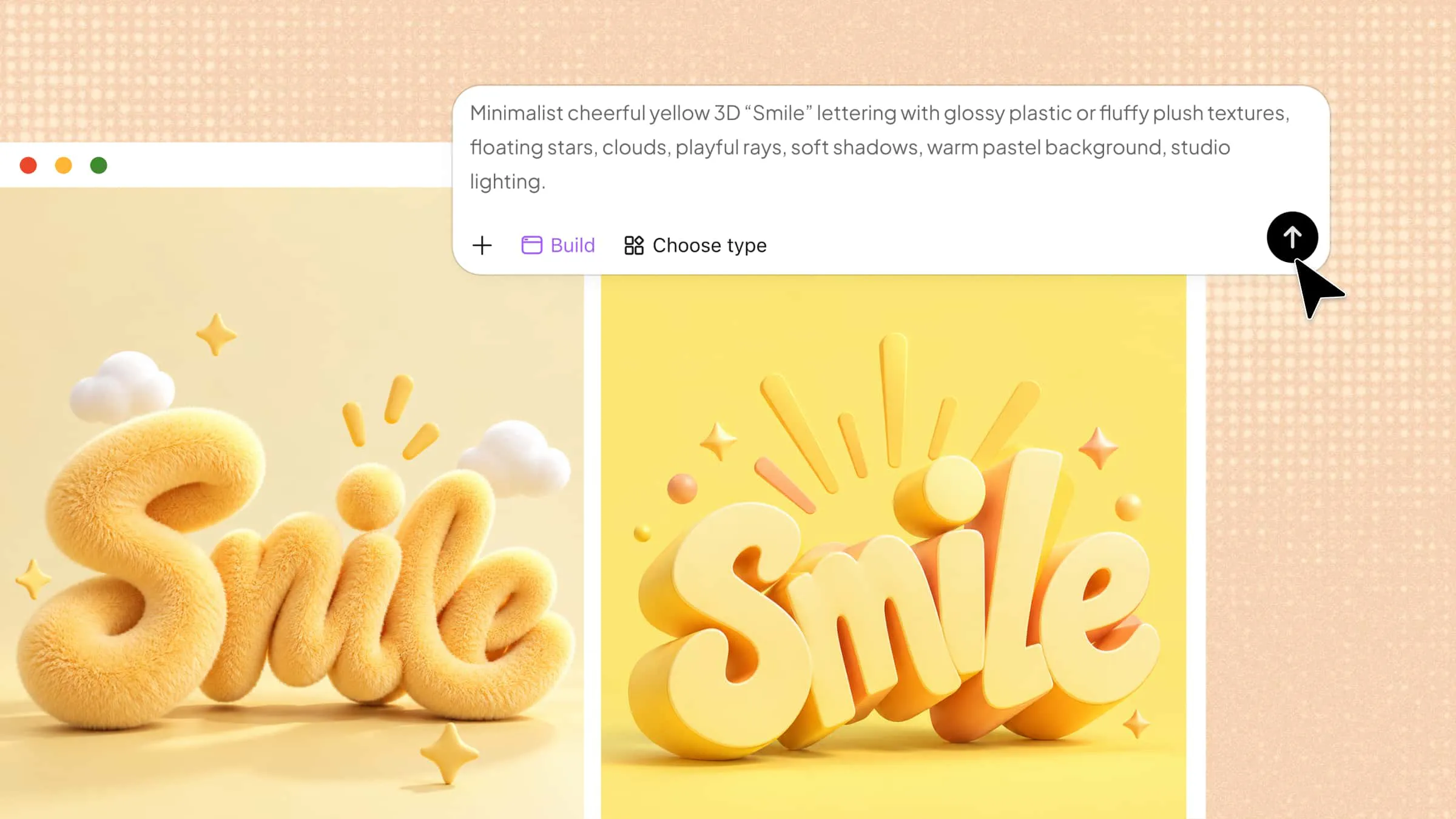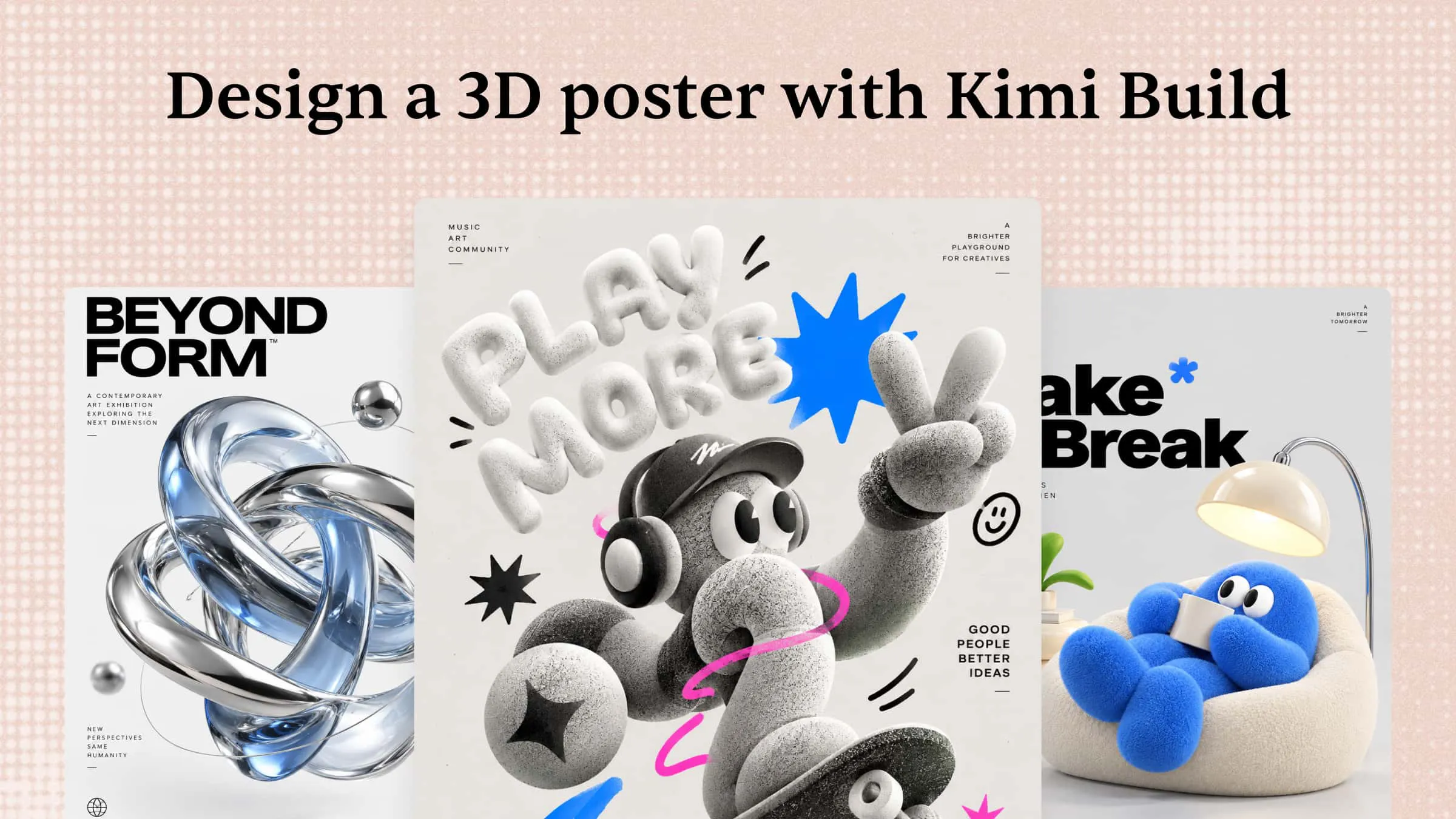
What if your poster could look so real that people feel drawn into the scene? 3D poster design makes this possible by adding depth, shadows, bold text, and materials that give each element more life. Whether you want a clean, modern look or something bold and playful, the right poster design ideas can help you find your style. In this article, we explore different designs and learn how to create and refine posters with Kimi Build.
Why create a 3D poster
A good poster should do more than share information. It should catch people's attention and make them want to look closer. 3D effects add depth and make your visuals feel more real. Here are a few ways you can use 3D posters to make your designs stand out and communicate your message effectively.
Make key elements stand out
A 3D poster helps important elements catch the viewer's attention. You can use raised text, floating objects, bold shapes, or realistic shadows to make a title, product, or main image stand out from the background. This helps people notice the most important part of your poster at first glance.
Create a stronger visual hierarchy
Visual hierarchy helps viewers understand what to look at first and what to notice next. Make the main heading larger, bring key objects forward, and keep less important details in the background. This creates a clear flow and makes your poster easier to understand.
Express a distinctive visual style
3D design lets you explore different looks using bold colors, realistic textures, and creative lighting. You can create a clean and modern poster or go for something playful, dramatic, or futuristic. This gives you more freedom to match the design to your idea.
Overview of 6 3D poster design styles
| 3D poster style | Key visual features | Suitable for |
|---|---|---|
| 3D typography | Extruded letters, bold fonts, dramatic shadows, and lighting | Music events, brand promotions, movie titles |
| Geometric 3D | Cubes, spheres, cylinders, and layered shapes with depth | Technology campaigns, architecture, exhibitions |
| Realistic 3D | Lifelike materials, detailed textures, and realistic lighting | Product advertising, brand campaigns, promotional visuals |
| Minimalist 3D | Simple objects, clean backgrounds, soft shadows, and negative space | Product launches, modern branding, design portfolios |
| Surreal 3D | Dreamlike scenes, floating objects, and unexpected combinations | Artistic campaigns, music promotions, creative events |
| Isometric 3D | Angled views, miniature environments, and clearly defined structures | City illustrations, architecture, educational and technology visuals |
Explore 6 types of 3D poster design
3D posters come in a variety of styles, from bold typography and realistic product visuals to playful characters and abstract geometric shapes. Kimi Build helps you create these designs by entering a text prompt or uploading a reference image to guide the result. Explore the following styles to find the right look for your next poster.
3D typography posters
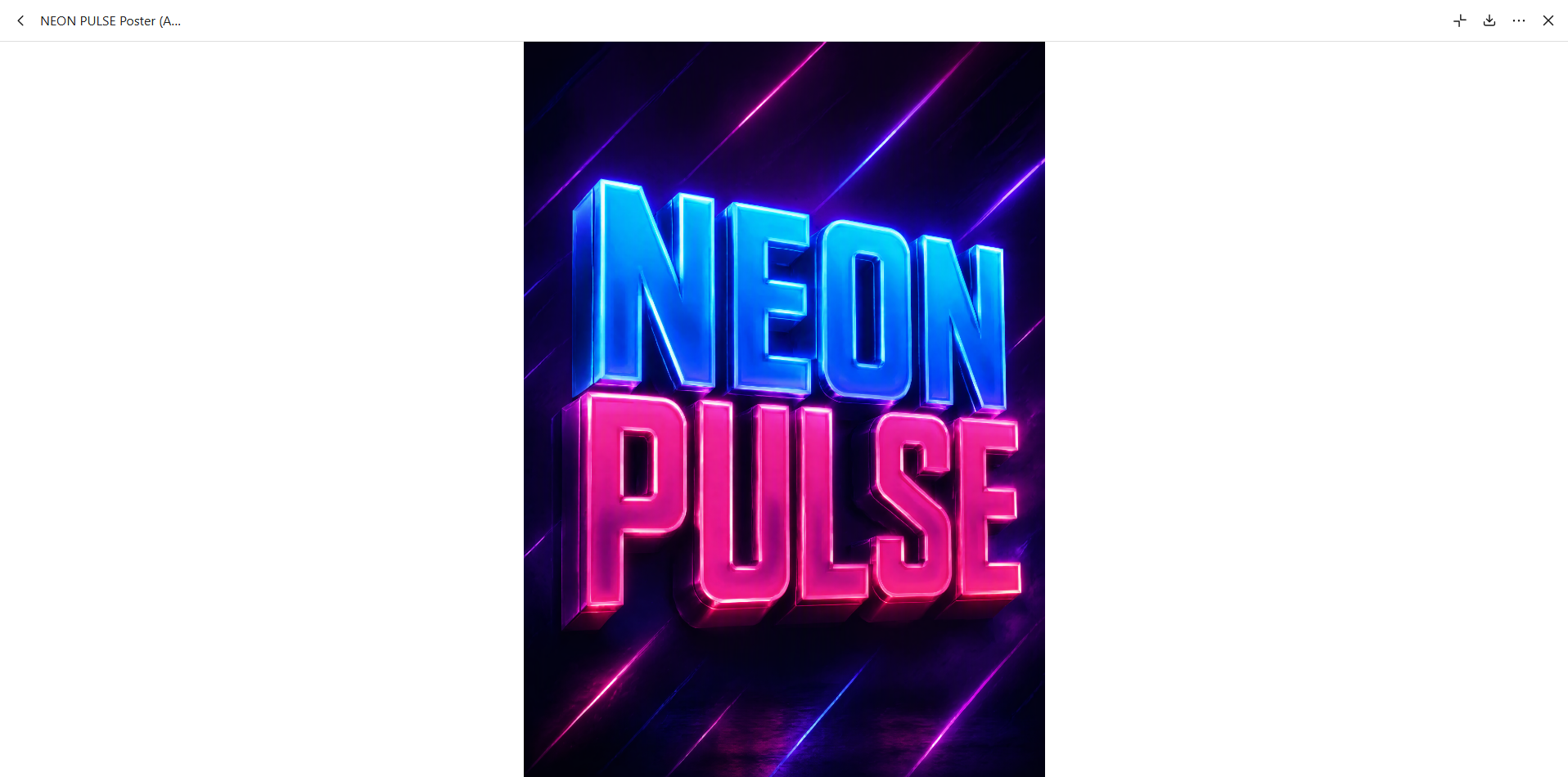
3D typography posters use letters and words as the main visual element, adding depth, shadows, and realistic lighting. They make text more noticeable and give it a bold appearance. This style works well for music events, brand promotions, movie titles, and social media campaigns.
How to Design a 3D poster
Step 1: Enter your prompt
Describe the title, font style, colors, and background you want. Specify the 3D effects and lighting to make the text stand out.
Prompt:
Create a bold 3D poster for an electronic music festival titled "NEON PULSE". Use large, extruded letters with glossy electric blue and hot pink surfaces, neon glow, and deep shadows. Place the text against a dark purple background with subtle light streaks. Keep the title centered, correctly spelled, and easy to read. Portrait format, 2:3 aspect ratio, no extra text or watermarks.Step 2: Let AI generate your design
AI processes your prompt to create 3D lettering with the requested colors, font style, lighting, and shadows. It combines these elements to give the text depth and make it stand out.
Step 3: Review and export the design
Check spelling, spacing, and contrast before exporting. Choose a suitable resolution and size for your intended platform or print.
Geometric 3D posters
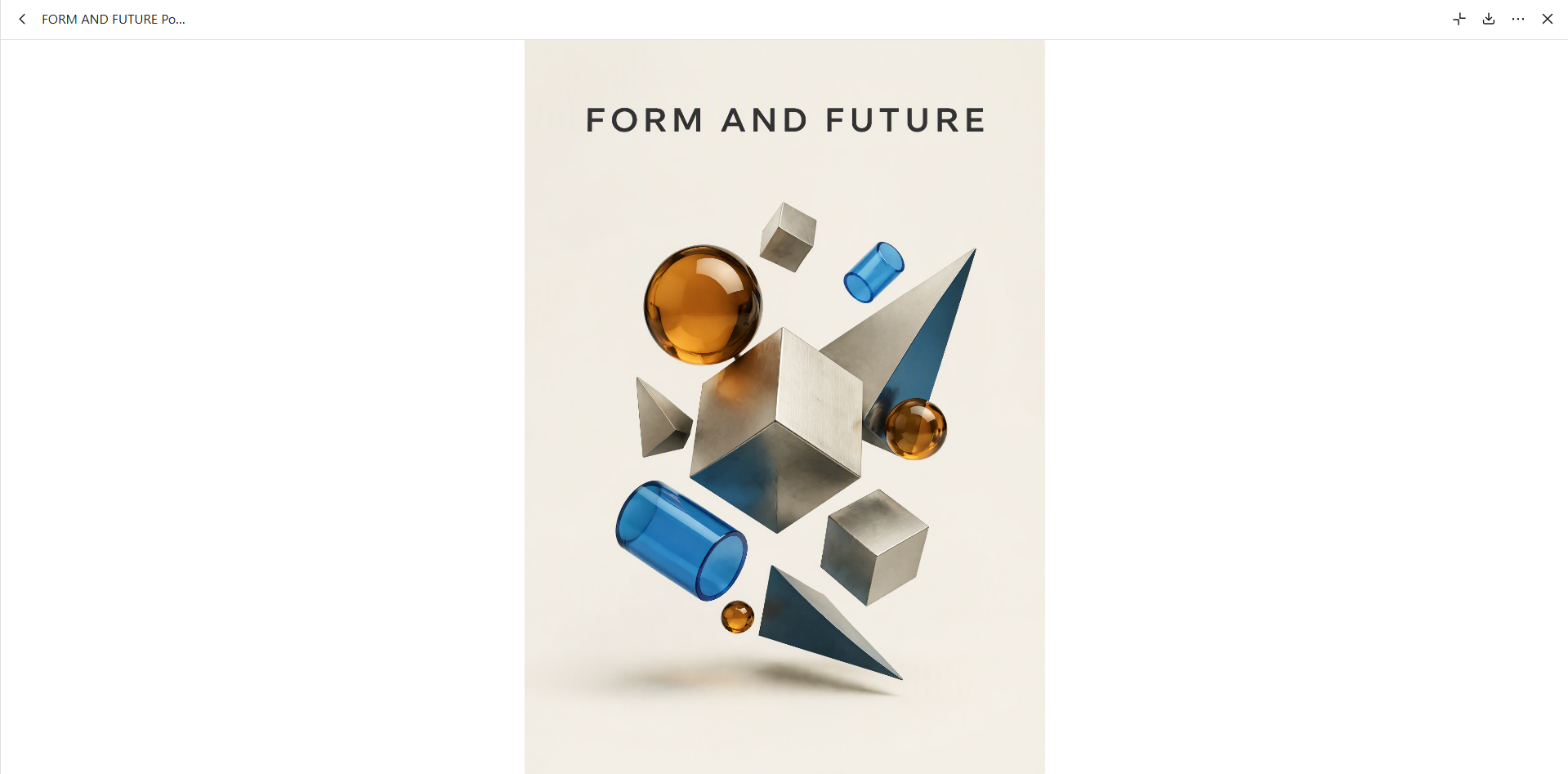
Geometric 3D posters use shapes such as cubes, spheres, and cylinders to create depth and structure. These elements can float, overlap, or form interesting patterns. This style suits technology campaigns, architecture projects, modern branding, and creative exhibitions.
How to Design a 3D poster
Step 1: Enter your prompt
Choose the shapes, colors, and arrangement you want. Describe how the objects should interact and where the title should appear.
Prompt:
Design a geometric 3D poster for a technology exhibition titled "FORM AND FUTURE". Arrange metallic cubes, translucent amber spheres, blue cylinders, and sharp triangular prisms in a balanced floating composition. Use an off-white background, soft studio lighting, and realistic shadows. Place the title at the top in a modern sans-serif font, with generous empty space. Portrait format, 2:3 aspect ratio, no extra text or watermarks.Step 2: Let AI generate your design
AI arranges the requested shapes, colors, and materials into a geometric composition. It adds perspective, depth, and shadows to create a three-dimensional look.
Step 3: Review and export the design
Check the proportions, alignment, and title readability. Export the finished poster in the required dimensions for digital or print use.
Realistic 3D posters
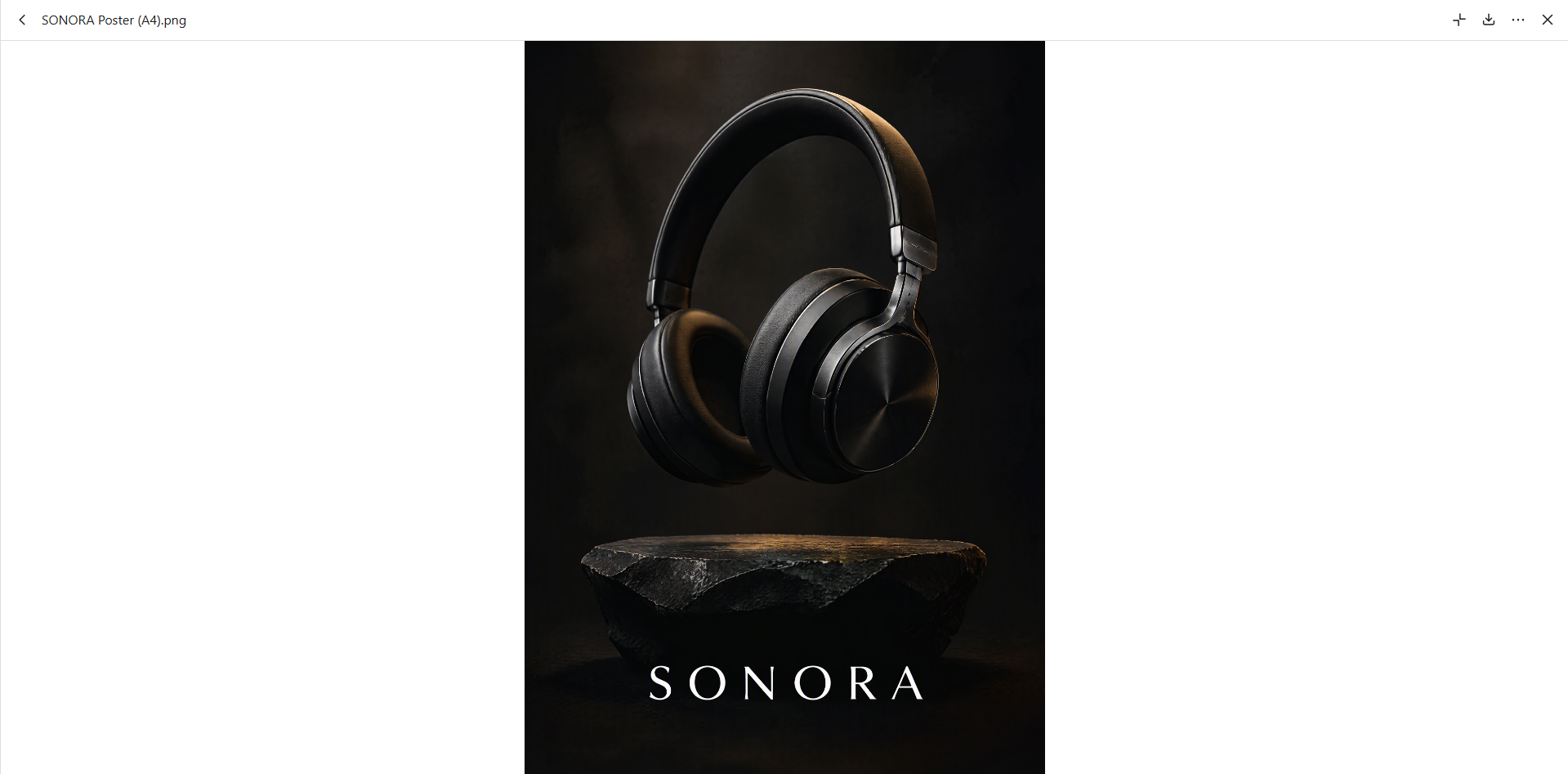
Realistic 3D posters use lifelike materials, detailed textures, and natural-looking lighting. They make products and objects appear as if they were photographed in a real setting. This style is useful for product advertising, brand campaigns, and promotional visuals.
How to Design a 3D poster
Step 1: Enter your prompt
Describe the product, its materials, the background, and the lighting. Include the camera angle to create a polished, realistic appearance.
Prompt:
Create a photorealistic 3D advertising poster for premium black wireless headphones called "SONORA". Show the headphones floating above a dark stone platform, with detailed matte-black cushions and brushed aluminum hinges. Use warm rim lighting, realistic shadows, and a charcoal background. Place "SONORA" in elegant white lettering near the bottom. Portrait format, 2:3 aspect ratio, no extra text or watermarks.Step 2: Let AI generate your design
AI creates the product and background based on your prompt, adding realistic textures, lighting, reflections, and shadows. These details give the poster a lifelike appearance.
Step 3: Review and export the design
Check the product details, title placement, and contrast. Export the poster at a suitable resolution for your advertising platform or print.
Minimalist 3D posters
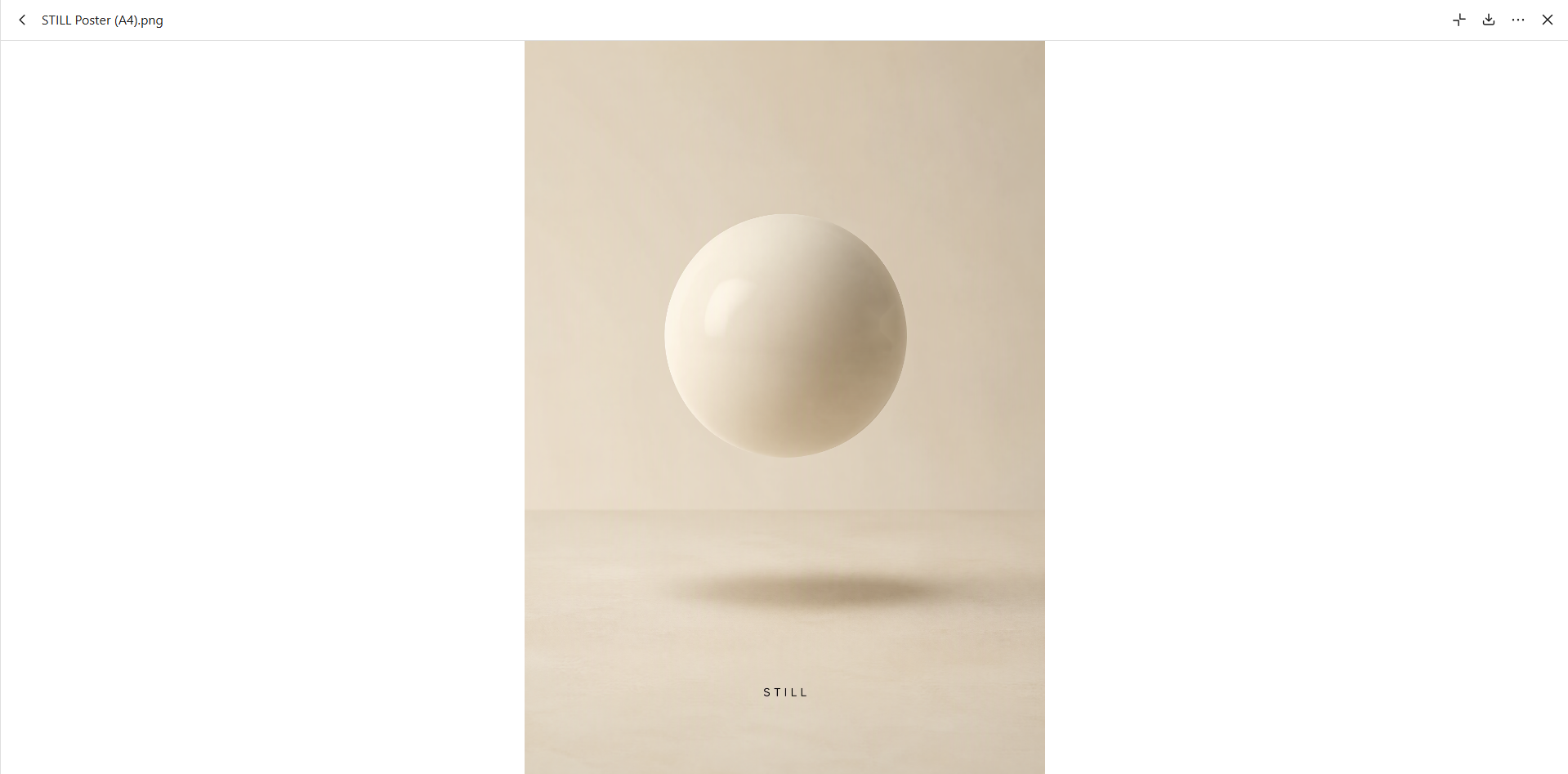
Minimalist 3D posters use a few simple elements to create a clean, focused design. They often feature one main object, soft shadows, and plenty of empty space. This style works well for modern brands, product launches, and design portfolios.
How to Design a 3D poster
Step 1: Enter your prompt
Choose one main object and describe its shape, color, and position. Keep the background simple and avoid unnecessary decorations.
Prompt:
Create a minimalist 3D poster for a modern home brand called "STILL". Show a smooth ivory ceramic sphere floating above a pale beige surface, with a soft shadow underneath. Use gentle lighting, subtle gradients, and a cream background. Place "STILL" in small black sans-serif lettering near the bottom. Keep the layout clean with generous negative space. Portrait format, 2:3 aspect ratio, no extra text or watermarks.Step 2: Let AI generate your design
AI generates the main object and simple background using your instructions. It adds soft lighting and subtle shadows to create a clean design with depth.
Step 3: Review and export the design
Ensure the object stands out clearly and the title remains readable. Export the poster in the right dimensions for your intended use.
Surreal 3D posters
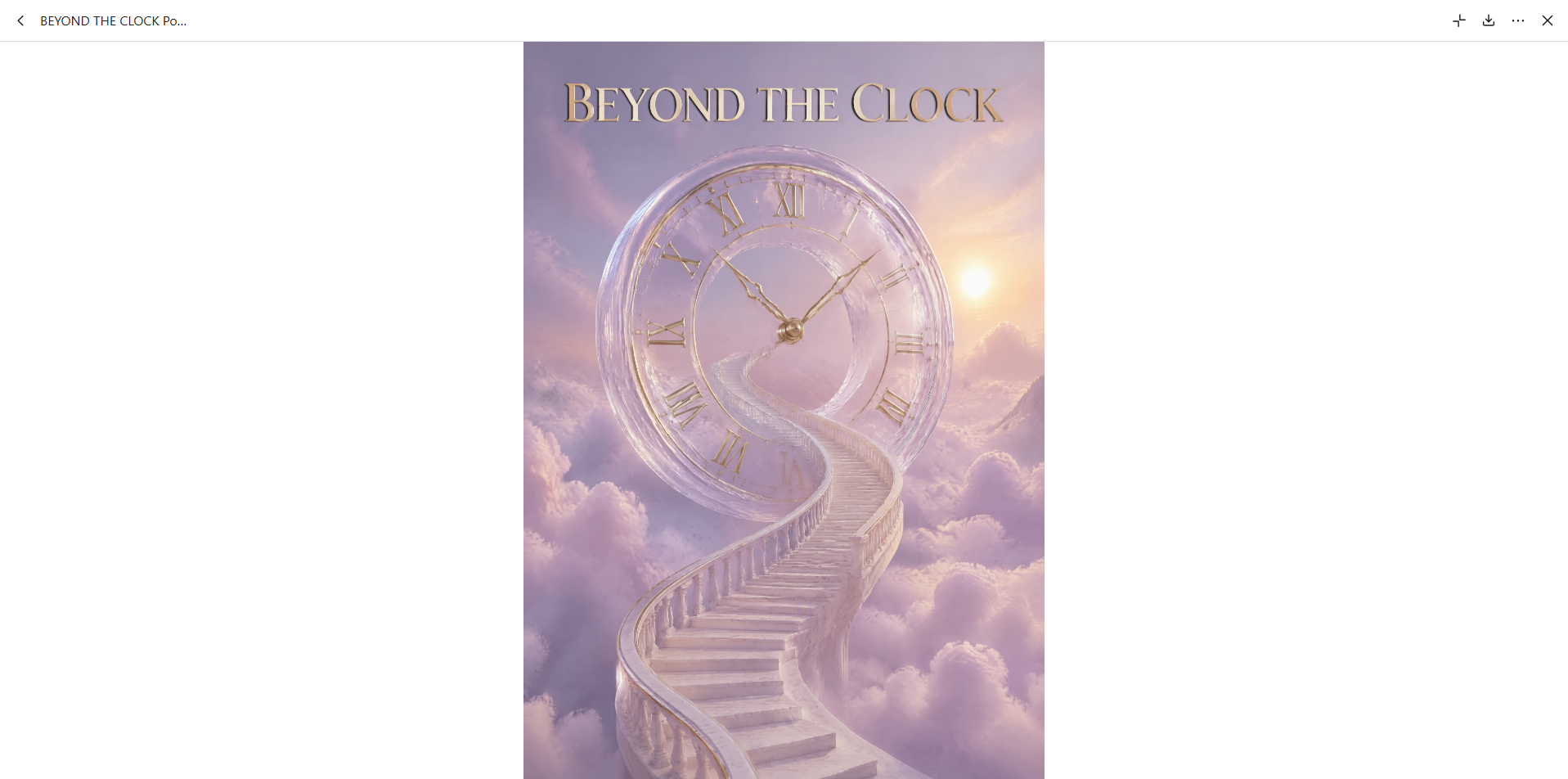
Surreal 3D posters combine realistic details with unusual objects and dreamlike scenes. They may feature floating buildings, oversized objects, or impossible environments. This style suits artistic campaigns, music promotions, and creative events.
How to Design a 3D poster
Step 1: Enter your prompt
Start with an imaginative concept and describe the objects, setting, and atmosphere. Specify the lighting and colors to create a dreamlike scene.
Prompt:
Create a surreal 3D poster titled "BEYOND THE CLOCK". Show a giant transparent glass clock floating above lavender clouds, with a curved marble staircase passing through it. Add a small golden sun in the distance and soft atmospheric lighting. Use pearl white, lilac, and pale gold. Place the title at the top in elegant, readable lettering. Portrait format, 2:3 aspect ratio, no extra text or watermarks.Step 2: Let AI generate your design
AI combines the requested objects, colors, and setting to create a surreal scene. It adds depth, lighting, and visual effects to give the poster a dreamlike feel.
Step 3: Review and export the design
Check the focal point, title placement, and overall balance. Export the final poster at a suitable resolution for sharing or printing.
Isometric 3D poster
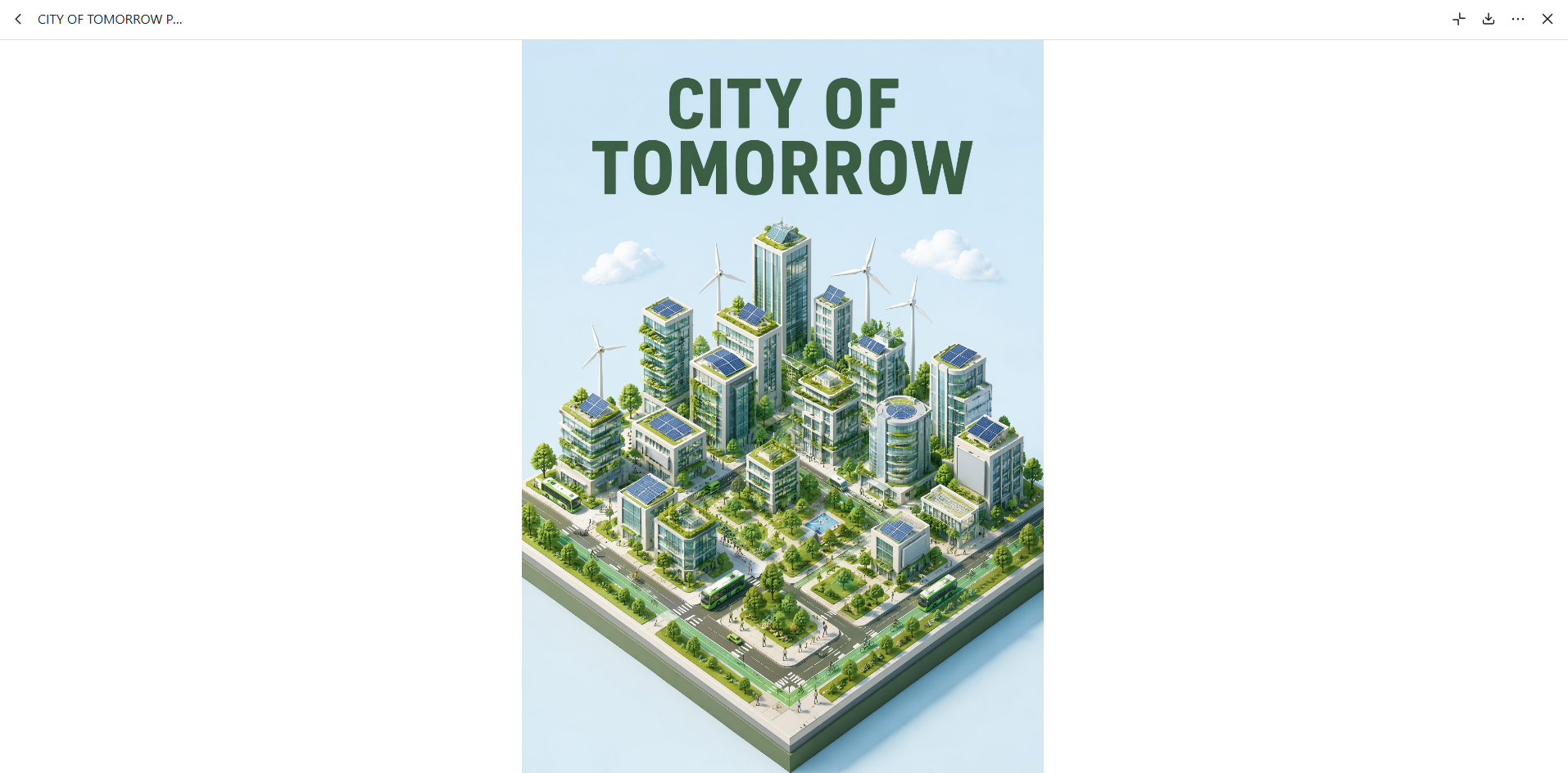
Isometric 3D posters show buildings, objects, or environments from an angled view that reveals multiple sides. They often feature miniature scenes with organized layouts and clear details. This style is useful for city illustrations, architecture, educational visuals, and technology concepts.
How to Design a 3D poster
Step 1: Enter your prompt
Describe the environment, key objects, and layout. Ask for a consistent isometric angle, so the scene looks organized and easy to understand.
Prompt:
Create an isometric 3D poster titled "CITY OF TOMORROW". Show a miniature sustainable city with modern buildings, rooftop gardens, solar panels, wind turbines, bicycle lanes, and electric buses on a square platform. Use a consistent elevated isometric view, sage green and sky blue colors, soft daylight, and crisp details. Place the title above the city in bold sans-serif lettering. Portrait format, 2:3 aspect ratio, no extra text or watermarks.Step 2: Let AI generate your design
AI builds the requested scene with an isometric view, arranging buildings and objects into an organized layout. It adds depth, shadows, and details to create a miniature 3D appearance.
Step 3: Review and export the design
Check the small details, color balance, and title readability. Export the completed poster in a suitable resolution for presentations, websites, or print.
Create eye-catching 3D posters with Kimi Build
Kimi Build is an AI-powered tool that turns text prompts and visual ideas into custom designs. Describe your 3D poster with details about colors, typography, lighting, and layout to guide the results. You can explore different styles and refine your designs to create eye-catching posters without complex design software.
Key features
Prompt- and reference-based poster creation
Kimi Build transforms natural-language descriptions into 3D poster designs and supports reference image uploads to guide the visual direction. Specify the subject, typography, colors, style, and layout to generate concepts that reflect your ideas, while reference images help maintain consistency in shapes, proportions, and stylistic details.
Create eye-catching posters with a strong visual impact
Kimi Build helps turn poster concepts into polished 3D visuals with depth, dimensional elements, and cohesive styling. Whether you're designing product advertisements, event posters, or promotional graphics, it helps make key messages and featured objects stand out, creating designs that capture attention across digital and print materials.
AI editing and design refinement
Follow-up prompts let you adjust typography, colors, lighting, object details, and composition. Kimi Build also supports comments on specific elements and manual adjustments where available, giving you more control over the final design.
Version history and design rollback
Previous design versions make it easier to revisit earlier concepts, review changes, and restore a preferred result without recreating the entire poster.
Flexible export for different uses
Export finished poster designs in supported image formats, such as PNG and JPG, for use in social media posts, digital campaigns, presentations, and other promotional materials.
Tips for creating a well-designed 3D poster
Creating a good 3D poster takes more than adding depth and realistic effects to your design. You need to balance the main subject, colors, lighting, and text, so everything works together. These tips will help you create attractive 3D poster designs online that communicate your message clearly.
Start with one clear focal point
Choose one main element that viewers should notice first, such as a product, headline, or central object. Use size, contrast, and depth to make it stand out from the other elements. A clear focal point keeps your 3D art posters engaging without making them feel crowded.
Match the 3D style to your message
Choose a design style that suits the purpose of your poster. Realistic effects work well for product promotions, while bold typography and surreal visuals can suit music events or creative campaigns. The right style helps your visuals support the message instead of distracting from it.
Build depth with lighting and layers
Use shadows, highlights, and overlapping elements to make objects appear closer or farther away. Place important elements in the foreground and keep supporting details behind them to create a sense of space. Balanced lighting can make your 3D poster designs feel more natural and visually interesting.
Choose materials and colors with purpose
Select materials and colors that match the mood you want to create. Glossy surfaces can give objects a polished look, while matte finishes create a softer appearance. Keep your color palette consistent so the different elements work together rather than competing for attention.
Keep text readable and balance negative space
Use clear fonts and enough contrast to make headings easy to read against the background. Leave empty space around the main subject and text, so each element has room to stand out. Avoid adding too many decorative details that could make your 3D art posters difficult to follow.
Review the design at its final size
Preview your poster at the size where people will actually see it, whether on a phone screen, website, or printed page. Check that the text remains readable, the main subject stands out, and small details are still clear. Make any necessary adjustments before exporting the final design.
Conclusion
A great poster starts with an idea that connects with your audience and makes them want to look closer. With the right approach, 3D poster design can turn simple concepts into memorable visuals. Try Kimi Build to bring your ideas to life. Experiment with different styles and create a poster that matches your vision.