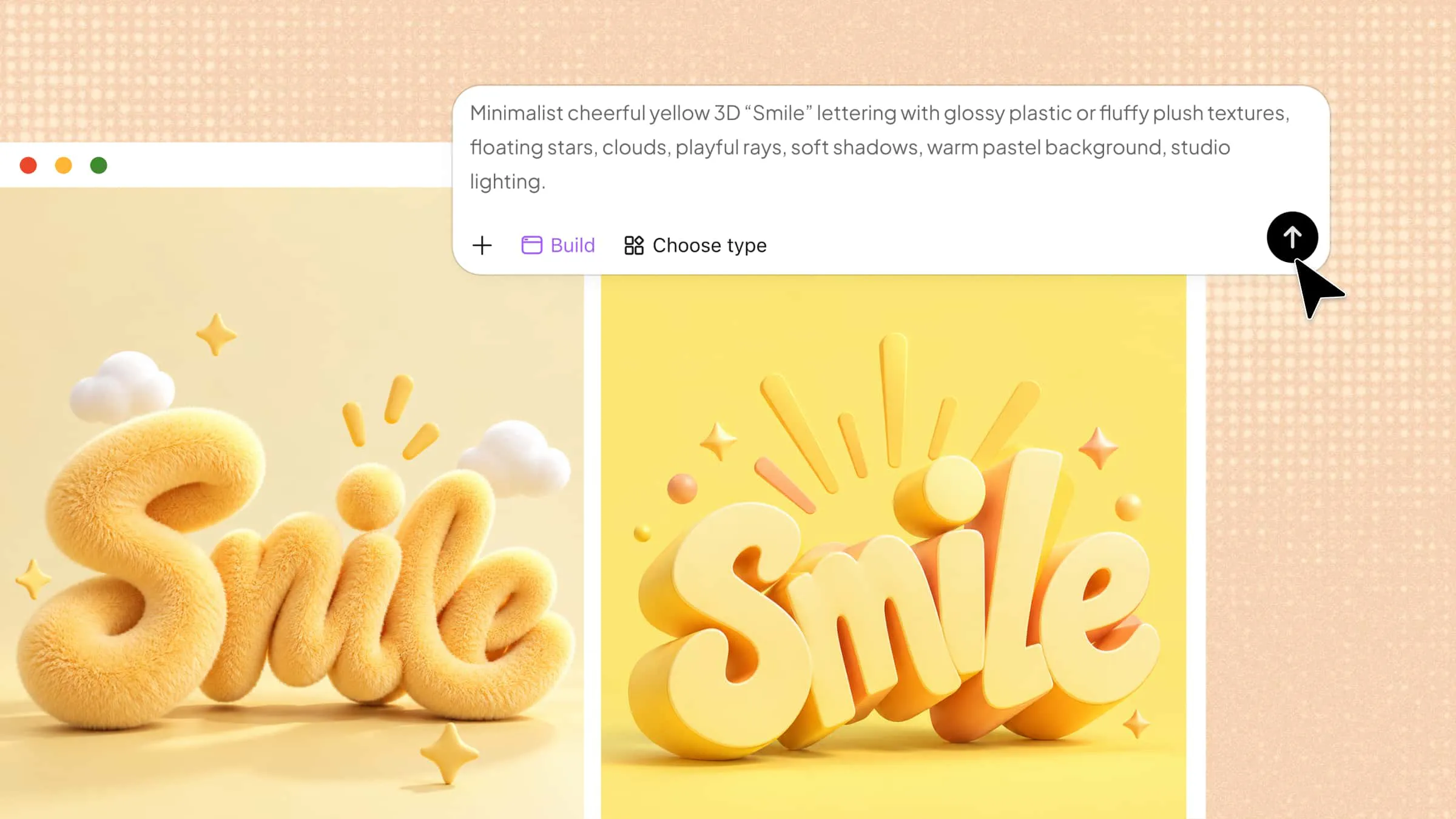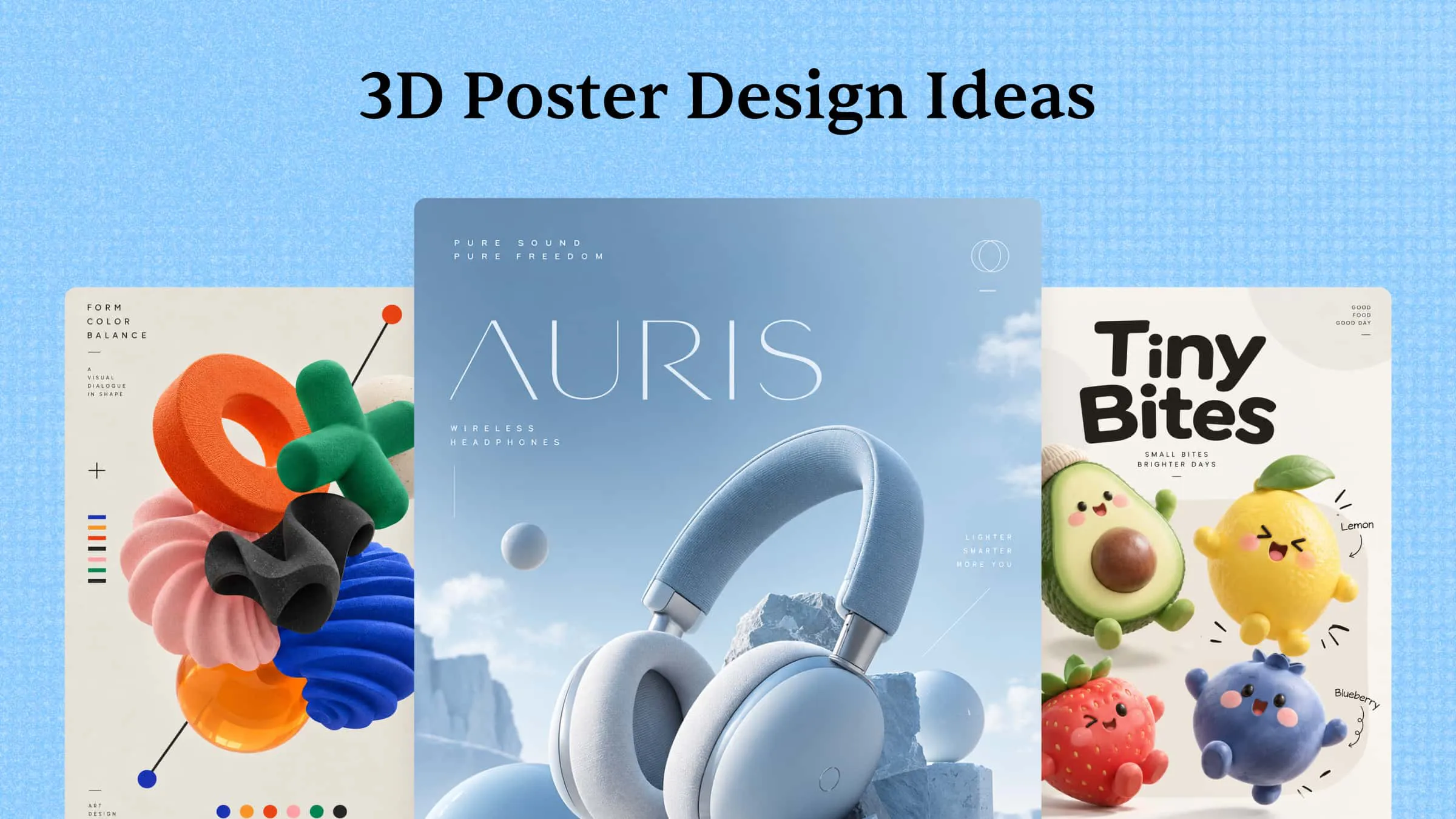
Creating visually striking posters can be challenging when you want your designs to stand out from ordinary, flat layouts. These 3D poster ideas offer creative ways to explore depth, dimension, and visual storytelling for different projects. From bold typography to surreal compositions, this guide covers 10 inspiring styles and practical tips for developing your concepts with AI.
Overview of 10 creative 3D poster design ideas
3D posters come in a variety of styles, each offering a different way to capture attention and communicate an idea. The following overview compares 10 creative approaches, their defining features, and the projects they suit best, helping you choose a style for your next design.
| 3D poster design idea | Key visual elements | Use cases |
|---|---|---|
| 3D typography posters | Oversized lettering, extruded text, metallic textures, dramatic lighting | Music events, product launches, motivational graphics |
| Photo manipulation posters | Realistic photography, surreal 3D elements, contrasting scales | Creative campaigns, editorial artwork, brand promotions |
| Surrealist 3D posters | Dreamlike scenes, unexpected object combinations, distorted proportions | Art projects, music events, creative campaigns |
| Floating object posters | Suspended objects, soft shadows, dynamic positioning | Product promotions, technology ads, modern branding |
| Layered 3D posters | Overlapping text, foreground and background layers, dimensional depth | Music festivals, cultural events, promotional campaigns |
| 3D collage posters | Mixed imagery, paper textures, dimensional shapes, bold colors | Fashion editorials, album artwork, youth campaigns |
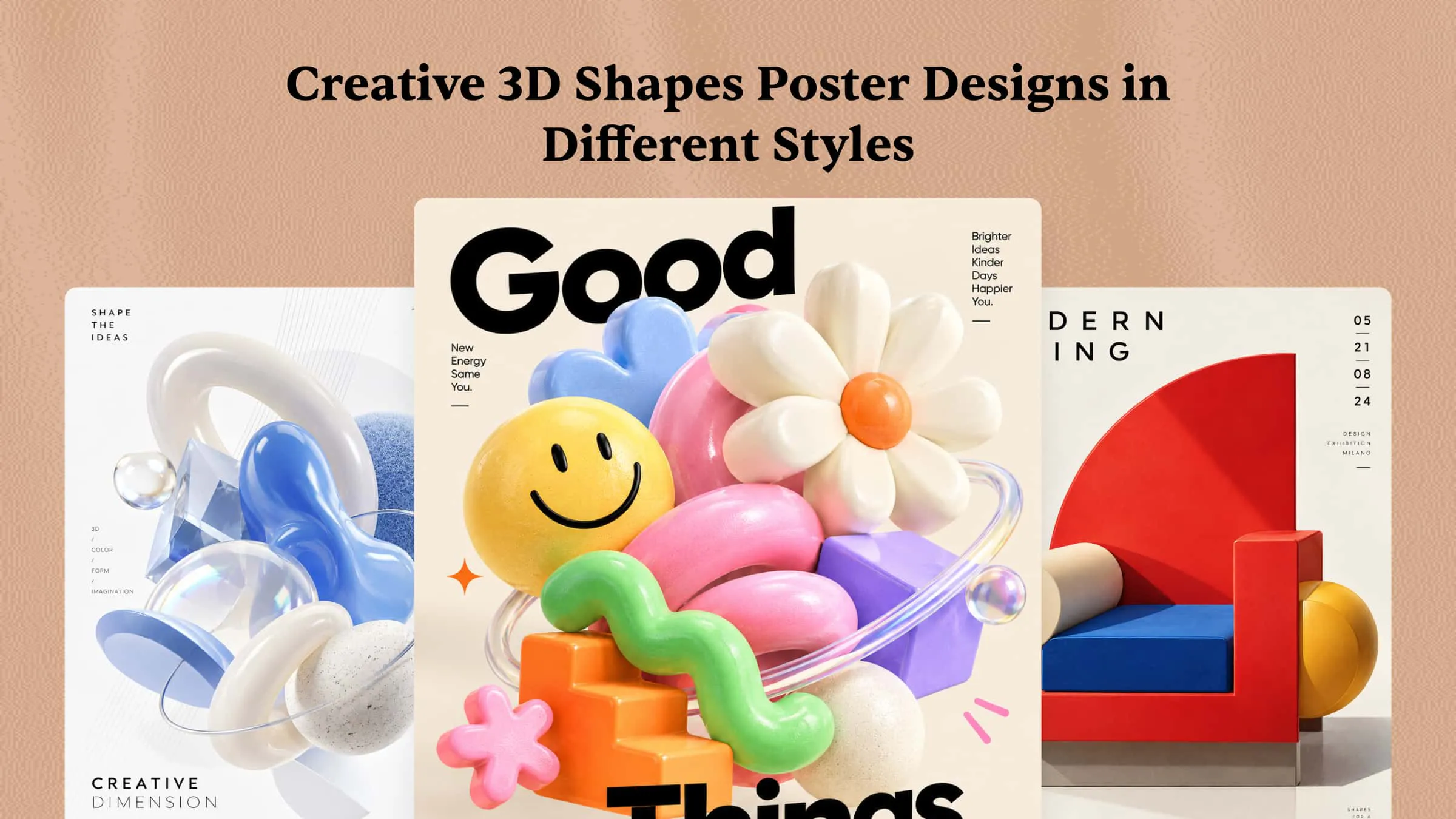
| Geometric 3D posters | Cubes, spheres, arches, abstract structures, clean compositions | Architecture events, technology brands, art exhibitions |
| 3D product advertising posters | Detailed product models, reflective materials, controlled lighting | Cosmetics, electronics, footwear, luxury products |
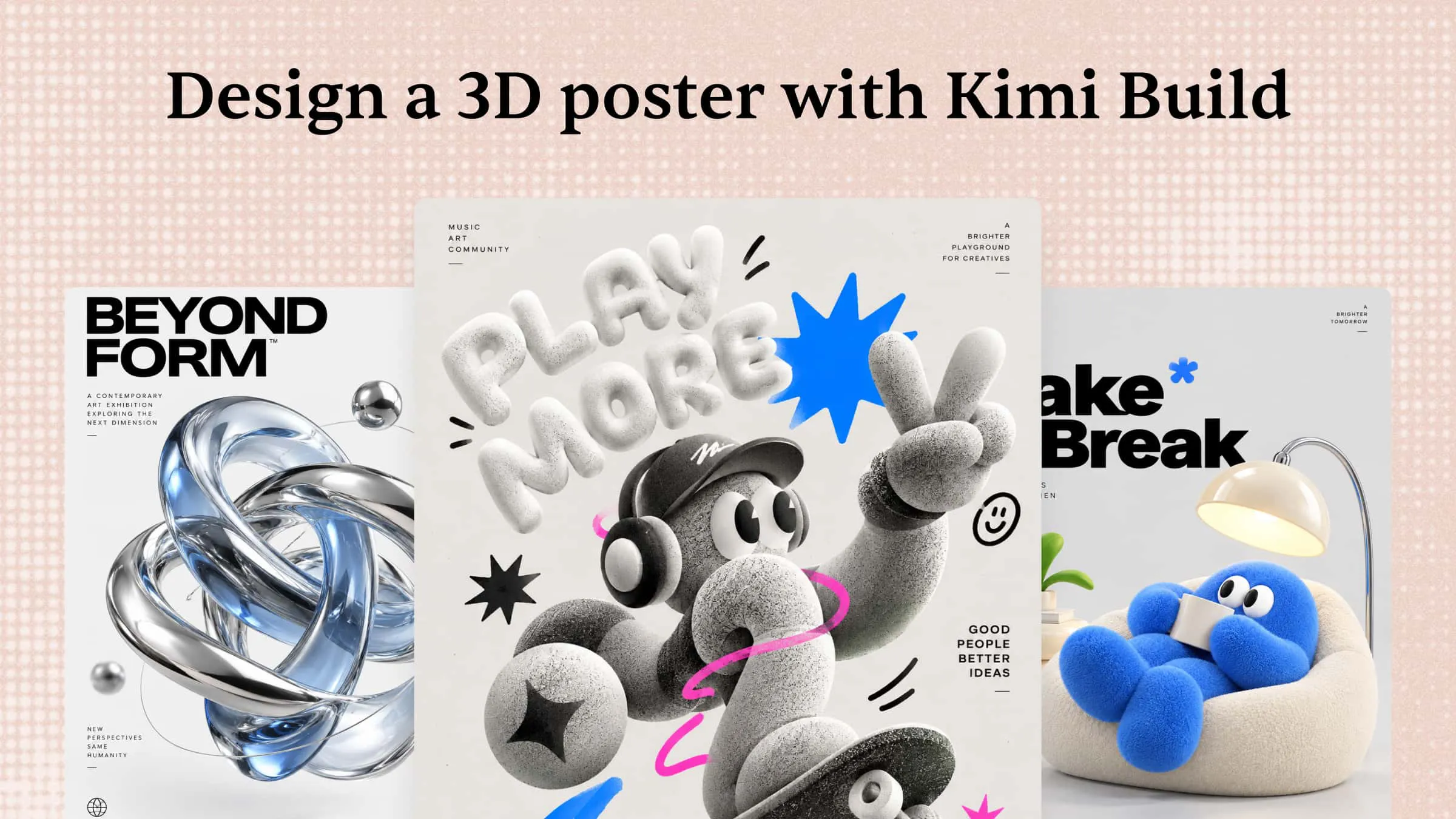
| 3D character posters | Expressive characters, distinctive materials, dramatic poses | Gaming promotions, entertainment events, character campaigns |
| Optical illusion posters | Impossible geometry, unusual perspective, contrasting patterns | Art exhibitions, creative advertising, attention-grabbing campaigns |
10 eye-catching 3D poster design ideas
The right AI tool can help turn creative concepts into eye-catching 3D poster designs without starting from scratch. Kimi Build offers a prompt-based workflow for exploring visual ideas and refining design concepts. Let's explore 10 inspiring 3D poster design ideas and see how you can develop each concept with Kimi Build.
3D typography posters
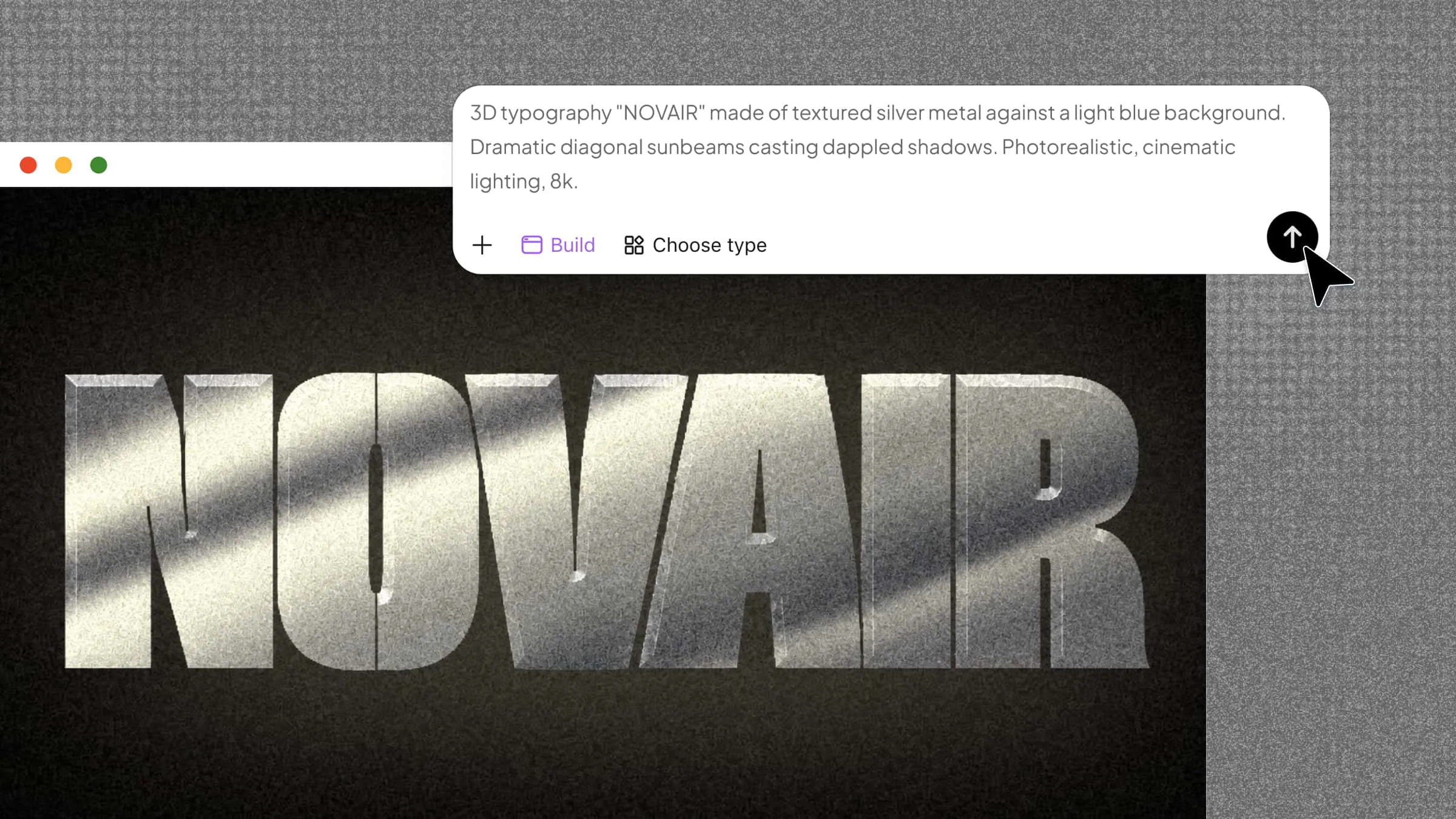
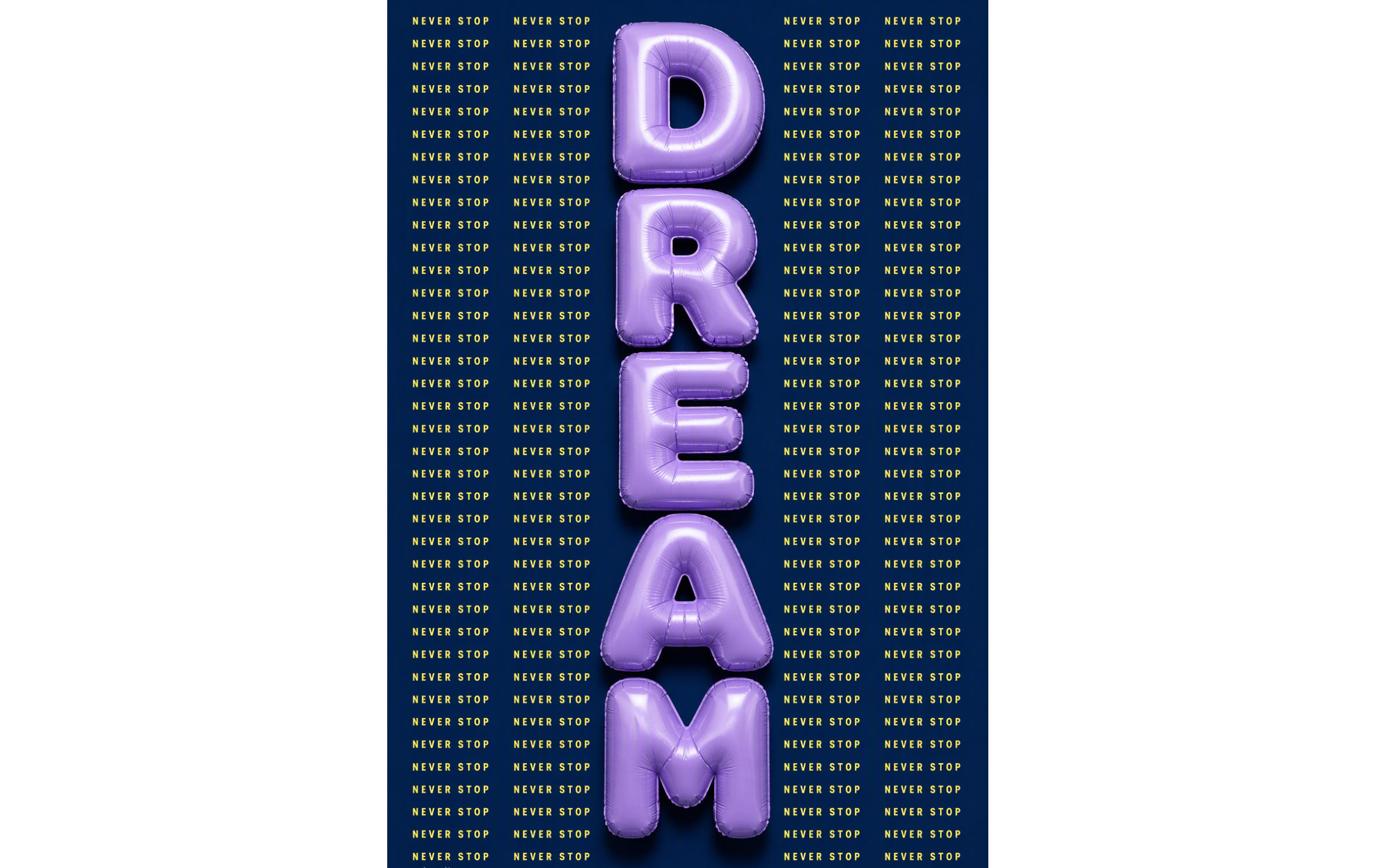
Oversized 3D lettering can become the main visual element of a poster, making a short headline stand out through depth, texture, and lighting. This style works especially well for music events, product launches, fashion campaigns, and motivational graphics.
How to use
Step 1: Enter your prompt
Open Kimi Build and describe the poster concept you want to create.
Prompt:
A minimalist typographic poster, vertical stack of inflated 3D letters spelling "DREAM" in glossy lavender-purple puffy balloon typography. Background: flat deep navy poster with repeating pale yellow uppercase text "NEVER STOP" in vertical columns. Palette: lavender, navy, pale yellow. Swiss graphic design, high contrast, soft studio shadows, ultra-detailed 3D render, square composition --ar 2:3 --v 6 --style rawStep 2: Let AI generate your poster
Submit your prompt and let Kimi Build create the initial result.
Step 3: Review and export the poster
Review the preview to see how the typography, colors, and composition work together. Once satisfied, you can publish the design as a web page or download the generated website project files.
Photo manipulation posters
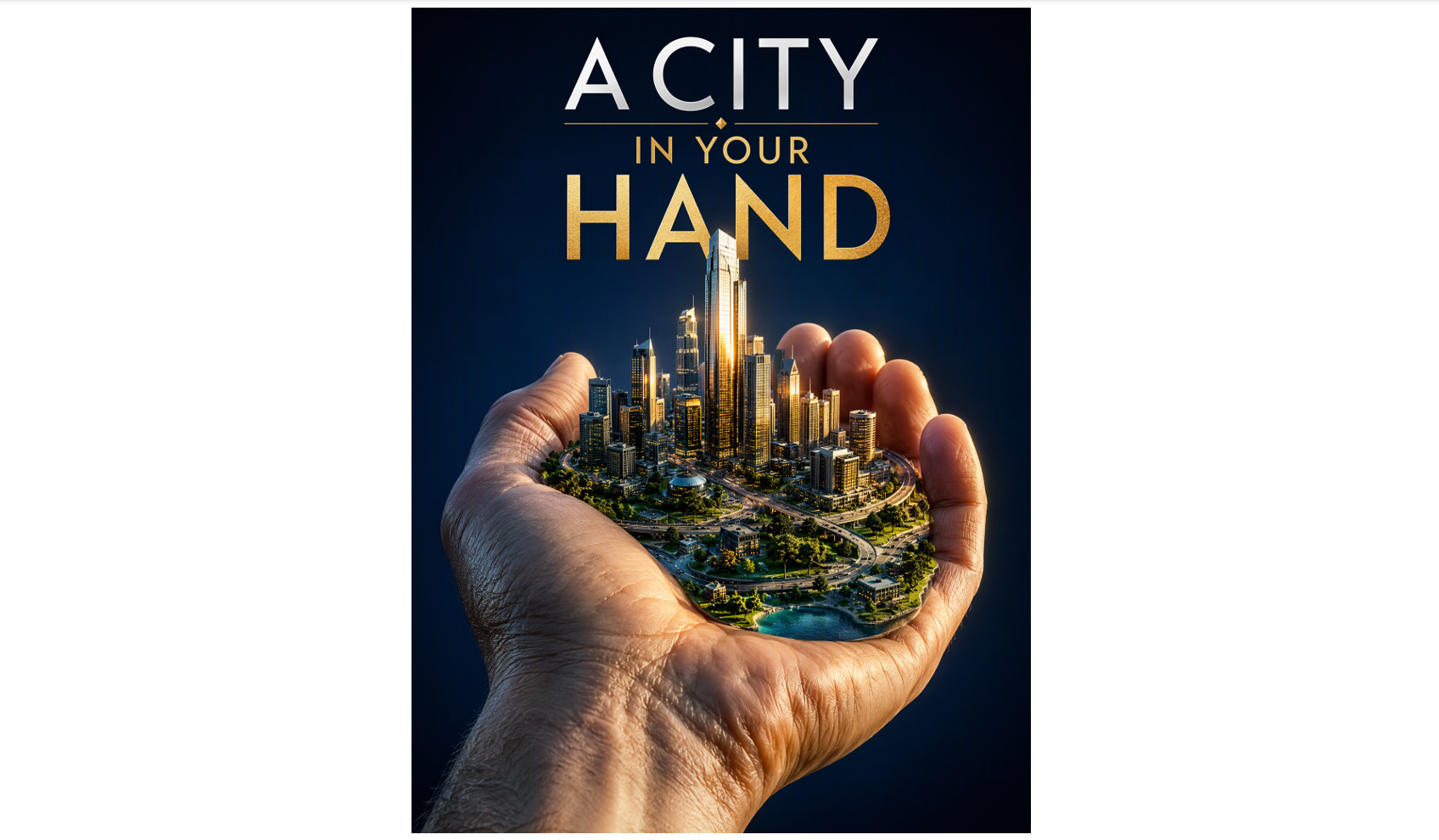
Photo manipulation combines realistic photography with surreal 3D elements to create striking visual contrasts. You can blend ordinary objects with oversized structures, unusual environments, or dimensional effects to give a familiar scene a completely new appearance.
How to use
Step 1: Enter your prompt
Describe the photograph you want to transform and explain how 3D elements should interact with it. Include details about the subject, background, lighting, and visual effects.
Prompt:
Create a 3:4 vertical 3D poster titled "A CITY IN YOUR HAND". Feature a giant realistic hand holding a miniature city with detailed skyscrapers, winding roads, and tiny green parks. Use realistic skin textures, reflective glass, cinematic golden highlights, and dramatic shadows against a deep navy-blue background. Add photorealistic 3D rendering, precise lighting, and bold, clean typography.Step 2: Let AI generate your poster
Submit your prompt, and Kimi Build generates a poster in a few minutes.
Step 3: Review and export the poster
Check whether the design is perfect or needs changing. Ask Kimi Build to correct awkward proportions or improve the composition, then publish the design as a web page or export the generated project files.
Surrealist 3D poster
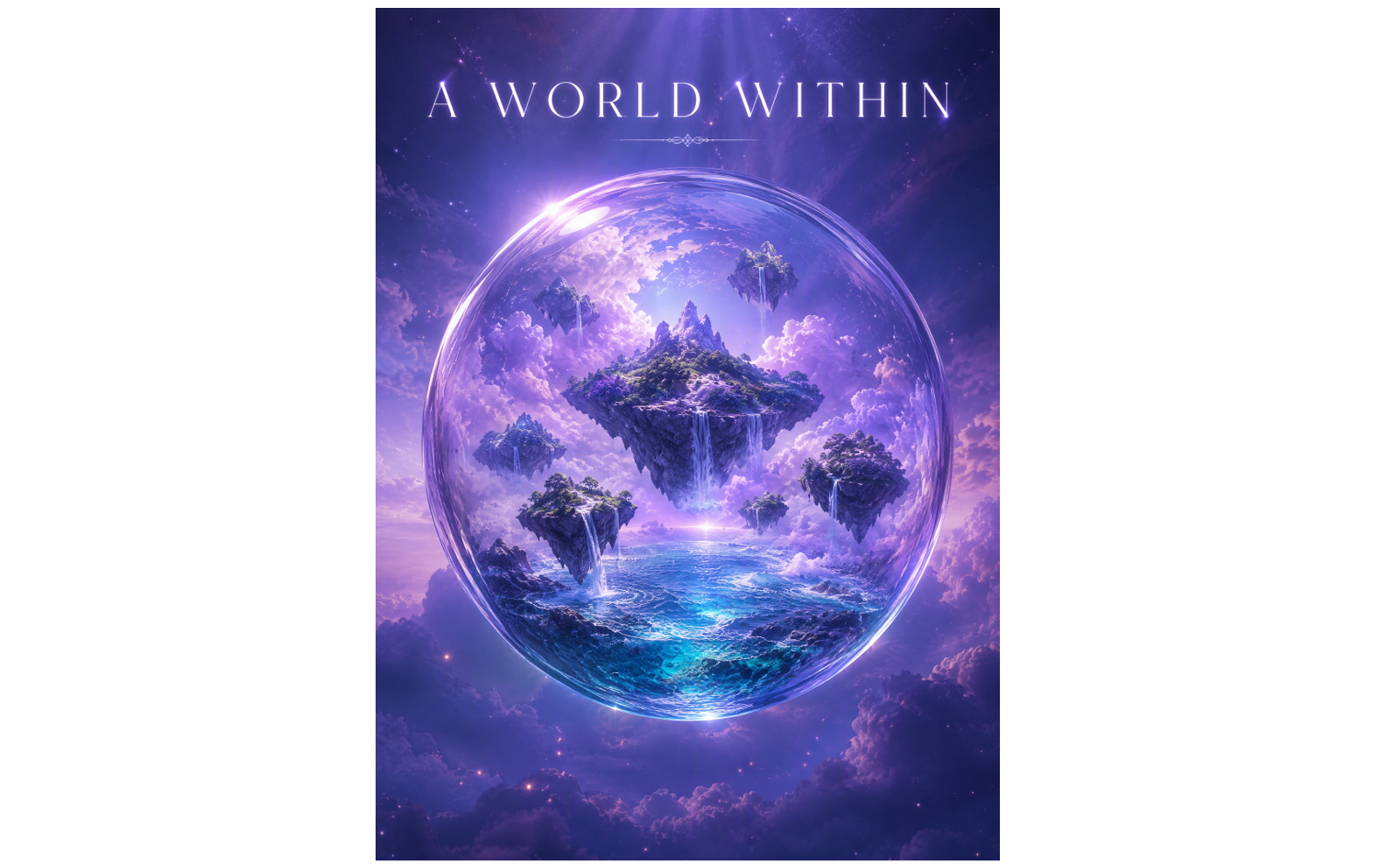
Surrealist 3D posters often feature unusual combinations of objects, dreamlike settings, and distorted proportions. These unexpected details create a sense of wonder and give designers room to experiment with imaginative visual concepts. This approach works well for creative campaigns, music events, and editorial artwork that needs an unusual visual identity.
How to use
Step 1: Enter your prompt
Open Kimi Build and enter the prompt.
Prompt:
Create a 3:4 vertical surreal 3D poster titled "A WORLD WITHIN". Feature a transparent glass sphere containing a miniature ocean, floating islands, and soft lavender clouds. Add realistic water reflections, gentle waves, crystal-clear glass refraction, and intricately textured islands. Use cinematic lighting, soft volumetric rays, and a dreamy purple-blue palette. Place the title elegantly at the top in clean, refined typography, with photorealistic 3D rendering and a magical, premium aesthetic.Step 2: Let AI generate your poster
Once you give a prompt, Kimi Build will generate the design.
Step 3: Review and export the poster
Preview the poster, and if there is a need for changes, ask Kimi Build. After finalizing, export the file in a suitable format.
Floating object posters
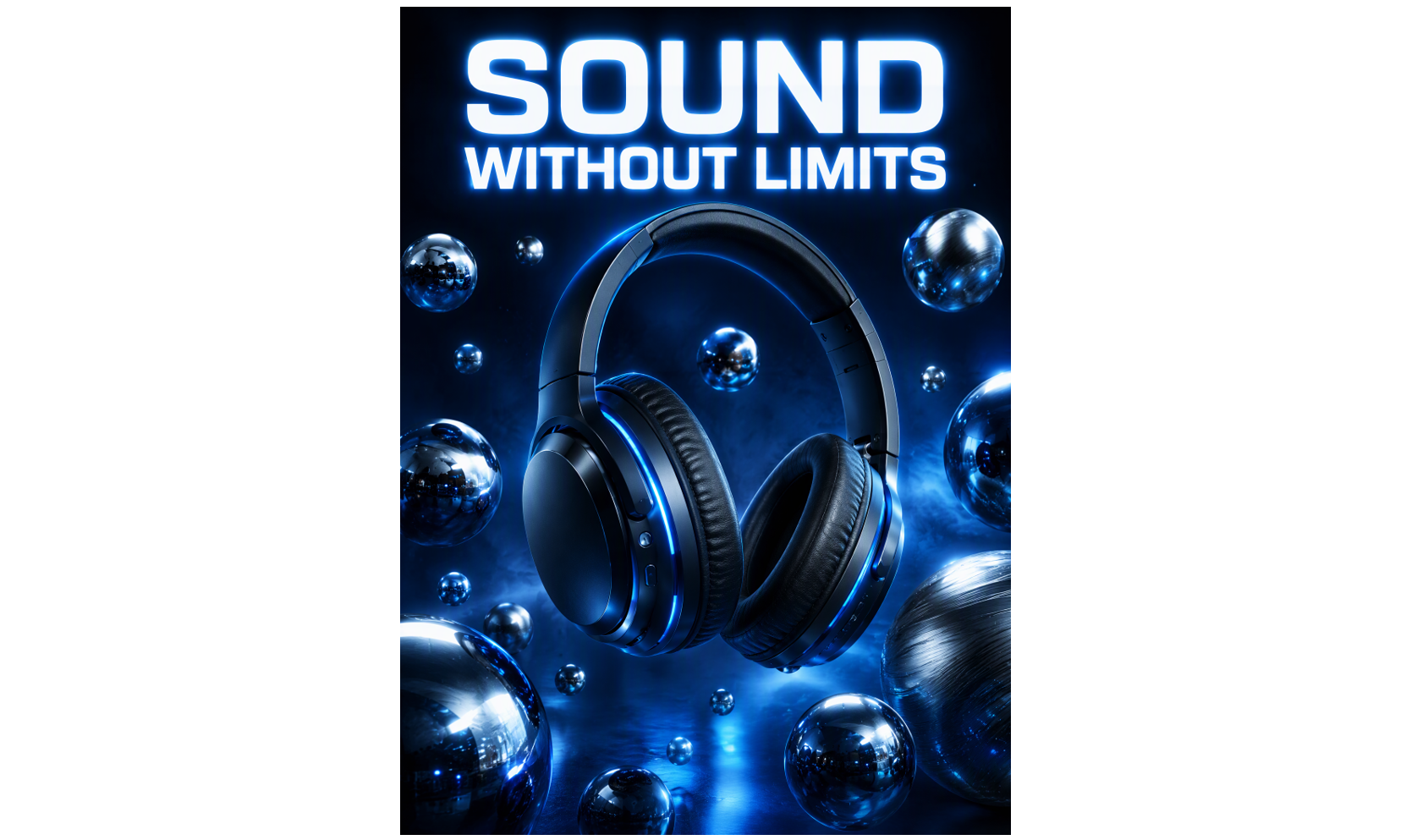
Floating object posters create a sense of movement by showing products or everyday items suspended in space. Dynamic positioning, soft shadows, and controlled lighting help make the objects appear weightless while keeping the composition clean and modern.
How to use
Step 1: Enter your prompt
Give a detailed prompt, such as specifying which objects should float, how they should be positioned, etc.
Prompt:
Create a 3:4 vertical 3D poster titled "SOUND WITHOUT LIMITS". Feature sleek wireless headphones suspended in midair, surrounded by floating metallic spheres with polished reflections and intricate details. Use a deep navy background, electric-blue rim lighting, dramatic shadows, and a subtle atmospheric glow. Add bold, modern typography at the top, with photorealistic 3D rendering and a premium futuristic advertising aesthetic.Step 2: Let AI generate your poster
Once you enter the prompt, submit it to Kimi Build.
Step 3: Review and export the poste****r
Review the floating effects and overall balance, then publish the finished design or export the file.
Layered 3D posters
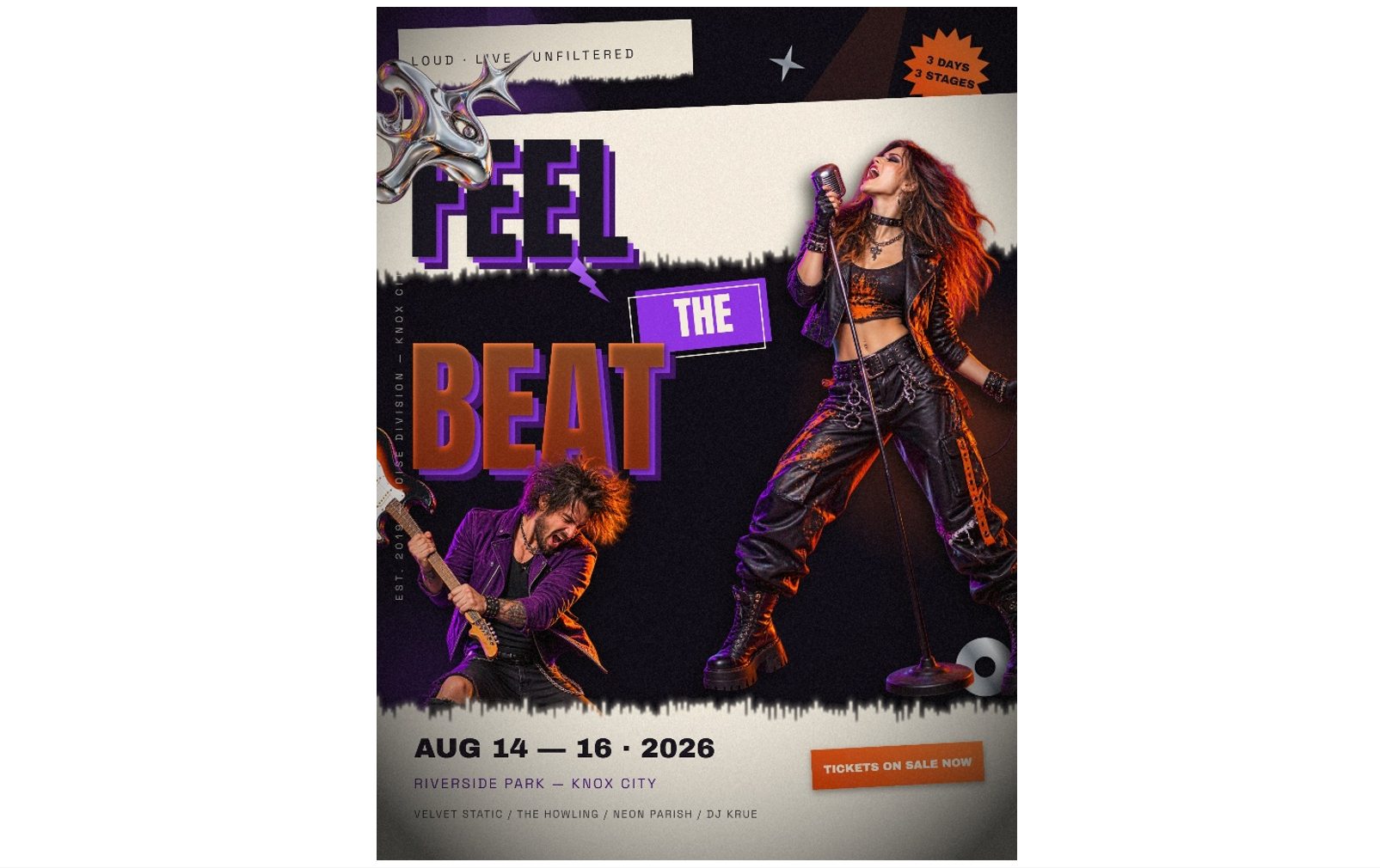
Layered 3D posters use overlapping text, objects, shapes, and backgrounds to create a strong sense of depth. By separating the foreground from the middle and background layers, you can build a design that feels dimensional without overwhelming the viewer.
How to use
Step 1: Enter your prompt
Open Kimi Build and give a detailed prompt.
Prompt:
Create a 3:4 vertical music festival poster titled "FEEL THE BEAT". Feature dynamic musician cutout portraits, torn-paper textures, bold extruded typography, and metallic shapes in vibrant orange, purple, and black. Add dramatic lighting, layered collage elements, and striking contrasts for an energetic, rebellious festival aesthetic.Step 2: Let AI generate your poster
Submit the description to Kimi Build and let it generate the design.
Step 3: Review and export the poster
Confirm that the main text remains visible and the layers look distinct before publishing the design or saving the project files.
3D collage posters
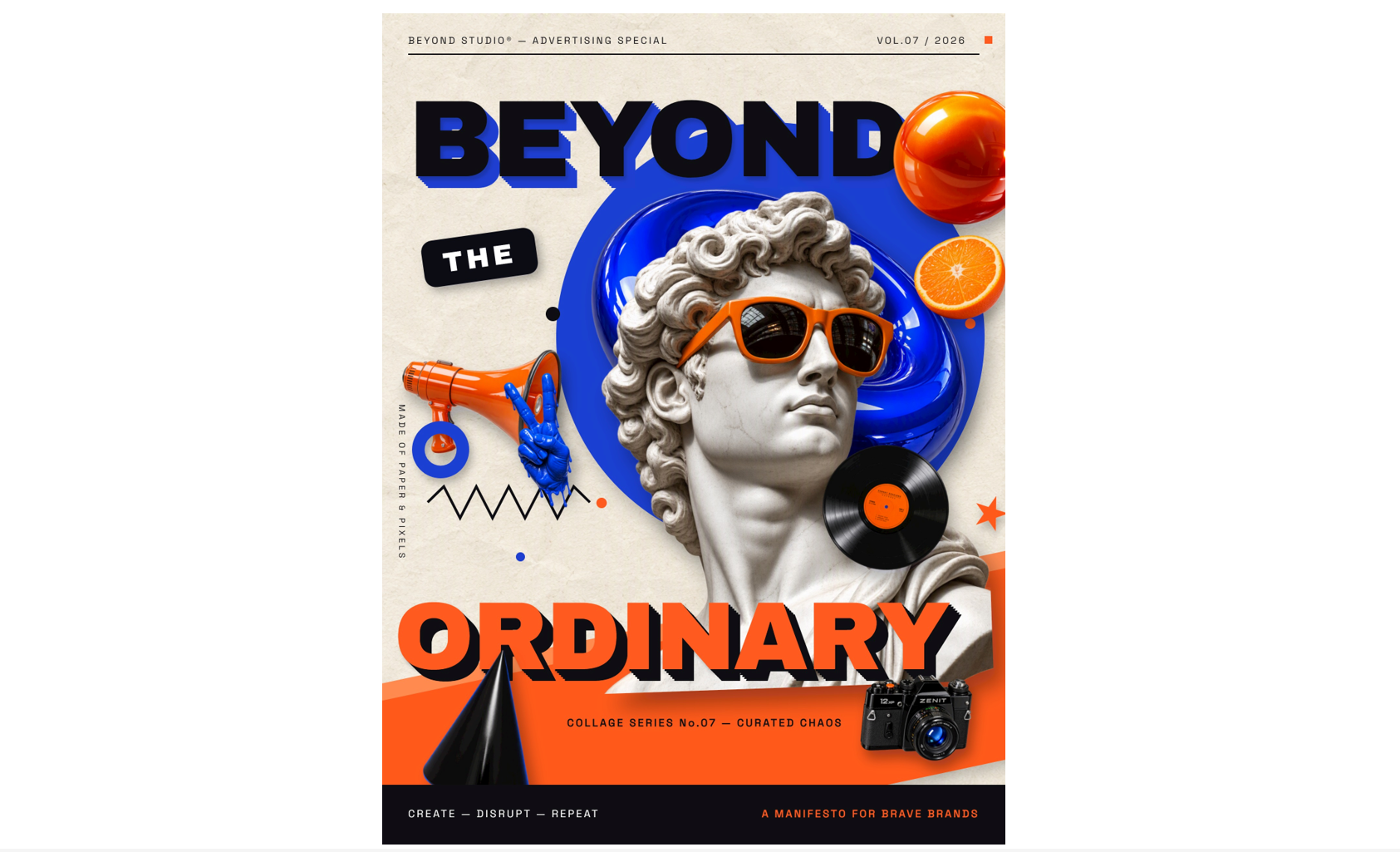
A 3D collage poster combines different images, textures, typography, and dimensional objects into one creative composition. This style suits fashion editorials, album artwork, youth campaigns, and posters that need an expressive, mixed-media appearance.
How to use
Step 1: Enter your prompt
Choose a theme and describe the images, textures, dimensional shapes, and color palette you want to combine into a collage.
Prompt:
Create a 3:4 vertical 3D collage advertising poster titled "BEYOND THE ORDINARY." Combine bold cutout images, layered paper textures, oversized 3D typography, and floating geometric elements in a dynamic composition. Use vibrant orange, cobalt blue, and black with realistic shadows, glossy details, and striking depth. Create a bold, contemporary editorial aesthetic that grabs attention and inspires creative advertising campaigns.Step 2: Let AI generate your poster
Let Kimi Build assemble the visual concept, then request changes to give the central subject greater prominence.
Step 3: Review and export the poster
Check that the mixed-media elements form a cohesive design, then publish the result or export the generated project files.
Geometric 3D posters
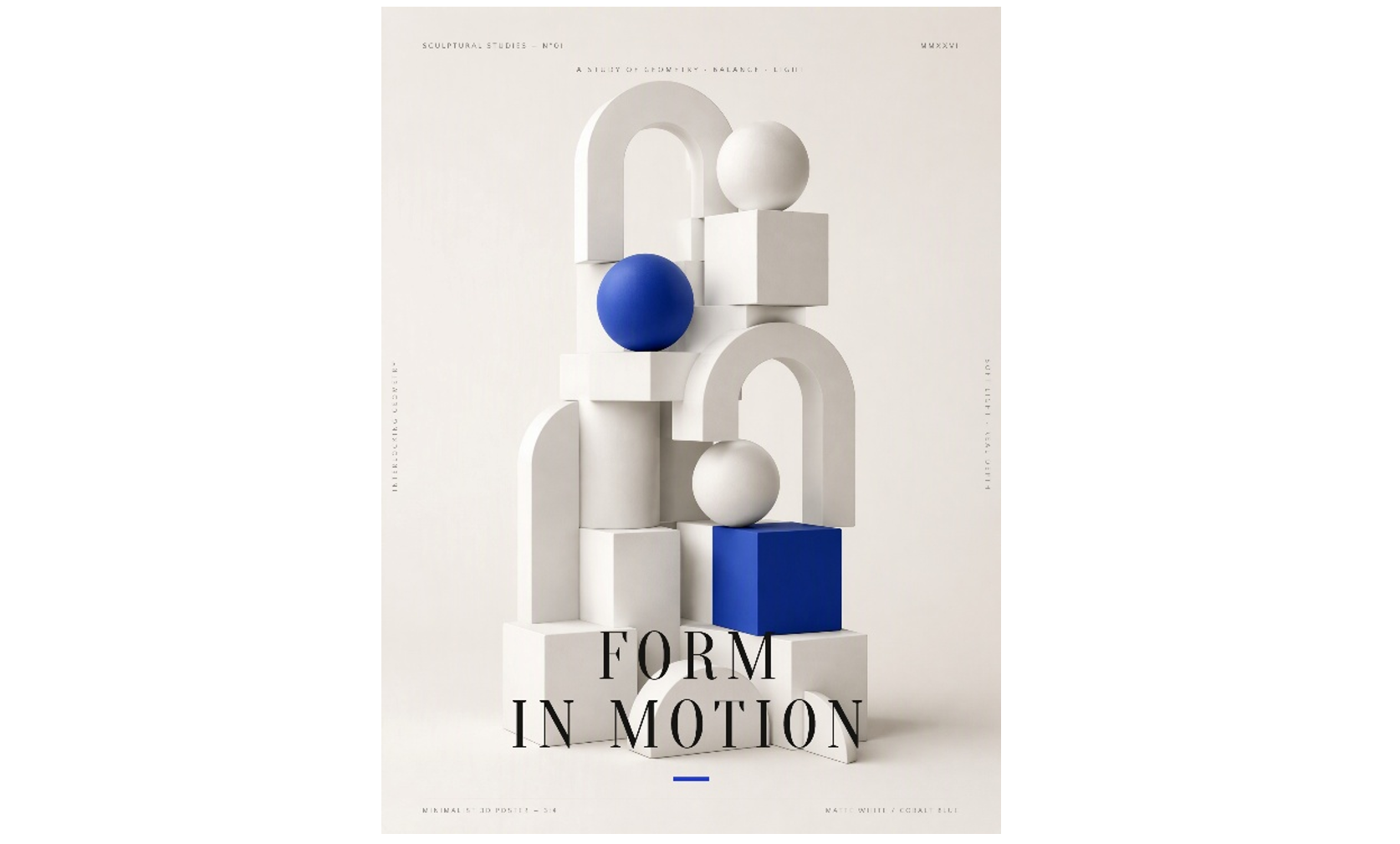
Geometric 3D posters use cubes, spheres, pyramids, arches, and abstract structures to create clean, structured visuals. Their simple shapes and carefully arranged lighting make them suitable for technology brands, architecture events, modern art exhibitions, and corporate promotions
How to use
Step 1: Enter your prompt
Open Kimi Build and give detailed instructions to create an attractive poster
Prompt:
Create a 3:4 vertical minimalist 3D poster titled "FORM IN MOTION." Feature interlocking cubes, smooth spheres, and elegant geometric arches arranged in a balanced sculptural composition. Use matte-white surfaces, bold cobalt-blue accents, and soft studio lighting with subtle shadows and realistic depth. Maintain a clean, sophisticated, gallery-inspired aesthetic with crisp details and refined 3D rendering.Step 2: Let AI generate your poster
Once you submit the instructions, Kimi Build will take a few seconds to generate the poster.
Step 3: Review and export the poster
Examine the alignment, shadows, and spacing before publishing the design or exporting the file.
3D product advertising posters
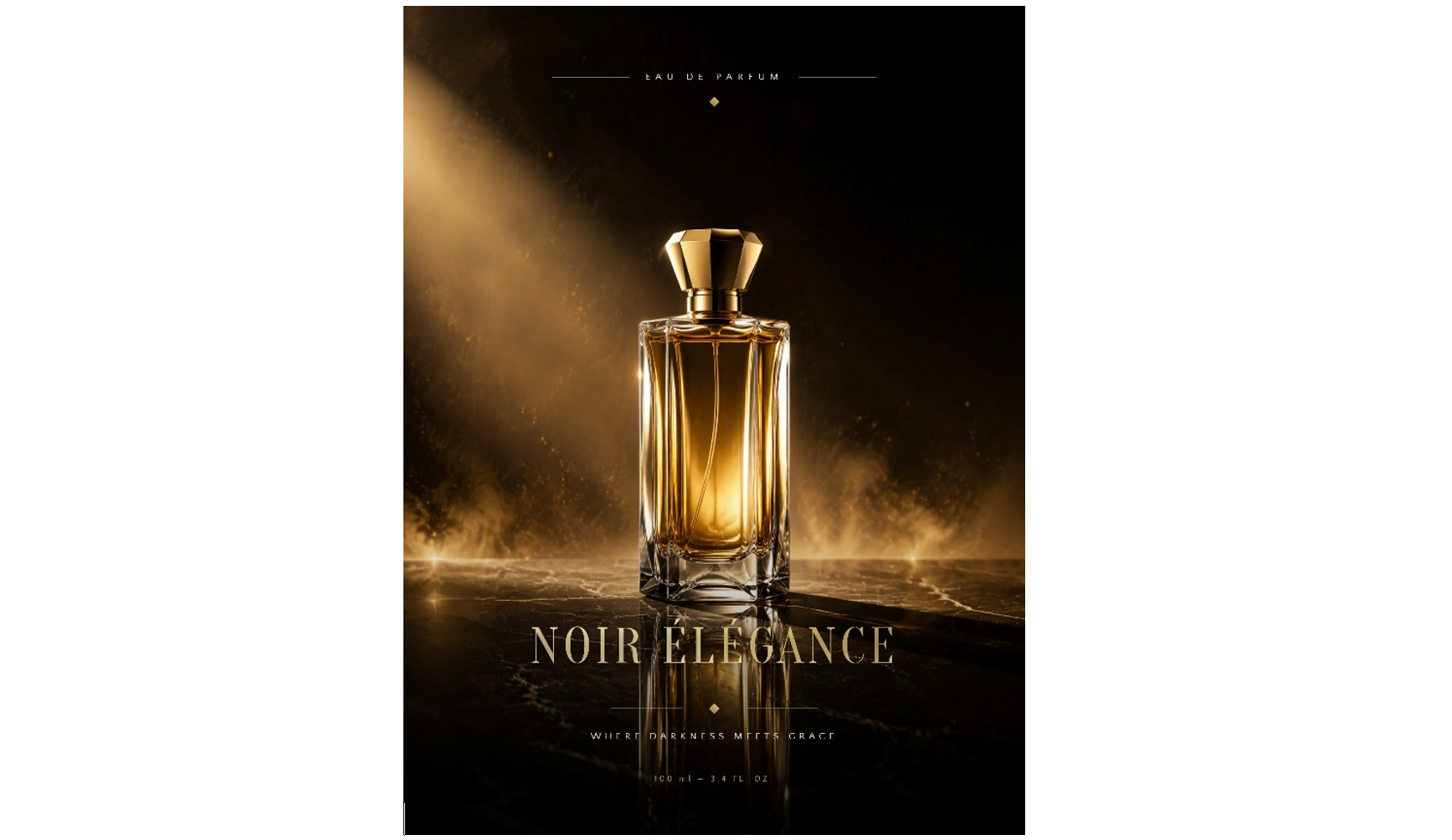
Product advertising posters use dimensional objects, carefully controlled lighting, and polished materials to highlight a product's features. From skincare packaging to electronics and footwear, this approach can create a premium presentation that attracts attention without distracting from the item being promoted
How to use
Step 1: Enter your prompt
Open Kimi Build and describe the product features in detail.
Prompt:
Create a 3:4 vertical luxury perfume poster titled "NOIR ÉLÉGANCE." Feature a transparent glass perfume bottle with a sculpted gold cap on reflective stone surfaces. Use warm golden lighting, elegant beige and black tones, dramatic shadows, and realistic reflections. Achieve a sophisticated, photorealistic 3D aesthetic with premium luxury branding.Step 2: Let AI generate your poster
Ask Kimi Build to create the promotional concept, then adjust the product placement, reflections, and background to keep the item as the focal point.
Step 3: Review and export the poster
Verify that the product looks clear and the branding area is uncluttered, then publish the design or export the available project files.
3D character posters
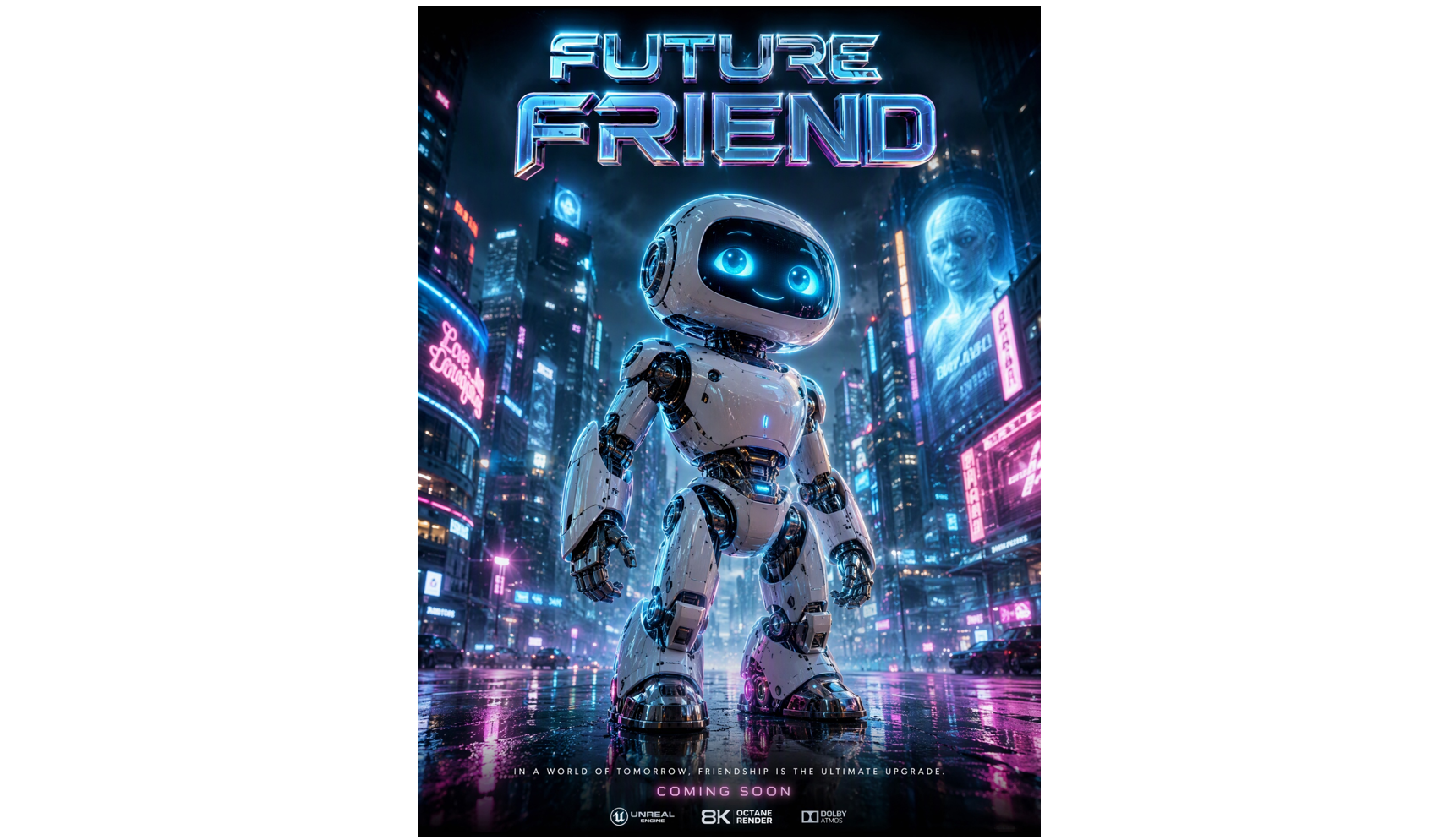
3D character posters place a person, mascot, creature, or stylized figure at the center of the composition. Expressive poses, distinctive materials, and dramatic lighting help establish personality, making this approach useful for gaming promotions, animated projects, entertainment events, and character-led campaigns.
How to use
Step 1: Enter your prompt
Define the character's appearance, pose, expression, clothing, and surroundings to establish a recognizable visual identity.
Prompt:
Create a 3:4 vertical cinematic 3D poster titled "FUTURE FRIEND." Feature a friendly futuristic robot with a glossy white shell, glowing cyan eyes, and detailed metallic joints against a vibrant neon cityscape. Use electric-blue lighting, magenta highlights, atmospheric fog, and realistic reflections. Achieve a high-tech, photorealistic aesthetic with dramatic depth and premium sci-fi styling.Step 2: Let AI generate your poster
Review the character preview in Kimi Build and provide follow-up instructions to improve the pose, facial details, or background.
Step 3: Review and export the poster
Check the character's proportions and visibility, then publish the design or save the generated project files.
Optical illusion posters
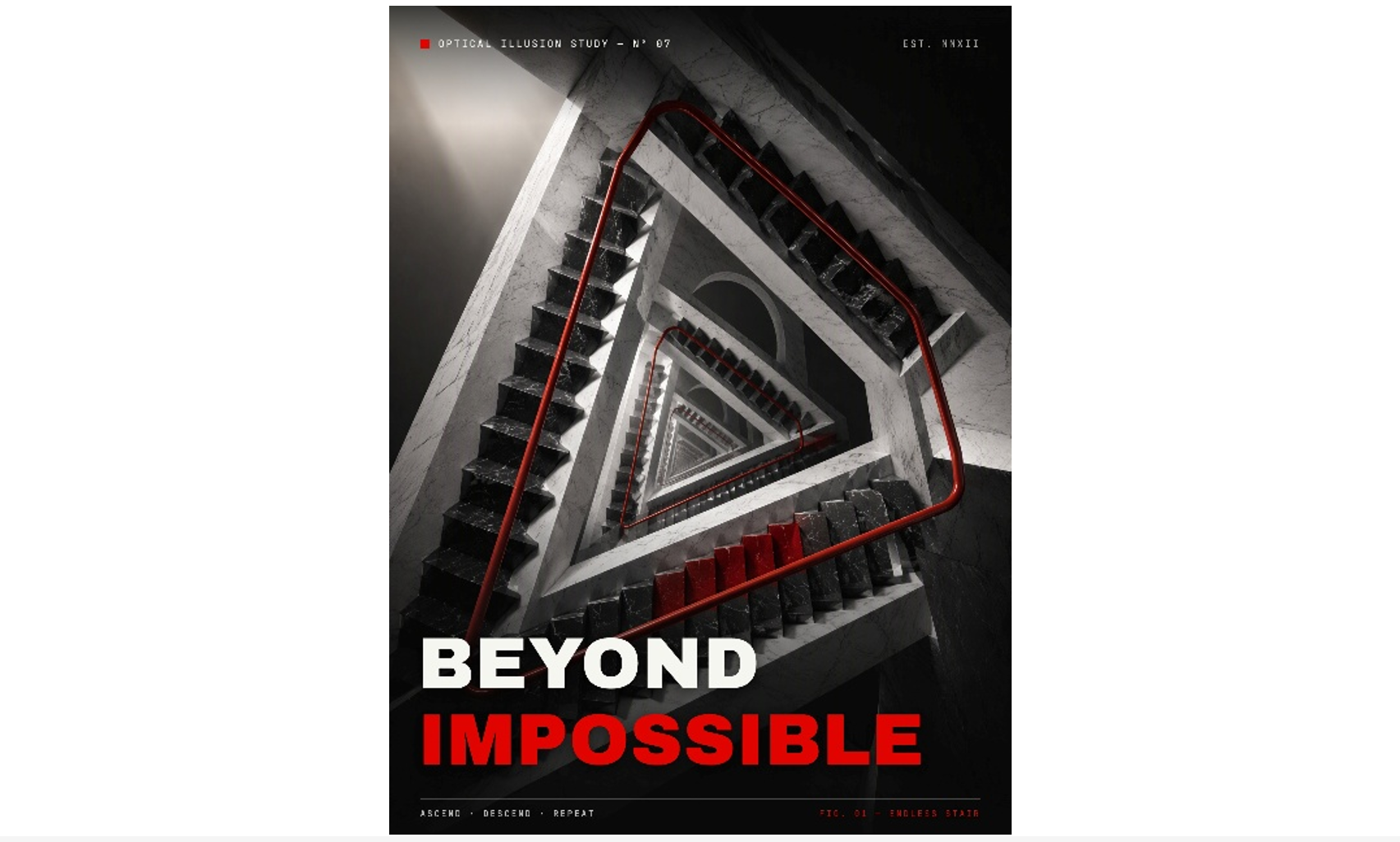
Optical illusion posters use perspective, impossible shapes, repeated patterns, and contrasting colors to challenge how viewers perceive depth. These designs can be especially effective for art exhibitions, creative campaigns, and promotional visuals intended to make people stop and look twice.
How to use
Step 1: Enter your prompt
Open Kimi Build and describe the visuals you want to create.
Prompt:
Create a 3:4 vertical optical illusion poster titled "BEYOND IMPOSSIBLE." Feature a surreal 3D staircase looping endlessly into itself, with impossible geometry, bold black-and-white surfaces, and striking red accents. Use dramatic perspective, sharp shadows, and cinematic lighting to enhance the illusion. Achieve a mind-bending, high-contrast aesthetic with realistic 3D depth and intricate architectural details.Step 2: Let AI generate your poster
Generate the concept in Kimi Build and refine the perspective or contrast if the illusion appears unclear or loses its visual impact.
Step 3: Review and export the poster
Test whether the illusion remains effective at different viewing sizes, then publish the design or export the available project files.
Benefits of using Kimi Build to create 3D posters
Kimi Build is an AI-powered tool that turns ideas and visual references into interactive designs through prompts and flexible editing options. Here are the key benefits of using Kimi Build to create distinctive 3D poster designs.
Turn creative concepts into striking 3D posters
Describe your idea in a prompt or upload reference images to create 3D posters for brand campaigns, music festivals, product launches, events, and more. Transform your concepts into distinctive visuals with dimensional objects, bold typography, and eye-catching compositions.
Bring your designs to life with dimensional effects
Create a stronger sense of depth with detailed textures, realistic lighting, atmospheric shadows, and sculptural elements. Experiment with metallic lettering, glossy surfaces, floating objects, and layered compositions to give your posters a more immersive 3D appearance.
Customize poster details with flexible editing tools
Refine your design through conversational instructions, leave comments on specific elements for targeted AI edits, or make manual adjustments. Fine-tune typography, object placement, colors, lighting, and layout without starting over.
Export your posters for different uses
Export your finished 3D poster as PNG or JPG for digital sharing, PDF for print, or PPTX for presentations. Prepare your designs for social media, advertising campaigns, event promotions, and creative portfolios.
Tips for writing better 3D poster prompts
A well-written prompt helps AI understand your creative vision and turn it into a more polished 3D poster design. Follow these tips to describe your ideas clearly, guide the visual style, and achieve better results.
Describe the main 3D elements
Start by identifying the main subject you want the poster to feature, such as a floating sneaker, sculptural lettering, a glass perfume bottle, or a surreal landscape. Focus on one or two prominent elements, so the design has a clear focal point instead of feeling overcrowded.
Specify the 3D style and materials
Explain how the objects should look and feel by naming specific materials, textures, and finishes. Terms such as chrome metal, translucent glass, glossy plastic, soft clay, and inflated lettering help the AI create a more distinctive visual style that matches your concept.
Explain the composition and spatial relationships
Describe the placement of each element and how the objects should interact within the scene. For example, you might position oversized 3D text in the foreground while smaller objects float behind it. Clear spatial instructions help establish depth, maintain visual balance, and prevent important elements from competing for attention.
Choose a lighting setup and color palette
Lighting and color play an important role in setting the poster's mood. Specify effects such as dramatic side lighting, soft studio illumination, neon rim lights, or warm golden highlights, then pair them with a coordinated palette. For example, cool blue tones with metallic reflections can create a futuristic look, while warm neutrals can produce a softer, premium feel.
Include the text that should appear on the poster
If your design needs a headline, subtitle, event name, date, or promotional message, include the exact wording in your prompt. Also describe typography, placement, size, and treatment, such as bold extruded lettering or elegant metallic text. Keep the copy concise and request clear, readable text to reduce the risk of unwanted words or spelling errors in the generated design.
Specify the aspect ratio and intended format
Tell the AI where the poster will be used so it can generate a suitable layout. A vertical format may work best for event posters, a square design may suit social media posts, and a horizontal composition may be better for banners or website promotions. Mention the desired aspect ratio or dimensions when available to help prevent awkward cropping and keep key elements within the frame.
Conclusion
A memorable poster starts with a clear concept and thoughtful design choices. Experiment with different 3D poster design ideas, refine your prompts, and pay attention to details such as lighting, materials, and text placement to achieve a result that fits your purpose. Kimi Build can help you explore visual concepts and refine your designs through AI-assisted editing.