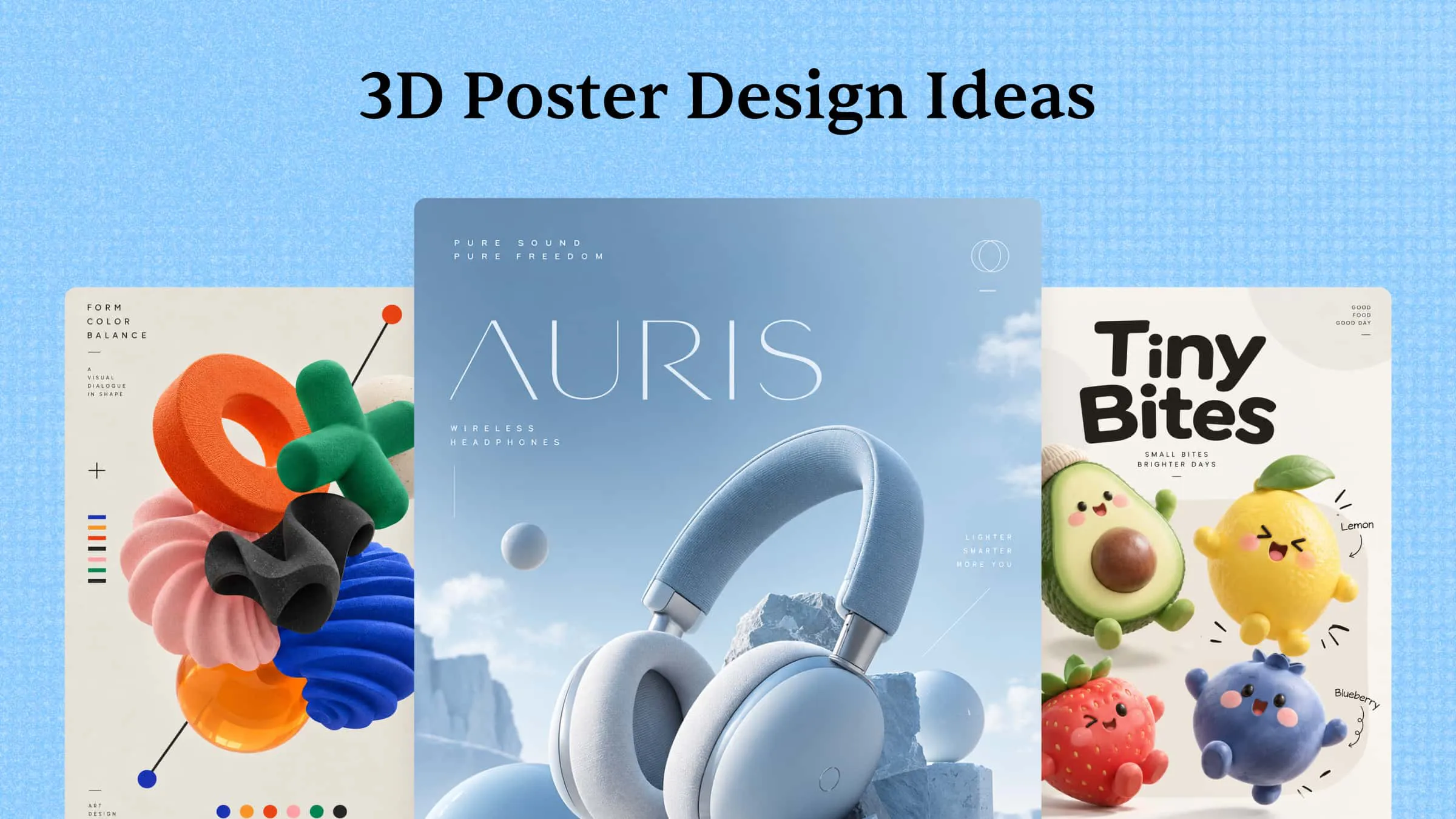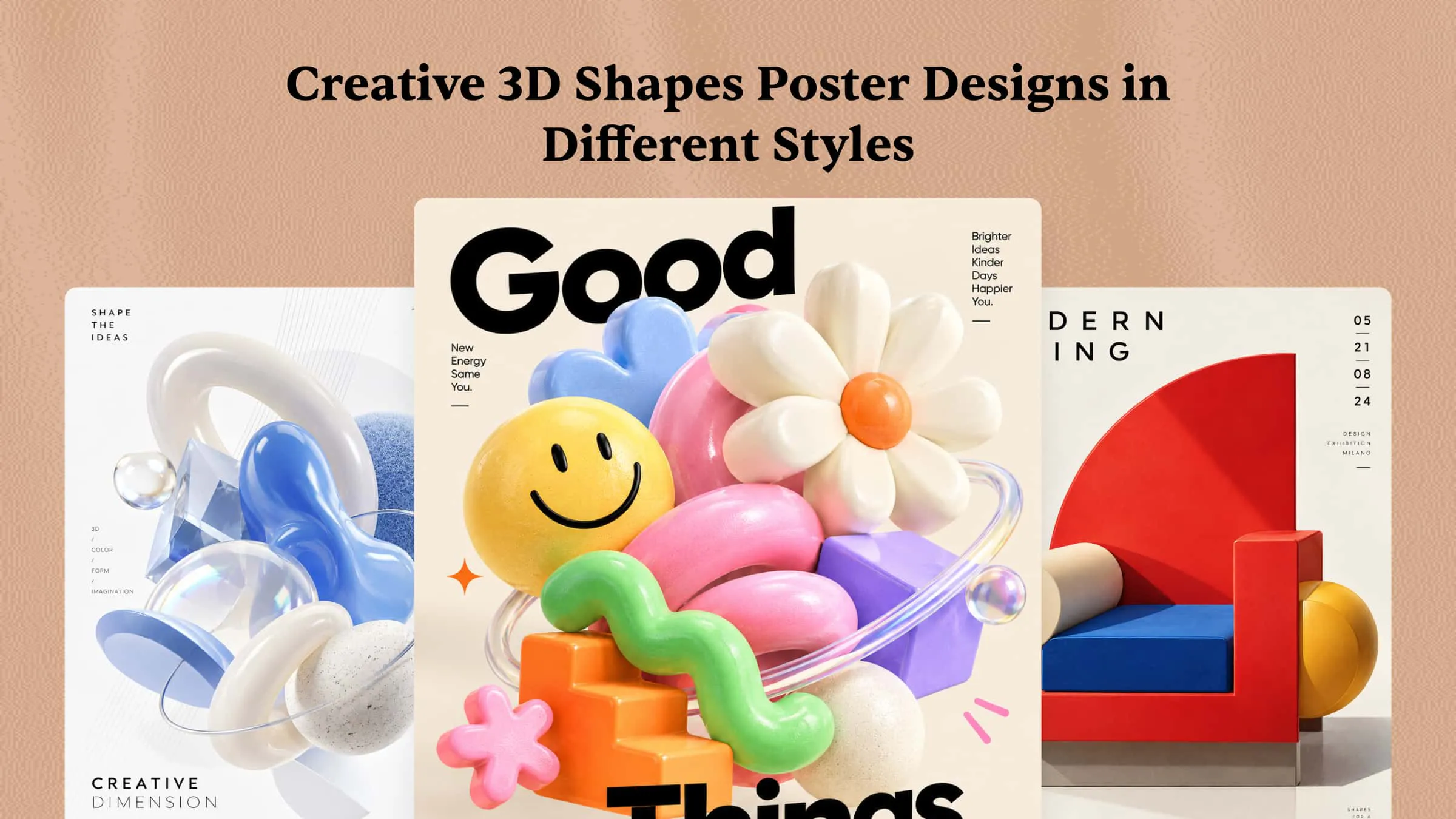
Flat layouts and ordinary geometric patterns can make a poster look predictable and easy to overlook. Adding three-dimensional shapes creates depth, contrast, and visual movement that make designs more engaging. A well-designed 3D Shapes Poster can turn simple circles, cubes, spheres, and abstract forms into eye-catching artwork. However, choosing the right colors, compositions, and visual effects can be challenging without inspiration. This article explores 10 creative 3D shape poster designs in different styles to help you find ideas for your next project.
Overview of 10 creative 3D shape posters
From minimalist geometric compositions to colorful educational designs, 3D shape poster ideas offer plenty of ways to make your artwork visually interesting. Here are 10 creative styles to explore, each with a different approach to depth, color, and composition.
| Template name | Theme | Composition | 3D style | Use case |
|---|---|---|---|---|
| Geometric art | Contemporary geometric art | Floating shapes arranged asymmetrically | Glossy, sculptural | Art prints, creative displays |
| Abstract 3D forms | Abstract visual expression | Layered forms with overlapping depth | Metallic, reflective | Gallery posters, exhibitions |
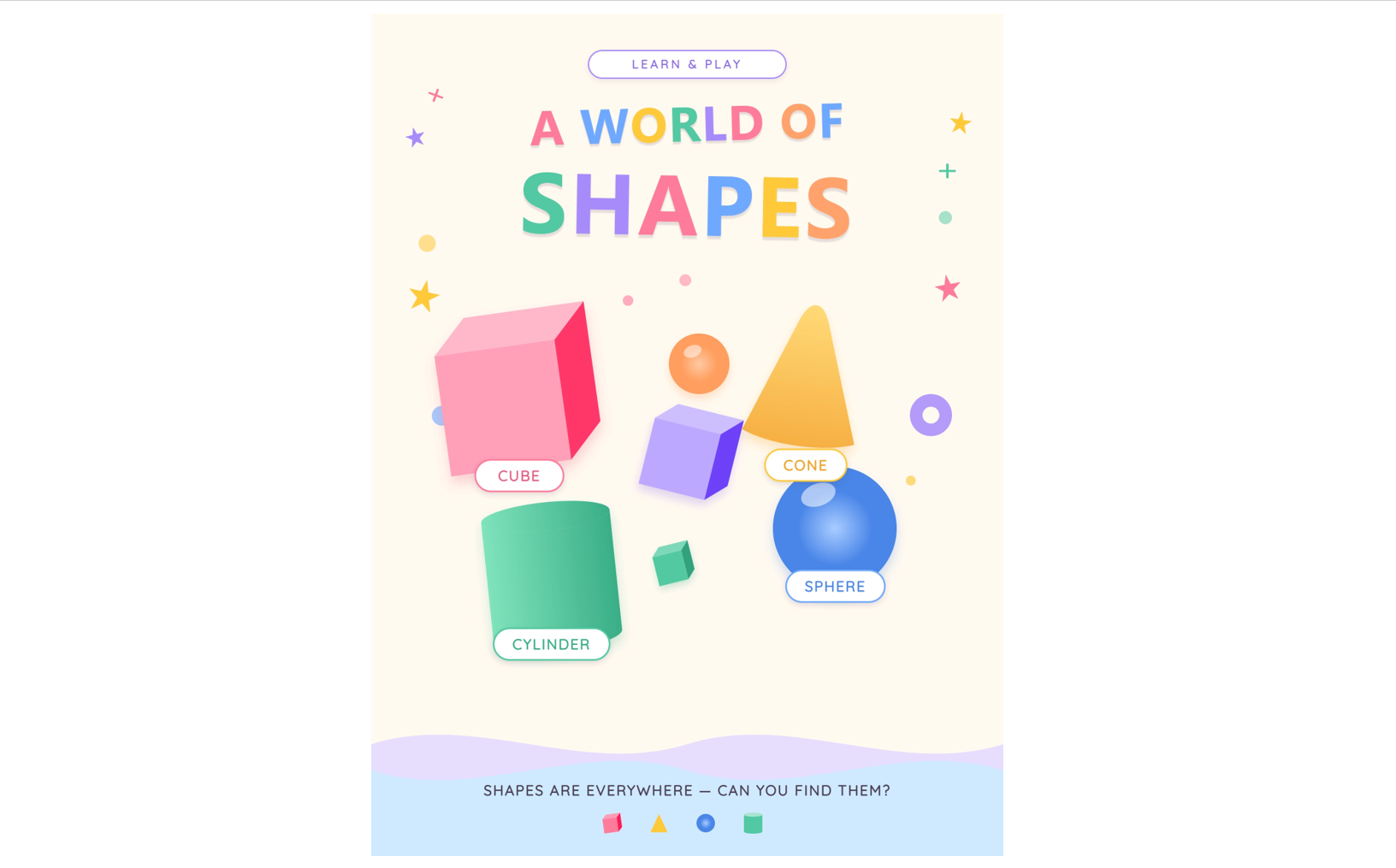
| Playful shapes | Early learning and play | Large colorful shapes scattered across the page | Soft, rounded, toy-like | Classroom displays, kids' rooms |
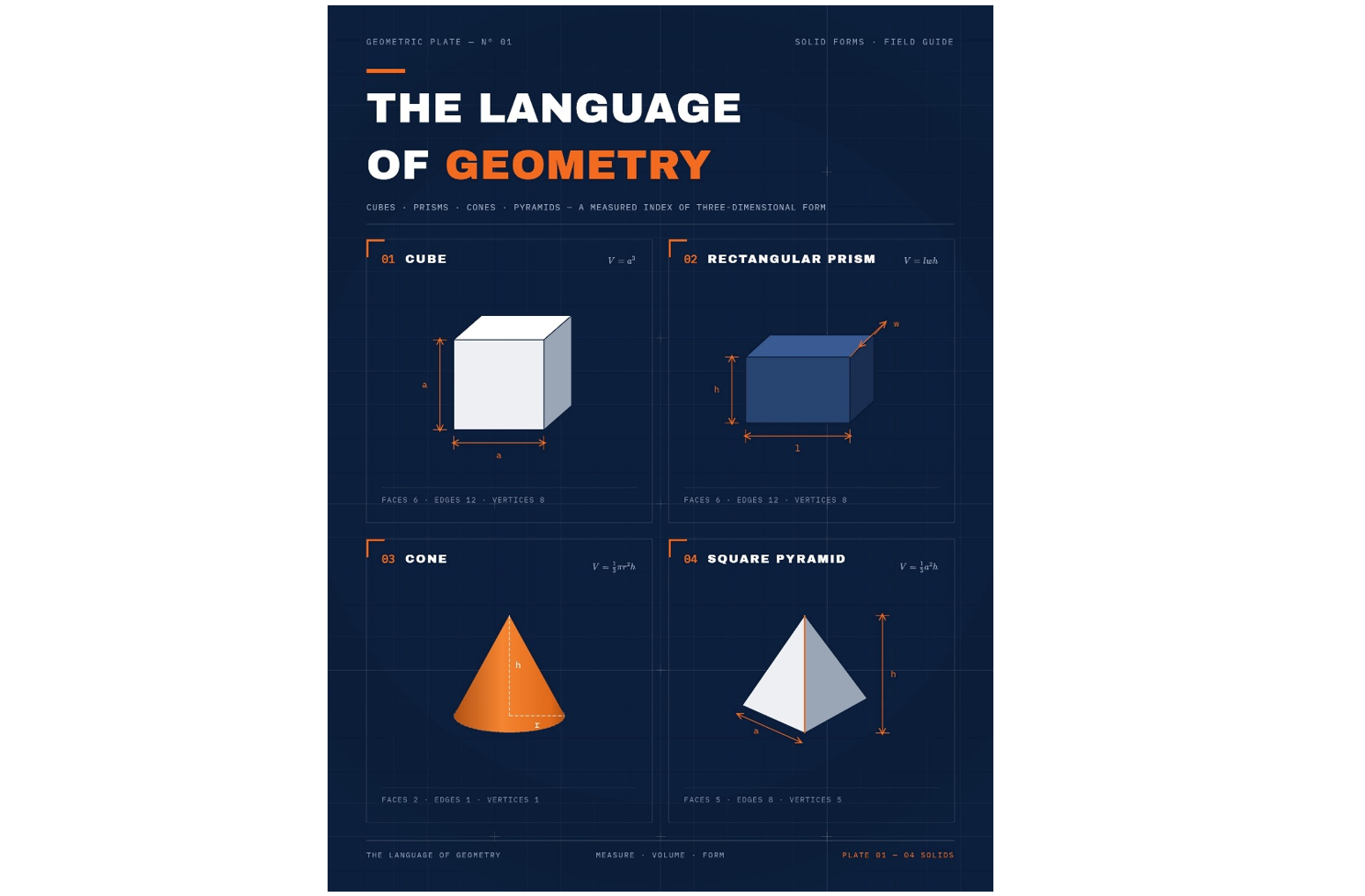
| Mathematical geometry | Geometry education | Shapes arranged with labels and dimension lines | Clean, precise | Math classrooms, study guides |
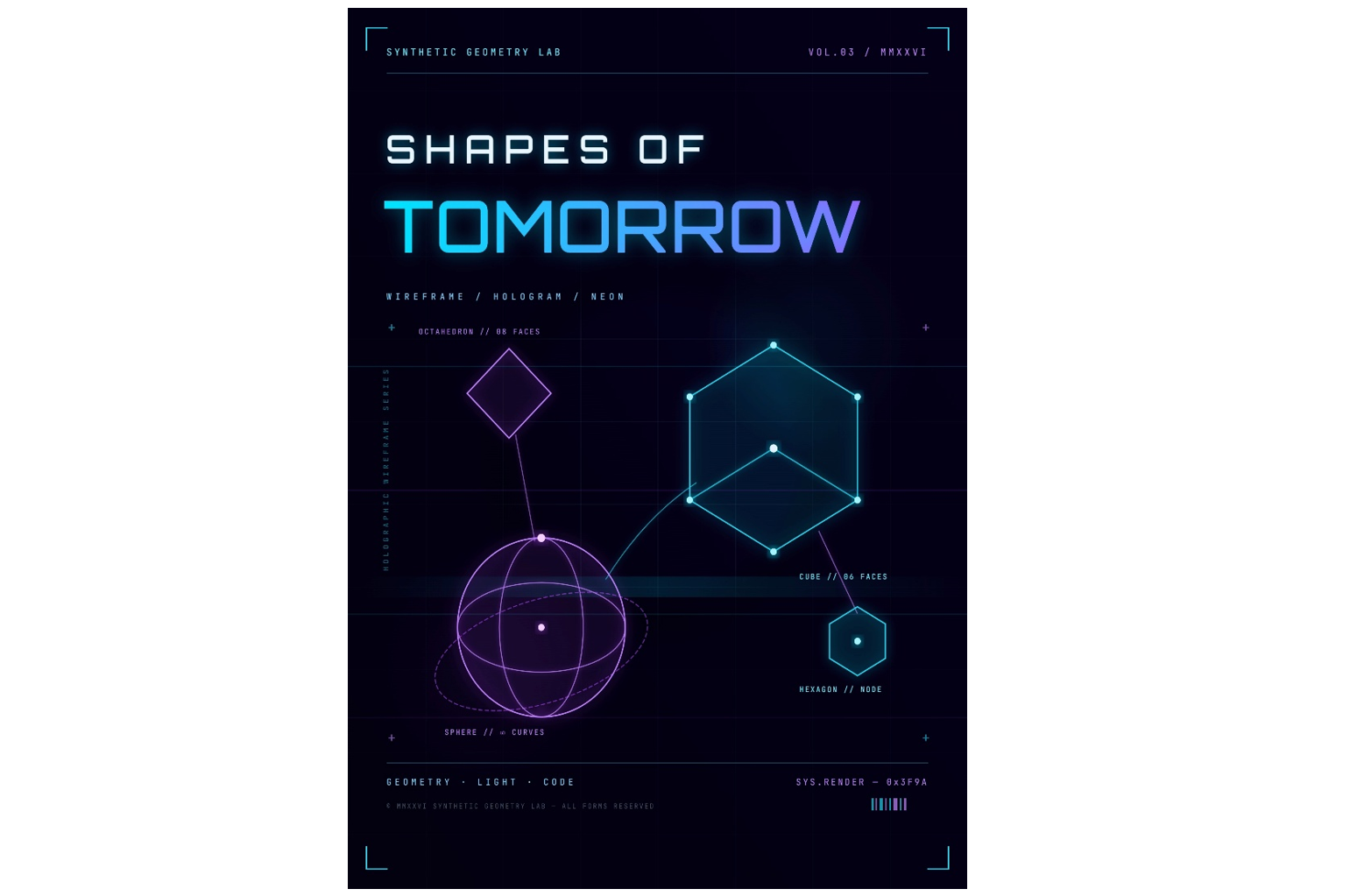
| Futuristic geometry | Technology and innovation | Shapes connected by lines and glowing nodes | Holographic, luminous | Tech events, digital campaigns |
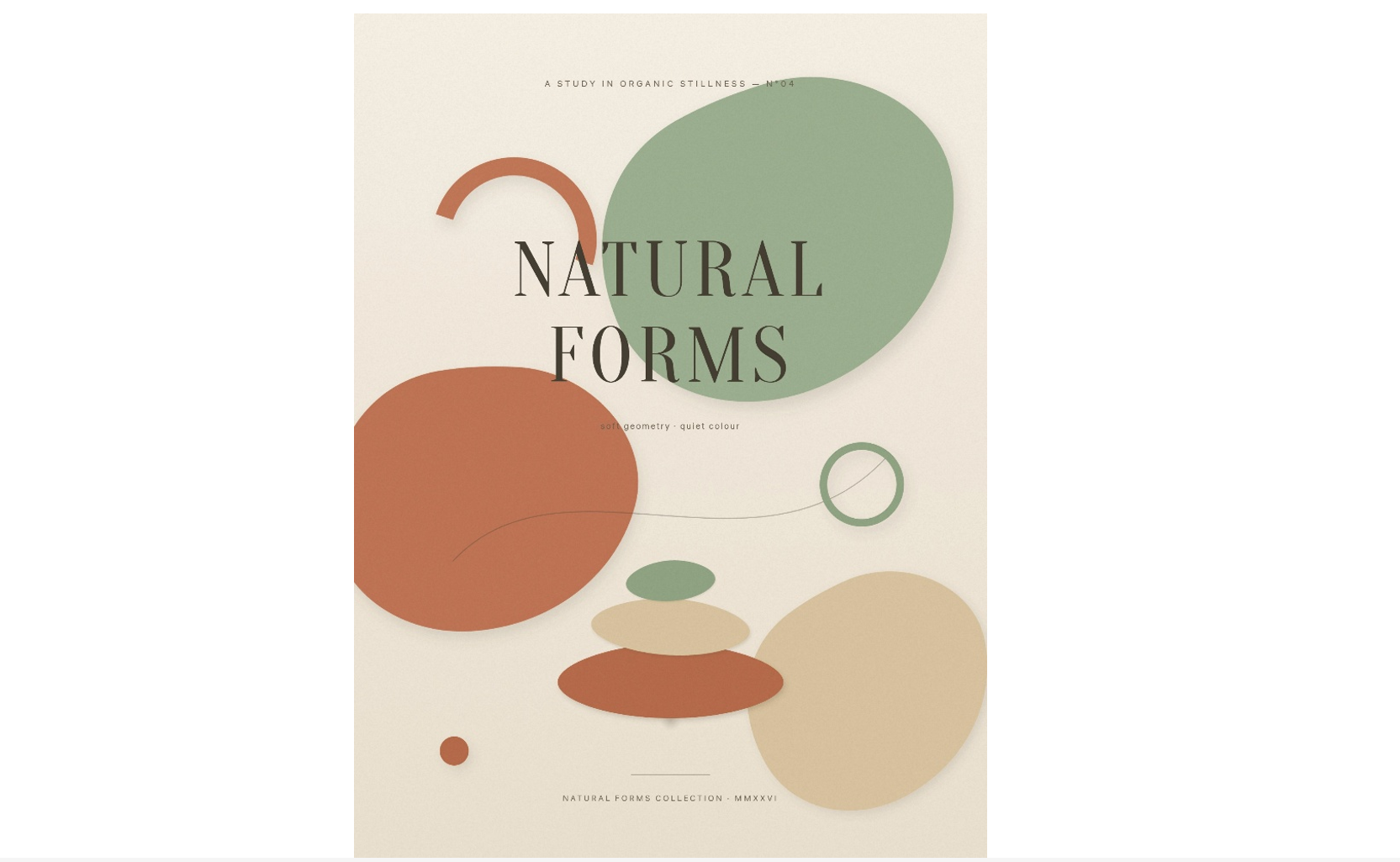
| Organic 3D shapes | Nature-inspired forms | Flowing shapes clustered organically | Matte, soft-touch | Wellness, sustainability campaigns |
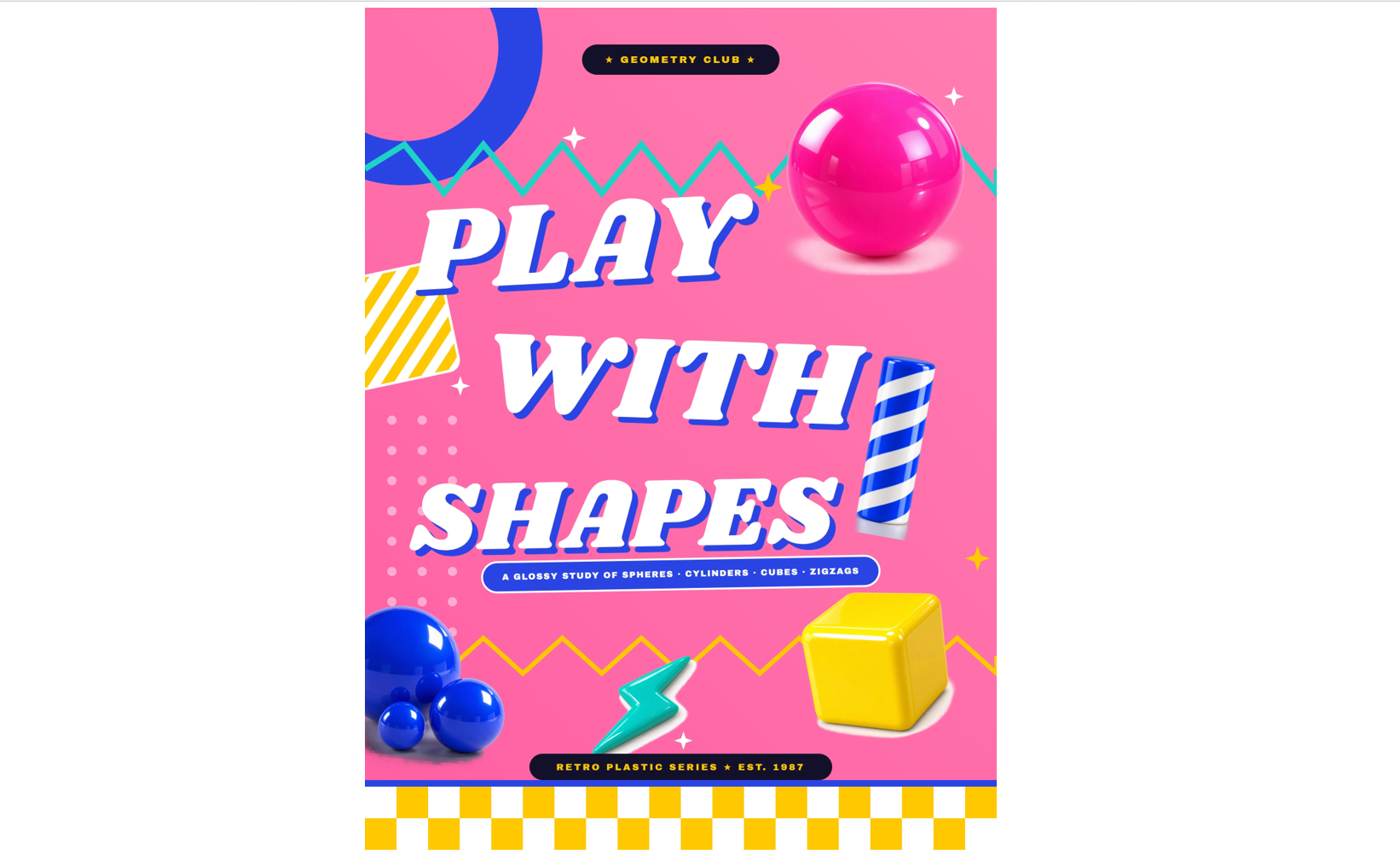
| Memphis 3D design | Retro pop design | Energetic, irregular arrangement | Glossy, plastic-like | Social media, event posters |
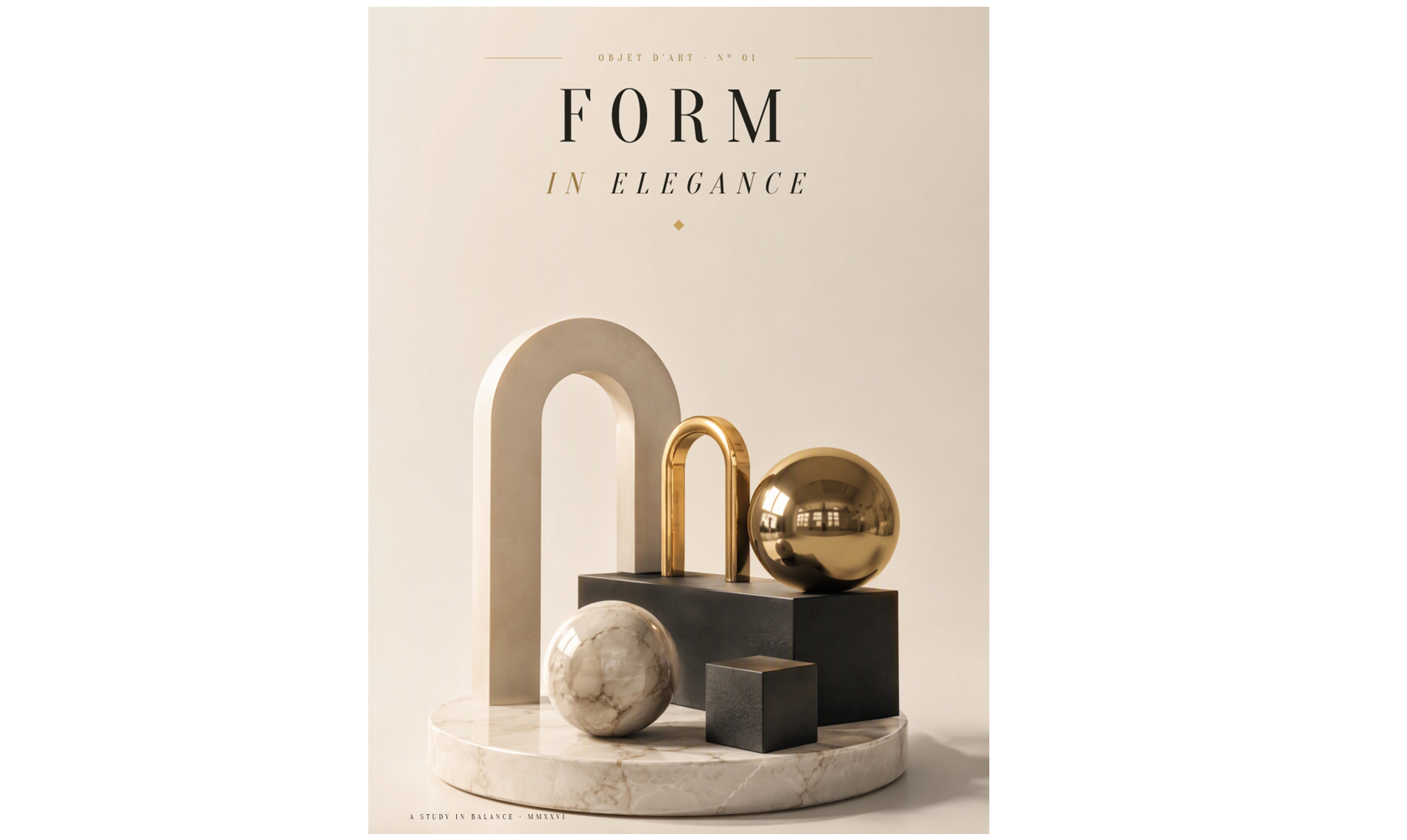
| Luxury 3D forms | Premium and sophisticated design | Sparse composition with generous negative space | Brushed metal, polished marble | Brand campaigns, editorial posters |
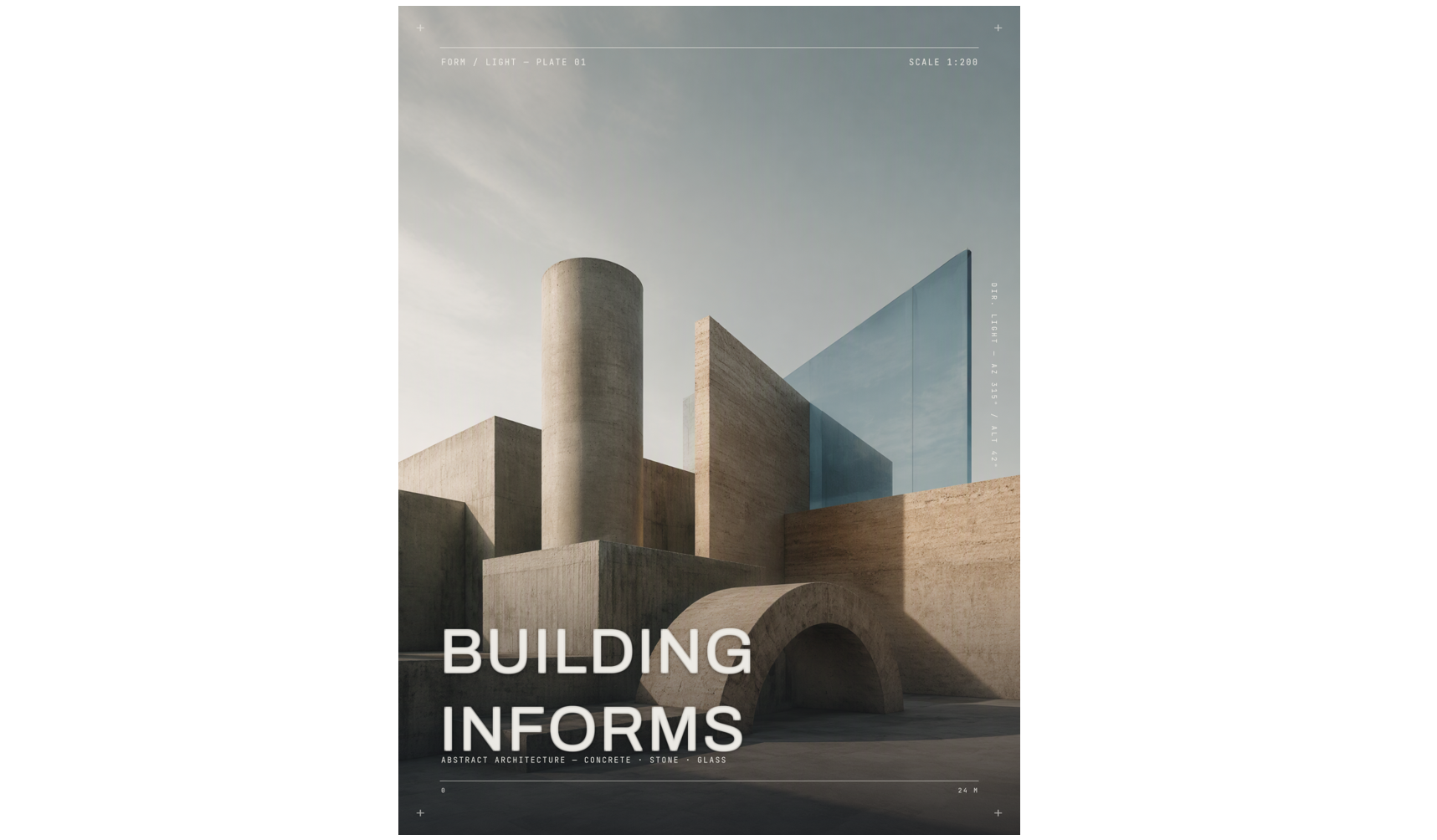
| Architectural shapes | Architecture and spatial design | Forms stacked to suggest a miniature structure | Concrete, stone, glass | Architecture exhibitions, portfolios |
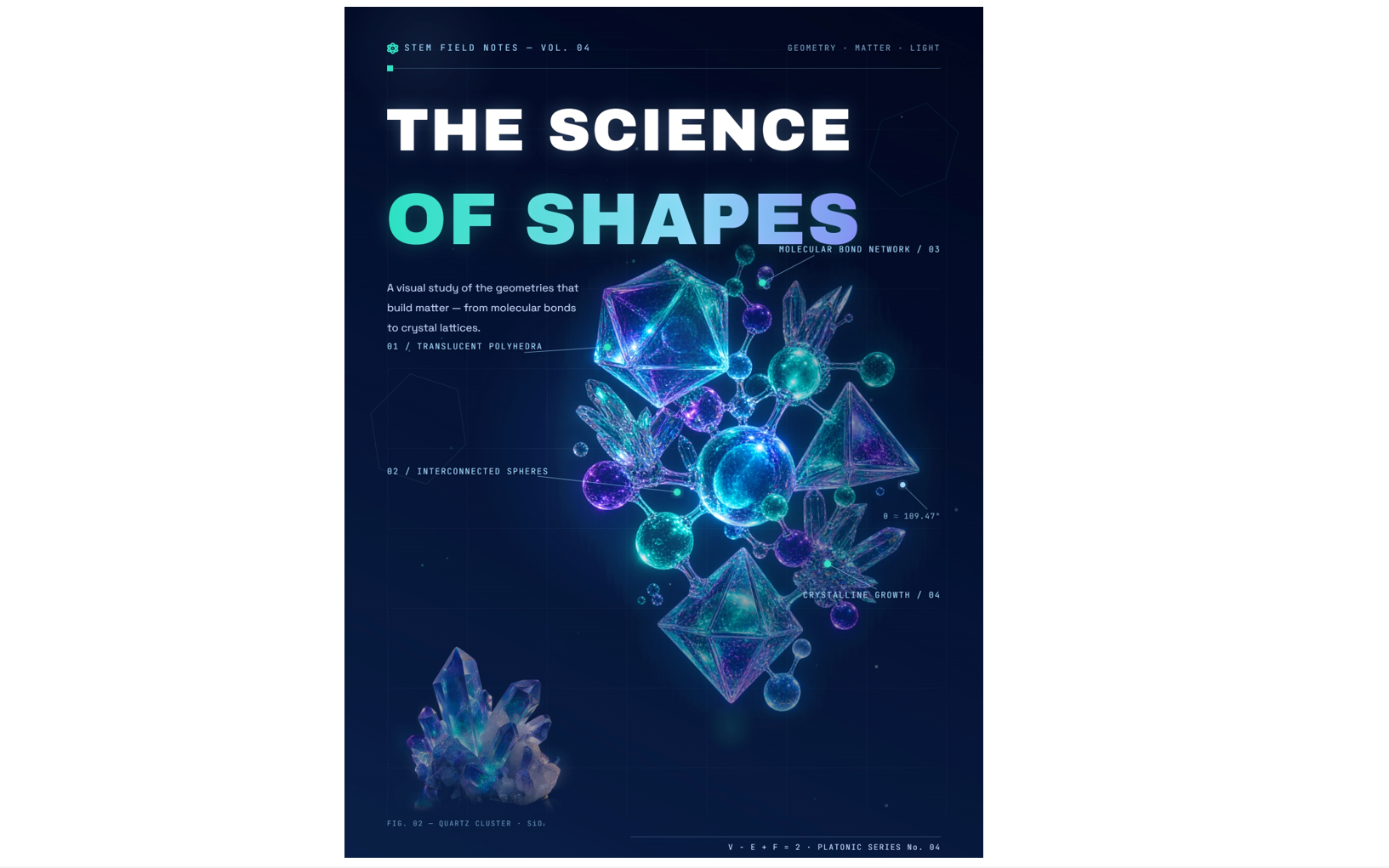
| 3D shape science | Scientific structures and forms | Central structure with orbiting elements and annotations | Translucent, crystalline | Science fairs, STEM education |
10 3D shape posters for creative inspiration
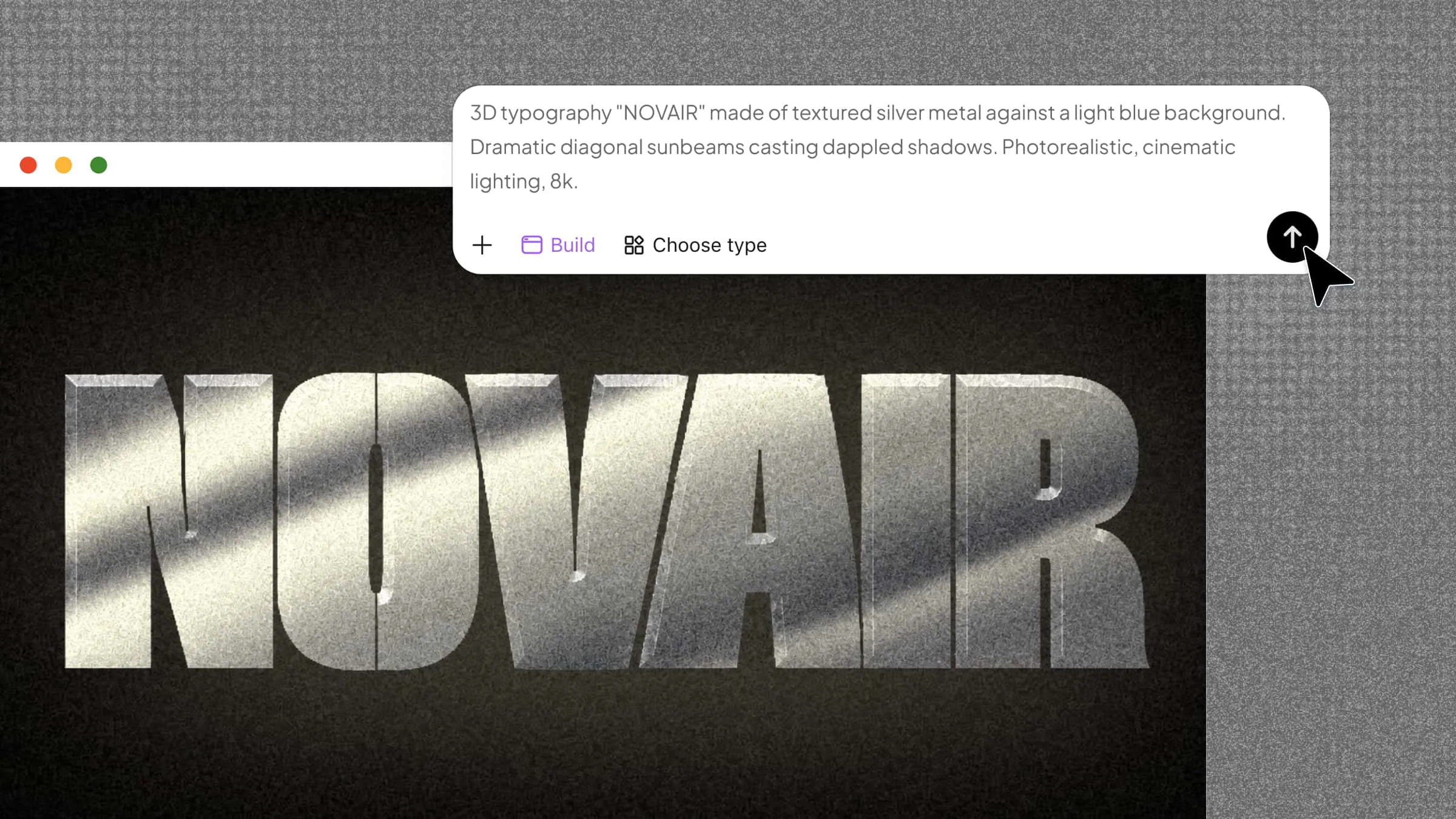
These 10 3D shape poster designs showcase different ways to combine geometric forms, colors, and dimensional effects for creative inspiration. If you want to turn your own ideas into unique visuals, Kimi Build offers a way to explore 3D design with AI.
Kimi Build helps you create 3D models from text descriptions, reference images, or a combination of both. You can describe the shapes and materials you want, then refine the model through conversational instructions. It supports detailed geometry, realistic textures, and adjustable structural elements. You can also export models in formats suited to different creative workflows. This makes Kimi Build a useful option for exploring and developing your own 3D design ideas.
Geometric art
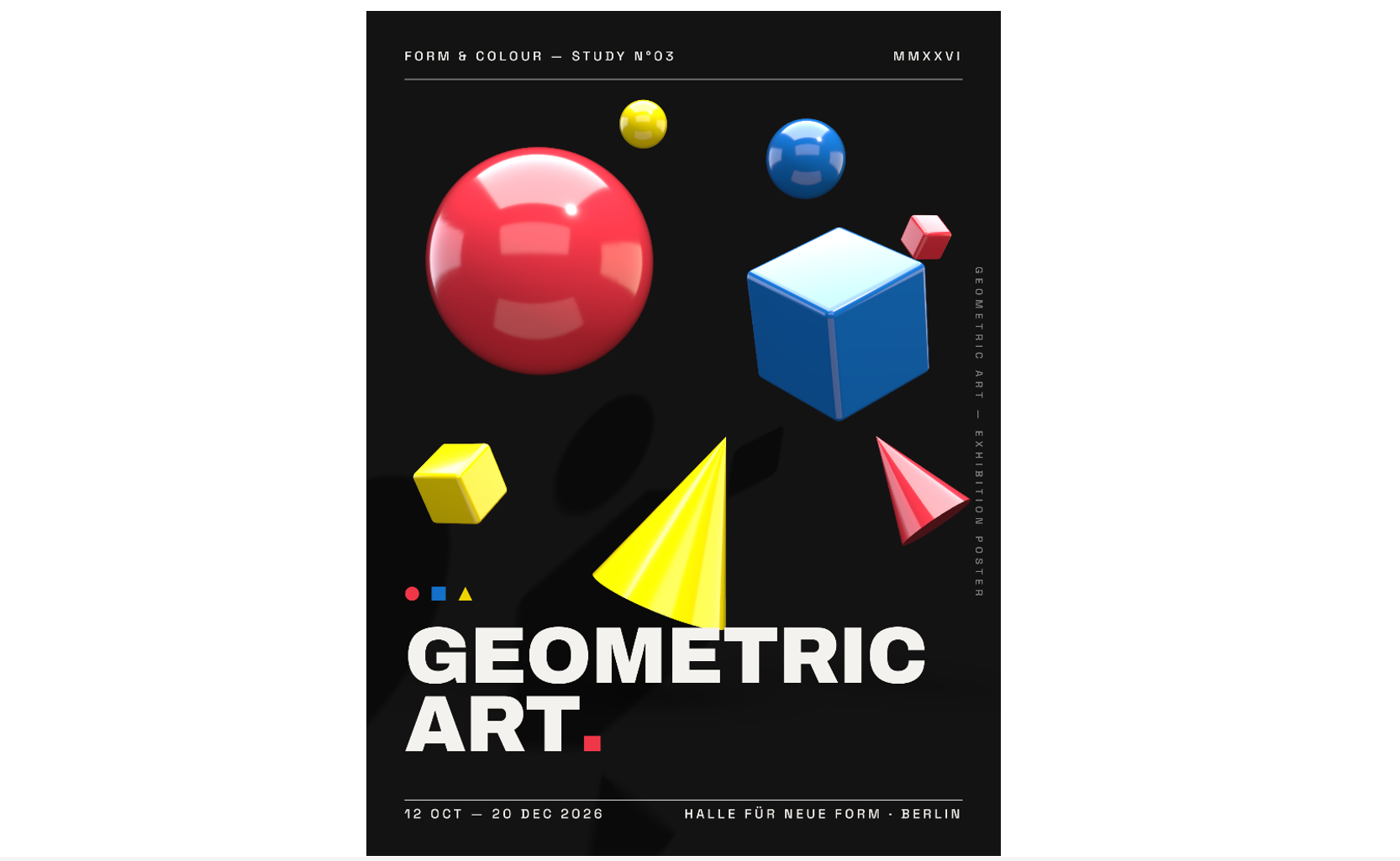
Geometric art combines basic shapes such as cubes, spheres, cones, and cylinders to create structured, visually balanced compositions. Contrasting colors, sharp edges, and realistic shadows give these forms a three-dimensional appearance. This style works well for minimalist artwork, modern interiors, and educational posters of 3D shapes.
How to use
Step 1: Enter your prompt
Describe the geometric forms, colors, arrangement, and lighting you want in your design. Specify whether you prefer a minimalist composition or a bold, colorful poster.
Prompt:
Create a 3:4 vertical 3D poster titled "GEOMETRIC ART". Arrange glossy spheres, cubes, and cones in an asymmetrical composition using red, blue, and yellow. Add realistic reflections, soft shadows, and a clean white background. Use bold sans-serif typography and a modern art exhibition aesthetic.Step 2: Let AI generate your design
Submit your prompt to Kimi Build to generate the 3D forms and scene. Review the shapes, materials, and lighting, then use the rendered visual as the main artwork for your poster.
Step 3: Review and export the design
Check the spacing, contrast, and visibility of each shape. Export the model or rendered image in a suitable format, then add any title or supporting text needed for your poster.
Abstract 3D forms
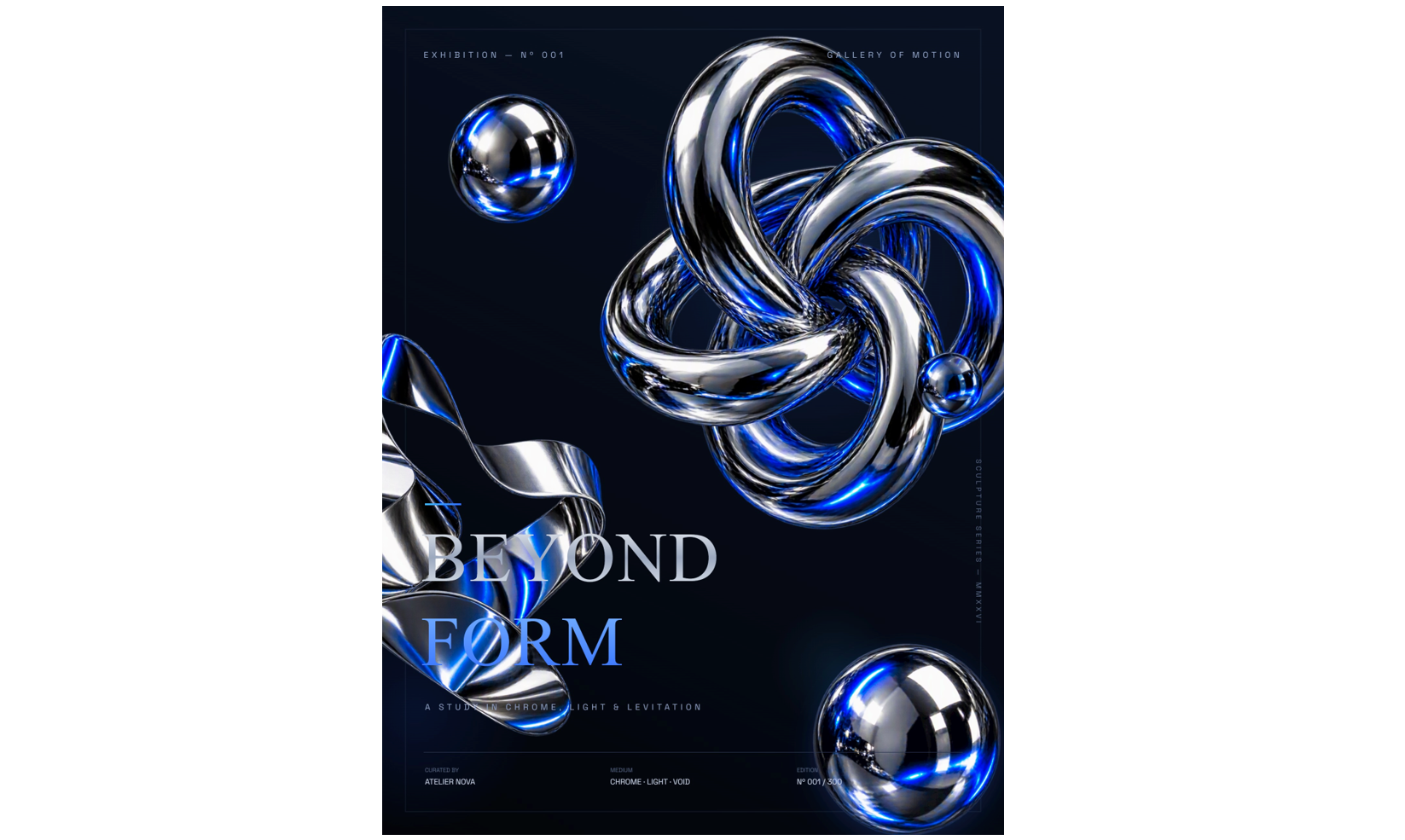
Abstract designs use unusual shapes, overlapping structures, and unexpected proportions to create visual interest. Twisted surfaces, floating spheres, and intersecting forms can make a poster feel dynamic and experimental. This style is ideal when you want a creative 3D shape poster that focuses on artistic expression rather than realistic objects.
How to use
Step 1: Enter your prompt
Describe the abstract forms, their arrangement, and the mood you want to create. Include details about gradients, materials, lighting, and the background.
Prompt:
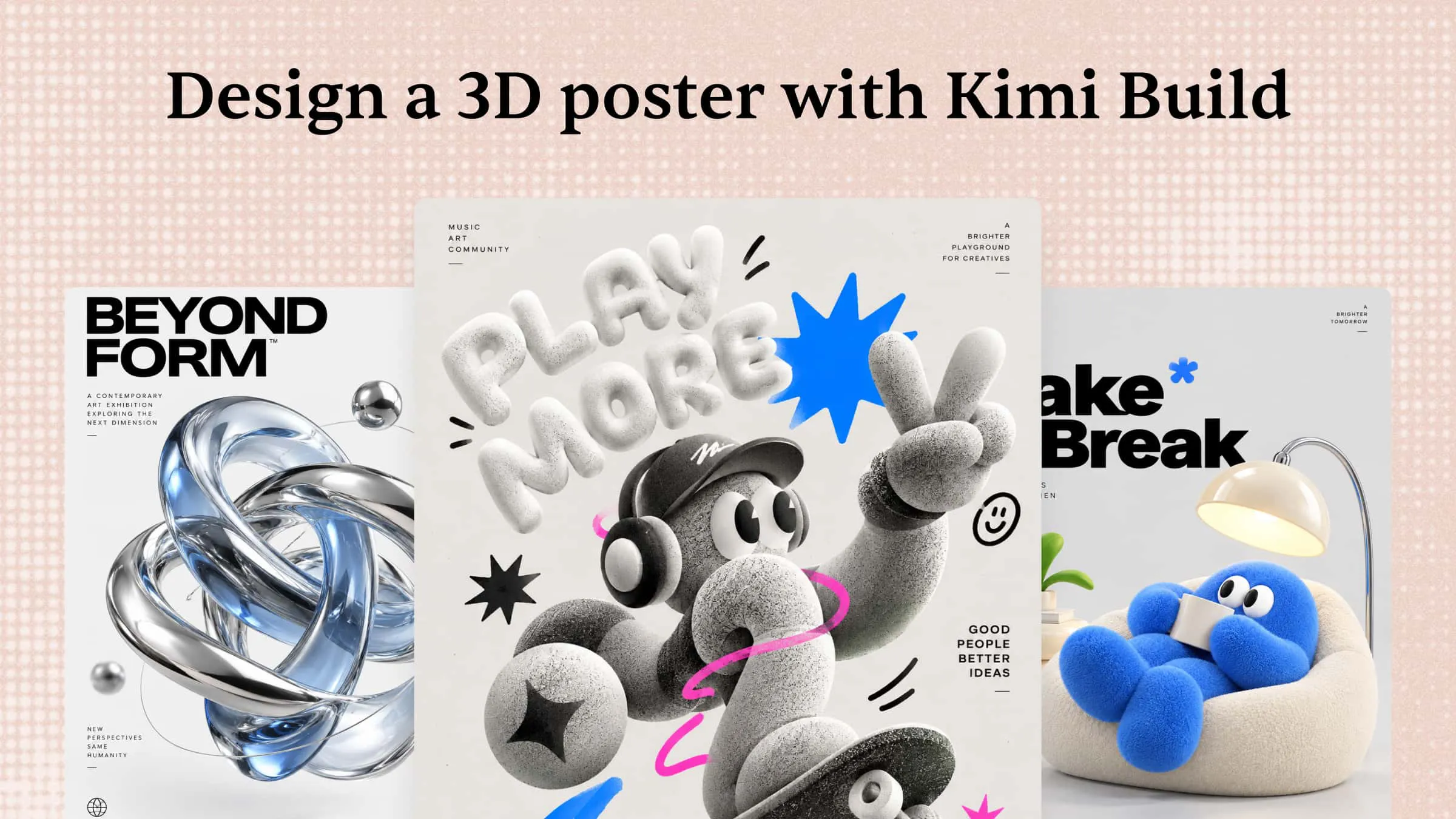
Create a 3:4 vertical poster titled "BEYOND FORM". Feature floating twisted rings, spheres, and abstract geometric sculptures in chrome silver and electric blue. Use reflective materials, dramatic lighting, and a dark gradient background. Add sleek futuristic typography and a sophisticated gallery aesthetic.Step 2: Let AI generate your design
Use Kimi Build to generate the 3D forms and scenes from your description. Examine how the different shapes interact and whether the composition creates a strong focal point.
Step 3: Review and export the design
Refine the forms, colors, and lighting if needed. Export the model or rendered visual and arrange it within your preferred poster layout, keeping enough open space for text.
Playful shapes
Playful 3D designs feature rounded shapes, bright colors, and friendly compositions. Inflated letters, soft cubes, colorful spheres, and toy-like objects create a cheerful, approachable look. This style works well for children's spaces, creative projects, and educational posters featuring 3D shapes, especially free printable designs for classroom displays.
How to use
Step 1: Enter your prompt
Specify the shapes, bright colors, and playful visual style you want. Ask for soft edges, smooth materials, and a cheerful arrangement to keep the design friendly.
Prompt:
Create a 3:4 vertical poster titled "A WORLD OF SHAPES". Arrange colorful cubes, cones, cylinders, and spheres in a playful composition. Use bright pastel colors, rounded toy-like forms, soft shadows, and a light background. Add friendly typography and simple shape labels for a child-friendly educational design.Step 2: Let AI generate your design
Generate the 3D forms with Kimi Build and review their colors, proportions, and overall arrangement. Choose a composition that feels lively without overcrowding the design.
Step 3: Review and export the design
Check that the shapes are clearly distinguishable and the colors work well together. Export your visual and add simple labels or a heading if you're preparing an educational or printable poster.
Mathematical geometry
Mathematical geometry combines visual design with the structure of geometric forms. Repeating patterns, symmetrical arrangements, intersecting planes, and precise proportions can make the poster both attractive and educational. This style is particularly useful for illustrating geometric principles through clear, three-dimensional visuals.
How to use
Step 1: Enter your prompt
Describe the geometric solids, symmetry, and arrangement you want to illustrate. If the poster is educational, identify the specific shapes and concepts that should be represented.
Prompt:
Create a 3:4 vertical poster titled "THE LANGUAGE OF GEOMETRY". Display 3D cubes, prisms, cones, and pyramids in a structured grid. Use navy, orange, white, and gray, with measurement lines, clear labels, and a subtle grid background. Apply precise shading and clean educational typography.Step 2: Let AI generate your design
Let Kimi Build create 3D shapes and scenes. Inspect geometry and proportions, and verify important mathematical details rather than relying solely on the generated image.
Step 3: Review and export the design
Check that each shape is recognizable and the arrangement is easy to follow. Export the visual, then add or correct labels and mathematical annotations in your poster editor.
Futuristic geometry
Futuristic geometry combines angular structures, metallic surfaces, glowing accents, and dramatic lighting. Neon outlines and layered geometric forms create a high-tech aesthetic that feels modern and immersive. This approach suits technology-themed artwork, digital exhibitions, and bold contemporary posters.
How to use
Step 1: Enter your prompt
Define the futuristic mood, materials, color palette, and lighting effects. Include details such as chrome surfaces, neon edges, transparent layers, or floating geometric structures.
Prompt:
Create a 3:4 vertical poster titled "SHAPES OF TOMORROW". Feature glowing wireframe cubes, spheres, and polygonal structures connected by luminous lines. Use neon cyan and purple against a black digital background. Add holographic effects, cinematic lighting, and bold futuristic typography.Step 2: Let AI generate your design
Generate the 3D scene in Kimi Build and review the interaction between the reflective materials, glowing edges, and background. Look for a strong central element that draws attention.
Step 3: Review and export the design
Adjust the lighting and reflections to keep the shapes distinct. Export the finished model or rendered visual and incorporate it into a poster layout with a clear focal point.
Organic 3D shapes
Organic designs feature flowing curves, irregular contours, and soft transitions inspired by nature. Pebble-like forms, sculptural objects, and smooth surfaces create a calm, natural appearance. These elements can also make a 3D shape poster feel more artistic and less rigid than traditional geometric compositions.
How to use
Step 1: Enter your prompt
Describe the natural forms, textures, and atmosphere you want to achieve. Include materials such as clay, stone, ceramic, or translucent glass to guide the visual style.
Prompt:
Create a 3:4 vertical poster titled "NATURAL FORMS". Arrange flowing blobs, smooth pebbles, and curved geometric shapes in sage green, sand, and terracotta. Use matte textures, soft natural shadows, and a warm neutral background. Add elegant minimalist typography for a calm, organic aesthetic.Step 2: Let AI generate your design
Use Kimi Build to generate the 3D forms and scenes from your description. Examine the contours, textures, and arrangement to ensure the result reflects the natural aesthetic you intended.
Step 3: Review and export the design
Adjust the shapes, surface finishes, or lighting to achieve the desired mood. Export the finished visual and incorporate it into your poster layout with enough space for the forms to stand out.
Memphis 3D design
Memphis-inspired designs combine bold colors, playful patterns, dots, zigzags, and unconventional shapes. Giving these elements realistic depth and glossy finishes creates a lively retro aesthetic. This style is a great source of inspiration when exploring different posters of 3D shapes for creative projects or decorative artwork.
How to use
Step 1: Enter your prompt
Specify the retro color palette, decorative patterns, and geometric forms you want to include. Describe details such as striped cylinders, dotted spheres, and contrasting surfaces.
Prompt:
Create a 3:4 vertical poster titled "PLAY WITH SHAPES". Combine colorful spheres, striped cylinders, cubes, and zigzag forms in pink, turquoise, yellow, and cobalt blue. Use glossy plastic textures, bold patterns, and a vibrant background. Add chunky typography and playful retro-inspired styling.Step 2: Let AI generate your design
Ask Kimi Build to generate 3D objects and scenes. Review the colors, patterns, and arrangement to make sure the design feels energetic without becoming cluttered.
Step 3: Review and export the design
Refine the color balance, object placement, and surface patterns as needed. Export the rendered visual and add heading or decorative details using your preferred poster editor.
Luxury 3D forms
Luxury 3D designs focus on refined materials, restrained colors, and carefully controlled lighting. Gold, polished marble, brushed metal, and glass can transform simple forms into sophisticated artwork. This style is ideal for premium branding and elegant interiors, especially when you want to make a 3D poster with a polished, high-end appearance.
How to use
Step 1: Enter your prompt
Describe the premium materials, color scheme, and composition you want. Use a limited palette and specify the lighting to create a sophisticated visual effect.
Prompt:
Create a 3:4 vertical poster titled "FORM IN ELEGANCE". Arrange sculptural spheres, geometric blocks, and arches in gold, ivory, and charcoal. Combine polished metal and marble textures with dramatic studio lighting and soft shadows. Use refined serif typography and generous negative space for a premium aesthetic.Step 2: Let AI generate your design
Generate the scene with Kimi Build and examine the materials, reflections, and lighting. Check that each surface has a distinct finish and the composition maintains a clear focal point.
Step 3: Review and export the design
Fine-tune the material finishes, lighting, and spacing to achieve a cohesive look. Export the rendered visual and use restrained typography and generous spacing in your final poster.
Architectural shapes
Architectural posters draw inspiration from buildings, arches, columns, and modern facades. Repeating structures, clean lines, and carefully arranged volumes create a strong sense of scale and depth. If you're exploring how to create 3D poster designs with a structured, contemporary look, architectural forms provide a distinctive direction.
How to use
Step 1: Enter your prompt
Describe the architectural style, structural forms, materials, and camera angle. Decide whether you want an abstract arrangement or a realistic composition inspired by modern architecture.
Prompt:
Create a 3:4 vertical poster titled "BUILDING IN FORMS". Build an abstract architectural composition using geometric blocks, cylinders, arches, and intersecting planes. Use concrete gray, beige, and muted blue with realistic stone and glass textures. Add directional daylight, precise shadows, and clean technical typography.Step 2: Let AI generate your design
Use Kimi Build to generate architectural forms and scenes. Review the proportions, structure, and lighting to ensure the elements work together as a coherent composition.
Step 3: Review and export the design
Inspect the structural details and adjust the camera angle, shadows, or material finishes if necessary. Export the model or rendered visual and add a title or explanatory annotations if your poster is intended for a presentation.
3D shape science
Science-themed posters use three-dimensional forms to explain concepts through visual representation. Spheres, molecular structures, crystal-like shapes, and layered geometric models can help make complex topics easier to explore. This style works well for educational displays, science exhibitions, and classroom learning materials.
How to use
Step 1: Enter your prompt
Identify the scientific topic and the shapes needed to represent it. Specify the desired level of detail, color coding, labels, and background to keep the visual informative.
Prompt:
Create a 3:4 vertical poster titled "THE SCIENCE OF SHAPES". Feature molecular structures, translucent polyhedra, crystal forms, and interconnected spheres. Use teal, violet, and icy blue against a deep blue gradient background. Add subtle annotation lines, luminous reflections, and clear scientific typography for an engaging STEM design.Step 2: Let AI generate your design
Ask Kimi Build to generate the 3D forms and scene from your description. Check whether the visuals communicate the intended concept, and verify scientific structures and relationships against reliable references.
Step 3: Review and export the design
If you are satisfied, export the finished visual in a suitable format for digital display, classroom use, or printing.
Why use Kimi Build for a 3D shape poster
Creating a 3D shape poster involves more than arranging geometric forms. You also need the right depth, materials, lighting, and composition to bring the design to life. Kimi Build simplifies this process by letting you create 3D models from text prompts or reference images and refine them through conversational instructions.
Turn creative concepts into eye-catching 3D posters
Describe your vision in a prompt or upload reference images to create distinctive 3D shapes for your poster. From colorful spheres and geometric blocks to abstract sculptures, bring your ideas to life with dimensional forms and striking compositions.
Create realistic shapes with depth and texture
Make your 3D shape poster stand out with realistic lighting, shadows, and material effects. Explore glossy spheres, metallic cubes, translucent crystals, and matte geometric forms to give each element a distinctive look and stronger visual impact.
Refine your poster with flexible editing tools
Fine-tune your design through conversational instructions, comment on specific shapes to request targeted AI changes, or manually adjust individual elements. Experiment with colors, proportions, materials, and composition without rebuilding the entire poster.
Export your finished poster in common formats
Save your completed 3D shape poster as PNG or JPG for digital sharing, or export it as PDF for printing and PPTX for presentations. Prepare your design for classroom displays, creative portfolios, social media, or other projects.
Tips for creating engaging 3D shape posters
Small design choices can make a 3D shape poster more engaging, informative, and visually appealing. Focus on color, depth, and clear organization to help viewers understand each shape easily. The following tips can help you create a balanced poster that combines attractive visuals with useful information.
Use bold, contrasting colors
Choose colors that make different geometric shapes easy to distinguish. Contrasting shades can highlight important features and guide the viewer's attention across the poster. Keep the palette balanced so the design remains attractive without becoming overwhelming.
Enhance depth with realistic shading
Use highlights, shadows, and gradients to make flat-looking forms appear three-dimensional. Light falling from a consistent direction helps create a more realistic effect. Subtle shading also makes curved surfaces and sharp edges easier to recognize.
Show shapes from multiple angles
Display shapes from different viewpoints to help viewers understand their structure. Front, side, and perspective views can reveal features that may be hidden from a single angle. This approach works especially well for complex solids and educational posters.
Label geometric features clearly
Add clear labels to identify faces, edges, vertices, and other important parts of each shape. Use readable fonts and position labels close to the features they describe. Simple arrows or guidelines can connect labels to specific areas without cluttering the layout.
Connect shapes to real-world objects
Pair geometric forms with familiar objects to make abstract concepts easier to understand. For example, a ball represents a sphere, a food can resembles a cylinder, and a dice resembles a cube. These comparisons help viewers recognize how geometric shapes appear in everyday life.
Keep the layout clean and organized
Arrange shapes, labels, and supporting information with consistent spacing. Use clear headings and group related content together so viewers can scan the poster without confusion. Leave enough empty space around each element to maintain a neat, professional appearance.
Conclusion
Creating an engaging poster is easier when you combine creative shapes, realistic depth, and a balanced layout. Explore different styles, experiment with colors and materials, and use Kimi Build to bring your ideas to life. With the right approach, a 3D shape poster can turn simple geometric forms into eye-catching artwork for learning, decoration, or creative projects.