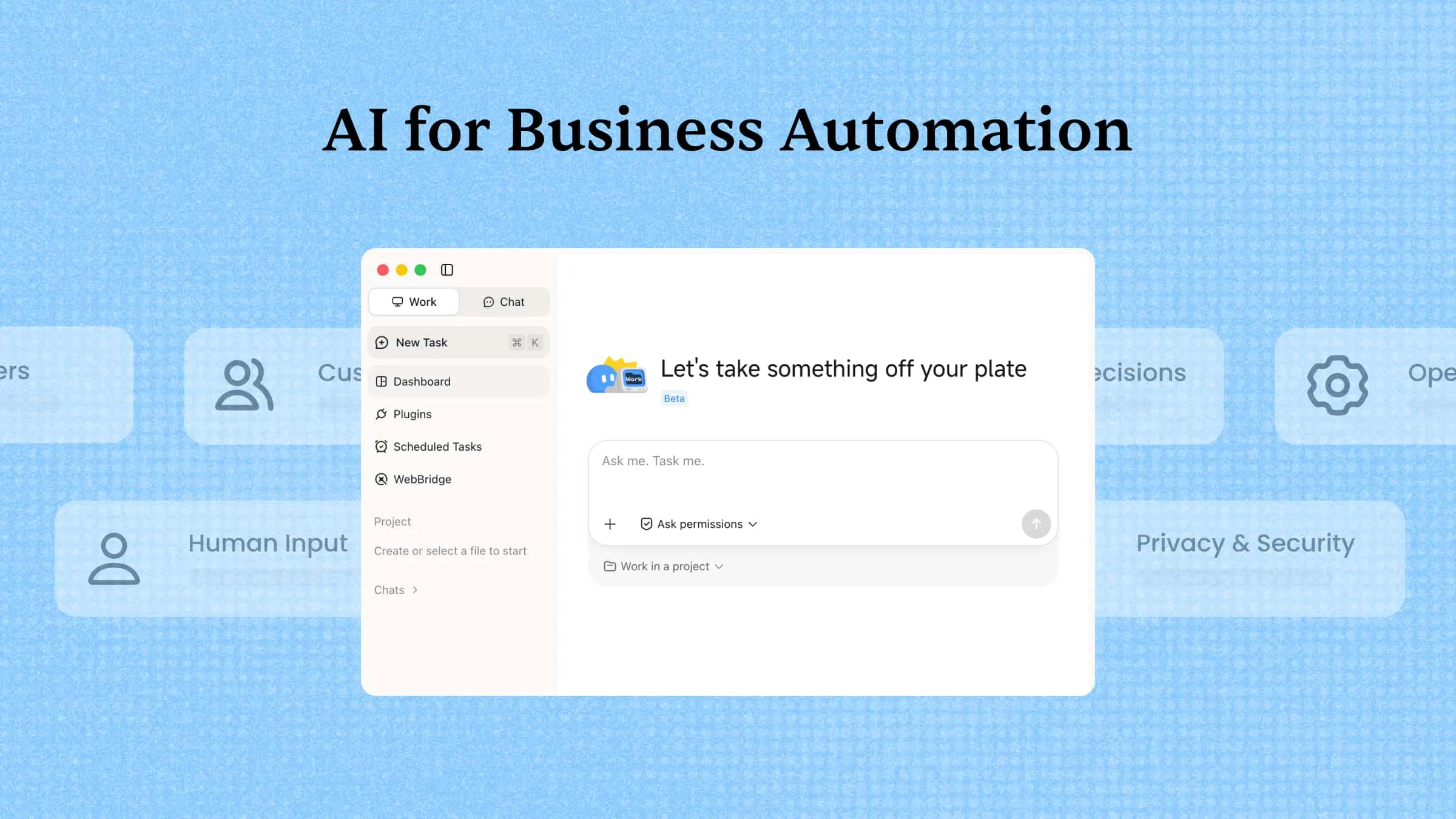
Running a business often means juggling emails, reports, customer requests, and routine tasks all at once. When too much time goes into repetitive work, teams have less time to focus on ideas, customers, and growth. AI business automation tools can take over many of these everyday tasks, helping work move faster with less manual effort. This article explores some of the most efficient automation tools that can make your business easier to manage.
Overview of 10 AI tools for business automation
If you want an AI agent to handle complex work from start to finish, start with Kimi Work. For sales, customer support, marketing, or project management, jump to the tool that matches your team's main workflow. If you need broader app connections or custom processes, explore the workflow-focused options below. Use the table as a quick guide, then scroll down to the tools that best fit your business needs.
| Tool | Category | Automation focus | Key AI capabilities | Suitable for |
|---|---|---|---|---|
| Kimi Work | AI agent platform | Complex business workflows | Goal-based task execution, research, analysis, and multi-step automation | Businesses automating cross-functional tasks |
| Salesforce Agentforce | CRM automation | Sales and customer operations | AI agents, customer insights, lead workflows, and service automation | Sales and customer teams |
| Microsoft Power Automate | Workflow automation | Enterprise process automation | AI-assisted workflows, approvals, data processing, and app connections | Companies using Microsoft ecosystems |
| UiPath | RPA platform | Repetitive business processes | Intelligent automation, document processing, and task orchestration | Large enterprises automating operations |
| Zapier | No-code automation | App-based workflows | AI-powered integrations, task triggers, and workflow building | Teams connecting multiple business tools |
| Zendesk AI | Customer service automation | Support operations | AI replies, ticket routing, conversation summaries, and support workflows | Customer service teams |
| HubSpot AI | Marketing automation | Marketing and sales processes | Content assistance, lead management, personalization, and CRM automation | Marketing and sales teams |
| Asana AI | Project management automation | Team collaboration and productivity | Task creation, project summaries, workflow suggestions, and reporting | Teams managing projects and operations |
| Glean | Enterprise knowledge management | Internal information workflows | AI search, knowledge discovery, and employee assistance | Organizations managing large knowledge bases |
| Make | Visual workflow automation | Custom business workflows | Visual automation, app connections, and data synchronization | Teams building customized workflows |
Explore 10 AI automation tools for businesses
The right automation tool can remove hours of manual work from a busy day, but the best choice depends on what you want to automate. Some platforms focus on workflows, others on sales, support, knowledge, or team tasks. Explore the tools below to see how each one can help simplify business operations.
Kimi Work
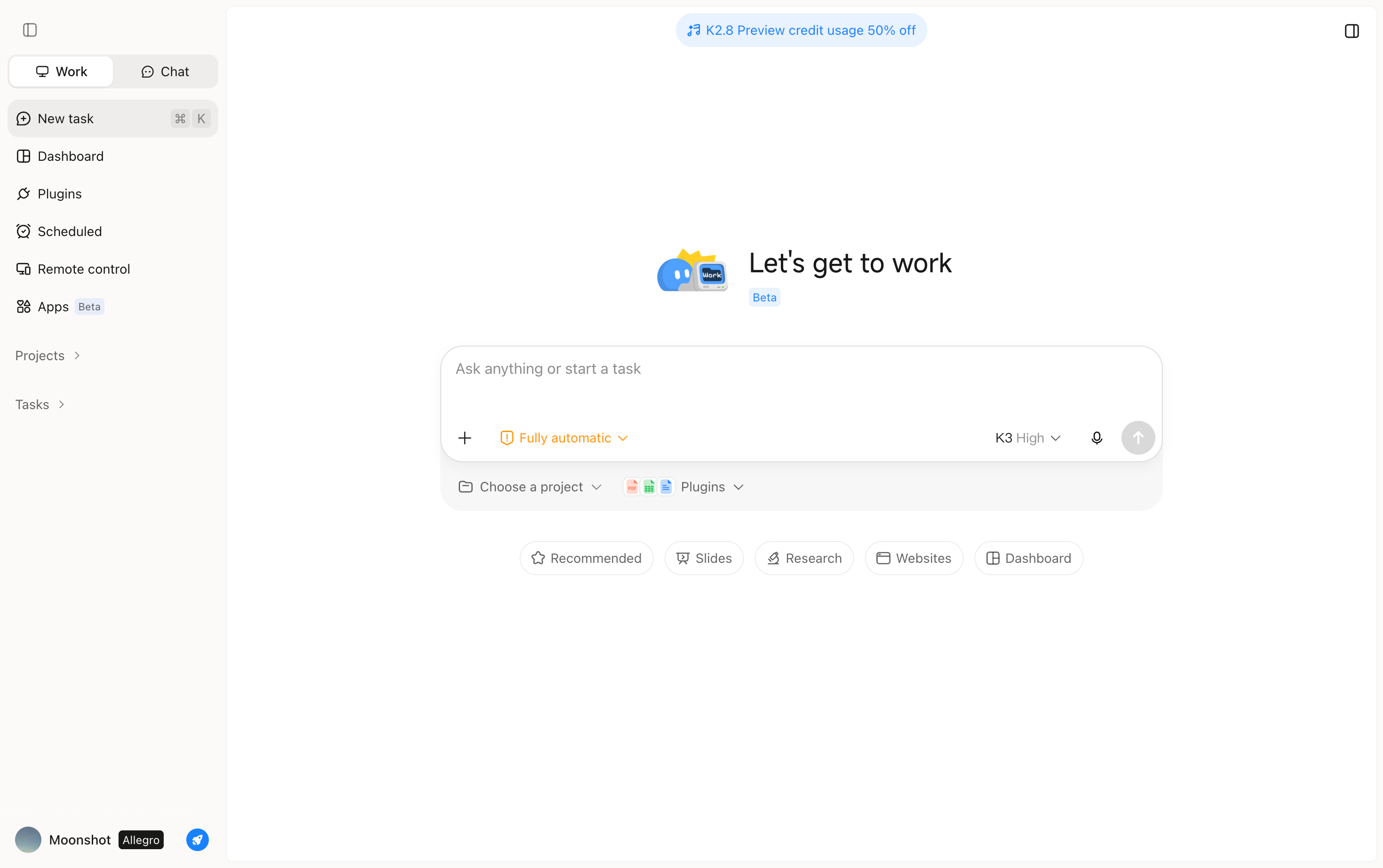
Kimi Work is an AI agent platform built to automate complex business workflows involving multiple steps and information sources. You can give it a goal, and it can plan tasks, conduct research, analyze information, and execute the workflow with less manual input. It is useful for business processes that require reasoning, research, and multi-step execution.
Main features
Kimi Work brings automation beyond individual tasks by helping teams manage complete business workflows from goal to execution. Its features are designed to reduce manual work, coordinate complex tasks, and turn business information into useful outputs. Here are the key features to explore.
Plan and execute complex tasks with Goal Mode: Kimi Work can turn business goals into actionable workflows by understanding objectives, breaking them into steps, executing tasks, and reviewing progress against expected outcomes. Teams can automate complex processes without manually managing every step.
Handle complex tasks in parallel with AI agents: Kimi Work's Agent Swarm enables multiple AI agents to handle different parts of a business task simultaneously. It can analyze competitors, market trends, customers, and pricing from multiple angles, then combine insights into a comprehensive business report.
Connect AI automation with real business data: Kimi Work can work with your existing business context by accessing local files, browsing relevant web resources, and processing professional information sources. This helps automate workflows based on real company materials instead of generic outputs.
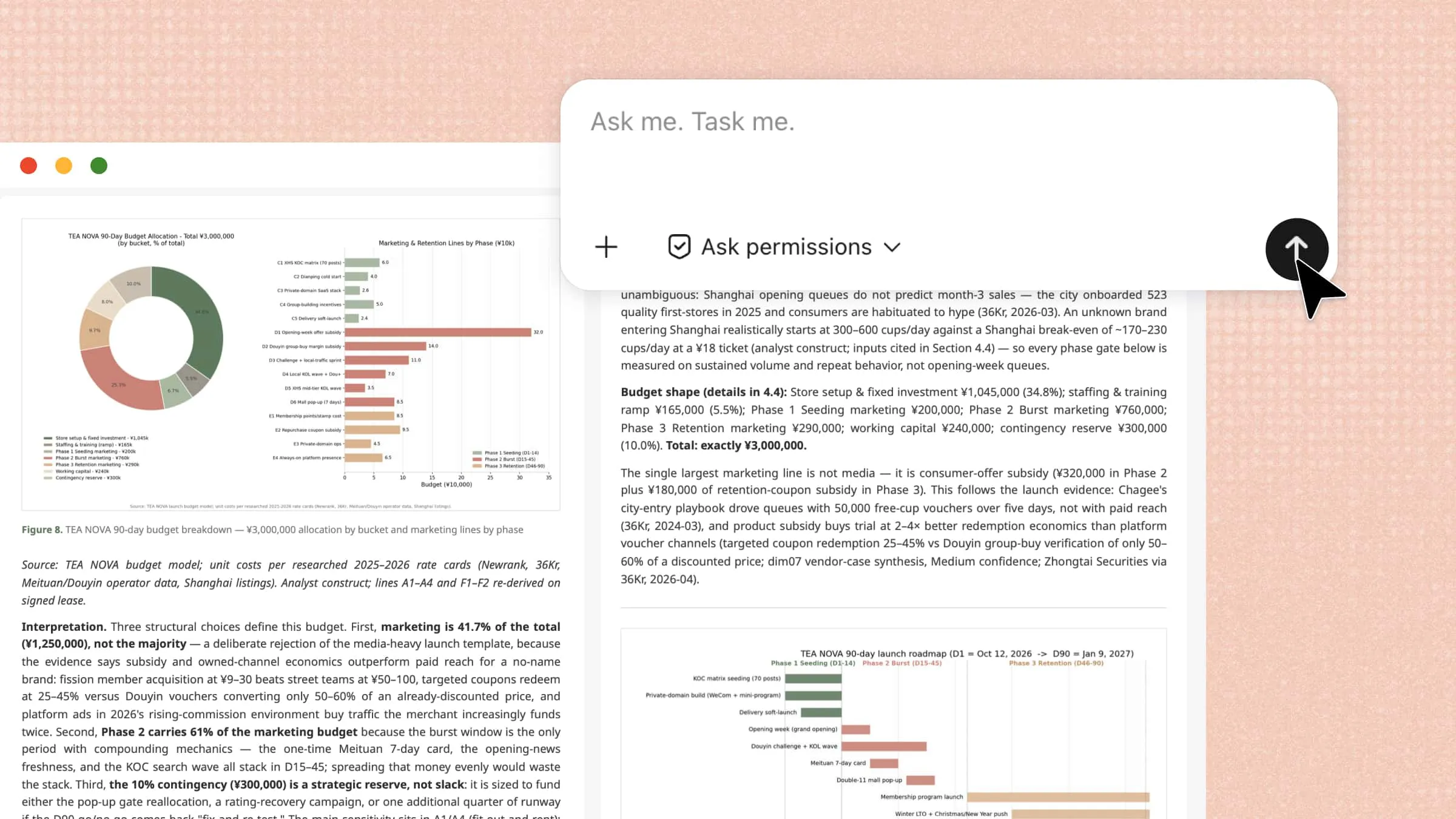
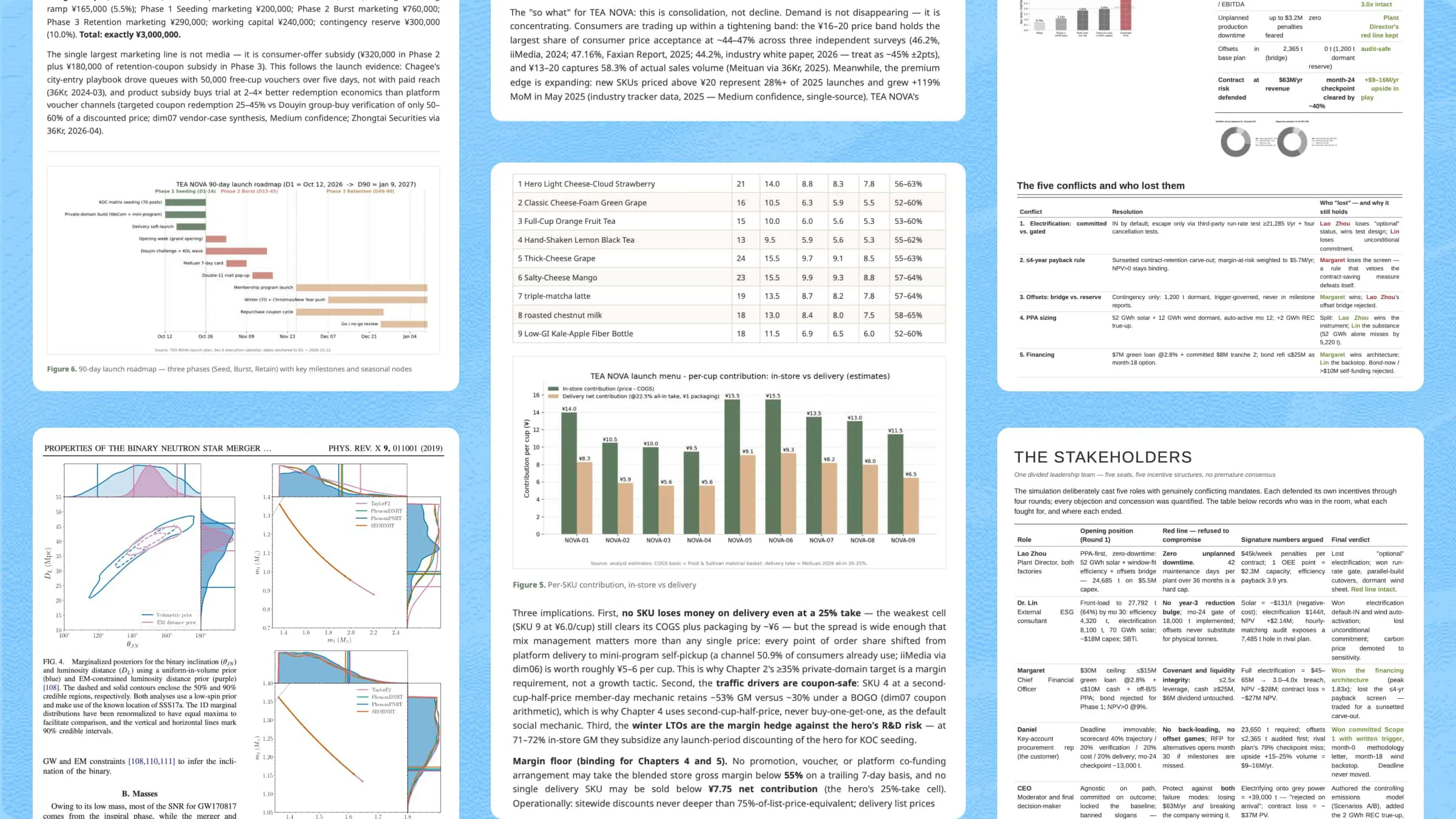
Turn research and analysis into ready-to-use deliverables: Kimi Work transforms research and analysis results into practical deliverables, including business plans, reports, presentations, spreadsheets, websites, and code. Teams can directly use these outputs in their daily operations.
Set up scheduled tasks for recurring work: Kimi Work supports scheduled tasks that can run at specified times or intervals. Teams can use them for recurring activities such as competitor monitoring, market updates, regular reports, and other repetitive information-gathering tasks without having to start the same task manually each time.
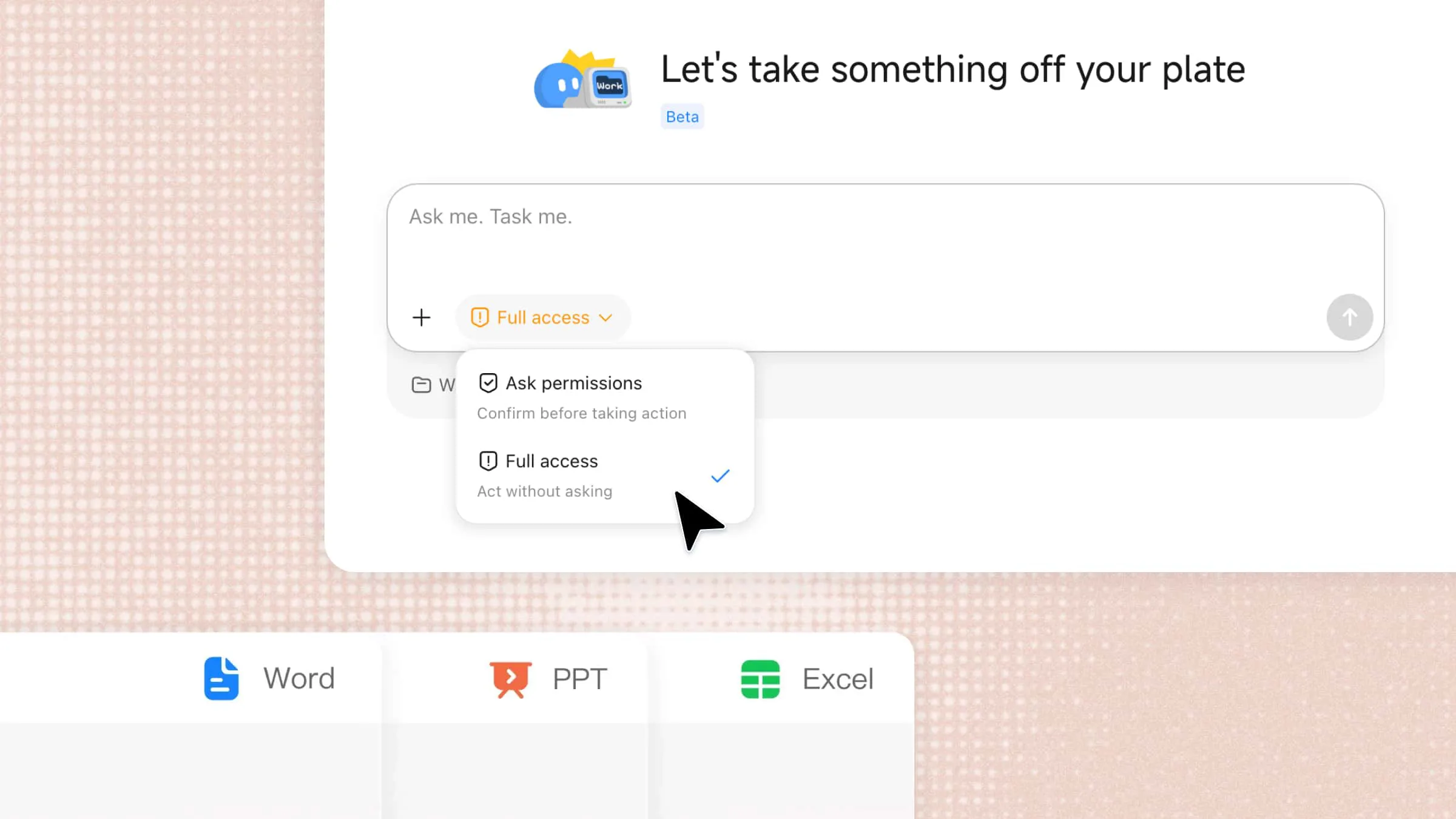
Create interactive dashboards and desktop widgets: Kimi Work can generate personalized dashboards and widgets with natural-language prompts to continuously track key results such as market updates, competitor activity, project progress, and financial metrics. Users can annotate or select specific areas for further edits and pin frequently used widgets to the desktop for quick access.
Suitable for
Businesses managing complex workflows with multiple steps.
Research teams handling large amounts of information.
Teams tracking competitors, markets, or business metrics.
Companies creating reports, presentations, and other assets.
How to automate business workflows with Kimi Work
Now that you know how Kimi Work can support different business tasks, the next step is putting its automation features into practice. Follow the steps below to create and run a business workflow with Kimi Work.
Use Goal Mode in Kimi Work
Goal Mode lets Kimi Work manage tasks from start to finish while staying focused on the intended objective. Follow the steps below to set a goal, automate execution, and track progress.
Step 1: Install Kimi Work and prepare your workflow
Download and install Kimi Work, then open the application and complete the initial setup. Once ready, you can start creating automated workflows for business tasks such as research, reporting, analysis, and content operations.
Step 2: Define a business goal and activate AI execution
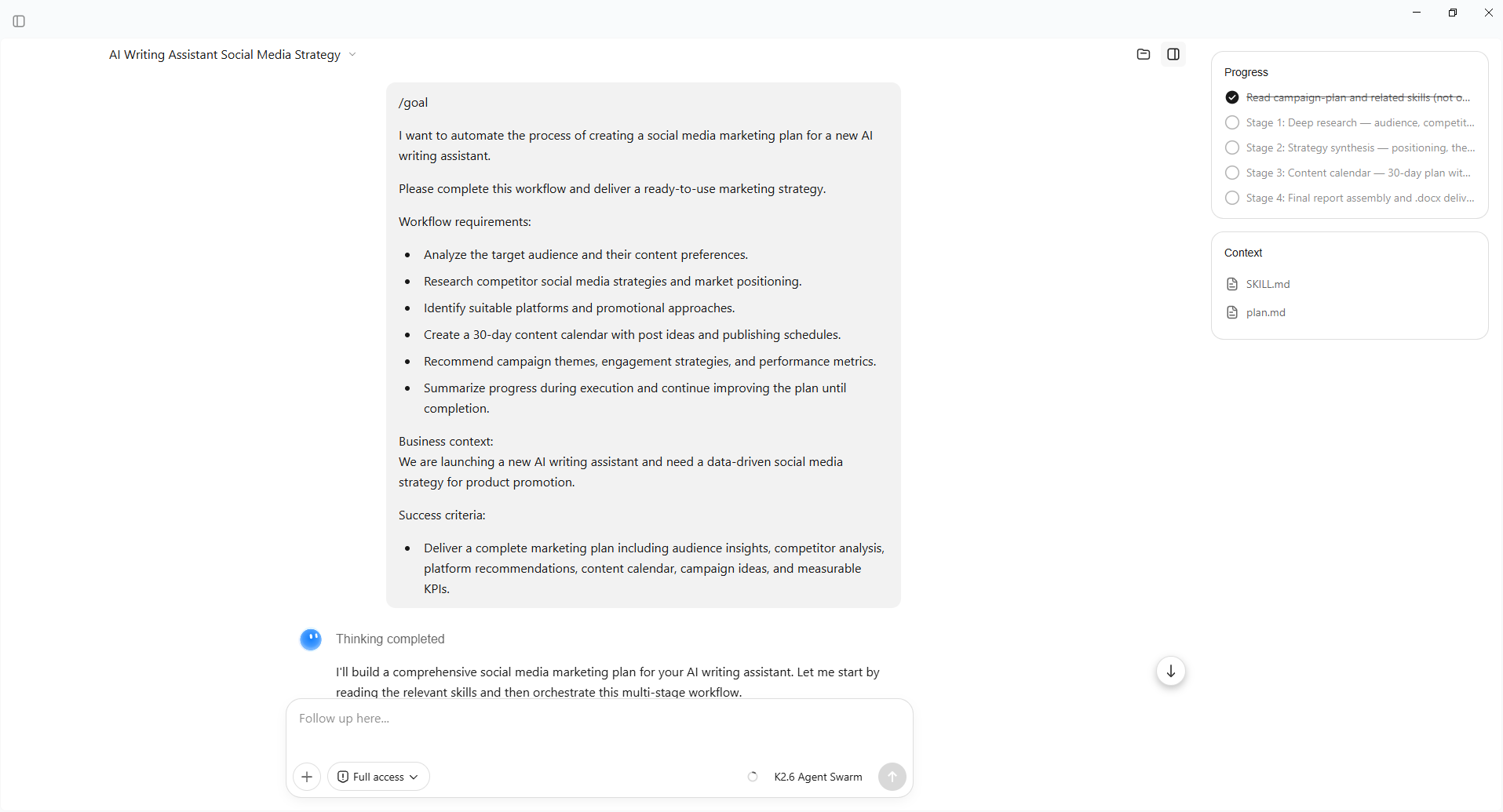
Open Goal Mode in Kimi Work and describe the business outcome you want to achieve. By adding /goal to your request, Kimi Work can understand that the task requires continuous execution rather than a single response.
Provide your objective, requirements, constraints, and success criteria. Kimi Work will break down the goal into actionable steps, move through the workflow, and work toward a completed deliverable.
Prompt template:
Example prompt:
Step 3: Monitor progress and refine automated workflows
Once the workflow starts, Kimi Work can manage multiple steps, provide progress updates, and adjust results based on your feedback. Review the generated outputs, add additional requirements when needed, and continue refining the workflow until the final result meets your business goals.
Automate recurring business tasks with Kimi Work
For repetitive business activities, scheduled workflows allow Kimi Work to complete tasks automatically at set times without repeated manual input.
Step 1: Create an automated business workflow
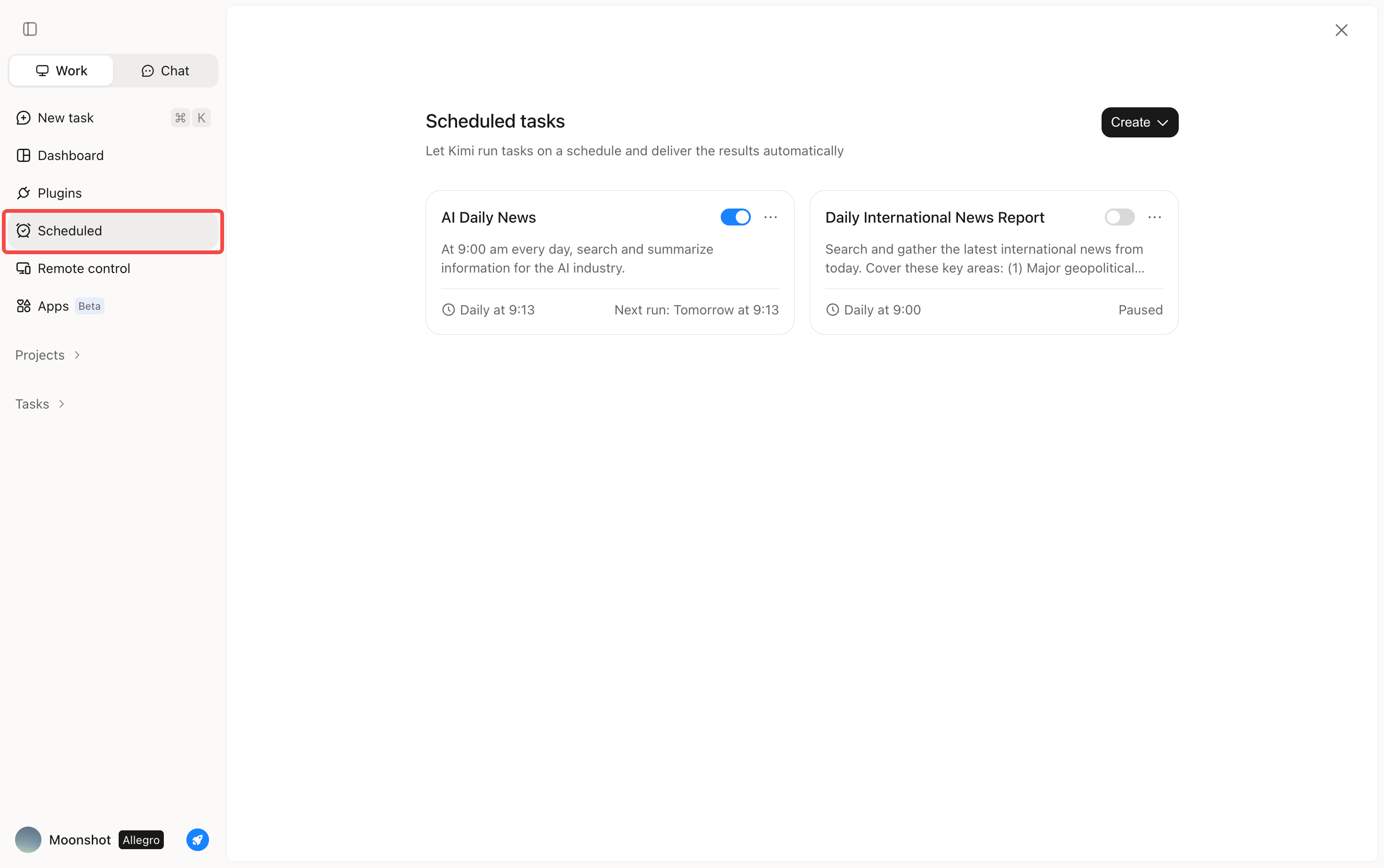
Go to "Scheduled" in Kimi Work and create a new workflow. You can either configure the workflow manually or describe your requirements in chat mode, allowing Kimi Work to generate an automation setup based on your needs.
Step 2: Describe what you want to automate
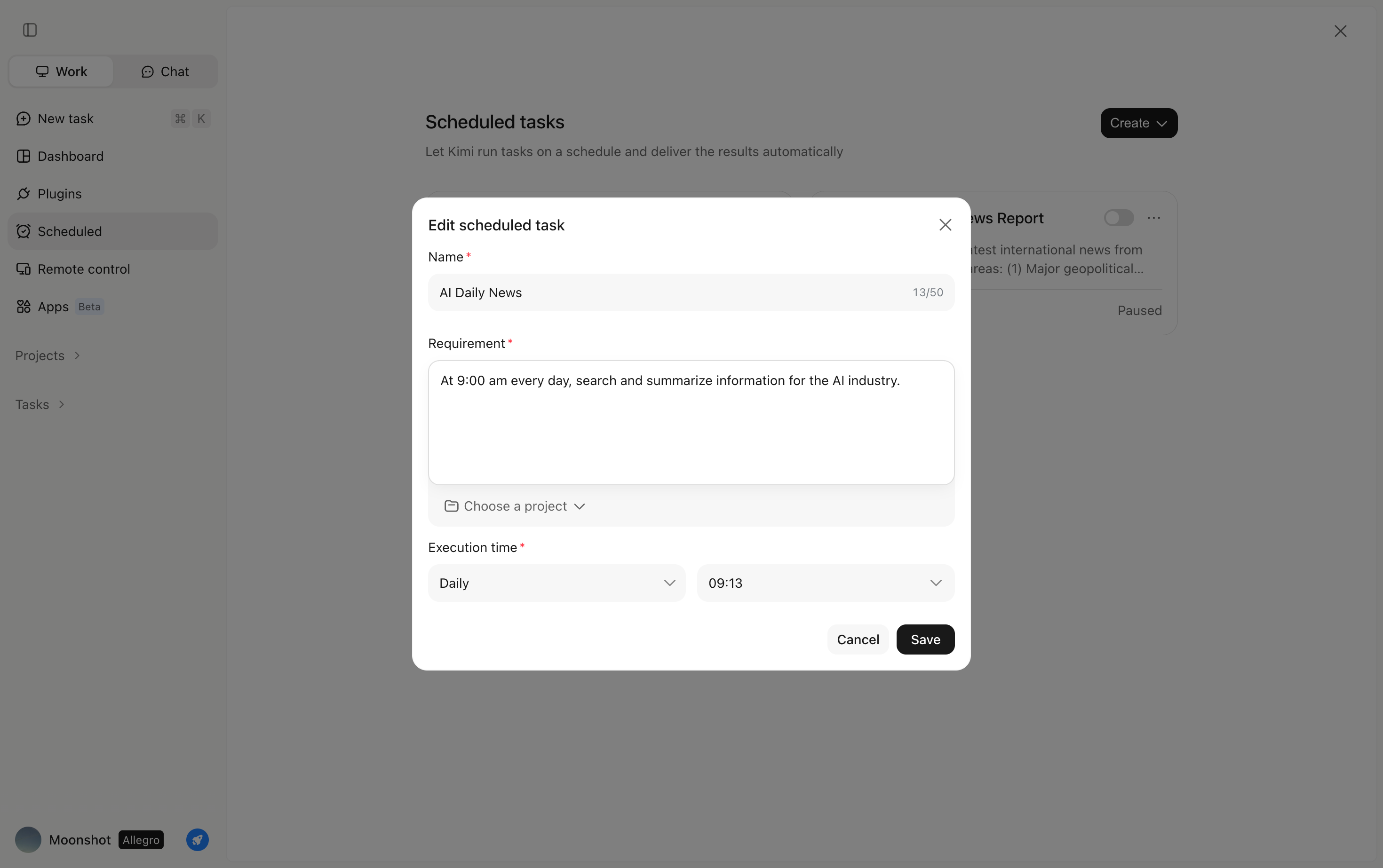
Define the complete workflow, including data sources, processing steps, output format, and storage location. Clear instructions help Kimi Work deliver more consistent automated results.
For example, you can automate tasks such as:
Monitoring competitor updates
Summarizing industry reports
Organizing business documents
Generating recurring reports and files
Step 3: Review results and optimize automation
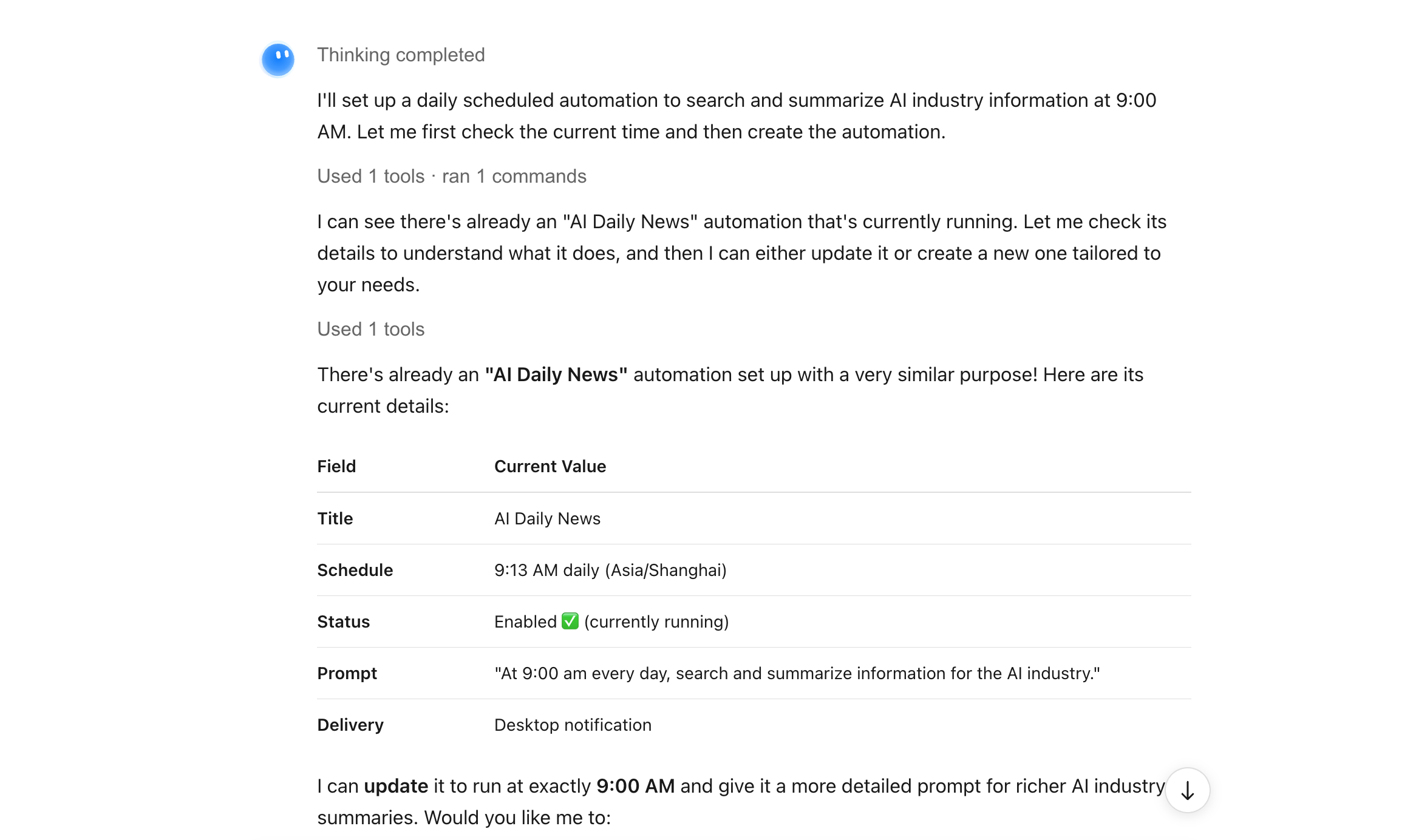
After each scheduled run, review the generated outputs and adjust instructions, schedules, or formats when needed. Updated settings can be applied to future executions, helping businesses continuously improve automated workflows.
Salesforce Agentforce
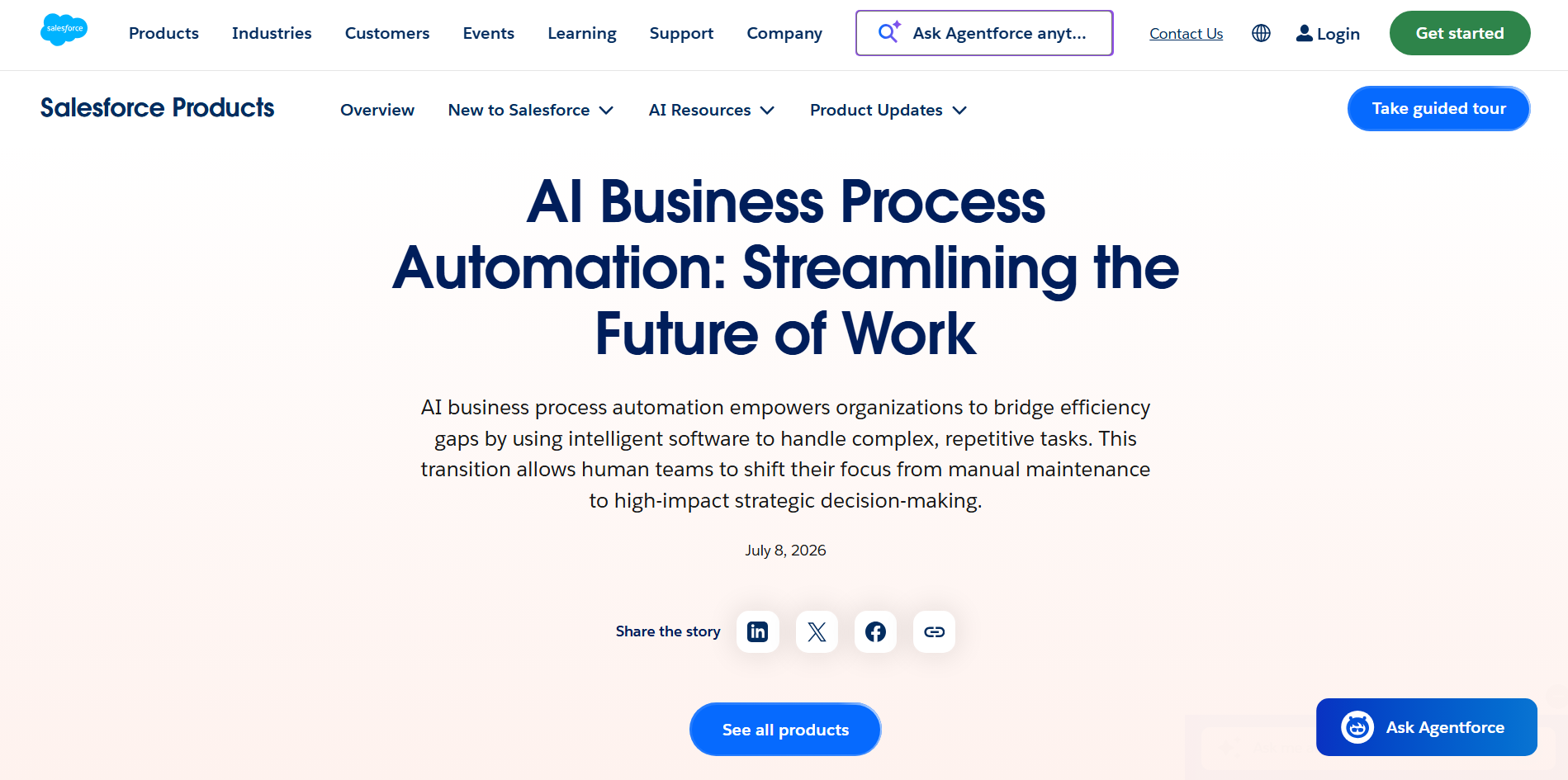
Salesforce Agentforce is an AI agent platform built into the Salesforce ecosystem to automate CRM and customer workflows. It can understand requests, access business data, and take actions across sales and service processes. Teams can use it for tasks such as lead qualification, customer inquiries, and case management. This makes it useful for businesses already working within Salesforce.
Main features
AI-powered customer interactions: Agentforce can handle common customer requests and provide responses using available business information. This reduces the need for employees to manage routine conversations manually.
Sales workflow automation: AI agents can qualify leads, answer questions, and support prospects through the sales process. Sales teams can focus more on opportunities that need personal attention.
CRM-based personalization: Agentforce can use Salesforce data to provide responses based on customer context. This helps businesses create more relevant automated interactions.
Salesforce workflow integration: Businesses can connect Agentforce with Salesforce applications and workflows to trigger actions and update records. This keeps customer processes moving with fewer manual steps.
Suitable for
Sales teams managing large numbers of leads
Customer service teams handling routine requests
Businesses using Salesforce as their main CRM
Organizations automating customer workflows
Microsoft Power Automate
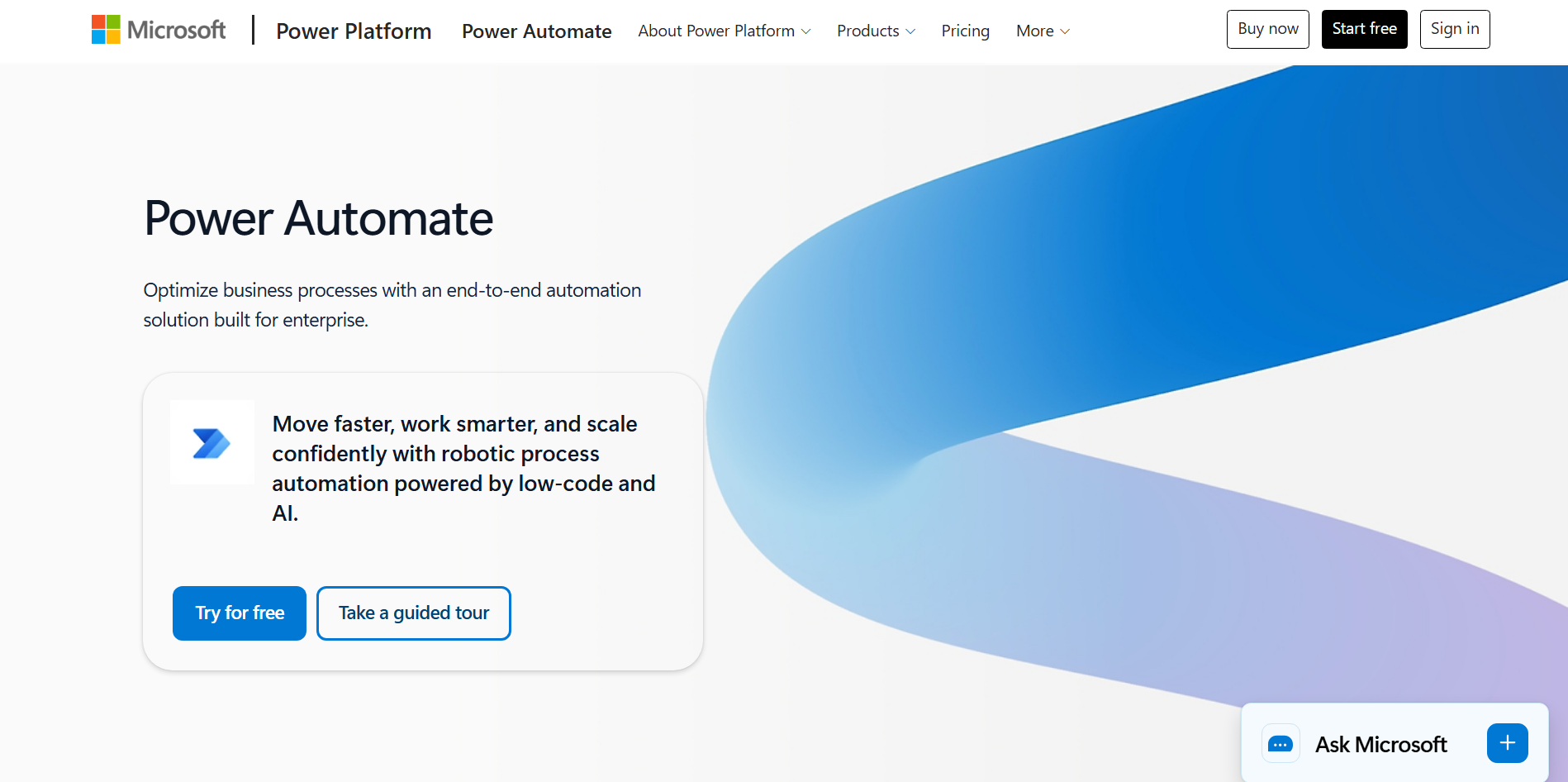
Microsoft Power Automate is a cloud-based platform for connecting applications, data, and business processes. It lets users create automated flows for tasks such as approvals, notifications, and data processing. AI features can assist with workflow creation and information handling. Its integration with Microsoft 365 makes it practical for businesses using Microsoft tools.
Main features
Microsoft app integration: Power Automate connects tools such as Outlook, Teams, Excel, and SharePoint. This helps move information between applications automatically.
Automated approvals: Teams can automate expense approvals, document reviews, notifications, and similar processes. This keeps routine tasks moving without constant follow-up.
AI document processing: AI can extract and organize information from documents and business content. This reduces manual data entry and sorting.
External app connections: Power Automate also supports many third-party services. Businesses can connect different parts of their technology stack within one workflow.
Suitable for
Microsoft 365 users automating daily processes
Enterprise teams managing approval workflows
Businesses connecting multiple applications
IT and operations teams reducing manual work
UiPath
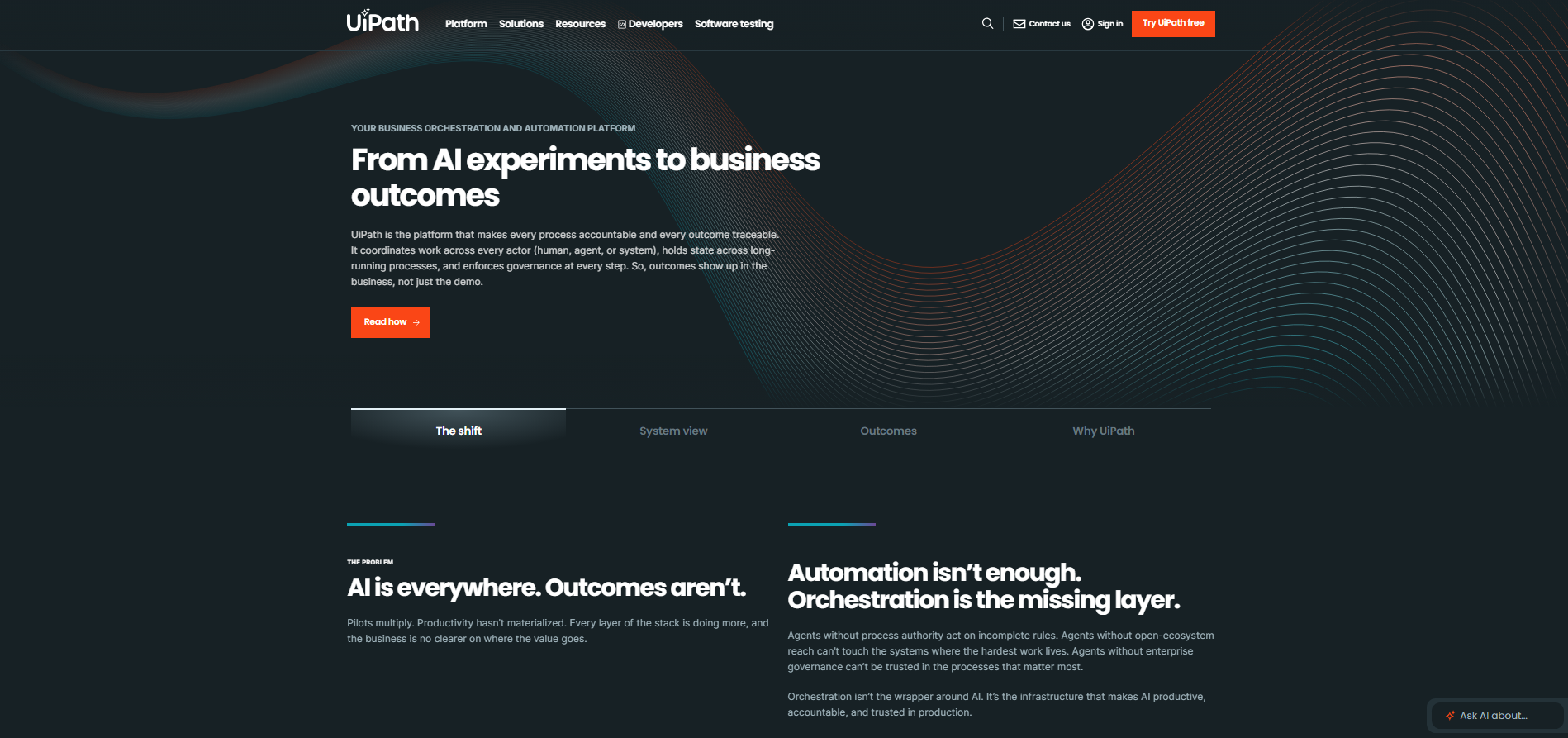
UiPath is an enterprise automation platform that combines robotic process automation with AI capabilities. It can interact with applications, process documents, and manage automated workflows. Its technology supports both structured tasks and more complex business processes. Organizations can use it to scale automation across different departments.
Main features
Repetitive task automation: UiPath robots can perform actions such as entering data, moving files, and updating records. This reduces repetitive digital work for employees.
Document processing: AI can extract information from invoices, forms, and other documents. The data can then move into other business workflows.
Workflow orchestration: UiPath provides tools for scheduling, monitoring, and managing automation. Teams can oversee multiple automated processes from one environment.
AI and RPA integration: Businesses can combine traditional automation with AI-powered document and data processing. This allows automation to handle more complex processes.
Suitable for
Large enterprises with high-volume operations
Finance teams processing many documents
Operations departments handling repetitive tasks
Organizations scaling RPA across departments
Zapier
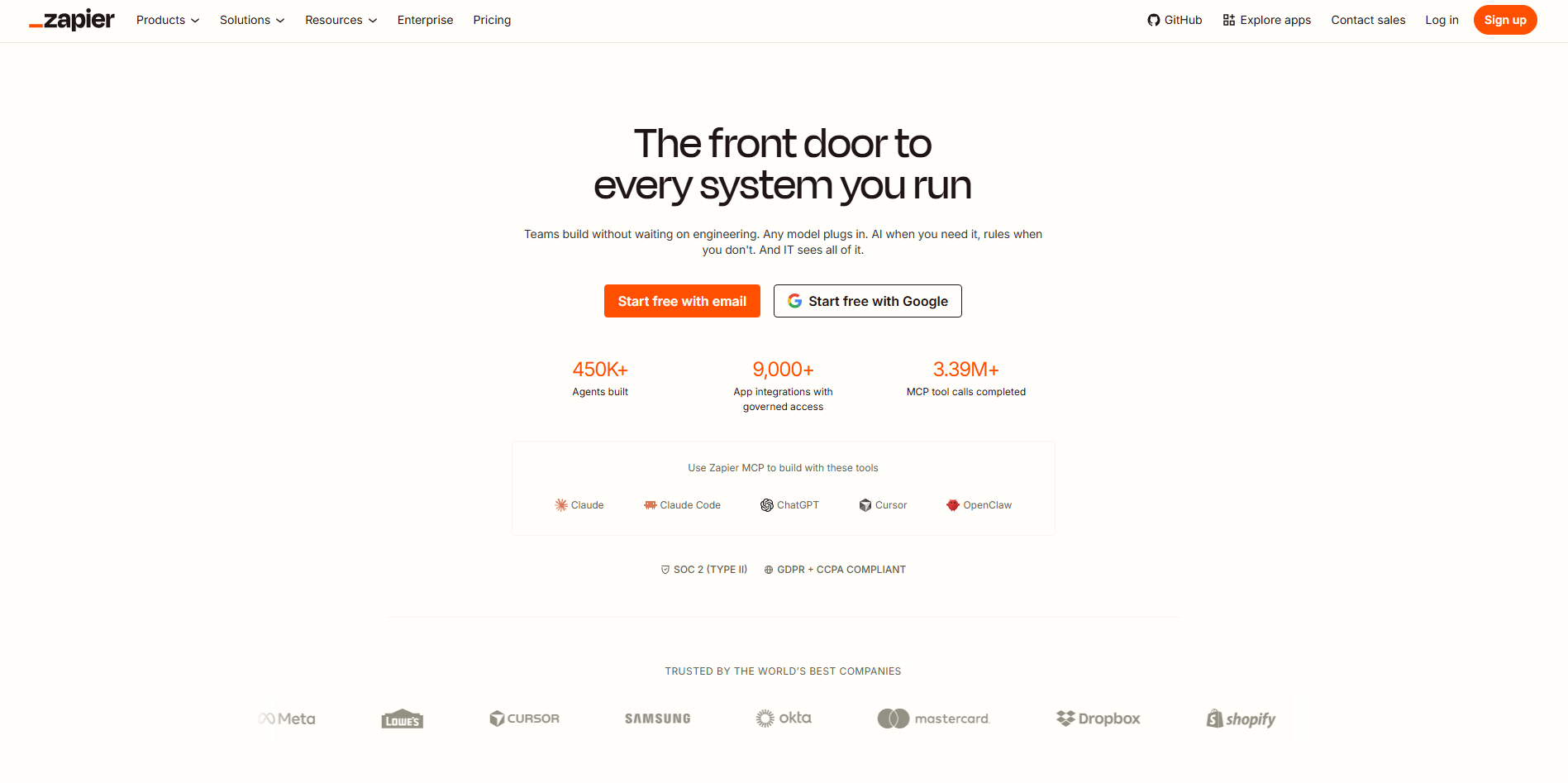
Zapier is a no-code automation platform that connects business applications and creates workflows between them. Its trigger-and-action system can automatically move information or start tasks when an event occurs. AI features add capabilities for processing information and building workflows. It is useful for teams that want to automate processes without developing custom integrations.
Main features
App connections: Zapier links thousands of applications so information can move between them automatically. This reduces manual data transfers.
Trigger-based workflows: An event in one app can automatically start an action in another. For example, a new form submission can create a task or notification.
AI-powered automation: AI can help classify information, generate content, and process data within workflows. This adds intelligent steps to regular automations.
No-code workflow building: Users can create automations without writing code. Teams can set up common business processes with minimal technical knowledge.
Suitable for
Small and growing teams connecting apps
Marketing teams automating lead workflows
Operations teams managing data transfers
Non-technical users building automations
Zendesk AI
Zendesk AI is a customer service automation solution integrated into the Zendesk support platform. It uses AI to assist with conversations, ticket management, and support operations. The system can generate responses, summarize interactions, and help route requests. This allows support teams to automate routine work while handling complex issues manually.

Main features
AI-assisted replies: Zendesk AI can help generate responses to common customer questions. Agents can review and use these suggestions to respond faster.
Ticket routing: AI can analyze incoming requests and direct them to suitable teams or workflows. This reduces manual ticket sorting.
Conversation summaries: AI can summarize lengthy customer interactions for support agents. This helps them understand previous discussions more quickly.
Routine support automation: Businesses can automate common customer requests and repetitive service tasks. More complex cases can be passed to human agents.
Suitable for
Customer support teams managing high ticket volumes
Online businesses handling frequent questions
Support managers streamlining ticket operations
Service organizations combining AI and human support
HubSpot AI
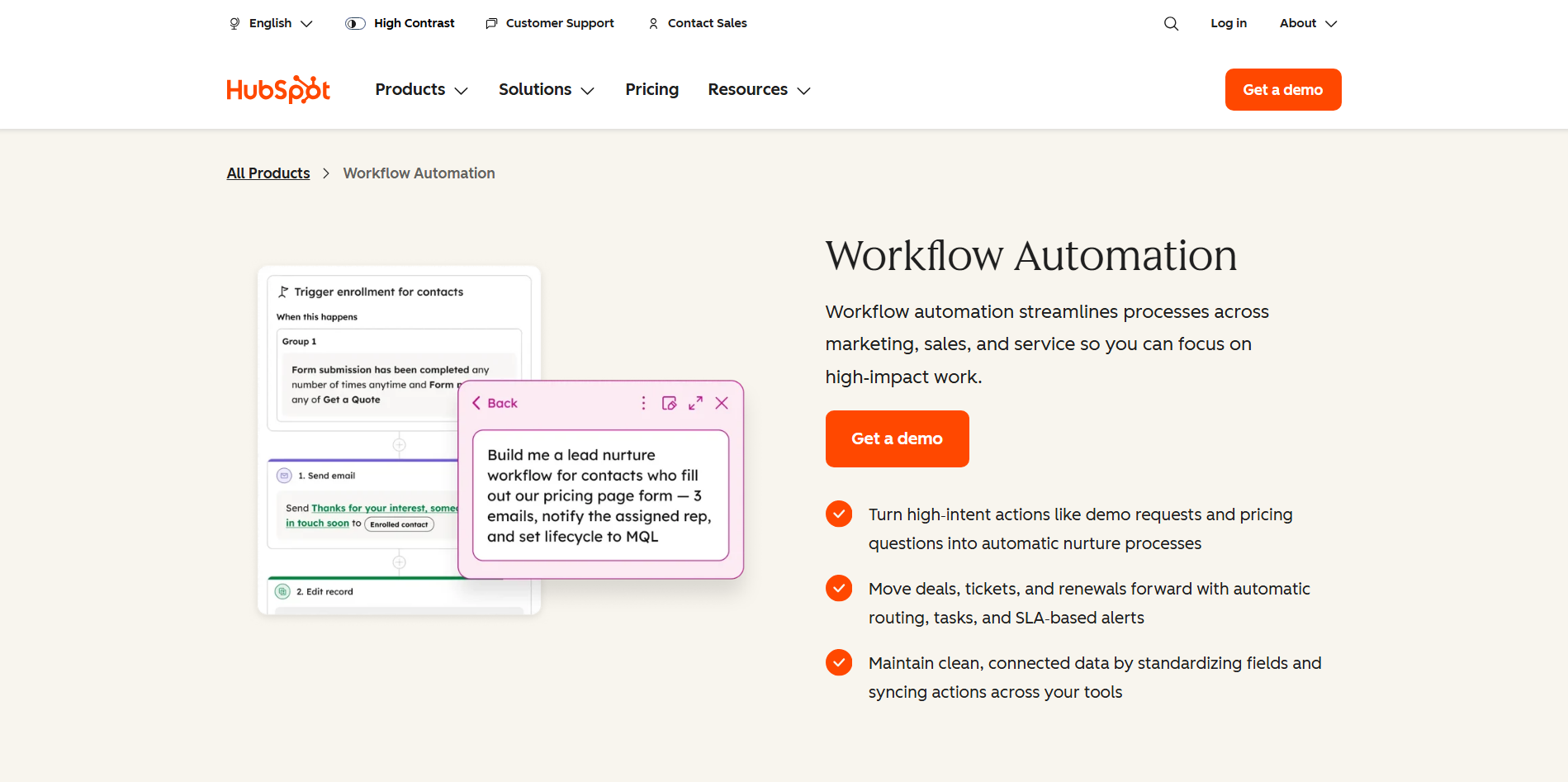
HubSpot AI brings AI capabilities into HubSpot's CRM, marketing, sales, and customer service tools. It can assist with content, customer data, lead workflows, and personalized communication. These features can work with existing CRM information to support automated processes. This makes it useful for teams managing several parts of the customer journey.
Main features
Lead management: HubSpot can help organize, qualify, and manage leads within the CRM. Automated actions reduce routine work for sales teams.
Personalized engagement: AI can use CRM context to support more relevant customer messaging. Teams can personalize communication without creating every version manually.
Marketing content assistance: HubSpot AI can help create and refine marketing content. This speeds up content workflows while keeping them within the platform.
CRM automation: AI works alongside HubSpot's automation features to streamline customer processes. Marketing, sales, and service activities can be connected more efficiently.
Suitable for
Marketing teams creating campaigns and content
Sales teams managing leads and customer data
Businesses using HubSpot CRM
Revenue teams connecting marketing and sales
Asana AI
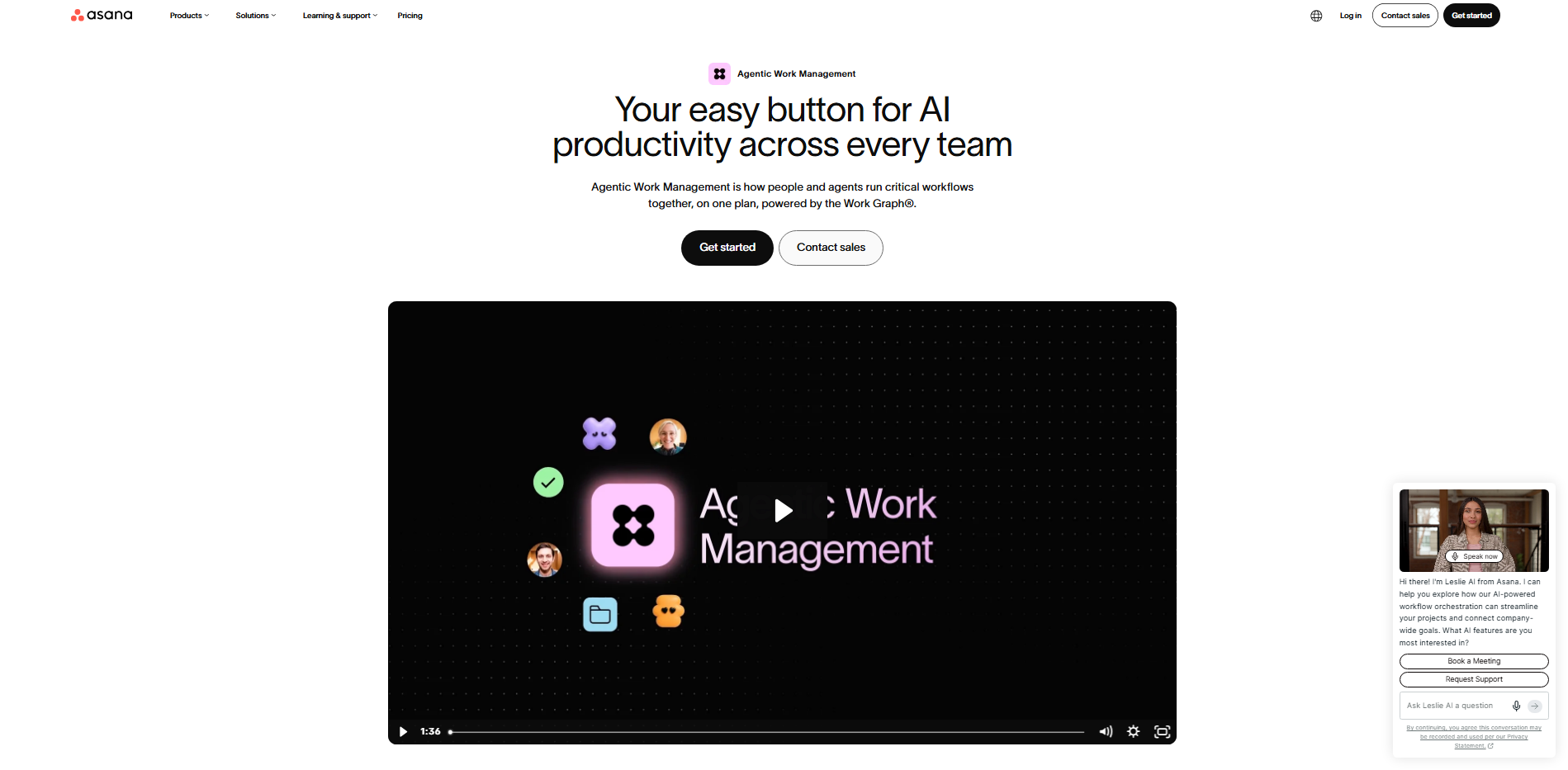
Asana AI adds intelligent automation features to Asana's project and work management platform. It can assist with task creation, project summaries, reporting, and workflow planning. These capabilities work directly within existing projects and tasks. This helps teams automate parts of project coordination without changing their existing workspace.
Main features
Project summaries: Asana AI can condense project information into useful updates. Teams can quickly understand progress without reviewing every task.
Task creation: AI can turn work requirements into actionable tasks and suggest ways to organize them. This makes project setup faster.
Project insights: AI can analyze project information to surface updates and potential issues. Managers can focus on areas that need attention.
Workflow planning: Asana AI can suggest next steps and help organize work. This provides additional support when teams manage complex projects.
Suitable for
Project teams managing multiple workstreams
Managers tracking project progress
Operations teams coordinating recurring work
Remote teams collaborating across projects
Glean
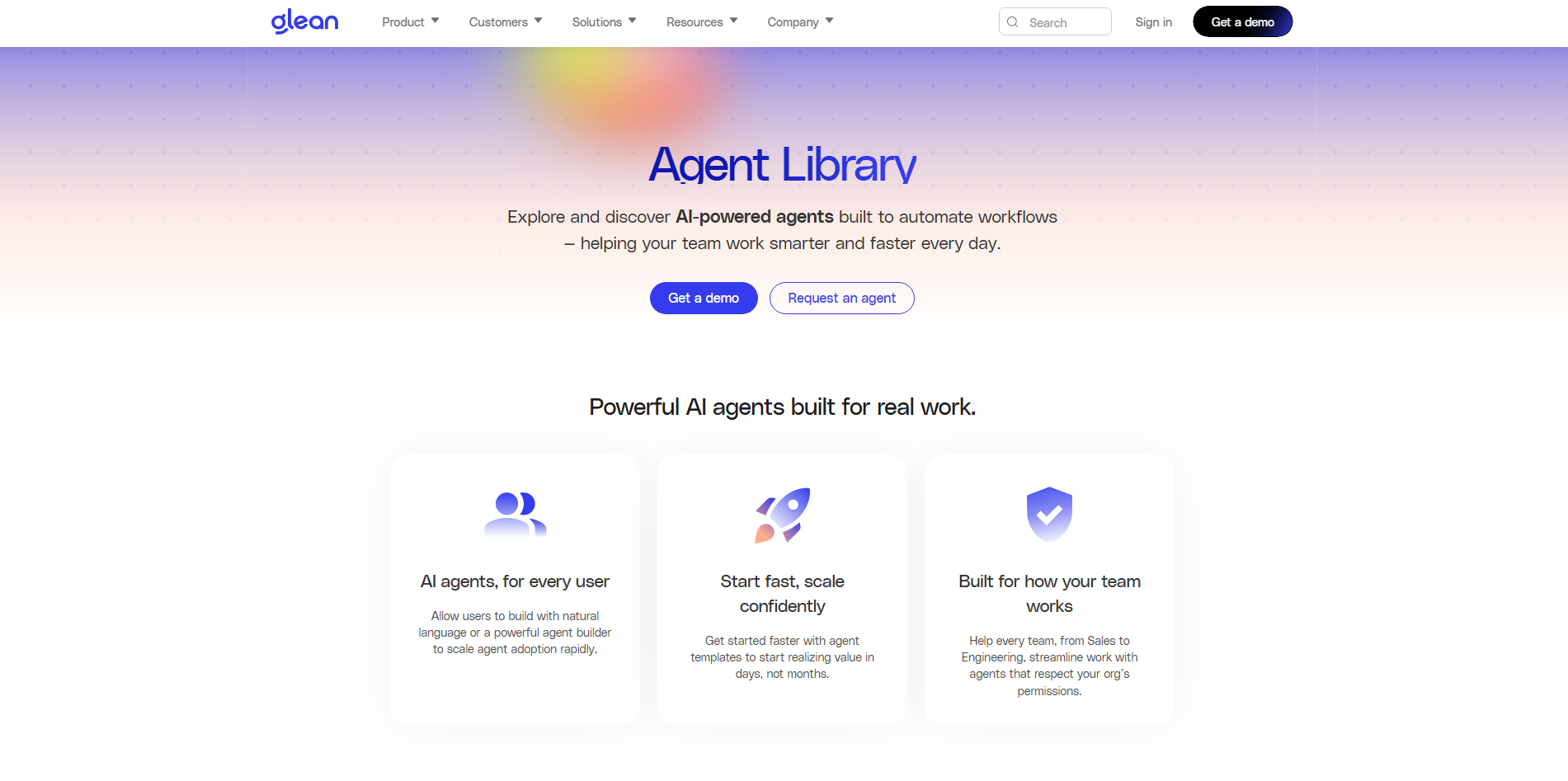
Glean is an enterprise AI platform focused on helping employees find information across company systems. Its AI search connects knowledge from different workplace applications and provides answers using organizational data. It can also assist employees with information-based tasks and questions. This makes it useful for organizations with large and scattered knowledge bases.
Main features
Enterprise AI search: Glean brings information from connected workplace systems into one search experience. Employees can find documents without checking every application.
Contextual answers: AI can answer questions using information from connected company sources. This reduces time spent searching through internal documentation.
Employee assistance: Glean can support common information-based tasks and workplace questions. Employees can use natural-language requests instead of navigating multiple systems.
Connected knowledge: Glean brings information from different applications together while respecting access controls. This creates a more unified way to access company knowledge.
Suitable for
Large organizations with scattered information
Knowledge workers searching across systems
IT teams managing enterprise information
Companies with extensive internal documentation
Make
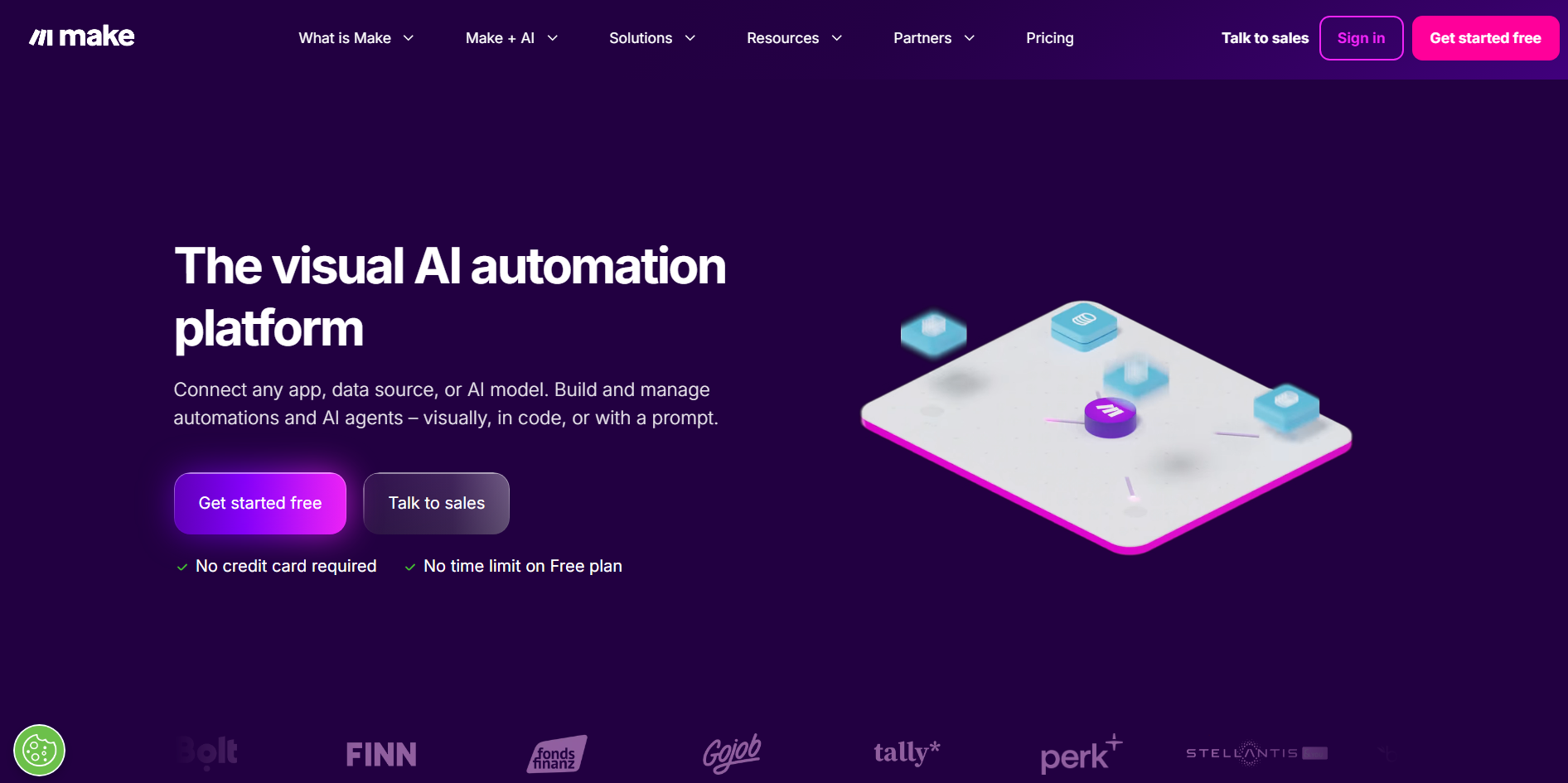
Make is a visual automation platform for connecting applications, data, and business processes. Its scenario builder lets users design workflows and control how information moves through each stage. Users can add conditions, branching paths, and data transformations to their processes. This makes Make suitable for teams that need highly customized automation.
Main features
Visual workflow building: Make lets users map automation steps visually. This makes complex workflows easier to create and modify.
Conditional automation: Users can add filters and branching paths to control different workflow outcomes. This allows processes to respond to specific conditions.
Data synchronization: Make can transfer and transform information between connected applications. This helps keep business data updated automatically.
Custom process design: Users can combine different modules and actions within one scenario. This provides greater control over complex business workflows.
Suitable for
Operations teams building custom workflows
Technical users needing detailed automation control
Businesses syncing data across applications
Teams managing complex processes
How to choose an AI business automation tool
Choosing the right automation platform is easier when you focus on what your business actually needs rather than simply picking the tool with the most features. The following points can help you compare AI automation for business options more clearly.
Identify core business needs
Start by listing the tasks and processes you want to automate. Choose a tool that directly addresses those needs instead of paying for features your team may not use. This helps you focus your investment on automation that delivers practical value.
Check integration with existing tools
Make sure the platform works with the applications your business already relies on. Strong integrations can make AI tools for business automation easier to introduce without changing your entire workflow. This also reduces the need for manual data transfers between different platforms.
Ensure scalability for growth
Consider whether the tool can handle more users, workflows, and data as your business expands. A scalable platform can support growing automation needs without requiring an immediate switch to another system. Check available plans, usage limits, and automation capacity before making your choice.
Prioritize easy user adoption
A powerful tool is less useful if employees find it difficult to use. Look for a clear interface, simple setup, and features that help your team start using automation with minimal training. Easy adoption can also help employees become comfortable with new AI-powered workflows.
Confirm data security standards
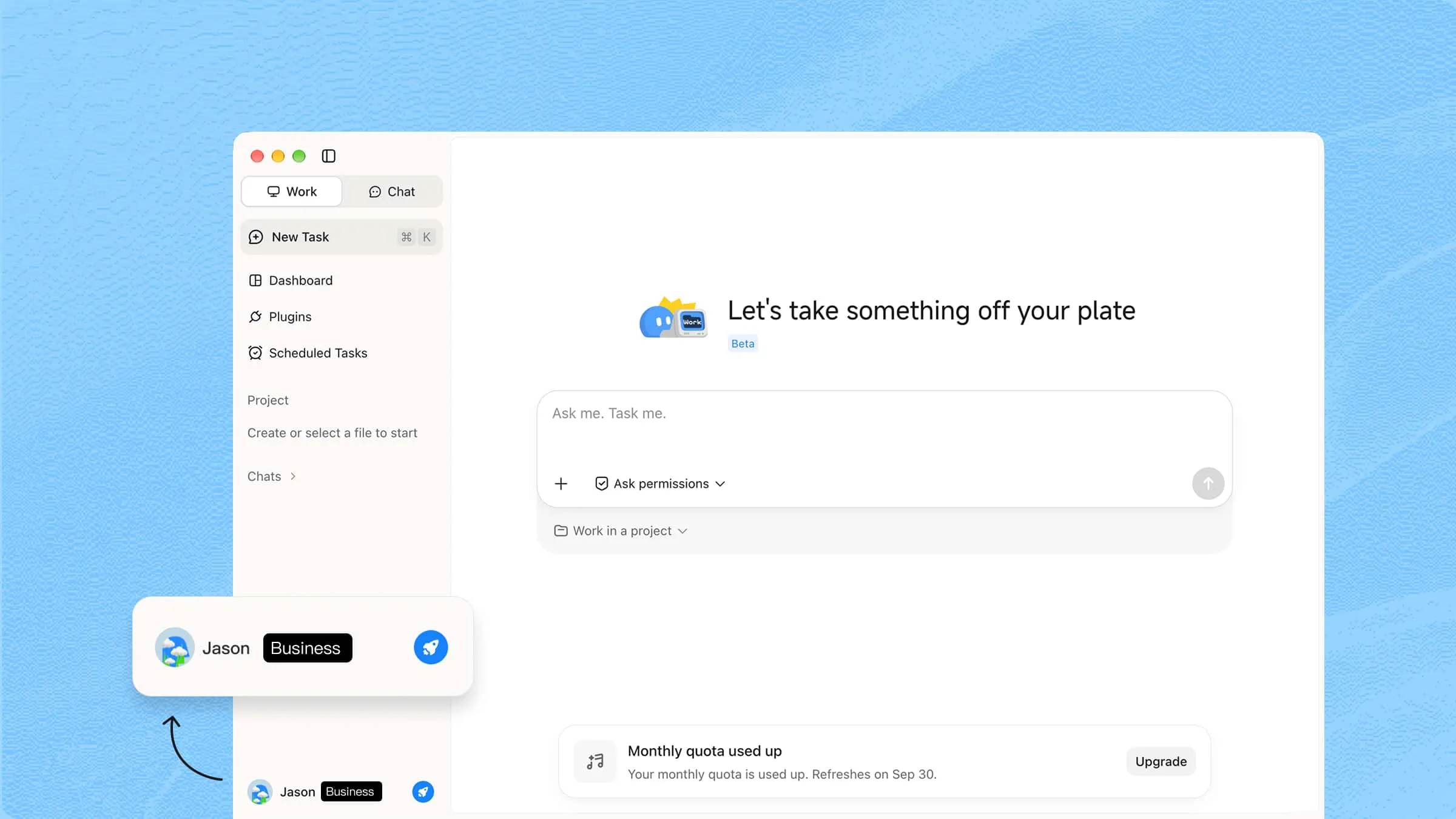
Check how the platform stores, processes, and protects your business information. When using AI agents for business automation, review access controls, privacy practices, compliance features, and other relevant security measures. Also consider whether the provider offers appropriate controls for sensitive company data.
Compare pricing versus expected ROI
Look beyond the subscription price and consider how much time, effort, or operational cost the tool could save. Compare the expected benefits with the total cost of using and maintaining the platform. Factor in implementation, training, usage limits, and additional charges when estimating your return.
Review real user feedback
Read reviews from businesses with similar needs to understand how the tool performs in everyday use. Pay attention to comments about reliability, customer support, ease of use, integrations, and limitations. Real experiences can reveal practical issues that may not appear on a product's feature page.
Conclusion
Business automation is no longer just about saving a few clicks. The right setup gives teams more time to focus on decisions, customers, and work that needs human input. AI business automation tools make this easier by handling different parts of everyday operations. Kimi Work can help automate complex work from a single goal. For stronger privacy and security safeguards, subscribe to Kimi Business for AI capabilities tailored to business needs.