Keeping financial work organized can be difficult when you have budgets to manage, expenses to track, and reports to review. Small tasks can take up hours, leaving less time to focus on important decisions. AI tools for finance can make this work easier by helping you analyze data, plan budgets, and automate routine tasks. Explore this article to discover 10 useful tools that can help you save time and work more efficiently.
Overview of 10 AI tools for finance
The following table lists 10 AI tools for finance based on their primary uses, key features, and suitable users. Use it to quickly identify which tools align with your financial analysis, budgeting, forecasting, accounting, or expense management needs.
| AI finance tool | Primary use | Key features | Suitable for |
|---|---|---|---|
| Kimi Work | Financial analysis and reporting | Analyze spreadsheets, generate financial reports and dashboards, automate recurring tasks, and create presentations | Finance teams, financial analysts, and businesses managing financial workflows |
| Domo | Financial data visualization | Connect data sources, build interactive dashboards, generate AI insights, and automate reports | Finance teams and businesses monitoring financial performance |
| Pigment | Financial planning and forecasting | Create budgets, forecast financial performance, run scenario analysis, and connect departmental plans | FP&A teams, CFOs, and business planners |
| MindBridge | Financial auditing and risk detection | Analyze transactions, flag unusual activity, assess transaction risk, and support audit procedures | Accountants, auditors, and risk management teams |
| Datarails | Excel-based financial planning | Consolidate financial data, automate reporting, update forecasts, and build financial dashboards | FP&A professionals and finance teams using Excel |
| Zest AI | Credit risk assessment | Evaluate borrower creditworthiness, automate underwriting, explain credit decisions, and monitor portfolio risk | Banks, credit unions, and lenders |
| Ramp | Expense management and spending control | Manage corporate cards, automate expense reviews, streamline bill payments, and track spending trends | Businesses managing corporate spending and operating expenses |
| Vena Solutions | Budgeting and financial consolidation | Manage budgets, update forecasts, consolidate financial data, and analyze budget variances | Finance departments and FP&A teams using Excel-based workflows |
| Numeric | Accounting close and reconciliation | Coordinate month-end close tasks, assist account reconciliations, automate accounting workflows, and maintain audit trails | Accounting teams, controllers, and finance departments |
| Upstart | Consumer lending and underwriting | Evaluate loan applications, assess borrower risk, automate underwriting, and streamline lending workflows | Banks, credit unions, and consumer lenders |
Explore 10 AI tools for finance in 2026
Not every finance task needs the same solution. Some tools are better for analyzing financial data, while others help with budgeting, forecasting, expense tracking, or automating repetitive work. Let's explore 10 AI tools for finance that can make everyday financial tasks simpler and more efficient.
Kimi Work
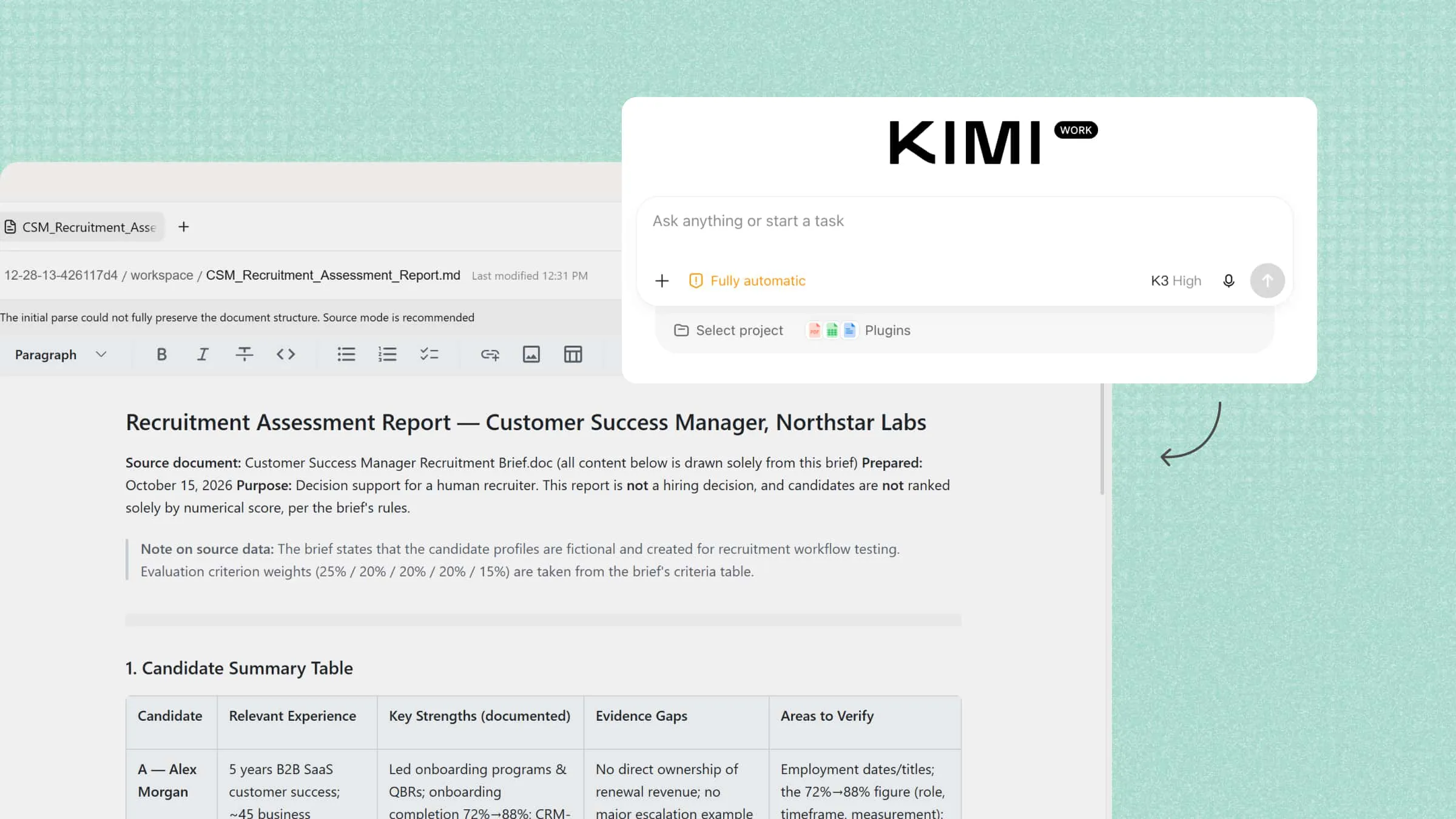
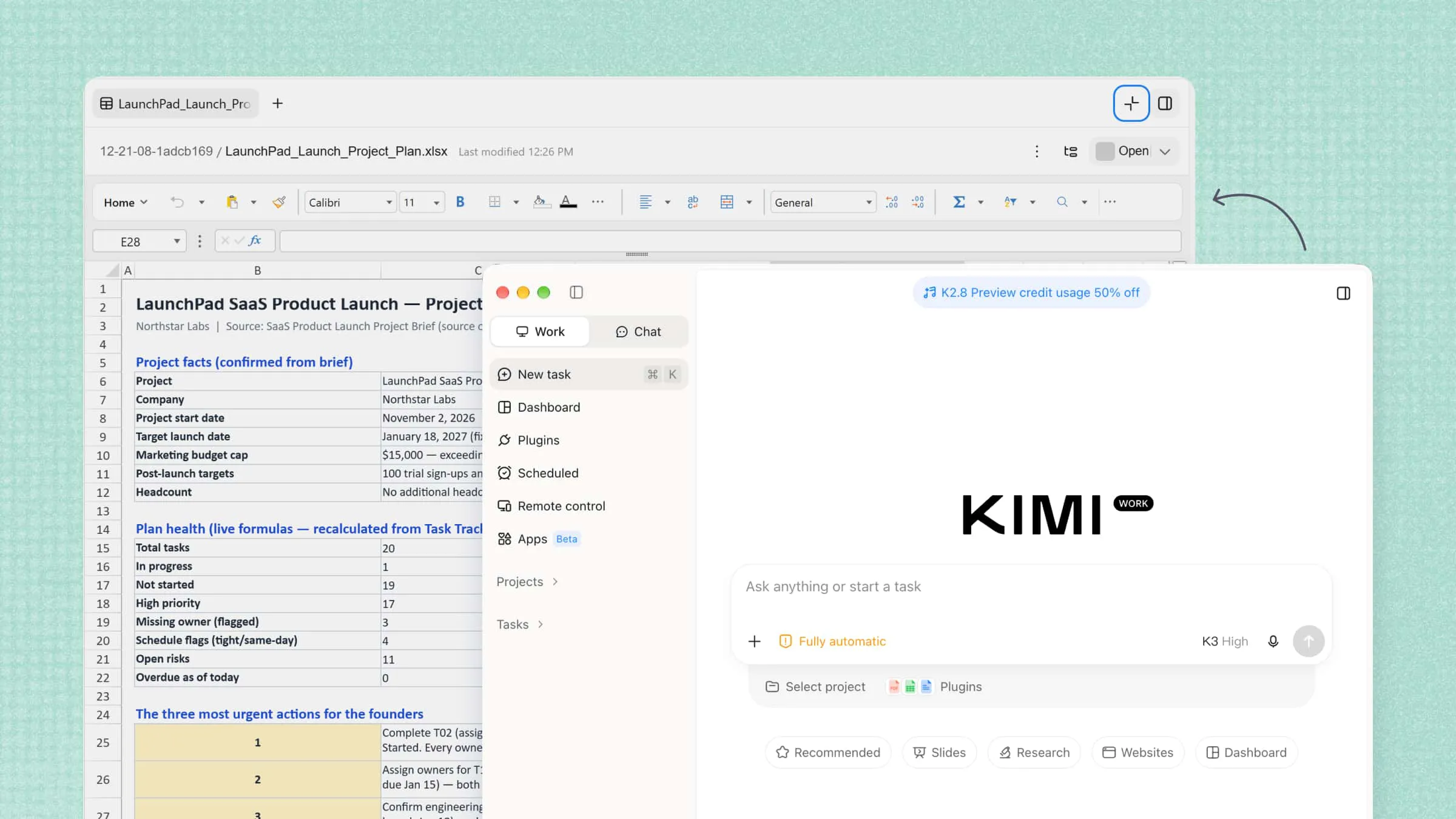
Kimi Work helps simplify financial tasks by bringing file analysis, data review, and document workflows into one workspace. You can use it to examine spreadsheets, review financial reports, and organize key findings without switching between multiple tools. It can also help summarize complex information and prepare clear reports, making financial data easier to understand.
Main features
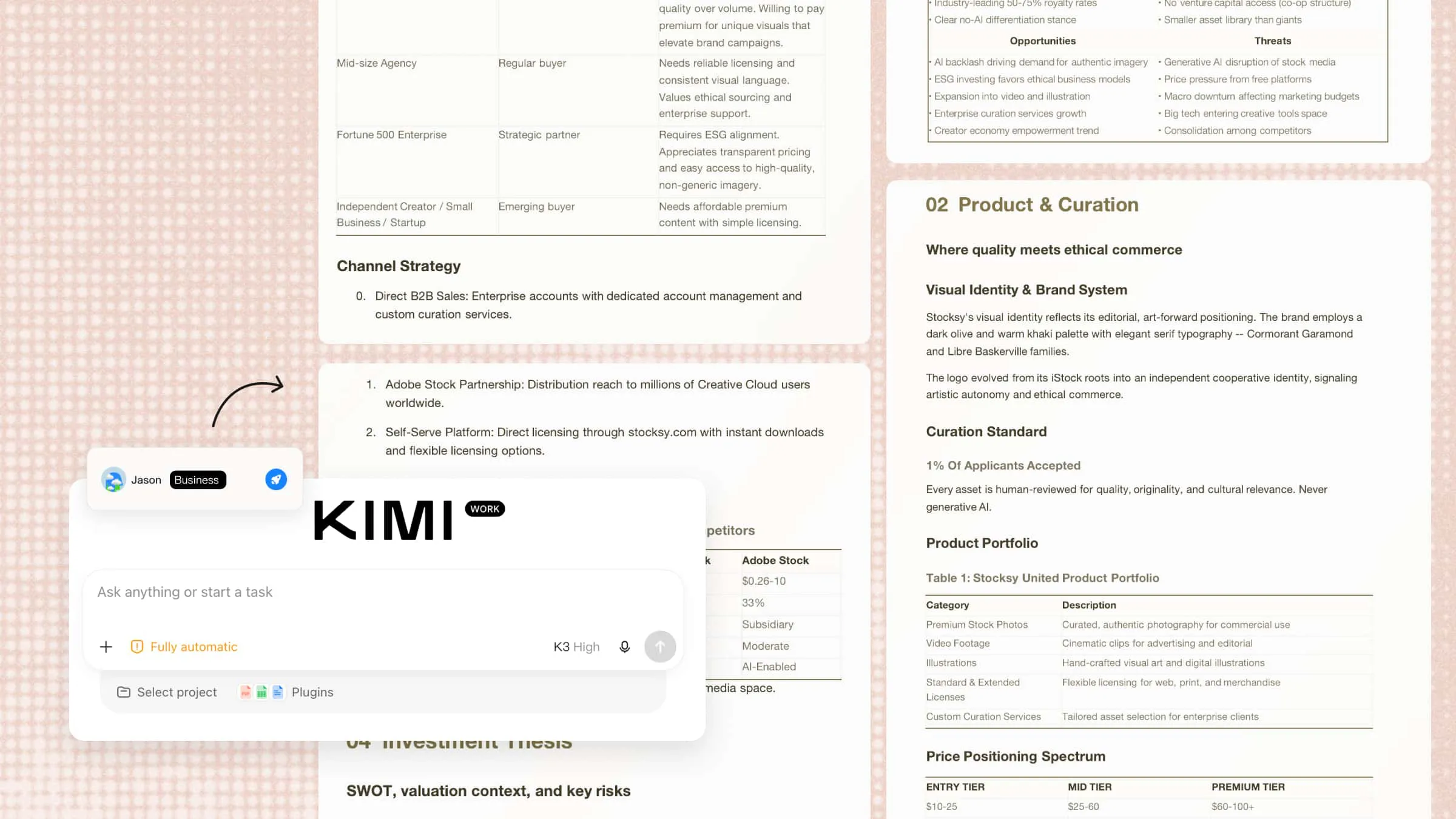
Generate financial reports, dashboards, and presentations: Turn financial data, research findings, and supporting documents into structured reports, interactive data dashboards, Excel workbooks, and PowerPoint presentations. Kimi Work helps organize key metrics, visualize financial performance, summarize findings, and prepare materials for financial reviews, budget discussions, and management decisions.
Automate recurring financial tasks: Set up scheduled tasks for recurring research, spreadsheet processing, and financial reporting. Kimi Work can run tasks at specified times, helping prepare periodic market updates, process available financial data, and reduce repetitive manual work.
Extend financial workflows with plugins: Expand financial workflows with additional tools and integrations for data analysis, visualization, and research. Plugins help adapt Kimi Work to different financial tasks, making it easier to explore data, identify trends, and handle specialized analysis.
Support finance team collaboration: With Kimi Business, finance teams can work in a dedicated Team Workspace separate from personal conversations. This shared environment supports coordinated financial research, document handling, and reporting workflows. Business data is not used for model training by default, helping organizations manage sensitive business information.
Suitable for
Finance teams preparing reports and dashboards
Businesses automating recurring financial tasks
Analysts reviewing financial data and trends
Teams managing financial documents and workflows
How to use Kimi Work to create a financial dashboard
Creating a financial dashboard with Kimi Work can help you turn raw financial data into a clear view of business performance. You can use your existing spreadsheets and reports to organize key metrics and highlight important trends. Follow these steps to get started.
Step 1: Describe your dashboard requirements
Upload a financial spreadsheet containing monthly revenue, operating expenses, profit, budget, and cash flow data. Tell Kimi Work which KPIs to display, how to visualize them, and how to organize the dashboard.
Step 2: Let AI generate the financial dashboard
Kimi Work processes the uploaded spreadsheet, organizes key financial metrics, and generates dashboard elements such as KPI cards, monthly trend charts, and budget-versus-actual comparisons. The generated dashboard brings revenue, expenses, profit, and cash flow data together in a clear visual format for financial analysis.
Step 3: Review the dashboard and verify the figures
Check the dashboard against the original spreadsheet to confirm that the metrics, calculations, reporting periods, and budget comparisons are accurate. Investigate unusual changes in revenue, expenses, or cash flow, then refine the dashboard layout or analysis as needed before sharing it with stakeholders.
Domo
Domo is a cloud-based business intelligence platform that helps organizations analyze financial data in one place. It connects information from spreadsheets, databases, and business applications to provide a unified view of performance. Finance teams can use its dashboards and AI-powered analytics to monitor important metrics. This helps businesses identify trends and make informed financial decisions.
Main features
Connect financial data: Combine data from spreadsheets, databases, and business applications to simplify financial reporting.
Build interactive dashboards: Track revenue, expenses, profit margins, and budgets through visual reports.
Generate AI insights: Identify patterns and summarize financial findings to support business decisions.
Automate reporting: Schedule reports and configure alerts to monitor changes in financial performance.
Suitable for
Finance teams tracking business performance
Businesses combining data from multiple systems
Analysts creating financial dashboards
Organizations automating reports
Pigment
Pigment is an AI-powered business planning platform designed for budgeting, forecasting, and financial analysis. It connects financial and operational data to help teams build consistent business plans. Finance professionals can model different scenarios and evaluate their potential impact. This makes it useful for adapting financial plans as business conditions change.
Main features
Create budgets and forecasts: Build financial plans using historical data, current results, and business assumptions.
Run scenario analysis: Adjust revenue or cost assumptions to explore possible financial outcomes.
Analyze performance with AI: Identify trends and investigate changes in business metrics.
Connect departmental plans: Link finance, sales, and HR planning to understand company-wide impacts.
Suitable for
FP&A teams managing budgets and forecasts
CFOs planning financial strategy
Businesses comparing financial scenarios
Organizations coordinating departmental plans
MindBridge
MindBridge is an AI-powered financial analytics platform designed for accounting, auditing, and risk assessment. It analyzes large volumes of transactions to identify unusual activity and potential errors. Finance professionals can use its risk indicators to prioritize transactions that need further review. This helps strengthen internal controls and improve audit efficiency.
Main features
Detect unusual transactions: Flag entries that differ from expected financial patterns.
Assess transaction risk: Prioritize transactions that require closer investigation.
Explain AI findings: Review indicators that help explain why transactions were flagged.
Support financial audits: Analyze transaction data to strengthen controls and audit procedures.
Suitable for
Internal and external auditors
Accountants reviewing transaction records
Organizations monitoring financial controls
Risk teams investigating unusual activity
Datarails
Datarails is a financial planning and analysis platform built for finance teams that rely on Excel. It connects spreadsheet models with financial data from different business systems. Teams can use it to consolidate figures, prepare reports, and update forecasts without rebuilding their existing models. Its AI capabilities also help summarize results and explain financial changes.
Main features
Consolidate financial data: Combine figures from spreadsheets and business systems in one place.
Prepare AI-assisted reports: Summarize financial results and explain performance changes.
Improve forecasting: Update budgets and test different financial assumptions using existing models.
Build financial dashboards: Monitor cash flow, profit and loss, and other key metrics.
Suitable for
Finance teams working extensively in Excel
FP&A professionals managing forecasts
Businesses consolidating financial records
CFOs preparing management reports
Zest AI
Zest AI provides AI-powered credit underwriting technology for banks, credit unions, and lenders. Its models analyze borrower information to help assess creditworthiness. The platform supports more consistent lending decisions and helps financial institutions evaluate credit risk. Its explainability features also help lenders understand and document model assessments.
Main features
Assess creditworthiness: Analyze borrower information to support credit risk evaluations.
Automate underwriting: Reduce manual work in loan application reviews.
Explain credit decisions: Review factors that influence AI-generated assessments.
Monitor portfolio risk: Identify changing risk patterns across borrower groups.
Suitable for
Banks assessing loan applications
Credit unions improving underwriting
Lenders monitoring borrower risk
Financial institutions reviewing credit models
Ramp
Ramp is a finance operations platform that helps businesses manage corporate spending, expenses, and bill payments. It brings spending activity into a centralized system for better financial oversight. Its automation features reduce manual work involved in expense reviews and payment processing. This helps finance teams control costs and manage everyday financial operations more efficiently.
Main features
Manage corporate spending: Issue company cards and set employee spending limits.
Automate expenses: Simplify receipt collection, expense categorization, and transaction reviews.
Streamline bill payments: Organize vendor invoices and payment approvals.
Track spending trends: Review costs by department, vendor, and expense category.
Suitable for
Businesses managing corporate cards
Finance teams tracking employee expenses
Companies automating bill payments
Organizations controlling operating costs
Vena Solutions
Vena Solutions is a financial planning and analysis platform that combines Excel-based workflows with centralized financial data. It helps finance teams manage budgets, forecasts, and financial reporting using familiar spreadsheet processes. The platform supports collaboration across departments and consolidates financial information.
Main features
Manage budgets and forecasts: Build financial plans and compare projections with actual results.
Automate consolidation: Combine financial data from different departments and business entities.
Support Excel workflows: Use familiar templates and formulas within a centralized planning environment.
Analyze performance: Review KPIs, budget variances, and financial trends through reports.
Suitable for
P&A teams managing complex budgets
Finance departments using Excel models
Businesses consolidating financial statements
Organizations coordinating financial planning
Numeric
Numeric is an accounting platform that helps finance teams manage month-end closing, account reconciliation, and financial reporting. It organizes accounting tasks and supporting documents into coordinated workflows. Its AI-assisted capabilities can help reduce repetitive work and identify discrepancies that need attention.
Main features
Manage month-end close: Assign accounting tasks and track completion deadlines.
Assist reconciliations: Identify differences between account balances and supporting records.
Automate accounting tasks: Reduce repetitive work during transaction reviews and close preparation.
Maintain audit trails: Organize supporting documents and reconciliation records for review.
Suitable for
Accounting teams managing monthly closes
Controllers overseeing reconciliations
Businesses reducing manual accounting work
Finance departments strengthening controls
Upstart
Upstart is an AI-powered lending platform that works with banks and credit unions to support consumer loan decisions. Its underwriting models analyze borrower information to estimate credit risk. The platform helps lenders automate parts of the application assessment process. This makes it useful for financial institutions seeking more efficient lending workflows.
Main features
Evaluate loan applications: Analyze borrower data to support credit risk assessments.
Automate underwriting: Reduce manual processing during loan reviews.
Assess broader credit profiles: Consider additional relevant information when evaluating applicants.
Streamline lending workflows: Connect underwriting technology with loan application processes.
Suitable for
Banks offering consumer loans
Credit unions modernizing underwriting
Lenders assessing borrower risk
Financial institutions automating loan reviews
How to choose an AI tool for finance
Choosing the right AI model for financial analysis depends on your daily tasks, the data you handle, and the results you expect. Some tools focus on reporting and forecasting, while others help with expenses, accounting, or risk assessment. Consider the following factors to find a tool that fits your workflow.
Define your finance use case: Identify the financial tasks you want to improve, such as analyzing financial data, preparing reports, building dashboards, or automating recurring workflows. Choose a tool that aligns with your goals. For example, Kimi Work can analyze spreadsheets, organize key financial metrics, and turn financial data into reports, dashboards, and presentations.
Test output accuracy and reliability: Check whether the tool produces accurate calculations, summaries, and forecasts. Test it with sample spreadsheets and compare its results against verified figures to identify errors. Always review important calculations and AI-generated recommendations before making financial decisions.
Verify data security standards: Financial records may contain sensitive customer, employee, and business information. Review each tool's privacy policies, encryption practices, access controls, and data retention settings to ensure they meet your organization's requirements. Kimi Business provides a dedicated workspace for business use, keeping business conversations separate from personal chats. Business data is not used for model training by default.
Check software integrations: Choose tools that connect with your existing accounting software, spreadsheets, databases, and reporting systems. Kimi Work supports plugins and integrations that can extend its capabilities for financial analysis, data visualization, and reporting workflows. Check whether the tools and integrations you need are available and suitable for your workflow.
Consider scalability for growth: Choose a tool that can handle larger datasets, more users, and complex workflows as your business grows. Look for flexible reporting, additional integrations, and suitable access controls. A scalable solution can help you avoid switching platforms as your needs change.
When to use AI tools for finance
Financial teams can benefit from AI when manual work takes too much time or financial data becomes difficult to manage. The right tools can speed up routine tasks, improve visibility, and help teams spot issues earlier. Here are some situations where AI for finance can make everyday work easier.
Repetitive data entry tasks: Entering figures, categorizing expenses, and updating financial records can take hours. AI agents for finance can automate these routine steps, reduce manual effort, and keep records organized. Teams should still review entries to catch errors or missing information.
Large transaction volumes: Reviewing thousands of transactions manually makes it harder to spot duplicate payments or unusual activity. AI for finance analysis can process large datasets and flag transactions that need further investigation. This helps finance teams focus on important exceptions.
Tight month-end closing deadlines: Month-end closing involves reconciling accounts, checking balances, and preparing financial statements. AI tools can organize records, assist with reconciliations, and highlight discrepancies. Accountants can then focus on resolving issues and verifying results.
Frequent financial reporting needs: Preparing weekly updates, monthly reports, and departmental summaries often involves repetitive work. AI can summarize financial data, calculate KPIs, and generate charts for management reviews. Teams can then verify the figures and add relevant business context.
Cash flow forecasting demands: Businesses need to estimate future cash inflows and outflows to plan payments and avoid potential shortages. AI can use historical transactions and payment patterns to support cash flow forecasts. Teams can compare scenarios and prepare for changing financial conditions.
Error-prone manual reconciliations: Manually comparing bank statements, invoices, and ledger entries can lead to missed discrepancies. AI-powered tools can match transactions and flag differences for review. Finance professionals should verify these findings before approving reconciliations.
Conclusion
Every business has different financial needs, so the best tool is one that fits your goals and existing processes. AI tools for finance can make routine work easier, but their outputs still need careful review. Focus on solutions that offer practical value without adding unnecessary complexity. Give Kimi Work a try to make financial information easier to work with. See how it can support your everyday tasks.