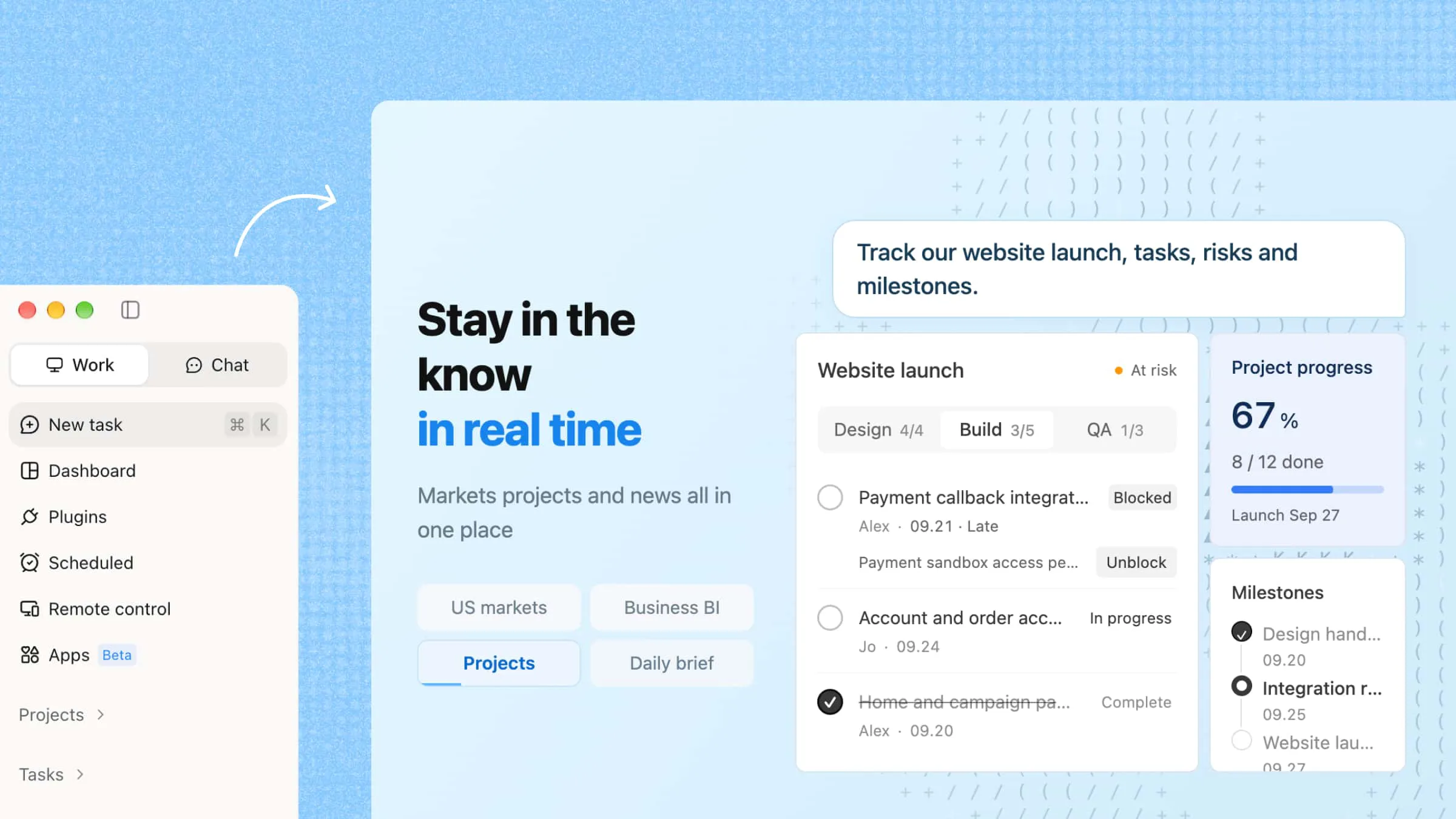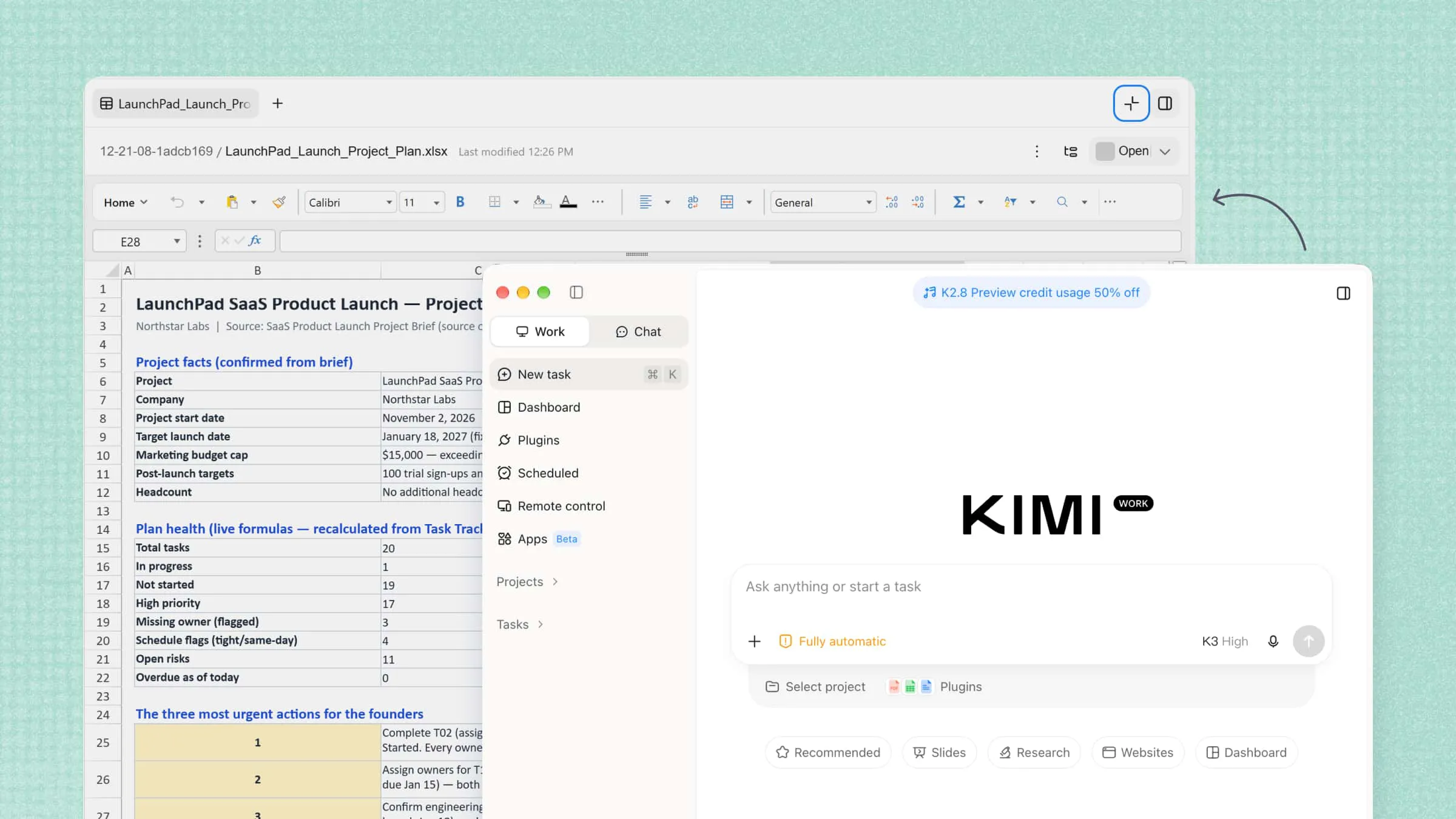
Managing multiple projects requires time, coordination, and careful planning. From tracking deadlines to assigning tasks and preparing reports, these responsibilities can become overwhelming when handled manually. AI tools for project management help simplify these processes through automation, intelligent planning, and task tracking. This article explores 10 AI project management tools, their key features, and how to choose the right one for your team's needs.
Overview of 10 AI tools for project management
The table below compares 10 AI project management tools by their core features, intended users, and project visibility capabilities to help you identify which tool fits your team's workflow and project tracking needs.
| Tool | Core features | Suitable for |
|---|---|---|
| Kimi Work | AI agent workflows, parallel task execution, scheduled tasks, report generation | Complex projects, research, and reporting |
| ClickUp | AI summaries, meeting notes, workflow automation, customizable views | Teams managing multiple projects |
| Jira | AI-assisted issue management, JQL assistance, Agile boards, sprint planning | Software development and IT teams |
| Taskade | AI project planning, custom AI agents, workflow automation | Freelancers, small businesses, and distributed teams |
| Wrike | AI summaries, risk prediction, workload management | Teams managing complex projects |
| monday.com | AI Blocks, workflow automations, visual project boards | Marketing and cross-functional teams |
| Motion | AI task scheduling, priority management, calendar integration | Professionals managing busy schedules |
| Hive | AI project planning, task management, team collaboration | Agencies and teams coordinating multiple projects |
| Zapier | AI-assisted workflow creation, app integrations, multi-step automation | Teams connecting multiple business apps |
| Asana | AI summaries, workflow management, project goals, reporting | Cross-functional teams |
10 AI project management tools worth trying
Here's a closer look at 10 AI project management tools worth trying, including their key features, practical use cases, and pricing options to help you find the right fit for your workflow.
Kimi Work
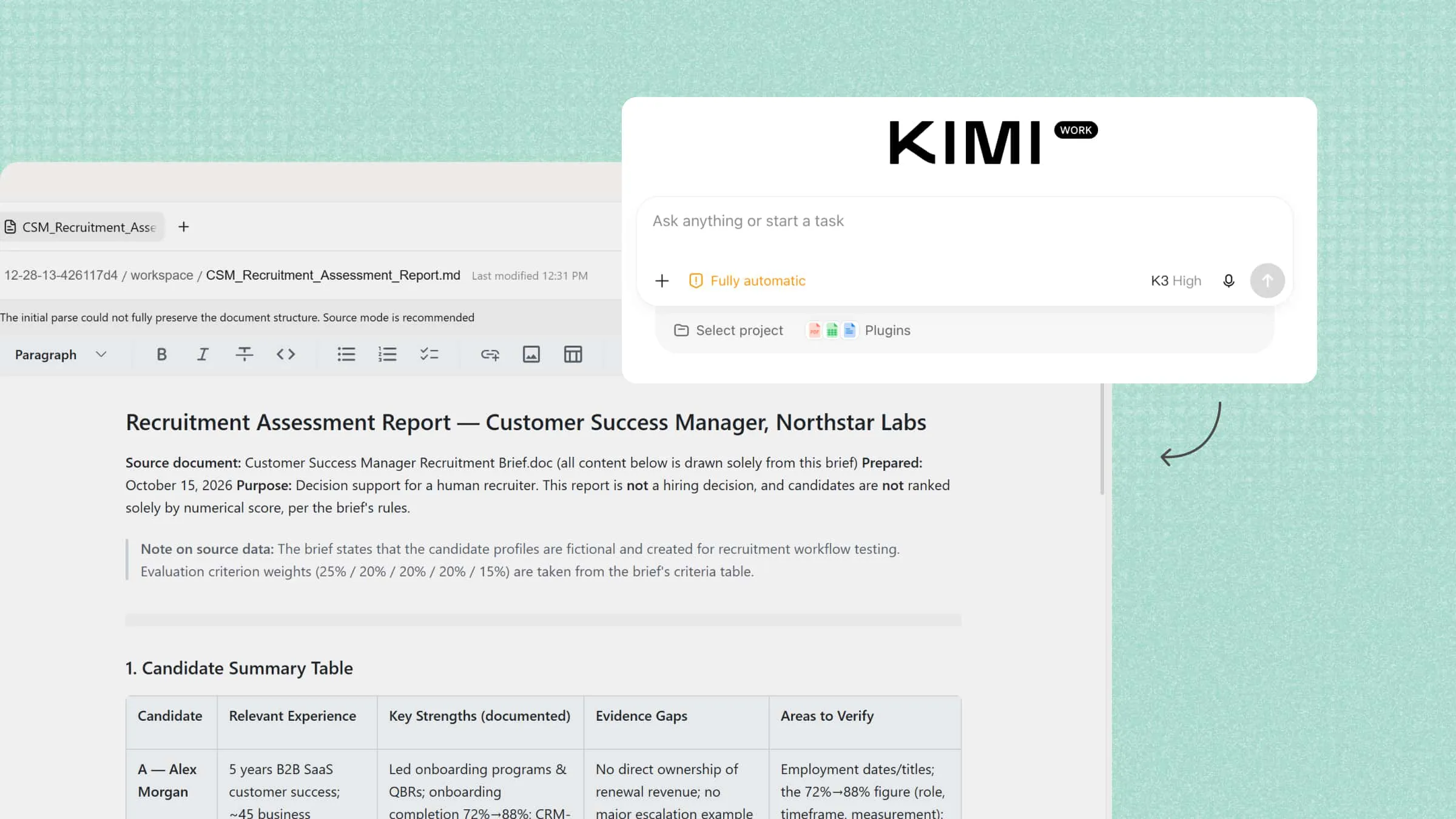
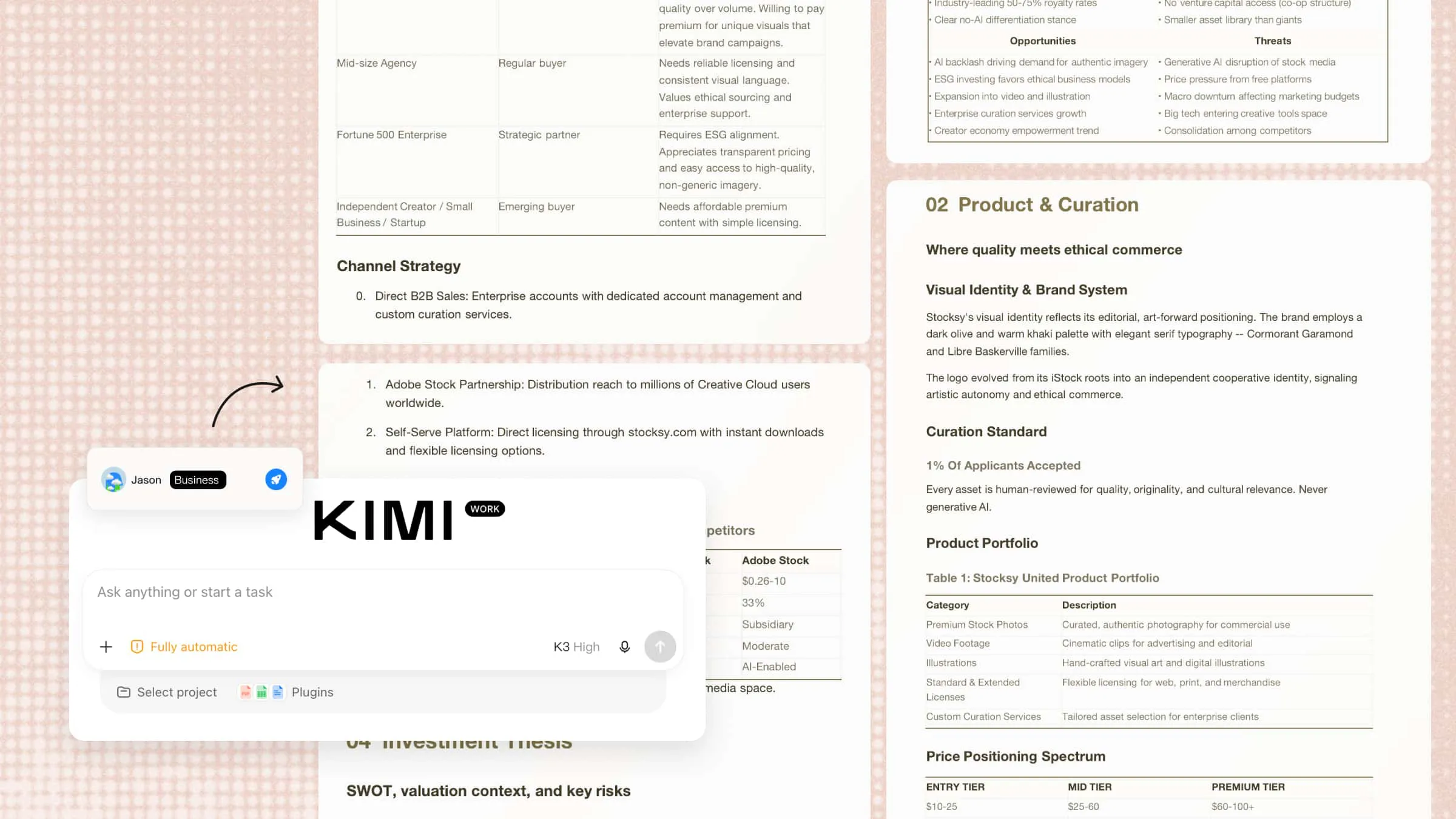
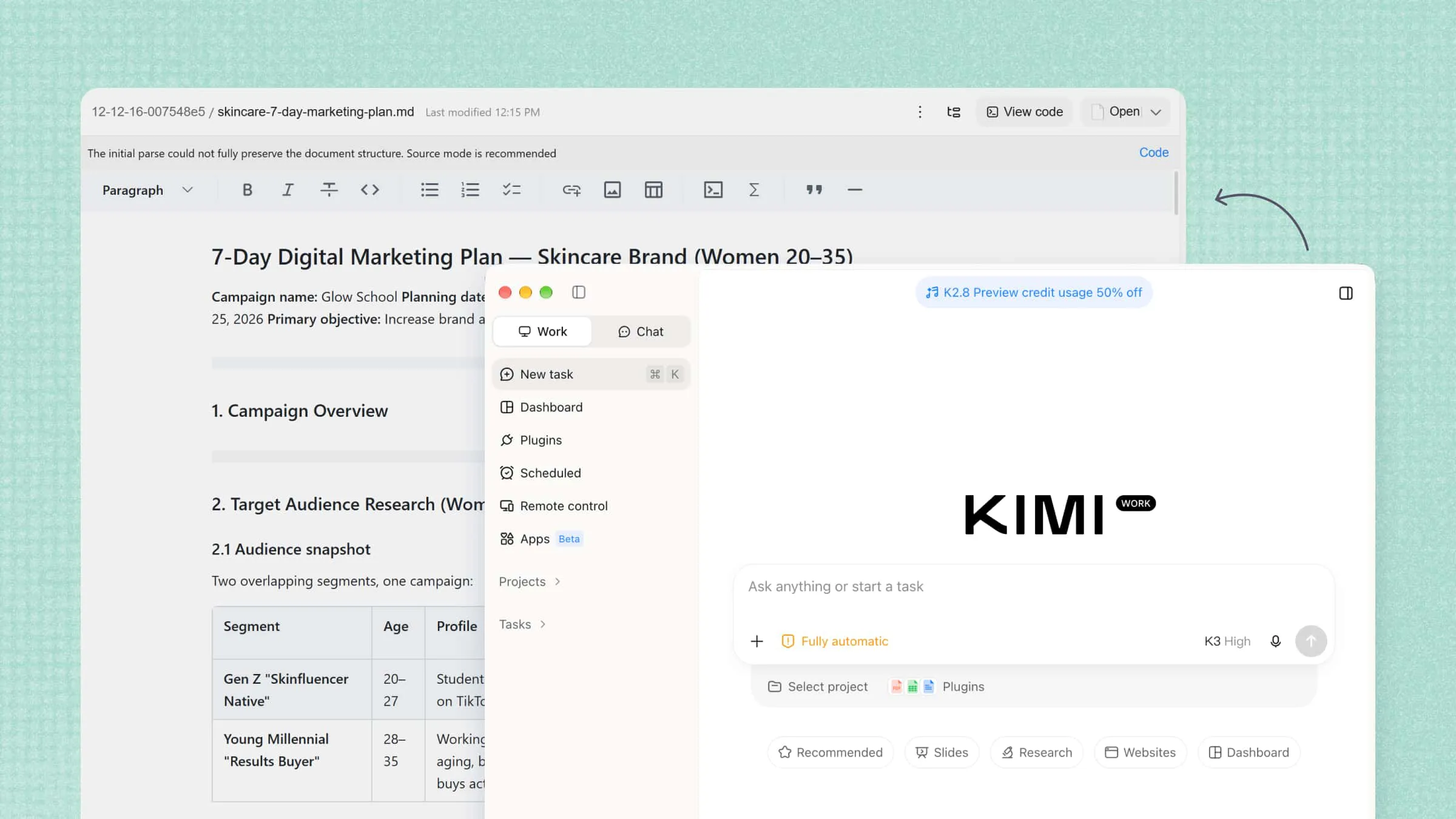
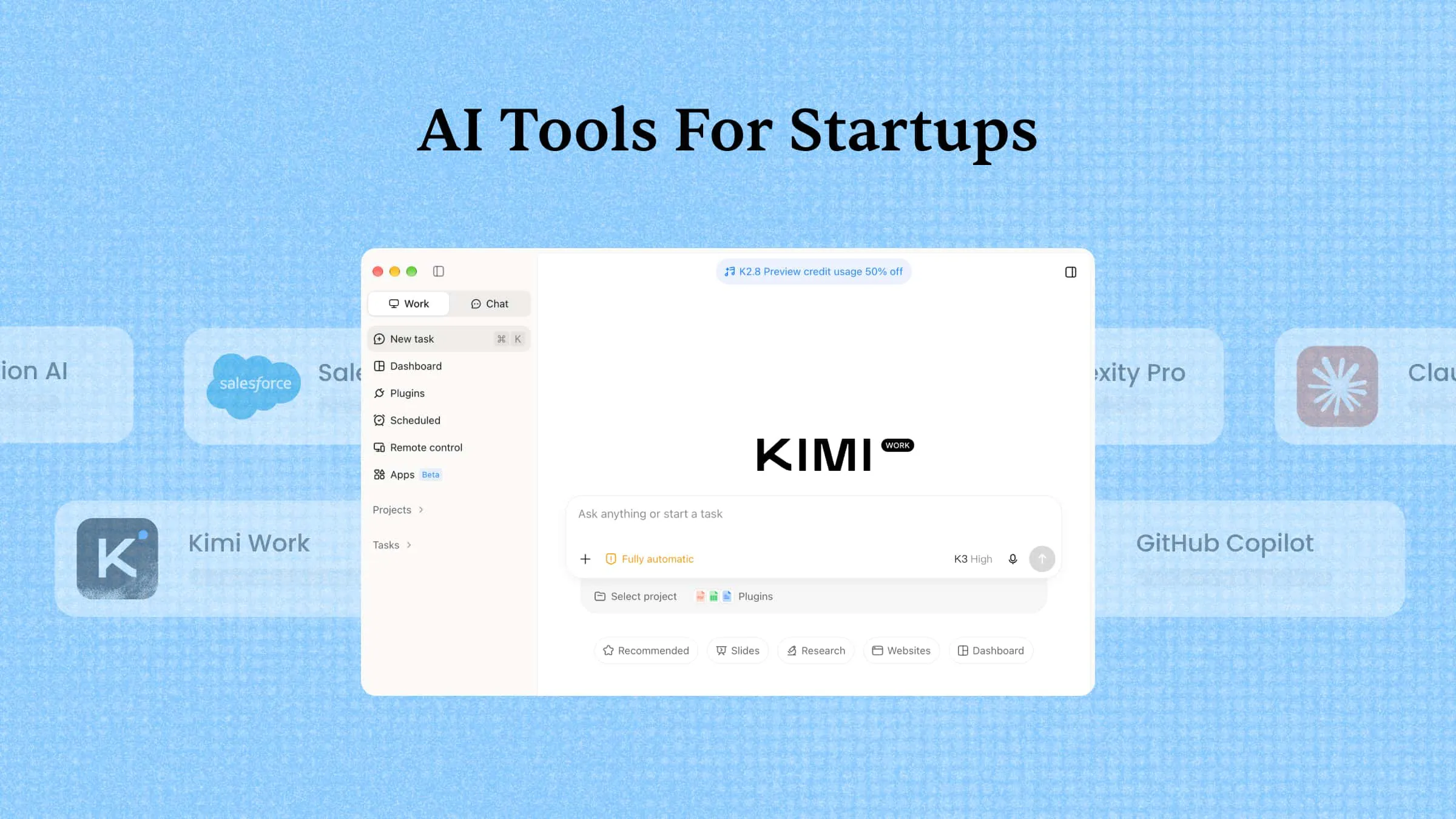
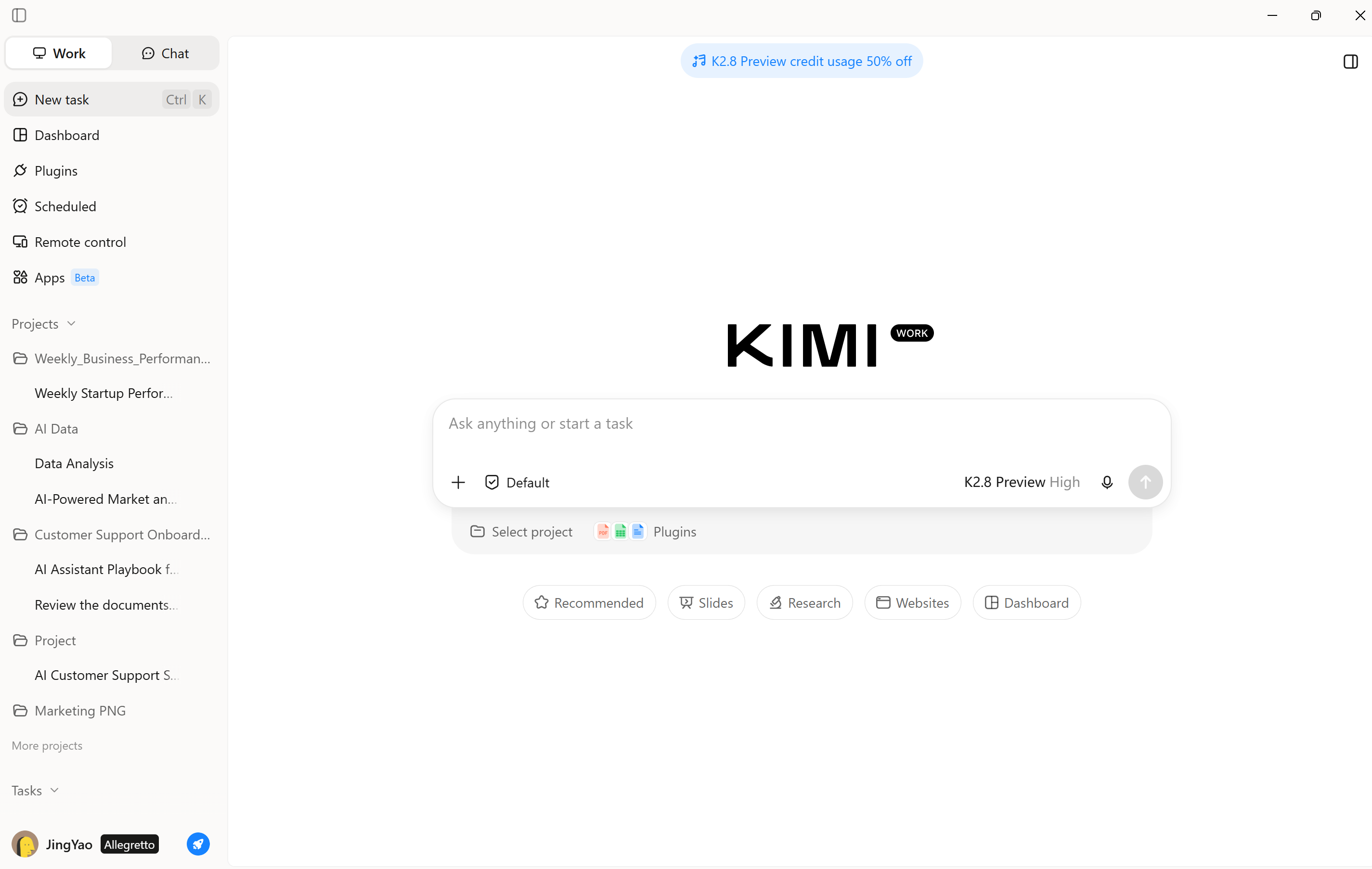
Kimi Work is an AI agent designed to handle complex tasks with less manual effort. It can browse websites, analyze information, and work with files to create documents, spreadsheets, and presentations. Its Agent Swarm feature divides complex tasks into smaller jobs that can run in parallel. Kimi Work also supports scheduled tasks, making it useful for automating recurring work and preparing project reports.
Main features
Break project goals into actionable tasks: Define project objectives, deliverables, and requirements to help Kimi Work structure complex work into manageable tasks and clarify the steps needed to reach project milestones.
Coordinate parallel project tasks with AI agents: Use multiple AI agents to handle different project activities simultaneously, such as market research, competitor analysis, requirements gathering, and progress reporting.
Automate recurring project tasks: Schedule daily or weekly tasks to collect project information, refresh progress summaries, and generate status reports, helping teams keep project records up to date without repeatedly initiating the same work.
Organize project conversations and file access: Archive conversations by project to keep discussions organized, and restrict Kimi Work to a specific project folder when working with local files. This helps maintain clearer boundaries between project materials and reduces cross-project confusion.
Build interactive project dashboards: Create persistent, interactive dashboards to organize project metrics, research findings, and progress updates, making it easier to monitor key information, review changes, and identify issues that need attention.
Extend project workflows with plugins and skills: Connect supported Office, Excel, and other productivity plugins to work with external tools and documents. You can also create custom plugins and reusable skills with Kimi to adapt project workflows to specific team needs.
Generate project reports and deliverables: Turn project research, data collection, and analysis into structured reports, spreadsheets, and presentations for stakeholder updates, milestone reviews, and project documentation.
Suitable for
Project managers handling research and report preparation
Teams that need AI-assisted data analysis and document creation
Professionals managing complex, multi-step tasks
Businesses looking to automate recurring workflows and save time
How to create a project management plan with Kimi Work
Managing a project involves coordinating tasks, tracking milestones, resolving dependencies, and keeping stakeholders informed. Kimi Work can help organize project briefs and task backlogs into a structured management plan, with timelines, task trackers, risk registers, and status reports. Follow these steps to turn your project requirements into actionable deliverables.
Step 1: Create a project and start a conversation
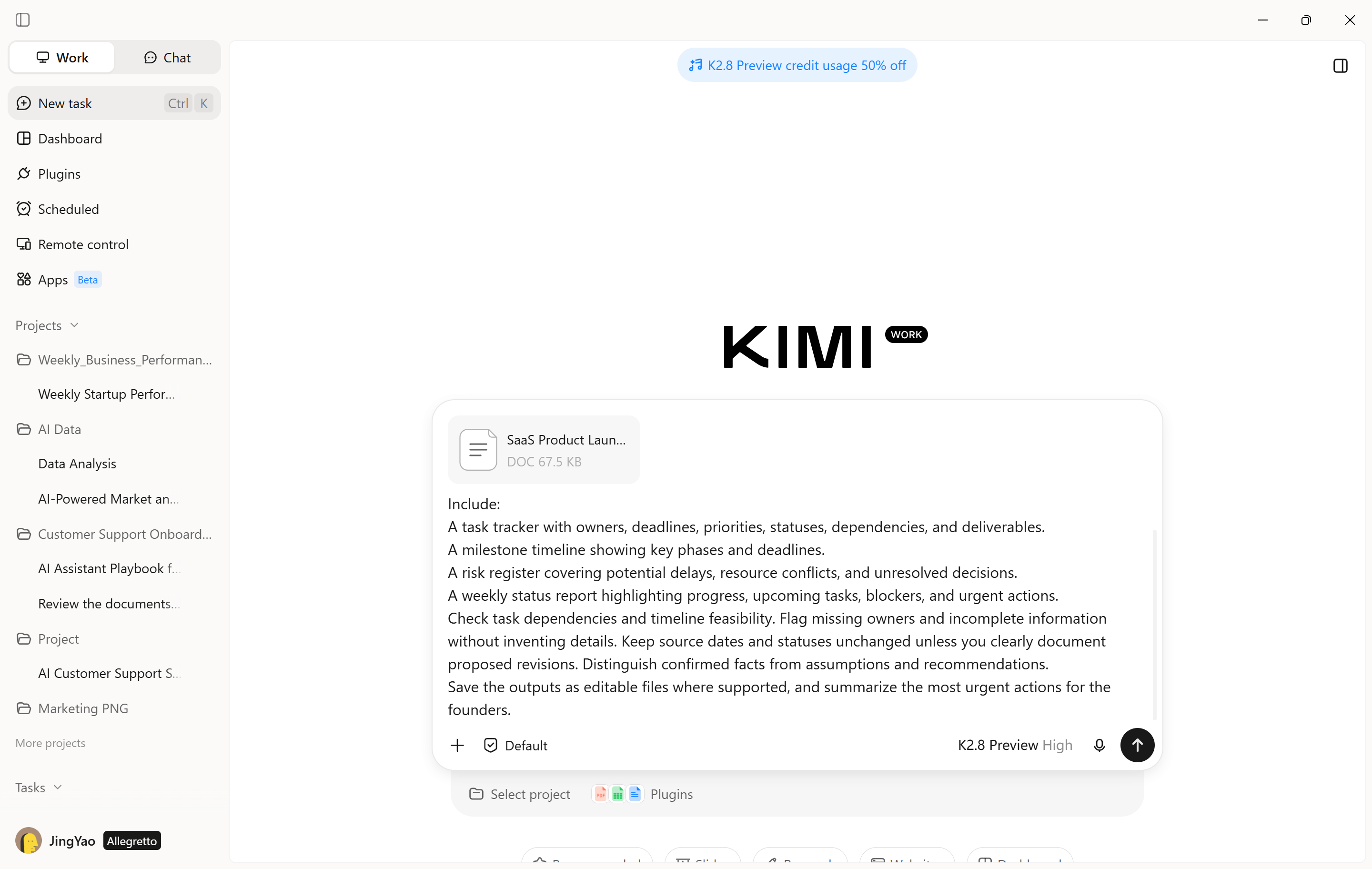
Open Kimi Work, and start a new task. Upload your project brief, task backlog, or other relevant documents. Enter a prompt outlining your project goals, deadlines, constraints, and expected deliverables, such as a task tracker, milestone timeline, and risk register.
Step 2: Let AI process and generate results
Submit your instructions and let Kimi Work break the project into manageable tasks, gather relevant information, and prepare the required files.
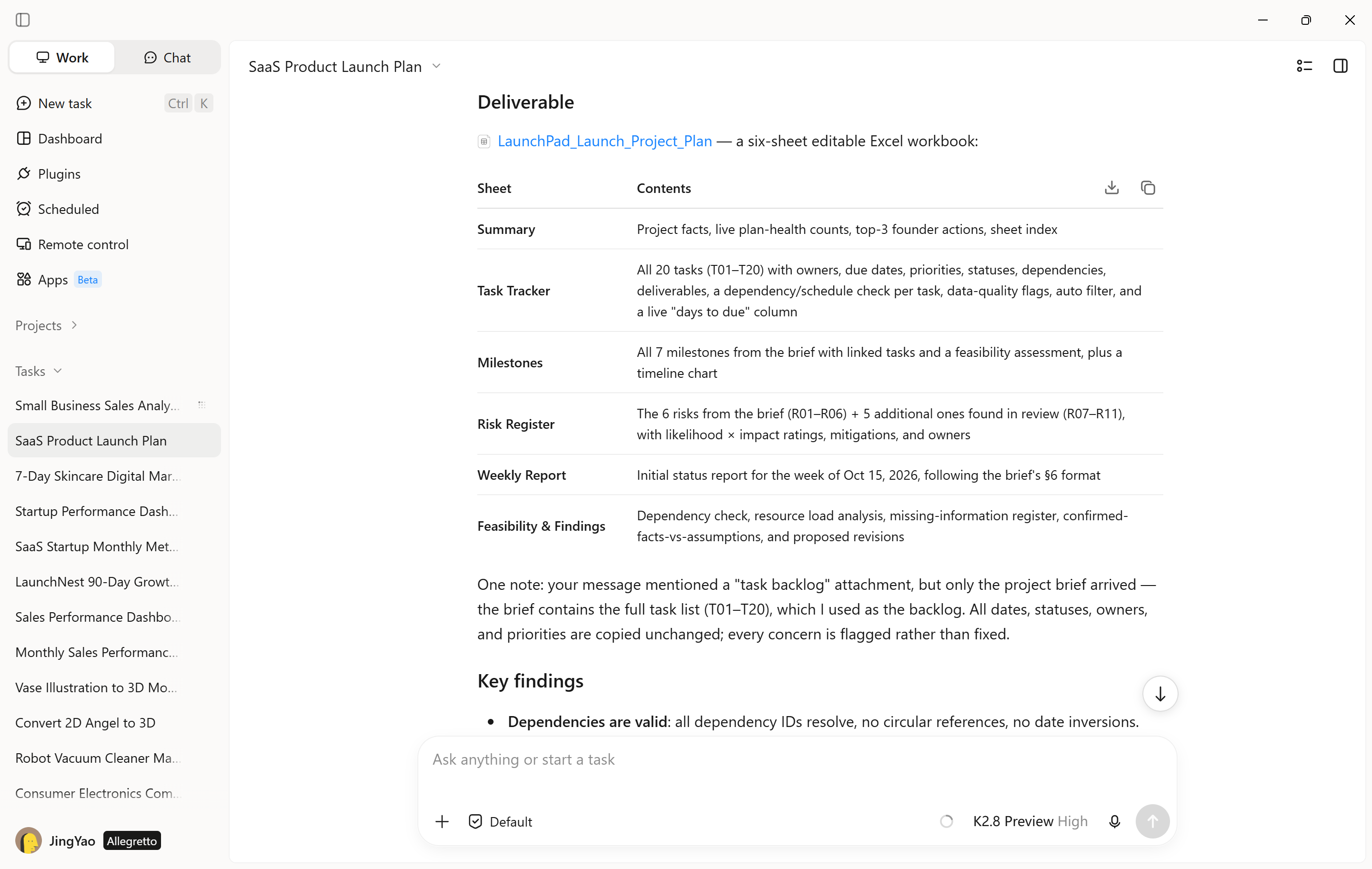
Step 3: Check your completed workflow output
Review the generated project timeline, task lists, reports, and other deliverables. Ask Kimi Work to revise incomplete sections or update the plan when requirements change. Finally, review and save the completed files in your project folder.
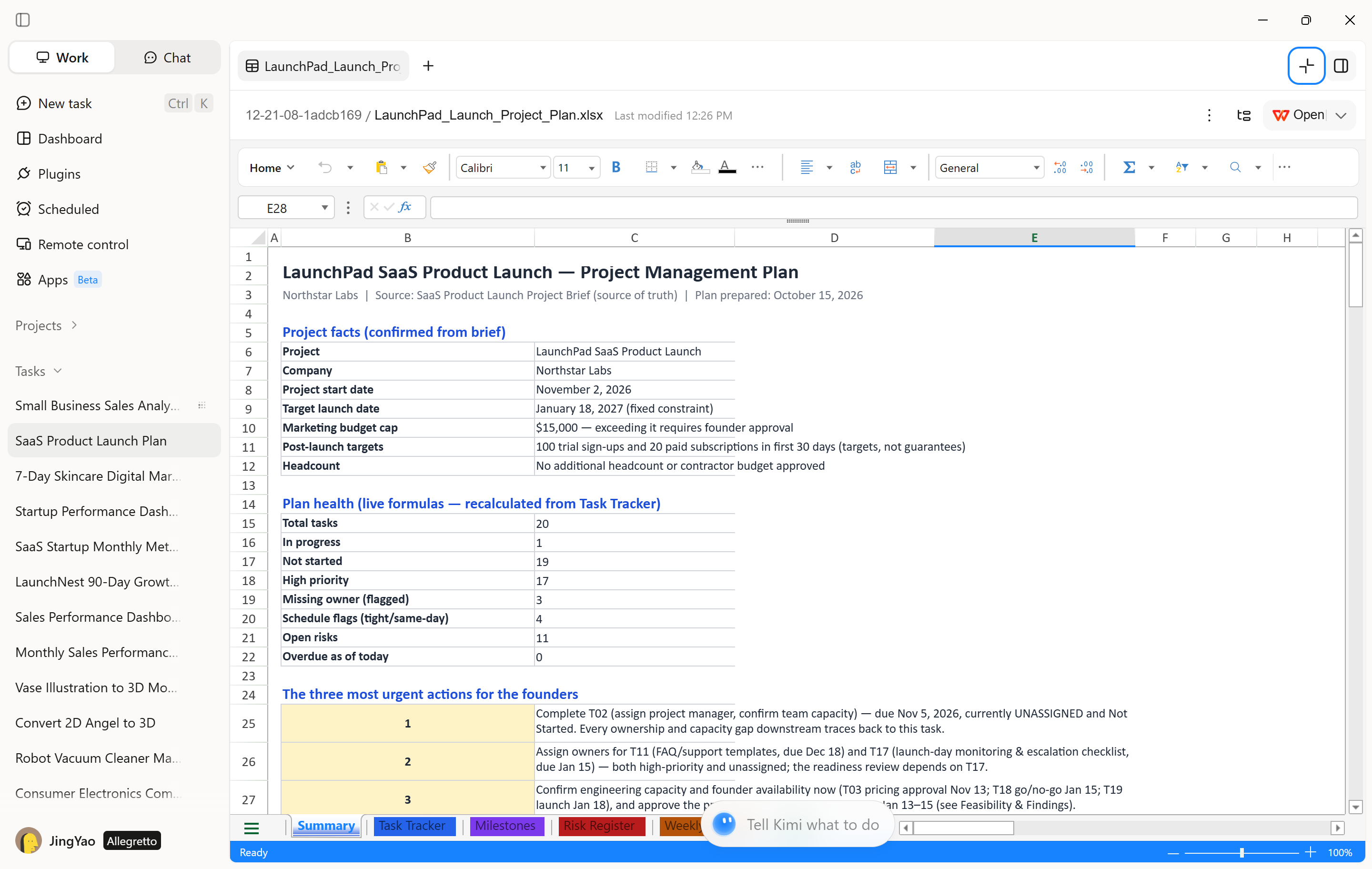
How to use dashboards for project management
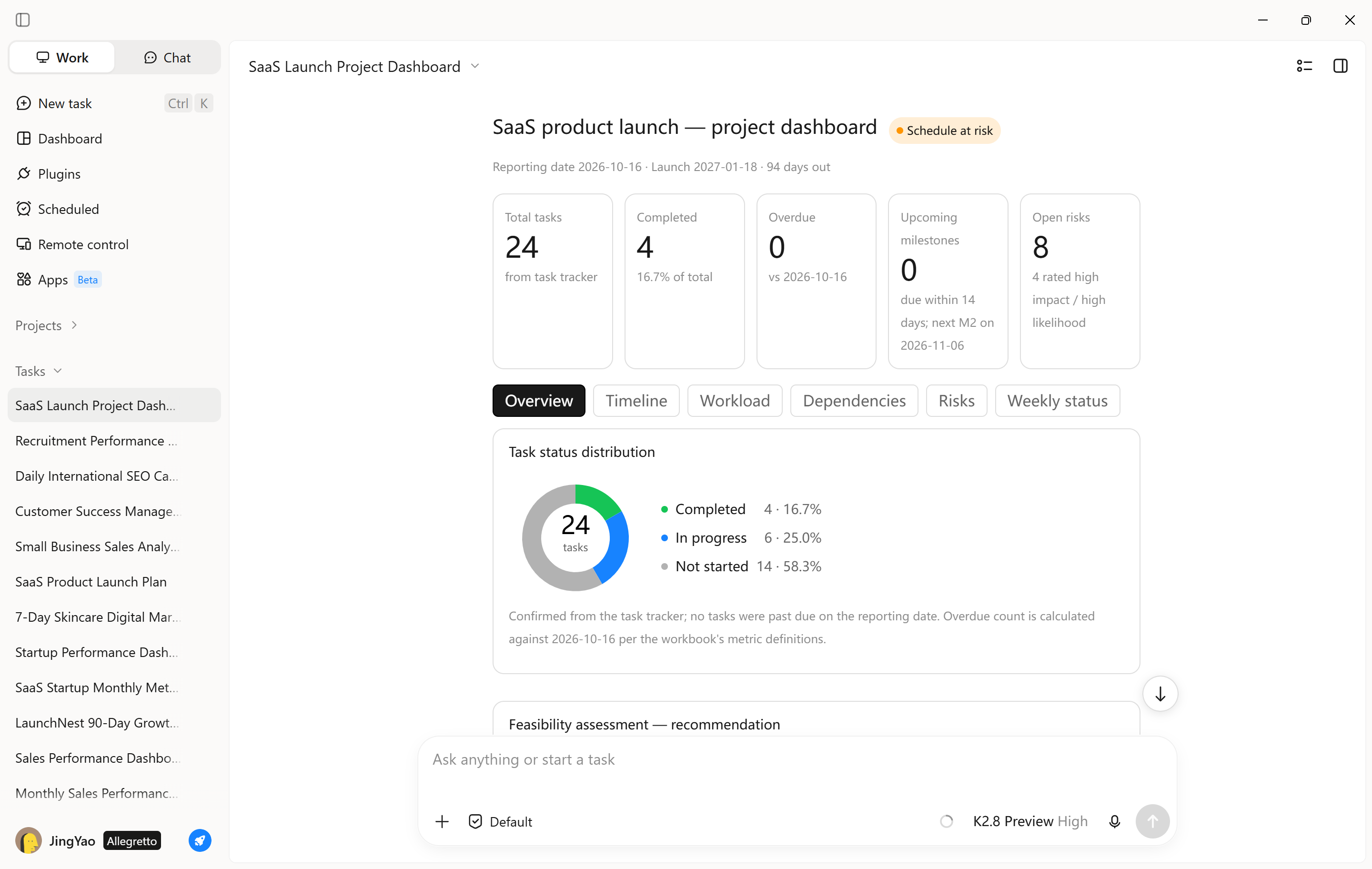
Project management dashboards help teams track task completion, deadlines, resource allocation, and overall project progress in one place. Kimi Work can analyze project trackers and organize task data into charts, summary tables, and key performance indicators, making it easier to spot delays and keep projects on schedule.
Step 1: Define project metrics and requirements
Upload a spreadsheet containing project tasks, owners, deadlines, priorities, statuses, dependencies, and deliverables. Identify the metrics you want to monitor, such as task completion rate, overdue tasks, milestone progress, and workload distribution.
Example prompt:
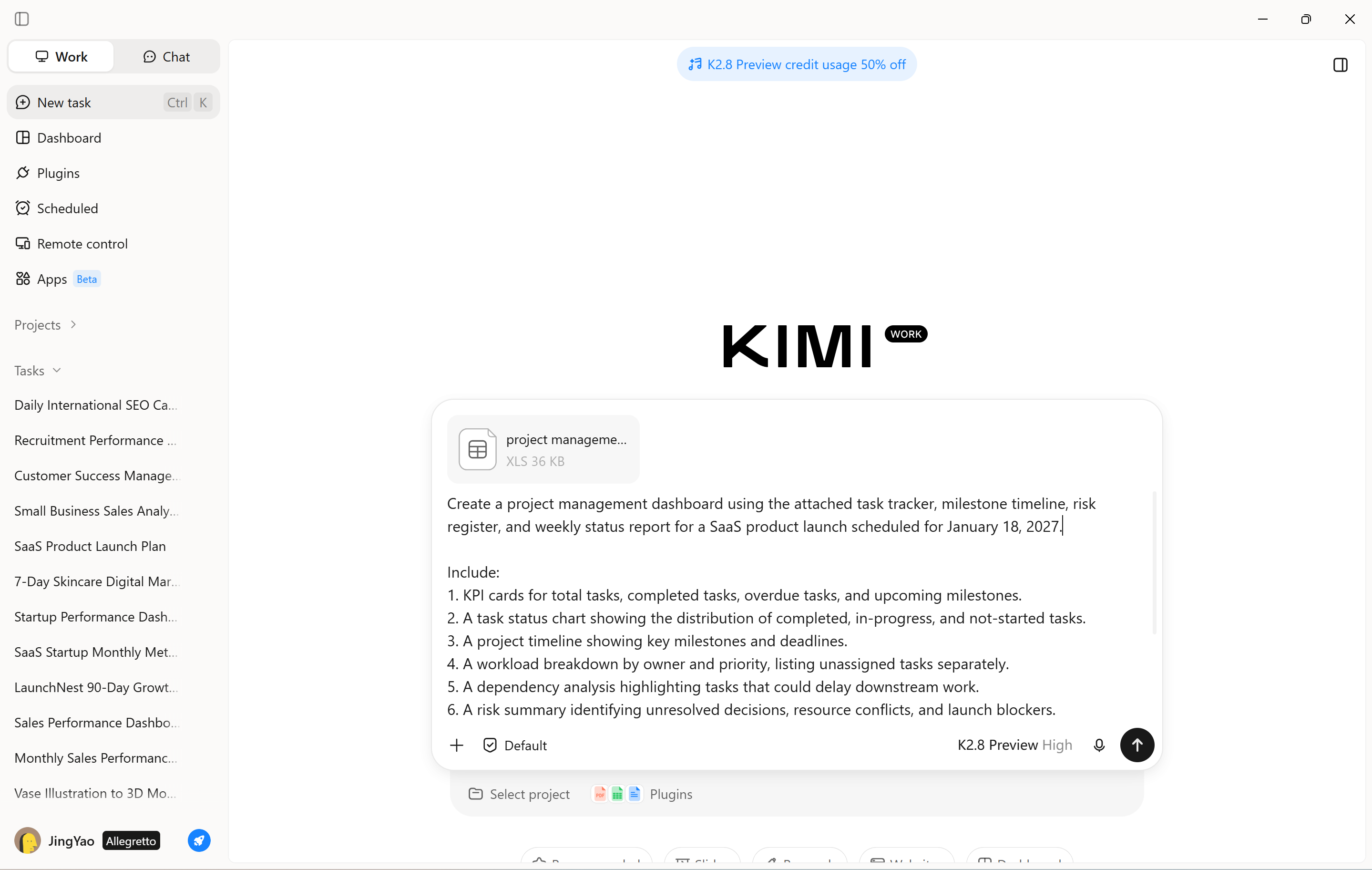
Step 2: Generate and review the dashboard
Ask Kimi Work to analyze the project tracker and generate the requested charts, KPI summaries, and task tables. Verify that completion rates, deadline flags, and milestone dates match the source files. Check whether dependencies could delay upcoming milestones and whether task assignments reveal potential workload conflicts.
Refine the dashboard by adding views for specific teams, project phases, or priority levels. Use the results to prioritize overdue work, resolve blockers, and coordinate upcoming deliverables.
ClickUp
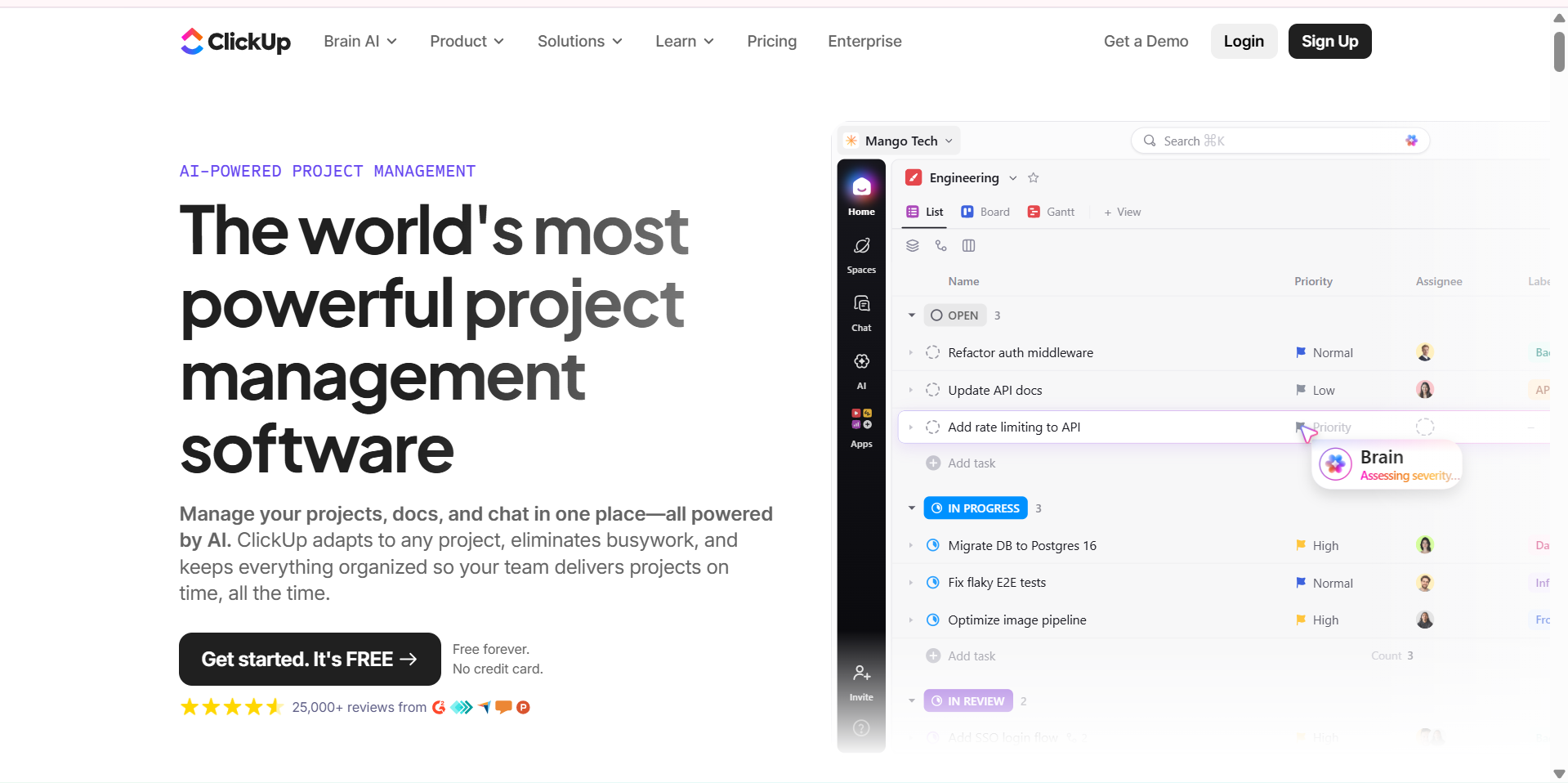
ClickUp is an all-in-one project management platform that brings tasks, documents, team communication, and project planning into one workspace. Its AI features help teams find project information, summarize work, and reduce repetitive tasks. Flexible views make it easier to manage different workflows without switching between multiple apps.
Main features
ClickUp Brain: Retrieves project information, answers questions, and summarizes tasks, documents, and updates.
AI Notetaker: Captures meeting discussions, generates summaries, and highlights key decisions and action items.
AI agents: Help manage repetitive workflows, handle task-related requests, and automate selected project activities.
Customizable project views: Switch between lists, boards, calendars, and timelines to track deadlines, organize tasks, and monitor progress.
Suitable for
Teams managing multiple projects.
Businesses looking for an all-in-one workspace.
Remote teams that need shared project information.
Project managers who want AI assistance across different tasks.
Jira
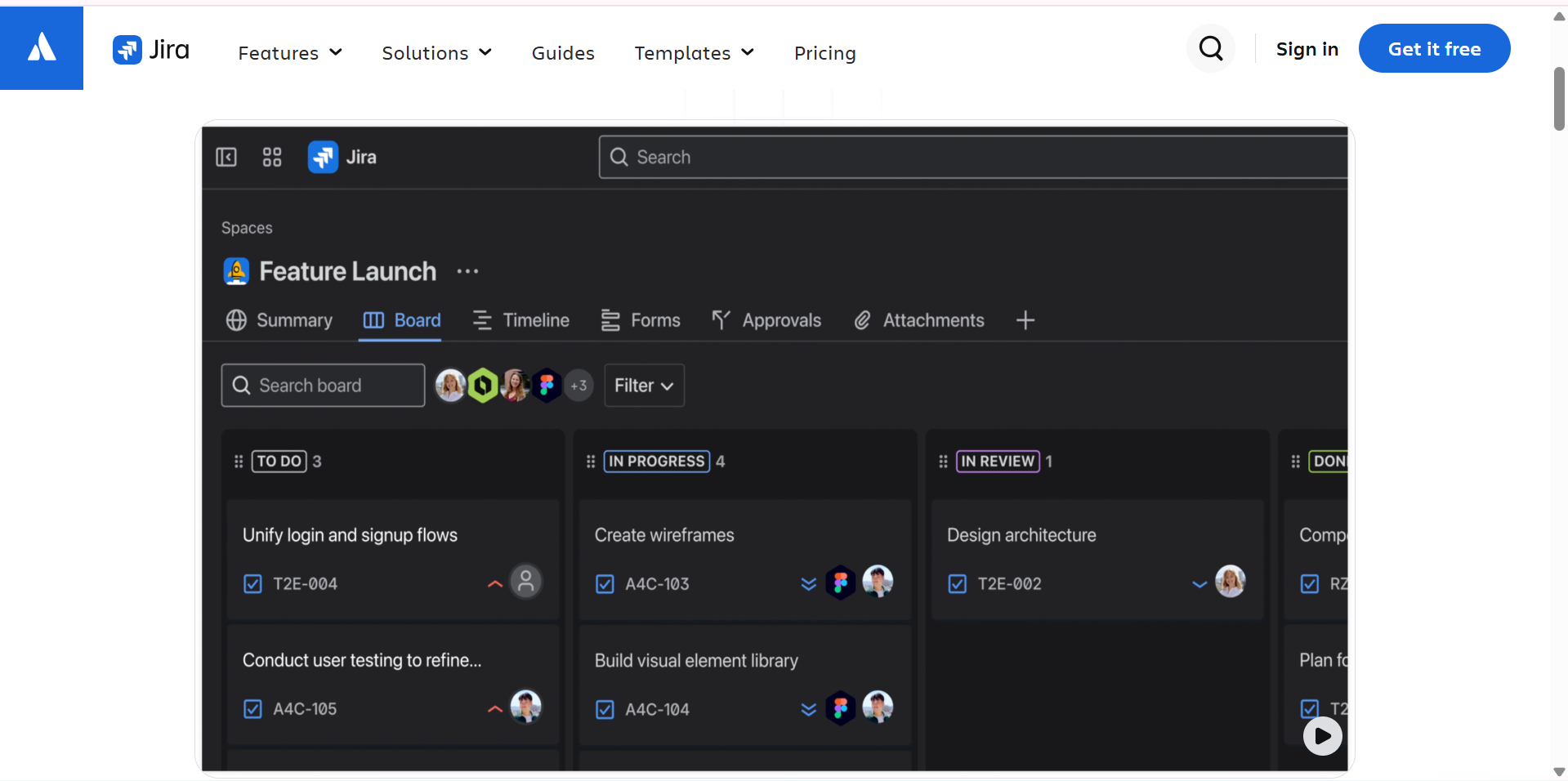
Jira is an AI project management tool widely used by software development and technical teams. It helps teams organize work into issues, plan sprints, track bugs, and monitor progress through development cycles. Its AI capabilities support issue management and help developers and project managers handle information more efficiently.
Main features
AI work-item summaries: Condense lengthy issue discussions, comments, and updates into clear summaries for faster understanding.
AI-assisted work breakdown: Helps teams split complex tasks into smaller, manageable work items and organize project activities.
Jira Query Language (JQL) assistance: Support users in creating, understanding, and troubleshooting queries to find relevant project data.
Agile boards and sprint planning: Organize backlogs, assign tasks, monitor sprint progress, and track development milestones in one place.
Suitable for
Software development teams.
Agile and Scrum teams.
IT departments managing bugs and requests.
Product teams coordinating development work.
Taskade
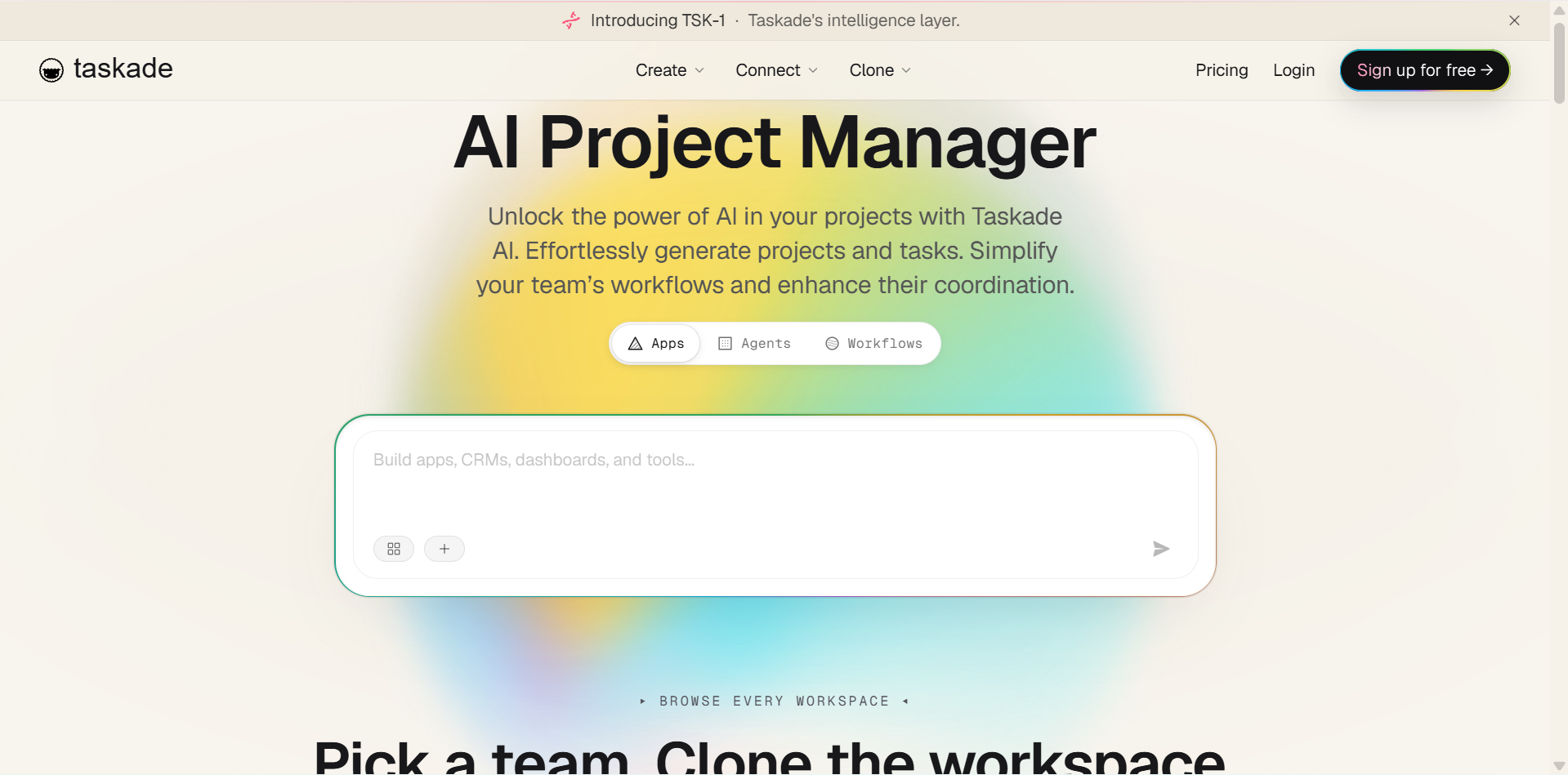
Taskade combines AI-assisted project planning, task management, collaboration, and workflow automation in one workspace. Users can describe a project in natural language and use AI to develop plans, organize tasks, or build customized project applications. Its AI agents also help teams automate selected workflows and manage information across projects.
Main features
AI Project Studio: Turn natural-language instructions into structured project plans, task lists, and actionable outlines.
Custom AI agents: Build specialized AI assistants to handle recurring tasks and support specific project workflows.
Workflow automation: Connect tasks and actions across workflows to reduce manual work and improve efficiency.
Multiple project views: Organize and track work using lists, boards, calendars, and mind maps to suit different planning needs.
Suitable for
Freelancers and small businesses
Remote and distributed teams
Teams that want customizable AI workflows
Users who need project planning and collaboration in one place
Wrike
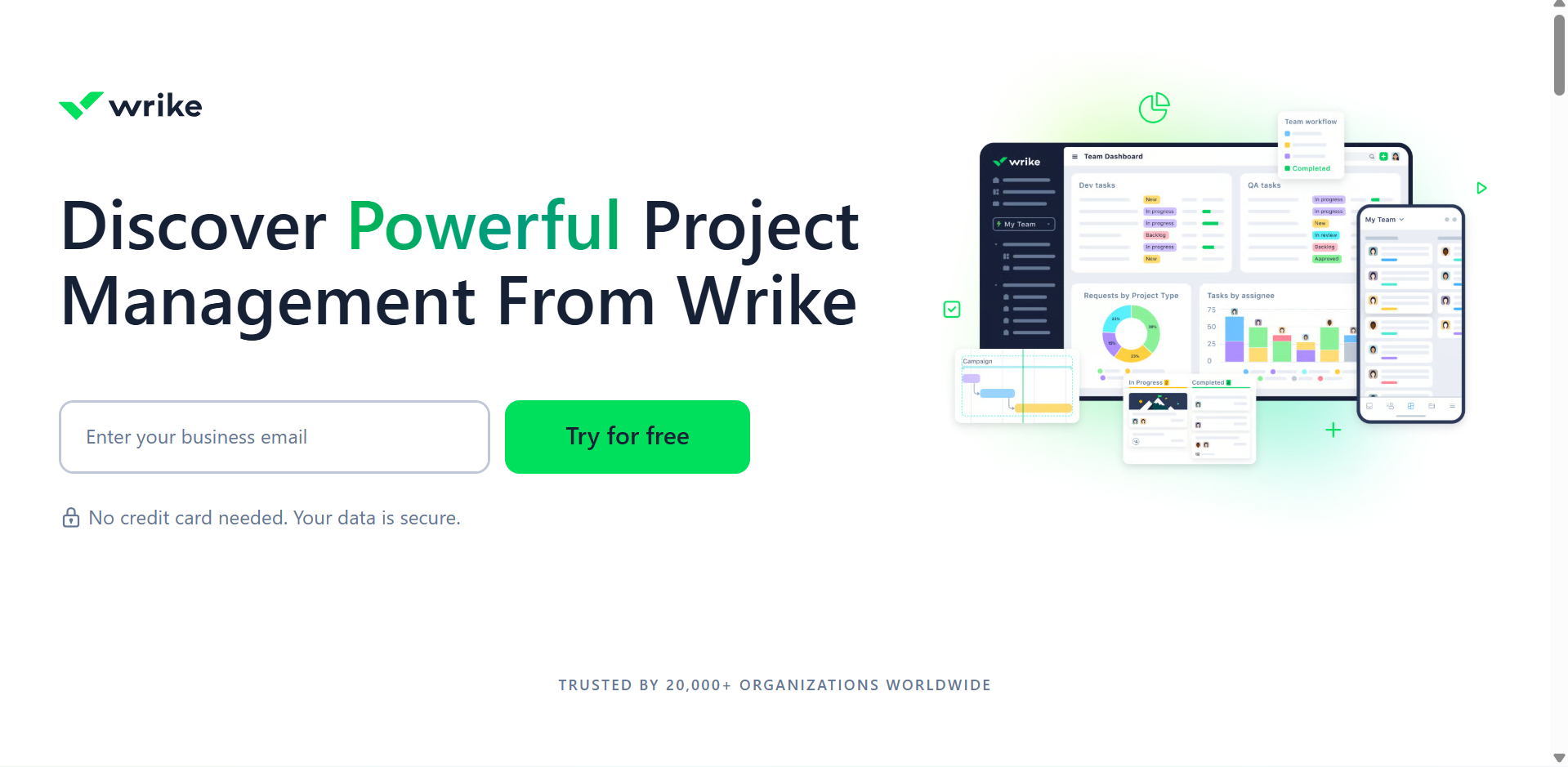
Wrike is an AI tool for project management designed to help teams coordinate projects, manage resources, and track deadlines. Its AI features assist with writing task descriptions, summarizing project updates, and identifying potential risks. The platform is particularly useful when several teams need visibility into complex projects and changing priorities.
Main features
AI task writing: Generate clear task descriptions, refine instructions, and help teams communicate requirements more effectively.
AI summaries: Turn lengthy project discussions, updates, and reports into concise summaries highlighting key information.
Risk prediction: Identify potential project risks, bottlenecks, and delays so teams can address issues early.
Workload management: Monitor team capacity, track assigned responsibilities, and help distribute tasks more evenly.
Suitable for
Medium-sized and large businesses.
Teams managing complex projects.
Agencies handling multiple client accounts.
Project managers who need workload and risk visibility.
monday.com
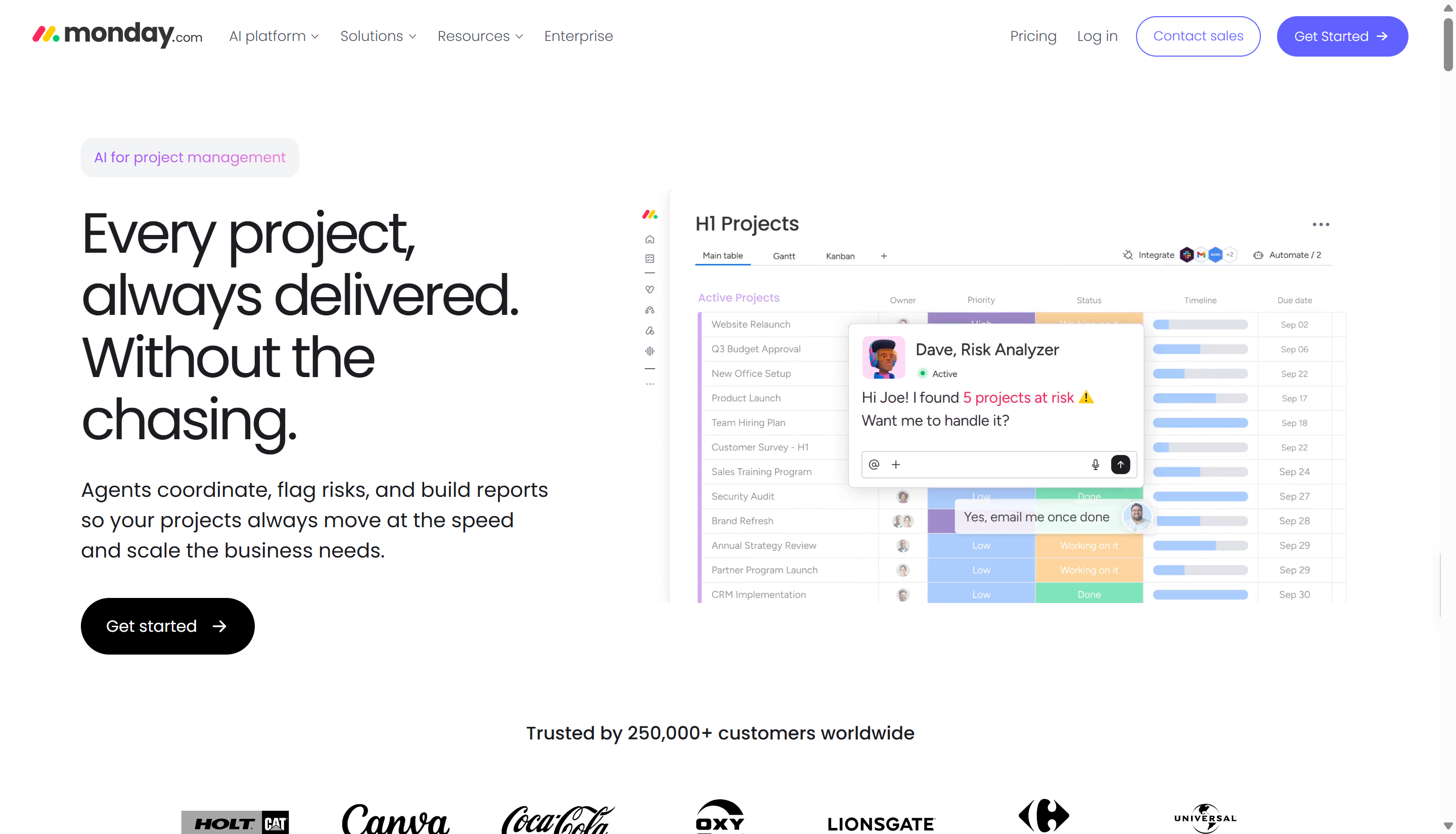
monday.com, through its monday work management platform, offers visual project boards, customizable workflows, and AI-assisted work management. Teams can use its features to organize responsibilities, track progress, and automate routine processes. Its flexible setup makes it useful for departments that need to coordinate different types of work.
Main features
monday Sidekick: Helps users interact with board data through natural-language instructions, making it easier to find information and manage work.
AI Blocks: Summarize text, extract important details, and generate responses to support everyday project tasks.
AI-powered automations: Streamline repetitive processes by triggering selected actions and connecting steps across workflows.
Customizable boards: Organize tasks, assign owners, set deadlines, and track project statuses using flexible visual boards.
Suitable for
Marketing and creative teams.
Cross-functional departments.
Businesses that rely on visual project tracking.
Teams that want to customize their workflows.
Motion
Motion focuses on AI-powered scheduling and task planning. It helps users organize tasks around their calendars, priorities, and available time instead of managing every activity manually. The tool is particularly helpful when meetings, deadlines, and changing priorities make daily planning difficult.
Main features
AI task scheduling: Automatically arranges tasks based on deadlines, estimated duration, and calendar availability.
Priority management: Helps users focus on urgent and important tasks to keep projects moving forward.
Calendar integration: Combines tasks, meetings, and appointments into a coordinated schedule for better time management.
Schedule adjustments: Reorganizes planned tasks when meetings, deadlines, or priorities change, helping users maintain a realistic workload.
Suitable for
Freelancers and independent professionals.
Busy managers with full calendars.
Small teams handling changing deadlines.
People who want to automate daily planning.
Hive
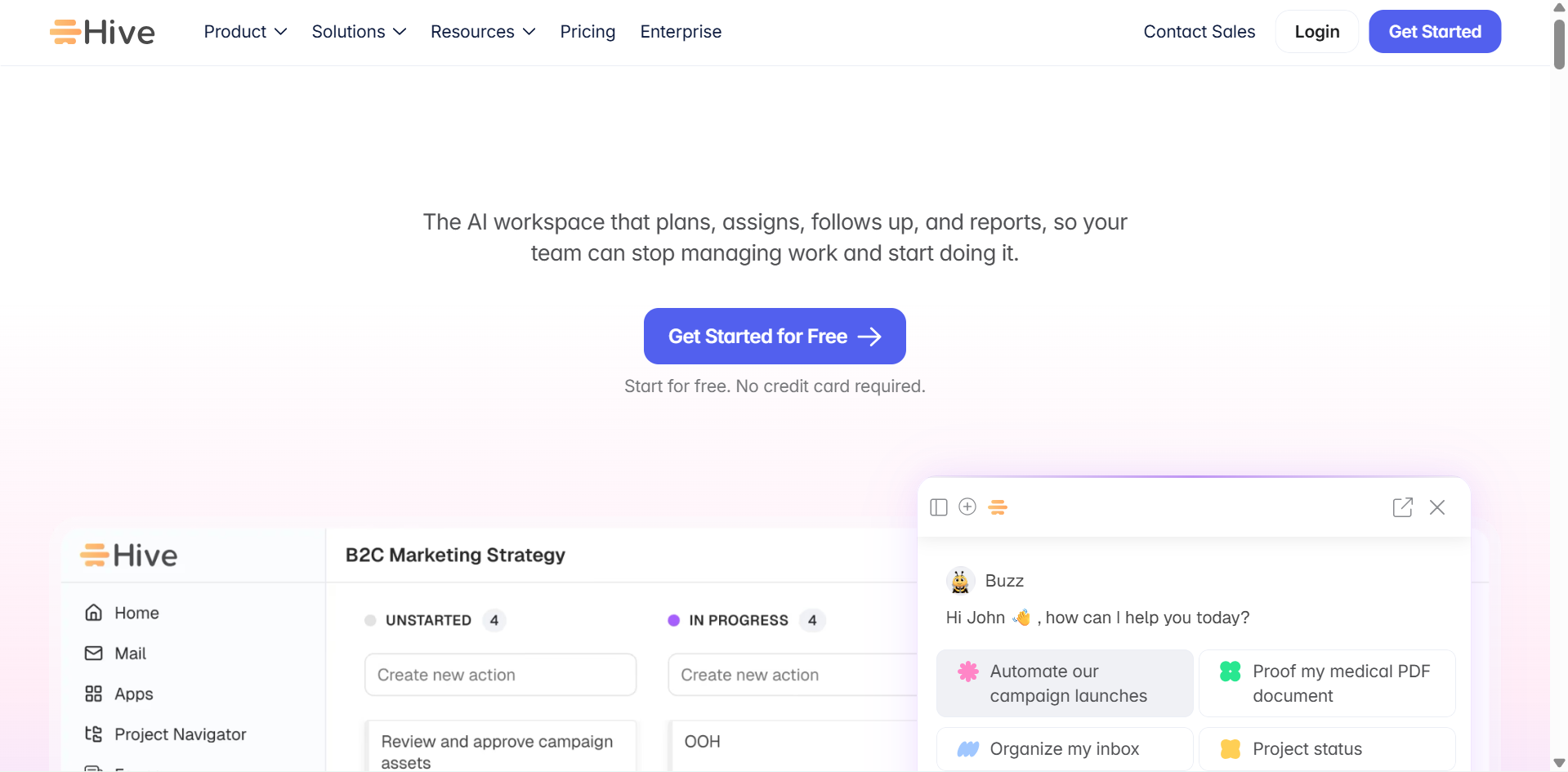
Hive combines project planning, team collaboration, and task management with AI-assisted features. Its AI tools can help turn a project idea into an initial plan, making it easier to get work started. Teams can then assign responsibilities, track progress, and communicate within the same workspace.
Main features
AI project planning: Turn written instructions into structured project plans with suggested tasks, milestones, and next steps.
Task management: Assign responsibilities, set deadlines, track progress, and keep deliverables organized.
Project views: Switch between boards, timelines, and other layouts to visualize schedules and monitor project progress.
Team collaboration: Keep discussions, project updates, and shared information connected to tasks for smoother team coordination.
Suitable for
Marketing and creative agencies.
Teams planning projects from scratch.
Businesses managing several active projects.
Teams that want task management and collaboration together.
Zapier
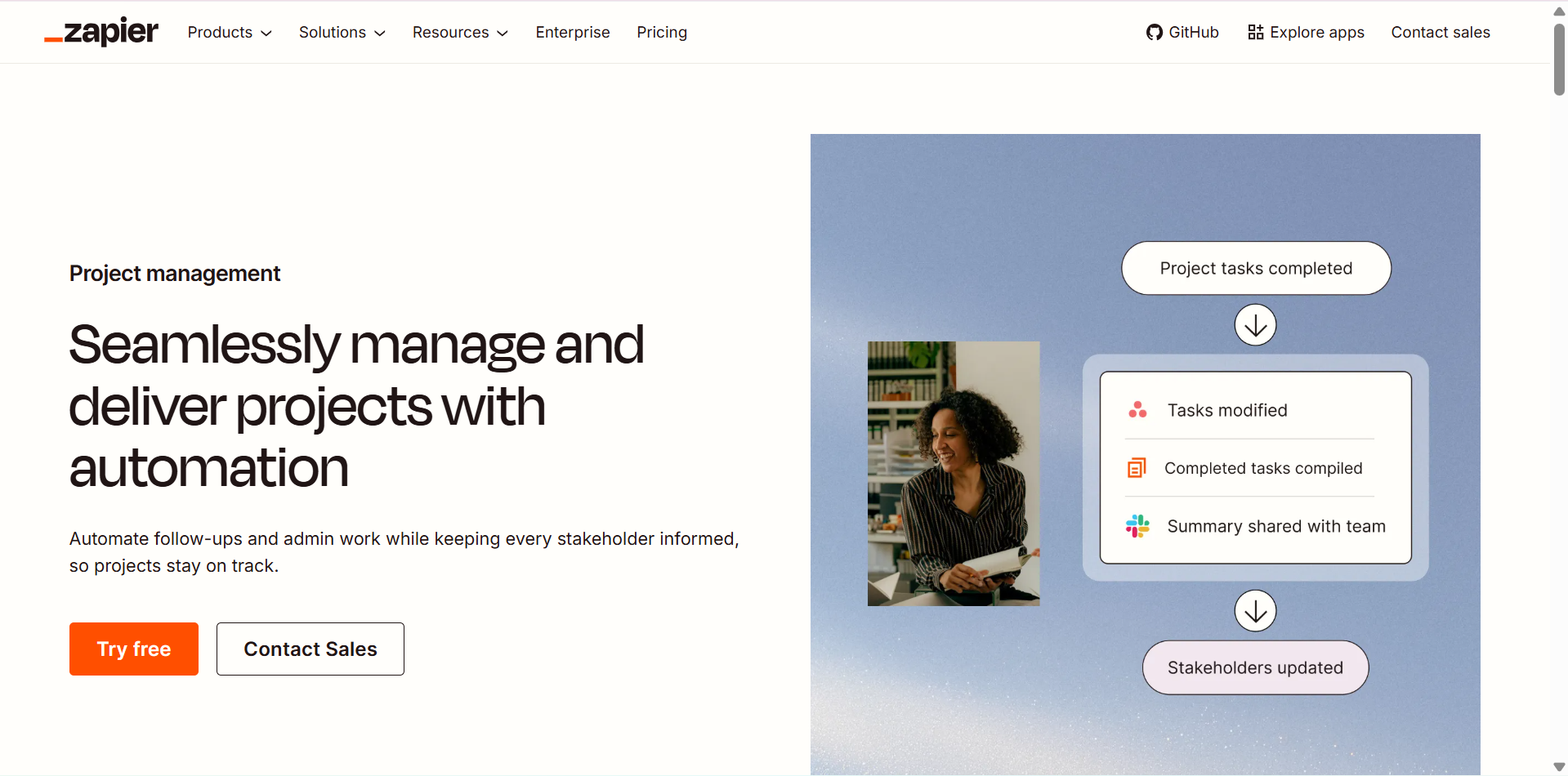
Zapier takes a workflow automation approach to project management rather than serving mainly as a traditional project board. It connects different apps and allows teams to create automated workflows, known as Zaps, that move information and trigger actions between services. Its AI features can help build and manage these workflows, reducing the need for manual updates across tools.
Main features
AI-assisted workflow creation: Build automated workflows using natural-language instructions, reducing the need for manual configuration.
App integrations: Connect thousands of apps to share data and coordinate tasks across different platforms.
Automated task routing: Trigger actions, send notifications, or direct information to the right destination when specific events occur.
Multi-step workflows: Combine multiple actions into a single automated process to streamline repetitive tasks and improve efficiency.
Suitable for
Teams using multiple business apps.
Businesses that want to reduce repetitive admin work.
Operations teams managing recurring processes.
Project managers who need information to flow between tools.
Asana
Asana helps teams coordinate tasks, set project goals, and monitor progress across departments. Its AI features support project updates, summaries, and workflow organization, helping teams spend less time on routine coordination. It is a practical option for businesses that need a clear view of responsibilities and project outcomes.
Main features
Smart Summaries: Condense lengthy task descriptions, project updates, and discussions into concise summaries highlighting essential information.
AI-powered workflows: Help teams create, organize, and manage repeatable processes to reduce manual work and improve consistency.
Automated labels: Categorize tasks and project information using AI-assisted labeling for easier organization and retrieval.
Project goals and reporting: Connect daily tasks to broader business objectives and monitor progress through project reports and performance tracking.
Suitable for
Cross-functional business teams.
Marketing and operations departments.
Managers tracking goals across projects.
Teams coordinating work across multiple departments.
How to choose a suitable AI project management tool
Choosing the right AI project management tool can help your team save time, stay organized, and manage tasks more efficiently. While all the tools listed above offer useful features, consider the following factors to find the one that best fits your team's needs.
Define your project management needs
Start by identifying the problems you want the tool to solve. For example, you may need help with task assignments, deadline tracking, workload management, or project reporting.
Check task planning and tracking capabilities
Look for features that make it easy to create tasks, set deadlines, assign responsibilities, and track progress. Tools with Kanban boards, calendars, and Gantt charts can help you see what needs attention and keep projects on schedule.
Evaluate AI automation features
Check how the tool uses AI to reduce repetitive work. Features such as automatic task summaries, smart scheduling, progress updates, and deadline alerts can save time and help your team focus on important tasks.
Consider team size and collaboration needs
Choose a tool that matches the way your team works, whether you manage projects alone or coordinate with several departments. Shared workspaces, comments, file sharing, and real-time updates can make communication easier and keep everyone on the same page.
Review integrations and data security
Make sure the tool works with the apps your team already uses, and review its access controls, data protection policies, and security features before adding sensitive project information. For organizations subscribed to Kimi Business, business data is not used to train models by default.
Conclusion
The AI project management tool fits your workflow, not simply the one with the most features. Compare your options based on project complexity, team requirements, and budget before making a decision. If you need more than traditional task tracking, consider Kimi Work for research-heavy projects, parallel task execution, data analysis, and report creation.