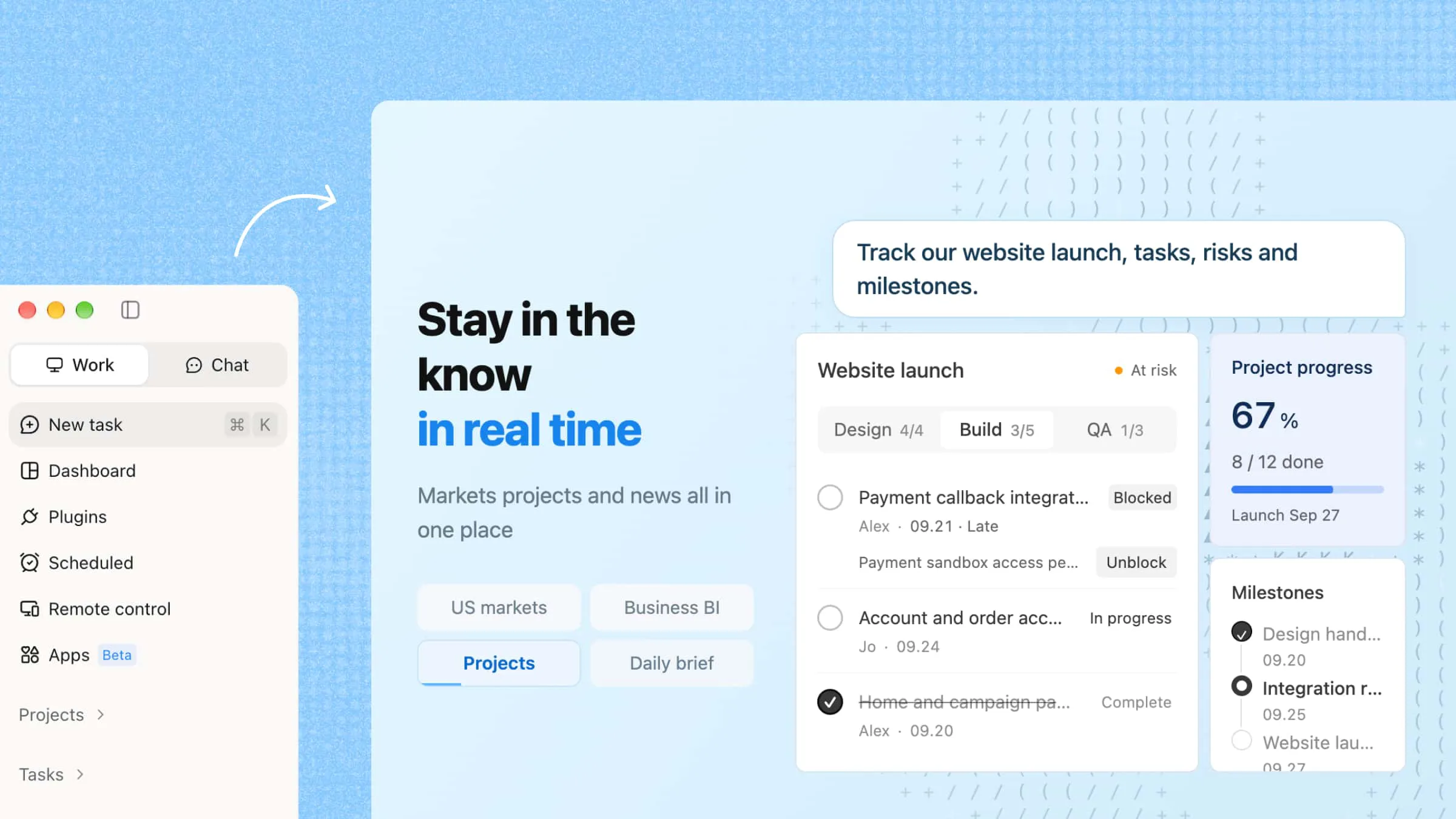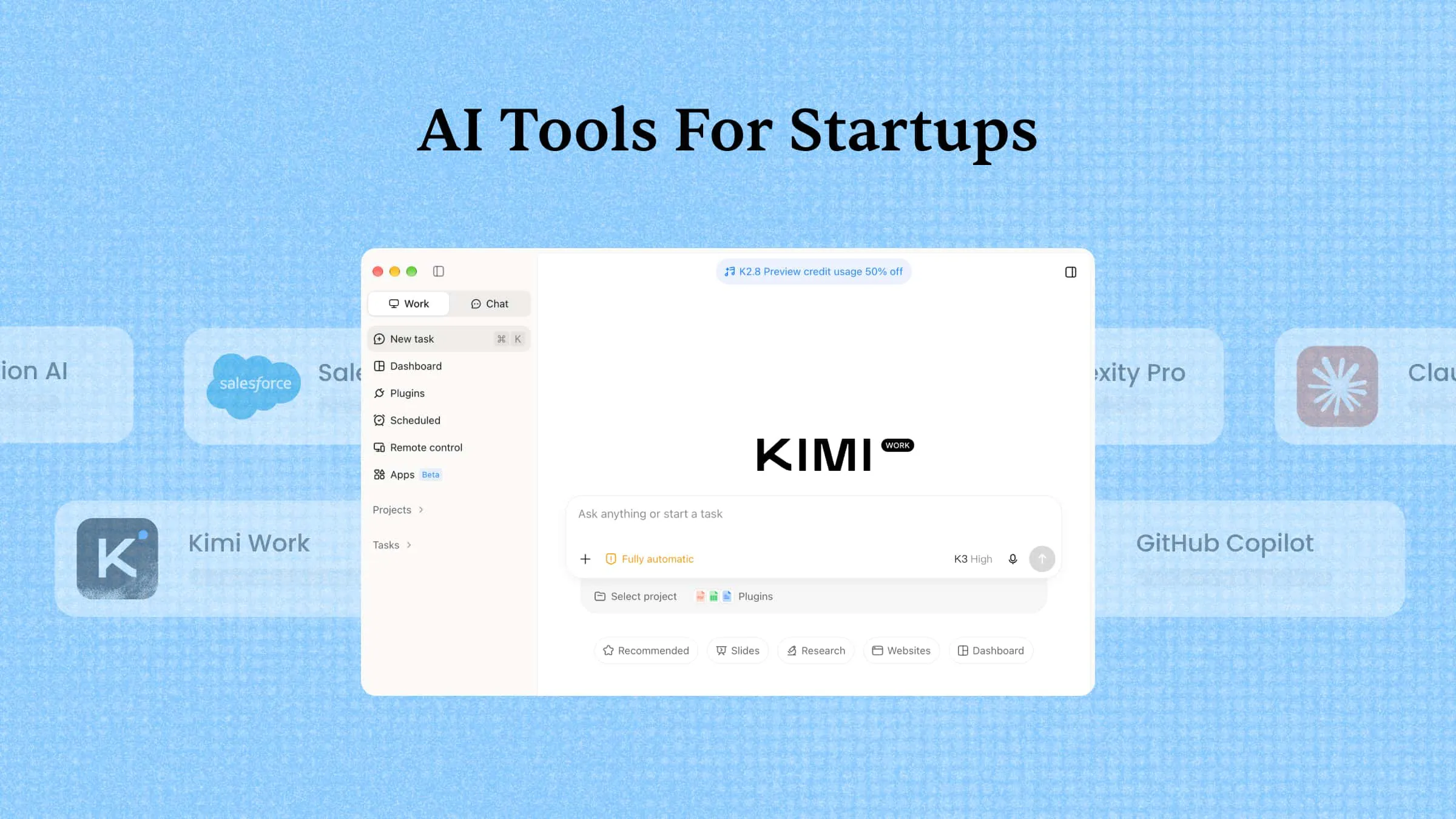
Limited resources and increasing business demands can make it difficult for startups to maintain efficiency while pursuing growth. AI tools for startups provide practical ways to simplify operations, speed up everyday work, and make better use of available resources. This guide covers 10 tools that help startup teams manage essential tasks and build a stronger foundation for business growth.
A quick overview of 10 AI tools for startups
Startups have different priorities, so comparing each tool's core features and intended use can help you find the right fit. The table below summarizes 10 AI tools for startups, highlighting what each one does and where it can support your business.
| AI tool | Primary function | Key automation features | Suitable for |
|---|---|---|---|
| Kimi Work | Multi-step business task execution | Scheduled tasks, parallel AI agents, cross-app workflows, research and data analysis | Early-stage startups and lean business teams |
| Salesforce Starter Suite | Customer relationship management | Lead tracking, sales follow-ups, marketing campaigns, customer service workflows | Startups managing sales and customer relationships |
| GitHub Copilot | AI-assisted software development | Code generation, debugging, test writing, agent mode | Software startups and engineering teams |
| Claude | Business content and problem-solving | Document analysis, content drafting, code assistance, data interpretation | Founders handling research, planning, and documentation |
| Notion AI | Team knowledge and project management | Meeting summaries, workspace search, action-item extraction, database updates | Teams managing projects and shared knowledge |
| Perplexity Pro | Business research and information discovery | Cited web research, deep research, file analysis, information retrieval | Founders and teams evaluating markets and opportunities |
| Zapier | No-code workflow automation | App integrations, trigger-based workflows, conditional logic, cross-app data transfer | Startups connecting multiple business applications |
| Intercom Fin | AI-powered customer support | Automated query resolution, multilingual support, conversation routing, human handoffs | SaaS businesses and startups with growing support needs |
| Slack AI | Workplace communication and information retrieval | Channel summaries, thread recaps, workplace search, meeting summaries | Remote teams and cross-functional departments |
| Supercenter | AI agent orchestration and cost monitoring | Scheduled actions, event-based automation, agent access controls, usage tracking | Startups managing multiple AI agents and automation costs |
| Bubble | Visual web application development | Visual workflows, database operations, API integrations, app deployment | Non-technical founders and MVP development teams |
10 AI tools for startups to automate work and spend less
AI tools help startups automate daily tasks, reduce operating costs, and get more done with small teams. Here are 10 tools that make work easier while keeping expenses under control.
Kimi Work
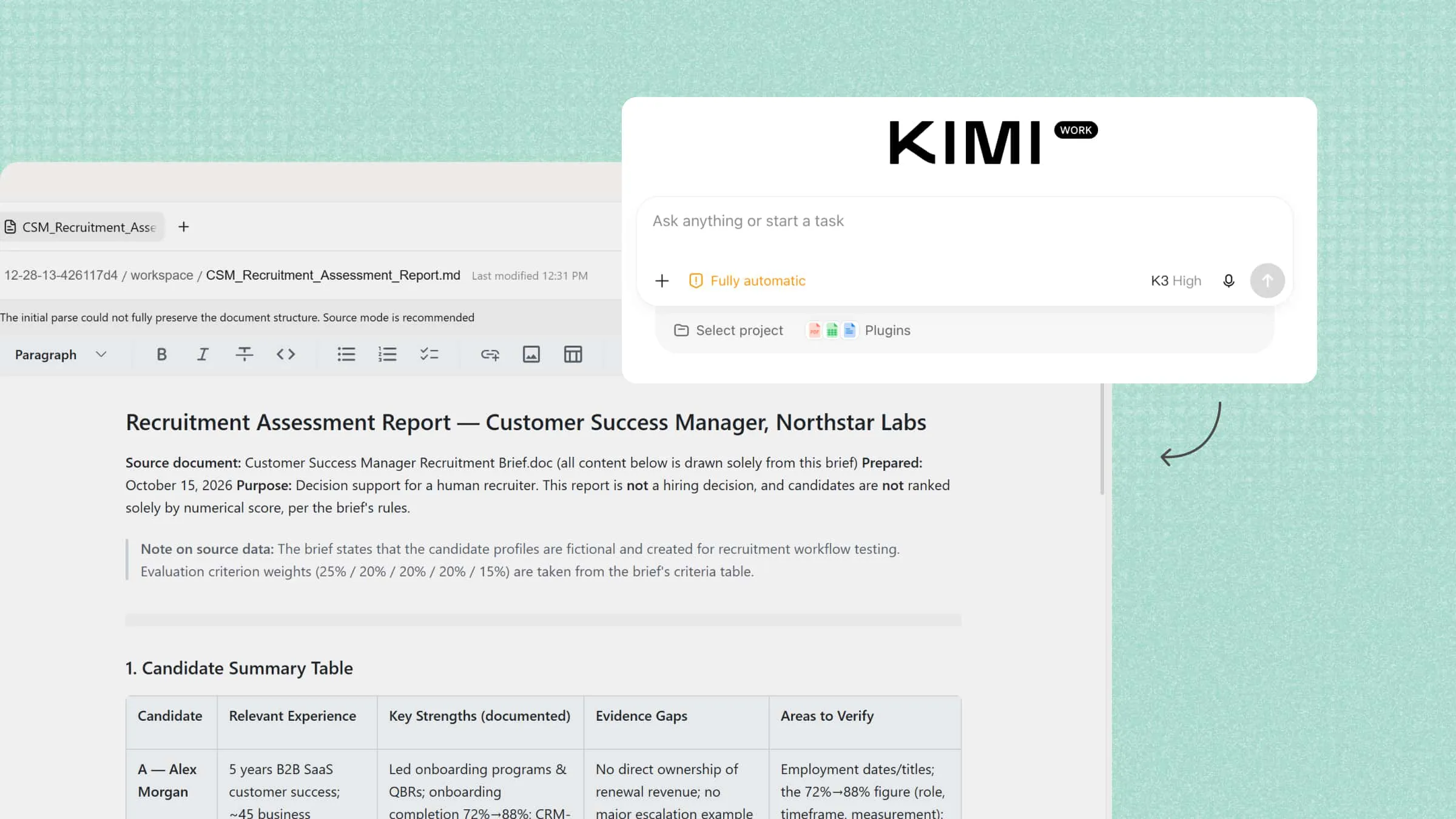
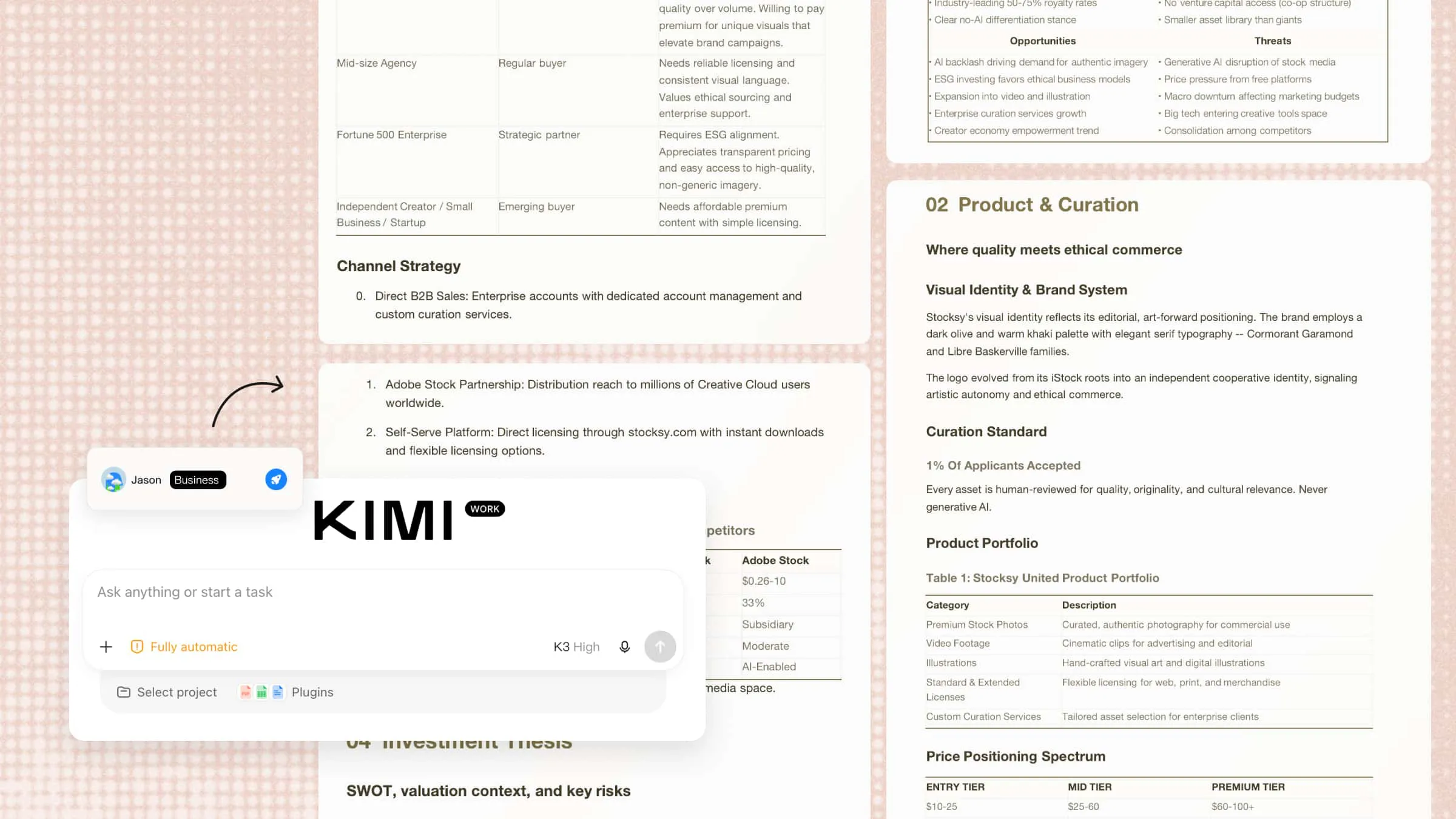
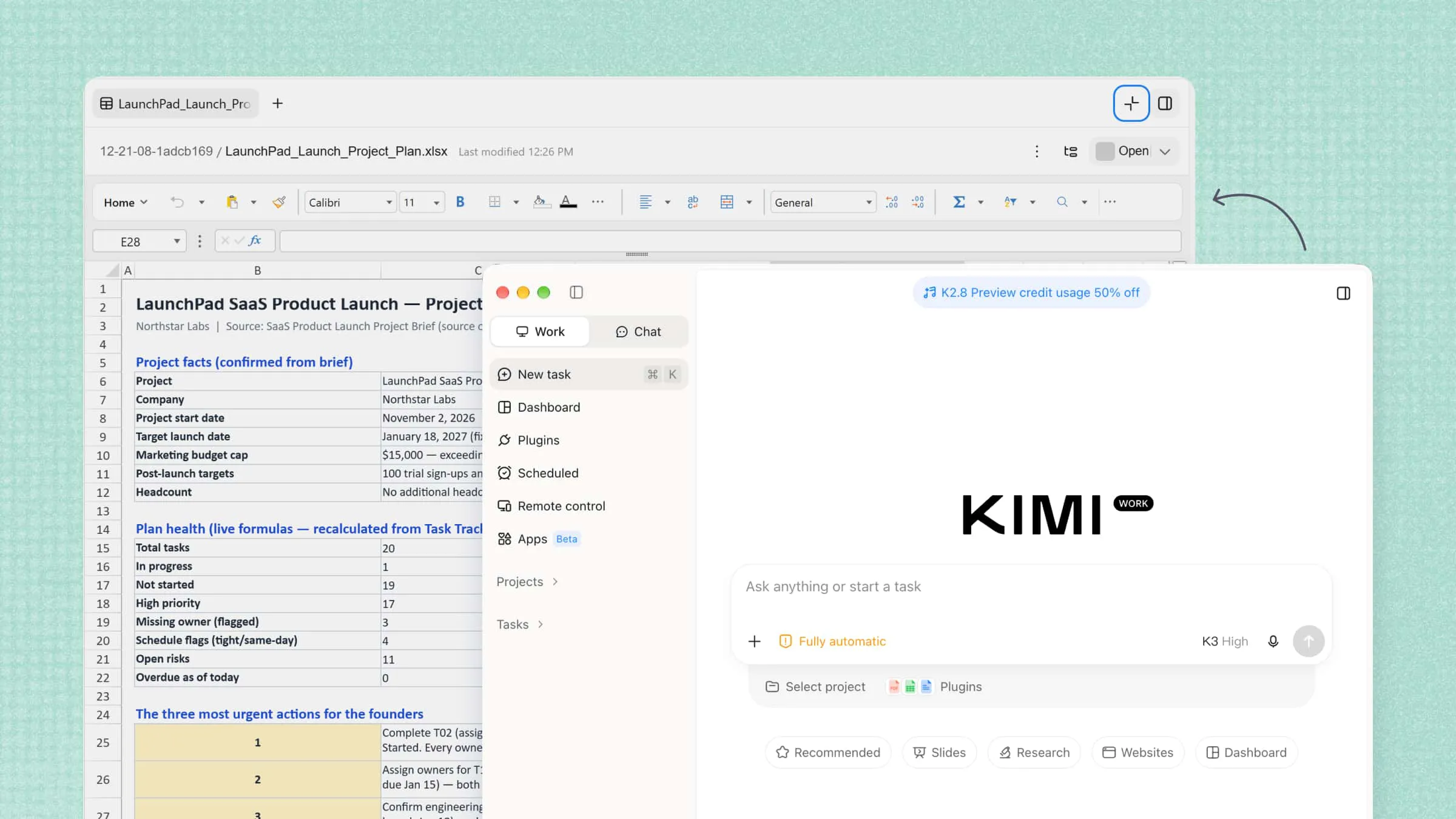
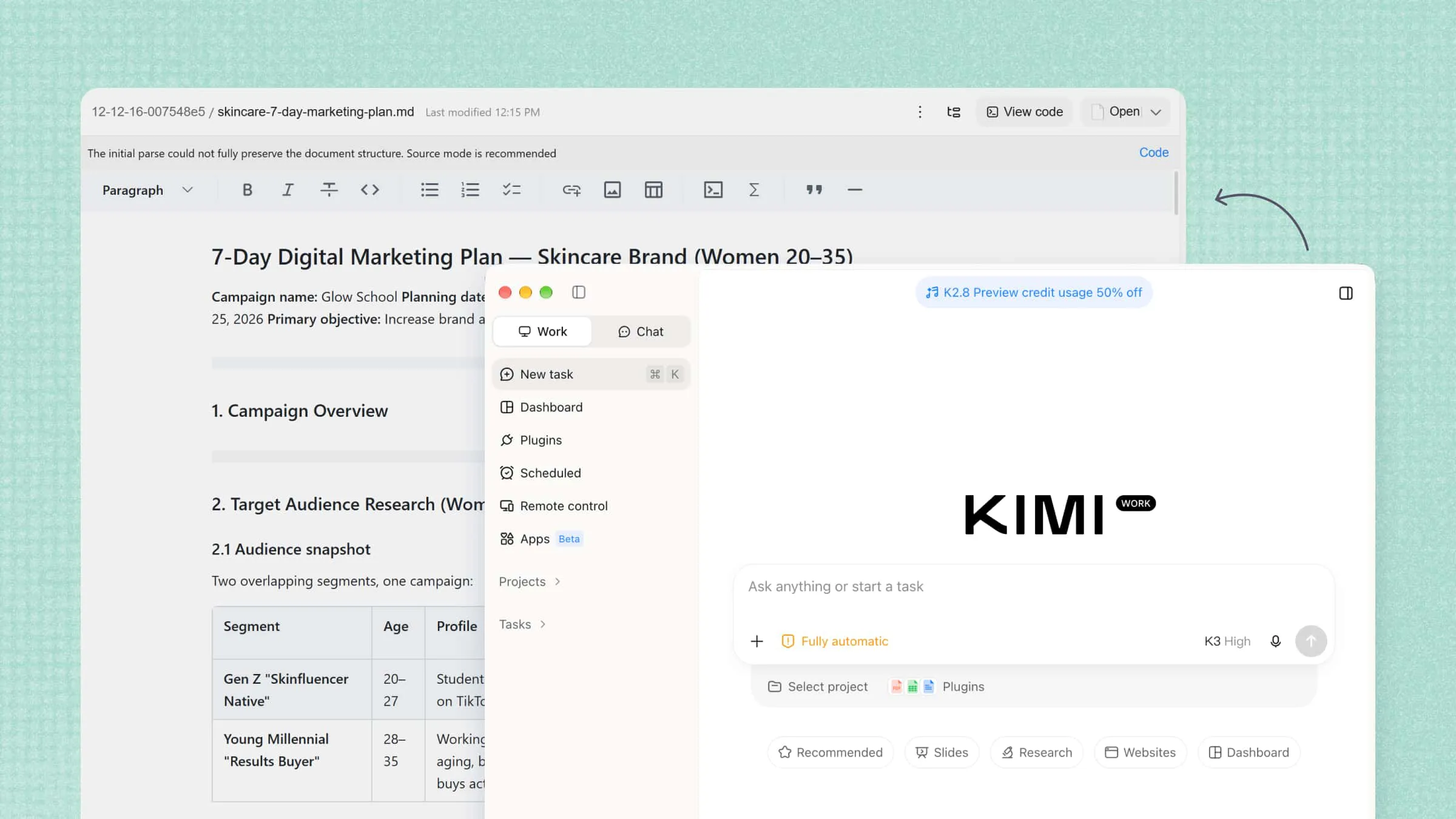
Kimi Work is an AI desktop assistant that helps startups manage tasks involving multiple applications, information gathering, and several connected steps. Its desktop automation features support multi-step workflows, while scheduled tasks help manage recurring business activities. By reducing manual effort across daily operations, Kimi Work enables small teams to use their time and resources more effectively.
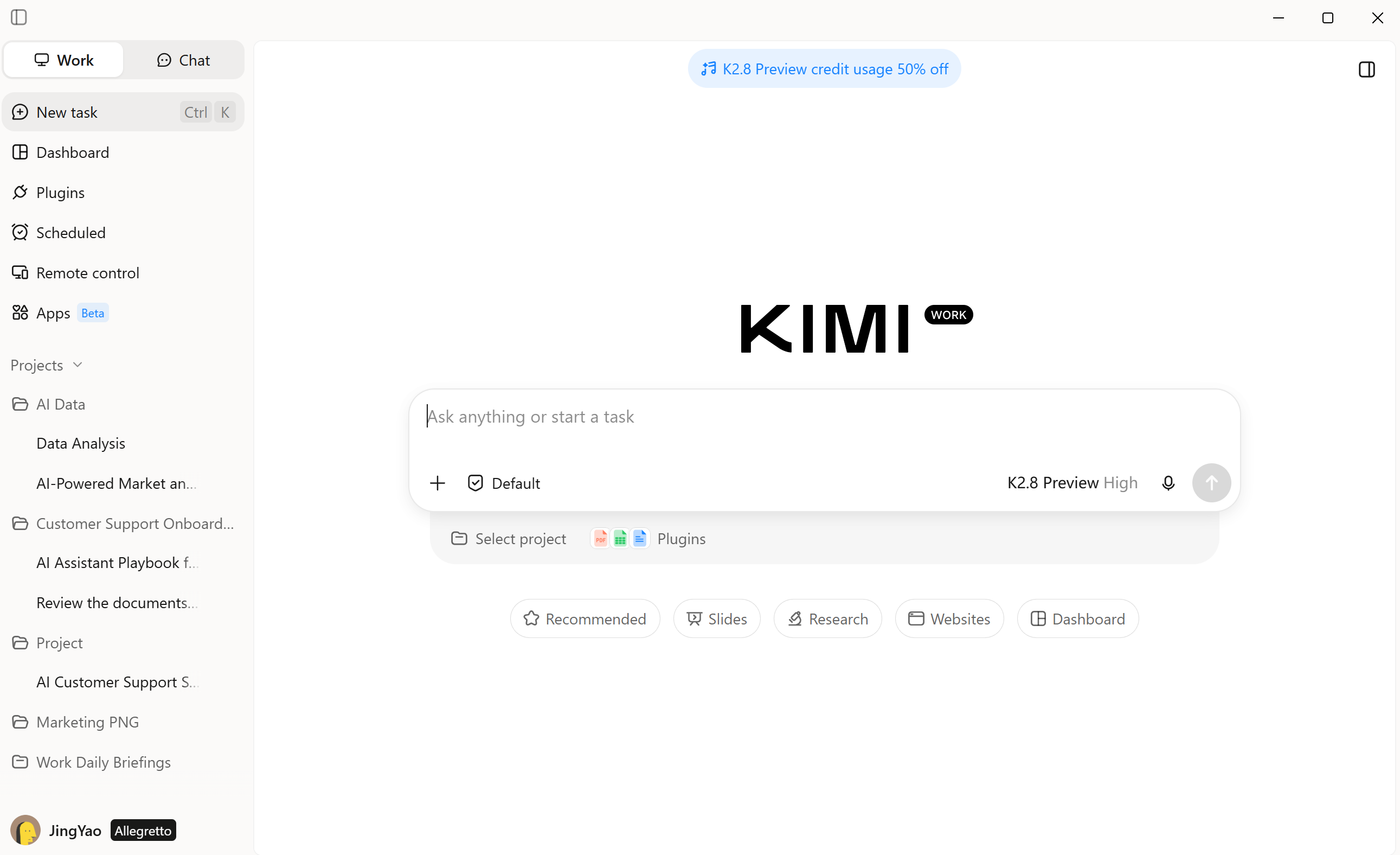
Main features
Research markets and validate business ideas: Analyze industry trends, competitor offerings, and customer needs using web research and source materials to help founders assess opportunities before investing time and resources.
Build business plans, pitch decks, and sales materials: Turn market research and startup goals into structured business plans, investor presentations, campaign briefs, sales proposals, and customer research reports to communicate business value and support growth.
Automate recurring startup tasks: Schedule routine research, information gathering, and reporting to reduce administrative work and help small teams focus on product development and customer acquisition.
Analyze business data and financial information: Process spreadsheets, reports, and other business files to organize key metrics, identify trends, and prepare summaries that support budgeting and strategic planning.
Coordinate complex projects with AI agents: Break business goals into manageable tasks and delegate parallel research and analysis to multiple AI agents, helping lean teams move faster across product launches, market expansion, and business development.
Collaborate securely in Team Workspace: Teams subscribed to Kimi Business can use Team Workspace as a dedicated collaborative space separate from personal conversations. Business data is not used for model training by default, helping teams collaborate while maintaining clearer boundaries for their work.
Suitable for
Early-stage startups
Small business teams
Marketing and sales teams
Founders and business managers
How to use AI for startups with Kimi Work
Follow these steps to use an AI agent for startup tasks, from setting business goals to automating workflows and reviewing results.
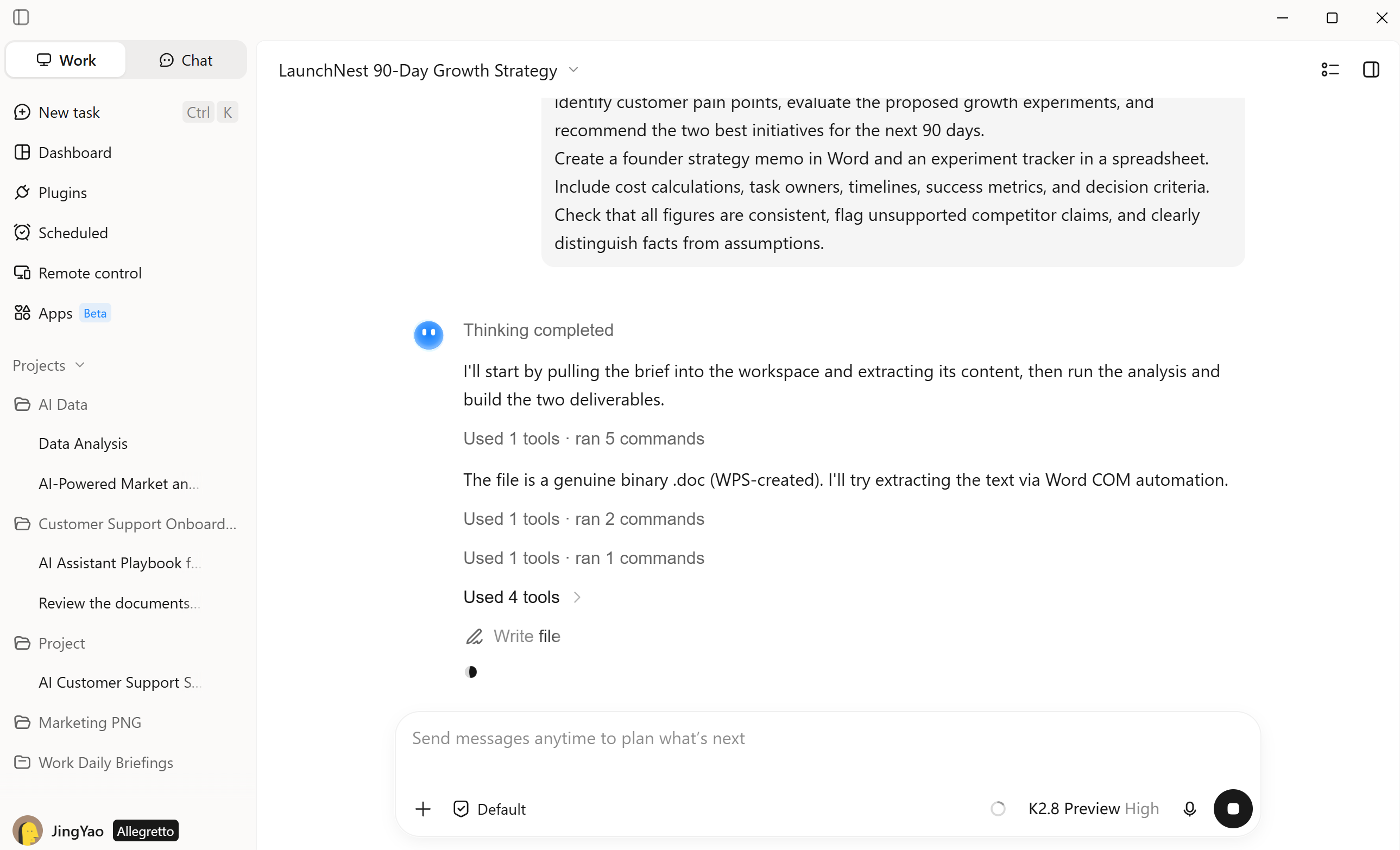
Step 1: Describe your task
Provide Kimi Work with a specific startup task, such as competitor research, business plan development, or financial data analysis, along with the relevant files or instructions.
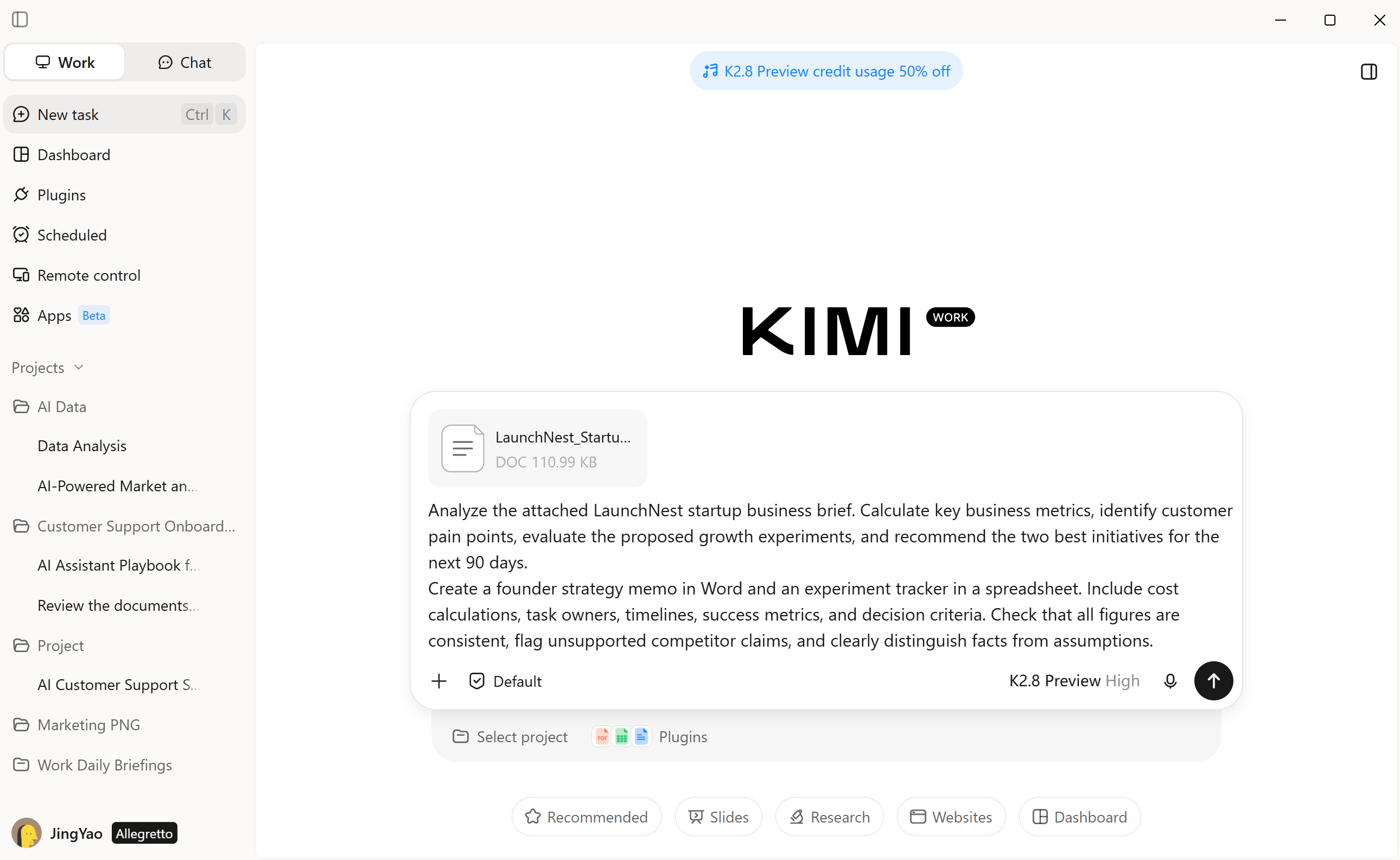
Step 2: Let AI process and generate results
Kimi Work processes your request, gathers relevant information, and carries out the required actions across supported applications to produce the requested output.
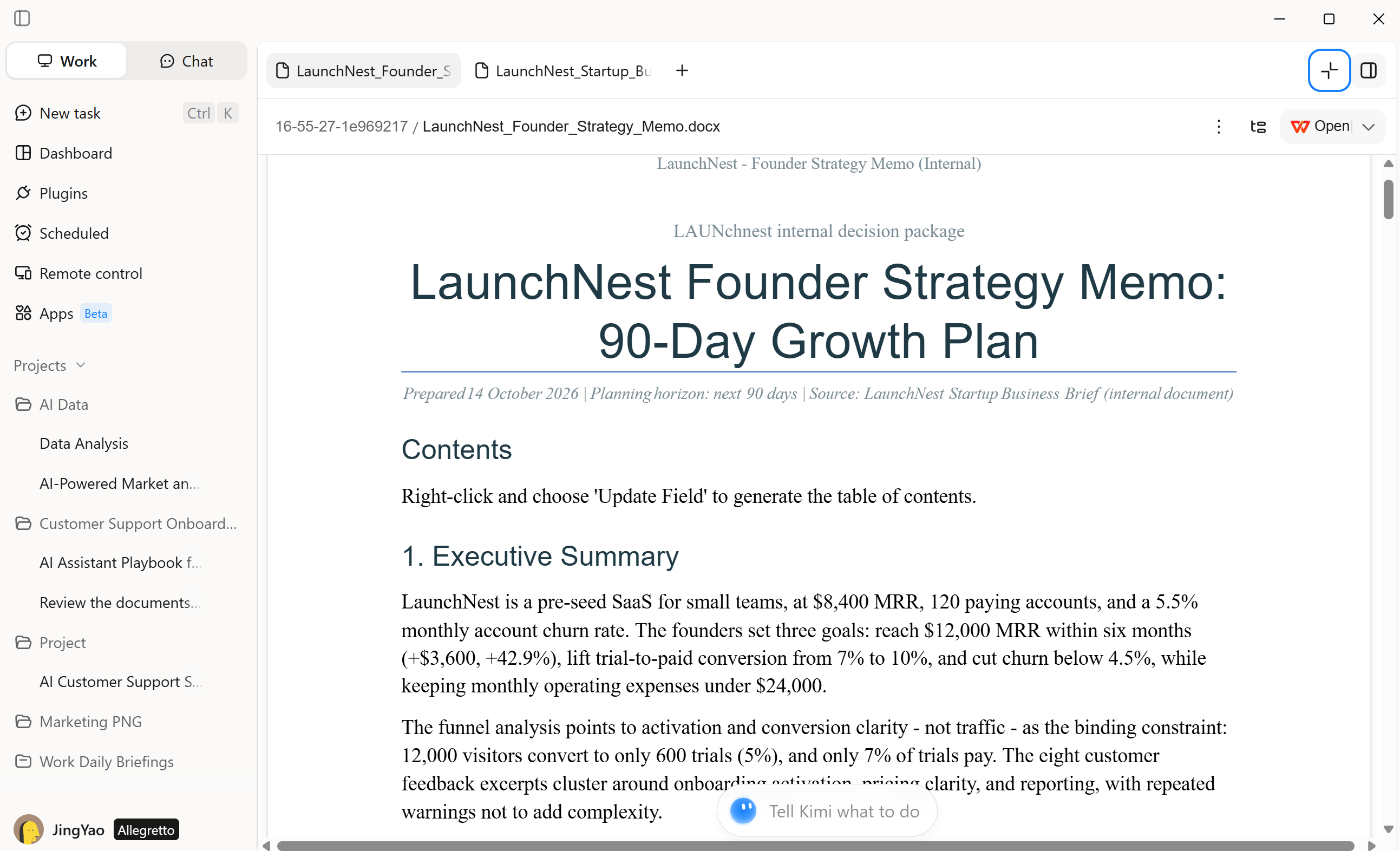
Step 3: Check your completed workflow output
Check the completed documents, research findings, or data summaries, make any necessary adjustments, and use the final output for your business needs.
Salesforce Starter Suite
Salesforce Starter Suite is a CRM platform that brings sales, marketing, and customer service tools together for startups and small businesses. It helps teams track leads, manage customer information, automate follow-ups, and run email campaigns from one workspace. Built-in AI features provide customer insights that support better decisions and more organized sales processes.
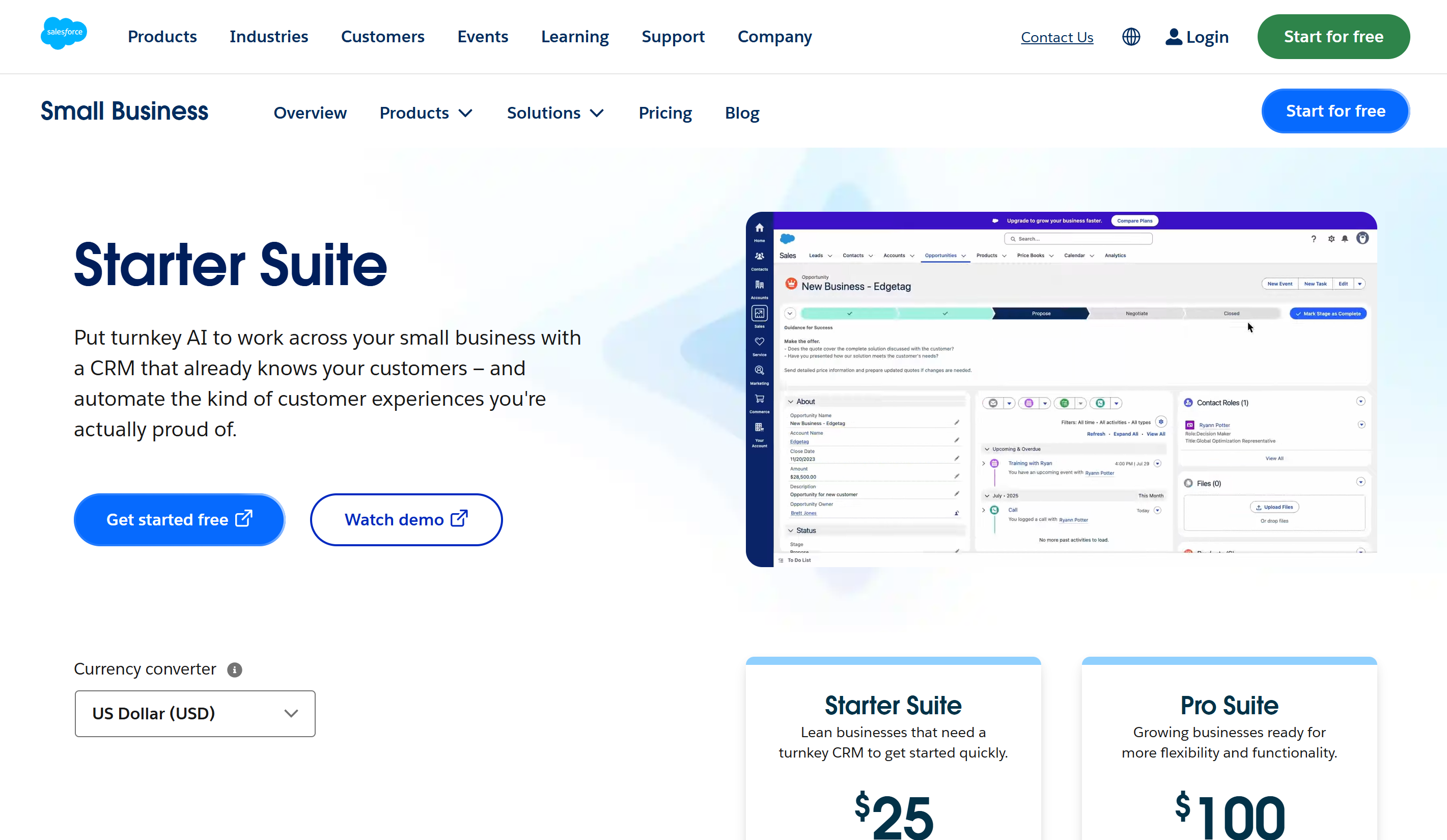
Main features
Sales pipeline tracking
AI-assisted customer insights
Marketing campaign management
Automated sales and service tasks
Customer support management
Business performance reporting
Suitable for
New businesses building customer relationships
Founders managing sales pipelines
Teams coordinating marketing campaigns
Small companies organizing customer support
GitHub Copilot
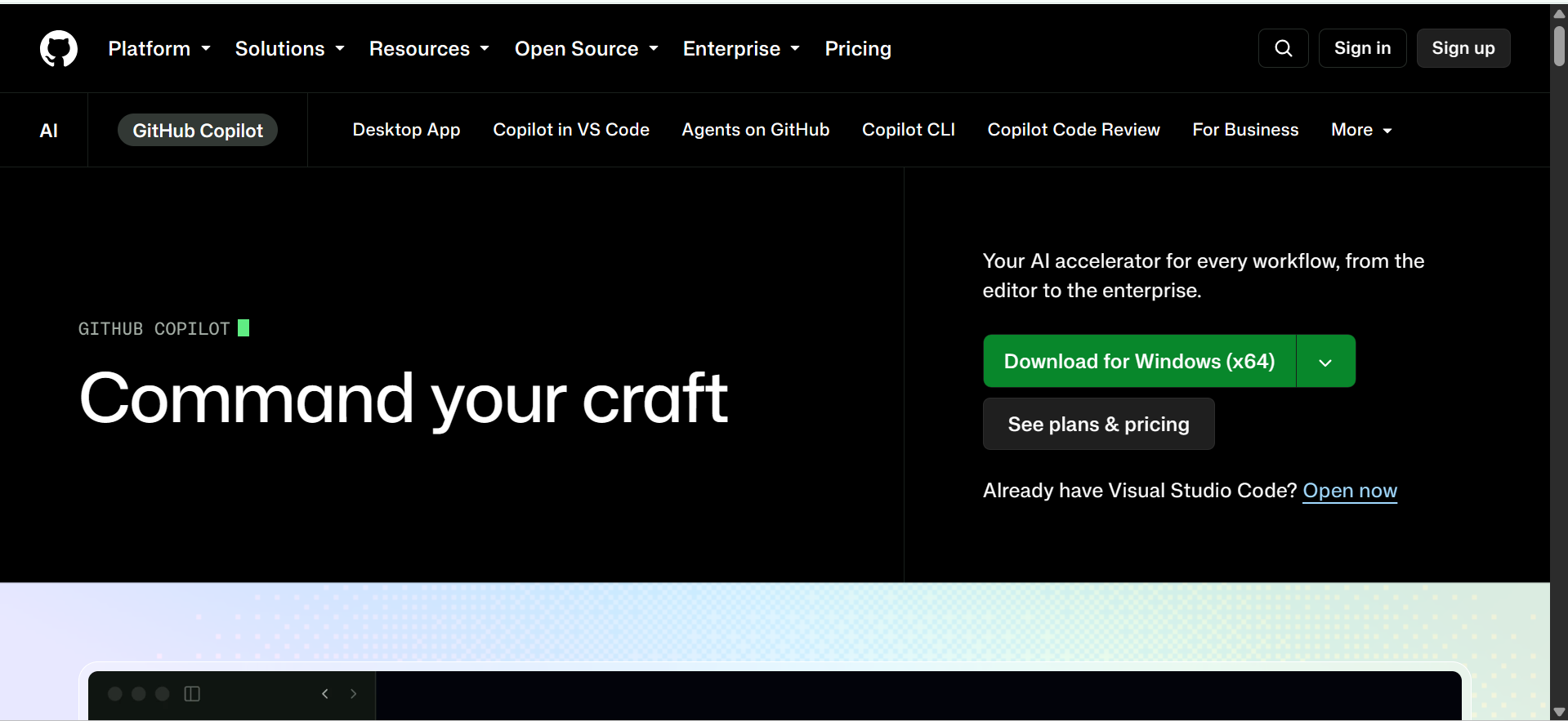
GitHub Copilot is an AI coding tool that supports startups throughout the software development process. It generates code from natural-language instructions, suggests relevant lines as developers type, and helps explain or fix existing code. It also assists with writing tests and debugging, making it easier for small development teams to build and improve products without spending as much time on repetitive coding tasks.
Main features
Pull request summaries
Repository-aware suggestions
Agent mode
Custom coding instructions
Enterprise access controls
GitHub workflow integration
Suitable for
Software development startups
Engineering teams
Open-source contributors
DevOps professionals
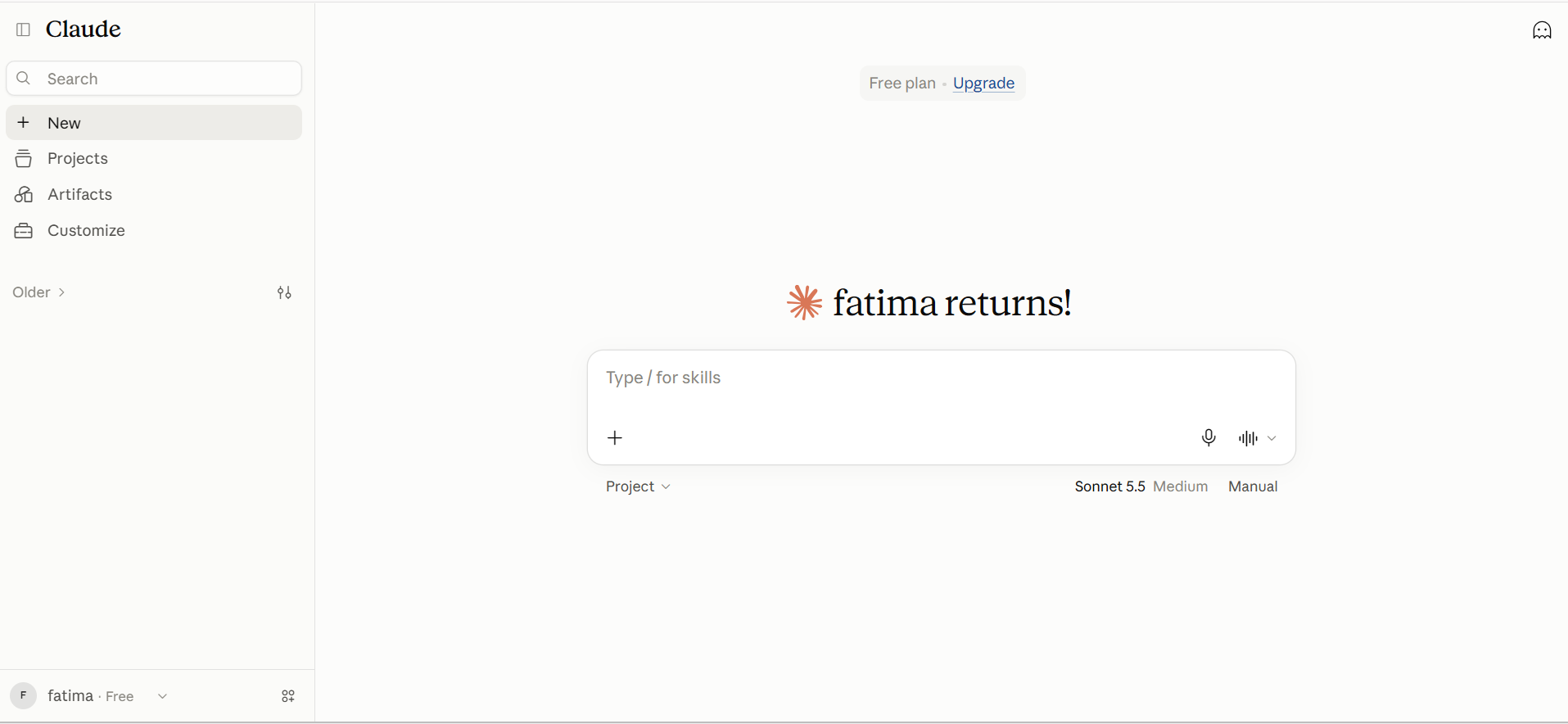
Claude
Claude is an AI tool for startups to turn complex information into clear, useful results. It can analyze business documents, draft proposals, write and review code, and support planning through detailed conversations. Its ability to handle multi-step tasks makes it useful for founders who need help solving problems, preparing materials, and managing work across different business functions.
Main features
Long document analysis
Content writing and editing
Code generation and debugging
Data analysis and interpretation
Web research and information gathering
Multi-step task execution
Suitable for
Business strategy planning
Customer communication
Internal documentation
Product requirement development
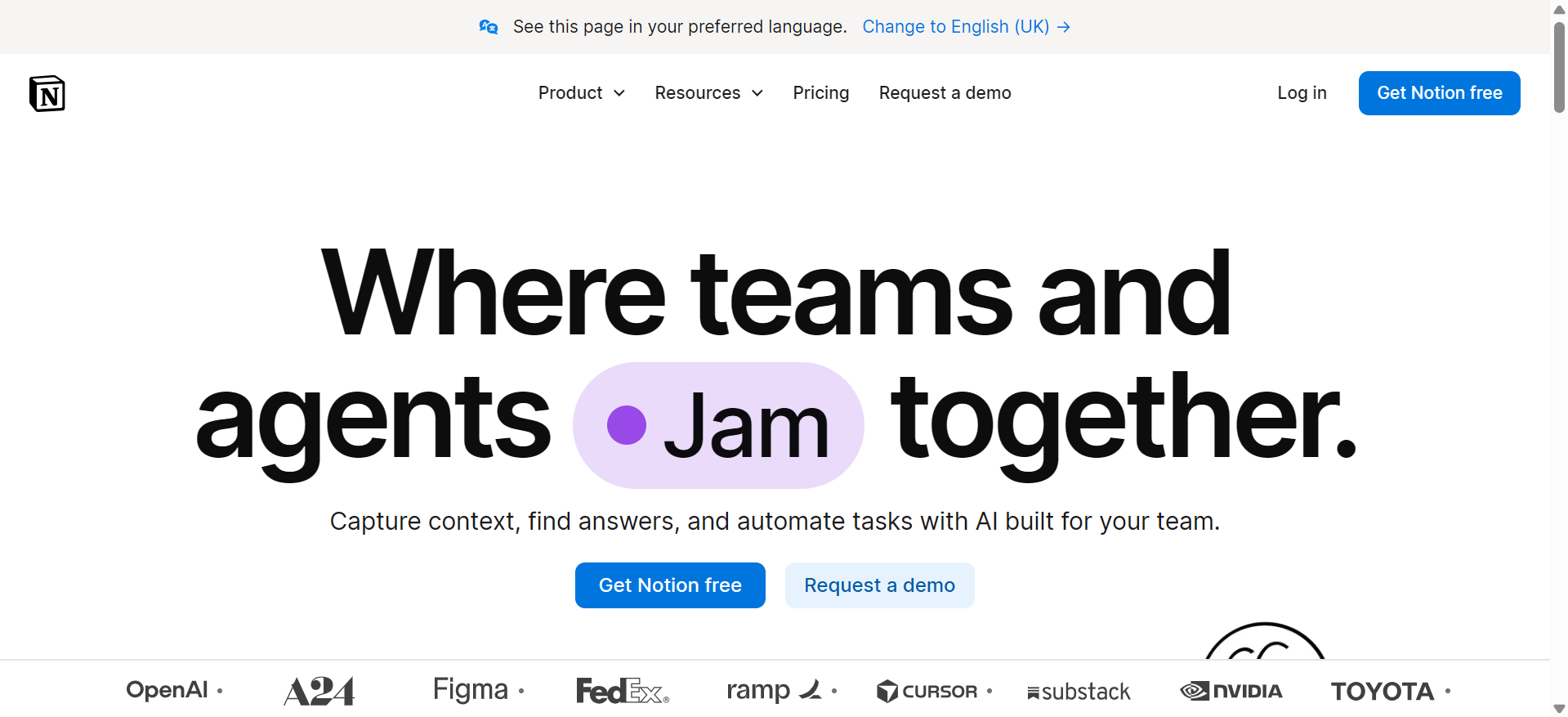
Notion AI
Notion AI brings writing, knowledge management, and project planning together in a shared workspace for startups. It helps teams turn rough notes into polished content, find answers within company documents, and extract useful information from meeting records. This gives founders and employees a clearer view of project details, team knowledge, and ongoing work without manually sorting through scattered information.
Main features
AI meeting note summaries
Automatic database population
Workspace search and question answering
Content translation and tone adjustment
Task and action-item extraction
AI-assisted writing and editing
Suitable for
Remote and hybrid teams
Project coordinators
Operations managers
Teams managing shared knowledge
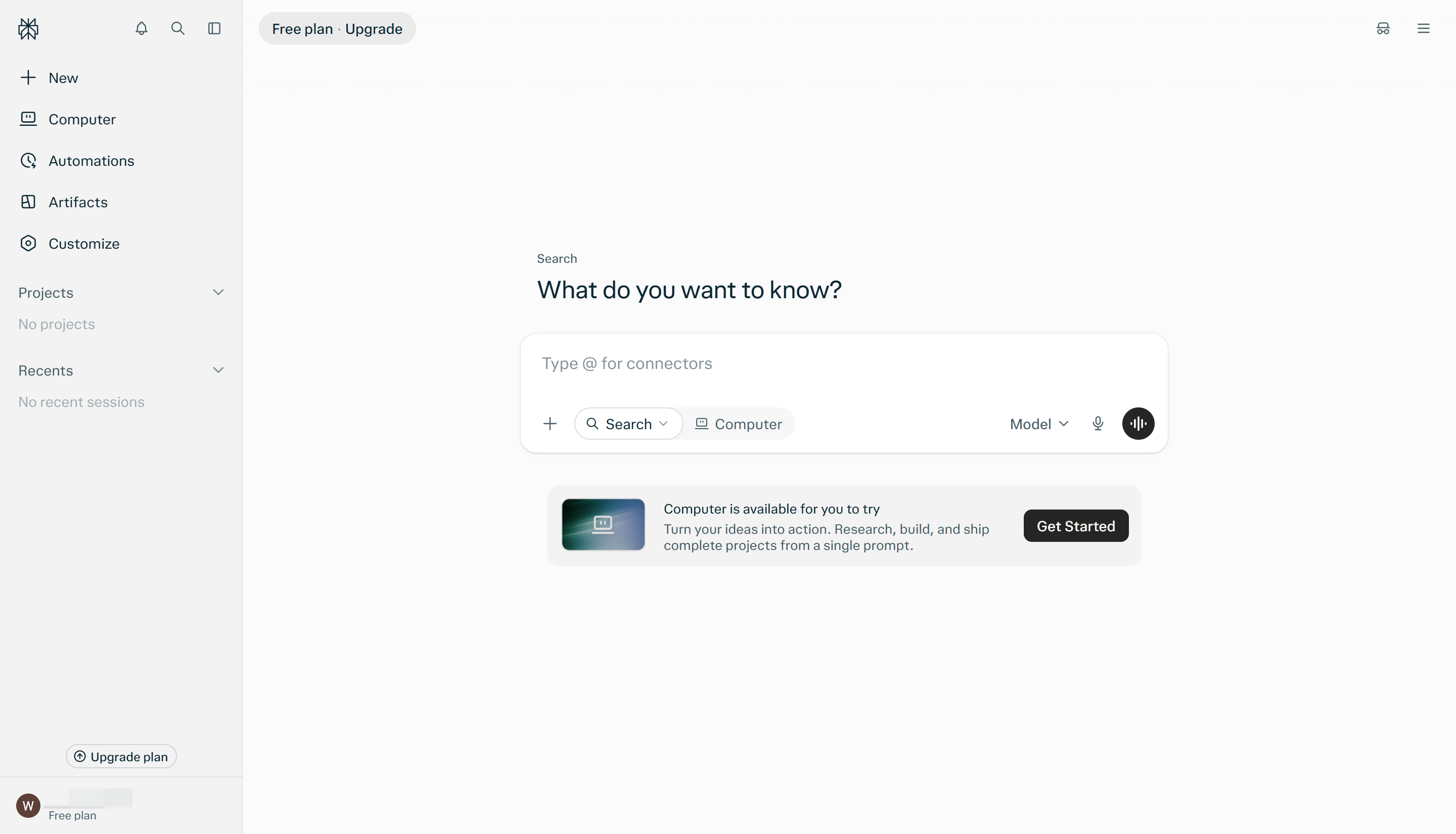
Perplexity Pro
Perplexity Pro works as a research assistant for founders who need evidence before making business decisions. It brings together relevant web pages, reports, and other sources, then presents the findings with citations for verification. Startups can use it to investigate emerging industries, compare pricing strategies, and explore customer preferences before launching a product or entering a new market
Main features
Cited web search results
Deep research reports
Real-time information retrieval
Multiple AI model access
File upload and analysis
Research thread organization
Suitable for
Market research analysts
Business development teams
Product managers
Startup founders exploring new markets
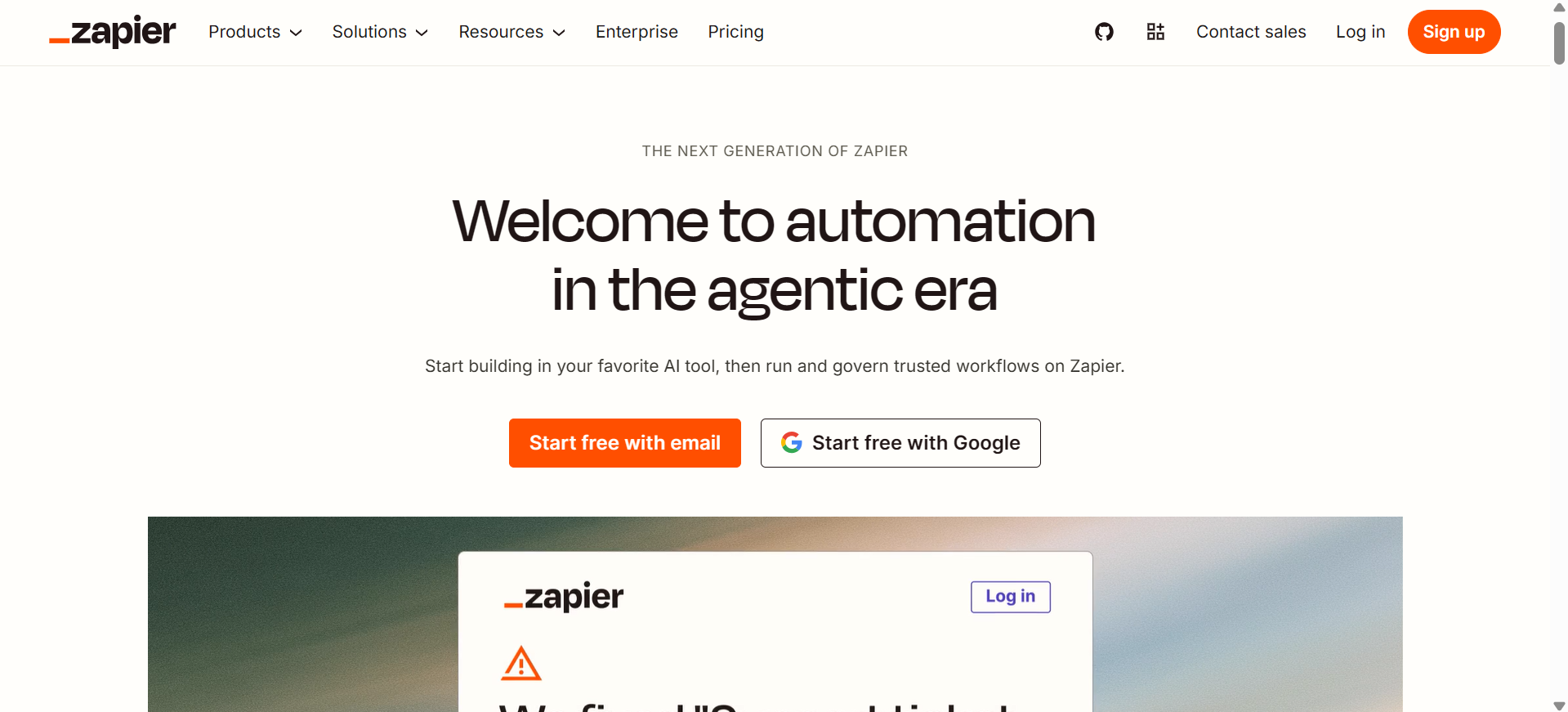
Zapier
Zapier is a no-code automation platform that connects the apps startups use every day to streamline routine tasks. With thousands of app integrations, it enables teams to create trigger-based workflows that transfer data, assign tasks, and send updates automatically when specific events occur. Its AI-powered automation features also help startups build smarter workflows, reduce manual effort, and manage growing workloads more efficiently.
Main features
No-code workflow automation
Thousands of app integrations
AI-powered workflow creation
Multi-step automated processes
Conditional rules and branching
Automated data transfer between apps
Suitable for
Small business owners
Operations and admin teams
Sales and marketing departments
Startups managing multiple software tools
Intercom Fin
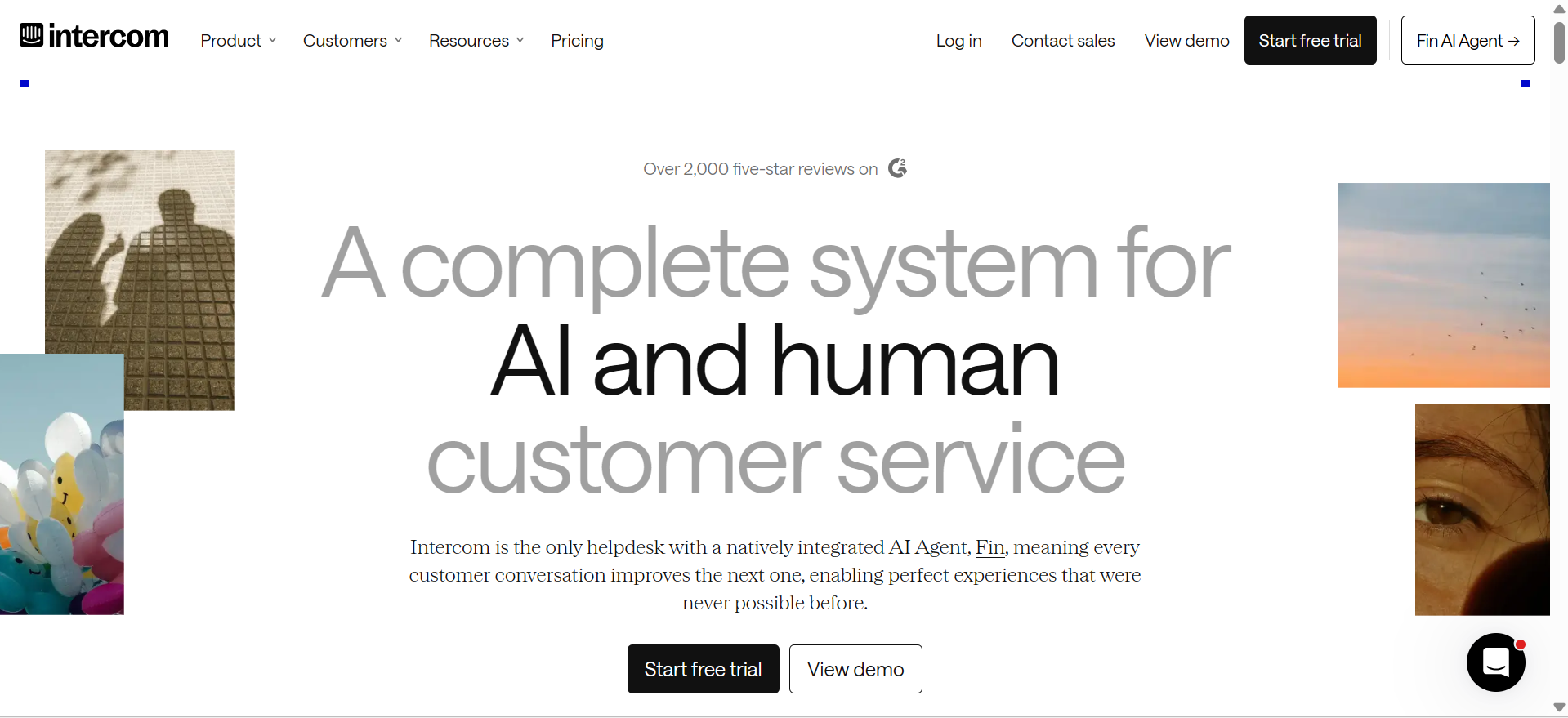
Intercom Fin is an AI agent for startups that resolves customer queries using a business's help articles, policies, and other approved information. It can manage conversations across supported channels, follow defined support procedures, and pass unresolved issues to human staff with the conversation history intact. For startups, Fin helps maintain responsive customer service as the number of inquiries grows.
Main features
24/7 automated customer support
Answers based on company knowledge
Support across multiple channels
Automatic handoff to human agents
Multilingual customer conversations
Customer issue resolution tracking
Suitable for
Startups with growing customer inquiries
Online stores and e-commerce businesses
SaaS companies offering technical support
Customer service teams with limited staff
Slack AI
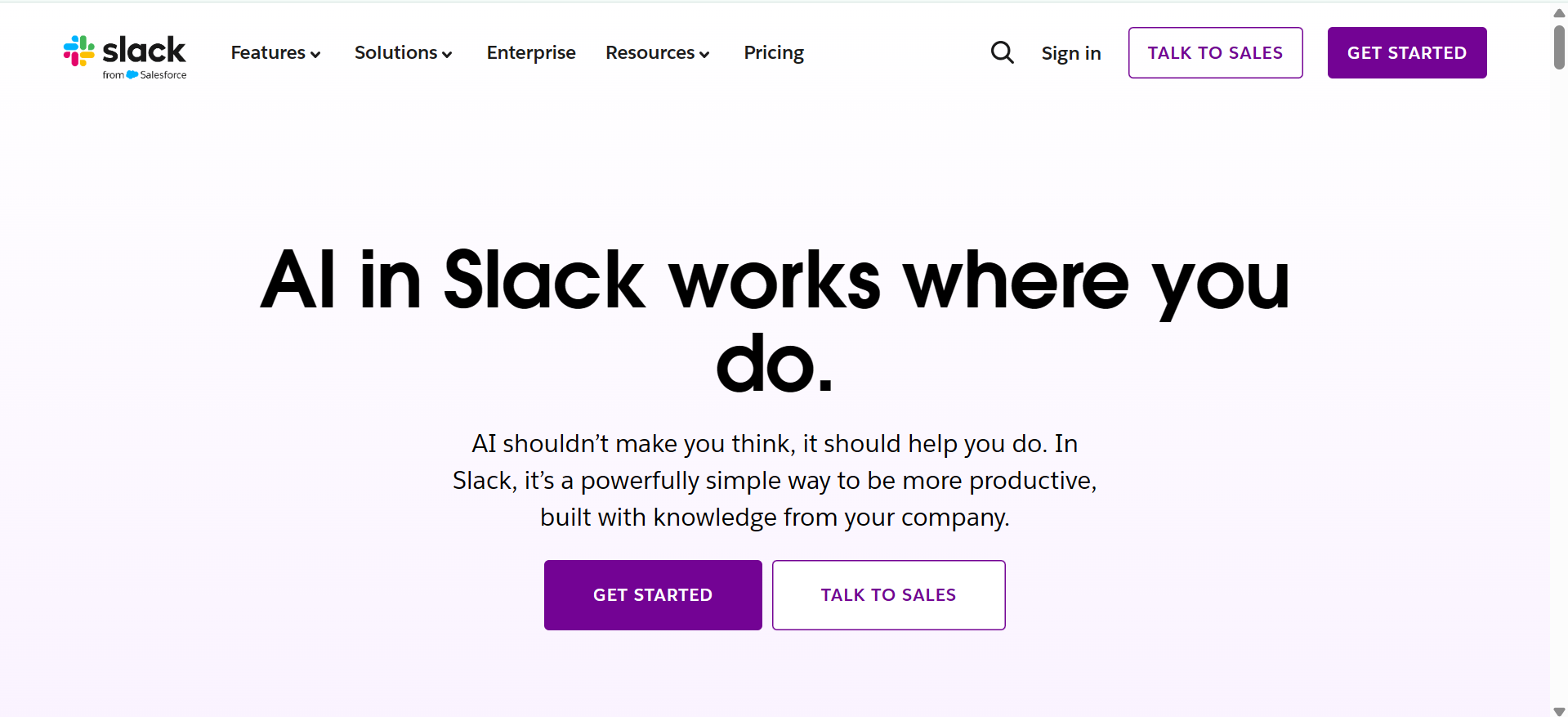
Slack AI brings AI-powered assistance into the workspace where startup teams communicate and share updates. It can create recaps of missed discussions, summarize threads, answer questions using workplace information, and capture key points from meetings. These capabilities help employees stay informed and find relevant details without manually searching through hours of conversations.
Main features
Conversation and channel summaries
AI-powered workplace search
Thread recaps
Meeting notes and summaries
Automatic daily recaps
Translation of messages
Suitable for
Remote and hybrid teams
Growing startup teams
Cross-functional departments
Team managers and project leads
Supercenter
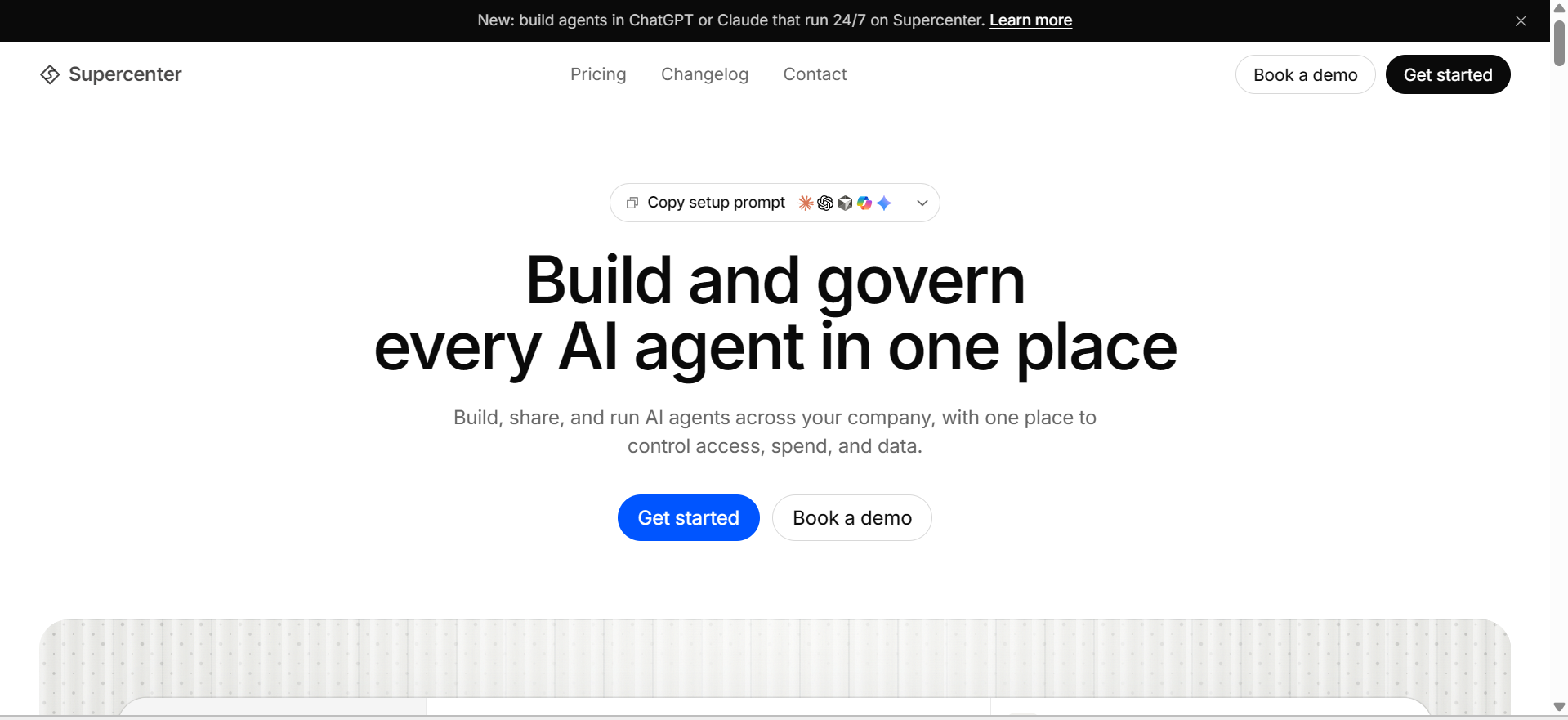
Supercenter gives startups a central place to run AI agents that handle work across connected business apps. It supports scheduled actions, event-based tasks, and access controls, which helps teams define what their agents can do. Usage and cost tracking also provide a clearer view of automation expenses on a business scale.
Main features
Cross-app AI agent management
Scheduled and event-based automation
Agent access controls
Activity monitoring
AI usage and cost tracking
Business app integrations
Suitable for
Startups adopting AI agents
Teams automating cross-app workflows
Businesses managing multiple AI agents
Companies monitoring automation costs
Bubble
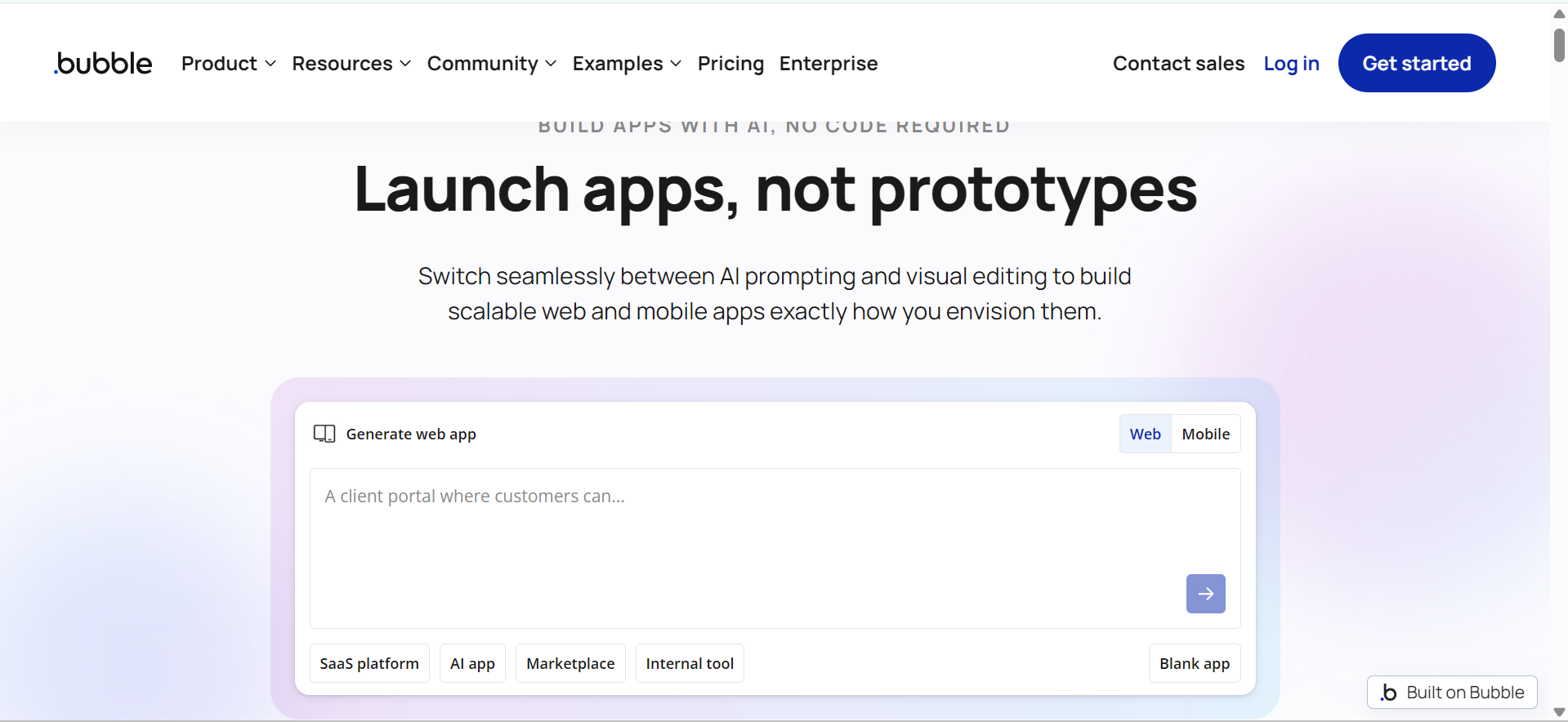
Bubble is a visual app-building platform for entrepreneurs who want to launch digital products without advanced programming skills. Its drag-and-drop editor supports interactive page design, while built-in database and workflow tools manage user data and app behavior. Startups can use it to create booking systems, marketplaces, customer portals, and other web applications tailored to their business needs.
Main features
Drag-and-drop app editor
Visual workflow builder
Built-in database management
API and plugin integrations
Responsive page design
App deployment and hosting
Suitable for
Non-technical entrepreneurs
MVP development teams
Marketplace founders
Businesses building custom web apps
What to look for in AI tools for startups
With so many AI tools available, startups need to focus on solutions that solve real business problems rather than add more complexity. Consider these essential factors to choose tools that fit your budget, work with your existing systems, and deliver lasting value as your business grows.
Easy setup: Start with AI tools that are easy to configure and fit naturally into your team's daily work. Simple onboarding, clear controls, and ready-to-use templates help employees adopt new features without lengthy training or extra technical support.
Affordable pricing: Compare each tool's subscription plans against the tasks it can handle for your startup. Check free-plan restrictions, user limits, and charges for additional usage to find an option that supports your current needs without creating unnecessary expenses.
Strong automation: Choose AI tools that can complete routine tasks with minimal manual input. Features such as automatic follow-ups, data updates, task assignments, and report creation help reduce repetitive work and keep business processes moving consistently.
Reliable integrations: Check whether an AI tool connects with the software your startup already uses. Integrations with email, customer relationship management (CRM), accounting, and project management platforms help keep information synchronized and reduce the need to switch between separate systems.
Data security: Review how an AI tool handles sensitive business information before adding it to your workflow. Important safeguards include secure data storage, role-based access, clear privacy policies, and control over how uploaded information is processed or retained.
Scalable plans: Select AI tools that can accommodate your startup's changing workload as the business grows. Flexible user limits, higher usage allowances, and advanced features help you expand operations while keeping existing processes in place.
Conclusion
The right AI tools for startups depend on your team's goals, budget, and daily workload. Evaluate available options based on their practical features, pricing, and potential to support business growth. For startups managing complex tasks, Kimi Work offers desktop automation, scheduled tasks, and coordinated AI agents to handle multi-step workflows with less manual effort.