Hiring the right candidates can be challenging when recruiters face hundreds of applications, time-consuming screening, and growing talent needs. AI tools for recruitment help simplify the hiring process by automating repetitive tasks, matching candidates to job requirements, and improving recruitment workflows. This article explores 10 AI tools for recruitment that can help businesses save time, make informed hiring decisions, and build stronger teams.
Overview of 10 AI recruiting software
Each tool supports a different part of the hiring process, from recruitment research and applicant tracking to candidate screening and skills assessment. This table compares their primary focus, key capabilities, and recruitment workflow coverage to help you identify the right fit.
| Tool | Primary focus | Key capabilities | Recruitment workflow coverage |
|---|---|---|---|
| Kimi Work | Recruitment research and administrative tasks | Resume analysis, job description drafting, interview question generation, hiring reports, scheduled tasks | Research, preparation, candidate information organization, reporting |
| Greenhouse | Structured hiring and evaluation | Candidate matching, interview scorecards, hiring plans, feedback summaries, recruitment analytics | Candidate evaluation, team collaboration, hiring decisions |
| Workable | End-to-end recruitment management | Candidate sourcing, AI-assisted job descriptions, resume screening, interview scheduling, applicant tracking | Job posting, sourcing, screening, interview coordination |
| Pinpoint | In-house talent acquisition | Career sites, job distribution, talent pools, candidate relationship management, pipeline analytics | Employer branding, sourcing, pipeline management, reporting |
| Canditech | Pre-employment skills assessment | Job simulations, role-specific assessments, automated scoring, technical and soft skills evaluation | Candidate testing, competency assessment, evaluation |
| Humanly | Conversational candidate screening | AI screening conversations, qualification questions, interview scheduling, automated follow-ups | Initial engagement, screening, interview coordination |
| Puck | AI-led candidate interviews | Phone-based interviews, searchable transcripts, structured evaluations, candidate follow-ups | Candidate screening, interview assessment, evaluation |
| Hellora | Early-stage recruitment automation | Preliminary screening, applicant information collection, scheduling assistance, workflow tracking | Candidate engagement, initial screening, coordination |
| Recruit CRM | Agency recruitment and client management | Resume parsing, candidate matching, email automation, applicant tracking, placement analytics | Sourcing, candidate management, client coordination, placements |
| Manatal | AI-assisted applicant tracking | Candidate scoring, semantic search, multilingual resume parsing, profile enrichment, interview summaries | Sourcing, screening, candidate evaluation, pipeline management |
Explore 10 AI-based recruitment software
Recruitment needs vary by team size, hiring goals, and workflow complexity. These AI recruiting software options offer different ways to source candidates, automate screening, and improve hiring efficiency. Explore each AI tool for recruitment to find the right fit for your needs.
Kimi Work
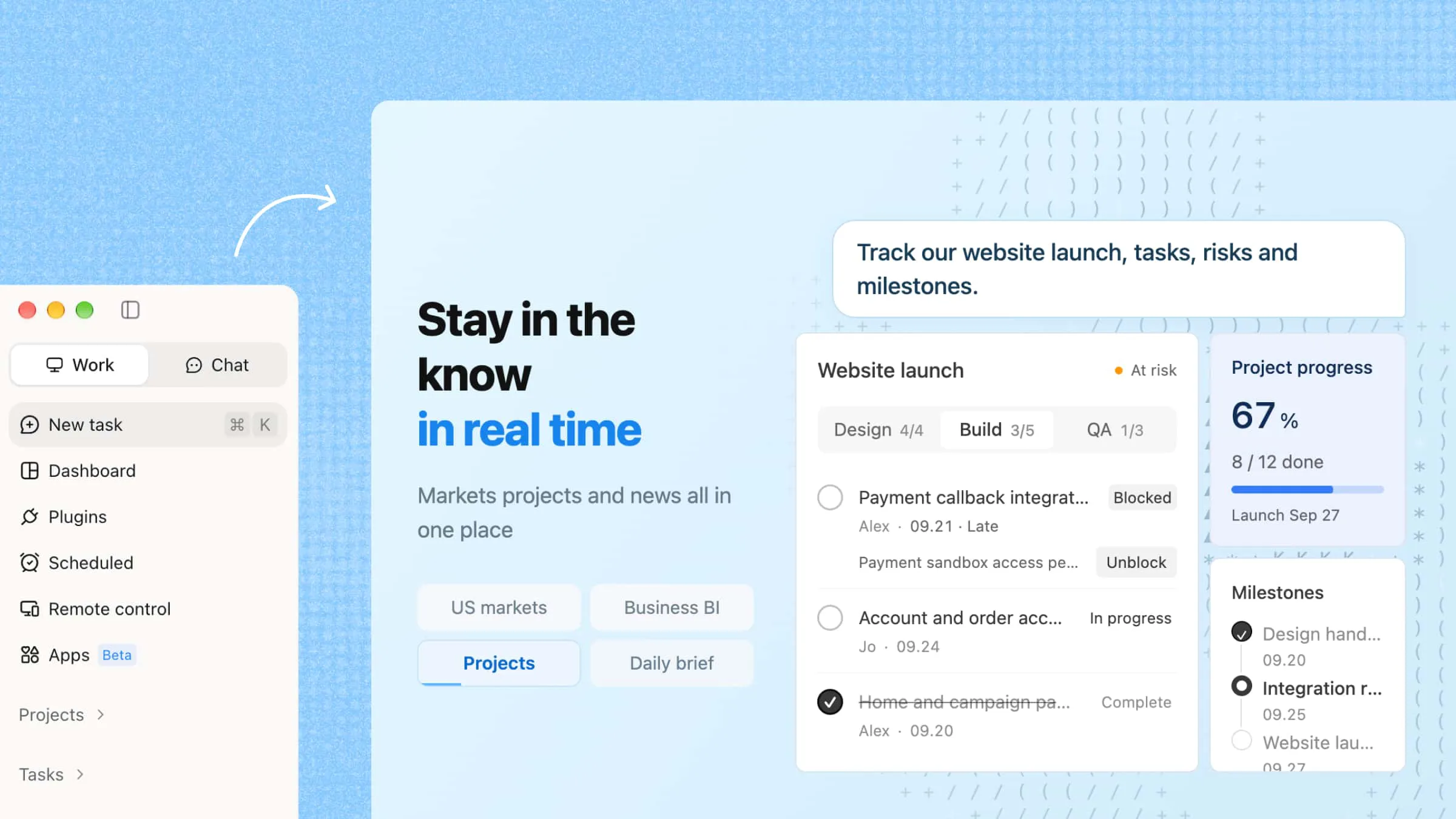
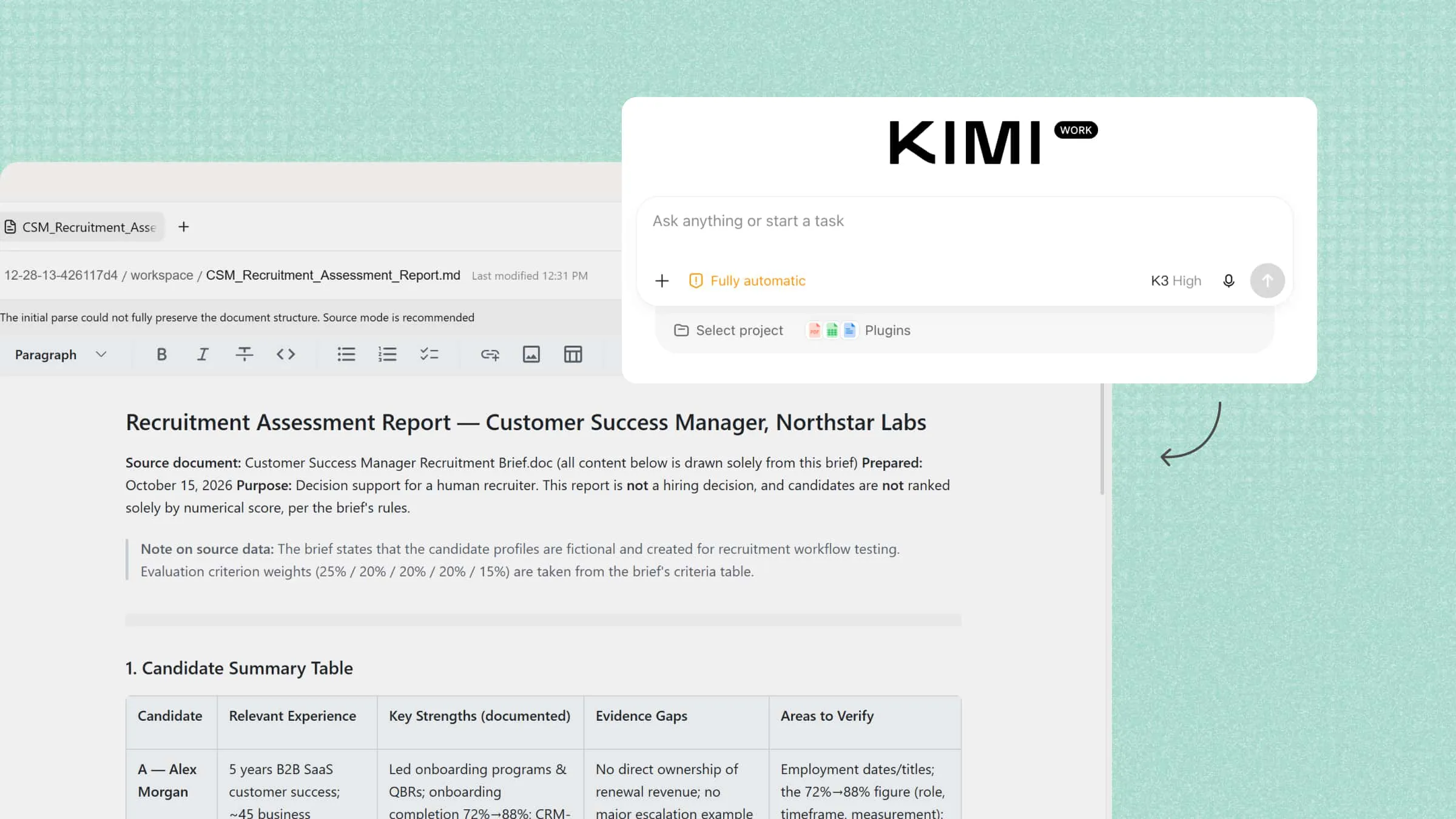
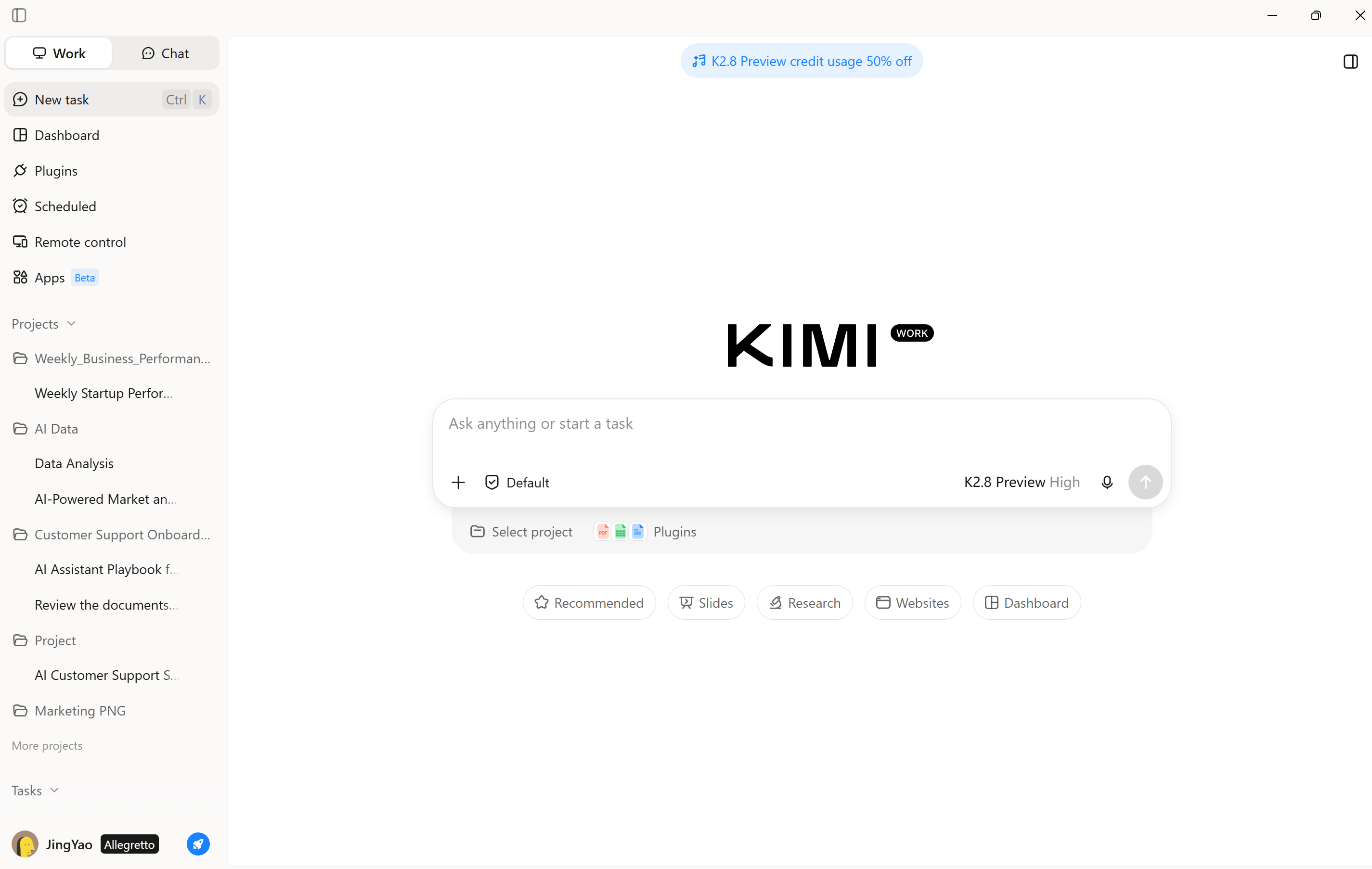
Kimi Work is an AI desktop assistant designed to handle multistep tasks across files, browser tabs, and connected tools. In recruitment, it can help organize candidate information, consolidate research on applicants, draft job descriptions, and prepare hiring reports from relevant source materials. As an adaptable AI recruiting solution, Kimi Work can support administrative and research activities surrounding talent acquisition, although it is not a dedicated applicant tracking system.
Main features
Research hiring trends and industry intelligence: Use browser automation to investigate workforce shifts, emerging skill demands, and sector-specific recruitment patterns, translating public information into evidence-based hiring insights.
Draft job descriptions and recruitment materials: Transform role specifications and organizational objectives into polished vacancy descriptions, structured interview guides, candidate briefs, and presentations tailored to hiring requirements.
Build and organize an internal talent database: Process locally stored resumes and application files to categorize qualifications, extract professional experience, and compile structured spreadsheets or searchable knowledge bases for future talent sourcing.
Prepare structured interview questions: Develop role-specific questions, competency benchmarks, and assessment frameworks based on job criteria to promote consistent candidate evaluation across interview panels.
Automate recruitment reports and hiring dashboards: Schedule recurring reports covering interview activity, offer conversion, and onboarding metrics, then organize the results into spreadsheets, presentations, or dashboard-ready datasets for ongoing performance monitoring.
Extend recruitment workflows with plugins and skills: Integrate supported third-party services using official plugins, or create and upload custom plugins tailored to your recruitment workflow. You can also build reusable skills for tasks such as resume categorization, vacancy drafting, and recruitment reporting, subject to available integrations and permissions.
Suitable for
Candidate information organization
Job description preparation
Hiring report generation
Recruitment research and workflow planning
How to use Kimi Work for AI recruitment tasks
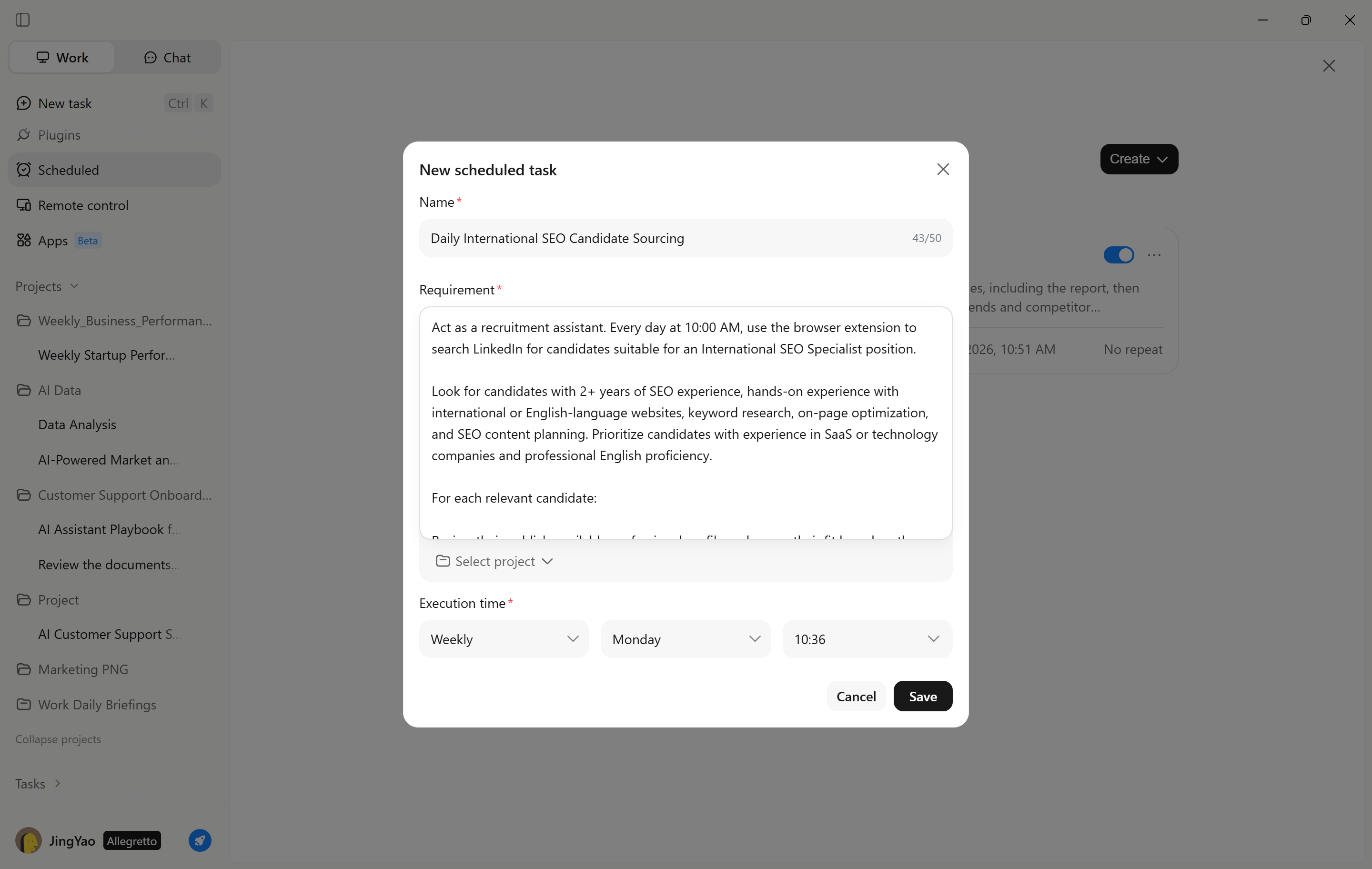
Recruiters can use Kimi Work to streamline candidate sourcing and outreach. With Scheduled Tasks and browser extension access, Kimi Work can help find candidates on recruitment websites, send outreach messages, and record candidate information for follow-up.
Step 1: Create a daily recruitment task
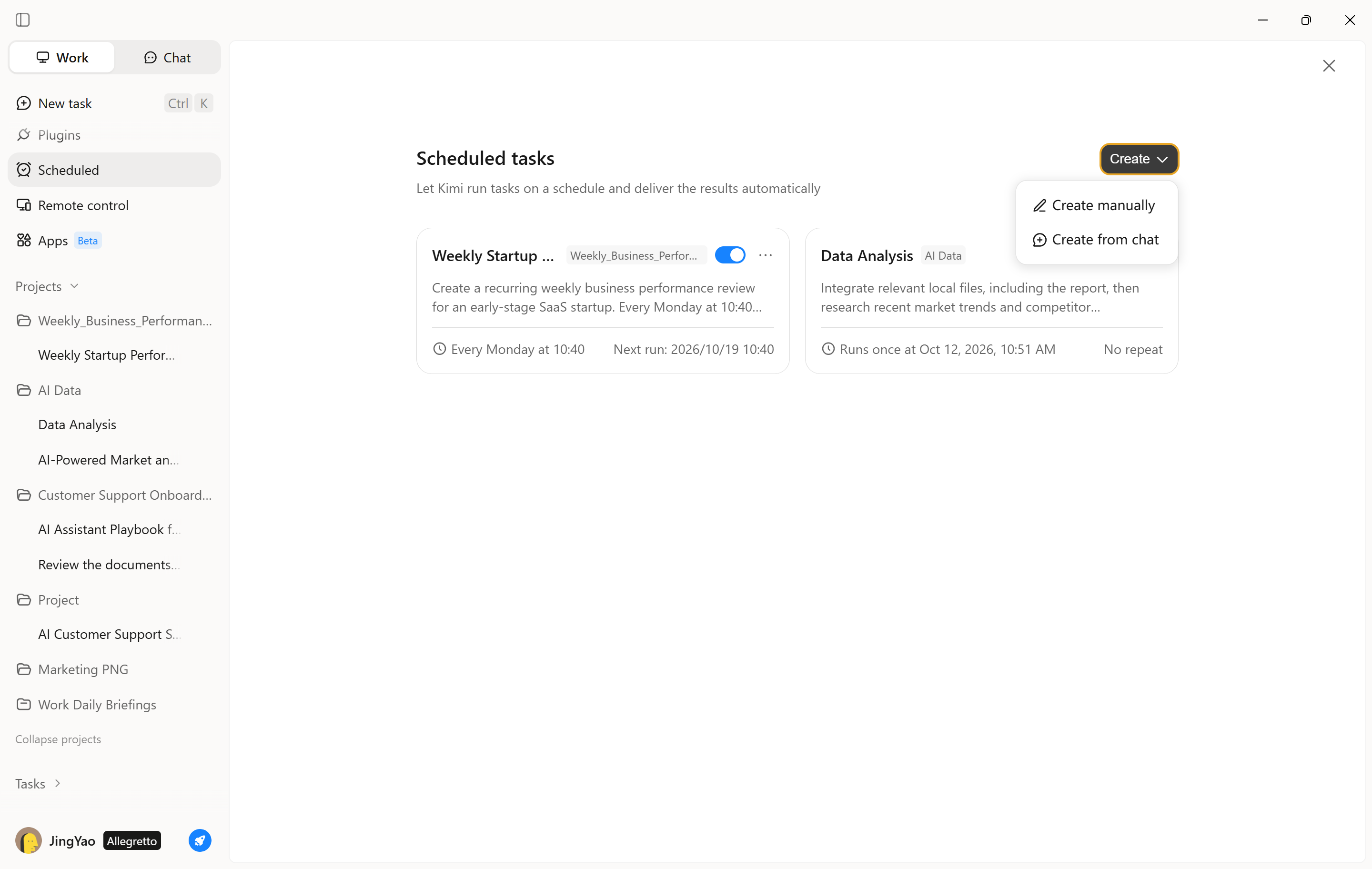
Open Kimi Work and navigate to "Scheduled Tasks," then select "Create a task." Choose "Create from chat" or "Add manually" and define the daily recruitment objective, including the target role, required qualifications, preferred recruitment websites, and candidate criteria.
Step 2: Configure the schedule and workflow
Set the task to run daily and instruct Kimi Work to use its browser extension to search relevant recruitment websites, identify potential matches, draft or send outreach messages where authorized, and record candidate details and contact status in a structured tracker. Confirm website access, messaging permissions, and any required approval steps before enabling the task.
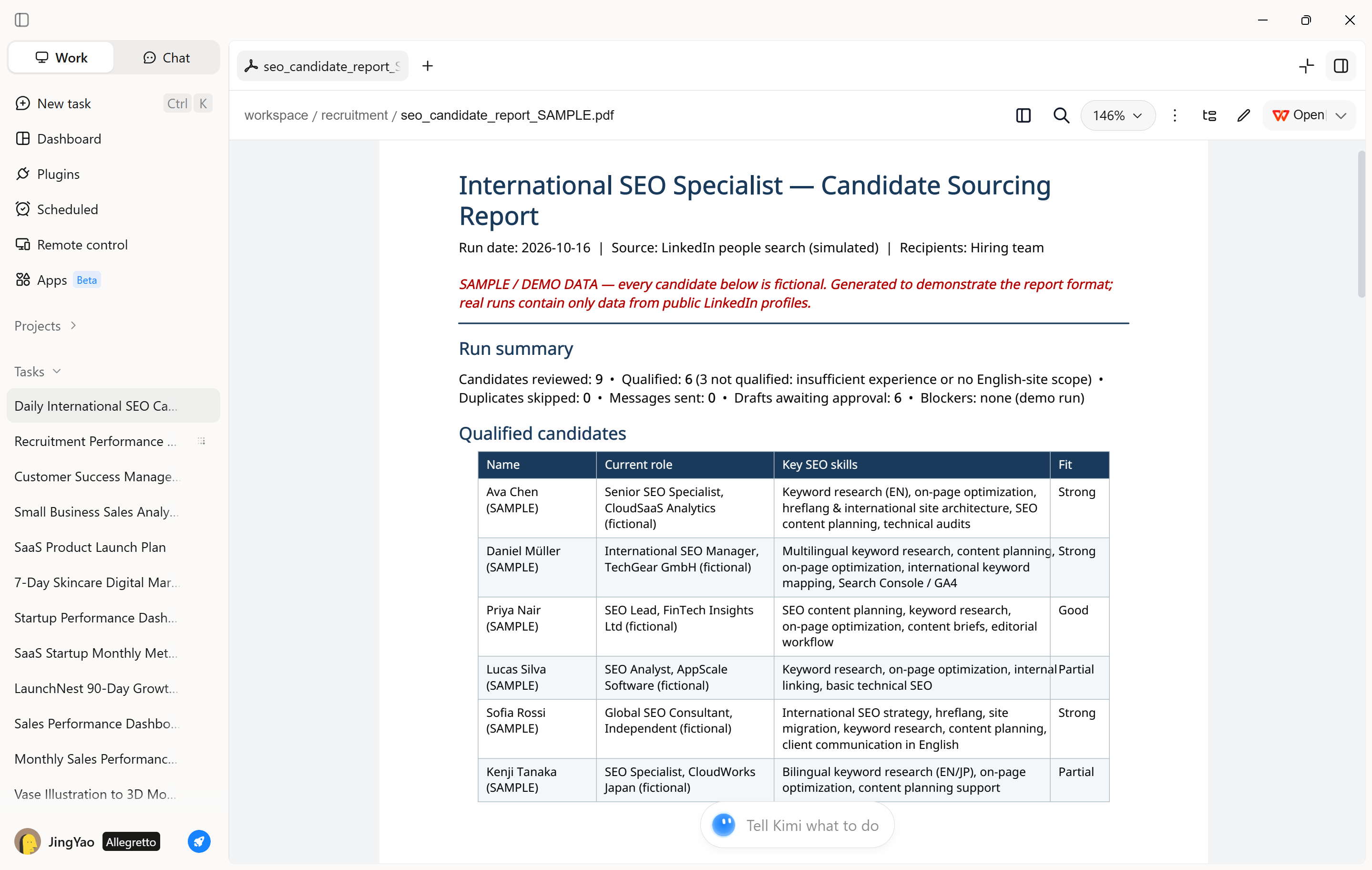
Step 3: Review candidate records and outreach results
After the task runs, open "Projects" to review its progress and outputs. Check candidate qualifications, profile links, message status, and follow-up notes. Verify the records and outreach activity, then refine the search criteria or instructions to improve future results.
How to create a recruitment data dashboard with Kimi Work
A recruitment dashboard helps hiring teams monitor candidate pipelines, sourcing performance, and recruitment progress in one place. Kimi Work can analyze recruitment spreadsheets and organize hiring data into charts, summary tables, and key metrics, helping recruiters identify bottlenecks and track hiring outcomes.
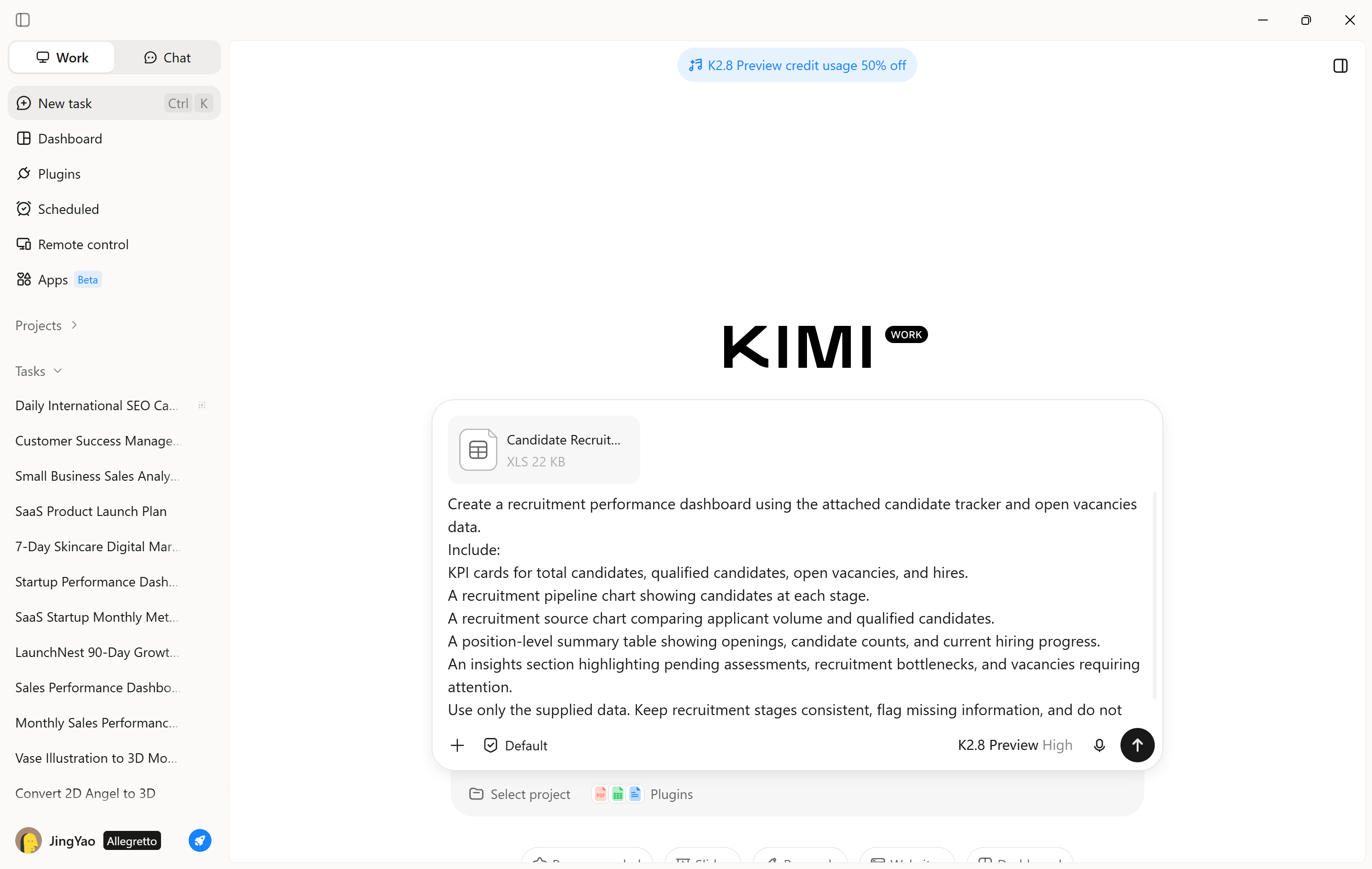
Step 1: Define recruitment metrics and requirements
Upload a spreadsheet containing candidate records, application dates, recruitment stages, interview outcomes, and offer statuses. Specify the metrics you want to track, such as total applicants, qualified candidates, interview conversion rates, and time to hire.
Example prompt:
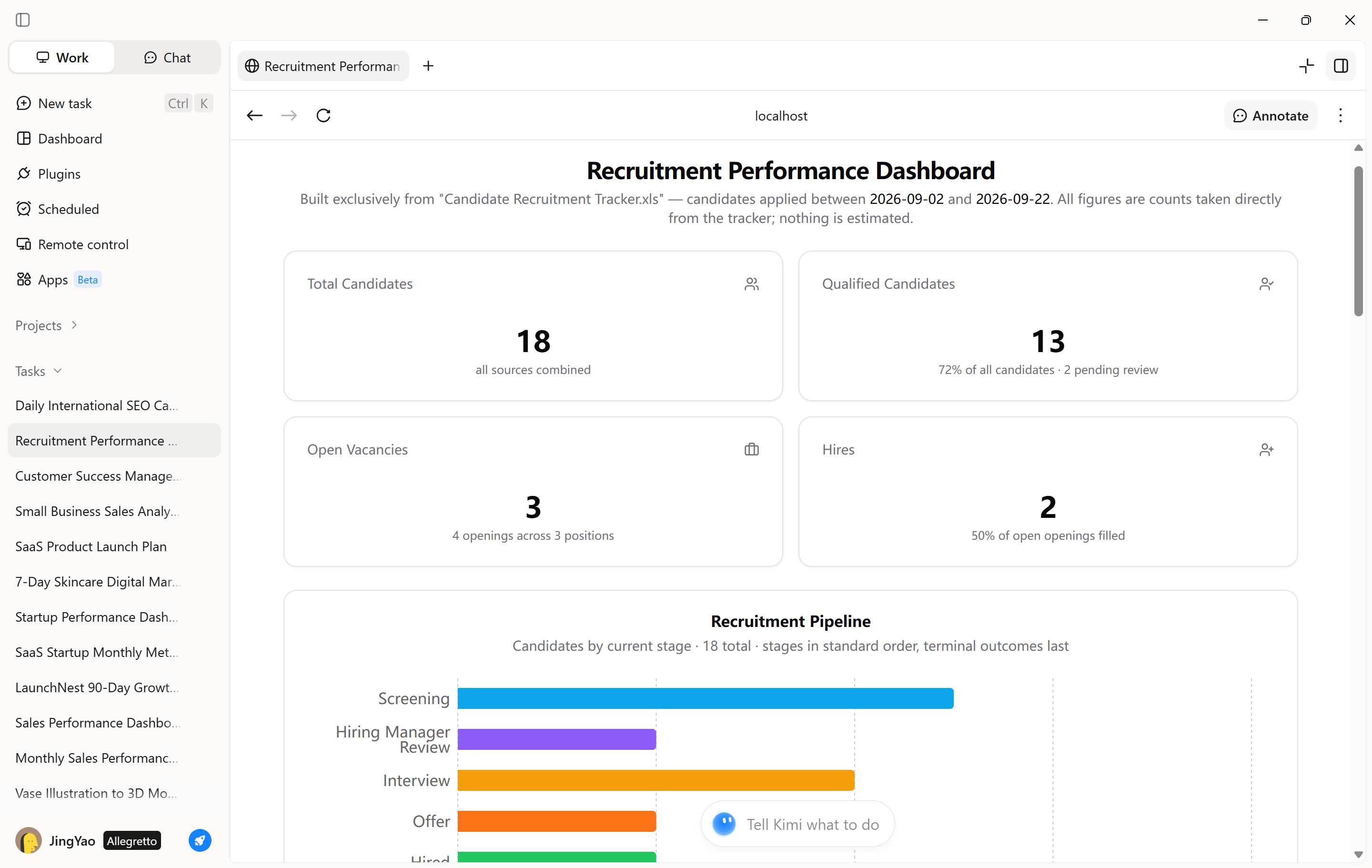
Step 2: Generate and review the dashboard
Ask Kimi Work to analyze the recruitment tracker and produce the requested visualizations, KPI summaries, and tables. Check that candidate counts and conversion rates match the source data, and confirm that recruitment stages are categorized consistently.
Refine the dashboard by adding filters or breakdowns for individual roles, recruitment sources, or reporting periods. Use insights to identify delays, prioritize follow-ups, and adjust sourcing efforts based on the available evidence.
Greenhouse
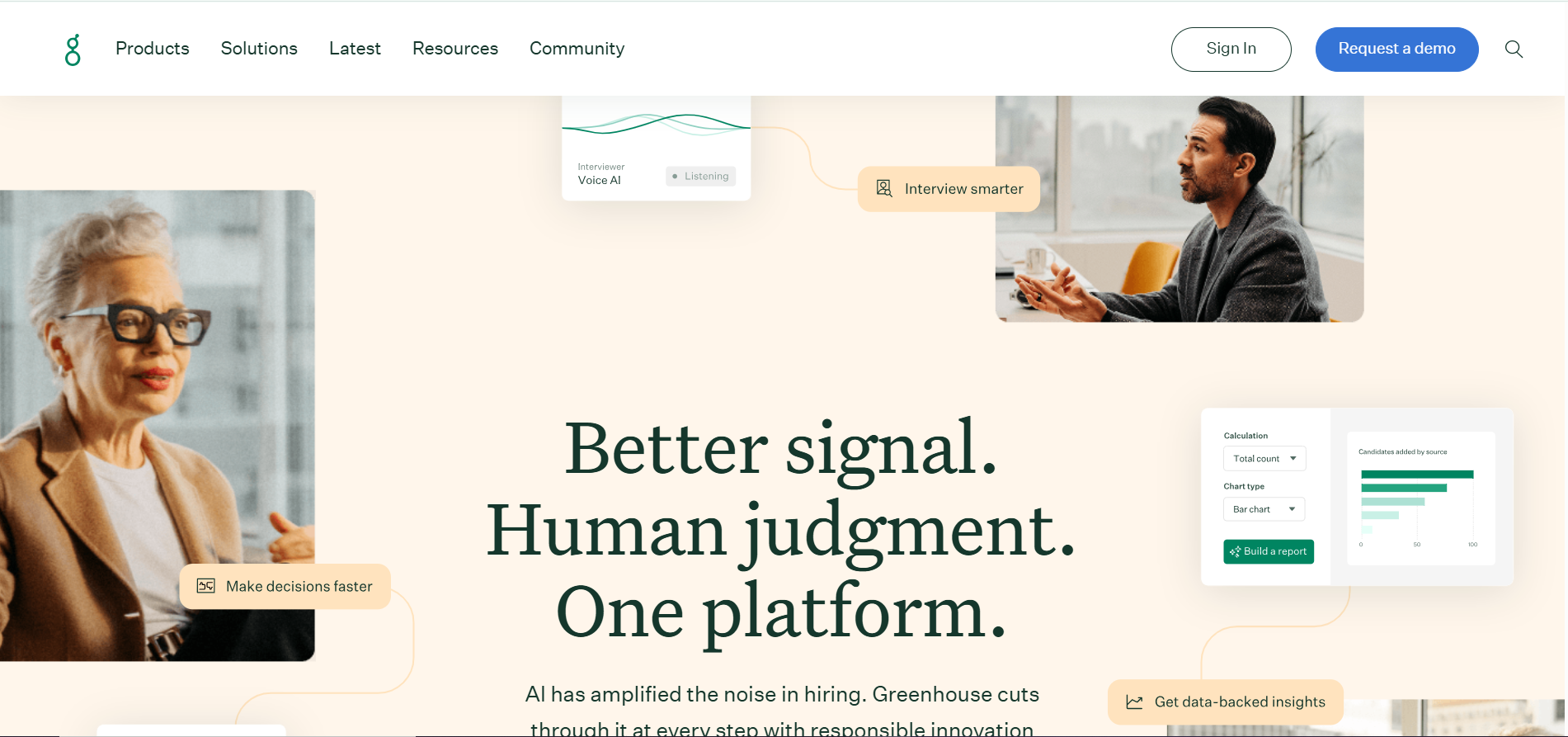
Greenhouse is a structured hiring platform that helps organizations coordinate recruitment activities, standardize candidate evaluations, and improve collaboration between recruiters and hiring managers. Its AI recruiting software includes capabilities for summarizing interview feedback, suggesting interview questions, matching candidate profiles to role requirements, and supporting recruitment reporting.
Main features
AI-assisted candidate matching and filtering
Structured hiring plans and scorecards
Candidate sourcing and engagement automation
Recruitment reporting and offer forecasting
Suitable for
Structured enterprise recruitment
Collaborative hiring team workflows
Recruitment performance reporting
Workable
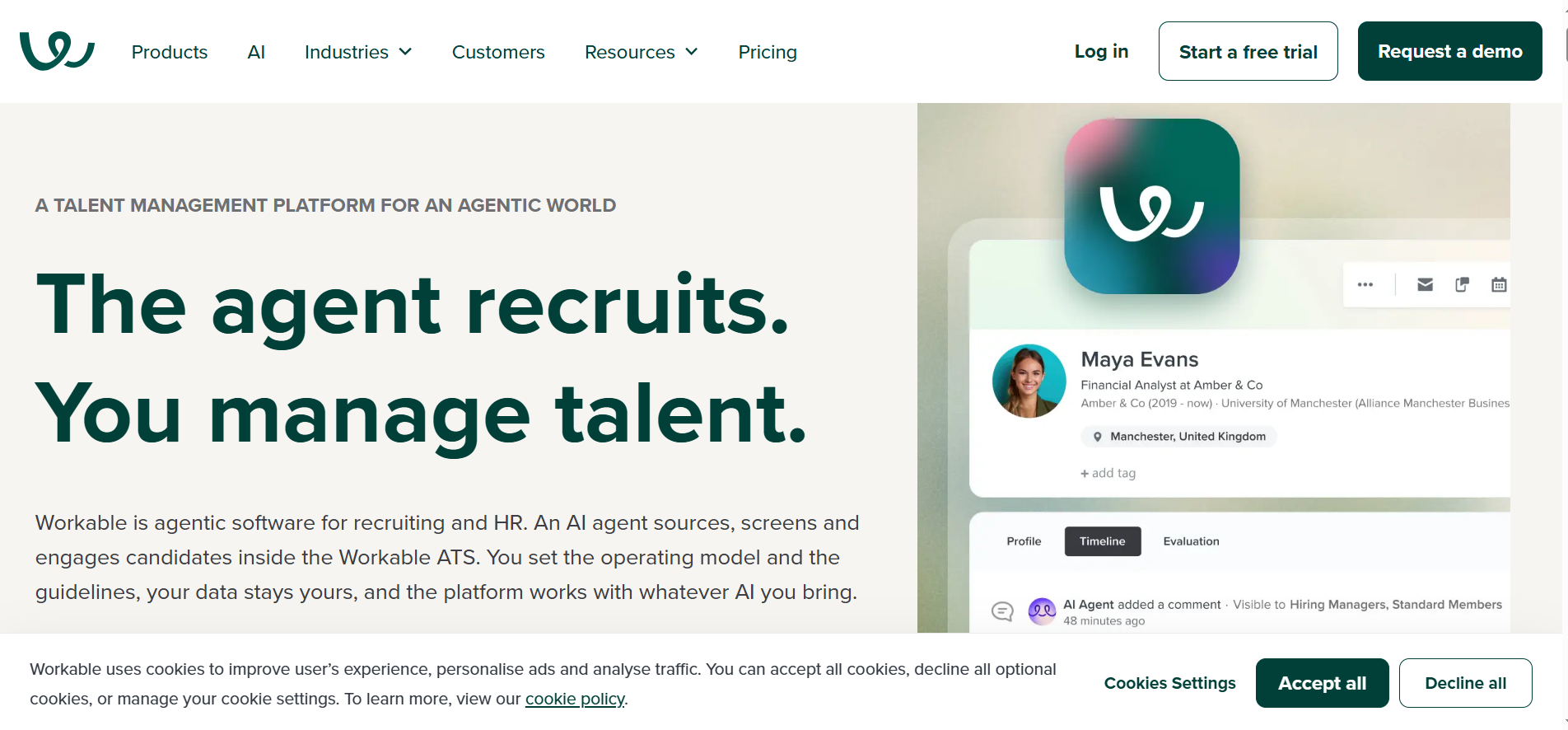
Workable combines applicant tracking, candidate sourcing, and recruitment automation within a unified hiring platform. Its AI capabilities help recruiters draft job descriptions, discover potential applicants, summarize candidate qualifications, and prioritize applications against predefined requirements. As an AI-based recruitment software solution, it can be especially useful for growing organizations that want to manage multiple hiring stages without relying on disconnected systems.
Main features
Intelligent candidate sourcing and matching
Interview question generation for roles
Candidate database and talent rediscovery
Integrated applicant tracking and scheduling
Suitable for
Growing businesses and startups
Recruitment and HR generalists
Multi-role hiring coordination
Pinpoint
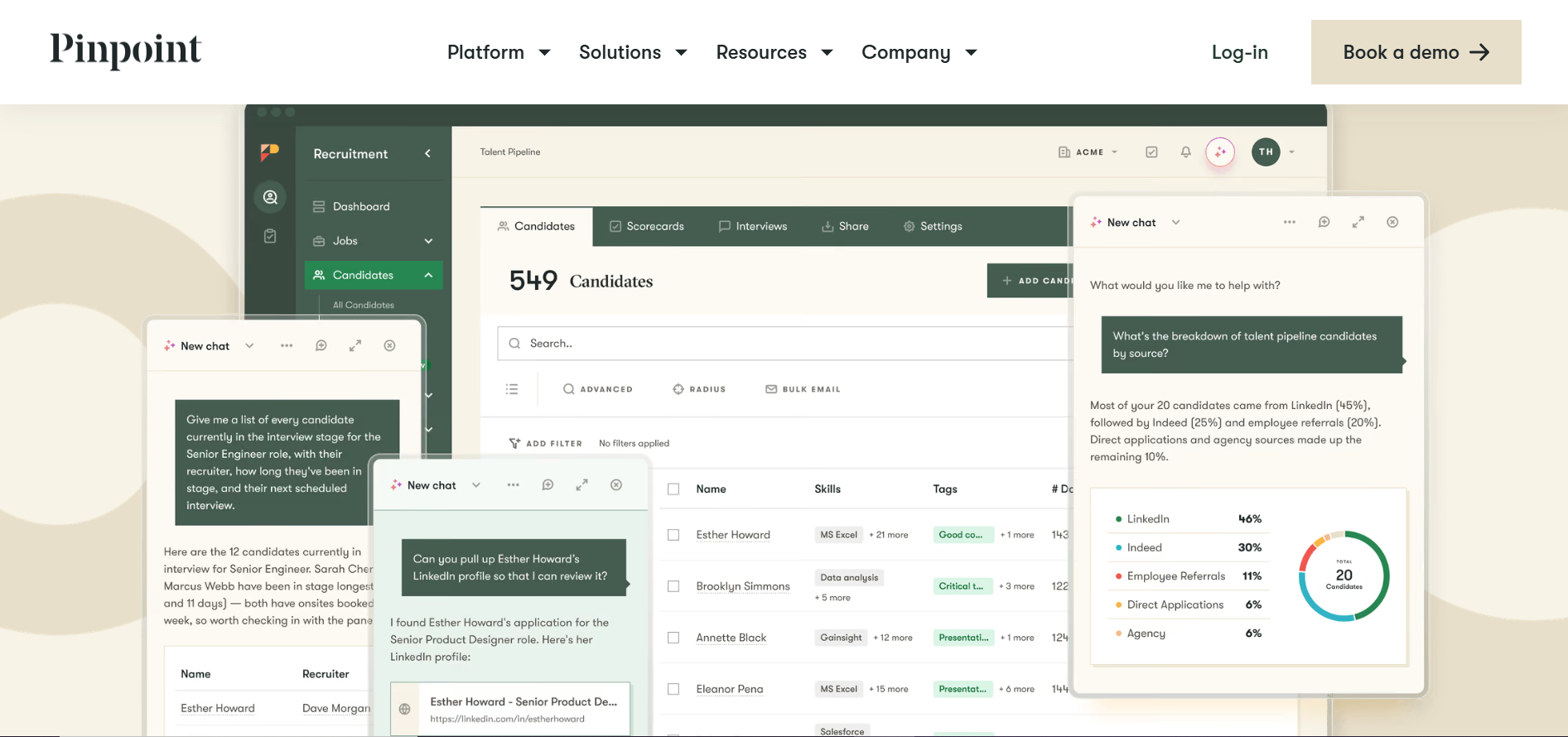
Pinpoint is an applicant tracking platform designed to help internal recruitment teams manage hiring from job promotion through candidate selection. Its value lies in bringing recruitment activities into a coordinated workflow, with tools for career sites, candidate relationship management, interview coordination, and hiring analytics. When evaluating the use of AI in recruitment, organizations should assess Pinpoint's currently available automation and intelligence features alongside its broader recruitment management capabilities.
Main features
Branded career sites and job pages
Multi-channel job advertising and distribution
Candidate relationship management and talent pools
Recruitment analytics and pipeline reporting
Suitable for
In-house talent acquisition teams
Employer branding and recruitment
Collaborative candidate pipeline management
Canditech
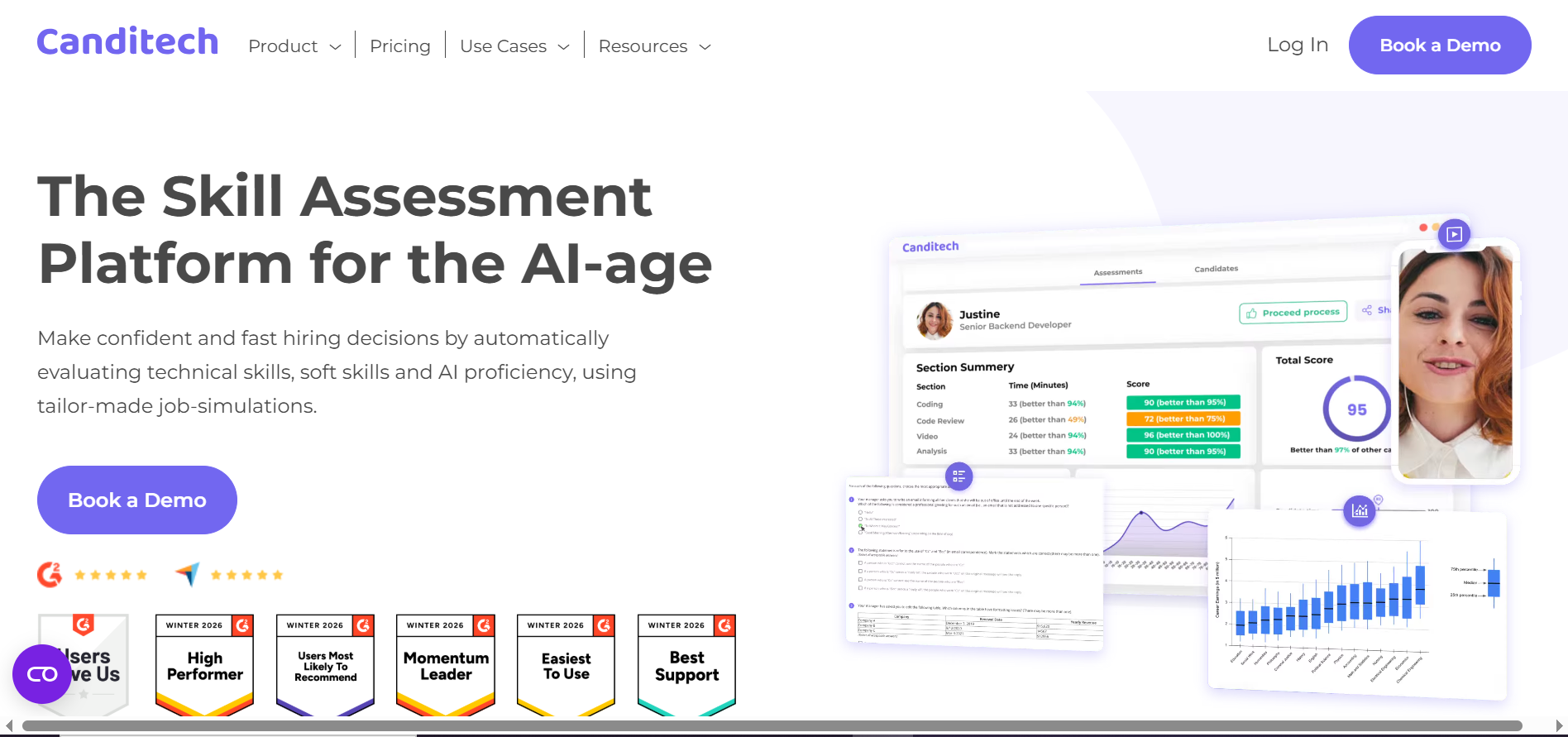
Canditech focuses on evaluating candidates through realistic job simulations and customizable pre-employment assessments rather than relying solely on resumes or interviews. As an AI tool for recruitment, it enables employers to assess technical proficiency, communication, problem-solving, and other role-specific competencies using structured exercises.
Main features
AI-generated role-specific skills assessments
Automated scoring of assessment responses
Technical and soft skills evaluations
Customizable assessments with cheating prevention
Suitable for
Skills-based candidate assessment
Pre-employment competency testing
Standardized candidate evaluations
Humanly
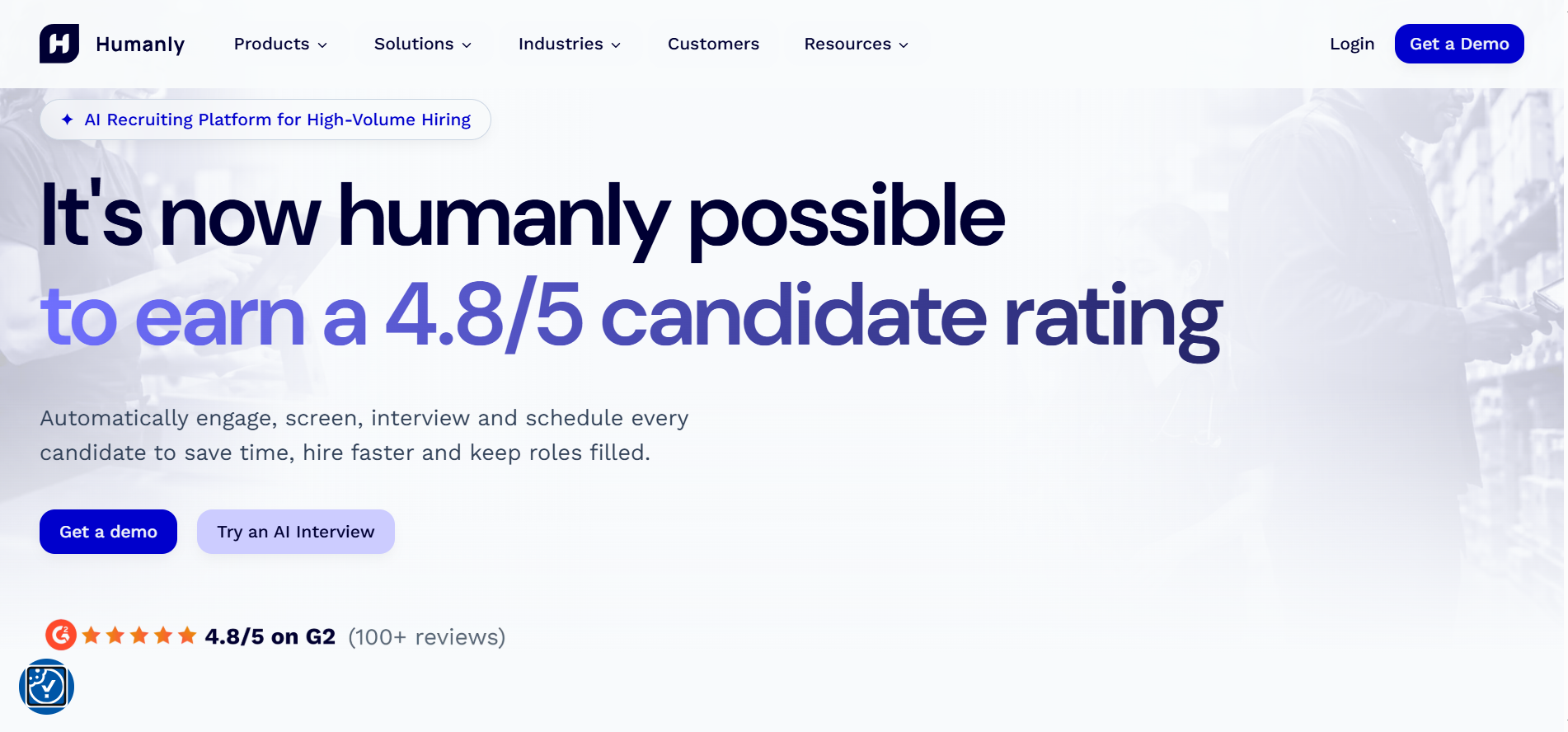
Humanly is a conversational recruitment application designed to facilitate candidate engagement, initial screening, and interview coordination, particularly in frontline and hiring environments. Its AI recruiting agent helps manage repetitive interactions by responding to applicants, asking screening questions, arranging interviews, and maintaining communication throughout early recruitment stages.
Main features
Conversational AI screening and qualification
Automated interview scheduling and coordination
Candidate communication and follow-up automation
Recruitment workflow management and integrations
Suitable for
Hourly workforce hiring teams
Automated candidate engagement
Interview scheduling optimization
Puck
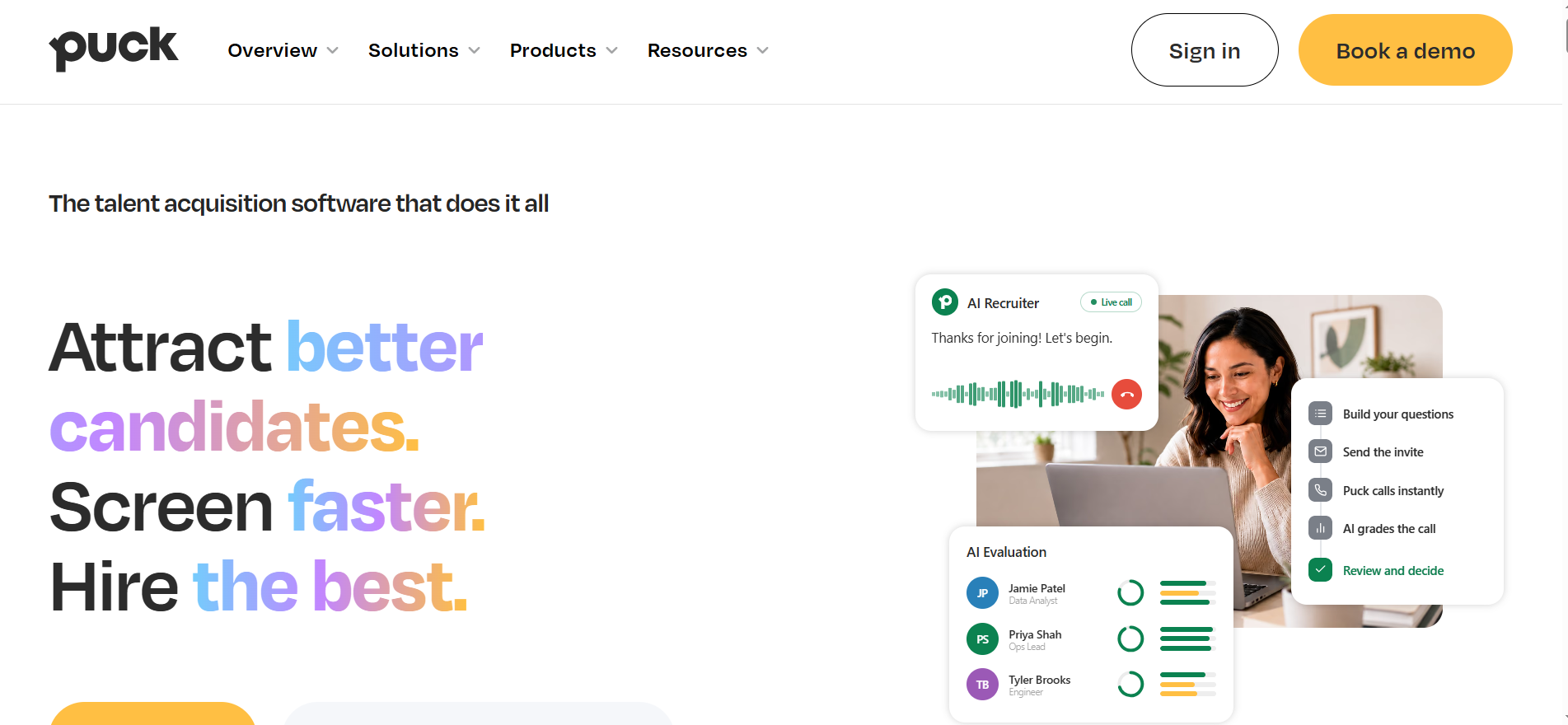
Puck is a talent acquisition platform that combines candidate sourcing, applicant management, employer branding, and AI-assisted screening. Its phone-based AI interviews encourage applicants to respond to structured questions at their convenience, while recruiters receive transcripts, summaries, and evaluations aligned with predefined hiring criteria.
Main features
Structured evaluations with searchable transcripts
Automated candidate invitations and follow-ups
Fraud detection during candidate screening
Applicant tracking system integration capabilities
Suitable for
Phone-based candidate assessments
Growing talent acquisition teams
Integrated recruitment workflow management
Hellora
Hellora focuses on using conversational AI to streamline candidate interactions and reduce the administrative burden associated with early-stage recruitment. By automating parts of applicant engagement and screening, it aims to help hiring teams manage candidate communication more efficiently. When assessing AI hiring tools, consider whether Hellora's available capabilities align with your application volume, screening requirements, and preferred recruitment channels.
Main features
Automated preliminary screening and qualification
Interview coordination and scheduling assistance
Recruitment workflow automation and tracking
Applicant information collection and organization
Suitable for
Candidate engagement automation
Preliminary applicant screening
High-volume hiring workflows
Recruit CRM
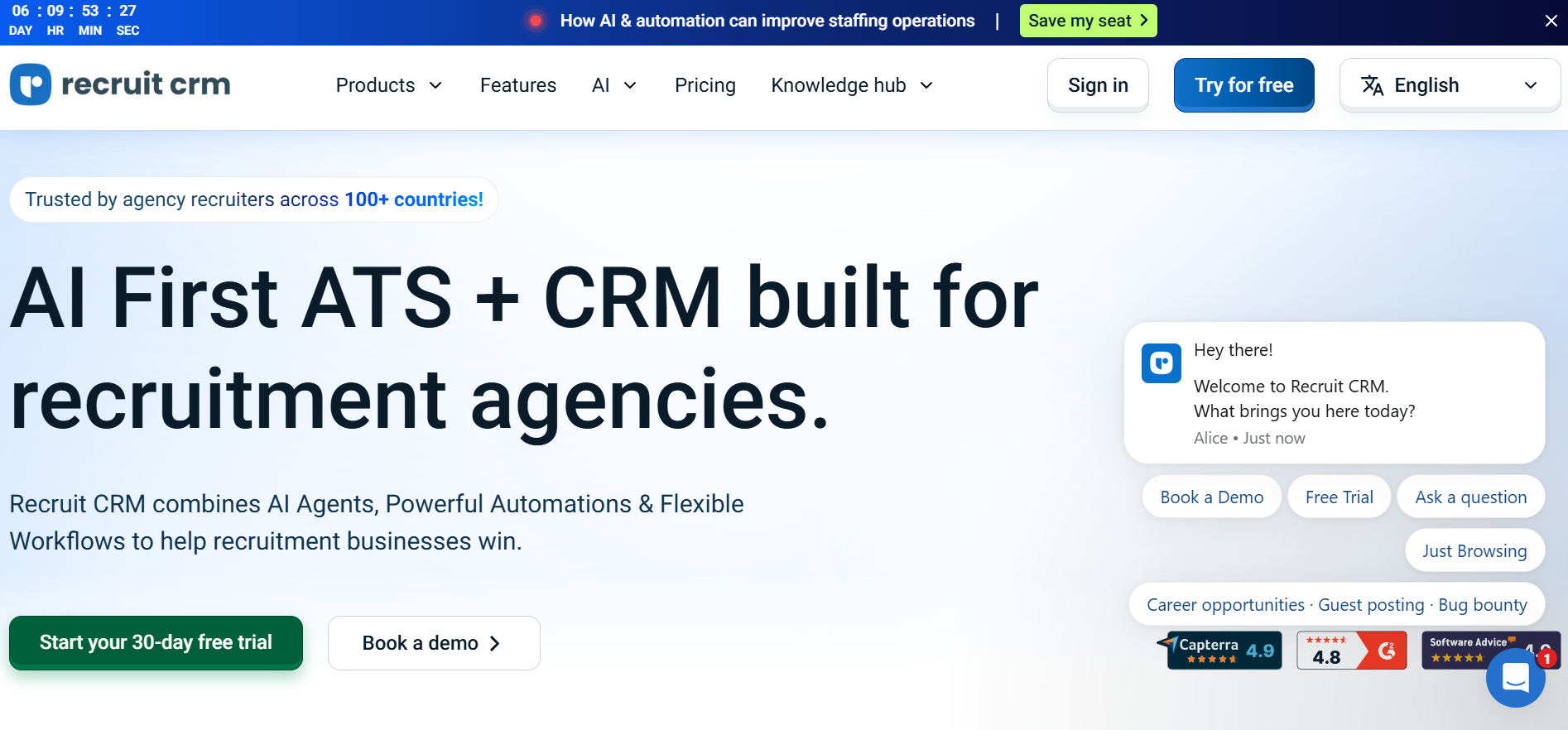
Recruit CRM is a recruitment management platform built primarily for staffing agencies and executive search firms that need to coordinate candidate pipelines alongside client relationships. Its AI capabilities support resume parsing, candidate job matching, and recruitment communication, while its integrated CRM helps recruiters manage placements and business development activities.
Main features
Automated resume parsing and data extraction
Integrated applicant tracking and recruitment CRM
Automated email sequences and candidate communication
Recruitment analytics and placement performance reporting
Suitable for
Staffing and recruitment agencies
Multi-client recruitment management
Candidate pipeline optimization
Manatal
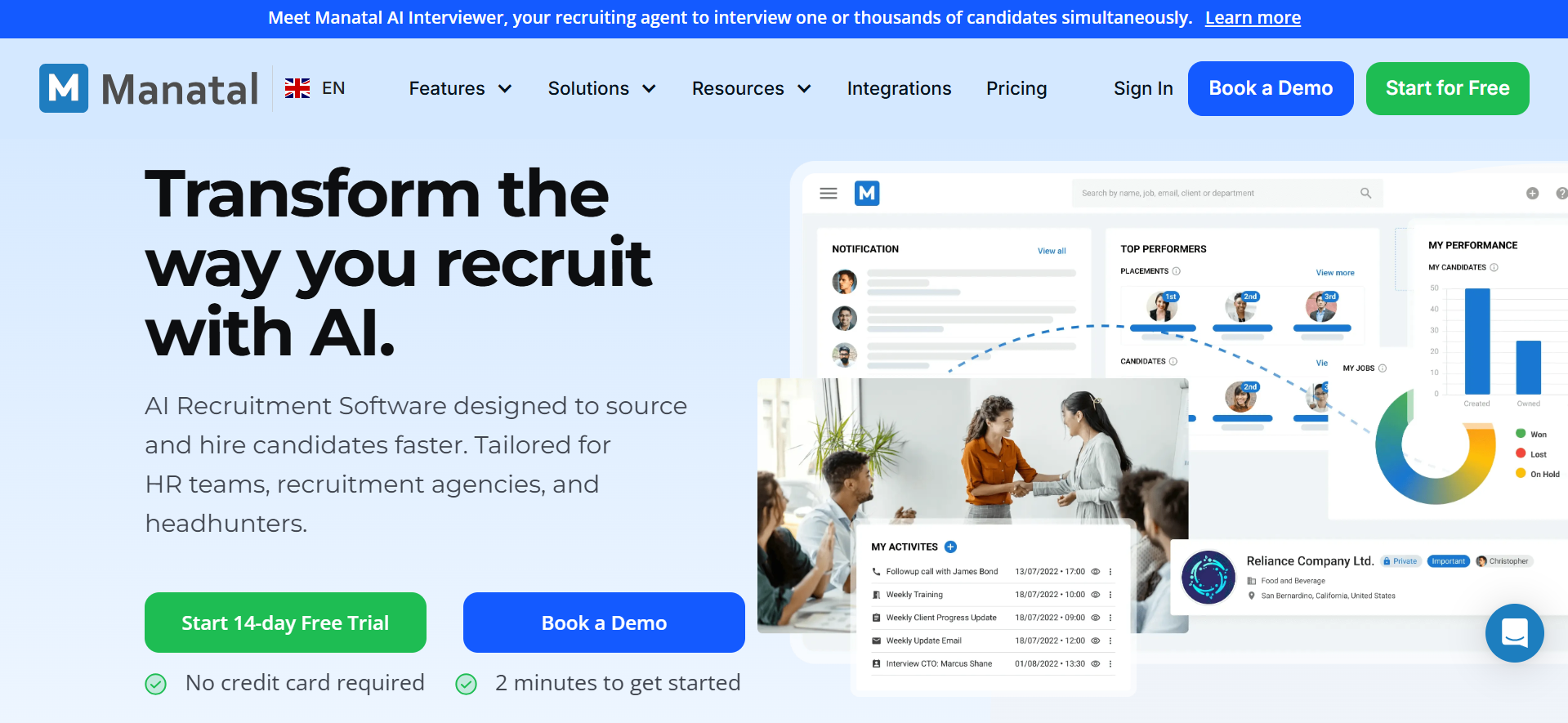
Manatal is a cloud-based recruitment platform that combines applicant tracking with AI-driven sourcing, candidate evaluation, and profile enrichment. It helps recruiters identify relevant applicants through semantic search, extract structured information from resumes, and compare candidate profiles against job requirements.
Main features
AI-powered candidate scoring and recommendations
Automated multilingual resume parsing capabilities
Candidate profile enrichment from public sources
Automated meeting transcription and summaries
Suitable for
Corporate HR recruitment teams
Staffing agencies and headhunters
Centralized applicant tracking management
How to choose the right AI tool for recruitment
Before selecting an AI tool for recruitment, consider how well it fits your hiring process and recruitment goals. The following factors can help you evaluate your options and make the right choice.
Identify your recruitment priorities: Begin by pinpointing the stages of hiring that consume the most time or resources, whether that involves reviewing applications, coordinating interviews, or evaluating technical competencies. Establishing these priorities helps you focus on tools that address genuine operational bottlenecks rather than paying for features your team rarely needs.
Evaluate candidate sourcing and matching capabilities: Examine how effectively the platform identifies prospective applicants, interprets resumes, and compares candidate qualifications against job-specific requirements. Look for configurable matching criteria, relevant talent discovery options, and transparent recommendations to ensure the system surfaces suitable profiles without overlooking candidates with nontraditional career paths.
Check compatibility with your hiring workflow: Choose a solution that integrates with your existing applicant tracking system, HR software, calendars, and communication channels. Seamless interoperability minimizes fragmented processes, reduces manual data transfers, and allows recruiters to coordinate hiring activities without introducing unnecessary complexity into established procedures.
Assess screening accuracy and fairness: Investigate how the platform evaluates applicants, generates recommendations, and supports consistent assessment across different candidate groups. Test its performance using representative hiring scenarios, examine the criteria behind its outputs, and retain human oversight to identify potential bias and prevent automated recommendations from becoming unquestioned hiring decisions.
Conclusion
Choosing the right AI tool for recruitment depends on your hiring priorities, team structure, and existing workflows. From candidate sourcing and resume screening to skills assessment and interview coordination, these tools offer different ways to improve hiring efficiency. While specialized software manages dedicated recruitment processes, Kimi Work supports complementary tasks such as researching hiring trends, organizing candidate information, drafting recruitment materials, and preparing reports.