Managing projects involves more than tracking tasks and deadlines. AI for project management helps teams streamline workflows, organize information, analyze risks, and make informed decisions. Explore a practical AI tool and use cases for project planning, data analysis, dashboards, and reports.
What is AI in project management
AI in project management uses artificial intelligence to make planning, organizing, and tracking projects easier. It can help teams assign tasks, manage deadlines, prepare reports, and monitor progress without doing everything manually. AI tools can also analyze project data to spot risks, predict delays, and suggest better ways to work. This allows project managers to save time, make informed decisions, and keep their teams focused on their goals.
6 AI use cases for project management
AI can help project managers handle everyday tasks more easily, make better decisions, and keep work moving without unnecessary delays. It can also turn project data into useful information that helps teams understand what is working. Here are some practical use cases of AI in project management.
Automating workflows and routine project tasks: Project managers often spend a lot of time assigning tasks, updating schedules, sending reminders, and organizing project details. AI can automate many of these routine activities, reducing manual work and helping teams stay organized. For example, an AI tool can create task lists from project notes, send deadline reminders, or update a workflow when a task is completed.
Improving decisions with data insights: Making project decisions becomes easier when managers have clear information about costs, timelines, workloads, and past results. AI can review this data, identify patterns, and highlight areas that may need attention. The role of AI in project management is especially useful here because it helps managers base their decisions on relevant information rather than relying only on assumptions or personal experience.
Identifying risks and preventing delays: Unexpected problems, such as late deliveries, budget changes, or staff shortages, can affect project deadlines. AI tools can analyze previous project data and current progress to identify warning signs before they become bigger issues. They may also suggest ways to reduce risks, giving project managers more time to adjust plans and keep work on track.
Monitoring progress and resource allocation: Keeping track of project progress helps managers understand whether tasks are moving according to plan and whether team members have enough time to complete their work. AI can monitor task updates, compare actual progress with planned milestones, and highlight delays or uneven workloads. This allows managers to move resources where they are needed and make adjustments before small problems affect the entire project.
Simulating scenarios for better project planning: Project plans can change when budgets are reduced, team members become unavailable, or suppliers miss delivery dates. AI can help managers explore different scenarios and estimate how these changes might affect deadlines, costs, and resources. By comparing possible outcomes, teams can prepare backup plans and choose a more practical approach before committing to major decisions.
Streamlining teamwork and project reporting: Project teams share updates through emails, meetings, and reports, which can be hard to organize. Generative AI in project management can summarize meetings, draft reports, and turn scattered notes into clear action items. Tools like Kimi Work can also create dashboards and reports, helping teams track progress and make better decisions.
Streamline project management workflows with Kimi Work
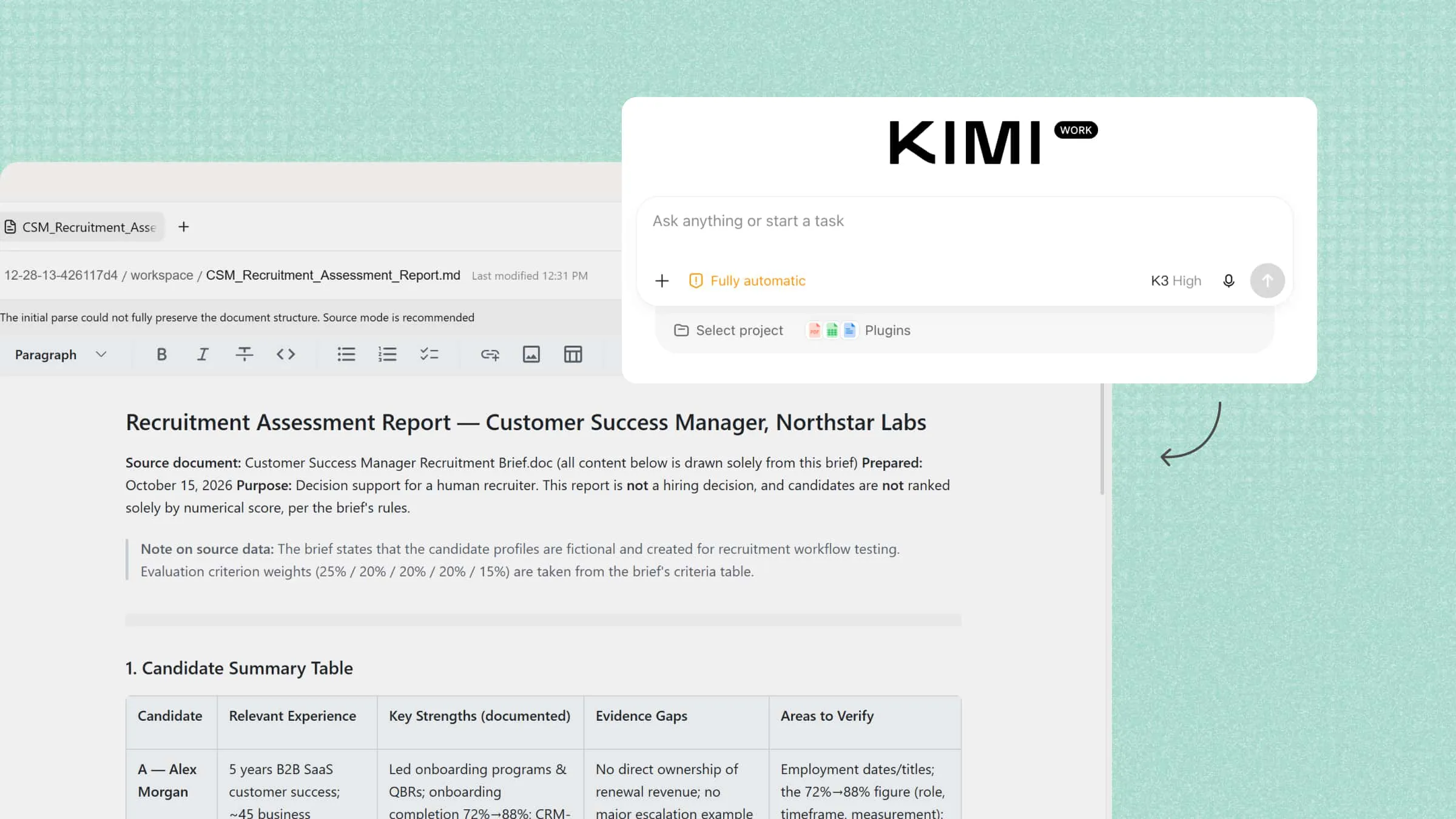
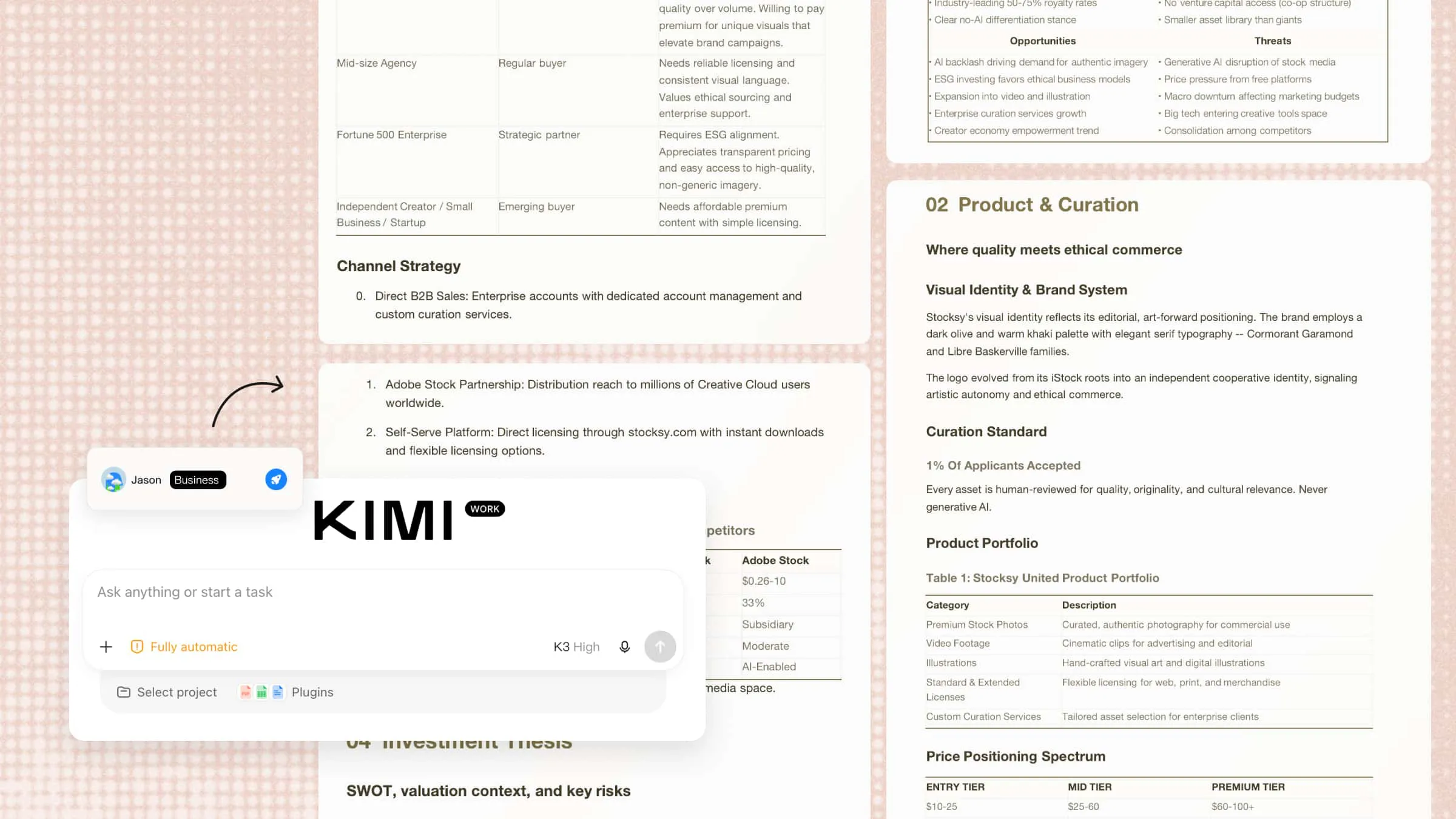
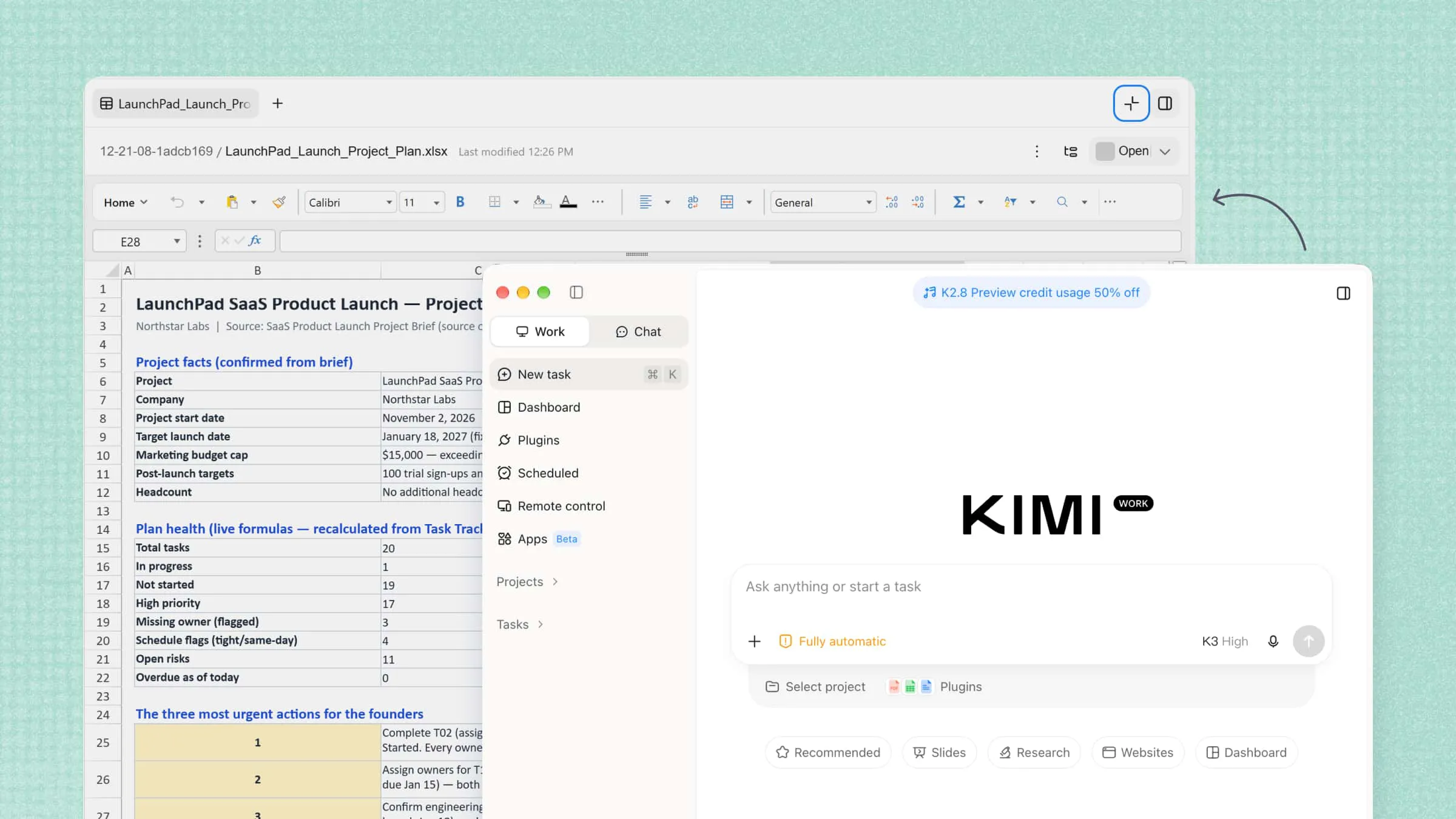
Kimi Work is an AI-powered workspace that helps teams analyze project data, automate tasks, and organize information. It can generate dashboards, reports, and summaries from complex documents and data. This helps project managers track progress, simplify workflows, and make data-driven decisions while reducing manual work and improving team collaboration across different project stages.
Main features
Create project dashboards for a clear overview: Turn project data, task updates, and performance metrics into visual dashboards. Track progress, monitor key indicators, review milestones, and identify potential delays in one place to get a clearer picture of project status.
Automatic recurring project updates: Set up recurring tasks to collect the latest project information, summarize progress, and generate regular status reports. Kimi Work can bring together task details, progress notes, and project documents to help keep updates consistent with less manual work.
Create reports, sheets, and slides fast: Convert project information into structured reports, spreadsheets, and presentations. Summarize budgets, track milestones, compare timelines, and present results in formats that are easy to review and share with stakeholders.
Research and analyze information across sources: Gather relevant information from web sources, connected database plugins, and local project files available within your permissions. Kimi Work can synthesize findings across these sources to support supplier research, market analysis, and project planning.
Extend project workflows with plugins: Use plugins to connect Kimi Work with specialized tools and services for tasks such as data analysis, document processing, and information retrieval. You can also upload custom plugins or create your own through conversation to match specific project requirements.
How to use AI for project management with Kimi Work
Putting AI into your project workflow starts with choosing the right task and giving clear instructions. Kimi Work can help you organize information, analyze project data, and create useful outputs with less manual effort. Follow these steps to get started.
Create a project management dashboard
Kimi Work can help project managers organize project data, track task progress, monitor resource allocation, and compare planned milestones with actual results. By processing project spreadsheets and generating visual dashboards, it becomes easier to identify delays, review workloads, and keep project goals on track.
Step 1: Import project records
Open Kimi Work and provide access to the folder containing project plans, task trackers, team assignments, milestone schedules, and project status reports. Ask Kimi Work to extract task names, owners, deadlines, priorities, completion rates, and dependencies, then organize the data for dashboard creation.
Example prompt:
Step 2: Analyze project data and build dashboard visualizations
Kimi Work will calculate key project metrics and present the results in an easy-to-read dashboard. Include visualizations such as task completion by status, milestone progress, overdue tasks, workload distribution, and planned-versus-actual timelines. You can also request changes to chart types, metric definitions, or reporting periods to suit your project management needs.
Step 3: Review and refine your dashboard
Review the dashboard to understand project progress, identify bottlenecks, and see which tasks or milestones need attention. Ask Kimi Work to refine the layout, compare current progress with previous reporting periods, or highlight projects falling behind schedule.
Automate recurring project status reviews with scheduled tasks
Kimi Work's Scheduled Tasks feature can help establish a consistent project review routine. Instead of manually compiling updates for every reporting cycle, configure a recurring task to process project records and prepare progress summaries.
Step 1: Schedule a recurring project review
Open Kimi Work and navigate to "Scheduled Tasks", then select "Create a task". Choose "Add manually" to configure the task directly or "Create from chat" to describe your requirements in natural language.
Step 2: Configure the schedule and data sources
Choose a recurring time, such as every Monday morning, and specify the folder where your latest project plans, task trackers, milestone updates, and status reports are stored.
Requirements:
Step 3: Generate and review the project status report
Configure the task to produce a structured PDF report presentation containing project KPIs, milestone comparisons, timeline charts, and a summary of significant changes. Review the report during weekly planning meetings to track progress, coordinate follow-up actions, and update project priorities.
Manage projects with plugins in Kimi Work
Kimi Work can help you organize project tasks and track progress by working with project management plugins such as Notion. You can create task lists, Kanban boards, and timeline views to manage assignments, monitor milestones, and keep project information organized in one place.
Step 1: Install and open the Notion plugin
Click "Plugins" in Kimi Work and search for "Notion". Select the plugin and click "Use" to open it and prepare your workspace for project management.
Step 2: Describe your project management needs
Tell Kimi Work how you want to organize your project. Include the tasks, team members, deadlines, priorities, and views you need. For example, you can request a task database with a Kanban board for daily tracking and a timeline for monitoring project milestones.
Example prompt:
Step 3: Review and update your project workspace
Review the generated structure and check that task properties, dates, and assignments match your project. Refine the workspace by asking Kimi Work to adjust board columns, add task filters, or reorganize milestones. Once the setup is ready, use the supported Notion features to maintain task records and track progress as the project develops.
Benefits of AI in project management
AI can simplify project management by reducing manual work, improving access to information, and supporting better decisions. From scheduling tasks to tracking budgets and sharing updates, it helps teams manage projects more efficiently. Here are the key benefits of using AI in project management:
More efficient scheduling and estimation: AI helps project managers create realistic schedules by analyzing task durations, deadlines, and dependencies. It can estimate how long activities may take and flag possible delays. This makes it easier to plan resources and set achievable deadlines.
Faster access to project information: Finding details across spreadsheets, reports, emails, and meeting notes can take time. AI can search project files, summarize key points, and answer specific questions. This helps teams find information without reviewing multiple documents manually.
Better document and knowledge management: AI can organize project documents, summarize reports, and extract important details from different files. It also helps teams find previous decisions, meeting notes, and project requirements. This keeps information accessible and reduces the chance of missing key details.
Improved budget visibility and cost forecasting: AI can analyze project expenses, budgets, and spending patterns to show where money is going. By comparing actual costs with estimates, it can flag potential overspending and forecast future expenses. Project managers can use these insights to adjust spending plans.
Earlier identification of quality issues and performance risks: AI can review project data, testing results, and feedback to identify signs of potential problems. It can flag recurring errors, missed quality standards, and declining performance. Teams can then address these issues early and protect project quality.
Clearer stakeholder communication: AI can turn project data into clear summaries, draft status reports, and highlight important changes. This helps project managers keep clients, team members, and other stakeholders informed. Everyone can understand progress, upcoming deadlines, and potential risks more easily.
Tips for using AI in project management
Getting the most out of AI requires more than choosing the right tool. Teams need reliable data, clear instructions, and a process for checking results before acting on them. These tips can help you use AI effectively while keeping projects organized, secure, and on track:
Start with organized and reliable project data: AI works best when project information is accurate, complete, and easy to understand. Keep task lists, deadlines, budgets, and team assignments updated before analyzing them. Reliable data helps AI produce more useful insights and reduces the risk of misleading results.
Use AI to break down complex projects: Large projects can feel overwhelming when they involve many tasks, people, and deadlines. Ask AI to divide major goals into smaller tasks, milestones, and manageable steps. This makes responsibilities clearer and helps teams track progress more easily.
Automate repetitive project management tasks: Routine activities such as preparing status reports, summarizing meetings, and sending progress updates can take up valuable time. Use AI to handle these tasks where possible, giving your team more time for important work. Review automated outputs to ensure they remain accurate and relevant.
Build dashboards around actionable metrics: A useful dashboard should highlight information that helps you make decisions, not simply display large amounts of data. Track metrics such as task completion, budget usage, overdue work, and milestone progress. Choose clear charts and indicators that help you spot problems and decide what to do next.
Use AI to identify risks early: AI can analyze schedules, dependencies, budgets, and progress updates to identify possible risks. Ask it to flag delayed tasks, resource shortages, and activities that could affect important milestones. Review these warnings regularly so your team can address problems before they grow.
Keep human oversight in important decisions: AI can offer recommendations, but it may overlook context or produce inaccurate conclusions. Project managers should verify important findings before changing budgets, deadlines, or resource assignments. Combining AI insights with human experience leads to more balanced decisions.
Protect sensitive project information: Project files may contain confidential budgets, client details, or internal plans. With Kimi Business, your business data is not used to train AI models, while administrators can manage team access to help keep sensitive information protected.
Review results and improve your process over time: AI workflows may need adjustments as project needs and team responsibilities change. Regularly check whether the tool is saving time, improving accuracy, and helping teams meet deadlines. Use feedback and project results to refine your prompts, dashboards, and automation processes.
Conclusion
Successful project management depends on clear priorities, timely decisions, and a team that works well together. AI for project management can support these goals when used with the right processes and human judgment. The key is to choose tools that fit your team's needs rather than adding unnecessary complexity. Try Kimi Work to explore a practical way to manage project information and daily tasks. See how it fits into your workflow and helps your team work with greater clarity.