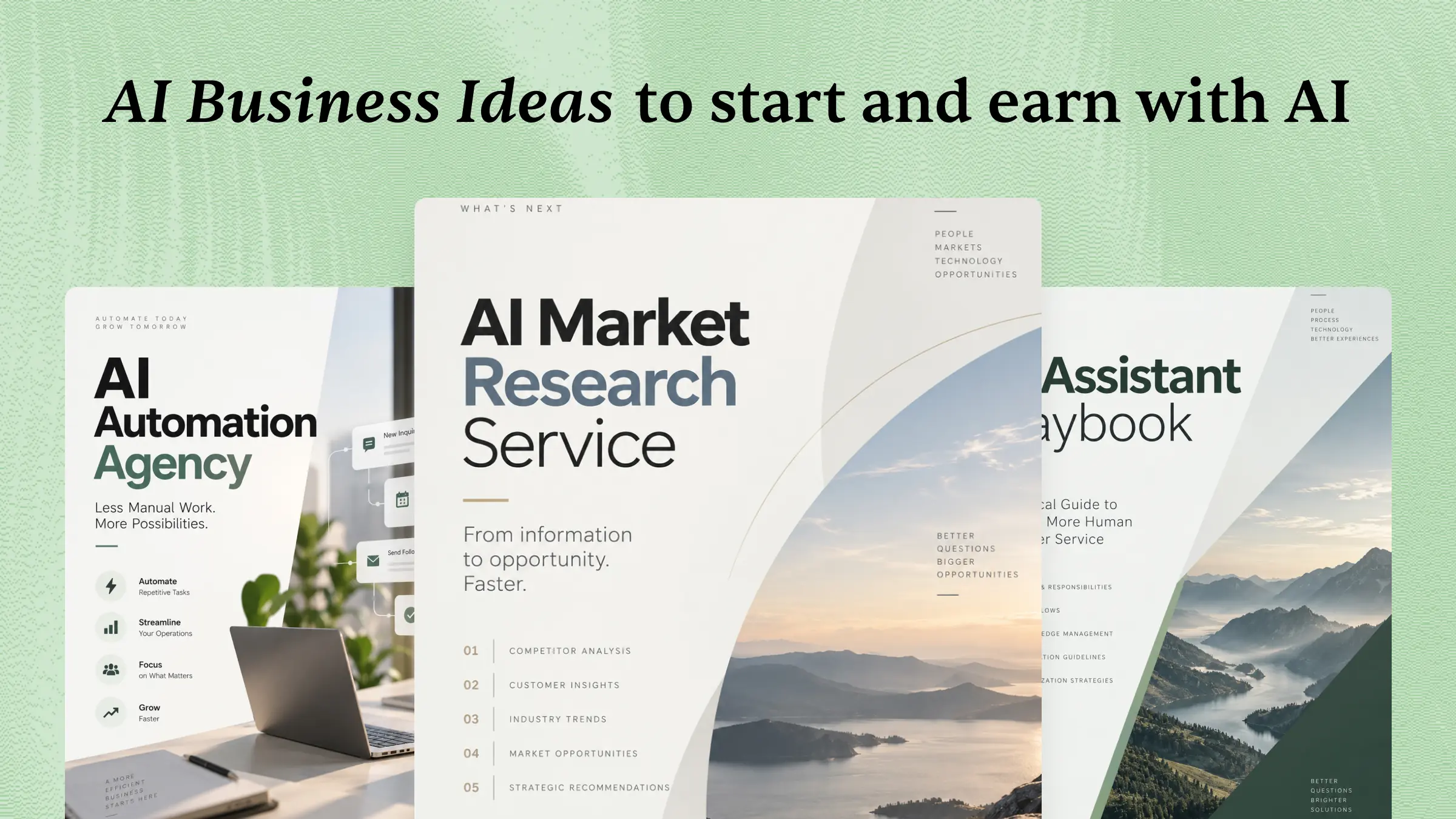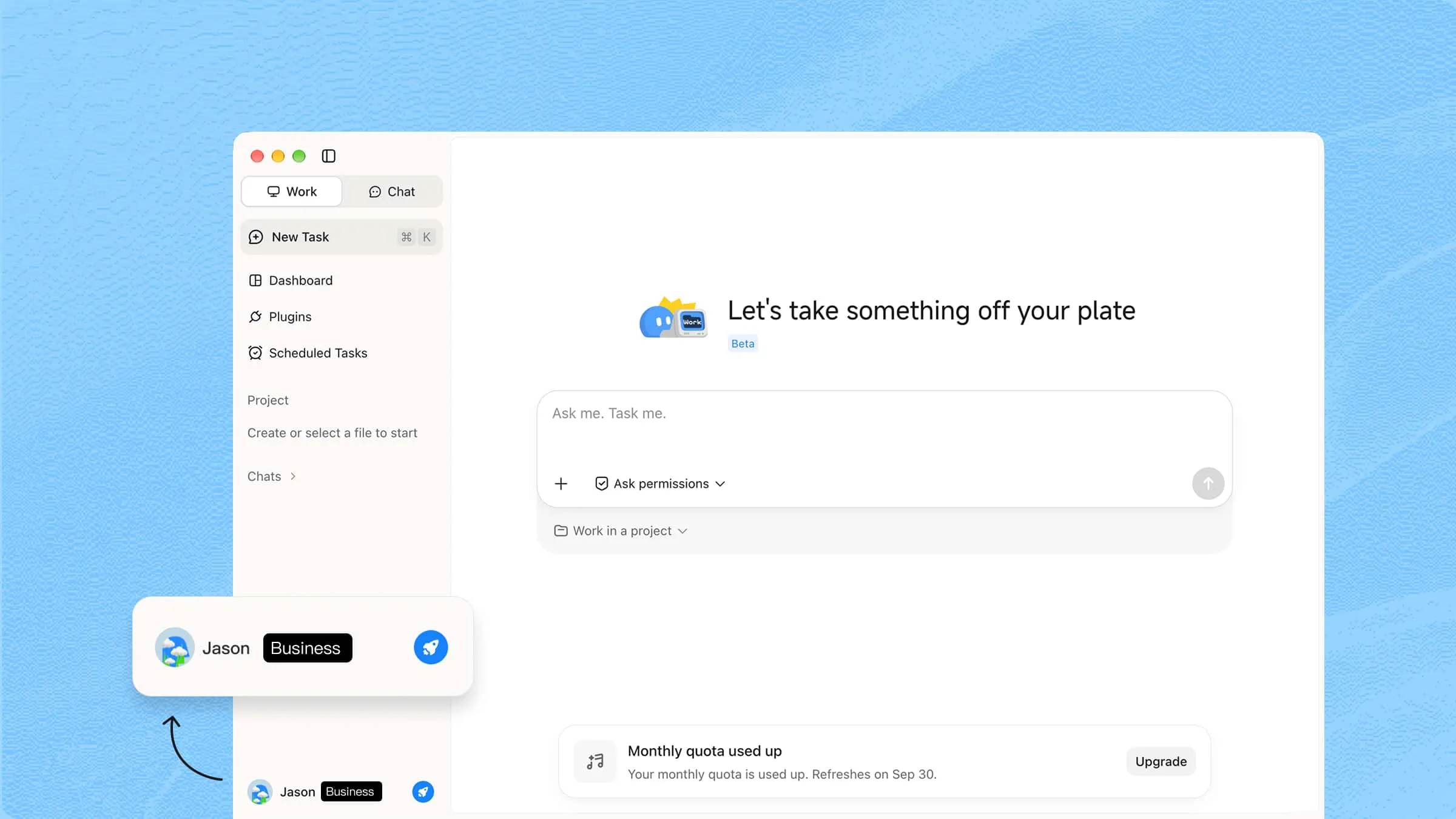
Businesses often deal with too much data, repetitive work, and decisions that take more time than they should. As teams grow, keeping everything organized while moving quickly can become even harder. Enterprise AI helps businesses handle information, automate routine tasks, and support smarter day-to-day work. Keep reading to discover how enterprise AI works, where businesses use it, and the technologies that make it possible.
What is enterprise AI?
Enterprise AI means using artificial intelligence across different parts of a business to handle data, automate routine work, and support better decisions. It can help teams work faster by taking care of repetitive tasks and finding useful patterns in large amounts of information. Businesses can use it in areas such as sales, finance, marketing, operations, and customer service.
It can include technologies such as machine learning, natural language processing, generative AI, and AI agents. By connecting these tools with business data and existing systems, companies can make AI more useful in everyday workflows. Proper security, data quality, and human oversight also help ensure AI is used responsibly at scale.
Enterprise AI vs traditional AI tools
As AI becomes part of everyday business operations, it is important to understand how enterprise AI differs from the traditional AI tools used for individual tasks. The comparison below highlights the key differences in how they work, where they are used, and the value they can bring to an organization.
| Traditional AI tools | Enterprise AI |
|---|---|
| Solves individual tasks | Supports end-to-end business workflows |
| Used by individuals | Used across teams and departments |
| Generates outputs | Analyzes, plans, and executes actions |
| Limited business context | Connected with company data and systems |
| Short-term productivity gains | Long-term operational transformation |
Key technologies powering enterprise AI
Generative AI for enterprise relies on a mix of technologies that help businesses understand information, solve problems, and complete tasks more efficiently. The following technologies play a key role in bringing AI into everyday business operations and workflows.
Generative AI and large language models
Generative AI and large language models (LLMs) provide the foundation for many enterprise AI applications. They can understand natural-language instructions and generate text, code, summaries, and other content, making it easier for employees to interact with AI using everyday language.
Content generation: Create documents, reports, emails, and other business content.
Information processing: Summarize and analyze large volumes of text.
Natural-language interaction: Let employees interact with business systems through conversational prompts.
Code assistance: Generate, explain, and modify code for software development.
AI agents and intelligent automation
AI agents extend beyond generating responses by enabling AI to plan tasks, use tools, and complete multiple steps toward a defined goal. Combined with workflow automation, they can support more complex business processes that would otherwise require manual coordination.
Task planning: Break complex goals into smaller actionable steps.
Workflow execution: Complete multiple related tasks in sequence.
Tool use: Interact with software, websites, databases, or other connected tools.
Process automation: Handle recurring or multi-step business workflows.
Enterprise data and knowledge integration
Business AI needs access to relevant and reliable information to produce useful results. Data integration technologies connect AI systems with company documents, databases, knowledge bases, and other business information while helping organizations control how that information is accessed.
Knowledge retrieval: Find relevant information from internal sources.
RAG: Ground AI responses in specific business data and documents.
Data integration: Connect information from different business systems.
Access control: Restrict AI access according to user roles and permissions.
Cloud computing and AI infrastructure
Cloud infrastructure provides the computing resources needed to develop, deploy, and scale enterprise AI applications. It allows organizations to handle demanding AI workloads without having to build all of the underlying infrastructure themselves.
Model deployment: Run AI models in production environments.
Scalable computing: Increase resources as AI workloads grow.
AI development platforms: Build, test, and manage AI applications.
Integration: Connect AI capabilities with existing enterprise applications.
AI governance, security, and monitoring
Enterprise AI also requires technologies and processes that help organizations manage security, privacy, compliance, and model performance. These controls become increasingly important as AI is connected to sensitive business data and operational workflows.
Data security: Protect sensitive business and customer information.
Privacy and compliance: Manage AI use in accordance with organizational and regulatory requirements.
Model monitoring: Track AI performance and identify potential issues.
Human oversight: Keep people involved in important or high-impact decisions.
How these technologies work together
In practice, enterprise AI rarely relies on a single technology. A business workflow might combine an LLM to understand instructions, enterprise data integration to retrieve relevant information, AI agents to execute tasks, and cloud infrastructure and governance tools to run the workflow securely at scale. This combination is what allows enterprise AI to become part of broader business operations rather than remain a standalone chatbot.
Kimi Work: An AI workspace for enterprise tasks
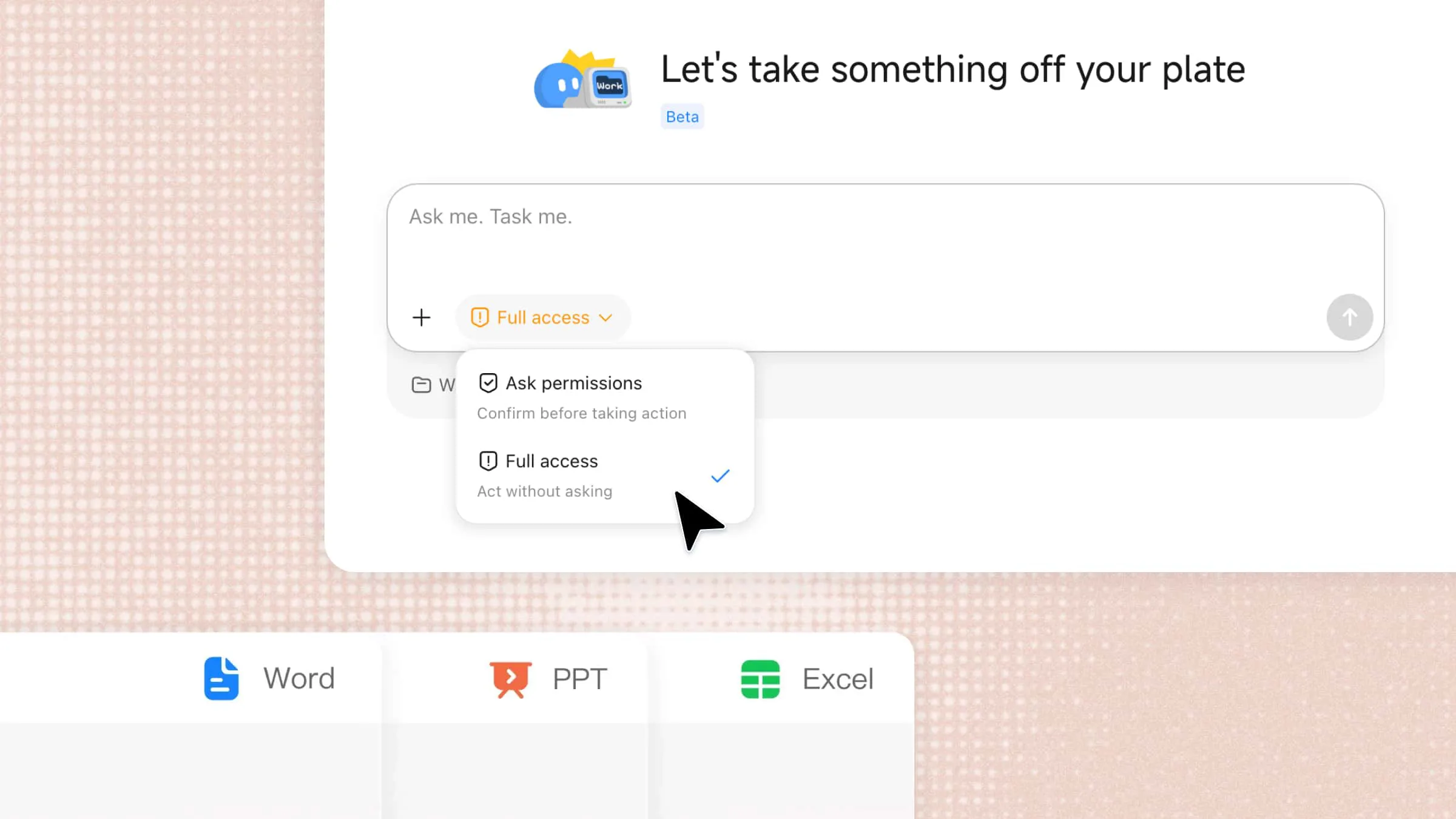
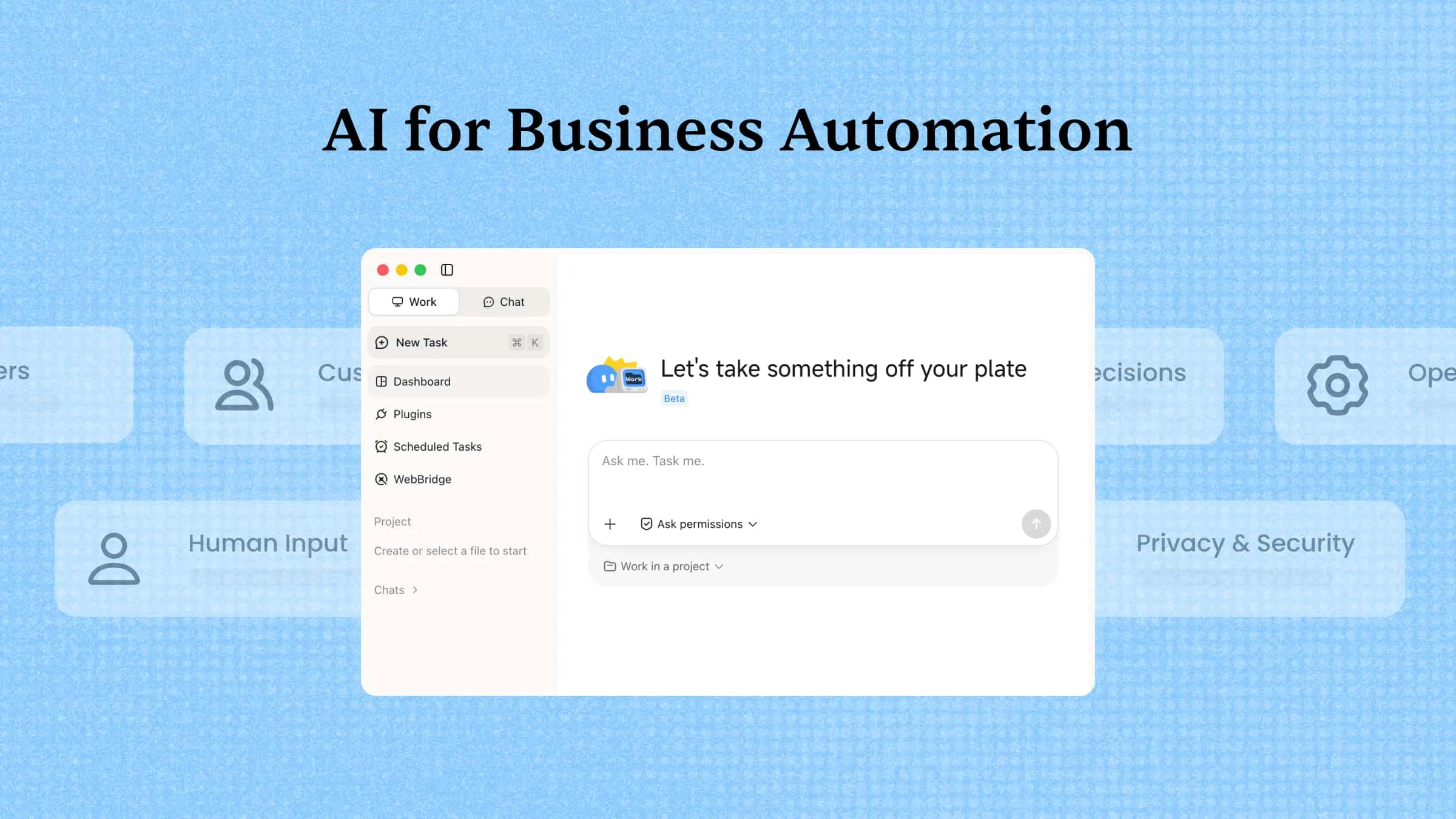
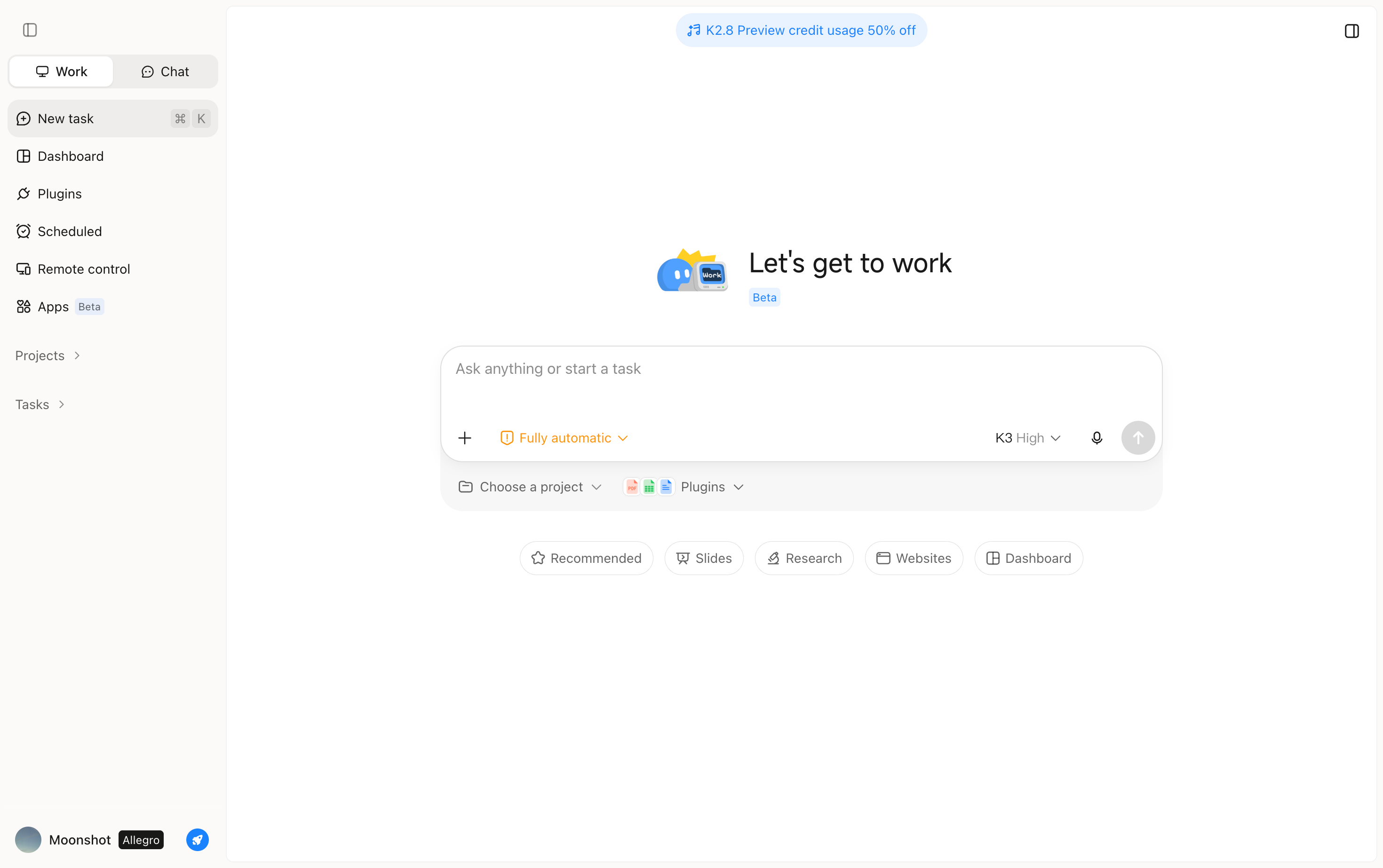
Kimi Work is an AI workspace designed to support enterprise tasks by combining information processing, reasoning, and task execution in one environment. It can work with business information to analyze data, handle multi-step workflows, and turn instructions into practical outputs such as reports, documents, and other deliverables. This makes it useful for teams that want to apply AI to real business processes rather than using it only for individual prompts or simple content generation.
Key features
Turn business goals into executable workflows: Kimi Work turns business objectives into executable workflows. With Goal Mode, you can provide an objective, requirements, and acceptance criteria, and Kimi Work can map out the necessary steps, execute the work, and continuously check the results against the goal until the requirements are met, without requiring step-by-step prompting.
Execute complex tasks in parallel with Agent Swarm: Kimi Work can activate Agent Swarm to handle complex, research-heavy business questions through multiple AI agents working in parallel. A broad task can be divided into areas such as competitors, customers, pricing, and market trends, with the findings combined into a unified analysis so teams can explore multiple aspects of a business question without coordinating each research thread manually.
Ground AI work in your business context: Kimi Work runs on your desktop and can work with local files and folders, browse information across web tabs, and draw on professional databases. By bringing these sources into the workflow, Kimi Work can work with the documents, data, and external information relevant to your business instead of relying only on generic knowledge.
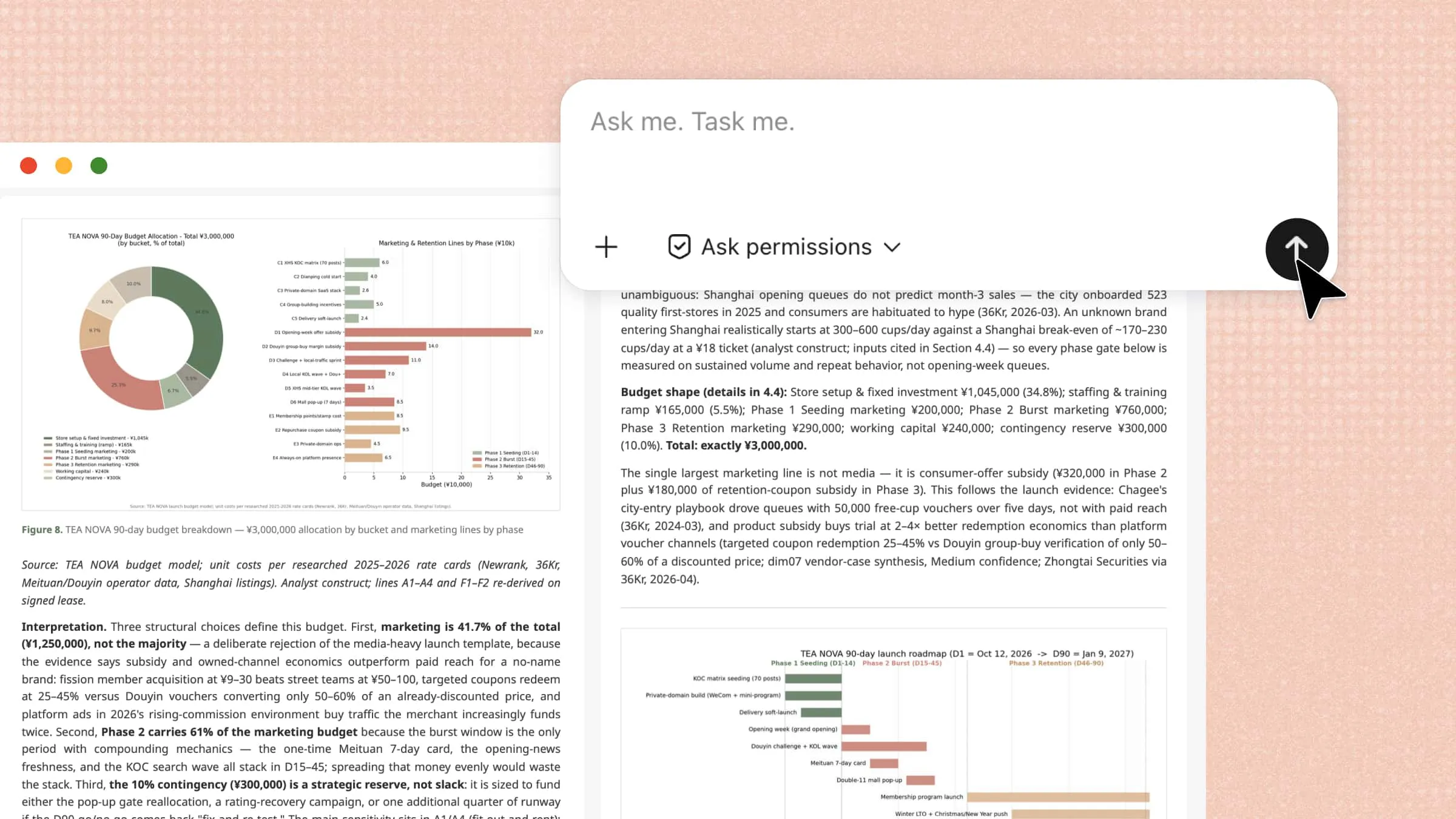
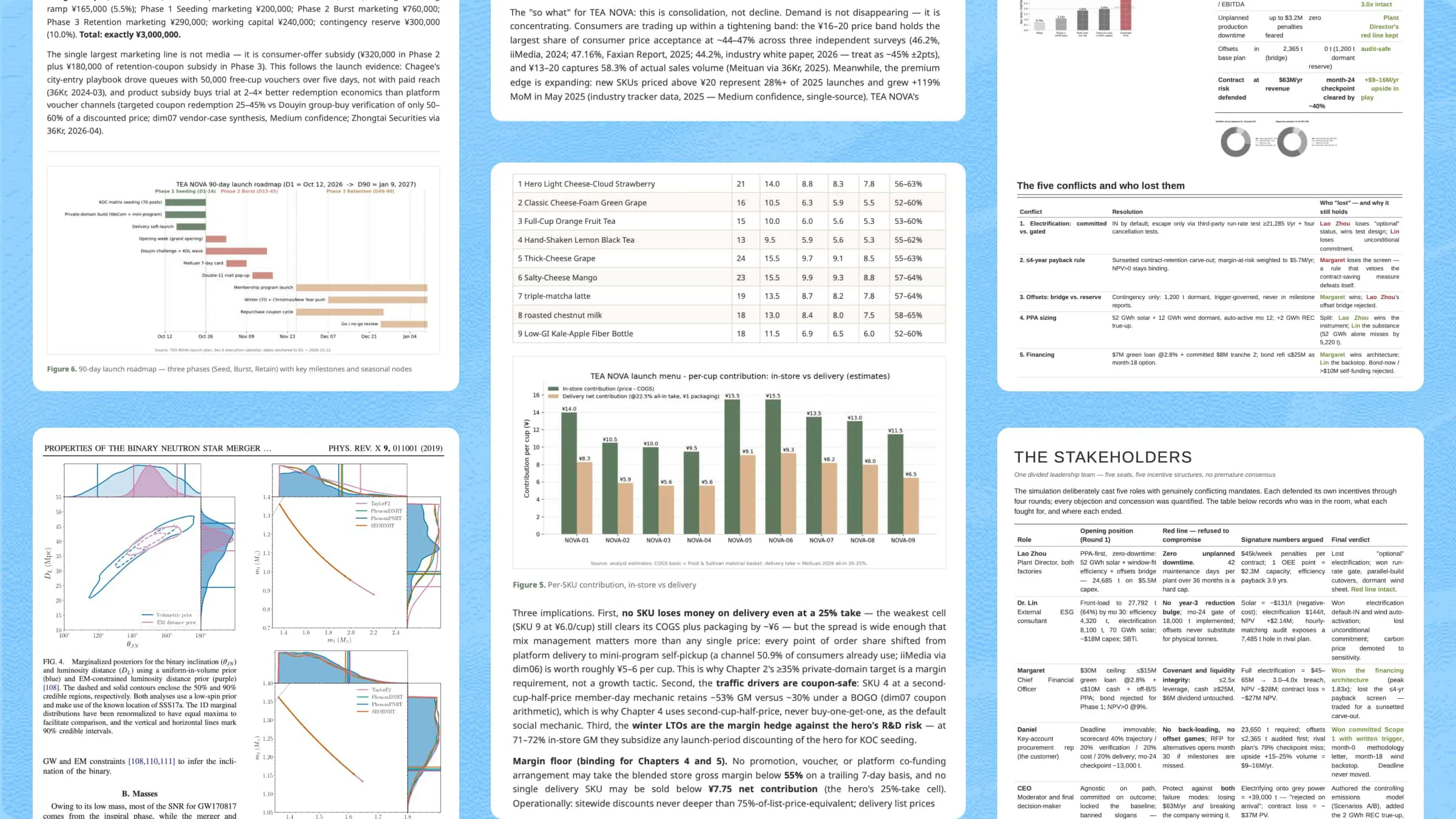
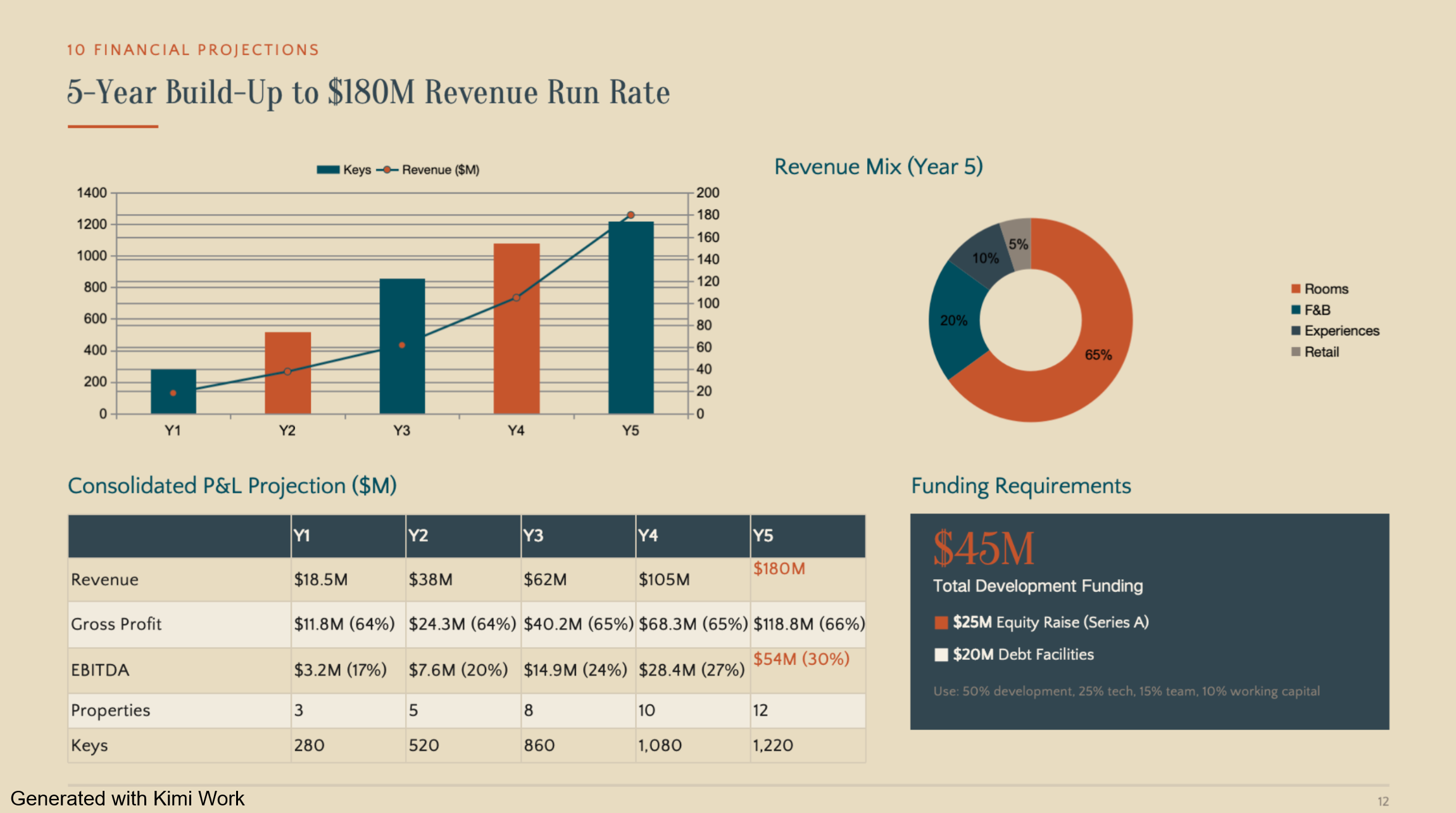
Turn business analysis into ready-to-use deliverables: Kimi Work can turn research, analysis, and completed tasks into editable business deliverables, including plans, reports, presentations, spreadsheets, websites, and code. This allows teams to move from gathering information and analyzing problems to producing materials that can be reviewed, shared, or used in subsequent business workflows.
Automate recurring business monitoring: Kimi Work supports scheduled workflows for ongoing business monitoring, allowing teams to regularly track competitors, market developments, customer signals, and financial indicators. Recurring results can be collected and organized into living dashboards or widgets on the desktop, giving teams an updated view of changing business information without repeating the same monitoring work manually.
Why does enterprise AI matter for businesses
Enterprise AI can create value across many areas of a business, from everyday productivity to customer interactions and long-term growth. Here are some benefits that show how businesses can use AI to improve operations while creating new opportunities for innovation.
Improve productivity and reduce repetitive work
Enterprise AI can take care of repetitive tasks such as sorting information, preparing reports, and handling routine requests. This reduces manual work and gives employees more time to focus on tasks that require creativity, judgment, and human input.
Enable data-driven decision-making
Businesses generate large amounts of data, but turning that information into useful insights can take time. Enterprise AI can analyze data, identify patterns, and provide relevant insights that help teams make faster and more informed decisions.
Improve customer experience
AI can help businesses respond to customers more quickly through chatbots, virtual assistants, and personalized support. It can also use customer information to understand common needs and provide more relevant experiences across different channels.
Scale innovation across organizations
Enterprise AI makes it easier to bring useful AI capabilities into different teams and business processes. From creating content with generative AI to automating complex workflows, organizations can expand successful AI use cases while keeping them connected to broader business goals.
Common enterprise AI use cases across business functions
Enterprise AI is not limited to one type of business task or department. It can become part of workflows across marketing, finance, sales, operations, and customer service. Let's look at some practical ways businesses are using AI across these functions.
Marketing
AI helps marketing teams turn customer and market information into actionable campaign ideas and content. It can support the process from research and planning to content creation and performance analysis.
Market research: Analyze market trends, customer feedback, and competitor information.
Content creation: Draft blog posts, social media content, emails, and campaign copy.
Audience personalization: Tailor messaging and recommendations to different customer segments.
Campaign analysis: Review campaign data and identify trends or areas for improvement.

Sales
Sales teams can use AI to reduce the time spent on research and administrative work while preparing more relevant customer interactions. AI can analyze customer information, assist with outreach, and support sales forecasting.
Lead qualification: Analyze customer profiles and identify promising leads.
Prospect research: Summarize company information, industry trends, and potential customer needs.
Sales outreach: Draft personalized emails, proposals, and follow-ups.
Sales forecasting: Analyze historical and current sales data to support forecasting.
Customer service
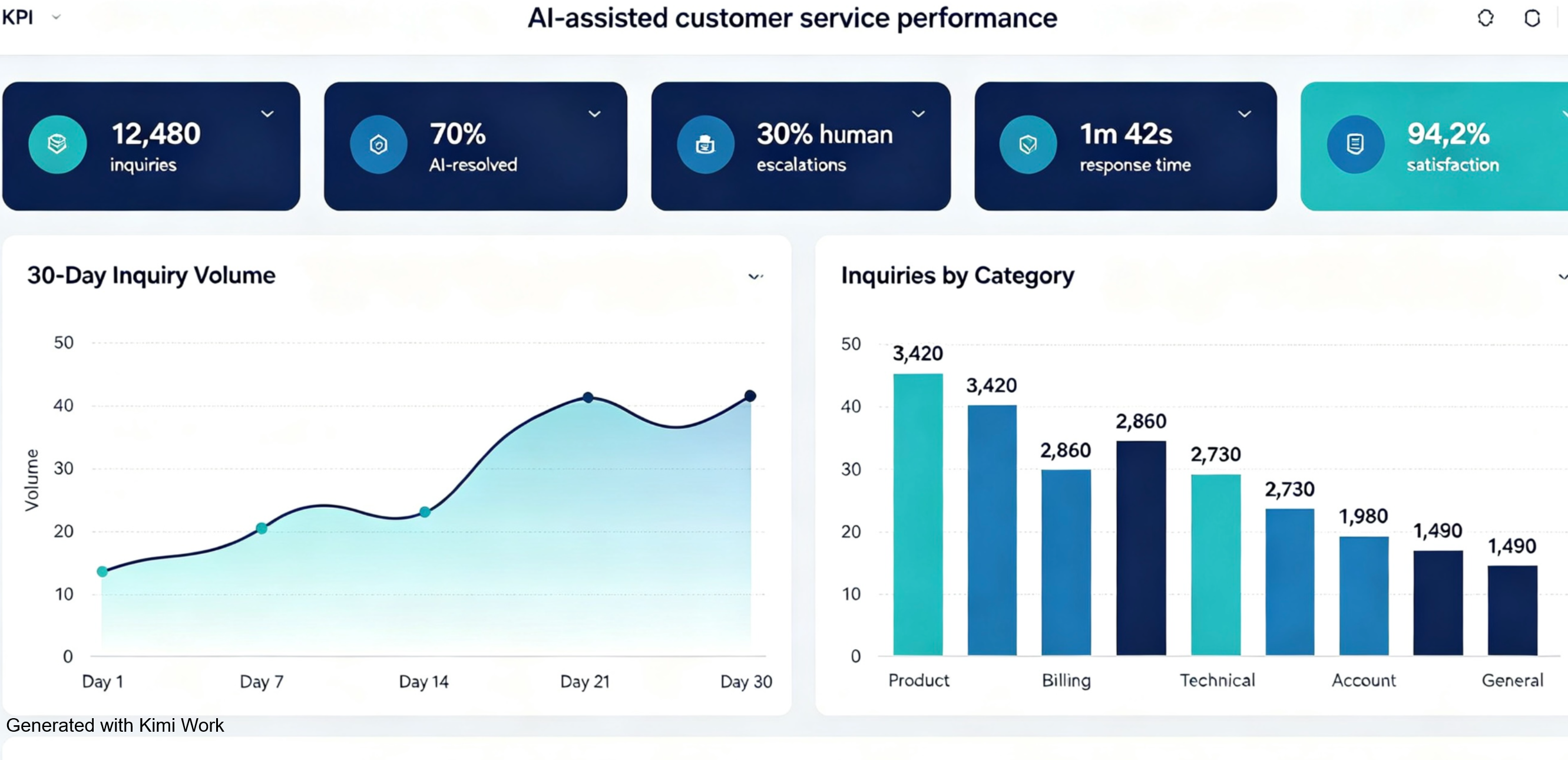
AI can help customer service teams handle large volumes of requests while giving agents faster access to relevant information. It can assist with both customer-facing conversations and internal support workflows.
Customer support: Answer common questions through AI assistants or chatbots.
Ticket management: Classify requests and route them to the appropriate teams.
Conversation summaries: Summarize customer interactions for faster case handling.
Response assistance: Suggest relevant answers based on company knowledge and customer context.
Operations
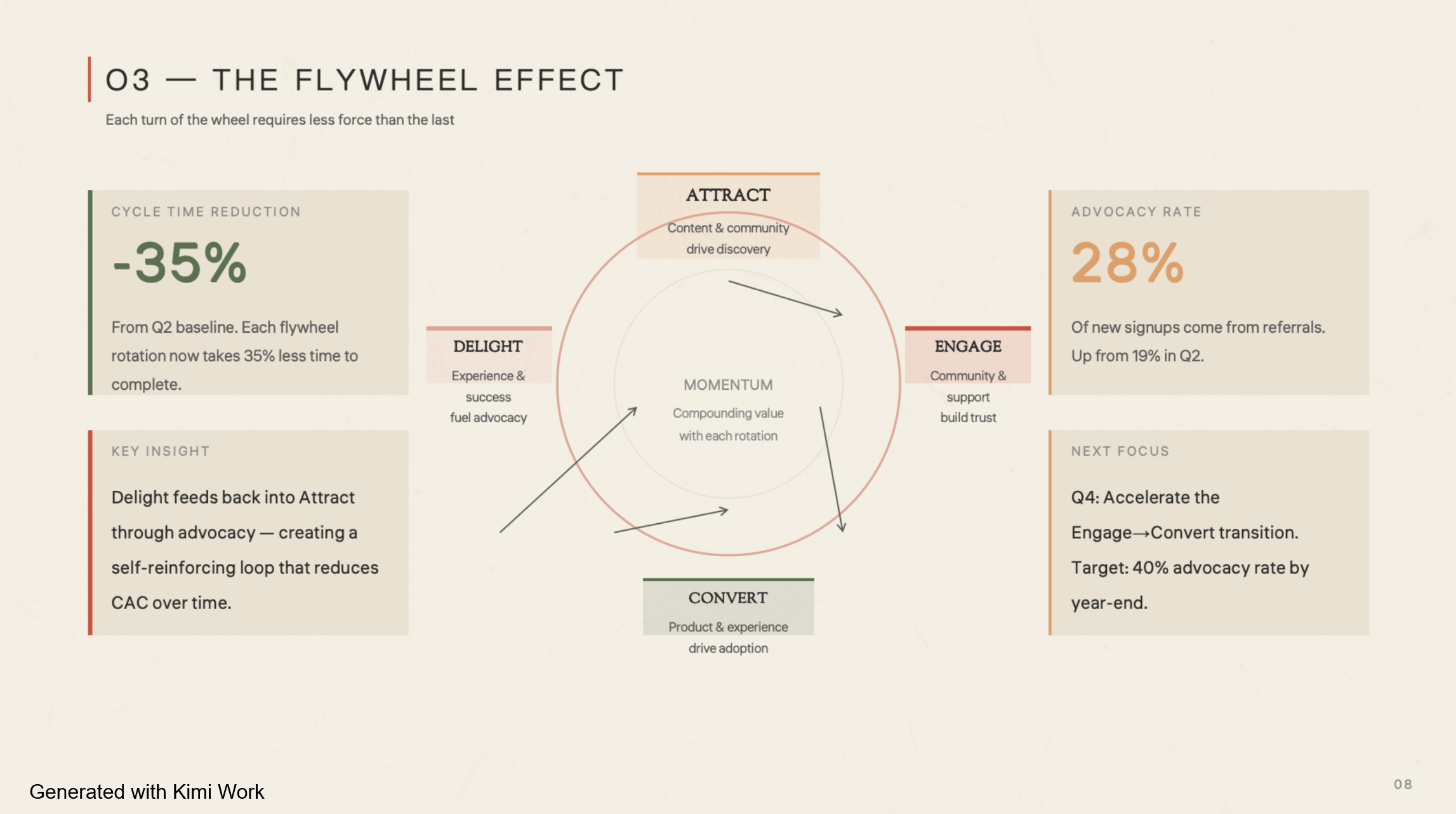
AI can streamline operational processes that involve repetitive tasks, large amounts of information, or multiple steps. It can help teams monitor processes, analyze data, and automate routine workflows.
Workflow automation: Automate repetitive, multi-step business processes.
Data analysis: Identify patterns, anomalies, and operational trends.
Document processing: Extract and organize information from business documents.
Resource planning: Support scheduling, forecasting, and resource allocation.
Finance
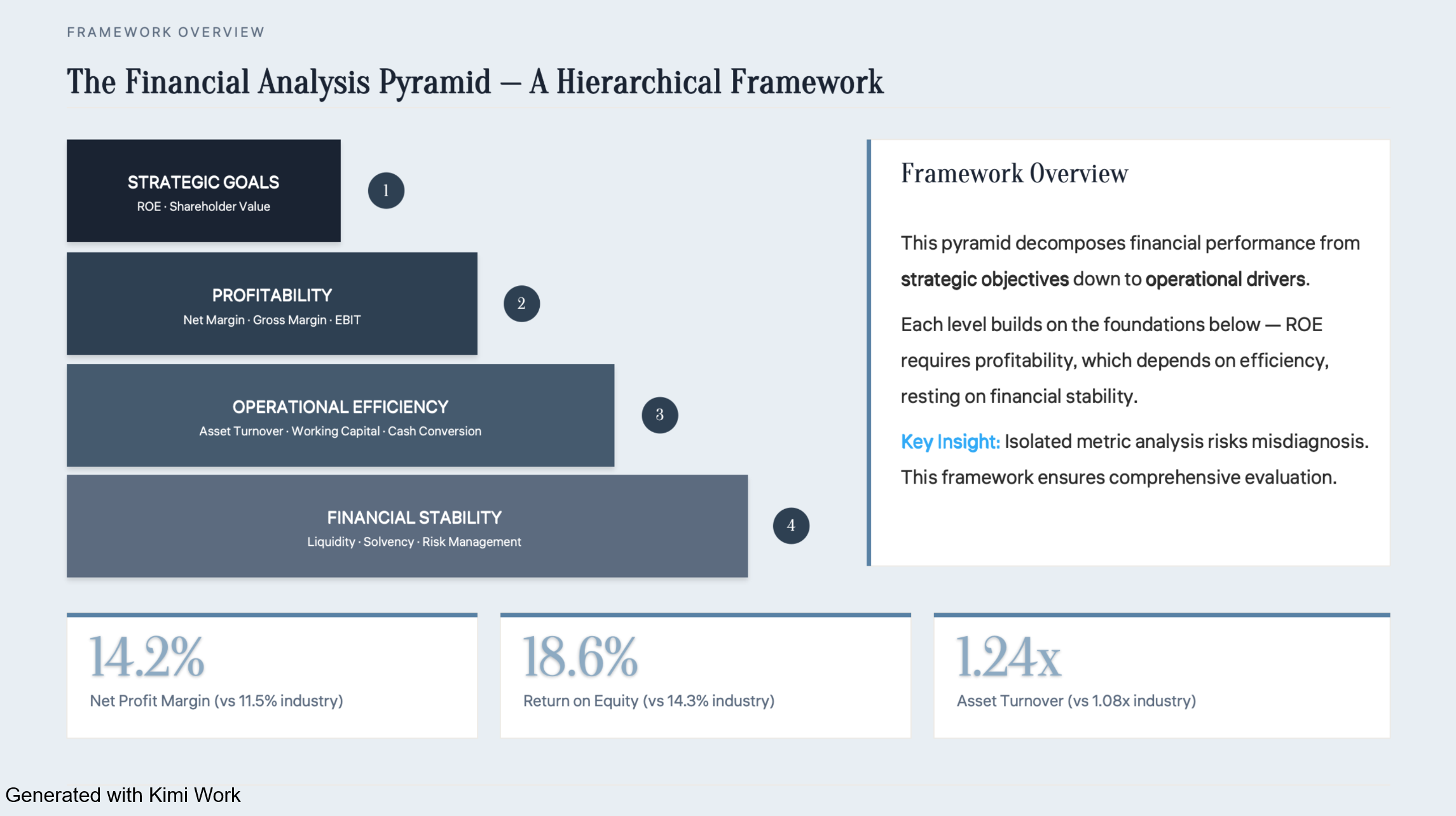
Finance teams can apply AI to data-heavy tasks such as financial analysis, reporting, and transaction monitoring. This can reduce manual processing and help teams identify relevant information more quickly.
Financial analysis: Analyze financial data and identify trends.
Reporting: Generate summaries and support recurring financial reports.
Fraud detection: Identify unusual transaction patterns for further review.
Forecasting: Support cash flow, revenue, and financial projections.
Human resources
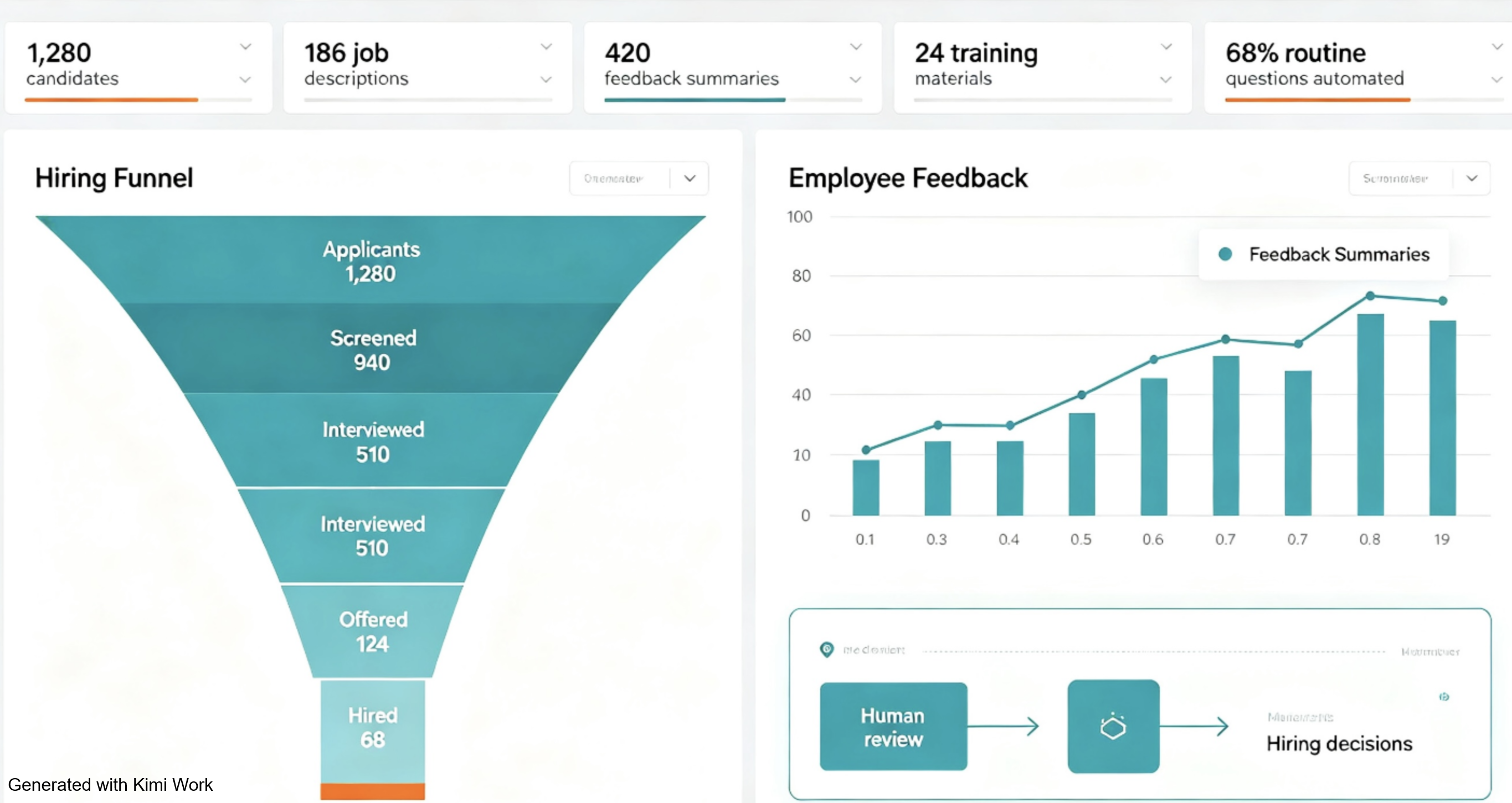
AI can support HR teams across recruitment, employee support, and internal knowledge management. It is particularly useful for organizing large amounts of employee and job-related information.
Recruitment support: Screen applications and summarize candidate information.
Job description creation: Draft and refine job descriptions.
Employee support: Answer common questions about internal policies and processes.
HR analytics: Analyze workforce data and identify relevant trends.
Product & software development
Product and engineering teams can use AI throughout the development lifecycle, from research and planning to coding and documentation. AI can handle many supporting tasks while developers and product teams remain responsible for key technical decisions.
Product research: Analyze user feedback, market information, and product requirements.
Code generation: Generate code and explain existing code.
Testing and debugging: Help identify potential issues and create test cases.
Documentation: Create technical documentation, specifications, and summaries.
Conclusion
As businesses adopt AI, the focus is shifting from isolated tools to solutions that fit naturally into everyday work. Enterprise AI can help connect people, information, and processes in a more practical way. The right approach depends on each organization's goals, data, and workflows. Kimi Work offers a practical way to bring AI into real business tasks. For stronger privacy and security safeguards, subscribe to Kimi Business for AI capabilities tailored to business needs.