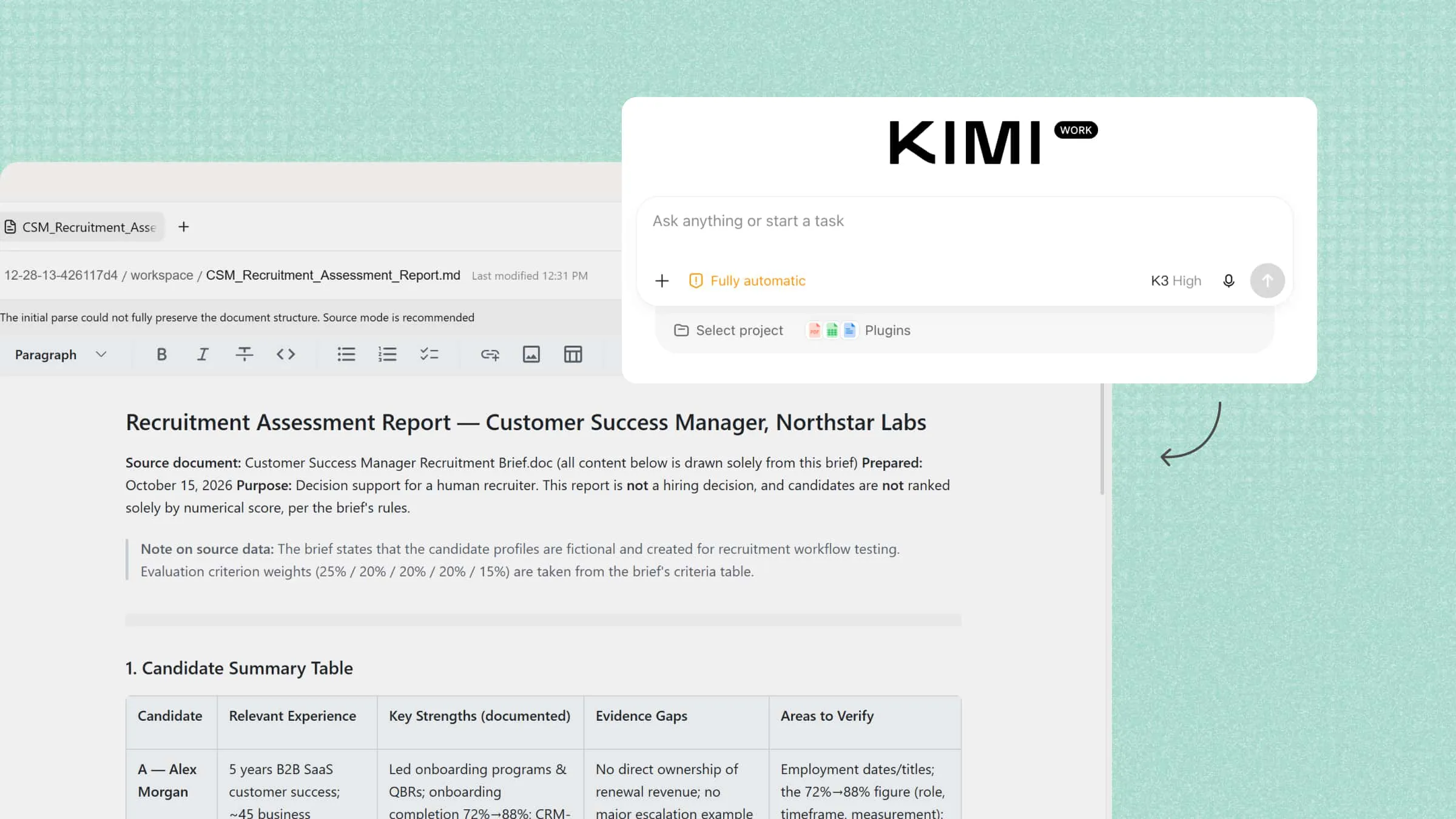
Managing money can feel difficult when expenses add up and saving becomes a challenge. AI personal finance makes it easier to track spending, plan budgets, and understand where your money goes. With the right tools, you can organize financial data and make better money decisions with less effort. Read on to explore practical ways to manage your finances with AI and how Kimi Work can help.
How is AI transforming personal finance
AI is changing how people manage their money by making it easier to understand spending habits, plan for future expenses, and keep track of financial goals. Here are some key ways AI is transforming personal finance.
Financial insights: AI can analyze your income, expenses, and transaction history to show where your money goes each month. It can identify spending patterns, highlight rising costs, and reveal areas where you could save. These insights help you understand your financial habits and make smarter spending decisions.
Personalized planning: Everyone has different financial needs, from paying monthly bills to saving for a major purchase. AI can use your income, spending habits, and financial goals to help create a suitable budget. It can also suggest ways to reduce expenses, increase savings, and adjust your plans as your financial situation changes.
Predictive analysis: AI can use past income and spending data to estimate future expenses and help you prepare for upcoming costs. For example, it may highlight months when bills or loan payments could put pressure on your budget. These predictions help you plan ahead, although unexpected expenses can affect their accuracy.
Task automation: Managing financial records and tracking payments can take time, especially when you use multiple accounts. AI tools can categorize transactions, track expenses, organize bills, and prepare financial summaries. Some can also help with account reconciliation and scheduled payments, reducing repetitive work.
Risk and fraud detection: AI can monitor transaction patterns and flag unusual activity, such as unexpected payments or repeated charges. These alerts help you identify potentially suspicious transactions and review them quickly. However, AI can make mistakes, so always verify unusual activity and contact your bank if you suspect fraud.
Investment support: AI can help you compare investment options, understand risks, and explore potential returns. It can also support retirement planning by estimating how your savings might grow over time. These insights can help you evaluate options based on your goals and risk tolerance, but investment predictions are never guaranteed.
Simplify personal finance tasks with AI in Kimi Work
Kimi Work combines AI-powered data analysis and document processing in one workspace to simplify personal finance tasks. You can upload spreadsheets, bank statements, and expense records to organize and review financial data. It can summarize reports, compare expenses, and identify spending patterns. This helps you understand your finances and manage records with less manual work.
Main features
Generate personal finance reports and dashboards: Turn transaction records, budget spreadsheets, and financial research into personal finance reports and interactive dashboards. Kimi Work can summarize spending, compare actual expenses against budget targets, track savings progress, and visualize key financial metrics.
Automate recurring financial tasks: Set up scheduled tasks to process updated spreadsheets, prepare periodic spending summaries, organize financial information, or collect market news for regular review. Kimi Work can also help with multi-step data-processing workflows, reducing repetitive manual work. Regular reviews make it easier to track progress toward savings goals and identify changes that may require attention.
Extend financial workflows with specialized plugins: Use specialized plugins to extend Kimi Work's capabilities for supported financial tasks. The Finance plugin can provide additional functions for relevant financial workflows, while other integrations may support data retrieval, spreadsheet analysis, and document processing. You can also upload your own plugins or create custom plugins through conversation to suit your specific financial analysis needs.
How to use AI for personal finance with Kimi Work
You can use Kimi Work to make everyday financial tasks easier by working with your existing spreadsheets, expense records, and budgets. The following steps show how to organize your financial data, review spending, and plan your money more effectively with AI.
Track personal expenses and manage your budget
Kimi Work can help organize personal financial records, categorize expenses, and compare actual spending against your budget. By processing transaction spreadsheets and generating structured summaries, you can better understand your spending habits and identify opportunities to save.
Step 1: Import personal financial records
Open Kimi Work and provide access to the folder containing your bank transaction exports, credit card statements, income records, and personal budget spreadsheets. Ask Kimi Work to extract transaction dates, descriptions, amounts, and expense categories, then organize the data for dashboard creation.
Example prompt:
Step 2: Analyze financial data and build dashboard visualizations
Kimi Work will calculate key metrics and present the results in an easy-to-read dashboard. Include visualizations such as monthly income and expense trends, spending distribution by category, savings progress, and budget variances. You can also request changes to chart types, metric definitions, or date ranges to make the dashboard more useful for your financial goals.
Step 3: Review and refine your dashboard
Review the dashboard to understand where your money goes, how your savings are progressing, and which expense categories exceed your budget. Ask Kimi Work to refine the layout, add comparisons with previous months, or highlight significant changes. Export or save the resulting dashboard in a supported format so you can refer to it during your regular financial reviews.
Automate monthly personal finance reviews with scheduled tasks
Kimi Work's Scheduled Tasks feature can help you establish a regular financial review routine. Instead of repeating the same analysis every month, configure a recurring task to process your financial records and prepare a summary for review.
Step 1: Schedule a recurring financial review
Open Kimi Work and navigate to Scheduled Tasks, then select "Create a task". Choose "Add manually" to configure the task directly or "Create from chat" to describe your requirements in natural language.
Step 2: Set the schedule and connect your files
Choose a schedule, such as the first day of each month, and connect the folder containing your latest expense records, income spreadsheets, and budget files.
Example requirements:
Step 3: Generate and review your monthly report
Configure the task to produce a structured PDF report or PowerPoint presentation containing key financial metrics, spending comparisons, charts, and a summary of notable changes. Review the results each month to monitor progress toward your savings goals and update your budget when necessary.
Visualize personal spending and identify unusual expenses
Kimi Work's financial plugin can help turn personal financial data into visual summaries. Charts make it easier to spot spending fluctuations, recurring charges, and unusual transactions that may deserve a closer look.
Step 1: Open the Financial Dynamic Charts plugin
In Kimi Work, click "Plugins" and select "Financial Dynamic Charts". Prepare a spreadsheet containing personal transaction records, monthly expenses, or budget data. Remove account numbers and other unnecessary sensitive details before sharing the file.
Step 2: Visualize spending and identify anomalies
Provide the dataset and ask Kimi Work to create charts that show spending by category, monthly expense trends, and changes in transaction amounts.
Example prompt:
Step 3: Generate a personal finance review
Ask Kimi Work to summarize the chart findings in a structured report, including unusual spending patterns, supporting figures, and suggested follow-up checks. Use the report to investigate unfamiliar transactions, review recurring subscriptions, and identify potential adjustments to your spending plan.
Benefits and challenges of AI for personal finance
AI can make managing money easier, from tracking daily expenses to planning savings and paying off debt. However, while these tools offer several benefits, they also come with limitations that are important to understand before relying on them for financial decisions.
Benefits
An AI personal finance tracker can help you monitor spending, organize your budget, and understand your financial habits with less manual work. Here are some key benefits of using AI to manage your money:
Automated expense tracking: Keeping track of every purchase can be time-consuming, especially when you use multiple accounts. An AI-powered tracker can categorize transactions and organize expenses automatically, making it easier to maintain accurate records.
Personalized budget planning: A useful budget should reflect your income, regular expenses, and financial goals. AI tools can analyze this information to suggest spending limits and help you adjust your budget when your circumstances change.
Smarter savings goals: Saving becomes easier when you have a clear target and a realistic plan. By reviewing your income and expenses, AI tools can suggest achievable savings goals and highlight areas where you could cut back.
Faster debt payoff plans: Managing multiple debts can make it difficult to decide which payments to prioritize. AI can compare balances, interest rates, and monthly payments to help you explore repayment strategies and potentially reduce interest costs.
Real-time spending insights: Knowing where your money goes helps you respond to spending changes before they affect your budget. Tools connected to your financial accounts can highlight recent transactions and unusual spending patterns, helping you make timely adjustments.
Improved financial decision-making: AI for personal finance management can help you compare financial options, review spending trends, and estimate future expenses. These insights give you a clearer picture of your finances when deciding how to spend, save, or repay debt.
Challenges
Although AI can simplify many financial tasks, it does not always provide accurate results or understand your complete financial situation. Before relying on an AI agent for personal finance, consider these potential challenges:
Inaccurate financial advice: Incorrect calculations or misunderstood information can lead to unsuitable recommendations. Double-check important figures and verify financial advice before using it to make decisions.
Overreliance on automation: Automated tools can save time, but relying on them without checking their work may allow errors to go unnoticed. Review your transactions, budgets, and financial plans regularly to stay in control.
Limited personal context: Financial decisions often depend on circumstances that may not appear in your records, such as family responsibilities or unexpected expenses. Consider your personal needs before following any recommendations.
Tips for using AI in personal finance
AI can make everyday money management easier, but the results depend on how you use the tools and the information you provide. A few simple habits can help you get useful insights and make decisions that match your financial goals. Follow these tips to get more value from AI while keeping control of your money:
Set clear financial goals: Decide what you want to achieve, whether it is building an emergency fund, paying off debt, or saving for a major purchase. An AI agent for personal finance can help suggest realistic budgets and savings targets based on your priorities. Review your progress and adjust your goals when needed.
Choose tools that fit your financial needs: AI tools offer different features, from expense tracking to investment analysis and budget planning. Choose an AI-powered personal finance assistant that suits your needs and is easy to use. Check its privacy policy and security options before sharing financial information.
Organize your financial data: Accurate information helps AI provide more useful insights. Keep bank statements, income records, bills, and budget spreadsheets organized and up to date. Remove unnecessary personal details before uploading files, and check for missing or duplicate entries.
Automate budgeting and expense tracking: AI tools can categorize transactions, monitor expenses, and compare spending against your budget. Automation saves time and keeps your financial records organized. Review the results regularly to correct errors and ensure your budget reflects actual spending.
Identify spending patterns and savings opportunities: Review spending reports to see which categories take up the largest share of your income. AI can highlight recurring charges, rising expenses, and areas where you could cut back. Use these insights to reduce unnecessary costs without affecting essential needs.
Use AI to support investment planning: AI can help compare investment options, explain risks, and explore strategies that match your financial goals. It can also estimate potential returns under different market conditions. Treat these estimates as guidance, verify important information, and consider professional advice before investing.
Monitor credit and prepare for taxes: AI tools can organize loan payments, track credit-related expenses, and flag upcoming tax deadlines. Some can also sort receipts and summarize income or deductible expenses. Verify all figures against official records and tax rules before submitting a return.
Review your finances regularly: Set aside time each week or month to review your budget, savings, debts, and recent transactions. Compare your spending with your goals and check whether AI recommendations still suit your situation. Regular reviews help you catch errors early and adjust your plans.
Conclusion
Managing money well starts with understanding your needs and making choices that support your future goals. AI personal finance can make this process simpler, but checking the results and protecting your data remain important. The key is to use AI as a helpful guide while staying in control of your decisions. Try Kimi Work to organize your financial information and explore your spending with less manual effort. Get started with Kimi and make your everyday money management a little easier.