When work keeps piling up, even strong teams can struggle to keep things moving. Repetitive tasks, scattered information, and slow processes can waste valuable time across an enterprise. AI can help by automating routine work, organizing information, and giving teams faster ways to get things done. The key is finding platforms that fit real business needs without adding more complexity. Keep reading to discover AI platforms for enterprise that can streamline operations and make everyday work easier.
Overview of 10 AI tools for business automation
From Kimi Work and Microsoft Copilot Studio to UiPath AI Platform and Salesforce Einstein AI, each platform offers a different way to improve business operations. Some focus on workflows, while others support productivity, automation, or customer operations. Check the quick overview below to compare all 10 platforms and find the right fit for your needs.
| AI platform | Core AI capabilities | Common use cases | Suitable for |
|---|---|---|---|
| Kimi Work | Goal-based task execution, Agent Swarm, business research, workflow automation, document and file analysis | Business research, reports, presentations, data analysis, recurring monitoring | AI-powered business workflows |
| Microsoft Copilot Studio | Agent creation, workflow integration, Microsoft ecosystem support | Internal assistants, employee support, business process automation | Custom enterprise AI agents |
| Google Gemini for Workspace | AI writing, document analysis, meeting assistance, information summarization | Emails, documents, spreadsheets, team collaboration | Workplace productivity |
| UiPath AI Platform | RPA + AI automation, workflow orchestration, process mining | Finance operations, customer service, repetitive workflows | Intelligent process automation |
| Salesforce Einstein AI | Customer data analysis, AI insights, sales and service automation | Sales forecasting, customer support, personalized marketing | CRM and customer intelligence |
| IBM watsonx | AI development, data management, governance, model management | Enterprise AI applications, analytics, regulated industries | Enterprise AI management |
| Amazon Bedrock | Foundation models, AI application building, model customization | Enterprise apps, AI assistants, custom solutions | Generative AI application development |
| Dify | LLM workflows, knowledge bases, AI app building, visual orchestration | AI assistants, internal tools, workflow prototypes | AI application development |
| ServiceNow AI Platform | AI agents, workflow automation, service management | IT support, employee services, enterprise workflows | Enterprise operations automation |
| Kore.ai | AI agents, chat automation, voice and text interactions | Customer service, employee assistants, support automation | Conversational AI |
10 AI automation tools for businesses worth trying
The right AI platform can make everyday business work faster and easier. Whether you want to automate processes, support your teams, or handle complex tasks, there are plenty of options to explore. Let's look at 10 AI applications for enterprise that can help your business work more efficiently:
Kimi Work
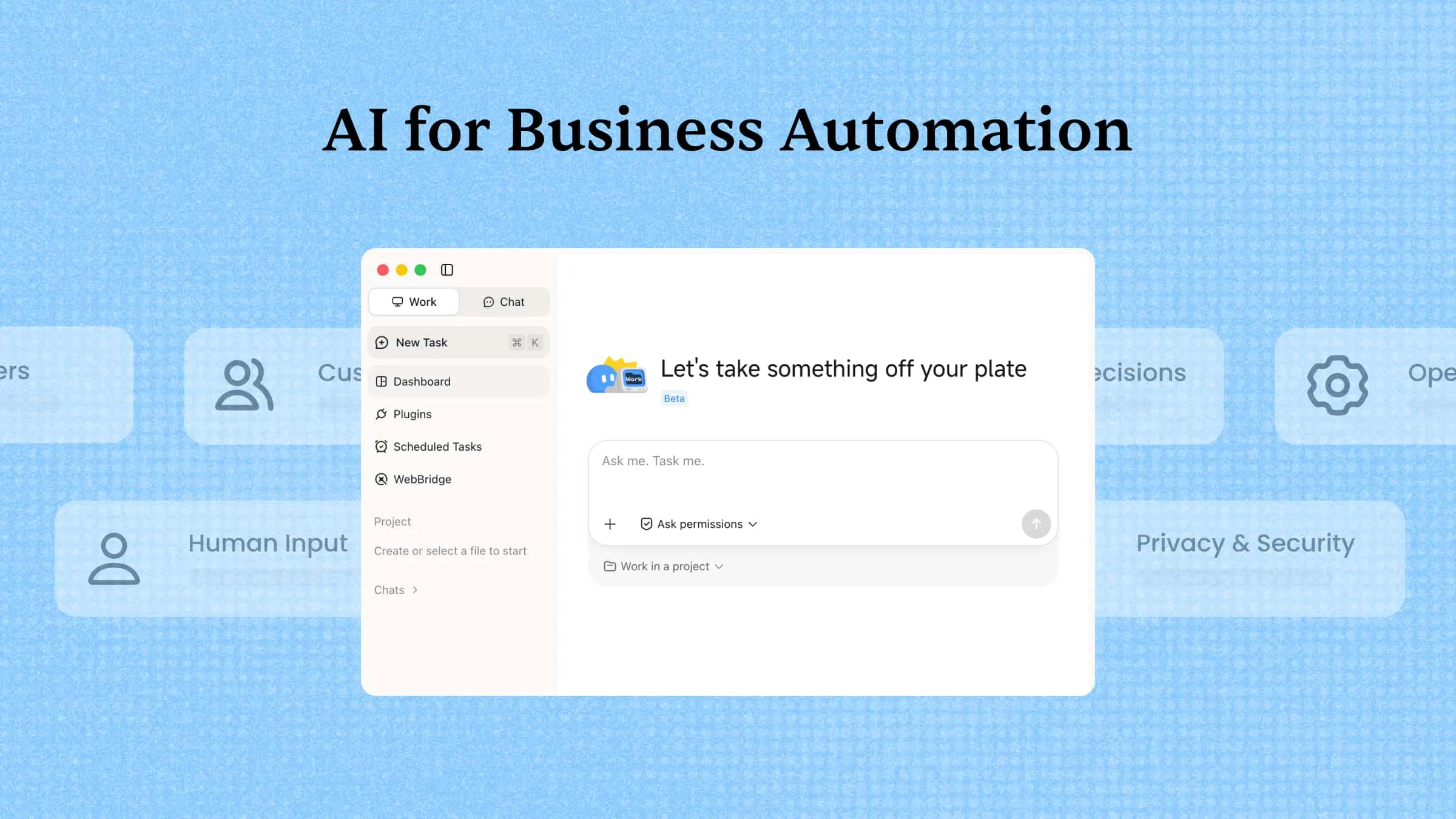
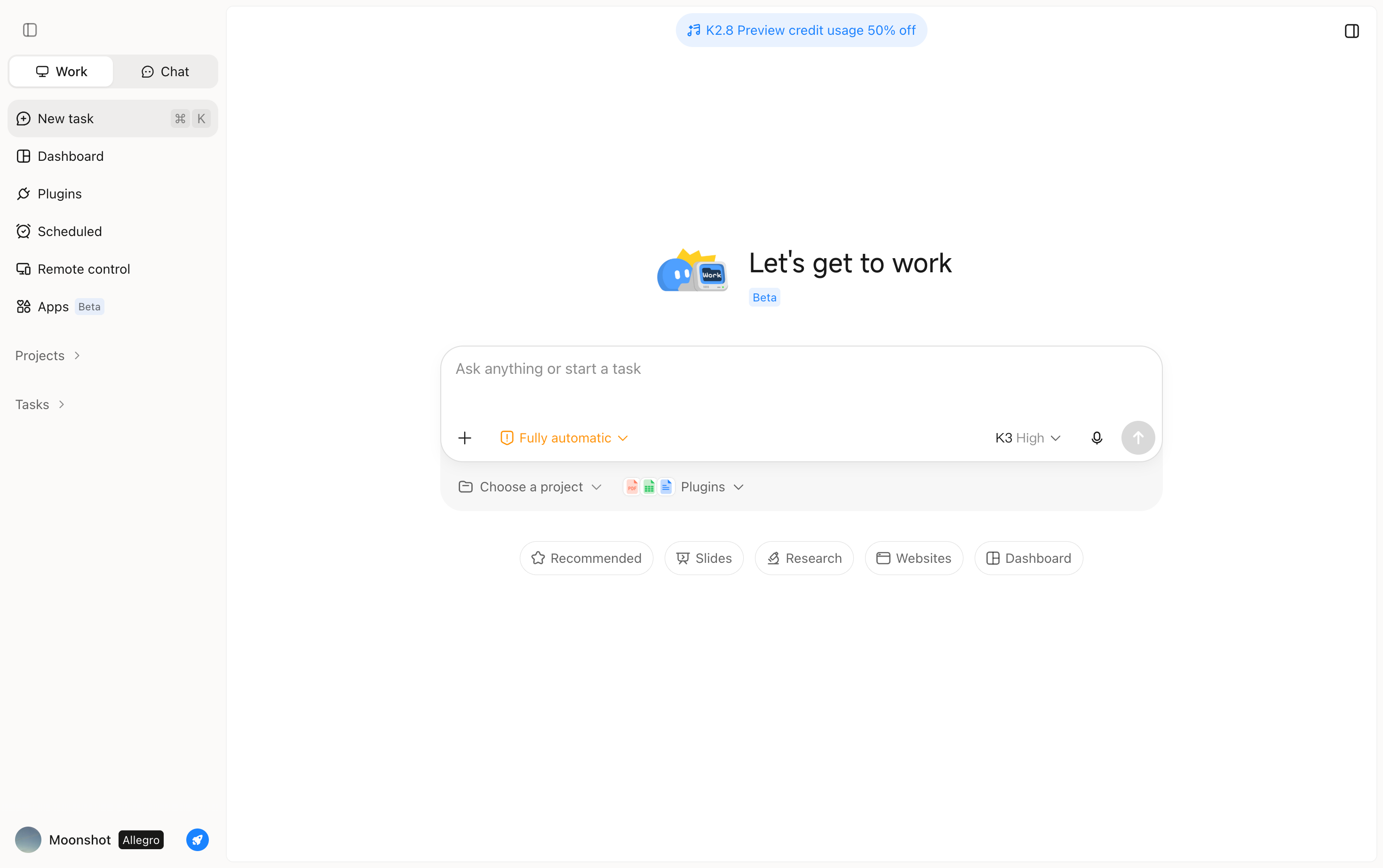
Kimi Work brings AI into business workflows by helping teams handle complex, multi-step tasks. It can plan and execute tasks, analyze files and data, conduct research, and manage recurring work through AI agents. Its Agent Swarm can coordinate multiple agents across different parts of a task. This helps businesses automate knowledge-heavy work and move faster.
Main features
Kimi Work combines several AI capabilities to support different types of business tasks. From handling complex workflows to working with files and information, its features are designed to make daily work more efficient.
Execute complex business tasks with Goal Mode: Kimi Work helps enterprises move beyond simple AI conversations by supporting multi-step task execution. Users can provide a business objective, and Kimi Work can break down the requirements, plan the workflow, complete tasks, and review results throughout the process without requiring detailed instructions for every step.
Run parallel research with multiple AI agents: Kimi Work uses Agent Swarm to support complex enterprise research by coordinating multiple AI agents. Different agents can analyze areas such as competitors, customers, pricing, and market trends simultaneously, then combine their findings into a comprehensive analysis to support business decisions.
Connect AI with enterprise knowledge and data: Kimi Work can work with business context from local files, folders, web resources, and professional databases. By accessing relevant information, it can generate more accurate insights and outputs based on enterprise data rather than relying only on general knowledge.
Automate enterprise workflows and recurring tasks: Kimi Work helps businesses automate ongoing workflows, from regular monitoring to information collection and analysis. Scheduled tasks can track areas such as market changes, competitor updates, customer signals, and business metrics, providing teams with structured insights over time.
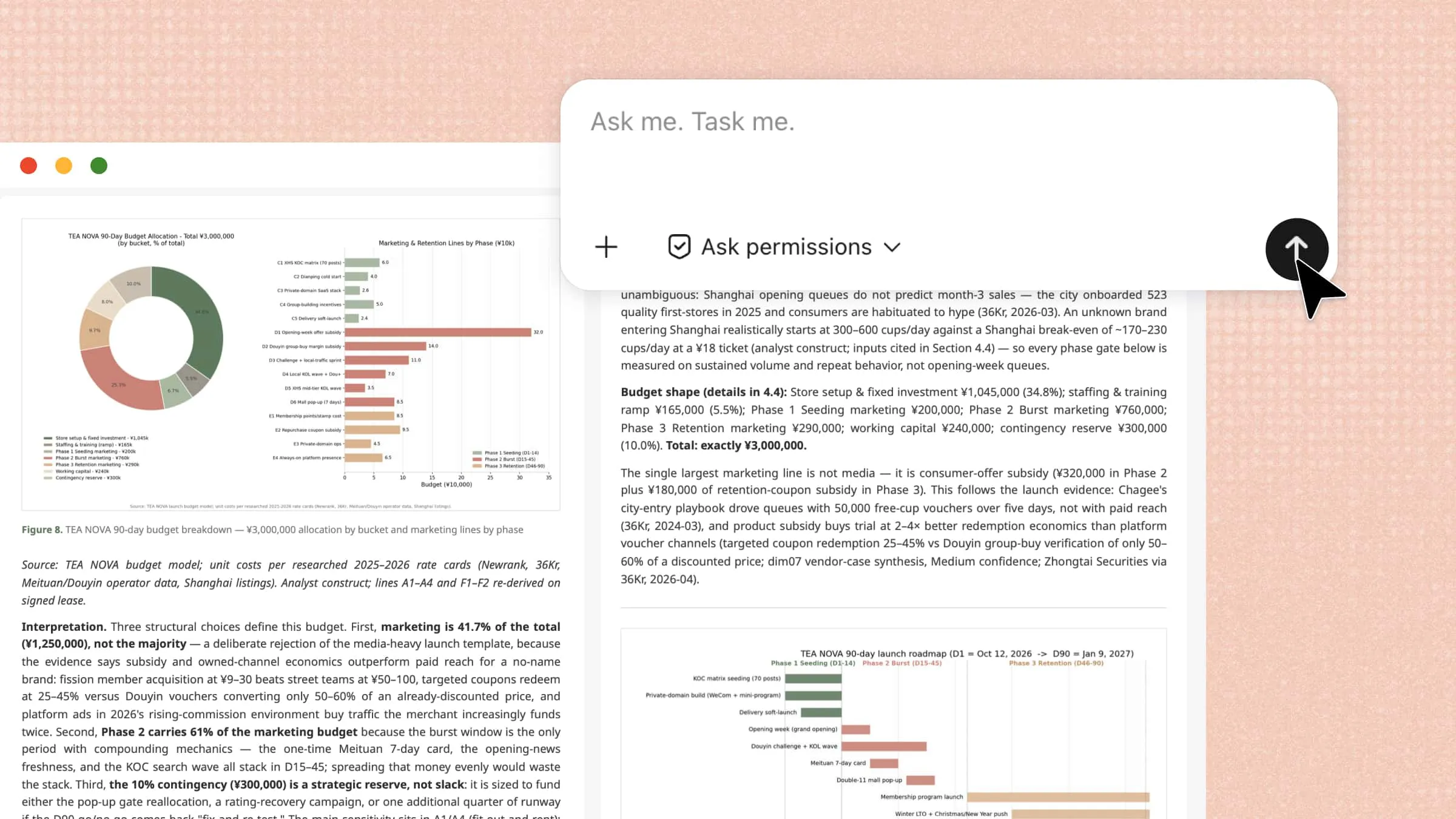
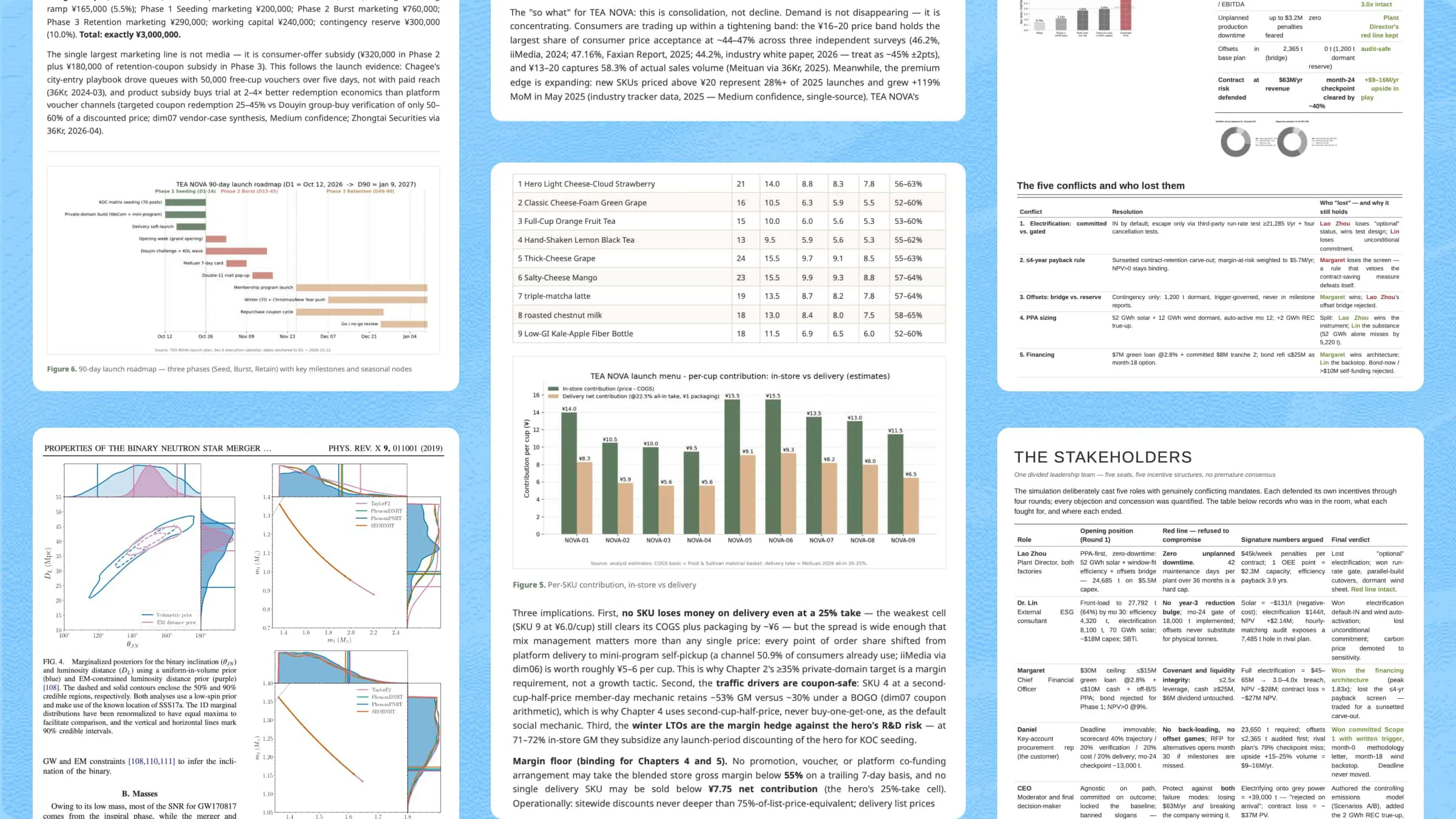
Create business-ready AI outputs: Kimi Work transforms AI-powered research and analysis into practical enterprise deliverables. It can help generate reports, presentations, spreadsheets, websites, and code, allowing teams to move faster from planning and research to execution.
Suitable for
Business research and market analysis
Reports and presentations
Data and document analysis
Recurring workflows and monitoring
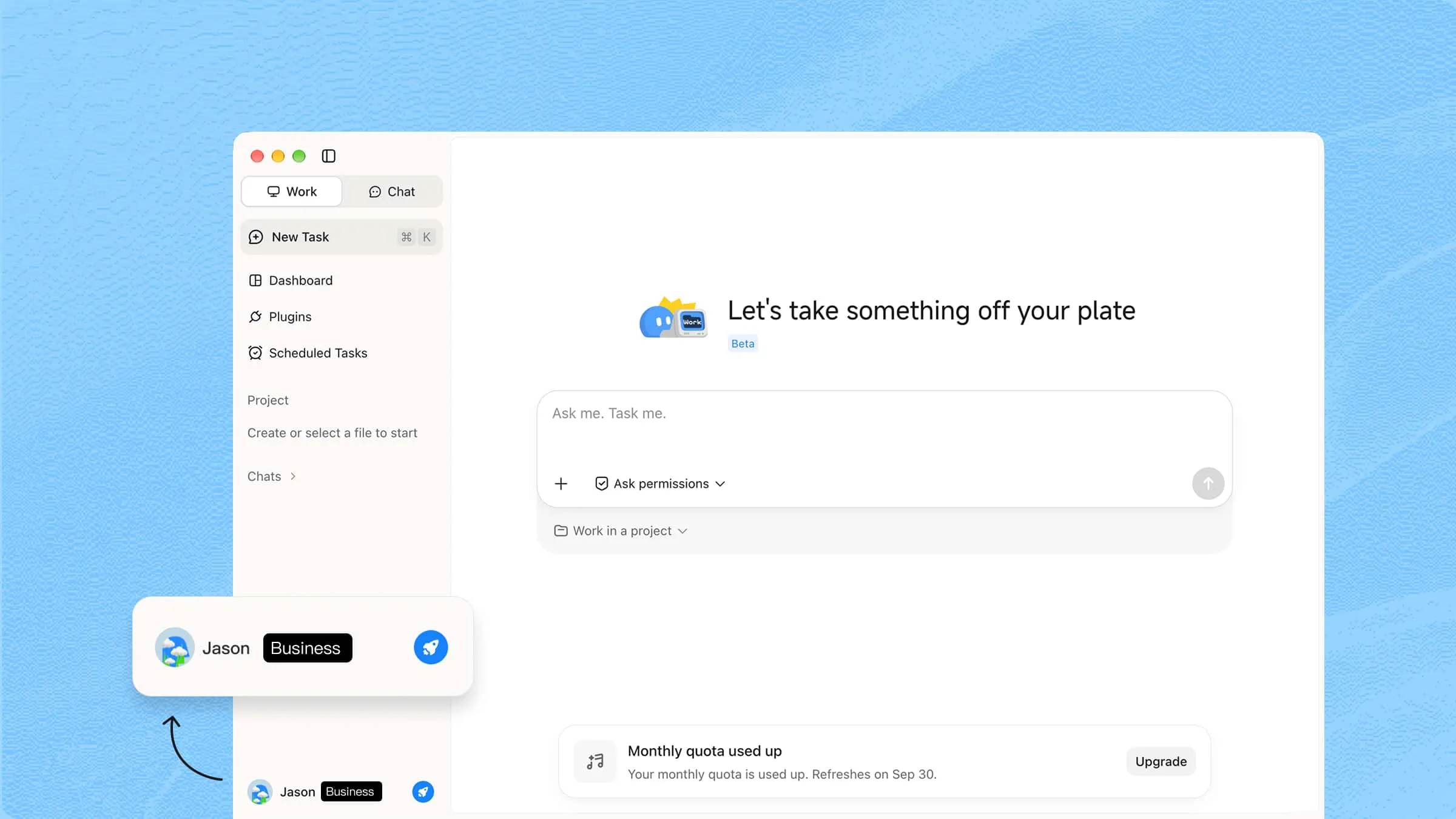
Take your AI-powered work further with Kimi Business, designed to support teams with AI capabilities tailored to business needs. Stronger privacy and security safeguards help businesses handle their information with greater confidence.
Microsoft Copilot Studio
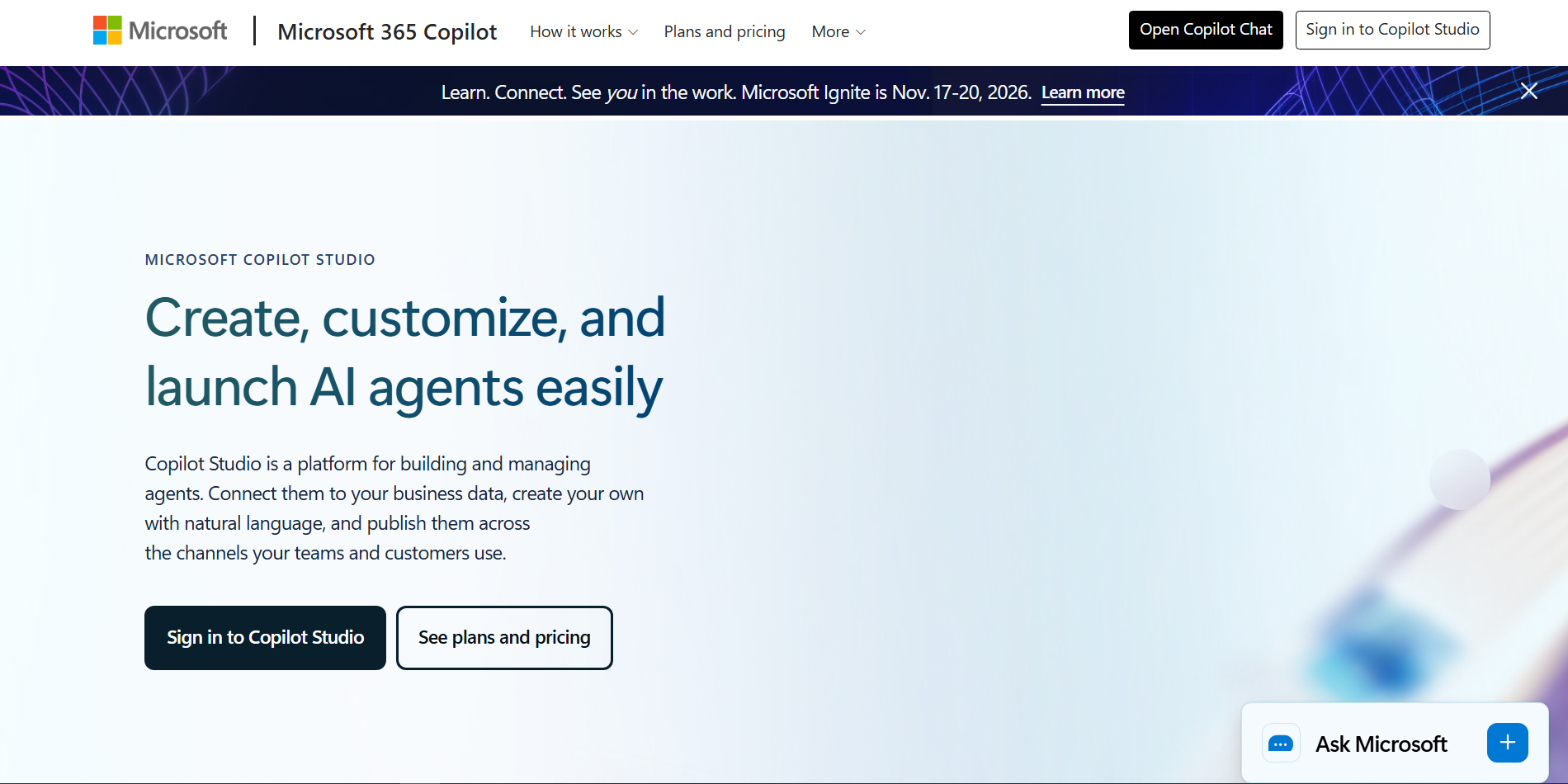
Microsoft Copilot Studio is a low-code platform for building and deploying AI agents and automated workflows. It lets businesses connect agents with company data, applications, APIs, and external services through connectors and other tools. Teams can design agents that understand requests, use business knowledge, and take actions across connected systems.
Main features
Build custom AI agents: Create agents for specific business tasks without needing extensive development experience. They can use instructions, knowledge, tools, and connected data to complete tasks.
Automate multi-step workflows: Build flows that handle repeated processes such as approvals, data updates, and other business logic.
Connect business applications: Use prebuilt connectors and MCP servers to let agents work with services such as SharePoint, Salesforce, SAP, and ServiceNow.
Test and manage agents: Teams can test, evaluate, publish, and monitor agents while applying security and governance controls.
Suitable for
Internal AI assistants
Employee support
Business process automation
Microsoft 365 workflows
Google Gemini for Workspace
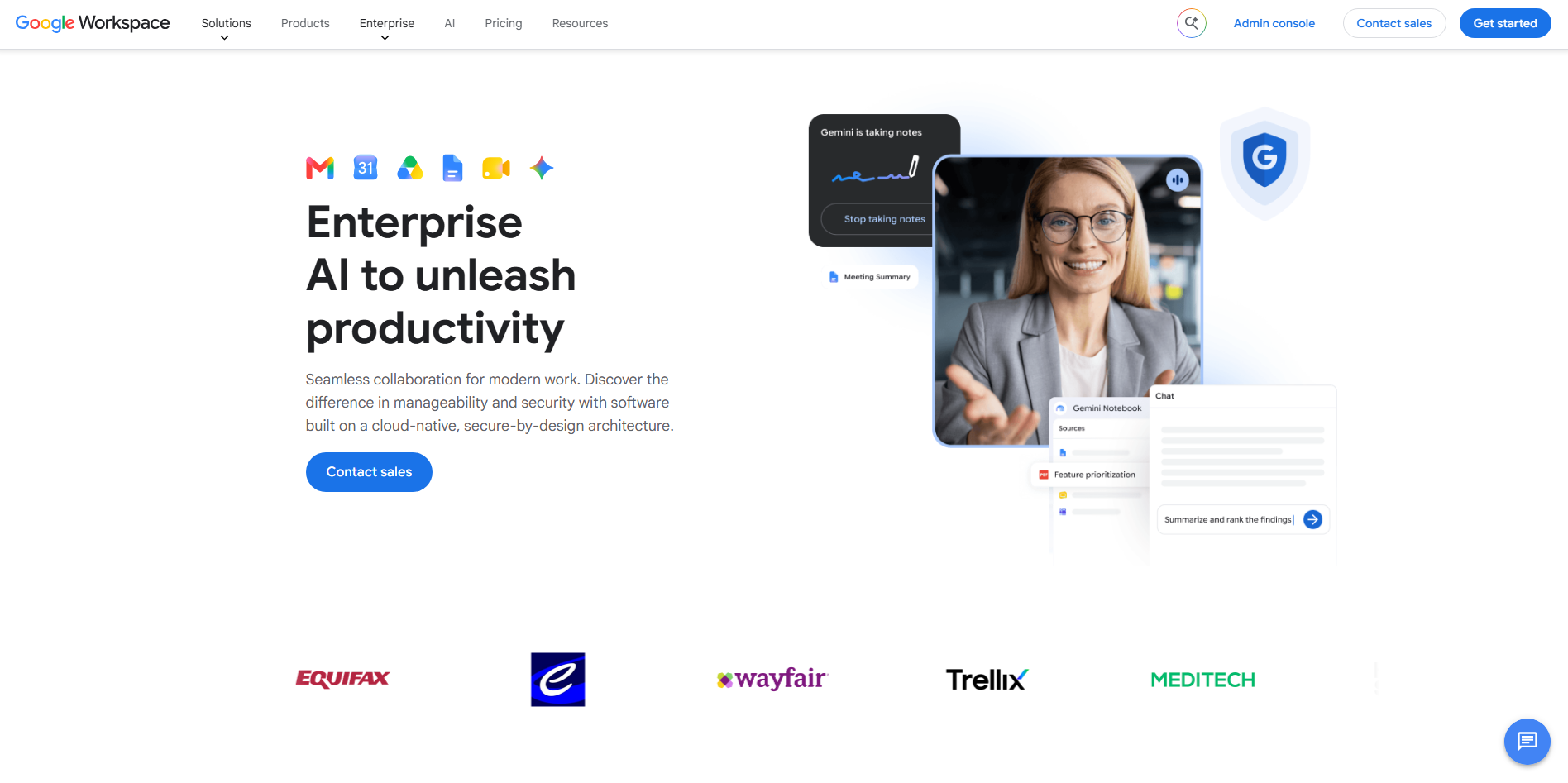
Google Gemini for Workspace brings generative AI directly into Google's productivity environment. It works across apps such as Gmail, Docs, Sheets, Slides, Drive, and Meet to support everyday business tasks. Teams can use Gemini to create content, summarize information, analyze data, and capture meeting details while saving valuable time every day.
Main features
Assist with writing: Gemini can help draft and improve emails and documents directly inside Gmail and Docs.
Analyze business information: Teams can use Gemini across Workspace to work with information and gain insights while staying within their existing tools.
Support meetings: Gemini in Meet can automatically capture meeting notes, helping teams keep track of important discussions.
Support team knowledge: Gemini can work with uploaded sources in Gemini Notebook to help teams find insights and share knowledge.
Suitable for
Email and document creation
Team collaboration
Meeting support
Workspace productivity
UiPath
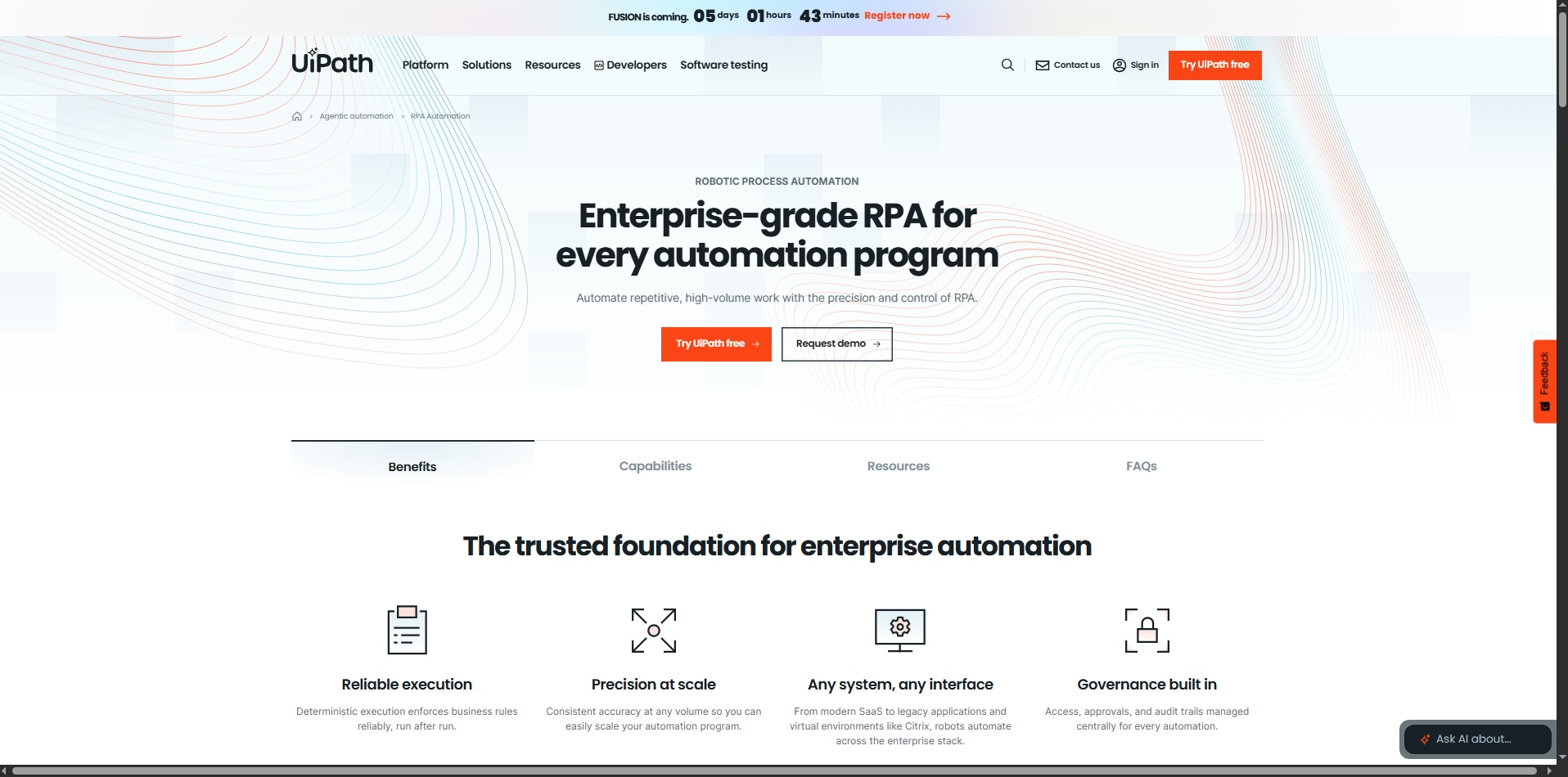
UiPath combines AI agents, robotic process automation, and process orchestration to automate work across enterprise systems. Its platform can coordinate people, software robots, AI agents, and business processes from a unified environment. It also provides tools for building, deploying, and governing enterprise automations.
Main features
Build AI agents and automations: Teams can create AI agents and combine them with automation tools to handle complex business processes.
Orchestrate enterprise processes: UiPath coordinates agents, robots, systems, and people across longer-running workflows.
Connect business systems: The platform is designed to work across different technologies and data sources without requiring businesses to move all their data.
Govern automation at scale: Built-in governance, security, and auditability help organizations manage AI agents and automations across departments.
Suitable for
Repetitive business processes
Finance operations
Enterprise workflow automation
Large-scale RPA
Salesforce Einstein
Salesforce Einstein adds AI capabilities to Salesforce's CRM environment, helping teams use customer and sales data more effectively. Its features support tasks such as lead scoring, opportunity scoring, forecasting, and other sales workflows. This makes it particularly relevant for organizations that already manage customer operations through Salesforce.
Main features
Score sales leads: Einstein Lead Scoring uses AI to help sales teams identify leads based on their likelihood of conversion.
Score opportunities: Opportunity Scoring helps teams identify which sales opportunities may need more attention.
Support sales forecasting: Einstein Forecasting uses AI and sales data to support more informed revenue planning.
Use AI across CRM workflows: Einstein brings AI capabilities into Salesforce processes, helping teams work with customer and sales information more efficiently.
Suitable for
Sales teams
Lead management
Sales forecasting
CRM operations
IBM watsonx
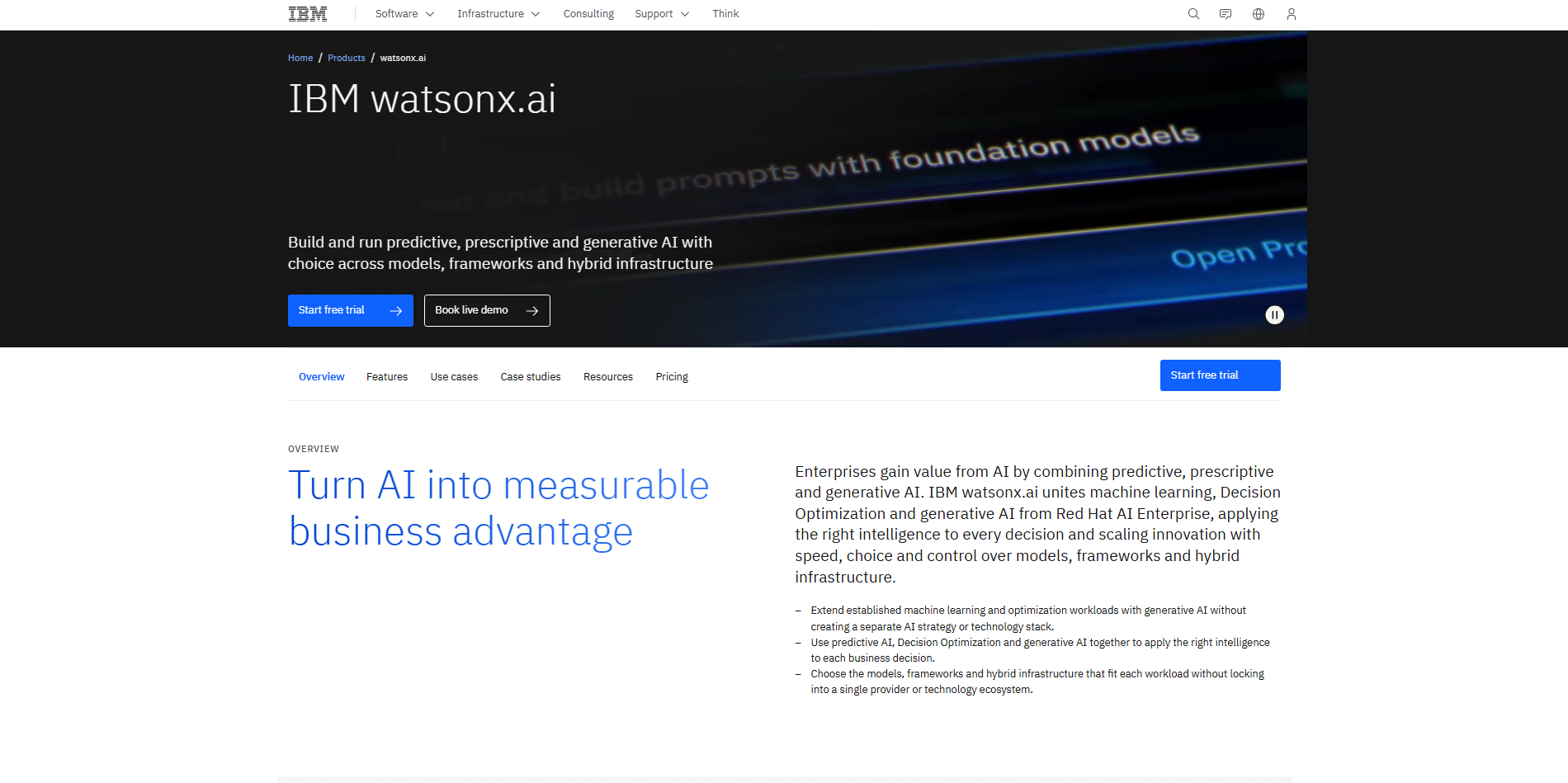
IBM watsonx is an enterprise AI platform built around AI development, data management, and governance. Its watsonx.ai environment provides tools for developing generative AI and machine learning applications, while watsonx.data helps organizations work with trusted data. watsonx.governance adds monitoring and controls for responsible AI workflows.
Main features
Develop AI applications: watsonx.ai provides an integrated environment for building generative AI and machine learning solutions.
Manage enterprise data: watsonx.data helps prepare and integrate data from different sources for AI and analytics use cases.
Build with foundation models: Teams can work with IBM, third-party, open-source, or customized foundation models.
Govern AI workflows: watsonx.governance provides evaluation and monitoring capabilities for more transparent and controlled AI development.
Suitable for
Enterprise AI development
Data and analytics
AI governance
Regulated industries
Amazon Bedrock
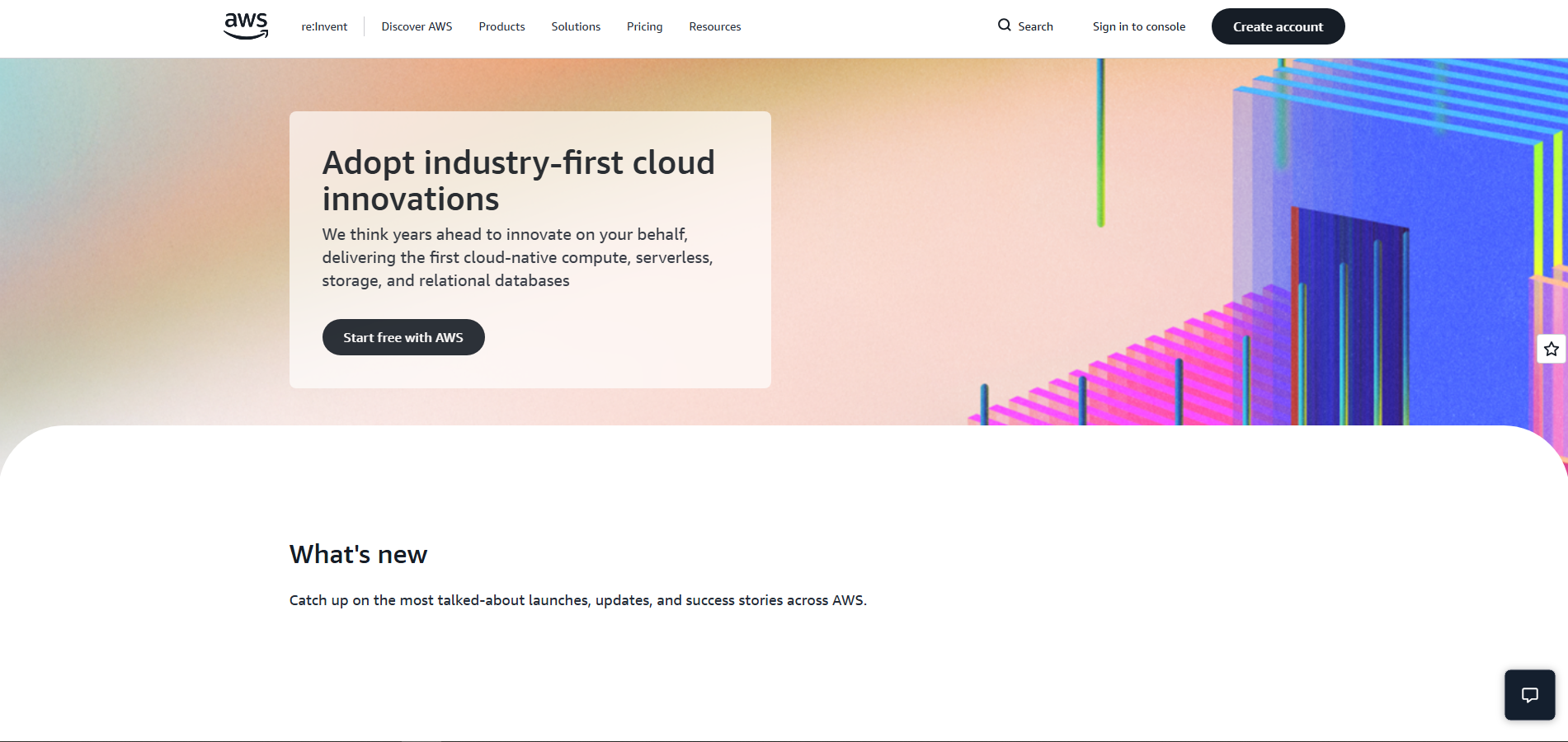
Amazon Bedrock is a managed AWS service for building generative AI applications using foundation models from multiple providers. It gives developers access to models, customization tools, knowledge bases, and application-building capabilities through AWS. Businesses can also connect AI applications with their own data and systems.
Main features
Access multiple foundation models: Developers can choose from models offered by different AI providers through one managed AWS service.
Build AI agents: Bedrock provides tools for creating agents that can interact with company systems, data sources, and APIs.
Connect private knowledge: Knowledge Bases use retrieval-augmented generation to bring relevant company data into AI responses.
Customize AI applications: Developers can use techniques such as fine-tuning, RAG, and model customization to adapt AI applications to specific needs.
Suitable for
Generative AI applications
Custom AI assistants
Developer teams
Enterprise AI solutions
Dify
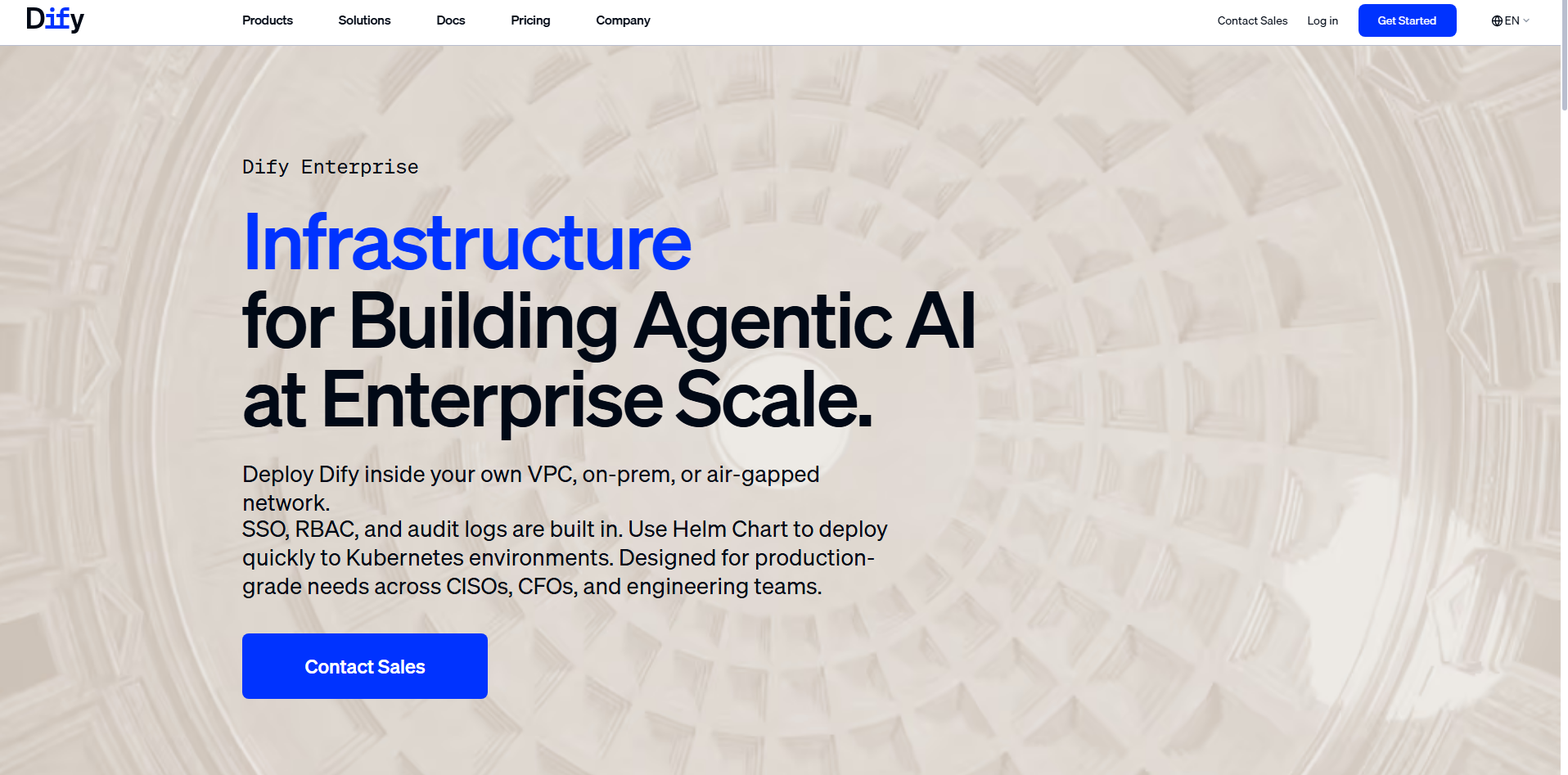
Dify is an open-source platform for building and managing AI applications with a focus on visual workflows and LLM operations. It supports multiple language models, knowledge bases, AI agents, and low-code workflow design. This lets teams build AI applications without creating every component from scratch while reducing development time and effort.
Main features
Design visual AI workflows: Teams can connect models, tools, knowledge retrieval, code, triggers, and human review through a visual workflow environment.
Build AI agents: Dify provides an agent framework for creating applications that can use tools and knowledge to complete tasks.
Create knowledge-based apps: Its RAG capabilities allow applications to retrieve relevant information from connected knowledge sources.
Monitor workflow runs: Teams can inspect execution paths, outputs, variables, and logs to understand how their AI workflows perform.
Suitable for
AI application development
Internal AI tools
AI workflow prototypes
Knowledge-based assistants
ServiceNow AI
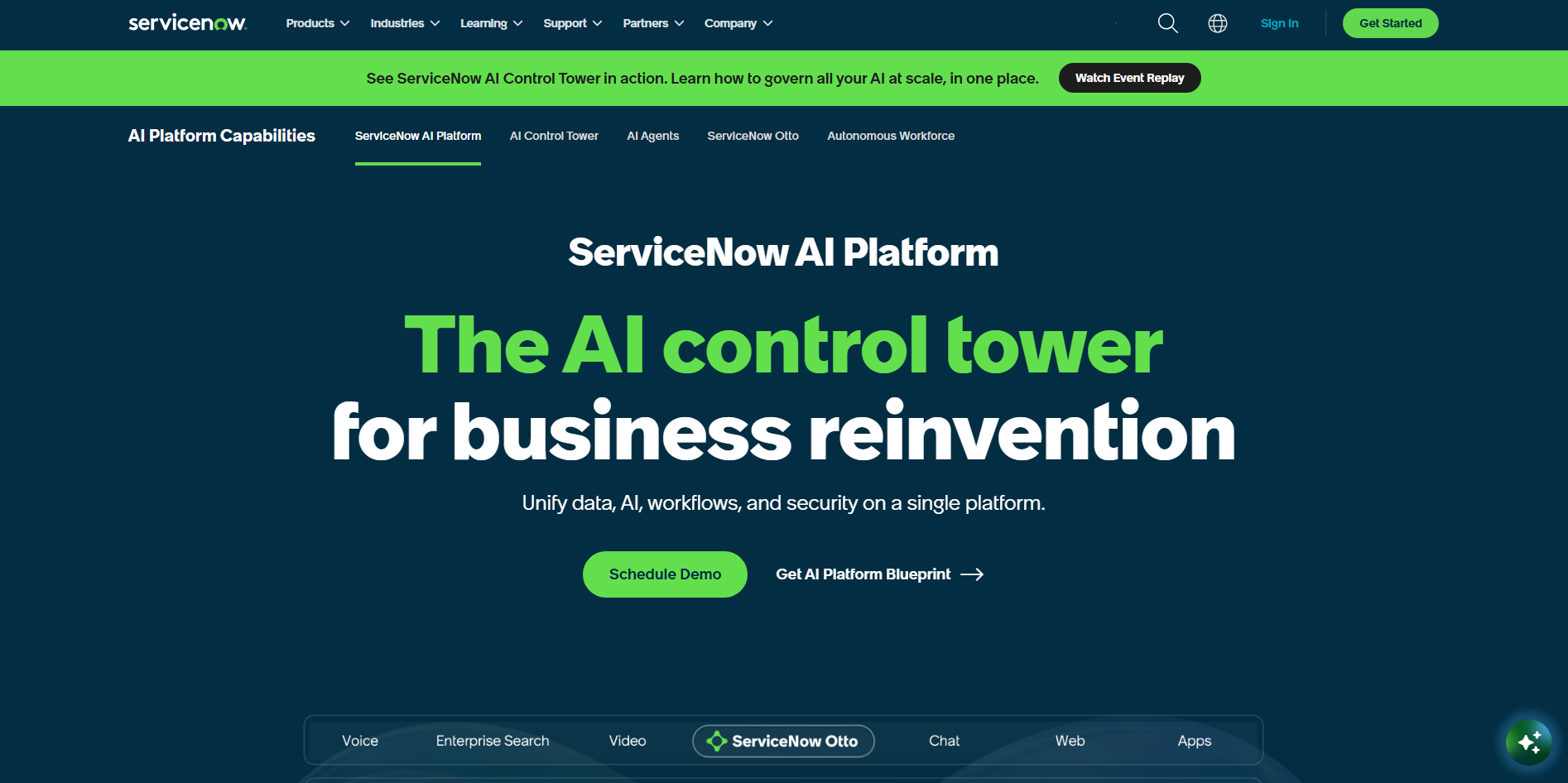
ServiceNow AI combines AI agents, enterprise data, and workflows to automate work across areas such as IT, HR, and customer service. Its agents can take actions across connected systems instead of simply generating responses. The platform also supports agent orchestration and tools for building customized AI agents to streamline complex business processes across teams.
Main features
Automate enterprise tasks: AI agents can make decisions and perform actions across business workflows with less manual intervention.
Coordinate AI agents: The AI Agent Orchestrator helps multiple agents work together on more complex business goals.
Build custom agents: AI Agent Studio lets teams create specialized agents, set guardrails, and automate tasks using natural language.
Connect workflows and systems: ServiceNow brings data, AI, workflows, and security together to support connected enterprise operations.
Suitable for
IT service management
Employee services
Customer support
Enterprise operations
Kore.ai
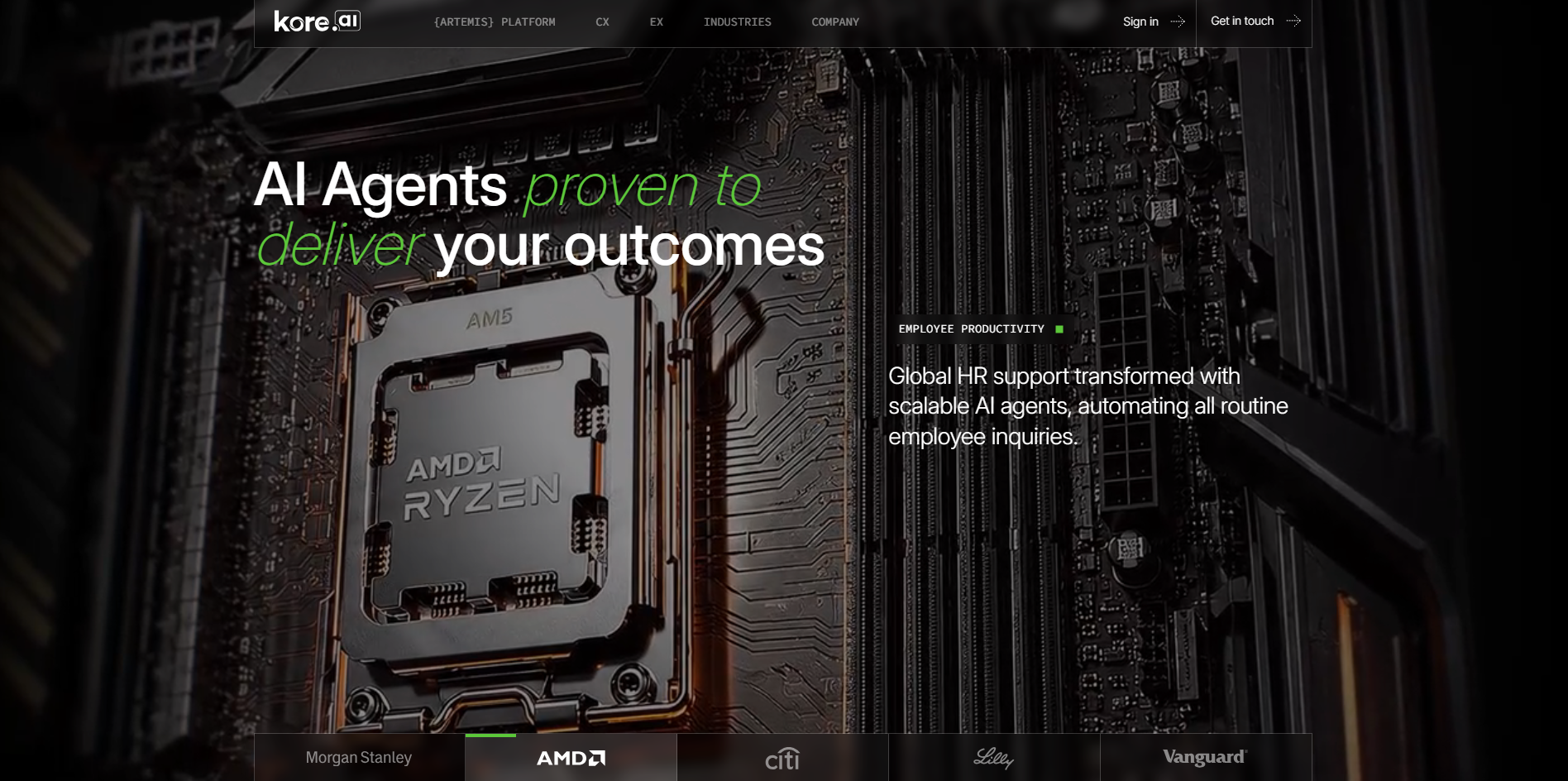
Kore.ai is an enterprise AI platform focused on building AI agents and conversational experiences across text and voice channels. It is designed to help organizations automate customer and employee interactions while connecting AI to business systems. Its capabilities support both conversational use cases and broader enterprise automation.
Main features
Build AI agents: Create specialized agents that can handle business conversations and complete defined tasks.
Support voice and text: Deliver AI-powered interactions through different communication channels for customers and employees.
Connect business systems: Integrate AI experiences with enterprise applications and data to support more useful responses and actions.
Automate conversations: Use AI to handle common questions, requests, and support processes while reducing manual workload.
Suitable for
Customer service
Employee assistants
Voice automation
Conversational AI
How to pick an enterprise AI platform that fits your work?
Finding a suitable AI platform starts with understanding what your business actually needs from it. From integration and security to scalability and cost, several factors can shape your decision. Consider the points below before choosing AI solutions for enterprise:
Define clear enterprise use cases
Identify the specific tasks and workflows where you want AI to add value. Whether you need AI agents for enterprise tasks, research, automation, or customer support, clear goals make platform selection easier. They also help you measure the results after implementation.
Check integration with existing systems
Choose a platform that can connect with the tools and systems your business already uses. Strong integrations with CRMs, databases, communication tools, and other software can reduce manual work. This makes AI enterprise applications easier to fit into existing workflows.
Verify security and data privacy
Check how the platform protects, stores, and processes your business data. Look for access controls, encryption, compliance options, and clear data policies. Strong security is especially important when AI platforms handle sensitive information.
Assess scalability across teams
Consider whether the platform can support more users, departments, and workflows as your business grows. It should handle increasing workloads without creating unnecessary complexity. A scalable solution can support wider adoption over time.
Ensure support for collaboration
Look for features that help employees work together on AI-powered tasks and shared workflows. Shared workspaces, permissions, and easy ways to exchange outputs can improve team productivity. This helps make AI useful across departments rather than for individual users only.
Compare pricing versus productivity gains
Look beyond the subscription cost and consider the time and resources the platform could save. Compare its price with potential improvements in productivity, automation, and operating efficiency. This gives you a clearer picture of its overall business value.
Review vendor support reliability
Reliable support can make a major difference when AI becomes part of daily business operations. Check documentation, onboarding resources, support channels, and response options before choosing a platform. Good vendor support can help teams resolve issues and maintain smooth workflows.
Conclusion
Business automation is moving beyond repetitive tasks, with AI helping teams research, analyze, create, and manage complex workflows. The 10 tools covered here show how AI platforms for enterprise can support CRM, customer service, data, productivity, and process automation. The right choice depends on your workflows, systems, and goals. Kimi Work helps AI agents handle complex, multi-step business tasks. For stronger privacy and security safeguards, subscribe to Kimi Business for AI capabilities tailored to business needs.