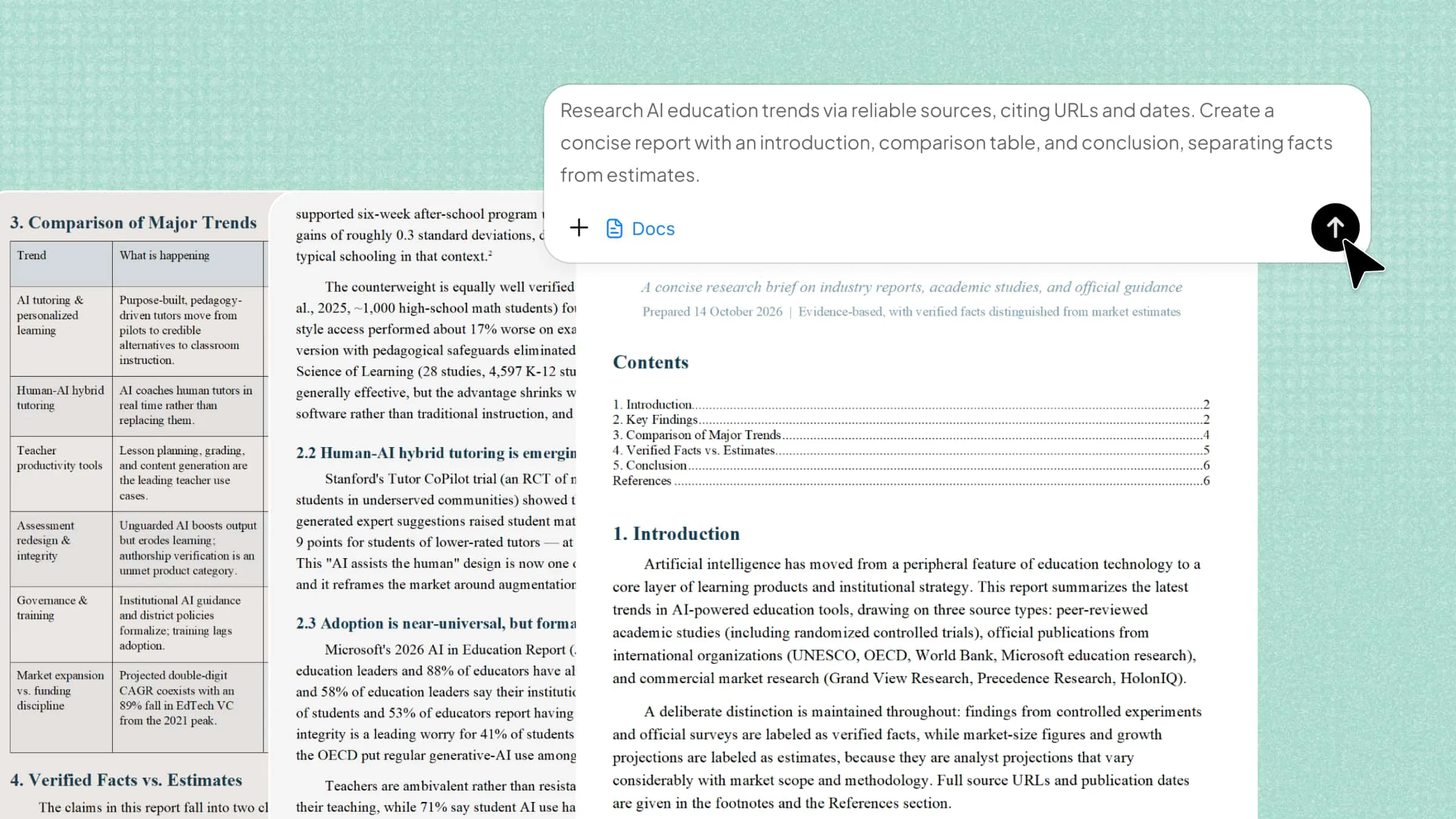
Managing documents often means switching between writing, editing, checking details, and organizing information. These tasks can take hours, especially when you have reports, contracts, or long files to handle. The right AI tools for documents can make this work easier by helping you write clearly, review content, and find important details faster. Let's explore 10 useful tools in this article that can help you manage documents with less effort and better results.
Overview of 10 AI tools for documents
Whether you need Kimi Docs to turn research into structured reports, Claude or ChatGPT to refine your writing, or NotebookLM to explore source materials, each tool supports a different part of document management. Check the quick overview below to compare all 10 tools and find the right fit for your work:
| Tool | Document workflow | Core capability | Ideal users |
|---|---|---|---|
| Kimi Docs | Research to final report | Web research and structured report generation | Students, researchers, professionals |
| Claude | Drafting and refinement | Context-aware drafting and file analysis | Writers, analysts, teams |
| ChatGPT | Creation and analysis | Conversational writing and data analysis | Students, professionals, businesses |
| Hebbia | Investigation and comparison | Multi-document analysis and evidence extraction | Financial and research teams |
| Litera Kira | Review and due diligence | Contract clause extraction and risk identification | Lawyers, legal teams |
| NotebookLM | Reading and knowledge extraction | Source-grounded answers and audio summaries | Students, educators, researchers |
| Notion AI | Documentation and collaboration | Workspace search, writing, and meeting summaries | Teams, project managers |
| Azure AI Document Intelligence | Document-to-data conversion | OCR, field recognition, and document models | Developers, enterprises |
| Rossum | Data extraction and validation | AI data capture and workflow automation | Finance and operations teams |
| Anara | Source review and research writing | Research libraries, citations, and PDF analysis | Academics, students, researchers |
Explore 10 powerful AI documentation tools
Not every document task needs the same kind of help. Some tools are better for writing and editing, while others make it easier to review files, summarize long reports, or find key information. Let's look at 10 AI documentation tools and see how each one can make your work easier.
Kimi Docs
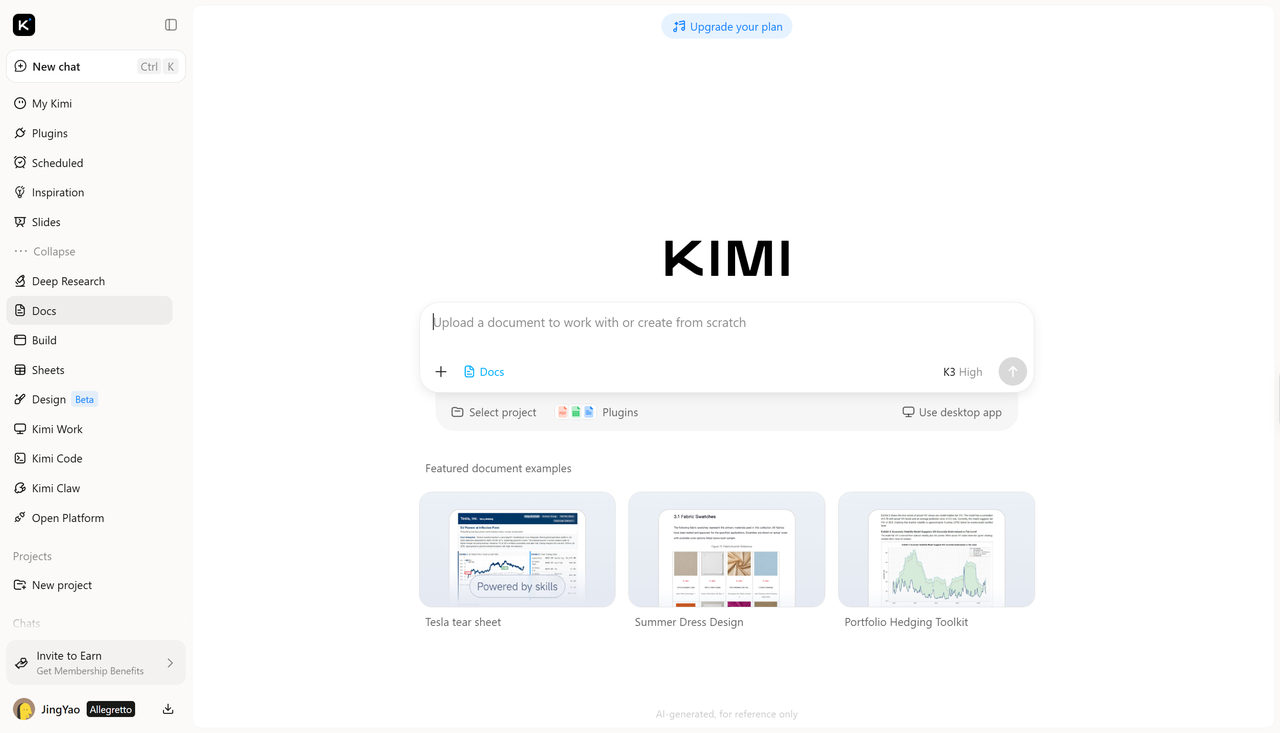
Kimi Docs is an AI document agent when you need to work with long documents without spending hours reading and organizing information. It helps you summarize files, find key details, and understand complex content more easily, making it a practical option for students, researchers, and professionals who handle documents regularly.
Main features
Research reliable sources across the web: Find relevant information from credible online sources to support your documents. Kimi Docs helps gather research materials and identify useful references, giving you a stronger foundation for reports, proposals, and academic writing.
Turn extensive research into concise documents: Go beyond summarizing source material by examining key points, explaining relationships, and developing recommendations based on the available information.
Draft complete documents from simple prompts: Turn brief instructions, research findings, or source materials into structured drafts. Build reports, proposals, and academic content without creating every section from scratch.
Build reports with a logical structure: Arrange ideas and supporting evidence into coherent sections with a natural flow, making reports easier to review, refine, and share.
Present and export documents in practical & professional formats: Create well-formatted documents tailored to different needs, from academic papers and resumes to business analysis reports. Organize findings into clear tables and charts, then export polished documents in supported formats for further editing, sharing, or presentation.
Suitable for
Academic research papers and literature reviews
Business reports and project proposals
Market research and competitor analysis
Long documents that need summarizing and organizing
How to gather information and create documents
Kimi Docs makes it easier to move from gathering information to creating a well-structured document. Instead of researching and writing everything manually, you can use it to explore reliable sources, organize key findings, and turn your ideas into a clear draft. Follow these steps to get started with Kimi Docs.
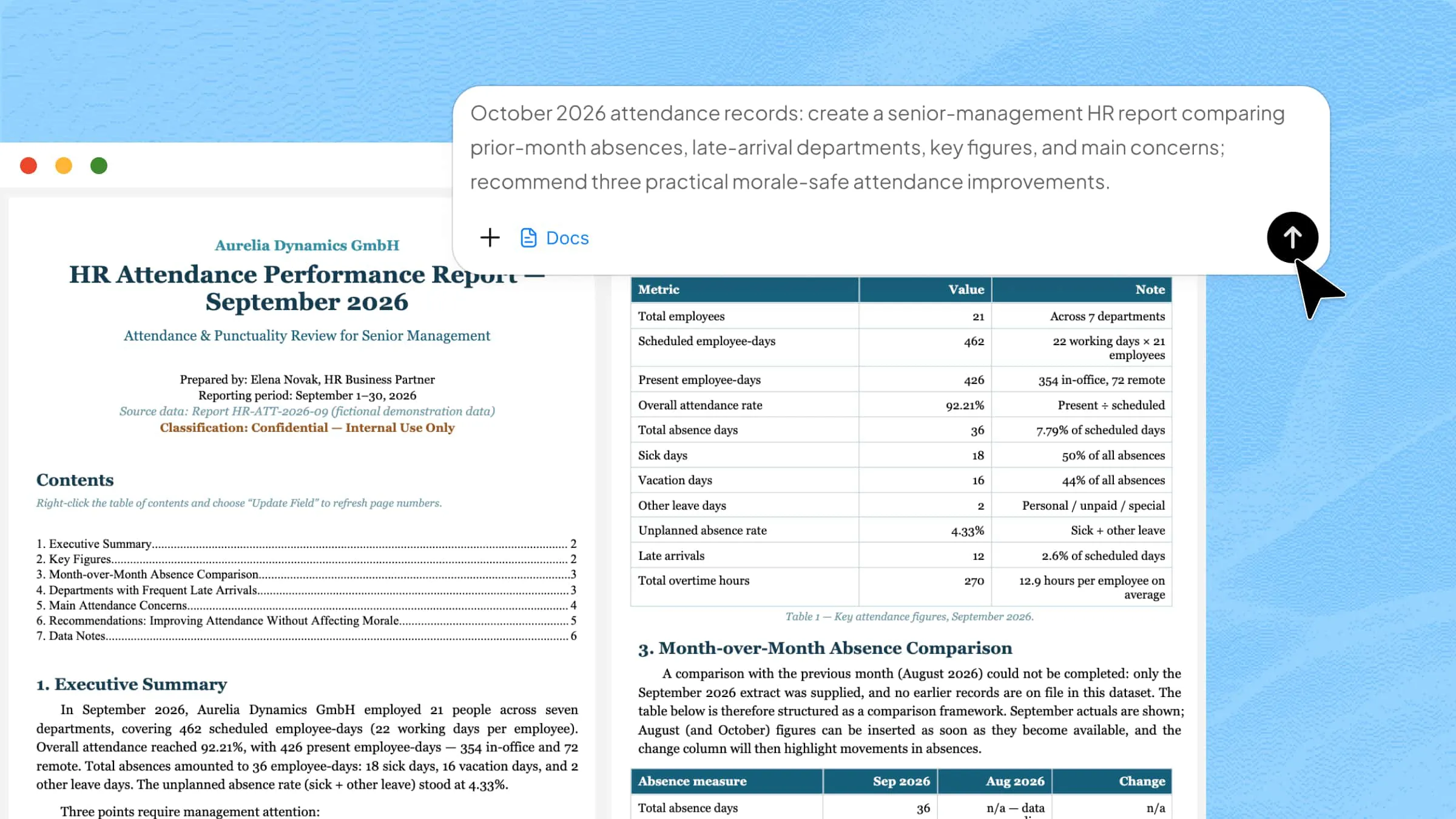
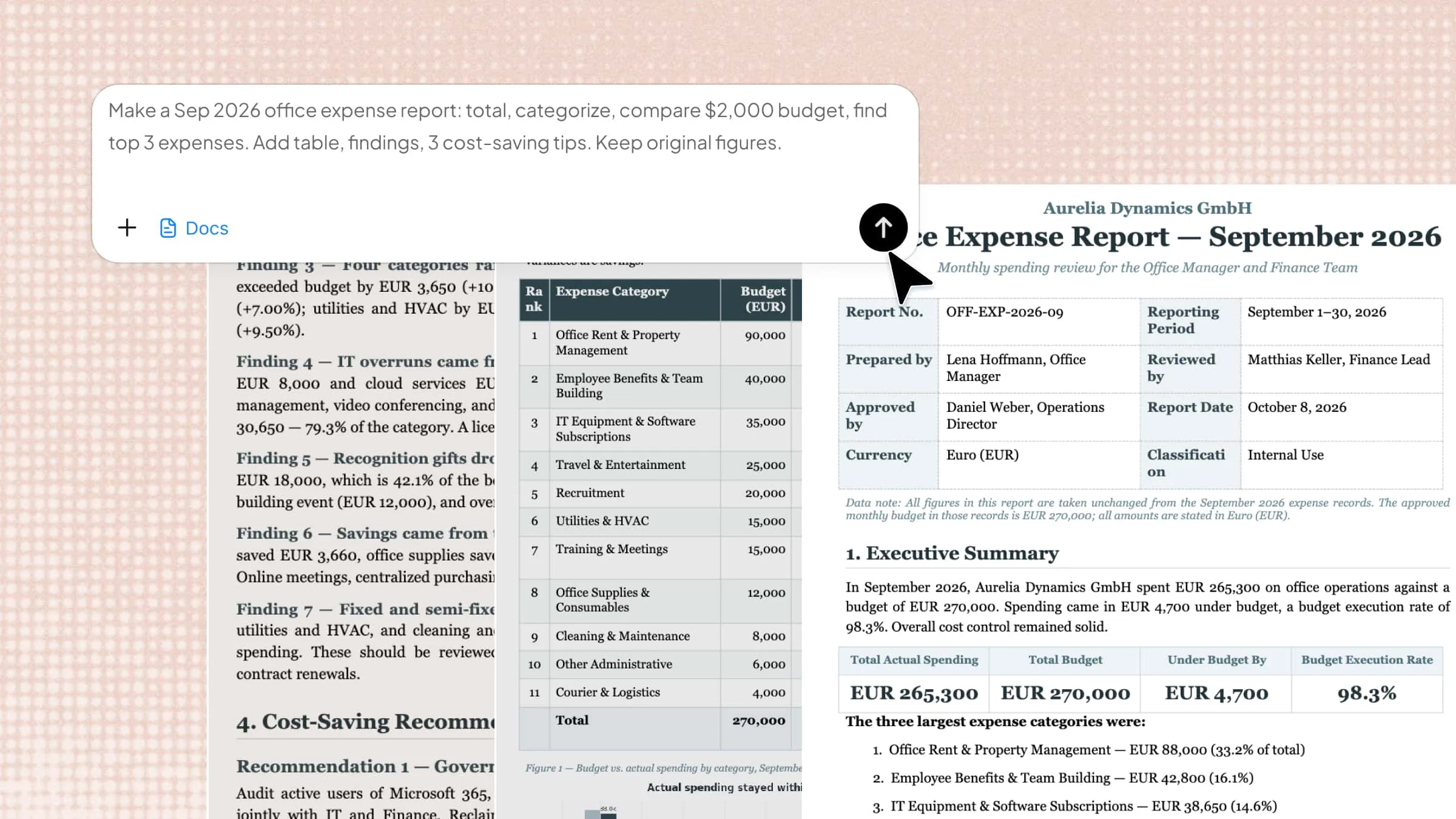
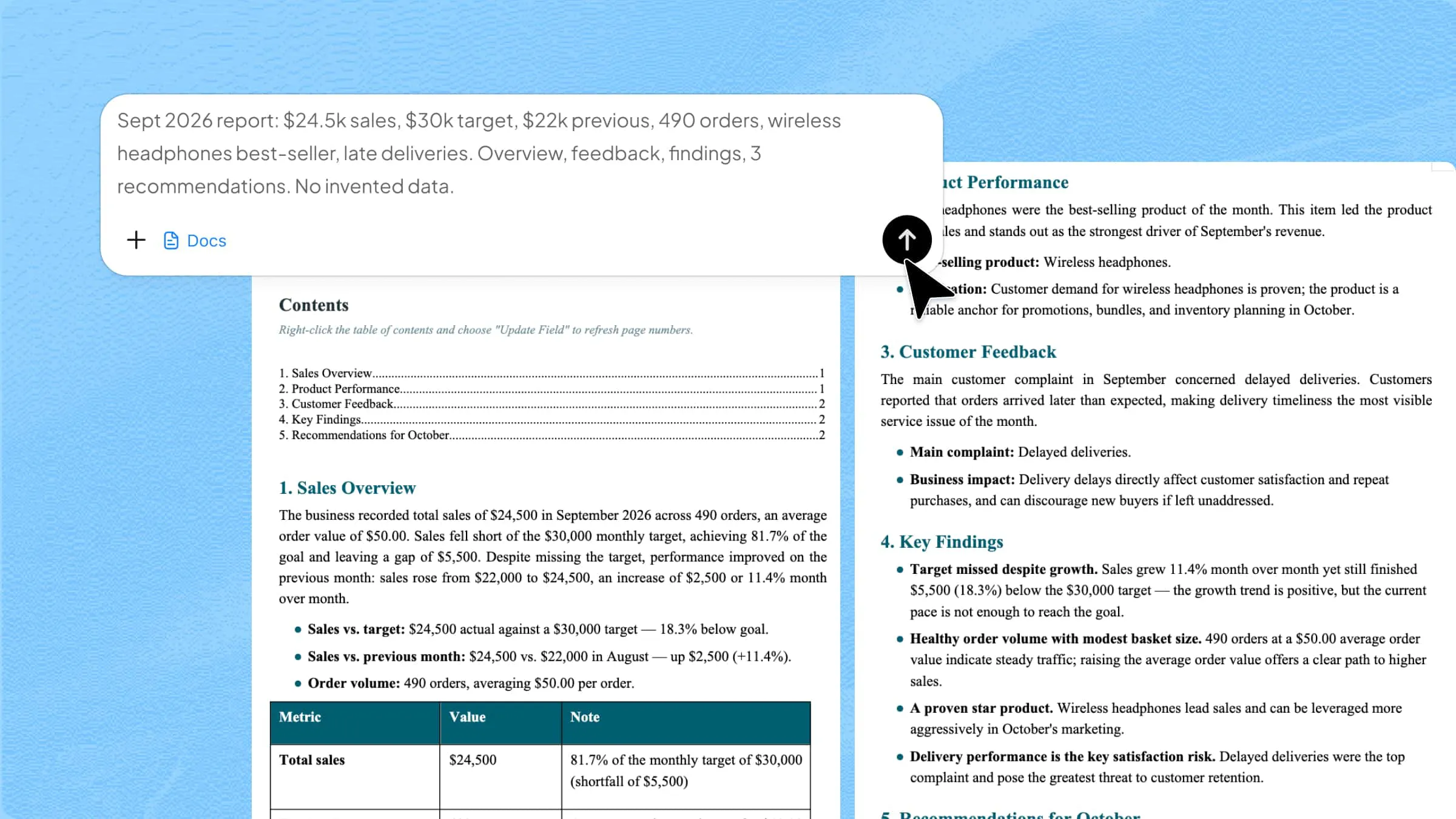
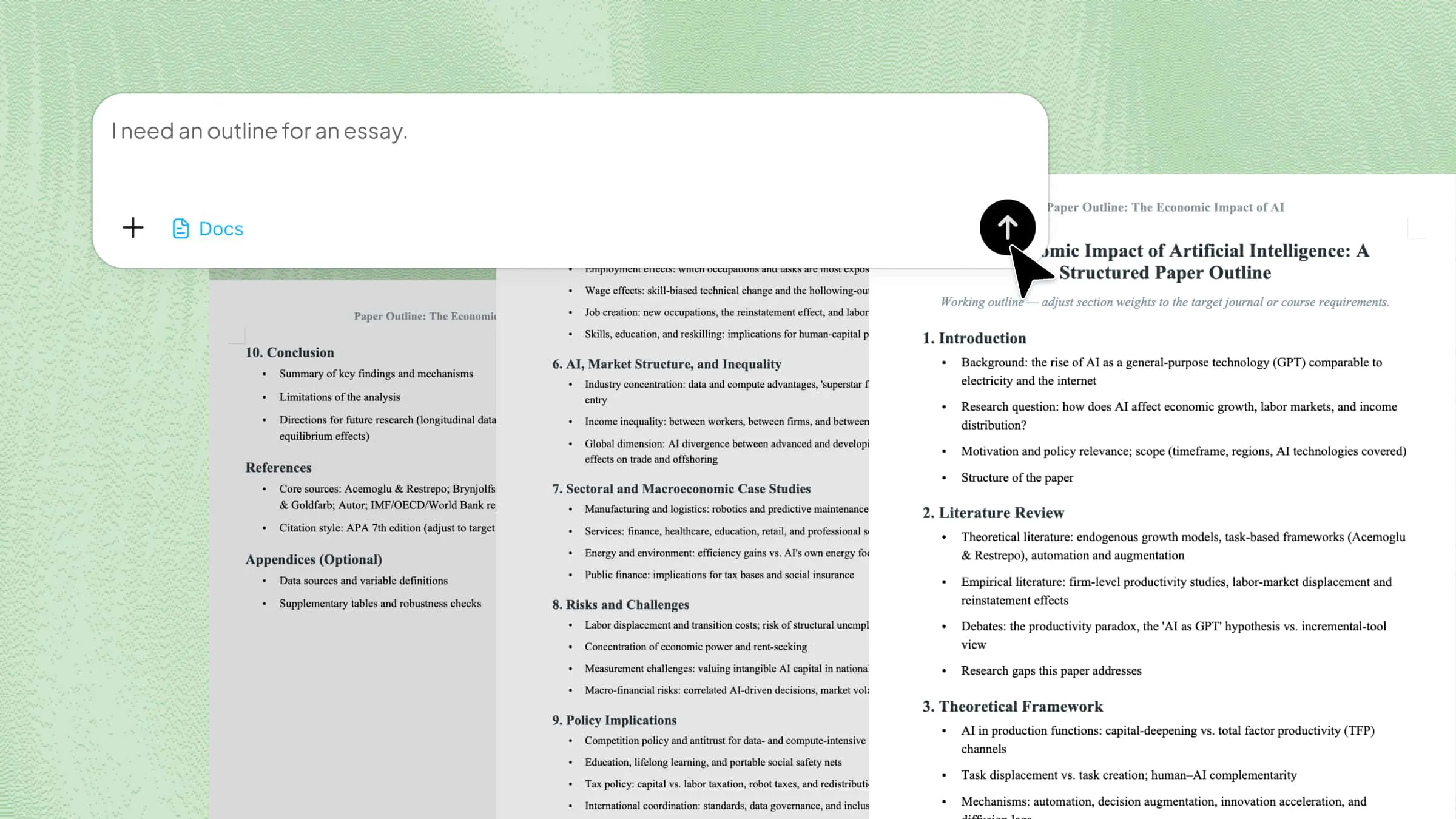
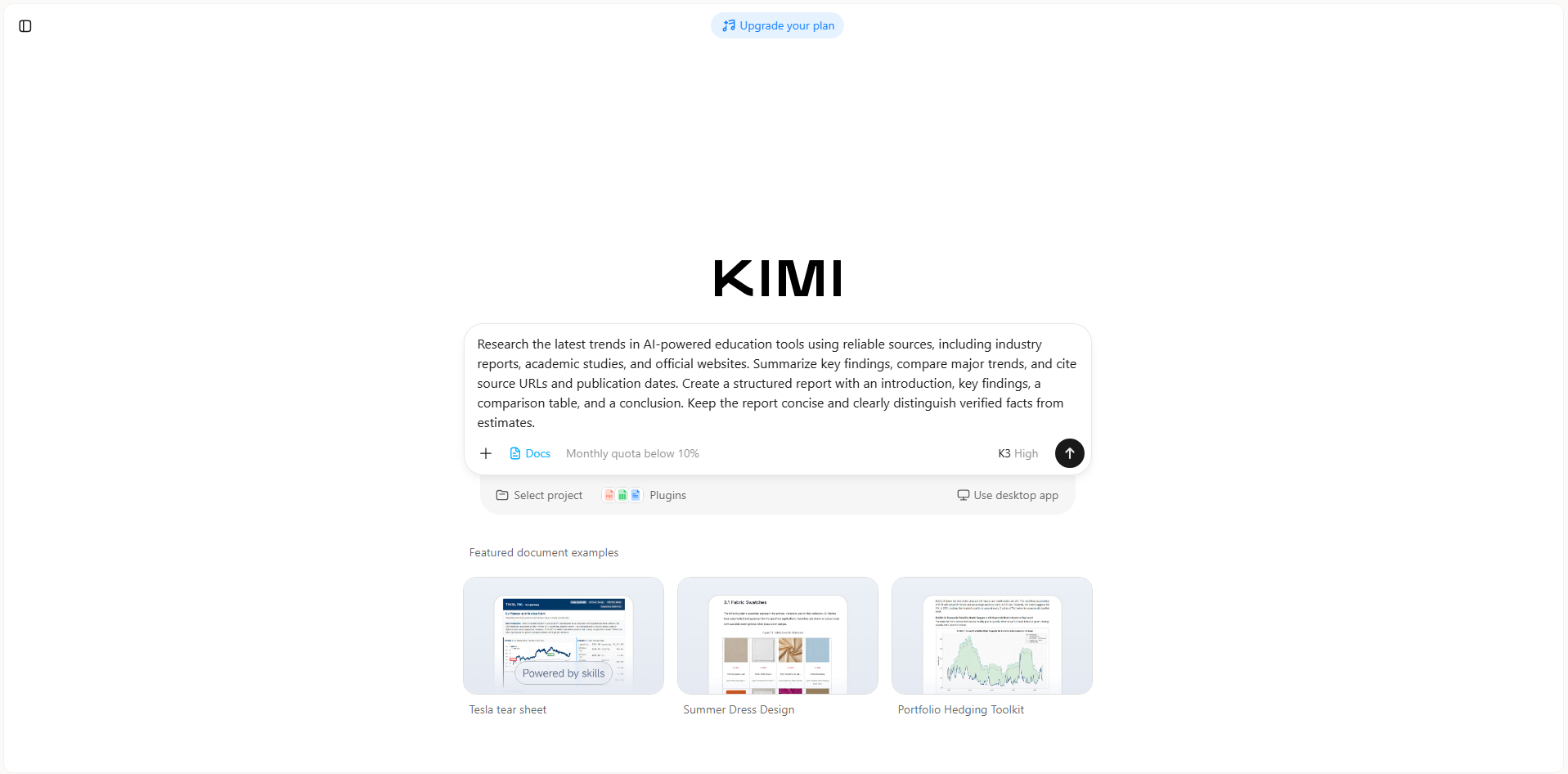
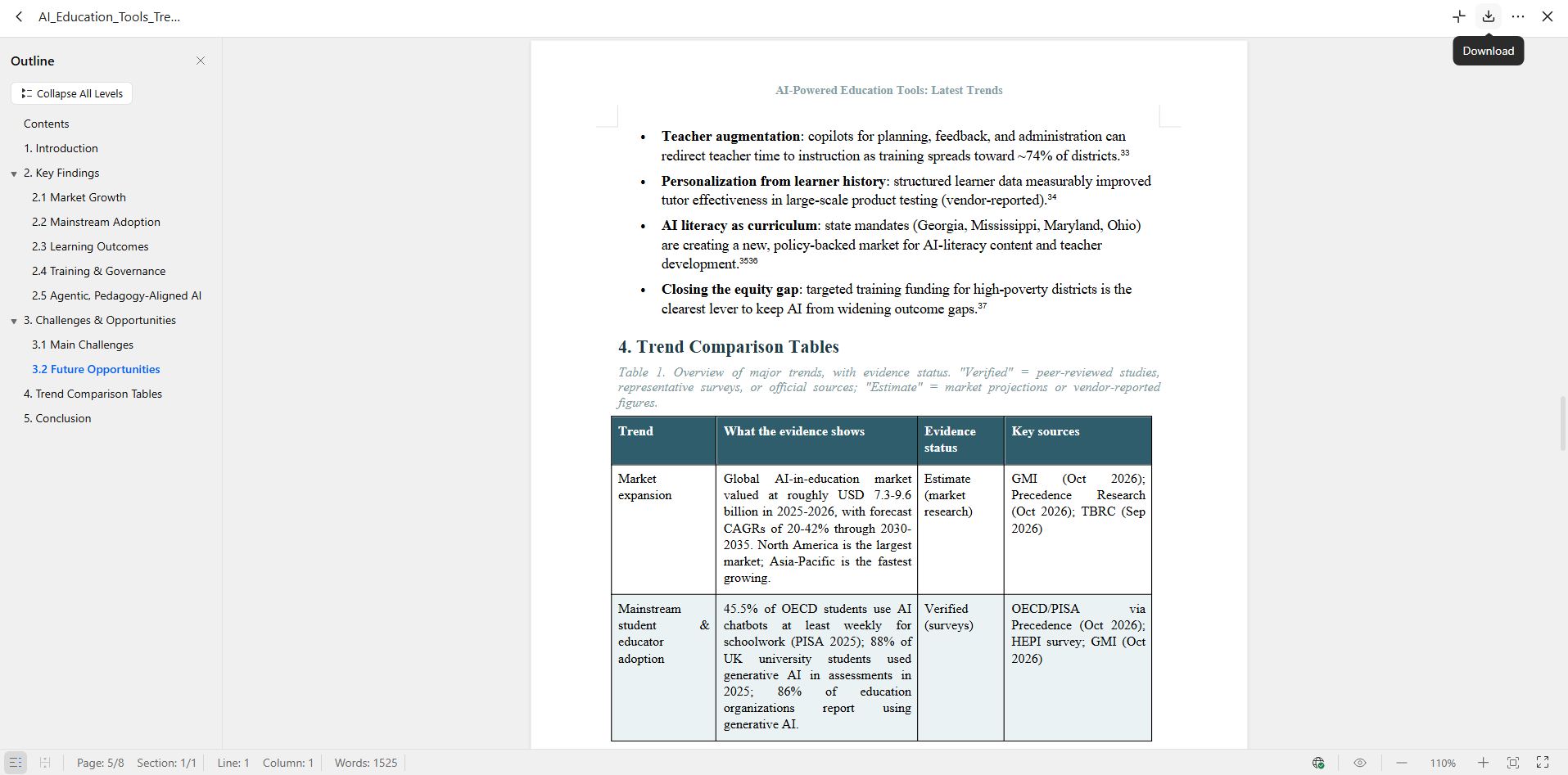
Step 1: Describe your research and document needs
Open Kimi Docs and enter a clear prompt explaining your topic, preferred sources, and desired report structure. Include details such as key findings, a comparison table, and citations to guide the research.
Example prompt:
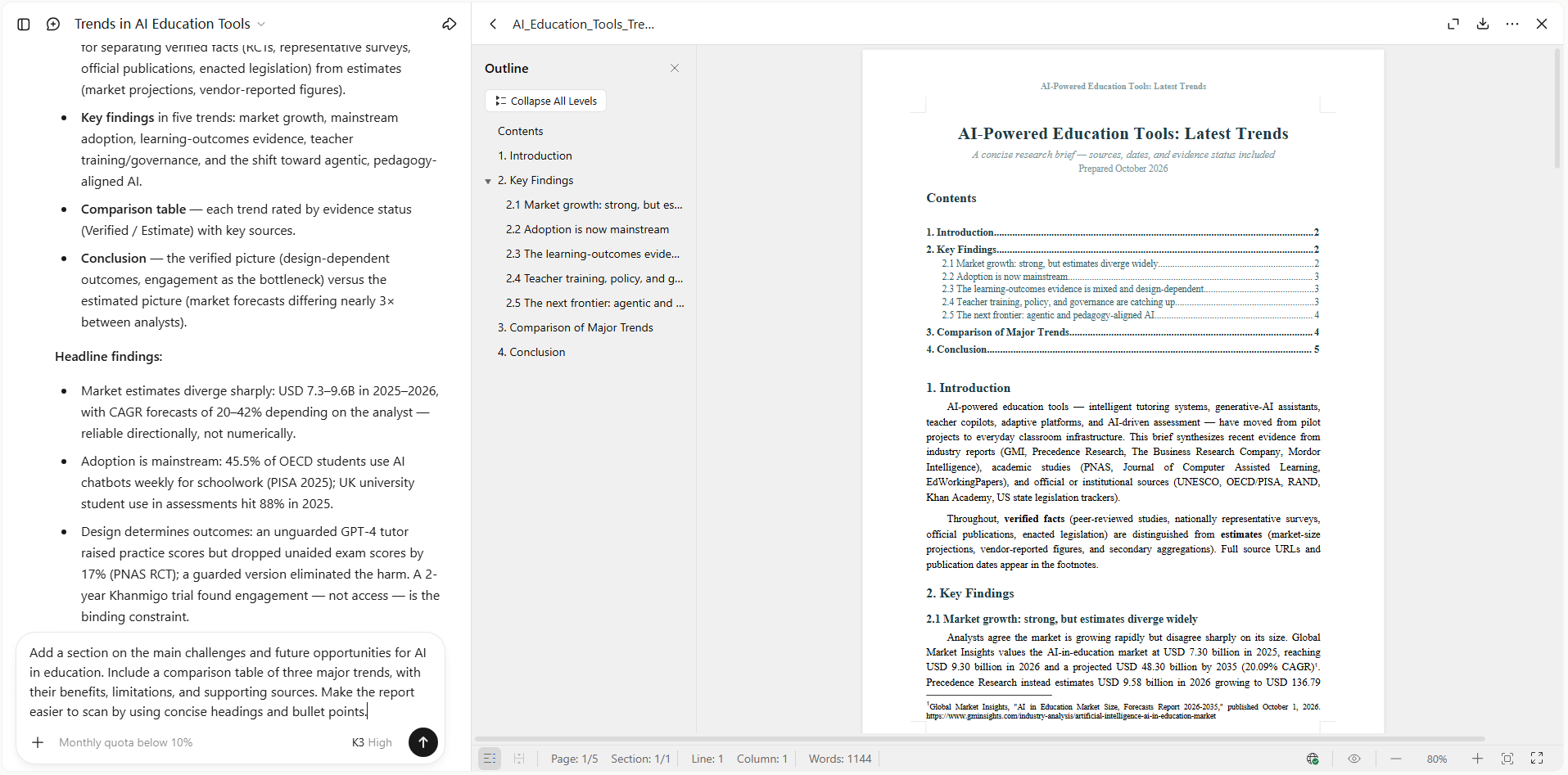
Step 2: Refine the results with follow-up instructions
Review the first draft and identify anything that needs more detail or clarity. Ask Kimi Docs to add missing sections, compare important points, or improve the structure with concise headings and bullet points.
Step 3: Review the content and export your document
Check the report for accuracy, clear explanations, and reliable source links. Make any final changes, then export the document in a supported format so you can edit, share, or present it as needed.
Claude
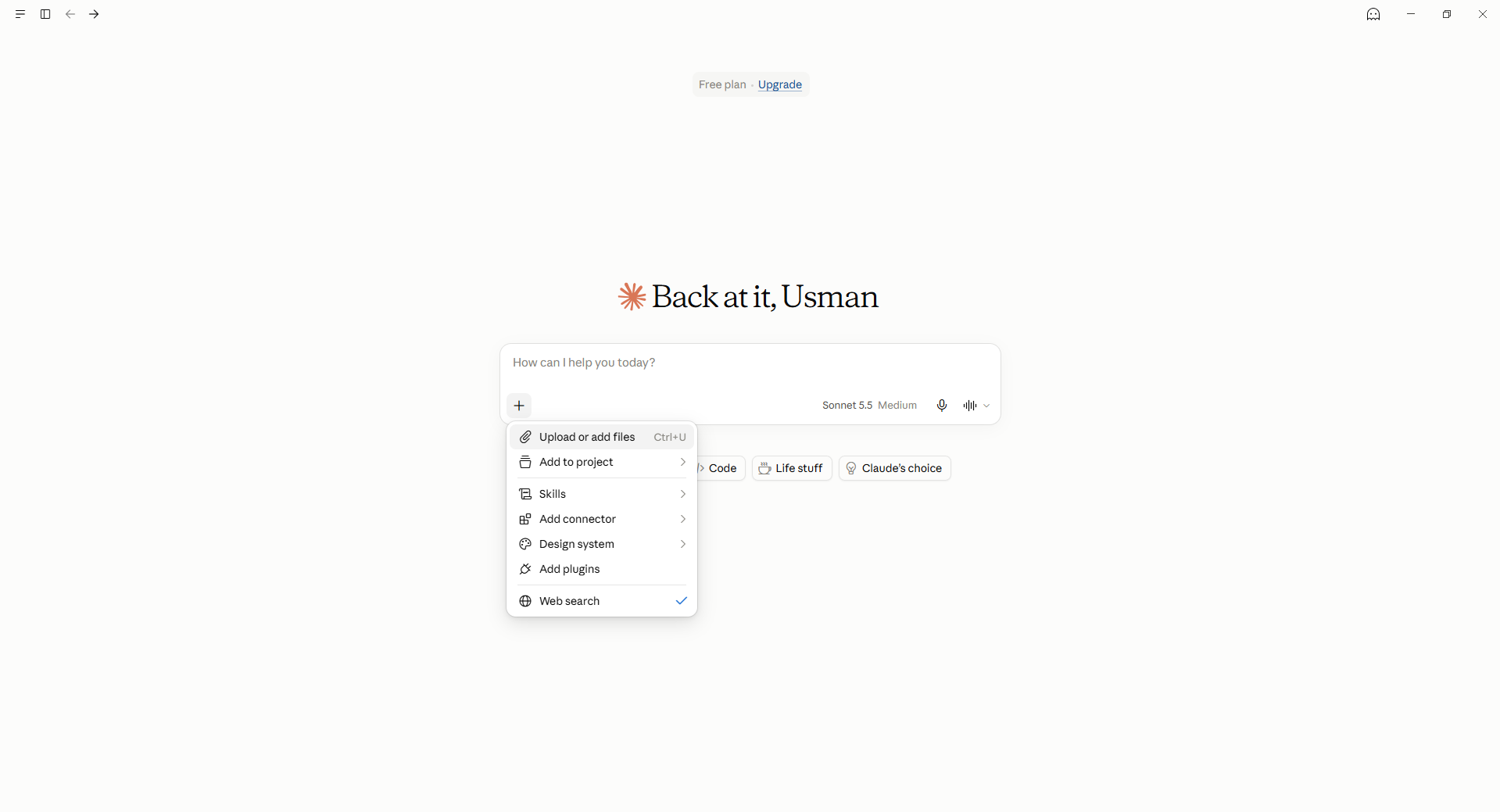
Claude is an AI assistant that helps users write, review, and analyze documents using natural language instructions. It can work with uploaded files, summarize lengthy content, and explain complex information. Users can also refine drafts through follow-up prompts to improve clarity, tone, and structure. This makes Claude useful for creating polished documents and handling detailed writing tasks.
Main features
Write and improve content: Draft reports, rewrite paragraphs, and adjust tone to make documents clearer and easier to read.
Analyze uploaded documents: Summarize files, explain key points, and find specific details without reading every page manually.
Create and edit files: Generate and modify supported documents and spreadsheets for further editing and sharing.
Organize ongoing projects: Keep reference files, instructions, and conversations together using Projects for consistent results.
Suitable for
Business reports and professional documents
Long-form articles and content editing
Reviewing research papers and reference files
Creating and refining project drafts
ChatGPT
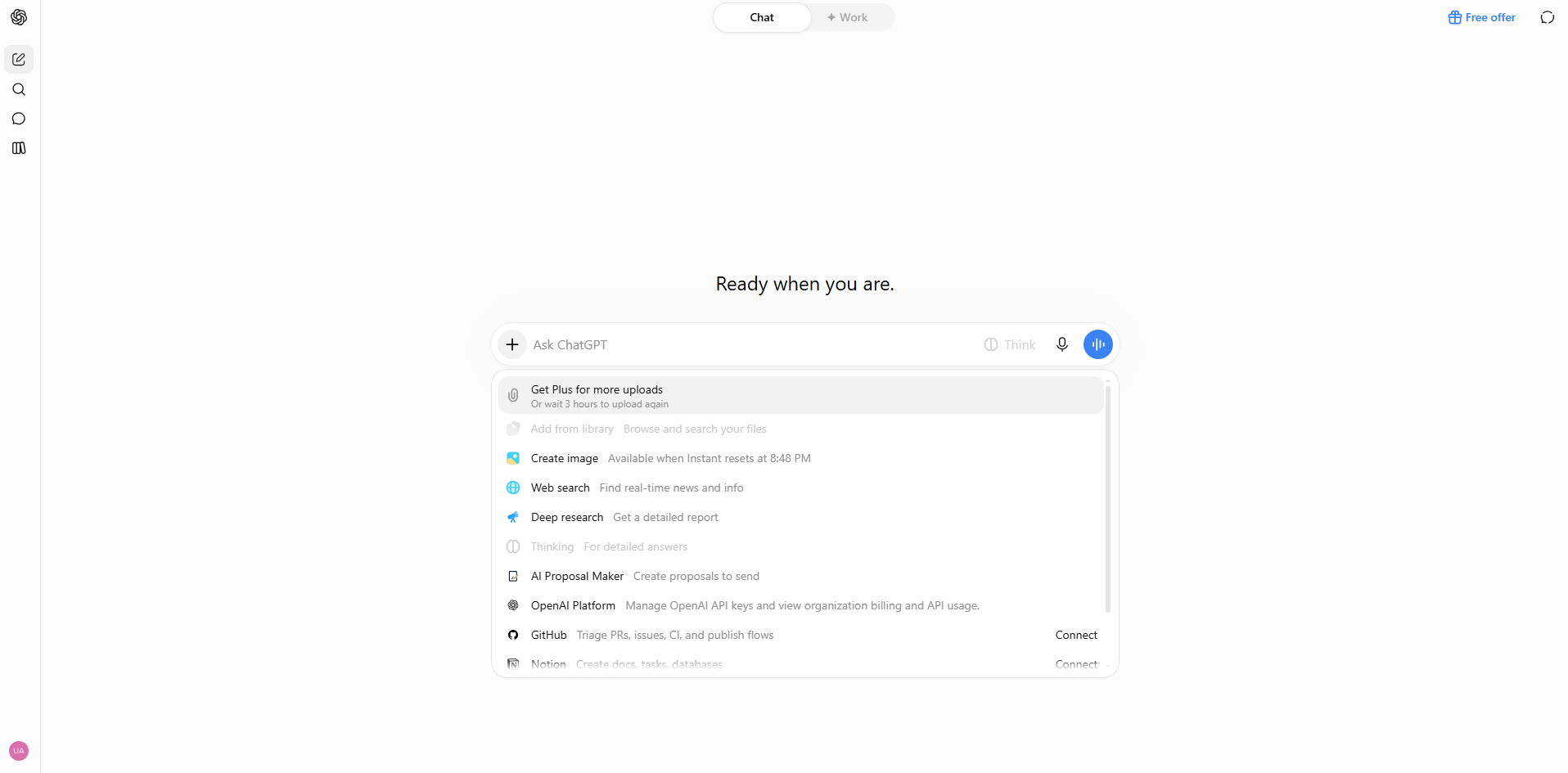
ChatGPT is an AI assistant that supports document creation, analysis, and editing through conversation. Users can provide prompts, upload files, or share notes to develop organized content. It can also compare documents, extract information, and explain technical topics in simpler language. Its flexible features make it useful for a wide range of academic and professional document tasks.
Main features
Draft documents from prompts: Create reports, proposals, and other content from simple instructions, then refine the results with follow-up prompts.
Summarize and compare files: Review multiple documents to identify their main ideas, similarities, and differences.
Extract information from files: Find specific dates, requirements, and details, then organize the results into tables or lists.
Analyze data and create visual summaries: Examine supported spreadsheets, identify patterns, and create charts to support your reports.
Suitable for
Reports, proposals, and business documents
Editing, rewriting, and proofreading drafts
Comparing PDFs, spreadsheets, and presentations
Turning research notes into structured content
Hebbia
Hebbia is an AI research platform designed to analyze large collections of business documents. It helps professionals investigate complex questions using information spread across reports, presentations, and other files. Its structured research workflows make it easier to compare findings and organize supporting evidence. Hebbia is particularly useful for detailed research where accuracy and source traceability matter.

Main features
Search across document collections: Find relevant information across large groups of files using natural-language questions.
Analyze multiple sources: Bring findings from different documents together to understand complex topics more efficiently.
Organize research in a matrix: Structure questions, sources, and findings to compare information and identify missing details.
Support evidence-based decisions: Gather source-backed findings for due diligence, investment research, and business reports.
Suitable for
Financial research and investment analysis
Mergers and acquisitions due diligence
Research across large document libraries
Comparing evidence from business reports
Litera Kira
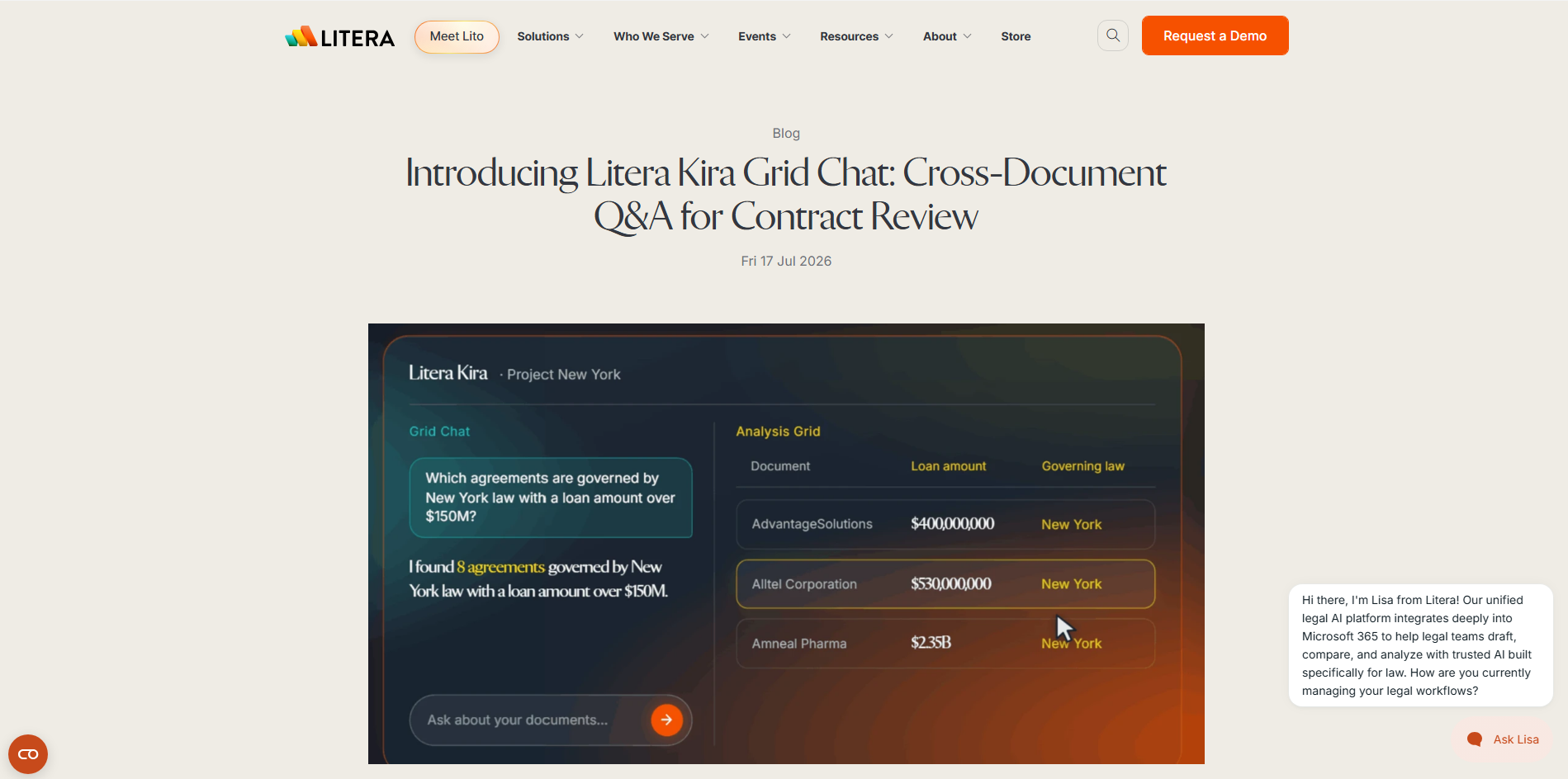
Litera Kira is an AI-powered legal document analysis tool designed to help teams review contracts and identify important information. It extracts details about clauses, obligations, and potential risks from large groups of agreements. Users can review structured findings and check them against the original documents. This makes Kira valuable for legal professionals who need to complete detailed contract reviews efficiently.
Main features
Extract important contract clauses: Identify key provisions across multiple agreements without searching each file manually.
Ask questions about contracts: Find relevant information across contract collections and check answers against source documents.
Compare clauses and identify risks: Review differences between agreements and highlight terms that may require closer attention.
Generate structured reports: Organize extracted information into review grids and reports for easier sharing.
Suitable for
Contract review and legal due diligence
Mergers and acquisitions
Real estate and commercial agreements
Identifying obligations across contract portfolios
NotebookLM
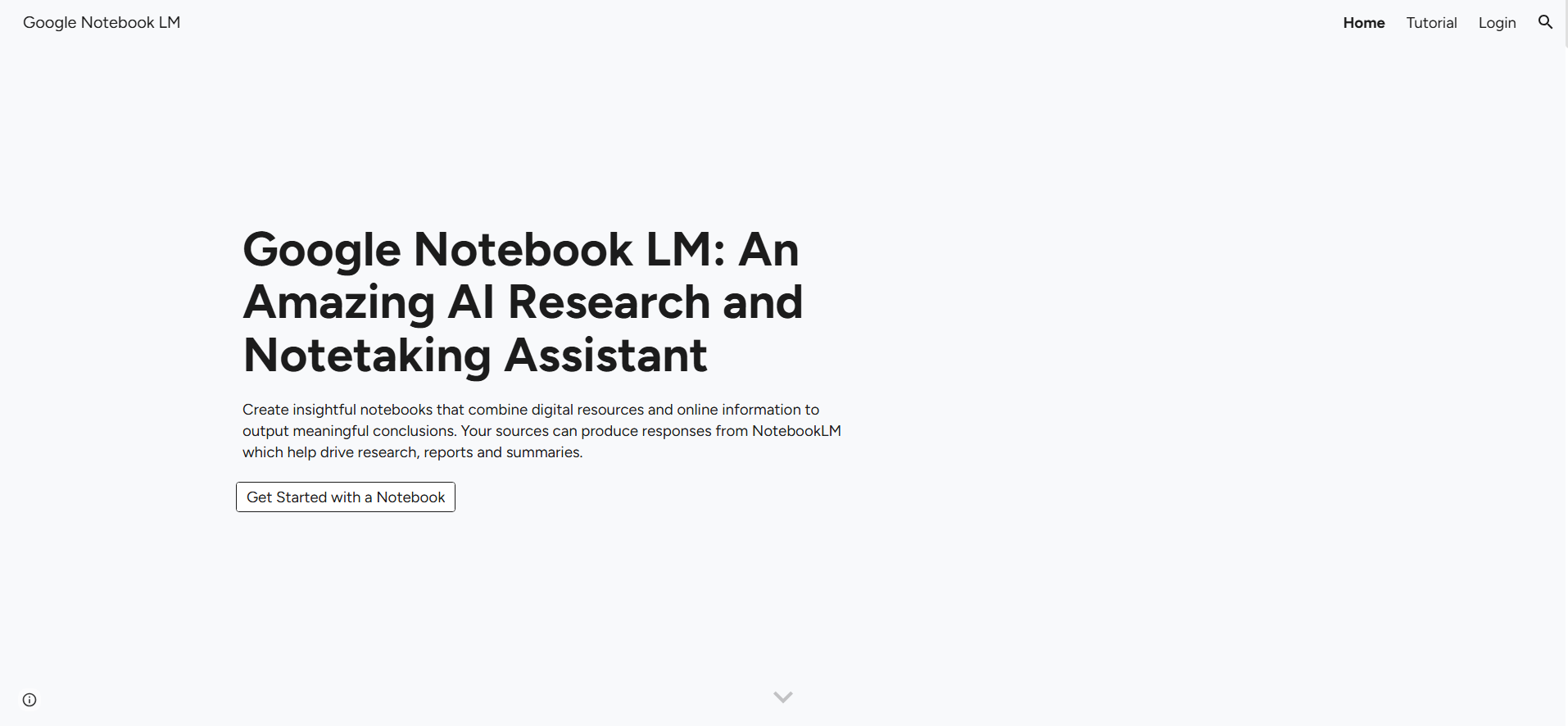
NotebookLM is an AI research assistant that helps users understand information from their selected sources. You can add documents and other supported materials, then ask questions about their contents. Its source-based answers can include citations that help you verify important details. It is especially useful for turning large amounts of reference material into clear summaries and research notes.
Main features
Ask questions about sources: Find specific information and explanations from the documents you provide.
Generate concise summaries: Turn lengthy reports and papers into shorter overviews of their main points.
Create study guides and notes: Organize information into key points, question-and-answer formats, and study materials.
Generate Audio Overviews: Listen to an AI-generated discussion that presents key ideas from your source material.
Suitable for
Studying academic papers and course materials
Summarizing documents on a specific topic
Preparing research notes and study guides
Reviewing information through audio summaries
Notion AI
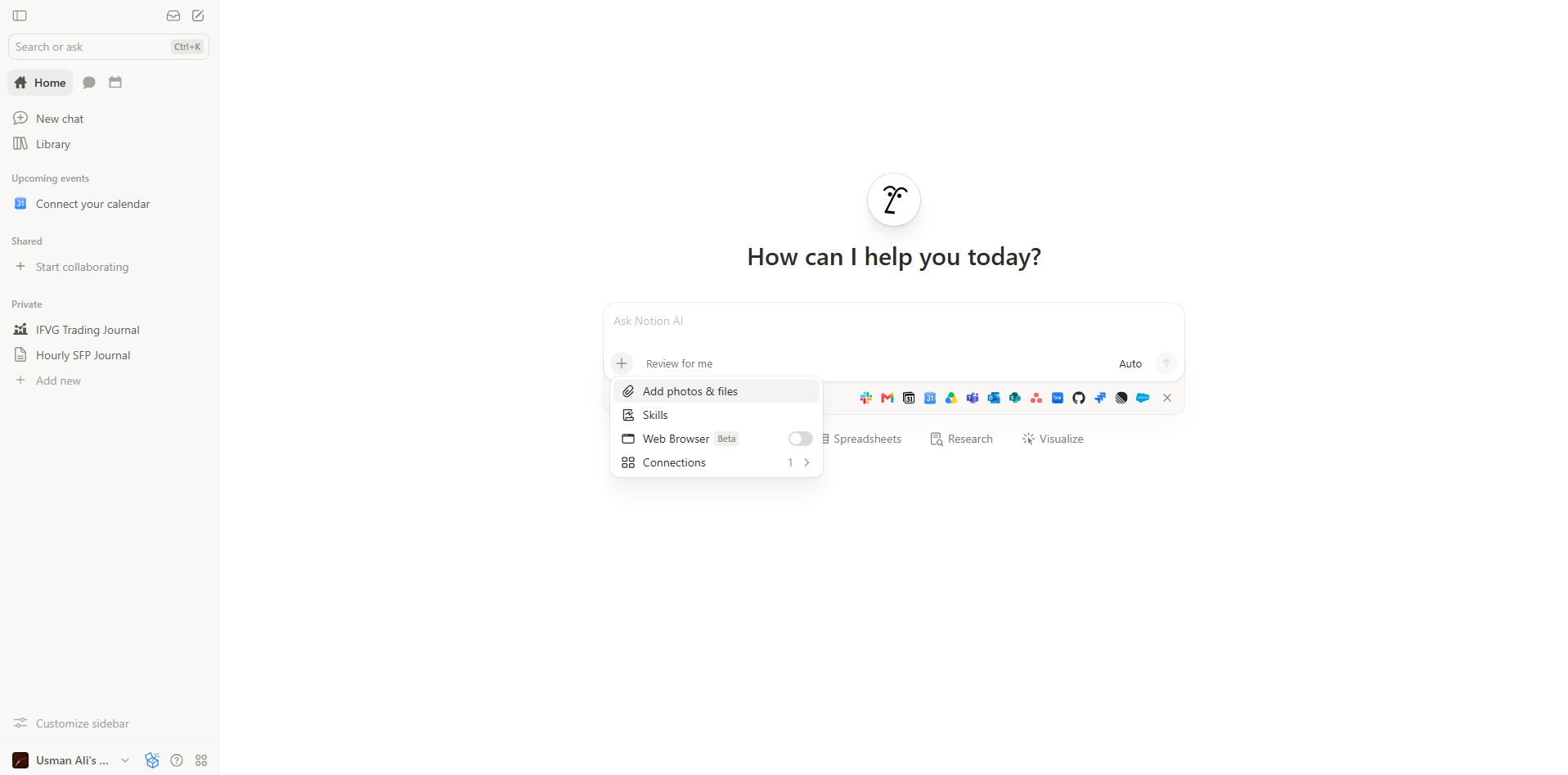
Notion AI brings AI assistance into Notion's workspace for documents, notes, projects, and team knowledge. It helps users draft content, improve existing text, and find information stored in supported workspaces and connected sources. It can also summarize meetings and organize scattered notes into useful records. This makes it a practical option for managing documents alongside everyday work.
Main features
Draft and improve documents: Generate first drafts, rewrite paragraphs, and improve wording directly within Notion pages.
Search workspace information: Find relevant details across your workspace and supported connected sources.
Summarize meetings: Turn meeting discussions into concise notes with key points and follow-up actions.
Research and organize information: Develop detailed reports and arrange findings alongside project notes and databases.
Suitable for
Team documentation and knowledge bases
Meeting minutes and project updates
Organizing research notes and task records
Drafting reports in collaborative workspaces
Azure AI Document Intelligence
Azure AI Document Intelligence is a cloud-based service that extracts information from scanned and digital documents. It uses optical character recognition (OCR) and machine learning to identify text, tables, and important fields. The extracted information can be converted into structured data for further processing. It is especially useful for developers building automated document workflows for businesses.

Main features
Extract text from scanned documents: Read printed and handwritten text from supported files and images to make information searchable.
Identify tables and key-value pairs: Extract names, dates, totals, and other fields while preserving useful document structures.
Process invoices and receipts: Use prebuilt models to capture common financial details and reduce manual data entry.
Build custom document models: Configure models for specific document types and integrate them into applications through supported APIs.
Suitable for
Invoice and receipt processing
Extracting data from scanned forms
Automating document-heavy business workflows
Building document processing applications
Rossum
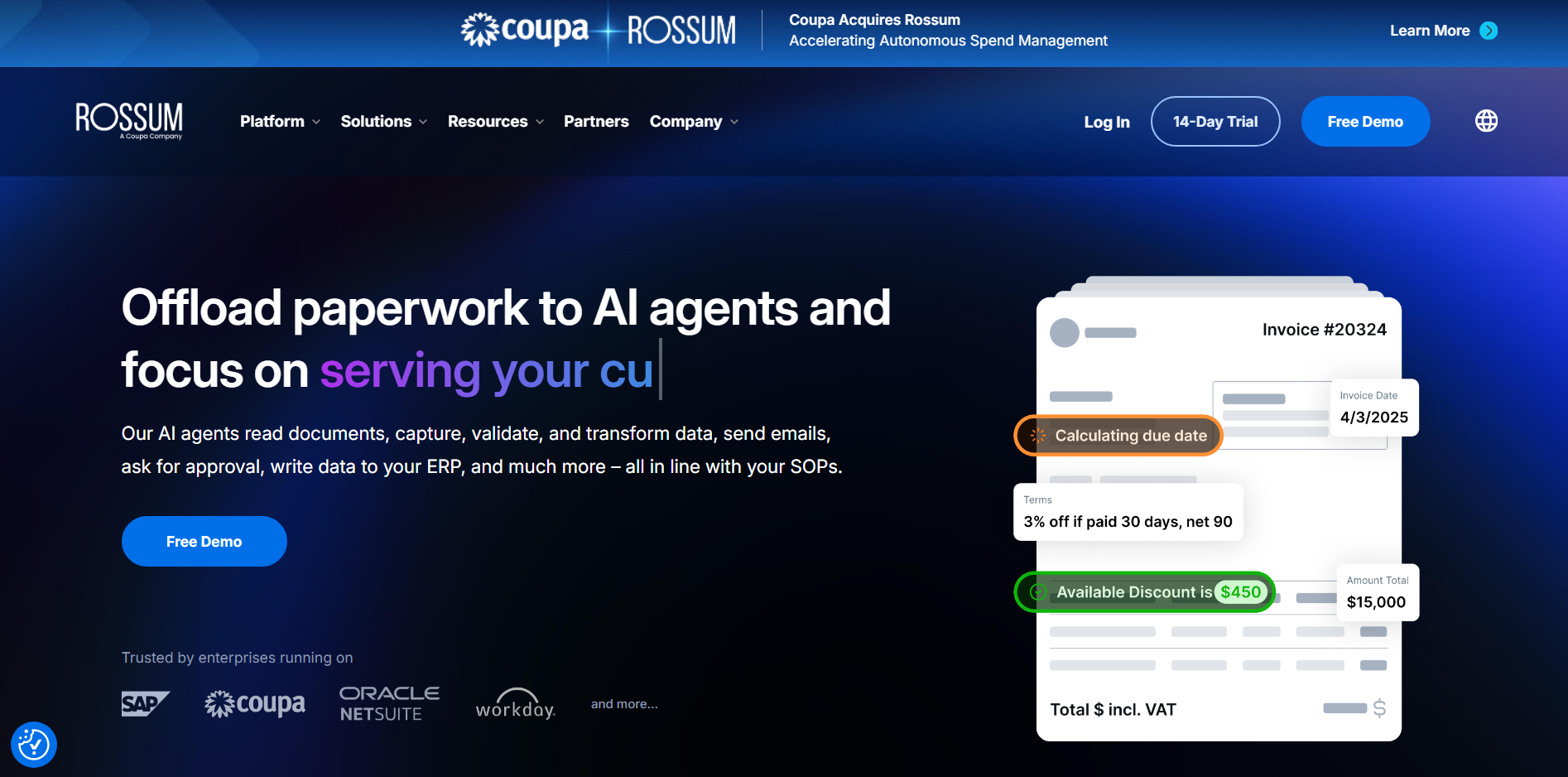
Rossum is an intelligent document processing platform designed to automate business paperwork. It uses AI to extract information from invoices and other transactional documents, even when their layouts differ. The platform also supports data validation and automated workflows to reduce repetitive tasks. It is particularly useful for businesses that process large volumes of financial and administrative documents.
Main features
Capture data from different layouts: Extract information from documents with varying formats without creating a fixed template for each one.
Validate extracted information: Check captured details against business rules to identify missing or inconsistent data.
Automate document workflows: Route documents through review and approval stages based on business requirements.
Improve processing with feedback: Use corrections and human input to help improve document handling over time.
Suitable for
Accounts payable and invoice processing
Supplier document management
Automating financial data entry
Processing large volumes of business paperwork
Anara
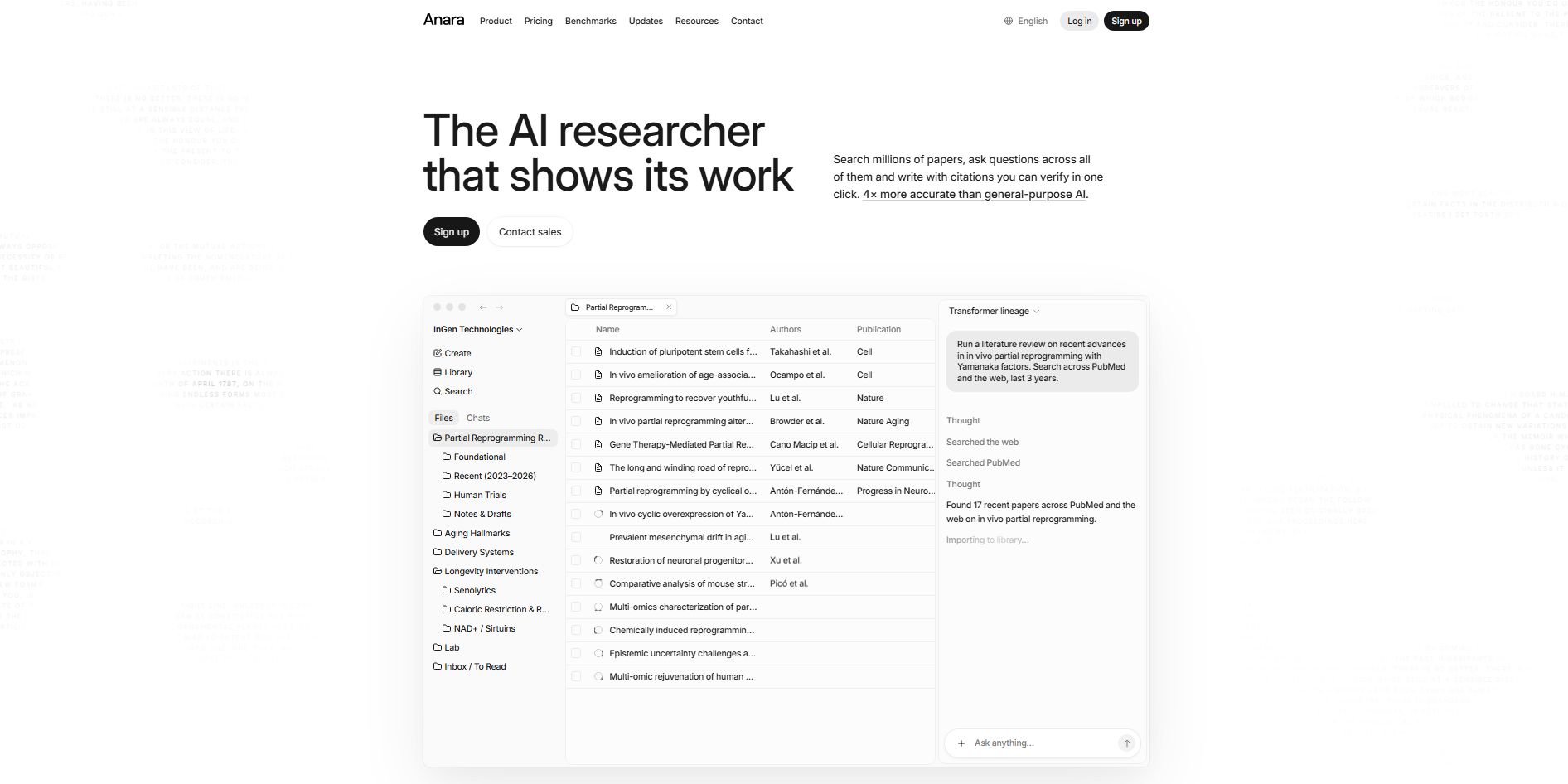
Anara is an AI research workspace that helps users collect, understand, and write about information from academic papers and other sources. You can upload documents, organize them into a research library, and ask questions about their contents. Its answers can include citations linked to relevant passages, making it easier to verify information.
Main features
Build a searchable research library: Store research papers, PDFs, and supported sources in one place for easier access.
Get answers with citations: Ask questions about your documents and check answers against the original passages.
Read and annotate PDFs: Highlight important sections, add comments, and explore specific passages while reading.
Write and export research documents: Turn research findings into organized drafts with citations and export supported formats for further use.
Suitable for
Academic research and literature reviews
Comparing findings across scientific papers
Preparing source-backed research notes
Writing reports and papers with references
How to select a suitable AI documentation tool
With so many options available, choosing the right tool depends on how you work with documents and what you need help with most. Consider the following factors before choosing an AI tool for documentation.
Define your document use case: Start by identifying whether you need to write reports, summarize research, review contracts, or extract data from forms. Since AI for documentation covers many tasks, focus on the features that match your daily needs. This helps you choose a solution that saves time and supports your specific goals.
Check data extraction accuracy: Test how well the tool identifies important details, reads tables, and summarizes information from your files. Check its results against the original documents to catch missing details or incorrect answers. Accuracy is especially important when using an AI tool for legal, financial, or research-related work.
Confirm multiple file format support: Check whether the tool supports the formats you regularly use, such as PDFs, Word documents, spreadsheets, and scanned files. Also, confirm which formats are available when exporting completed documents. A flexible AI documentation software tool makes it easier to edit, share, and reuse your work.
Test the interface for ease of use: Try basic tasks such as uploading files, generating content, editing drafts, and exporting documents. The process should feel straightforward, even if you have limited technical experience. Choosing an easy-to-use solution allows you to spend more time on your work and less time learning new features.
Review data privacy controls: Before uploading files, check how the provider stores your information, protects sensitive content, and handles uploaded data. Look for clear privacy policies, access controls, and data retention settings. If you work with confidential records, make sure the AI documentation tool meets your organization's security requirements.
Compare editing and formatting quality: Review whether the tool maintains clear writing, consistent headings, tables, lists, and citations. It should also let you refine the content without rebuilding the entire document. High-quality editing and formatting make AI tools for creating documents more useful for producing polished files that are ready to share.
Conclusion
Choosing the right AI tools for documents can help you save time on repetitive tasks and focus on improving your work. Look for features that match your workflow, from organizing research to refining your writing. If you need to turn research into clear, well-structured documents, try Kimi Docs to bring your ideas together and simplify document creation.