Office work can quickly become overwhelming when you spend hours writing documents, managing schedules, and handling the same tasks every day. The right office automation tools can take care of much of this work, giving you more time to focus on important tasks and new ideas. From organizing daily workflows to creating documents faster, there are many tools to make your work easier. Let's explore 10 office automation tools that can help you save time and reduce effort.
Quick overview of 10 office automation tools
Office automation tools serve different purposes, from creating and editing documents to managing customer data, coordinating teams, and automating complex business processes. The following comparison highlights the core features, automation capabilities, and suitable use cases of 10 popular tools to help you identify the right solution for your team's needs.
| Product | Core features | Automation capabilities | Key advantage | Suitable for |
|---|---|---|---|---|
| Kimi Docs | AI document creation and editing, file conversion, structured formatting, document review, multilingual support | Generates and revises documents from prompts, notes, and reference files; compares versions and refines content based on feedback | Helps users create, refine, and organize professional documents from raw information | Business reports, proposals, meeting minutes, document formatting, proofreading, and translation |
| Microsoft 365 | Word, Excel, Outlook, Teams, and Power Automate | Automates approvals, notifications, spreadsheet calculations, and recurring office workflows | Combines familiar office applications with workflow automation | Document creation, spreadsheet management, email scheduling, and routine business processes |
| Google Workspace | Docs, Sheets, Gmail, Drive, Calendar, Meet, and Forms | Supports collaborative editing, form-based data collection, and selected automated workflows through Apps Script | Enables real-time collaboration and cloud-based file management | Team collaboration, surveys, file sharing, and meeting coordination |
| Airtable | Connected databases, custom views, forms, and record management | Triggers notifications and record updates when specified conditions are met | Combines spreadsheet-style interfaces with relational database functionality | Project tracking, inventory management, content calendars, and internal requests |
| Workato | Application integration, recipe-based workflows, AI-assisted automation, workflow monitoring | Connects business applications and executes multi-step actions based on events and conditions | Automates complex workflows across multiple enterprise systems | CRM and ERP integration, employee onboarding, data synchronization, and cross-department processes |
| Slack | Team channels, direct messaging, Workflow Builder, app integrations, and notifications | Automates information collection, reminders, and notifications related to team tasks | Brings team communication and routine workflow automation into one platform | Project discussions, team updates, internal requests, and task coordination |
| HubSpot | Contact management, sales automation, marketing workflows, and customer support | Assigns leads, updates customer records, triggers follow-ups, and manages selected support tasks | Connects customer data with sales, marketing, and support processes | Lead management, sales tracking, marketing campaigns, and customer service |
| Desk365 | Ticket management, AI assistance, SLA tracking, and knowledge base | Routes support tickets, assists with reply drafting, and tracks service deadlines | Streamlines IT service requests and support operations | IT support, ticket routing, troubleshooting, and service performance monitoring |
| Deskbird | Desk booking, meeting room scheduling, team coordination, and occupancy analytics | Manages workspace reservations and supports office resource planning | Simplifies hybrid workplace coordination and shared-space management | Shared desk management, meeting room bookings, hybrid schedules, and office utilization |
| Solvexia | Data preparation, financial reconciliation, automated reporting, and audit trails | Automates data matching, validation, calculations, reconciliations, and recurring reports | Handles repetitive, data-intensive finance and accounting processes | Financial operations, accounting, data validation, and audit preparation |
10 office automation tools to save time and effort
Not every office task needs to take up your time, especially when the right tool can handle it for you. From automating routine work to making document creation easier, these 10 tools offer practical ways to get through your workload with less effort.
Kimi Docs
Kimi Docs is an AI document agent that helps you turn ideas, notes, and raw information into well-structured documents. Whether you need to prepare a report, write a proposal, or organize research, it can help you get started without spending hours putting everything together. You can focus on the information you want to share, while Kimi Docs helps shape it into a clear, readable document.
Main features
AI-powered document creation and editing: Turn prompts, notes, and reference files into structured business reports, project proposals, meeting minutes, and other office documents. Refine content with natural-language instructions to adjust wording, improve clarity, reorganize sections, and incorporate feedback without starting from scratch.
Flexible document conversion: Convert documents between supported file formats to simplify editing, sharing, and reuse across office workflows. Preserve essential content and structure while adapting files to different tools, delivery requirements, and business needs.
Structured formatting and visual presentation: Create professionally formatted resumes, business reports, white papers, financial statements, and other business documents. Organize content with consistent layouts, clear headings, tables, charts, and other visual elements to ensure a polished, well-structured presentation that is ready to share or submit.
Document review and version comparison: Review documents for inconsistencies, track changes between versions, and identify content that needs revision. Streamline proofreading and quality checks to help teams maintain accurate, consistent documents throughout the review process.
Multilingual document support: Draft, translate, and refine business documents in different languages while adapting terminology, tone, and phrasing to the intended audience. Prepare professional materials for international clients, multilingual teams, and cross-border business communication.
Suitable for
Creating business reports and project proposals
Writing meeting minutes and organizing research notes
Formatting resumes, white papers, and business documents
Reviewing, editing, and translating documents for international teams
How to use Kimi Docs for office tasks
You can use Kimi Docs to handle everyday office tasks, from turning rough notes into a report to polishing a proposal for a client. Follow these steps to create clear, professional documents with less manual effort.
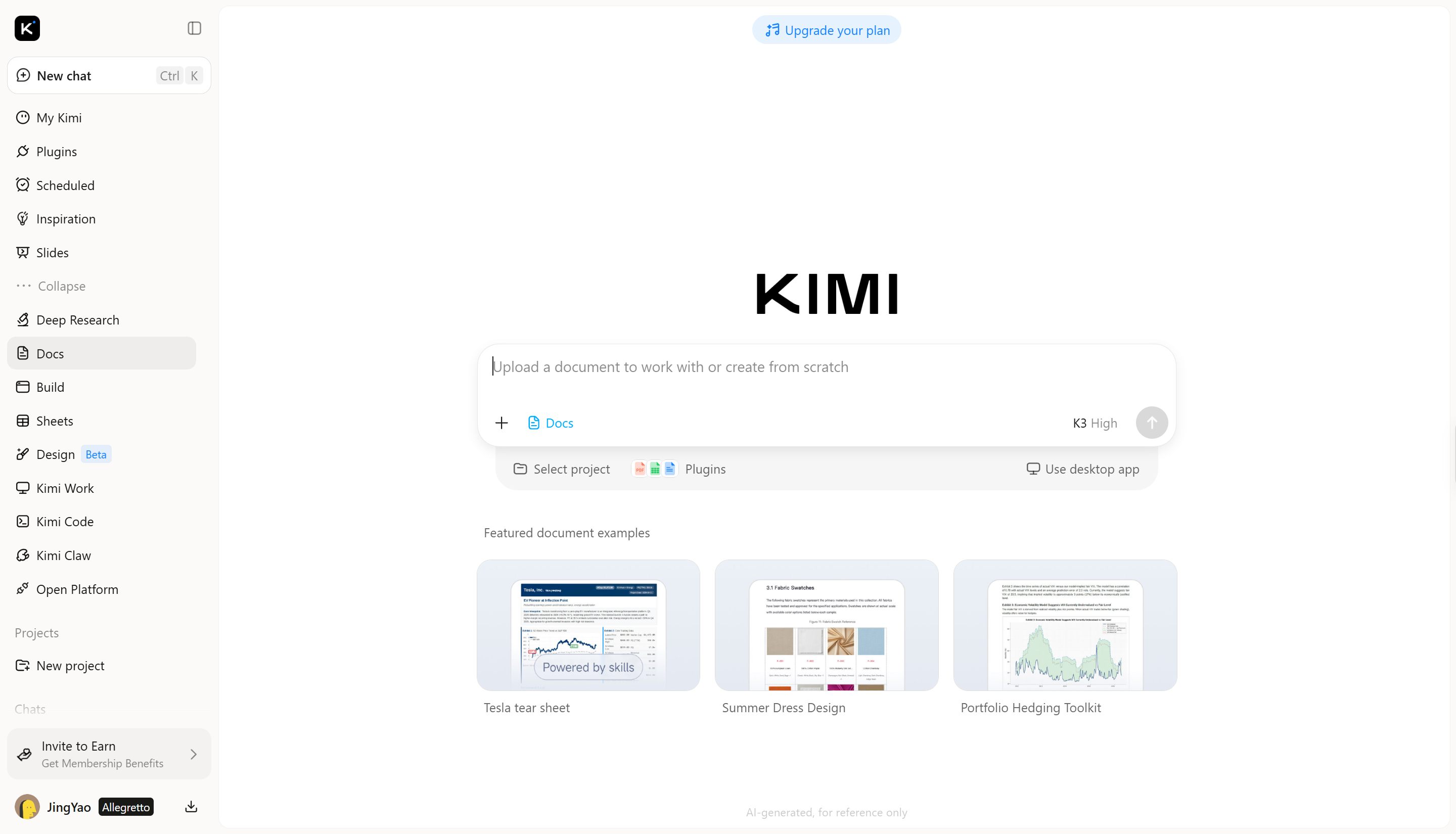
Step 1: Upload files and describe your task
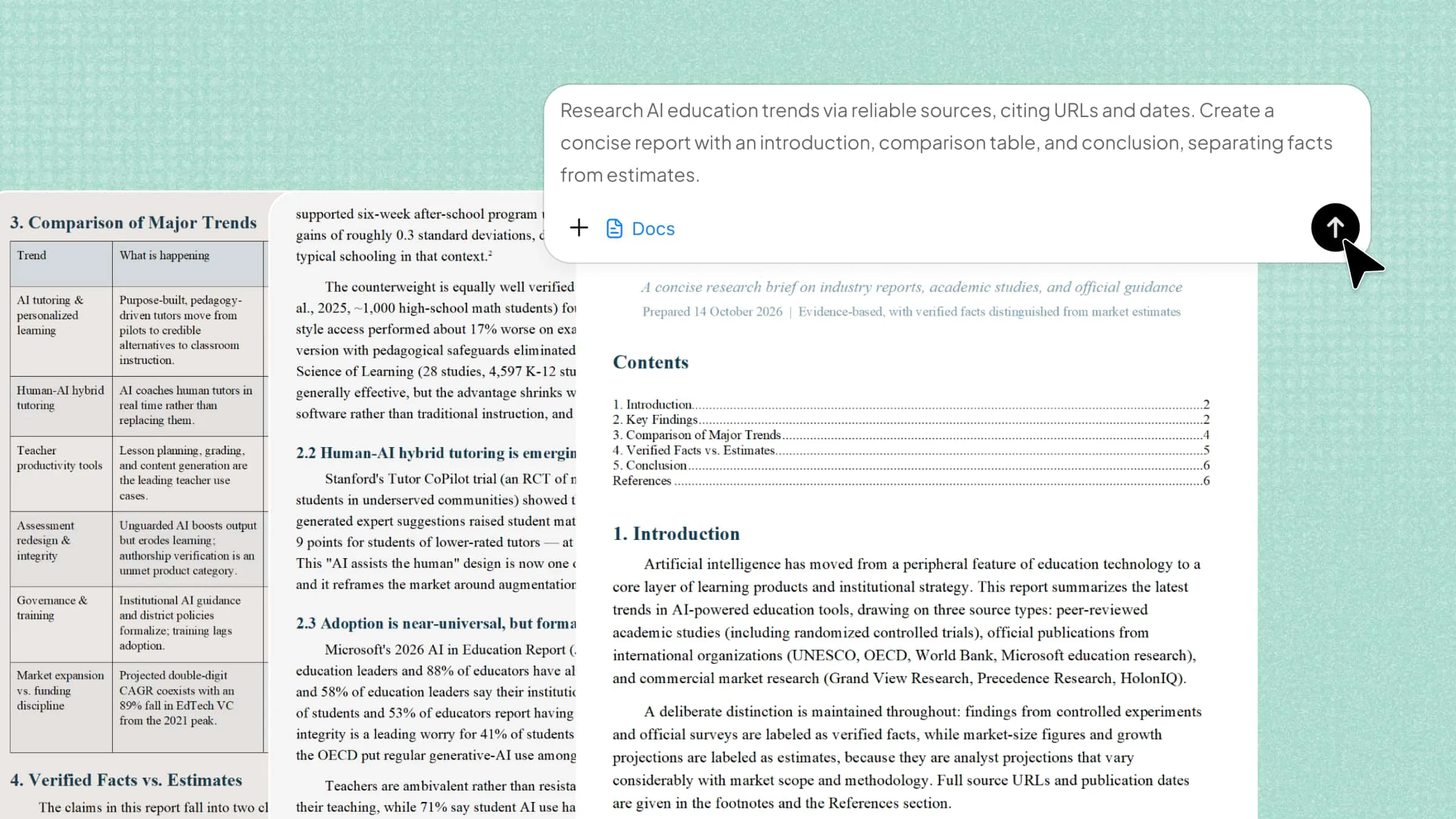
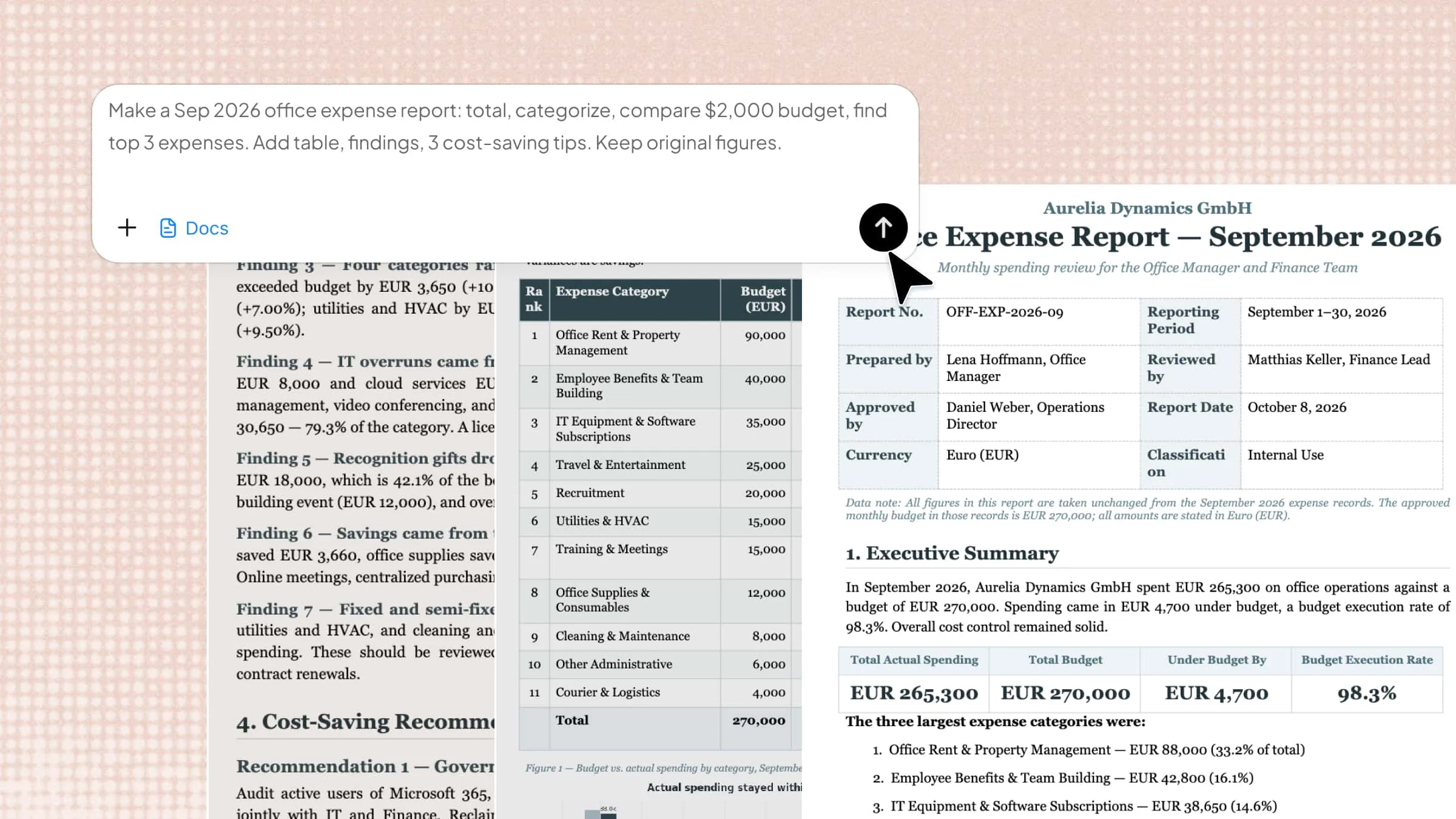
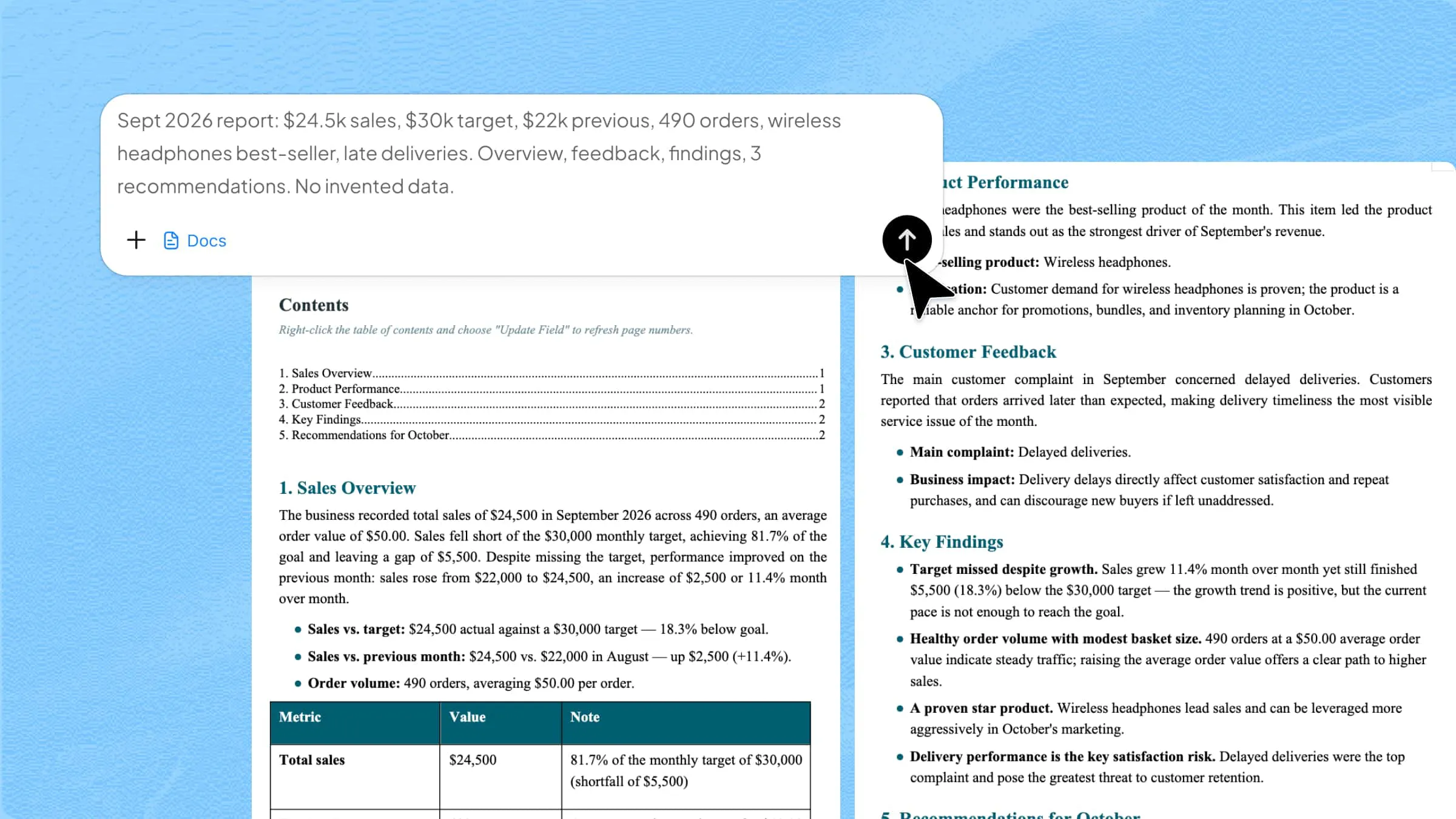
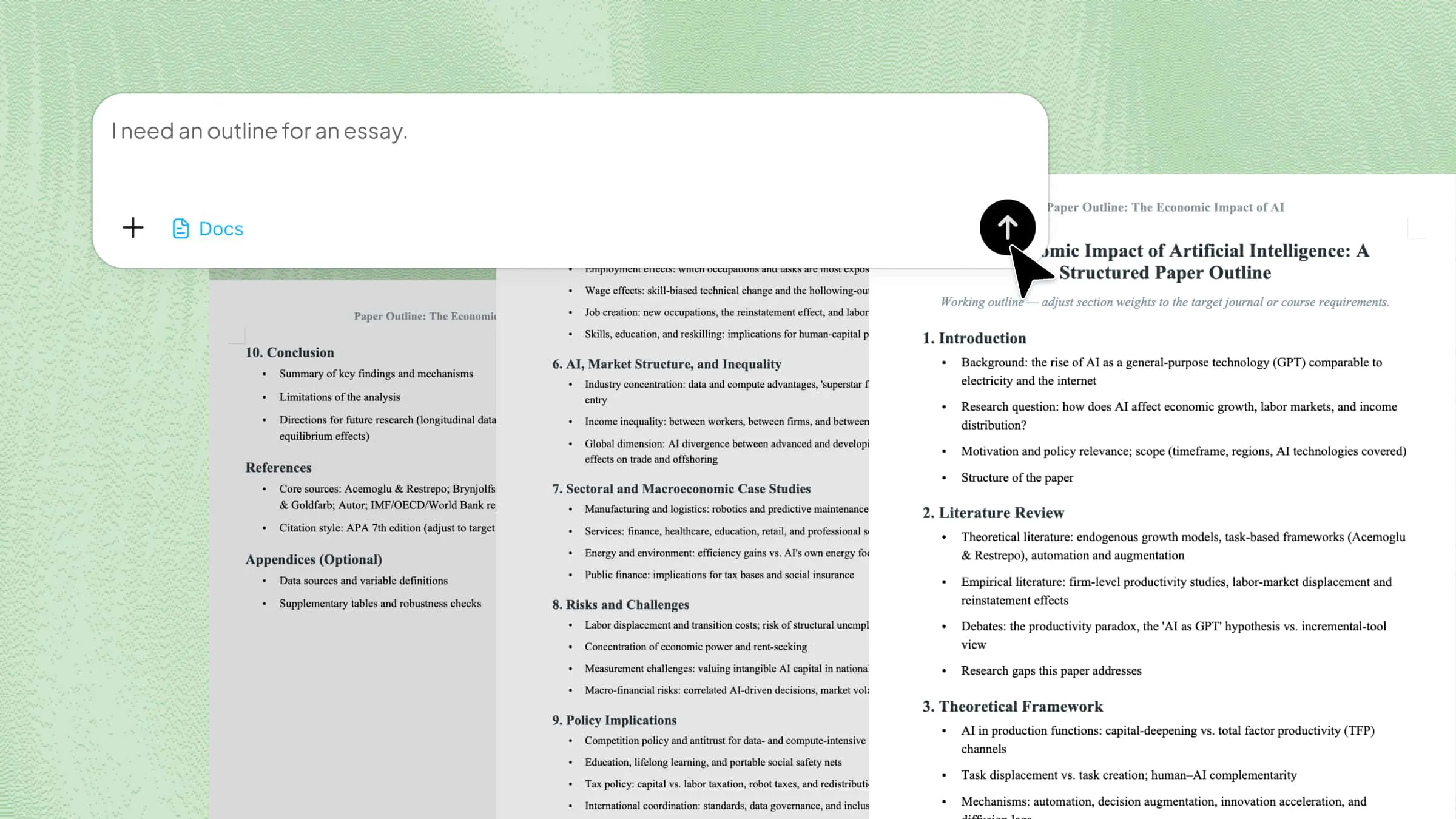
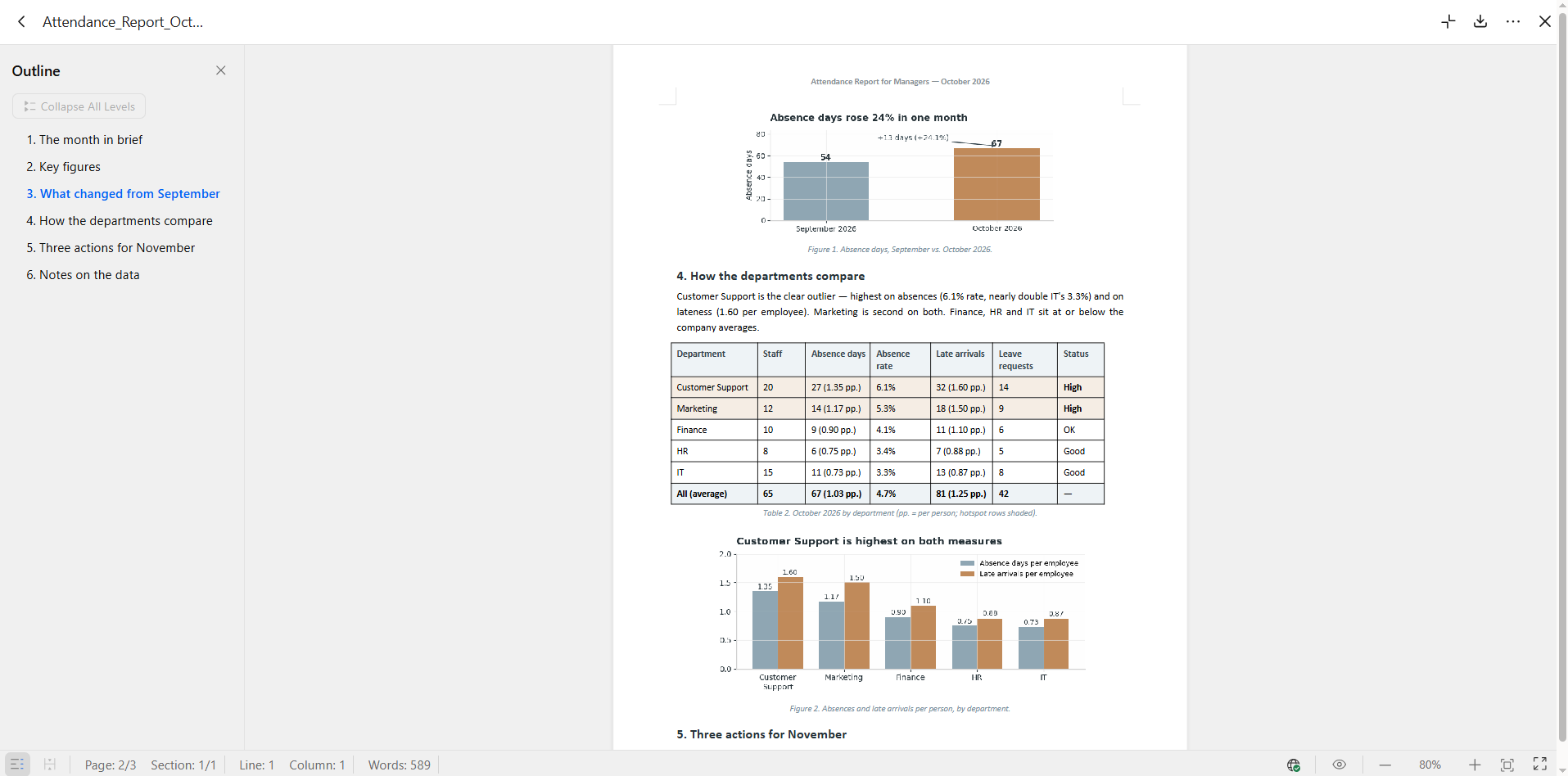
Upload your office data to Kimi Docs and explain what you want to do with it. For example, you can use employee attendance records to prepare a monthly HR report that helps managers understand attendance patterns and staffing issues.
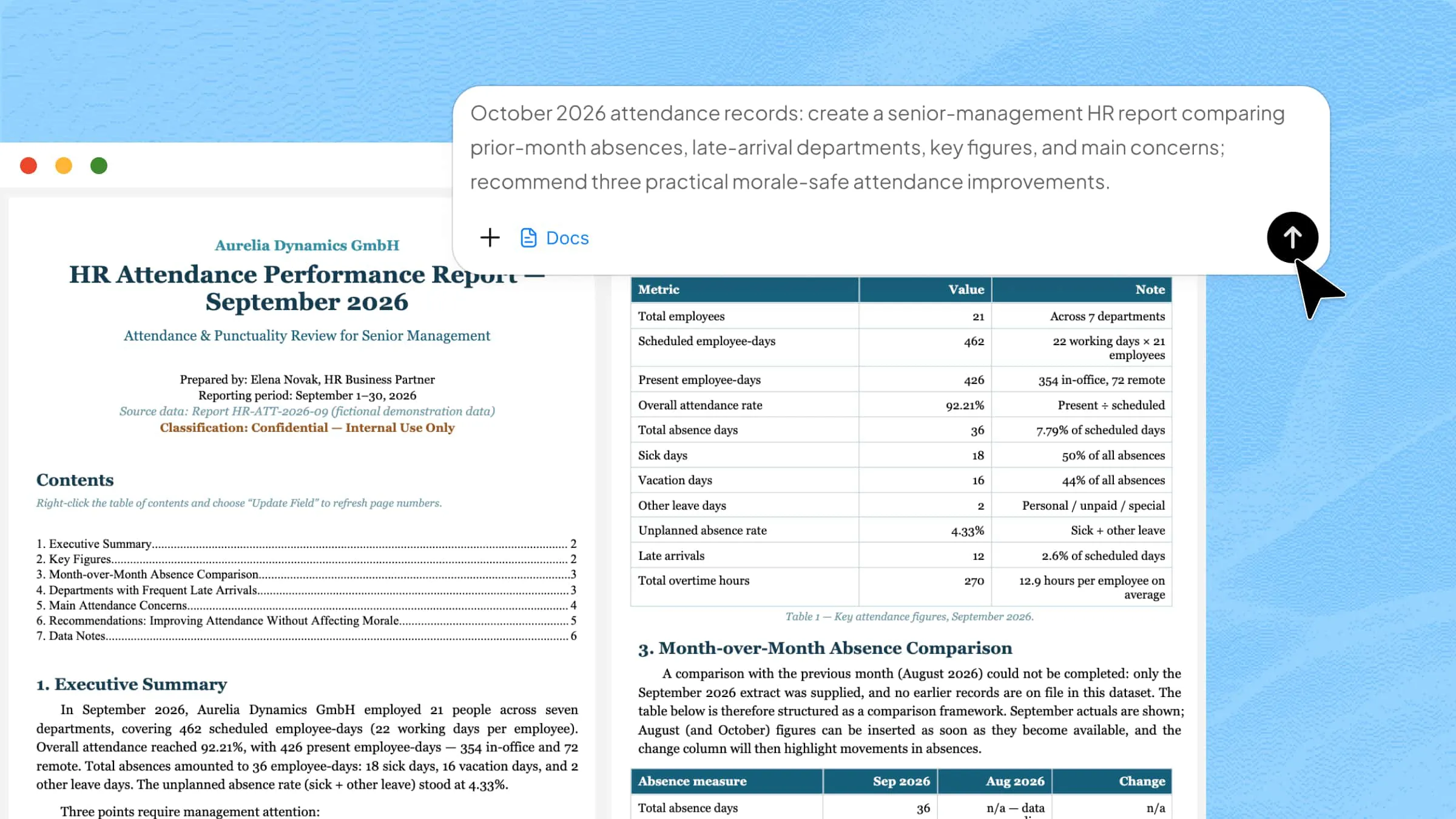
Example prompt:
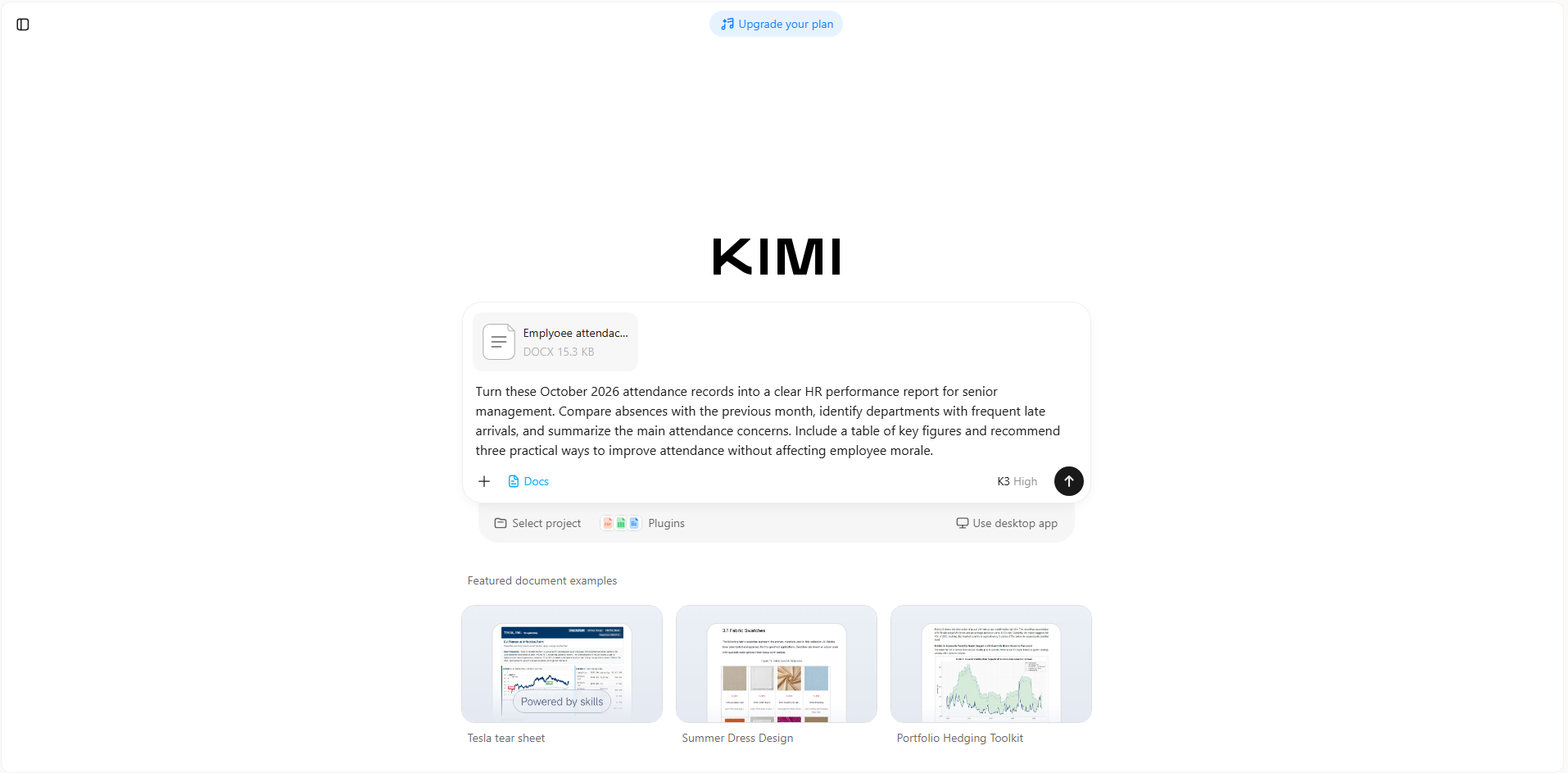
Step 2: Provide feedback and refine the document
Review the report and ask Kimi Docs to improve sections that need more detail or clarity. You can request a department-by-department comparison, simplify the findings, or adjust the report to suit a management meeting.
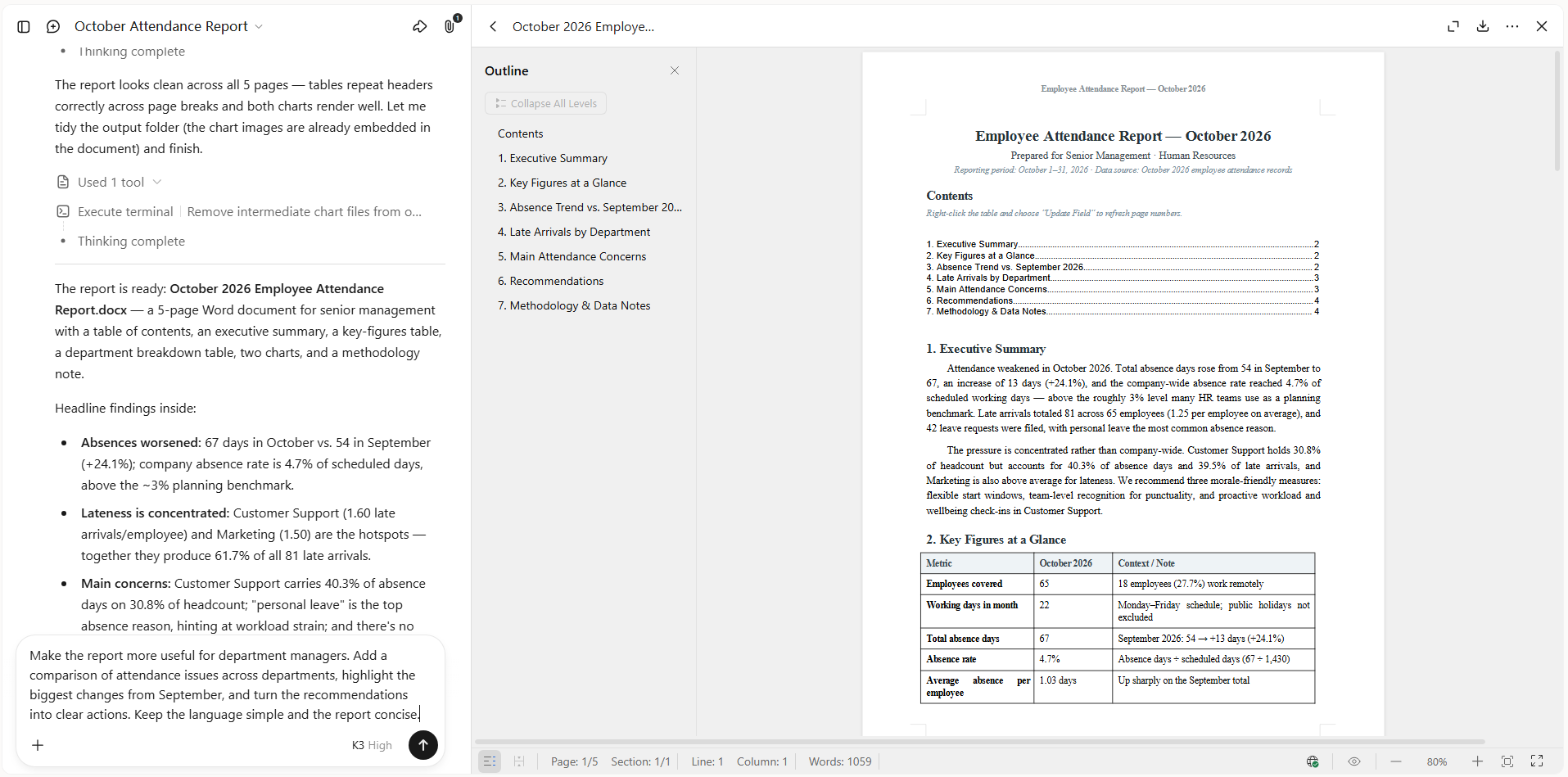
Step 3: Review and download the file
Check the report against the original attendance records to confirm that all figures and comparisons are correct. Once the content is ready, make any final formatting changes and download the document in a supported format to share with management or keep for HR records.
Microsoft 365
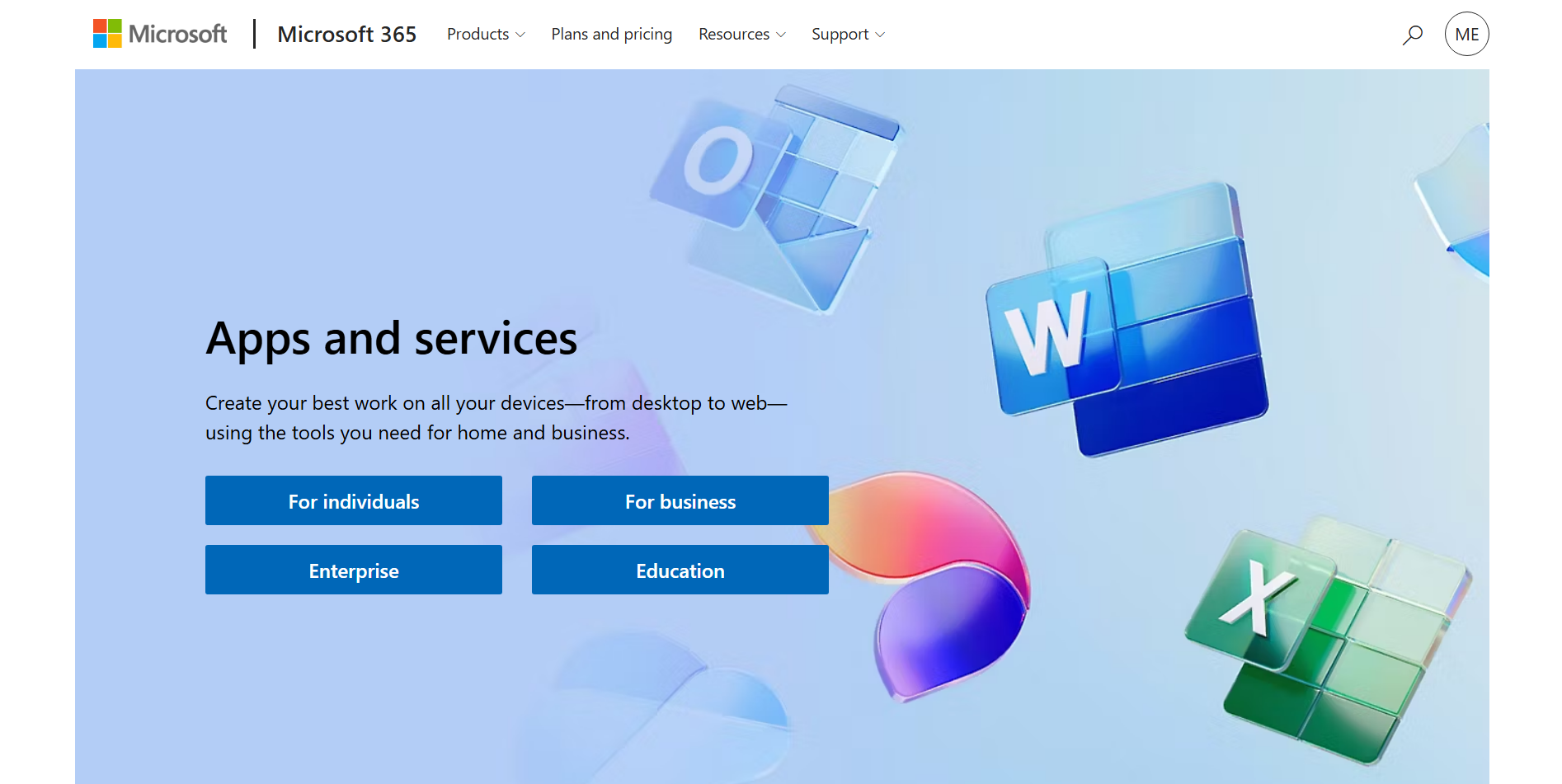
Microsoft 365 is a productivity suite that combines document creation, spreadsheets, email, cloud storage, and team collaboration. It connects applications such as Word, Excel, Outlook, and Teams to support everyday office operations. Businesses can also use Power Automate to handle repetitive tasks and connect different applications. This makes it useful for managing documents and routine workflows in one ecosystem.
Main features
Document creation: Word helps users write and format reports, proposals, letters, and business documents using templates and editing tools.
Spreadsheet automation: Excel supports calculations, data analysis, charts, and recurring reports to reduce manual work.
Email and calendar management: Outlook organizes emails, meetings, appointments, and reminders in one place.
Workflow automation: Power Automate connects applications to automate approvals, notifications, and repetitive office tasks.
Suitable for
Preparing reports and business proposals
Managing budgets and spreadsheets
Organizing emails and meetings
Automating approvals and routine tasks
Google Workspace
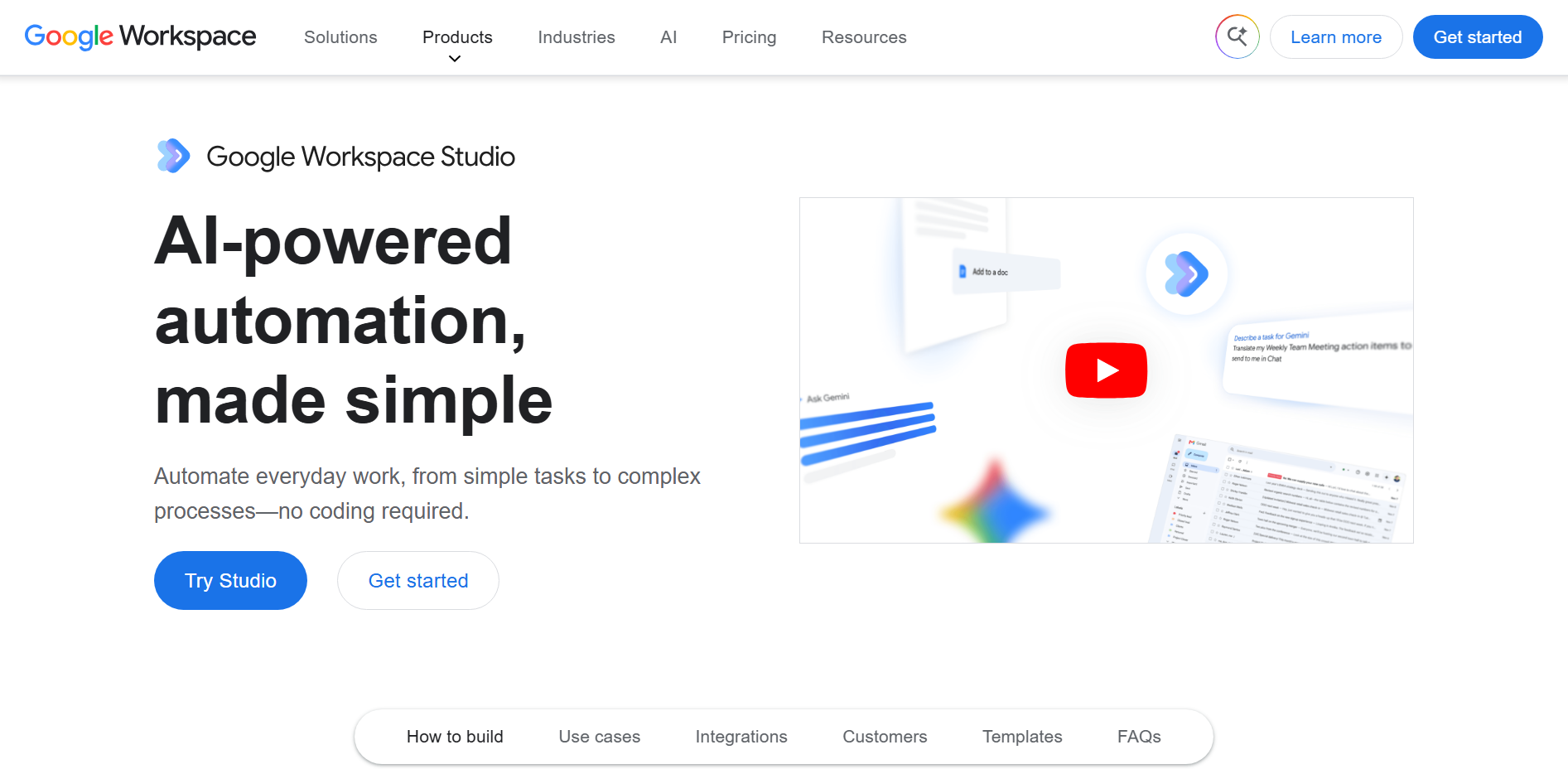
Google Workspace is a cloud-based productivity platform that combines Gmail, Docs, Sheets, Drive, Calendar, and Meet. It allows employees to create, share, and edit files online without sending multiple document versions back and forth. Its real-time collaboration features help teams work together from different locations. Businesses can also use Google Forms and Apps Script to collect information and automate selected workflows.
Main features
Real-time collaboration: Google Docs and Sheets allow multiple users to edit files simultaneously and leave comments.
Cloud storage: Google Drive stores files online and lets users manage sharing permissions.
Communication and scheduling: Gmail, Calendar, and Meet support email, appointment planning, and video meetings.
Data collection: Google Forms collects responses, while Sheets organizes results for further analysis.
Suitable for
Collaborating on shared documents
Collecting feedback and survey responses
Scheduling meetings and managing calendars
Sharing files with remote teams
Airtable
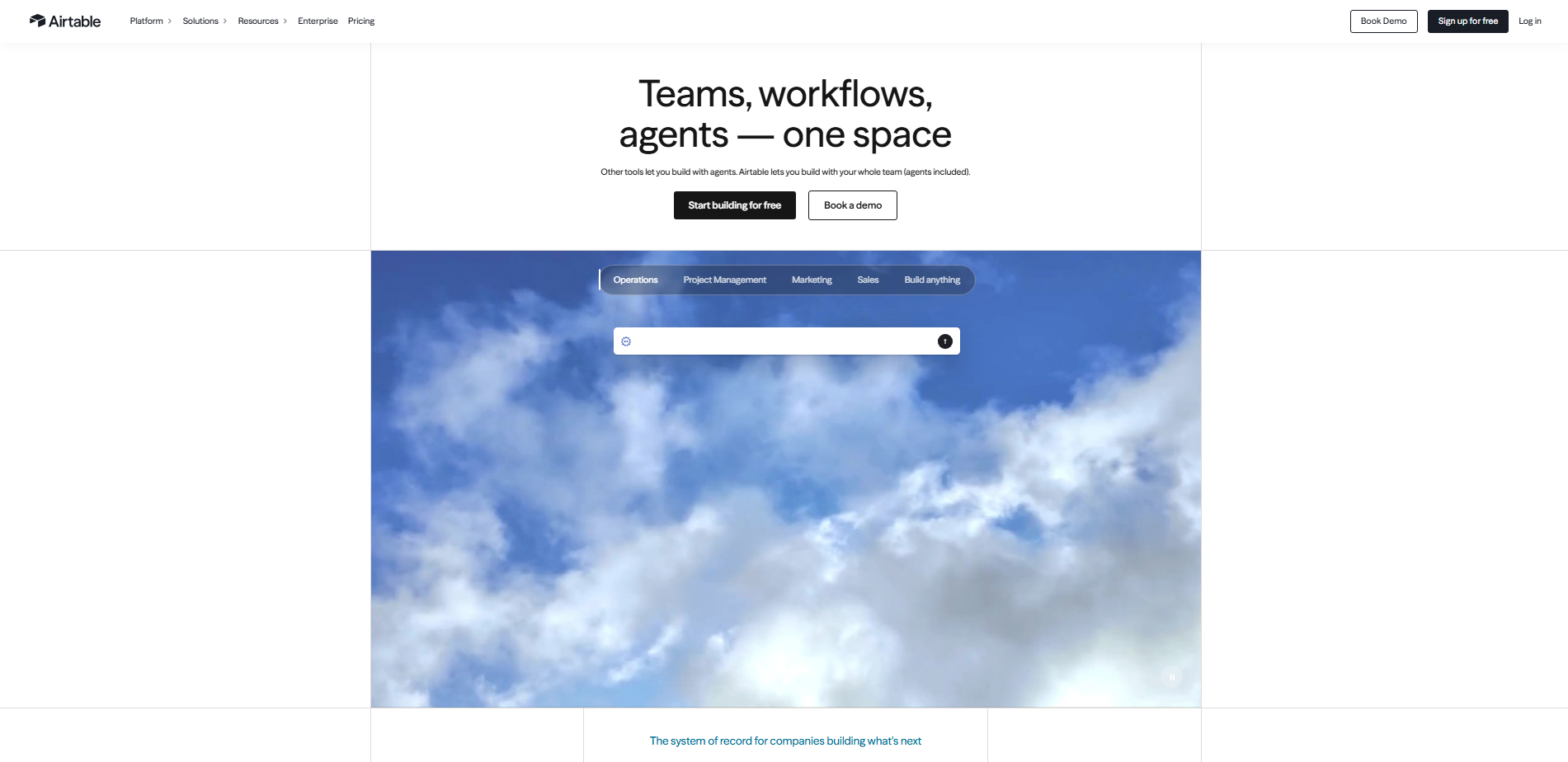
Airtable combines spreadsheet-style editing with database functionality to help businesses organize operational information. Users can connect related records, build custom views, and manage information about projects, customers, and inventory. Its forms and automation rules help teams collect data and trigger actions when records change.
Main features
Connected databases: Link related records across tables to organize business information and reduce duplication.
Custom views: Display information as grids, calendars, or Kanban boards to track work more clearly.
Workflow automation: Trigger notifications and record updates when specified events occur.
Online forms: Collect requests and submissions directly into organized databases.
Suitable for
Tracking projects and deadlines
Managing inventory and business records
Organizing content calendars
Collecting and processing internal requests
Workato
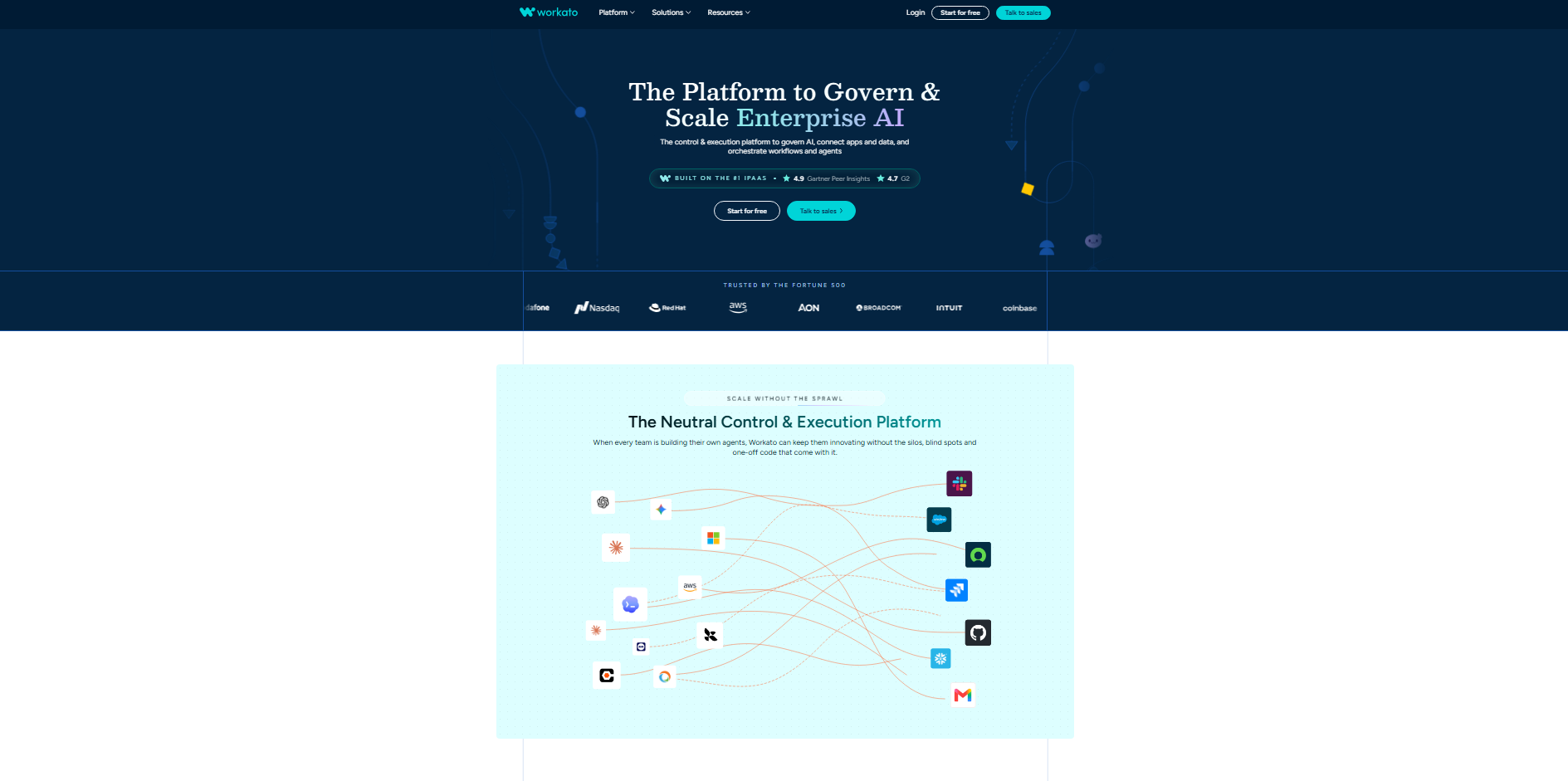
Workato is an enterprise automation platform that connects business applications and automates processes across departments. Its recipe-based workflows perform actions when specific events occur, such as updating a record or receiving a new order. The platform can connect systems used by finance, HR, sales, and customer service teams. It is useful for businesses that need to automate processes spanning several applications.
Main features
Application integration: Connect supported business systems to exchange information automatically.
Recipe-based workflows: Trigger sequences of actions in response to events or conditions.
AI-assisted automation: Use AI-powered capabilities to help design and build workflows.
Workflow monitoring: Track automation runs and investigate errors to maintain reliable processes.
Suitable for
Connecting CRM and ERP systems
Automating employee onboarding
Synchronizing business records
Managing cross-department workflows
Slack
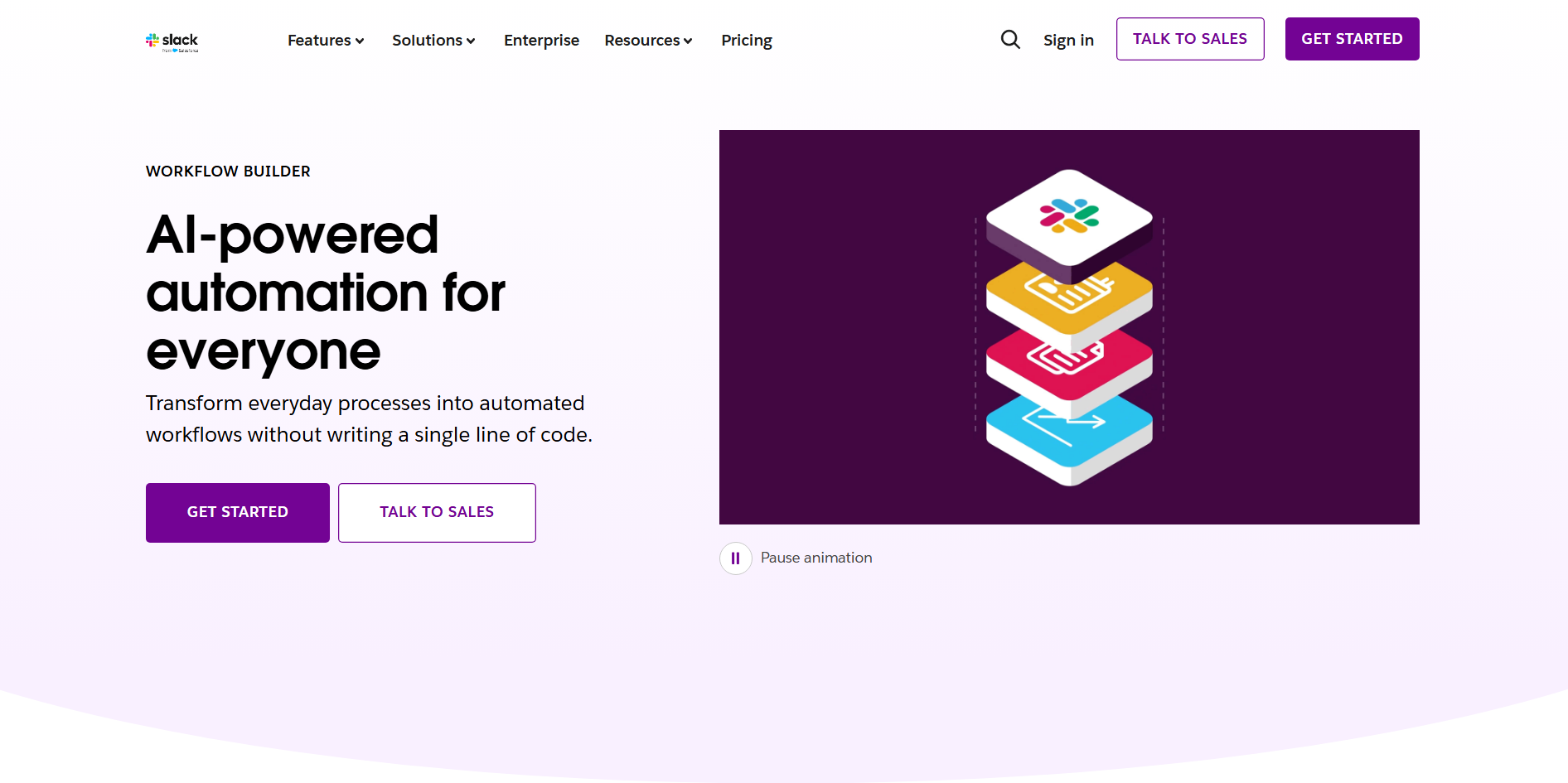
Slack is a workplace communication platform that organizes conversations into channels for teams, projects, and departments. It supports direct messaging, file sharing, and integration with other business applications. Its Workflow Builder can automate routine processes such as collecting requests. By keeping conversations and work notifications together, Slack helps teams coordinate tasks with fewer unnecessary emails.
Main features
Team channels: Organize discussions by project, department, or topic for easier access.
Workflow Builder: Automate recurring tasks such as collecting information and sending reminders.
App integrations: Receive updates from connected business tools within Slack.
Automated notifications: Alert employees when requests, approvals, or assigned tasks need attention.
Suitable for
Coordinating project discussions
Sharing team updates and files
Collecting internal requests
Automating reminders and notifications
HubSpot
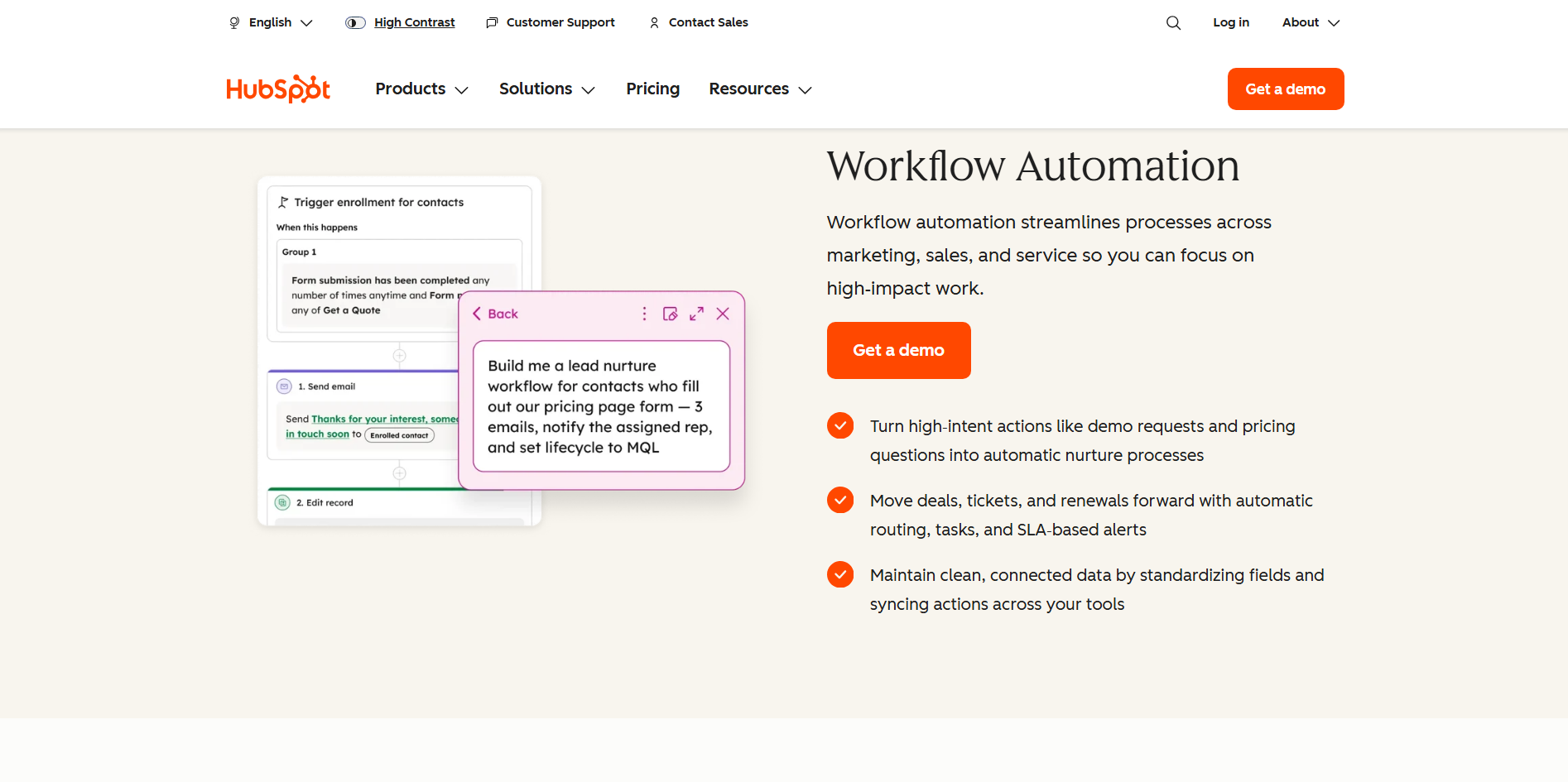
HubSpot is a customer relationship management platform that helps businesses manage contacts, sales, marketing, and customer service. It stores customer information and interaction histories in centralized records. Its automation features can assign leads, update records, and trigger follow-up activities. This helps sales and marketing teams manage customer relationships without relying on manual tracking.
Main features
Contact management: Store customer details and interaction histories in one central location.
Sales automation: Track deals and automate supported follow-up actions as opportunities progress.
Marketing workflows: Organize leads and trigger communications based on defined conditions.
Customer support: Manage support tickets and automate selected service tasks.
Suitable for
Managing customer records
Tracking sales opportunities
Automating lead follow-ups
Organizing customer support requests
Desk365
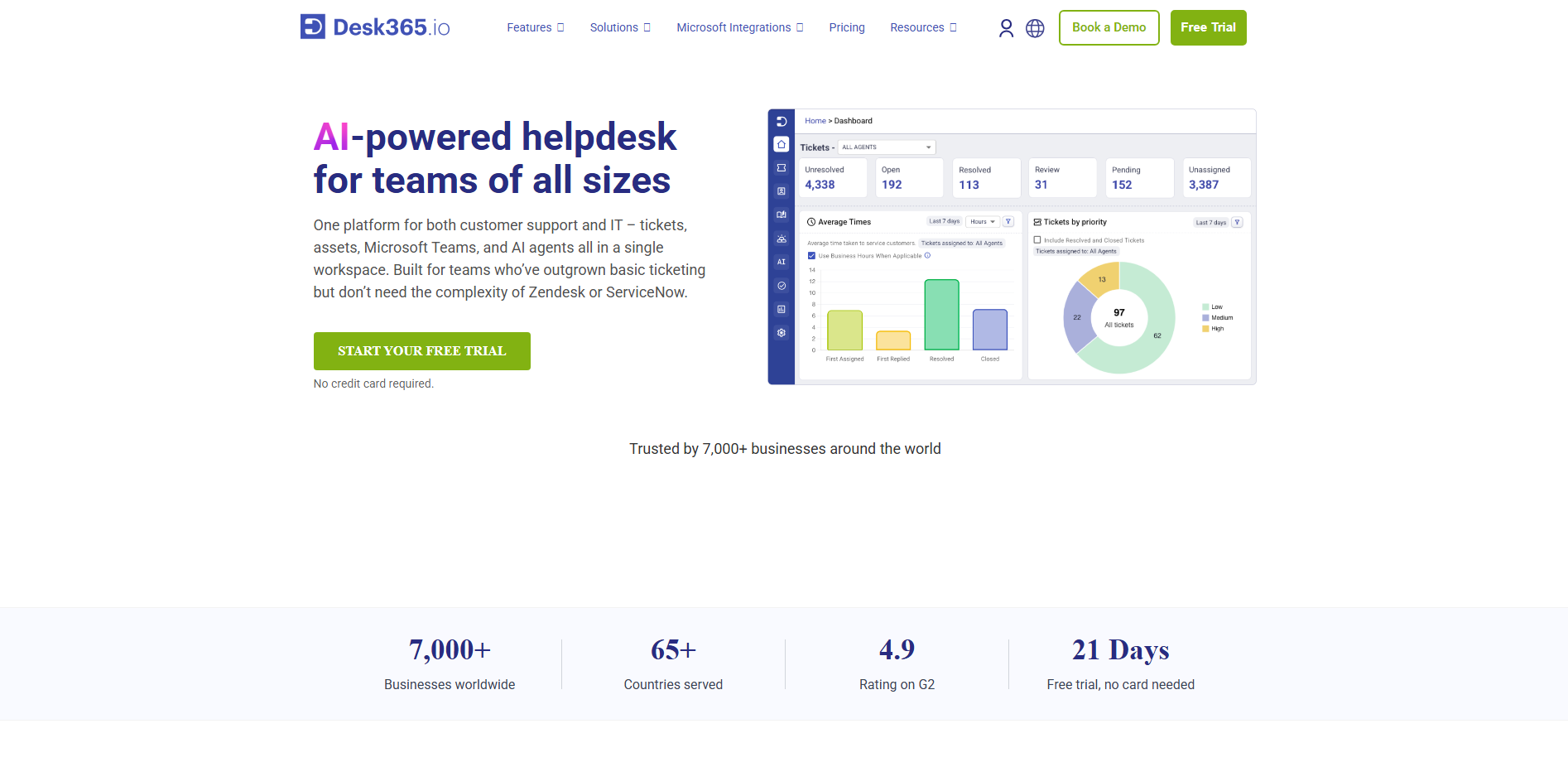
Desk365 is a help desk and IT service management platform that helps organizations manage support requests in one place. It allows support teams to assign tickets, track issues, and monitor response times. Its Microsoft Teams integration makes it easier for employees to submit and manage requests within their existing workplace environment. Automation features help reduce manual ticket handling and improve workflows.
Main features
Ticket assignment: Route incoming requests to the appropriate support agents or teams.
AI assistance: Help agents summarize conversations, draft replies, and find relevant knowledge articles.
SLA tracking: Monitor response deadlines and identify tickets that need attention.
Knowledge base: Provide self-service answers to common questions and technical issues.
Suitable for
Managing IT support requests
Automating ticket routing
Providing self-service troubleshooting
Tracking support performance
Deskbird
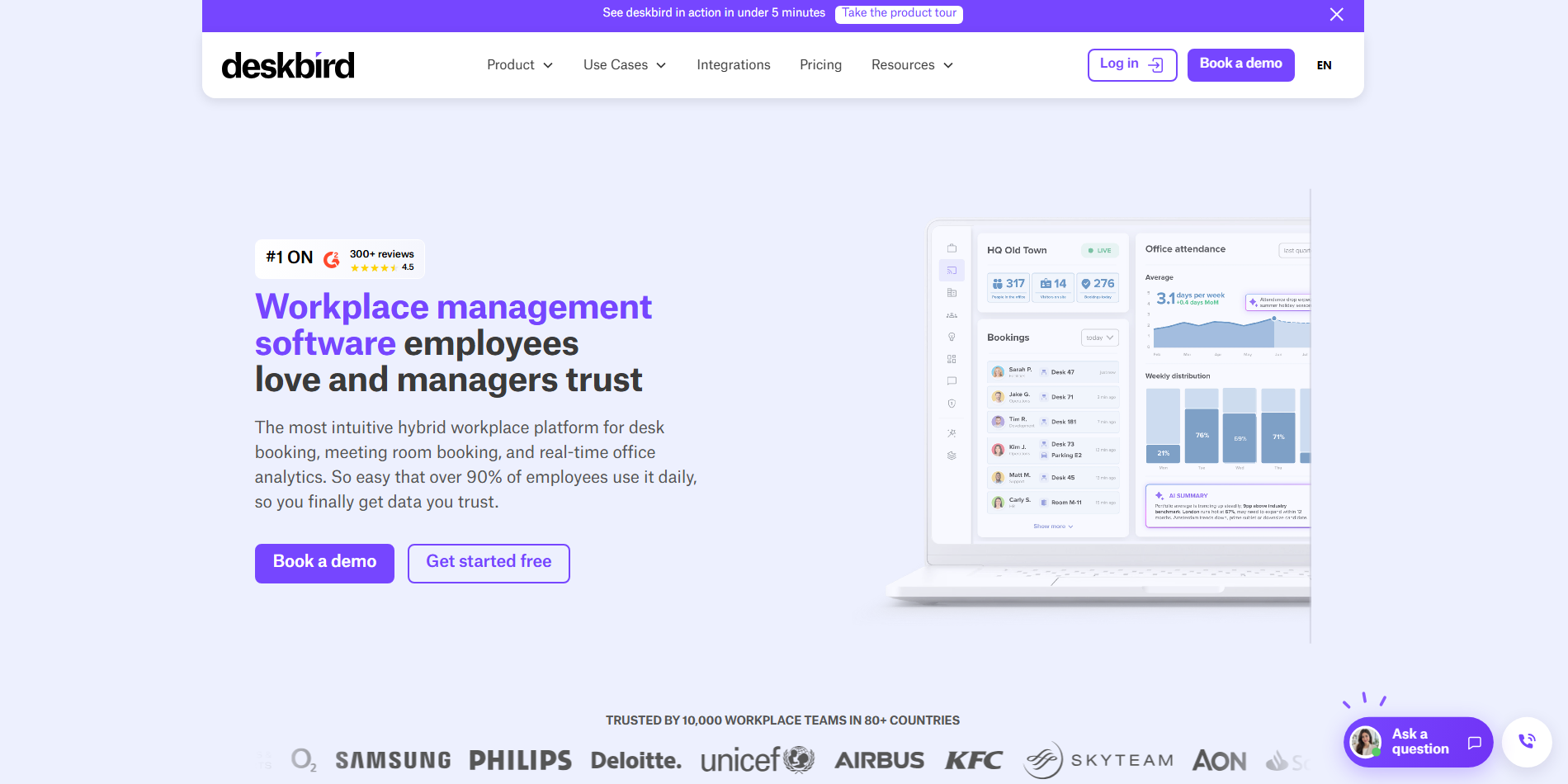
Deskbird is a workplace management platform designed for hybrid offices and shared workspaces. Employees can reserve desks, book meeting rooms, and coordinate their office days through one system. Its booking features help organizations manage shared resources without relying on manual schedules. Workplace analytics also help managers understand how office space is being used.
Main features
Desk booking: Reserve available desks and view office layouts before arriving.
Meeting room scheduling: Find and book rooms while reducing scheduling conflicts.
Team coordination: See colleagues' planned office days and coordinate in-person work.
Occupancy analytics: Review workspace usage to improve office capacity planning.
Suitable for
Managing shared office desks
Booking meeting rooms
Coordinating hybrid work schedules
Monitoring office space utilization
Solvexia
Solvexia is a process automation platform focused on data-intensive business operations, particularly finance and accounting. It helps teams combine, validate, and process information from spreadsheets and business systems. Its workflows can automate reconciliation, calculations, and recurring reports. These capabilities reduce manual data handling while supporting more consistent and traceable processes.

Main features
Data preparation: Combine and standardize information from different sources for further processing.
Financial reconciliation: Match transactions and identify discrepancies between records.
Automated reporting: Generate recurring reports from processed business data.
Audit trails: Track workflow activity and changes to support review and accountability.
Suitable for
Automating financial reconciliations
Preparing recurring finance reports
Validating data from multiple systems
Supporting audit and compliance processes
How to choose the right office automation tool
Choosing the right solution starts with understanding your team's daily workload and the problems you want to solve. The ideal office automation software should fit your existing workflow, be easy to use, and handle repetitive tasks reliably. Keep the following factors in mind when comparing different office automation tools.
Identify the tasks you want to automate
Identify time-consuming tasks such as preparing reports, scheduling meetings, or updating records. Choose a tool that addresses these needs instead of paying for features you rarely use. This helps you focus on improvements that deliver practical results.
Check compatibility with existing software
Make sure the tool works with applications your team already uses, such as Microsoft 365, Google Workspace, or your CRM. Compatible systems can exchange information without repeated manual entry. Check available integrations before making a decision.
Evaluate automation capabilities
Compare the tasks each tool can automate, including notifications, approvals, and data processing. Some tools handle simple actions, while others connect multiple applications. Choose features that meet your current needs and support future growth.
Assess ease of use and learning requirements
Choose a tool with a clear interface that employees can learn quickly. Templates and visual workflow builders can simplify setup for non-technical users. Consider the training and maintenance required before adopting it to ensure long-term productivity and efficiency.
Review data security and access controls
Check how the tool protects business information and manages user permissions. Features such as multi-factor authentication and audit logs can improve security. Review data handling policies and compliance requirements before uploading confidential files.
Look for review and correction options
Automated workflows can produce errors when data is incomplete or settings are incorrect. Choose tools that let users review results, correct mistakes, and track workflow activity. Human review is especially important for AI-generated documents and financial tasks.
Conclusion
A more efficient workplace begins with reducing unnecessary manual work. By choosing suitable office automation tools, businesses can build smoother workflows and use their time more wisely. Start small, review the results, and expand automation where it helps most. Kimi Docs offers a simple way to create and refine documents with AI assistance.