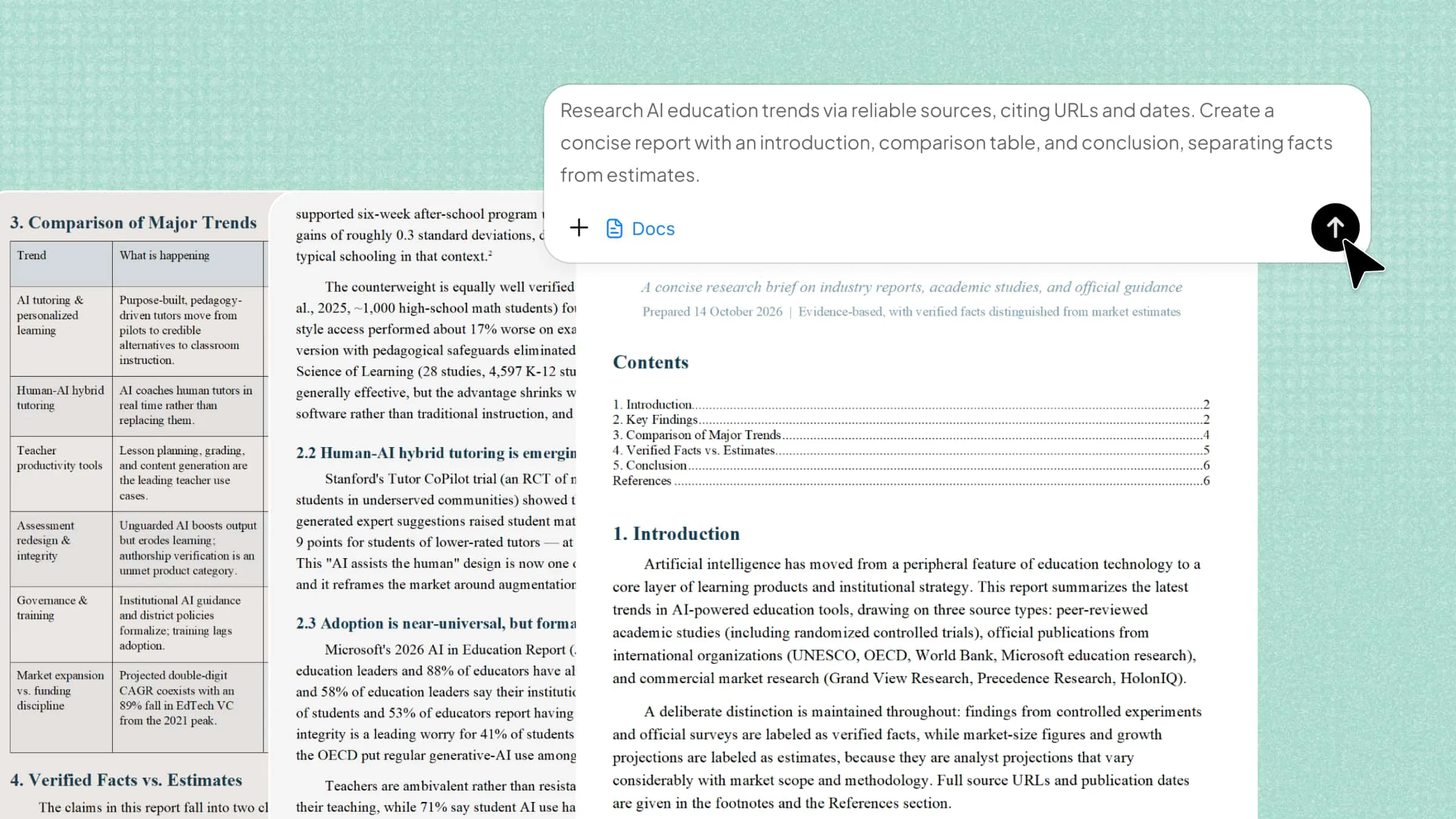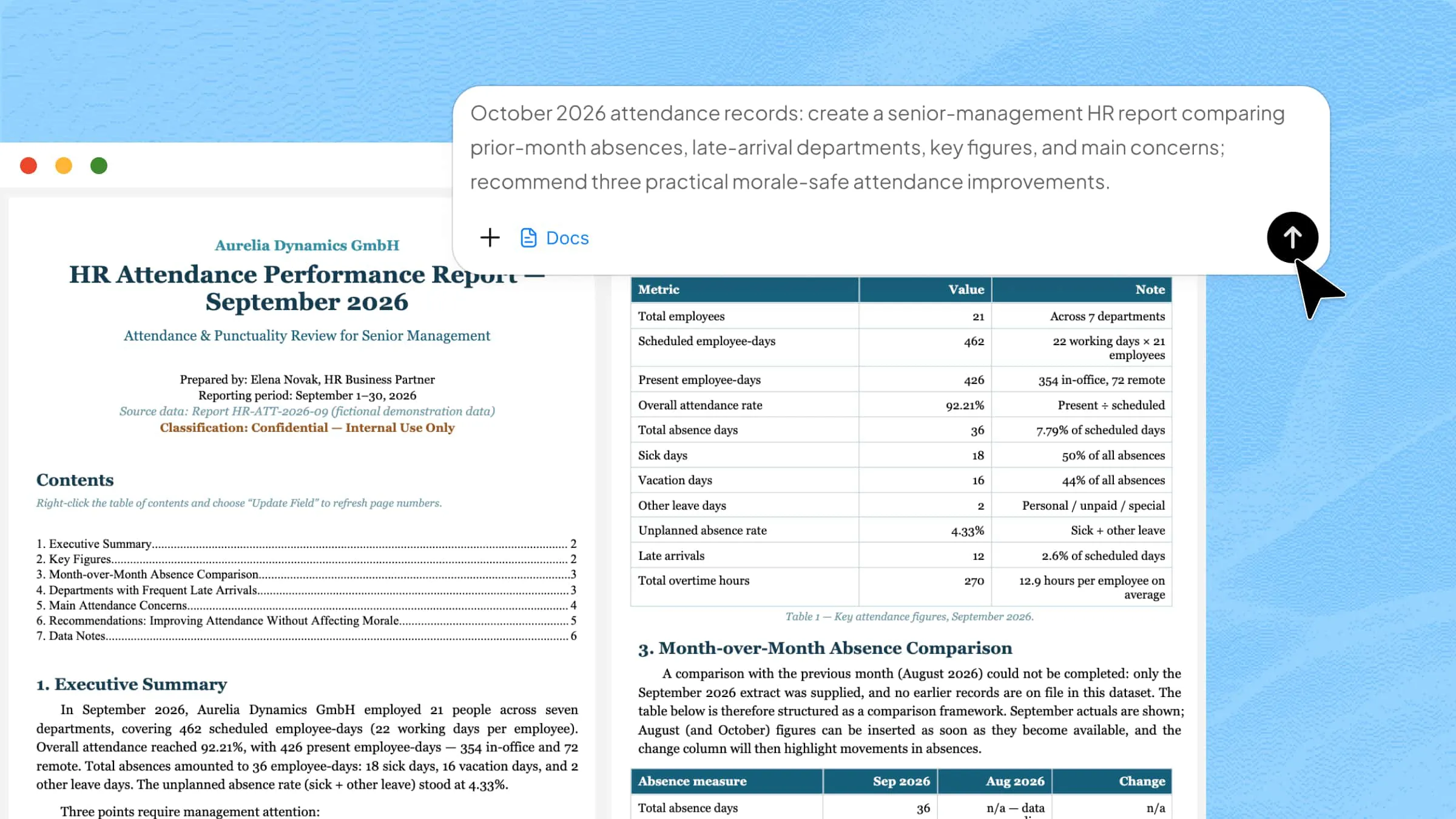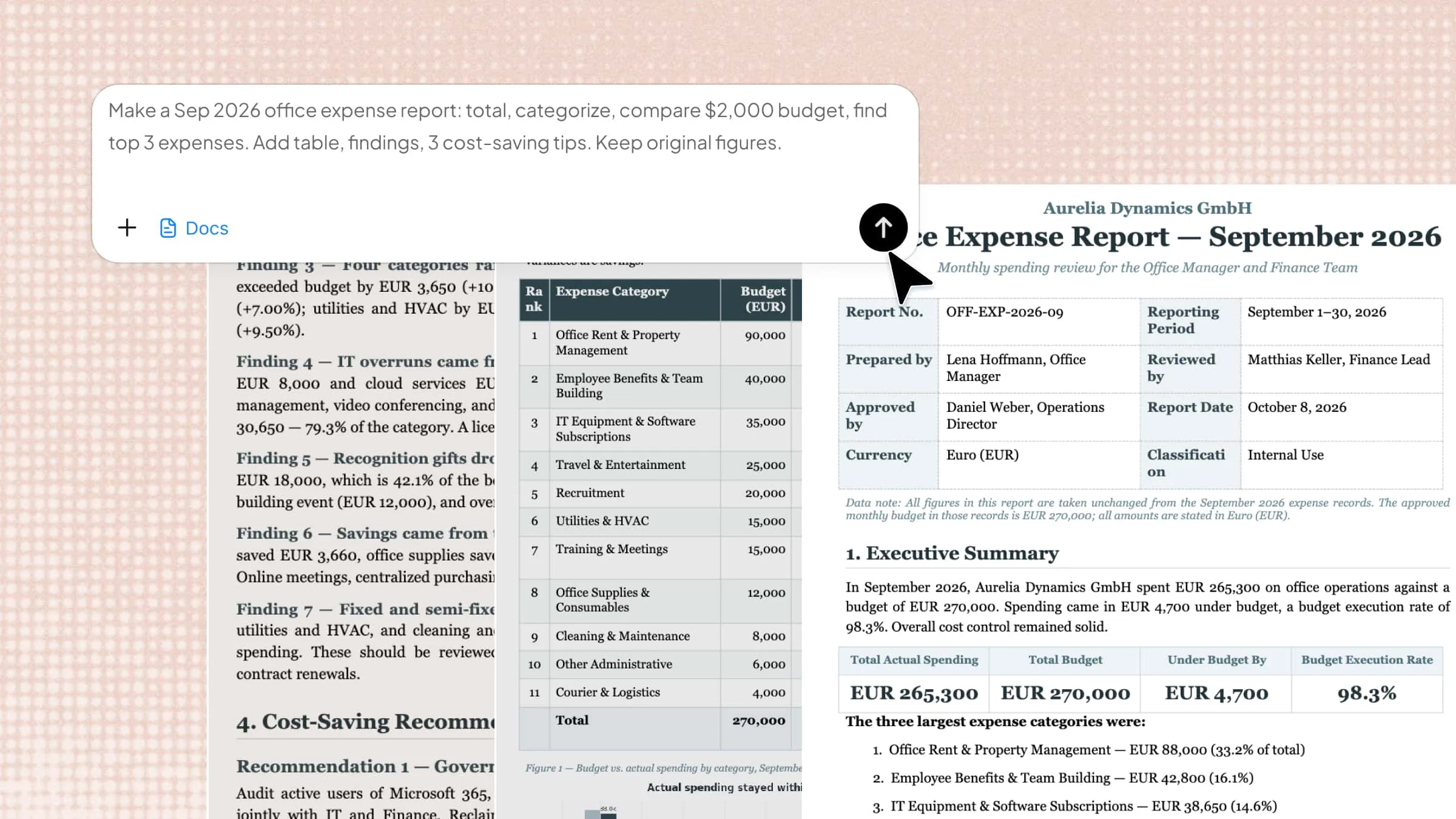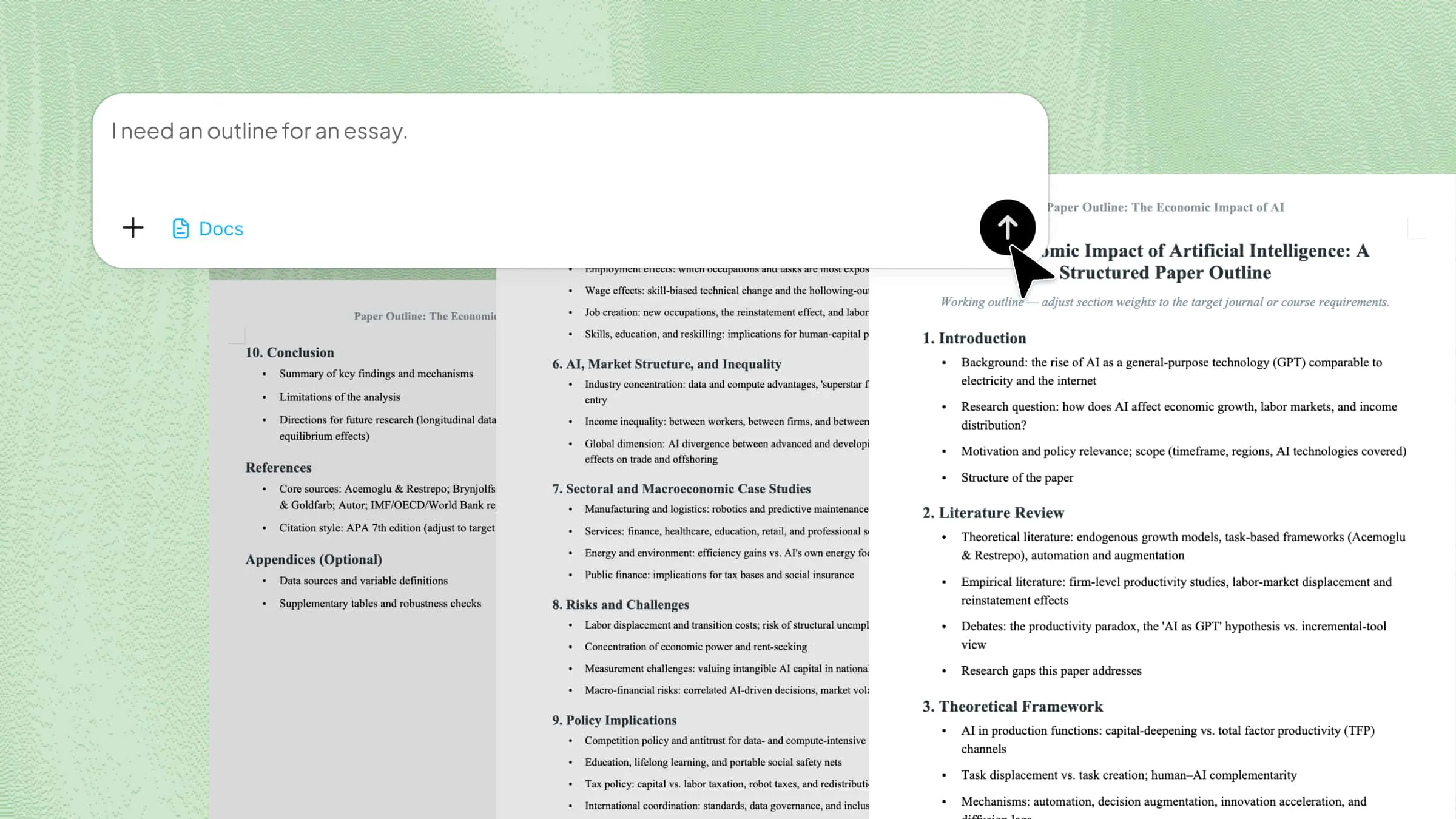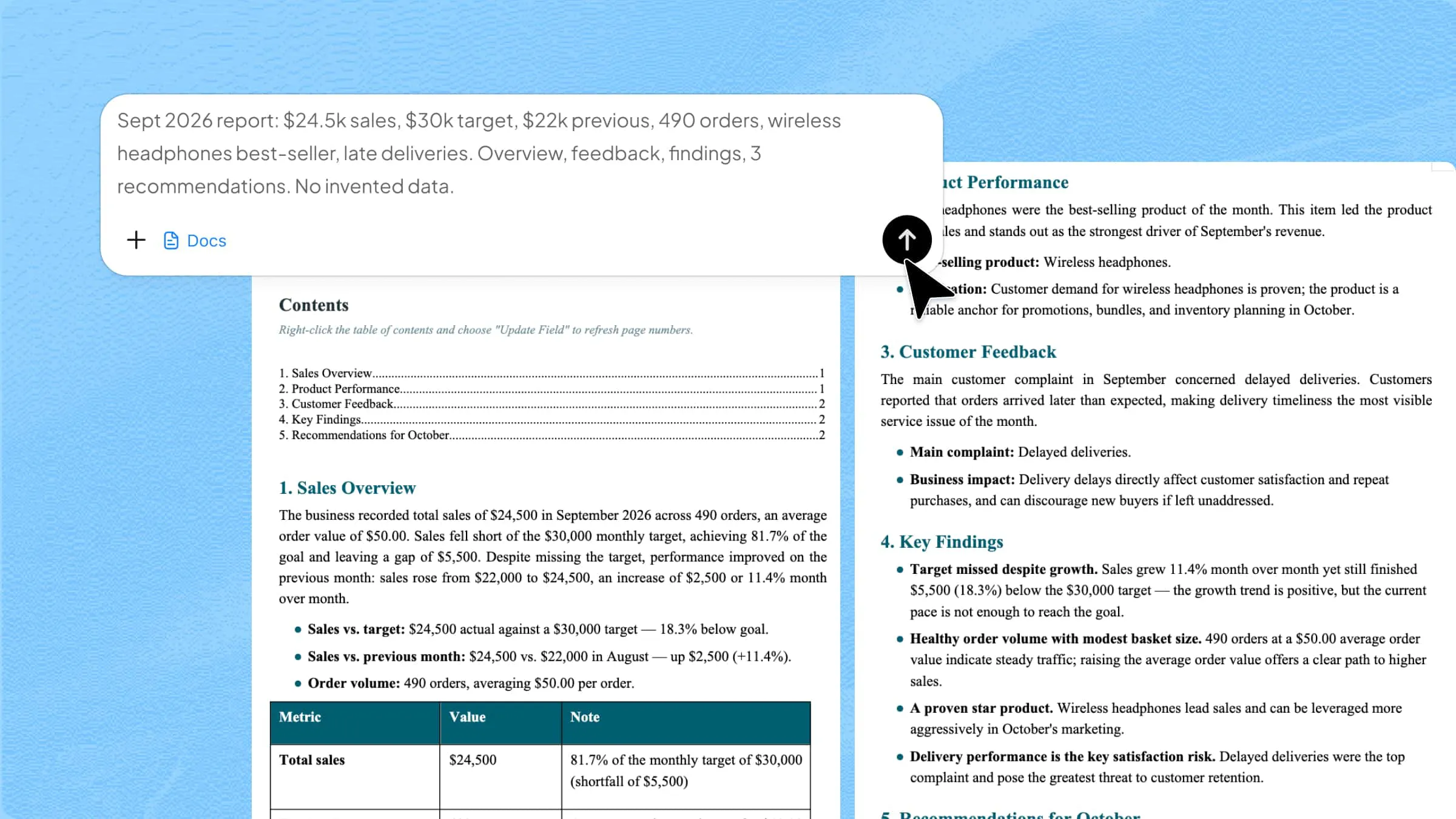
Whether you are managing emails, organizing files, or preparing reports, everyday office tasks can take up more time than you expect. An office agent can help make these tasks easier by handling routine work and keeping information organized. With the right AI tools, you can spend less time sorting through documents and more time focusing on important decisions. Read on to discover how AI agents support daily office work and turn scattered information into clear, useful documents.
What is an AI office agent
An AI office agent is a smart tool that uses artificial intelligence to help with everyday office tasks. It can organize files, summarize information, prepare reports, manage data, and assist with research. Unlike tools that only respond to simple commands, some AI agents can handle multiple steps to complete a task. They help reduce repetitive work, save time, and keep information organized.
Office agent vs. traditional AI assistants
Traditional AI assistants are useful for answering questions and completing individual tasks, but office agents can go a step further by handling multiple steps toward a goal. They can help organize information, coordinate workflows, and bring different tasks together with less manual effort. Let's compare the two to understand their key differences and how they support everyday office work:
| Comparison | Traditional AI assistants | Office agents |
|---|---|---|
| Primary purpose | Answer questions and assist with individual tasks | Help accomplish broader, multi-step office tasks |
| Task handling | Respond to prompts one request at a time | Plan and coordinate multiple steps toward a goal |
| Information processing | Work with provided context and accessible information | May gather, organize, and process information from connected sources |
| Document creation | Draft, rewrite, and summarize content | Coordinate complete research, drafting, and document refinement |
| Workflow execution | Often require users to manage each step | Can automate parts of a workflow, depending on available tools and permissions |
| User involvement | Users typically guide each step and combine results | Users define goals, review progress, and approve actions as needed |
| Typical use cases | Answering questions, brainstorming, rewriting emails, and summarizing text | Preparing business reports, organizing project documents, and coordinating multi-step research |
What can an office agent do
An office agent can do much more than answer questions or write short pieces of text. It can help with routine tasks, manage documents, gather information, and improve content based on your needs. Here are some of the main ways an AI agent for office work can make daily tasks easier.
Automate repetitive office tasks: Many office tasks involve repeating the same steps, such as sorting information, updating records, and organizing data. An office agent can automate parts of this work, reducing manual effort. This gives employees more time to focus on tasks that require attention and decision-making.
Create and organize documents: An office agent can help create business reports, meeting notes, project plans, and other office documents. It can bring information from different files together and arrange it into clear sections. This makes documents easier to read, update, and share with colleagues.
Extract and analyze document information: Working with long documents can make it hard to find important details. An AI agent for office work can summarize text, identify key points, and extract details such as deadlines and figures. It can also compare information across files, saving you time and effort.
Support research and information gathering: An office agent can help gather information from available sources, organize findings, and summarize useful details. This can be helpful when preparing reports, researching a topic, or collecting information for a project. You should still check important facts and sources to make sure the information is accurate and relevant.
Refine content through iterative feedback: Good documents often need several rounds of editing before they are ready to share. An office agent can revise sections based on your feedback, improve the wording, adjust the tone, or reorganize information. You can review each version and provide further instructions until the content meets your needs.
How to use an office agent for everyday tasks
Office work often means dealing with scattered files, lengthy research, and documents that need hours of editing. Kimi Docs, an AI document agent, helps bring this information together and turn it into organized, useful content with the support of AI. Here's how to use it to handle everyday office tasks more easily.
Step 1: Define the task and provide relevant context
Start by explaining what you need Kimi Docs to create and who will use it. For example, if you are preparing a monthly sales report, provide the reporting period, the purpose of the report, and the key points you want to cover. This gives Kimi Docs a clear direction before you start working with your information.
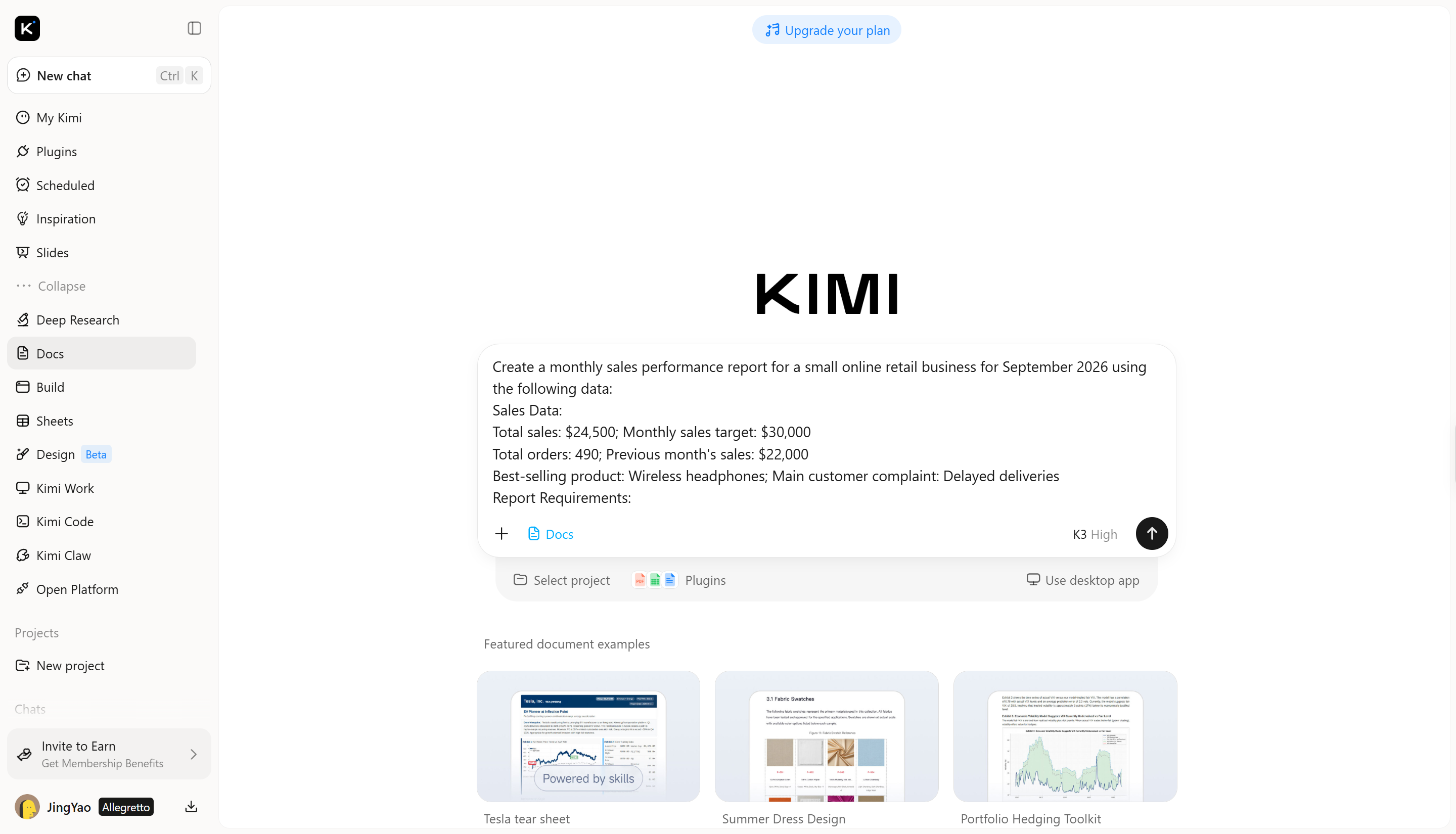
Step 2: Let AI turn raw information into structured content
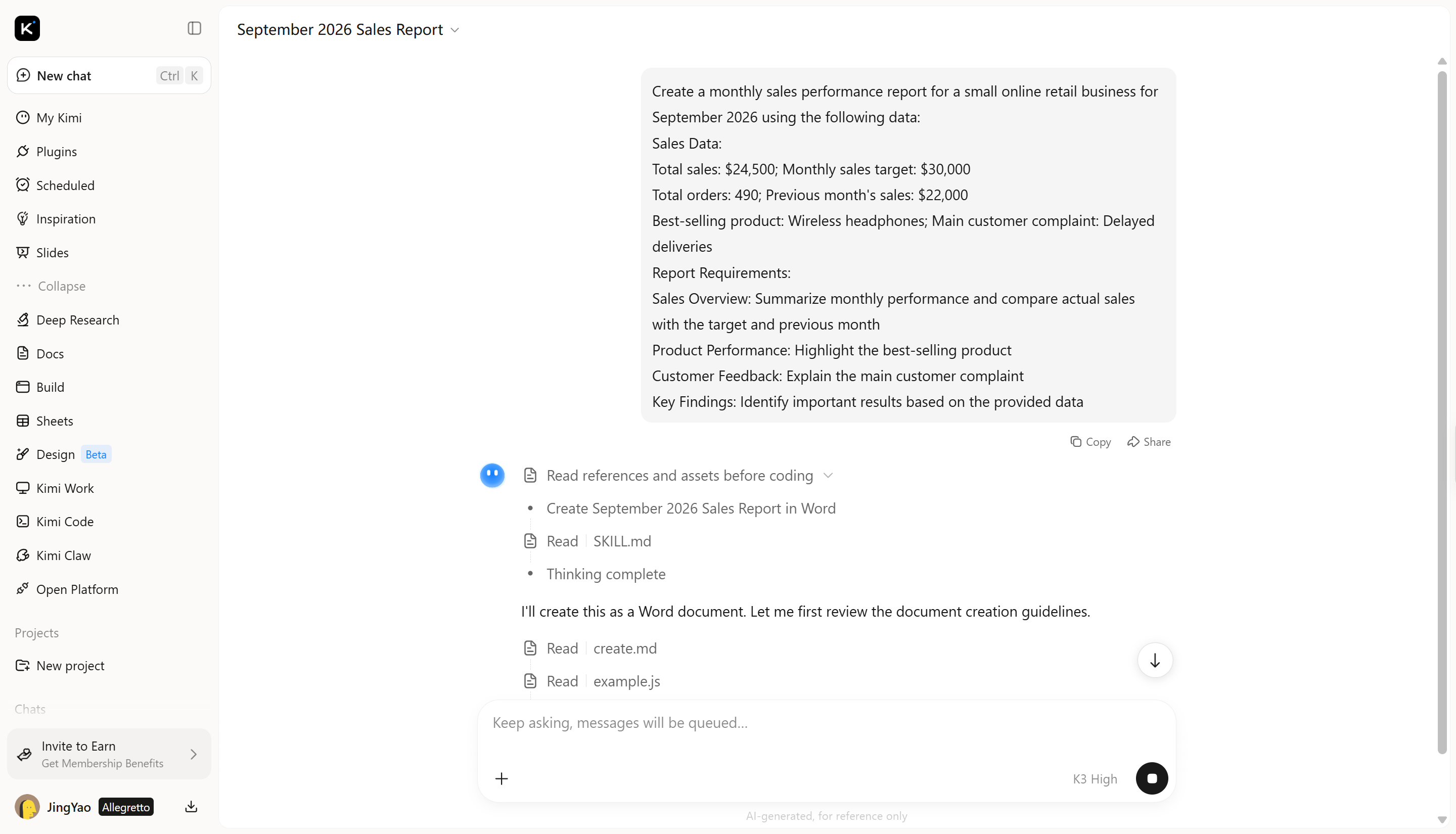
Kimi Docs develops the document section by section, turning the outline into connected paragraphs and expanding key points with relevant details and supporting information. It organizes the content into a coherent flow, helping produce a complete draft suited to your document type and purpose.
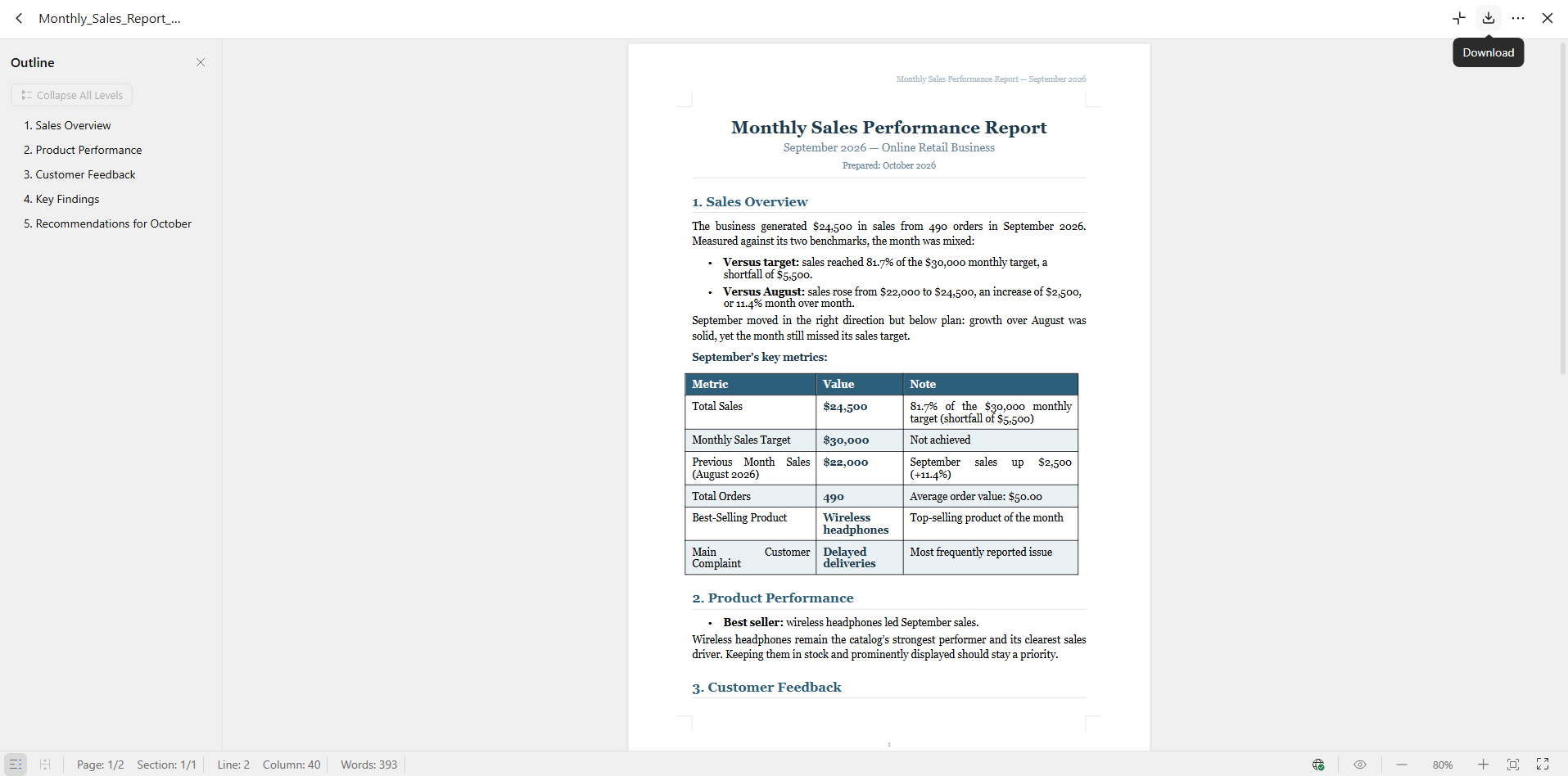
Step 3: Preview and export the final document
Review the document to ensure the formatting, headings, figures, and recommendations are clear and accurate. Once finalized, download it as a Word (.docx) file directly from Kimi Docs for easy sharing, editing, or submission.
How Kimi Docs helps with AI-powered document work
Beyond everyday office tasks, Kimi Docs can help with more demanding document work that involves lengthy content, different file formats, and detailed information. Its features make it easier to create professional documents and adapt existing content for different purposes. Here's how it supports these tasks.
Long-form document generation for complex tasks: Create detailed Word or PDF documents for business reports, proposals, white papers, and other professional needs. Kimi Docs helps organize lengthy content into structured sections with tables, citations, and other elements for clear, professional documents.
Content-aware conversion across document formats: Transform content between Word, PDF, PowerPoint, and Excel formats while adapting it to the new format. For example, turn spreadsheet data into a written report or convert presentation slides into structured teaching materials.
Batch document creation from structured data: Generate multiple documents from a single source, such as producing individual PDF payslips from a payroll table. This is useful for repetitive administrative tasks that would otherwise require manual document preparation.
Contextual document reviews and inline feedback: Review Word documents with targeted comments and suggestions placed alongside relevant passages. This supports workflows such as reviewing academic papers, evaluating assignments, and examining contract language.
Side-by-side document comparison and revision tracking: Compare new and previous versions of a document to identify changes more clearly. This helps teams review revisions, check updated wording, and maintain consistency across drafts.
Professional document formatting and visual elements: Create polished documents with structured layouts, cover designs, images, charts, tables, and LaTeX equations. These elements help make reports, research documents, and other professional materials easier to read and present.
Office agent use cases and examples
An office agent can support many types of work, from routine business tasks to research and project planning. It helps bring information together, organize key details, and turn raw content into documents people can easily understand. Here are some practical examples of how office agents can help in different situations.
Monthly business reports: Monthly reports require reviewing sales figures, checking targets, and tracking performance. By analyzing the provided data, an office agent can highlight important results and summarize changes over time. Managers can use these insights to assess progress and plan their next steps.
Meeting minutes and action items: After a meeting, teams need a reliable record of discussions, decisions, and assigned tasks. An office agent can turn notes or transcripts into organized minutes, with action items, deadlines, and responsibilities where available. This makes it easier for everyone to follow up and stay on track.
Academic research and literature reviews: Academic research often involves reading multiple papers and comparing findings on a specific topic. An office agent can summarize key arguments, group related ideas, and help organize a literature review. Researchers should verify the original sources and citations before including them in their work.
Long-document summaries and key takeaways: Reviewing lengthy reports, policies, or business documents can take considerable time. An office agent can condense the content into key points, important figures, and main recommendations. Readers can quickly understand the essentials and refer to the original document when more detail is needed.
Project proposals and planning documents: A successful project proposal needs clear goals, defined tasks, timelines, and expected outcomes. An office agent can help structure the proposal, outline milestones, and identify potential risks based on the information provided. Teams can then refine the plan before presenting it for approval.
Business presentations and executive briefings: Business presentations need to communicate important findings without overwhelming the audience. AI agent can turn detailed reports into concise summaries, organize key points, and suggest content for individual slides. This helps teams present their findings and recommendations in a clear, focused way.
Conclusion
An office agent can change how you approach daily work by making it easier to manage information and move from ideas to finished documents. The key is to use AI where it saves time while checking the results to ensure they meet your needs. If you want to put this approach into practice, give Kimi Docs a try. Explore its features to see how it fits your workflow.