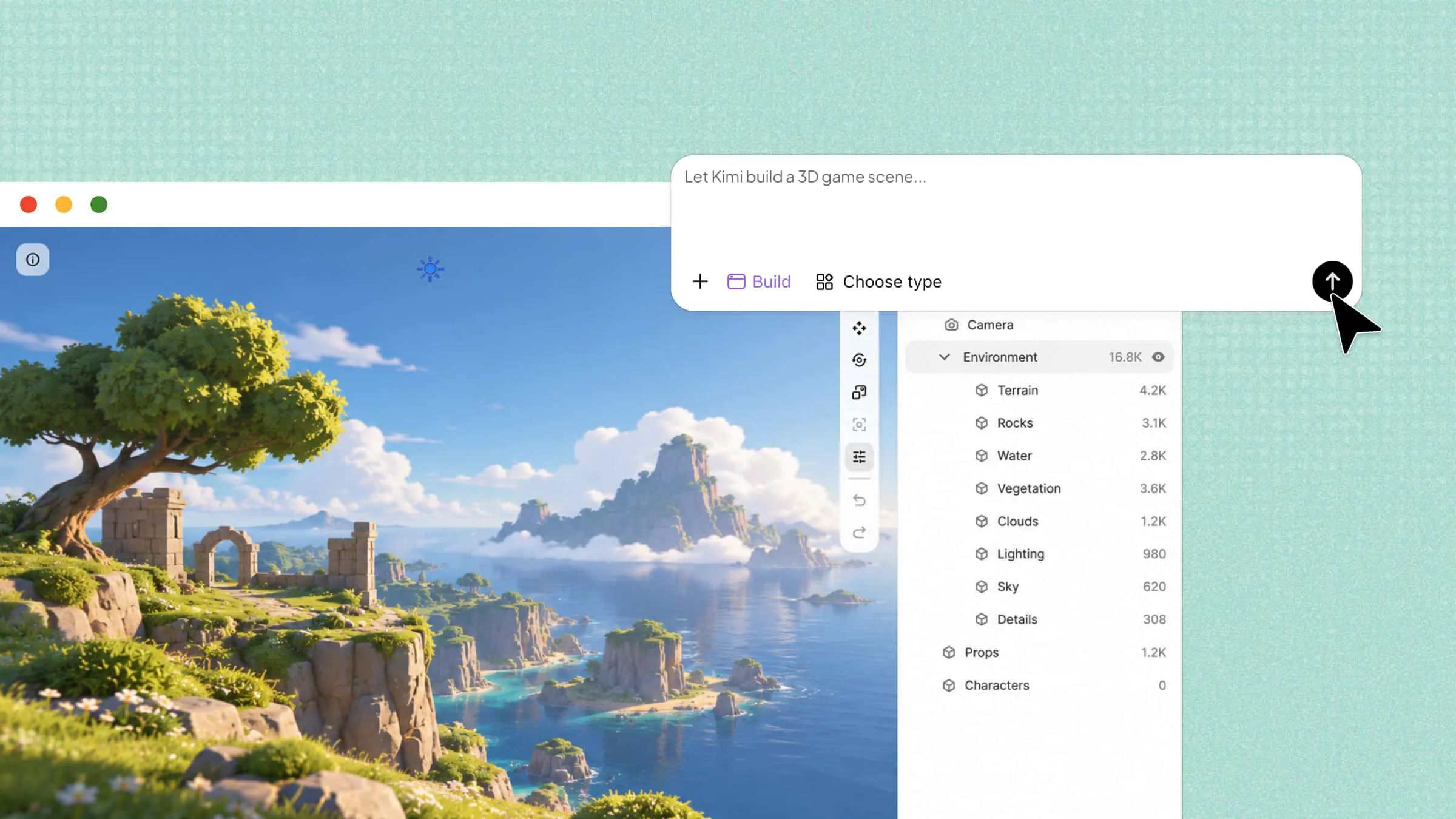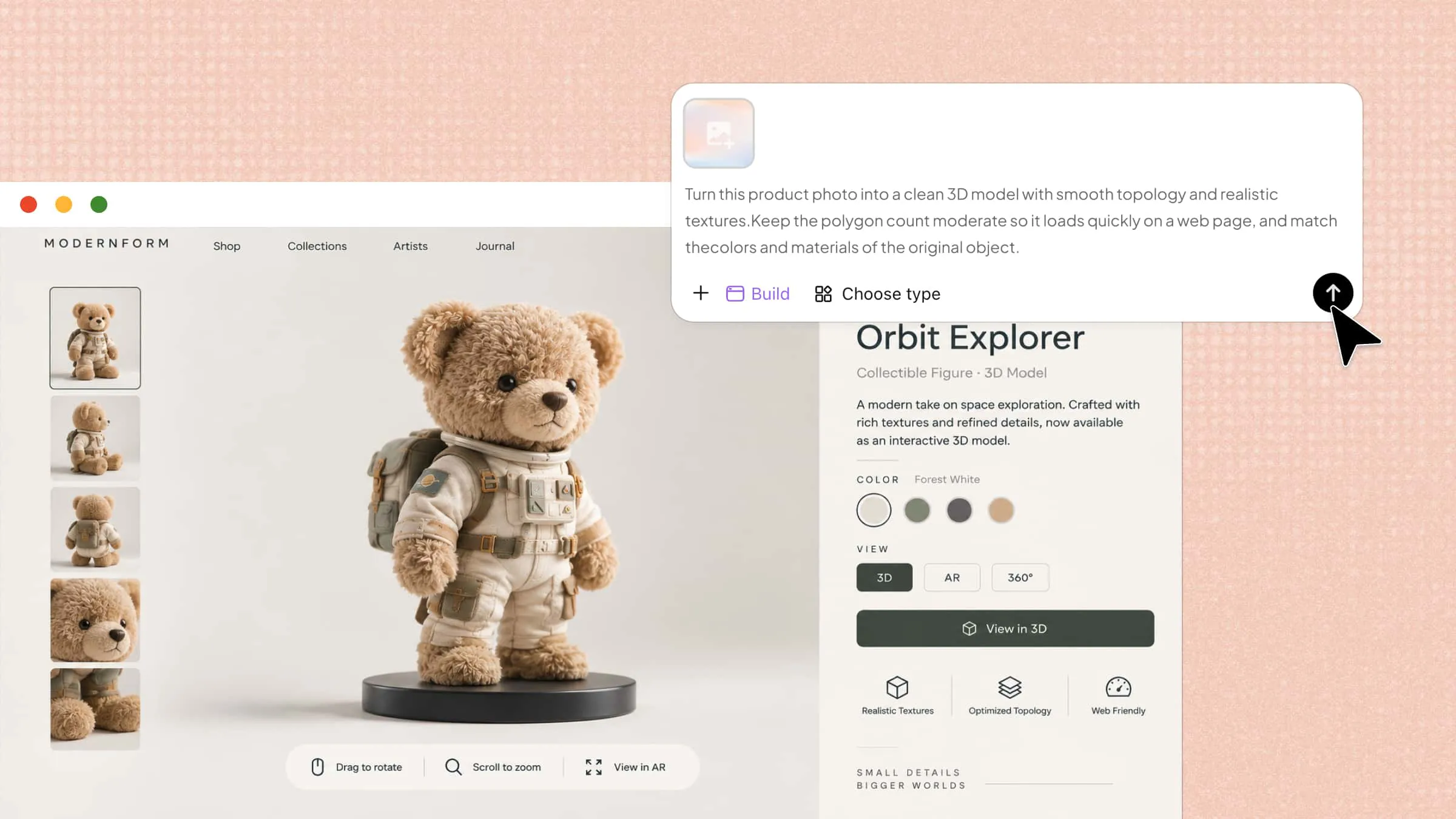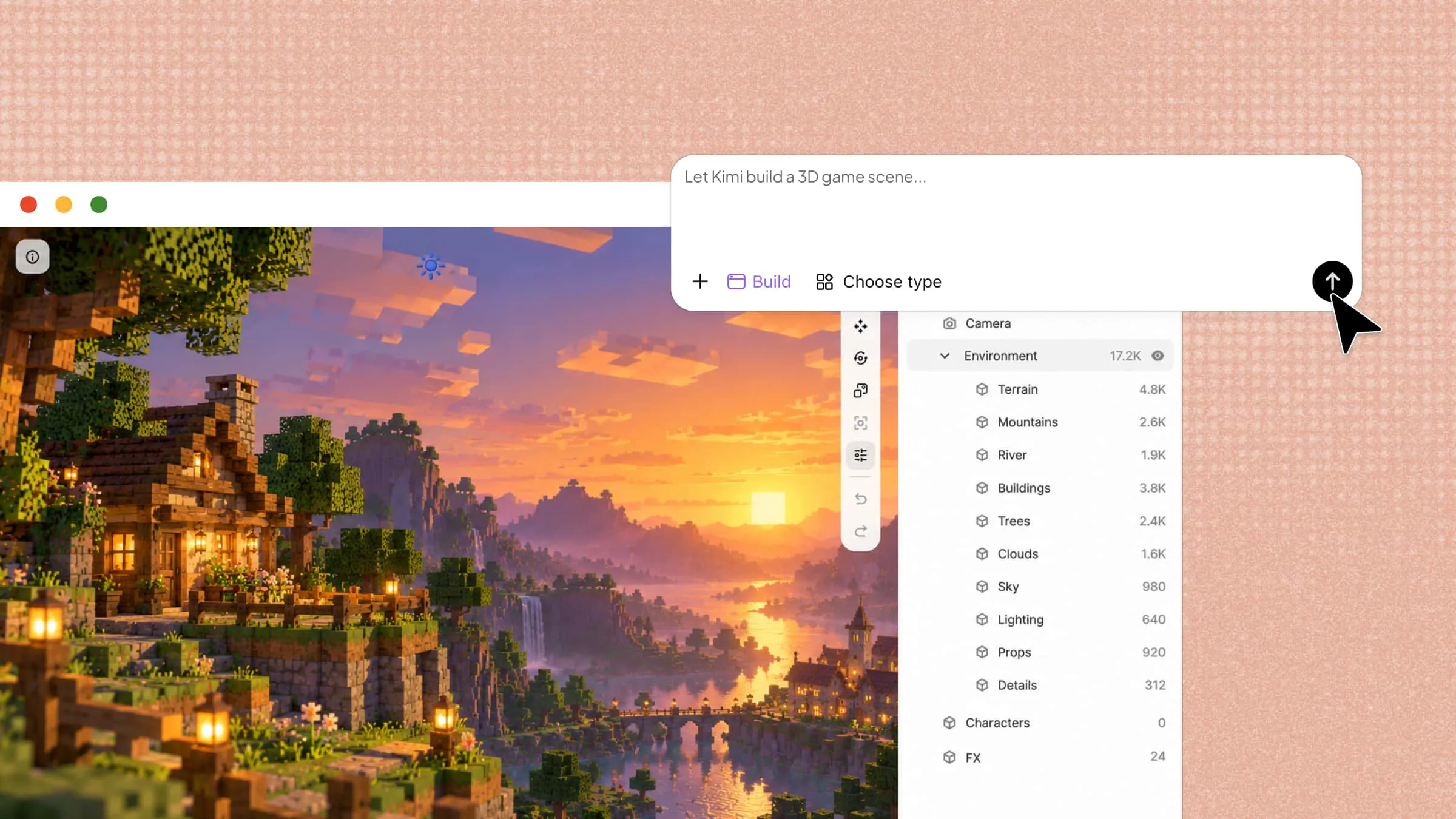
Have an idea for a 3D image but don’t know how to create it? AI tools make it easier than ever to turn a simple description into a visual you can use for your projects. The right AI 3D image generator can save time, simplify your workflow, and help you explore different styles without starting from scratch. Let’s look at 10 free and paid options to see what each one offers.
Overview of 10 free and paid AI 3D image generators
These 10 tools take different approaches to 3D creation, from generating models with AI to turning 2D designs into 3D assets and creating 3D-style graphics. The table below compares their main capabilities, supported inputs, typical outputs, and ideal use cases to help you find a tool that fits your creative workflow.
| Tool | Core capabilities | Supported inputs | Typical outputs | Suitable for |
|---|---|---|---|---|
| Kimi Build | AI-powered 3D creation, reference-based generation, AI-assisted editing | Text prompts, reference images | GLB, glTF, OBJ, and other supported formats | Creating and refining 3D assets from ideas or images |
| SupaVoxel | Image-to-3D conversion, mesh generation, automatic texturing | Images, sketches, illustrations | 3D models in supported formats | Turning 2D artwork into 3D assets |
| Meshy AI | Text-to-3D, image-to-3D, AI texturing, rigging and animation tools | Text prompts, images, 3D models | Textured 3D models and animation-ready assets | Game assets, characters, and digital environments |
| Tripo AI | Text-to-3D, image-to-3D, multi-view reconstruction, mesh optimization | Text prompts, images, multiple views | 3D models in supported formats | Reconstructing objects and creating assets for immersive experiences |
| Canva | AI image generation, image editing, templates, graphic composition | Text prompts, images, design elements | 2D graphics with 3D-style effects | Social media graphics, posters, and marketing visuals |
| PrintPal | 3D printing-related services and physical product creation, depending on the specific platform | Digital designs and compatible 3D files, where supported | Physical prints or product outputs, depending on the service | Custom physical objects and prototypes, if supported |
| AI3DGen | AI-assisted 3D generation, potentially including reference-based workflows | Text prompts or images, depending on the platform | Verify supported model formats | Exploring AI-generated 3D concepts |
| Hyper3D Rodin | AI 3D generation, detailed geometry, material and texture creation | Text prompts, images | 3D assets in supported formats | Detailed assets for rendering and digital visualization |
| 3D AI Studio | AI-assisted asset creation and concept refinement | Text prompts or images, depending on the workflow | 3D models in supported formats | Product concepts and early-stage design |
| Sloyd | AI asset generation, customizable templates, geometry controls | Text prompts, images, templates, depending on the workflow | 3D assets in supported formats | Customizable props and assets for games and interactive projects |
Explore 10 powerful 3D image makers
Not every tool will give you the results you have in mind, and some may cost more than you expect. To make your choice easier, here are 10 premium 3D image creators worth exploring for your next creative project.
Kimi Build
Kimi Build lets you turn text prompts into 3D-style images without needing advanced design skills. Simply describe the object, character, or scene you want to create, and AI can help bring your idea to life. It’s a convenient option for exploring different looks and creating 3D visuals for your projects. Whether you’re working on a fresh concept or experimenting, you can get started with just a few simple steps.
Main features
Kimi Build offers a few useful features that make creating 3D visuals easier, whether you’re starting with an existing image or building something from a text prompt. Here’s what you can do with it.
Turn images and prompts into 3D images
Transform one or multiple reference images into detailed 3D images while preserving key contours, proportions, and visual features. Combine images with text instructions to control structures, materials, proportions, and other creative details.
Create detailed 3D images with realistic details
Generate more than basic shapes with detailed geometry, realistic materials, procedural textures, and complex structures. Recreate elements such as roof tiles, brackets, railings, and curved architectural details with consistent parameters.
Refine 3D creations with AI and manual editing
Fine-tune your creations through natural-language instructions or comments on specific elements. Ask AI to make targeted changes, then manually adjust details for more precise control over the final result.
Review and export your 3D creations
Preview your 3D creations and check their appearance before exporting them as PNG, JPG, or other common image formats for presentations, portfolios, and digital content.
Need more advanced 3D workflows? Use Kimi Work with Blender to refine 3D models and work with specialized formats such as FBX, STL, USDZ, and BLEND, as well as GLB, glTF, and OBJ for different production needs.
Suitable for
Creating 3D product mockups
Visualizing architectural designs
Converting reference images into 3D visuals
Editing and refining 3D concepts
How to create a 3D image with Kimi Build
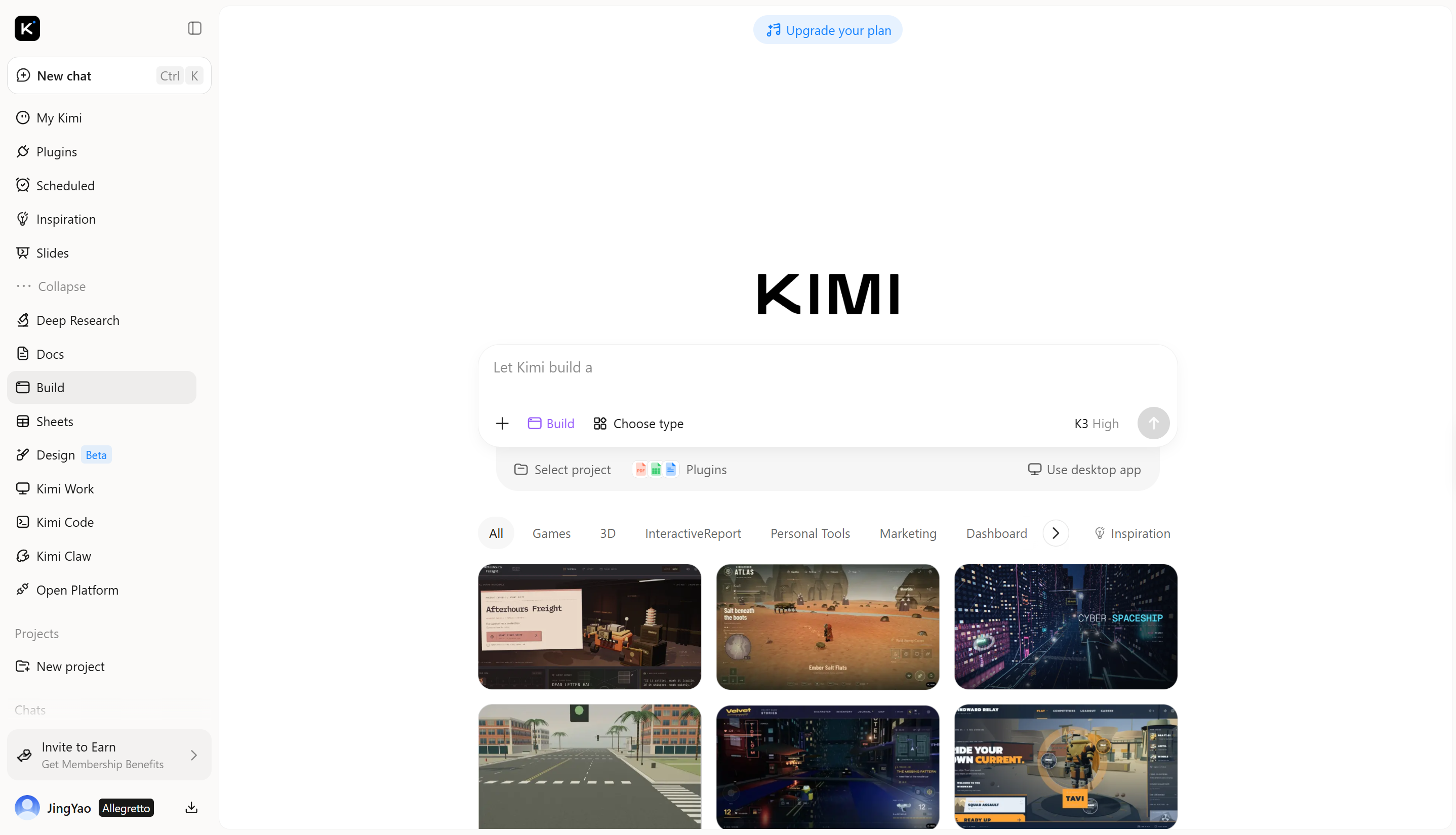
You can go from a rough idea to a finished 3D visual in just a few steps. Kimi Build keeps the process simple, so you can focus on what you want to create rather than the technical details. Follow the steps below to get started:
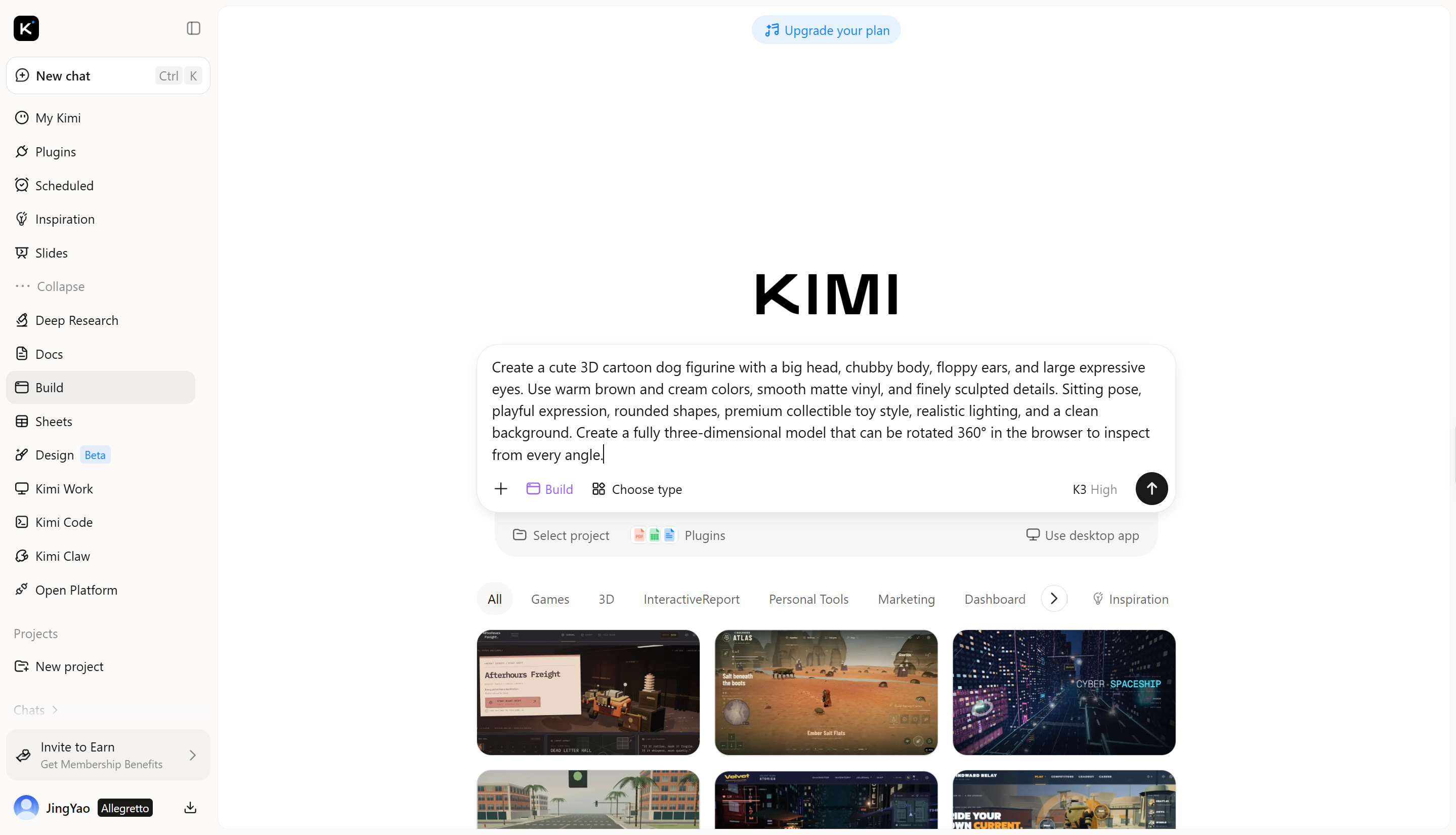
Step 1: Enter your prompt
Open Kimi Build and enter a detailed prompt describing the 3D image you want to create.
Example prompt:
Step 2: Edit your 3D image
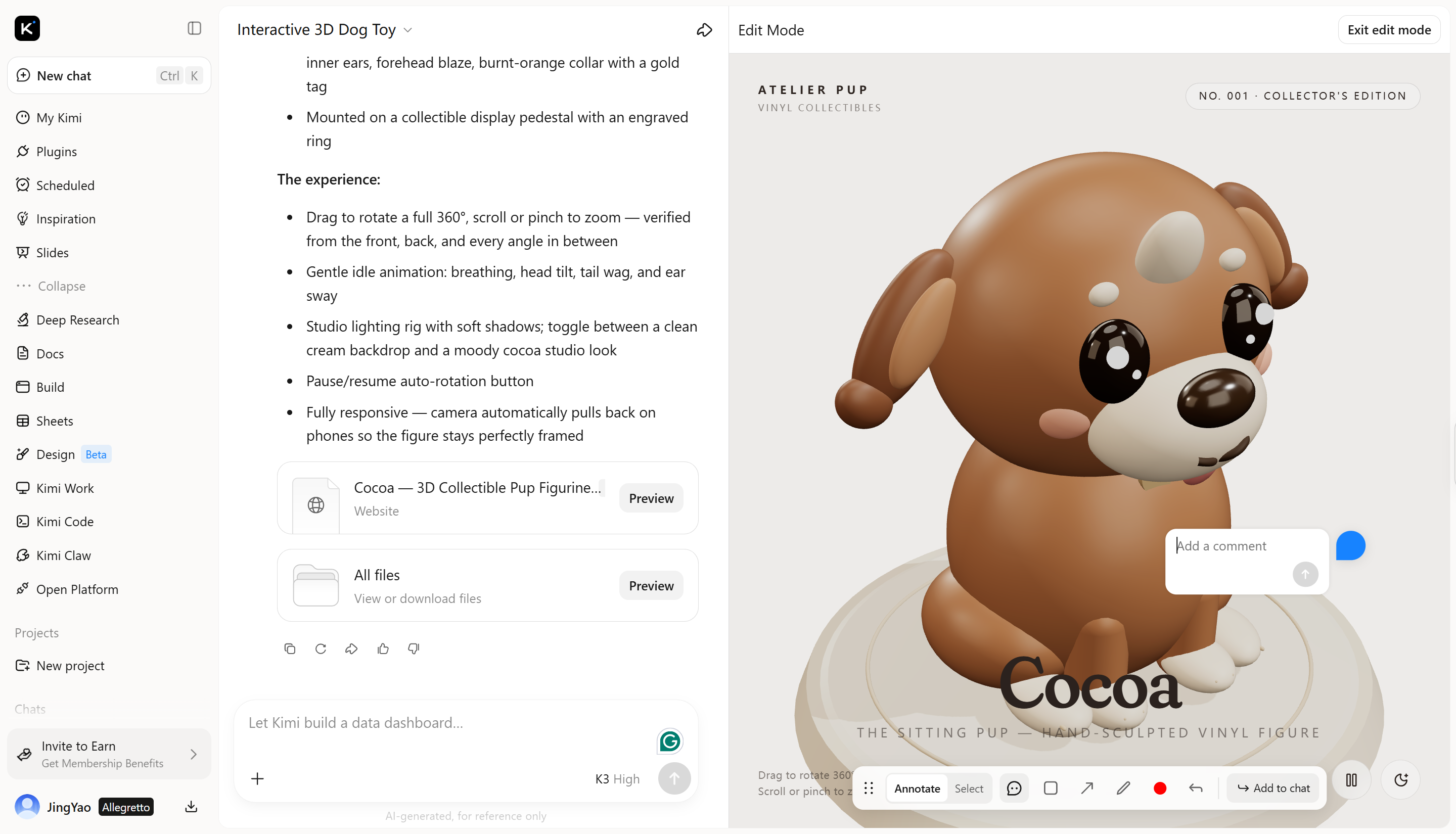
Refine your 3D dog figurine through the chat interface, comment on specific elements to ask AI for targeted changes, or manually adjust details such as proportions, colors, and materials for greater control over the final design.
Step 3: Export and share
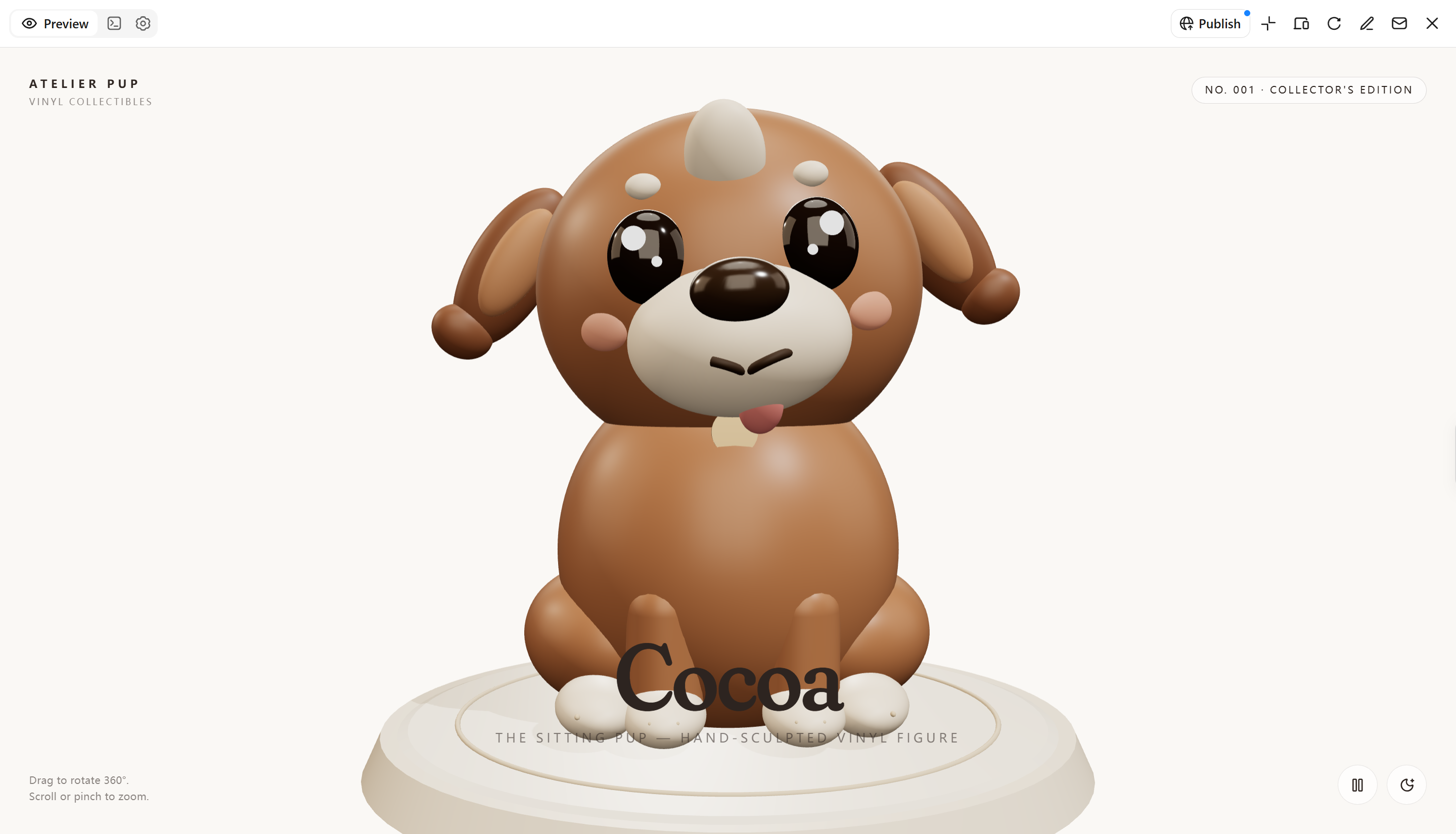
Once you're satisfied with the final 3D image, save or export it using the options available in Kimi Build. You can then use it in your creative projects, presentations, or other visual content.
SupaVoxel
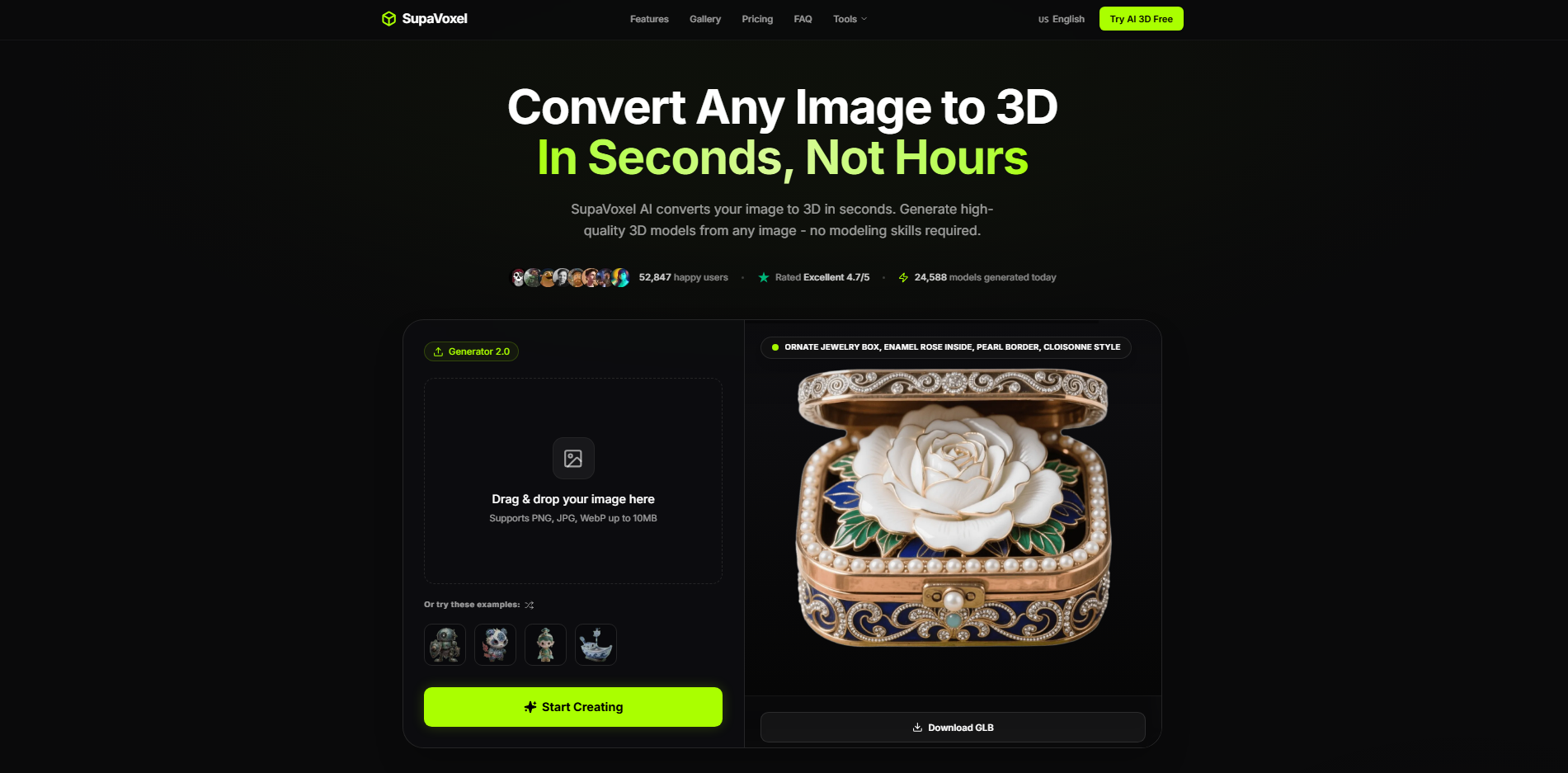
SupaVoxel is an AI-powered tool designed to convert images into 3D assets. It helps creators transform visual references into three-dimensional objects without extensive manual modeling. Its workflow focuses on generating geometry and textures from existing images. It is particularly useful for quickly transforming flat artwork into dimensional digital assets.
Main features
Image-to-3D conversion: Turn reference images into three-dimensional assets using AI. This can help you create digital objects from photographs, sketches, and illustrations.
Automatic texturing: Generate surface textures that help the model retain the appearance of the original image. This reduces the need to apply every material manually.
Multiple export formats: Export supported assets in formats such as GLB, FBX, OBJ, or STL, depending on the platform's current options. These formats support different 3D editing and printing workflows.
Mesh generation: Generate three-dimensional geometry from visual input. The resulting mesh can serve as a starting point for further editing or refinement.
Suitable for
Turning character illustrations into 3D collectibles
Reconstructing objects from product photographs
Creating stylized assets from concept sketches
Preparing digital designs for physical printing
Meshy AI
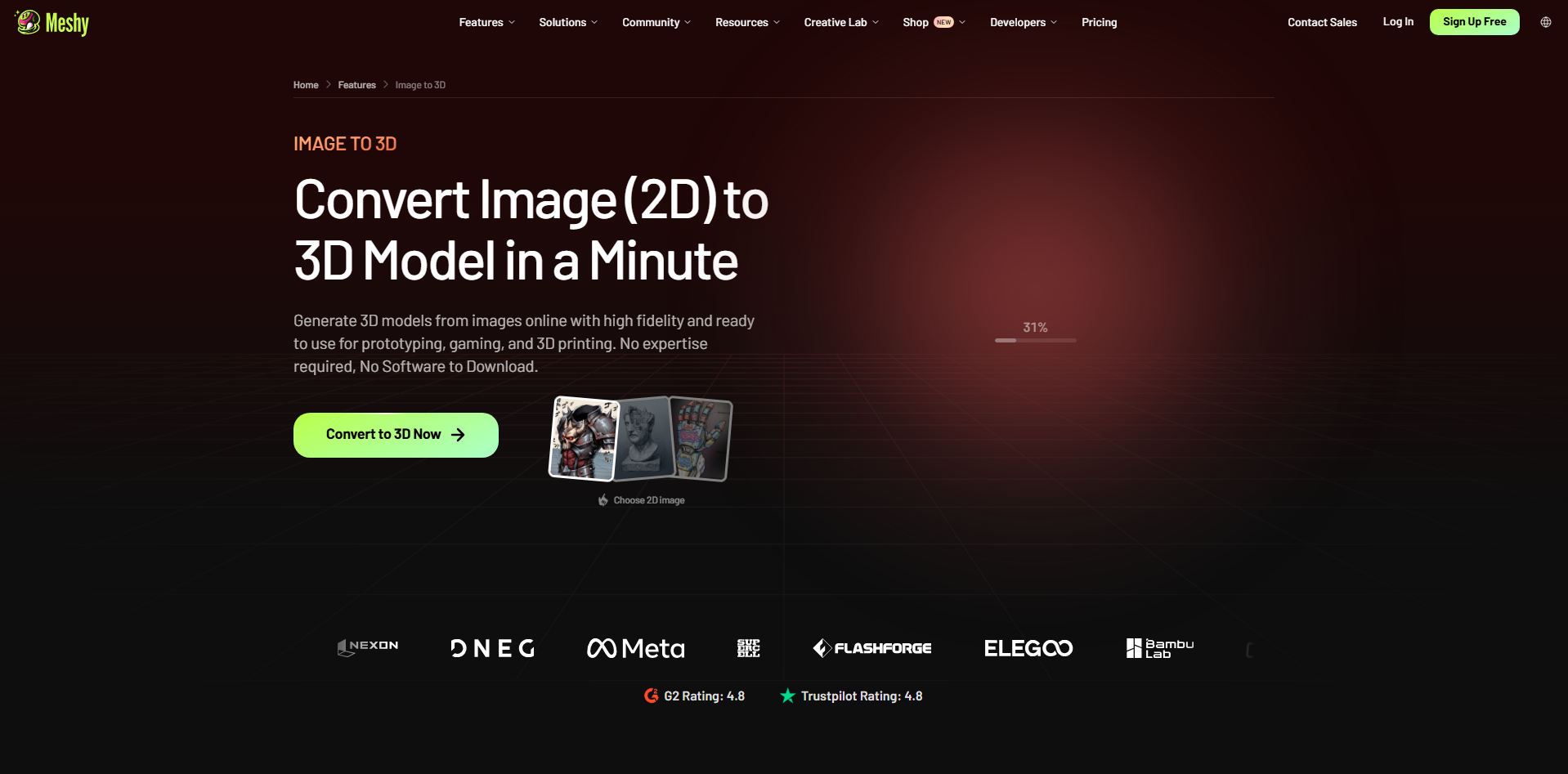
Meshy AI is an AI-powered 3D creation platform that generates models from text prompts and images. It also offers tools for texturing and preparing assets for animation and digital production. Users can describe an object or upload a reference to guide the result. Its integrated workflow helps creators develop assets from initial concepts to production-ready designs.
Main features
Text-to-3D generation: Describe an object or character in a prompt to generate a 3D model. Detailed descriptions help guide its shape, appearance, and style.
Image-to-3D conversion: Upload a photograph or concept image to create a corresponding 3D asset. This is useful for turning existing visual ideas into three-dimensional objects.
AI texturing: Apply AI-generated textures to models using text descriptions or reference images. This helps establish the desired surface appearance without creating every texture manually.
Rigging and animation: Prepare supported characters for animation and apply available motion options. These tools can help move assets from modeling into animated scenes.
Suitable for
Designing fantasy characters for video games
Creating textured props for virtual environments
Developing animated characters for short films
Producing visual assets for game prototypes
Tripo AI
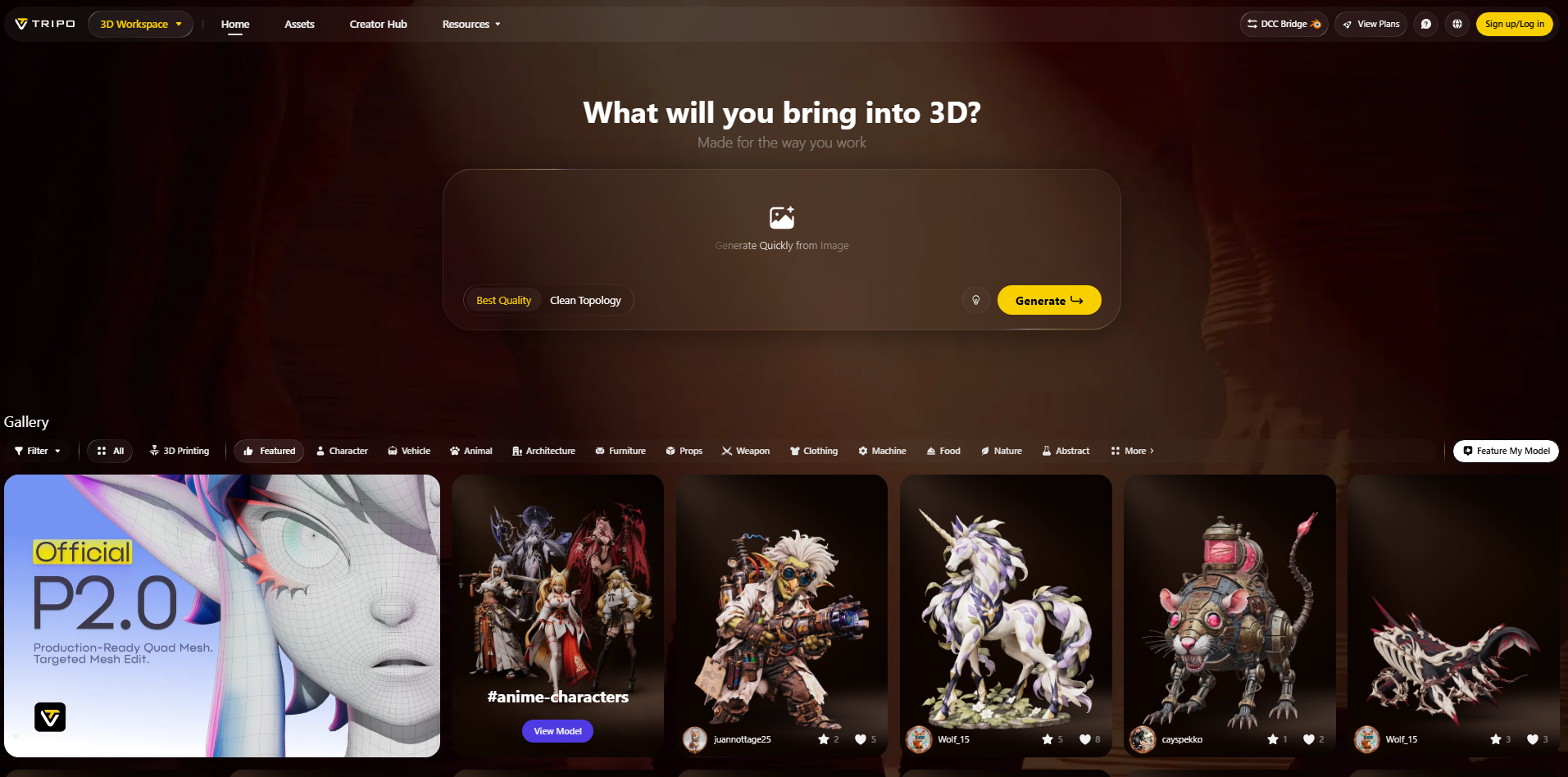
Tripo AI converts text descriptions and reference images into three-dimensional models. It provides tools for generating geometry, applying textures, and refining assets. Its multi-view capabilities can help creators provide additional visual information about an object. This makes it useful for developing detailed assets across varied digital production workflows.
Main features
Text and image generation: Generate 3D models from written descriptions or uploaded images. These options support both original concepts and reference-based projects.
Multi-view reconstruction: Use images from different angles to provide more information about the subject. Multiple viewpoints can help guide the model's shape and structure.
Mesh optimization: Refine model geometry to suit different applications. This can help prepare assets for real-time environments or detailed rendering.
Segmentation and rigging: Separate supported models into components and prepare eligible characters for animation. These features can simplify subsequent editing and production tasks.
Suitable for
Reconstructing objects using multiple reference photographs
Creating interactive assets for augmented reality
Developing virtual objects for immersive experiences
Preparing detailed models for digital visualization
Canva
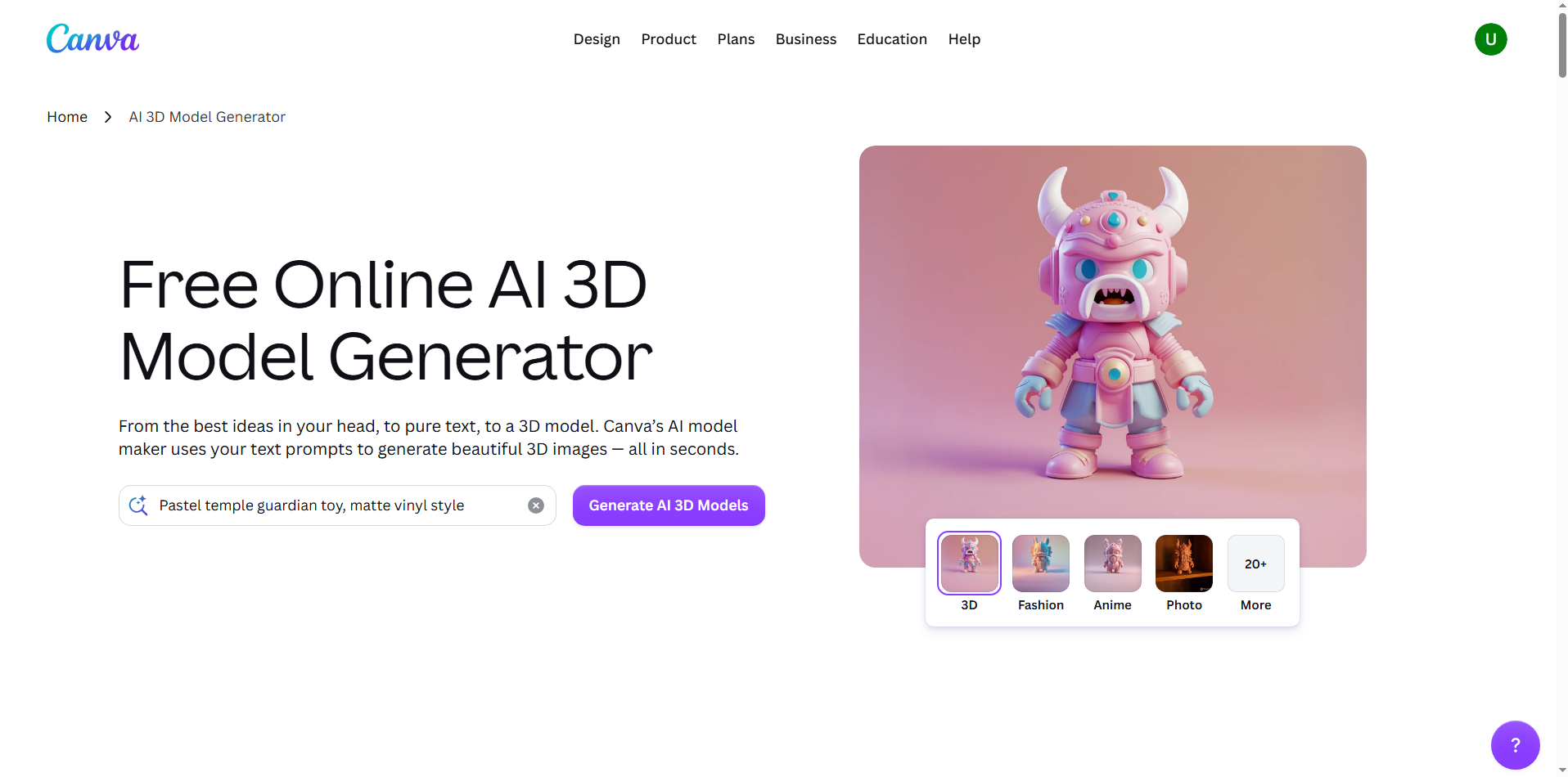
Canva is an online design platform with AI-powered image generation and editing tools. It can create visuals with a three-dimensional appearance from text prompts. Users can incorporate these images into presentations, advertisements, and social media graphics. Its accessible editor makes it convenient for producing polished visuals without specialist design software.
Main features
AI image generation: Describe an object or scene to generate a visual with a 3D-rendered style. Prompts can specify lighting, materials, colors, and composition.
Image editing: Adjust generated images within Canva's design editor. This helps you refine visuals for their intended purpose.
Ready-made templates: Use templates for posters, presentations, and social media content. They make it easier to incorporate 3D-style images into polished designs.
Text and graphic integration: Combine images with typography, icons, shapes, and other design elements. This is useful for creating complete marketing and promotional materials.
Suitable for
Creating 3D-style thumbnails for YouTube videos
Designing product launch campaign graphics
Making dimensional typography for promotional posters
Producing branded visuals for online stores
PrintPal
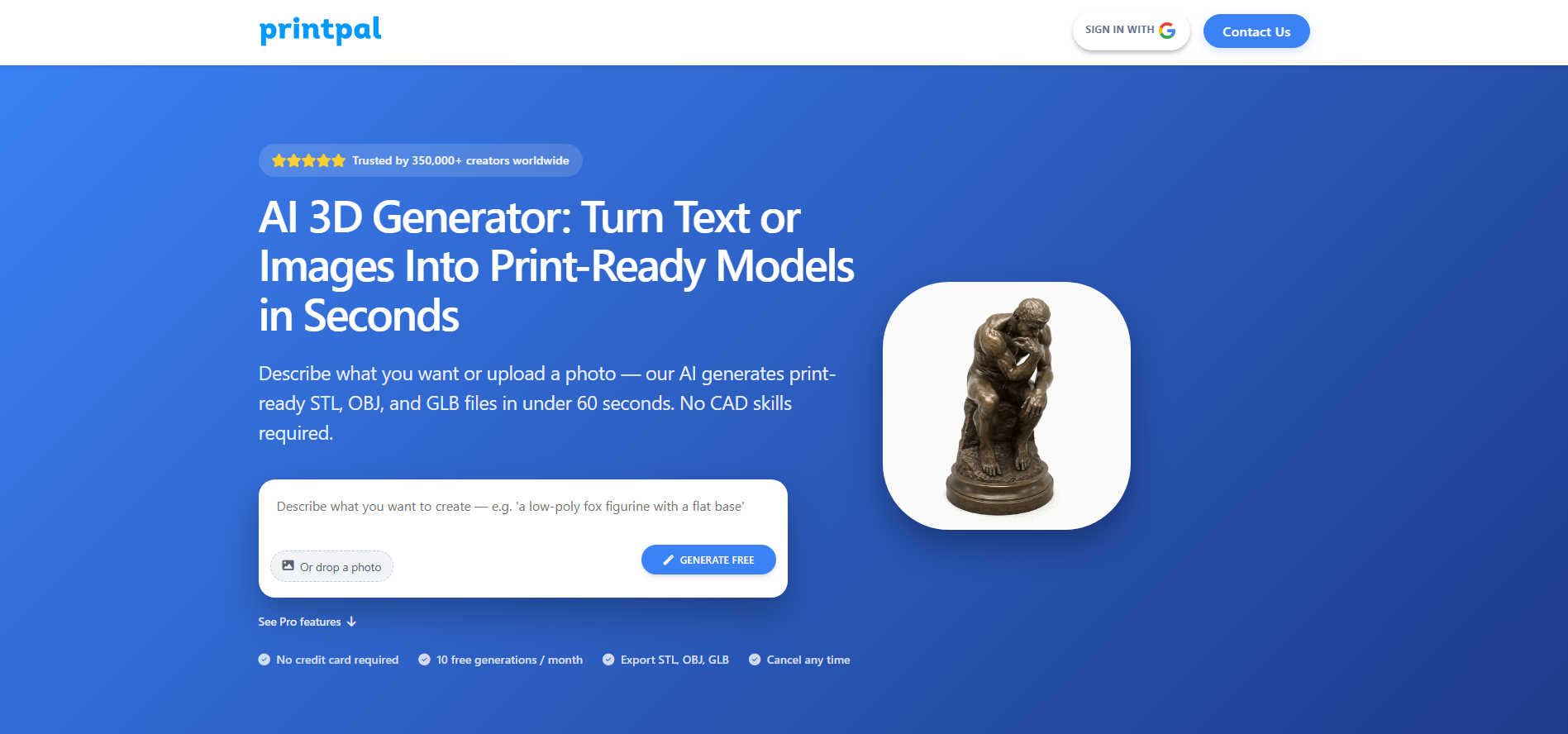
PrintPal is a name associated with 3D printing-related services, but its precise features depend on the specific platform. Before presenting it as an AI 3D image generator, verify whether it creates digital assets or focuses on preparing and producing physical objects. A printing-oriented workflow may involve checking model compatibility and print requirements.
Main features
3D printing workflow: Help users move compatible digital designs toward physical production, where supported. This is useful when a digital concept needs to become a tangible object.
Model compatibility: Check whether the service accepts common 3D file formats. Format compatibility determines which existing designs can be used.
Print preparation: Review requirements such as dimensions and model geometry when these tools are available. Proper preparation can help prevent production issues.
Material and finish options: Some printing services provide choices for materials and surface finishes. These options help users tailor physical objects to their intended use.
Suitable for
Ordering custom-made physical display pieces
Producing personalized gifts from compatible designs
Manufacturing small-scale product prototypes
Exploring customized merchandise and decorative objects
AI3DGen
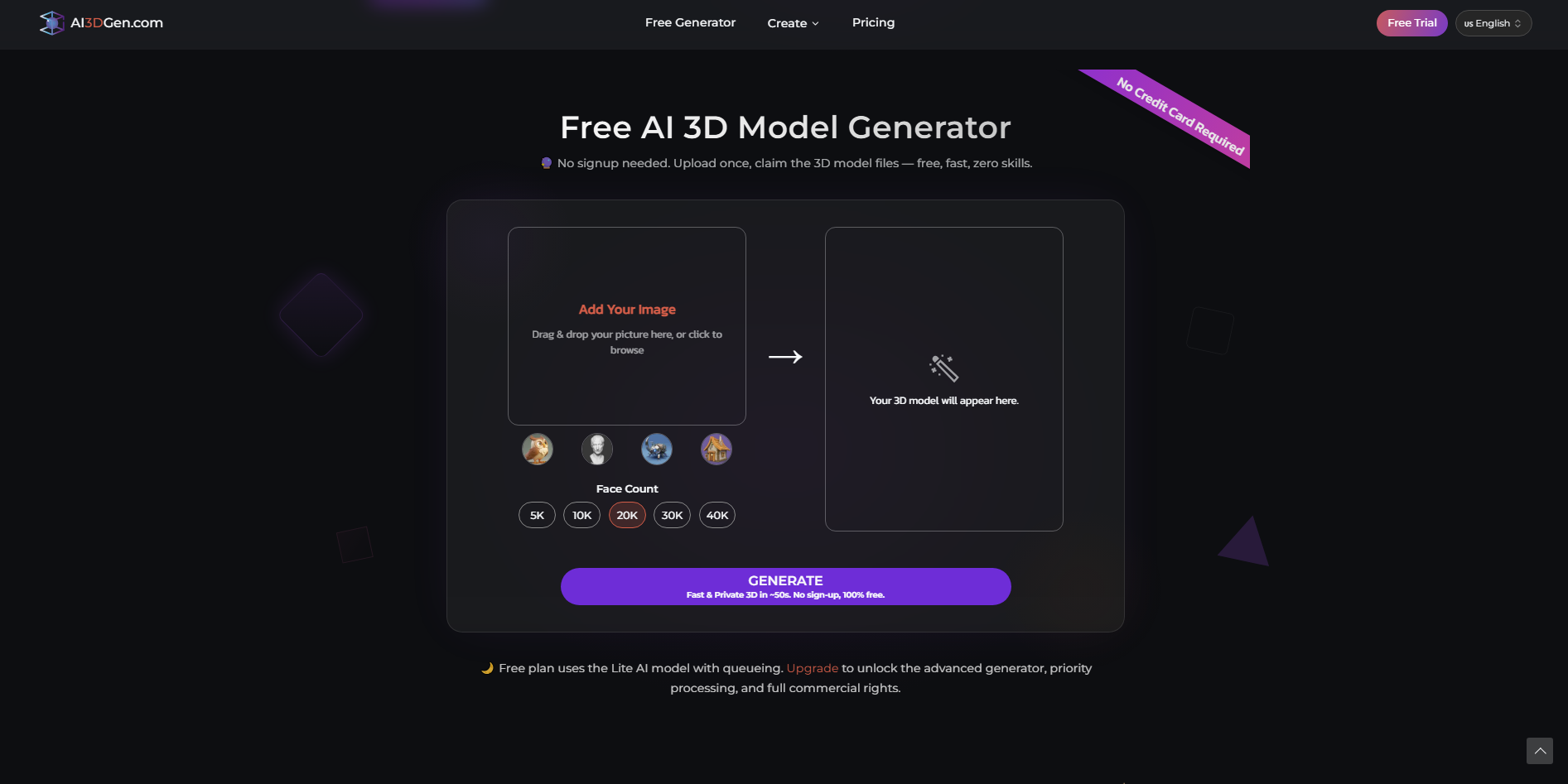
AI3DGen is a name associated with AI-based 3D generation, but the precise features depend on the particular service. Verify the platform's current capabilities before describing it as a dedicated image generator or model converter. AI 3D tools commonly use text prompts or visual references to guide asset creation. The right workflow depends on the required geometry, output quality, and compatibility with your existing software.
Main features
AI-assisted creation: Use supported prompts or visual inputs to generate digital assets. This can reduce the time needed to establish an initial concept.
Reference-based generation: Provide an image to guide the design of a 3D asset, if supported by the platform. This approach can help maintain consistency with an existing concept.
Geometry generation: Create the three-dimensional structure of an object where model generation is available. The resulting geometry determines how the asset can be edited or used.
File export: Check which output formats the service supports before starting a project. Compatible formats make it easier to continue working in other 3D applications.
Suitable for
Experimenting with AI-generated object concepts
Exploring alternative designs for early-stage projects
Creating reference assets for modeling practice
Testing visual ideas before detailed production
Hyper3D Rodin
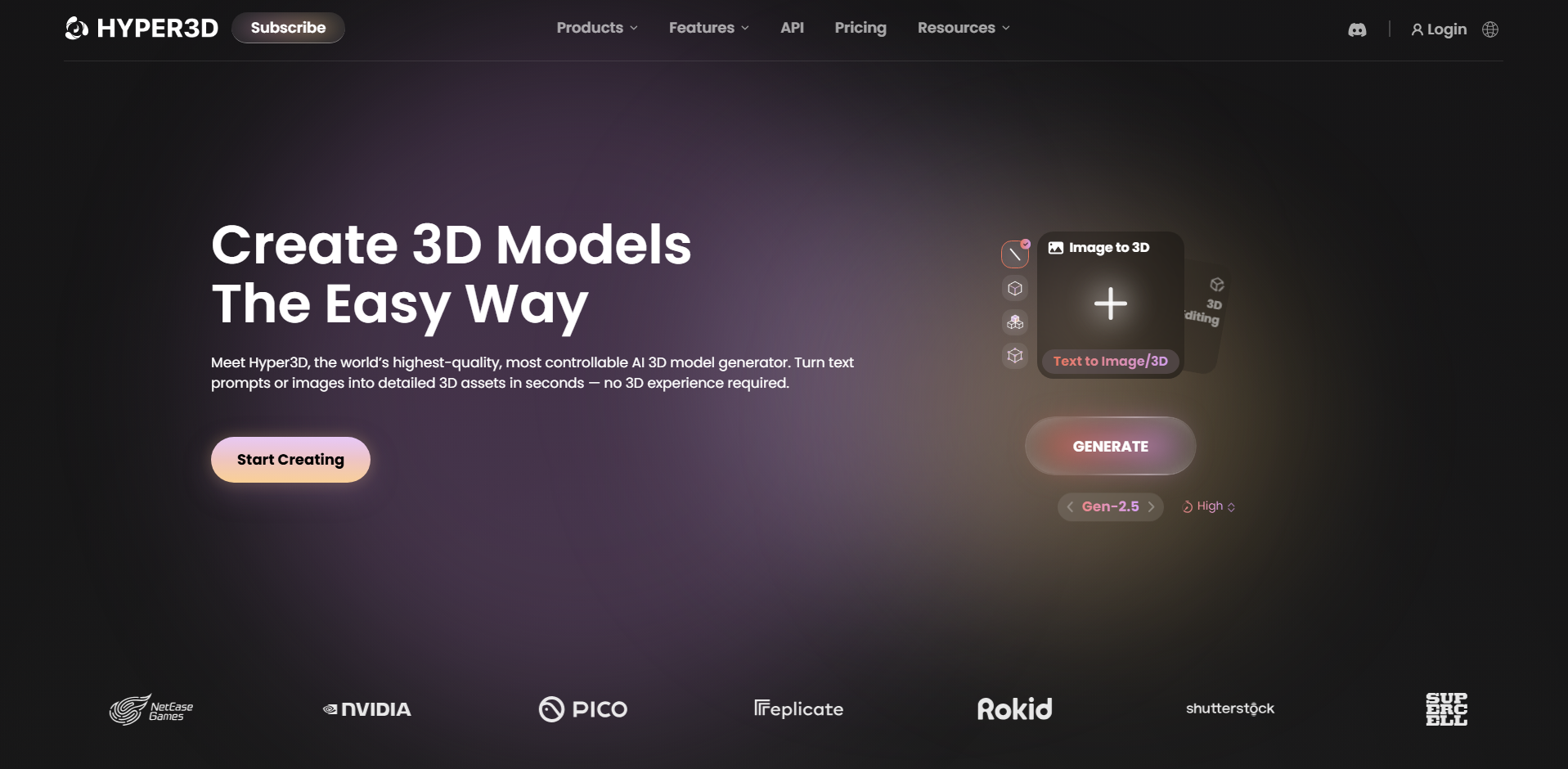
Hyper3D Rodin is an AI-powered platform that generates detailed 3D assets from text descriptions and visual references. It focuses on creating geometry and surface details for digital models. Its generation settings can accommodate different asset requirements. This makes it relevant for creators seeking detailed assets for rendering, interactive applications, and professional visualization pipelines.
Main features
Text-to-3D and image-to-3D: Generate assets from prompts or reference images. This allows users to create new concepts or base models on existing visuals.
Detailed geometry: Generate three-dimensional structures with varying levels of detail. The required detail depends on whether the asset is intended for close-up rendering or real-time use.
Material and texture generation: Create surface appearances that help models look more complete. Materials and textures contribute to the final asset's visual quality.
Generation controls: Adjust available settings to suit different asset requirements. These controls can help balance output quality and generation needs.
Suitable for
Producing realistic assets for cinematic scenes
Creating detailed virtual product representations
Developing high-quality assets for digital twins
Generating objects for professional visualization projects
3D AI Studio
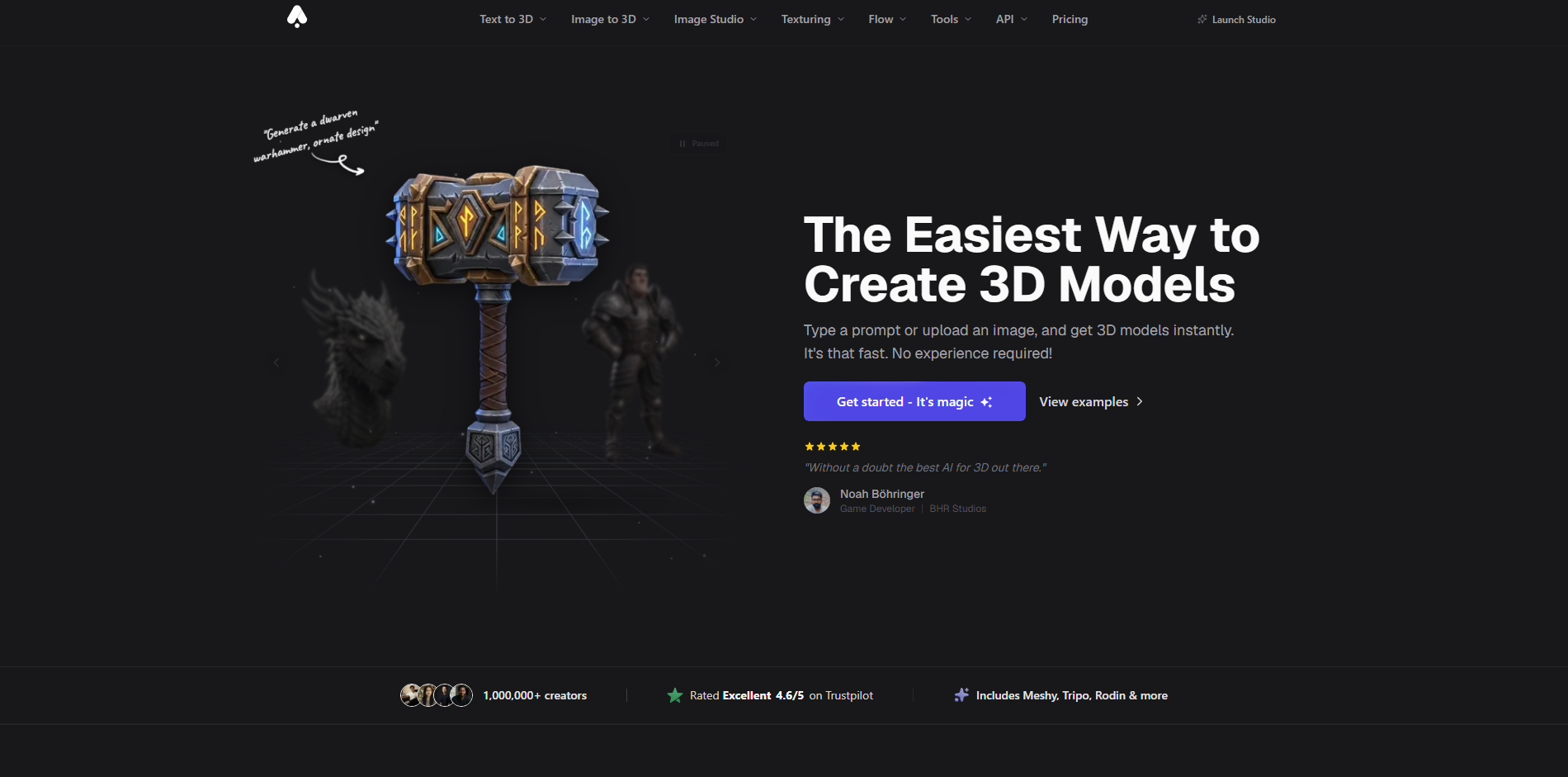
3D AI Studio is an AI-based platform focused on simplifying digital 3D asset creation. Depending on the available workflow, users can work from prompts or visual references to develop three-dimensional concepts. The platform is intended to reduce the manual effort involved in creating initial assets. It can be useful for speeding up concept development and exploring multiple design directions.
Main features
Prompt-based generation: Describe an object to guide AI-assisted asset creation. This provides a starting point without requiring manual modeling from scratch.
Image-guided creation: Use an existing image to inform the asset's appearance, where supported. This is useful for developing concepts from sketches or product references.
Asset refinement: Adjust or regenerate results to better match the intended design. Refinement helps improve the initial output before using it elsewhere.
Export compatibility: Check available file formats for use in external applications. The right format depends on whether you need rendering, editing, or printing.
Suitable for
Visualizing furniture concepts before manufacturing
Developing early-stage industrial design concepts
Exploring alternative shapes for consumer products
Creating preliminary assets for client presentations
Sloyd
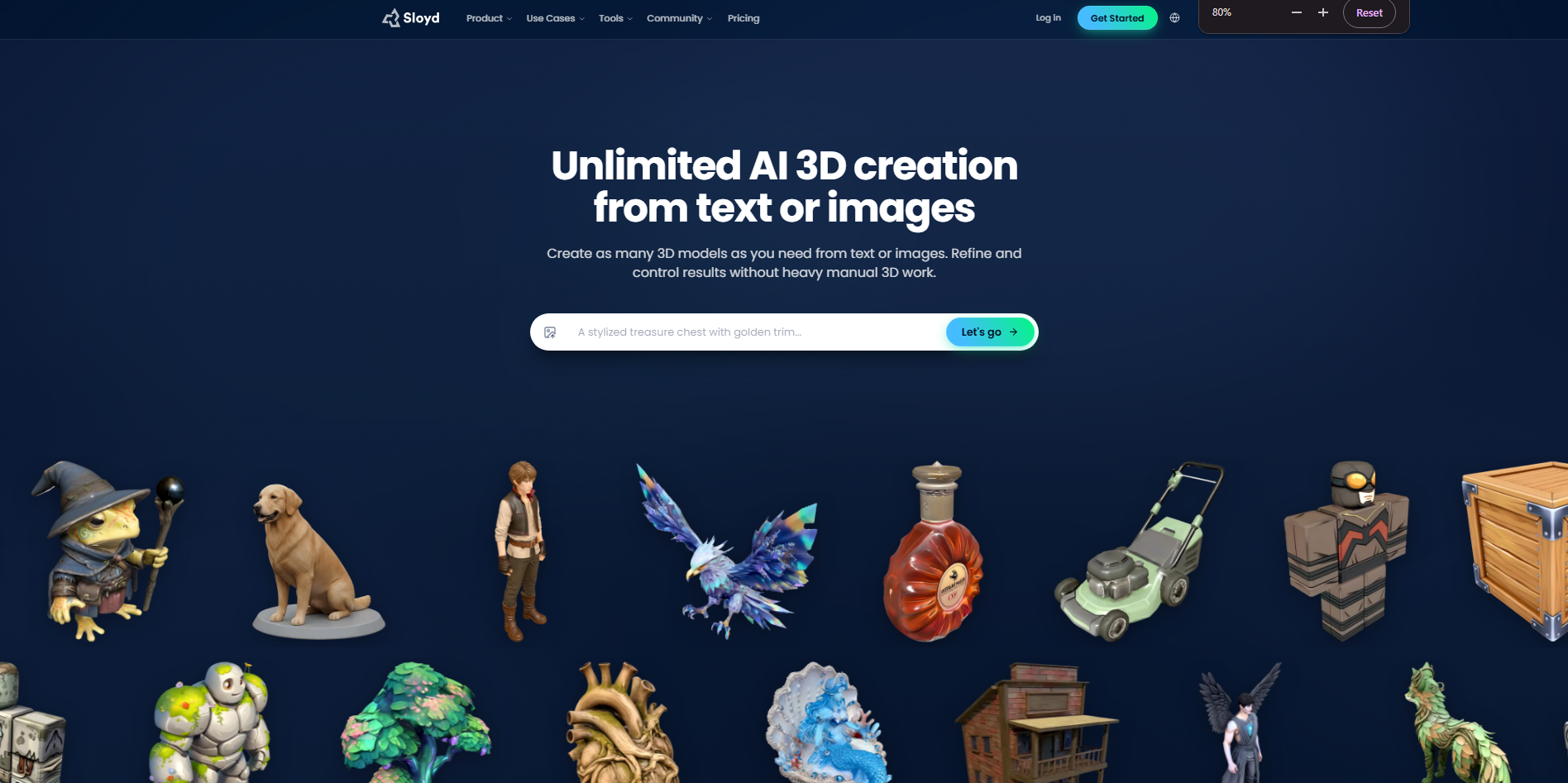
Sloyd is an AI-powered 3D creation platform that combines text-based generation, image-guided workflows, and customizable templates. It helps users create digital assets while offering controls for geometry and output settings. Its tools can support workflows ranging from simple props to game-ready objects. This combination of automation and customization is useful for building assets with specific technical requirements.
Main features
Text-to-3D generation: Describe an object to create a corresponding 3D asset. This helps you explore ideas without modeling every component manually.
Image-to-3D workflows: Use visual references to guide asset creation where supported. This can help translate an existing concept into a three-dimensional design.
Customizable templates: Start with supported templates and adjust their parameters to suit your needs. This offers more control than relying entirely on a generated result.
Geometry and export controls: Adjust supported mesh settings and export models in compatible formats. These options help prepare assets for game development, editing, or 3D printing.
Suitable for
Generating modular environment props for games
Creating customizable furniture and household objects
Building low-poly assets for real-time scenes
Designing reusable assets for interactive applications
How to choose an AI 3D image generator
Before settling on an online AI 3D image generator, consider how well it matches your creative goals and workflow. Output quality, supported formats, ease of use, and licensing can all affect your experience. The following tips will help you make a more informed choice.
Define your goal and use case
Start by identifying what you want to create, such as product visuals, game assets, characters, or architectural concepts. Different tools specialize in different types of 3D content, so choose one that supports your intended project. This helps you avoid spending time on features you do not need.
Check output quality and detail
Examine the quality of the images or models generated by the tool. Look for realistic textures, accurate proportions, clean edges, and consistent lighting when these details matter to your project. Testing a few prompts can help you determine whether the results meet your expectations.
Confirm export formats like GLB or OBJ
The right file format depends on how you intend to use your creation. Formats such as GLB and OBJ are commonly used to transfer 3D models between compatible applications, while PNG and JPEG are suitable for finished images. Check the available export options before committing to a tool.
Test generation speed and workflow fit
Fast generation and simple editing can make a big difference when you're working on multiple designs. Check how quickly the tool produces results and whether you can easily refine them. A smooth workflow helps you complete projects without unnecessary delays.
Read licensing terms for commercial use
Review the tool's licensing terms before using generated content in paid projects, advertisements, or products for sale. Some platforms may apply different conditions depending on your subscription or the content you generate. Make sure you understand the relevant usage rights and restrictions.
Conclusion
Creating 3D visuals is now easier, even for people with limited design experience. AI 3D image generators offer different ways to turn creative ideas into engaging visuals. Consider your project needs before choosing a tool. Try Kimi Build to explore your ideas through AI-powered image creation. Adjust your prompts and see which results best match your vision.