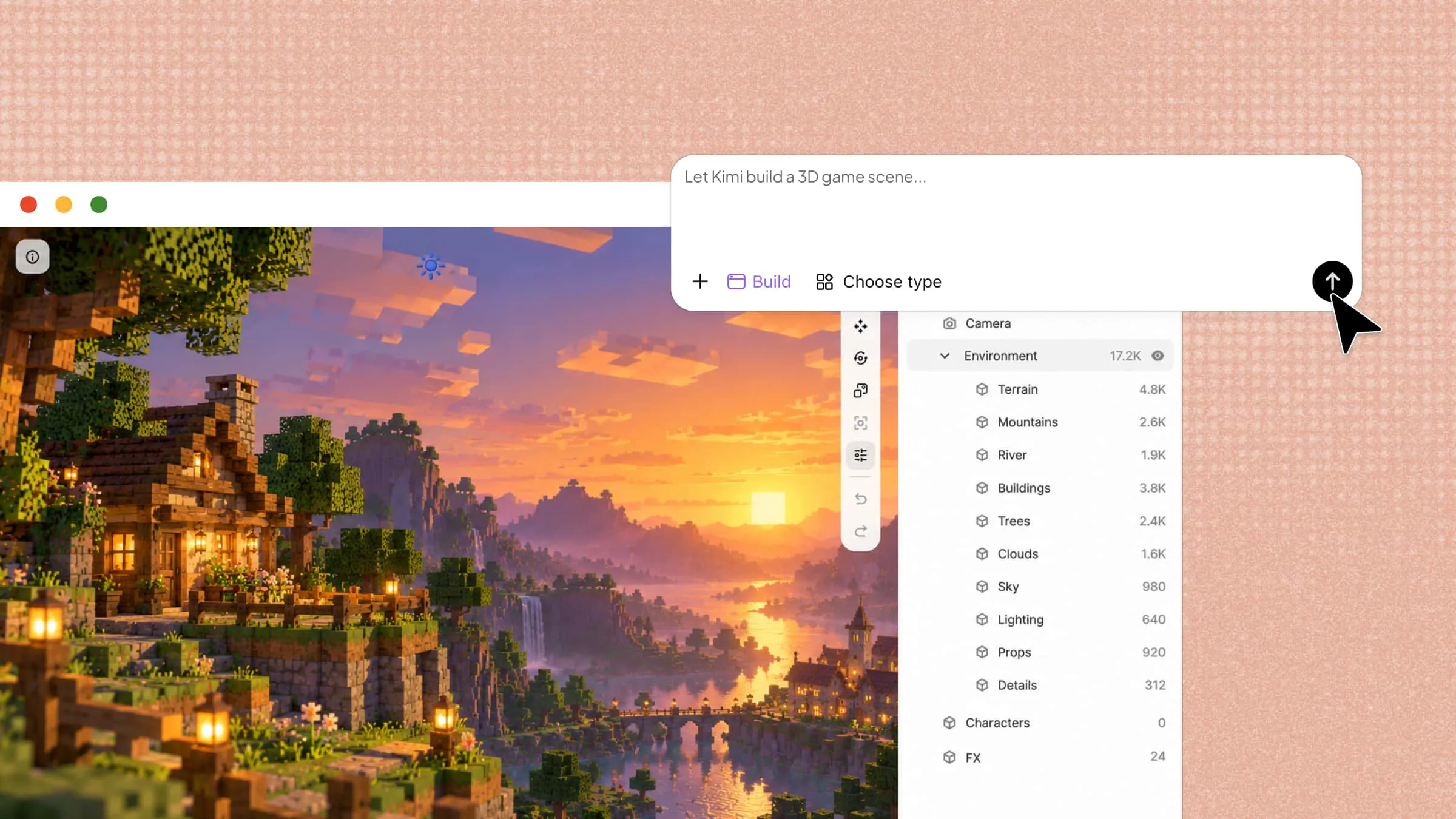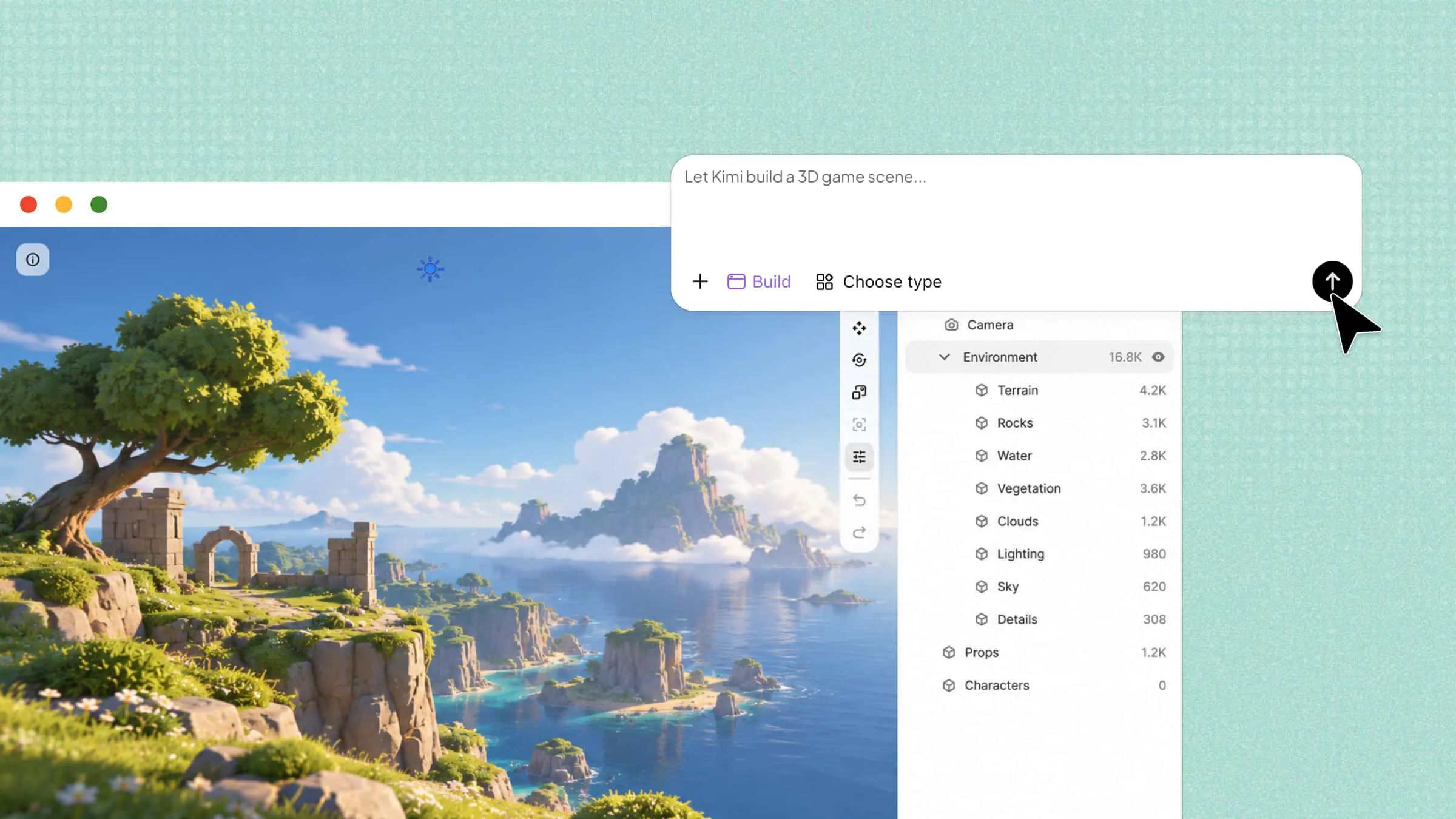
Turning a simple image into a 3D model is now easier with the help of AI tools. Whether you are a designer, creator, or just exploring 3D, you can find free and paid image to 3D model converters to fit your needs. These tools can save time by creating 3D models from images without requiring advanced 3D skills. Let's explore 10 useful tools, their features, and what each one can offer.
Overview of 10 image to 3D model converters
From beginner-friendly AI generators to tools for advanced 3D workflows, each option serves different needs. Compare their key features and use cases to find the right tool for your next project.
| Tool | Key features | Ease of use | Main advantage | Suitable for |
|---|---|---|---|---|
| Kimi Build | Image-to-3D, text-to-3D, AI model refinement | Beginner-friendly | Turns images and text prompts into 3D models without advanced modeling skills | AI-powered 3D creation |
| Tripo AI | Multi-view reconstruction, AI texturing, segmentation, rigging | Beginner to intermediate | Combines model generation with texturing and animation tools | Game assets and animated characters |
| Hunyuan3D | Single-image reconstruction, PBR materials, separate shape and texture generation | Requires technical setup for some workflows | Open-source model with flexibility for developers | Custom 3D generation workflows |
| TRELLIS.2 | Detailed geometry, PBR materials, multiple 3D representations | Advanced | Supports detailed reconstruction for demanding visual projects | High-detail 3D reconstruction |
| TripoSR | Single-image reconstruction, textured models, 3D exports | Relatively accessible | Generates 3D assets quickly from a single image | Rapid 3D prototyping |
| RapidDirect | Image-to-3D, product rendering, GLB/STL export, manufacturing analysis | Suited to product workflows | Connects digital product concepts with manufacturing services | Product design and manufacturing |
| Meshy AI | Image-to-3D, text-to-3D, AI texturing, model export | Beginner-friendly | Supports multiple ways to create and refine 3D assets | General-purpose 3D assets |
| Cinevva | Image reconstruction, object extraction, rigging, animation | Easy to learn, advanced features take practice | Brings model generation and animation into one workflow | 3D characters and animation |
| Spline AI | Image and text guidance, scene integration, interactive design | Beginner-friendly for basic scenes | Lets users incorporate AI-generated objects into interactive 3D scenes | Interactive 3D web experiences |
| Sloyd AI | Image-to-3D, polygon control, topology options, multiple export formats | Beginner to intermediate | Offers control over model structure and optimization | Game-ready and optimized assets |
10 images to 3D model tools for creators
From quick AI solutions to dedicated 3D tools, there are plenty of options to turn your images into usable 3D models. Let's take a closer look at 10 image-to-3D tools and see what they offer.
Kimi Build
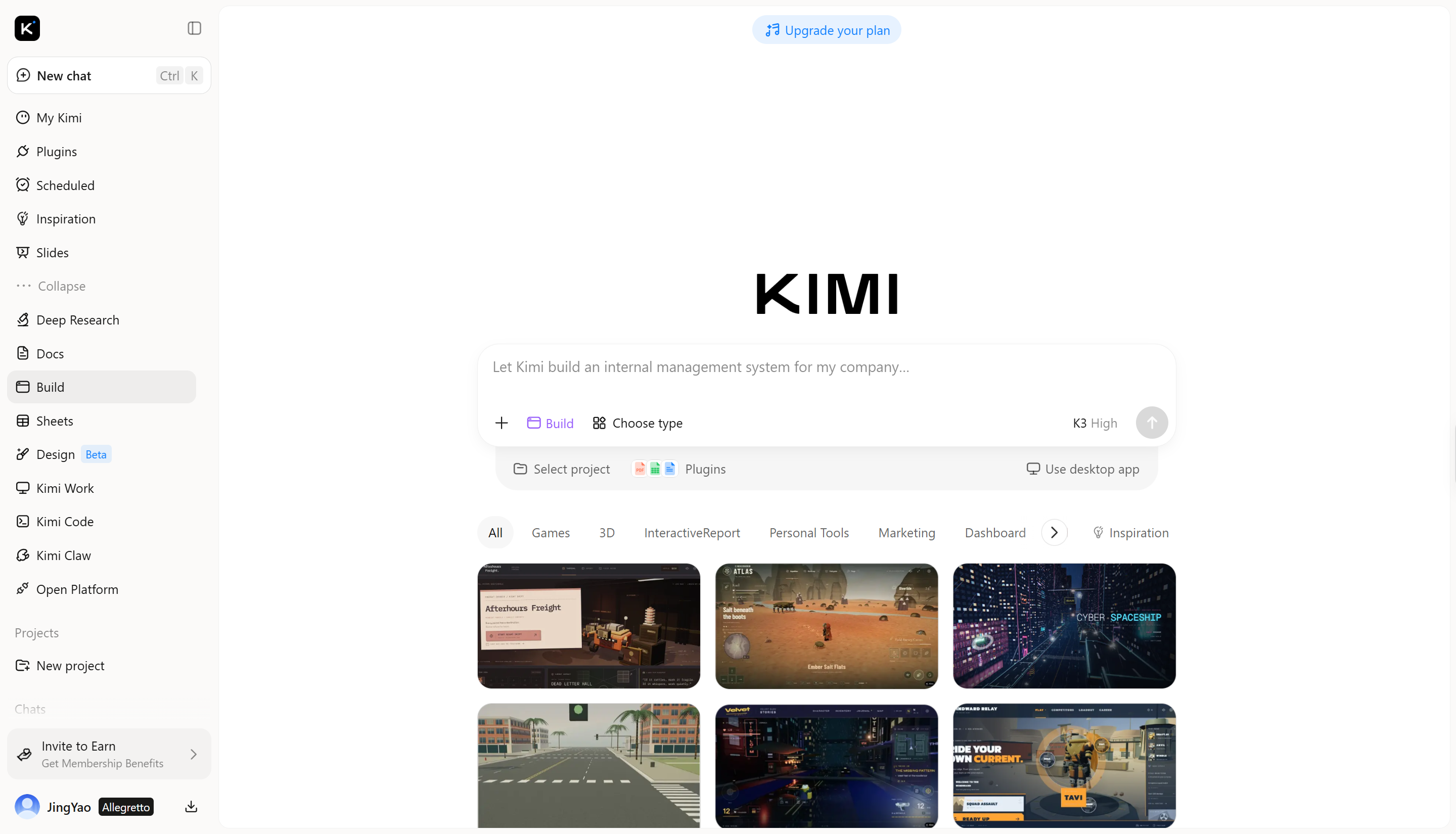
Kimi Build is an AI-powered creation tool that can turn a simple image into a detailed 3D model. It uses AI to analyze the image and generate the model's shape, structure, and visual details, making the process much easier than building a model manually. It is useful for creators who want to quickly turn 2D references into 3D assets without needing advanced modeling skills.
Main features
Turn images and text into 3D models: Create 3D models from an image or a text prompt with Kimi. Start with a visual reference or describe what you have in mind, then turn your concept into a 3D asset and explore different possibilities along the way.
Create detailed 3D models with rich textures: Generate more than basic 3D geometry with detailed textures that give your models a more complete and polished appearance. Turn simple references into ready-to-use assets without manually creating every detail from scratch.
Refine your 3D models with AI: Go beyond the first result and keep improving your model with AI. Adjust details, make targeted changes, and try different directions until the result matches your vision.
Scale your 3D creation workflow: Reuse your workflow across product photos, concept sketches, and reference images to create 3D assets more efficiently. Produce consistent assets at scale for product catalogs, games, marketing campaigns, and other creative projects.
Suitable for
Product designers who need to turn product images into 3D assets quickly
Game developers who want to create 3D objects from concept art or reference images
3D artists who want to speed up modeling and texture creation with AI
Marketing teams creating 3D product visuals for catalogs, ads, and campaigns
How to convert an image to a 3D model
Kimi Build makes the image-to-3D process simple, even if you have little or no 3D modeling experience. Follow these steps to turn your image into a 3D model and refine the result as needed.
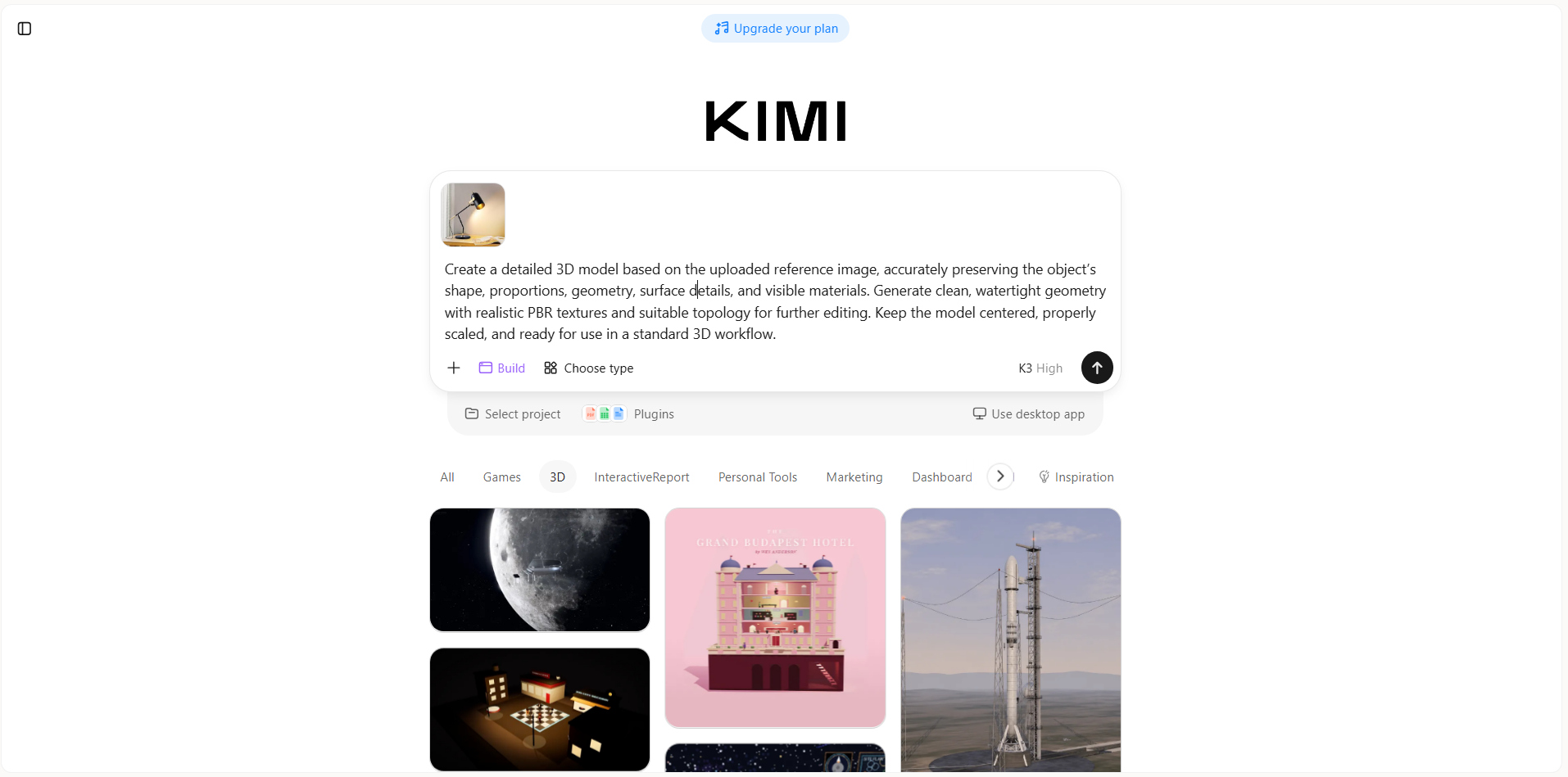
Step 1: Upload your reference
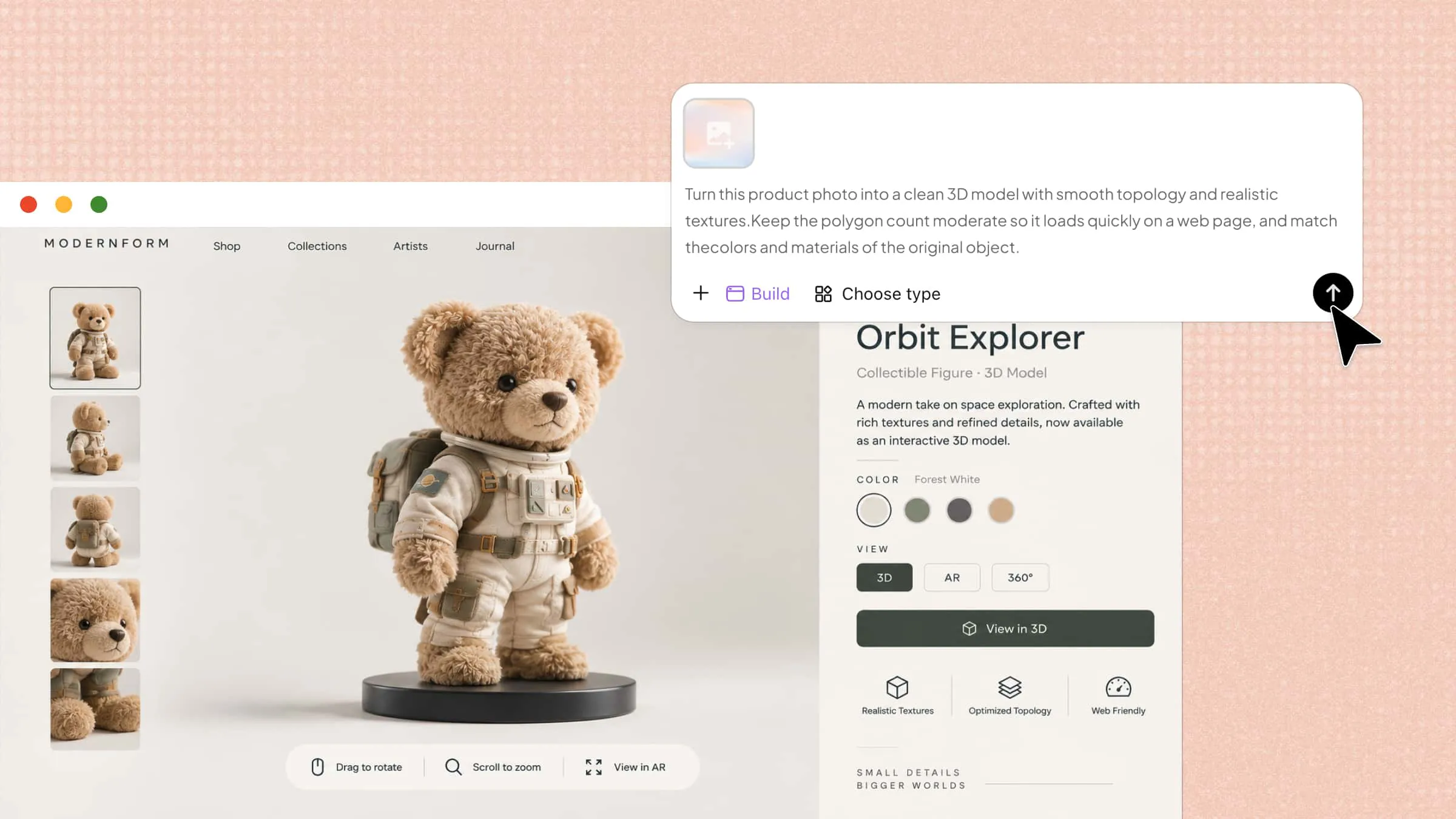
Start with an image of the object, character, product, or other visual you want to turn into 3D. Upload your reference to Kimi Build and describe what you want to create. You can also brainstorm with AI to explore your idea before generating the model.
Example prompt:
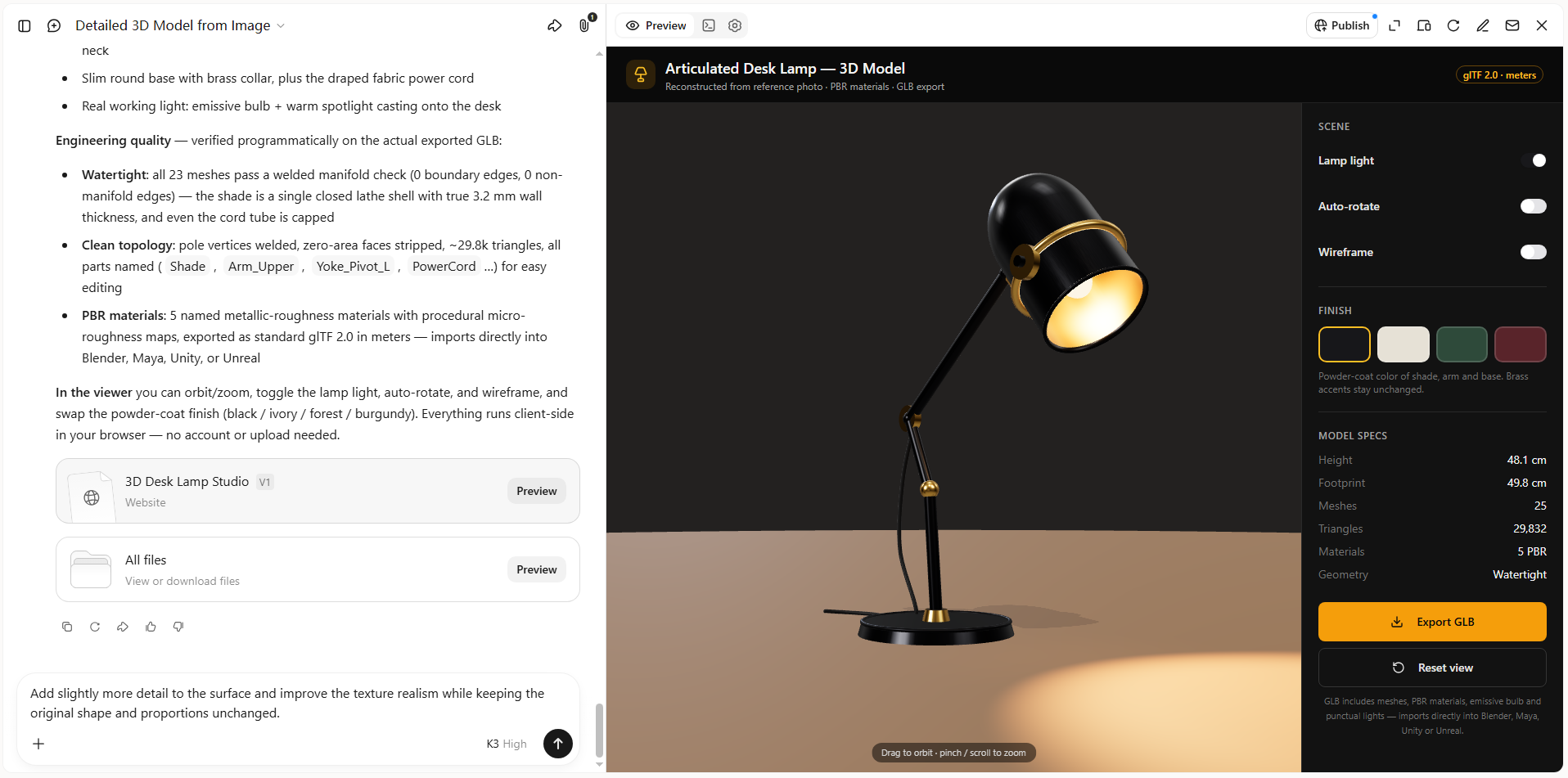
Step 2: Edit your 3D model
Once your 3D model is generated, refine it with AI to better match your vision. Ask Kimi Build to make changes, adjust details, or explore different directions without starting over from scratch.
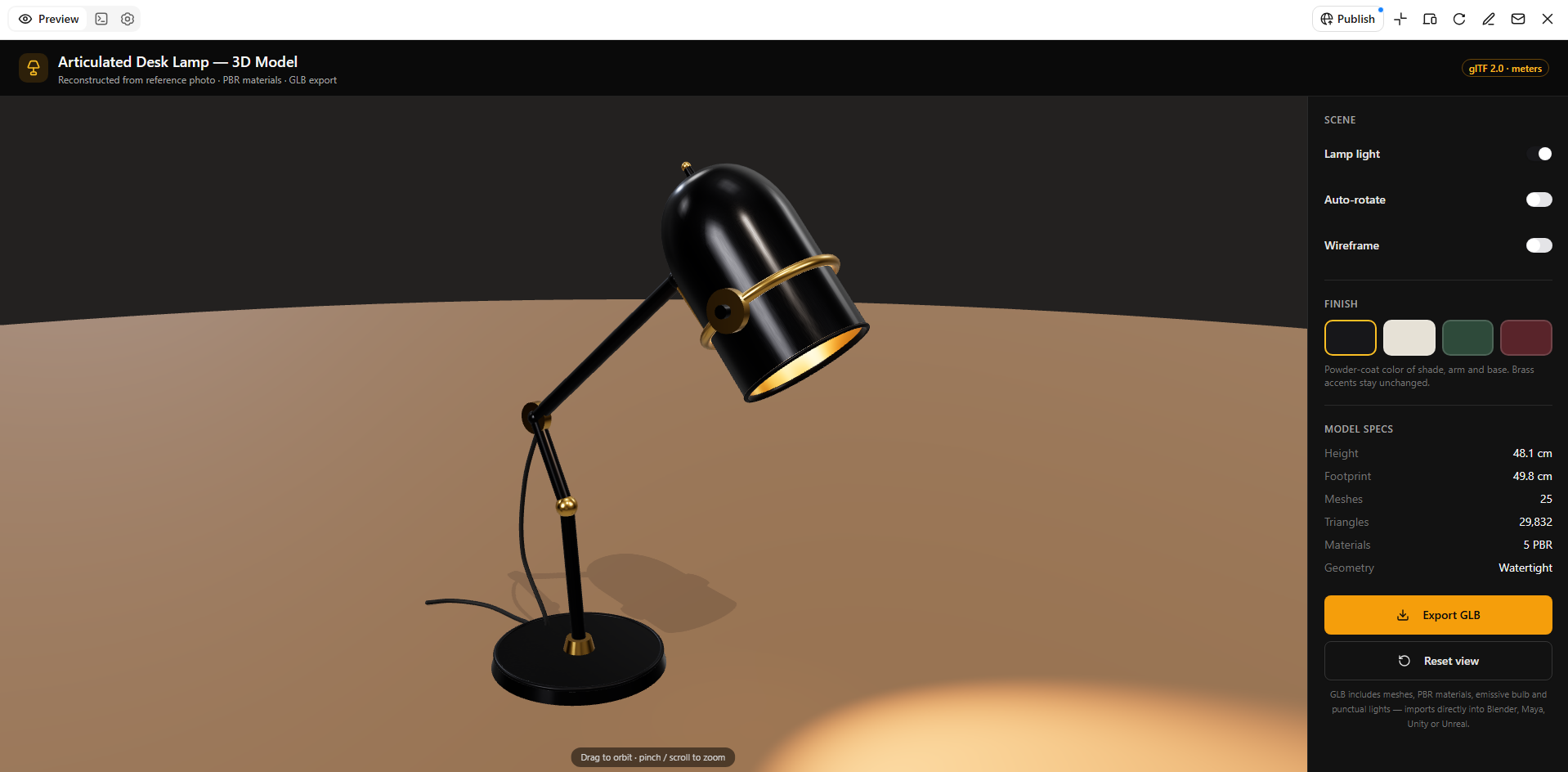
Step 3: Review and download
Review your finished 3D model and make any final adjustments. When it's ready, export your model and use it in your next project.
Tripo AI
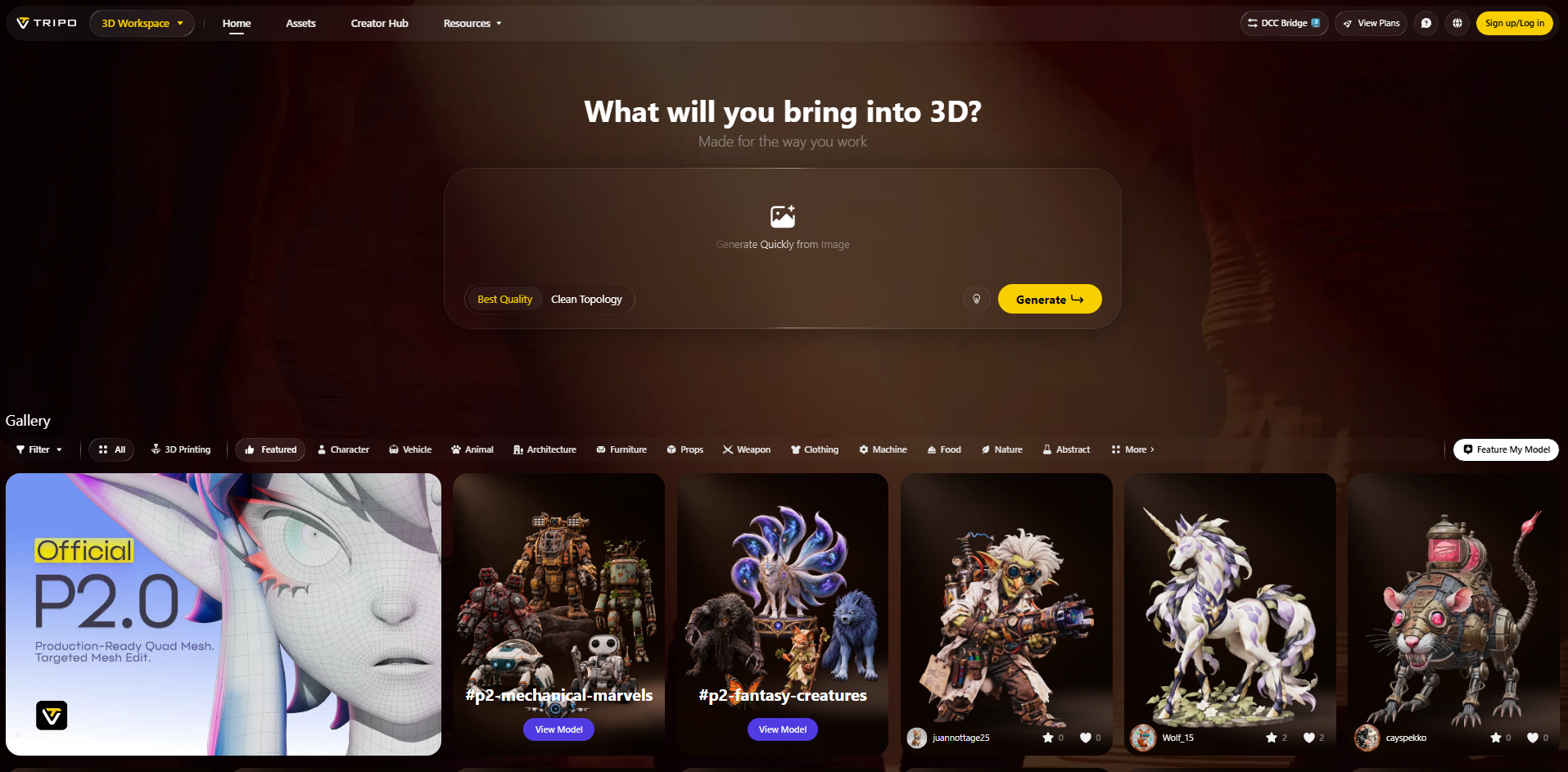
Tripo AI is an AI-powered 3D generation platform that converts images, sketches, and concept art into 3D assets. It can reconstruct models from a single image or multiple views, depending on the level of accuracy needed. The platform also provides tools for texturing, segmentation, retopology, rigging, and animation. Its output can be prepared for workflows such as games, 3D printing, product visualization, and animation.
Main features
Image and multi-view to 3D: Upload a photo, sketch, or multiple reference views to generate a 3D model. Using several views can help improve the shape and details of the final asset.
High-detail mesh generation: Tripo can generate detailed 3D geometry as well as cleaner meshes for easier editing. This gives creators more flexibility depending on their project requirements.
AI texturing and segmentation: The platform can generate PBR textures and separate different parts of a model. This makes complex assets easier to edit and organize.
AI rigging and animation: Characters can be automatically rigged and prepared for animation. This helps creators move from model generation to animation without building the rig manually.
Suitable for
Game developers creating 3D characters and props
3D artists working on detailed assets
Product designers creating 3D prototypes
Creators preparing models for 3D printing
Hunyuan3D
Hunyuan3D is an open-source 3D generation model developed for creating 3D assets from visual input. Its image-to-3D workflow can estimate an object's shape from a single reference image and generate its surface appearance. The system separates shape generation from texture generation, giving developers flexibility when building custom workflows.
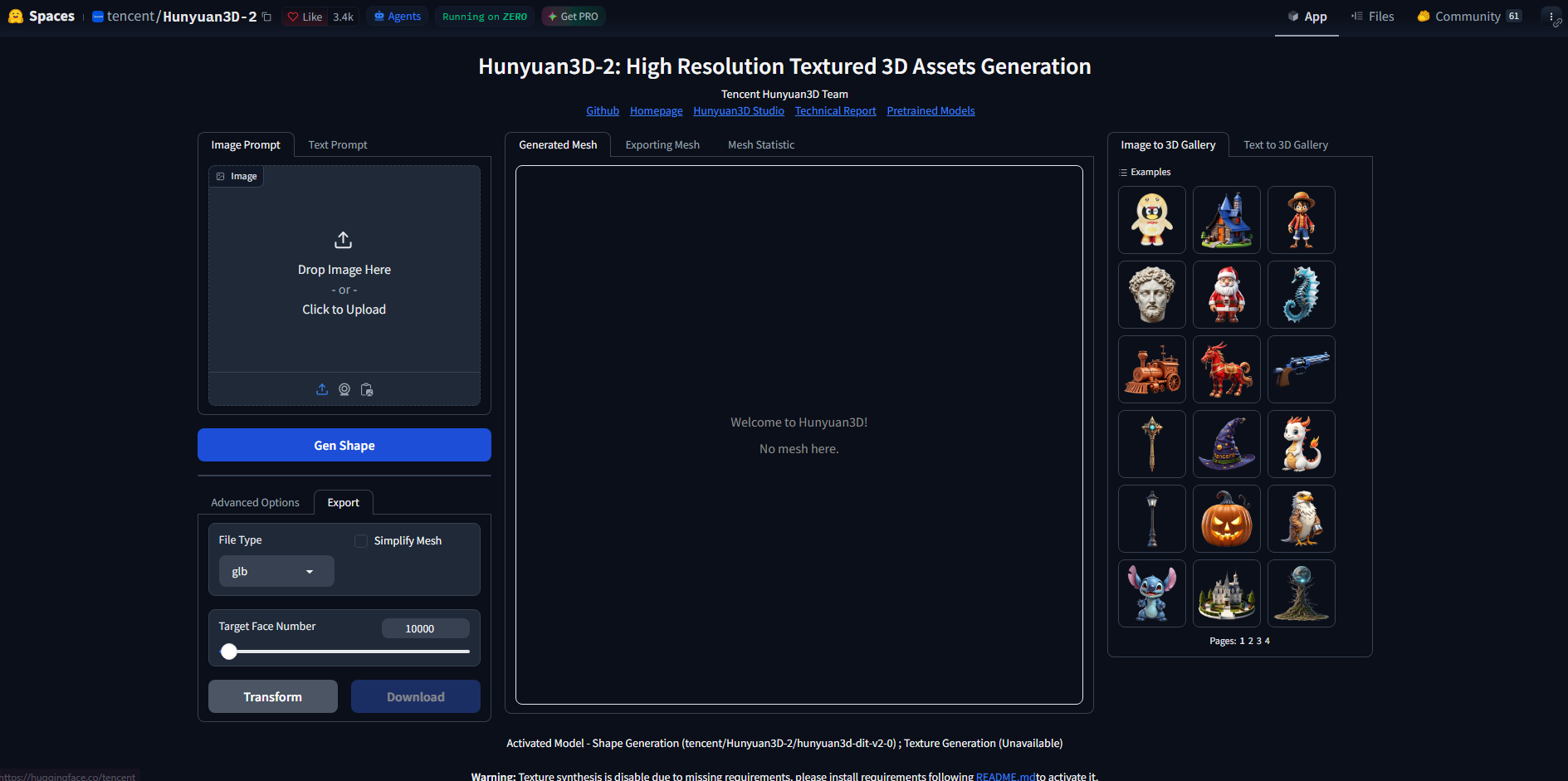
Main features
Single-image reconstruction: Hunyuan3D can infer the three-dimensional structure of an object from one image. AI estimates the depth and hidden geometry based on the visible reference.
PBR material generation: The system can generate physically based materials along with 3D geometry. This gives the resulting asset a more realistic surface appearance.
Open-source model: Developers can access and run the model within their own environments. This provides more control over the generation process than a closed online tool.
Separate shape and texture generation: Hunyuan3D handles geometry and materials as different parts of the workflow. Users can therefore experiment with the shape and appearance independently.
Suitable for
AI researchers experimenting with 3D generation
Developers building custom 3D pipelines
Technical artists testing generative workflows
Creators who need textured 3D assets
TRELLIS-2
TRELLIS.2 is a high-resolution image-to-3D generation model designed to create detailed 3D assets from a single image. It uses an advanced 3D representation that can capture both complex geometry and surface information. The model can generate textured meshes as well as other 3D representations from the same underlying data. Its focus on high-fidelity reconstruction makes it suitable for demanding visual applications.
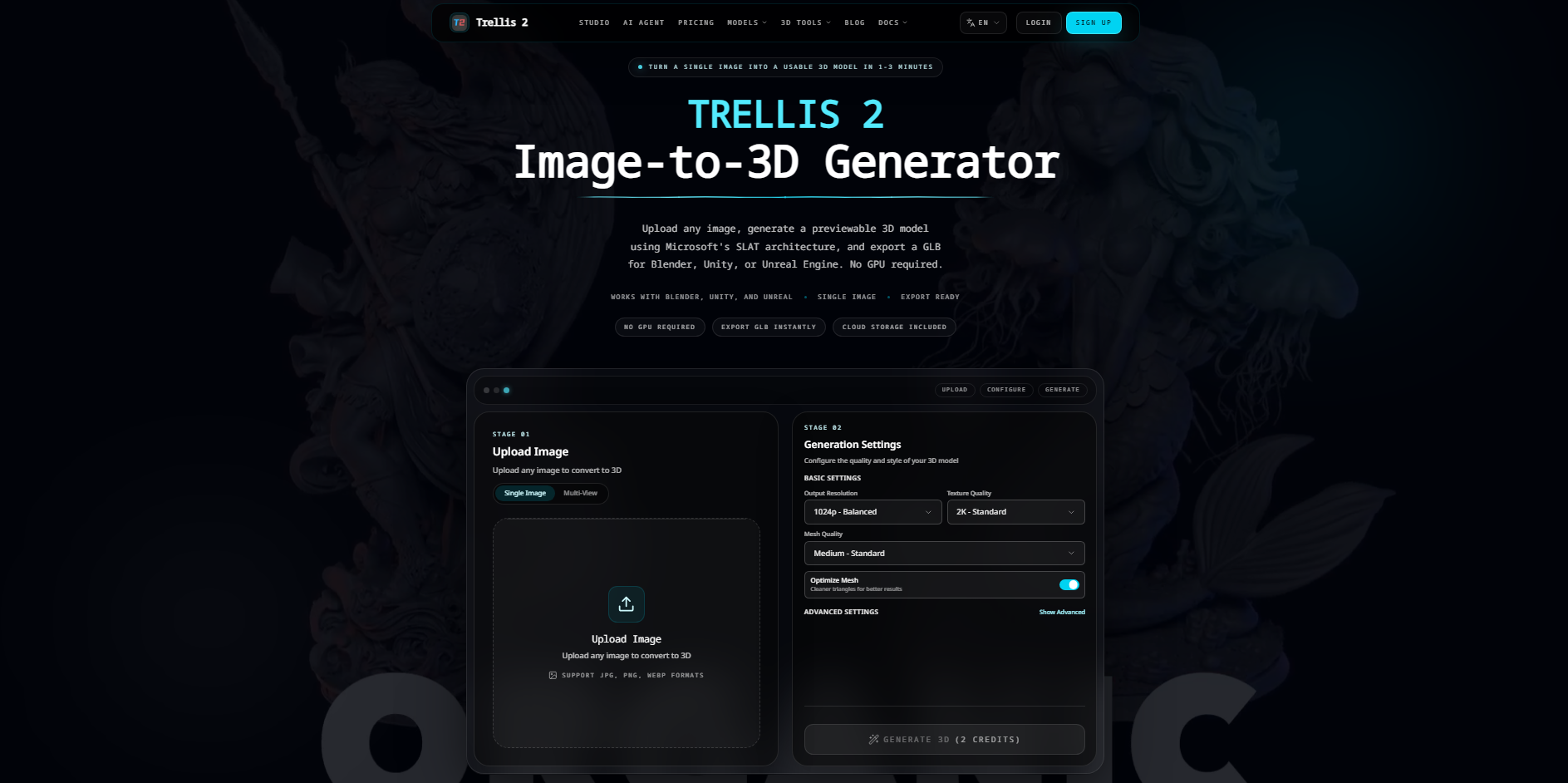
Main features
High-resolution 3D generation: TRELLIS.2 can generate highly detailed 3D representations. The higher resolution helps preserve small geometric and surface details from the reference image.
Full PBR materials: Generated assets can include physically based materials instead of basic surface colors. This helps them look more realistic when rendered.
Flexible topology: Its 3D representation can handle different types of geometry, including open surfaces and enclosed objects. This allows it to work with a wider range of shapes.
Multiple 3D outputs: The generated representation can be converted into meshes, 3D Gaussian representations, and radiance fields. This makes it adaptable to different 3D workflows.
Suitable for
VFX artists working with detailed assets
Game developers creating high-quality 3D content
AR and VR developers building immersive scenes
Researchers studying advanced 3D generation
TripoSR
TripoSR is a single-image 3D reconstruction model designed to create a 3D asset from one RGB image. It analyzes the reference and estimates the object's geometry and surface information. The tool is designed for fast generation, making it useful when users need a quick 3D result rather than a complex modeling workflow. Its simple approach also makes it suitable for experimentation and rapid prototyping.
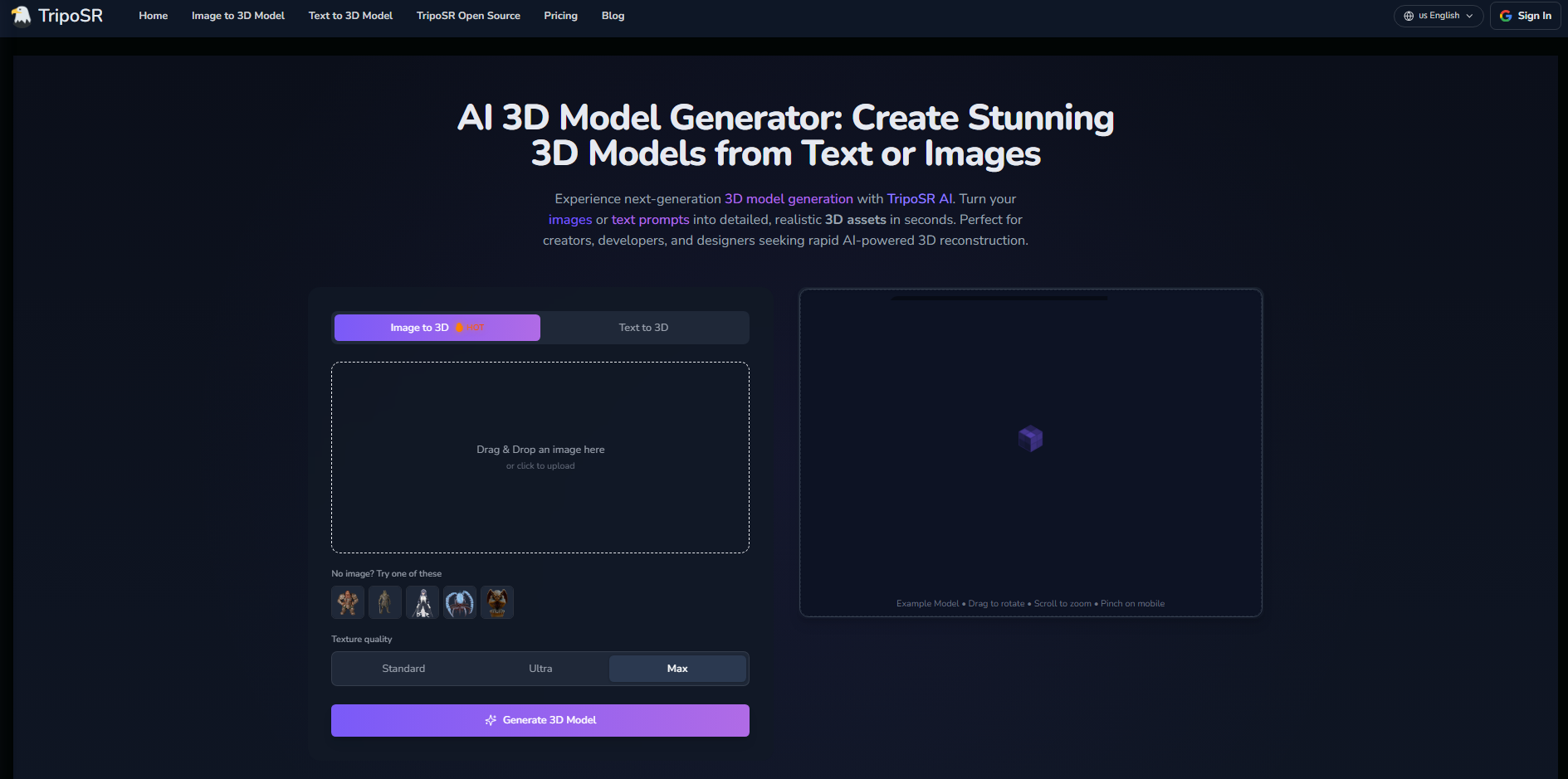
Main features
Single-image generation: TripoSR creates a 3D model using one reference image. This removes the need to capture multiple views of the same object.
Textured models: The generated output can include texture information along with geometry. This gives the model more visual detail than a plain mesh.
Fast reconstruction: TripoSR is designed for efficient 3D reconstruction from images. This makes it useful for quickly testing ideas and generating preliminary assets.
Standard 3D export: Models can be exported in common 3D formats for use in other applications. Users can continue editing or rendering the result in their preferred software.
Suitable for
Beginners exploring image-to-3D tools
Developers creating quick prototypes
Designers generating basic 3D references
Creators who need fast model reconstruction
RapidDirect
RapidDirect combines AI-powered 3D creation with product design and manufacturing services. Its AI tools can use product photos, sketches, and concepts to generate 3D models and visual renders. Users can then move from the digital concept toward prototyping and physical production. This makes it particularly useful for people who want to turn an image-based idea into a manufacturable product.
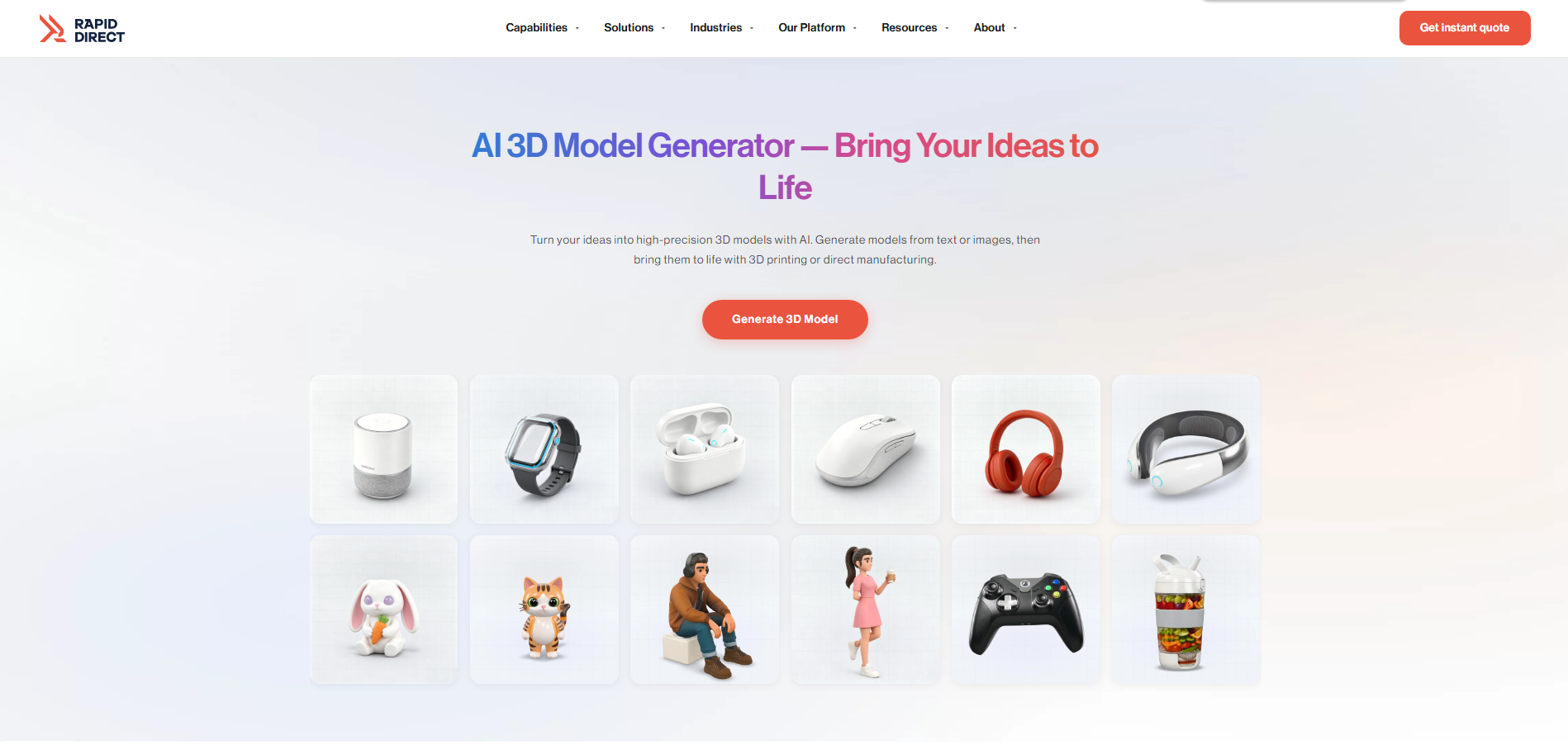
Main features
Image-to-3D product creation: Users can provide product images or sketches as references for generating a 3D model. The workflow is focused on turning visual concepts into product designs.
AI product rendering: RapidDirect can create product renders from an idea before manufacturing begins. This helps users review the appearance of a concept at an early stage.
GLB and STL export: Generated models can be exported in formats such as GLB and STL. STL files are especially useful when preparing models for 3D printing.
Manufacturing analysis: The platform can check important manufacturing factors such as wall thickness and draft angles. This helps identify potential production problems before making the physical part.
Suitable for
Product designers developing physical products
Hardware startups creating prototypes
Engineers preparing parts for 3D printing
Manufacturing teams testing product concepts
Meshy AI
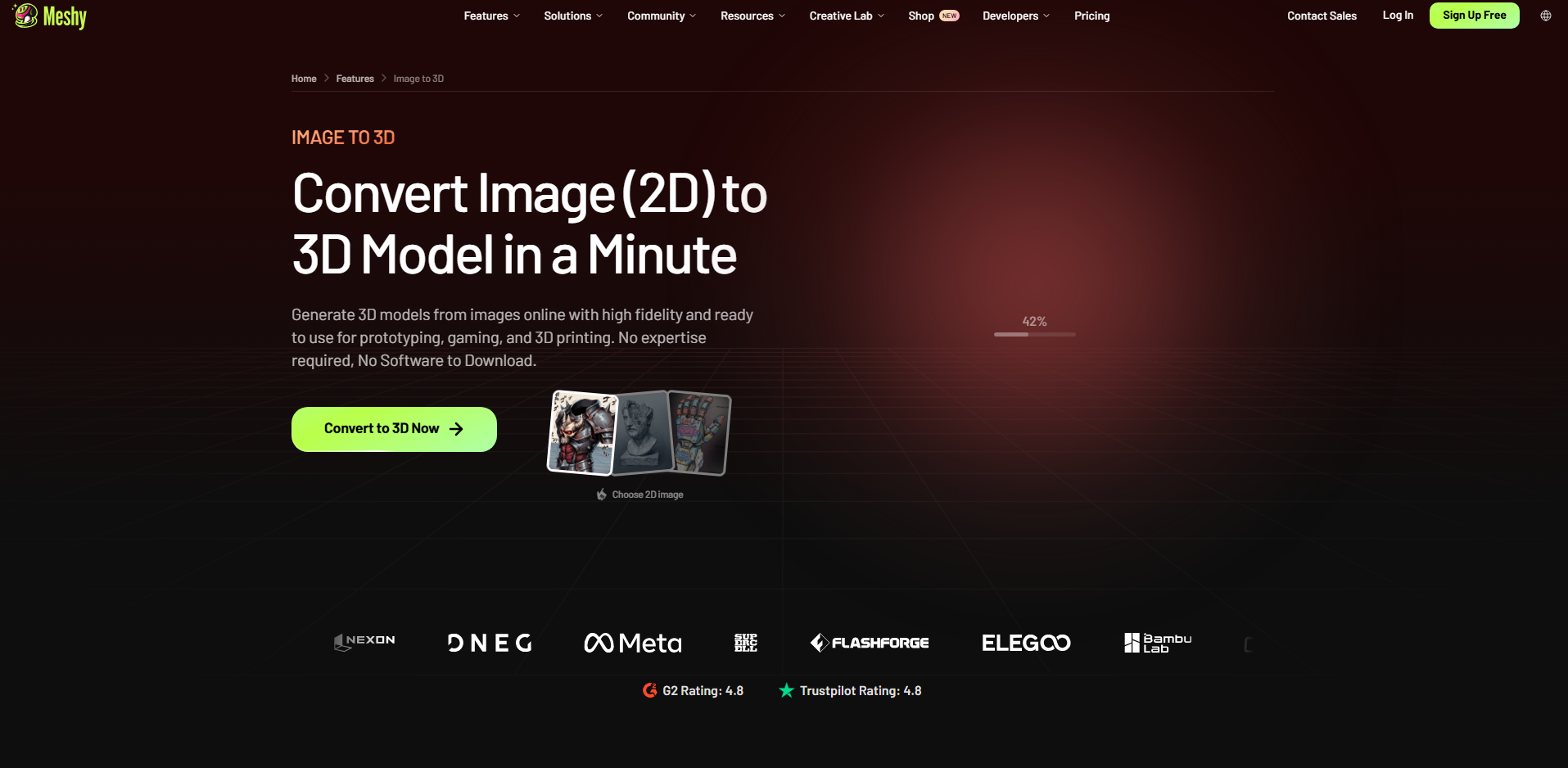
Meshy AI is an AI-powered 3D model generator that helps users turn images and text prompts into 3D assets. It simplifies the modeling process for beginners, designers, game developers, and digital artists who want to create 3D objects without building them entirely from scratch. Users can generate models from reference images, refine their appearance with AI texturing tools, and export assets for use in 3D applications.
Main features
Image-to-3D generation: Meshy can turn reference images into 3D models, helping users convert visual concepts into editable digital assets
Text-to-3D generation: Users can describe an object in a text prompt and generate a corresponding 3D model
AI texturing: The platform provides tools to generate and refine surface textures, improving the appearance of 3D assets
3D model export: Generated assets can be exported in supported formats for use in external 3D design applications and creative workflows
Suitable for
Beginners who want to create 3D models from images
Game developers creating characters, props, and environment assets
Designers developing product concepts and visual prototypes
Digital artists who need AI-generated 3D assets for creative projects
Cinevva
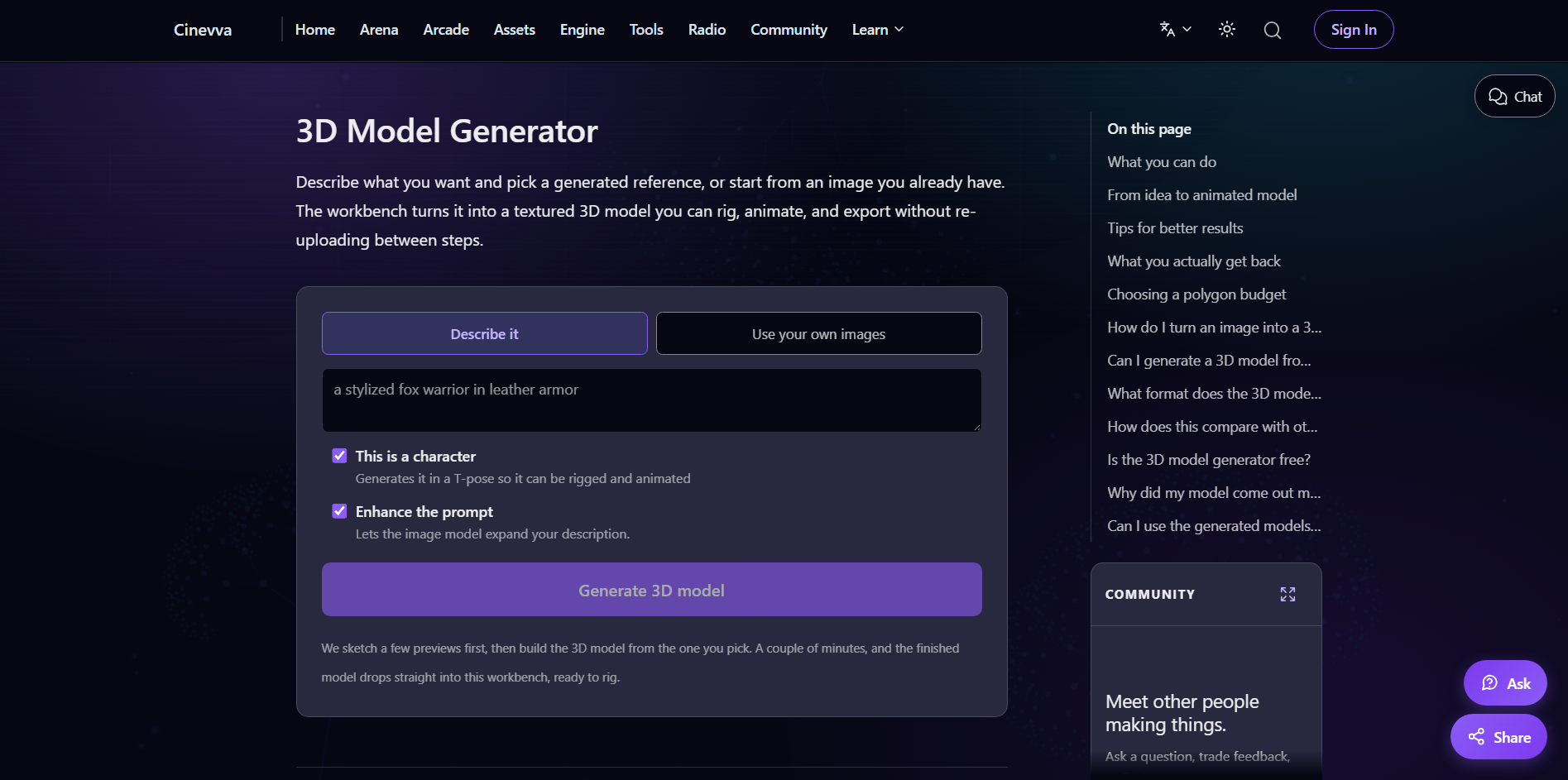
Cinevva is a browser-based AI platform that includes tools for generating 3D models from reference images. Its workflow can identify the main object in an image and reconstruct it as a 3D asset. Users can then continue working with the model through features such as rigging and animation. This makes Cinevva useful for creators who want several steps of the 3D workflow in one place.
Main features
Image-to-3D reconstruction: Cinevva can convert a reference image into a 3D model. Clear images with a distinct subject can help the system identify the object more effectively.
Automatic object extraction: The platform can identify and isolate the main object before generating the 3D asset. This is useful when the reference contains a product or character against a background.
Built-in rigging: Generated characters can be given a skeleton for animation. This saves creators from manually setting up a basic character rig.
Animation and export: Users can animate their generated assets and export them for use in other 3D environments. This creates a more complete workflow from reference image to animated asset.
Suitable for
Indie game developers creating characters
Character artists needing quick rigs
Creators building animated 3D content
Developers preparing assets for game engines
Spline AI
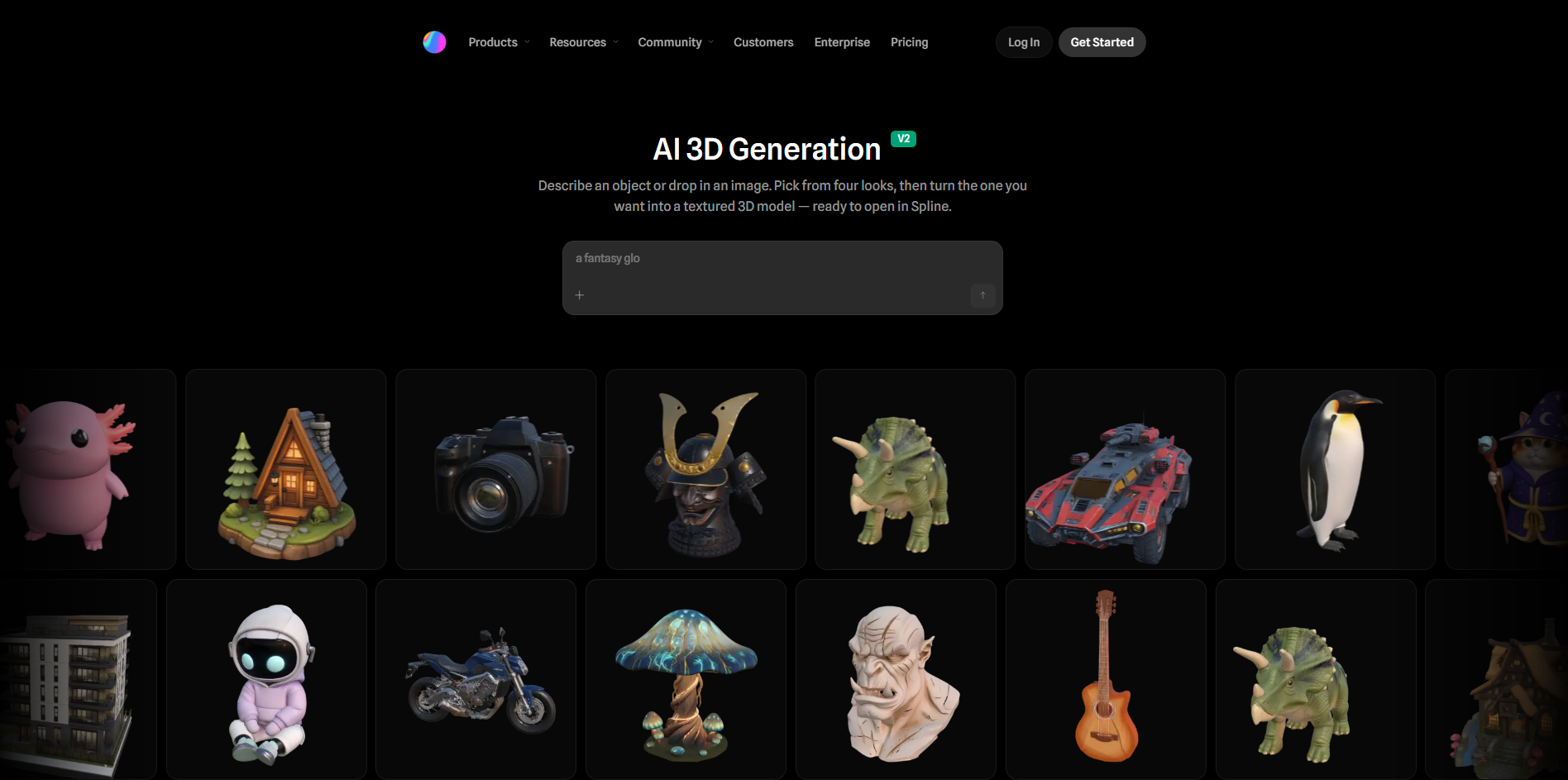
Spline AI brings AI-powered 3D generation directly into a browser-based 3D design environment. It can use an image as a visual reference and combine it with text instructions to generate an object. The generated model can then be placed directly into a Spline scene for further design work. This makes it especially useful for interactive websites and digital experiences.
Main features
Image-to-3D generation: Spline can analyze a reference image and generate a 3D representation of the subject. A clear view of a single object generally provides a better starting point.
Image and text guidance: Users can combine a reference image with written instructions. This gives additional control over the desired shape, style, or visual details.
Direct scene integration: Generated objects can be opened directly inside the Spline editor. Creators can then position, resize, and modify them as part of a larger scene.
Interactive 3D design: Spline lets users combine generated models with interactive scenes and web experiences. This makes it more focused on digital presentation than traditional standalone modeling.
Suitable for
Web designers creating interactive 3D websites
UI and UX designers adding 3D elements
Creative teams building browser experiences
Spline users creating interactive scenes
Sloyd AI
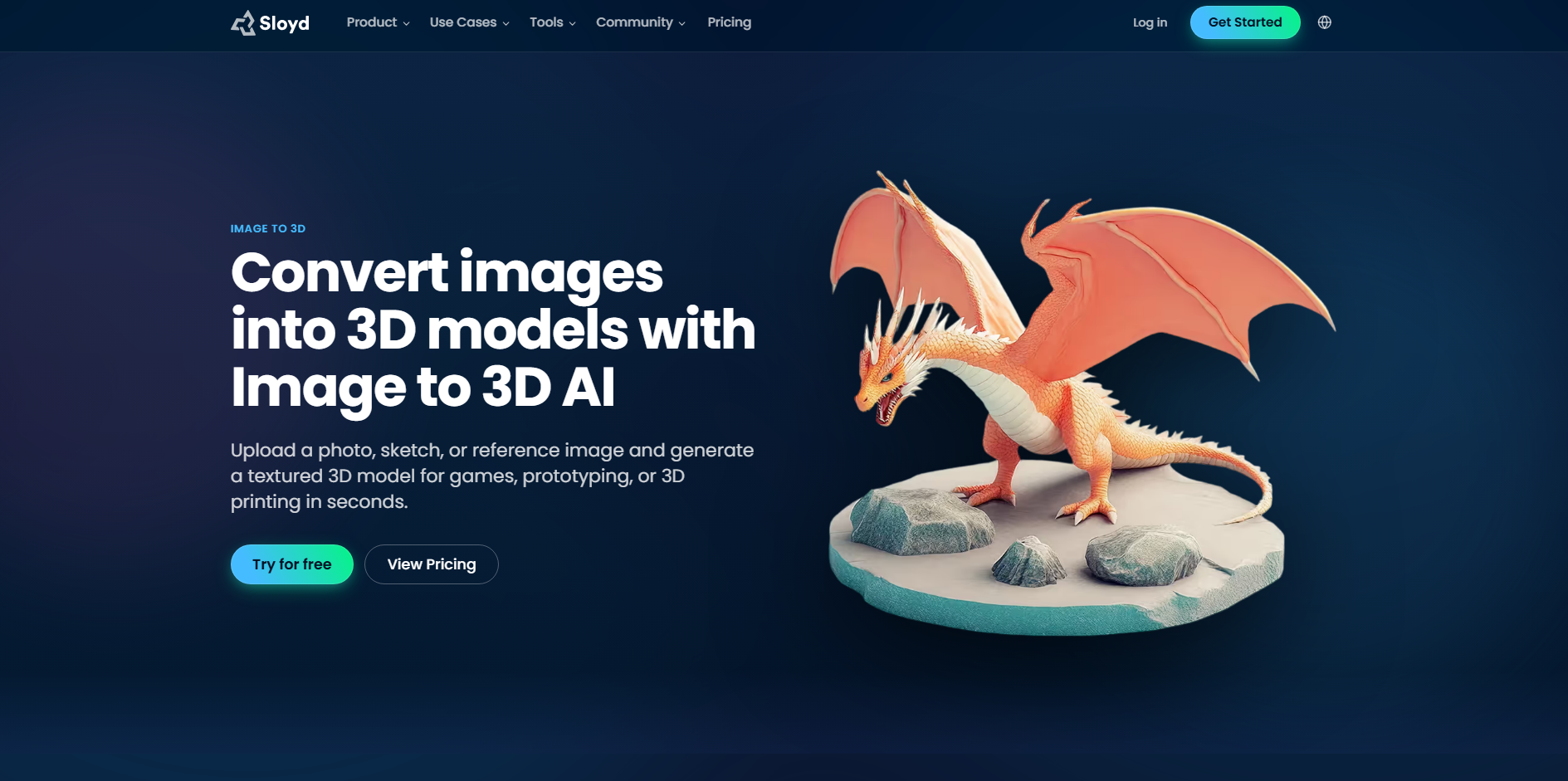
Sloyd AI is an AI-based 3D creation platform that can turn images, sketches, and other references into editable 3D models. It focuses on producing usable assets with control over polygon counts and topology. Users can prepare models for different purposes, including games, 3D printing, and general 3D design. Its export options also make it practical for moving generated assets into other applications.
Main features
Image-to-3D conversion: Sloyd can use photos, drawings, sketches, and other visual references to generate 3D models. This provides a quick way to create an asset without modeling it from scratch.
Polygon control: Users can adjust the polygon budget of the generated model. This helps balance visual detail with performance requirements.
Topology options: Sloyd provides different topology choices, including automatic, triangle, and quad-based options. This gives creators more control over how the model is structured.
Multiple export formats: Models can be exported in formats such as FBX, GLB, OBJ, BLEND, USD, USDZ, and STL. This allows the same asset to move into different creative, gaming, or printing workflows.
Suitable for
Game developers creating optimized 3D assets
3D printing users making physical models
Designers turning sketches into 3D concepts
Artists who need control over topology and polygon count
How to pick a suitable image to 3D model generator
Choosing the right tool can make the image-to-3D process much easier and save you time later. The best option depends on the type of images you use, the quality you expect, and how you plan to use the final model. Keep the following factors in mind before choosing an image to 3D model converter.
Choose an interface that is easy to navigate
A simple interface makes it easier to upload images, adjust settings, and generate models without a long learning curve. Look for tools with clear controls and an organized workspace. This is especially important if you are new to 3D modeling and want to focus on creating rather than learning complicated software.
Consider how quickly models are generated
Generation speed can make a big difference when you need to create several models or test multiple references. Some tools can produce a result within minutes, while more detailed models may take longer. Choose a tool that offers a good balance between generation time and the level of detail you need.
Assess output quality with different image types
Not every image produces the same quality of 3D model, so test the tool with the types of references you normally use. Clear product photos, sketches, illustrations, and images with simple backgrounds can produce different results. Check how well the tool handles shapes and areas that are not visible in the original image.
Explore available model editing features
A generated model may not be perfect on the first attempt, so built-in editing features can be very useful. Look for tools that let you refine geometry, textures, materials, or other details without starting the process again. AI-based editing can also help you make changes using simple instructions instead of manual modeling.
Check supported 3D file formats
Before choosing a converter, check which formats you can export from it. Common options such as OBJ, FBX, GLB, and STL can make it easier to move models between different applications. The right format will depend on whether you plan to edit, animate, render, print, or publish the model online.
Make sure it works with your design software
Compatibility is important if you already use software such as Blender, Unity, Unreal Engine, or another 3D application. Check whether the converter can export models in a format that your software supports properly. This can help you avoid conversion problems and unnecessary extra steps in your workflow.
Consider the quality of community resources
A strong community can make it easier to learn how to use a tool and solve problems when they appear. Tutorials, guides, example projects, forums, and user discussions can provide useful tips that may not be covered in the official documentation.
Use cases of images to 3D model tools
Image-to-3D tools can be useful in many creative and practical workflows, from designing new products to creating digital assets. They can reduce manual modeling work and help turn simple 2D references into usable 3D content. Here are some common ways creators and businesses can use these tools:
Product design and prototyping
Designers can turn sketches, product photos, or reference images into early 3D concepts. This makes it easier to explore shapes, proportions, and design ideas without modeling everything manually. The generated model can then be refined and used as a starting point for prototyping.
E-commerce product visualization
Online stores can create 3D versions of products from existing product images. These models can be used in interactive viewers, marketing materials, and virtual shopping experiences. They also give customers a clearer view of a product's shape and appearance before buying.
Game asset and character creation
Game developers can turn concept art and reference images into 3D characters, props, and other assets. This can reduce manual modeling time and help teams create early versions of game content faster. The generated assets can then be edited, optimized, and prepared for use in a game engine.
3D printing
Users can turn images, sketches, or object references into 3D models for physical printing. These models can be used for prototypes, decorative objects, custom parts, and other projects. Before printing, the model may need adjustments to its geometry, scale, wall thickness, and structure.
Architectural visualization
Architects can use image-to-3D tools to turn sketches, references, and building concepts into basic 3D models. This provides a quick way to explore building shapes, spaces, and design ideas during the early stages. The generated models can then be refined in architectural software for detailed visualization and presentations.
Conclusion
Image-to-3D technology gives creators a faster way to move from an idea or reference to a usable 3D asset. The wide range of free and paid image to 3D model converters means you can choose based on your needs rather than relying on one workflow. Whether you are starting a new concept or improving an existing project, the right tool can make the process more convenient. For a straightforward AI-powered experience, try Kimi Build. Upload an image and start creating your 3D model with Kimi Build.