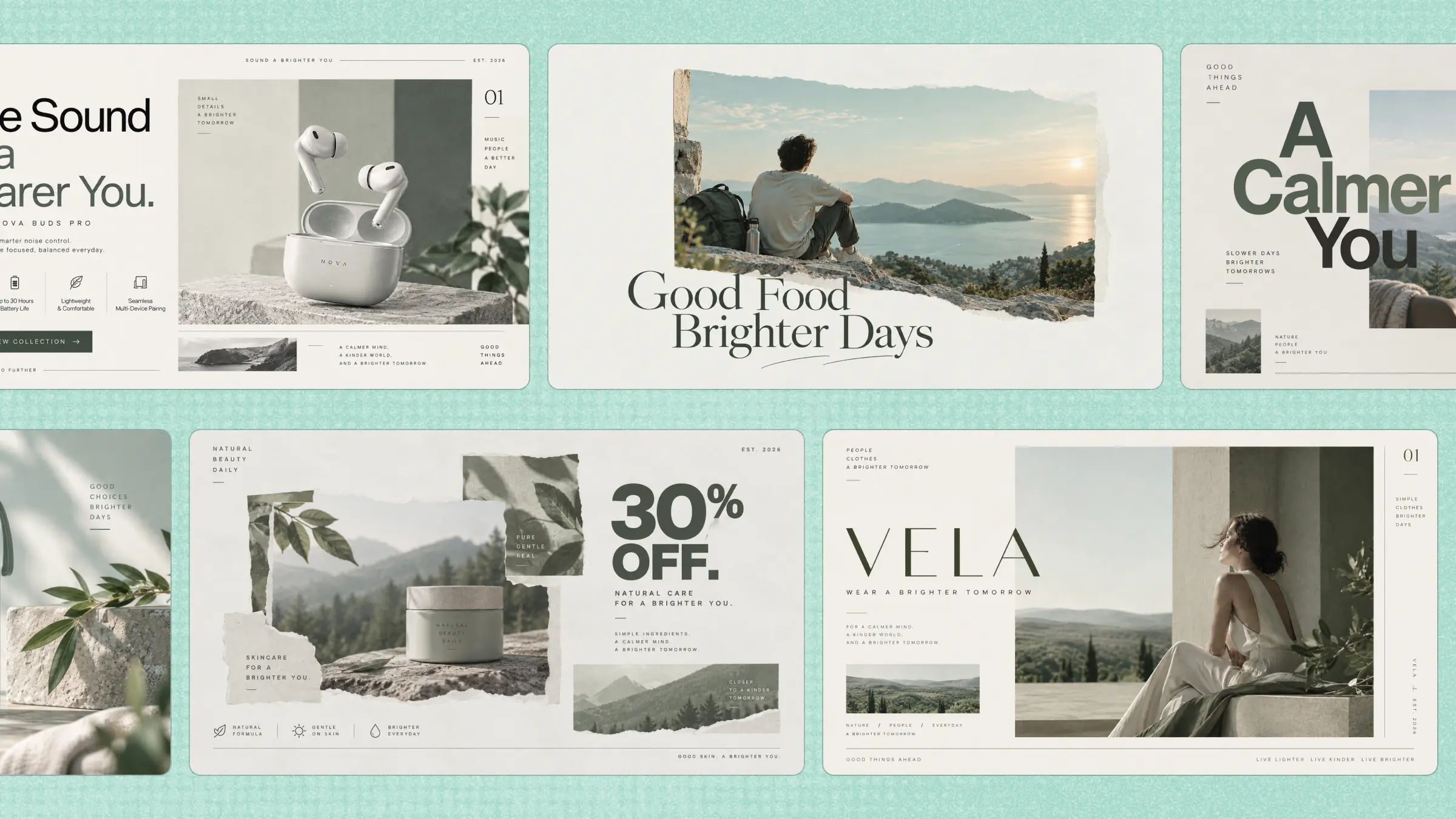
Creating good designs can take a lot of time, especially when you need to start from scratch or lack design experience. Finding the right layout, colors, fonts, and visuals can make even simple projects feel difficult and slow. AI design tools make this easier by turning basic ideas into polished designs in much less time. Keep reading to explore the top options and find the right tools to create designs faster and smarter.
Overview of 10 AI-powered design generators
With so many AI design tools available, choosing the right one depends on what you want to create and how you prefer to work. Some tools focus on generating images and artwork, while others are better suited for UI/UX design, video creation, prototyping, design-to-code workflows, or finding visual assets. The table below compares 10 AI design tools based on their primary use cases and standout features, helping you quickly identify the option that best fits your creative needs.
| AI design tool | Primary focus | Key features | Suitable for |
|---|---|---|---|
| Kimi Design | AI image and design creation | Text-to-image generation, image transformation, AI canvas editing, customizable aspect ratios, high-resolution output | Social media posts, marketing graphics, website visuals, creative projects |
| Figma | UI/UX and collaborative design | AI layer organization, component creation, design suggestions, real-time collaboration | Product design, UI/UX, website and app prototypes |
| Midjourney | AI image generation | Text-to-image generation, artistic styles, image variations, prompt-based creative control | Concept art, illustrations, advertising visuals, creative exploration |
| Runway | AI video creation and editing | Text-to-video, AI video editing, object removal and replacement, visual effects | Social videos, motion graphics, product demonstrations |
| Canva Magic Studio | AI-assisted graphic design | AI-generated designs, Magic Design, AI image generation, AI-powered editing | Social media content, presentations, marketing materials |
| Builder.io Fusion | Design-to-code | Design-to-code generation, codebase integration, design system support, Git-based workflow | Product development, component-based websites, design-to-code projects |
| Lummi | AI image discovery | AI-powered image search, visual library, curated creative assets, design-ready visuals | Website designs, marketing campaigns, presentations, social graphics |
| Uizard | AI wireframing and prototyping | Sketch-to-design, screenshot-to-editable design, AI UI generation, rapid prototyping | App wireframes, website prototypes, UX brainstorming |
| Magic Hour | AI image and video creation | AI video generation, image-to-video, AI image editing, quick content generation | Social media campaigns, short-form videos, promotional visuals |
| Khroma | AI color palette generation | Personalized palettes, AI color matching, color exploration, palette inspiration | Branding, UI/web design, illustration, visual identity |
10 powerful AI design tools to boost your creativity
With the right AI design generator, you can turn simple ideas into eye-catching visuals without spending hours on every detail. The following tools offer different features for creating, editing, and improving designs, making it easier to find one that fits your creative needs.
Kimi Design
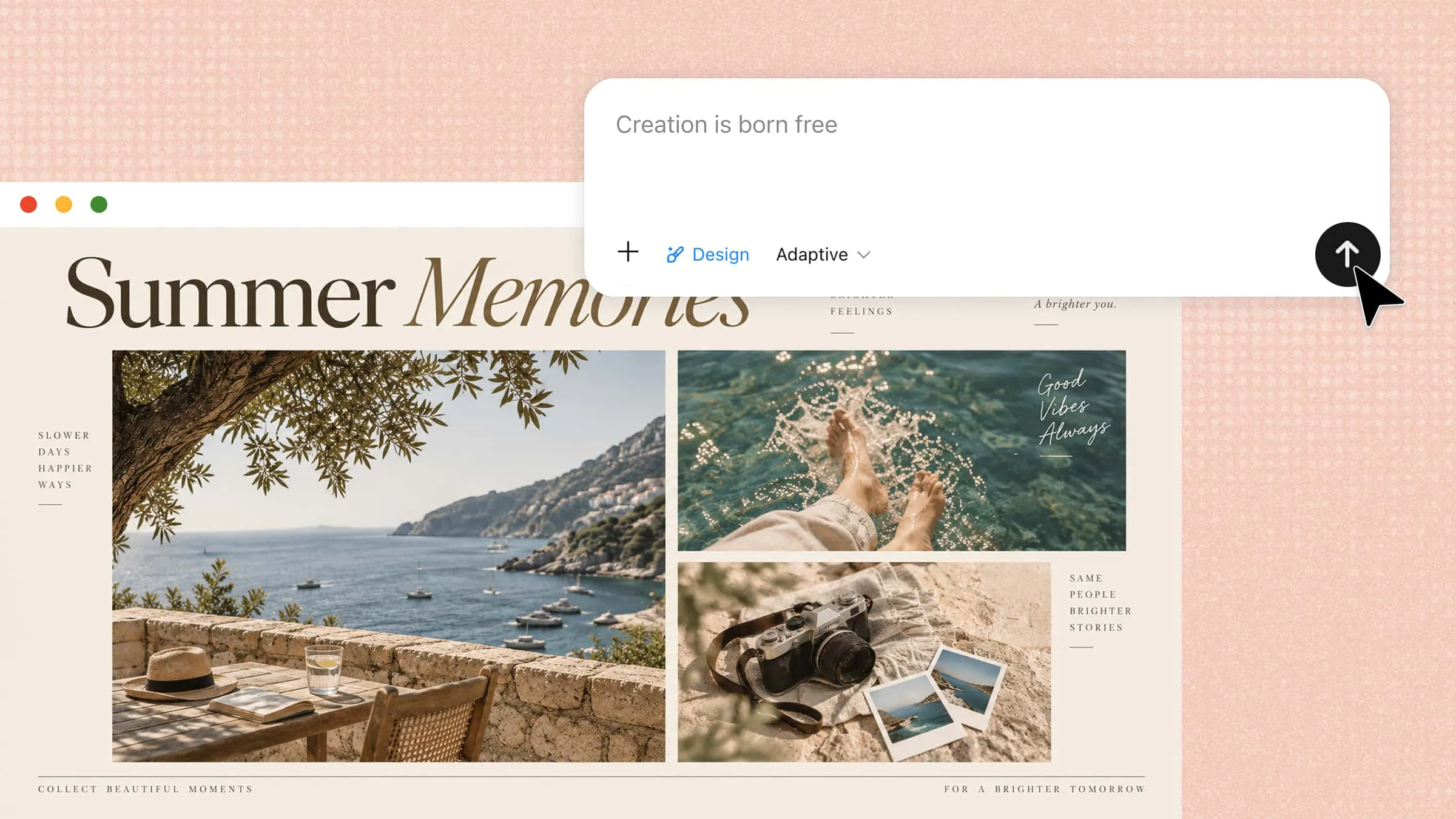
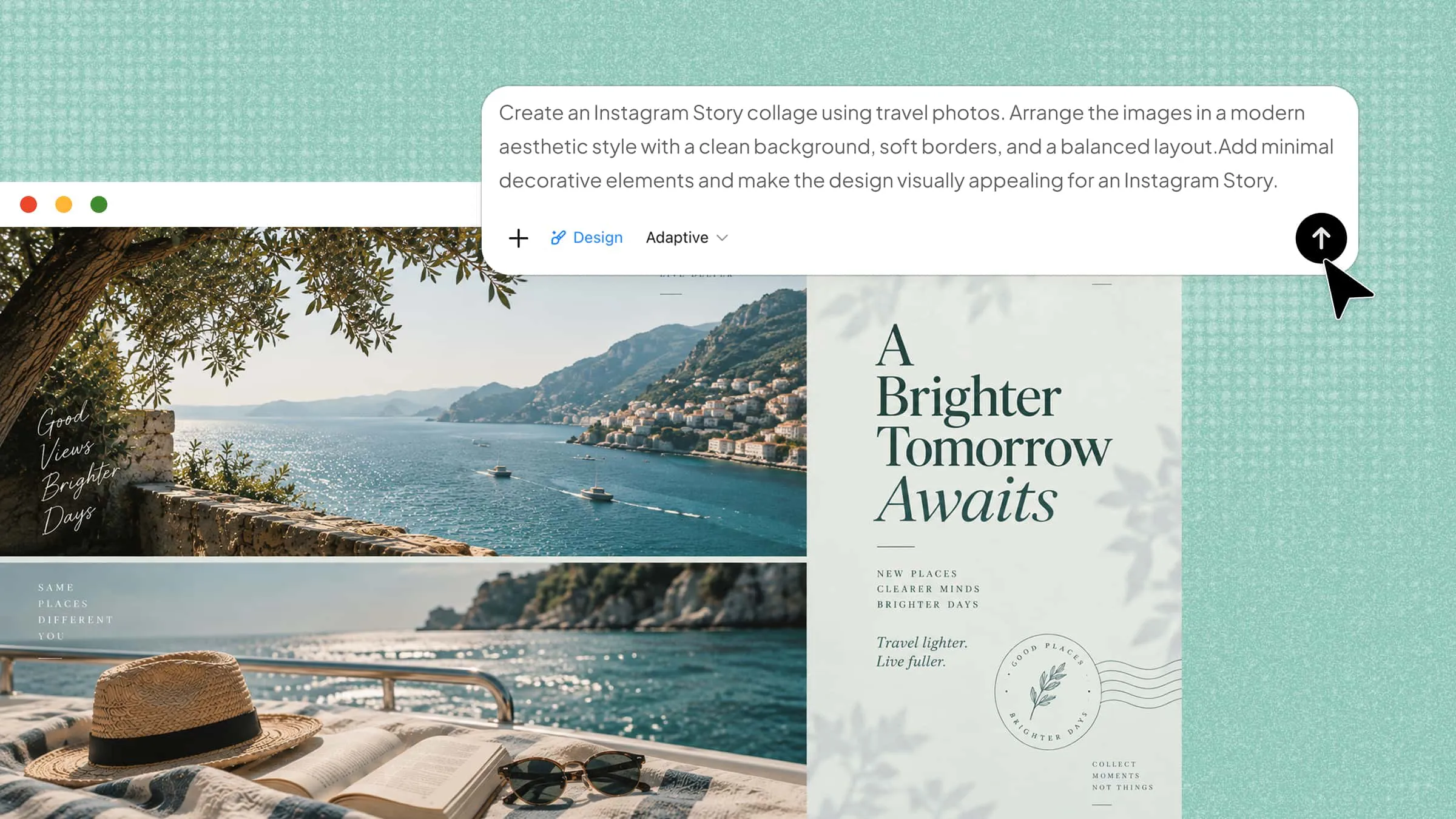
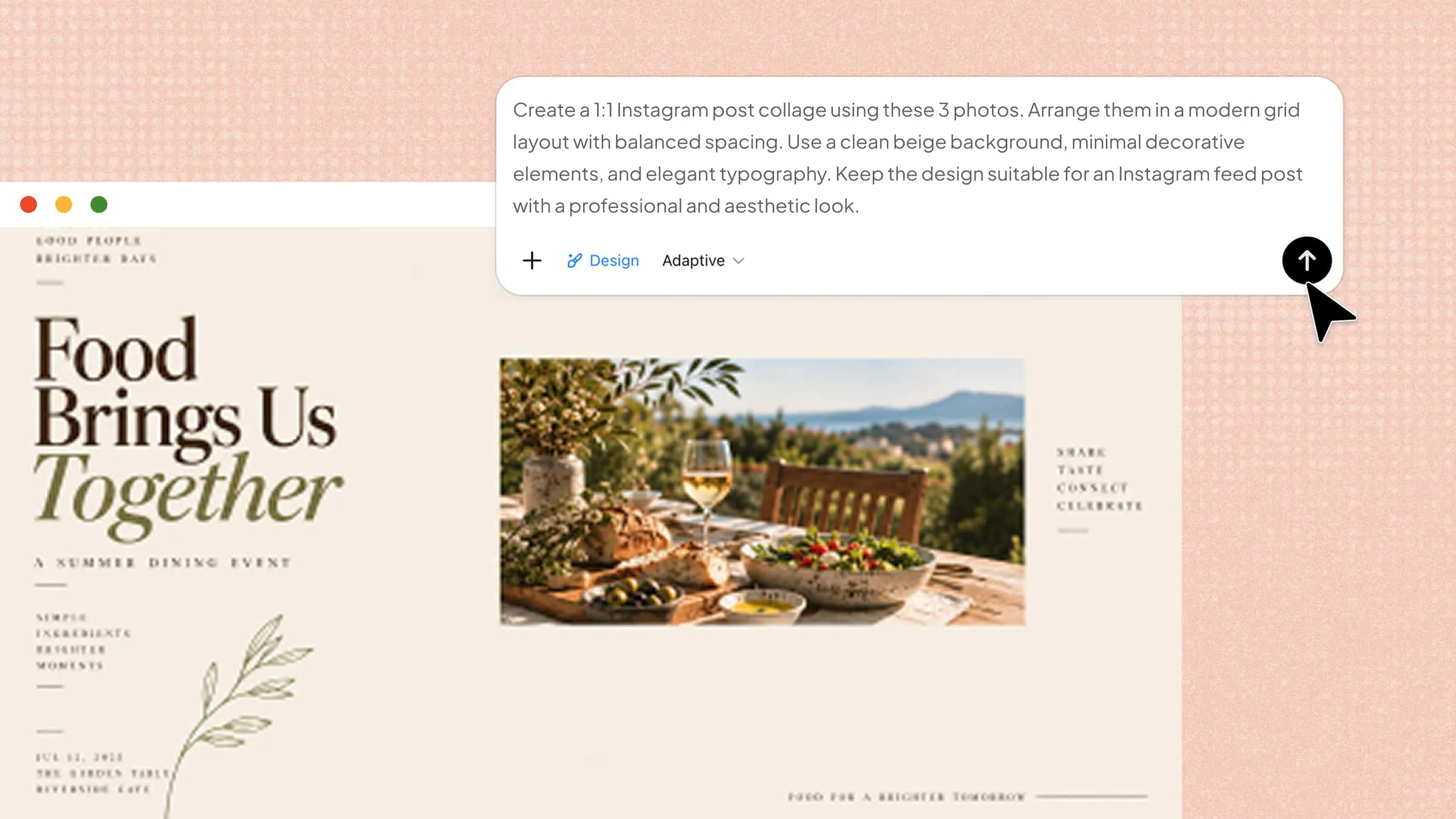
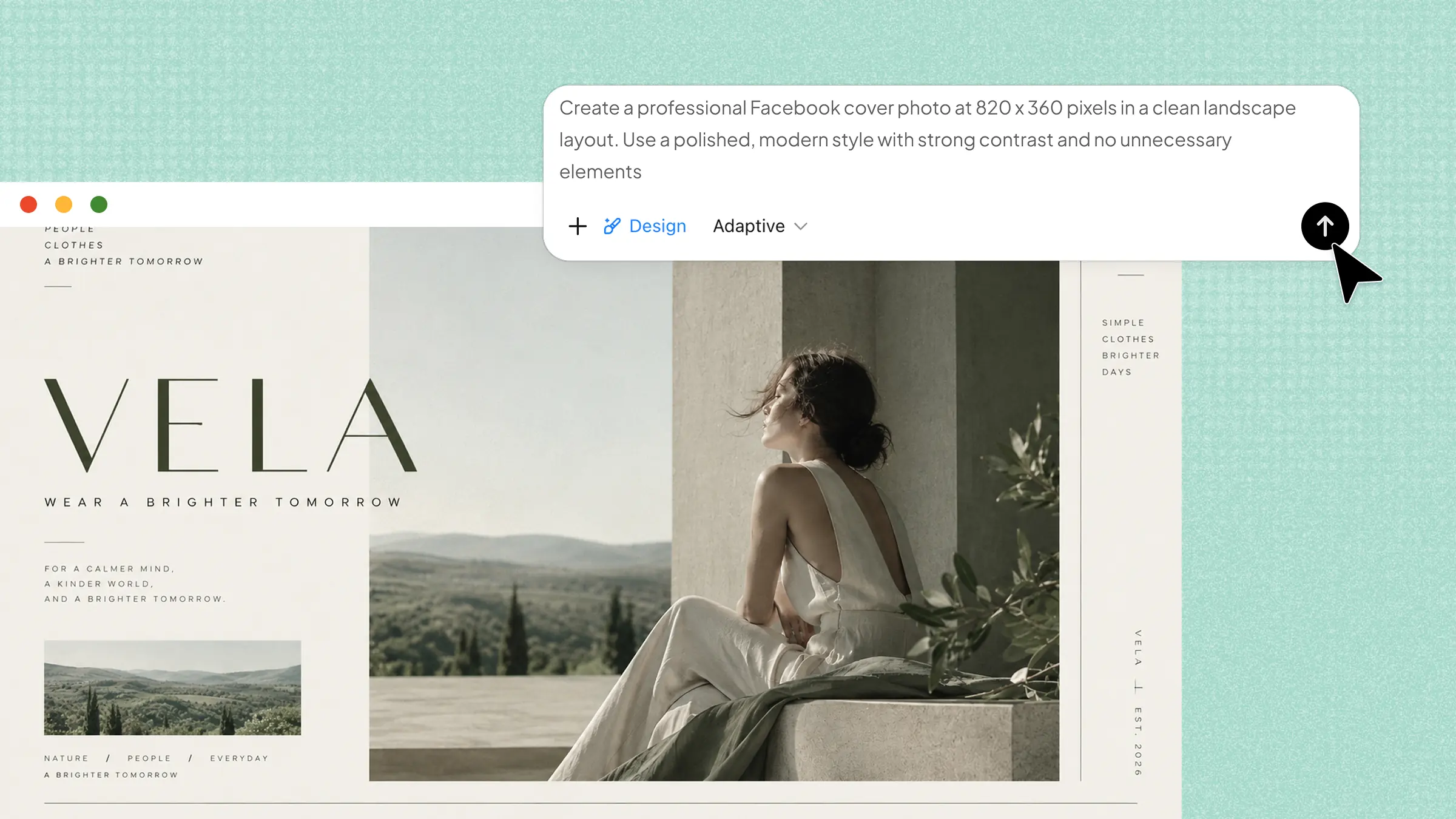
Kimi Design is a great choice for creating visuals quickly when you want to turn a simple idea into a polished design. It can generate images from text prompts and help refine existing visuals with natural language instructions, making it easier to explore different styles, layouts, and creative directions without requiring advanced design skills. Its flexible canvas settings also support different aspect ratios and custom dimensions, making it suitable for social media posts, website visuals, presentations, and marketing materials.
Main features
Create and transform images with AI: Bring your ideas to life by generating images from text prompts and refining existing visuals with natural language instructions. Kimi Design helps you change styles, modify elements, and explore new creative directions effortlessly.
Flexible canvas settings for every design need: Create visuals in the right format with adjustable aspect ratios, including 1:1, 16:9, 9:16, 4:3, and 3:4. Set custom pixel dimensions to fit specific requirements for social media, presentations, websites, and print.
Flexible image sizes for different use cases: Generate clear, detailed images with multiple resolution options, including 1080 × 1080 px, 1280 × 720 px, etc. Create polished visuals optimized for social media, presentations, websites, and other digital content needs.
Refine visuals through AI-powered canvas edits: Refine designs through an interactive AI workflow. Comment on specific elements directly in the preview canvas, and Kimi Design automatically applies your feedback to adjust visuals, explore new directions, and turn ideas into polished designs.
Suitable for
Social media posts and marketing graphics
Website banners and digital visuals
Presentations and promotional materials
Creative projects and concept exploration
How to use Kimi Design?
Kimi Design makes it easy to turn your ideas into visuals with a simple AI-powered workflow. You can start with a basic prompt, adjust the design, and refine the result until it matches your needs. Follow the steps below to get started.
Step 1: Enter a clear prompt
Start by entering a detailed prompt that clearly describes the design you want to create. Include details such as the subject, style, colors, layout, text, and overall mood so the AI can produce a more accurate result.
Example prompt:
Step 2: Let Kimi process and generate results
After entering your prompt, let Kimi process the request and generate the design. The AI will interpret your instructions and create a visual based on the details, style, and format you provided.
Step 3: Review and download the file
Review the generated design to make sure the layout, text, colors, and overall look match your requirements. If needed, refine the design with additional instructions before downloading the final file.
Figma
Figma is a collaborative design platform that now includes AI features to speed up common design tasks. Its AI capabilities can help organize layers, suggest components, and make design work more efficient. Because these features are built into the existing design workflow, designers can use AI without moving between multiple tools. It is particularly useful for teams working on shared product and interface designs.
Main features
AI-powered layer organization: Automatically organizes messy layers and helps keep large design files easier to manage. This reduces the time spent manually naming and arranging elements.
AI-assisted component creation: Helps designers create and work with reusable components more efficiently. This can support more consistent layouts across different screens and projects.
Design suggestions and automation: AI can assist with repetitive design tasks and suggest improvements during the creative process. This lets designers spend more time refining the actual experience.
Collaborative design workflow: Multiple team members can work on the same designs while sharing feedback and making changes in real time. This makes it easier to keep design and development work aligned.
Suitable for
UI and UX design
Product design teams
Website and app prototypes
Collaborative design projects
Midjourney
Midjourney is an AI image generation tool designed for creating detailed and visually distinctive artwork from text prompts. It is especially strong when designers need imaginative concepts, artistic compositions, or stylized visuals. By describing a scene, mood, or visual direction, users can quickly explore different creative possibilities. This makes it useful during both early ideation and visual development.
Main features
Text-to-image generation: Creates detailed visuals from written descriptions, allowing designers to explore ideas without creating everything manually. More specific prompts can produce results closer to the intended concept.
Artistic visual styles: Supports a wide range of visual directions, from realistic scenes to highly stylized artwork. This gives designers more freedom when developing unique creative concepts.
Image variations: Designers can explore different versions of an idea instead of starting from scratch each time. This makes it easier to compare compositions and choose a preferred direction.
Prompt-based creative control: Users can describe subjects, lighting, environments, colors, and styles through prompts. Detailed instructions help guide the generated image toward a specific visual outcome.
Suitable for
Concept art and mood boards
Advertising visuals
Creative illustrations
Brand and campaign ideas
Runway
Runway focuses on AI-powered video creation and editing, making advanced visual production more accessible. It can generate video content from prompts and help modify existing footage with AI-based tools. Designers can use it to experiment with motion, scenes, and visual effects without relying entirely on traditional editing workflows.
Main features
Text-to-video generation: Turns written descriptions into video clips that can be used for creative exploration. Designers can describe scenes, movements, and visual styles to develop initial concepts quickly.
AI video editing: Provides tools for modifying footage and applying AI-powered adjustments. This can reduce the amount of manual editing needed for certain visual tasks.
Object removal and replacement: AI can help remove unwanted elements from footage or alter parts of a scene. This is useful when making quick visual corrections without reshooting content.
Visual effects and style generation: Designers can experiment with different effects and creative treatments for their footage. This makes it easier to develop distinctive motion content for digital campaigns.
Suitable for
Social media videos
Motion graphics
Product demonstrations
Creative video concepts
Canva Magic Studio
Canva Magic Studio brings AI features into Canva's visual content creation workflow, helping users produce designs from simple instructions. It can generate layouts, presentations, images, and other marketing assets without requiring advanced design knowledge. Its template-based approach also makes it practical for people who need polished content quickly.
Main features
AI-generated designs: Creates design concepts from simple prompts and helps users move from an idea to a usable layout quickly. This is useful when starting with a blank canvas feels difficult.
Magic Design: Generates presentations, social posts, and other visual formats based on provided content. It can suggest layouts that reduce the need to build every element manually.
AI image generation: Creates custom visuals from text descriptions that can be added directly to designs. This helps users produce graphics without searching through large image libraries.
AI-powered editing: Makes common editing tasks easier, such as modifying or enhancing elements within a design. These features help users make quick changes without advanced editing skills.
Suitable for
Social media content
Presentations and slides
Marketing materials
Small business graphics
Builder.io Fusion
Builder.io Fusion connects AI-assisted visual design with real production code and existing development systems. Instead of creating a design that developers later need to rebuild, it allows teams to work with components connected to the actual codebase. This helps reduce friction between design and development during product creation. It is especially useful for teams that want faster design-to-code workflows.
Main features
Design-to-code generation: Converts visual design work into production-ready code instead of leaving developers with static mockups. This can shorten the gap between design approval and implementation.
Codebase integration: Works with existing code and components, so generated work can better fit the product's technical structure. This makes AI-assisted design more practical for real applications.
Design system support: Can work with established components and design patterns rather than generating completely unrelated elements. This helps maintain consistency across the product.
Git-based workflow: Changes can fit into familiar development processes where teams review and merge updates. Designers and developers can therefore collaborate without abandoning their existing workflow.
Suitable for
Design-to-code projects
Product development teams
Component-based websites
Developer and designer collaboration
Lummi
Lummi is a free AI design generator that helps creators find and work with images for their designs. It focuses on making visual assets easier to discover and use across websites, presentations, and marketing content. Its collection can help designers avoid spending excessive time searching for suitable imagery. This makes it a practical choice when strong visuals are needed quickly.
Main features
AI-powered image discovery: Helps users find relevant visual assets based on their creative needs. This can make image selection faster than manually browsing large collections.
Large visual library: Provides access to a broad range of images that can support different design projects. Designers can use these assets for layouts, campaigns, and digital content.
Curated creative assets: Visuals are organized to make discovering useful imagery easier. This gives designers a quicker starting point when developing a visual direction.
Design-ready visuals: Images can be used across common creative projects such as websites and social content. This makes the platform useful during both concept development and final production.
Suitable for
Website and landing page designs
Social media graphics
Marketing campaigns
Presentation visuals
Uizard
Uizard is a free AI design tool that helps turn early ideas into editable digital designs. It can interpret sketches and screenshots and transform them into wireframes that designers can continue editing. This makes it useful for moving quickly from rough concepts to usable prototypes. It is particularly helpful during the early stages of product and interface design.
Main features
Sketch-to-design conversion: Converts hand-drawn interface sketches into editable digital layouts. Designers can therefore move from paper concepts to structured designs much faster.
Screenshot-to-editable design: Can analyze existing screenshots and recreate their structure as editable interface elements. This is useful for studying layouts or creating starting points for new designs.
AI-generated UI designs: Produces interface concepts based on written descriptions and requirements. This allows teams to explore different layouts before investing time in detailed design.
Rapid prototyping: Helps create wireframes and prototypes without requiring every screen to be designed manually. Teams can test ideas earlier and make changes more easily.
Suitable for
App wireframes
Website prototypes
Early-stage product ideas
UX brainstorming
Magic Hour
Magic Hour is an AI creative platform focused on generating and editing visual content through automated tools. It supports image and video workflows that can help creators experiment with different visual ideas. Rather than requiring advanced editing skills for every task, it uses AI to simplify common creative processes. This makes it useful for producing engaging content quickly.
Main features
AI video generation: Creates video content from prompts or existing visual inputs. This helps creators explore motion-based ideas without building every scene manually.
Image-to-video creation: It can turn still images into moving visual content, giving static assets more life. This works well for short promotional and social media content.
AI image editing: Helps modify visual elements and create new versions of existing images. Users can experiment with different creative directions without extensive manual editing.
Quick content generation: Speeds up the process of creating short-form visual assets for different platforms. This is useful when multiple variations are needed in a short time.
Suitable for
Short-form video content
Social media campaigns
Creative experiments
Promotional visuals
Khroma
Khroma is an AI-powered color tool designed to help designers discover color combinations that match their personal preferences. Instead of randomly testing palettes, users first provide colors they like, allowing the system to learn their visual taste. It then generates combinations that can inspire new design directions. This makes it particularly useful when choosing colors for a brand or creative project.
Main features
Personalized color palettes: Learns from the colors users select and generates combinations based on those preferences. This makes the results more relevant than generic palette suggestions.
AI color matching: Combines colors in different ways to help designers discover balanced pairings. It can be useful when a project needs a fresh but cohesive color direction.
Color exploration: Allows designers to browse many combinations and compare different visual possibilities. This makes experimentation faster during the early design stage.
Palette inspiration: Provides new color ideas when designers are unsure how to expand an existing palette. The generated combinations can serve as starting points for branding and interface work.
Suitable for
Brand color selection
UI and web design
Illustration and artwork
Marketing and visual identity projects
Practical uses for AI design tools
From everyday social posts to polished marketing materials, AI design tools can handle many creative tasks that once required hours of manual work. If you want to explore practical ways to use AI creatively, the examples below show where these tools can save time and simplify everyday design work.
Social media graphic creation
AI design tools can quickly create posts, stories, thumbnails, and other social media graphics from simple prompts. You can specify the platform, dimensions, colors, and visual style to get content that fits your needs. This makes it easier to maintain a steady flow of attractive content across different social platforms.
Logo design for startups
Startups can use free AI design generators to explore different logo concepts without hiring a designer for every early idea. By describing the brand name, industry, colors, and preferred style, you can generate several directions and refine the strongest one.
Marketing banners and ads
AI can help create banners and advertising visuals for websites, email campaigns, and social platforms. It can generate different layouts and visual styles, making it easier to test multiple versions of a campaign. You can quickly compare creative directions and choose designs that better match your audience and marketing goals.
Product photo enhancements
AI tools can improve product photos by removing backgrounds, adjusting visual elements, or creating cleaner compositions. This is useful for online stores that need professional-looking product images without extensive editing work while saving significant time overall.
Presentation slide design
Instead of designing every slide manually, AI can help structure content into clean and visually balanced layouts. It can suggest suitable graphics, typography, and arrangements that make presentations easier to build and update.
Website mockup building
AI can turn basic descriptions or rough ideas into website layouts and interface concepts. This helps designers and developers quickly visualize page structures before moving into detailed design and development. It also makes it easier to experiment with different page arrangements before choosing the strongest direction.
Invitation card creation
AI makes it simple to create invitations for weddings, birthdays, events, and other occasions. You can describe the theme, colors, wording, and style, then adjust the generated design until it matches the event. This lets you create personalized invitations quickly without spending hours arranging every visual element manually.
Conclusion
Good design is about making something look attractive and turning an idea into something people can understand and remember. These AI design tools can make that process less demanding while giving you ways to test and improve your ideas. These tools can help you move from rough thought to a finished visual with less effort. For a flexible starting point, give Kimi Design a try. Explore Kimi and see how easily your next idea can become a finished design.