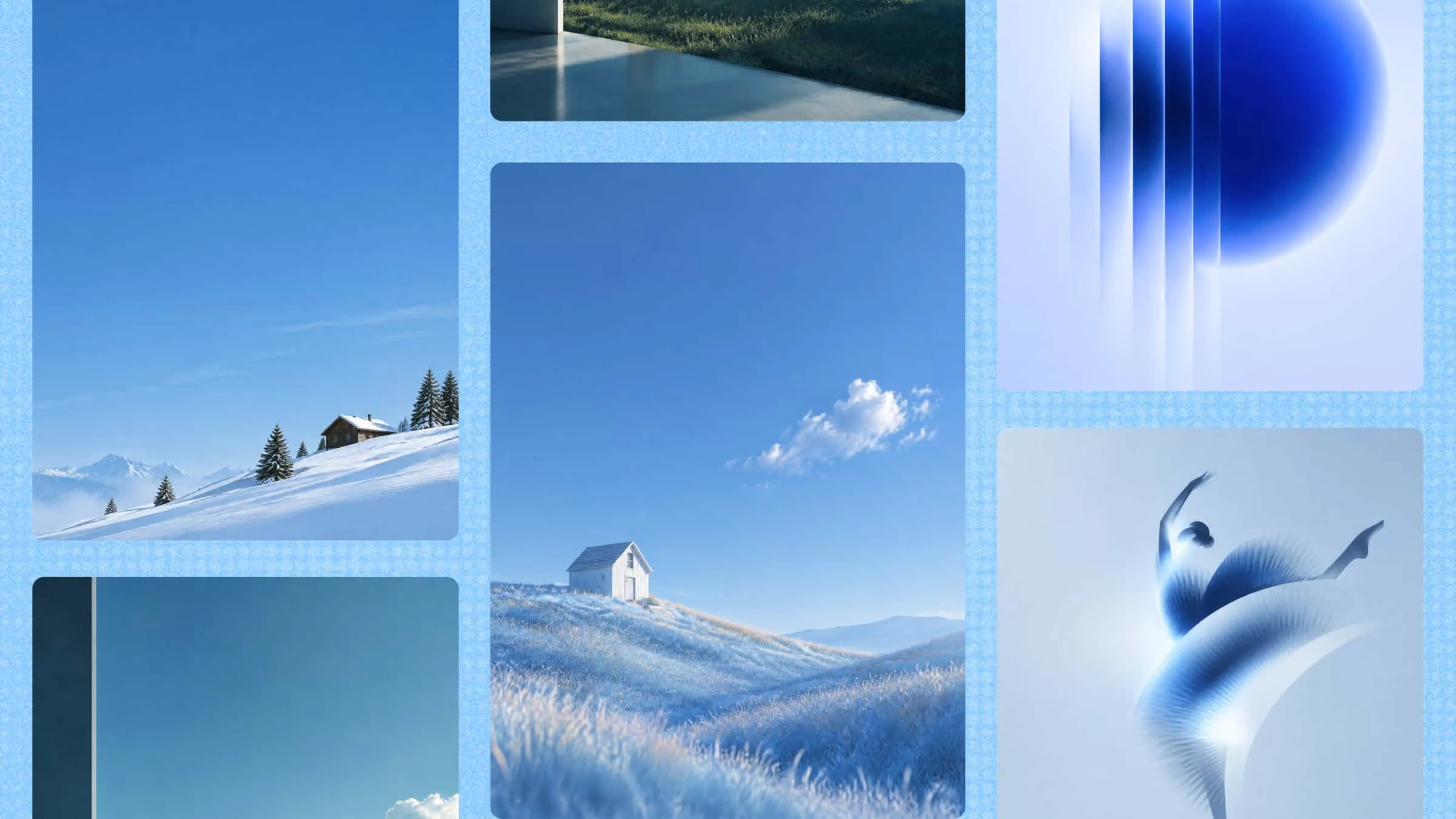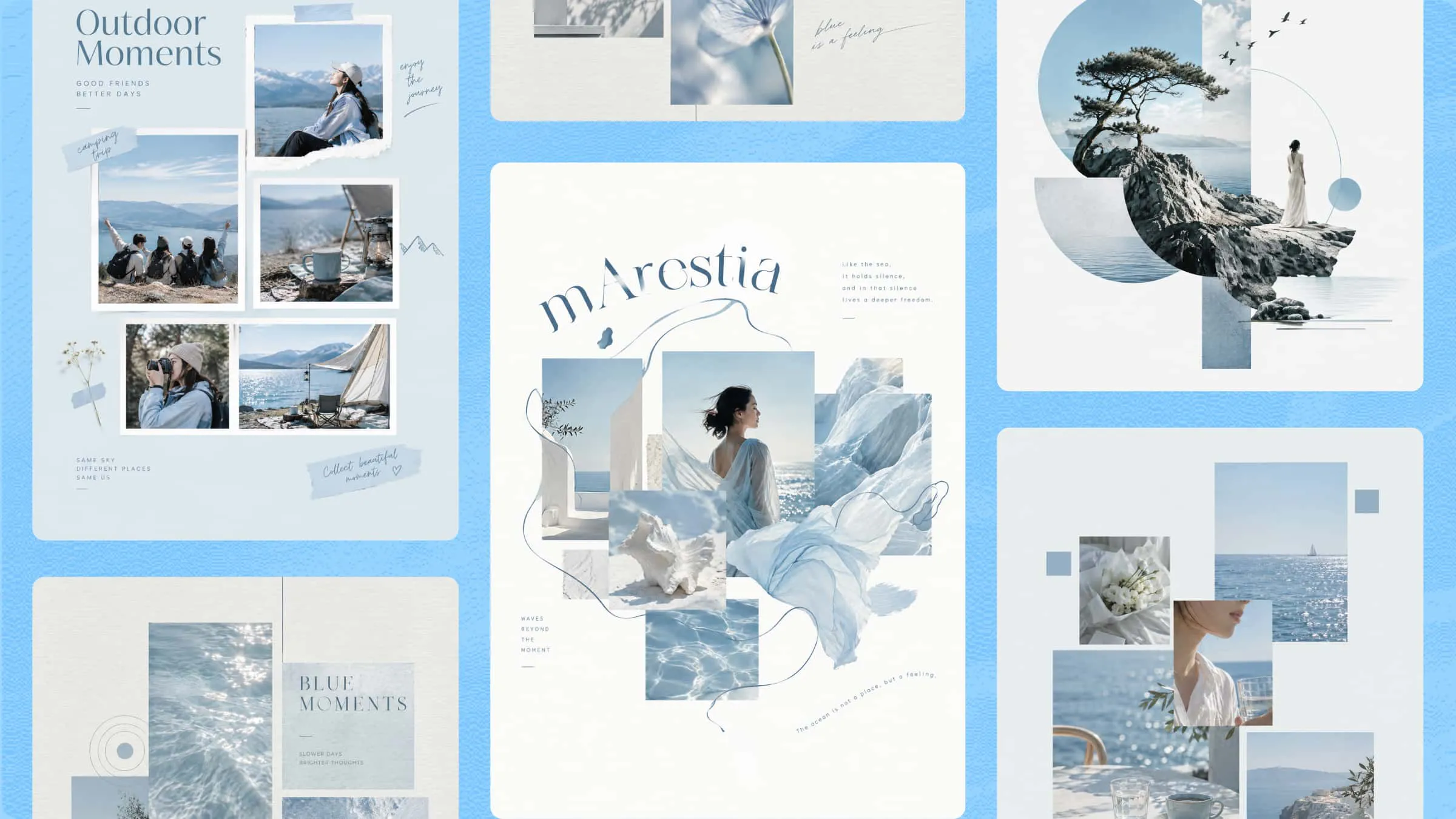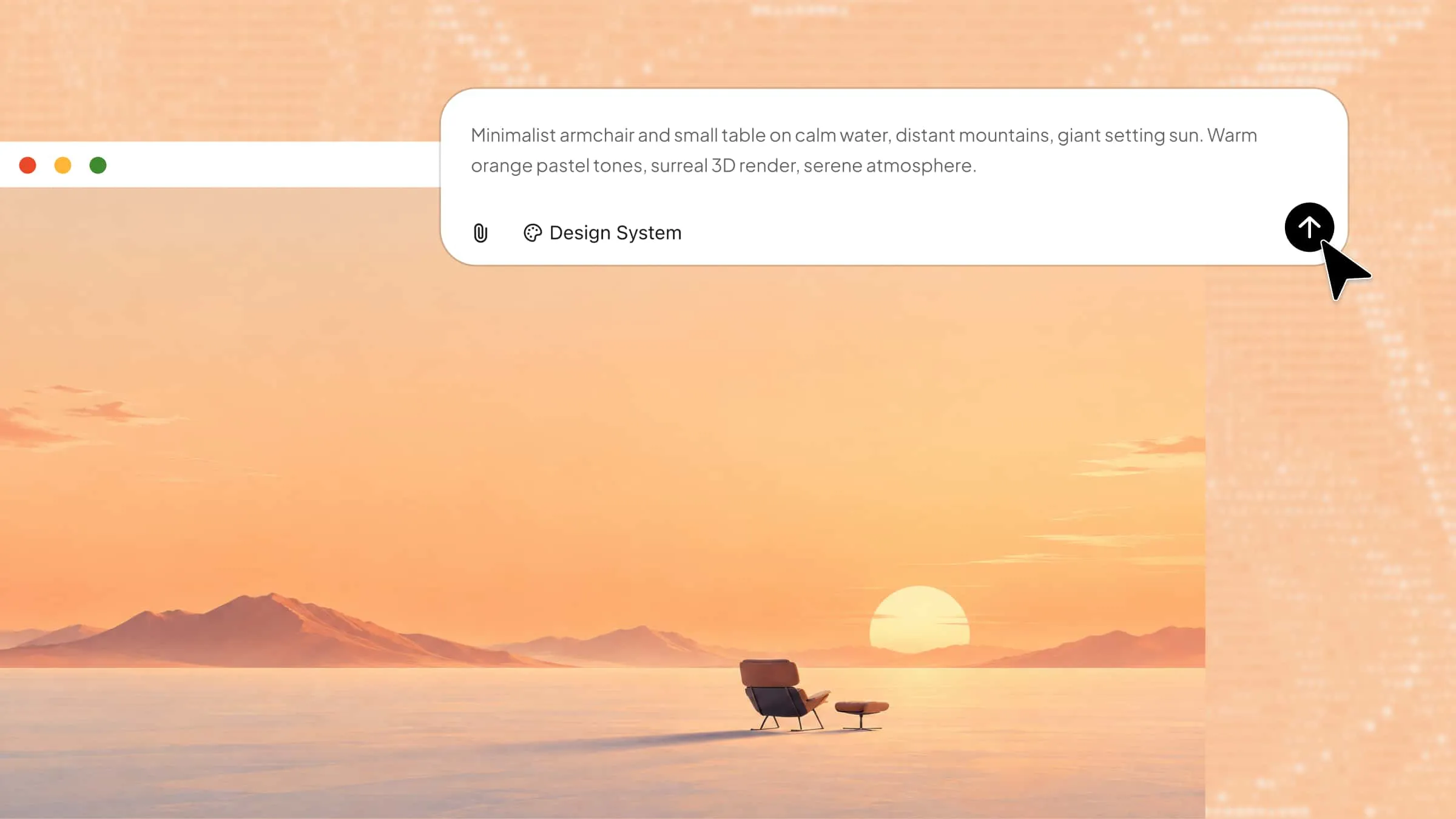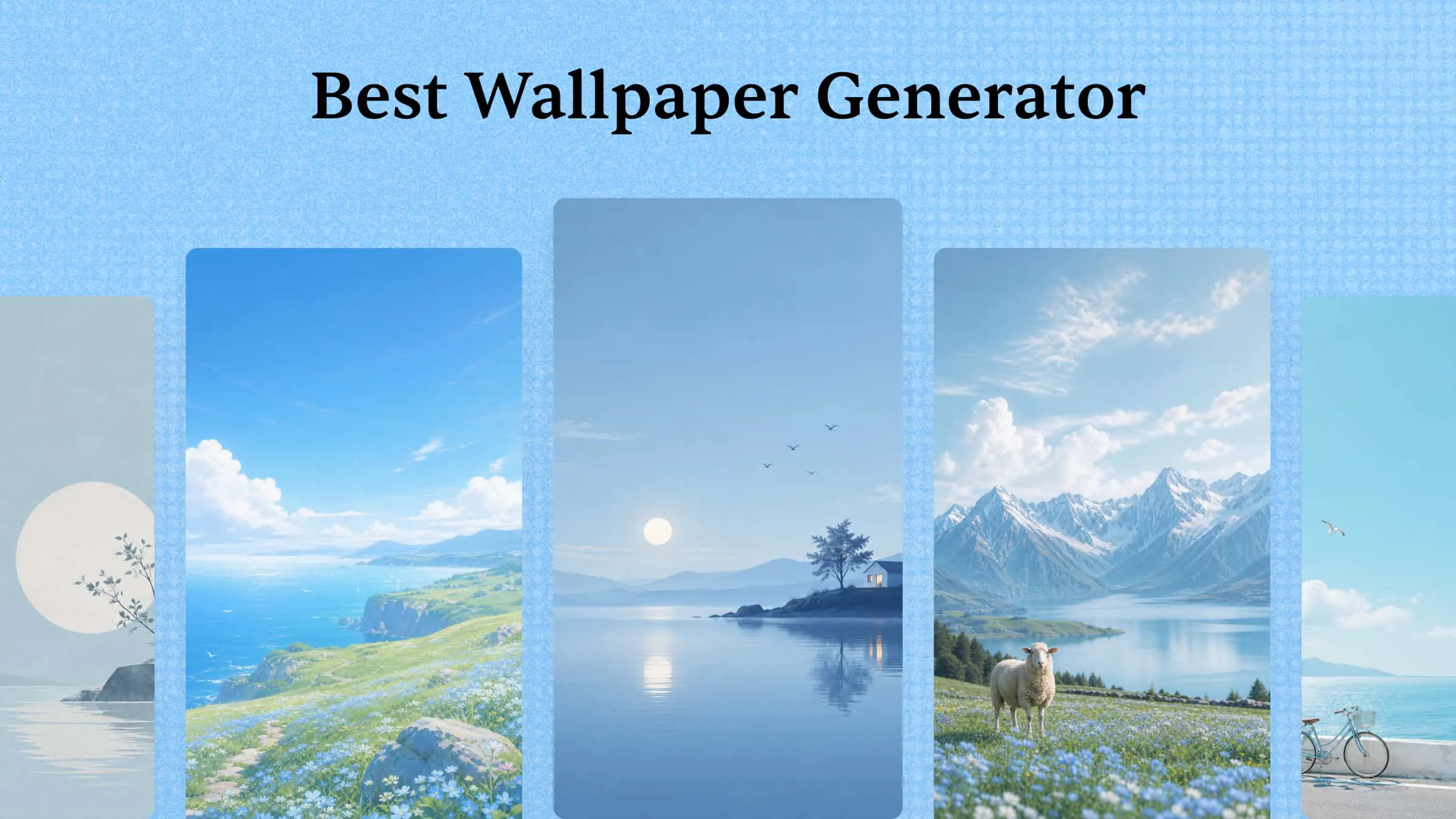
AI wallpaper generators make it easier to create backgrounds that match your style, preferred colors, and screen dimensions. Finding a design that meets all these requirements can be difficult when ready-made options feel limited. These tools provide more creative freedom through text-based image generation, reference uploads, and editing options. This article explores 10 wallpaper tools, comparing their capabilities to help you find the right one for your design needs.
Overview of 10 wallpaper tools for 2026
Wallpaper tools vary in their design options, image quality, editing controls, and support for different screen sizes. The table below compares 10 tools based on their main features, design capabilities, and available customization options.
| Tool | Main features | Customization options | Suitable for |
|---|---|---|---|
| Kimi Design | Text-to-image generation, image editing, reference uploads | Colors, layouts, styles, and image elements | Custom wallpaper designs |
| Midjourney | Detailed image generation, image variations, upscaling | Aspect ratios, styles, and prompt adjustments | Artistic wallpapers |
| Monica | Text-to-image creation, reference-based generation | Style settings, negative prompts, and image strength | Personalized backgrounds |
| Ideogram | Image generation, Magic Fill, Canvas editing | Aspect ratios, text, and image composition | Typography-based wallpapers |
| ImagineArt | Multiple image models, inpainting, outpainting | Reference images, styles, and image resolution | High-resolution backgrounds |
| Adobe Firefly | Text-to-image generation, Generative Fill, Generative Expand | Composition, style, lighting, and aspect ratios | Detailed image editing |
| Picsart | Background generation, object removal, AI Expand | Templates, stickers, fonts, and colors | Creative photo wallpapers |
| Google Gemini | Prompt-based image creation, conversational editing | Image references, backgrounds, and scene details | Custom image concepts |
| Fotor | Wallpaper generation, photo editing, image upscaling | Screen dimensions, styles, and design elements | 4K wallpapers |
| Canva | Magic Media, wallpaper templates, graphic editing | Custom dimensions, fonts, colors, and layouts | Template-based designs |
Explore 10 AI wallpaper generators to transform your screen
AI wallpaper generators bring more flexibility to background design by turning ideas into images in different styles. From 3D landscapes and abstract artwork to anime scenes and minimalist patterns, these tools cater to a wide range of creative preferences. The following 10 options offer different features for creating wallpapers that suit desktop and mobile screens.
Kimi Design
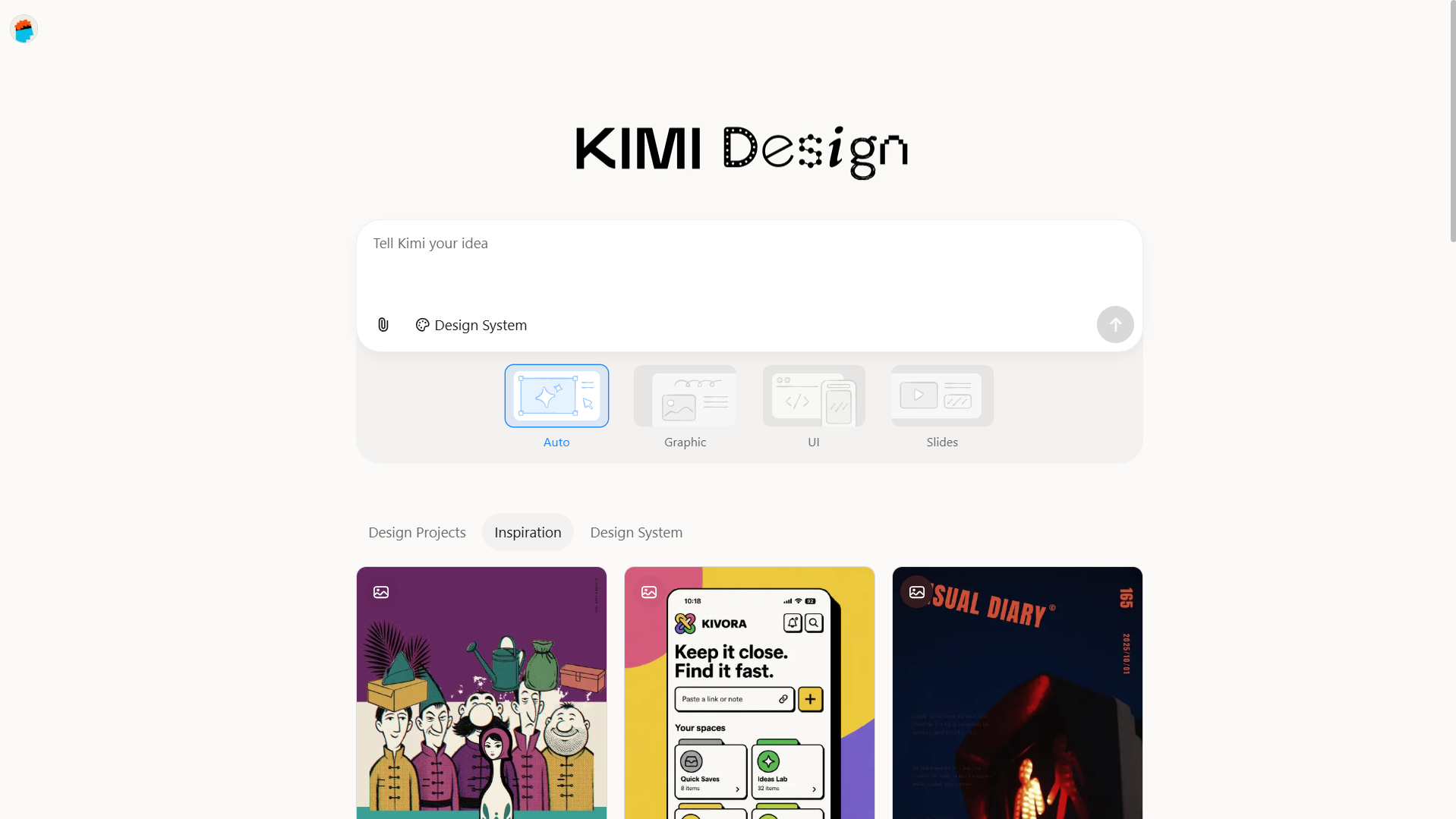
Kimi Design, an AI design generator, supports wallpaper creation through text prompts and image references, giving more control over the subject, color scheme, and overall composition. You can develop specific concepts, such as a misty mountain landscape, a dark abstract pattern, or a minimalist floral background. Its design and editing features also help adjust the result to match your preferred screen style and dimensions.
Main features
Create personalized wallpapers for both phones and PCs: Kimi Design supports both text prompts and image references, allowing you to guide AI generation with greater precision. Describe your desired subject, colors, mood, and visual style, or upload reference images to shape the design. This flexibility helps you create wallpapers tailored to your personal taste and creative vision.
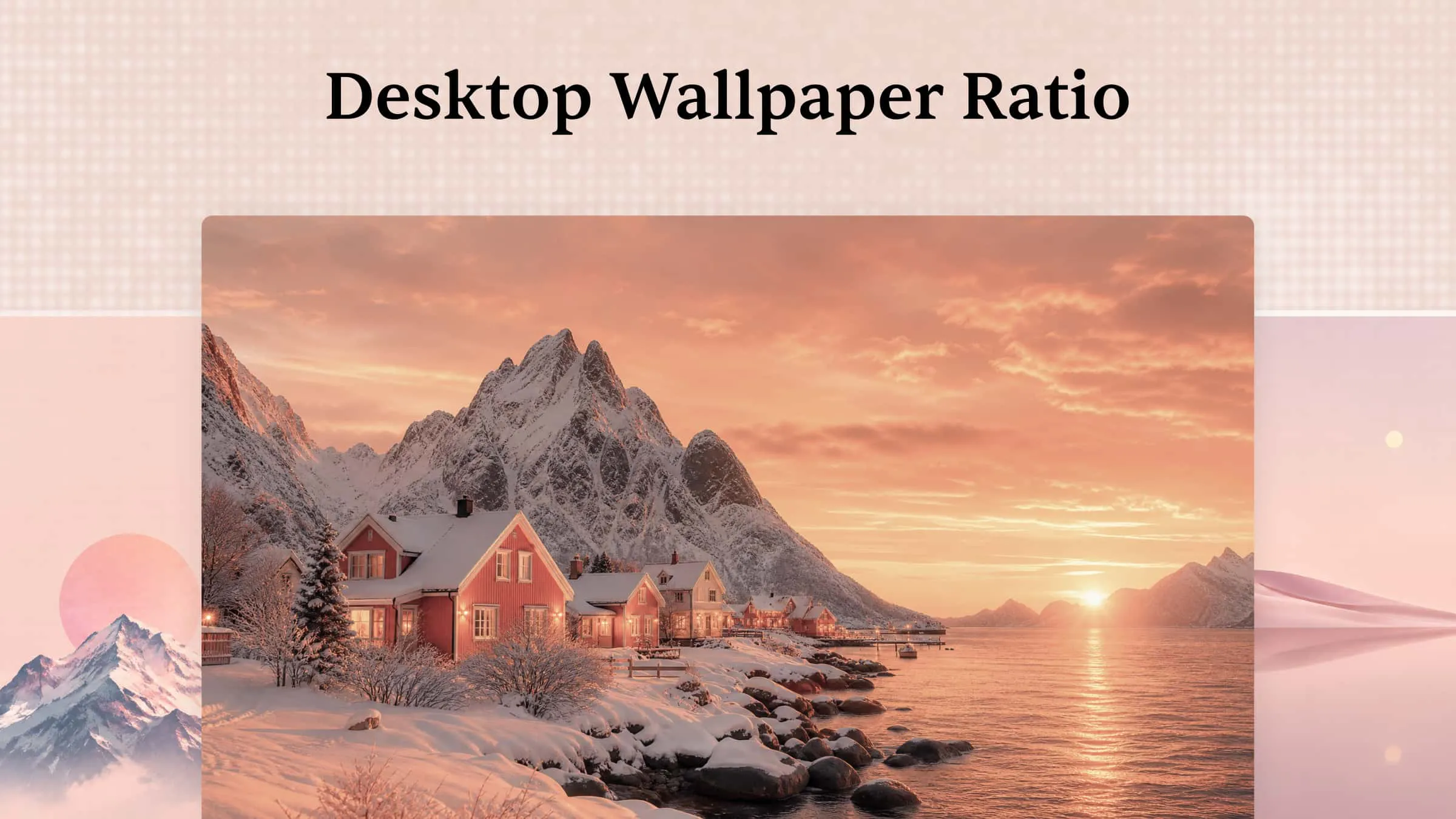
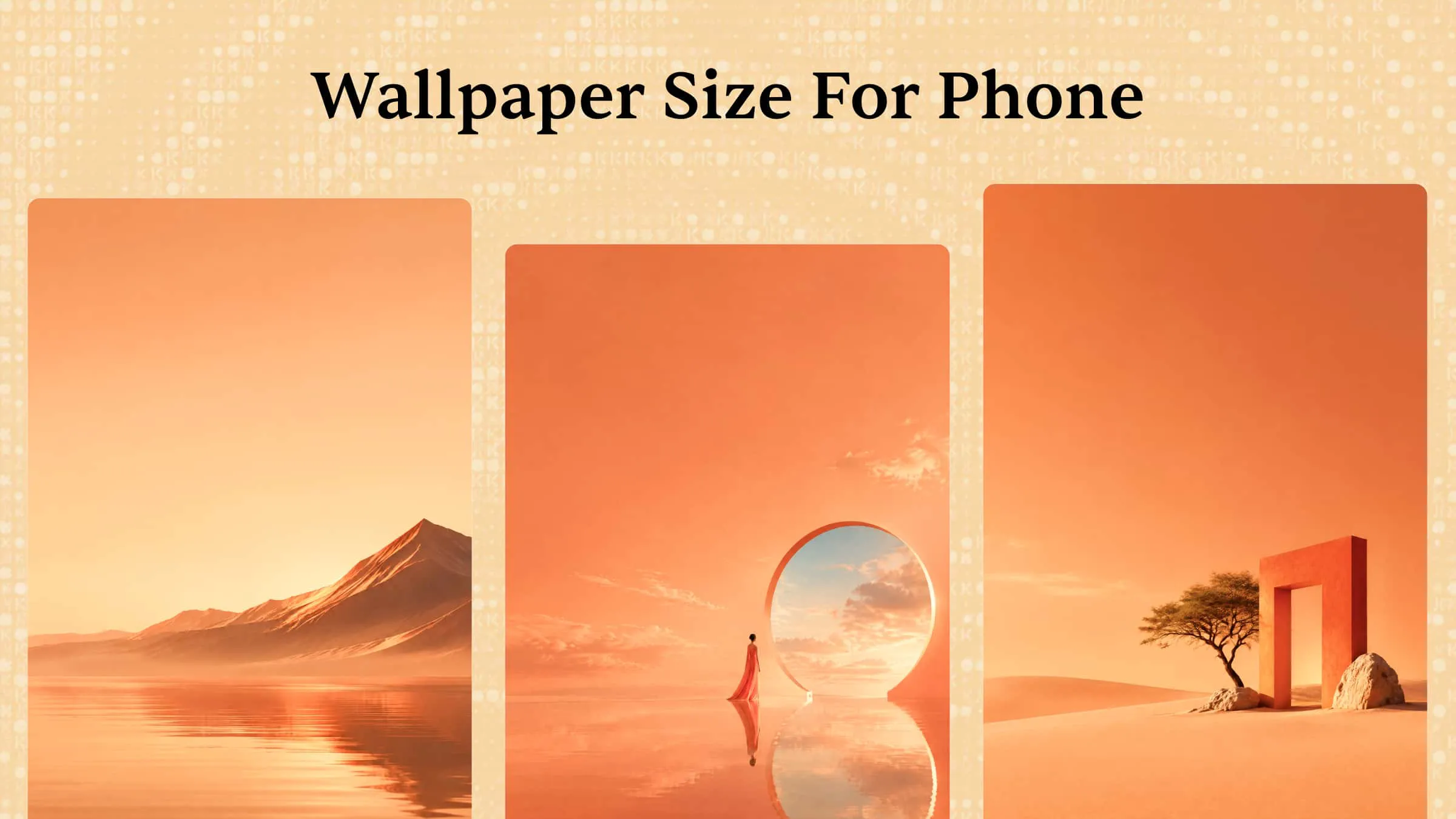
Customize wallpaper dimensions for different devices: Choose preset aspect ratios such as 9:16 and 16:9, or enter custom pixel dimensions to match your phone or computer screen. Creating wallpapers at the intended device resolution helps maintain image clarity, ensures a better screen fit, and reduces unwanted cropping.
Explore different creative variations with flexible editing ways: Kimi Design offers different ways to improve and personalize your wallpaper, including prompt-based editing, element-level comments, and direct manual adjustments. Experiment with visual styles, refine specific details, and make creative changes while developing a design that matches your preferences.
Keep your favorite designs and revisit earlier versions: Earlier design versions remain accessible, allowing users to compare previous changes and return to an earlier composition. This is particularly useful when experimenting with different layouts, colors, or design elements.
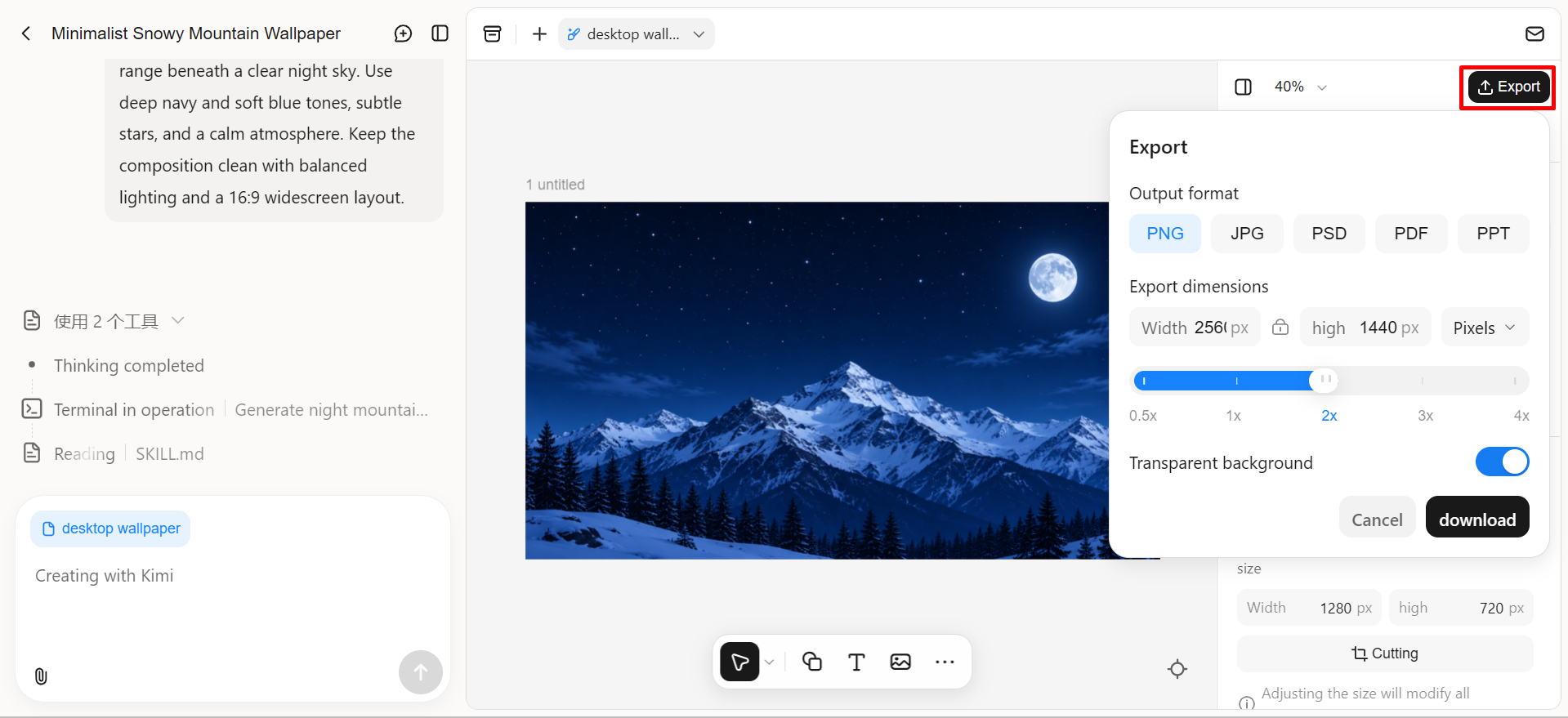
Export high-quality wallpapers in multiple formats: Export designs in PNG, JPG, or PSD. Customize PNG and JPG pixel dimensions to match your device resolution for clear, properly fitted wallpapers. PSD, PDF, and PPTX exports are also available for further editing and creative use.
Suitable for
Personalized phone and desktop wallpaper projects
Wallpapers requiring detailed visual customization
Consistent wallpaper designs with multiple revisions
How to create wallpapers from prompts with Kimi Design
Here are the steps to create a custom wallpaper with Kimi Design using a text prompt.
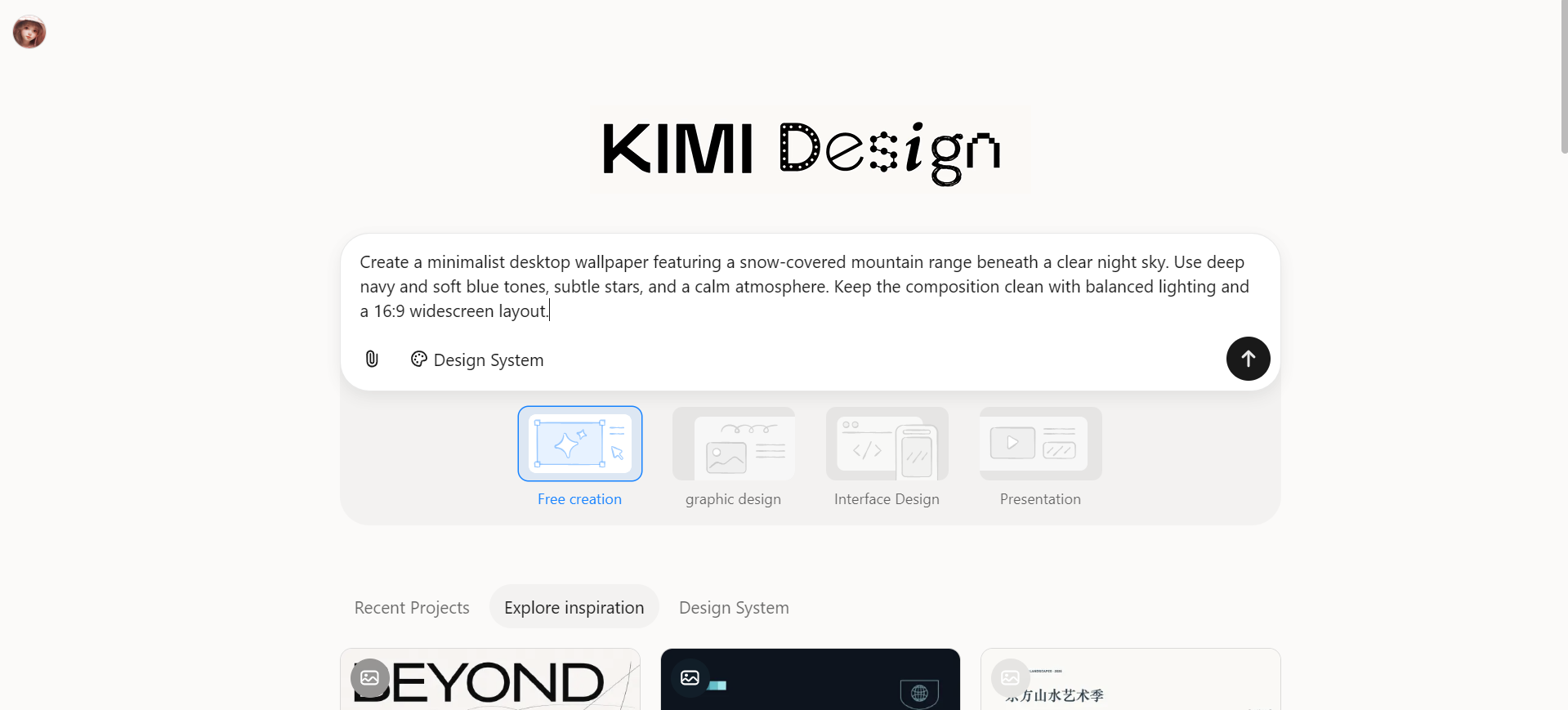
Step 1: Enter a clear prompt
Open Kimi Design and enter a prompt describing your desired wallpaper. Include details about the subject, background, color scheme, artistic style, and screen dimensions.
Step 2: Edit and refine your design
Review the generated wallpaper and identify any details that need adjustment. Modify the colors, background elements, composition, or other design components through written instructions or manual editing.
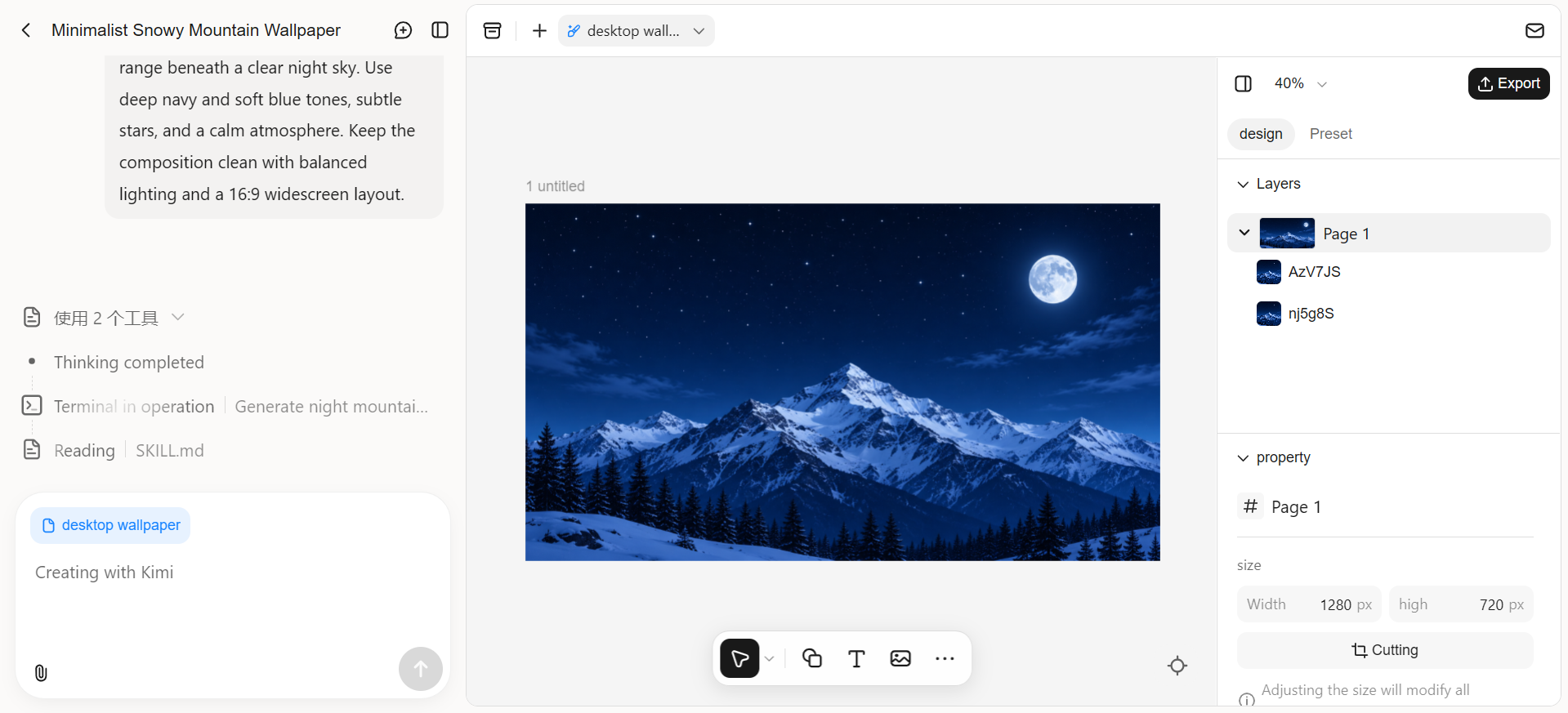
Step 3: Review and download the file
Check the final wallpaper for image quality, proportions, and screen compatibility. Once the design looks right, export it in a suitable format, such as PNG, JPG or PSD, and save it for your desktop or mobile background.
Midjourney
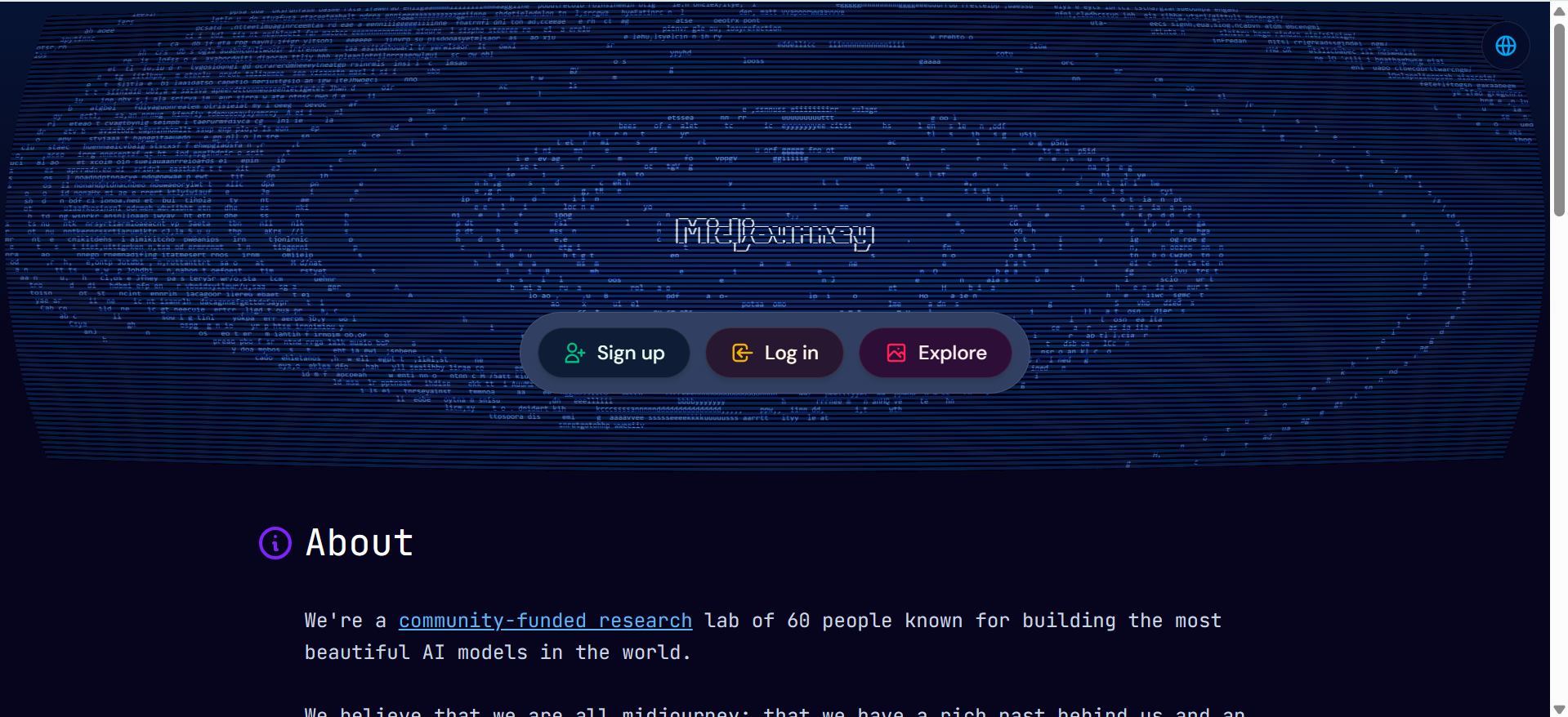
Midjourney is widely recognized for its distinctive artistic style and detailed image output. As a wallpaper generator, it converts text descriptions into original artwork, with options ranging from realistic landscapes and cinematic scenes to abstract patterns and imaginative environments. Its image-generation approach places strong emphasis on lighting, texture, depth, and color balance, giving each creation a distinctive character.
Main features
Text-to-image wallpaper creation: Midjourney turns written descriptions into detailed artwork, covering subjects such as landscapes, architecture, fantasy scenes, and abstract patterns.
Custom screen dimensions: The aspect ratio parameter (--ar) supports portrait, square, and landscape formats, including 9:16 for phone backgrounds and 16:9 for desktop wallpapers.
Image variations and prompt editing: Variation tools produce alternative versions of an existing image, while Remix allows changes to the original prompt without losing the overall creative direction.
Advanced image editing and upscaling: The Editor includes tools for changing selected areas, expanding image borders, adjusting composition, and enlarging finished artwork for better image quality.
Suitable for
Artistic and visually expressive desktop backgrounds
Fantasy, cinematic, and imaginative wallpaper concepts
High-detail digital art and landscape wallpapers
Monica
Monica brings image creation and creative tools together on one platform, making it easier to develop artwork from written ideas. This wallpaper creator supports different themes, subjects, and artistic directions, ranging from scenic backgrounds to decorative patterns. The platform also provides a straightforward way to explore custom designs without relying entirely on pre-made wallpaper collections.

Main features
Text-based wallpaper generation: Monica converts written descriptions into original images through its art tool. The output reflects the requested subject, setting, colors, and artistic direction.
Custom image generation settings: The platform includes options for negative prompts, style selection, prompt strength, and seed values. These controls provide greater influence over the final artwork and its appearance.
Reference image support: Existing pictures can serve as references for new creations. An image-strength setting controls how closely the generated result follows the supplied picture.
Image variations and upscaling: Monica creates alternative versions while retaining the main subject and can upscale completed images to improve pixel detail and resolution.
Suitable for
Personalized wallpapers based on creative ideas
Reference-inspired wallpaper projects
Users experimenting with different artistic directions
Ideogram
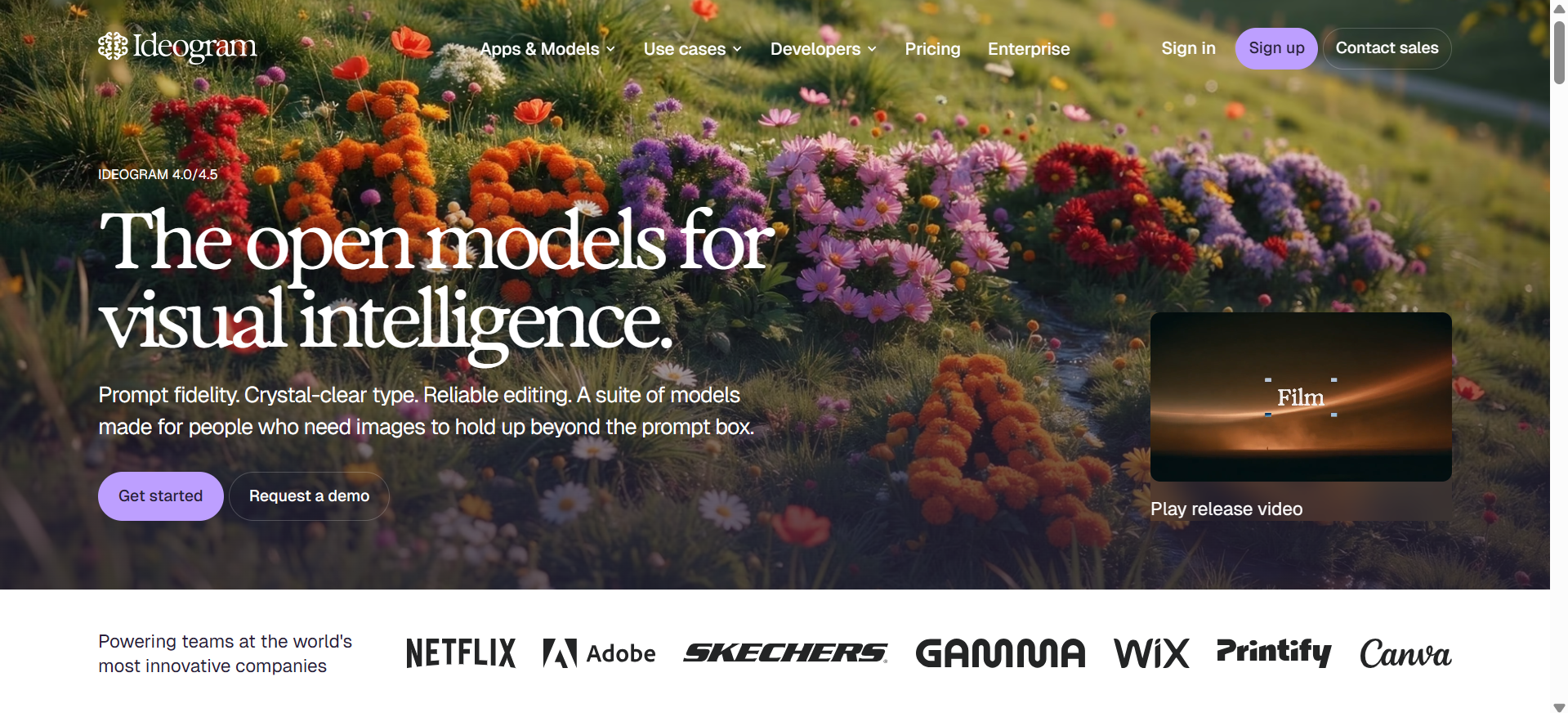
Ideogram stands out for its ability to combine artwork with accurately rendered text. Its image-generation system covers a variety of themes, including nature, architecture, abstract patterns, and digital illustrations. The platform also supports designs with typography, making it possible to incorporate words, quotes, or decorative lettering into wallpaper compositions.
Main features
Custom aspect ratios for different screens: Ideogram supports portrait, square, and landscape formats, with aspect ratios ranging from 1:3 to 3:1. These settings accommodate different wallpaper dimensions for phones, tablets, and desktop monitors.
Magic Fill for targeted changes: This tool replaces, adds, or modifies selected parts of an image while preserving the surrounding composition. It is useful for changing background details, removing unwanted objects, or correcting specific elements.
Extend images beyond their borders: The Extend feature generates additional content around an existing image while maintaining its original style. It also helps adjust the composition when a background needs a wider or taller layout.
Canvas for image arrangement and editing: Ideogram Canvas provides a workspace for combining uploaded pictures, generated artwork, and text. Its editing tools support cropping, resizing, repositioning, and downloading the finished composition.
Suitable for
Typography-focused wallpaper designs
Quote and text-based phone backgrounds
Custom wallpapers with specific layouts and proportions
ImagineArt
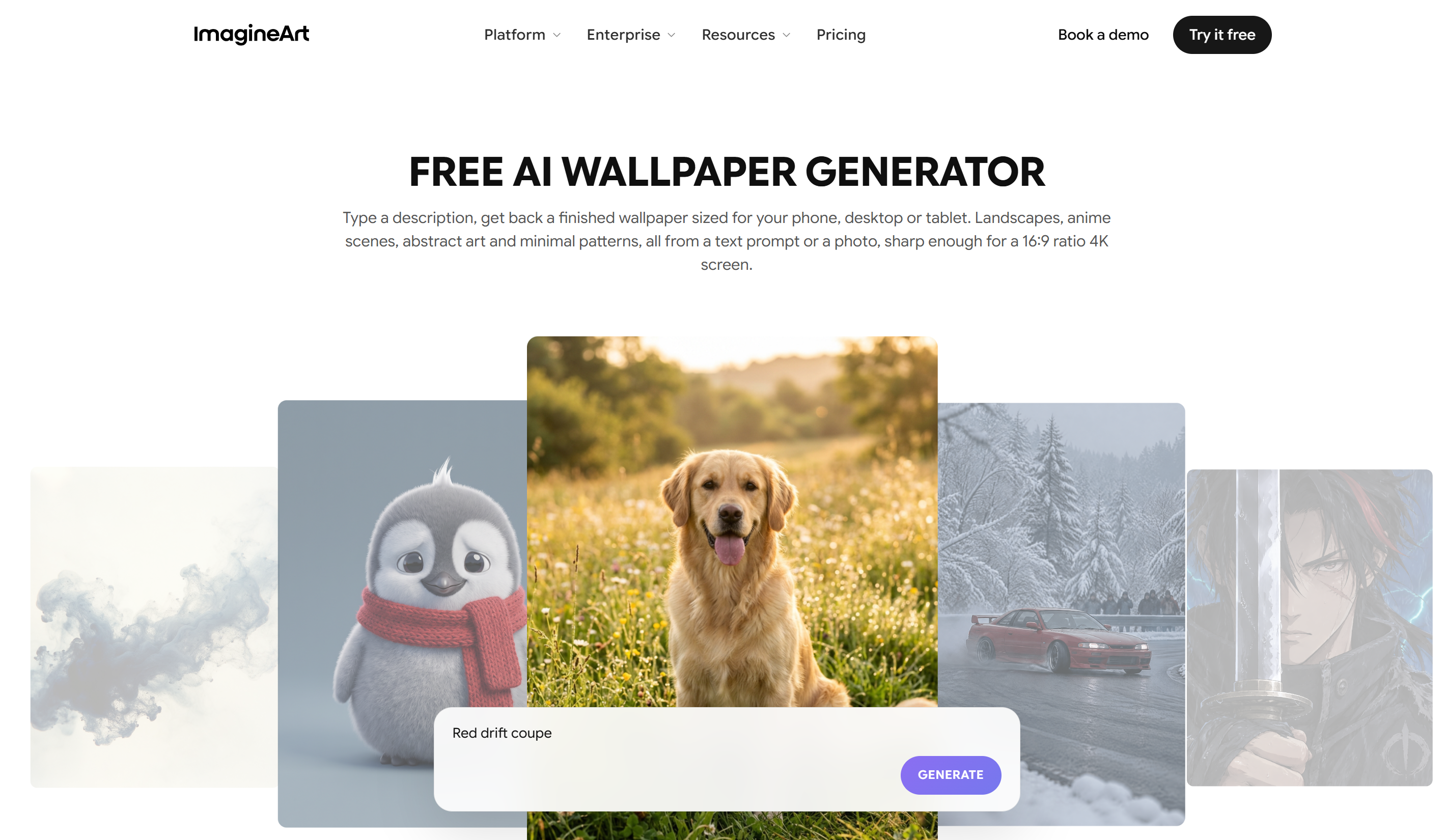
ImagineArt brings image generation and editing tools into one creative workspace. Its text-to-image system interprets detailed descriptions to produce artwork with different subjects, settings, lighting, and artistic treatments. Users can also work from reference images, explore different image models, and make adjustments to specific details. These capabilities give the platform a broader role in creating personalized backgrounds beyond selecting ready-made designs.
Main features
Access to multiple image models: ImagineArt brings its own image models together with third-party engines such as Flux in one platform.
Reference-based image creation: Uploaded pictures, character references, and color palettes help guide the generated artwork. These inputs provide greater consistency in subjects, colors, and composition.
Image expansion and background editing: Inpainting changes selected areas, while outpainting extends artwork beyond its original borders. Background removal and replacement provide further control over the finished image.
Resolution enhancement up to 4K: The built-in upscaler increases image resolution while refining textures, edges, and fine details. This helps prepare wallpaper designs for larger displays without simply stretching the original image.
Suitable for
High-resolution desktop and large-screen wallpapers
Wallpapers requiring specific visual references
Creative projects involving different AI art styles
Adobe Firefly
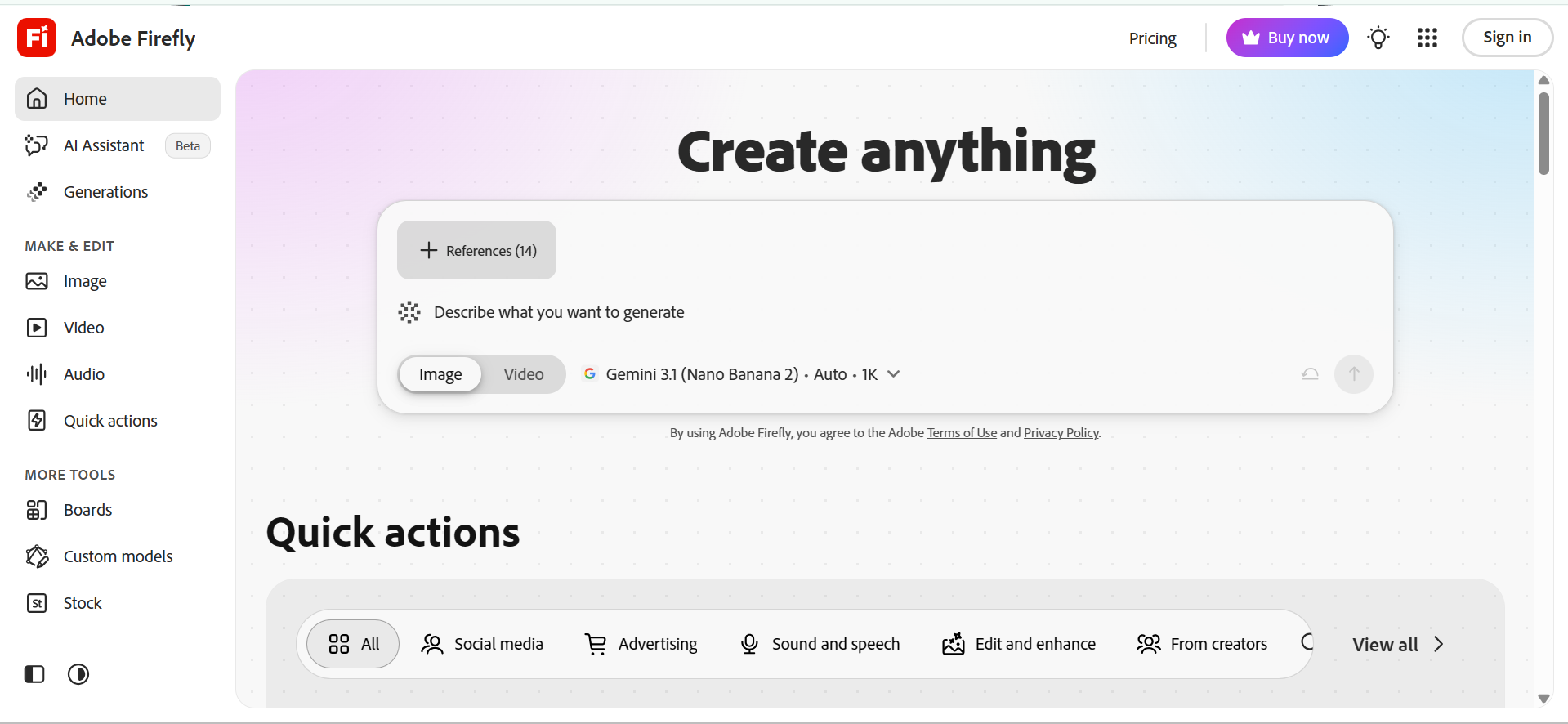
Adobe Firefly combines image generation with Adobe's established design tools, creating a broader approach to digital artwork. Its Firefly Image model interprets written descriptions to produce images with control over composition, lighting, color, and artistic treatment. The platform also supports generative editing, which allows existing pictures to be expanded, modified, or adjusted. Its connection with Photoshop and other Adobe applications adds further flexibility for developing and preparing custom wallpaper designs.
Main features
Text-to-image generation: Adobe Firefly converts written descriptions into original artwork with different subjects, lighting conditions, colors, and artistic styles. Style presets provide additional control over the final appearance.
Style and composition references: Reference images guide the appearance and arrangement of generated artwork. Style Reference influences artistic treatment, while Composition Reference helps maintain subject placement, framing, and perspective.
Generative Fill and object removal: Selected areas of an image can be modified through text descriptions, allowing unwanted objects to be removed or new details to be added. The surrounding artwork remains part of the editing context.
Generative Expand for screen dimensions: Firefly extends an image beyond its original borders and fills the added space with matching content. Preset aspect ratios, including 16:9 and 3:4, help adapt artwork to different display formats.
Suitable for
Professionally styled desktop and mobile backgrounds
Wallpapers adapted from existing images
Creative projects requiring more detailed image refinement
Picsart
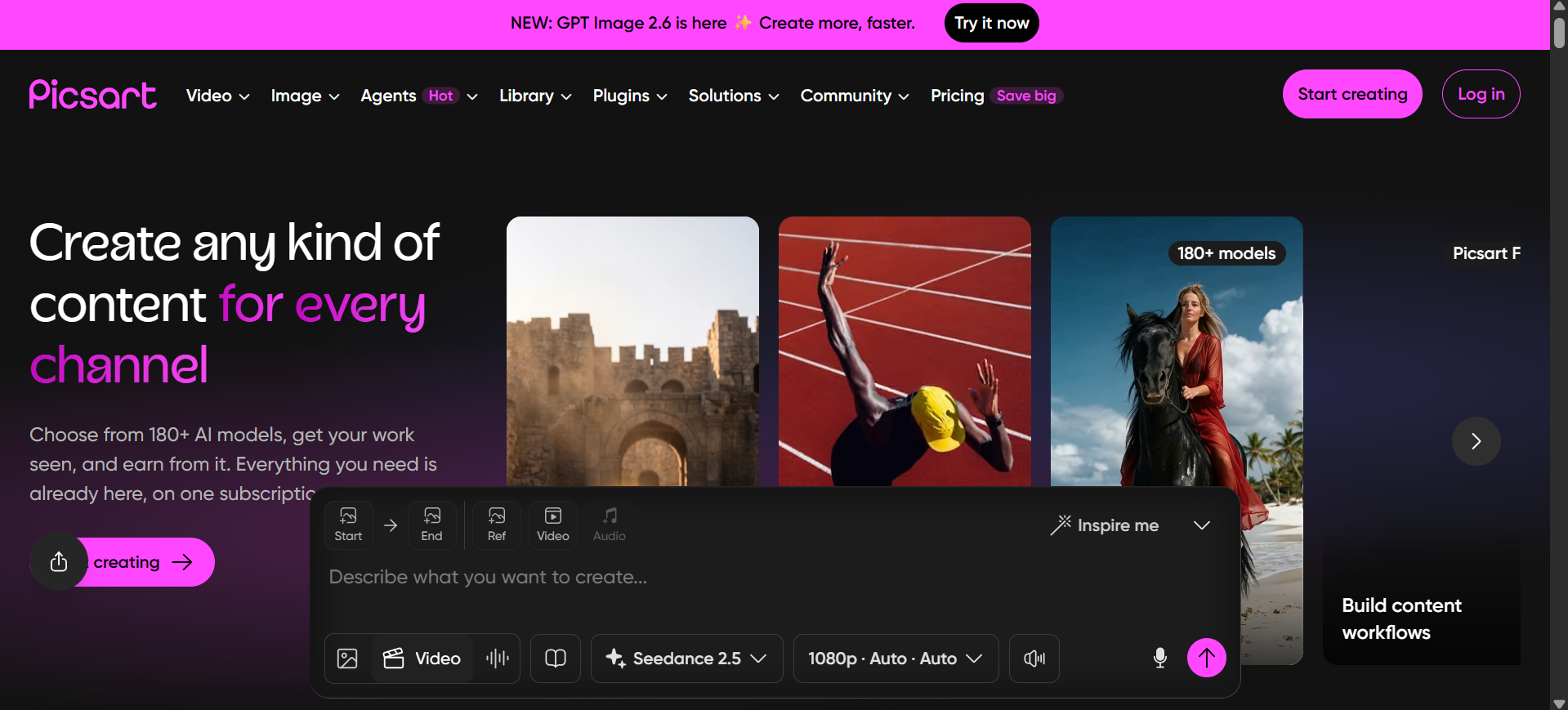
Picsart combines wallpaper templates, photo editing, and image-generation tools in one editor. Its wallpaper maker supports backgrounds for phones, tablets, laptops, and desktop monitors. The built-in library of photos, fonts, stickers, and design elements also provides plenty of material for creating personalized screen backgrounds.
Main features
AI Background Generator: Picsart creates new backgrounds from written descriptions to make it possible to replace an existing photo setting with a custom scene.
Background and Object Removal: Its editing tools remove unwanted objects, people, and existing backgrounds, which leaves a cleaner image for further design work.
AI Expand: The Expand tool extends an image beyond its original edges and fills the added space with matching content. This helps adapt artwork to wider or taller screen formats.
AI Image Enhancement: Picsart includes enhancement tools for improving image clarity and appearance, helping older or lower-quality pictures look better as backgrounds.
Suitable for
Personalized photo-based wallpapers
Decorative and aesthetic phone backgrounds
Casual wallpaper projects involving photo editing
Google Gemini
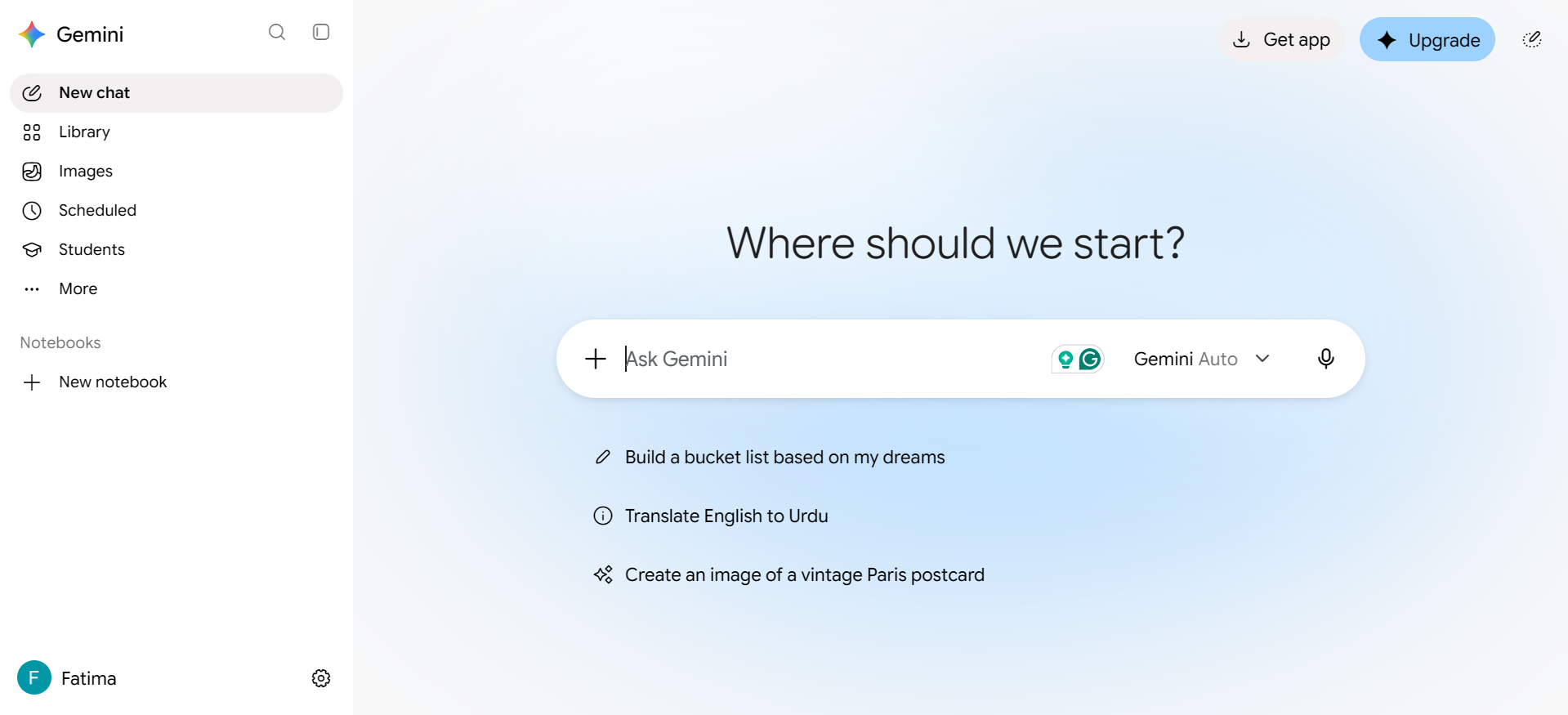
Google Gemini brings image creation into a conversational interface, where written descriptions can be turned into custom artwork. Its image-generation models support different artistic styles, detailed compositions, and text within images. Existing pictures can also be uploaded for changes to backgrounds, objects, and other elements, making it useful for developing personalized wallpaper concepts.
Main features
Prompt-Based Image Creation: Gemini generates images from written descriptions, with support for different subjects, artistic styles, and detailed scenes.
Multi-Image References: Multiple uploaded pictures can be combined to create a new scene, bringing elements from different sources into one composition.
Conversational Image Editing: Generated or uploaded pictures can be refined through follow-up requests, such as changing the background, replacing objects, or adding new details.
Character and Detail Consistency: Gemini's image models can maintain a character's appearance across different images and render text more accurately within generated artwork.
Suitable for
Conversational wallpaper creation
Personalized backgrounds combining multiple visual references
Character-themed and story-inspired wallpapers
Fotor
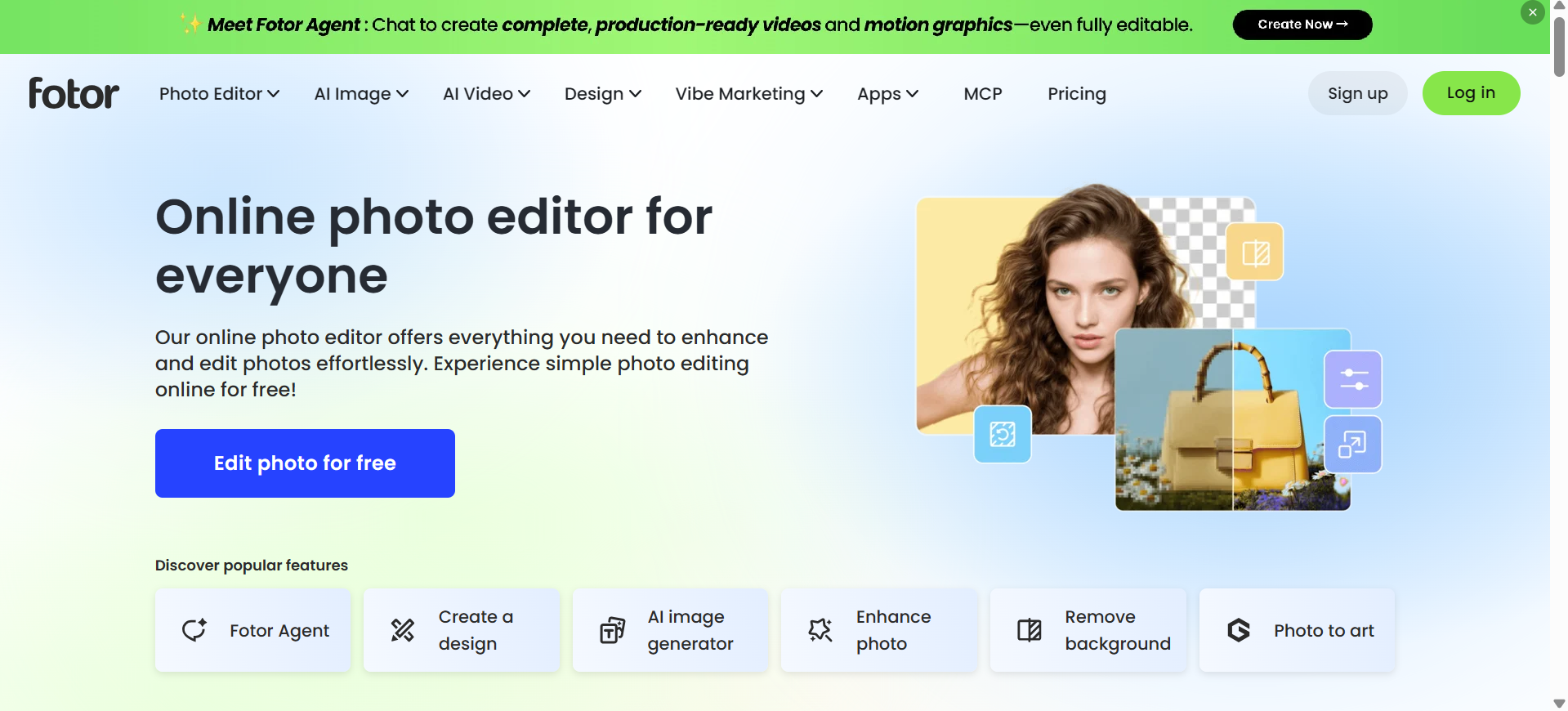
Fotor combines an online photo editor with tools for creating custom digital artwork. The wallpaper maker provides a way to develop backgrounds from written descriptions, while its editing options support further changes to colors, image details, and composition. The platform also includes ready-made design resources for different creative projects.
Main features
AI Wallpaper Generation: Fotor converts written descriptions into wallpaper designs and produces up to four image results. Its generator supports themes such as anime, nature, aesthetic artwork, and digital illustrations.
Personalized Screen Dimensions: The wallpaper maker supports formats such as 9:16, 16:9, and 4:3 for mobile phones, tablets, and desktop monitors. Custom sizing helps match the background to the intended display.
Built-in Design Elements: Its library includes fonts, stickers, icons, and graphic assets that can be added to backgrounds. Text placement, spacing, and color adjustments provide further control over the arrangement.
4K Image Upscaling: Fotor's upscaler enlarges images by up to 4x, improving sharpness and detail. This is useful when preparing backgrounds for large monitors and high-resolution displays.
Suitable for
Anime and aesthetic wallpaper designs
4K desktop background projects
Personalized phone and computer wallpapers
Canva
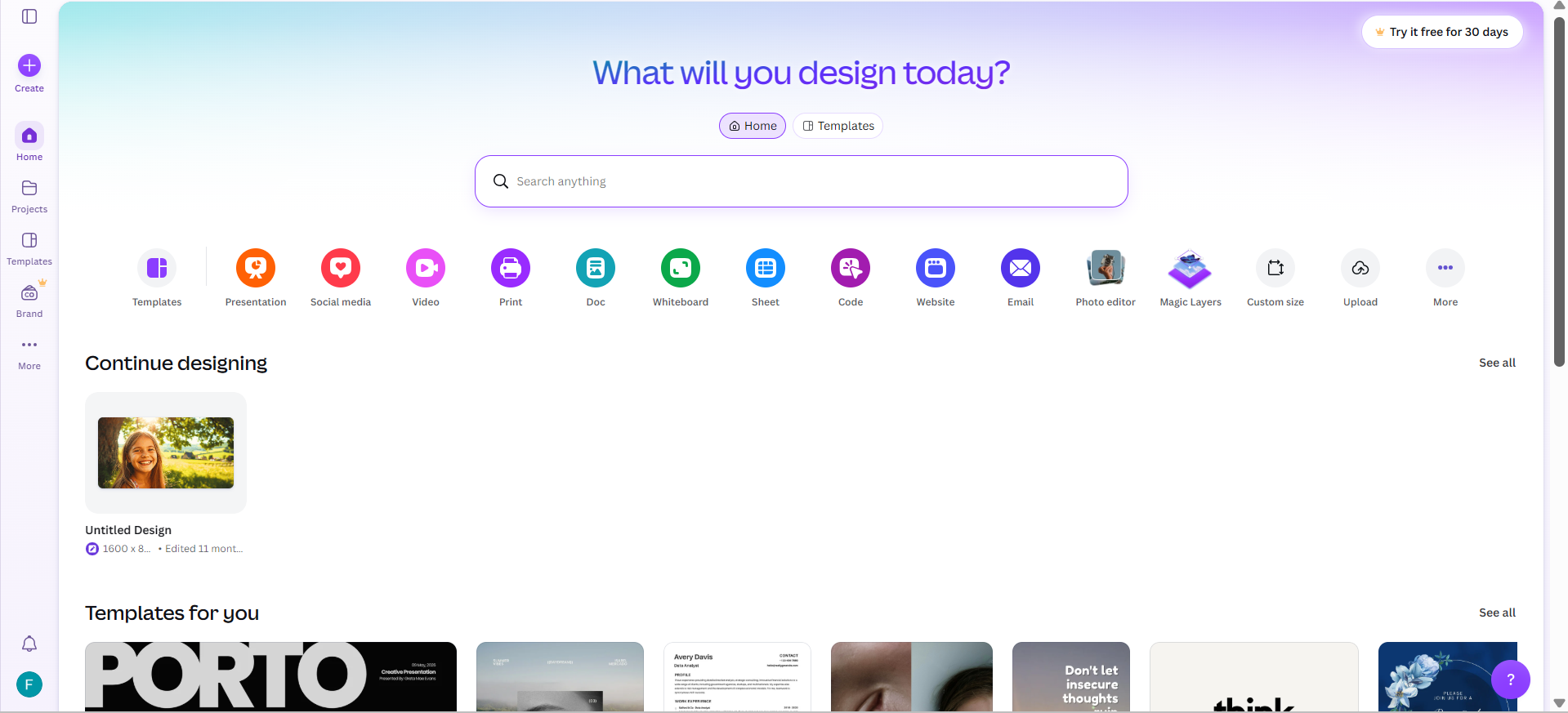
Canva is an online design platform that combines AI image generation with a wide range of editing tools and design resources. Its AI wallpaper generator allows users to create custom backgrounds from text prompts, while the built-in editor offers further ways to personalize the results. Users can also draw on Canva's extensive library of templates, graphics, and other design elements to create wallpapers for different devices.
Main features
Magic media image generation: Canva's Magic Media creates images from written descriptions, with style choices such as photography, digital art, and fine art. Portrait, square, and landscape layouts are available for different design needs.
Custom design dimensions: The editor supports custom width and height settings in pixels, inches, millimeters, and centimeters. This provides flexibility when creating backgrounds for specific devices and screen resolutions.
Extensive template and element library: Canva provides editable templates, illustrations, shapes, fonts, and graphic elements. These resources allow different components to be combined into a single wallpaper design.
Multiple download formats: Completed designs can be exported as PNG, JPG, or WebP, with available size and quality settings. Transparent PNG exports and additional options depend on the subscription plan.
Suitable for
Template-based wallpaper projects
Minimalist and decorative screen backgrounds
Wallpapers for devices with specific screen dimensions
Beginner-friendly wallpaper design projects
How to choose the right AI wallpaper generator
Not every wallpaper generator provides the same level of control over image creation, editing, or export quality. Before choosing a platform, consider the following factors to find one that matches your design needs and screen requirements.
Check whether it supports your target screen dimensions
Choose a generator that provides suitable aspect ratios for mobile phones, tablets, and desktop monitors. Support for custom dimensions also helps avoid cropped subjects, stretched backgrounds, or empty spaces around the edges.
Look for flexible image generation options
Check whether the platform accepts detailed text prompts, reference images, and style preferences. These options help shape important details such as the subject, lighting, color palette, and overall appearance of the wallpaper.
Evaluate the level of editing control
Look for tools that support object removal, background replacement, image expansion, and selective adjustments. These features are useful when certain parts of the generated image need correction without changing the entire composition.
Consider image quality and output formats
Check the maximum download resolution, image sharpness, and available file types. HD or 4K output with PNG and JPG support is particularly important for backgrounds displayed on larger screens.
Match the tool to your creative workflow and budget
Choose a platform with a clear interface, accessible editing tools, and a pricing plan that fits your needs. Compare free features, generation credits, and subscription costs to understand what you get before committing to a paid plan.
Conclusion
AI wallpaper generators offer different ways to create personalized backgrounds, from turning text prompts into images to customizing existing designs. The 10 tools covered in this article provide options for different creative needs, screen sizes, and editing preferences. If you want more flexibility, Kimi Design lets you generate wallpapers from text prompts or reference images, refine designs through AI-assisted and manual editing, and export your creations in multiple formats.