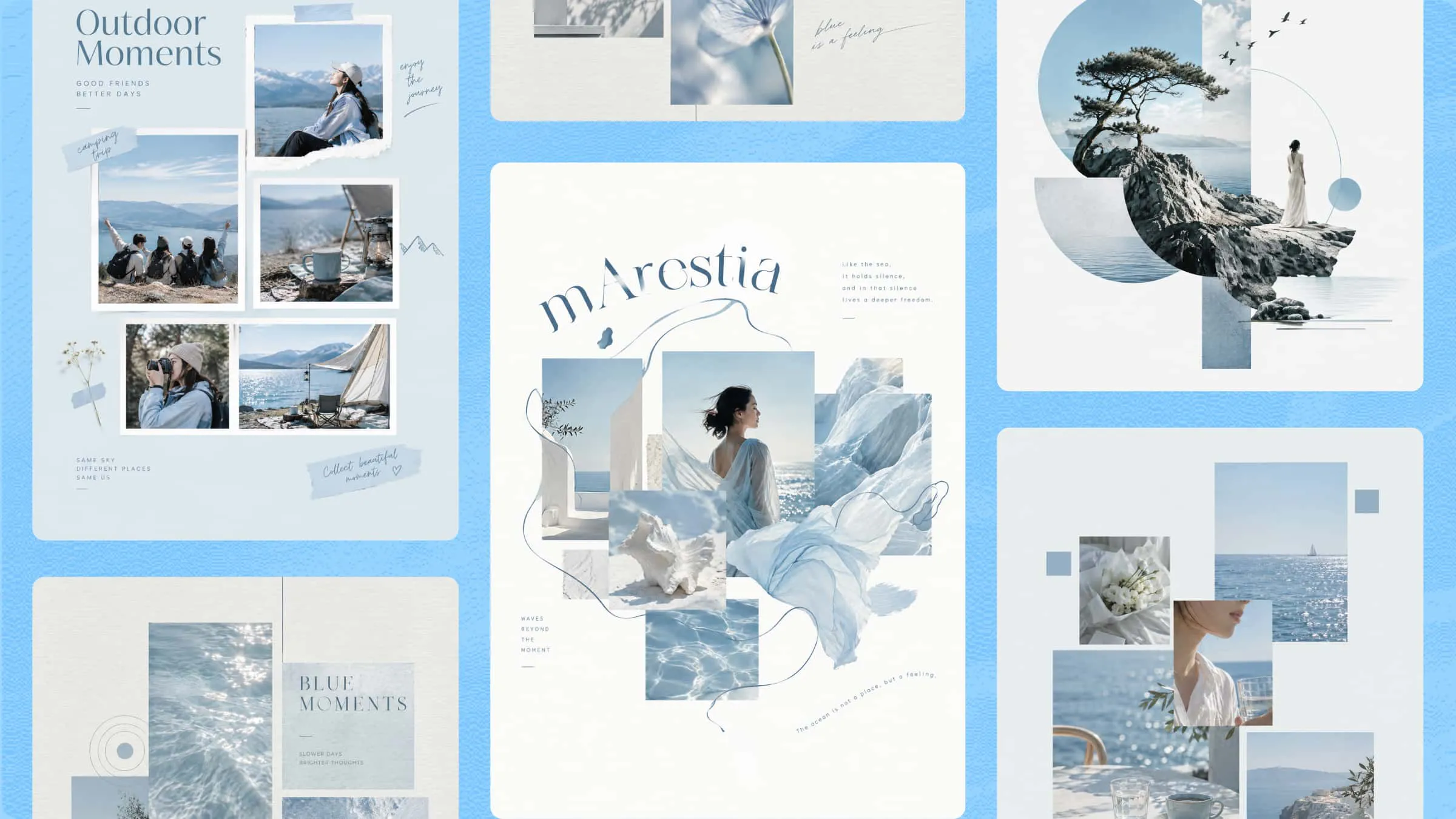
Combining multiple photos into one eye-catching design takes more than simply placing images side by side. Finding the right layouts, balancing pictures, and adding personal touches can make the process time-consuming. The ideal collage creator makes it easier with creative templates, flexible editing tools, and customization features. Explore these 10 collage creators to find the right tool for turning your favorite photos into unique, memorable layouts.
Overview of 10 creative collage creators
Choosing the right collage tool depends on your design needs, budget, and preferred editing features. Below is an overview of 10 options, including free and AI-powered tools, to help you find the ideal collage maker for creating personalized photo layouts.
| Tool | Main features | AI capabilities | Suitable for |
|---|---|---|---|
| Kimi Design | AI-generated layouts, prompt-based editing, element comments, version history, multiple export formats | Generates collages from text prompts and reference images | Beginners, content creators, designers |
| Canva | Ready-made templates, drag-and-drop editing, grids, stickers, text, backgrounds | AI-powered design and image editing | Beginners, students, social media creators |
| Adobe Express | Photo grids, customizable templates, photo editing, generative AI | Generates and edits visual elements | Small businesses, students, designers |
| Fotor | Collage templates, customizable layouts, photo enhancement, background removal | AI photo enhancement and editing | Beginners, casual users, social media users |
| BeFunky | Collage grids, templates, filters, backgrounds, borders | Primarily photo editing and enhancement | Beginners, photo enthusiasts, family album creators |
| FotoJet | Collage templates, photo grids, text, clipart, built-in photo editor | Primarily template-based design and photo editing | Beginners, personal projects, casual users |
| Pixlr | Layer-based editing, filters, overlays, image adjustments | AI image generation and editing tools | Beginners, intermediate designers, content creators |
| Picsart | Collage templates, stickers, filters, backgrounds, creative effects | AI image generation and editing | Social media creators, artistic users, beginners |
| PicCollage | Photo grids, scrapbook layouts, stickers, text, decorative elements | Primarily template-based collage creation | Families, friends, beginners, personal projects |
| Kapwing | Image layering, text overlays, canvas resizing, collaborative editing | AI-assisted image editing | Content creators, marketing teams, beginners |
10 top collage creators worth exploring in 2026
Not every collage tool offers the same creative flexibility, editing options, or AI capabilities. To help you find the right collage creator, we've selected 10 options that cater to different design preferences, skill levels, and budgets. The following are the top collage creators worth exploring in 2026 .
Kimi Design
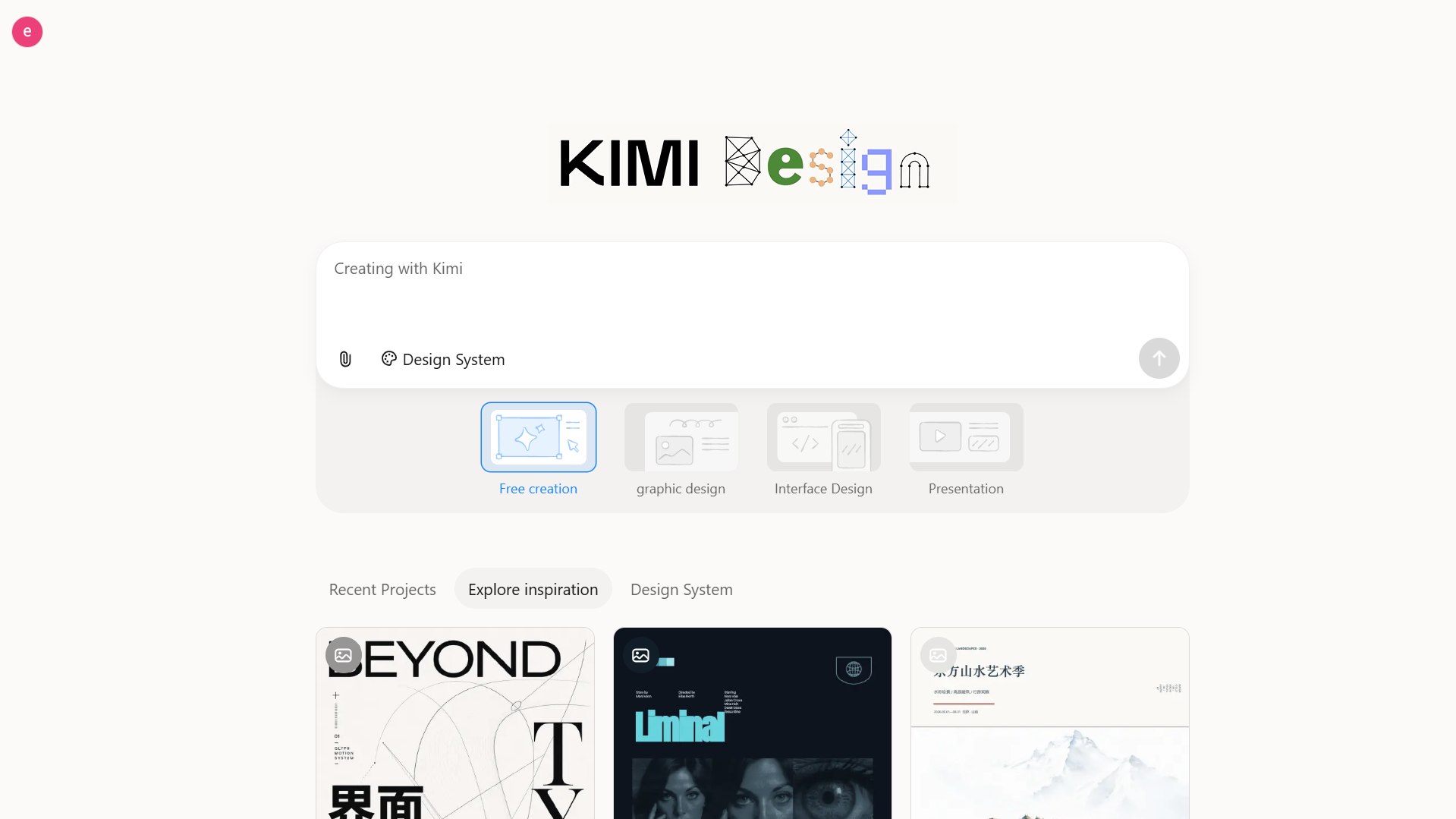
Kimi Design is an AI design generator that helps you create unique photo collages using text prompts and reference images. Instead of manually arranging every picture, you can describe your desired composition and let AI generate a creative layout. It also allows you to refine designs, adjust visual elements, and experiment with different styles. This makes it a convenient choice for creating personalized collages with minimal design effort.
Main features
Turn creative collage ideas into editable designs: Describe your collage concept, preferred visual style, photo arrangement, and color palette in a text prompt. You can also upload reference images to guide the composition. Kimi Design transforms your ideas into complete visual designs, helping you explore creative photo arrangements without having to build every element from scratch.
Personalize every detail with flexible editing: Adjust image positions, sizes, backgrounds, colors, typography, and decorative elements to match your creative direction. Use natural-language prompts to request changes, leave comments on specific elements, or edit components directly on the canvas. This gives you more control over the final composition.
Create collages for different creative projects: Turn your ideas into travel memory boards, mood boards, photo journals, birthday collages, social media graphics, and other personalized visual content. Flexible canvas sizes, including social media dimensions and custom formats, help adapt your designs to different platforms and purposes.
Experiment with variations and refine your favorite design: Explore different visual directions by adjusting layouts, colors, and individual elements. Kimi Design saves edits in version history, allowing you to revisit previous designs or roll back changes. You can experiment with new ideas while keeping earlier versions available.
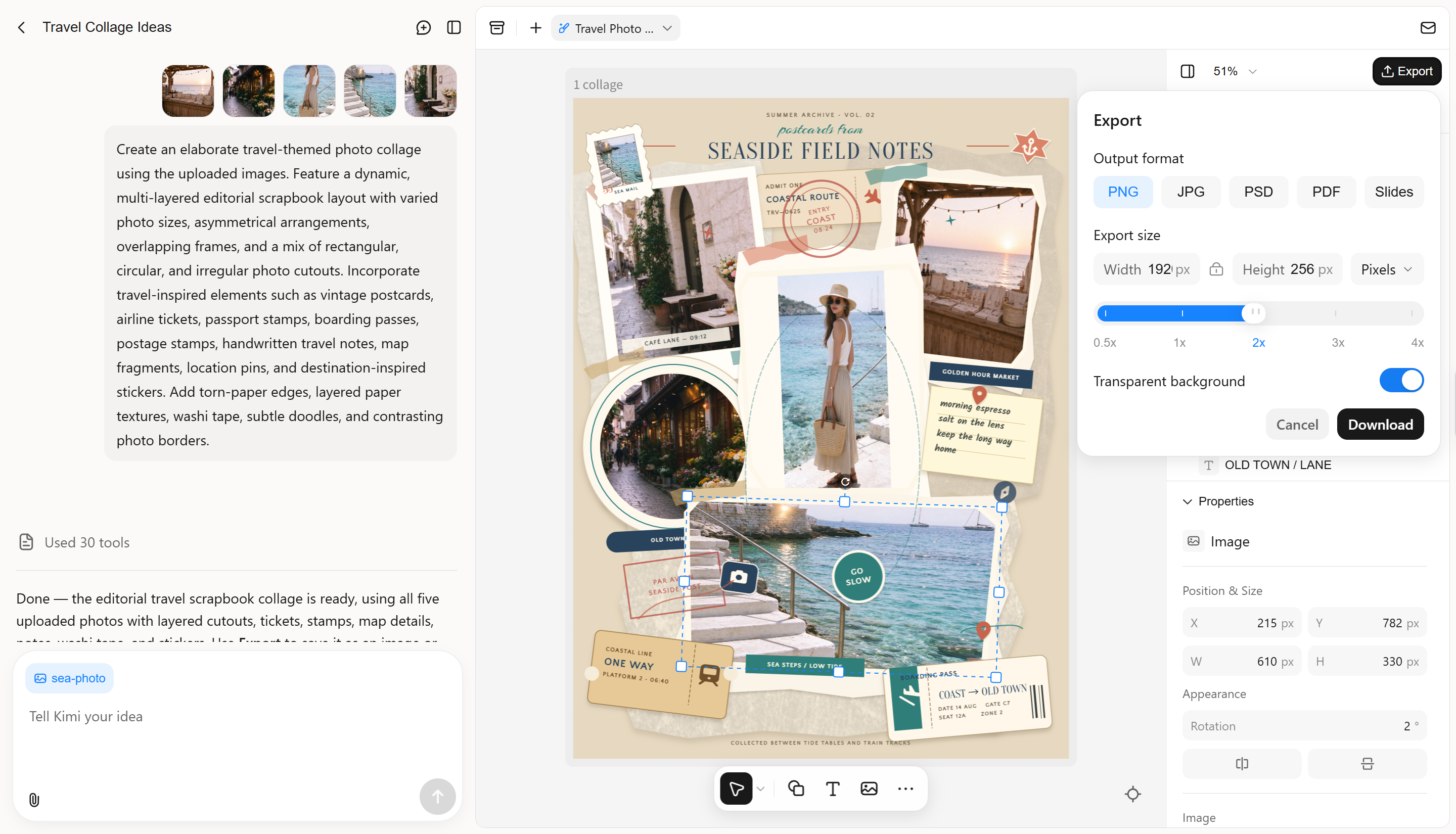
Export and share your finished collage designs: Export your work in PNG, JPG, PSD, PDF, or PPTX formats for digital sharing, presentations, and other creative projects. Bring your designs to life beyond the canvas by exporting them in PNG or JPG for easy online sharing, PSD for advanced editing and creative refinement, PDF for high-quality printing, or PPTX for polished presentations. Choose the format that fits your needs and make the most of every design.
Suitable for
Users who want to create AI-generated photo collages from text prompts.
Beginners who prefer automated layouts over manual photo arrangement.
Content creators who need unique visuals for social media.
Designers who want to experiment with creative compositions and personalized styles.
How to create a collage with Kimi Design
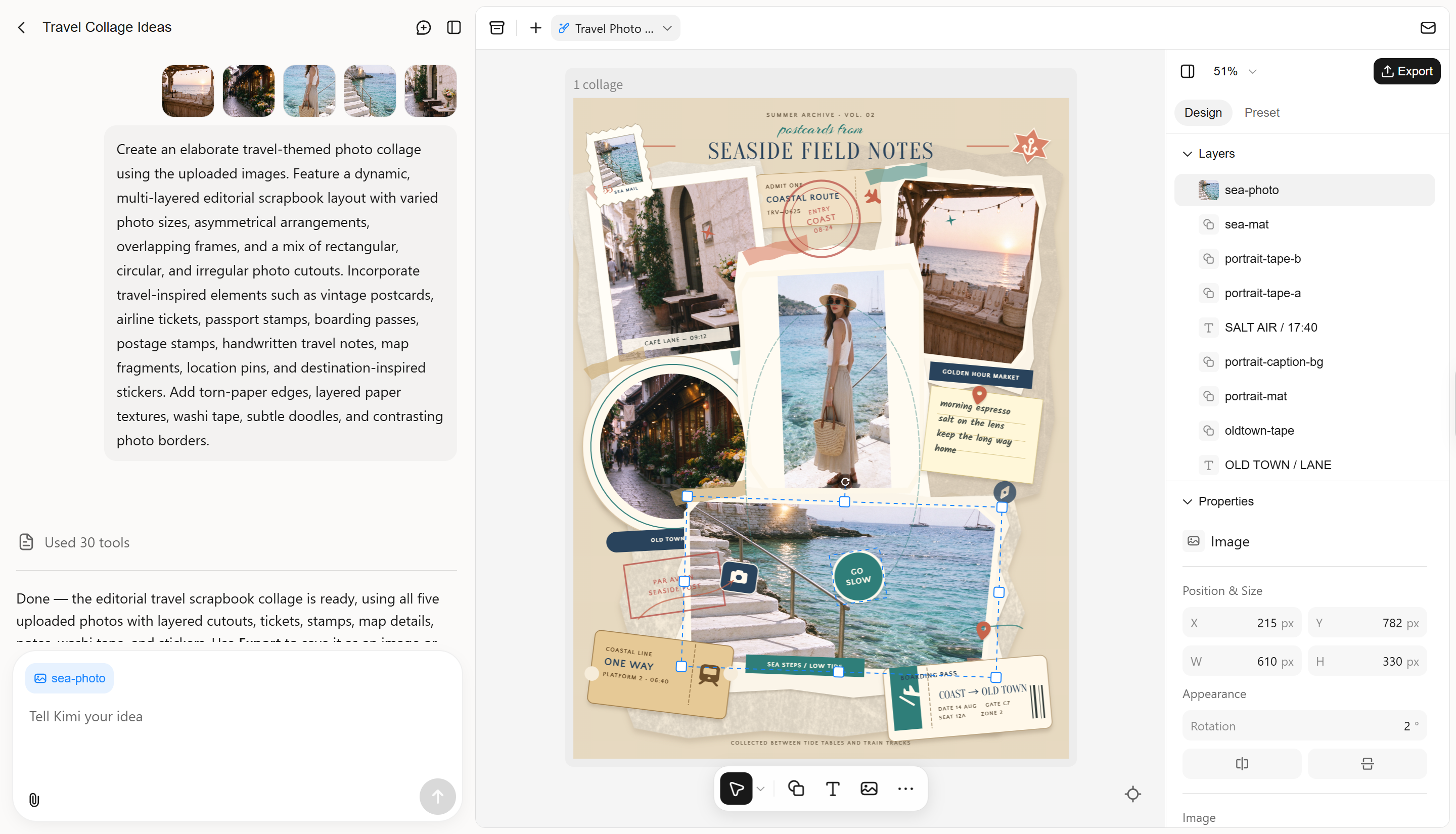
Creating a photo collage with Kimi Design is simple, even if you have no prior design experience. Follow these steps to generate and customize your collage using AI.
Step 1: Enter a clear prompt and upload your photos
Open Kimi Design and describe the collage you want to create. Specify the layout, photo arrangement, background, colors, and decorative elements. Upload your reference photos to guide the AI.
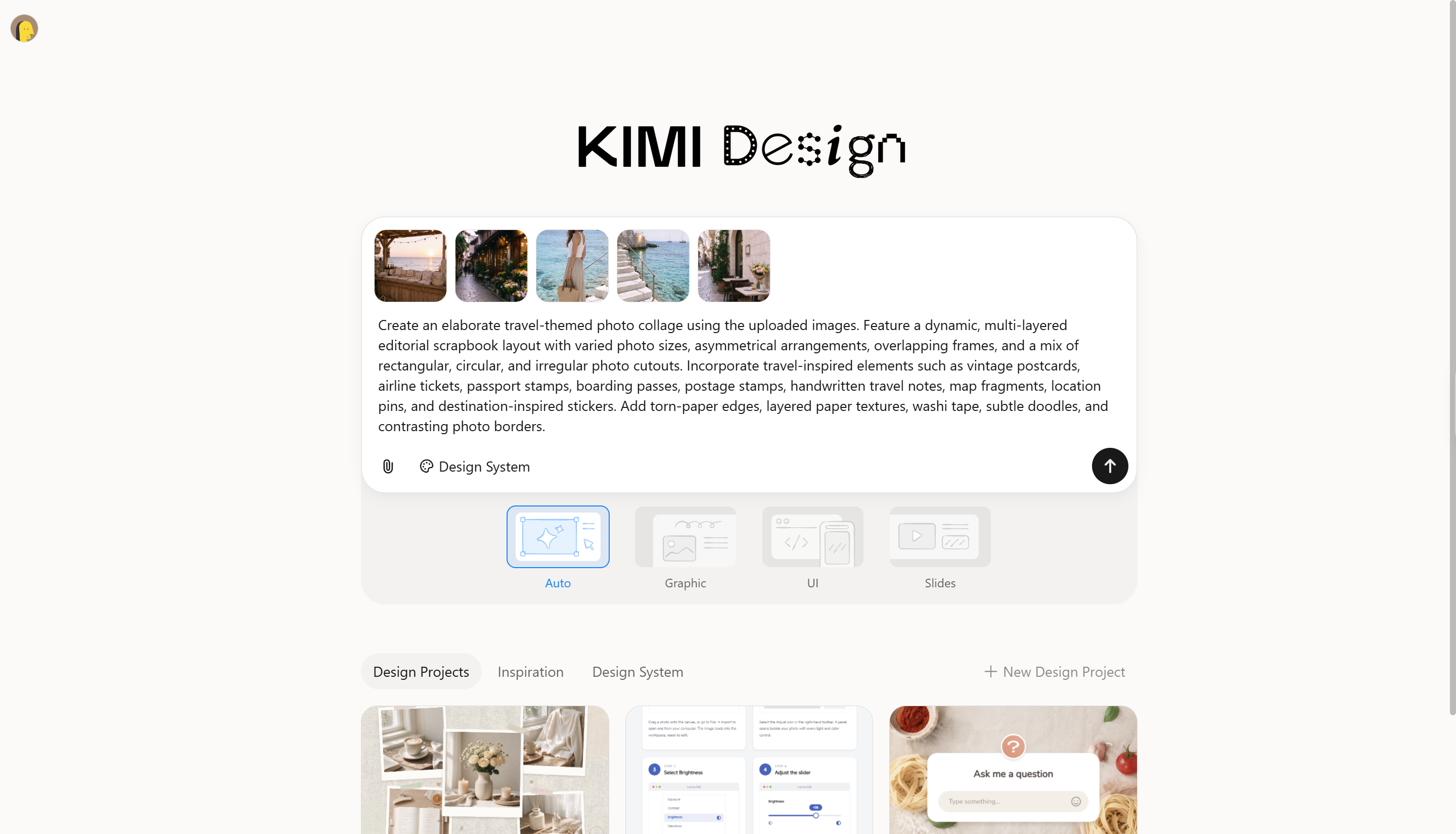
Step 2: Let AI process and generate a collage
After entering your prompt, let Kimi Design process the images and generate your collage. AI will arrange the uploaded photos according to your instructions and create a cohesive composition.
Step 3: Review and download the collage
Preview the generated design and check the photo placement, colors, and overall appearance. If needed, provide additional prompts to refine the layout. Once satisfied, download your finished collage for personal use or sharing.
Canva
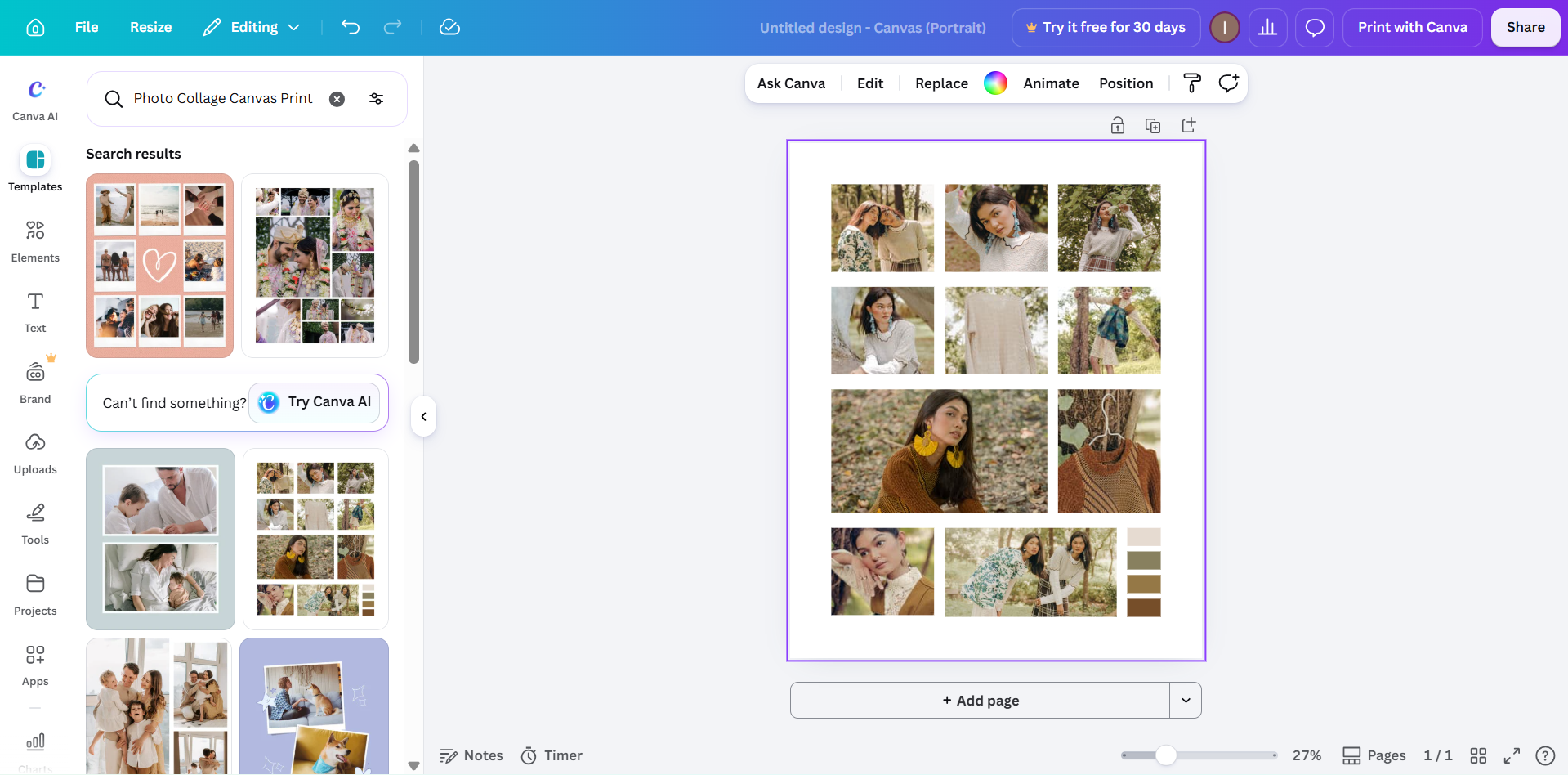
Canva makes it easy to turn a collection of photos into a polished visual composition. Its drag-and-drop editor offers ready-made layouts, customizable grids, and a wide selection of design elements. Beyond arranging pictures, users can incorporate text, stickers, illustrations, and backgrounds to create collages for different occasions.
Main features
Ready-made collage templates: Choose from different photo collage layouts and customize them according to your project requirements.
Drag-and-drop editor: Easily upload, resize, crop, and reposition images without complicated editing steps.
Creative design elements: Add text, illustrations, frames, stickers, and backgrounds to make your collage more engaging.
AI-powered design tools: Use available AI features to generate or edit visual elements and enhance your creative workflow.
Suitable for
Beginners who need an easy-to-use collage editor.
Social media creators who design photo grids and promotional graphics.
Students who create visual presentations and personal projects.
Users who prefer customizable templates and ready-made layouts.
Adobe Express
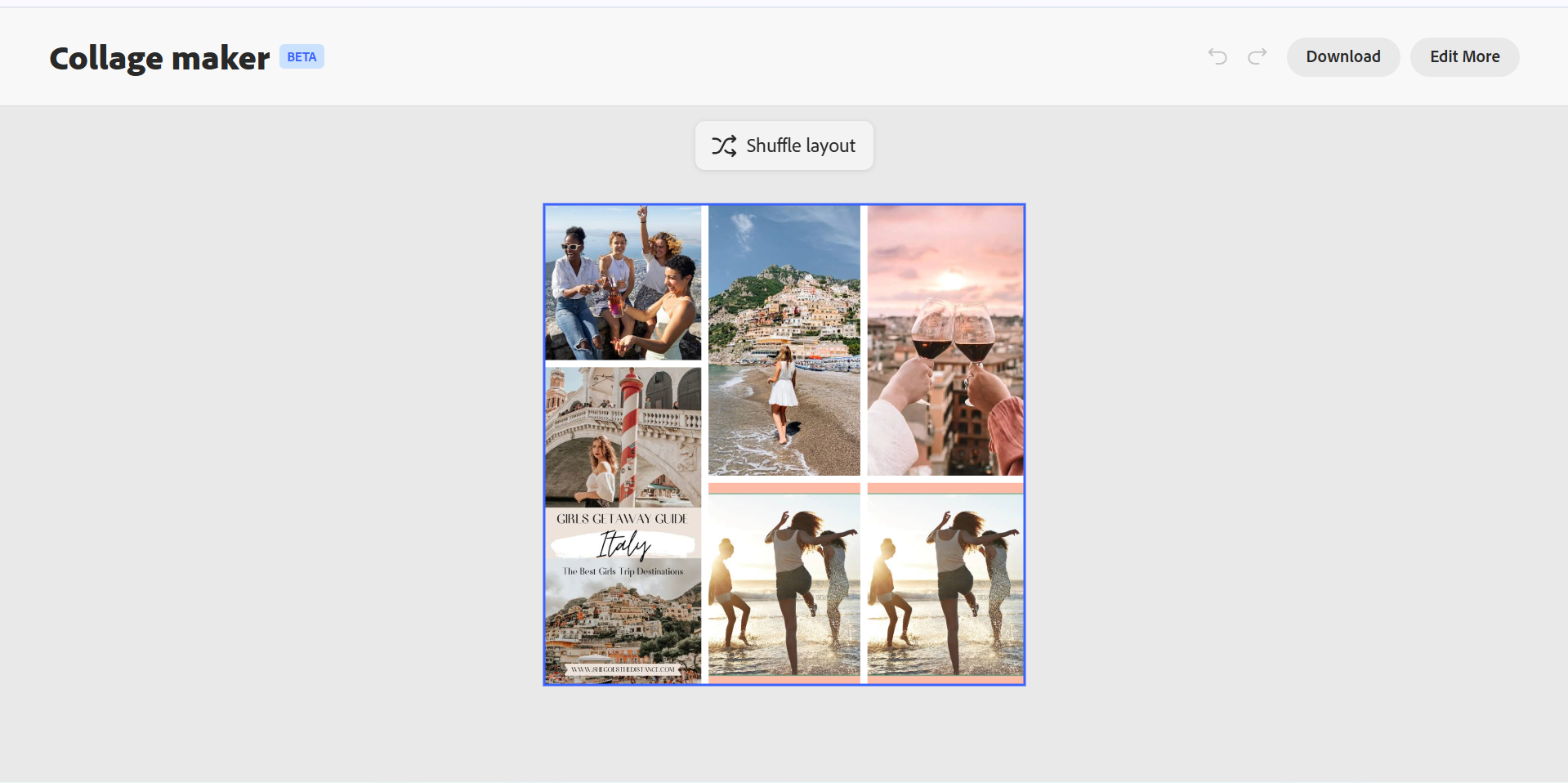
Adobe Express provides an accessible way to create professional-looking photo collages without requiring advanced graphic design skills. Its collage and photo editing features help users combine multiple images, apply visual effects, and customize their compositions. It is a practical option for users looking for the ideal photo collage creator with additional graphic design capabilities.
Main features
Photo grid layouts: Combine multiple pictures into organized compositions using available layout options and design tools.
Customizable templates: Start with professionally designed templates and adjust their colors, text, images, and other elements.
Photo editing tools: Improve your images with filters, cropping, resizing, and other adjustments before adding them to a collage.
Generative AI features: Use supported AI tools to generate and edit visual elements for more personalized designs.
Suitable for
Users who want professional-looking photo collages.
Small businesses creating promotional graphics and visual content.
Students preparing presentations and creative assignments.
Designers who already use Adobe's creative tools.
Fotor
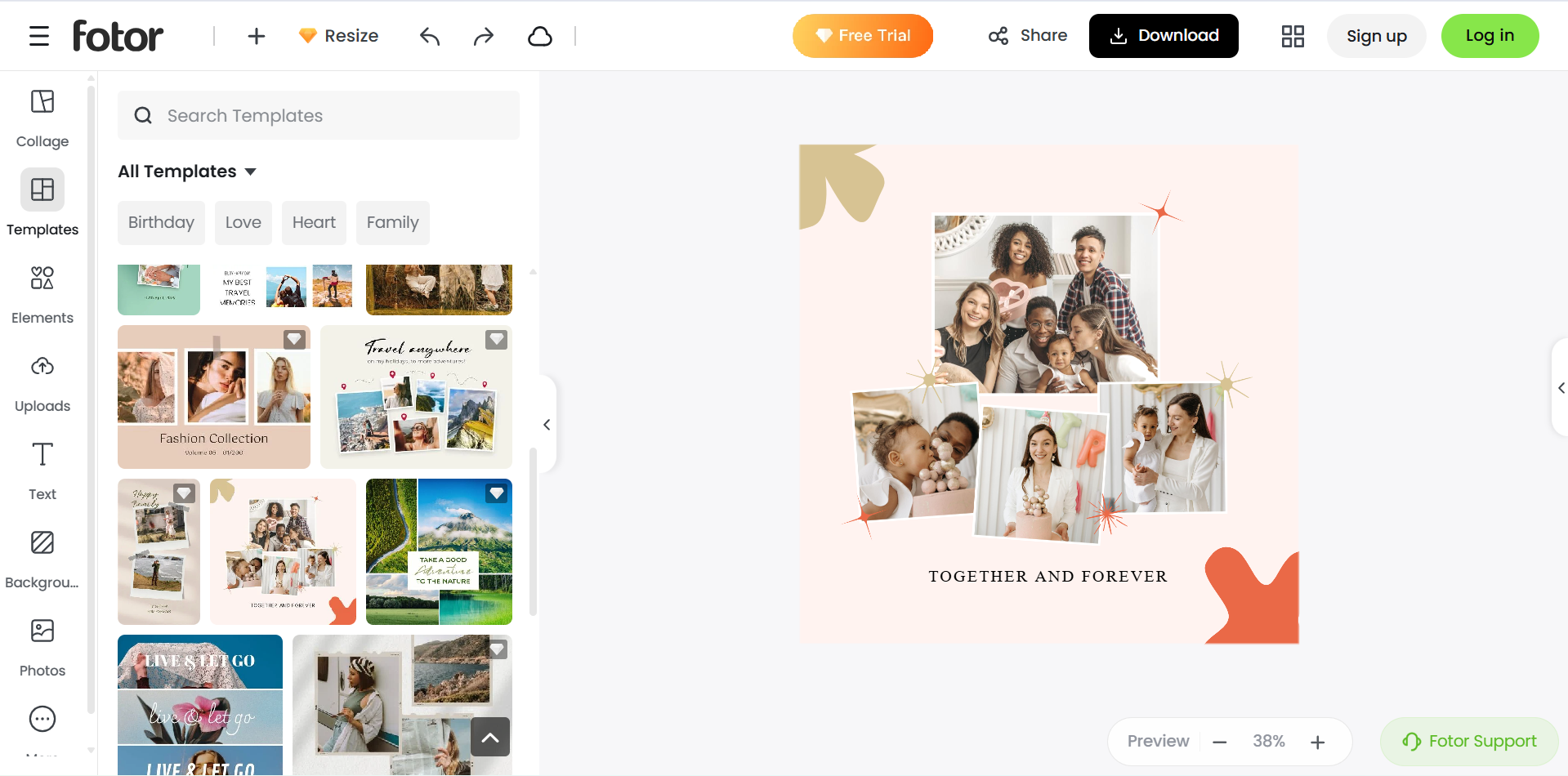
Fotor brings photo editing and collage creation together in one workspace. Its collage tools include ready-made templates and adjustable grids, while image enhancement features help refine individual photos before they are combined. Users can also fine-tune spacing, borders, and backgrounds, making it convenient to create personalized photo arrangements.
Main features
Photo collage templates: Select from different layouts and templates to arrange multiple pictures into a single composition.
AI photo editing: Use AI-powered tools to enhance images, remove backgrounds, and make visual adjustments.
Customizable layouts: Adjust image placement, spacing, borders, and backgrounds to create personalized collages.
Photo enhancement tools: Improve brightness, colors, sharpness, and other image properties before combining your pictures.
Suitable for
Beginners who need simple photo collage layouts.
Users who want photo editing and collage creation together.
Social media users who create personalized photo compositions.
Individuals looking for a photo collage maker with additional editing options.
BeFunky
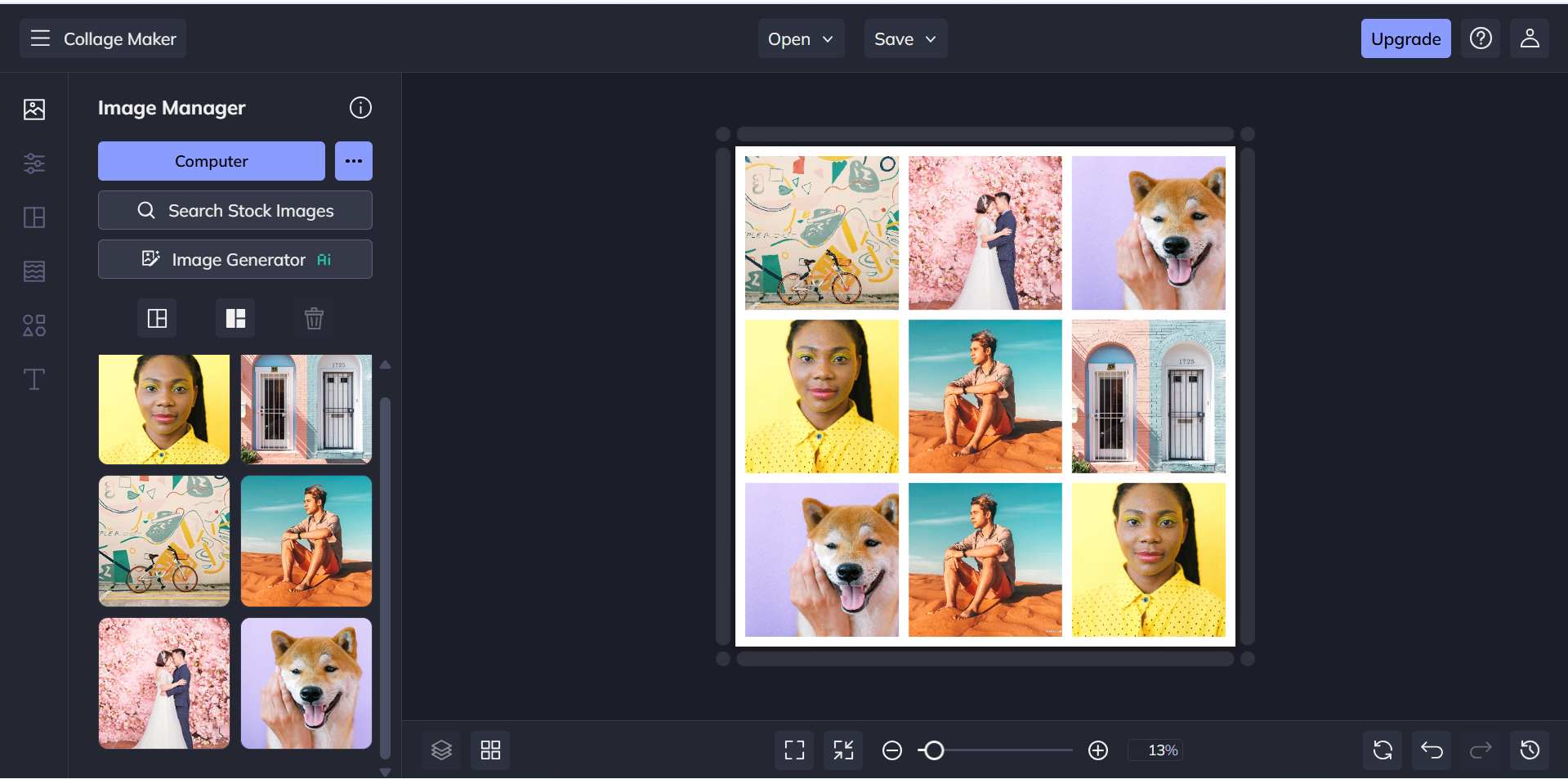
For users who enjoy experimenting with artistic effects, BeFunky offers more than basic photo arrangements. Its Collage Maker supports multiple grid styles and pre-designed layouts, while the built-in photo editor provides filters, color adjustments, and other creative effects. Background and border customization also gives users room to develop a more distinctive look.
Main features
Collage maker: Combine multiple images using different grid arrangements and customizable layouts.
Customizable templates: Explore ready-made designs for personal collages, photo collections, and creative projects.
Photo editing effects: Apply filters, adjust colors, and enhance images to achieve a consistent visual appearance.
Background and border options: Customize the spacing, borders, and backgrounds to give your collage a distinctive style.
Suitable for
Users who enjoy creating artistic photo arrangements.
Beginners who want a straightforward online collage editor.
Individuals making family albums and personal photo collections.
Creators who want to combine collage layouts with photo editing.
FotoJet
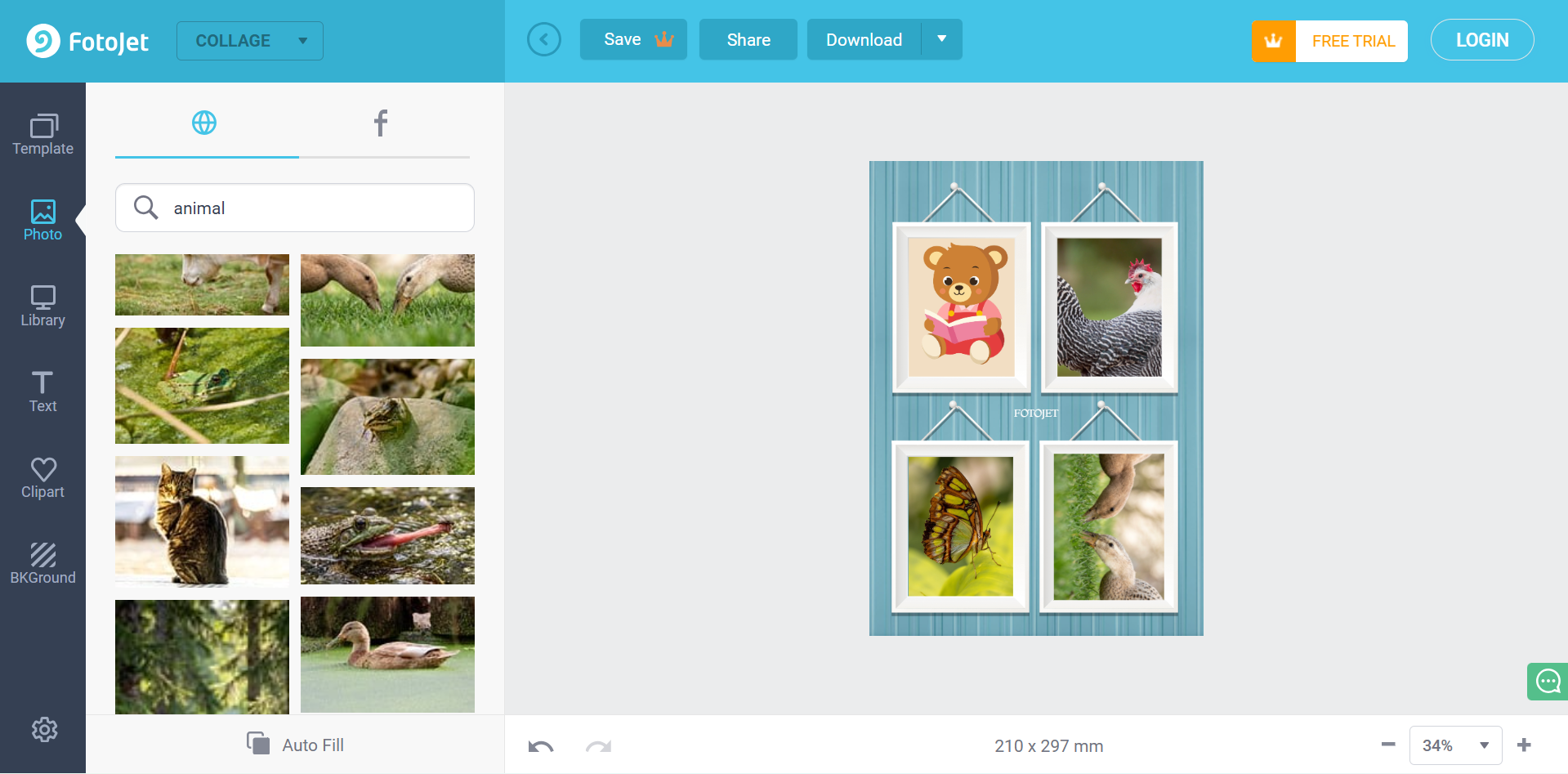
Quick photo projects are the focus of FotoJet. The platform provides ready-made collage layouts that users can customize with their own pictures, text, and clipart. Its editing tools also cover basic adjustments such as cropping and applying effects, so users can refine their images without switching between different applications.
Main features
Collage templates: Choose from various pre-designed layouts for creating photo grids, themed collages, and creative arrangements.
Photo grid customization: Arrange images, adjust their sizes, and modify the spacing to create a balanced composition.
Text and clipart: Add captions, decorative illustrations, and other elements to make your collage more expressive.
Built-in photo editor: Crop images, apply effects, and make basic adjustments before incorporating them into your design.
Suitable for
Users who need quick and simple photo collages.
Beginners who prefer ready-made layouts over designing from scratch.
Individuals creating birthday cards and personal photo collections.
Users who want an online collage editor with basic customization tools.
Pixlr
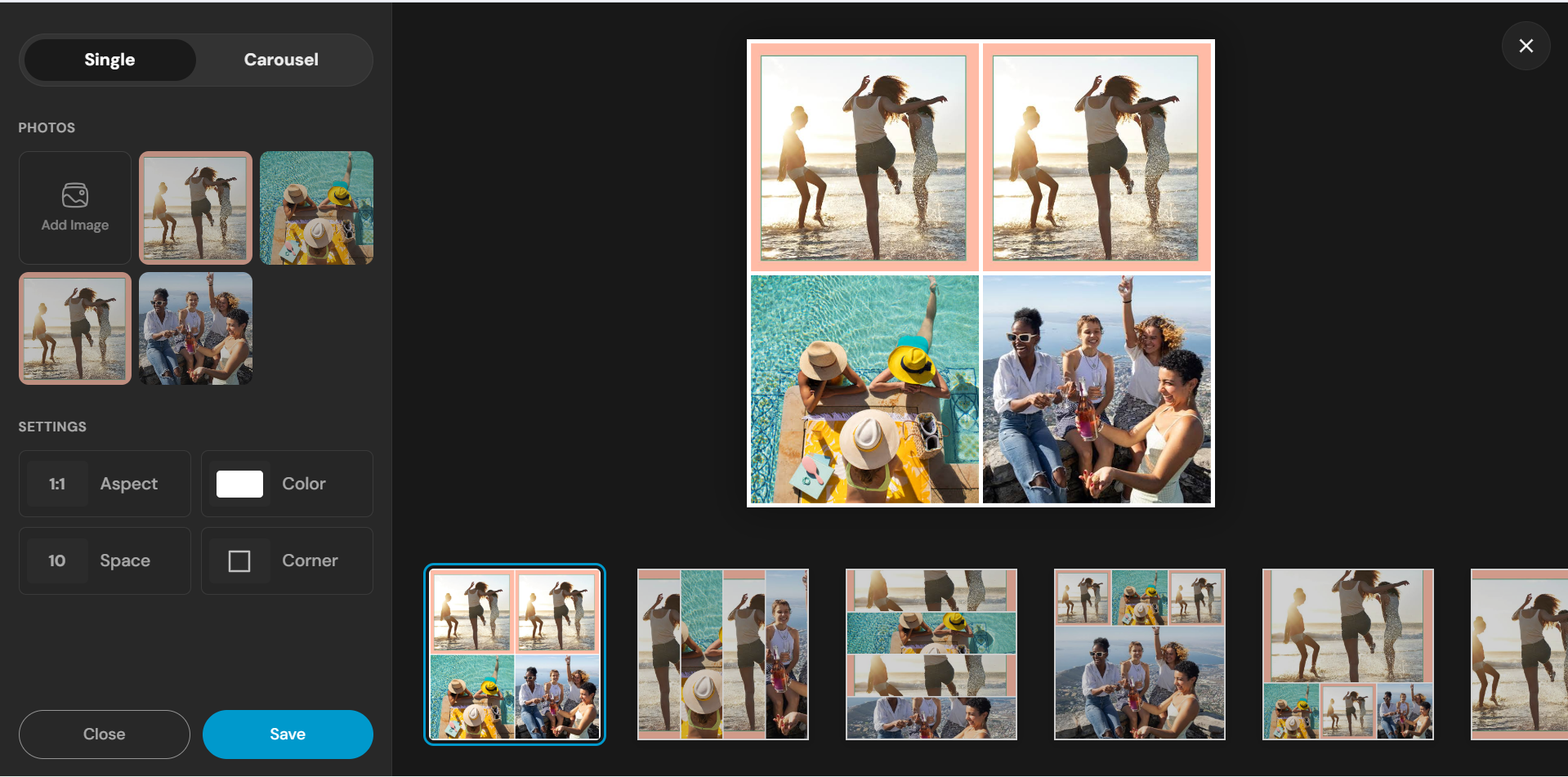
Pixlr is an online photo editing platform that provides creative tools for designing and customizing visual compositions. Its editing environment supports image adjustments, layers, filters, and overlays, giving users more control over their collage designs. You can combine different pictures, experiment with effects, and create compositions that match your preferred visual style. It is a useful choice for users who want an online collage maker with additional image editing capabilities.
Main features
Layer-based editing: Work with multiple images and visual elements to create more detailed and customized compositions.
Filters and effects: Apply creative effects, overlays, and color adjustments to give your collage a distinctive appearance.
AI-powered tools: Access available AI features for image generation, background removal, and other editing tasks.
Image customization: Crop, resize, adjust, and refine individual pictures before combining them into a complete design.
Suitable for
Users who want more control over image placement and editing.
Beginners and intermediate designers exploring creative compositions.
Content creators who need customized graphics for online platforms.
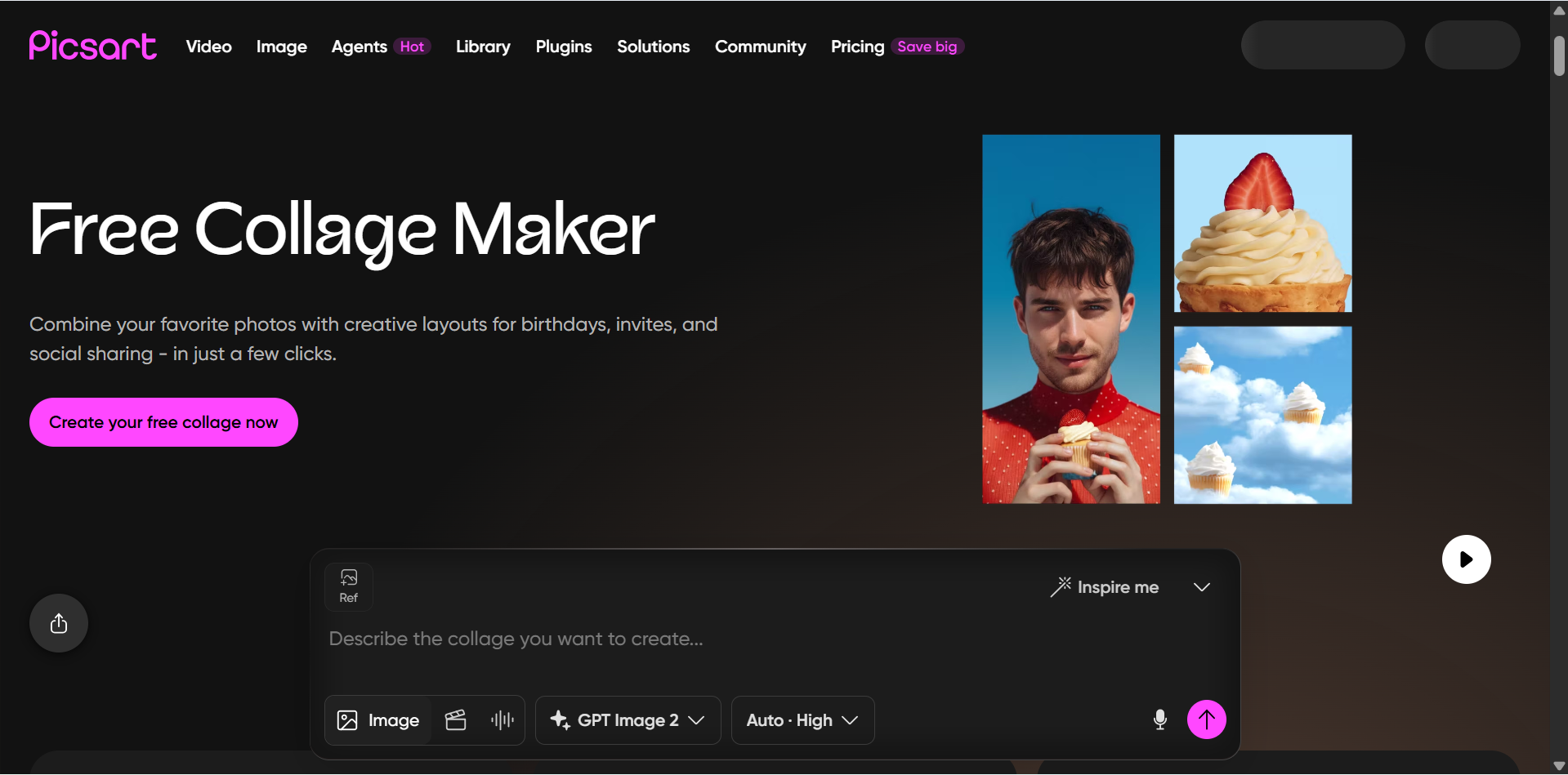
Picsart
Pixlr gives users greater flexibility when working with individual images and layered compositions. Rather than relying solely on predefined grids, its editing environment supports layers, overlays, filters, and detailed image adjustments. This makes it suitable for creating more customized collage designs, especially when precise control over visual elements matters. It is worth considering if you want an AI photo collage maker with plenty of customization options.
Main features
Collage templates and grids: Select different layouts to combine multiple photos into personalized compositions.
Stickers and creative elements: Decorate your collage with illustrations, text, frames, and other visual assets.
AI image tools: Use available AI features to generate images, edit visual elements, and experiment with creative effects.
Photo filters and effects: Apply artistic styles, color adjustments, and visual enhancements to individual pictures.
Suitable for
Social media creators who need eye-catching photo layouts.
Users who enjoy artistic edits and decorative collage styles.
Beginners who want templates and easy customization options.
Individuals interested in AI-assisted photo editing and creative designs.
PicCollage
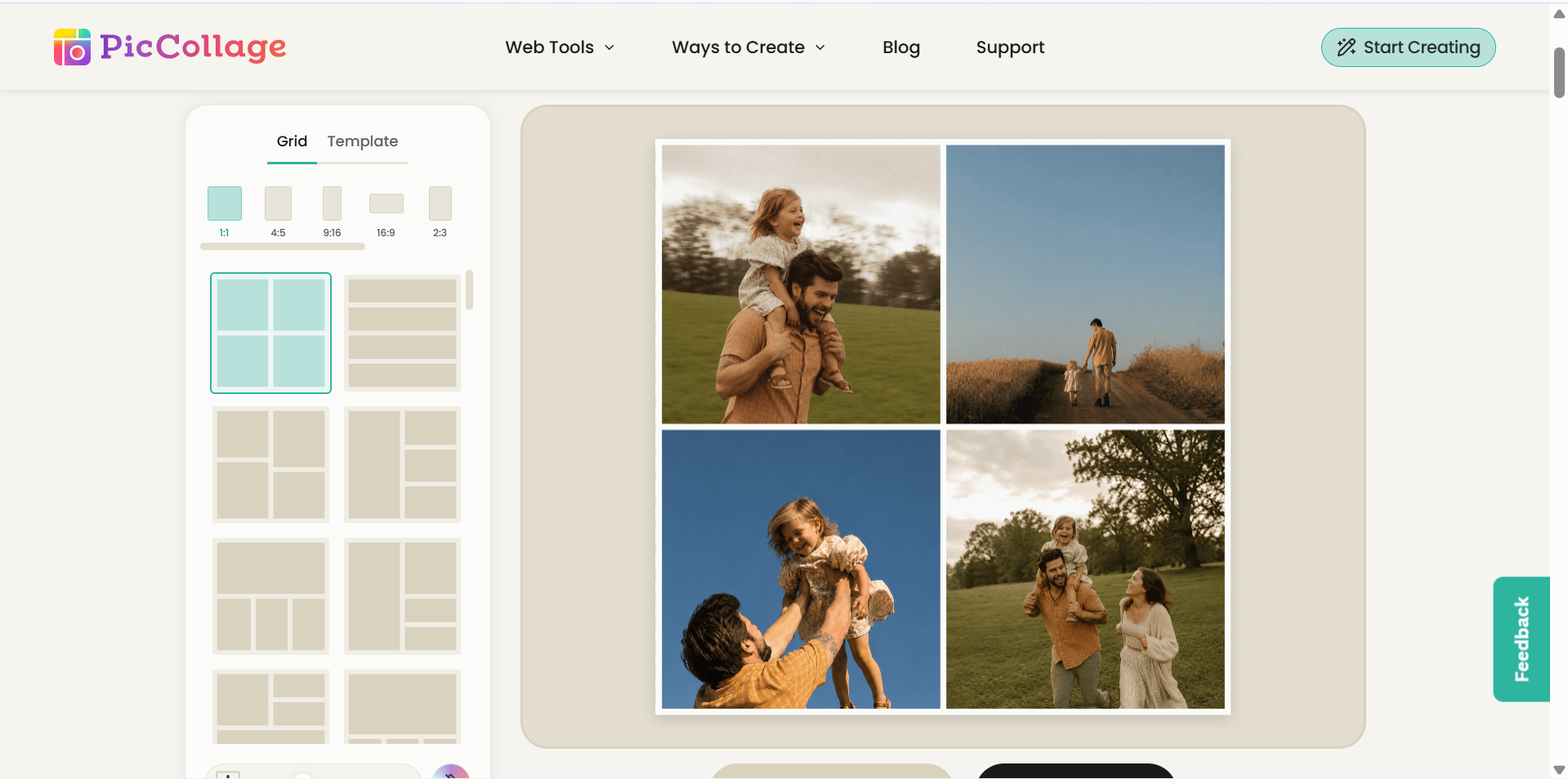
Personal memories and scrapbook-inspired designs are at the heart of PicCollage. The app lets users bring together photos, stickers, cutouts, and decorative backgrounds to create playful compositions. From friendship albums to birthday cards and invitations, its combination of grids and freeform editing supports a variety of personal projects.
Main features
Photo grids and layouts: Arrange multiple pictures using different grid styles and customizable photo frames.
Scrapbook designs: Combine photos with backgrounds, stickers, cutouts, and decorative elements to create personalized layouts.
Text and stickers: Add captions, messages, and illustrations to make your collages more expressive.
Photo customization: Crop, reposition, and adjust images to create balanced and visually appealing compositions.
Suitable for
Individuals who want to create family and friendship photo collages.
Users who enjoy scrapbook-inspired designs.
Beginners who prefer simple collage-making applications.
People who create birthday cards, invitations, and personal memories.
Kapwing
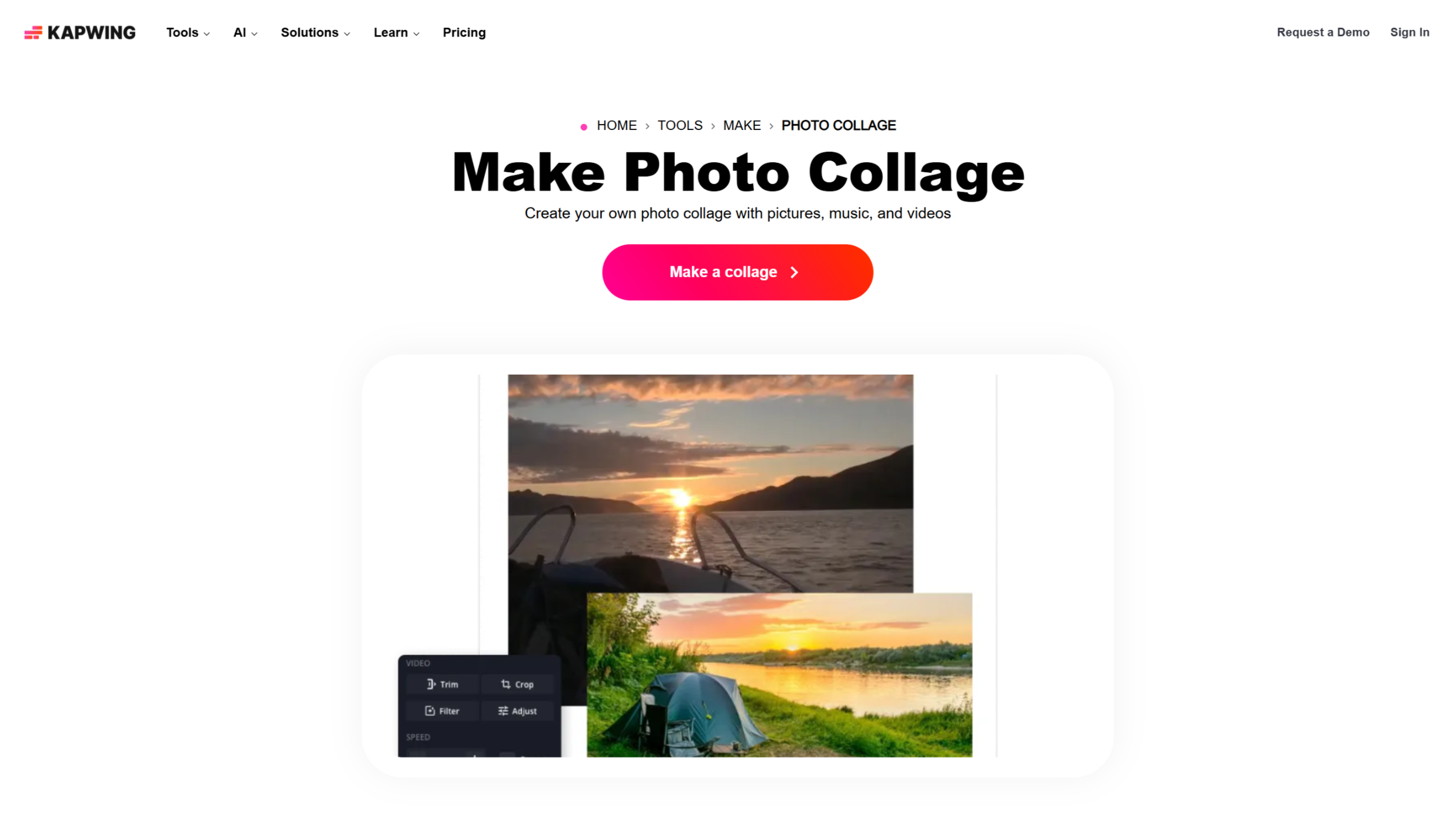
Kapwing approaches collage creation from the perspective of digital content production. Its online editor allows users to place multiple images on a shared canvas, adjust their size and position, and add text overlays or other visual elements. The layer-based editing workflow is particularly useful for creators who want to incorporate collage layouts into social media graphics and other digital content.
Main features
Flexible image arrangement: Add multiple pictures to a canvas and adjust their size, position, and alignment.
Text and graphic overlays: Include captions, shapes, and other visual elements to personalize your collage.
Canvas resizing: Adapt your designs to different aspect ratios and formats for social media and other digital platforms.
AI-assisted editing: Use available AI tools to support image editing and other content creation tasks.
Suitable for
Content creators who produce visual material for social media.
Users who need collage-style graphics for digital campaigns.
Teams working on collaborative visual projects.
Beginners who prefer browser-based editing without installing desktop software.
How to choose a suitable collage creator
Choosing the right collage tool depends on how much creative control, flexibility, and editing support you need. Before selecting the right collage creator, consider the following factors to find a tool that matches your design preferences and project requirements.
Check whether you can freely arrange and edit photos
Choose a collage maker that lets you resize, crop, rotate, and reposition individual pictures. Flexible editing controls help you create personalized layouts instead of relying entirely on fixed templates.
Look for support for different photo sizes and orientations
A good photo collage maker should support portrait, landscape, and square images. This makes it easier to combine pictures with different dimensions without awkward cropping or losing important details.
Explore layout options beyond basic photo grids
Look for creative layouts such as overlapping frames, scrapbook designs, irregular grids, and layered compositions. More variety allows you to create unique collages for personal projects, presentations, and social media.
Make sure individual elements are easy to adjust
Choose a tool that allows you to customize backgrounds, borders, spacing, text, stickers, and other design elements separately. This gives you greater control over the final appearance without having to rebuild the entire collage.
Choose export formats and sizes that fit your needs
Check whether the collage maker online supports useful export formats such as PNG, JPG, and PDF. Also, consider image resolution and available dimensions to ensure your finished collage looks clear when shared online or printed.
Conclusion
In conclusion, the right collage creator can turn your photos into attractive, personalized layouts with minimal effort. From ready-made templates to AI-powered tools, these 10 options offer creative possibilities for different needs. Kimi Design is especially worth exploring for generating unique collages from text prompts and reference images. Choose the right collage creator based on your design preferences, editing needs, and budget.