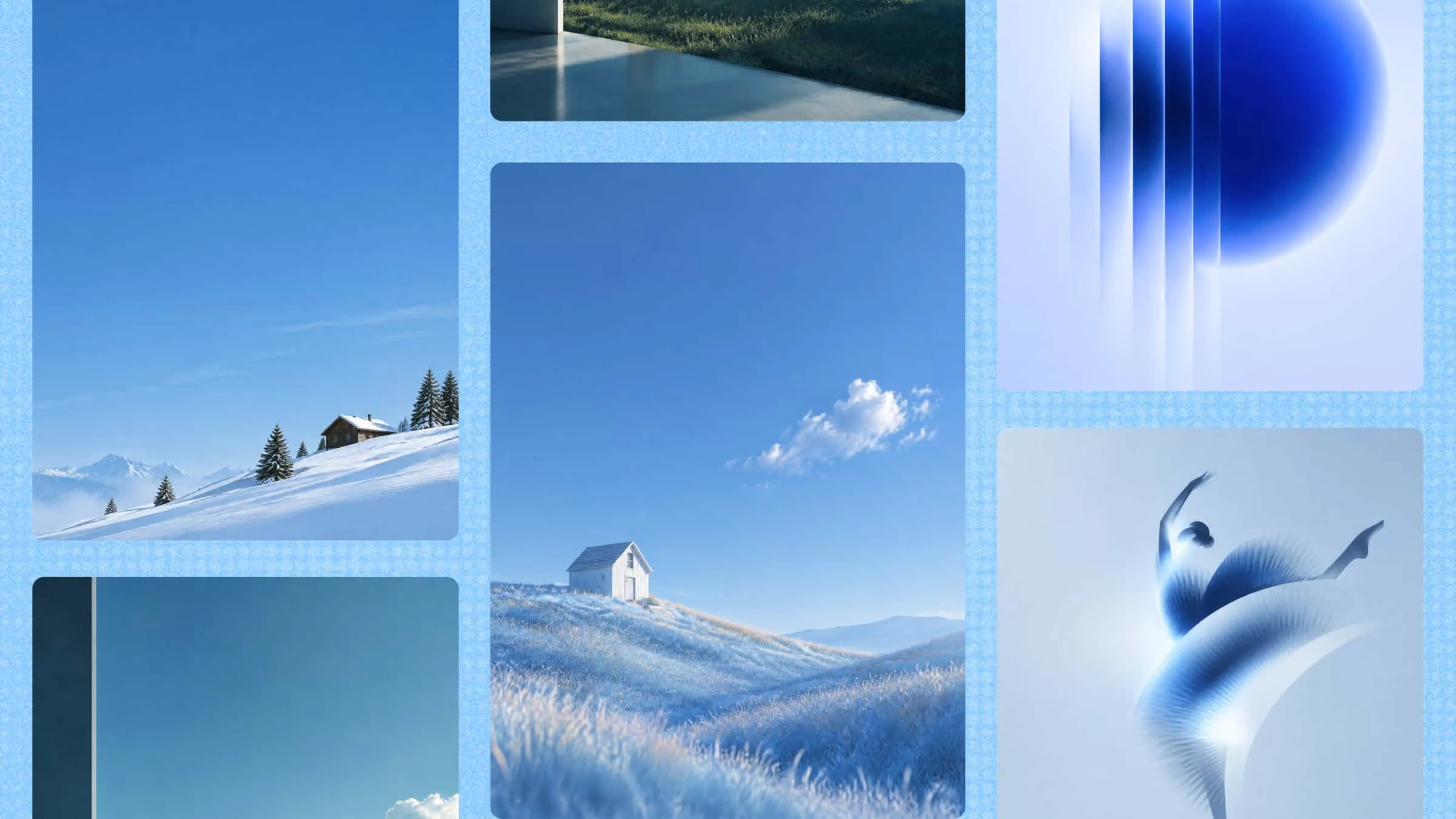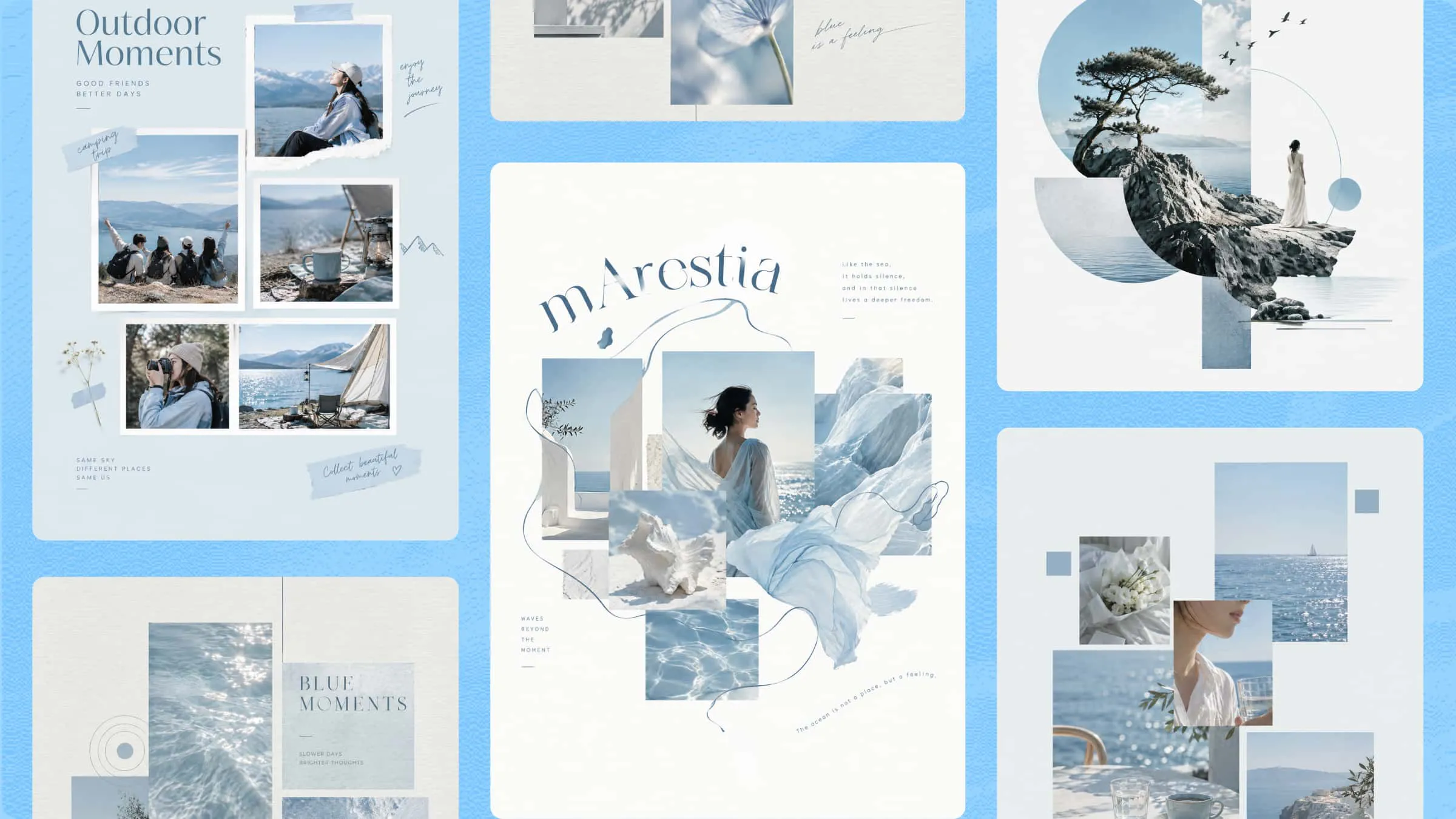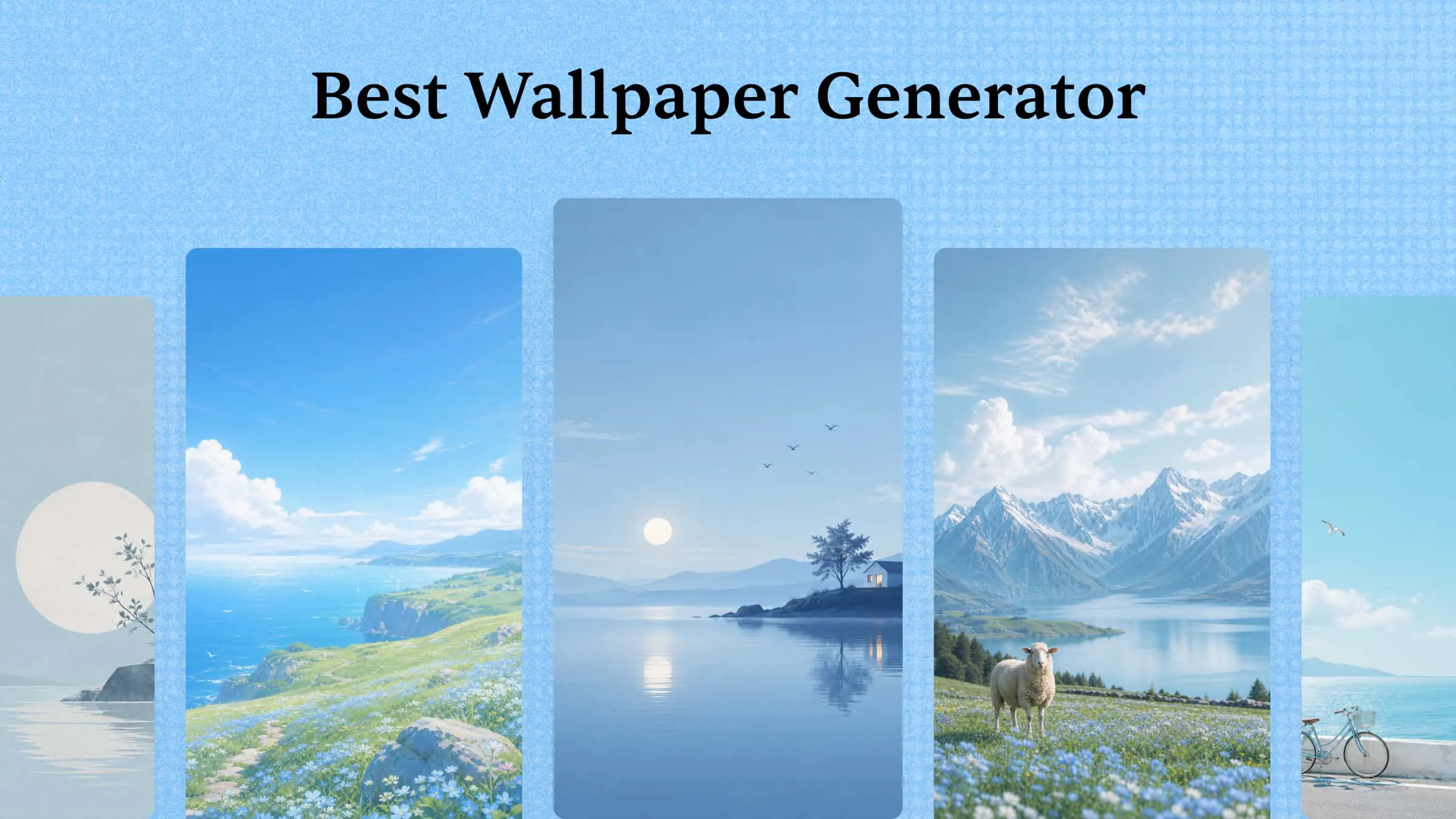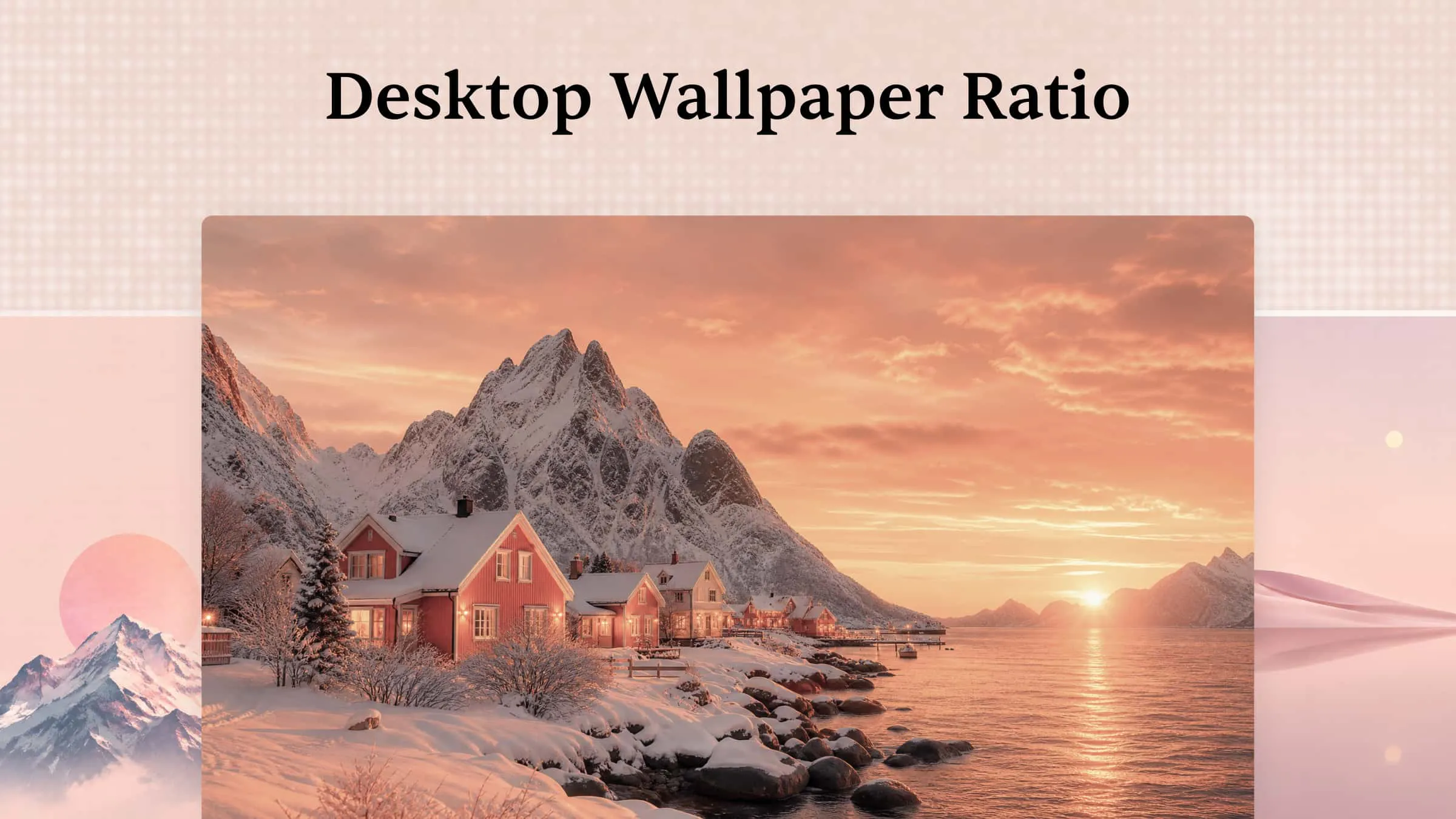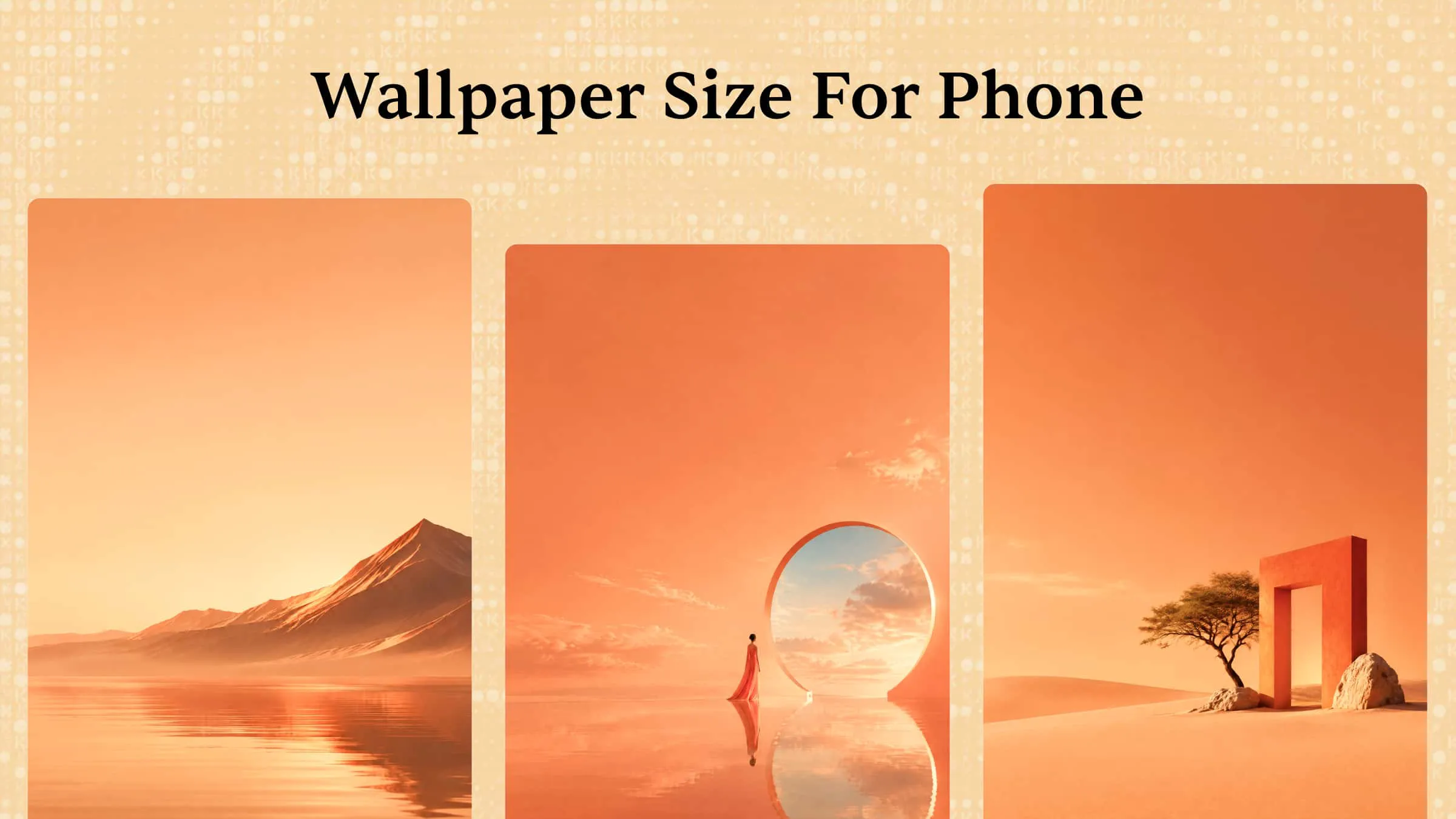
A wallpaper should reflect your personal style, but finding a design with the right colors, visuals, and dimensions is not always easy. Ready-made options often lack the details or customization you want. AI tools offer a simple solution, allowing you to make your own wallpaper from a text prompt or reference image. This guide explains how to create, customize, and export unique wallpapers that match your taste and screen size.
How to make your own wallpaper with AI
Creating a personalized wallpaper is easier with AI tools that turn simple ideas into unique designs. Instead of searching through ready-made backgrounds, you can choose your preferred style, colors, and visuals to create a design that suits your screen.
Kimi Design is an AI design generator that helps you make your own wallpaper from text prompts or reference images. You can describe the design you want and customize its subject, colors, background, and artistic style. It also lets you refine the generated image with additional prompts until it matches your preferences.
Follow the steps below to make a custom wallpaper with Kimi Design.
Step 1: Write a detailed prompt for your wallpaper
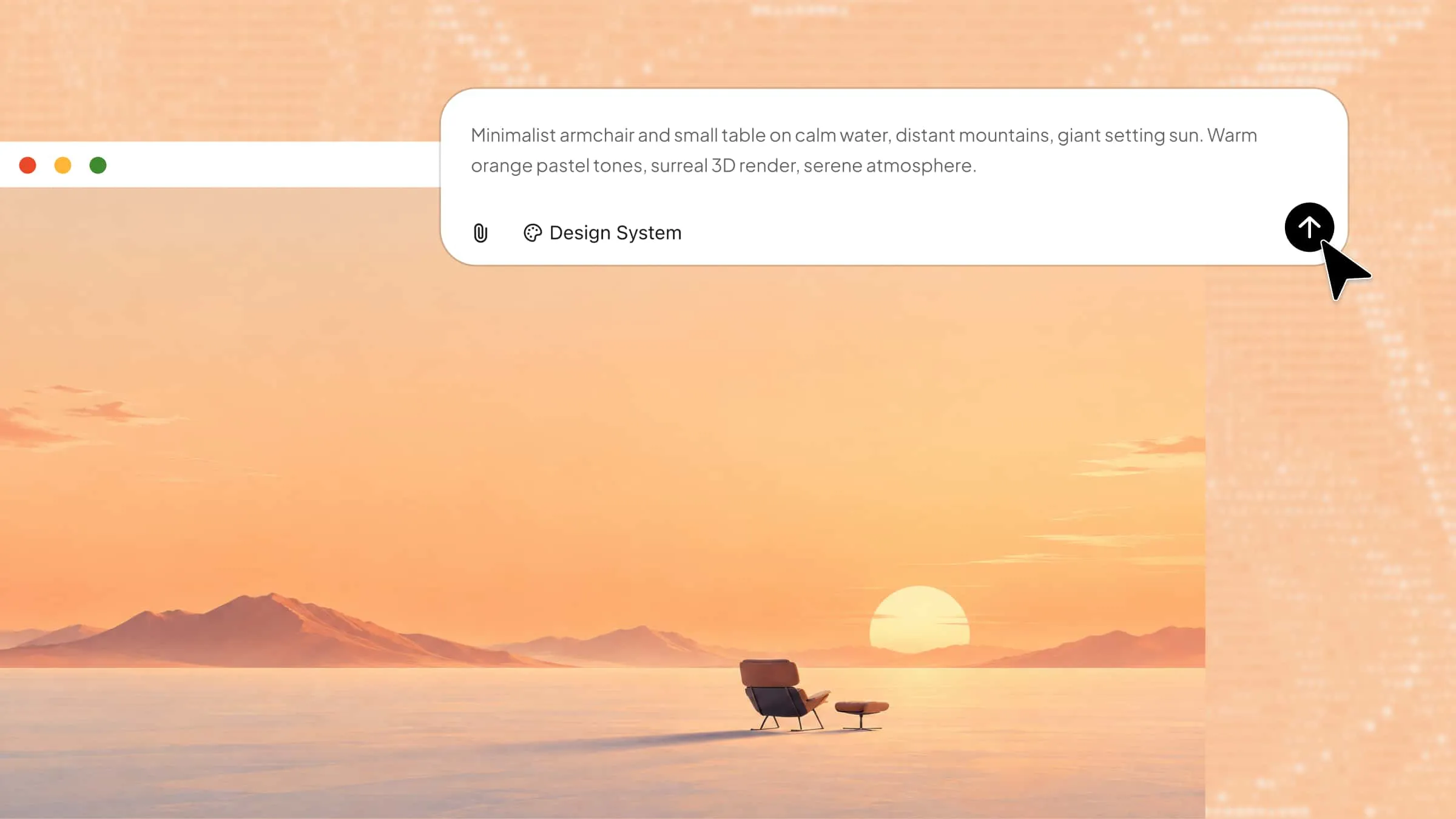
Start by describing the wallpaper you want to create. Include details about the subject, colors, background, artistic style, and preferred layout. A clear prompt helps Kimi Design generate an image that matches your idea.
Example prompt:
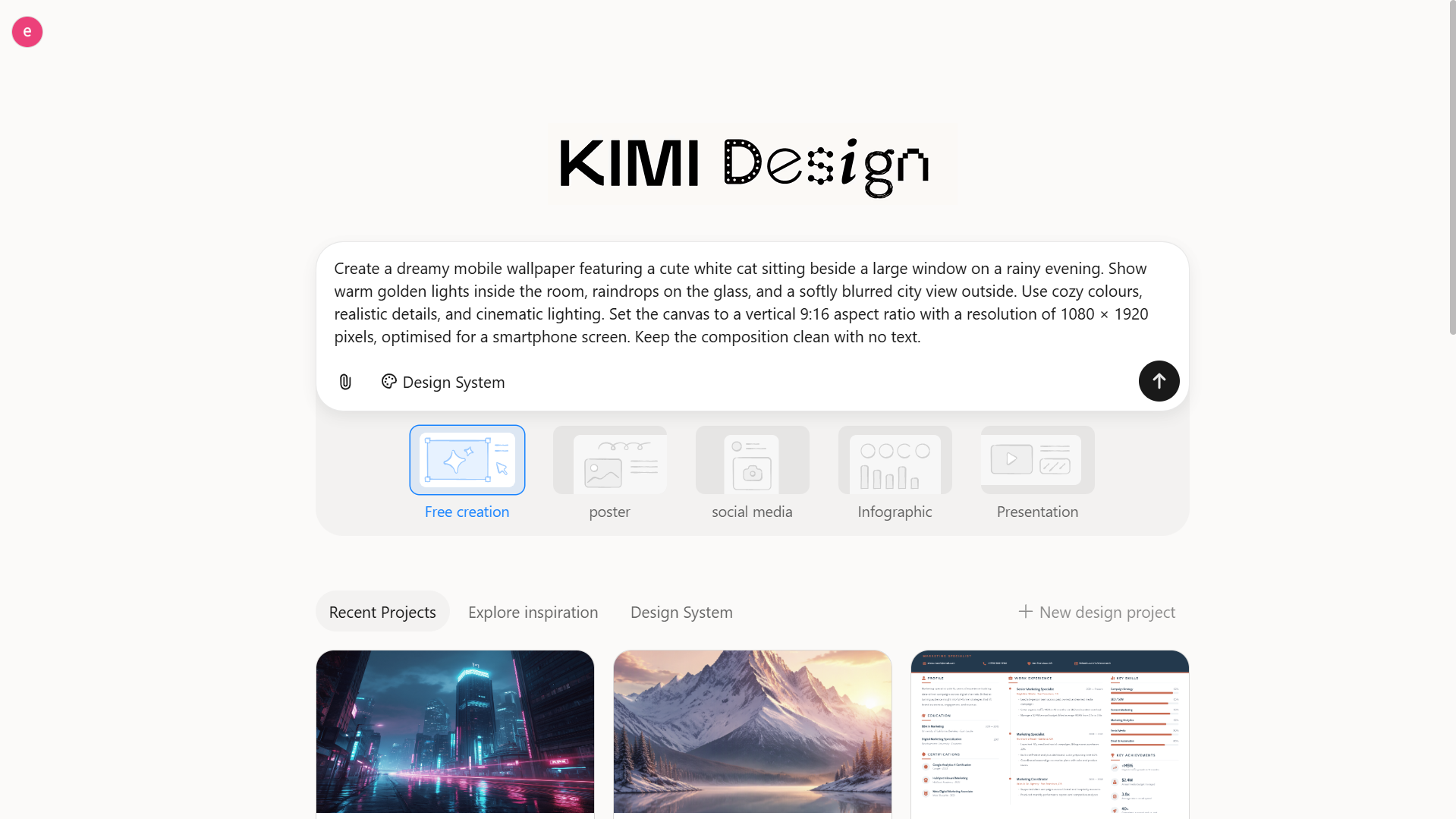
Step 2: Let AI generate wallpaper
Enter your prompt in Kimi Design and let the AI generate the wallpaper. Review the result to see if the composition, colors, and overall style match your expectations.
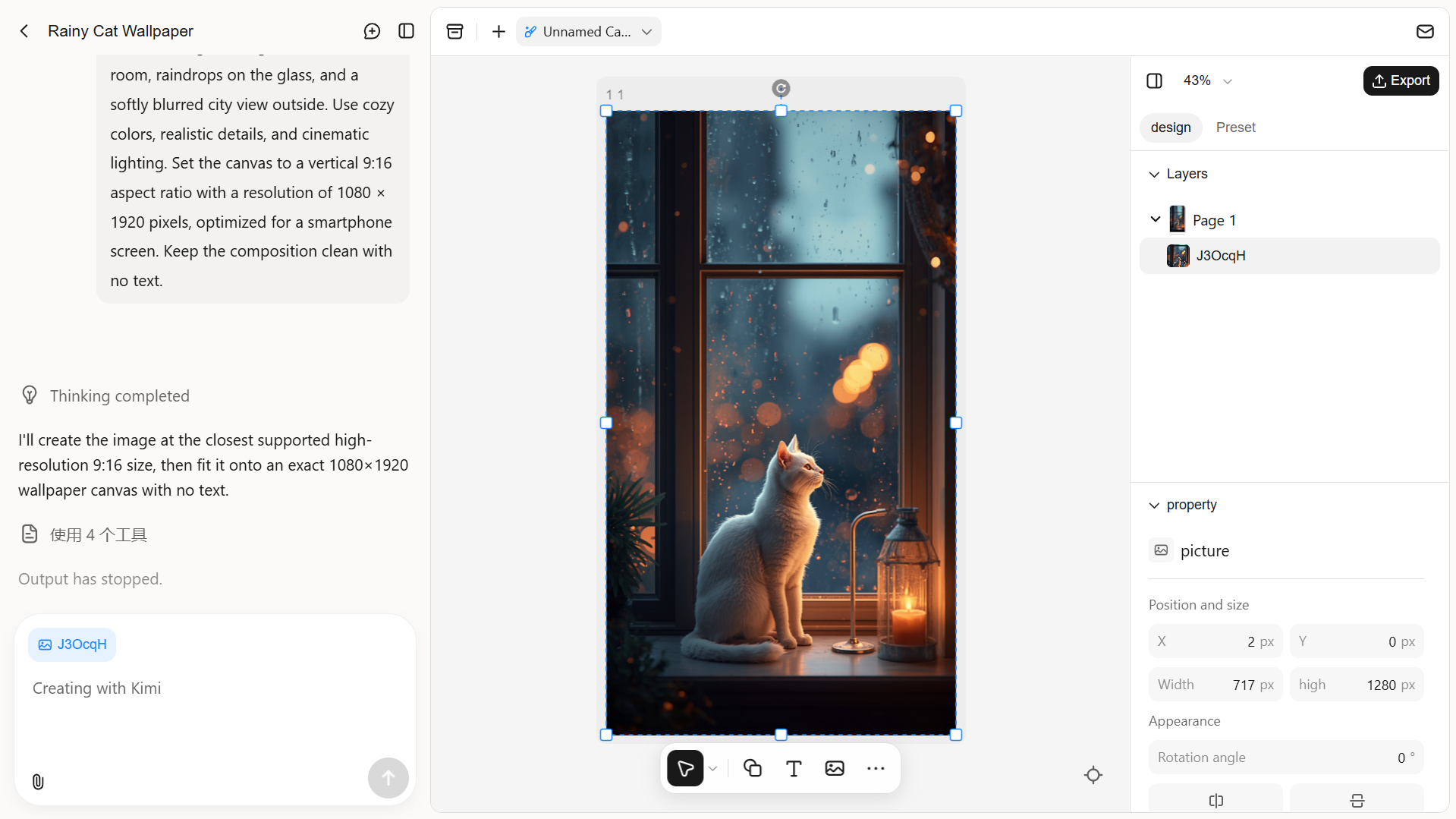
Step 3: Fine-tune the wallpaper
If the first result needs improvement, use additional prompts to refine the design. You can also make manual adjustments directly on the canvas until you're happy with the final wallpaper.
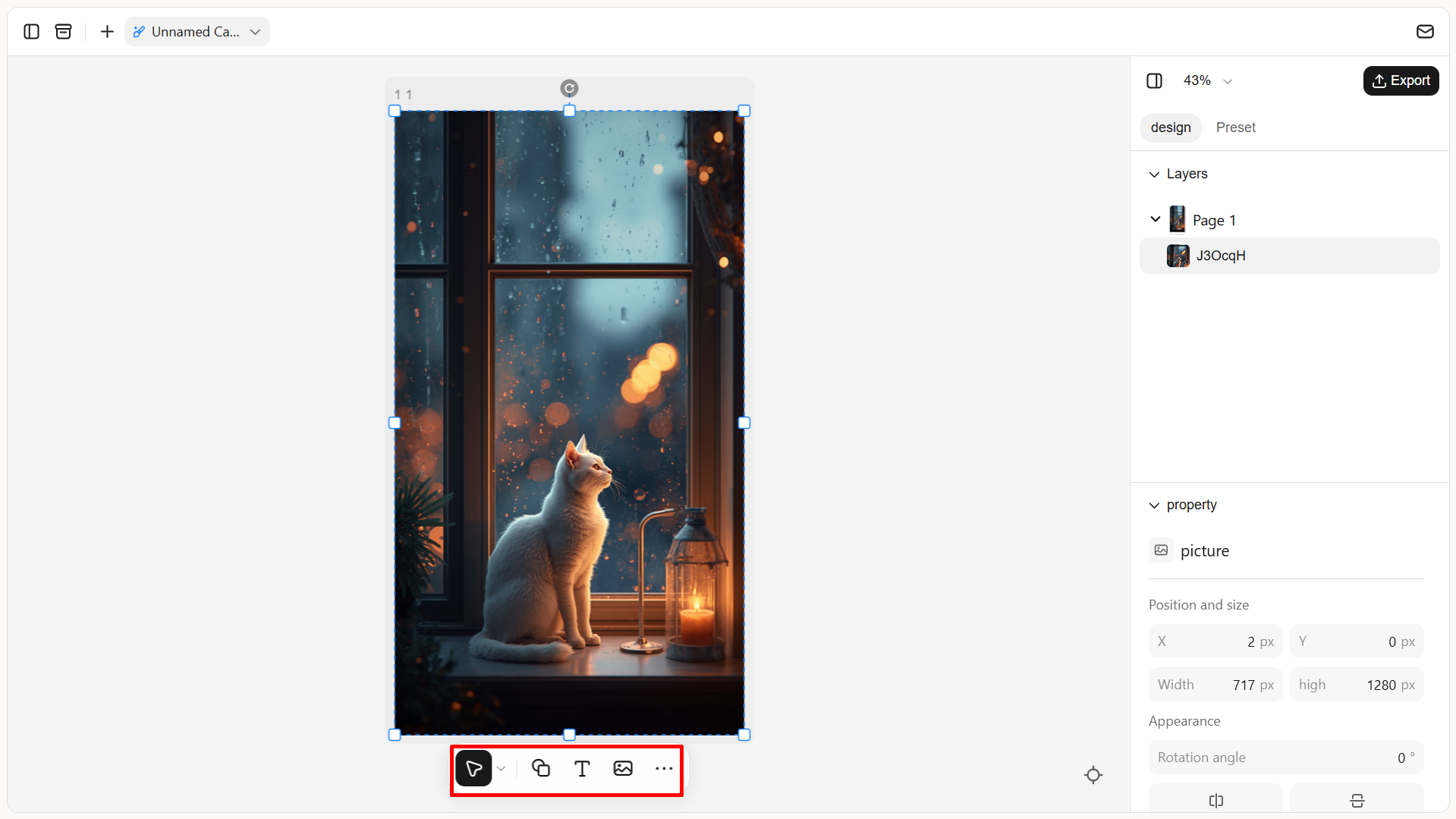
Step 4: Preview and export the wallpaper
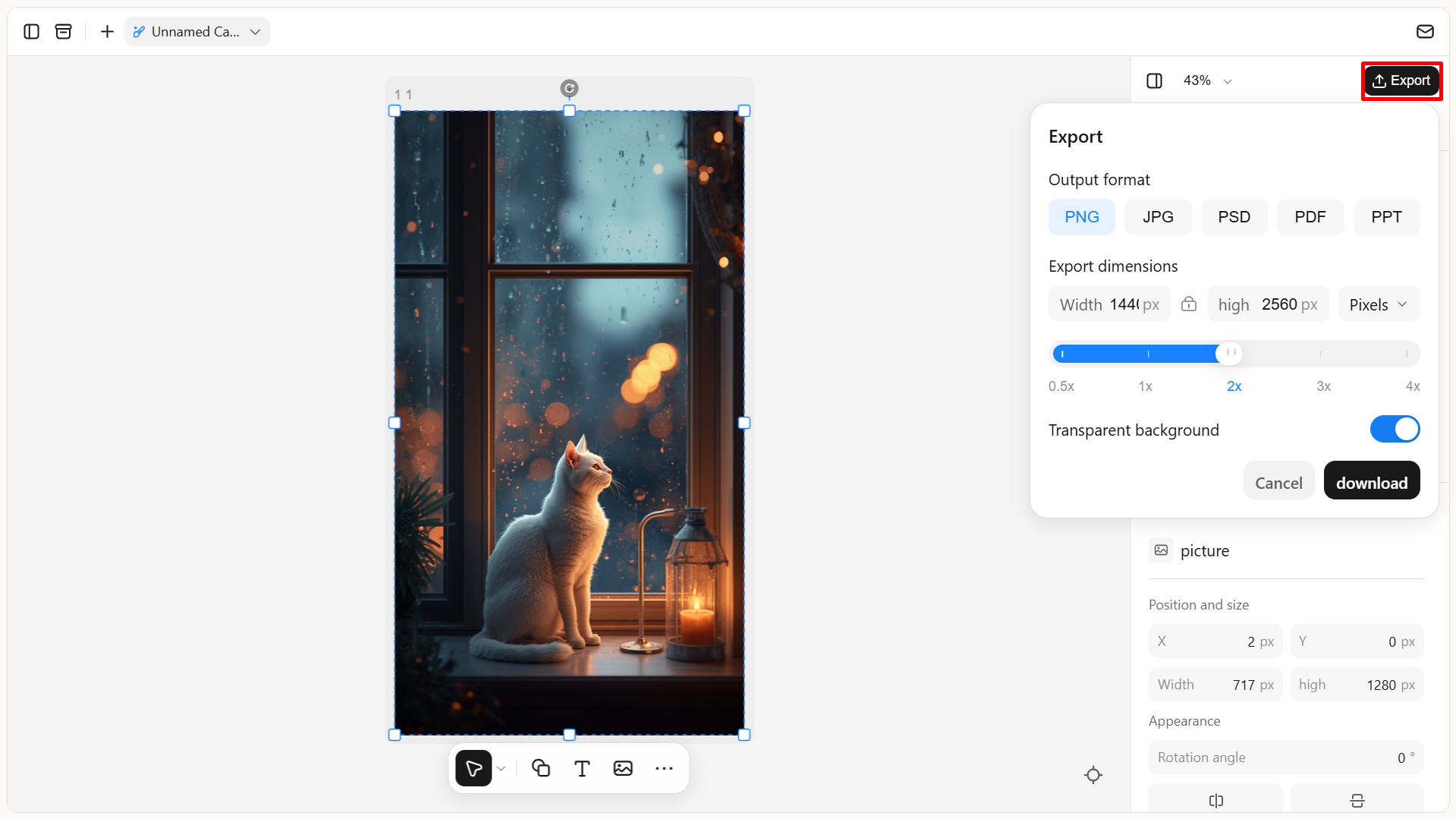
Preview the final design to check its appearance and fit on your device. Once satisfied, export the image in a suitable format like PNG, JPG, or PSD, and save it to your phone or computer.
Why choose Kimi Design to create your wallpaper
Before opting to make wallpaper for your phone, it is worth considering the features that make customization easier and more flexible. Kimi Design offers several useful capabilities for creating personalized backgrounds. Here is why it is a good option for your wallpaper projects.
Create personalized wallpapers for phones and PCs: Bring your wallpaper ideas to life for different screens, from vertical phone backgrounds to standard desktop and ultra-wide PC wallpapers. Simply describe what you have in mind or upload a reference image, and Kimi Design turns your ideas into editable designs that match your preferred dimensions, visual style, and personal taste.
Customize every detail to match your vision: Fine-tune your wallpaper instead of settling for the first result. Use natural-language instructions to adjust the overall composition, or leave comments on specific elements to request targeted changes. You can also edit text, images, shapes, colors, and layouts directly on the canvas, giving you more control over the final appearance.
Explore different design directions with version history: Experiment with different visual elements, color combinations, focal points, and compositions to create a wallpaper that suits your screen. Kimi Design's version history lets you revisit previous edits and roll back to an earlier version, so you can try new ideas, refine details, and explore alternative designs without losing work you want to keep.
Export your creations for different uses: Export your creations in PNG, JPG, or PSD format. Customize the pixel dimensions of PNG and JPG files to match your desktop or phone screen resolution, ensuring clear wallpapers with minimal cropping. You can also export PSD files to preserve editable layers for future projects.
Tips for crafting unique wallpapers
Creating a wallpaper that feels personal takes more than choosing an attractive image. A few thoughtful design choices can make your background more creative, distinctive, and visually appealing. Use these tips to design wallpapers that stand out.
Build a visual story around one central idea
Choose a theme or concept that connects all the elements in your wallpaper. A clear focal point helps create a meaningful design without making the background feel crowded.
Use unexpected color combinations
Experiment with contrasting or less common shades to give your wallpaper a distinctive look. Try pairing warm and cool tones or combining muted colors with a bright accent.
Experiment with negative space
Leave some areas of the design uncluttered to create balance and keep the main subject noticeable. This is especially useful for phone wallpapers, where app icons and the clock need space.
Design around a feeling, not just a subject
Think about the mood you want your wallpaper to express, such as calmness, energy, nostalgia, or mystery. Choose colors, lighting, and visual elements that help communicate that feeling.
Conclusion
To sum up, creating a wallpaper that reflects your personality no longer requires advanced design skills or hours of searching for the perfect background. With AI, you can turn simple ideas, favorite images, and creative prompts into unique designs for your devices. Kimi Design makes the process easier by helping you generate, customize, and refine wallpapers to match your preferred style. Try it to make your own wallpaper and create a background that feels truly yours.