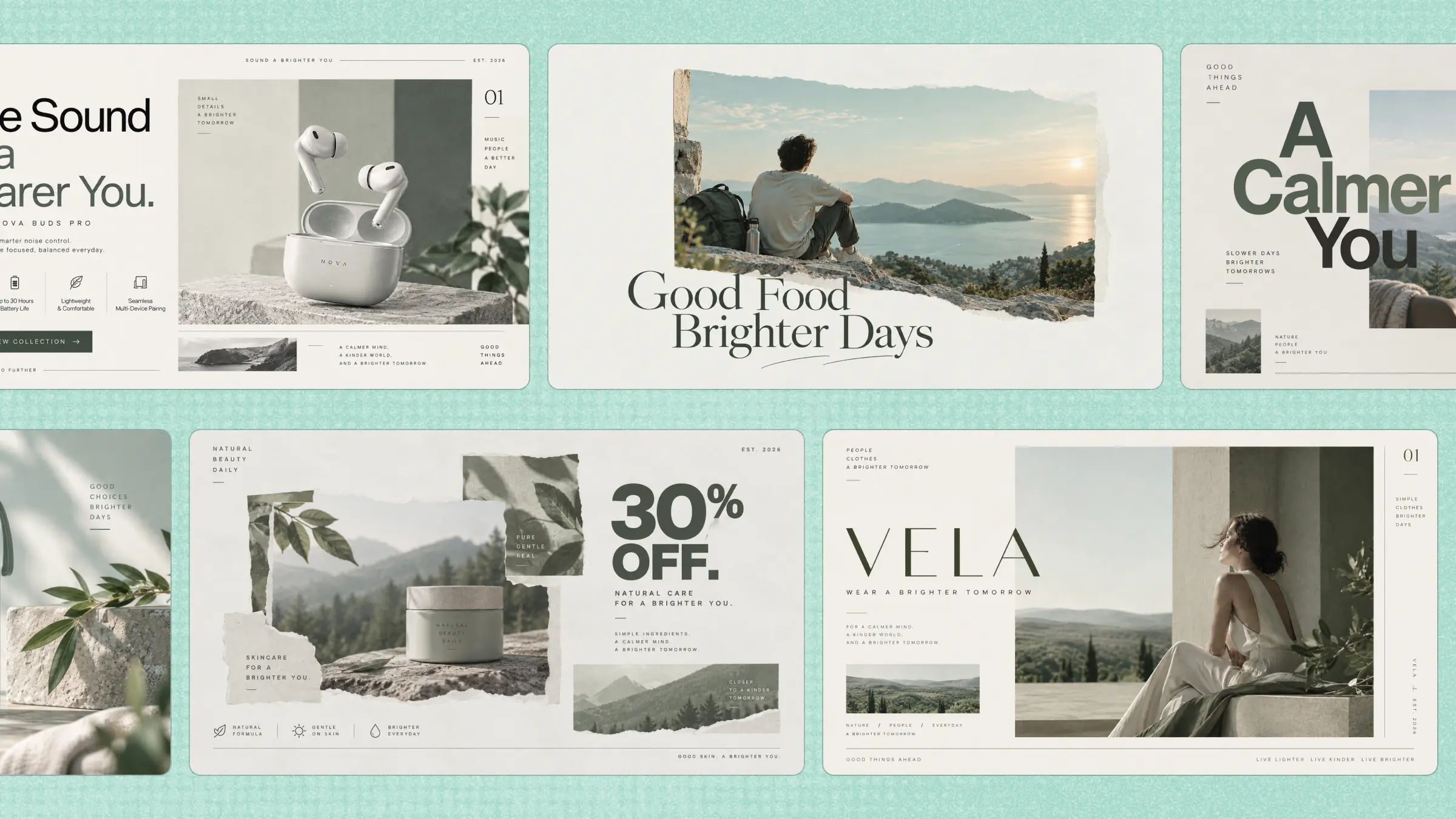
Flyers are still a simple way to promote an event, product, service, or important announcement, but creating an attractive design from scratch can take considerable time. An AI flyer generator can simplify this process by helping turn basic ideas into visually appealing designs. Instead of handling every design element manually, you can use AI to develop layouts, visuals, and other creative details. This article explores the top 10 flyer creators to help you choose one that fits your requirements.
Overview of 10 AI flyer generators
Each generator approaches flyer creation from a different angle, ranging from prompt-based generation and template customization to broader visual communication and AI-assisted design. The comparison below highlights their core strengths, creative approach, and the types of users who may find each platform most useful.
| Product | Generation | Editing | Standout features | Suitable for |
|---|---|---|---|---|
| Kimi Design | Prompt-based generation | Conversational prompts, comments, manual adjustments | Concept-to-flyer generation, variations, resizing | Marketing concepts and promotional flyers |
| FlipHTML5 | Template-based creation | Online design customization | Digital publishing and interactive content | Digital publications and interactive campaigns |
| Fotor | Text-to-design generation | Photo editing, typography, background removal | Image enhancement and design variations | Image-heavy promotional graphics |
| Adobe Express | AI-assisted generation | Browser-based editing and brand controls | Adobe Firefly, brand kits, collaboration | Branded marketing materials |
| PosterMyWall | Prompt-based generation | Template and design editing | AI copy generation, design variations, multi-channel publishing | Fast promotional campaigns |
| Venngage | Template-based creation | Drag-and-drop customization | Charts, data visualization, branded layouts | Information-rich flyers |
| Piktochart | Template-based creation | Typography, colors, layout customization | Infographic-style visual organization | Data-rich and educational flyers |
| Visme | Template-based creation | Layout, typography, animation controls | Data visualization, animation, interactive elements | Interactive marketing visuals |
| Canva | AI-assisted and template-based | Visual editor and collaborative editing | AI design tools, brand kits, reusable assets | General marketing and social content |
| Microsoft Designer | Natural-language generation | Editable layouts and elements | AI imagery, background removal, design suggestions | Quick promotional graphics |
10 AI flyer generators for fast, creative designs
Creating an effective flyer involves more than arranging text and imagery; the visual hierarchy, message, and overall composition must work together within a limited space. The tools below approach flyer creation from different creative angles, giving you varied options for producing attention-grabbing designs without beginning every project from a blank canvas.
Kimi Design
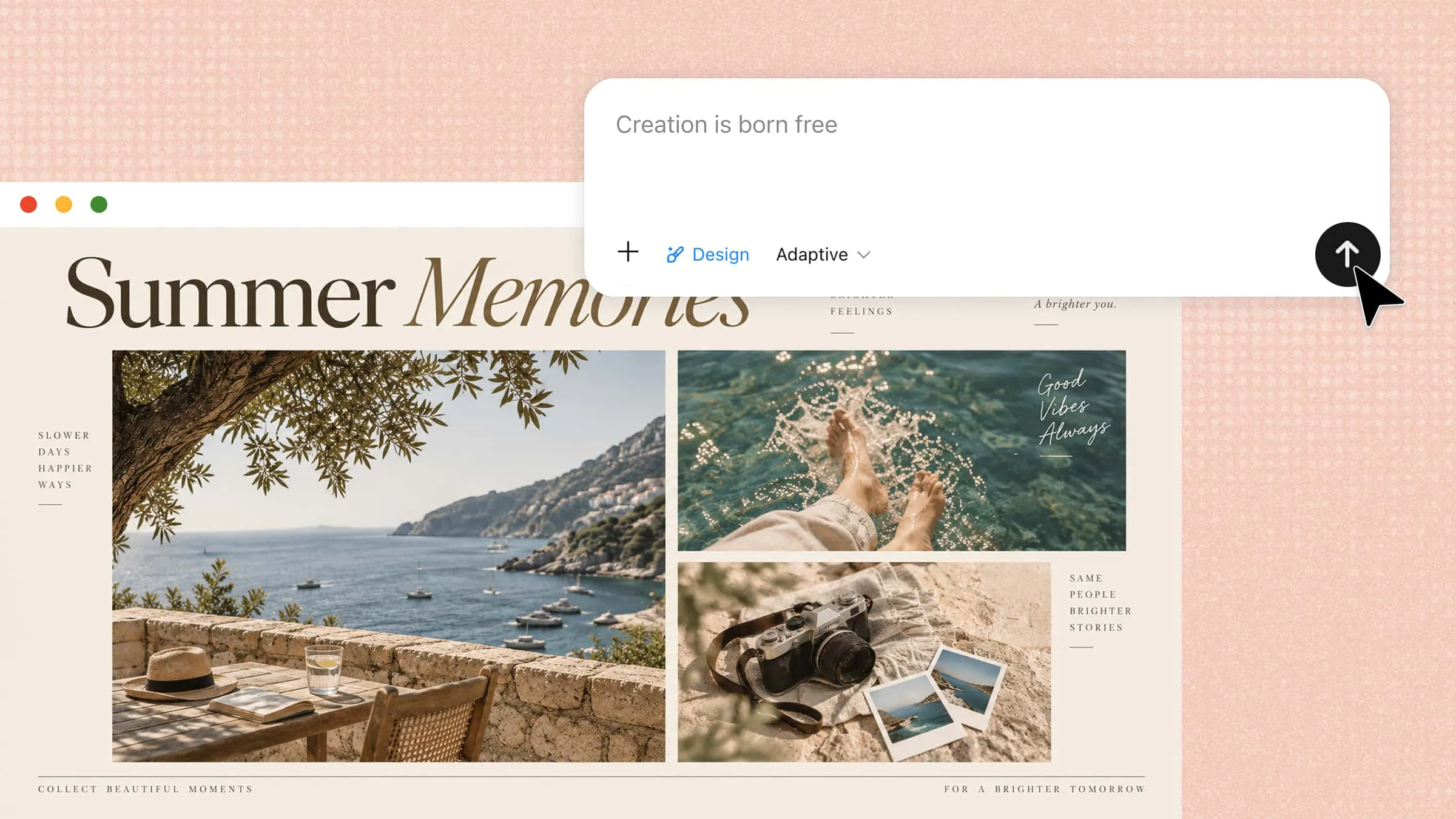
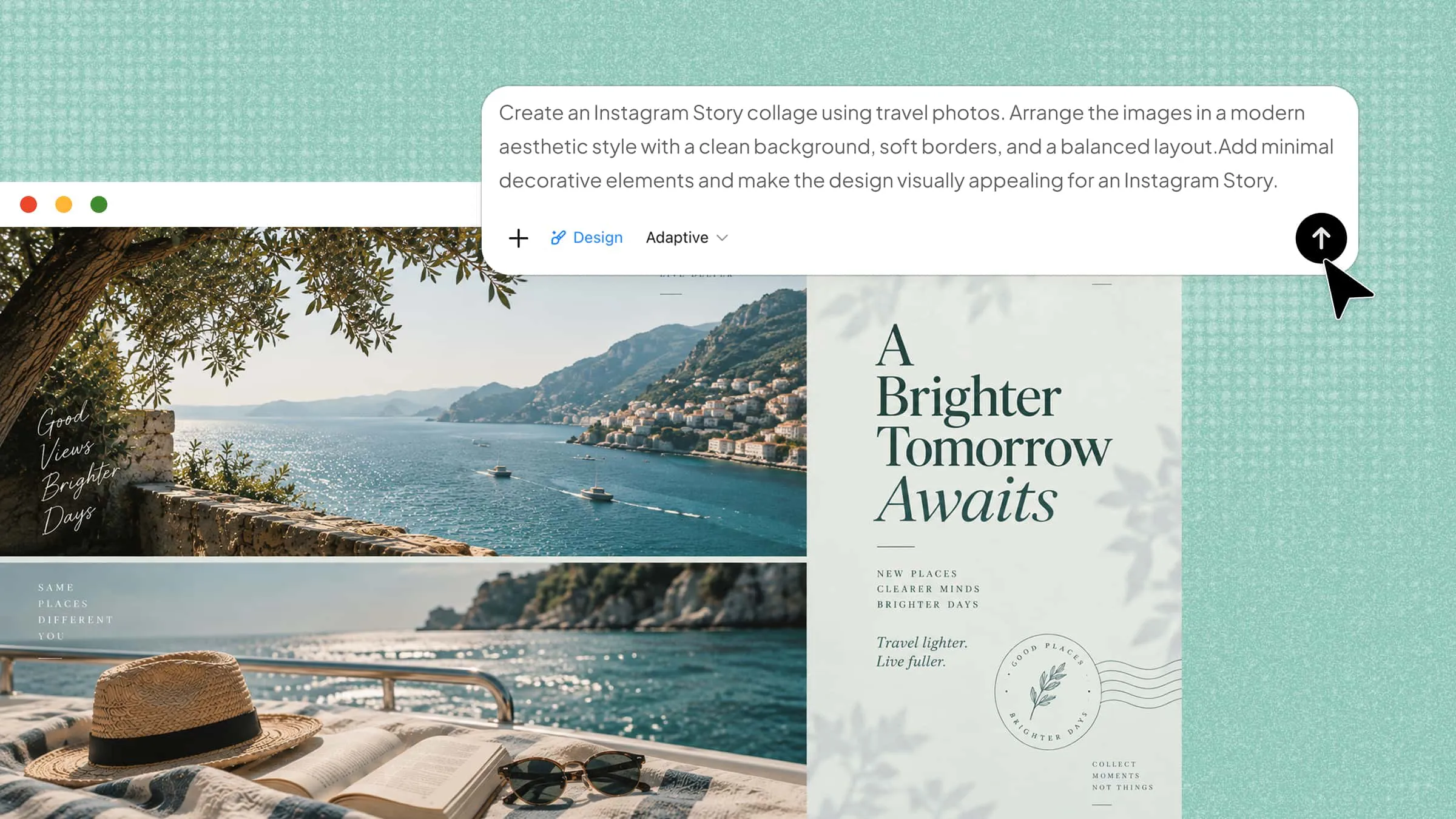
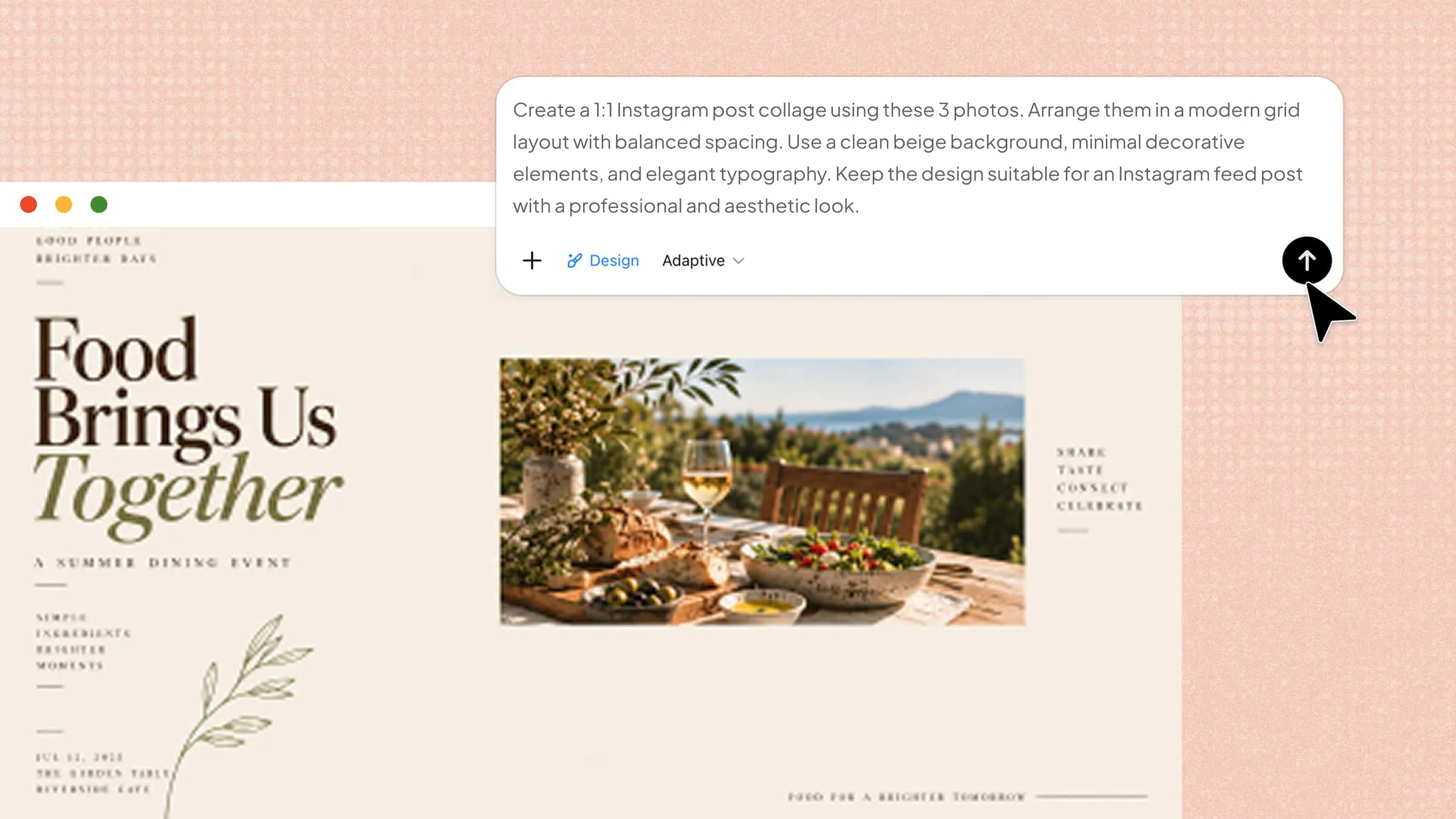
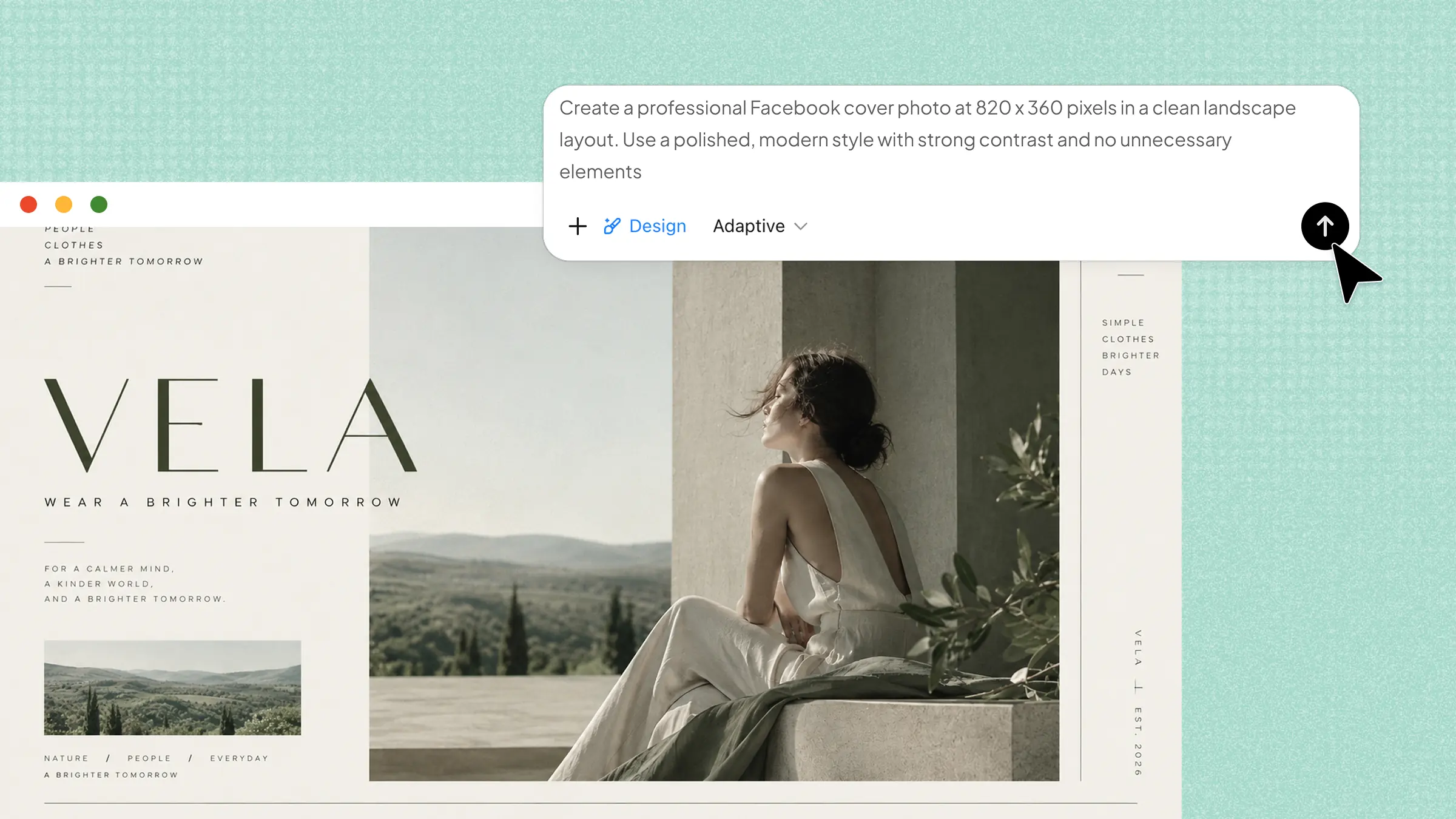
Kimi Design offers an AI-driven approach for turning creative direction into visually engaging promotional material. It can interpret descriptive instructions and translate them into a flyer concept with an appropriate composition and aesthetic treatment. This makes it particularly useful for AI flyer creation, especially when you want to explore an idea before manually developing every visual detail.
Main features
Transform concepts into compelling flyer designs
Turn written descriptions, events, promotions, products, or announcements into visually cohesive flyers while incorporating images, videos, and other references to communicate your desired creative direction.
Fine-tune designs through conversational controls
Modify individual elements or broader visual treatments with natural-language prompts, contextual comments, and manual adjustments for greater precision throughout the editing process.
Experiment with variations while preserving iterations
Explore alternative layouts, aesthetics, and compositions without sacrificing earlier versions, allowing you to revisit, compare, or restore previous creative directions whenever necessary.
Repurpose flyers across diverse dimensions
Resize a finished design for square, landscape, portrait, A3, or A4 formats while maintaining visual balance and suitability for both digital distribution and physical printing.
Suitable for
Rapid marketing concept development
Small business promotions
Event announcement materials
Social promotional graphics
How to create an AI flyer with Kimi Design
Here is how to use Kimi Design to create an AI flyer:
Step 1: Enter a clear prompt
Describe the flyer's purpose, target audience, essential wording, preferred aesthetic, and desired dimensions in one concise instruction.
Example prompt:
Step 2: Edit your flyer
Review the generated composition and adjust typography, imagery, spacing, colors, wording, or individual elements through Kimi Design's editing controls. Use targeted instructions when refining specific areas so the original concept remains intact while the design becomes more suitable for your purpose.
Step 3: Review and download
Once everything looks correct, export the design in an appropriate format and resolution for its intended digital or print destination.
FlipHTML5
FlipHTML5 combines digital publishing capabilities with tools for creating visually oriented promotional materials. Its broader platform is suited to users who want their designs to function within a digital publishing ecosystem rather than remain isolated graphics. As a flyer maker, it can be useful for preparing promotional content that may later become part of a wider online publication or campaign.
Main features
Provides customizable flyer design templates
Supports multimedia-rich digital publishing
Creates interactive page-based publications
Offers online sharing and distribution
Converts promotional content into digital formats
Suitable for
Digital marketing publications
Interactive promotional campaigns
Catalog-style marketing materials
Web-based promotional content
Fotor
Fotor is an AI-assisted flyer creator with an extensive set of visual editing capabilities, giving users considerable latitude when developing promotional graphics. Its workflow can begin with a description and evolve through image manipulation, typography adjustments, and compositional changes.
Main features
Generates designs from descriptive text prompts
Provides extensive photo editing capabilities
Offers customizable typography and graphic elements
Supports background removal and image enhancement
Creates multiple visual design variations
Suitable for
Image-heavy promotional campaigns
Social media advertising materials
Independent creative projects
Product promotion graphics
Adobe Express
Adobe Express brings AI-assisted design into a broader creative ecosystem built around accessible visual production. Rather than restricting users to one design workflow, it combines generative capabilities with templates, stock assets, editing controls, and branding tools. As a flyer maker, it provides an approachable starting point for users who need attractive promotional material without relying on sophisticated desktop publishing software.
Main features
Generates designs through Adobe Firefly technology
Provides professionally designed flyer templates
Offers extensive stock asset integration
Supports brand kits and visual consistency
Enables collaborative browser-based editing
Suitable for
Small business branding
Adobe ecosystem users
Professional promotional campaigns
Quick branded advertisements
PosterMyWall
PosterMyWall is designed around fast-moving promotional work, combining AI generation with an extensive template library and conventional editing tools. Its AI can create designs from prompts, suggest marketing copy, generate variations, and modify existing artwork without requiring users to restart from scratch. As an online flyer maker, it is particularly convenient for campaigns that need the same creative material adapted across print, social media, email, and other channels.
Main features
Generates flyers from detailed text prompts
Provides millions of editable design templates
Creates alternative versions of designs
Supports AI-generated marketing copy
Publishes designs across multiple channels
Suitable for
Local business advertising
Social media marketing
Multi-channel promotional content
Fast-turnaround marketing projects
Venngage
Venngage makes an online flyer maker useful for presenting promotional information with greater visual clarity. Its design environment brings templates, illustrations, icons, and customizable layouts into a single creative workspace. Rather than emphasizing decoration alone, the platform is well suited to flyers where information needs careful visual organization.
Main features
Offers customizable templates for flyer creation
Supports charts, icons, and visual elements
Provides drag-and-drop design customization
Enables branded layouts across marketing materials
Generates visuals for information rich promotional content
Suitable for
Business information campaigns
Educational promotional materials
Data-focused marketing teams
Corporate event announcements
Piktochart
For flyers that need to communicate substantial information, Piktochart takes an infographic-inspired approach to visual composition. This flyer maker combines editable templates with icons, illustrations, typography, and other graphical resources. The platform gives informational content a stronger visual hierarchy without requiring extensive design experience.
Main features
Converts information into visually engaging layouts
Provides ready-made promotional design templates
Includes icons, illustrations, and graphic assets
Supports customizable typography and color schemes
Creates presentation-ready promotional visuals quickly
Suitable for
Educational outreach campaigns
Nonprofit communication materials
Data-rich promotional projects
Beginner-friendly design workflows
Visme
Visme treats flyer production as part of a wider visual-content workflow, extending beyond conventional poster-style design. Its workspace combines presentation-quality graphics, illustrations, data visualization, animation, and interactive elements, giving creators considerable expressive range. As an online flyer maker, it works well for campaigns that require more sophisticated visual storytelling than a static template alone can provide.
Main features
Extensive library of editable templates
Advanced graphics and visualization elements
Custom typography and layout controls
Interactive and animated design capabilities
Brand assets for unified visual identity
Suitable for
Corporate marketing campaigns
Agency creative production
Data-driven campaign visuals
Interactive marketing experiences
Canva
Canva brings flyer creation into a wider design ecosystem where templates, media resources, editing tools, and AI assistance coexist. With an AI flyer maker, users can move from an initial concept toward a finished composition while retaining considerable creative control. Its familiar interface makes experimentation accessible to beginners while offering enough flexibility for more experienced creators.
Main features
Offers thousands of customizable flyer templates
Provides AI-powered design and content tools
Includes extensive stock media and graphics
Supports brand kits and reusable design assets
Enables collaborative editing across creative projects
Suitable for
Freelance graphic designers
Small business marketing
Social media content teams
Brand-focused creative work
Microsoft Designer
Microsoft Designer takes a generative approach, turning written ideas into visual concepts through AI capabilities. The AI flyer generator can help establish imagery and compositions before users make further creative adjustments. The platform is especially convenient for people already working within Microsoft's broader productivity environment.
Main features
Generates designs from natural language descriptions
Creates AI-assisted images for promotional artwork
Provides editable layouts and design elements
Removes backgrounds from selected images
Offers automatic design suggestions and variations
Suitable for
Microsoft 365 users
Rapid promotional content creation
Independent business owners
Social campaign development
How to choose an AI flyer generator
When several AI flyer generators offer seemingly similar capabilities, the finer distinctions often determine which one actually suits your workflow. Evaluating each option against your creative requirements can prevent compromises later in the design process.
Start with the flyer's purpose
Identify the intended outcome before comparing design platforms, whether you need event promotion, product advertising, public communication, or something more specialized. A tool aligned with that objective will provide relevant templates, workflows, and creative controls rather than unnecessary functionality.
Check how well it understands your prompt
Test whether the generator accurately interprets details such as audience, occasion, tone, imagery, dimensions, and promotional language. Strong prompt comprehension reduces the distance between your initial instruction and the visual concept produced by the system.
Look for strong visual composition
Examine how the platform arranges typography, imagery, spacing, color, and supporting elements within the available canvas. A visually convincing result should establish balance and emphasis naturally instead of making every component compete for attention.
Make sure you can refine the design
Consider whether the generated artwork remains malleable after the initial result appears, particularly when specific elements require alteration. Useful controls should accommodate creative adjustments without forcing you to regenerate the entire flyer from the beginning.
Check text accuracy and readability
Inspect generated wording carefully for spelling mistakes, awkward phrasing, misplaced information, or distorted lettering within visual elements. Clear typography and error-free copy are essential when the flyer communicates dates, prices, addresses, contact details, or other critical information.
Check export quality and formats
Review the available download options and determine whether they accommodate your intended distribution channels, including digital platforms and physical printing. High-resolution output and suitable file formats become particularly important when the same artwork must perform well across multiple mediums.
Tips for creating better flyers with AI
Good results depend not only on the generator itself but also on how deliberately you frame the creative task. A few considered tips can make the generated artwork more purposeful and reduce avoidable revisions.
Give AI key information upfront
Provide the essential facts at the beginning, including the headline, offer, date, location, audience, and desired call to action. Supplying these details early gives the system enough context to construct a concept around the actual communication objective.
Create a clear visual hierarchy
Decide which information deserves immediate attention and indicate its relative importance through headings, supporting copy, and secondary details. This prevents the finished flyer from becoming visually congested and guides readers through the message in a logical sequence.
Use visuals that support the message
Choose imagery according to the subject matter rather than selecting attractive graphics simply because they look impressive. Relevant photographs, illustrations, or generated artwork should reinforce the flyer's central idea and strengthen its emotional or informational appeal.
Keep branding consistent
Incorporate recognizable brand elements such as approved colors, typefaces, logos, imagery, and established visual conventions. Consistency across promotional materials makes individual flyers feel connected to the wider identity rather than appearing as unrelated creative pieces.
Review AI-generated content before publishing
Treat the first output as a draft that requires human scrutiny rather than an automatically finalized asset. Verify factual details, visual alignment, language, contact information, and overall suitability before releasing the flyer to your audience.
Conclusion
In conclusion, AI flyer generators have changed how promotional graphics can be created, making it possible to develop and refine visual ideas with fewer manual steps. However, the best choice depends on how much creative control and flexibility you need during the design process. However, Kimi Design offers a different approach by allowing you to communicate your ideas through natural language instructions and visual references. You can then refine the generated result as your concept takes shape.