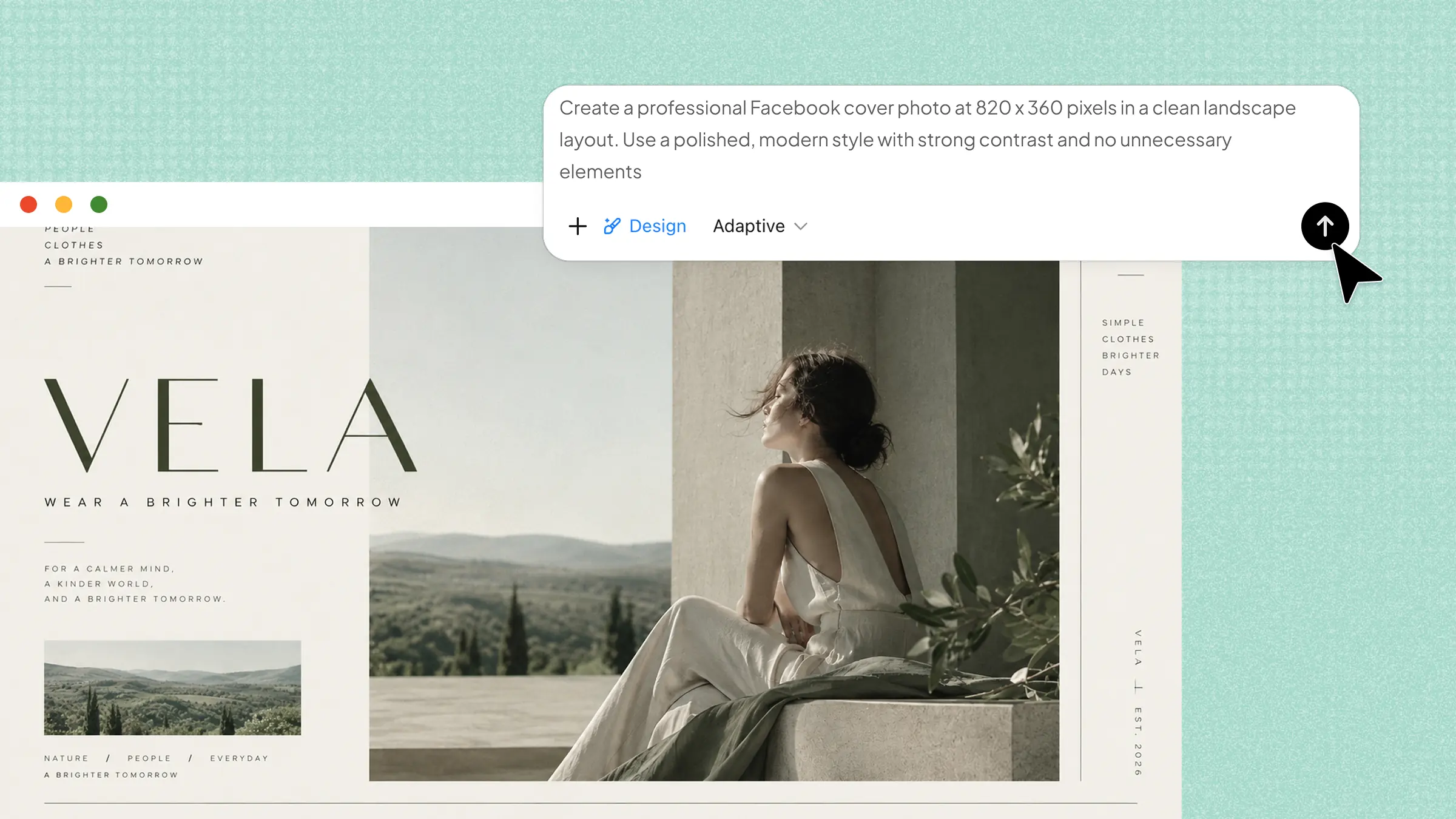
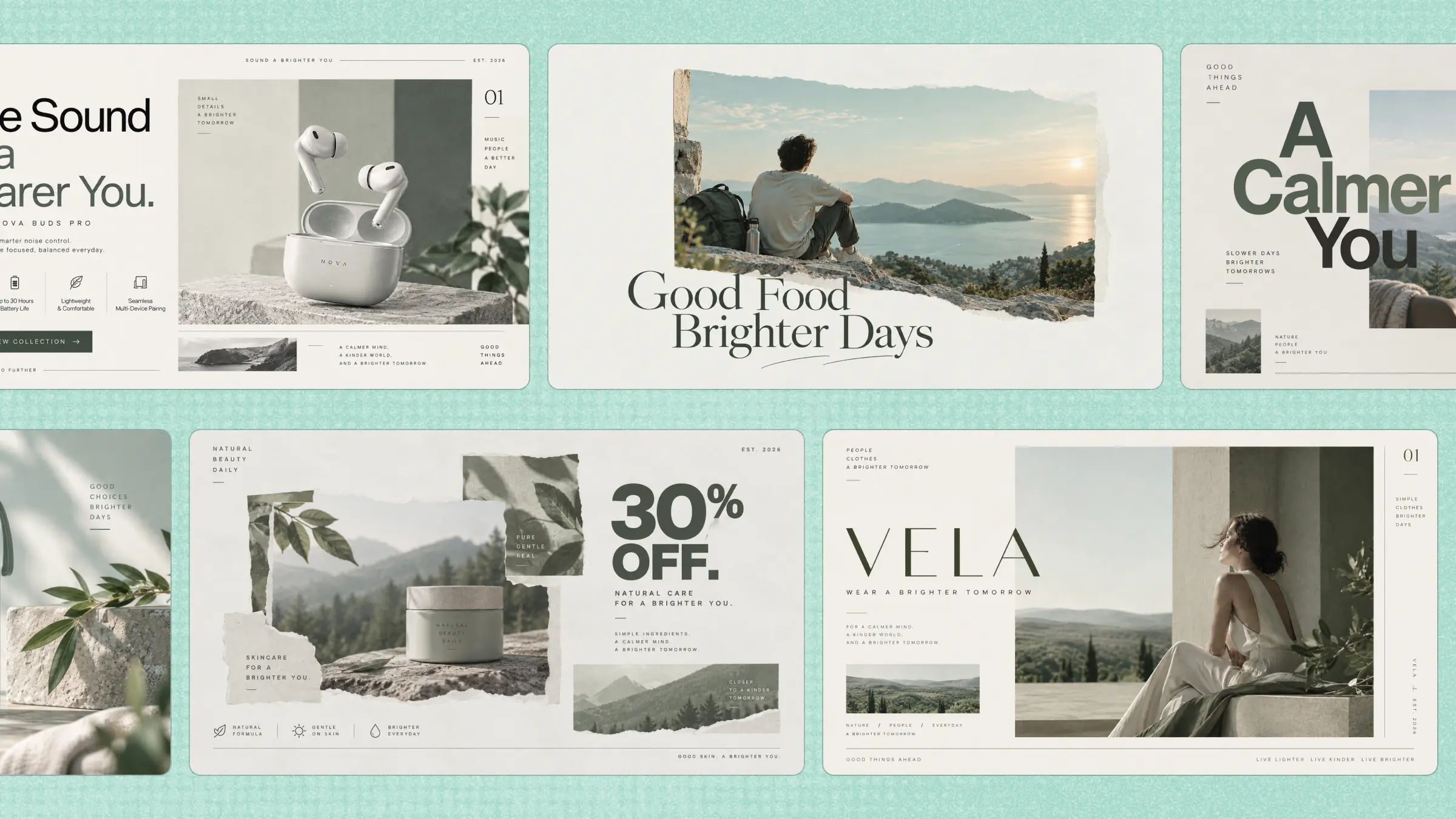
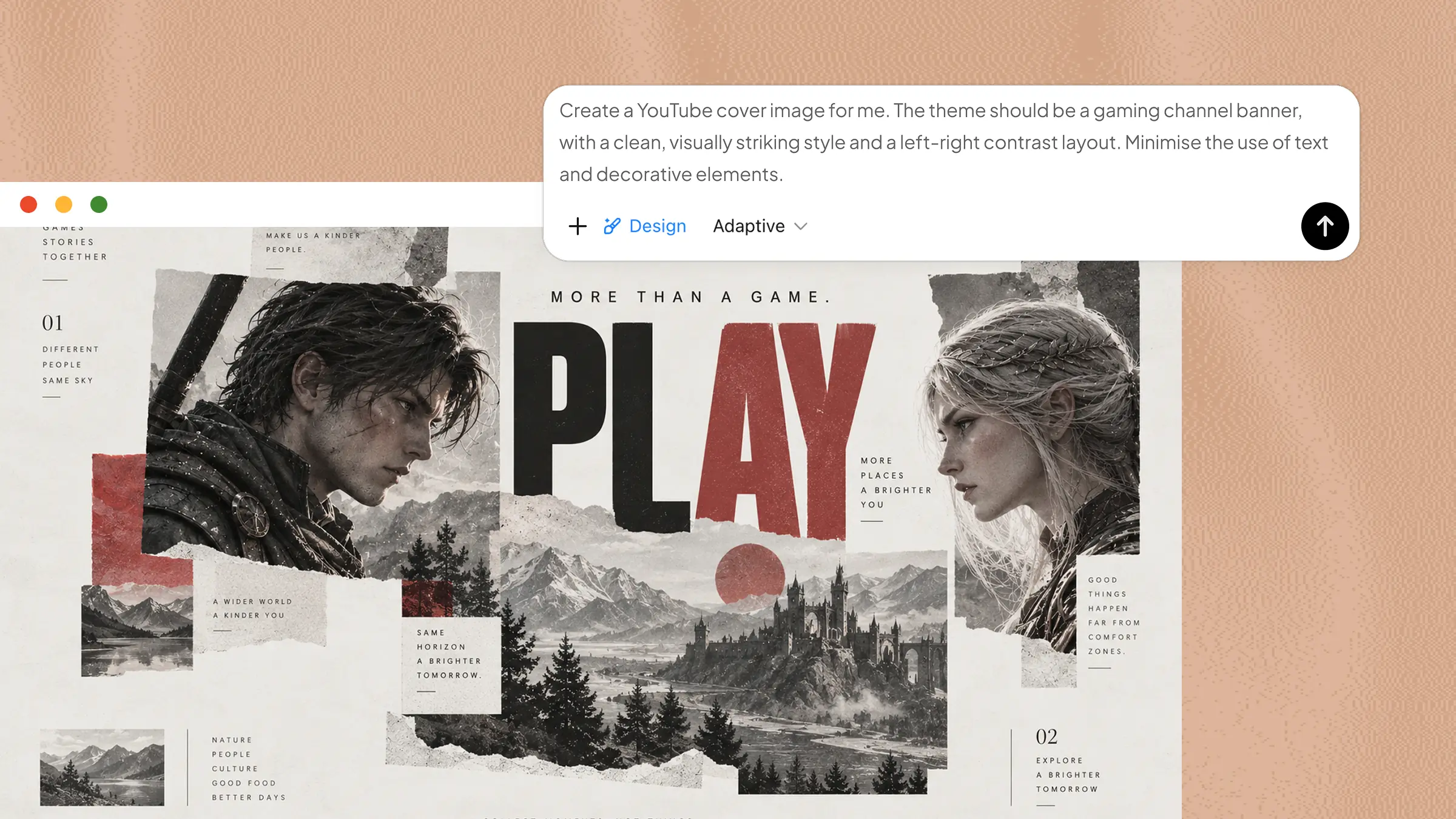
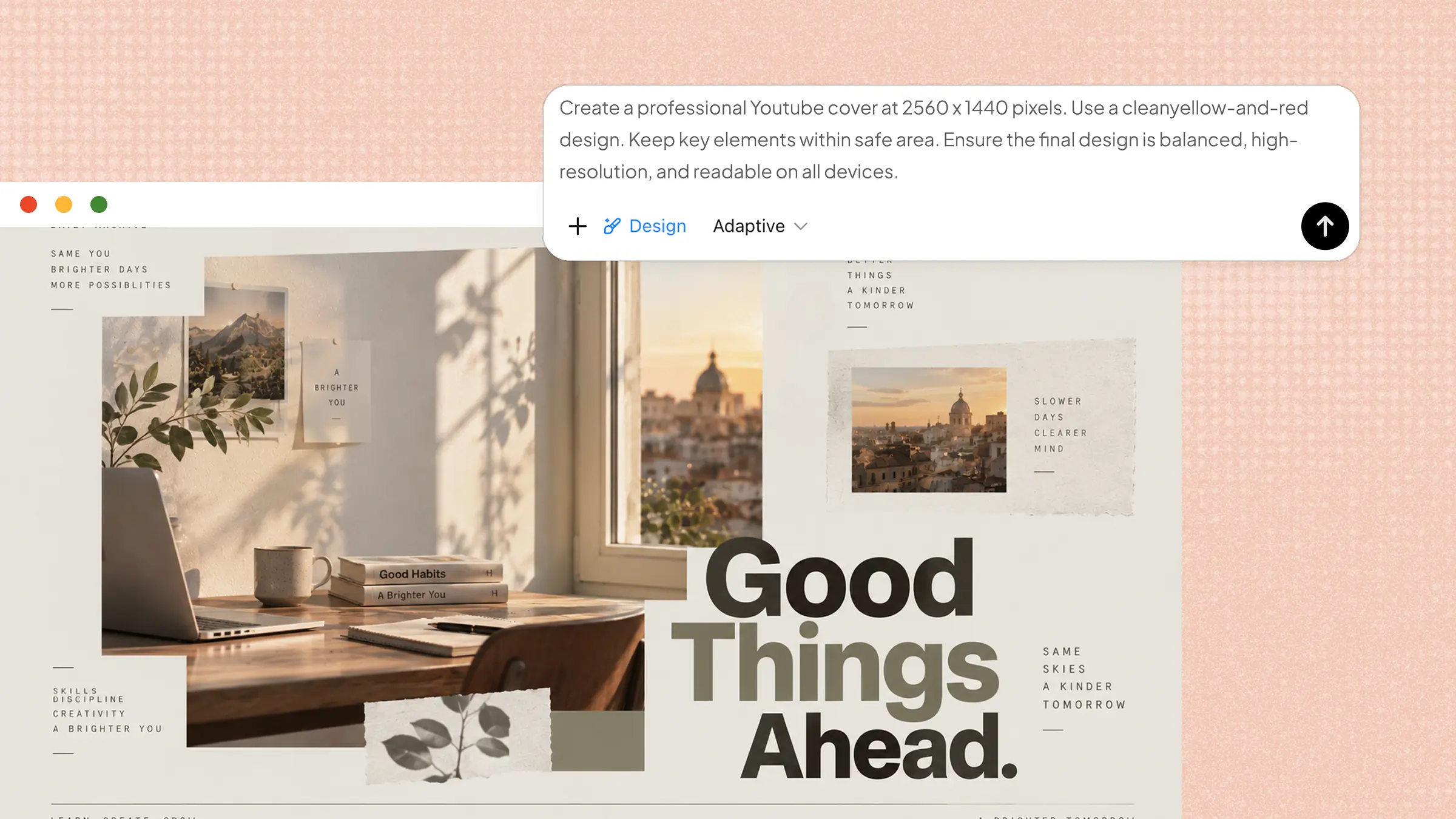
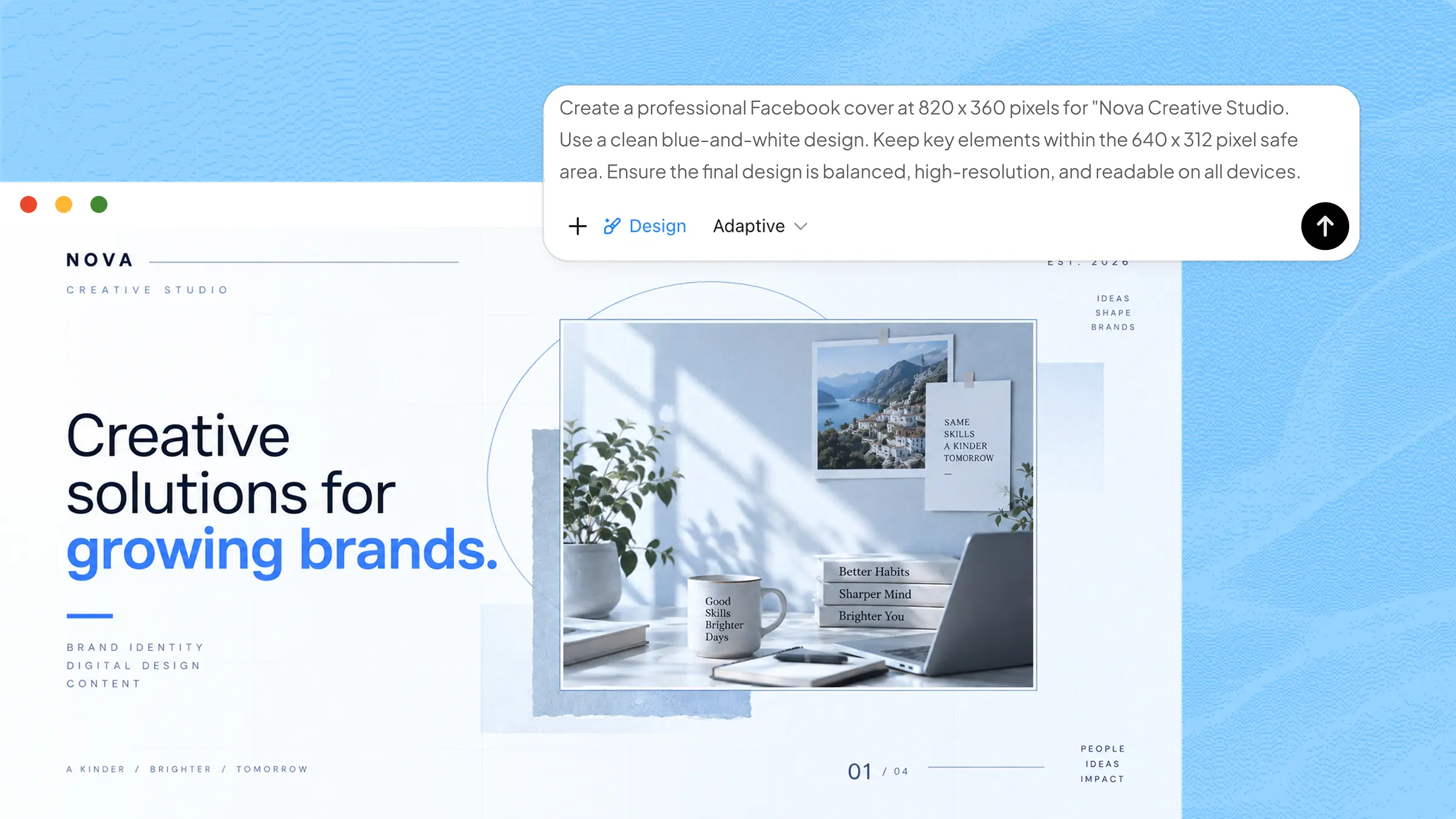
Creating attractive invitations can take time and require design skills, especially when you want a unique look for your event. AI invitation makers simplify the process by turning simple ideas into refined designs within minutes. These tools help users create invitations for weddings, birthdays, parties, and other occasions with templates, AI features, and easy customization. In this article, we explore 10 AI invitation makers, including free and paid options, to help you create beautiful invitations faster and more easily.
Overview of 10 popular AI invitation makers
AI invitation makers come with useful features, including ready-made templates, AI-generated designs, customization tools, and easy editing options. The following tools are presented with their key features, use cases, and ideal users to help you find the right option for your event.
| Tool | Key AI capabilities | Editing | Use cases | Suitable for |
|---|---|---|---|---|
| Kimi Design | AI invitation generation, prompt-based design creation | Comment-based editing, version rollback, size adaptation | Weddings, birthdays, events, business, social media | All-purpose AI invitation creation |
| MolyPix.AI | AI design generation, text-to-image, smart layouts | Text, images, templates, and layout customization | Invitations, events, celebrations, creative designs | AI-powered invitation creation |
| Canva | Magic Design, AI image generation, Magic Write | Drag-and-drop editing, background removal | Weddings, birthdays, events, branding | Template-based invitation design |
| Adobe Express | Text-to-image, Generative Fill, AI text effects | AI-powered object and text editing | Events, weddings, marketing, social media | Professional invitation design |
| Microsoft Designer | AI image generation, smart layouts, AI text suggestions | Easy customization of colors, fonts, images, and layouts | Events, birthdays, announcements, social media | Simple AI-assisted invitations |
| Fotor | AI design generation, AI image creation, image enhancement | Templates, text, photos, backgrounds, and effects | Invitations, celebrations, greeting cards | Visual editing and enhancement |
| Picsart | AI image generation, background removal, creative effects | Images, text, stickers, filters, and layouts | Parties, birthdays, events, social media | Creative and social invitation design |
| Evite | AI-assisted invitation creation, personalized event features | Templates, text, images, and event details | Parties, birthdays, weddings, gatherings | Easy digital event invitations |
| Paperless Post | Personalized design recommendations, branded invitation experiences, event customization | Fonts, colors, layouts, images, and event details | Weddings, dinners, parties, formal events | Elegant digital invitations |
| Zazzle | AI-assisted personalization, custom product design, print-ready invitation creation | Text, images, colors, layouts, and templates | Weddings, birthdays, celebrations, printed invitations | Custom digital and printed invitations |
10 AI invitation makers for fast creation
Choosing the right AI invitation maker can make the design process faster, easier, and more creative. From ready-made templates to AI-generated designs, these tools help you create attractive invitations for different occasions. Here are 10 free and paid AI invitation makers worth exploring for quick and creative designs.
Kimi Design
Kimi Design is a powerful AI invitation maker that helps you create attractive, professional-looking invitations in minutes with minimal effort. It can turn simple text prompts into refined invitation designs and lets you easily customize layouts, colors, fonts, images, and styles. Its flexible design options make it suitable for weddings, birthdays, parties, business events, social gatherings, and other special occasions.
Main features
Create invitations with multimodal inputs: Start with text, images, videos, or other reference materials. Kimi Design understands your inputs and turns your ideas and references into a cohesive invitation design.
Edit invitations your way: Refine your invitation through conversational prompts, comment directly on specific elements, or make manual adjustments yourself. Choose the editing method that gives you the right level of control over each detail.
Roll back to previous invitation versions: Easily return to an earlier version of your invitation while exploring different ideas, layouts, or styles. Quickly recover a design you prefer without rebuilding it from scratch.
Adapt invitations to different sizes: Resize your invitation across multiple aspect ratios and formats, including 1:1, 16:9, 9:16, A3, and A4. Keep the layout balanced and the design ready for both digital sharing and printing.
Suitable for
Creating wedding, birthday, and party invitations
Designing business, events, and promotional invitations
Social gatherings, celebrations, and special occasion cards
Personalized digital invitations for different events
How to create an AI invitation card with Kimi Design
Kimi Design makes it easy to create attractive invitation cards with a simple AI-powered workflow. You can start with a short prompt, customize the generated card, and refine the details to match your event. Follow the steps below to create your invitation quickly and easily.
Step 1: Enter a clear prompt
Start by entering a detailed prompt that clearly describes the invitation card you want to create. Include details such as the event type, title, date, time, venue, colors, style, layout, and text so the AI can generate a polished and suitable invitation.
Example prompt:
Step 2: Edit your invitation card
After generating the invitation, open "Edit" to refine the layout, colors, fonts, images, and text. For specific changes, use "Comment" to select an individual element and describe what you want to adjust. You can also use AI chat for broader refinements until the invitation matches your event and preferred style.
Step 3: Review and download
Review the generated invitation to make sure the event details, formatting, visual elements, and overall appearance look correct. If needed, make further edits with additional prompts before downloading the final invitation.
MolyPix.AI
MolyPix.AI is an AI-powered invitation maker that creates personalized designs from simple prompts. It can generate multiple invitation options based on event details, themes, and preferred styles. Users can further customize text, fonts, colors, layouts, images, and other elements. Its AI editing tools also make it easy to refine invitations without advanced design skills.
Main features
Text-to-Design Generation: Creates multiple invitation designs from simple event prompts and details.
Customizable Templates: Provides themed templates that users can remix for different occasions.
Layer-Based Editing: Enables users to adjust text, fonts, colors, layouts, images, and graphic elements.
AI Editing Tools: Includes background removal, magic eraser, image upscaling, and AI image extension.
Suitable for
Weddings and birthday celebrations
Baby showers and graduation parties
Holiday and themed social gatherings
Business and casual event invitations
Canva
Canva is a popular AI invitation card maker with a large collection of templates for different occasions. Its intuitive editor makes it easy to personalize invitations with text, images, colors, and graphics. AI-powered tools can also generate layouts, visuals, and event wording from simple prompts. Users can create invitations for digital sharing or high-quality printing.
Main features
AI Design Generation: Creates invitation layouts from simple text descriptions and event themes.
AI Image Creation: Generates custom images, graphics, and backgrounds using AI tools.
AI Writing Assistance: Helps create refined, friendly, and suitable wording for invitations.
Easy Customization: Lets users modify text, images, colors, backgrounds, and design elements.
Suitable for
Weddings and formal celebration invitations
Birthdays and colorful party events
Graduations and special occasions
Digital sharing and print invitations
Adobe Express
Adobe Express is an online invitation creator that brings professional design capabilities into a simple and accessible platform. Users can start with a template or blank canvas and personalize invitations with text, images, effects, and fonts. AI-powered features make it easier to generate layouts, edit visuals, and create unique text effects. Its flexible tools work well for both personal celebrations and professional events.
Main features
AI Template Generation: Creates custom invitation layouts from simple text prompts and event ideas.
Firefly AI Tools: Adds, removes, or modifies visual elements using text-based commands.
Quick Actions: Removes backgrounds, resizes invitations, and converts files with just a few clicks.
Adobe Asset Library: Provides access to photos, fonts, graphics, soundtracks, and other creative assets.
Suitable for
Personal weddings, birthdays, and anniversaries
Corporate events and workshop invitations
Product launches and promotional events
Social media and digital sharing
Microsoft Designer
Microsoft Designer is an AI-powered invitation maker for free that turns simple ideas into refined, professional-looking designs. Its prompt-based approach makes creating a personalized invitation quick and straightforward. The platform combines creative flexibility with an easy-to-use interface for a smooth experience. It is a practical choice for anyone who wants attractive results without advanced design skills.
Main features
AI Text-to-Design: Generates personalized invitation designs from event details and style descriptions.
Editable Event Details: Adds occasion, date, time, and location as editable text elements.
Template Customization: Lets users adjust colors, fonts, layouts, and personal images.
Smart Editing Tools: Supports background removal, object erasing, resizing, and layout suggestions.
Suitable for
Birthdays, anniversaries, and baby shower celebrations
Graduations and other personal milestone events
Holiday dinners and family social gatherings
Mobile-friendly digital invitations for quick sharing
Fotor
Fotor is an online invitation maker designed to simplify the creation of personalized invitation cards. With artificial intelligence, users can turn their ideas into attractive designs quickly and easily. Its online platform makes the process accessible without requiring professional graphic design skills. The tool provides a convenient way to create refined invitations for different occasions.
Main features
AI Image Generation: Creates custom artwork, illustrations, and backgrounds from simple text prompts.
Extensive Template Library: Provides hundreds of themed templates organized by different event types.
Drag-and-Drop Customization: Makes it easy to edit text, fonts, colors, and design elements.
One-Click Enhancements: Supports quick tools for background removal, image upscaling, and photo retouching.
Suitable for
Casual family parties and birthday celebrations
Holiday gatherings and seasonal celebrations
Weddings, graduations, and milestone events
Beginners seeking quick invitation design solutions
Picsart
Picsart is an invitation maker online that brings creativity and advanced photo editing together in one accessible platform. Its invitation tools help transform simple ideas into personalized cards with creative visual elements. Users can also refine their own photos and add unique details to match an event's style. The straightforward workflow makes invitation creation easier for both beginners and casual creators.
Main features
AI Image Generation: Creates custom graphics, backgrounds, and visual assets from simple text prompts.
AI Writing Assistance: Generates headlines, invitation messages, and welcoming text for different occasions.
AI Sticker Maker: Produces personalized stickers, icons, borders, and decorative elements for invitations.
Advanced AI Editing: Removes unwanted objects, clears backgrounds, and enhances uploaded photos.
Suitable for
Weddings, engagements, and milestone celebrations
Birthdays, themed parties, and showers
Seasonal events and casual gatherings
DIY hosts and community event organizers
Evite
Evite combines digital invitation creation with practical tools for managing events in one platform. Its extensive collection of customizable designs makes it easy to create invitations for different occasions. Beyond visual creation, the platform helps hosts stay organized throughout the event planning process. Guests can respond online, while hosts can manage important details from a central place.
Main features
Smart Host AI Wording: Suggests suitable invitation text and tone based on the event.
Extensive Template Gallery: Provides free and premium designs with customizable decorative elements.
RSVP Tracking: Tracks guest responses, plus-ones, and attendance numbers in real time.
Guest Management: Helps hosts organize contacts, send reminders, create polls, and message attendees.
Suitable for
Birthday parties and casual social gatherings
Baby showers, bridal showers, and graduations
Dinners and mid-level formal celebrations
Hosts seeking convenient digital RSVP management
Paperless Post
Paperless Post is a digital invitation maker with elegant and stylish designs. Its templates bring a refined and sophisticated look to online invitations while retaining the charm of traditional paper cards. Users can personalize each design with carefully selected visual and interactive details. The platform provides a stylish option for creating memorable digital invitations for modern events.
Main features
Magic Art: Generates custom stickers and decorative artwork from descriptive text prompts.
Magic Pen: Helps write, refine, and personalize invitation wording with AI assistance.
Modify Artwork: Adjusts colors, themes, and visual elements to match a preferred style.
Detail Generation: Assists with creating relevant event details and descriptive invitation content.
Suitable for
Elegant weddings and birthday celebrations
Themed events with visual styles
Invitations with expressive wording and humor
Hosts seeking digital stationery designs
Zazzle
Zazzle is an AI invitation maker connected to a large print-on-demand marketplace. It combines creative tools with customizable options for producing personalized stationery and event cards. Users can create artwork, adjust designs, and preview how invitations may look on different physical materials. Digital downloads are also available for those who prefer paperless invitations.
Main features
AI Art Generation: Creates custom artwork, backgrounds, and decorative elements from text prompts.
Layer-Based Editor: Lets users arrange layers, adjust backgrounds, apply filters, and modify design elements.
Smart Text Templates: Keeps key design elements fixed while allowing easy editing of text fields.
Digital and Print Options: Supports physical invitations and instant digital downloads in multiple formats.
Suitable for
DIY hosts planning weddings and celebrations
Independent designers creating and selling templates
Eco-conscious planners choosing paperless invitations
Groups coordinating designs for shared events
How to pick the right AI invitation maker
With many AI invitation makers available, choosing the right tool can make the creation process easier and more effective. The right choice depends on factors such as design features, customization options, ease of use, and the type of event. Consider the following factors to select the best option for your needs.
Match the tool to your event type
Choose a tool that gives styles suited to your event, whether it is a wedding, birthday, business gathering, or casual party. The right options can make the invitation feel more suitable and personal. Check the available templates and features before making your choice.
Consider the variety of design options
A good tool should provide different styles, layouts, fonts, and visual elements to explore. More options give you greater freedom to create an invitation that matches your preferred look. Look for choices that suit both simple and detailed invitations.
Look for accurate text generation
Clear and correct event details are important for any invitation. Choose a tool that can generate or arrange names, dates, times, locations, and other information properly. Always review the final wording to catch any mistakes before sharing.
See how well it handles visual references
Some tools let you use an image or visual idea as a reference for your invitation. Check whether the tool can understand the style, colors, or overall look you want to achieve. This feature can help create a result closer to your original idea.
Check the editing and revision workflow
Easy editing can save time when you want to make changes after the first result. Look for tools that let you adjust details without starting the invitation again. Simple revision features make it easier to improve the final version.
Make sure the output fits where you'll use it
Think about whether you plan to print the invitation or share it digitally. Check the available file formats, image quality, sizes, and aspect ratios before choosing a tool. The right output options ensure the invitation looks good wherever you use it.
Conclusion
Creating attractive invitations no longer requires advanced design skills or hours of manual work. AI invitation makers make it easier to turn event ideas into polished cards for weddings, birthdays, business gatherings, and other occasions. Each tool provides different features, helping you choose an option that matches your event and creative needs. For a flexible and easy starting point, try Kimi Design and see how quickly your ideas can become beautiful invitations.