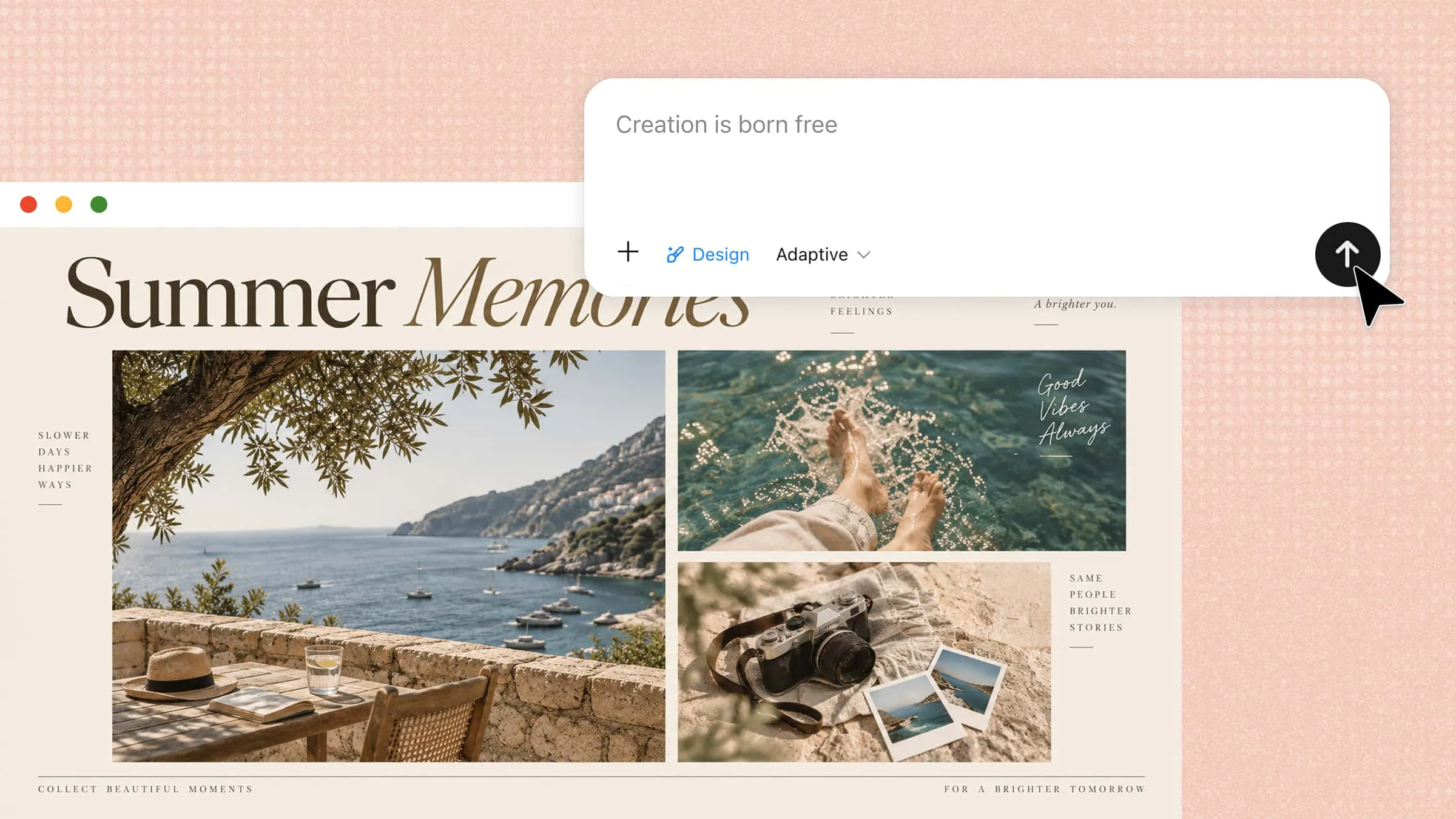
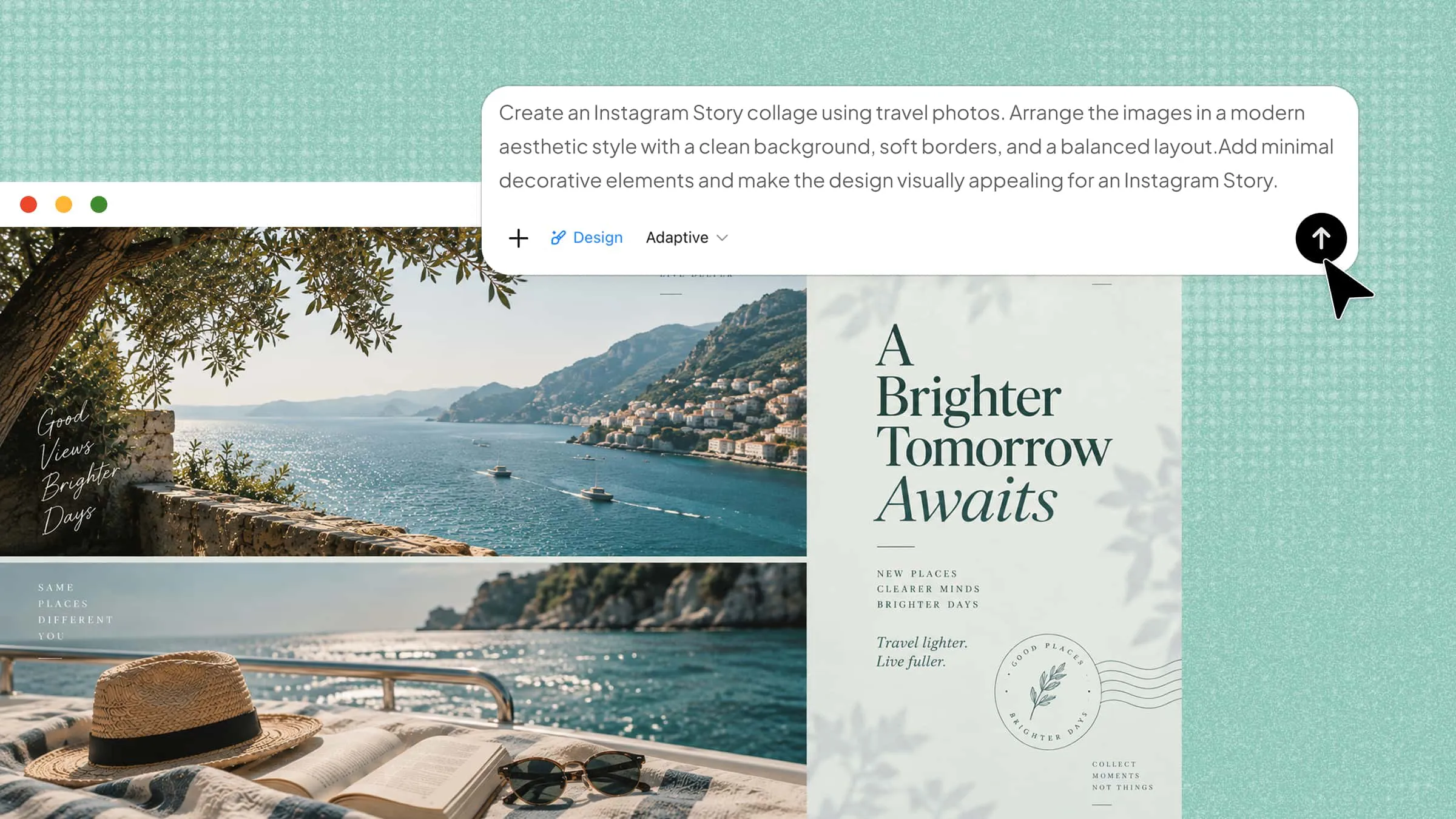
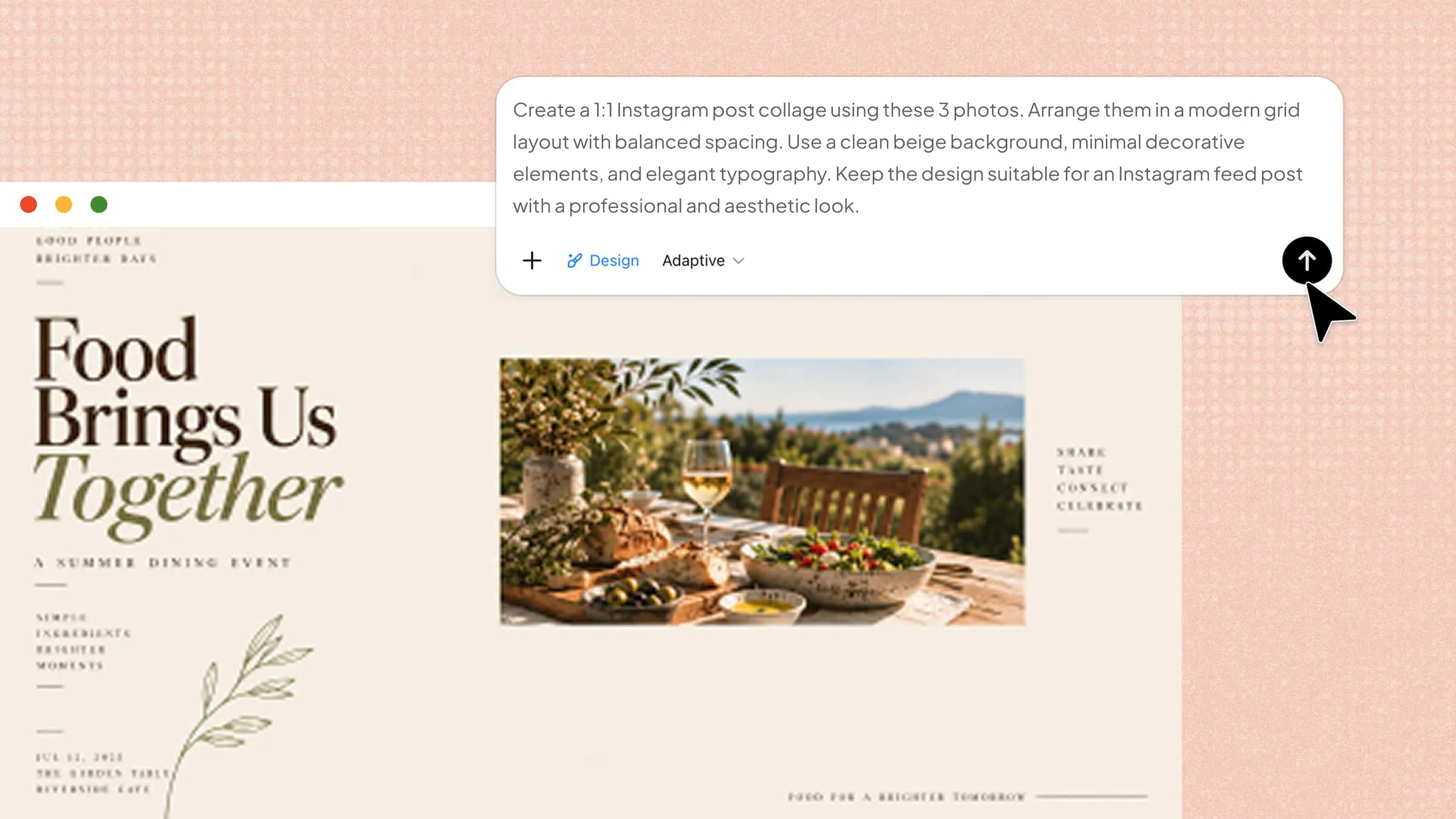
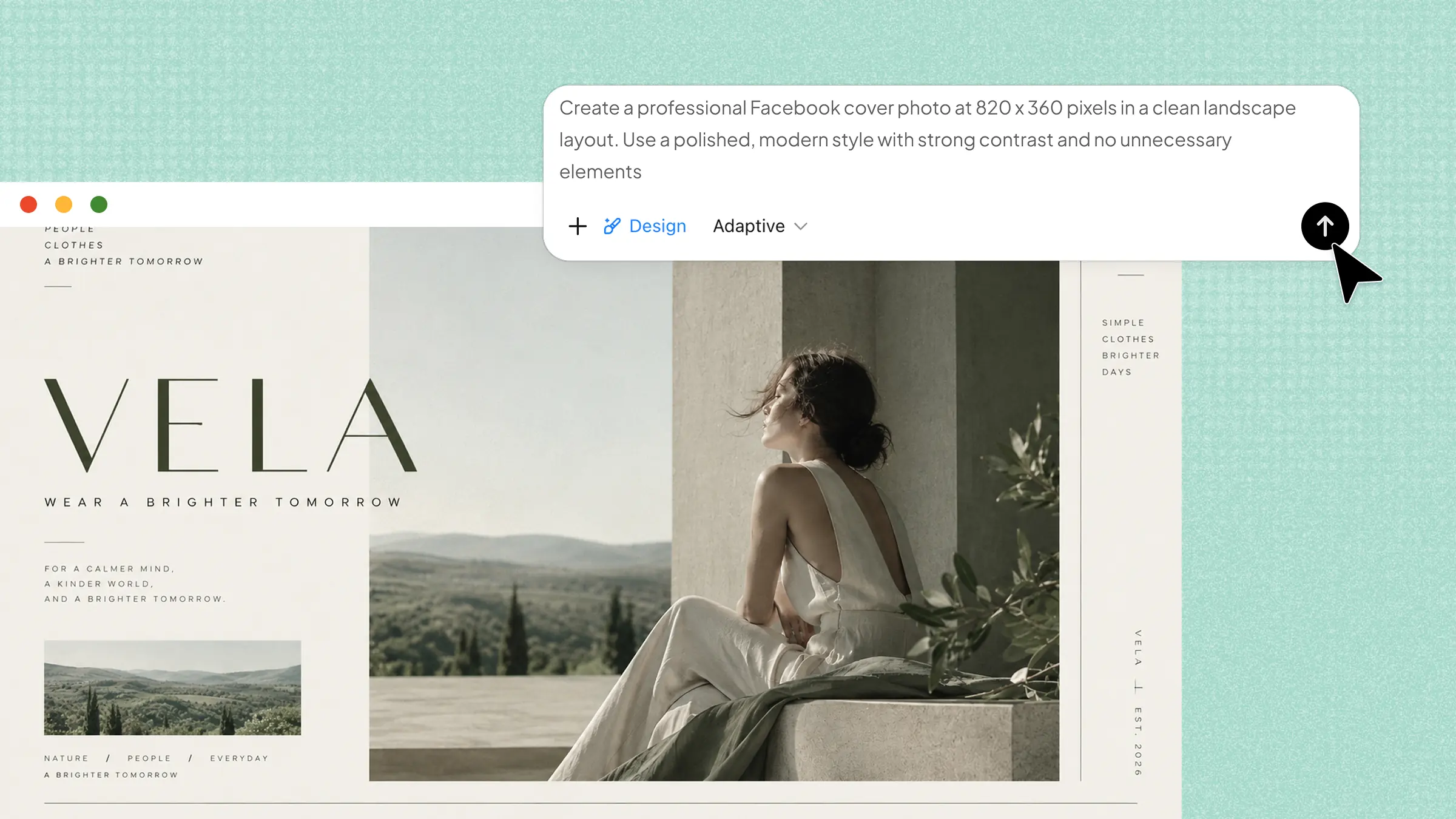
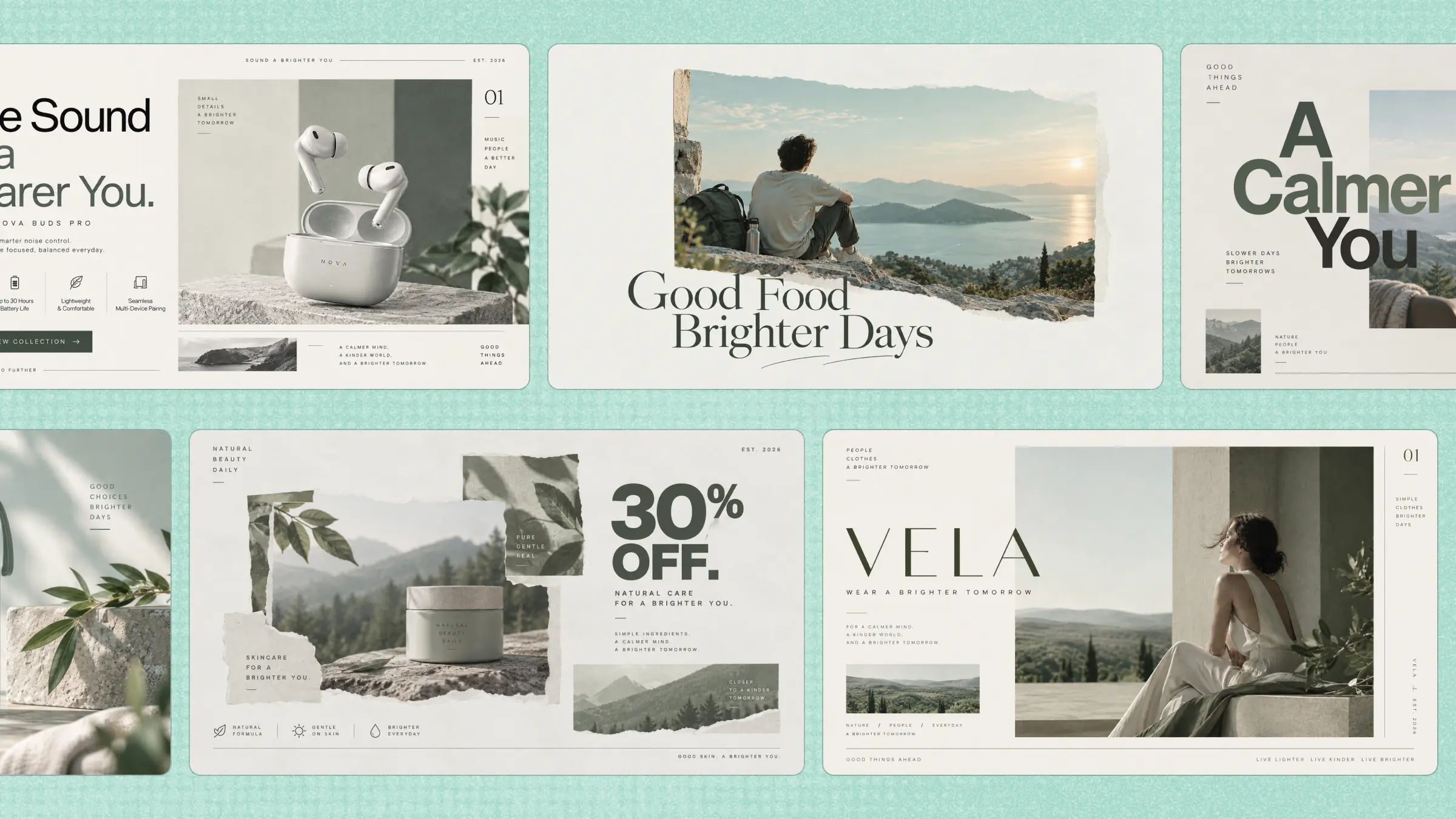
Creating professional posters often requires design skills, creative ideas, and significant time investment. AI poster generators simplify this process by transforming simple prompts into visually appealing designs within minutes. These tools help businesses, educators, marketers, and creators produce engaging posters with ready-made templates, AI-generated visuals, and customization options. In this article, we explore the 10 AI poster generators that can help you create high-quality posters faster and more efficiently.
Overview of 10 AI poster generators
AI poster generators offer different features, from ready-made templates and text-to-design tools to image editing and creative customization. The following tools are compared based on their key features, use cases, and ideal users to help you choose the best option for your design needs.
| Tool | Key AI capabilities | Editing | Use cases | Suitable for |
|---|---|---|---|---|
| Kimi Design | Text-to-poster, AI design generation | Comment-based editing, version rollback, size adaptation | Events, marketing, business, social media | All-purpose AI poster creation |
| Rawshot AI | AI-generated models, realistic product visuals | Product-focused customization | Fashion, product advertising, eCommerce, social media | Product and fashion poster creation |
| Canva | Magic Design, AI image generation, Magic Write | Drag-and-drop editing, background removal | Business, events, education, branding | Template-based design |
| Adobe Express | Text-to-image, Generative Fill, AI text effects | AI-powered object and text editing | Marketing, events, social media, education | Professional visual content |
| HIX AI | Trend-aware generation, smart model selection | Prompt-based editing | Marketing, advertising, social media, branding | AI-generated marketing posters |
| DaVinci AI | AI poster generation, creative artwork, concept visualization | Mainly focused on AI generation and creative exploration | Marketing, events, merchandise, concept art | Creative artwork and concept design |
| Cutout.Pro | Text-to-poster, AI background blending | Background removal, image enhancement, upscaling | eCommerce, product promotion, social media | Product-focused poster creation |
| Venngage | AI data visualization, smart layouts | Brand customization | Business, education, research, awareness campaigns | Information-rich posters |
| Lummi | AI image generation, consistent brand visuals | Image variations and design tool integration | Marketing, branding, social media, creative design | AI visuals and creative assets |
| Microsoft Designer | AI image generation, smart layouts, AI text suggestions | Easy customization of colors, fonts, images, and layouts | Business, education, events, social media | Simple AI-assisted design |
Explore 10 powerful AI poster generators
Choosing the right AI poster generator can make designing faster, easier, and more creative. With many powerful tools available, you can find one that matches your design style and project needs. Here are some of the powerful AI poster generators worth exploring.
Kimi Design
Kimi Design is a powerful AI poster generator that helps you create professional-looking posters in minutes with minimal effort. It can turn simple text prompts into attractive, high-quality poster designs and lets you easily customize layouts, colors, fonts, and styles. Its flexible design options make it suitable for events, marketing, education, social media, business promotions, and branding projects.
Main features
Generate posters from simple prompts
Enter a short text prompt describing your event, product, campaign, or creative idea. Kimi Design automatically creates eye-catching, professional-quality posters in just a few minutes with minimal effort.
Roll back to previous design versions
Easily return to any earlier version of your poster while testing different ideas or layouts. This lets you quickly recover your favorite design without starting from scratch at any time.
Make poster edits with simple comments
Add comments directly to your poster and describe the changes you want to make. Kimi Design updates specific elements, layouts, colors, fonts, or text based on your instructions.
Automatically adapt posters to any size
Instantly adapt your poster to multiple aspect ratios and print sizes, including 1:1, 16:9, 9:16, A3, and A4. The design remains clear, well-balanced, and high-quality for both digital sharing and professional printing.
Suitable for
Creating event, business, and promotional posters
Social media posters and advertising campaigns
Educational, workshop, and awareness posters
Marketing, branding, and creative design projects
How to use Kimi Design?
Kimi Design makes it easy to create eye-catching posters with a simple AI-powered workflow. You can start with a basic prompt, customize the design, and refine the final poster until it matches your needs. Follow the steps below to get started.
Step 1: Enter a clear prompt
Start by entering a detailed prompt that clearly describes the poster you want to create. Include details such as the poster's purpose, title, colors, style, layout, images, and text so the AI can generate a more accurate and visually appealing design.
Create a modern event poster for a university science exhibition called "Innovation Expo 2026." Use a dark blue background with white and teal accents, futuristic science illustrations, clean geometric shapes, and bold modern typography. Add the title "Innovation Expo 2026" at the top, followed by the tagline "Discover. Create. Inspire." Include the event details "September 15 | 10:00 AM–4:00 PM | City Convention Hall" at the bottom. Use a portrait layout with a 4:5 aspect ratio, high-resolution graphics, balanced spacing, and a professional, eye-catching design.Step 2: Let Kimi process and generate results
After entering your prompt, let Kimi process your request and generate the poster design. The AI will analyze your instructions and create a visually appealing poster based on the style, layout, colors, and content you provided.
Step 3: Review and download the file
Review the generated poster to ensure the layout, text, colors, images, and overall design match your requirements. If needed, make further edits with additional prompts before downloading the final high-quality poster.
Rawshot AI
Rawshot AI is an AI poster generator that creates professional promotional posters using realistic product and fashion images. It provides a simple, click-based workflow with easy customization options instead of complex text prompts. The tool produces high-quality visuals while preserving product details and image quality. This is ideal for creating attractive marketing, advertising, and social media posters.
Main features
Prompt-free poster creation: Create posters using a simple click-based workflow instead of writing text prompts. Choose layouts, backgrounds, and design settings to generate attractive promotional posters quickly.
Large collection of AI models: Access hundreds of AI-generated models with customizable body features for fashion and apparel posters. This helps create realistic marketing designs for different audiences and campaigns.
Accurate product presentation: Maintains the original fabric textures, colors, logos, and clothing details on every poster. This ensures professional-quality visuals that accurately represent your products.
Create posters with marketing visuals: Generate eye-catching promotional posters using realistic product images and AI-generated scenes. These designs are suitable for advertisements, social media campaigns, and online stores.
Suitable for
Fashion and apparel promotional posters
Product advertising and marketing campaigns
eCommerce and online store visuals
Social media and brand promotions
Canva
Canva is a popular platform that makes poster creation fast and simple. Its Magic Design feature generates ready-to-use poster layouts from a simple text prompt, while other AI tools help create images and improve content. With its drag-and-drop editor and large template library, users can easily customize posters for different purposes. It is perfect for making professional posters without advanced design skills.
Main features
Magic Design: Enter a simple text prompt, and Magic Design instantly creates unique, customizable poster templates that match your topic and style.
AI Image Generator: Generate original images and graphics from text descriptions to create visually appealing and personalized poster designs.
Background Remover: Remove photo backgrounds with a single click to create clean, professional-looking posters without manual editing.
Magic Write: Generate or improve headlines, slogans, and poster text with AI to create more engaging and effective designs.
Suitable for
Small business promotions and advertisements
Event posters and community announcements
School projects and educational posters
Social media marketing and branding
Adobe Express
Adobe Express is a free AI poster maker tool that helps users create professional posters quickly and easily. Powered by Adobe Firefly, it generates high-quality visuals, graphics, and layouts from simple text prompts. It also includes easy editing tools and ready-made templates for both print and digital designs. This is ideal for creating marketing, event, educational, and promotional posters without advanced design skills.
Main features
Text-to-Image Generation: Enter a text prompt to create unique images, backgrounds, and graphic elements for eye-catching poster designs.
Generative Fill: Add, remove, or replace objects in your poster using simple text instructions without manual editing.
AI Text Effects: Apply creative textures, patterns, and artistic styles to headlines, making poster text more attractive and engaging.
Professional Templates: Choose from thousands of customizable templates that automatically fit different print and digital poster sizes.
Suitable for
Small business promotions and advertisements
Event posters and marketing campaigns
Social media graphics and brand promotions
Educational projects and classroom posters
HIX AI
HIX AI is an AI poster generator from text that creates high-quality posters and marketing graphics from simple text prompts. It uses intelligent AI models to generate designs that match your preferred style and purpose. You can also upload reference images or product photos to create more personalized posters. This is a great choice for designing promotional, advertising, and social media posters quickly.
Main features
Trend-Aware Generation: Creates posters based on current trends, events, and seasonal topics to make your designs more relevant and engaging.
Smart Model Selection: Automatically selects the most suitable AI image model based on your prompt to produce the best design results.
Reference Image Upload: Upload your own product photos or reference images to create customized posters with consistent branding.
Prompt-Based Editing: You can easily edit backgrounds, remove objects, or update text using simple prompts instead of manual design tools.
Suitable for
Marketing and social media campaigns
Business promotions and advertisements
Content creators and influencers
Small business branding and event posters
DaVinci
DaVinci is an advanced AI design tool that turns simple text prompts into creative posters and digital artwork. It transforms ideas into visually appealing designs with unique artistic styles and detailed graphics. The platform is easy to use and helps users create professional marketing and promotional posters in minutes. This is a great choice for individuals, businesses, and creative professionals.
Main features
AI Poster Generation: Turn text prompts into creative, high-quality posters with attractive layouts, detailed artwork, and unique visual styles.
Marketing and Advertising Designs: Create eye-catching posters, promotional banners, and social media graphics for business and marketing campaigns.
Creative Artwork Generation: Produce original illustrations and artistic visuals for posters, merchandise, and branding materials with AI.
Concept Visualization: Generate posters that bring ideas to life for events, storytelling, presentations, and creative projects.
Suitable for
Marketing and advertising campaigns
Event promotion and announcements
Merchandise and branding designs
Creative projects and concept art
Cutout.Pro
Cutout.Pro is an AI poster design platform that helps users create professional posters using text prompts and uploaded images. It automatically combines products or subjects with attractive backgrounds to produce high-quality marketing visuals. The platform also includes AI editing tools to improve images and simplify the design process. This makes it a practical choice for making posters for businesses, events, and social media promotions.
Main features
Text-to-Poster Generation: Create complete poster designs from a simple text prompt with professional layouts, graphics, and visual elements.
AI Background Blending: Automatically matches lighting, shadows, and colors to blend products or subjects naturally into the poster background.
Built-in AI Editing Tools: Easily remove backgrounds, enhance image quality, and upscale visuals without using separate editing software.
All-in-One Design Workflow: Generate, edit, and finalize posters on a single platform, saving time and simplifying the entire design process.
Suitable for
eCommerce product promotions
Event posters and advertisements
Social media and content creation
Small business branding and marketing
Venngage
Venngage is a free AI poster generator that helps create clear, professional, and information-rich posters with ease. It is designed for posters that combine text, data, schedules, and visuals in a well-organized layout. Its AI features automatically arrange content to improve readability and visual appeal. It is ideal for business, educational, and awareness posters.
Main features
Smart Layouts: Automatically organizes headings, text, images, and sections into clean, balanced poster layouts for better readability.
AI Data Visualization: This tool enables you to easily convert text, statistics, and data into clear visual elements that make information easy to understand.
Brand Customization: You can apply your brand colors, fonts, and logos to create consistent and professional-looking posters.
Ready-to-Use Templates: Choose from customizable templates to quickly create business, educational, and promotional posters.
Suitable for
Business events and corporate announcements
Educational and research posters
Awareness campaigns and public information
School projects and instructional materials
Lummi
Lummi is an AI-powered design platform that generates high-quality, royalty-free images, illustrations, and creative assets for posters. It creates unique visuals from text prompts and reference images, making poster design faster and more flexible. The platform also integrates with popular design tools for a smoother creative workflow. This is ideal for creating professional marketing, branding, and promotional posters.
Main features
AI image generation: Create high-quality images, illustrations, and poster designs using simple text prompts or reference images. Generate unique visuals quickly without starting from scratch.
Consistent brand visuals: Maintain a unified brand identity by creating image variations with consistent styles, colors, and themes across marketing campaigns and social media content.
Design tool integration: Export and use AI-generated visuals easily in popular design platforms like Canva and Figma, making the poster creation workflow faster and more flexible.
Image-to-video creation: Transform static images and poster designs into engaging short videos with animations, helping create more dynamic content for social media and digital campaigns.
Suitable for
Marketing and branding campaigns
Creative poster and graphic design
Social media promotions and advertisements
Professional designers and creative teams
Microsoft Designer
Microsoft Designer helps users create professional-quality posters with AI in a fast and simple way. The platform generates customized layouts, visuals, and written content from simple text prompts. Built-in AI editing features simplify color, font, image, and layout adjustments with minimal effort. This solution is ideal for promotional, educational, business, and social media graphics.
Main features
AI image generation: Create unique images and graphics from simple text prompts to design personalized and visually appealing posters for different purposes.
Smart layouts: Automatically organize text, images, and design elements into balanced layouts that create a clean and professional look.
AI text suggestions: Generate engaging headlines, captions, and creative content ideas that match your poster's purpose and target audience.
Easy customization: Quickly modify colors, fonts, images, and layouts with intuitive editing tools, even without advanced design skills.
Suitable for
Business and promotional posters
Social media marketing and branding
Educational and event posters
Personal and creative design projects
How to create better posters with AI generators?
With many AI poster makers available, creating high-quality designs depends on using the right approach. Clear prompts, suitable design choices, and simple refinements can help produce more attractive and professional posters. Consider the following tips to achieve better results with AI poster generators.
Write clear and detailed prompts
Describe your poster idea as clearly and specifically as possible. Include the purpose, colors, style, layout, images, and text you want. Detailed prompts help the AI generate more accurate, creative, and professional-looking posters.
Choose the right poster style and layout
Select a style that matches your audience, such as modern, minimal, or creative. Keep the layout clean, so important information is easy to notice at first glance. A well-organized design makes the poster more attractive, readable, and effective.
Include essential poster information
Add important details like the title, date, time, venue, contact information, or call to action. Make sure the text is easy to read and well placed throughout the design. Complete information helps viewers understand your message quickly and clearly.
Use high-quality reference images when available
Upload clear images if your poster includes products, people, or logos. High-quality images improve the overall appearance and make the design look more professional and visually appealing. They also help the AI create more accurate and realistic results.
Refine designs through AI editing
Review the generated poster carefully before downloading the final version. Use AI editing tools to adjust colors, text, images, or layouts whenever needed. Small improvements can make the final design more polished, balanced, and attractive.
Optimize poster size for the target platform
Choose the correct dimensions based on where the poster will be shared or printed. Social media, websites, and printed posters all require different sizes and aspect ratios. Using the right format keeps the design clear, sharp, and properly aligned.
Generate multiple versions and compare results
Create several poster designs using different prompts, layouts, or color schemes. Compare each version to see which one looks the most attractive and communicates your message more effectively. Select the design that best matches your goals and audience.
Conclusion
Creating professional posters no longer requires advanced design skills or hours of manual work. AI poster generators make it easier to turn ideas into attractive designs for business, education, events, and social media. Each tool provides different features, allowing you to choose the one that best fits your creative needs. For a flexible and easy starting point, try Kimi Design and see how quickly your ideas can become eye-catching posters.