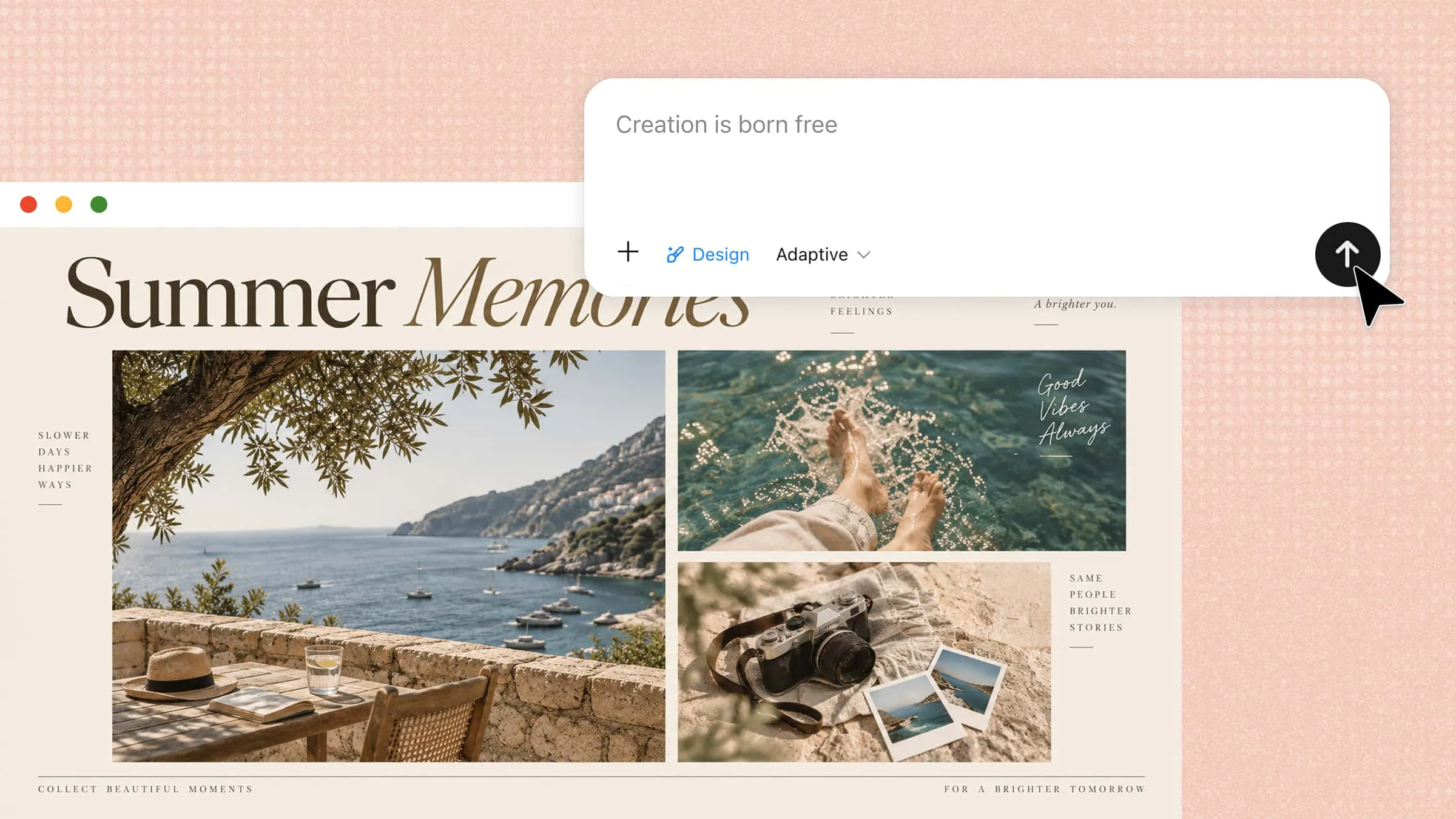
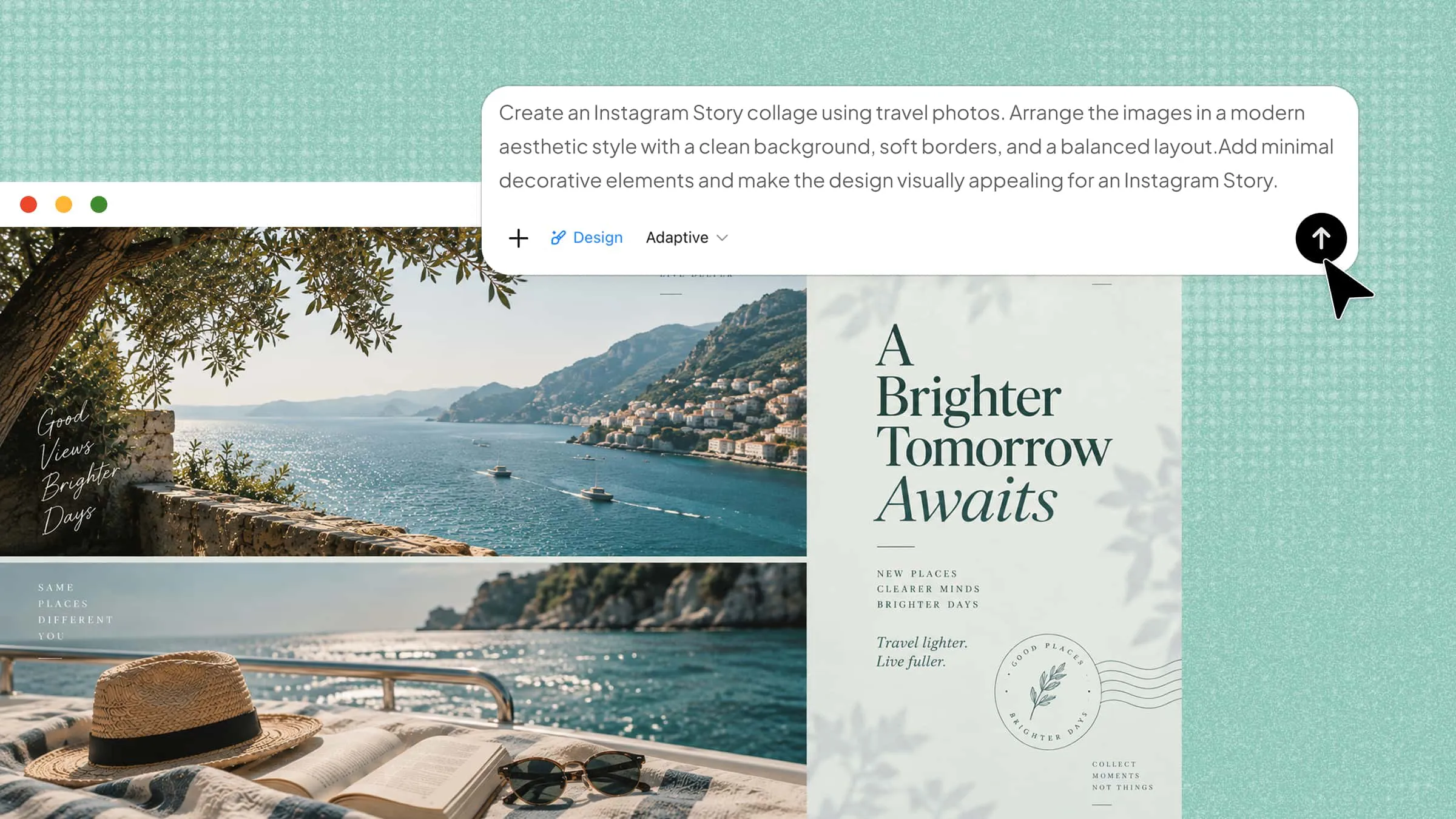
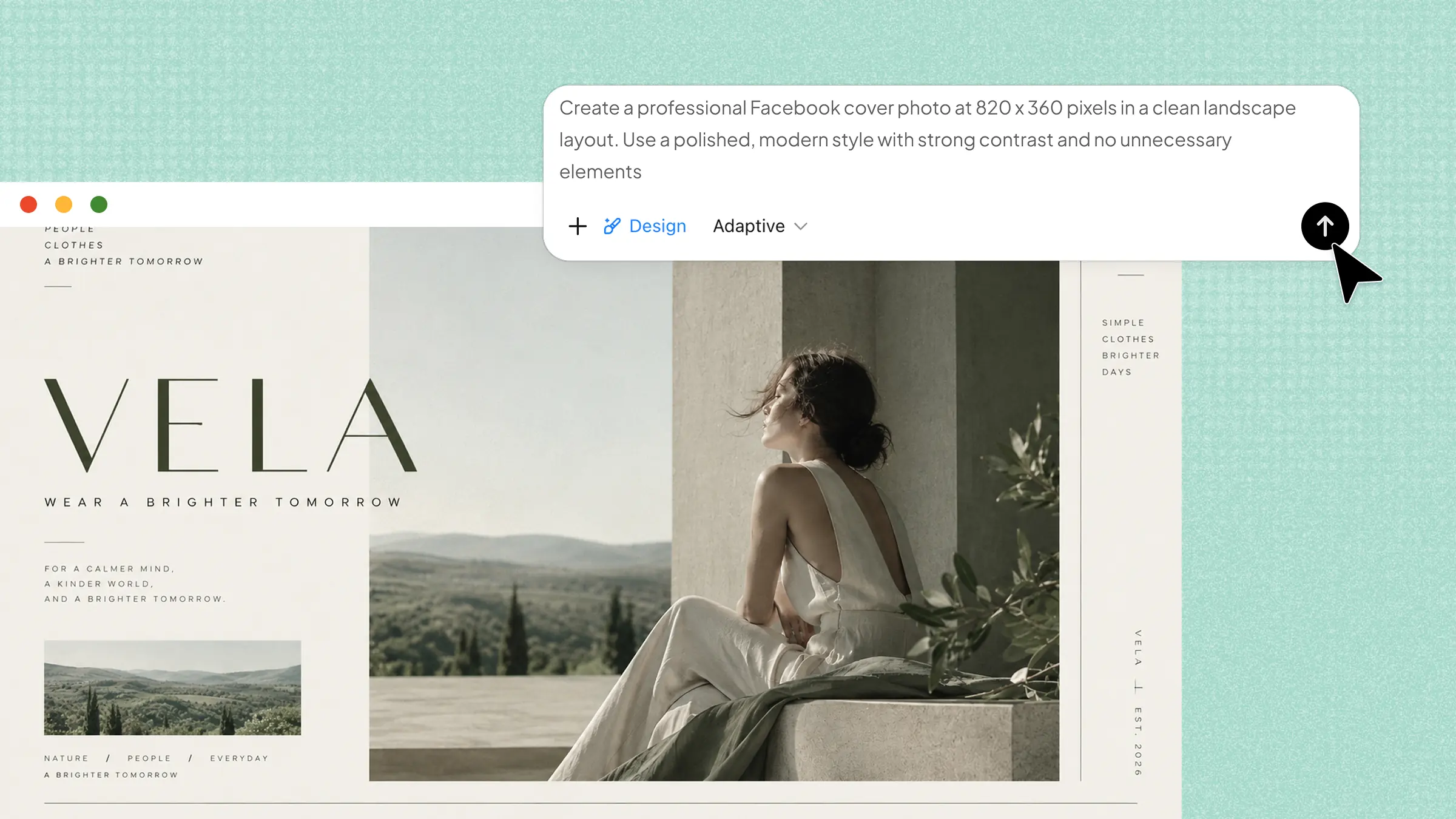
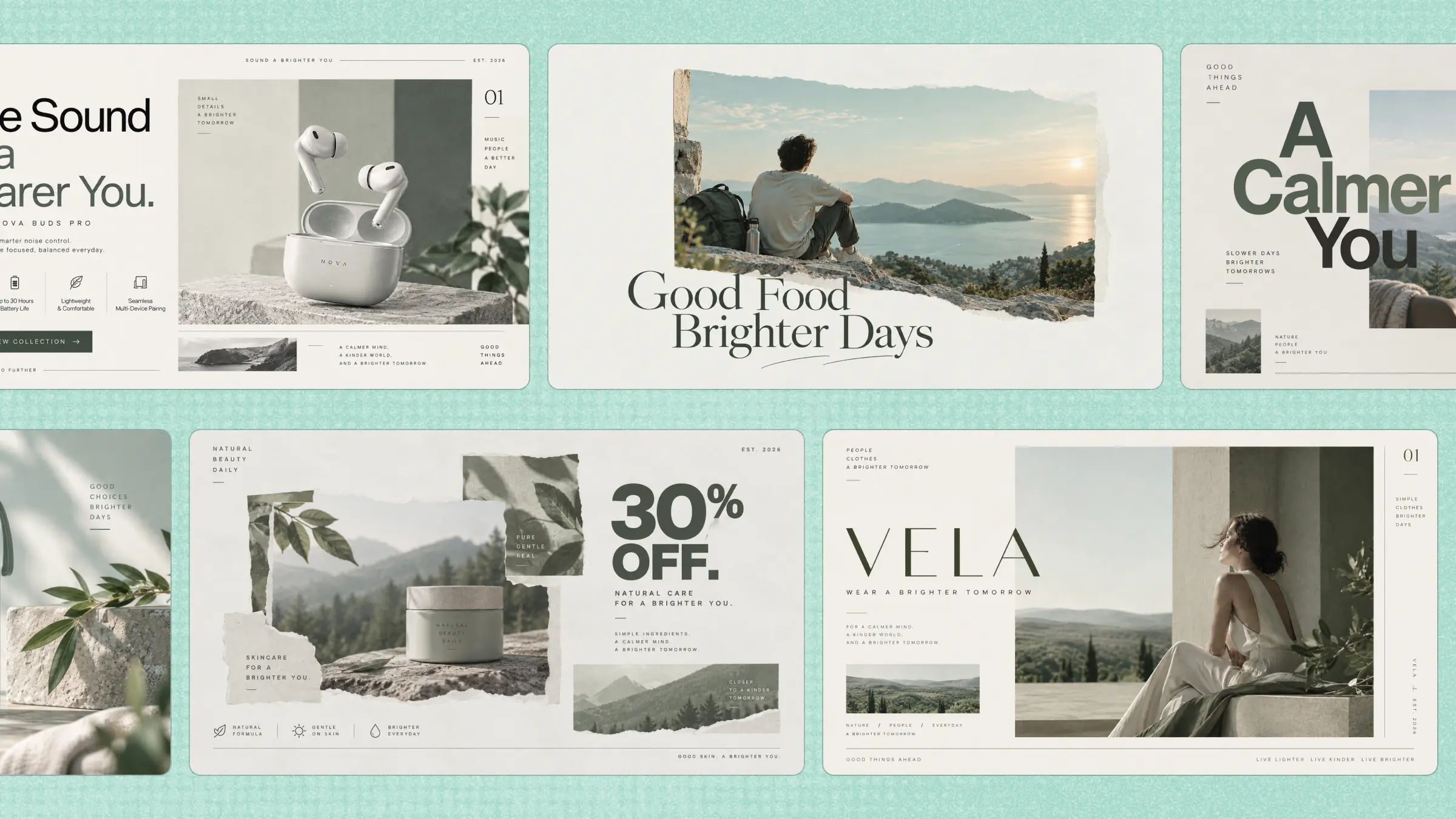
Social media has become an integral part of how brands, creators, and businesses connect with their audiences. However, consistently producing fresh and engaging posts can require considerable time, creativity, and effort. AI social media post generators can make this process more manageable by helping turn ideas into compelling social content with greater ease. In this guide, we explore 10 AI social media post generators to help you find a practical option for your content needs.
Overview of 10 AI social media post makers
Each platform approaches social content creation from a slightly different angle, ranging from AI-assisted copywriting and visual design to scheduling, analytics, and campaign management. The table below highlights the distinctions that can help you quickly identify which tool aligns with your content workflow.
| Tool | Content creation | Design & visuals | Editing & customization | Suitable for |
|---|---|---|---|---|
| Kimi Design | Generates coordinated captions, headlines, post descriptions, and visuals from text prompts | Creates polished social graphics for Instagram, Facebook, LinkedIn, Stories, and other formats | Refine imagery, layouts, styles, and individual elements with AI instructions; customize aspect ratios and dimensions | Social creators, marketers, small businesses, and brands |
| Canva | Helps develop social content and turn ideas into ready-to-use posts | Large library of templates, stock photos, graphics, and design assets | Drag-and-drop editing, brand kits, and customizable templates | Content marketing teams, designers, and social media managers |
| Pikto Al | Helps turn ideas and information into structured visual content | Focuses on infographics, charts, graphics, and data-rich visuals | Customize colors, fonts, layouts, icons, and other design elements | Data-driven creators, educators, and research marketers |
| SocialBee | Generates captions, post ideas, and platform-ready content with AI | Focuses more on content management than visual design | Creates content variations and repurposes evergreen posts | Social media managers, agencies, and online businesses |
| Radaar.io | Supports social content creation as part of a broader workflow | Provides tools for managing social content rather than primarily visual creation | Includes content organization, collaboration, feedback, and approval features | Multi-account managers, agencies, and collaborative teams |
| HubSpot | Generates post ideas, captions, and creative suggestions with AI | Social content creation is integrated into a broader marketing platform | Helps refine and manage social content alongside marketing campaigns | Inbound, B2B, and enterprise marketing teams |
| VistaCreate | Supports social content creation through templates and visual assets | Offers professionally designed templates, animated graphics, and visual assets | Provides resizing, animation, and brand customization tools | Visual creators, freelancers, and creative teams |
| Fotor | Generates social content, ideas, captions, and visuals with AI | Combines AI image generation with templates and photo-editing tools | Offers template customization, AI image editing, and one-click photo enhancement | Creators, influencers, and lifestyle brands |
| Picsart | Supports creative content generation through AI-powered tools | Combines AI image generation with effects, filters, and creative visual tools | Provides background replacement, object removal, effects, and other hands-on editing controls | Influencers, creative creators, and visually focused brands |
| Simplified | Supports AI-assisted social media copywriting and content ideation | Combines AI graphic design with content creation | Includes brand identity tools and collaborative editing | Digital market AI, startups, and multi-platform brands |
10 AI social media post generators for effortless content creation
With so many AI-powered options available, finding a tool that fits your creative process can be challenging. Some platforms simplify visual creation, while others extend their capabilities to content planning, editing, or broader marketing workflows. To make the choice easier, here are 10 AI social media post generators worth exploring, each bringing a distinct approach to content creation.
Kimi Design
Kimi Design is an AI social media post generator that brings AI writing and visual design into one streamlined workspace for social content. It can help turn a basic idea into polished copy, visuals, templates, and branded posts. Creators and marketers can use it to develop content suited to platforms such as Instagram, Facebook, and LinkedIn. The combination of content generation and design makes it useful when both messaging and presentation matter.
Main features
Create complete social media posts from text prompts: Describe a campaign, product, or concept in natural language, and Kimi Design generates coordinated captions, headlines, post descriptions, and visual content from the same brief.
Generate eye-catching visuals for different platforms: Develop social assets for Instagram posts, Stories, Facebook graphics, and LinkedIn visuals, with layouts tailored to the presentation requirements of different channels.
Edit and refine posts with AI instructions: Modify imagery, layouts, styles, and individual design elements with straightforward prompts instead of making every adjustment manually.
Customize post formats and sizes easily: Select common aspect ratios, including 1:1, 16:9, and 9:16, or enter custom dimensions when a post requires a specific canvas size.
Create professional-quality branded content faster: Produce social graphics with refined layouts and creative treatments, helping maintain a professional visual identity across campaign materials and promotional posts.
Suitable for
Social media creators
Digital marketing teams
Small business owners
Brand content specialists
How to use Kimi Design for social media posts?
Follow these steps to generate a social media poster using Kimi Design:
Step 1: Enter a clear prompt
Start with a specific description of the post you want to create. Mention the subject, target audience, visual style, and preferred platform, so Kimi Design has enough context to produce a relevant result.
Step 2: Let Kimi process and generate results
Submit the prompt and allow Kimi Design to interpret your requirements and generate the post. Depending on your instructions, the output can combine visual elements with headlines, captions, and other social media copy.
Step 3: Review and download the file
Examine the generated post for visual accuracy, text quality, and overall alignment with your campaign. Once satisfied with the result, make any necessary refinements and download the finished design for publishing.
Canva
Canva takes a design-first approach to social media content creation, giving users an extensive library of templates and visual assets. Its drag-and-drop editor makes it easy to turn ideas into posts without advanced design skills. Users can also adapt content to different social platforms while maintaining a consistent visual identity. For teams, its collaboration and brand-focused tools add another layer of convenience.
Main features
Extensive social media templates: Access a wide range of ready-made templates for posts, stories, ads, and campaigns across different social media platforms.
Brand kit management: Store and manage brand assets such as logos, colors, fonts, and styles to maintain consistent visuals across all designs.
Stock photos and graphics: Choose from a large library of professional images, icons, illustrations, and design elements to enhance your social media content.
Team collaboration features: Work together with team members by sharing designs, providing feedback, and managing content creation workflows in one place.
Suitable for
Content marketing teams
Freelance graphic designers
Small business marketers
Social media managers
Pikto Al
Pikto Al is a social media post generator that is useful when social posts need to communicate information in a visually engaging way. Rather than relying solely on conventional post layouts, it helps users present statistics, insights, and complex ideas through visual formats. Its templates and editing tools make data-heavy content easier to shape for social sharing.
Main features
Infographic creation: Turn complex data and ideas into visually engaging infographics with organized layouts, icons, and design elements that improve understanding.
Customizable design templates: Use ready-made templates and easily modify colors, fonts, and layouts to create professional visuals that match your content style.
Data visualization tools: Present information clearly with charts, graphs, and visual elements that make statistics and key insights easier to understand.
Visual storytelling features: Combine graphics, illustrations, and structured designs to create compelling content that communicates messages more effectively.
Suitable for
Data-driven content creators
Educational content
Business communication professionals
Research-focused social marketers
SocialBee
SocialBee distinguishes itself through a structured approach to social media management and content generation. Its AI capabilities can help transform ideas into platform-ready posts while reducing the burden of repetitive content planning. The platform also incorporates scheduling and organization features, allowing users to maintain a more coherent publishing cadence.
Main features
AI-assisted social post creation: Generate engaging social media posts with AI support, including captions, ideas, and content suggestions tailored to your goals.
Platform-specific customization: Adapt posts for different social platforms with optimized formats, styles, and messaging to improve audience engagement.
Evergreen content recycling: Repurpose existing posts into fresh content variations, helping maintain a consistent publishing schedule with less effort.
Social media performance analytics: Track content performance through insights and analytics to understand audience response and improve future campaigns.
Suitable for
Busy social media managers
Small marketing agencies
Growing online businesses
Independent content strategists
Radaar.io
Radaar.io takes a centralized approach to social media workflows, bringing content creation, scheduling, monitoring, and collaboration into one environment. Rather than treating post-generation as an isolated task, it connects creation with broader account management activities. Its unified workspace can reduce the friction of switching between multiple social media tools.
Main features
Social media post scheduling: Schedule content across multiple social media platforms in advance to maintain a consistent posting schedule and reduce the need for manual publishing.
Content calendar management: Plan, organize, and manage upcoming campaigns and posts with a clear content calendar for smoother social media workflows.
Team collaboration tools: Streamline teamwork by sharing content, assigning tasks, collecting feedback, and managing approvals from one workspace.
Performance analytics: Monitor key metrics such as engagement, reach, and audience response to measure results and optimize future content strategies.
Suitable for
Multi-account social managers
Social media agencies
Collaborative marketing teams
Growing digital brands
HubSpot
HubSpot is a social media post generator that approaches social content creation from a broader marketing perspective, integrating publishing capabilities with its extensive customer relationship ecosystem. Its AI-powered tools can assist with developing and refining social posts while keeping content connected to wider campaigns.
Main features
AI-assisted social content creation: Create engaging social media content with AI support, including post ideas, captions, and creative suggestions tailored to campaign goals.
Campaign management integration: Connect social media activities with broader marketing campaigns to plan, manage, and track content more efficiently.
Audience engagement monitoring: Track audience interactions, comments, and responses to understand customer behavior and improve engagement strategies.
Detailed performance reporting: Analyze campaign results with detailed reports on reach, engagement, and other key metrics to guide future decisions.
Suitable for
Inbound marketing teams
B2B marketing departments
Growing technology companies
Enterprise marketing professionals
VistaCreate
VistaCreate places visual sophistication at the heart of social media content production. Its extensive design ecosystem enables users to transform concepts into posts, animated graphics, and promotional creatives without requiring advanced design expertise. The platform's asset library further expands the creative possibilities for different social formats.
Main features
Professionally designed social templates: Create eye-catching social media posts faster with a library of professionally crafted templates for different platforms and content types.
Animated graphic creation: Add motion effects and animations to static designs, helping your posts become more engaging and attention-grabbing.
Multiple format resizing: Adapt a single design into different platform sizes and formats while keeping the layout and visual quality consistent.
Custom brand design tools: Build consistent branded content by applying your own colors, fonts, logos, and design elements across all social media visuals.
Suitable for
Visual content creators
Social media freelancers
Small creative teams
Promotional content marketers
Fotor
Fotor amalgamates AI-assisted creation with a broad suite of image-editing capabilities, making social content production considerably more expedient. Its AI tools can transform basic concepts into refined visuals while reducing the need for intricate manual adjustments. From promotional graphics to attention-grabbing social imagery, the platform accommodates diverse creative requirements.
Main features
AI-powered social media post creation: Generate engaging social media content with AI assistance, including creative ideas, captions, and visuals tailored to your audience and goals.
AI image generation: Create unique images and graphics from simple text prompts, helping you produce original visuals without advanced design skills.
Customizable social media templates: Use ready-made templates and personalize layouts, styles, and design elements to create professional posts for different platforms.
One-click photo enhancement: Improve image quality automatically with AI-powered adjustments that enhance details, lighting, and overall visual appeal.
Suitable for
Creative content enthusiasts
Influencer marketing campaigns
Fashion and lifestyle brands
Artistic social campaigns
Picsart
Picsart approaches social media creation as an expansive visual playground, combining generative AI with hands-on creative controls. Users can experiment with effects, imagery, typography, and compositional elements to produce distinctive posts rather than relying solely on predefined designs. Its creative ecosystem is well-suited to content that demands personality and visual experimentation.
Main features
AI-generated images from text prompts: Create unique visuals by describing your ideas in simple text, allowing you to generate creative images for social media and marketing content.
Creative effects and filters: Enhance visuals with a wide range of effects, filters, and editing options to create more engaging and professional-looking designs.
Background removal and replacement: Quickly remove unwanted backgrounds or replace them with new scenes to create clean and customized images.
AI-powered object removal: Remove unwanted elements from photos with AI while maintaining natural-looking backgrounds and image quality.
Suitable for
Creative content creators
Influencers and social media creators
Fashion, lifestyle, and beauty brands
Brands creating visually distinctive campaigns
Simplified
Simplified takes a more holistic route by bringing content generation, graphic design, and social media management under one roof. Its AI capabilities can assist with ideation and copywriting, while its design environment helps translate those concepts into publishable assets. The platform is specifically advantageous for users managing multiple stages of content production from a unified workspace.
Main features
AI-assisted social media copywriting
Multi-platform content scheduling capabilities
AI-powered graphic design tools
Social media content calendar
Brand identity management tools
Collaborative content creation workspace
Suitable for
Digital marketers
Content strategy professionals
Startup marketing departments
Multi-platform brand managers
How to select a suitable AI social media post maker?
The right tool should do more than generate attractive posts; it should align with your publishing needs, creative workflow, and budget. Consider these factors before committing to an AI social media post maker.
Check whether it supports your preferred social platforms
Confirm that the tool can create content in the formats and dimensions required by your target channels. This prevents extra resizing or redesign work before publishing.
Consider the level of customization available
Look beyond ready-made templates and examine whether you can modify layouts, typography, imagery, colors, and branding elements. Greater flexibility is valuable when your posts need a distinctive visual identity.
Evaluate design quality and output resolution
Examine sample outputs for visual coherence, typography, image clarity, and overall polish. If you plan to use generated assets across different placements, verify that the export quality remains sharp at larger dimensions.
Choose a tool that matches your design experience
If you're new to design, look for an AI social media post generator with an intuitive interface, simple workflows, and minimal manual editing. More experienced designers may prefer tools that offer greater control over layouts, typography, visuals, and other design elements. If you're comparing tools, start with a free option to test how well its workflow and editing features fit your needs before committing to a paid plan.
Compare workflow speed and content creation efficiency
Consider how quickly the platform can move from an initial idea to a publication-ready post. Features such as prompt-based generation, reusable templates, batch creation, and quick revisions can significantly streamline repetitive tasks.
Check pricing, usage limits, and scalability
Review generation quotas, export restrictions, premium features, and commercial-use terms rather than judging the subscription by its headline price alone. Choose a plan that can accommodate increasing content demands without creating disproportionate costs.
Conclusion
In conclusion, choosing the right AI social media post generator ultimately depends on what you expect it to accomplish beyond generating attractive content. Whether you prioritize visual creativity, streamlined scheduling, collaborative workflows, or broader marketing integration, the right platform should complement your existing process. For prompt-driven content creation that brings writing and visual design together, Kimi Design offers a practical option. Consider your platforms, customization requirements, publishing volume, and budget before settling on a tool.