Creating social media posts requires clear messaging, engaging visuals, and formats that fit each platform. However, developing ideas, writing copy, and designing graphics separately can slow down content creation. AI helps combine these tasks into a more efficient workflow while reducing repetitive work. This guide covers how to create social media content, improve post quality, maintain a consistent style, and engage your audience more effectively.
How to make social media posts
Creating effective social media posts requires clear messaging, relevant content, and engaging visuals. AI design tools can simplify the process by helping generate ideas, captions, layouts, and visuals while maintaining a consistent style.
Kimi Design is an AI-powered tool that turns ideas into ready-to-edit social media designs. It supports promotional posts, product highlights, announcements, educational content, and campaign visuals. By combining text and design generation, Kimi Design makes it easier to create social media posts with AI while saving time and reducing manual design work. If you want to learn how to use AI to create social media posts, follow the steps below.
Step 1: Enter a detailed social media post prompt
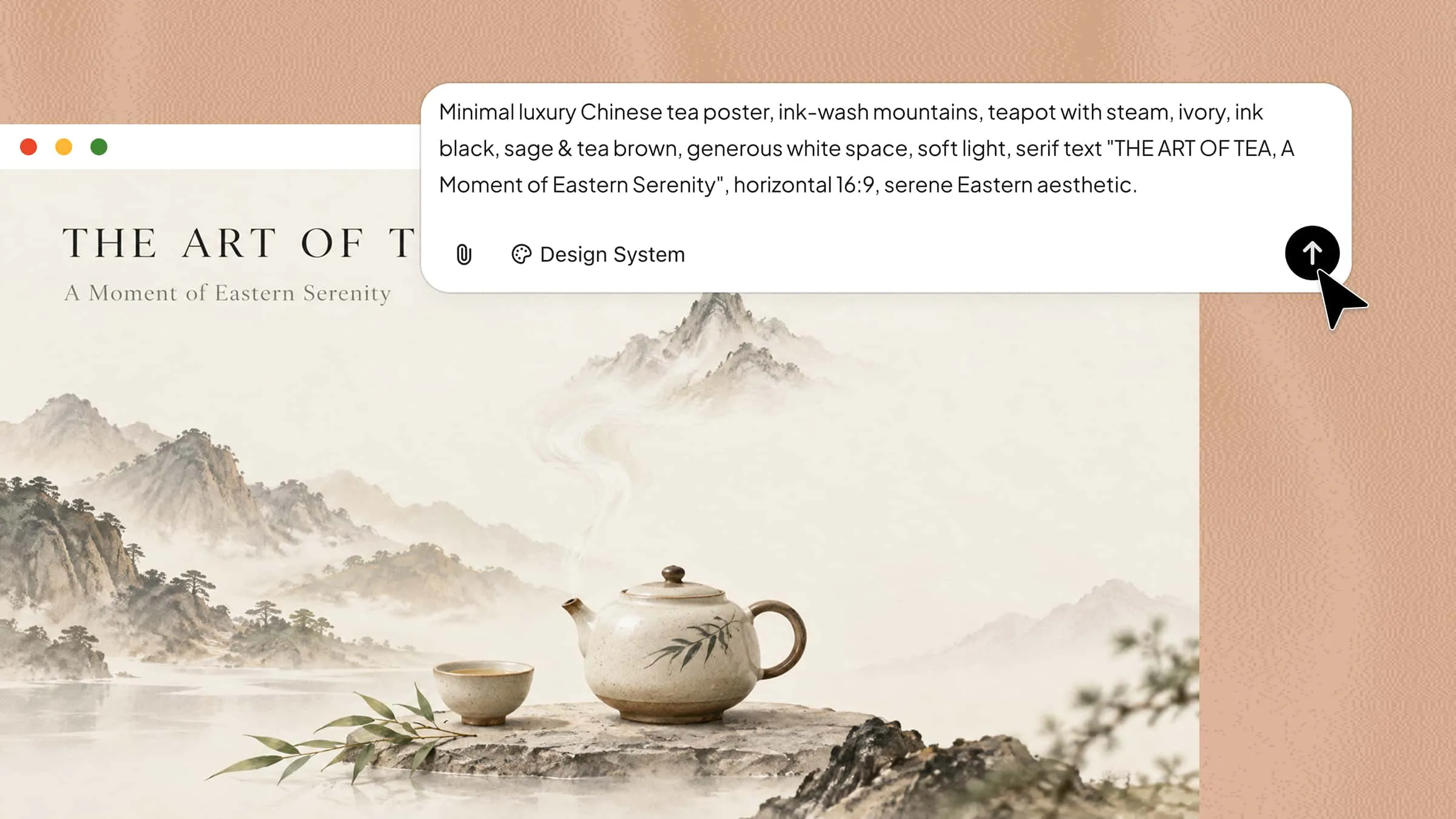
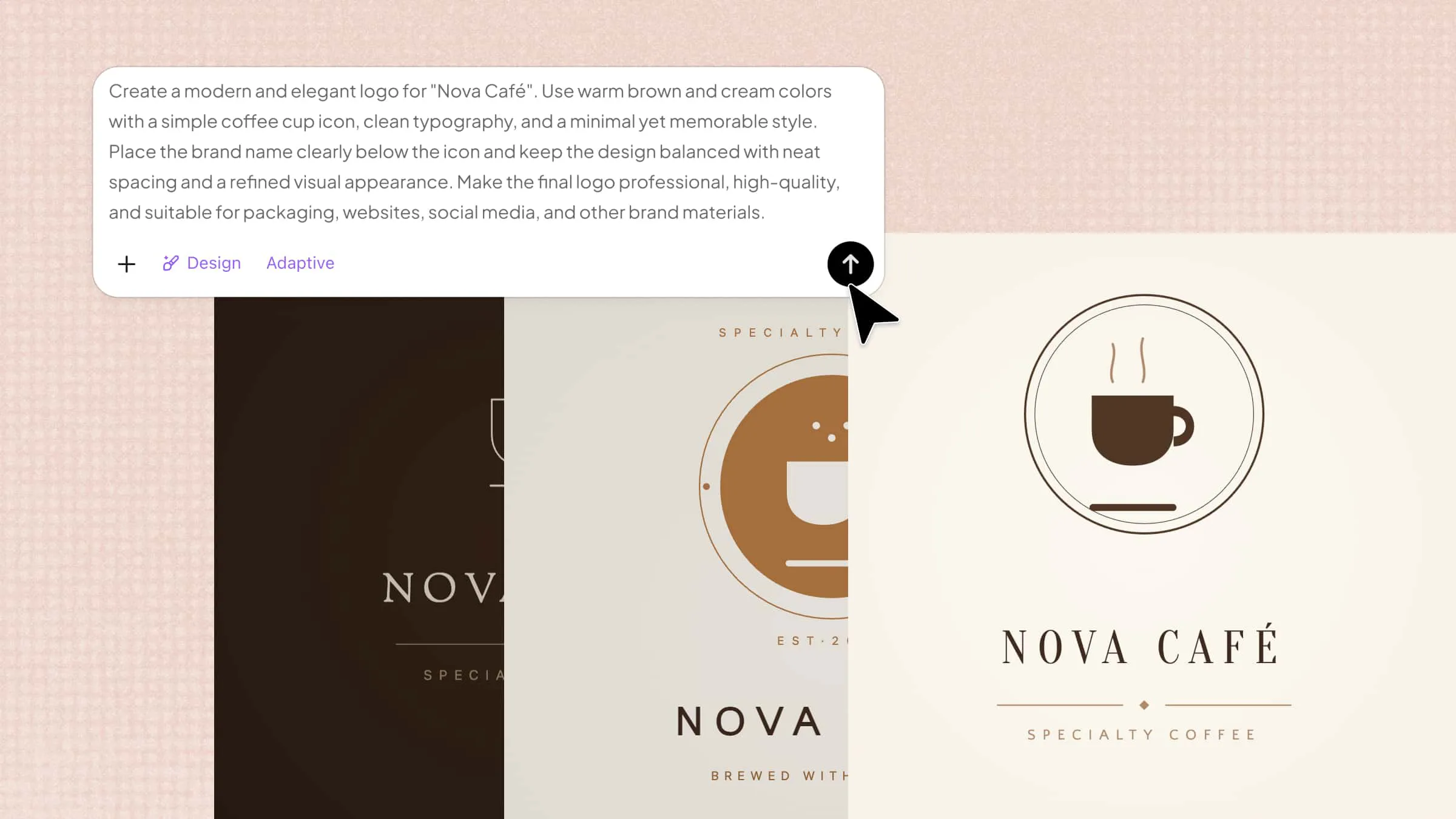
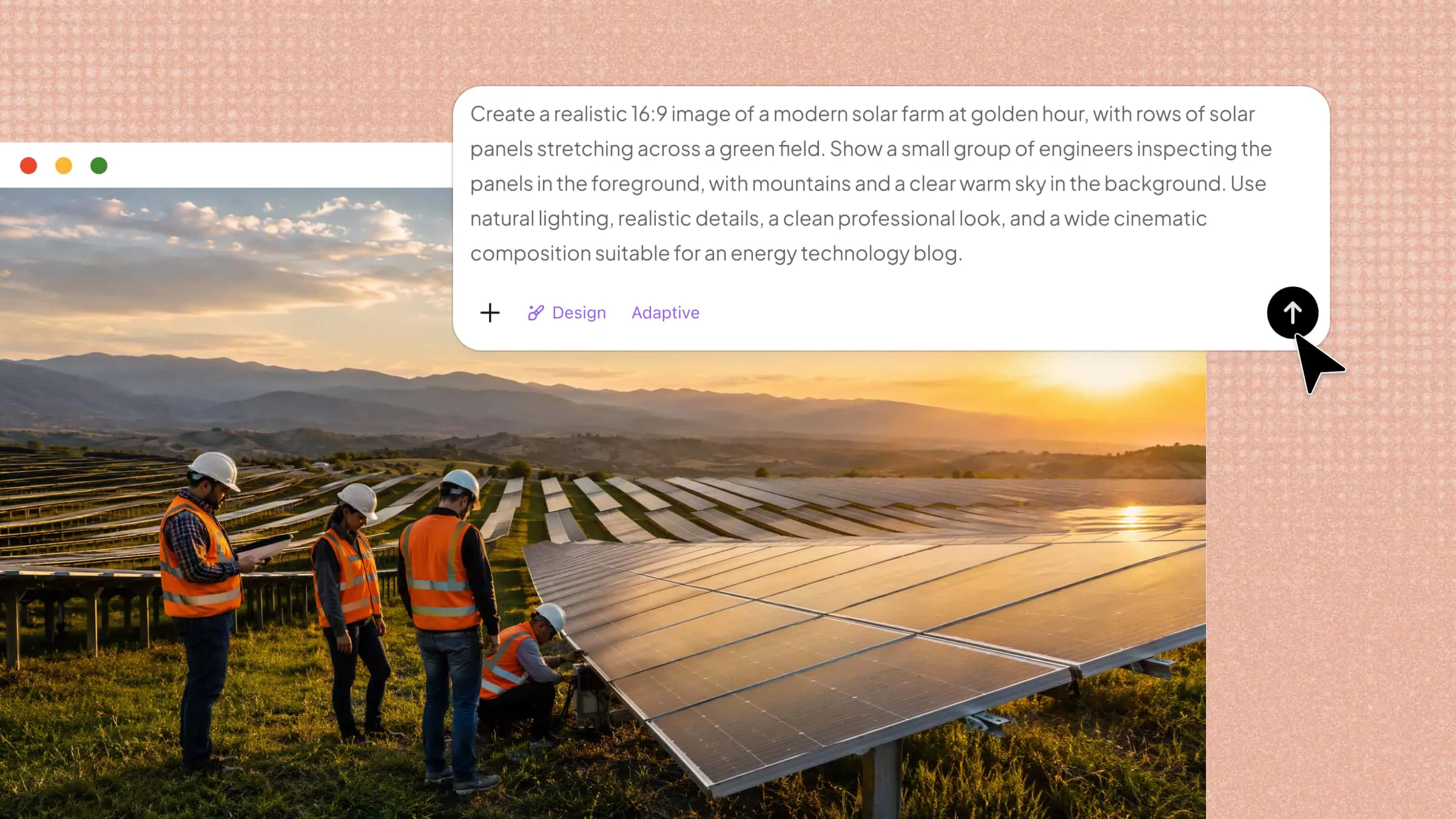
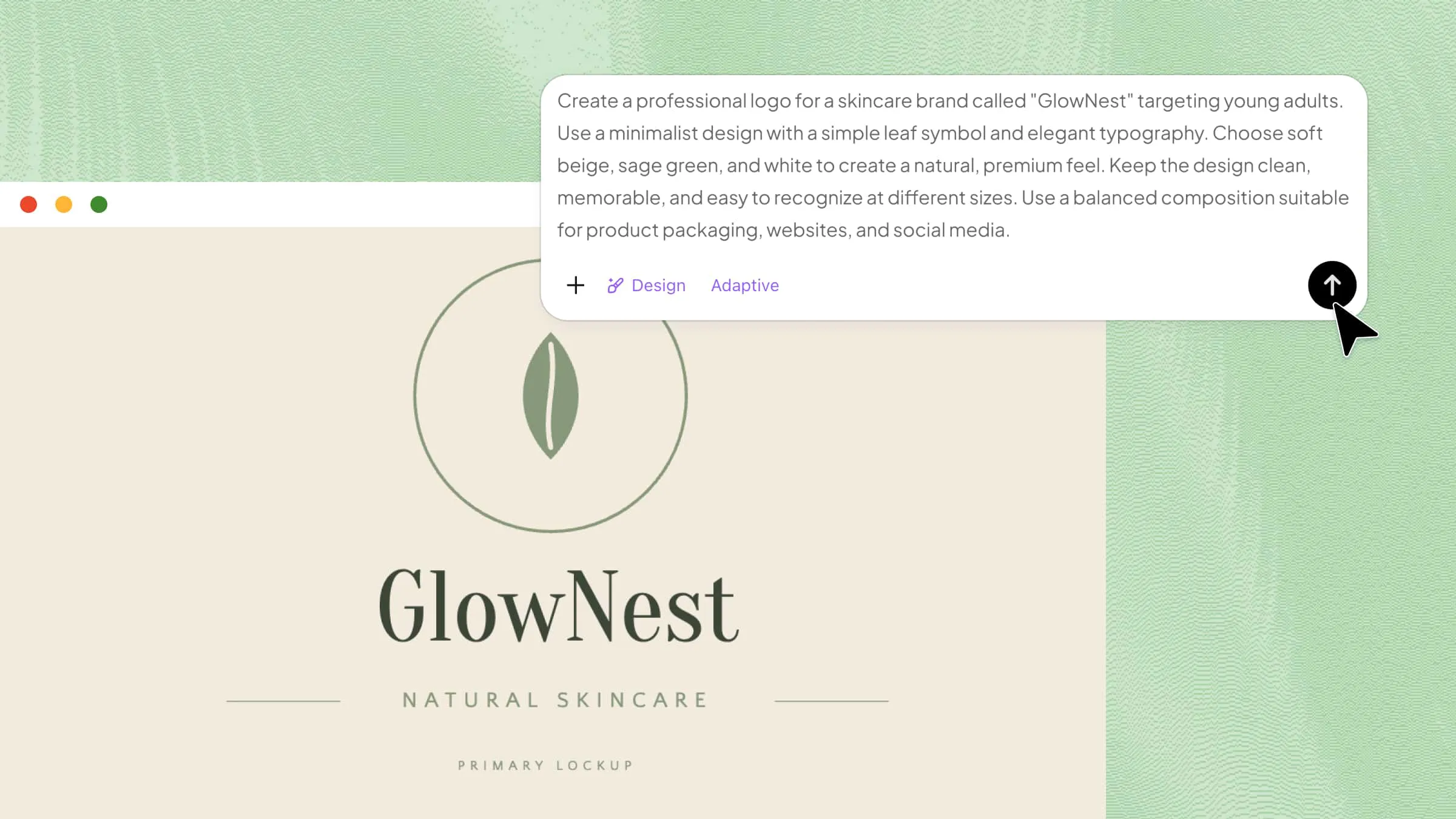
Open Kimi Design and describe your post's goal, target audience, topic, style, platform, and required content. A detailed prompt helps Kimi Design generate more relevant and engaging post concepts.
Example prompt:
Step 2: Let Kimi Design generate post content and visuals
Kimi Design analyzes your prompt and generates a complete social media post concept, including headlines, captions, layouts, and visual elements. It transforms your ideas into polished designs with engaging visuals and well-structured content.
Step 3: Customize your social media post with AI editing
Review the generated design and use natural-language prompts to refine the captions, visuals, layout, or dimensions. You can also adapt the design for different platforms, such as Instagram, Facebook, LinkedIn, and X.
Examples:
"Make the caption more engaging for LinkedIn."
"Change the design to a modern technology theme."
"Resize and optimize the design for Instagram Stories."
Step 4: Preview and export your final social media posts
Preview the completed design to check the text, visuals, and layout. Make any necessary adjustments, then export the final post in a suitable format for publishing on your selected social media channels.
Why choose Kimi Design to create social media posts
Kimi Design brings content creation and visual design together in one workflow, making it easier to create social media posts from initial ideas to polished final designs. Its AI-powered features support content development, visual creation, design customization, and final export.
Generate social media content with AI
Kimi Design can turn a basic idea or campaign brief into headlines, captions, content suggestions, and creative directions. This helps users develop stronger messaging while reducing the time spent brainstorming and planning individual posts.
Create custom visuals from text prompts
Users can describe the type of visual they need and generate images or illustrations based on those instructions. This provides more flexibility when creating visuals for product promotions, announcements, educational posts, and other social media campaigns.
Design posts with layouts suited for different platforms
Kimi Design helps create layouts that are appropriate for different social media formats and content types. This makes it easier to adapt the same campaign idea for multiple channels while keeping the design clear and visually balanced.
Maintain consistent branding across social media content
Consistent use of brand colors, fonts, imagery, and design elements helps create a unified visual identity. Kimi Design can make it easier to apply these elements across different posts, helping audiences recognize your content more easily.
Refine posts with in-canvas AI feedback
Kimi Design allows users to give feedback directly while working on the design. You can use simple instructions to modify specific elements, improve wording, adjust visuals, or change the overall style without manually editing every part.
Export ready-to-share social media designs
Once the design is finalized, users can export the completed post for publishing or future campaigns. This simplifies the final stage of content creation and makes finished designs easier to organize and reuse.
Tips for creating stunning social media posts
A strong social media presence depends on content that is purposeful, visually appealing, and relevant to the audience. The following tips can help you make posts that communicate effectively and create a stronger connection with viewers.
Create social media content with a clear purpose
A purposeful post has a defined role within a campaign or content strategy. Its topic, message, and CTA work together to support an outcome such as product discovery, audience education, or website traffic.
Keep your social media message clear and direct
A clear message focuses on one key idea rather than combining several points in a single post. Strong wording helps viewers understand what the content is about and why it matters without reading a long caption.
Use clean visuals and balanced layouts
The design should create a clear visual path from the main headline to supporting details and the CTA. Strong contrast, readable typography, and controlled spacing help important elements remain noticeable on smaller screens.
Maintain a consistent visual style
A recognizable style comes from repeating key brand elements across different pieces of content. Consistent typography, color use, imagery, and graphic patterns can strengthen brand recall while still allowing individual posts to feel fresh.
Format content for each social media platform
The same creativity may need structural changes when it moves between platforms. Differences in aspect ratio, screen space, and content placement affect how text and visuals appear, so platform-specific formatting helps preserve the intended design.
Post when your audience is most active
Posting time matters because early visibility can influence how much attention a piece of content receives. Audience insights can reveal active periods based on follower behavior, giving a stronger basis for selecting publishing times.
Conclusion
In short, a successful social media strategy requires more than frequent posting. It depends on content that captures attention and aligns with how people consume information online. AI can simplify the creative process, which makes it easier to create post content without managing every task separately. Kimi Design combines content generation with visual design, which helps turn ideas into polished creatives while reducing time and manual effort.