Whether you're reviewing financial reports, tracking expenses, or researching market trends, making sense of financial data can take more time than expected. A finance AI chatbot can simplify these tasks by answering questions, analyzing information, and clarifying complex numbers. With many tools available, choosing one that fits your needs can make everyday financial work more efficient. Explore 10 finance AI chatbots and their features, use cases, and capabilities to find the right fit for your workflow.
What is a finance AI chatbot
A finance AI chatbot uses artificial intelligence to help users understand financial data and manage everyday tasks. It can analyze reports, track budgets, answer financial questions, and research market trends. This saves time and makes complex information easier to understand. It also helps individuals and businesses make informed financial decisions.
Overview of 10 finance AI chatbots
AI finance chatbots support a range of financial tasks, from analyzing data and preparing reports to automating customer service and managing personal budgets. The table below lists 10 AI finance chatbots by their primary use cases, key features, and suitability to help you identify the right tool for your needs.
| AI finance chatbot | Primary use | Key features | Suitable for |
|---|---|---|---|
| Kimi AI Chat | Financial research and data analysis | Analyze financial data, summarize reports, identify trends, generate Excel workbooks and presentations, support scheduled tasks | Financial analysis, report preparation, market research, team collaboration |
| ChatGPT | Financial research and analysis | Analyze spreadsheets, summarize financial documents, research market topics, create charts and report drafts | Spreadsheet analysis, financial research, report writing |
| Microsoft Copilot | Excel-based financial workflows | Analyze Excel data, generate formulas, create charts and summaries, support budget and forecast preparation | Budgeting, forecasting, financial reporting, management reviews |
| Google Gemini | Financial tasks in Google Workspace | Analyze data in Sheets, assist with formulas and PivotTables, summarize reports, prepare presentation content | Spreadsheet analysis, document summaries, financial presentations |
| Kore.ai | Banking and financial service automation | Automate account inquiries, support payment-related requests, route complex cases, assist service teams | Banking support, transaction inquiries, loan and payment assistance |
| TARS | Financial service lead generation | Capture customer details, explain financial products, answer common questions, qualify inquiries | Lead generation, loan and insurance inquiries, financial service websites |
| Haptik | Conversational support for financial services | Handle customer inquiries, support voice interactions and multiple languages, automate guided conversations | Banking customer service, multilingual support, service request workflows |
| Botpress | Custom financial chatbot development | Build custom chatbots, connect knowledge sources, integrate external systems through APIs, create guided workflows | Financial product support, custom assistants, system integrations |
| Cleo | Personal finance management | Track spending, support personal budgeting, help users work toward savings goals, provide conversational money guidance | Personal spending, everyday budgeting, savings habits |
| Tidio | Financial website customer support | Answer routine questions using approved content, provide support outside business hours, transfer complex cases to staff, organize conversations | Website support, customer inquiries, live chat and AI-assisted service |
10 finance AI chatbots in 2026
Whether you need help analyzing financial data, automating routine tasks, or researching market trends, the right tool can make your work easier and save valuable time. Let's explore 10 finance AI chatbots in 2026 and see what each one offers.
Kimi AI Chat
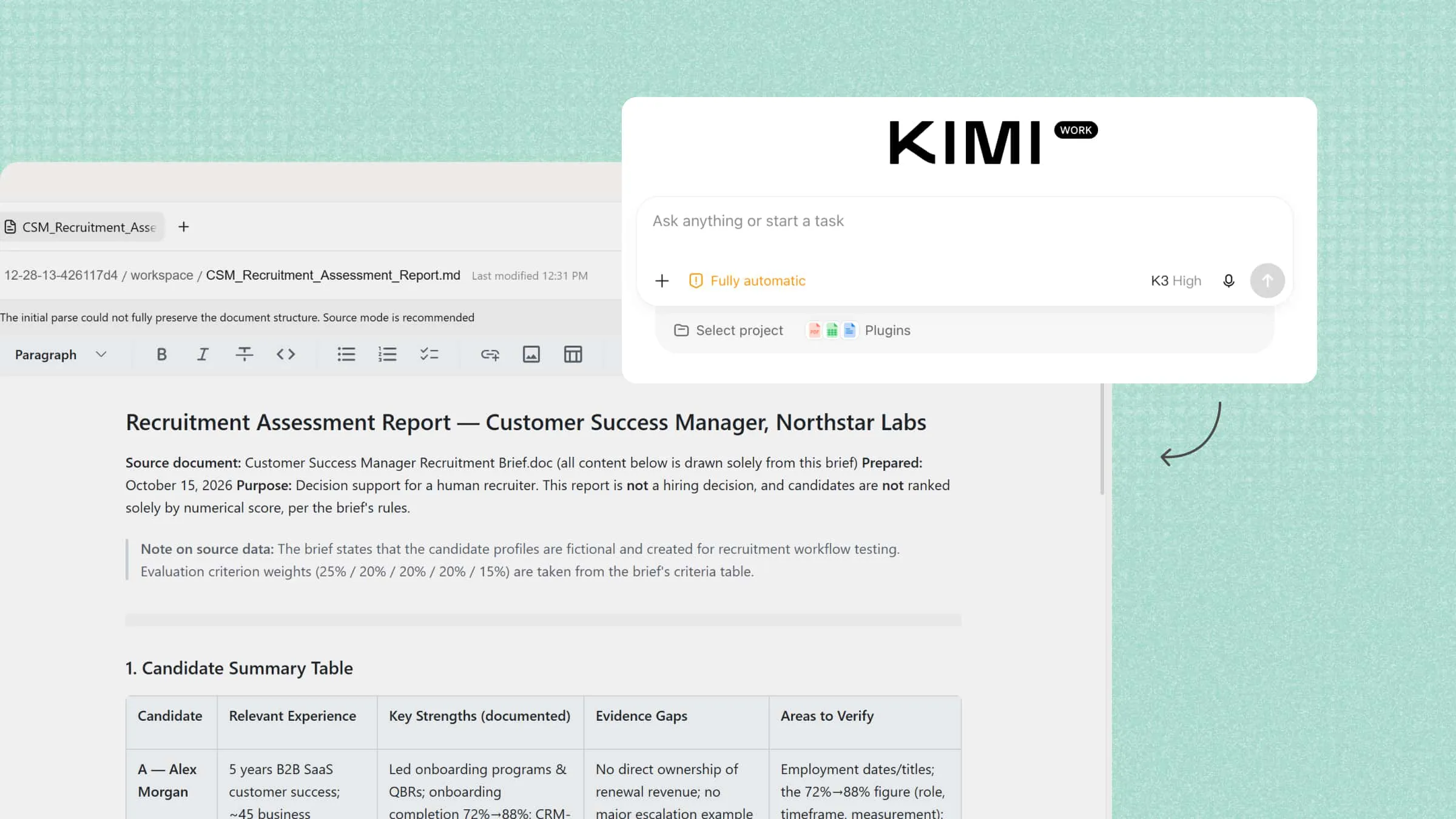
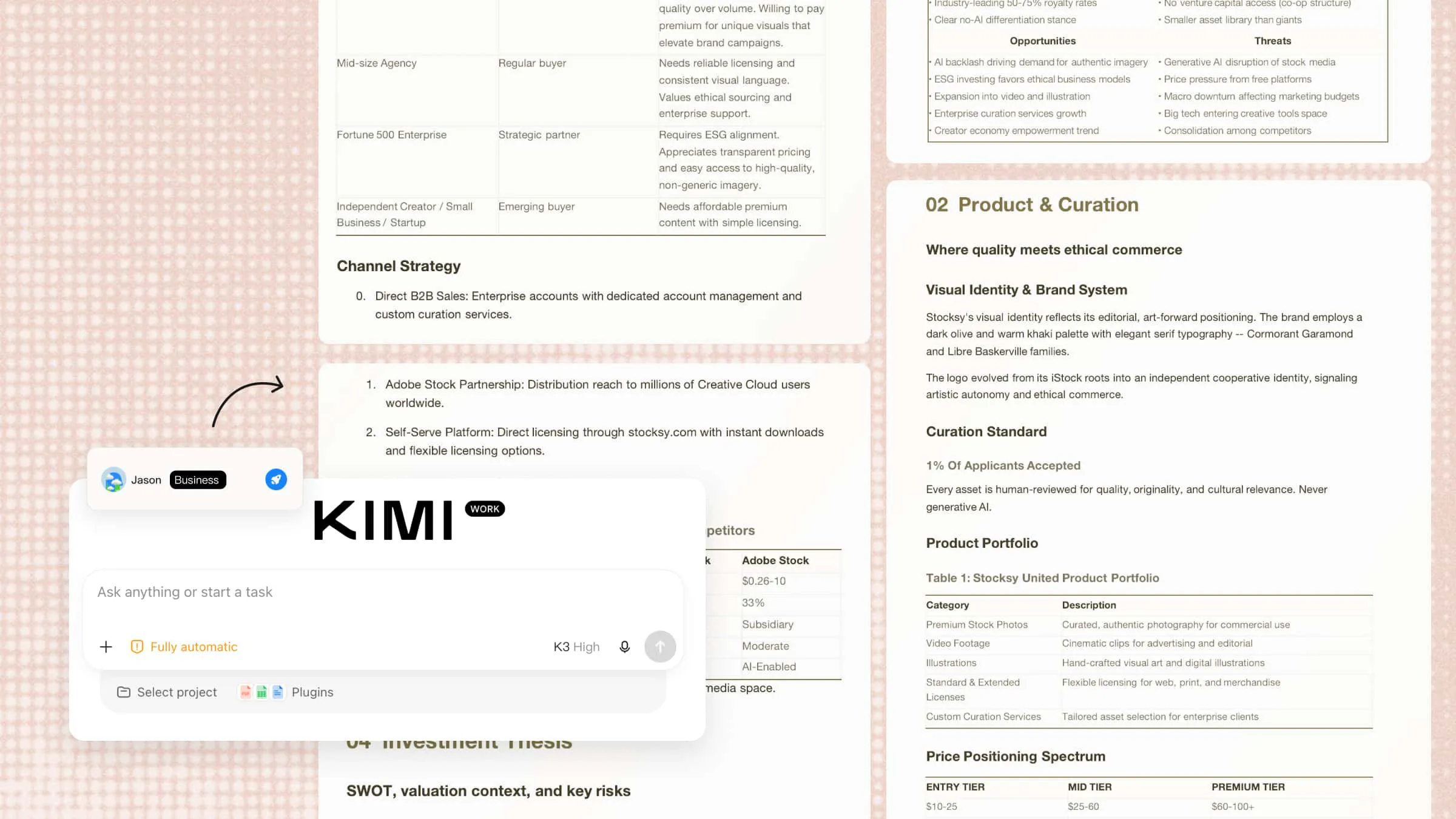
Kimi AI Chat is an AI chatbot that helps users research financial topics, analyze information, and find answers to complex questions. It can summarize financial reports, explain market trends, and organize key findings to support better decision-making. For workflows that involve reading files directly from local folders or generating files on a local computer, users can turn to Kimi Work, which supports file-based tasks in an AI-powered workspace.
Main features
Research financial markets and synthesize information: Search for financial news, market trends, and industry developments across multiple sources. Kimi AI Chat can summarize relevant findings, connect related information, and highlight differing perspectives to support financial research and market analysis.
Explain financial concepts and market movements: Ask Kimi AI Chat to explain financial terms, accounting principles, and market movements in clear, accessible language. It can help users understand how economic events, policy changes, and market trends may affect financial performance, making complex financial information easier to interpret.
Analyze financial information and summarize findings: Explore financial datasets, company statements, and reports to identify trends, examine performance metrics, and investigate discrepancies. Kimi AI Chat can summarize key findings and organize financial insights to support research, analysis, and decision-making.
Organize business activities in a dedicated workspace: With Kimi Business, finance teams can use a dedicated Team Workspace that is separate from personal conversations. This provides a shared environment for organizing financial research and reporting activities. Business data is not used for model training by default, supporting teams handling sensitive business information.
Suitable for
Analyzing financial data and identifying trends
Preparing financial reports and presentations
Researching market trends and creating summaries
Organizing financial documents and team projects
How to use Kimi AI Chat for financial tasks
Kimi AI Chat can help you research financial information, interpret financial data, and summarize key findings. Follow these steps to ask focused questions, analyze the information you provide, and verify the results.
Step 1: Describe your financial analysis task
Upload relevant financial spreadsheets, statements, or reports, then explain what you want to examine. Specify the metrics, comparisons, and questions you want Kimi AI Chat to address.
Step 2: Let AI generate financial insights
Let Kimi AI Chat analyze the provided financial documents, identify key trends and significant budget variances, and summarize its findings. Ask it to explain unusual changes, highlight potential risks, and organize the results into a clear, structured overview.
Step 3: Review the findings and verify the results
Check the reported figures, calculations, and identified variances against the original documents. Investigate unusual expenses and confirm that explanations are supported by the available data before using the findings in financial decisions or sharing them with stakeholders.
ChatGPT
ChatGPT is a conversational AI assistant that helps users understand financial information and complete research tasks. It can analyze uploaded spreadsheets, summarize PDFs, explain financial concepts, and identify patterns in data. Its data analysis and research capabilities make it useful for both personal and business finance tasks.
Main features
Analyze financial data: Upload spreadsheets to compare expenses, calculate totals, and identify unusual changes. ChatGPT can also summarize findings and create charts.
Summarize financial documents: Extract key details from financial statements, invoices, and reports. This makes lengthy documents easier to review.
Research financial topics: Explore market developments, financial terms, and business performance. Web search can help gather relevant information for further review.
Prepare financial reports: Turn data and research into structured reports, summaries, and presentation outlines. You can refine the content for different audiences.
Suitable for
Analyzing spreadsheets and expense records
Summarizing financial statements and reports
Researching markets and financial topics
Drafting financial summaries and presentations
Copilot
Microsoft Copilot brings AI assistance into Microsoft tools, making it useful for people who already work with Excel, Word, and other Microsoft 365 apps. In Excel, it can help users analyze tables, create formulas, and explore financial performance. It can also turn data into charts and summaries for business reviews. Its available features depend on the product, subscription, and organizational settings.
Main features
Analyze financial spreadsheets: Compare revenue, expenses, and budget figures in supported Excel workbooks. Identify trends and unusual changes that need attention.
Generate formulas and calculations: Describe a calculation in everyday language and ask Copilot for an Excel formula. This can simplify profit margin and percentage calculations.
Create charts and summaries: Turn spreadsheet data into charts and concise summaries. These outputs make financial results easier to present.
Support recurring financial workflows: Build reusable templates for budgets, forecasts, and monthly reports. This helps maintain consistency across reporting periods.
Suitable for
Preparing budgets and financial forecasts
Comparing revenue, costs, and profit margins
Creating Excel-based financial reports
Building charts for management reviews
Gemini
Google Gemini is an AI assistant that can support financial analysis and research, particularly when used with Google Workspace. Its integration with tools such as Sheets and Docs helps users work with data and documents in one environment. Gemini can assist with formulas, report summaries, and the presentation of financial findings.
Main features
Explore financial data in Sheets: Organize financial figures, investigate budget differences, and identify unusual values. Gemini can also help with formulas and PivotTables.
Summarize financial documents: Extract the main figures and findings from lengthy reports. This helps users review important information more quickly.
Create financial presentations: Turn financial findings into clear explanations and presentation outlines. This makes complex results easier to share with stakeholders.
Connect financial workflows: Use available Workspace features to organize documents and prepare recurring summaries. Connected apps can extend these workflows where supported.
Suitable for
Reviewing budgets and financial spreadsheets
Summarizing reports in Google Workspace
Preparing presentations for financial reviews
Streamlining recurring documents and data tasks
Kore.ai
Kore.ai is an enterprise conversational AI platform designed to build virtual assistants and AI agents for business operations. It has specific solutions for banking and financial services, including customer support and account-related inquiries. Organizations can connect these agents with banking systems to support tasks such as checking balances, reviewing transactions, and handling payment questions.
Main features
Automate banking inquiries: Answer routine questions about account details, balances, and transactions when connected to banking systems. This reduces reliance on live support.
Support payment-related requests: Create workflows for loan payments, credit cards, and payment inquiries. Sensitive actions should follow proper authentication procedures.
Route complex customer cases: Transfer unresolved conversations to human agents with relevant context. This helps customers avoid repeating information.
Assist financial service teams: Help employees retrieve information and summarize customer interactions. This can reduce time spent searching for answers.
Suitable for
Automating banking customer support
Handling account and transaction inquiries
Supporting loan and payment-related questions
Improving financial service workflows
TARS
TARS is an AI platform that businesses can use to create chatbots for customer engagement and lead generation. In financial services, a customized chatbot can guide visitors through product information, collect initial details, and answer common questions about financial offerings. Its usefulness depends on how the organization designs the conversation and connects the bot to its systems.
Main features
Capture financial service leads: Collect contact details and customer requirements through guided conversations. This helps financial businesses identify potential customers.
Explain financial products: Guide visitors through basic information about loans, insurance, and other services. Customers can find relevant details more easily.
Answer common questions: Provide prepared answers about fees, eligibility, and application requirements. This keeps responses consistent across customer interactions.
Qualify customer inquiries: Gather preliminary details before passing requests to sales or support teams. This helps staff prioritize relevant inquiries.
Suitable for
Collecting leads for financial products
Explaining loan and insurance services
Answering frequently asked questions
Qualifying inquiries for financial advisers
Haptik
Haptik provides AI agents that help businesses manage customer interactions across digital and voice channels. Financial service providers can use customized agents to answer common questions and guide customers through service requests. Its capabilities include natural-language conversations, multilingual support, and routing inquiries to the right team.
Main features
Handle customer questions at scale: Answer common questions about financial products and application processes. This helps customers find information without waiting for support.
Support voice interactions: Let customers explain their needs through voice-based conversations. This can simplify routine inquiries and call routing.
Provide multilingual assistance: Support conversations in configured languages. This helps financial businesses serve customers with different language preferences.
Automate multi-step conversations: Guide customers through questions and service requests step by step. This reduces manual effort for routine tasks.
Suitable for
Managing high volumes of banking inquiries
Supporting voice and messaging channels
Serving multilingual financial customers
Guiding customers through service requests
Botpress
Botpress is a platform for building and deploying customized AI chatbots and agents. It lets businesses design conversational workflows, connect knowledge sources, and integrate bots with external services through APIs and other integrations. For financial services, organizations can use it to build assistants that answer questions about their products, explain procedures, and retrieve approved information.
Main features
Build custom financial chatbots: Design assistants around specific financial services and customer needs. This gives businesses greater control over chatbot conversations.
Answer questions from approved sources: Add relevant help articles and website content to the chatbot's knowledge base. This helps customers find information about fees and procedures.
Connect external financial systems: Use APIs and integrations to connect chatbots with business tools. Depending on the setup, this can support data retrieval and service workflows.
Create guided financial workflows: Build conversations that collect details and guide users through defined steps. This can simplify applications and service requests.
Suitable for
Building customized financial service chatbots
Answering questions about financial products
Connecting chatbots with business systems
Automating guided customer service workflows
Cleo
Cleo is a personal finance app that uses conversational AI to help people understand and manage their money. It focuses on everyday financial habits rather than enterprise financial reporting or banking customer service. Users can interact with the assistant to review spending, understand their budgets, and work toward savings goals. Its available features depend on the user's location, account setup, and plan.
Main features
Track spending habits: Review spending patterns to understand where money goes. This helps users identify areas where they could cut back.
Manage personal budgets: Set spending limits and monitor progress toward budget goals. This makes everyday expenses easier to control.
Work toward savings goals: Build saving habits around personal financial targets. Available savings features depend on the user's account and location.
Get conversational money guidance: Ask questions about spending and everyday financial decisions. The responses can help users reflect on their money habits.
Suitable for
Tracking personal spending
Managing everyday budgets
Building consistent savings habits
Understanding personal money habits
Tidio
Tidio is a customer service platform that combines live chat, automation, and AI-powered support through its Lyro AI agent. Financial businesses can use it to answer routine questions from website visitors and guide customers toward relevant support resources. Its AI agent can use approved support content to respond to questions and direct customers to a human representative when needed.
Main features
Answer financial service questions: Use approved support content to answer common questions about fees, services, and applications. This helps customers find information faster.
Provide support outside business hours: Let the AI agent respond to routine questions when staff are unavailable. Customers can receive initial assistance at any time.
Transfer complex inquiries to staff: Direct questions that need personal attention to human representatives. This helps prevent the chatbot from handling issues it cannot resolve.
Organize customer conversations: Manage AI responses and live chat interactions in one platform. This helps teams track inquiries and follow up more efficiently.
Suitable for
Answering questions on financial service websites
Providing customer support outside business hours
Directing complex inquiries to human staff
Managing online customer conversations
Use cases of AI chatbots for finance
From everyday banking questions to fraud prevention, AI chatbots can make financial services easier to access and manage. A finance AI chatbot helps customers handle routine tasks without waiting for a support agent. Here are 6 common ways an AI chatbot can support customers and financial institutions.
Balance and transaction queries: Customers can ask a chatbot to check their account balance, review recent transactions, or find a specific payment. When connected to secure banking systems, it can provide account information after verifying the customer's identity. This makes routine account checks quicker and more convenient.
Fraud alerts: An AI chatbot can notify customers about suspicious transactions and guide them through the next steps. It can explain how to report unfamiliar payments or secure an account, while fraud detection systems identify potentially unusual activity. Customers should always verify alerts through official banking channels.
Loan application support: A chatbot can explain loan requirements, eligibility criteria, interest rates, and the documents needed to apply. It can also guide applicants through application forms and provide updates when connected to the lender's systems. This helps customers understand the process before speaking with a loan officer.
Budgeting tips: A finance AI chatbot can help users review spending patterns, categorize expenses, and set realistic budget goals. Based on available financial data, it can suggest areas where users may be able to reduce spending. This makes it easier to track progress and build better money habits.
Payments and transfers: An AI chatbot for finance can guide customers through bill payments, transfers, and payment-related questions. When integrated with banking systems, it may also help initiate supported transactions after the required identity checks and confirmation. Clear transaction details and security checks help reduce mistakes.
24/7 customer support: AI chatbots can answer common questions about account services, fees, cards, and banking procedures at any time. They help customers get quick answers outside regular business hours without waiting for an available agent. For complex or sensitive issues, the chatbot can direct customers to a human representative.
How to choose a suitable finance AI chatbot
Not every finance AI chatbot offers the same features, integrations, or level of control over financial data. The right choice depends on your goals, the tools you already use, and the type of information you handle. Consider these factors before choosing a chatbot for personal or business finance:
Define your financial needs: Start by identifying the tasks you want the chatbot to handle, such as budgeting, financial research, customer support, or report preparation. Choose a tool that matches your main goals instead of paying for features you may not need. This helps you narrow down suitable options.
Check data accuracy and source transparency: Financial decisions depend on accurate figures and reliable information. Choose a chatbot that can show its sources, explain its calculations, and help you verify important claims. Always cross-check financial figures against original records or trusted sources.
Evaluate data security and privacy: Financial documents may contain account details, transaction records, and other sensitive information. Review the chatbot's privacy policy, data retention practices, access controls, and model-training settings before uploading files. For business use, check whether its security features meet your organization's requirements.
Assess financial data integration: Check whether the chatbot can work with your existing spreadsheets, accounting software, banking systems, or document storage tools. Suitable integrations can reduce manual data entry and make financial information easier to analyze. Confirm which connections are officially supported and what permissions they require.
Consider automation and workflow support: If you regularly prepare reports or review transactions, look for features that automate repetitive steps. Scheduled tasks, reusable workflows, and automated data processing can save time on recurring activities. Make sure you can review results and approve sensitive actions when necessary.
Compare analytical and reporting capabilities: Choose a chatbot that can perform the calculations, comparisons, and analysis your work requires. Depending on your needs, useful features may include spreadsheet analysis, trend identification, charts, and report generation. Test these capabilities with sample data to check whether the results are accurate.
Review usability and customization: A chatbot should be easy to use and fit naturally into your existing workflow. Look for clear instructions, customizable responses, and options to adapt workflows to your financial tasks. If several people will use it, check whether it supports team collaboration and different access permissions.
Conclusion
AI can make financial tasks easier, but it works best when paired with careful review and reliable data. The right finance AI chatbot should fit your workflow and help you save time without compromising accuracy. Try Kimi AI Chat to explore financial questions and analyze information. With Kimi Work, you can also bring documents, data, and findings together in organized reports.