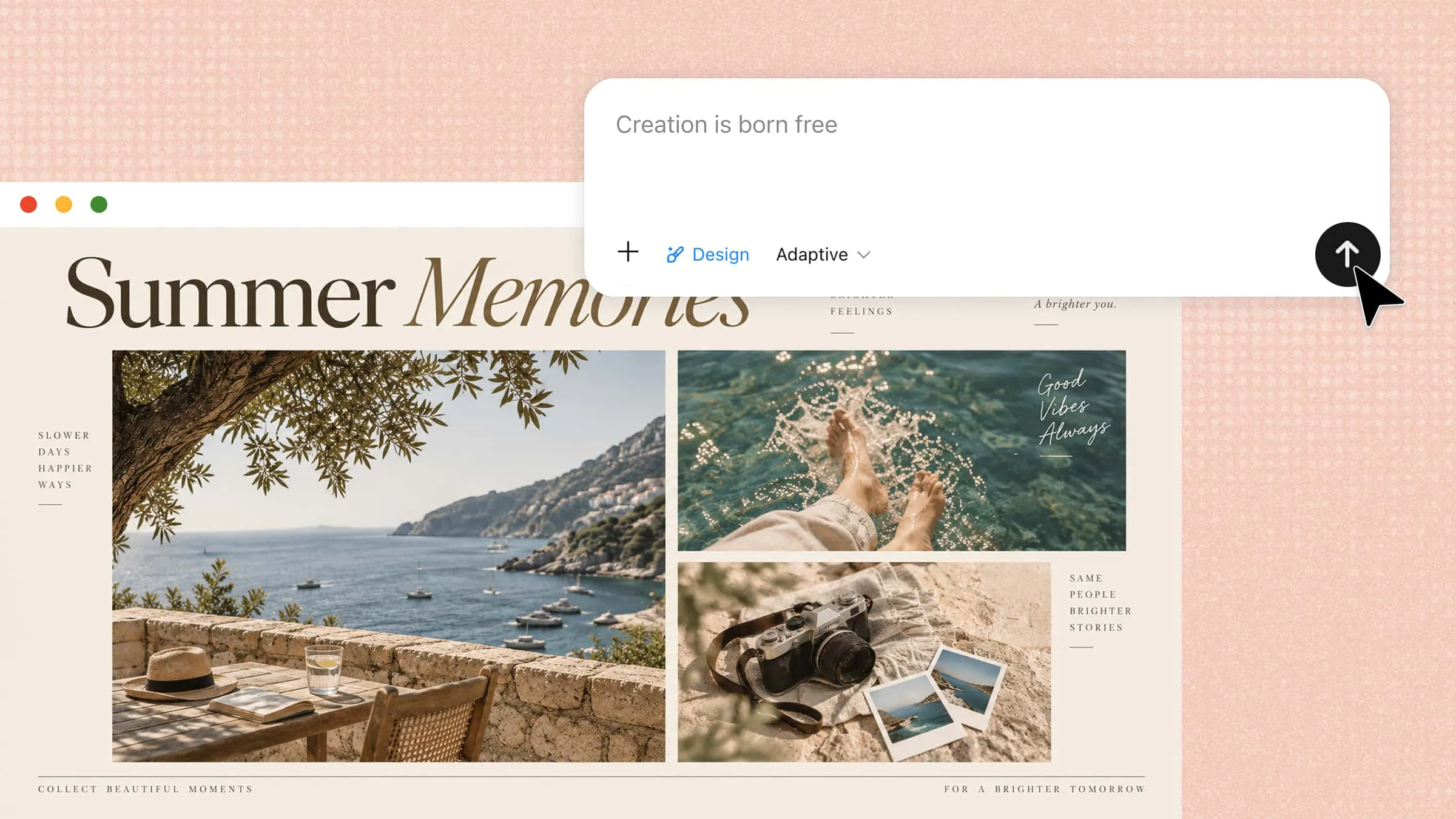
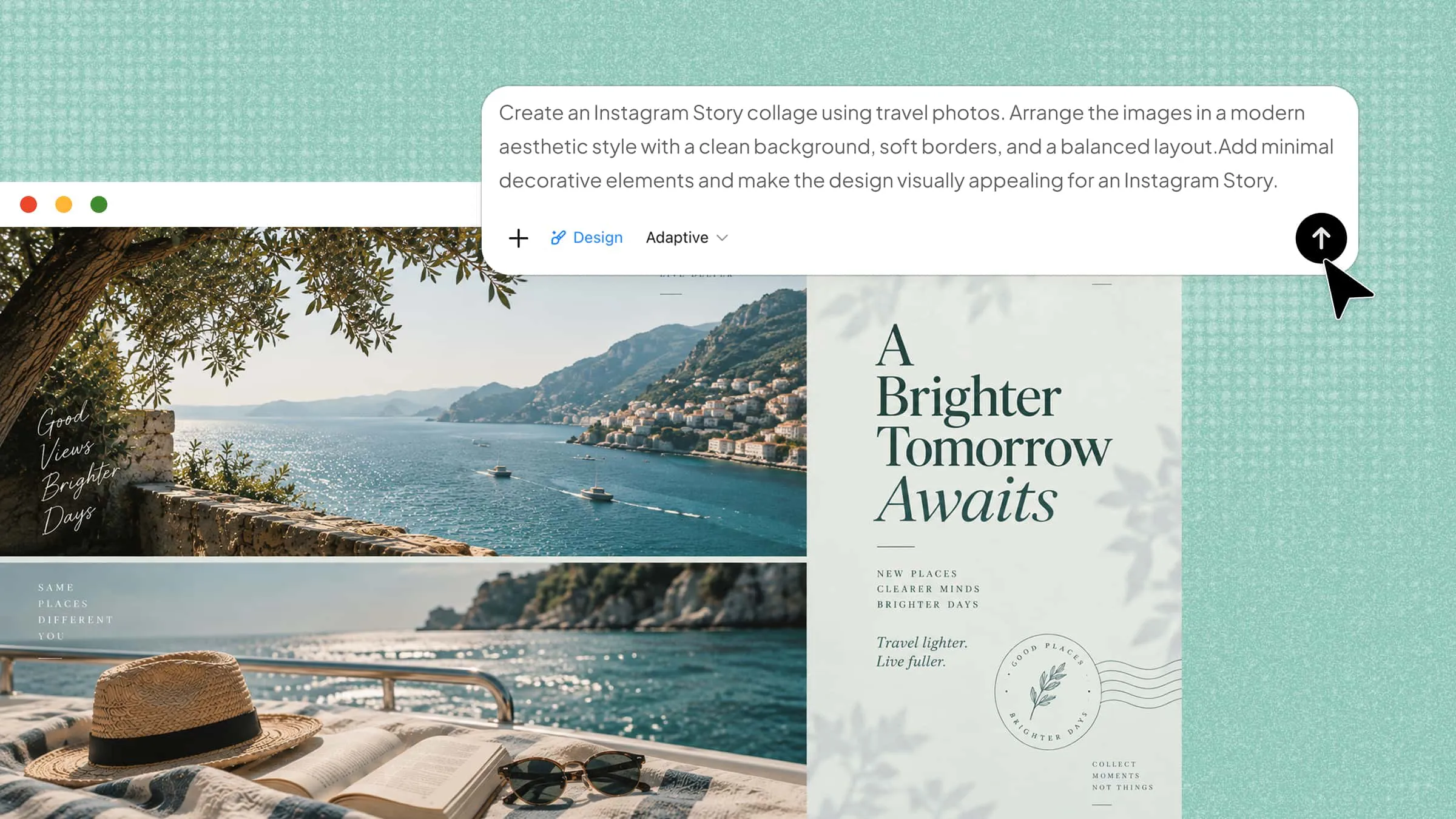
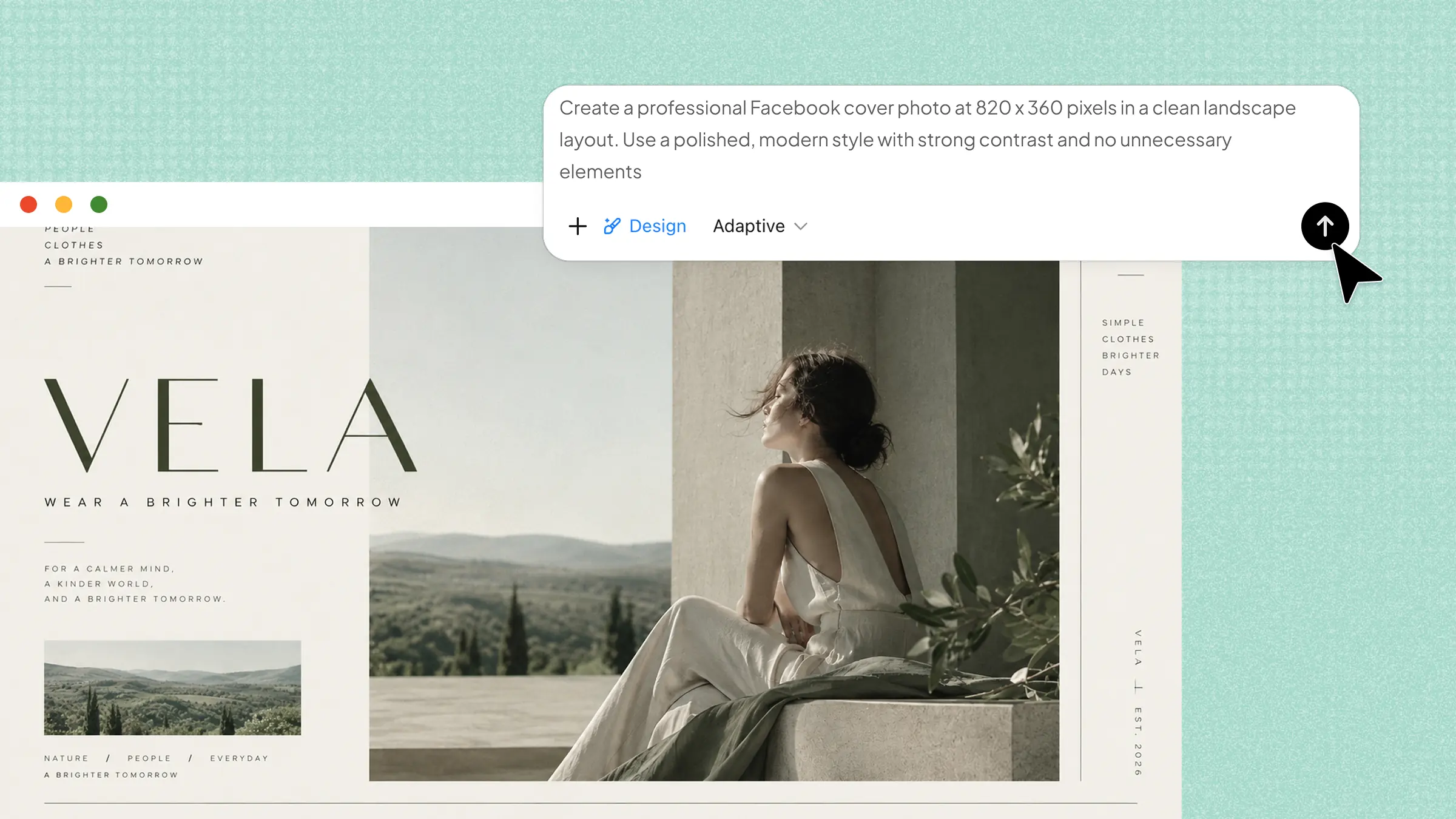
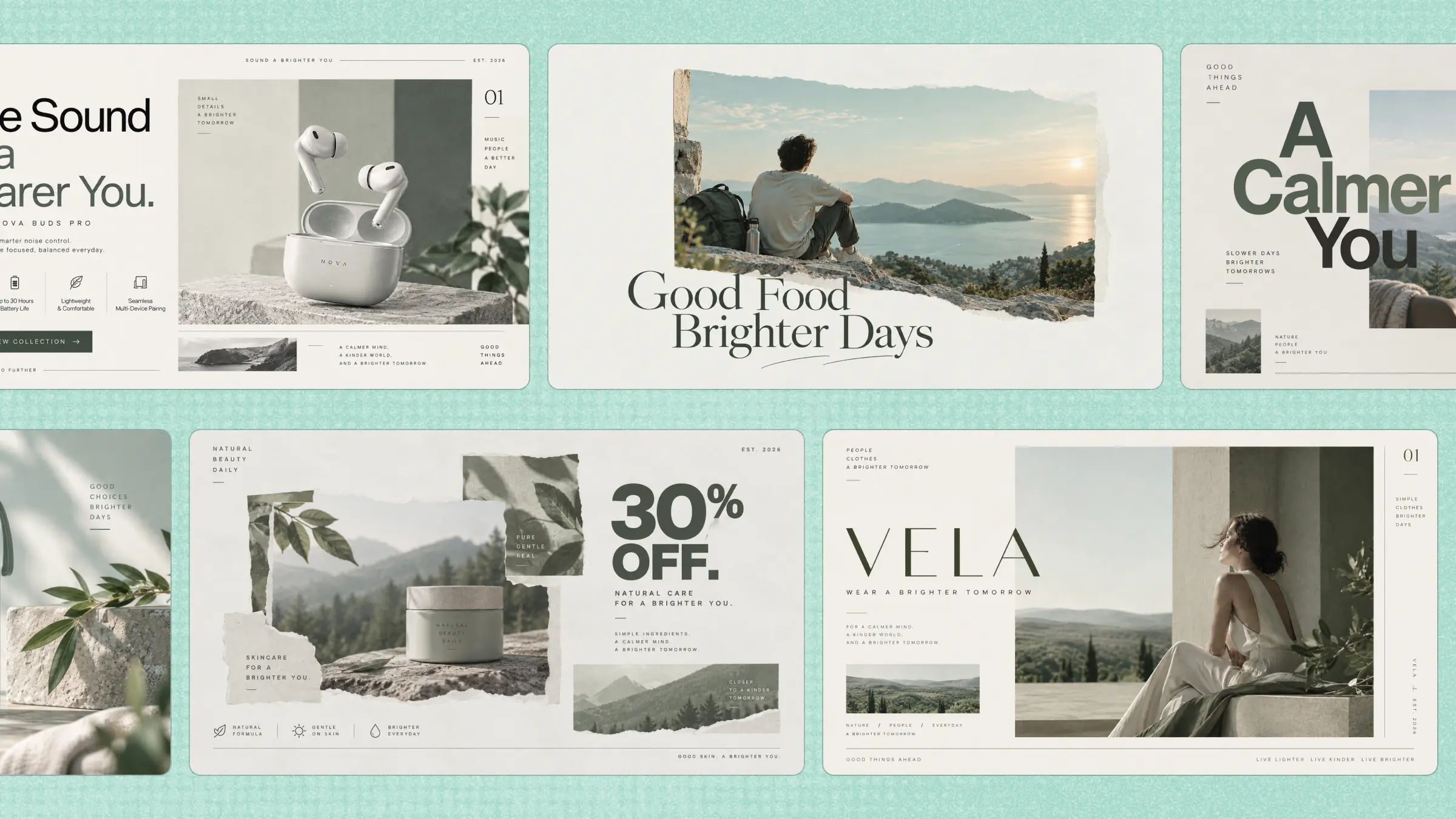
Creating the right flyer can be difficult when each promotion or event needs a different mix of information, such as product features, prices, schedules, or registration details. Flyer templates provide ready-made structures that organize these elements according to the purpose of the message, saving time and reducing layout guesswork. This guide covers 10 useful options and explains how to create a flyer with Kimi Design, helping you adapt each template into a polished, purpose-focused design.
Overview of 10 flyer templates
The table below introduces 10 options and outlines the typical purpose and key information for each one, so you can quickly identify which template fits your needs.
| Flyer template | Primary purpose | Key content | Suitable for |
|---|---|---|---|
| Product launch flyer | Announce and promote a new product | Product name, launch date, key features, product visuals, CTA | New product launches, product reveal campaigns |
| Sale flyer | Promote a major retail discount | Discount, featured products, sale dates, store details, CTA | Black Friday promotions, seasonal retail campaigns |
| Grand opening flyer | Announce the opening of a new location | Business name, opening date, location, opening offer, contact details | New stores, restaurants, salons, local businesses |
| Concert flyer | Promote a live music performance | Artist name, performance date, venue, lineup, ticket details | Concerts, live performances, music shows |
| Academic conference flyer | Promote a research conference | Conference title, theme, speakers, date, venue, registration details | Academic conferences, research symposiums |
| Job fair flyer | Attract job seekers to a hiring event | Participating companies, positions, date, venue, registration details | Career fairs, university recruitment events |
| Open house flyer | Attract potential buyers to a property viewing | Property photos, address, features, viewing time, agent details | Real estate open houses |
| Restaurant special flyer | Promote a specific food or dining offer | Featured dish, description, price, availability, ordering details | Restaurant specials, seasonal menu promotions |
| Charity fundraiser flyer | Encourage donations for a specific cause | Cause, fundraising goal, campaign details, donation methods, CTA | Charity drives, nonprofit fundraising campaigns |
| Fitness class flyer | Recruit participants for a specific class | Class name, trainer, schedule, location, benefits, signup details | Yoga classes, HIIT sessions, gym programs |
10 flyer templates for different uses
Now, let's look at 10 flyer templates and how each one can be adapted for a specific purpose. The examples below cover different uses and provide practical ideas for creating your own flyer.
Product launch flyer
A product launch flyer introduces a new product by focusing on the details that can influence a buyer's interest. It can explain the product's purpose, highlight standout features and benefits, mention launch offers or pricing, and provide availability or purchase information. A modern flyer template helps organize these details into a focused layout without making the design feel crowded.
How to use
Step 1: Enter your prompt
Open Kimi Design and describe the product, key features, launch details, visual style, and CTA for the flyer.
Prompt:
Step 2: Let AI generate your template
Submit the prompt and check that the product image, launch date, features, and CTA are clearly placed.
Step 3: Review and export the template
Verify the content and layout, make final edits, then export the flyer for print or digital use.
Sale flyer
A sale flyer template works best when it connects the offer with a clear buying reason. It can show the products or services included, compare regular and sale prices, explain the savings, and highlight conditions such as minimum purchases, limited stock, or a fixed sale period. Including these details helps customers judge the deal quickly and understand exactly what the promotion covers.
How to use
Step 1: Enter your prompt
Open Kimi Design and describe the sale offer, products, target audience, preferred style, and key details you want featured.
Prompt:
Step 2: Let AI generate your template
Submit the prompt and let Kimi Design create the sale flyer. Check that the discount, products, sale dates, and shopping details are included.
Step 3: Review and export the template
Check the prices, dates, images, and CTA for accuracy. Make any final edits, then export the flyer for print or digital use.
Grand opening flyer
A flyer event template for a grand opening should turn a new business launch into a clear invitation for potential customers. It can introduce the brand, highlight its main products or services, and share what visitors can expect on opening day. Key details such as the date, time, location, activities, and special launch offers help people decide whether to attend. A strong headline and organized layout keep the announcement noticeable and easy to follow.
How to use
Step 1: Enter your prompt
Open Kimi Design and describe the launch event, including the business type, date, location, special offer, guest invitation, and visual style you want.
Prompt:
Step 2: Let AI generate your template
Send the prompt and let Kimi Design create the flyer, then check the event details, offer, invitation, and overall style.
Step 3: Review and export the template
Read through the final design for accurate information and a balanced layout. Adjust anything that feels unclear, then export the finished flyer for sharing or printing.
Concert flyer
A concert flyer brings together the information that shapes the audience's decision to attend, such as the artist lineup, music genre, performance schedule, venue, ticket types, and entry conditions. It can also highlight VIP packages, early-bird rates, supporting acts, or limited seating to show what makes the event different. These details can also be adapted across party flyer templates to promote different celebrations while keeping the event information clear and engaging.
How to use
Step 1: Enter your prompt
Tell Kimi Design about the performers, event schedule, venue, ticket details, and mood you want the concert flyer to convey.
Prompt:
Step 2: Let AI generate your template
Run the prompt and inspect the generated poster to see if the lineup, timing, venue, and ticket information are presented in the right order.
Step 3: Review and export the template
Correct any missing details, adjust the spacing or imagery, then export the finished flyer for sharing or printing.
Academic conference flyer
An academic conference flyer presents the main details of a research event in a clear and professional format. Flyer design templates can organize the conference theme, keynote speakers, session topics, date, venue, and registration information. They can also include submission deadlines, participation requirements, or special sessions when relevant. A well-planned layout helps attendees understand the event quickly without overwhelming them with information.
How to use
Step 1: Enter your prompt
Go to Kimi Design and enter your requirements, including the conference theme, speakers, schedule, venue, and design style.
Prompt:
Step 2: Let AI generate your template
Submit the prompt and review the flyer to see if the main event information is clear and well arranged.
Step 3: Review and export the template
After generating the flyer, review it to ensure it meets your requirements, make any needed content or layout adjustments, and export the final design.
Job fair flyer
A job fair flyer brings together the key information candidates need before attending a hiring event. Flyer event templates can present participating companies, available positions, required qualifications, event timing, and location in an easy-to-scan format. It can also mention interview opportunities, resume support, or networking activities. Clear organization helps job seekers identify relevant employers and prepare for the event.
How to use
Step 1: Enter your prompt
Go to Kimi Design and describe the job fair, including the employers, available roles, event details, and preferred look.
Prompt:
Step 2: Let AI generate your template
Submit the details and allow Kimi Design to create a flyer based on your requirements.
Step 3: Review and export the template
Check the finished design for accurate information and a clear layout, then make final edits and export it.
Open house flyer
An open house flyer gives potential visitors a reason to stop by and learn more about a place in person. It can showcase the property or space, available facilities, visiting hours, address, and activities planned for the day. For real estate, it may also include property features, price details, and viewing arrangements. These details help people know what awaits them and decide when to visit.
How to use
Step 1: Enter your prompt
Start with the property type, main features, asking price, visit details, location, and the mood you want the flyer to convey.
Prompt:
Step 2: Let AI generate your template
Send your prompt and let Kimi Design turn those details into a ready-made open house layout.
Step 3: Review and export the template
Make sure the property information is correct, polish anything that needs attention, and export the final flyer.
Restaurant special flyer
A restaurant special flyer should make a featured offer appealing while providing the details customers need before ordering. Business flyer templates can showcase the dish name, ingredients, portion size, price, availability, and ordering options in a structured format. They can also mention dine-in, takeaway, or delivery services when relevant. Striking food imagery and concise offer details can create interest while giving the promotion a polished, appetizing feel.
How to use
Step 1: Enter your prompt
Visit the Kimi website and specify the featured dish, special offer, price, ordering method, and preferred look.
Prompt:
Step 2: Let AI generate your template
Run the prompt to create a flyer that presents the promotion, food imagery, and key details together.
Step 3: Review and export the template
Check the final output and offer information, adjust the composition if needed, then export the design.
Charity fundraiser flyer
A charity fundraiser flyer should help people understand the cause, the funding goal, and the real-world impact of their support. It can explain the need behind the campaign, identify who will benefit, and show how donations will be used. Including a target amount, campaign deadline, donation channels, and ways to participate gives potential supporters practical information before they contribute.
How to use
Step 1: Enter your prompt
Open Kimi Design and enter a detailed prompt that includes the cause, fundraising goal, beneficiary, donation method, deadline, and preferred flyer style.
Prompt:
Step 2: Let AI generate your template
Send the details and let Kimi Design arrange the campaign information into a focused, easy-to-read flyer.
Step 3: Review and export the template
Verify the donation details, campaign dates, and contact information, make final edits, then export the finished flyer.
Fitness class flyer
A fitness class flyer introduces the program while giving potential participants the information needed to decide if it suits them. It can cover the workout format, difficulty level, trainer, class schedule, duration, location, and fees. Details about trial sessions, required equipment, or booking requirements can make the offer easier to understand. A strong flyer editable template brings these elements together while reflecting the energy and purpose of the class.
How to use
Step 1: Enter your prompt
Open Kimi Design and add the class name, workout type, schedule, trainer, location, pricing, and design preferences.
Prompt:
Step 2: Let AI generate your template
Submit the details and let Kimi Design build the flyer around the class information and the selected style.
Step 3: Review and export the template
Review the final design for accurate class details and readable text, refine anything necessary, then export the flyer.
Why use Kimi Design to create flyer templates
Kimi Design provides a flexible way to create flyer templates without being limited to a single fixed layout or style. It brings together content, visual references, design exploration, editing, and format options, making it easier to shape each flyer around its purpose and audience. Whether the goal is to promote an offer, announce an event, or share important information, these capabilities provide more control over the final design.
Start with text, images, and other references
Kimi Design can work with text, images, videos, PDFs, screenshots, and other visual references as part of the creative input. This gives the design more context and helps connect the flyer's content with its intended look.
Build flyers around different purposes
A flyer for a sale, conference, restaurant, or recruitment campaign has different content priorities. Kimi Design can shape the structure around the purpose, audience, message, and type of information the flyer needs to communicate.
Explore layouts and visual directions
Different combinations of typography, imagery, spacing, and composition can change the character of a flyer. Kimi Design supports a range of visual approaches, including editorial, professional, promotional, and expressive styles.
Roll back to earlier flyer versions
Design development often involves testing several ideas before settling on one. Earlier versions provide a useful fallback when a new change does not work, making it easier to compare concepts and recover a preferred design.
Refine your flyer with flexible editing options
Make quick manual adjustments to individual details, point out specific elements for AI to revise with comments, or describe larger changes in a conversational prompt. Whether you need a small tweak or a broader redesign, you can refine the flyer the way you want.
Adapt flyers to different sizes and formats
A single flyer may need versions for social media, digital displays, or print. Kimi Design supports formats such as 1:1, 16:9, 9:16, A3, and A4, which allow the composition to suit different publishing requirements.
Tips for using flyer templates effectively
A well-chosen flyer template provides the foundation, but thoughtful customization determines how clearly the flyer communicates its purpose. The following tips are key ways to refine the content, structure, and presentation, so the finished design feels focused and relevant.
Start with one clear purpose
Select a template based on what the flyer needs to communicate, such as an event announcement, product promotion, or special offer. This helps the layout stay focused on the intended message.
Put the main message first
Use the template's strongest area for the headline, offer, event name, or product title. Keep supporting details smaller so they add context without taking attention away from the main point.
Use visuals that support the message
Choose photography, illustrations, or graphics that add meaning to the subject. A relevant image can show what is being promoted without relying on extra text.
Keep supporting information organized
Arrange practical points such as prices, dates, locations, and contact details in related groups. This creates a natural reading path and prevents scattered content.
Design for where the flyer will appear
Consider whether the template will be used online, printed, or displayed at a larger size. Its dimensions, orientation, and text scale should suit the final placement.
Conclusion
The right flyer structure can shape how quickly people understand an offer, event, product, or campaign. The 10 templates for flyers in this guide show how content can be arranged for different goals, audiences, and formats without forcing every message into the same design. Kimi Design gives you a flexible way to turn your ideas, content, and references into polished flyers. Start creating your flyer with Kimi Design and build a design that fits your message.