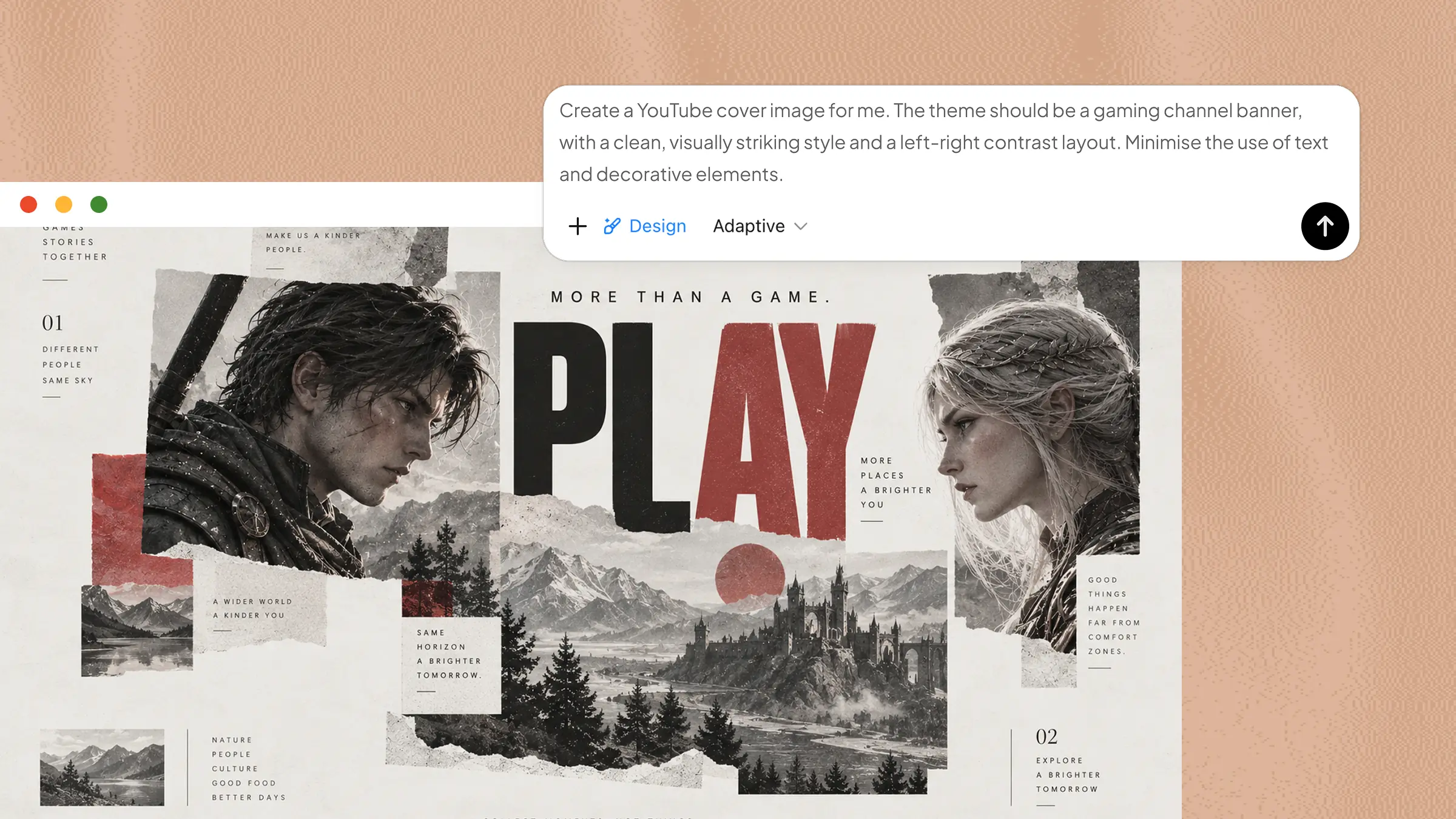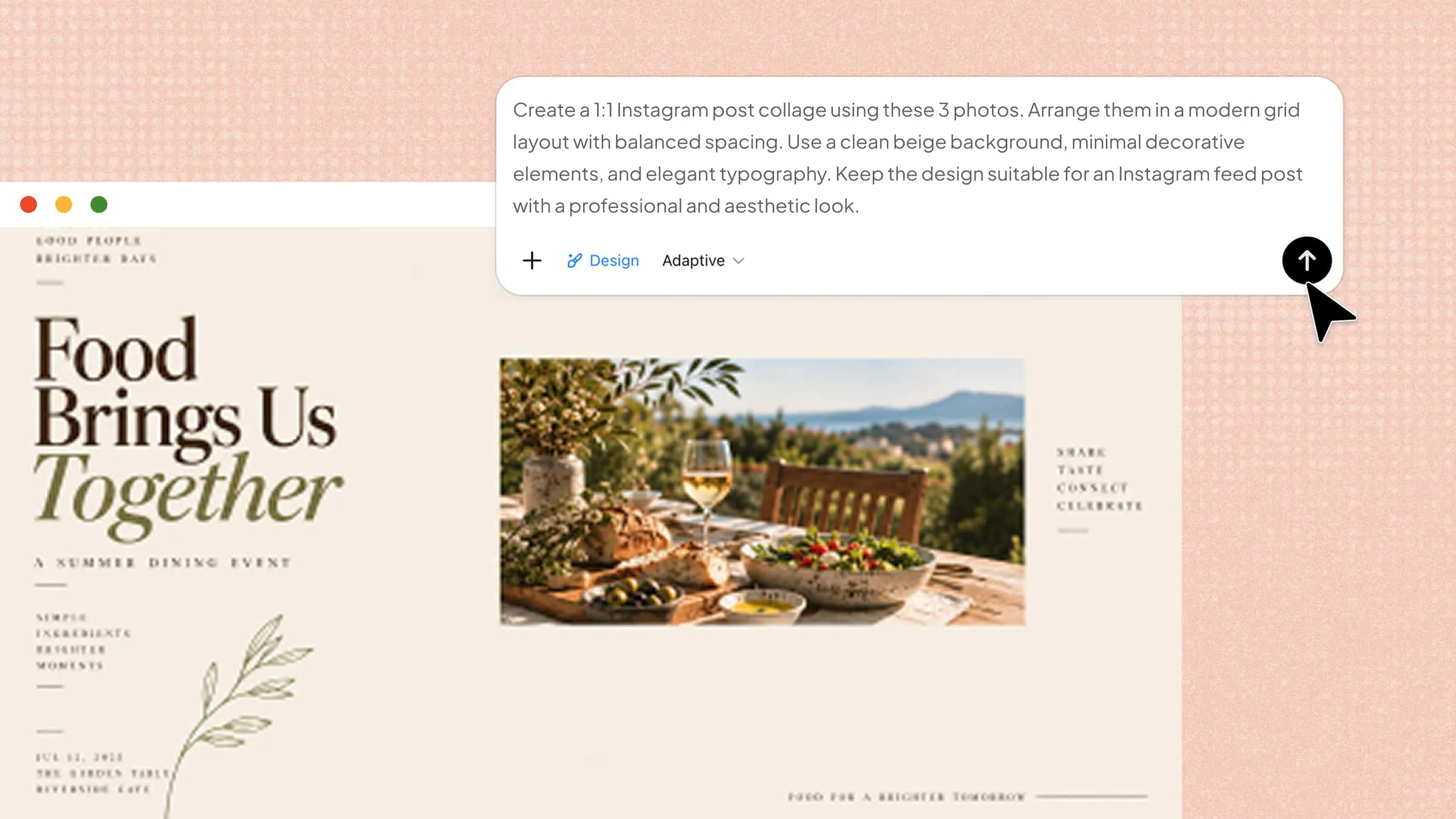
Sometimes the hardest part of creating an Instagram post is not taking the photos but deciding how to present them. A collage can connect memories, products, or ideas, yet creating one from scratch can feel time-consuming. The right tools simplify the design process with templates, editing features, and flexible layouts. Read this article to explore free & paid Instagram collage maker tools to create engaging visuals more easily.
Overview of 10 Instagram collage makers
The right Instagram collage maker depends on the features and level of control you need. The table below compares 10 popular options across AI capabilities, collage layouts and templates, editing flexibility, and their most suitable use cases.
| Instagram collage maker | AI capabilities | Collage layouts & templates | Editing flexibility | Suitable for |
|---|---|---|---|---|
| Kimi Design | Extensive | Extensive | AI chat, element comments, manual editing | AI-generated and customized Instagram collages |
| Canva | Extensive | Extensive | Drag-and-drop editing | Templates, branded content, and team projects |
| Adobe Express | Extensive | Extensive | Image editing and design tools | Polished social media graphics |
| Picsart | Extensive | Moderate | Advanced photo effects and creative editing | Artistic and effect-heavy collages |
| Fotor | Moderate | Moderate | Photo editing and customization | Photo enhancement and aesthetic collages |
| BeFunky | Limited | Moderate | Photo editing and customizable grids | Simple collage creation and photo editing |
| VistaCreate | Moderate | Extensive | Template and design customization | Animated social media designs |
| Pixlr | Moderate | Moderate | Layer-based and advanced editing | Detailed photo and collage editing |
| Kapwing | Extensive | Moderate | Flexible multimedia editing | Collaborative social media content |
| FotoJet | Limited | Moderate | Basic photo and design editing | Simple, quick collage creation |
Explore 10 Instagram collage makers
From simple layouts to advanced editing features, different collage makers offer different ways to improve your Instagram content. Below are 10 Instagram collage makers that can help you create attractive collages with ease.
Kimi Design
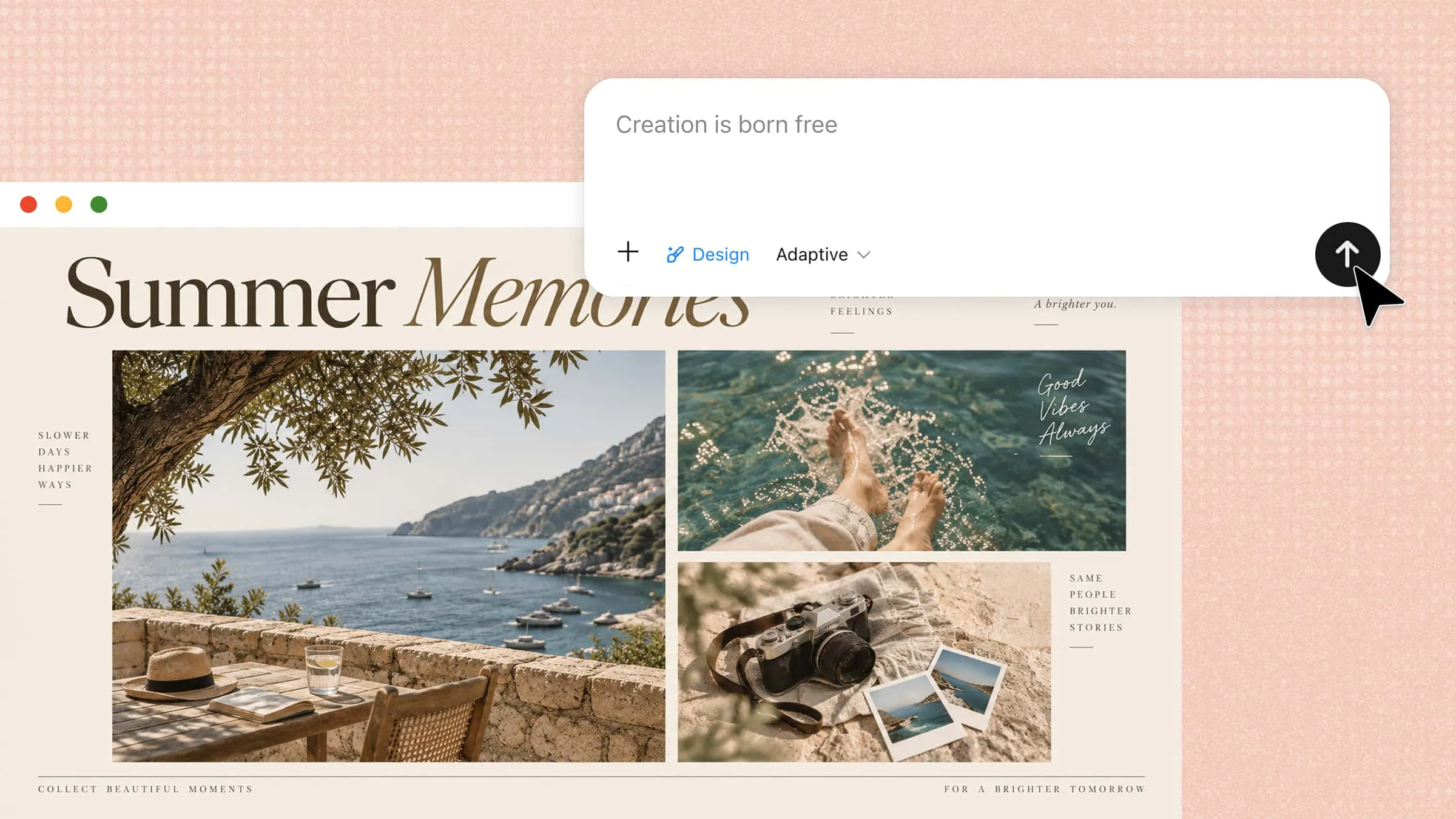
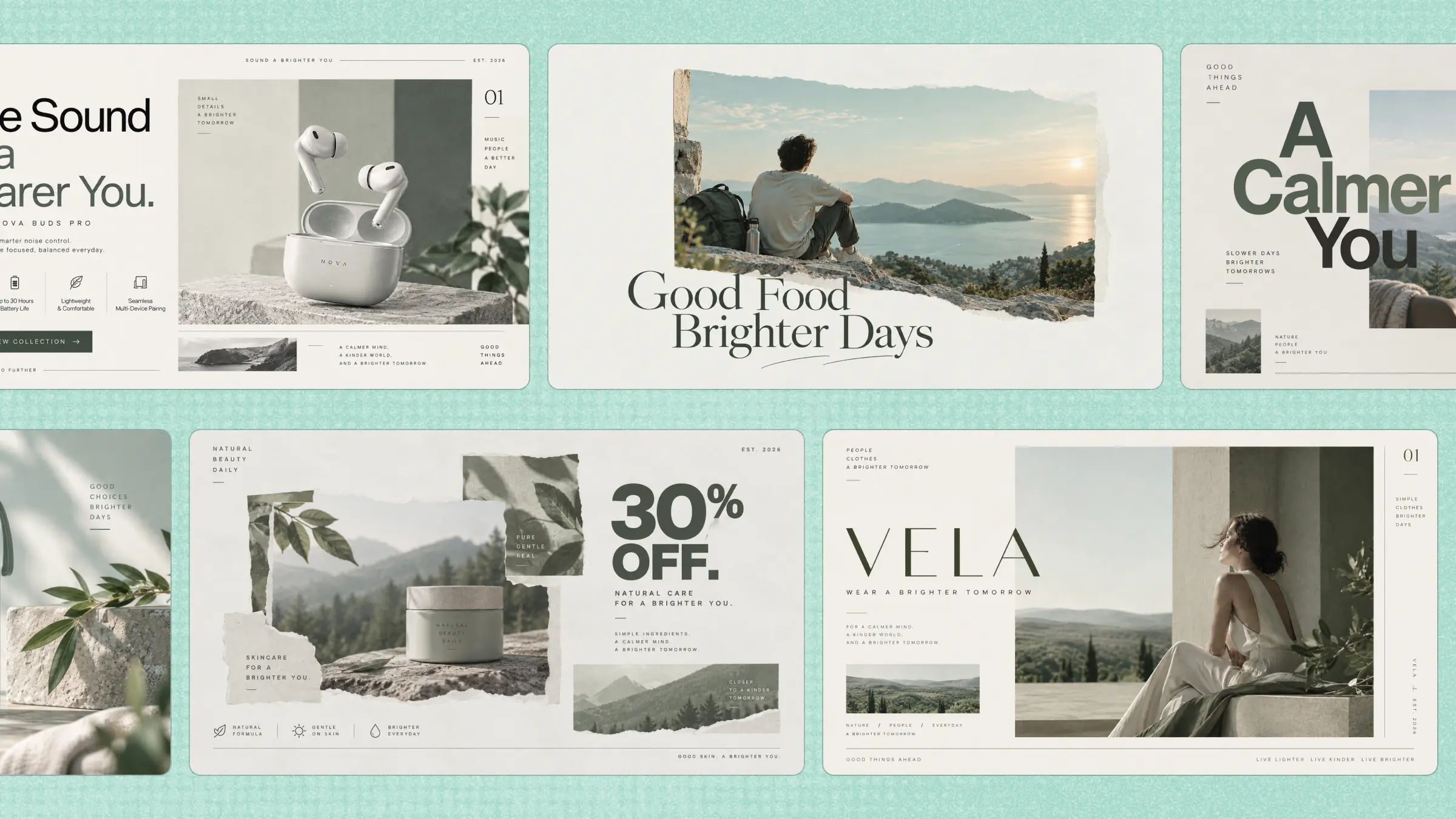
Kimi Design is an AI-powered design tool that helps users create and refine visual content with simple prompts and smart editing features. It can generate layouts, improve image composition, and customize designs for Instagram posts and stories. Users can quickly turn ideas into polished visuals by adjusting templates, styles, text, and other design elements.
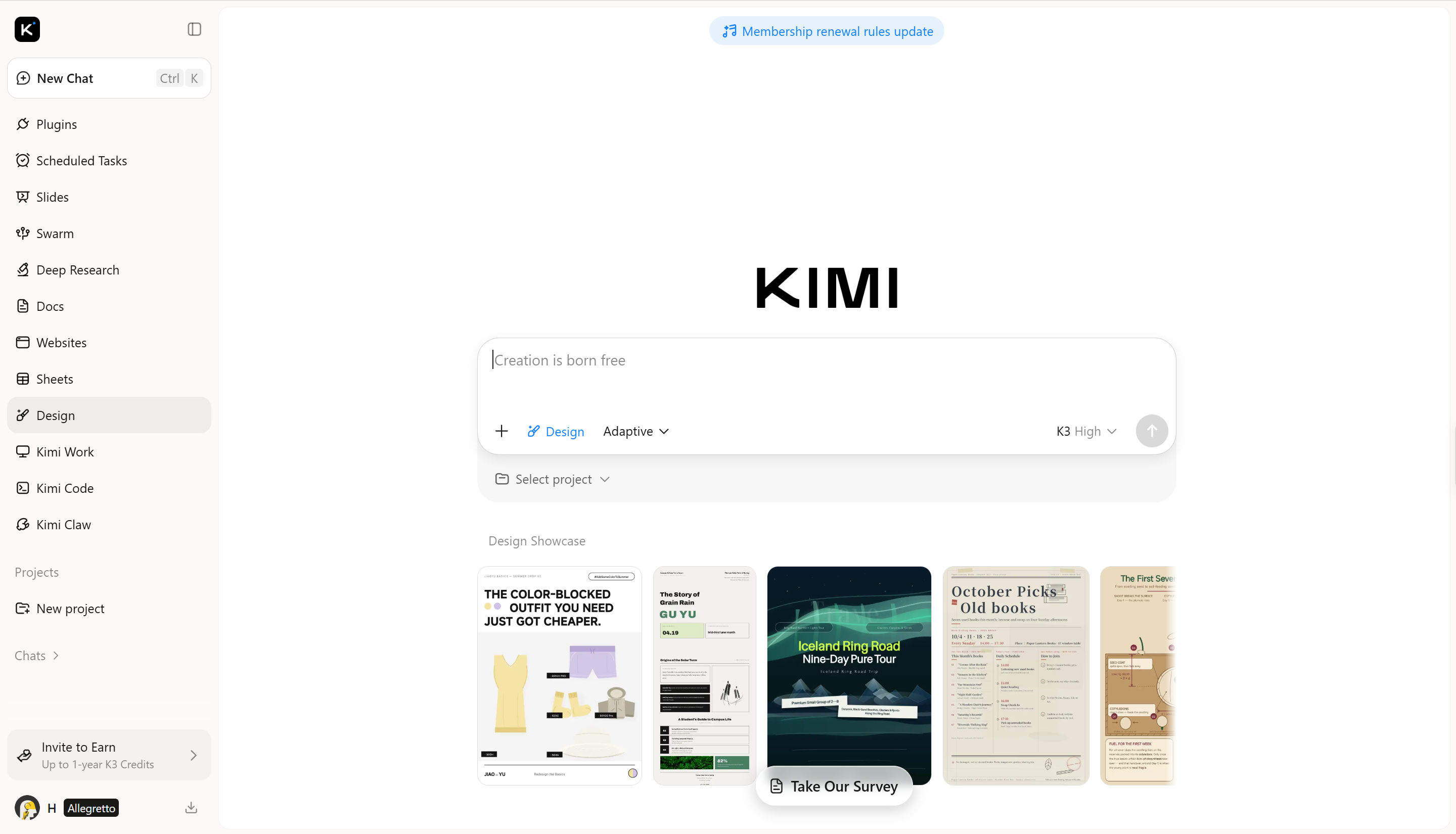
Main features
Turn photos and ideas into Instagram collages: Upload your own photos, reference images, or text descriptions to get started. Kimi Design can turn your input into a cohesive collage with a suitable layout, visual style, background, and text, giving you a polished starting point without building the design from scratch.
Bring multiple photos together in creative layouts: Combine several images into a visually balanced collage and experiment with different arrangements, spacing, backgrounds, typography, and decorative elements. Whether you want a clean photo grid or a more expressive composition, you can shape the layout around your content.
Fine-tune every detail with smart editing: Tell Kimi Design what you want to change through chat and refine the collage through an ongoing conversation. You can also comment on a specific element to request a targeted edit, then manually adjust individual details when you want precise control over the final design.
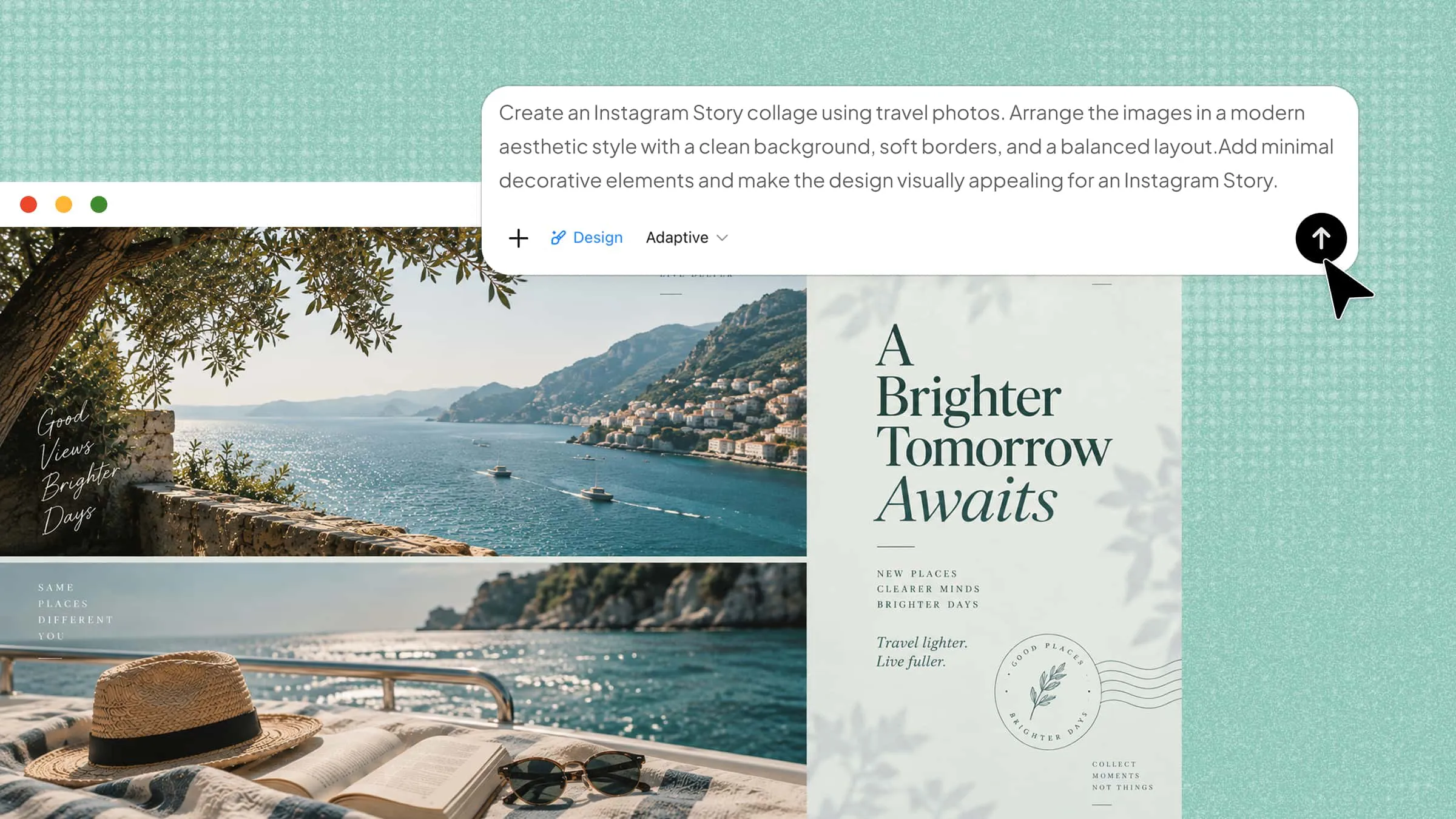
Create collages for different Instagram formats: Choose commonly used canvas sizes such as 1:1 for Instagram posts or 9:16 for Stories. This makes it easier to adapt the same creative idea to different Instagram placements while keeping the composition properly framed.
Suitable for
Instagram posts and Stories with creative photo collages
Product showcases and branded social media visuals
AI-generated layouts from images and text ideas
Personal photo collections and visual stories
How to create an Instagram collage with Kimi Design
With its AI-powered features, Kimi Design simplifies the collage creation process from idea to final design. The following steps show how to create an Instagram collage quickly.
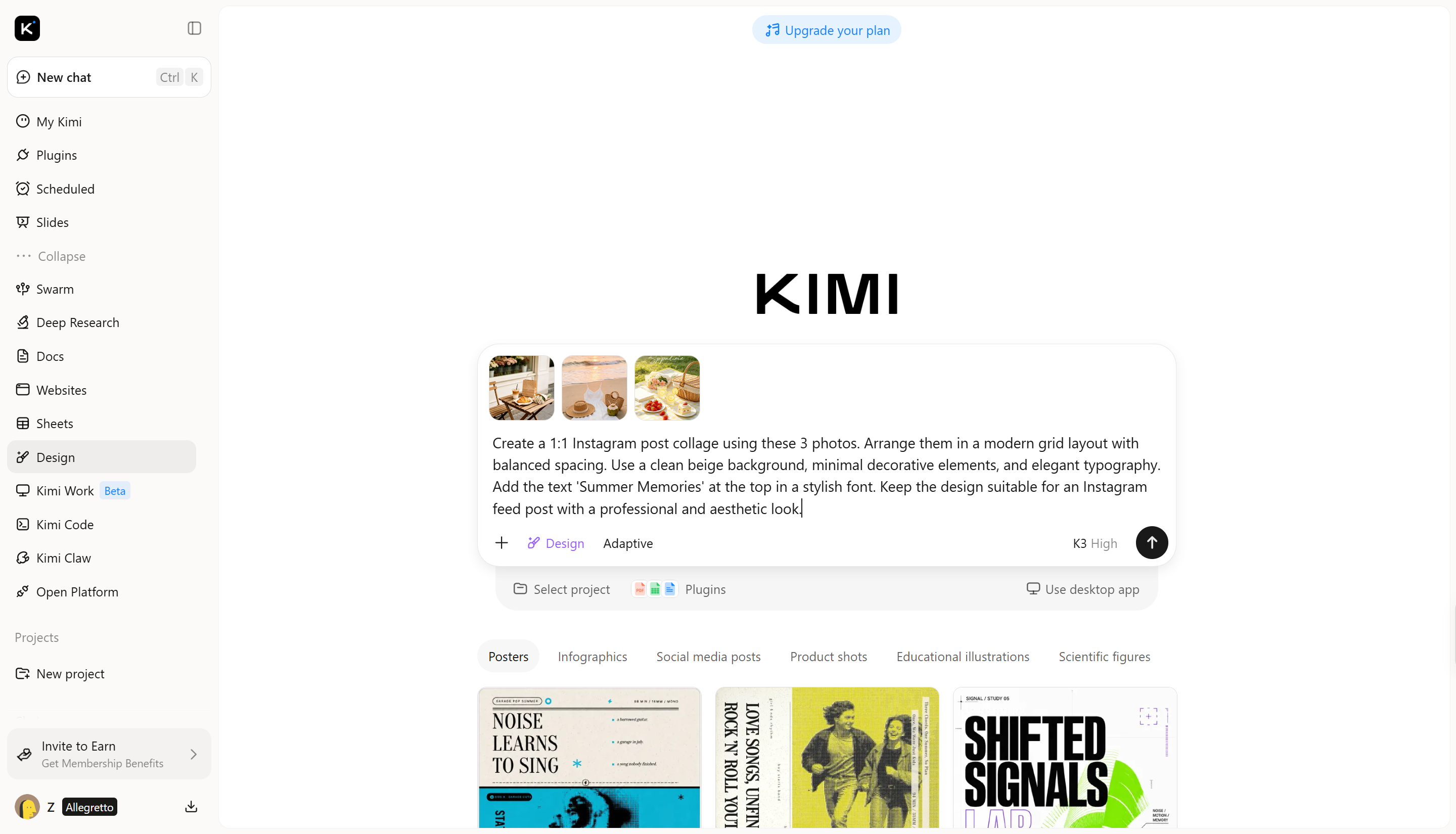
Step 1: Upload images and enter a clear prompt
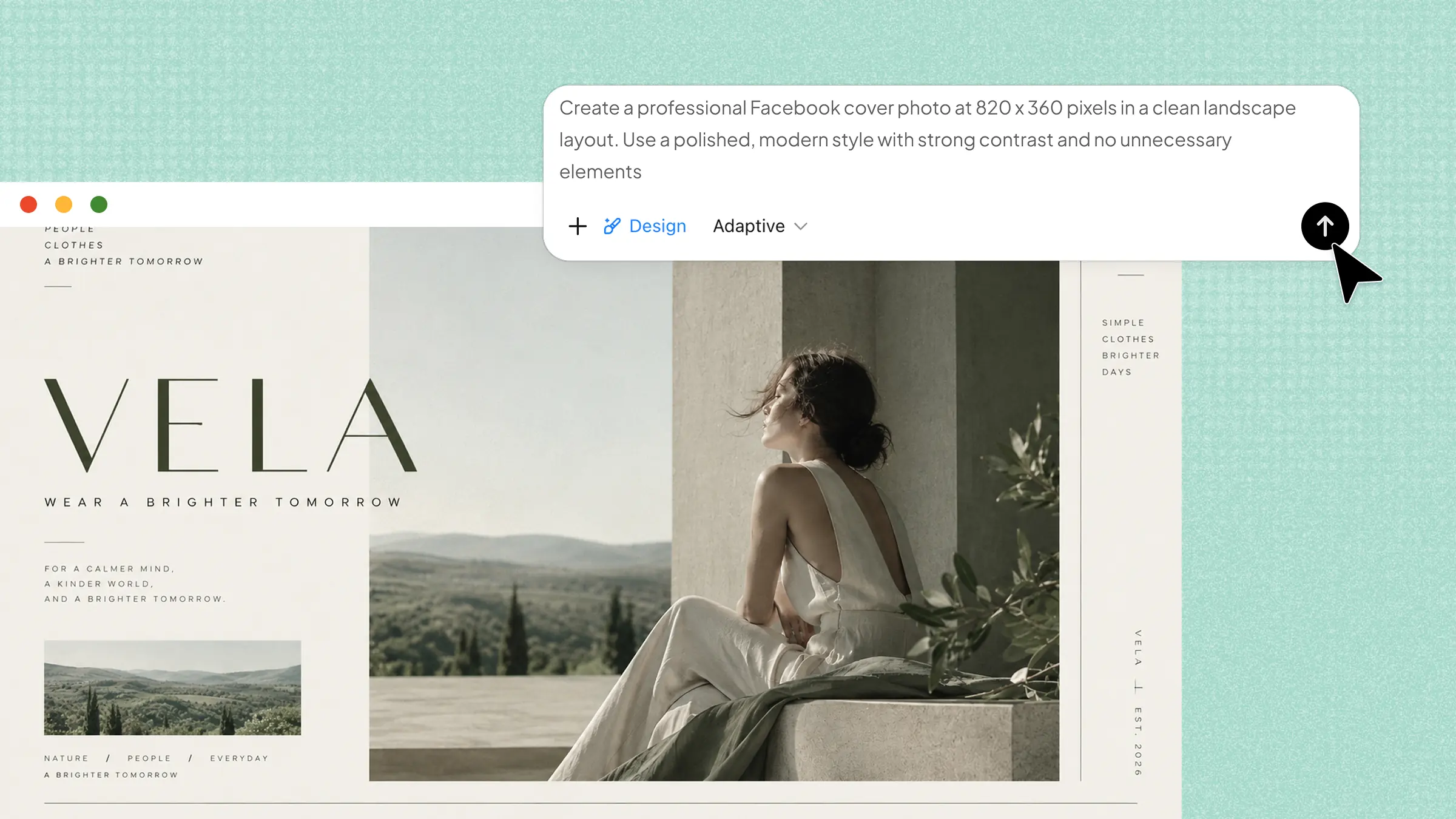
Start by uploading the photos you want to include in your Instagram collage or add reference images that match your preferred style. Then describe the type of collage you want to create, including the layout, theme, colors, text, and Instagram format.
Example prompt:
Step 2: Edit your Instagram collage
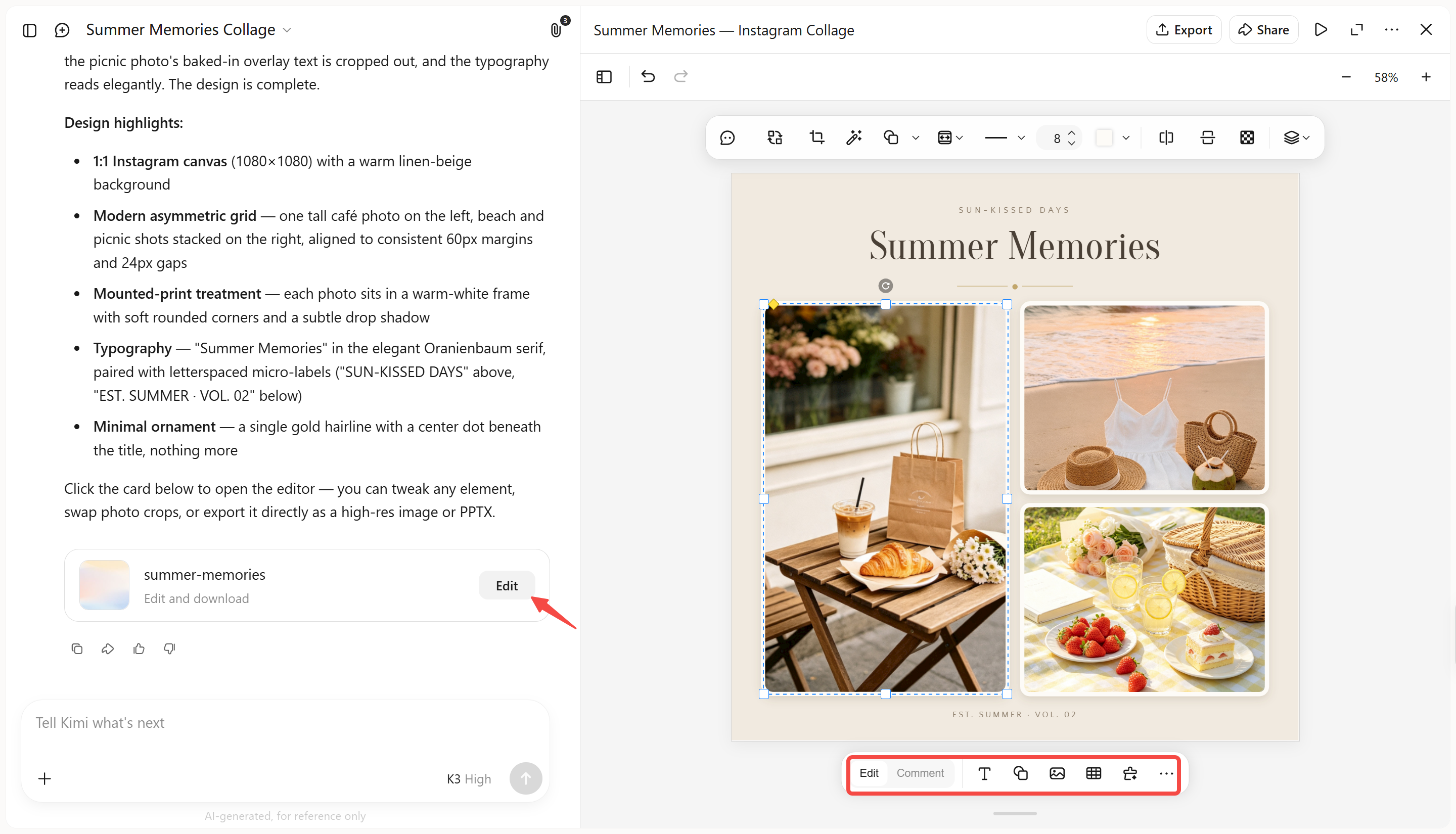
Review the generated collage and refine it to match your preferences. Enter editing instructions directly in the chat to adjust the layout, colors, text, or visual style. You can also click "Edit" to comment on and modify specific elements, or make manual adjustments for more precise control.
Step 3: Review and download
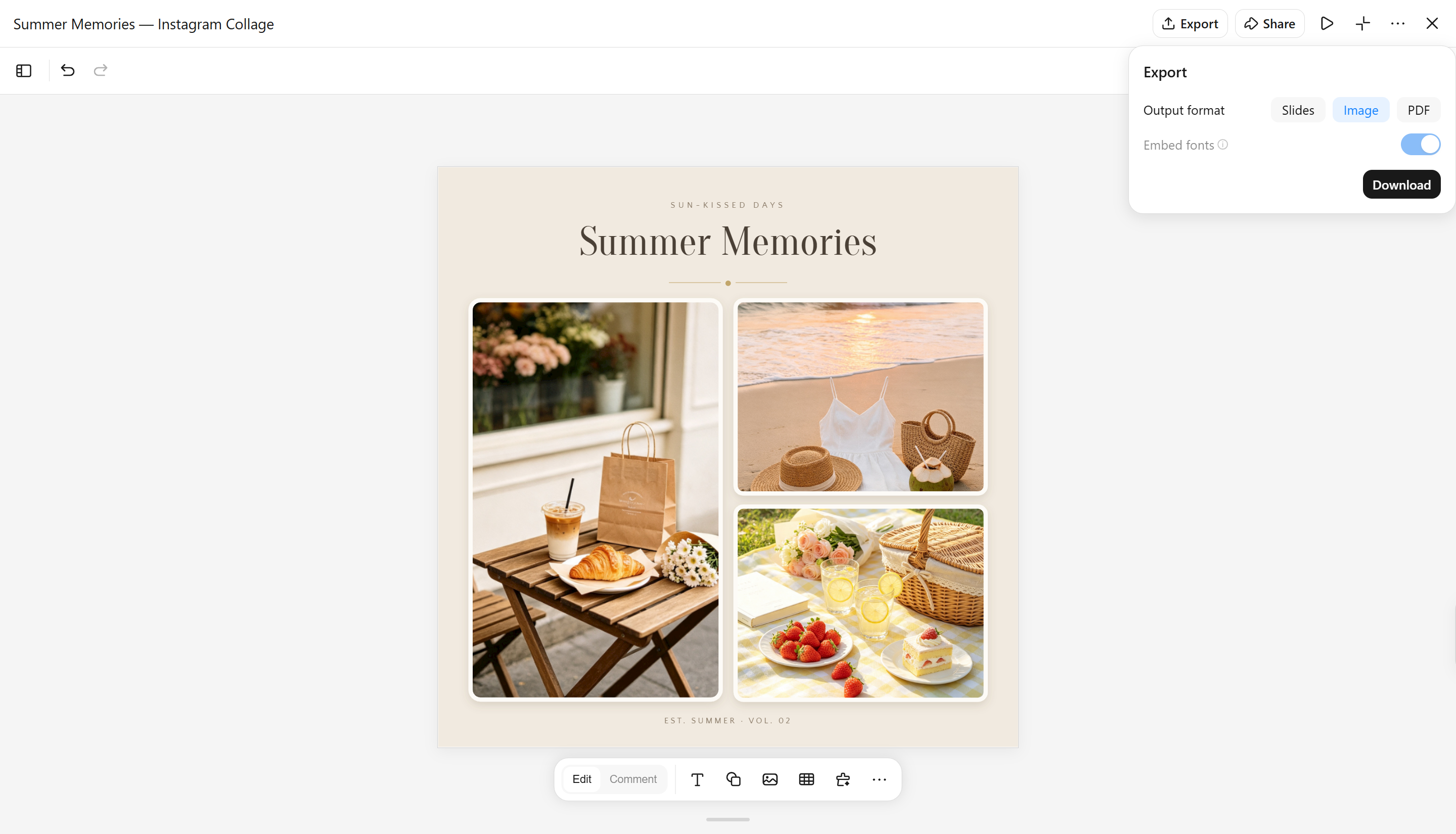
Check the final collage for image quality, text placement, and overall composition. Make any last adjustments if needed, then download the design in a suitable format and size for sharing on Instagram.
Canva
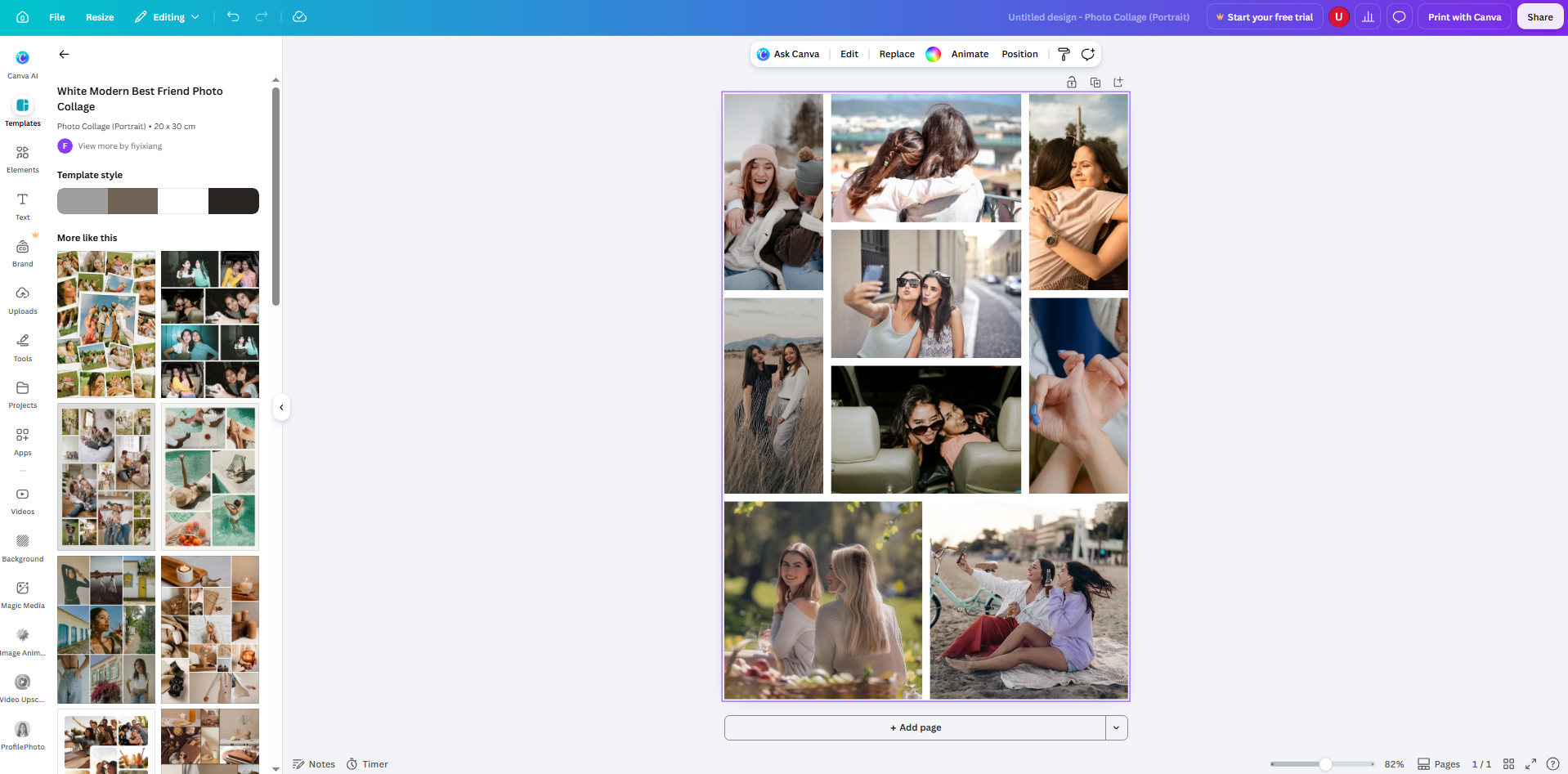
Canva is a web-based graphic design platform that provides ready-made templates, drag-and-drop editing, and visual design tools for creating Instagram collages. It offers a large library of layouts, photos, graphics, fonts, and design elements that can be customized easily. Users can create collages from scratch or modify existing templates to match their preferred style.
Main features
Ready-made Instagram collage templates: Canva provides a wide range of pre-designed collage templates for Instagram posts and Stories.
Drag-and-drop editing tools: The editor allows quick arrangement of photos, stickers, shapes, and other elements through simple controls.
Brand customization options: Users can apply brand colors, fonts, and saved design elements to maintain a consistent look across social media content.
Team collaboration features: Canva allows multiple users to work on the same design and share feedback during the editing process.
Suitable for
Instagram content creators designing regular posts and Stories
Businesses creating branded promotional collages
Beginners looking for simple design tools
Teams working on social media content together
Adobe Express
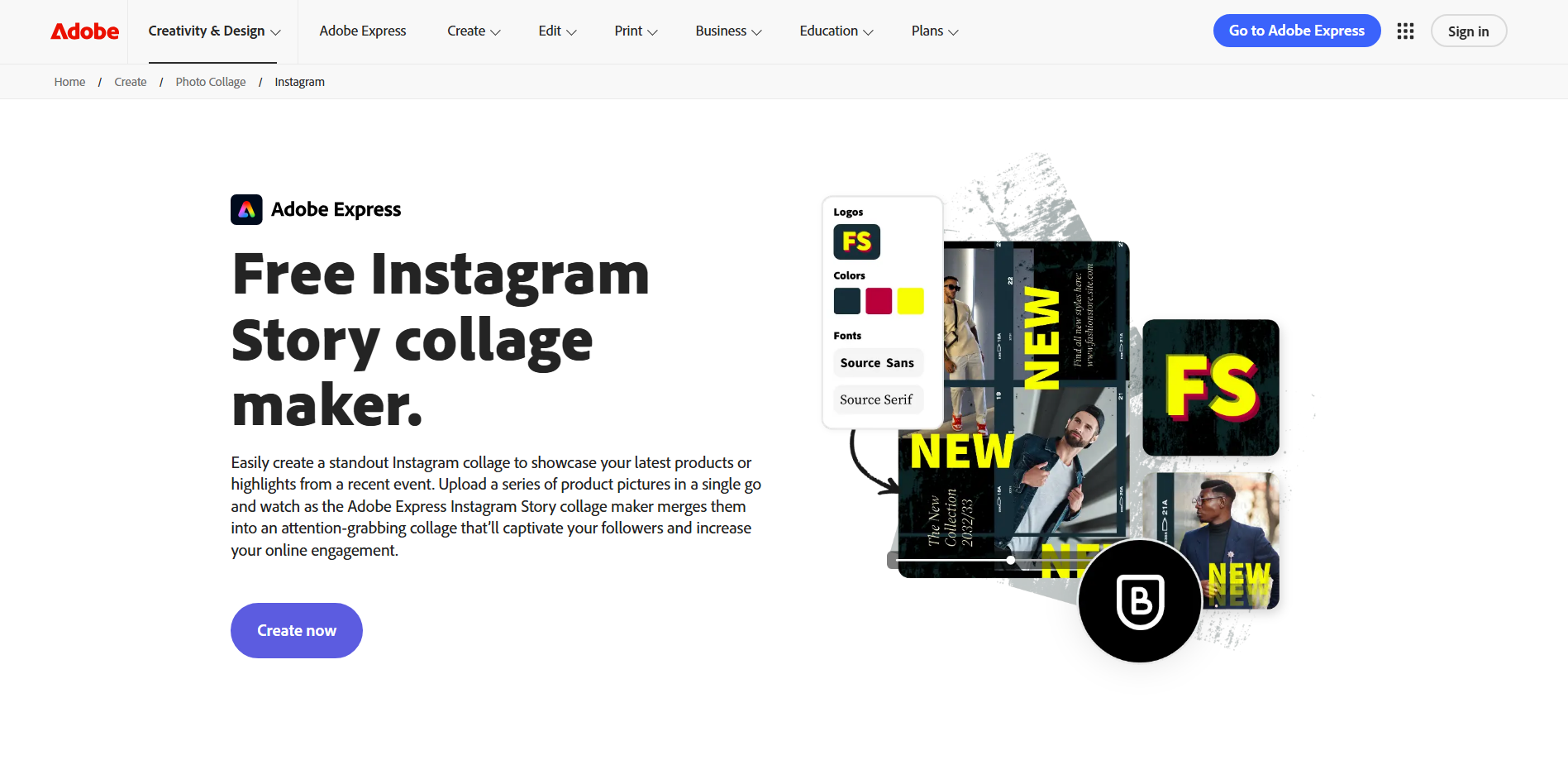
Adobe Express is an online design tool from Adobe that combines professional editing features with simple content creation workflows. It helps users create Instagram collages using templates, image editing tools, animations, and design assets. The platform provides access to Adobe's creative ecosystem while keeping the editing process accessible. It is designed for creating polished visuals quickly without complex software.
Main features
Professional image editing tools: Adobe Express includes tools for adjusting brightness, contrast, filters, and background effects. This helps improve photo quality before combining images into a collage.
Animated collage designs: Users can add movement effects, transitions, and animations to create more dynamic Instagram content. This helps static collages feel more engaging in Stories and short-form posts.
Adobe template library: The platform offers professionally designed templates for different social media formats. Users can customize these layouts with their own photos, text, and visual elements.
Quick resizing options: Adobe Express can automatically adjust designs for different platforms and formats. This makes it easier to reuse a collage for Instagram posts, Stories, and other channels.
Suitable for
Creators wanting Adobe-powered editing features
Marketers creating professional social media graphics
Users adapting designs across multiple platforms
Anyone needing polished visual content quickly
Picsart
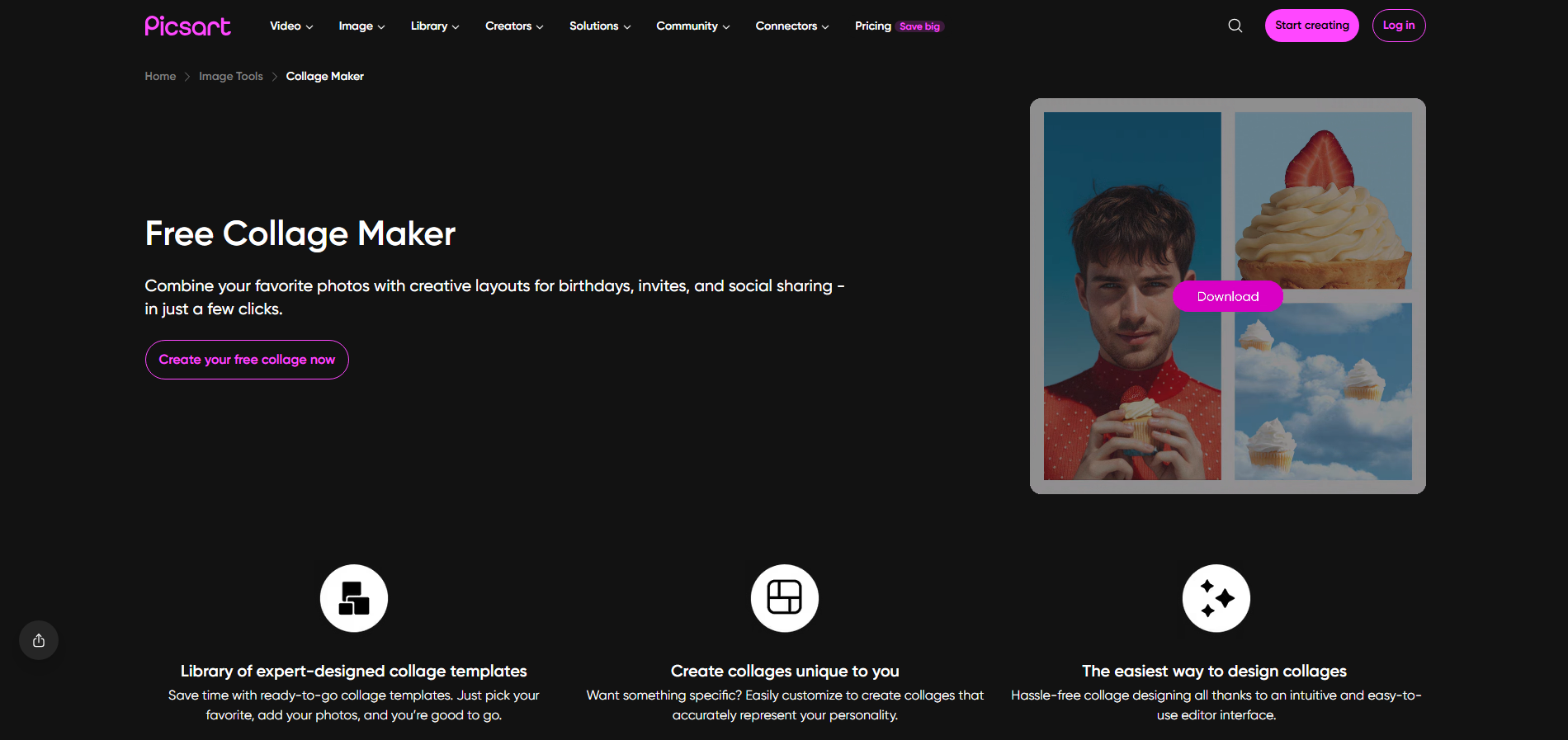
Picsart is a creative editing platform focused on photo manipulation, artistic effects, and social media content creation. It combines collage-making tools with filters, stickers, AI features, and image enhancement options. Users can create expressive Instagram designs by mixing multiple photos with creative effects and decorative elements. The platform is popular among users who prefer more artistic control over their visuals.
Main features
Creative collage layouts: Picsart offers flexible collage grids and freeform layouts for combining multiple images. Users can adjust photo placement, backgrounds and spacing to create unique compositions.
AI-powered editing tools: The platform includes AI features that help enhance images, generate creative effects, and modify visual elements. These tools allow faster experimentation with different styles.
Large sticker and effect collection: Picsart provides access to stickers, filters, overlays, and artistic effects for adding personality to collages. These elements help create more eye-catching Instagram visuals.
Background removal and replacement: Users can remove image backgrounds and replace them with custom designs or colors. This helps create cleaner product collages and creative photo compositions.
Suitable for
Creators making artistic Instagram collages
Users adding effects and creative edits to photos
Influencers designing visually unique posts
Product creators showcasing items with custom backgrounds
Fotor
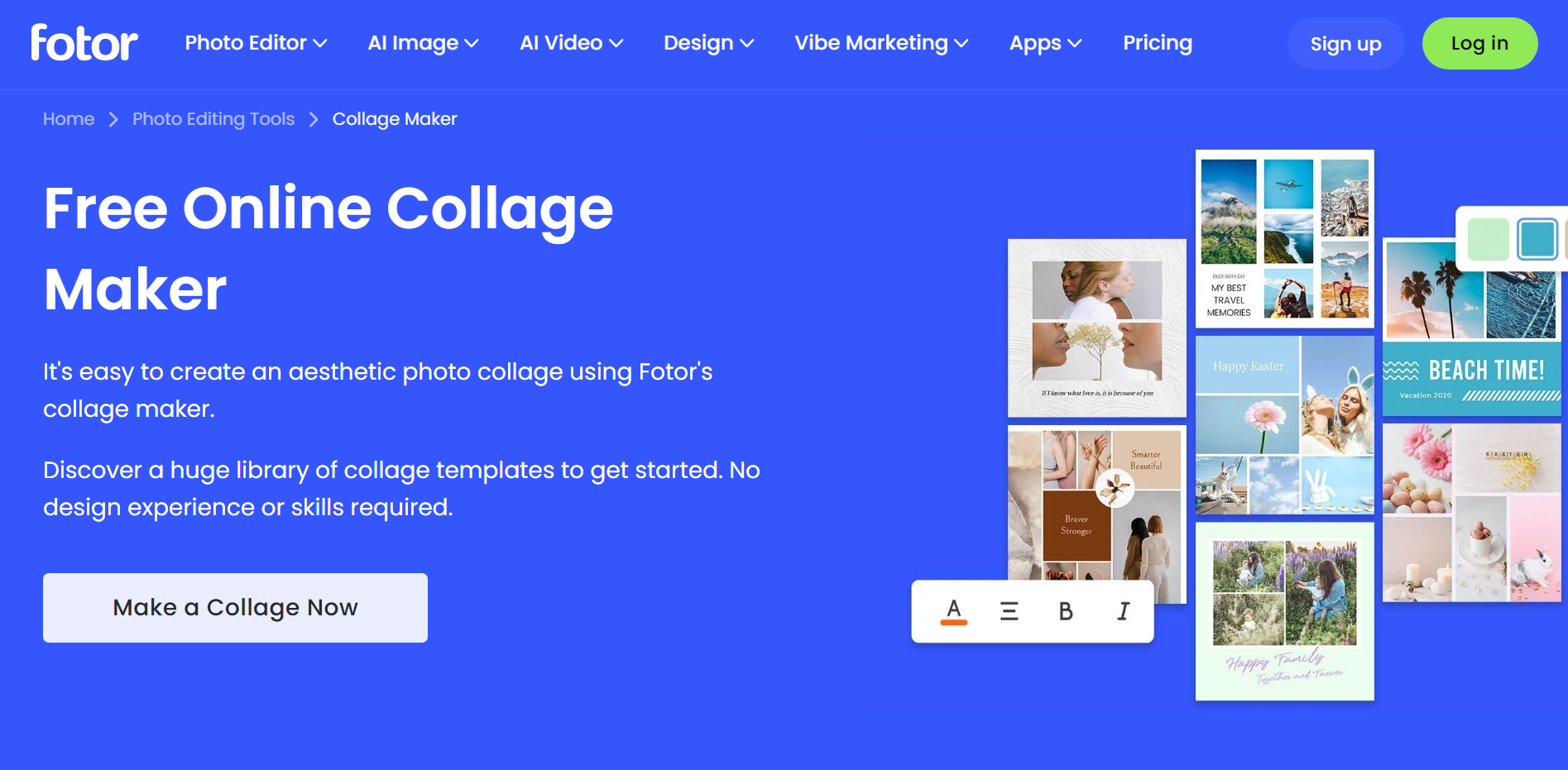
Fotor is an online photo editing and collage-making platform that combines image enhancement tools with customizable design features. It provides collage templates, AI-powered editing options, and creative effects for building Instagram visuals. The platform allows users to combine multiple photos while improving their quality through built-in editing tools.
Main features
AI photo enhancement: Fotor uses AI-based tools to improve image quality, adjust lighting, and enhance details automatically. This helps make photos look cleaner before adding them to a collage.
Flexible collage templates: The platform includes different collage styles with adjustable layouts, spacing, and backgrounds. Users can create simple photo grids for Instagram content.
Photo effects and filters: Fotor provides various filters and effects to change the mood and appearance of collage images. These options help create a consistent visual style across multiple photos.
Text and graphic elements: Users can add captions, decorative elements, and design details to their collages. This makes it easier to create promotional posts, announcements, or storytelling visuals.
Suitable for
Users enhancing photos before creating collages
Creators making aesthetic Instagram photo collections
Bloggers creating visual content quickly
Users wanting simple AI-assisted editing tools
BeFunky
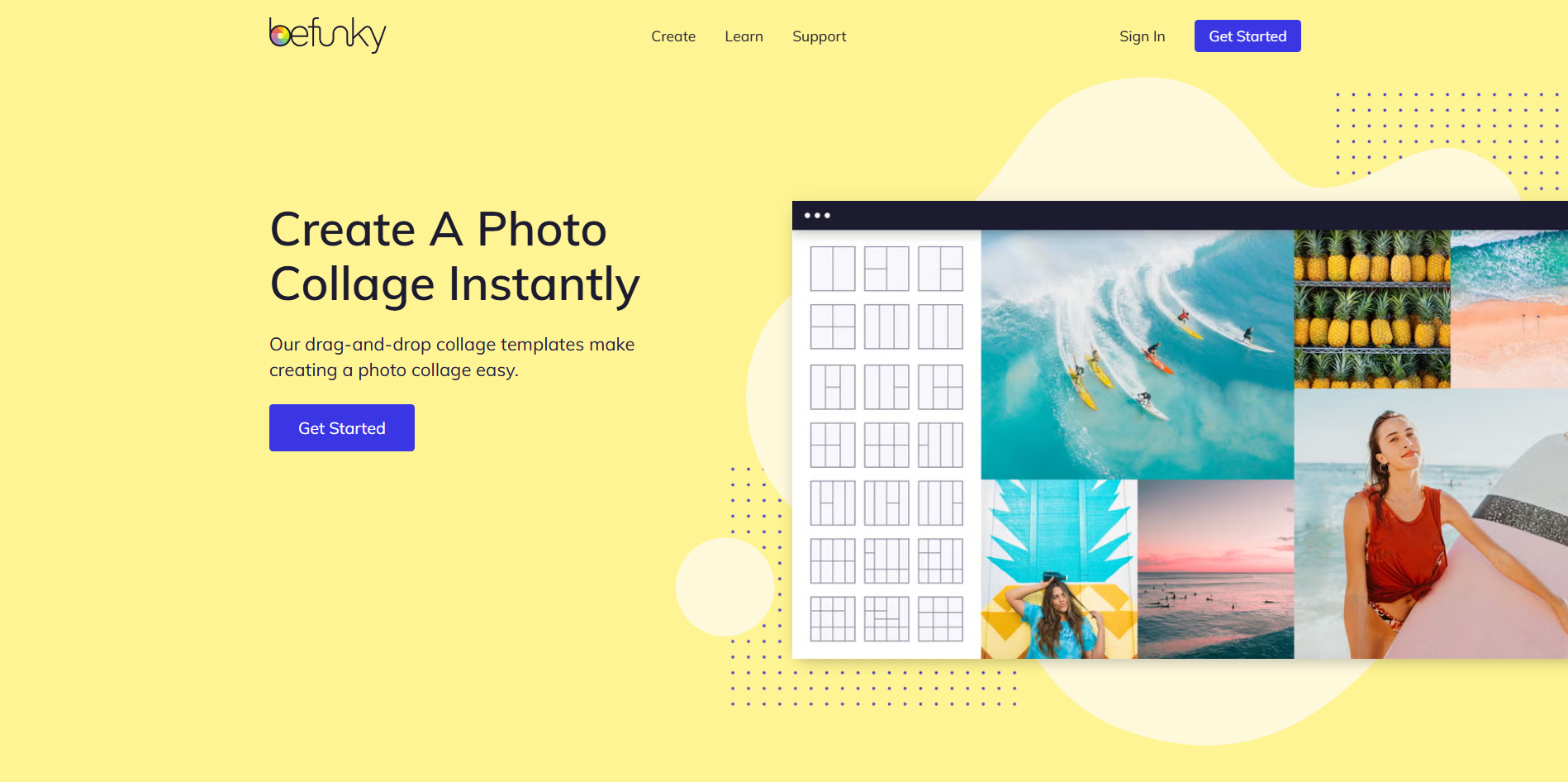
BeFunky is an online creative platform that combines photo editing, graphic design, and collage creation tools in one interface. It offers ready-made collage layouts, image effects, and customization options for creating social media graphics. The platform focuses on making visual editing simple while still providing creative flexibility. It is useful for users who want to quickly transform multiple images into organized designs.
Main features
Automatic collage maker: BeFunky can arrange uploaded images into different collage layouts automatically. Users can then adjust the design by changing spacing, backgrounds, and image placement.
Photo editing integration: The platform includes editing tools that allow users to crop, enhance, and modify images before adding them to a collage.
Customizable collage grids: Users can change the number of images, cell sizes, and layout structures to create personalized compositions. This provides more control over how photos appear together.
Graphic design elements: BeFunky includes fonts, icons, overlays, and other visual elements for improving collage designs. These tools help create more complete Instagram graphics.
Suitable for
Users creating photo-based Instagram content
Beginners needing quick collage creation
Creators editing and designing in one place
Personal projects and memory collections
VistaCreate
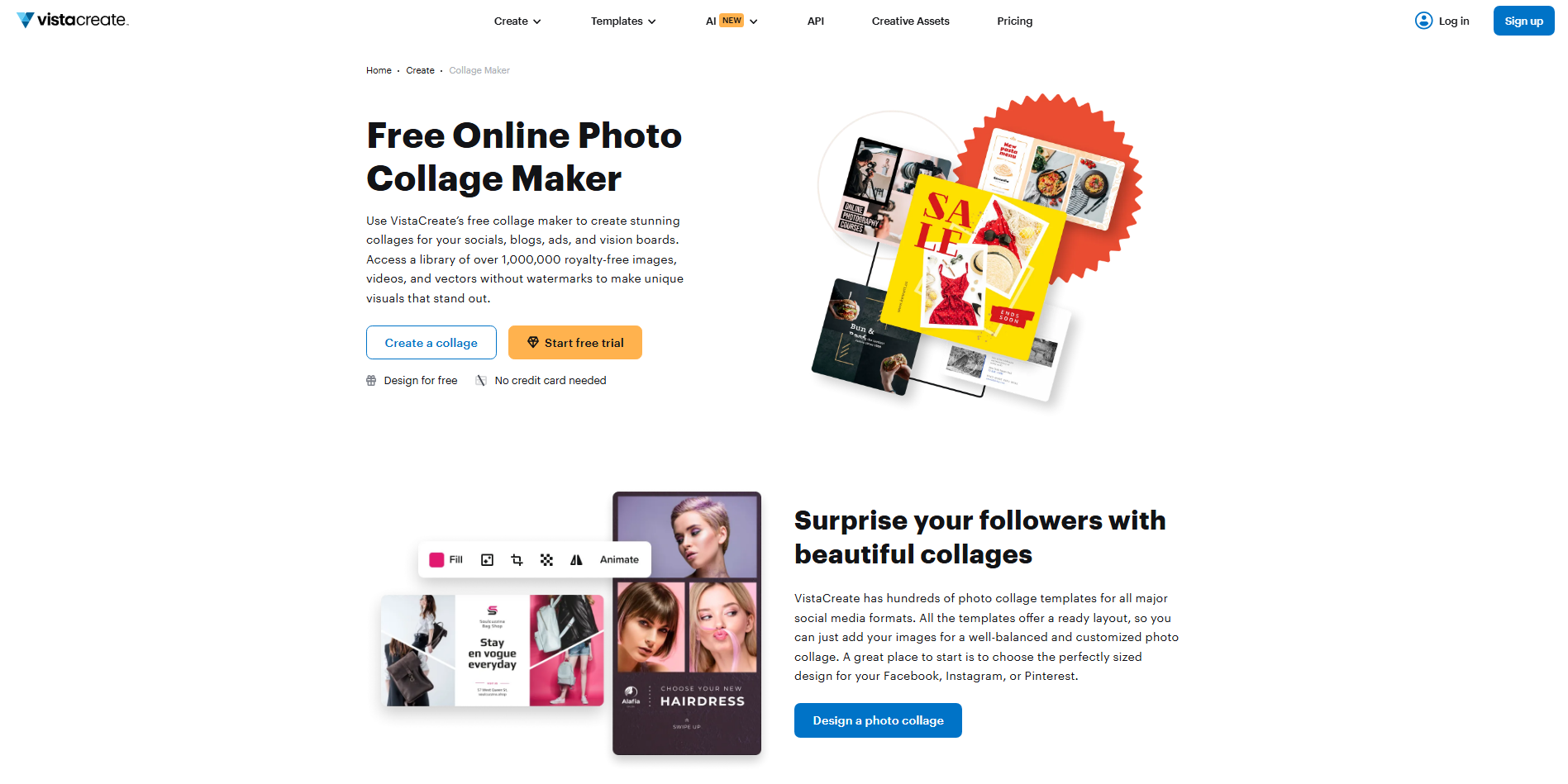
VistaCreate is a graphic design platform that helps users create social media content with templates, animations, and visual assets. It provides Instagram-focused designs, including collage layouts, promotional graphics, and branded content options. The platform includes a large collection of creative resources that can be customized without advanced design knowledge.
Main features
Social media-focused templates: VistaCreate offers templates designed specifically for Instagram posts, Stories, and other formats.
Animated design options: The platform allows users to add movement effects and animations to their visual content. This helps create more engaging Instagram Stories and interactive posts.
Large media library: Users get access to stock photos, videos, illustrations, and design elements within the platform. These resources make it easier to build complete collages without external assets.
Brand Kit support: VistaCreate allows users to save brand colors, fonts, and logos for consistent designs. This helps maintain a unified appearance across multiple social media posts.
Suitable for
Social media managers creating regular content
Brands maintaining consistent visual styles
Creators designing animated Instagram Stories
Users working with templates and stock assets
Pixlr
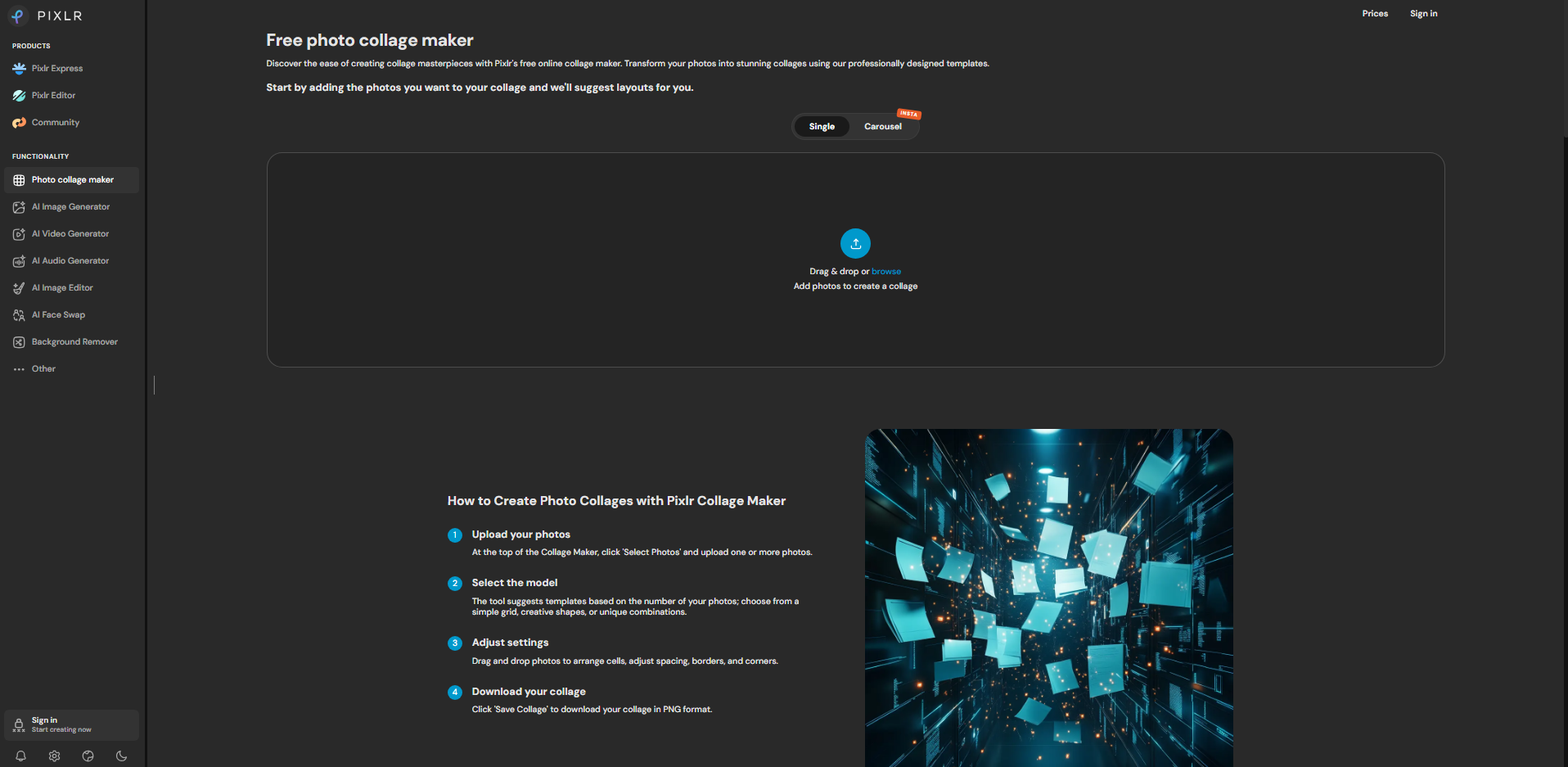
Pixlr is an online photo editing and design platform that combines advanced image editing tools with simple collage creation features. It provides layer-based editing, AI-powered tools, filters, and customizable templates for creating social media visuals. Users can adjust images in detail while building Instagram collages with creative effects and layouts.
Main features
Layer-based collage editing: Pixlr allows users to work with multiple layers when combining images, text, and design elements. This provides more control over the placement and adjustment of each part of a collage.
AI background and image tools: The platform includes AI features for removing backgrounds, enhancing images, and making quick edits. These tools help create cleaner and more professional-looking collage designs.
Advanced adjustment controls: Users can fine-tune colors, lighting, filters, and image details before finalizing their collage. This makes it suitable for creators who want more editing flexibility.
Custom graphic elements: Pixlr provides fonts, overlays, shapes, and effects that can be added to Instagram designs. These elements help create unique visuals beyond basic photo arrangements.
Suitable for
Users wanting more control over photo editing
Creators making detailed Instagram designs
Photographers enhancing images before sharing
Users familiar with advanced editing features
Kapwing
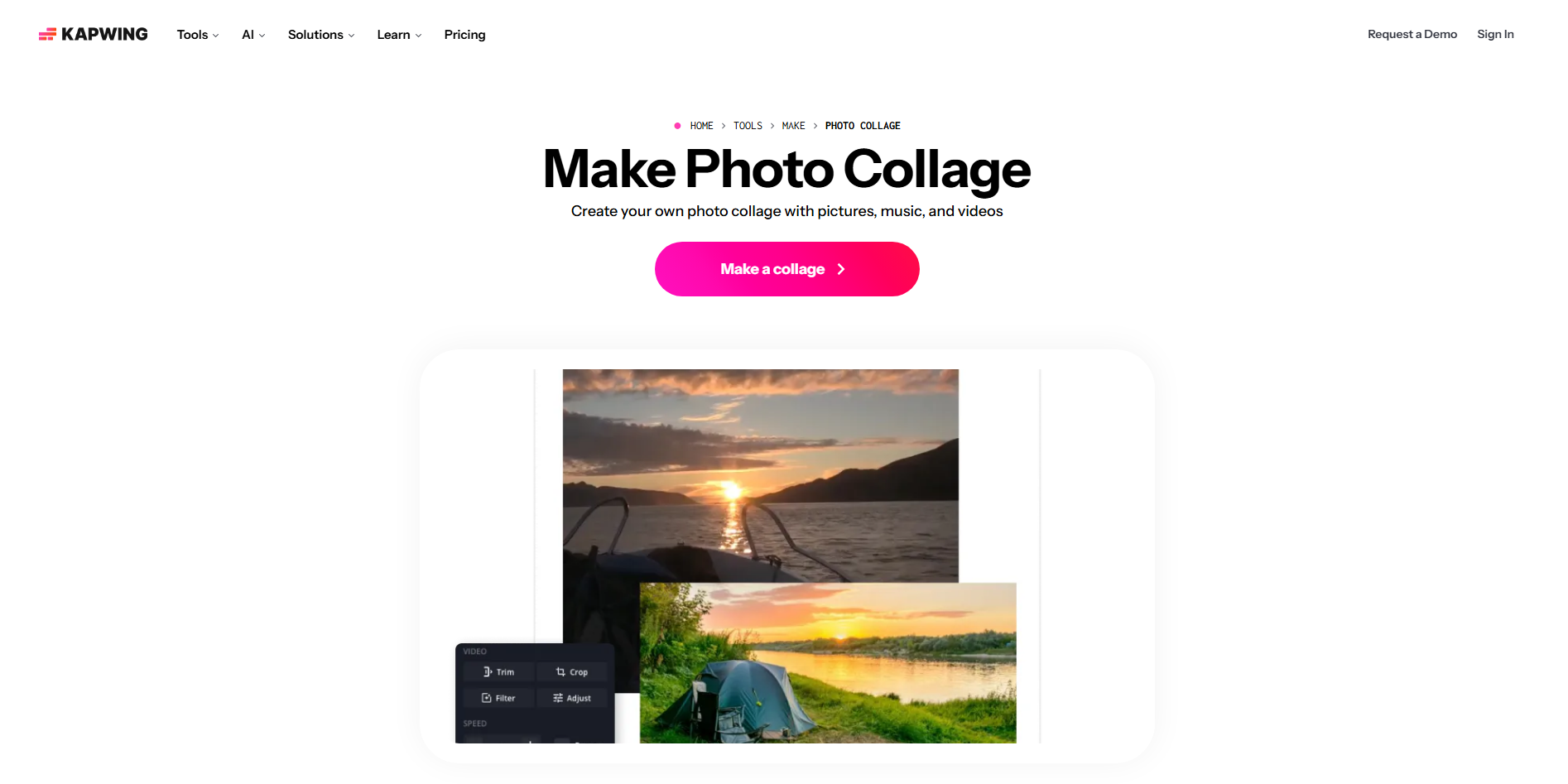
Kapwing is an online creative platform designed for making social media content, including image collages, videos, and visual graphics. It offers collaborative editing tools, AI features, and flexible design options for creating digital content. The platform supports multiple media formats and helps users combine images, text, and other elements in one workspace.
Main features
Collaborative editing workspace: Kapwing allows multiple users to edit and review projects together in real time. This makes it easier for teams to create and refine Instagram content.
AI-powered content tools: The platform includes AI features that assist with editing, generating ideas, and improving creative workflows. These tools help speed up the design process.
Multi-format content creation: Users can create designs for Instagram posts, Stories, videos, and other social formats from the same platform. This helps maintain consistency across different content types.
Text and subtitle tools: Kapwing provides text editing features for adding captions, labels, and creative messaging. These tools are useful for creating informative and engaging social media visuals.
Suitable for
Content teams working on social media projects
Creators combining images with text and video
Marketers producing regular online content
Users needing collaborative design workflows
FotoJet
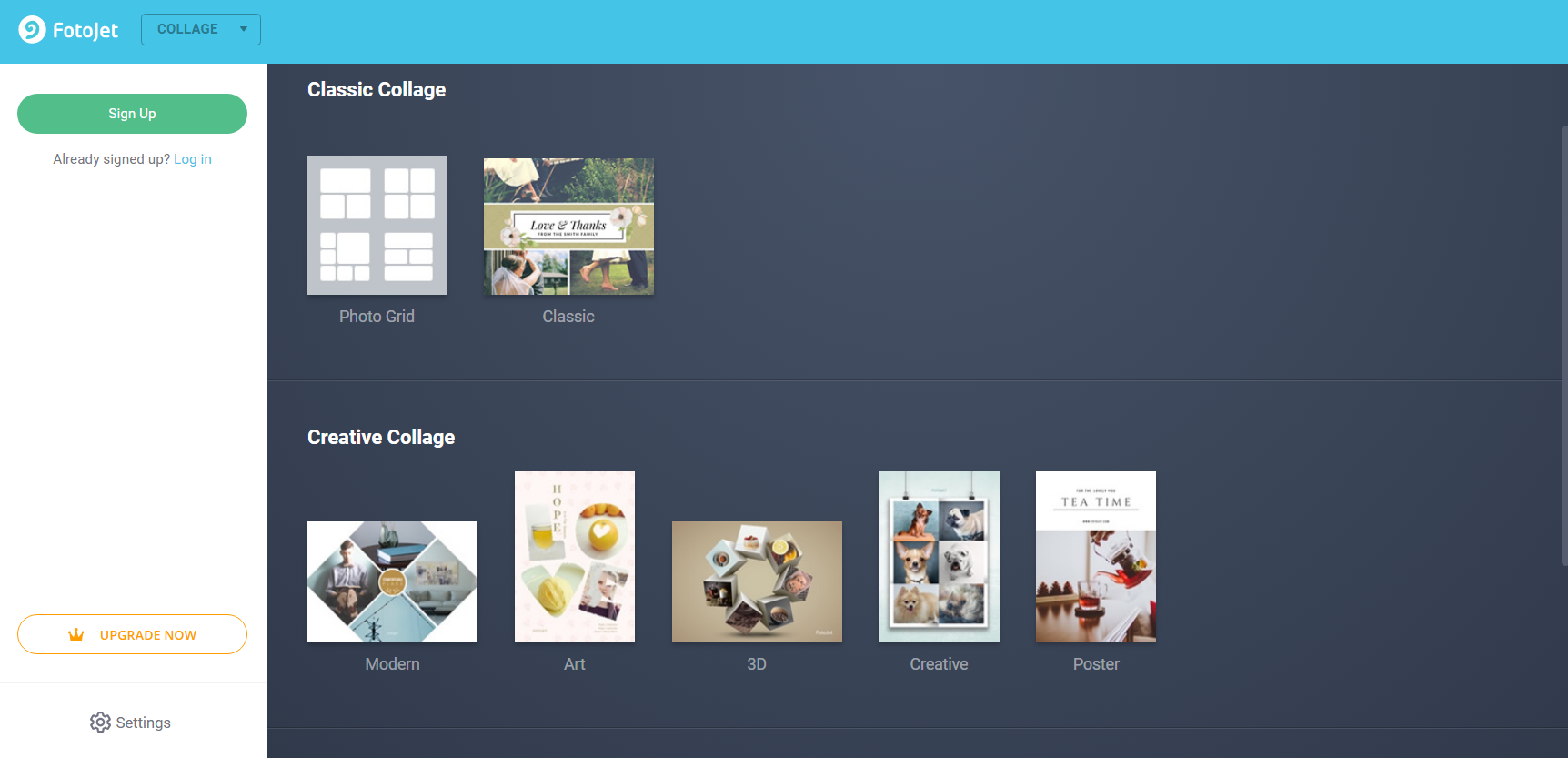
FotoJet is an online graphic design and photo collage tool focused on creating quick visual compositions. It provides collage templates, photo editing features, and design resources for creating Instagram-ready graphics. Users can combine multiple images, add text, and apply creative effects through a simple interface. The platform is designed for fast and straightforward collage creation.
Main features
Simple collage templates: FotoJet offers various preset layouts for arranging multiple images into organized designs. Users can select a template and customize it with their own photos.
Photo adjustment tools: The platform includes basic editing features for cropping, resizing, and improving images. These tools help prepare photos before placing them into a collage.
Creative design resources: Users can add clipart, text styles, backgrounds, and decorative elements to their designs. This helps create personalized Instagram visuals with minimal effort.
Print and social design options: FotoJet supports different design formats beyond social media posts, including posters and cards. This makes it useful for users creating both digital and printable content.
Suitable for
Beginners creating simple photo collages
Users making personal Instagram designs
Small projects needing quick visual layouts
Creators looking for basic editing features
How to select a suitable Instagram collage maker
Choosing the right collage tool depends on the type of content you want to create and the features that fit your workflow. Different tools offer different levels of customization, editing control, and automation. Consider these factors before selecting a Instagram collage maker that matches your creative needs.
Check supported platforms and formats
Make sure the tool works on the devices and platforms you use regularly, whether it is web, desktop, or mobile. It should also support Instagram-friendly sizes such as square posts, Stories, and vertical formats. This becomes especially important when choosing a collage maker for content that needs proper framing.
Look for templates and creative flexibility
A good collage tool should offer enough templates while allowing changes to layouts, colors, fonts, and visual elements. Ready-made designs can save time, but customization options help create content that feels original. Choose a tool that balances speed with creative control.
Consider AI creation and editing features
AI-powered features can simplify the process by generating layouts, improving images, and suggesting design ideas. These tools are useful for turning simple concepts into polished collages without manual adjustments. Look for AI features that support both creation and refinement.
Make sure it supports your own content and branding
The tool should allow you to upload personal images, add custom text, and apply your preferred brand elements. Features like saved colors, fonts, and logos help maintain a consistent visual identity. This is useful for creators and businesses building a recognizable Instagram presence.
Check editing and export capabilities
Review the available editing options, including image adjustments, filters, effects, and element controls. The tool should also provide high-quality exports suitable for Instagram without reducing visual quality. Flexible download options make it easier to reuse designs across platforms.
Compare ease of use and pricing
Consider whether the tool matches your experience level and budget before committing. Some platforms focus on simple editing, while others provide advanced features with paid plans. Comparing free and premium options helps find a suitable collage maker for Instagram Stories without paying for unnecessary features.
Conclusion
A good collage tool can save time and help transform separate images into a complete visual story. The best choice depends on how you create, edit, and share your content. Exploring different free & paid Instagram collage maker options can help you find the right fit. Try Kimi Design for a simple AI-powered way to create and refine engaging Instagram visuals.