Running a business often means juggling dozens of small tasks that quietly take up hours every week. From organizing data to handling repetitive work, these tasks can slow teams down and leave less time for work that truly matters. AI can help businesses reduce this workload by streamlining routine processes, analyzing information, and supporting everyday decisions. Learning how to use AI in business can help teams identify practical applications and make AI part of their everyday workflows.
What can AI do for a business
AI is not only useful for advanced technical tasks. It can also help businesses handle everyday work faster, make better use of their information, and reduce the time spent on routine processes. Here are some practical ways AI can support a business:
Automate repetitive work
AI can handle routine tasks that take up a lot of time, such as sorting information, creating summaries, organizing documents, or moving data between steps. This reduces manual work and lets employees focus on tasks that need more attention and creativity.
Analyze business data
Large amounts of data can be difficult and time-consuming to review manually. AI can scan that information, spot patterns, highlight important changes, and turn complex data into useful insights that support everyday business decisions.
Support content and creative work
AI can help create first drafts for blog posts, emails, product descriptions, presentations, and other business content. It can also help with ideas, editing, research, and different versions of the same piece of content, making the creative process faster.
Improve customer and employee experiences
Faster answers and easier access to information can make everyday interactions smoother. AI can help respond to common customer questions, organize requests, and help employees find the information they need without digging through multiple sources.
How to use AI in business step by step
Using AI effectively in business is less about adopting as many tools as possible and more about applying them to the right problems. A practical approach is to start with one well-defined workflow, test how AI performs, and expand its use once the results are clear. Here's how to use AI in business development:
Start with a clear business problem
Start by identifying a business problem that is specific enough to solve and measure. Look for tasks that take significant time, require repetitive manual work, slow down decision-making, or create avoidable costs.
For example, instead of setting a broad goal such as “use AI to improve marketing,” define a more concrete objective such as reducing the time needed to turn campaign research into content. A clear problem makes it easier to determine whether AI is actually improving the workflow.
Identify workflows that can benefit from AI
Once you have a business problem, break the related process into individual steps and look for tasks where AI can provide useful assistance.
AI can be particularly useful for workflows that involve:
Repetitive or time-consuming tasks
Large amounts of information to review or organize
Content creation or transformation
Research and information gathering
Data analysis and pattern recognition
Tasks that follow a relatively consistent process
You do not need to automate the entire workflow. Start by identifying one or two steps where AI can reduce manual effort while leaving important decisions to people.
Choose the right AI solution
Different business problems require different types of AI tools. A generative AI tool may be suitable for drafting content, summarizing documents, analyzing information, or generating ideas, while predictive AI may be more appropriate for forecasting demand or identifying patterns in historical data.
Also consider how the solution fits into your existing workflow. For a simple, standalone task, an AI application may be enough. More complex processes may require a tool that can work across multiple steps, files, websites, or applications.
The goal is not to choose the most advanced AI tool, but the one that fits the task, data, workflow, and level of human oversight required.
Start with a small pilot
Before rolling AI out across an entire department, test it on a limited workflow. Choose a representative task and compare the AI-assisted process with the way the work was previously completed.
For example, a team could use AI to process a small batch of customer feedback, prepare a limited number of reports, or assist with one content workflow. A small pilot makes it easier to identify inaccurate outputs, workflow gaps, and unexpected limitations before they affect a larger operation.
Give AI the right business context
AI outputs become more useful when the system has the information and instructions needed to understand the task. Depending on the workflow, this may include company documents, product information, customer data, brand guidelines, previous work, or specific instructions about the desired output.
Be clear about the goal, constraints, format, and information the AI should use. At the same time, establish appropriate rules for sensitive or confidential business information before connecting it to an AI workflow.
Review results and measure impact
Do not judge an AI implementation simply by whether the output looks good. Compare the AI-assisted workflow with your original process using measurable criteria.
You might track:
Time saved per task
Cost per workflow
Output volume
Error or revision rates
Quality of results
Customer response or satisfaction
Revenue or conversion impact
For example, if a workflow previously took four hours and now takes two while maintaining the same quality, the improvement is easier to evaluate than simply saying the team is “using AI more.”
Keep humans in the loop
AI can assist with research, analysis, generation, and routine decisions, but human review remains important for work involving accuracy, business judgment, customers, finances, or sensitive information.
Define where people should review or approve AI-generated results. Employees should also know how to identify unsupported claims, incorrect information, or outputs that do not follow company requirements.
For higher-risk workflows, AI should support the decision-making process rather than make the final decision independently.
Scale successful workflows
Once a pilot produces consistent results, turn it into a repeatable workflow before expanding it to other teams or use cases.
Document how AI should be used, what information it needs, where human review is required, and how performance should be measured. You can then train additional employees, connect the workflow with existing tools, or apply the same approach to similar business processes.
Scaling should happen based on demonstrated value rather than AI adoption for its own sake. If a workflow does not produce measurable improvements, refine it or move on to another use case.
How AI is used across different business functions
AI can fit into far more than one part of a business. From attracting customers and closing deals to managing finances and building products, different teams can use it to remove busywork and work with information more efficiently. Here is how AI can support some of the most common business functions.
Marketing
Marketing teams can use AI to speed up research, content production, and campaign analysis. It can help turn a campaign brief into content ideas, adapt existing content for different channels, summarize audience research, and analyze campaign performance. AI can also help marketers identify patterns in customer behavior and use those insights to refine messaging and targeting.

Sales
AI can help sales teams spend less time on research and administrative work. It can research prospects, summarize account information, qualify leads based on defined criteria, draft personalized outreach, and summarize sales conversations. It can also help organize information in CRM workflows and surface patterns in sales activity that may support forecasting and follow-up.
Customer service
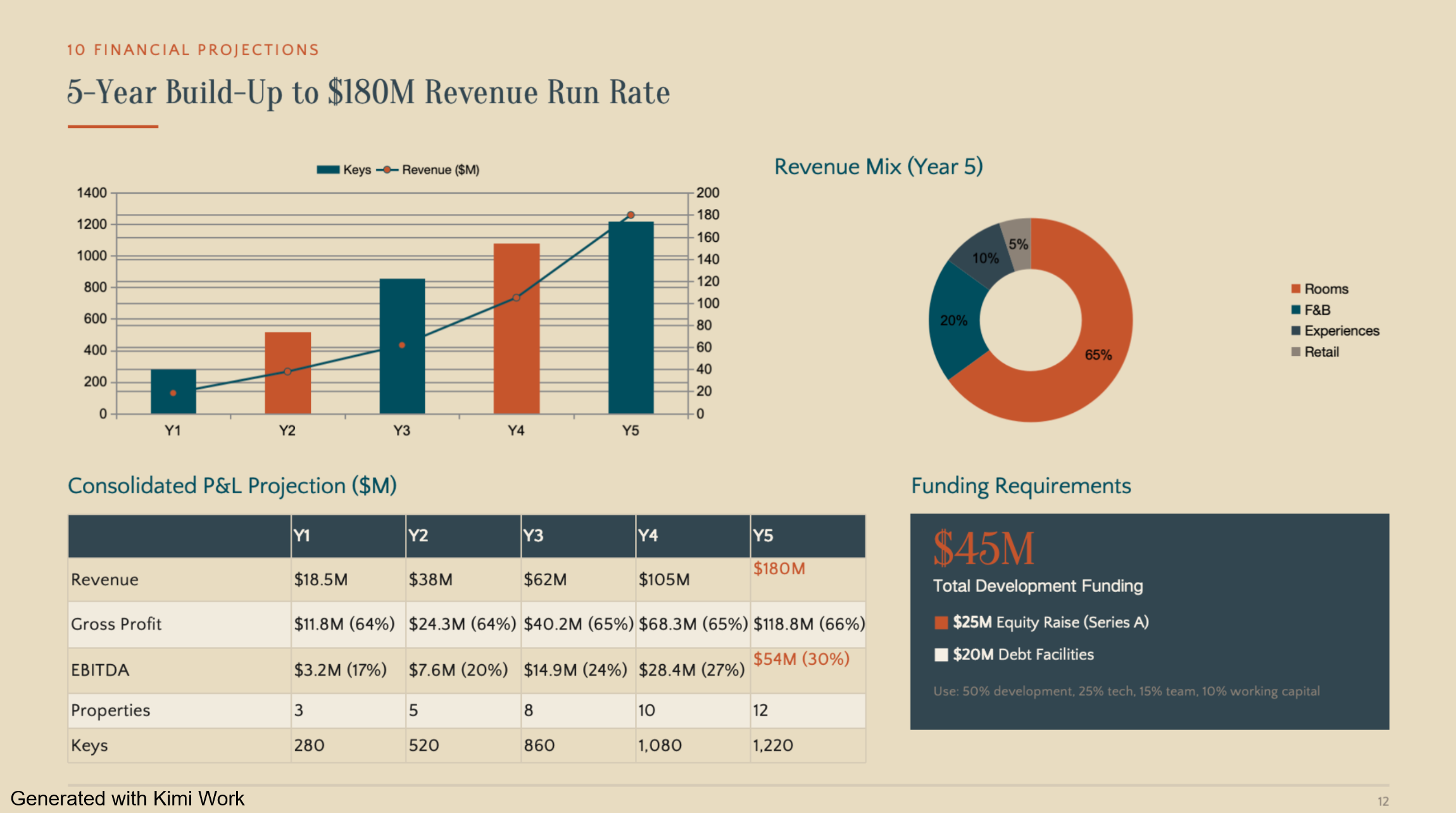
Customer service teams can use AI to handle routine inquiries and assist agents with more complex conversations. Common applications include answering frequently asked questions, classifying and routing support requests, summarizing customer interactions, retrieving relevant information, and drafting responses. AI can handle repetitive parts of the workflow while escalating cases that require human judgment.
Operations
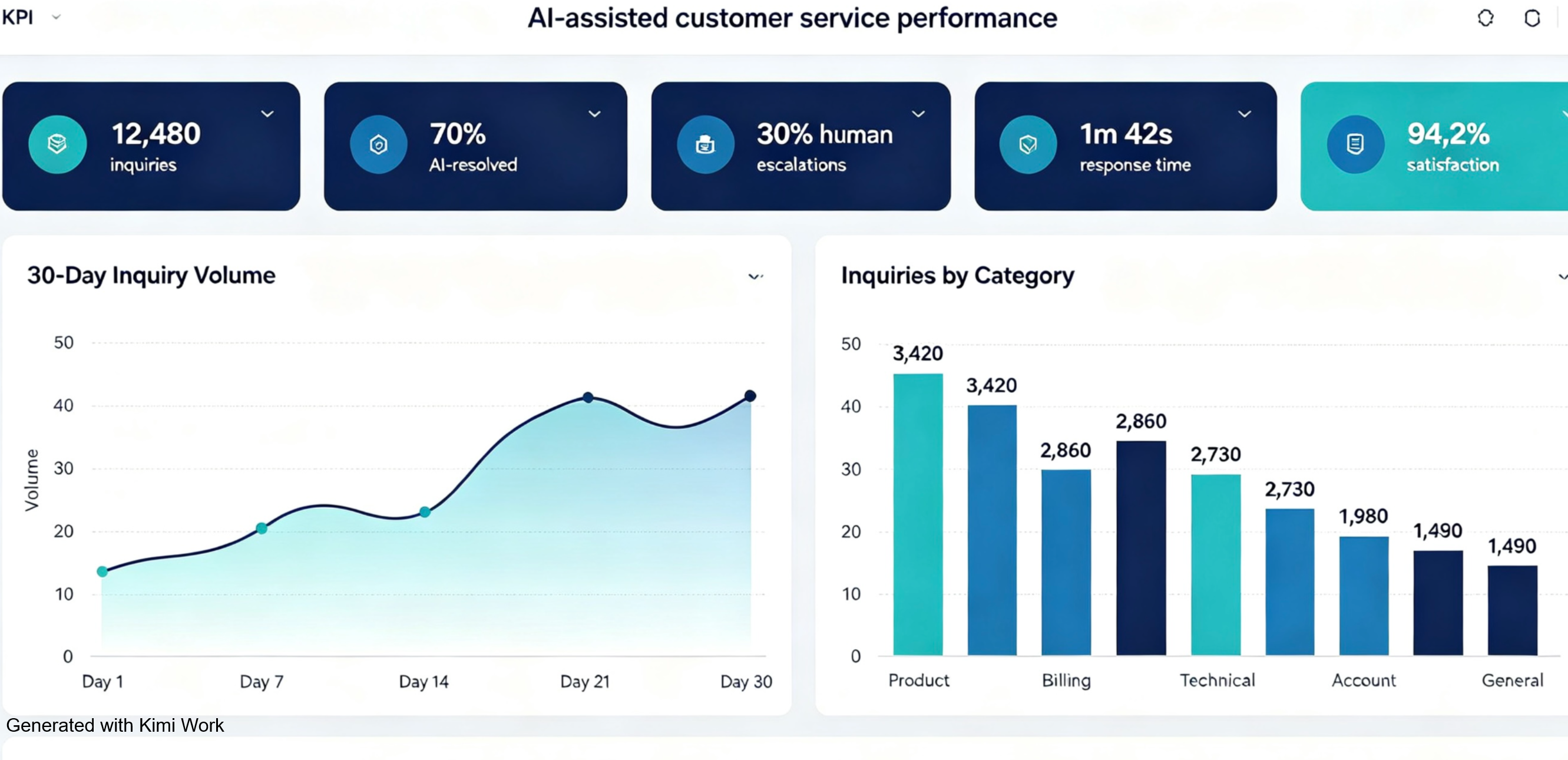
AI can help operations teams analyze large amounts of information and identify ways to improve processes. Applications include demand forecasting, inventory planning, resource allocation, process monitoring, document processing, and predictive maintenance. For businesses with complex supply chains or logistics operations, AI can also help identify patterns that are difficult to spot through manual analysis.
Finance
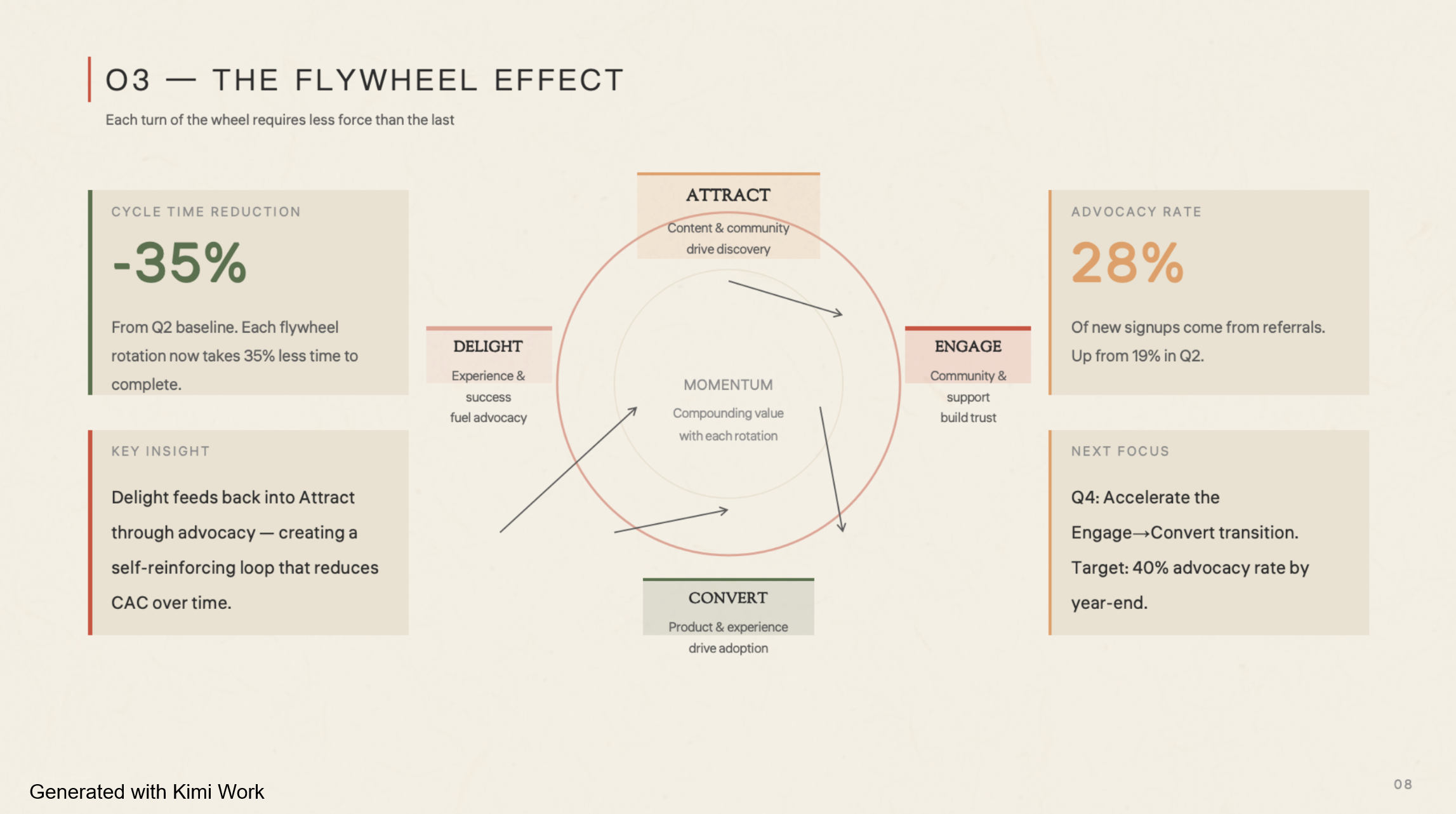
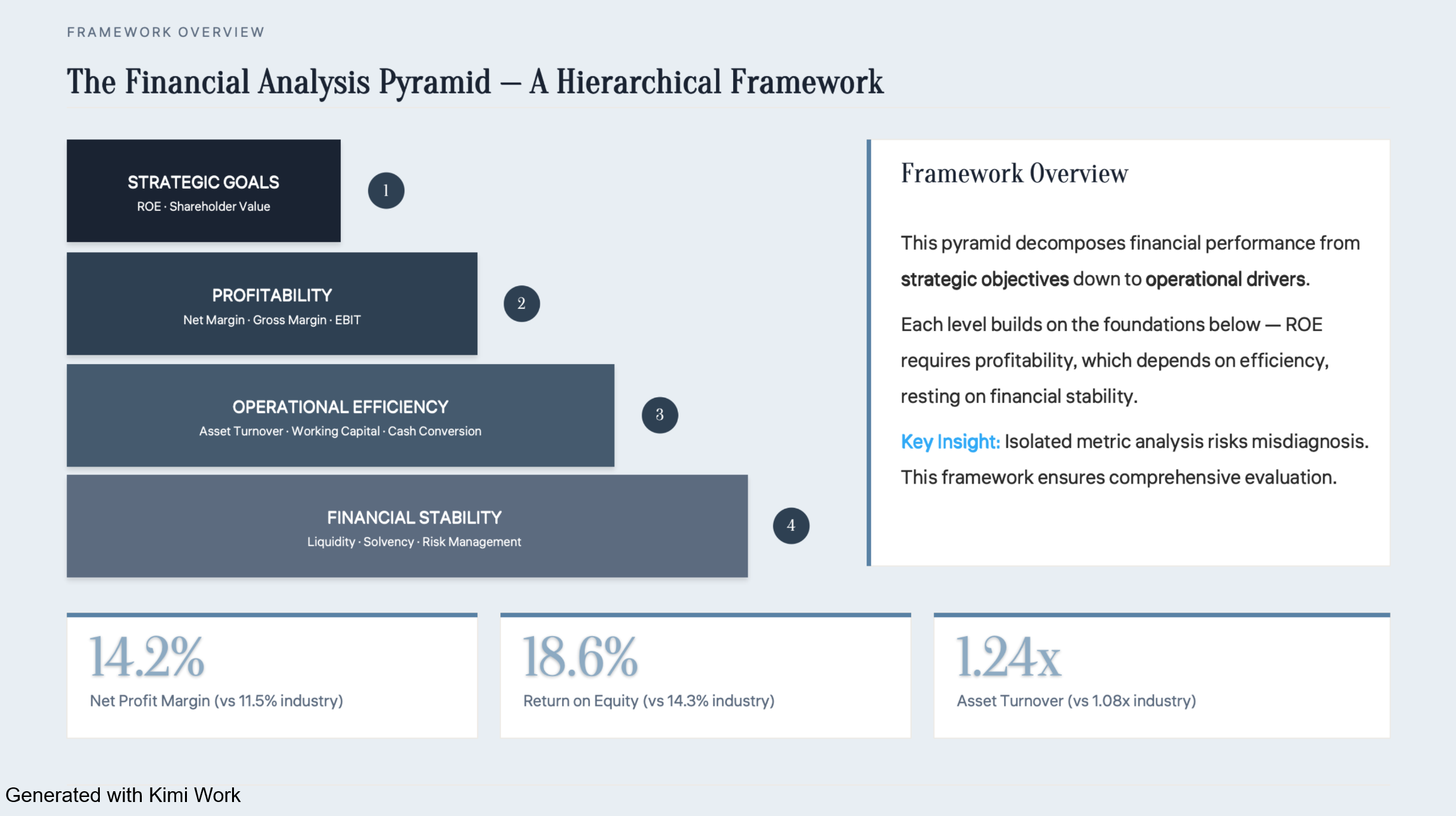
Finance teams can use AI to process financial documents, categorize expenses, identify unusual transactions, and assist with reporting and forecasting. AI can also help compare financial data across periods, summarize reports, and surface anomalies for further investigation. Because financial workflows can involve sensitive information, AI-generated results should be reviewed before they are used for important financial decisions.
Human resources
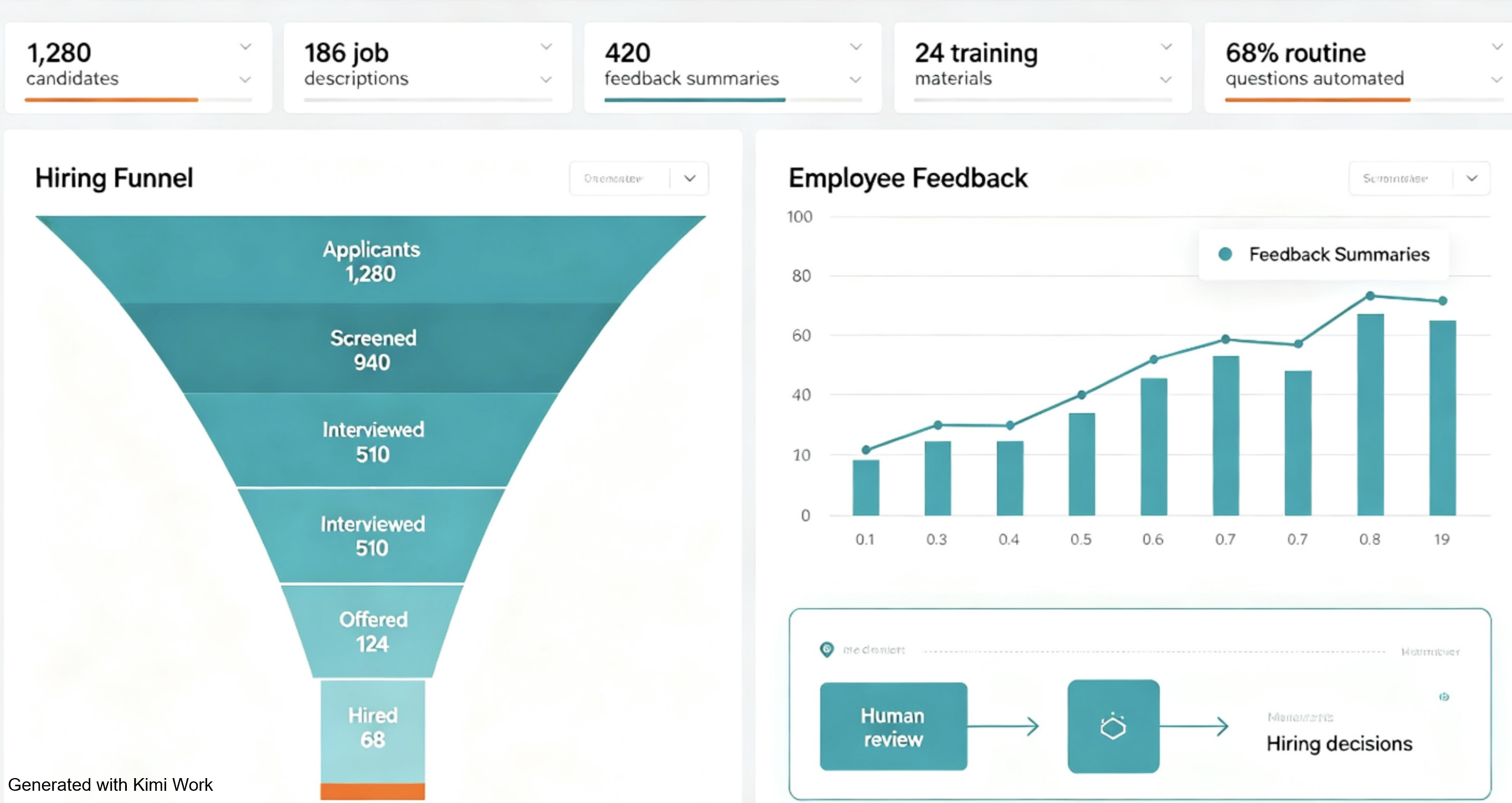
AI can support HR teams across recruiting, employee development, and internal knowledge management. It can help draft job descriptions, organize candidate information, summarize employee feedback, create training materials, and answer routine questions about company policies. For hiring and other sensitive employee decisions, AI should support the process rather than make decisions without appropriate human review.
Product and software development
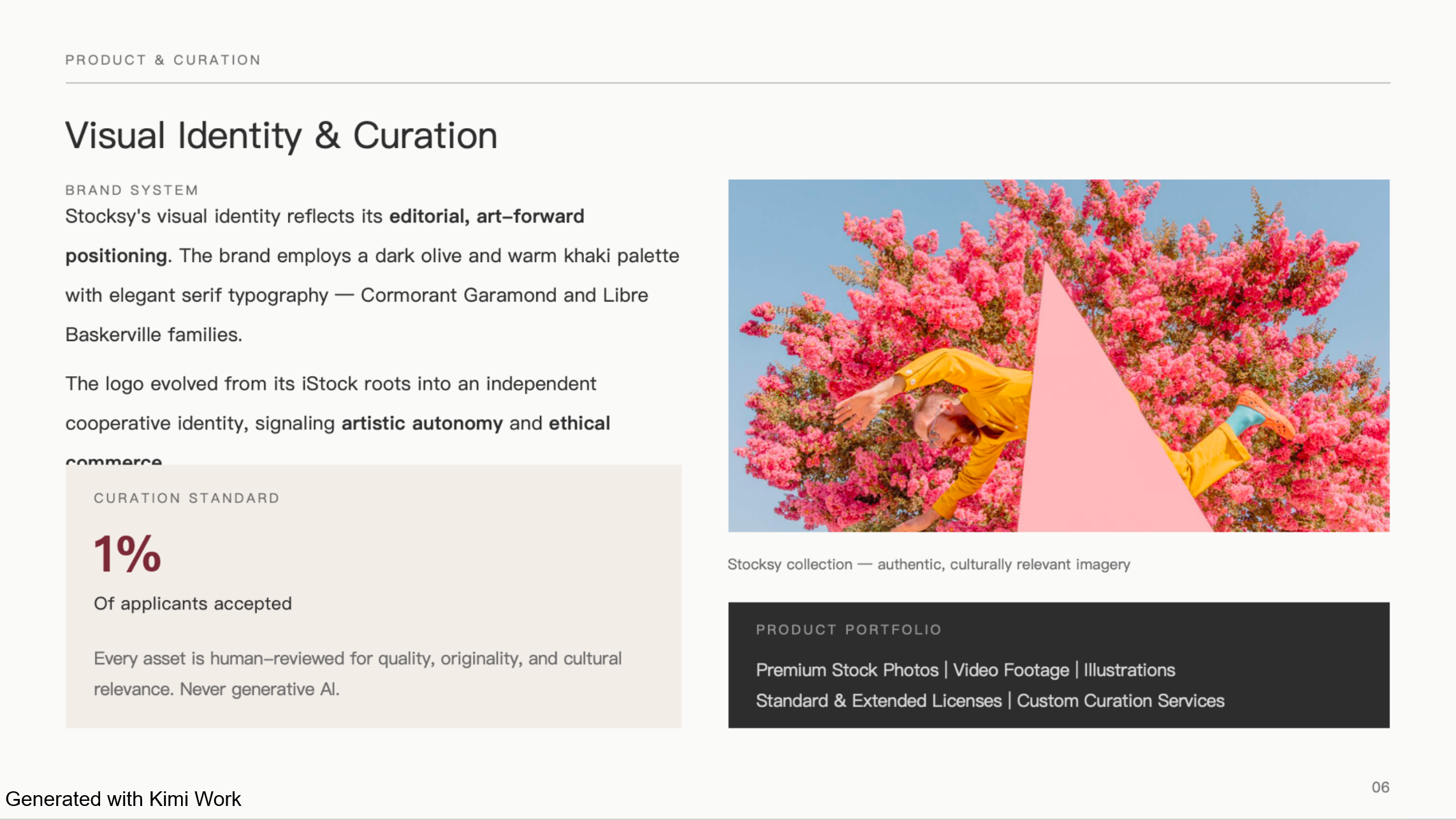
Product and engineering teams can use AI throughout the development process, from early research to implementation and documentation. AI can analyze user feedback, summarize product requirements, generate or explain code, create documentation, and help teams explore product ideas. For larger projects, AI can also support multiple stages of development while developers remain responsible for reviewing the final work.
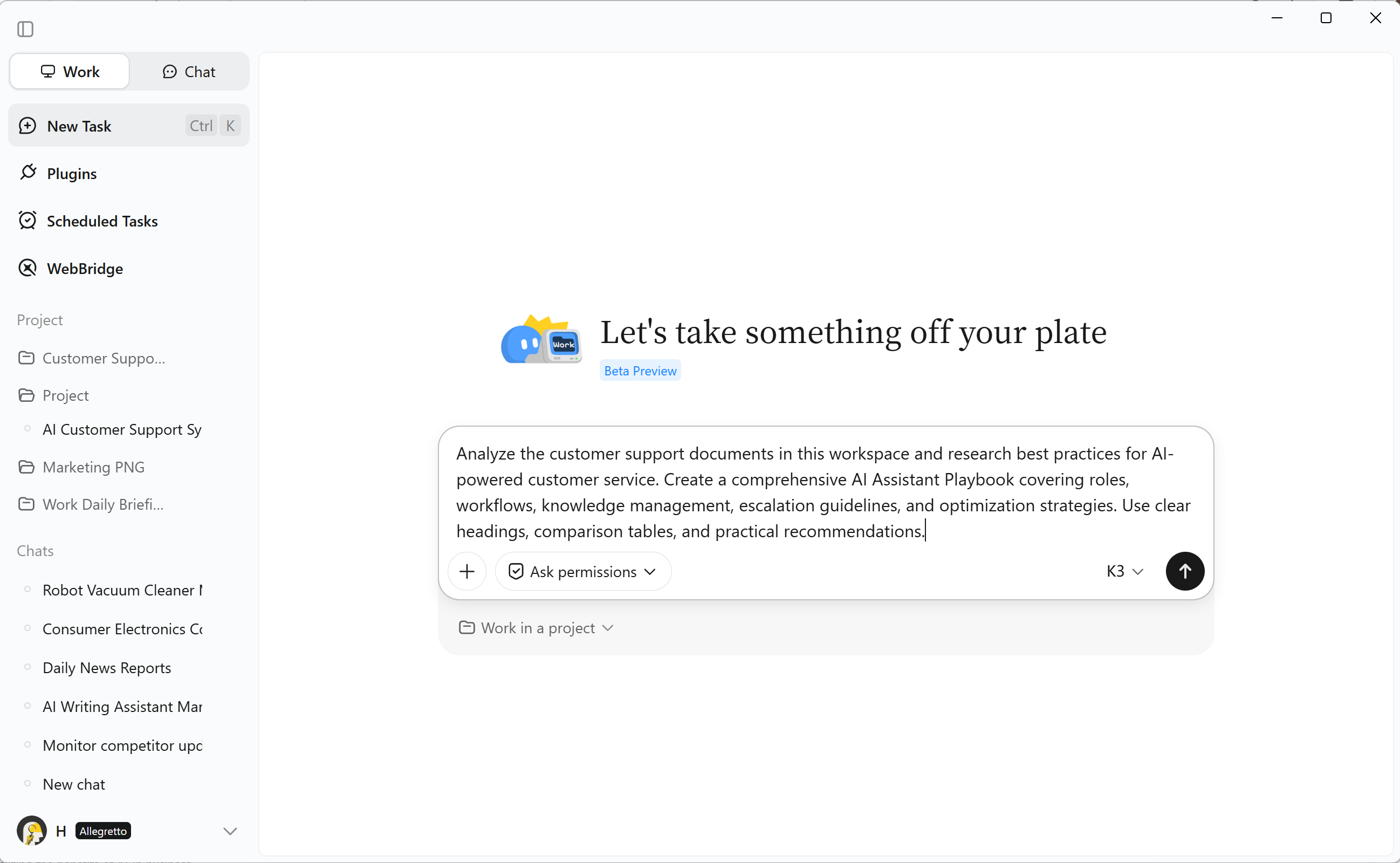
Use AI to manage complex business workflows with Kimi Work
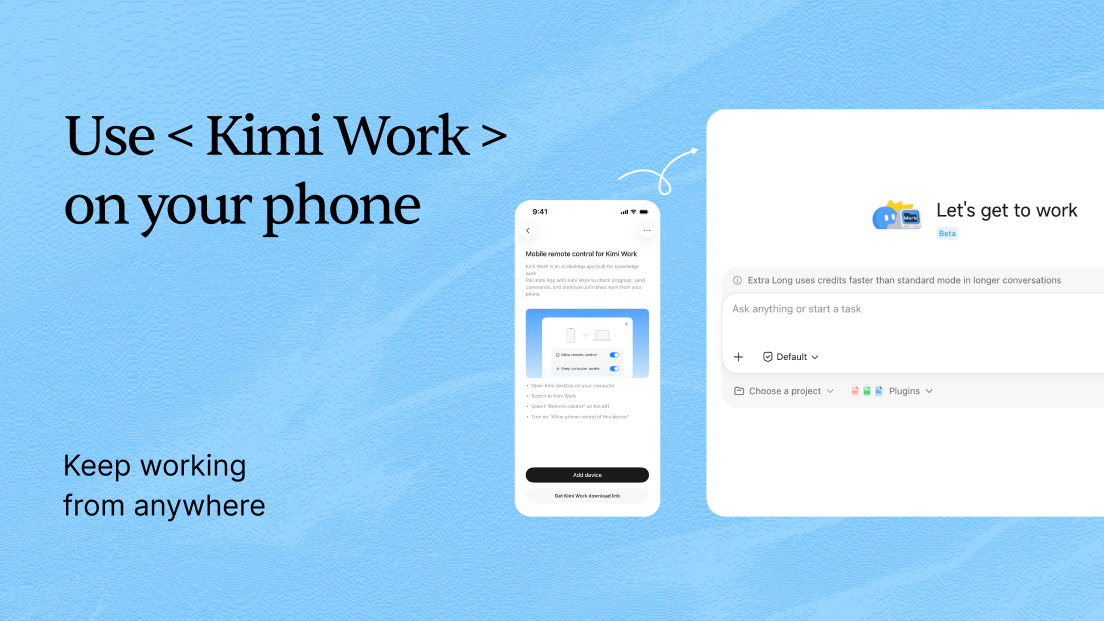
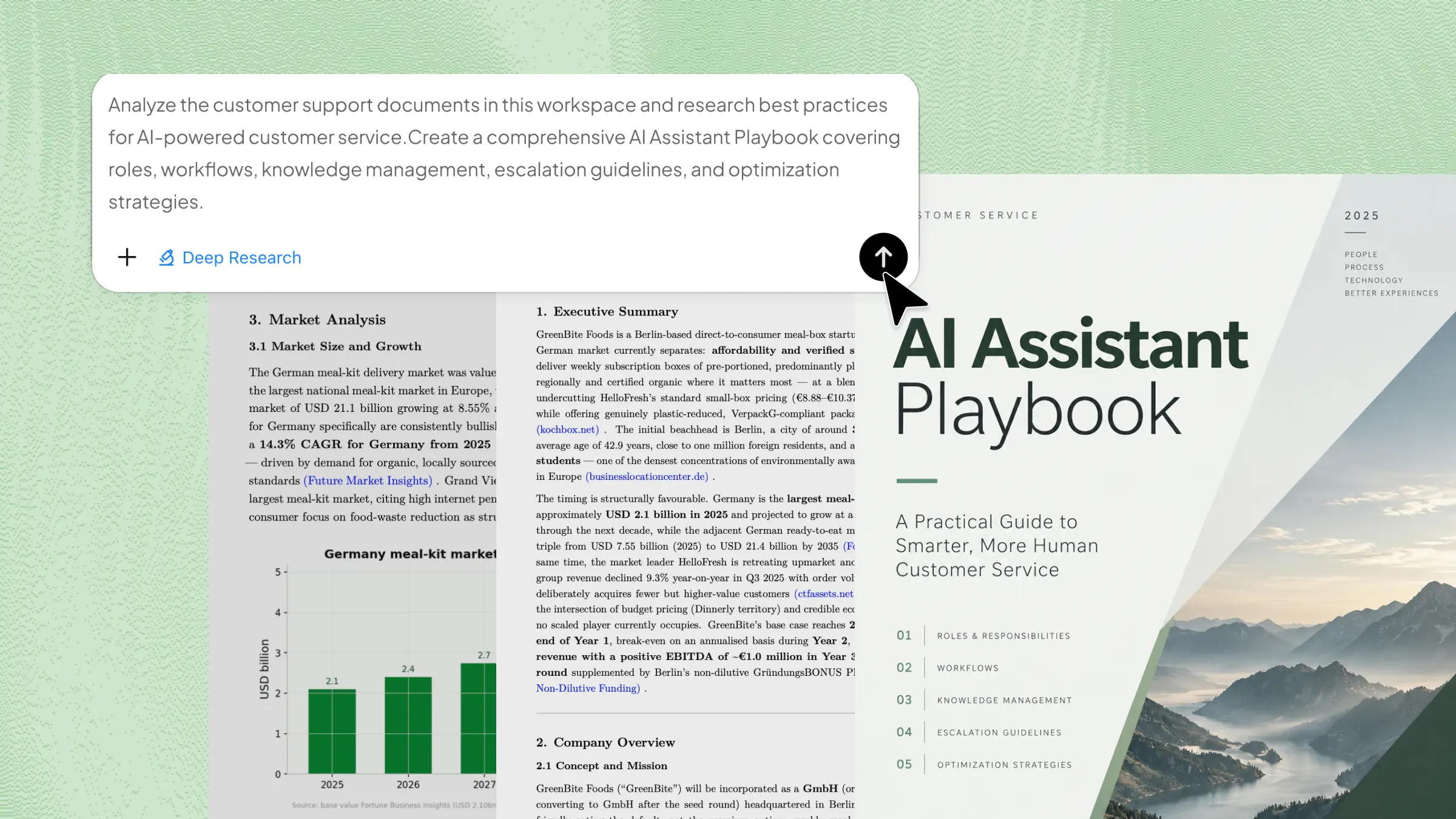
Kimi Work is an AI workspace built to handle complex, multi-step business tasks in one workflow. Instead of relying on separate prompts, you can give it a broader goal and let it manage steps such as research, analysis, writing, and data processing. It can organize business information and turn it into structured, actionable results, making complex workflows easier to manage.
Key features
Goal-based business execution
Kimi Work can take a business objective and its acceptance criteria, map out the necessary steps, execute the work, and continuously check the results against the goal until the requirements are met, without requiring step-by-step prompting.
Parallel research with multiple agents
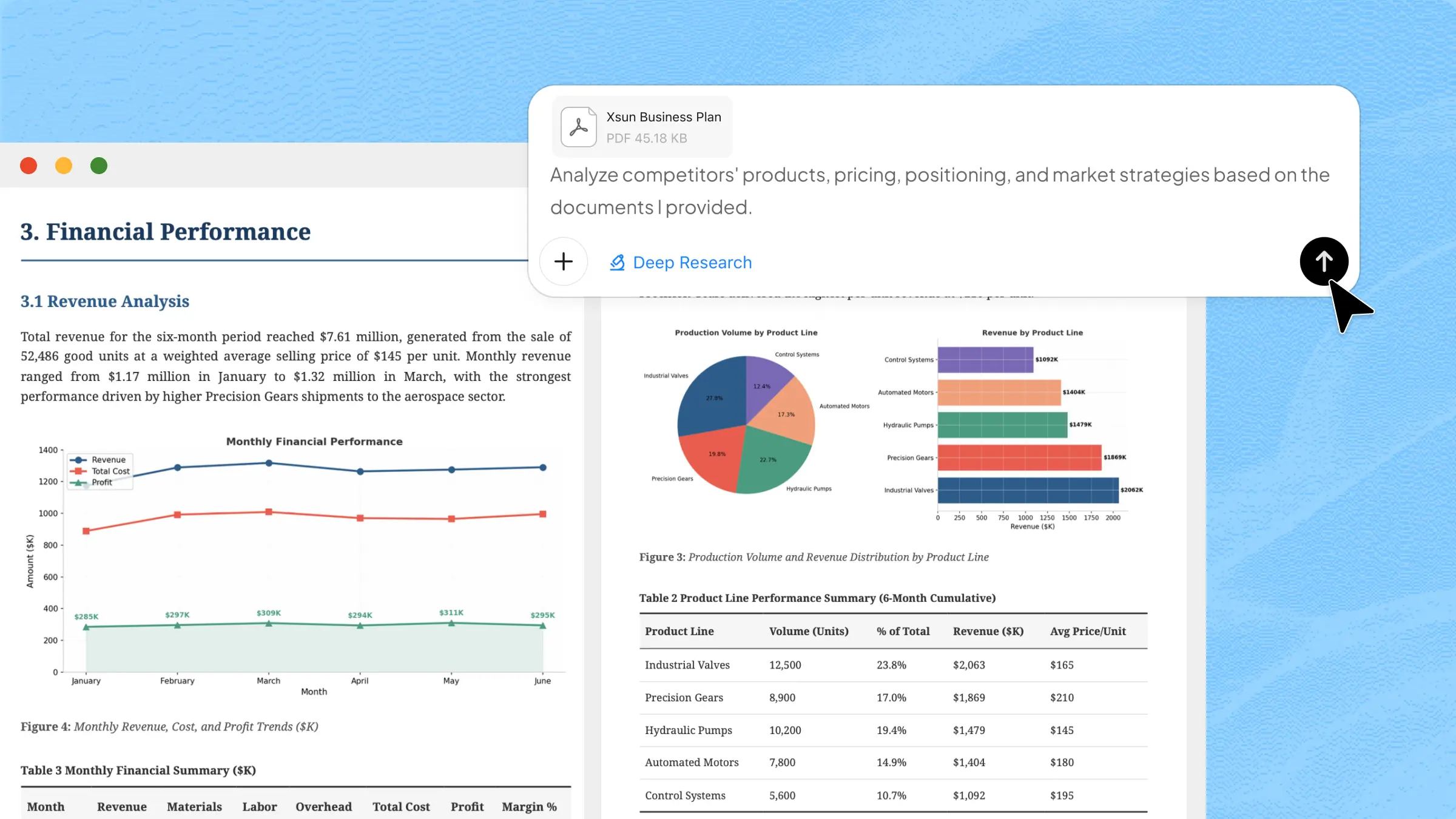
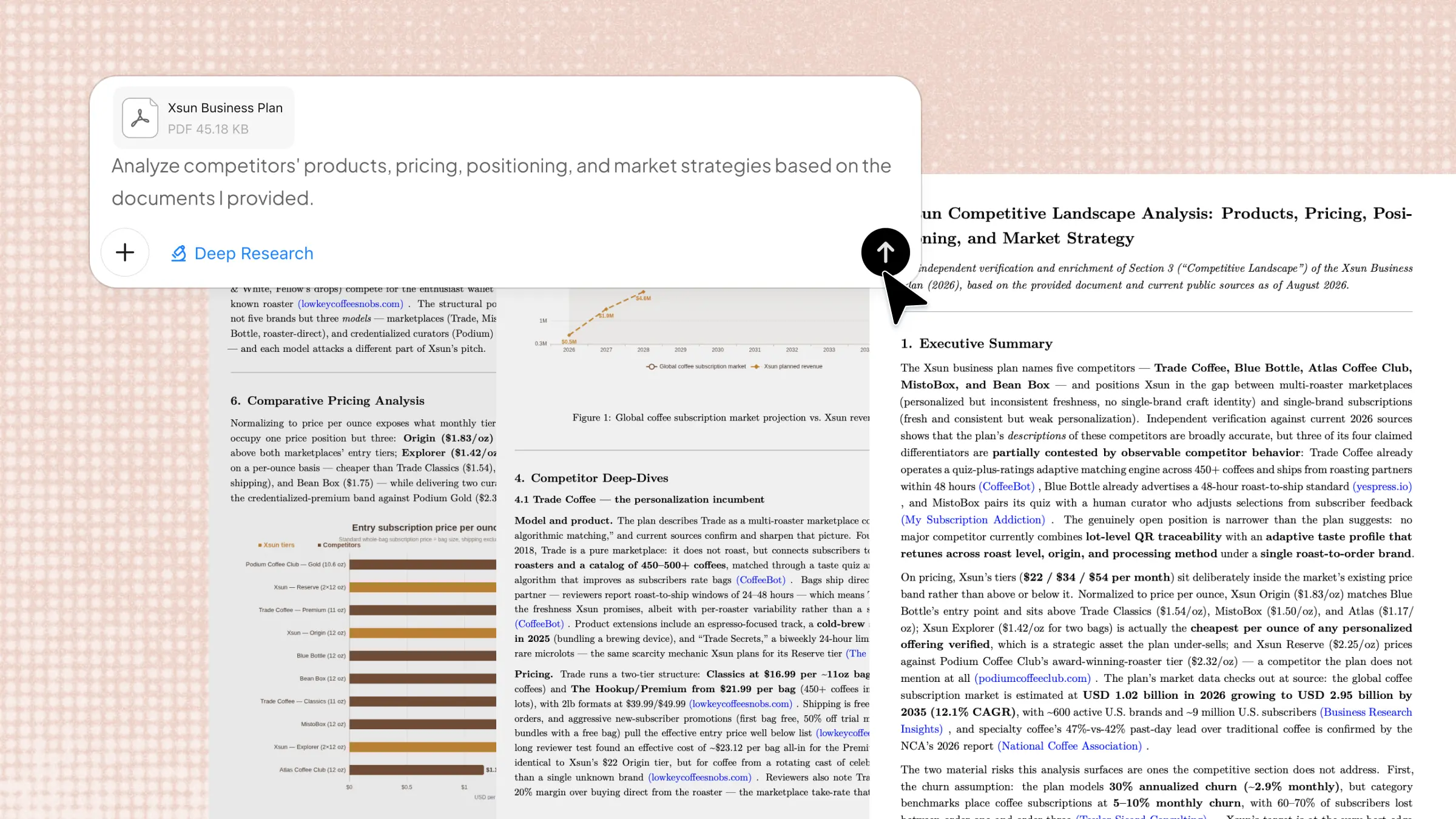
Kimi Work can activate Agent Swarm, a network of multiple AI agents that work together on complex business questions. It breaks a broad question into parallel research threads, with dedicated agents covering areas such as competitors, customers, pricing, and trends. Their findings are then combined into a unified analysis, giving you a broader business perspective without having to coordinate each research thread individually.
Ground AI works in your business context
Running on your desktop, Kimi Work can access local files and folders, browse the web across tabs, and draw on professional databases. Its outputs can therefore reflect your actual business documents and data rather than generic information.
Generate business-ready deliverables
Kimi Work turns its results into editable business assets, including plans, reports, presentations, spreadsheets, websites, and code. This makes the output ready to be used in subsequent stages of your business workflow.
Automate recurring business monitoring
Scheduled workflows allow Kimi Work to continuously track competitors, market developments, customer signals, and financial indicators. The collected results can be organized into dashboards that stay updated over time.
Conclusion
Using AI in business is about finding practical ways to reduce friction, improve workflows, and free teams to focus on higher-value work. Start small, measure the results, and expand what works. Kimi Work can help turn business goals into structured workflows and streamline everyday tasks. With information and privacy security in mind, subscribe to Kimi Business to access more AI capabilities and put AI to work across your business.