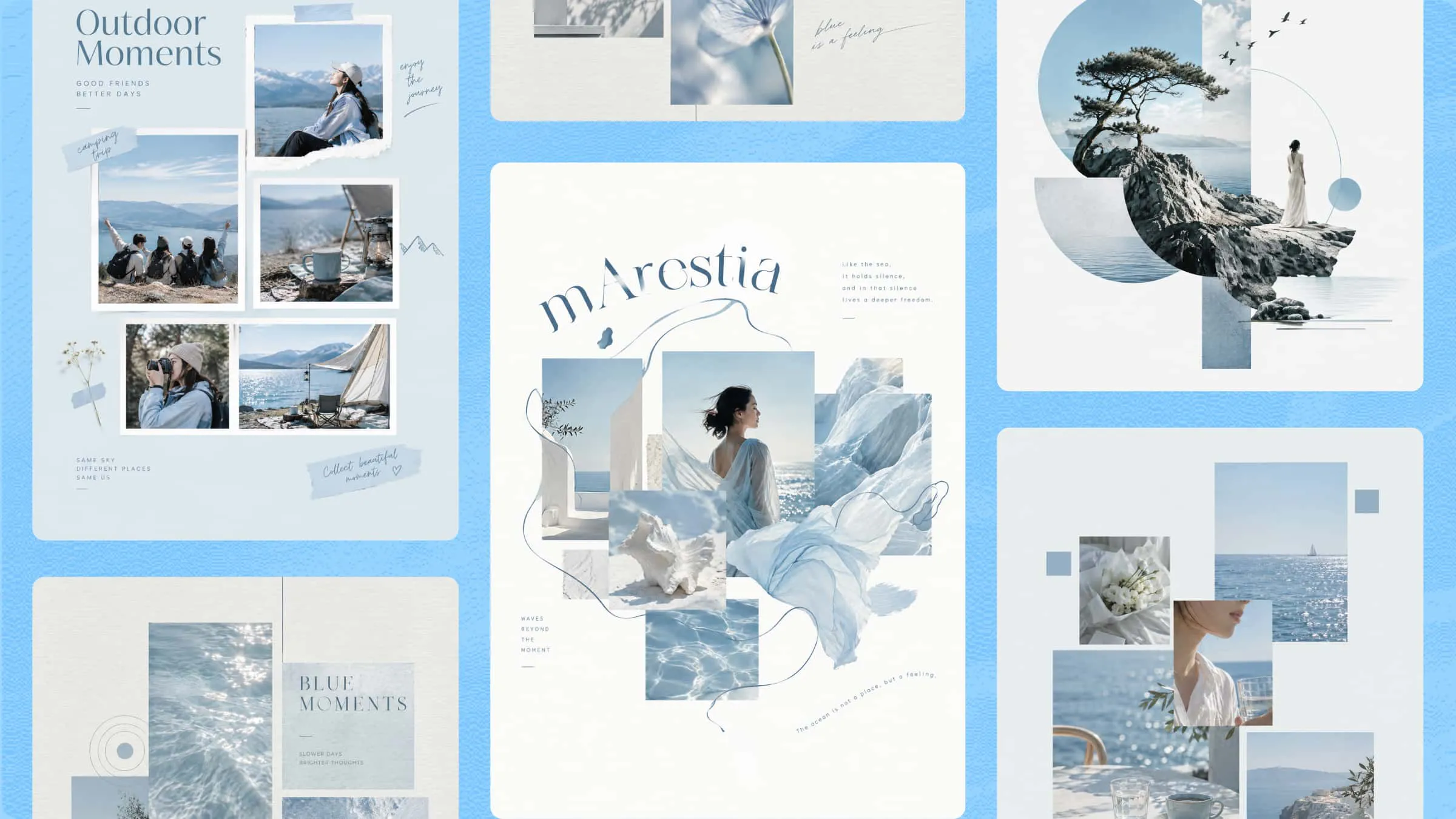
A birthday is a chance to make someone feel special, and a thoughtful Instagram Story can make the day even more memorable. With the right Instagram birthday story templates, you can bring your favorite photos together, add colorful decorations, and share a message that feels personal. You don't need advanced design skills to create something beautiful, especially with tools like Kimi Design that make customization simple. Explore this article to discover creative template ideas and learn how to make birthday stories your own.
A quick overview of 10 Instagram Story templates for birthdays
Not sure which birthday design fits your plans? Use the overview below to find a style that matches your goal, then explore the corresponding template for its prompt and creation steps. Whether you're preparing a personal greeting, planning a party, or promoting a business offer, you can easily identify the option that suits your needs.
| Template type | Design style | Key elements | Suitable for |
|---|---|---|---|
| Birthday photo collage story template | Personal and nostalgic | Photo frames, snapshots, handwritten captions, hearts | Sharing favorite memories with someone |
| Birthday wishes story template | Cheerful and warm | Birthday greetings, balloons, cake, confetti | Sending birthday wishes to friends and family |
| Birthday party invitation story template | Elegant and festive | Event date, time, venue, RSVP details, themed decorations | Inviting guests to a birthday party |
| Milestone birthday story template | Bold and sophisticated | Large age numbers, metallic accents, dramatic backgrounds | Celebrating milestone ages like 18, 30, or 50 |
| Cute birthday story template | Playful and colorful | Cartoon cakes, pastel balloons, stars, gift boxes | Creating fun greetings for friends or children |
| Minimalist birthday story template | Clean and understated | Neutral colors, simple typography, line-art illustrations | Sharing an elegant, modern birthday message |
| Birthday countdown story template | Bright and energetic | Large countdown numbers, confetti, festive graphics | Building excitement before a birthday |
| Birthday quiz and poll story template | Interactive and engaging | Birthday questions, answer choices, question marks | Encouraging followers to participate in birthday activities |
| Birthday thank-you story template | Warm and heartfelt | Thank-you messages, flowers, photo frames, soft colors | Thanking friends and family for birthday wishes |
| Birthday sale story template | Bold and promotional | Discount figures, product images, offer details, CTA | Promoting birthday sales or brand anniversary offers |
10 Instagram Story birthday templates to check out
From fun and colorful designs to simple layouts filled with favorite memories, the right template can make a birthday story feel more personal and special. Here are 10 Instagram birthday story templates to inspire your next celebration and help you get started.
Birthday photo collage story template
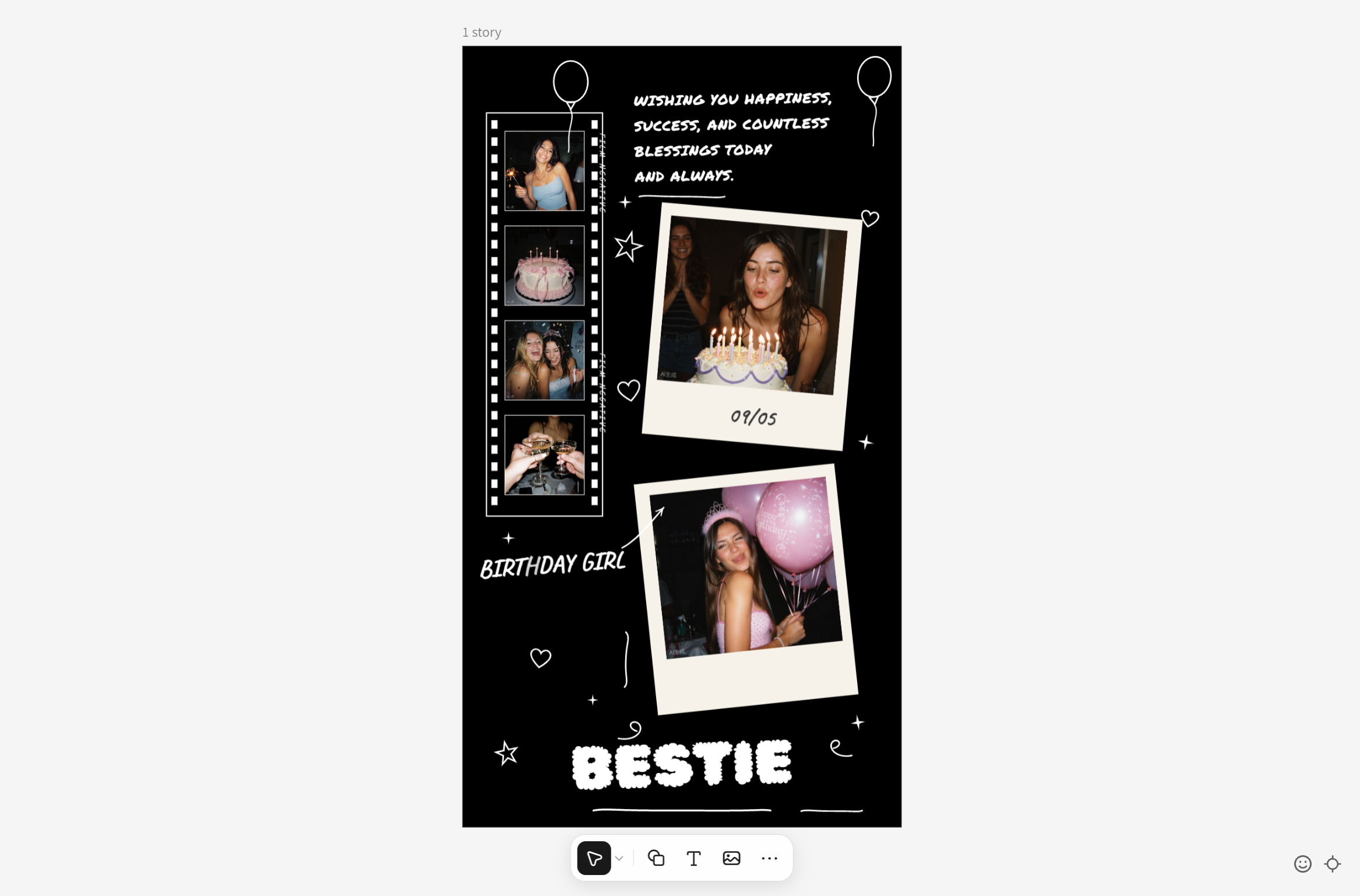
A birthday photo collage brings favorite pictures together in one story to celebrate shared memories. It can combine large photos, smaller snapshots, and handwritten captions. Use it to create a personal tribute for a friend, sibling, or partner.
How to use
Step 1: Enter your prompt
Describe the photo arrangement and choose a scrapbook style with space for a birthday message.
Prompt:
Step 2: Let AI generate your template
Create a scrapbook-style collage with varied photo frames, decorative accents, and space for a birthday message using AI.
Step 3: Review and export the template
Add your favorite photos and check that faces remain visible. Export the collage once the layout looks balanced.
Birthday wishes story template
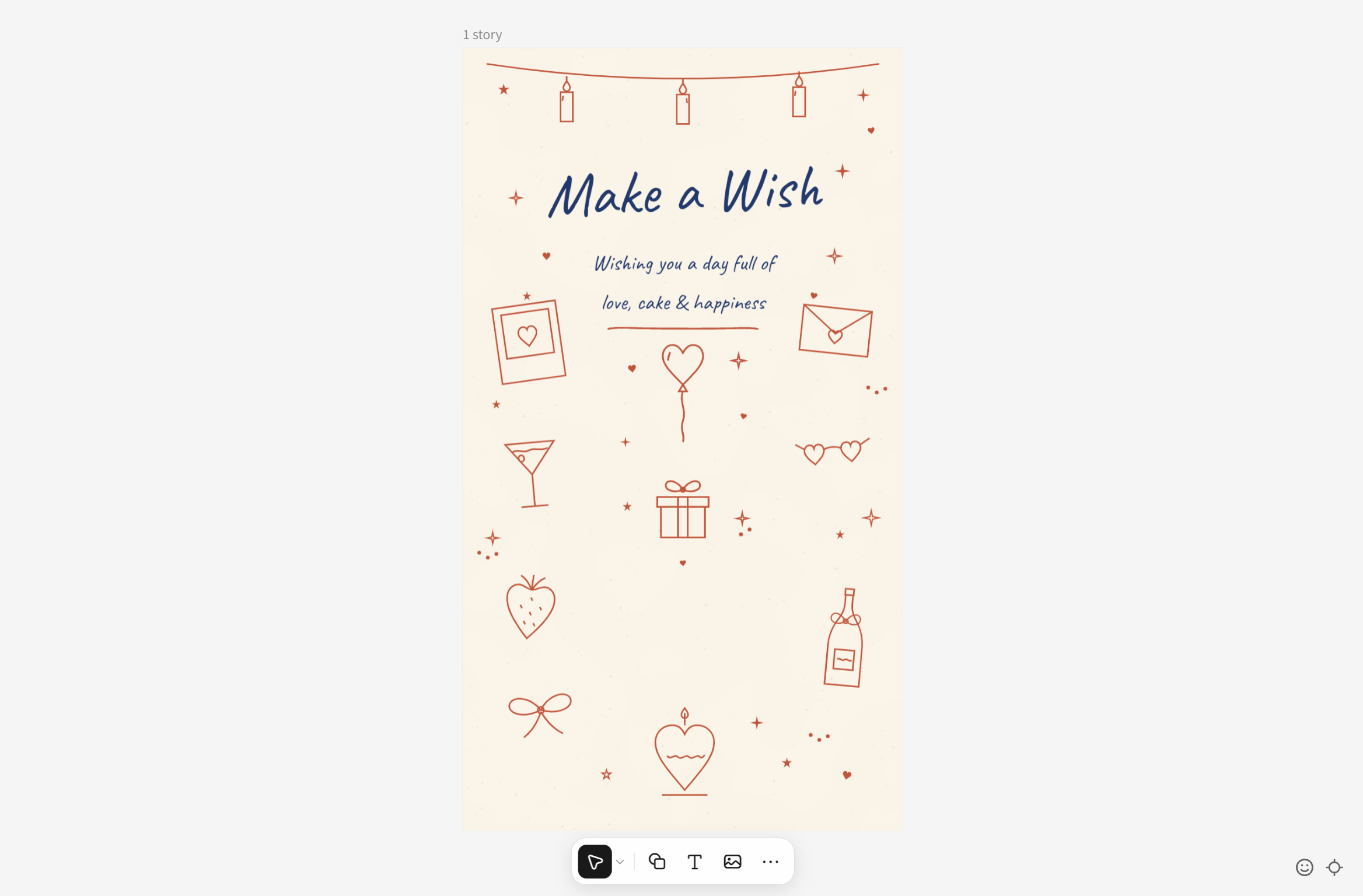
A birthday wishes story lets you celebrate someone with a warm message and a thoughtful design. It can combine a birthday greeting with balloons, candles, confetti, or a favorite photo. Use it to make a friend, family member, or partner feel special.
How to use
Step 1: Enter your prompt
Open Kimi Design and describe the greetings, colors, and decorations you want.
Prompt:
Step 2: Let AI generate your template
Let AI turn your prompt into a cheerful birthday story with matching colors, festive decorations, and greeting text.
Step 3: Review and export the template
Check the spelling and text placement, then export the design. Add the recipient's name or a personal note before sharing.
Birthday party invitation story template
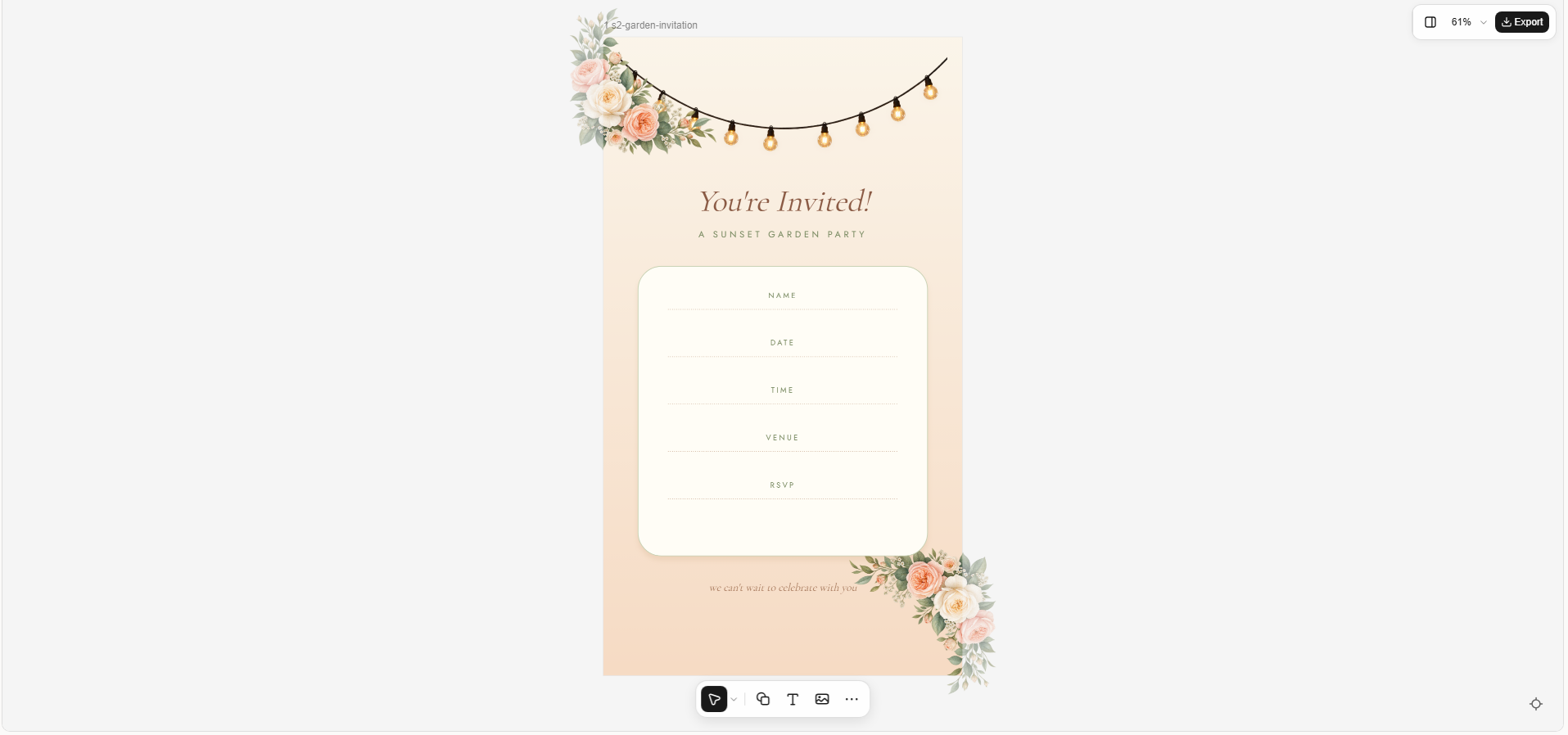
A birthday party invitation story shares important details about an upcoming celebration. It can include the date, time, venue, and RSVP information alongside decorations that match the party theme. Use it to invite friends and family through Instagram.
How to use
Step 1: Enter your prompt
Describe your party theme and include the details guests need to know.
Prompt:
Step 2: Let AI generate your template
The AI generates an invitation layout with themed decorations and spaces for party details.
Step 3: Review and export the template
Add the correct event details and check them carefully. Export the design once everything is clear and readable.
Milestone birthday story template
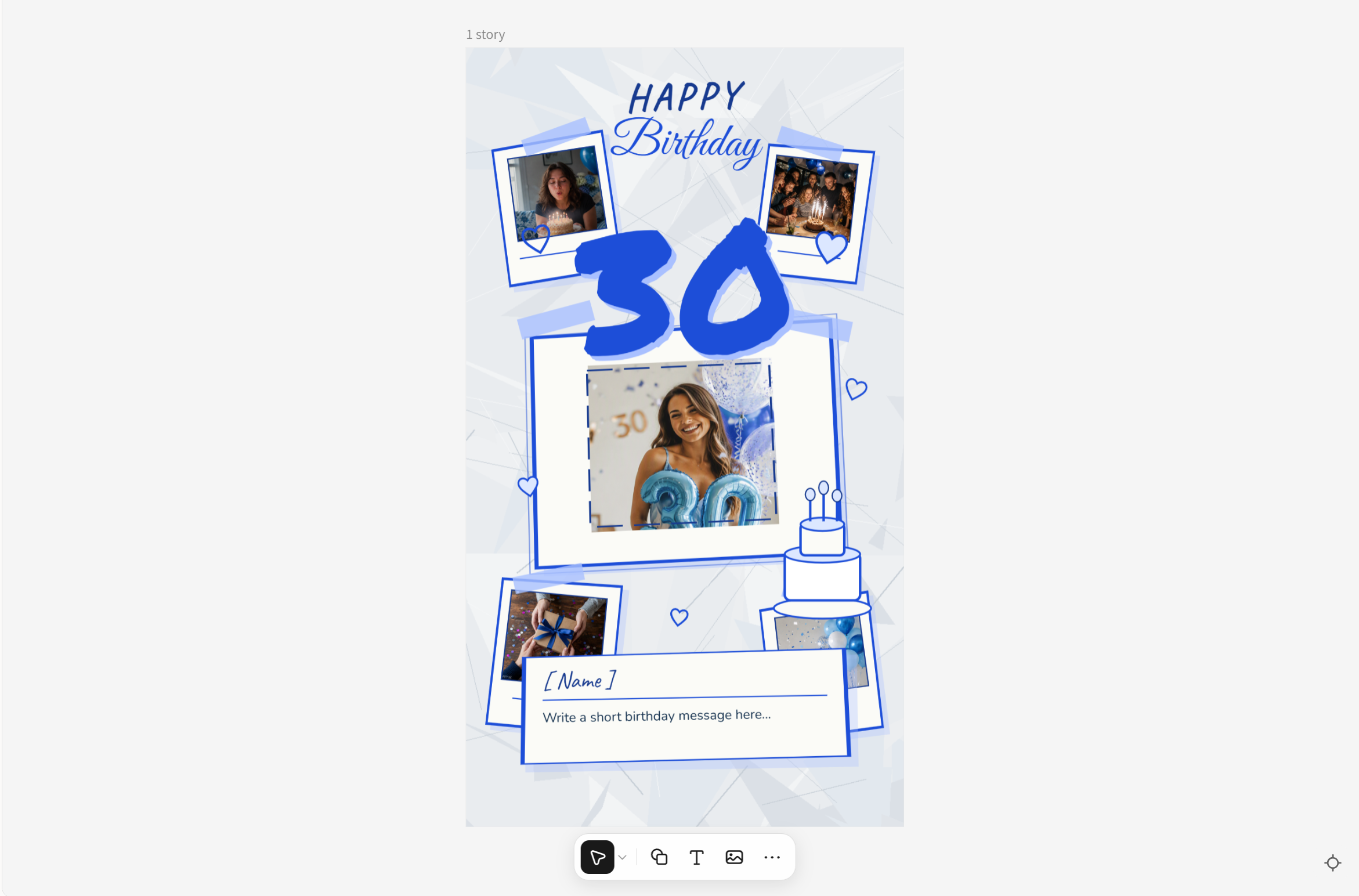
A milestone birthday story celebrates an important age, such as 18, 21, 30, or 50. It uses bold numbers and thoughtful decorations to highlight the occasion. Choose it to make a major birthday feel more memorable and special for everyone involved.
How to use
Step 1: Enter your prompt
Specify the age and choose a style that suits the person, such as modern or elegant.
Prompt:
Step 2: Let AI generate your template
AI brings your milestone design to life with bold age lettering, matching colors, and elegant decorations.
Step 3: Review and export the template
Verify the age and name, then export the finished design to share the birthday tribute.
Cute birthday story template
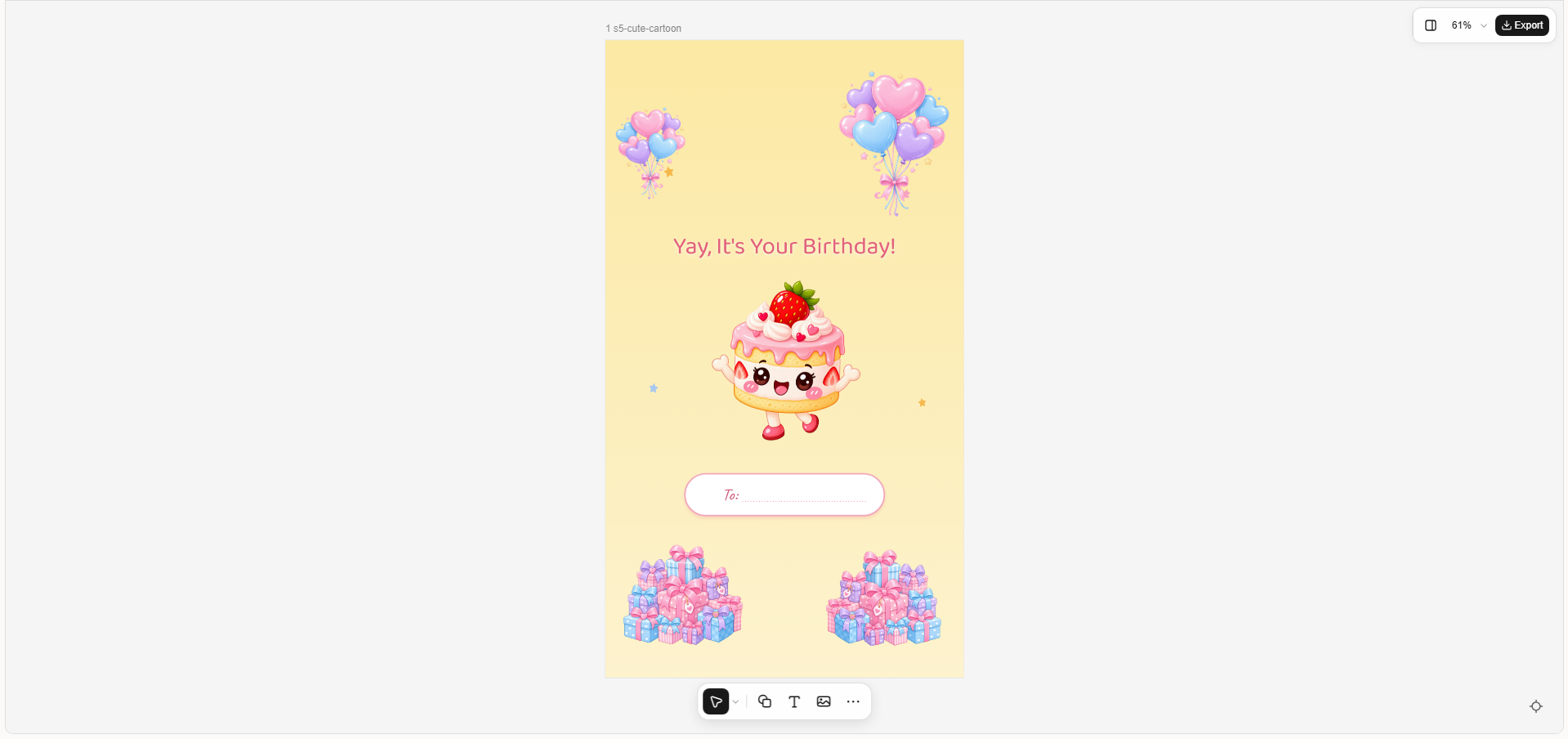
A cute birthday story uses playful colors and friendly illustrations to create a cheerful design. It might feature smiling cupcakes, stars, hearts, and pastel balloons. This style works well for children, friends, or anyone who enjoys a fun birthday greeting.
How to use
Step 1: Enter your prompt
Choose your favorite pastel colors and describe the cute illustrations you want to include.
Prompt:
Step 2: Let AI generate your template
Transform your idea into a playful design featuring pastel colors, cute illustrations, and cheerful text.
Step 3: Review and export the template
Check the greeting and name area, then export the design. Add a short birthday wish before sharing it.
Minimalist birthday story template
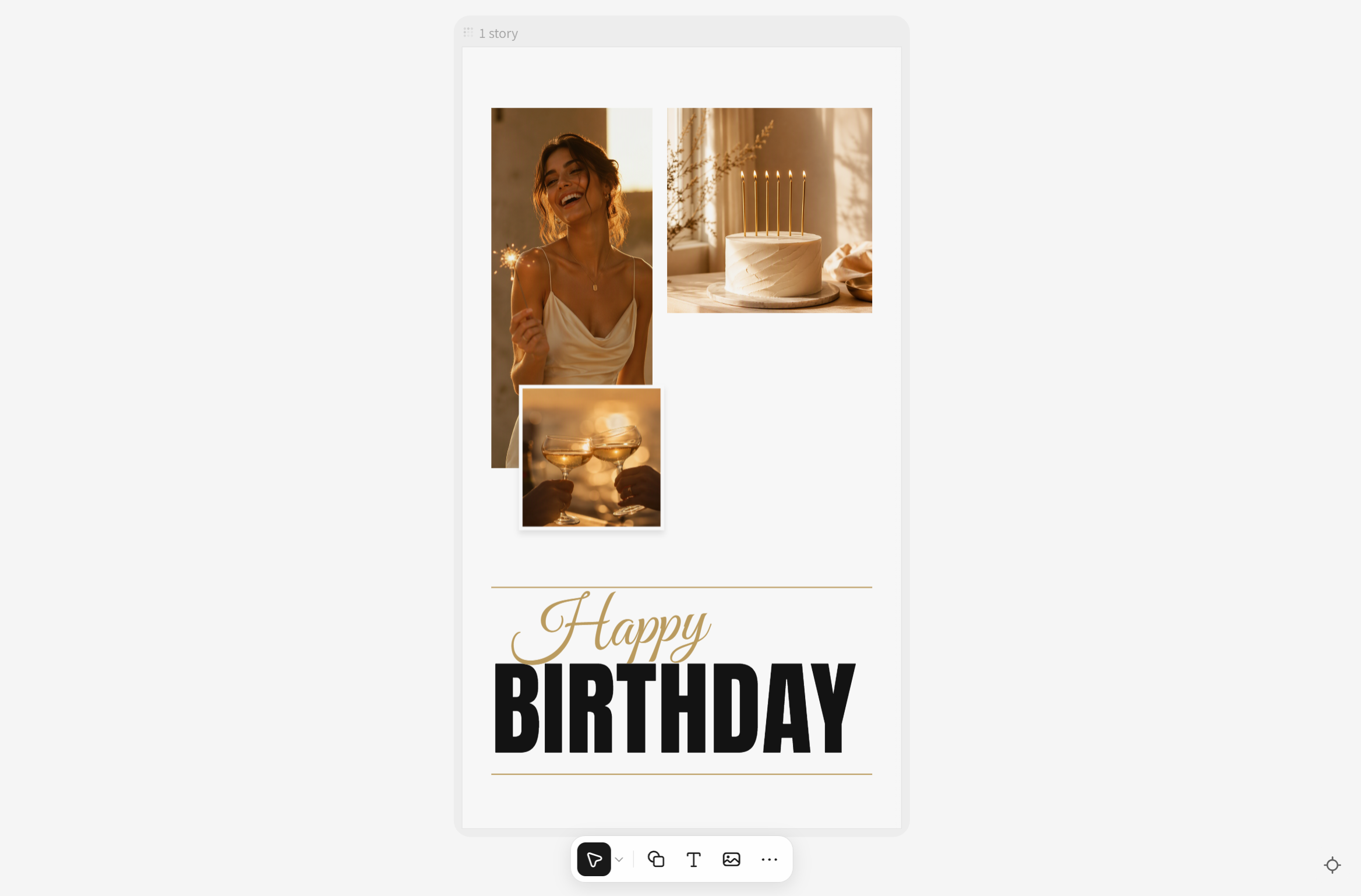
A minimalist birthday story focuses on a short message, clean layout, and simple design elements. It often uses neutral colors, open space, and elegant typography instead of busy decorations. Choose this style for a modern and understated birthday greeting.
How to use
Step 1: Enter your prompt
Choose a background color, font style, and one simple decorative element.
Prompt:
Step 2: Let AI generate your template
Use AI to create a clean birthday layout with simple typography, subtle decorations, and balanced spacing.
Step 3: Review and export the template
Make sure the greeting is easy to read, then export the design and add a personal message if needed.
Birthday countdown story template
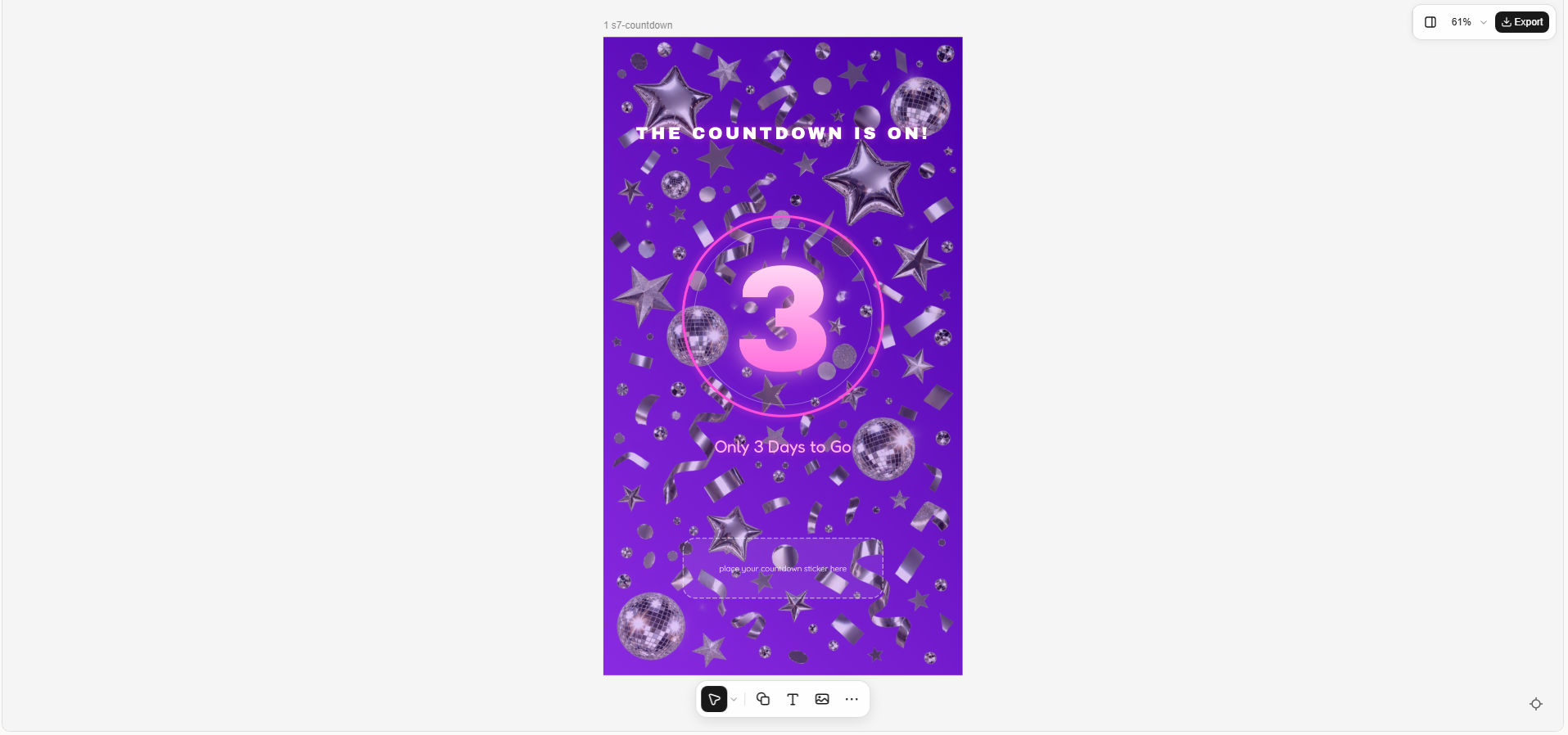
A birthday countdown story builds excitement by showing how many days remain until the celebration. It often features a large number, festive graphics, and a short message. Use it before your birthday or to surprise someone else.
How to use
Step 1: Enter your prompt
Describe the countdown style and specify the number of days remaining.
Prompt:
Step 2: Let AI generate your template
The AI builds a countdown design around a prominent number, festive decorations, and a birthday message.
Step 3: Review and export the template
Update the number and date, then export the design. Add Instagram's countdown sticker if you want followers to track the celebration.
Birthday quiz and poll story template
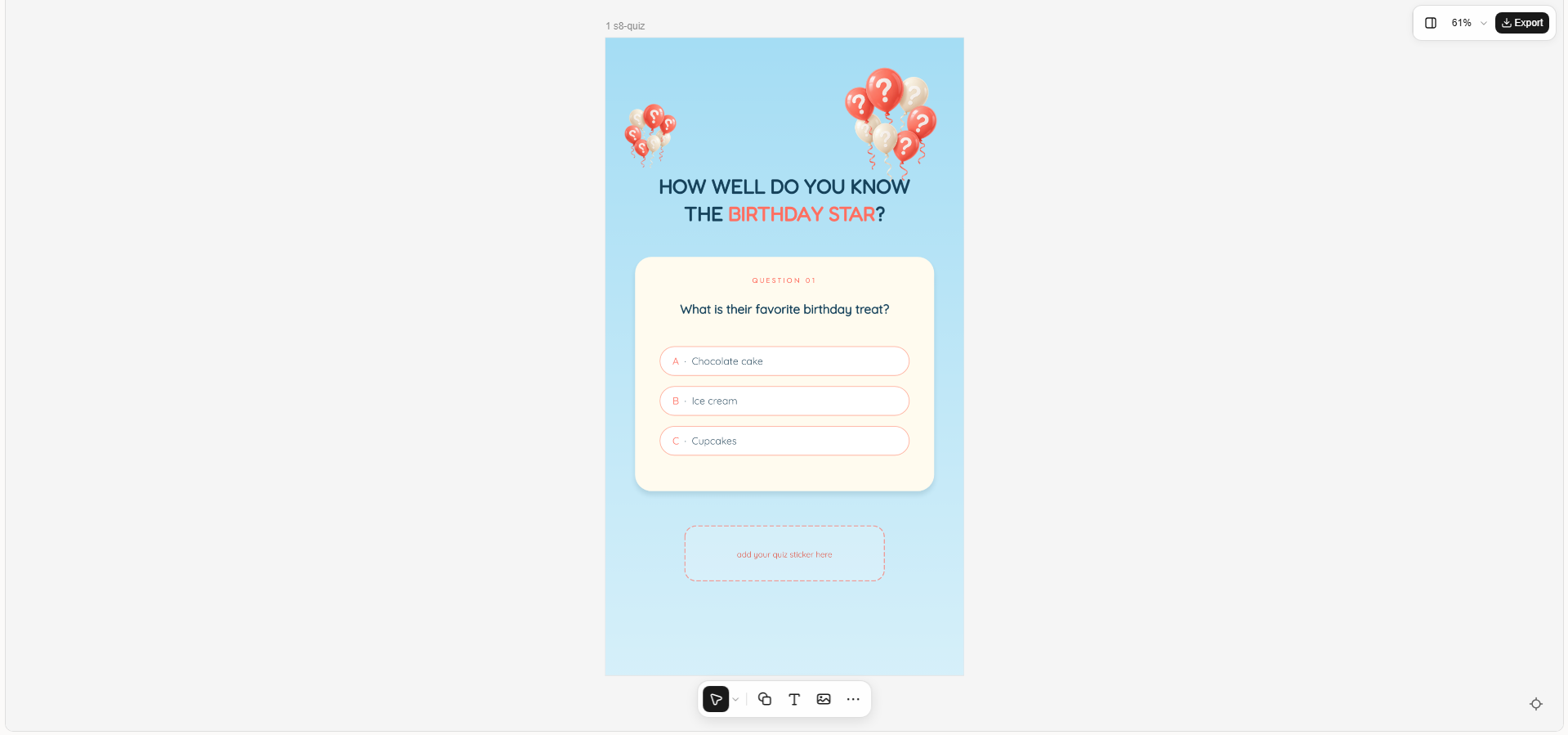
A birthday quiz and poll story encourages friends to participate in the celebration. You can ask questions about the birthday person, favorite memories, or party plans. Use this template to make your story more interactive and fun.
How to use
Step 1: Enter your prompt
Choose a birthday question and leave room for Instagram's quiz or poll sticker.
Prompt:
Step 2: Let AI generate your template
Turn your idea into a quiz-style layout with a clear question, answer choices, and space for interactive stickers.
Step 3: Review and export the template
Check the question and answers, then export the design. Add the appropriate quiz or poll sticker in Instagram.
Birthday thank-you story template
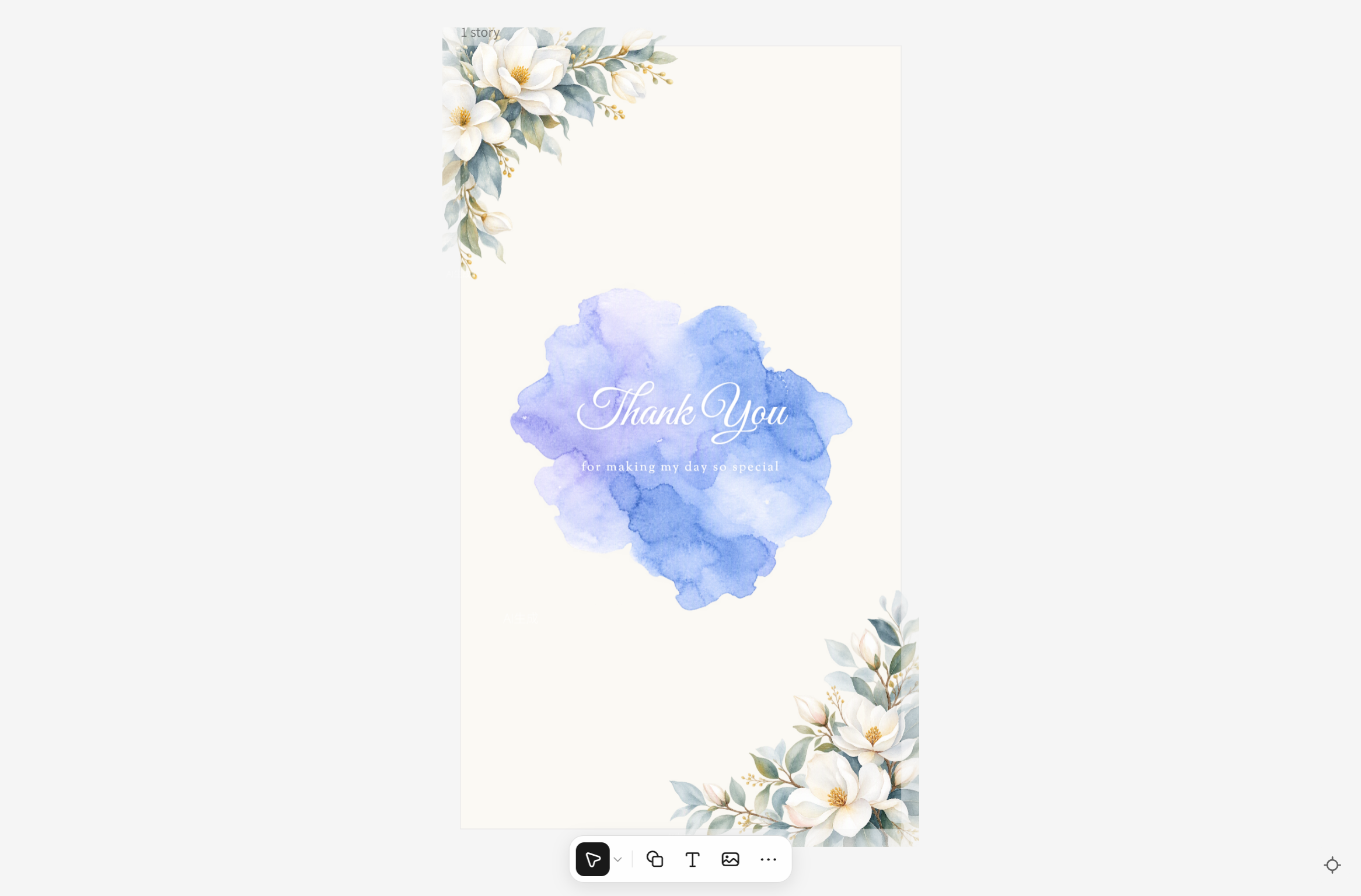
A birthday thank-you story lets you appreciate everyone who sent wishes or made your day special. It often combines a heartfelt message with soft colors, flowers, or a favorite photo. Share it after your birthday to thank friends and family.
How to use
Step 1: Enter your prompt
Describe a warm, grateful design and include the message you want to share.
Prompt:
Step 2: Let AI generate your template
Let AI create a warm thank-you design with soft colors, delicate decorations, and space for a personal message.
Step 3: Review and export the template
Check the wording and add a favorite birthday photo if desired. Export the finished design and share it with your followers.
Birthday sale story template
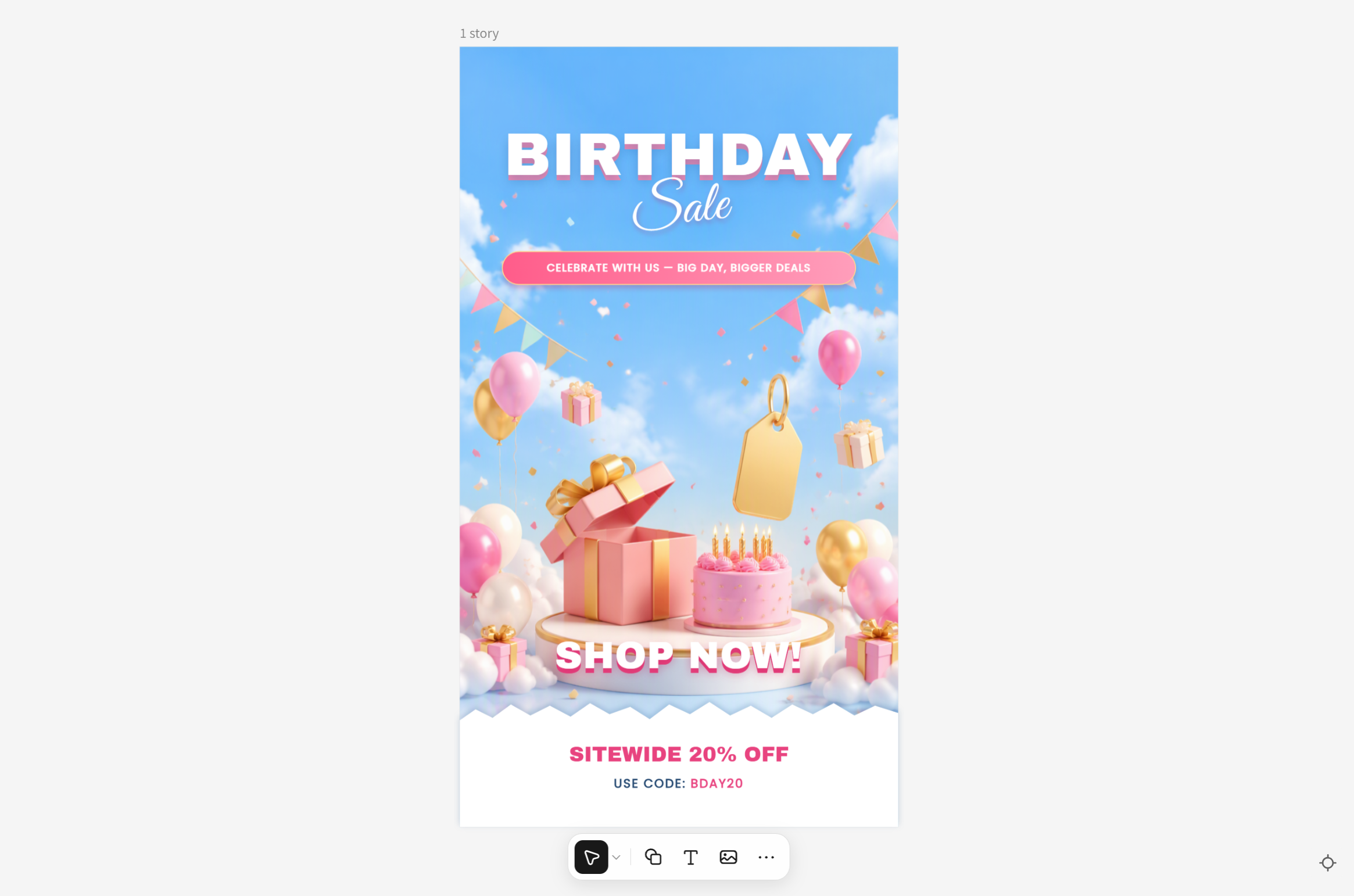
A birthday sale story helps businesses promote discounts, special offers, or limited-time deals. It combines bold headlines, product images, and clear offer details to catch attention. Use it for a brand anniversary or a birthday-themed customer promotion.
How to use
Step 1: Enter your prompt
Describe the product, discount, and brand style, and include space for a call to action.
Prompt:
Step 2: Let AI generate your template
Generate a promotional design featuring bold discount text, product visuals, and spaces for offer details.
Step 3: Review and export the template
Verify the discount, offer date, and product details. Export the design once everything is accurate and ready to share.
Why choose Kimi Design for Instagram birthday stories
Every birthday has its own vibe, whether it's a heartfelt wish for someone close or a fun surprise for your followers. Kimi Design helps you turn those ideas into birthday stories with designs that match the person, the mood, and the moment. Here's what makes it worth trying.
Personalized birthday story designs from prompts and photos
Describe your birthday theme, upload photos of the birthday person, or provide a reference image to guide the design. Kimi Design combines images, text, colors, and decorative elements into a cohesive birthday story that reflects your preferred style rather than relying on a fixed template.
Birthday story layouts for different celebrations
Create designs for birthday wishes, party invitations, milestone birthdays, surprise announcements, and birthday promotions. Whether you are celebrating a friend or preparing branded content for a business, you can tailor the layout and messaging to the occasion.
Festive styles and creative birthday visuals
Explore different aesthetics, from colorful balloons and confetti to elegant typography, scrapbook-inspired photo layouts, and minimalist birthday greetings. Kimi Design helps you develop a visual style that matches the birthday person's personality or the atmosphere of the celebration.
Flexible editing for personalized birthday messages
Refine your birthday story through follow-up prompts or direct editing. Update names, birthday messages, photos, colors, and decorative elements to make the design more personal. Canvas comments and manual controls also provide additional ways to fine-tune individual elements.
Version history and ready-to-share birthday stories
Explore multiple birthday design ideas while keeping access to previous versions. Once your story is ready, export it as PNG or JPG for sharing on Instagram or saving as a birthday keepsake.
Key elements of an engaging Instagram birthday story
A great birthday story is more than a birthday greeting placed on a colorful background. Small details like photos, music, and playful decorations can make your design feel more personal and enjoyable to watch. Here are the key elements to consider when creating a birthday story that catches attention.
Eye-catching background
Choose a background that matches the birthday mood, whether it's bright and colorful or soft and elegant. Use colors that complement your photos and text so the design feels balanced. Avoid too many decorative elements, as they can distract viewers from your main message.
Bold birthday message
Make your birthday greeting easy to notice by using clear fonts and a suitable text size. Phrases like "Happy Birthday!" or "Cheers to Your Special Day" work well as the main heading. Keep the message short and place it where viewers can read it without covering important parts of the design.
Personal photo
Adding a photo makes your birthday story feel more meaningful and unique to the person you're celebrating. Choose a favorite memory, a recent picture together, or a photo that reflects their personality. Make sure the image is clear and positioned well so it fits naturally with the other design elements.
Fun stickers and GIFs
Stickers and GIFs can bring extra energy to your birthday story with animated balloons, confetti, cakes, and other festive details. Choose a few that match your design instead of filling every available space. You can also use interactive stickers to encourage friends to respond or join the celebration.
Matching music
Music helps set the mood and makes your birthday story more enjoyable to watch. Pick an upbeat song for a fun celebration or a softer tune for a heartfelt birthday message. Choose music that suits the person and the design, and make sure it complements rather than distracts from your Story.
@mention tag
Tagging the birthday person with an @mention makes your story more personal and helps them find the post easily. Place the tag where it remains visible without competing with the main greeting or photo. You can also mention friends who are part of the celebration, as long as the tags fit naturally into the design.
Conclusion
A memorable birthday story doesn't need a complicated design; it just needs to feel right for the person and the occasion. Instagram birthday story templates can help you share your wishes in a way that feels thoughtful and fun. With Kimi Design, you can explore different ideas and shape them around your own style. Ready to create something special?