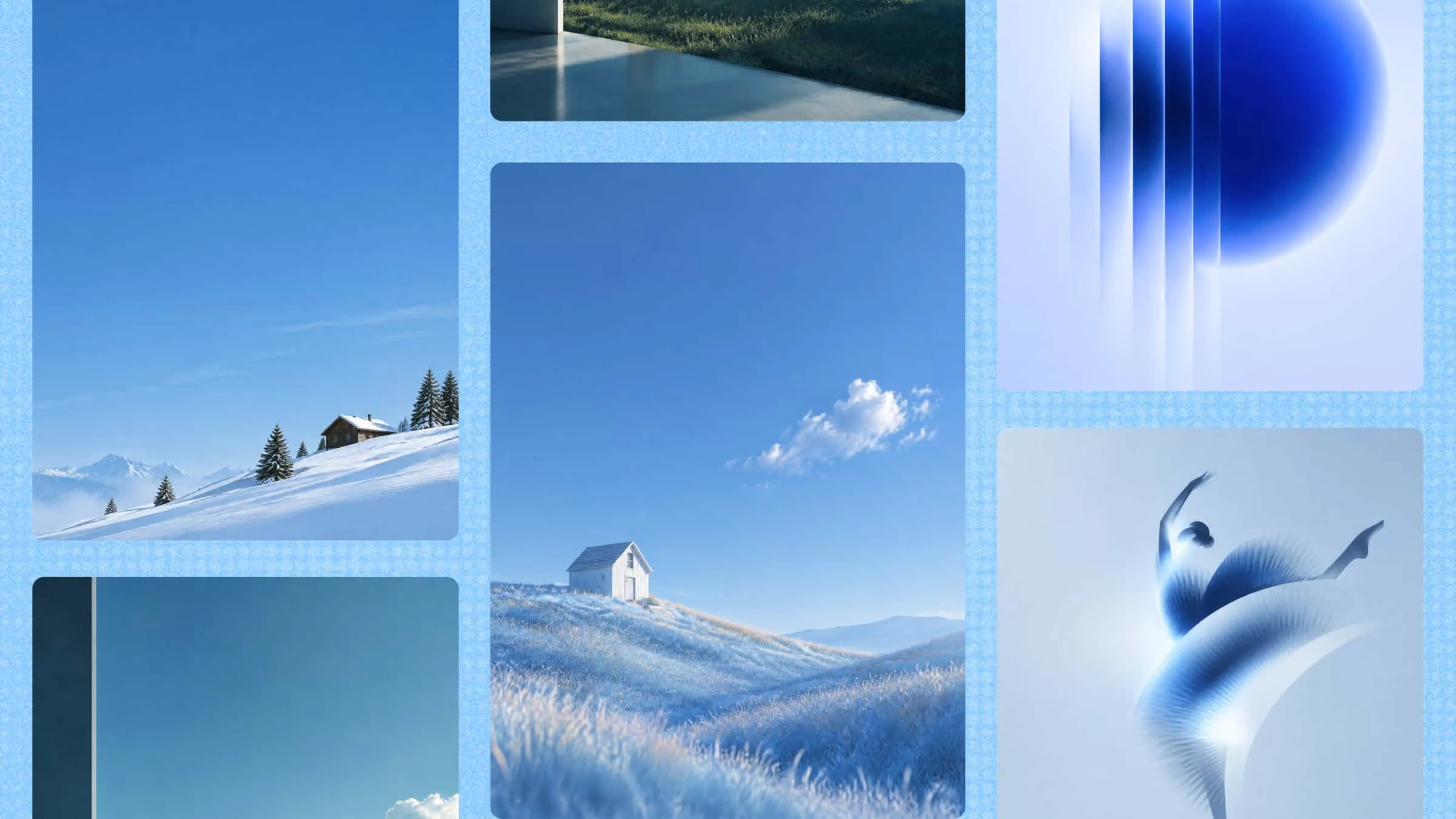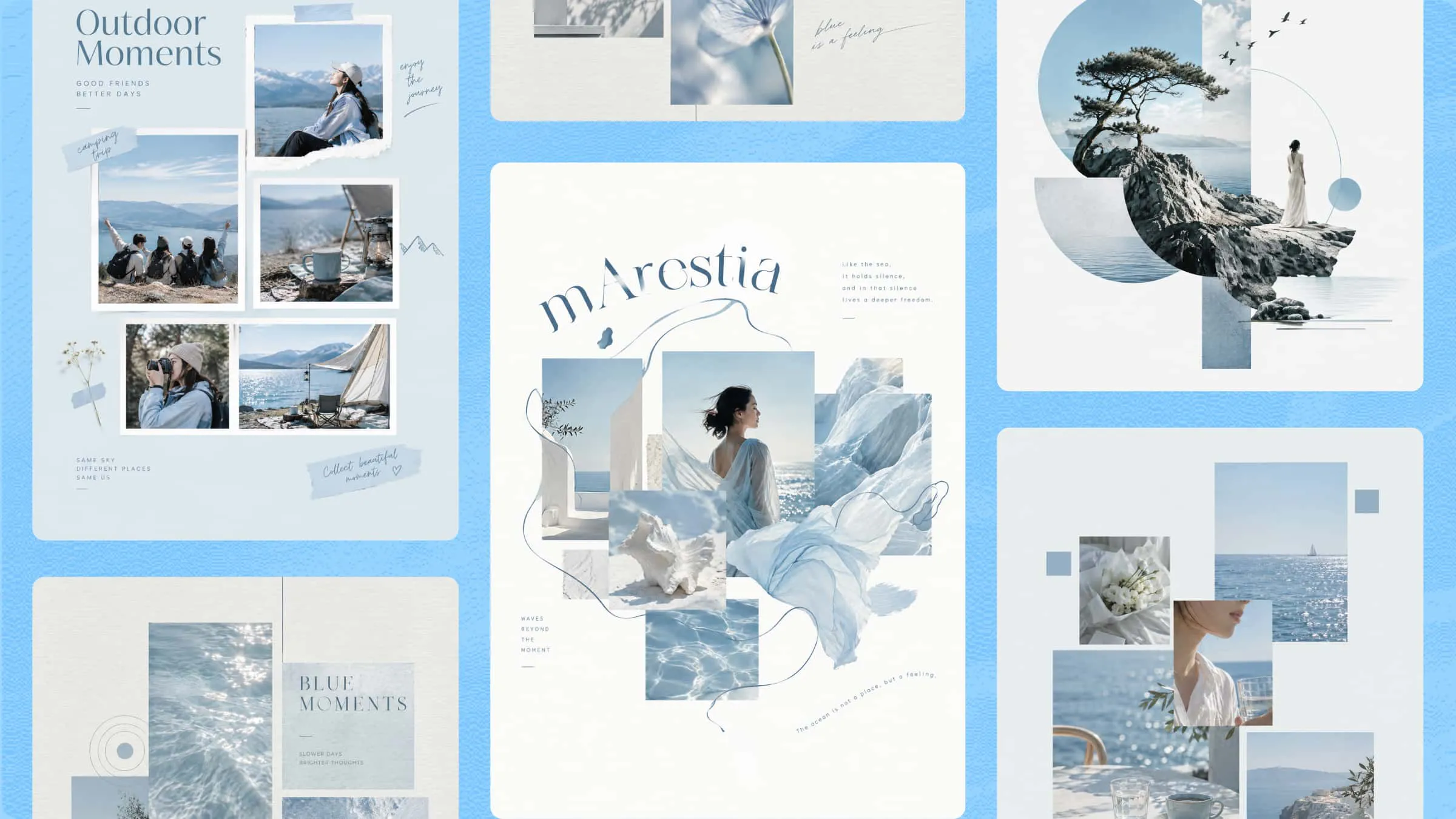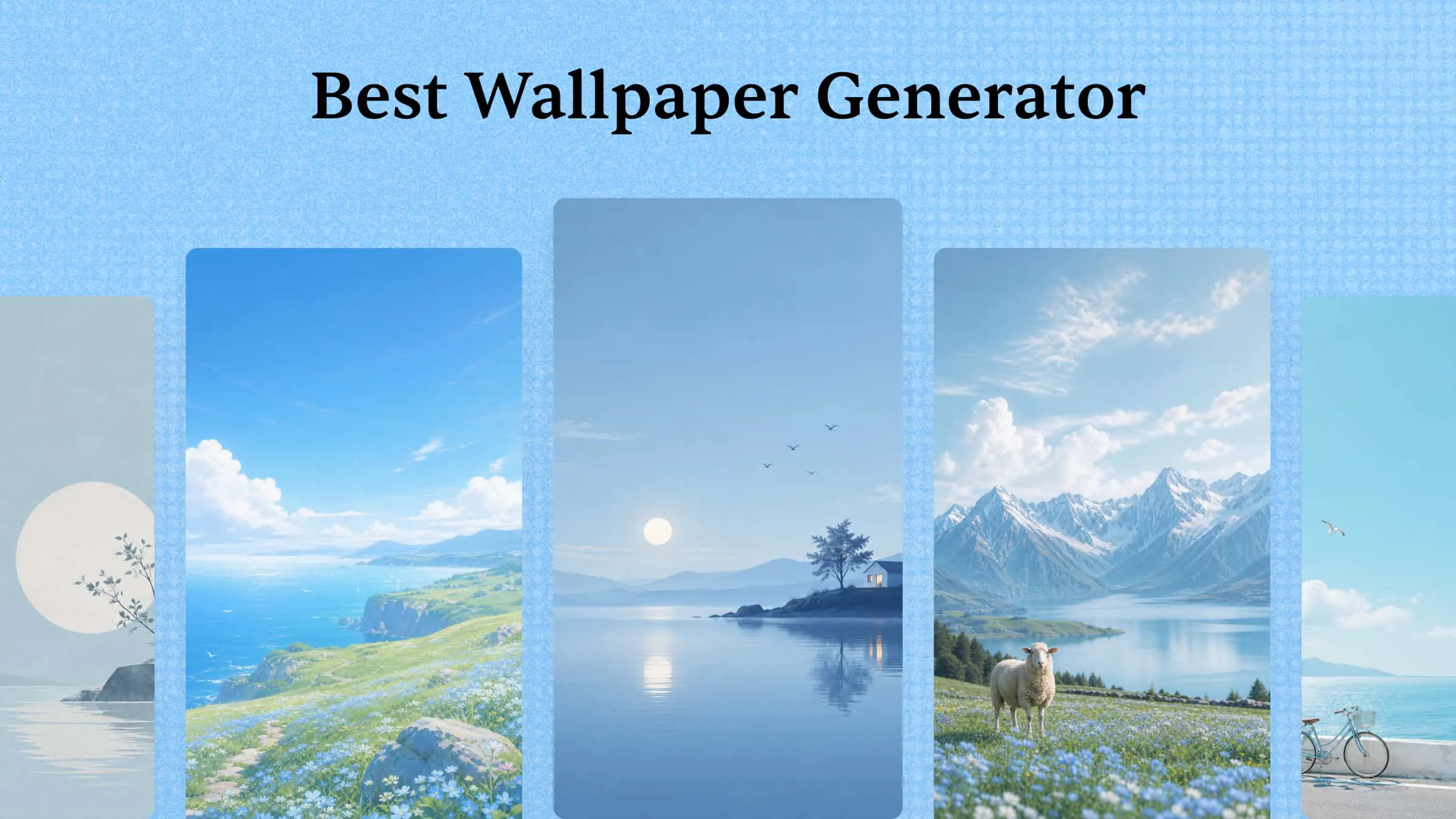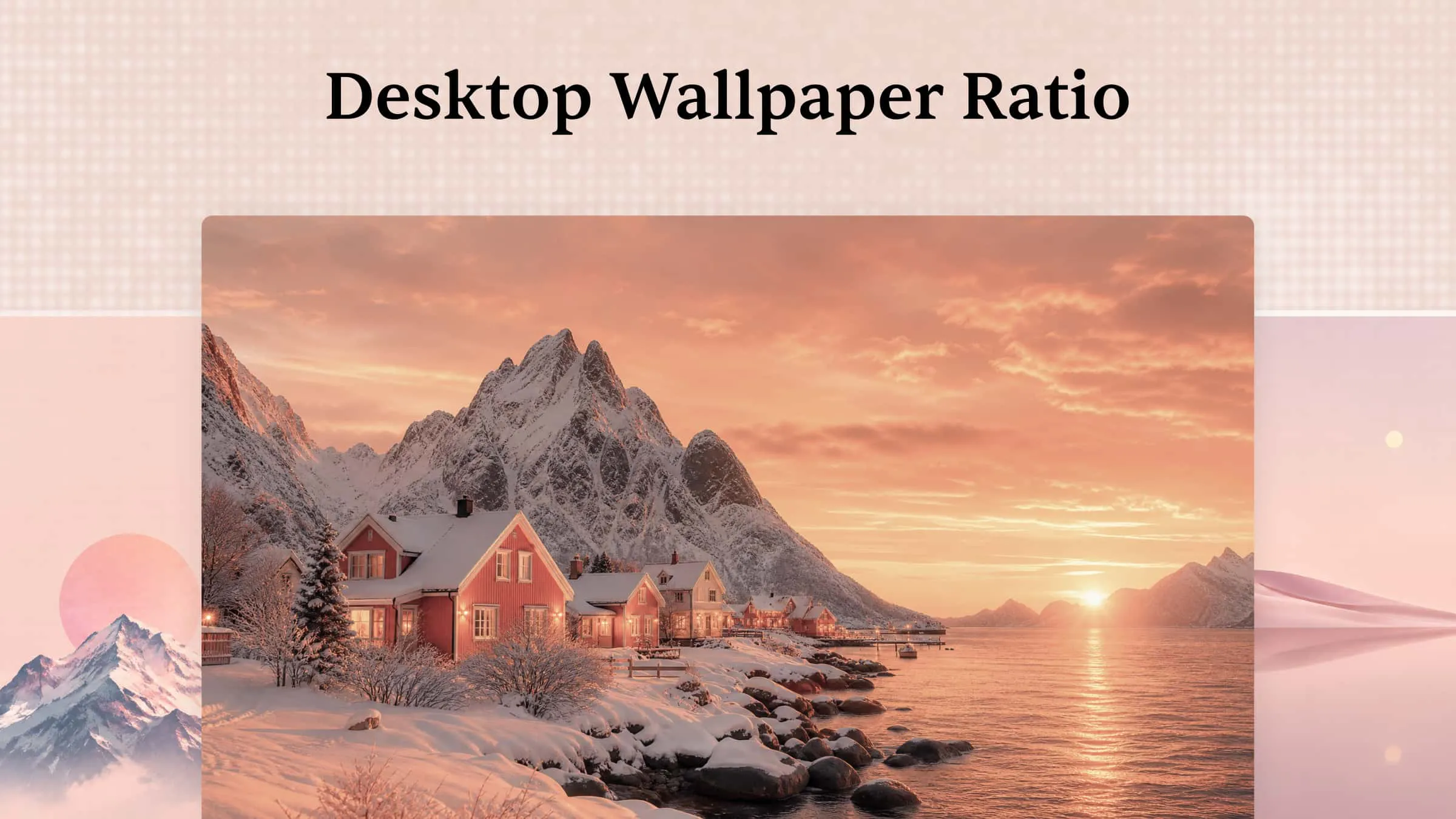
A good Instagram Story can catch someone's attention in seconds, but the right design makes viewers want to keep watching. With creative Instagram Story templates, you can share updates, promote products, and connect with your audience without starting from scratch every time. Kimi Design makes it easier to turn simple ideas into eye-catching stories that fit your style and brand. Read this article to explore 10 templates for inspiration and discover how to create your own designs that stand out.
Overview of 10 Instagram Story templates
Choosing the right template depends on what you want your story to achieve, whether it's promoting a product, sharing a personal moment, or encouraging followers to interact. Use the overview below to find the template that fits your goal, then explore its prompt and creation steps.
| Template | Key content | Design elements | Use case |
|---|---|---|---|
| Product launch story template | Product image, launch headline, key details, CTA | Product-focused visuals, coordinated brand colors, clear text hierarchy | New product announcements |
| Behind-the-scenes story template | Workspace, creative process, team activities, short headline | Natural lighting, candid scenes, warm colors, editorial style | Sharing brand processes and daily work |
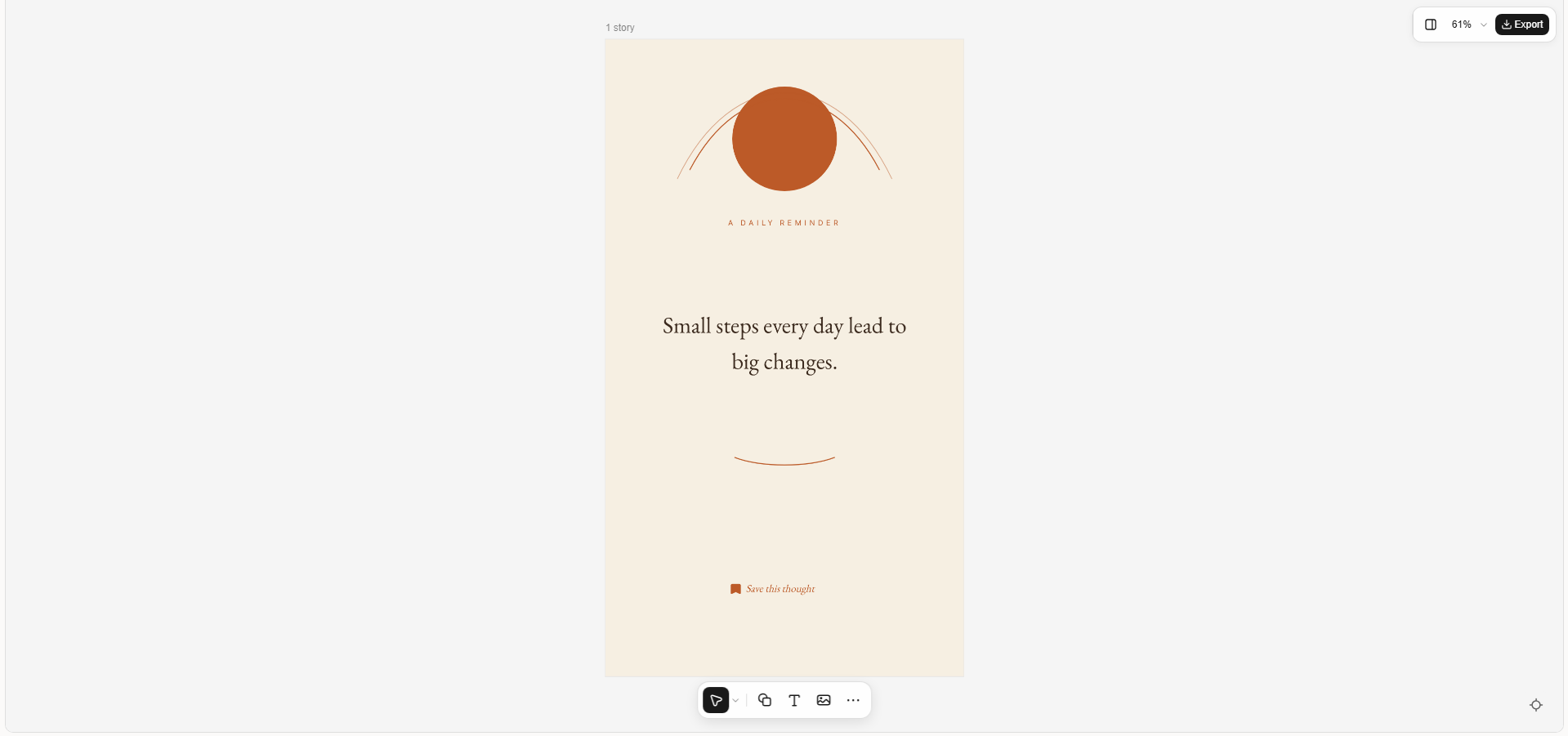
| Quote story template | Quote, short heading, supporting text | Large typography, minimalist background, subtle decorative shapes | Sharing motivational messages and brand insights |
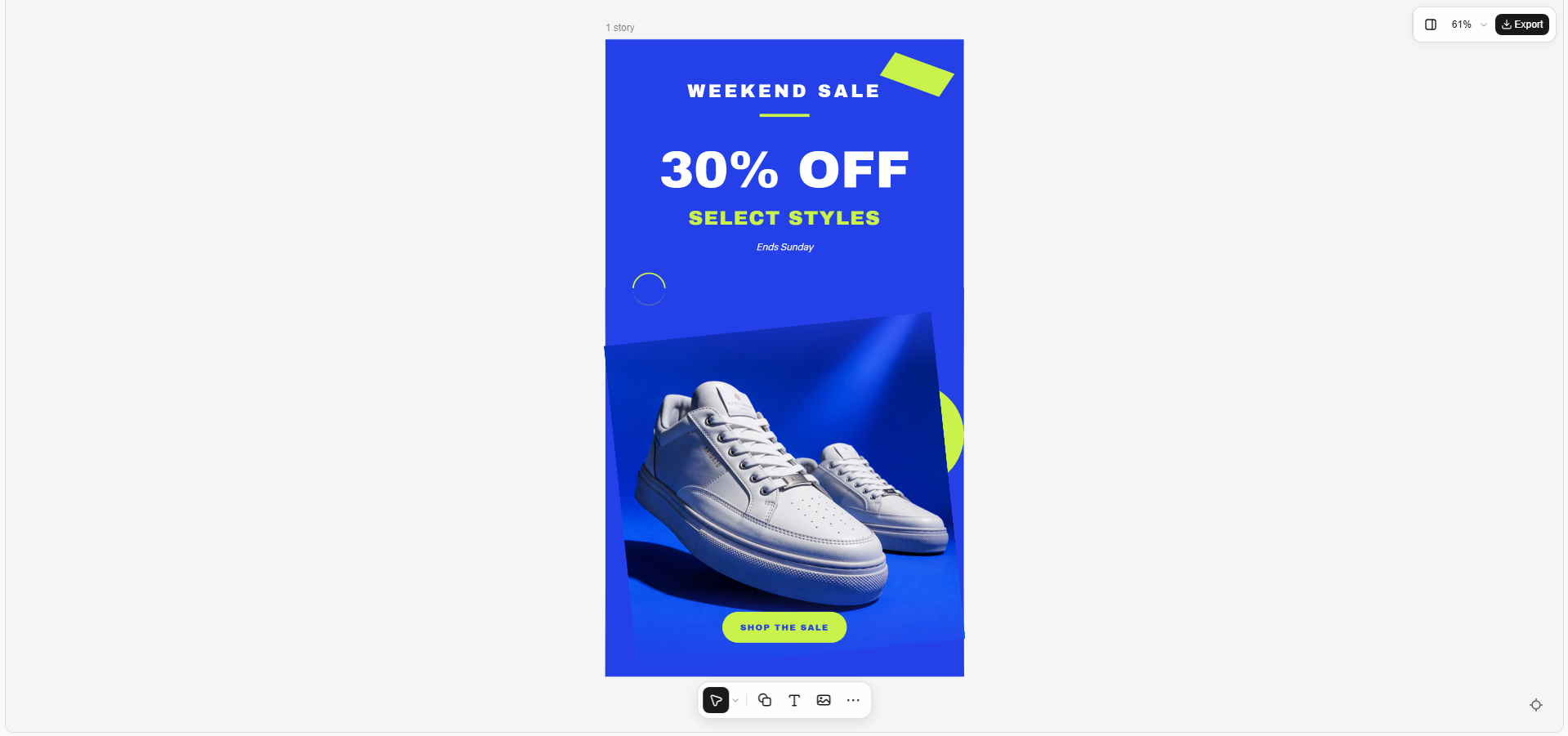
| Sale and discount story template | Discount, product image, deadline, CTA | Bold colors, prominent offer text, high-contrast visuals | Seasonal promotions and limited-time offers |
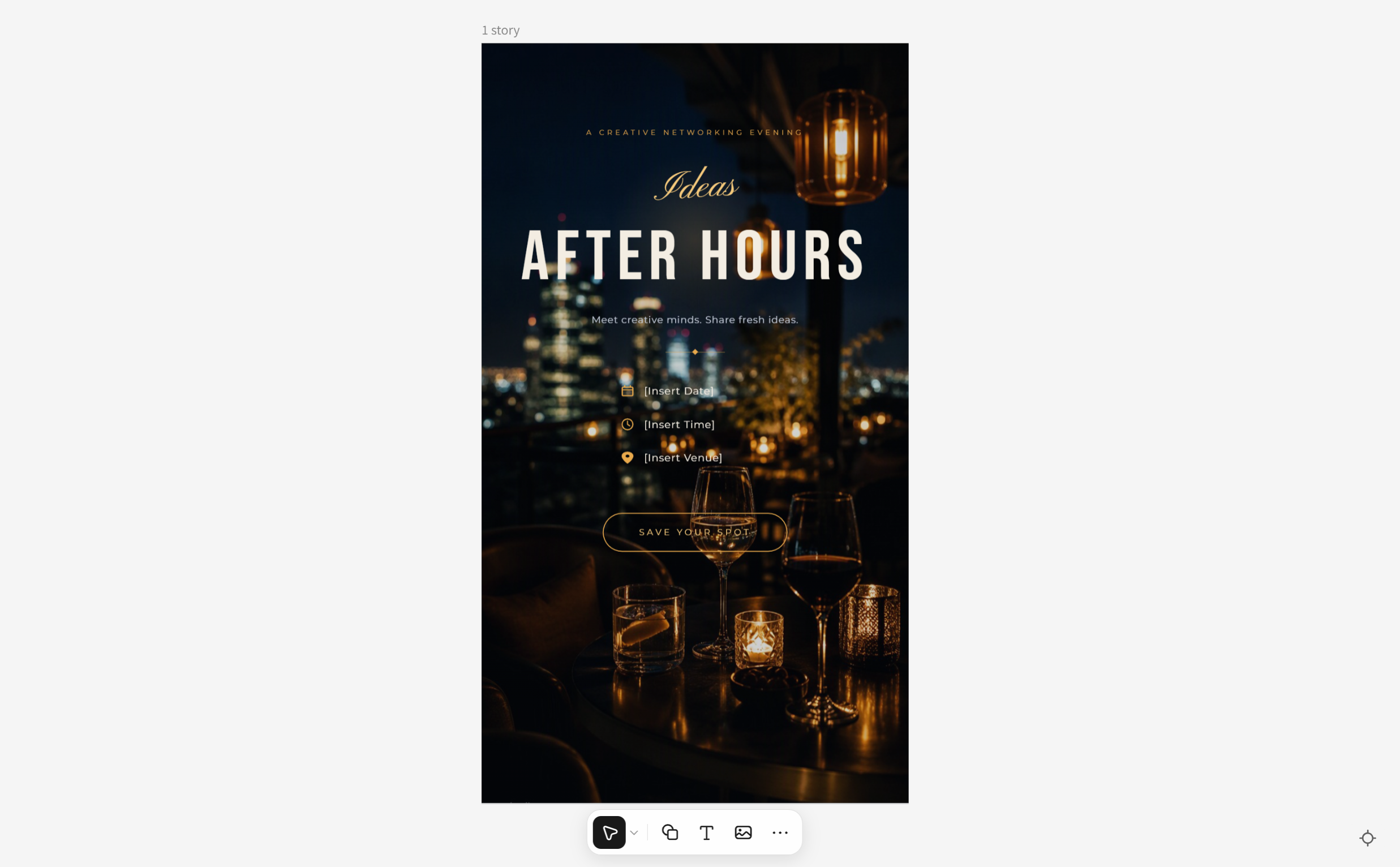
| Event announcement story template | Event name, date, time, venue, CTA | Organized information blocks, event-themed backgrounds, modern typography | Workshops, webinars, concerts, and meetups |
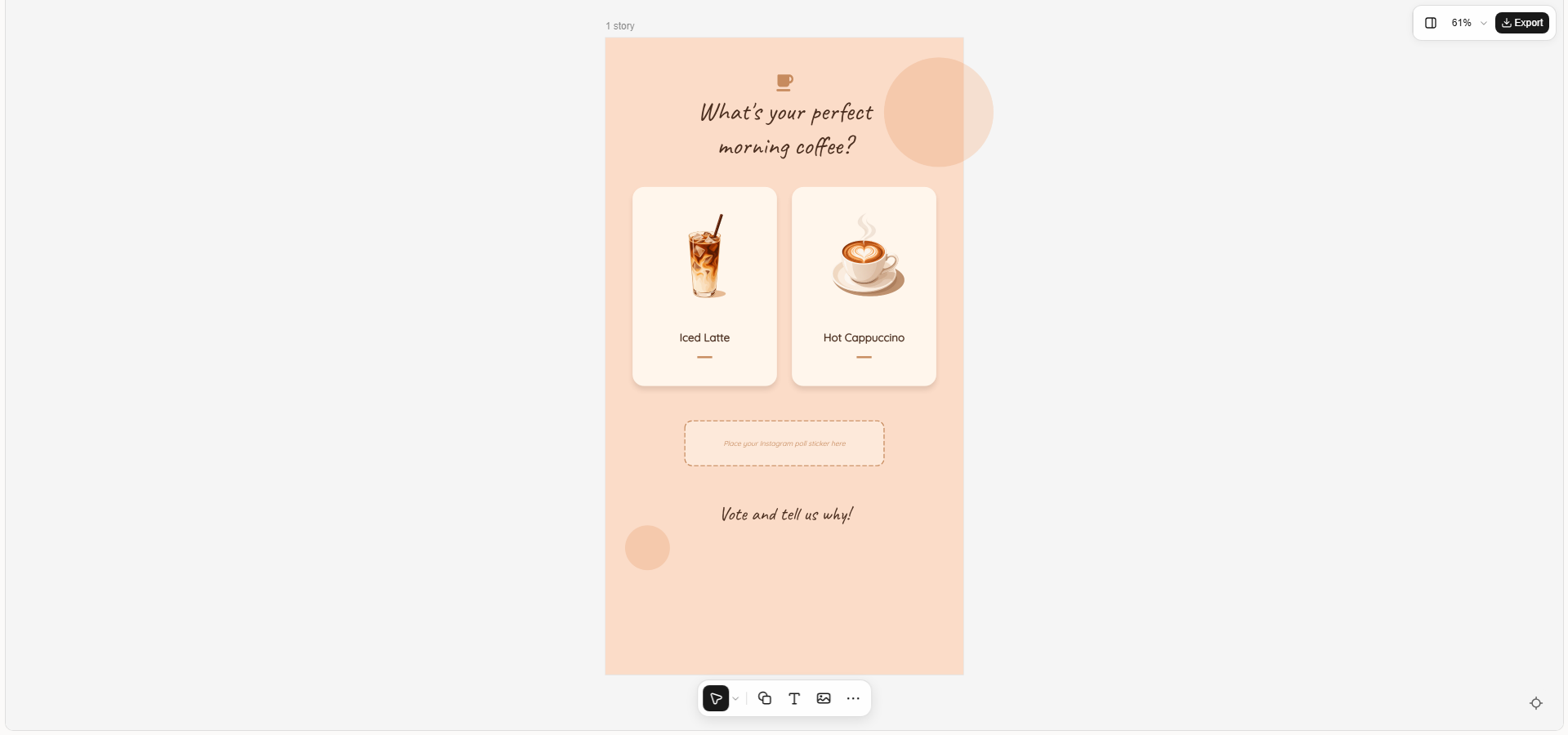
| Q&A and poll story template | Question, response options, space for interactive stickers | Playful colors, illustrated elements, clear response areas | Encouraging audience participation |
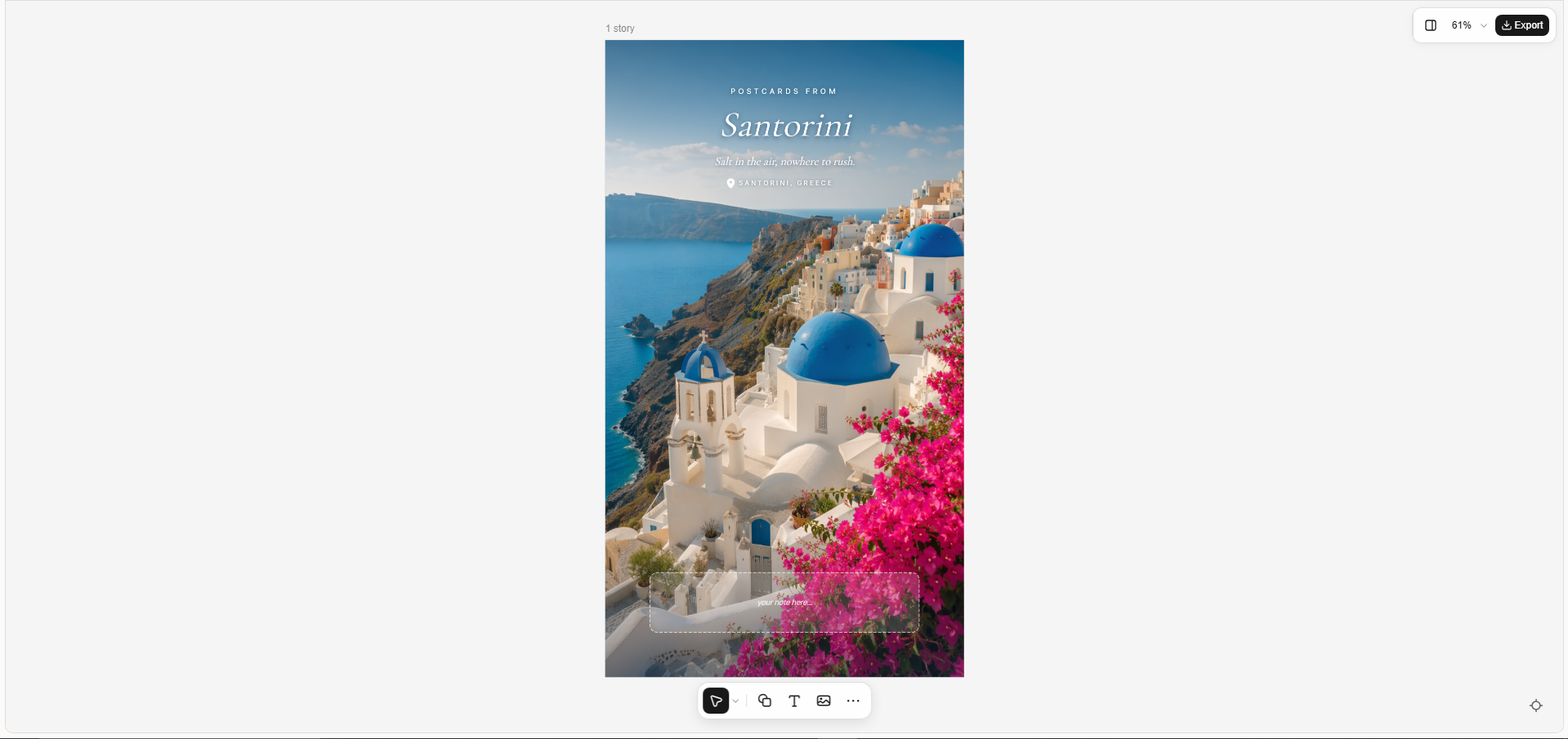
| Travel story template | Destination, scenic image, caption, location detail | Landscape photography, destination-inspired colors, elegant typography | Travel memories and destination recommendations |
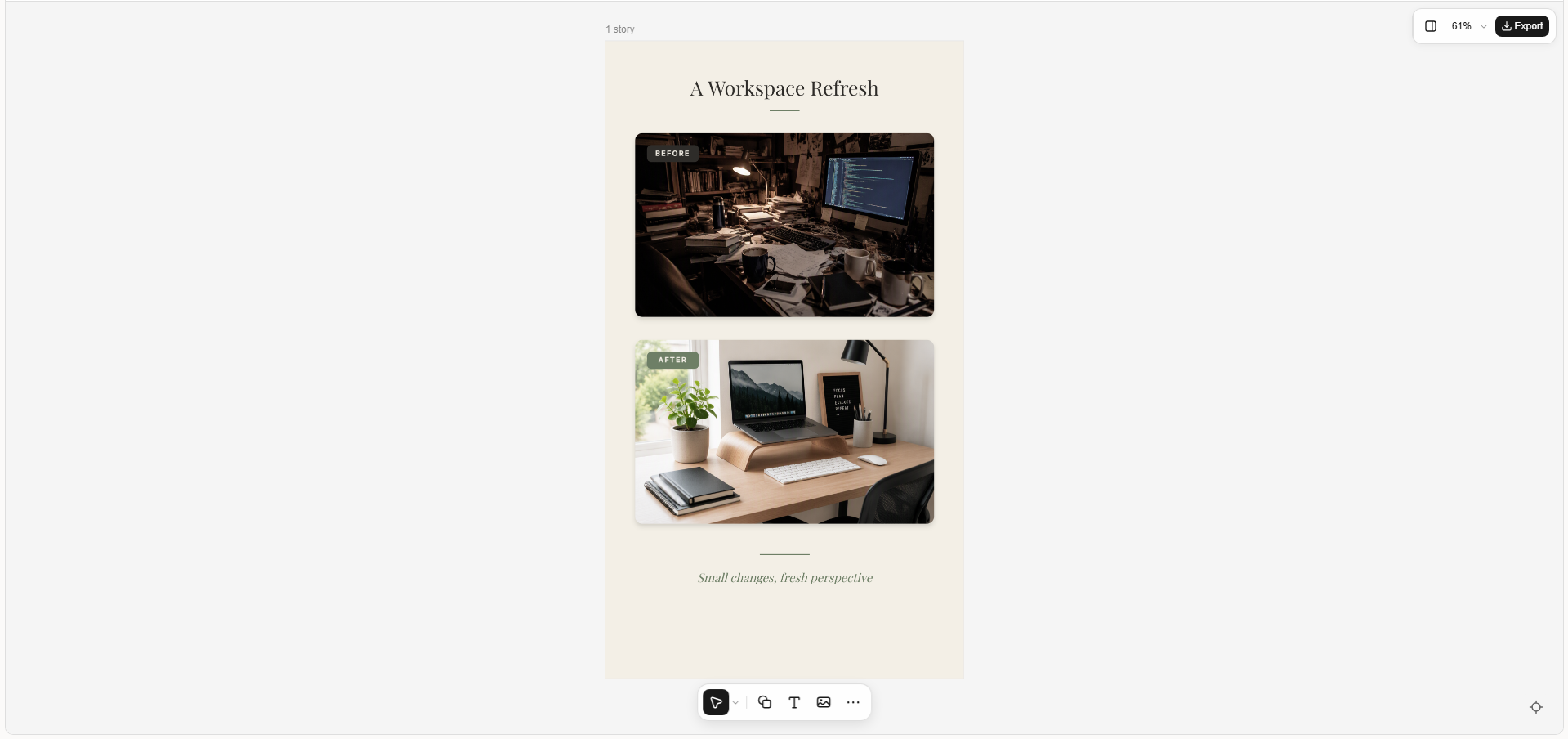
| Before-and-after story template | Before and after visuals, labels, short description | Two-panel layout, consistent visual framing, contrasting scenes | Showing transformations and progress |
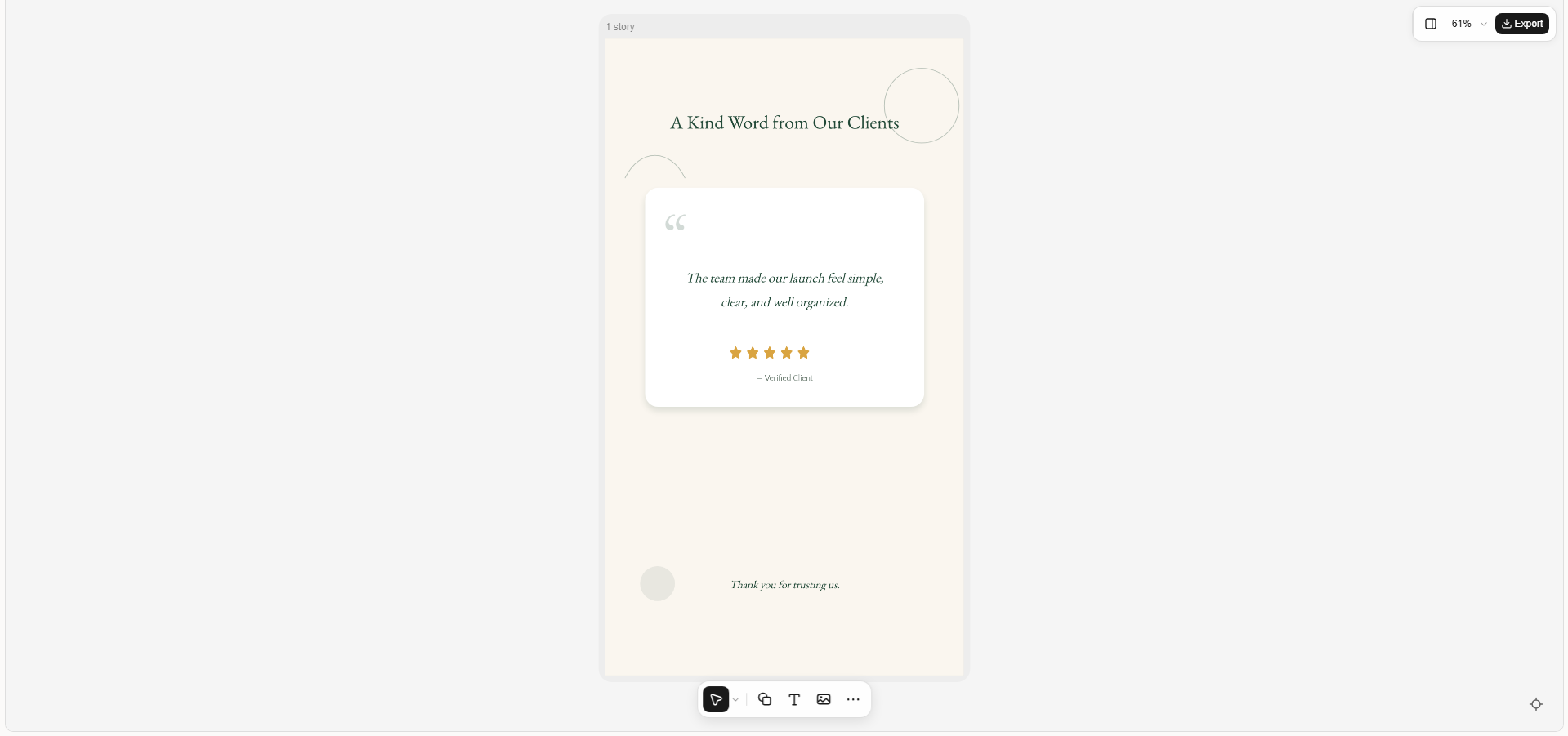
| Customer review story template | Review quote, customer attribution, rating, thank-you message | Testimonial card, clean background, brand colors, readable text | Sharing customer feedback and testimonials |
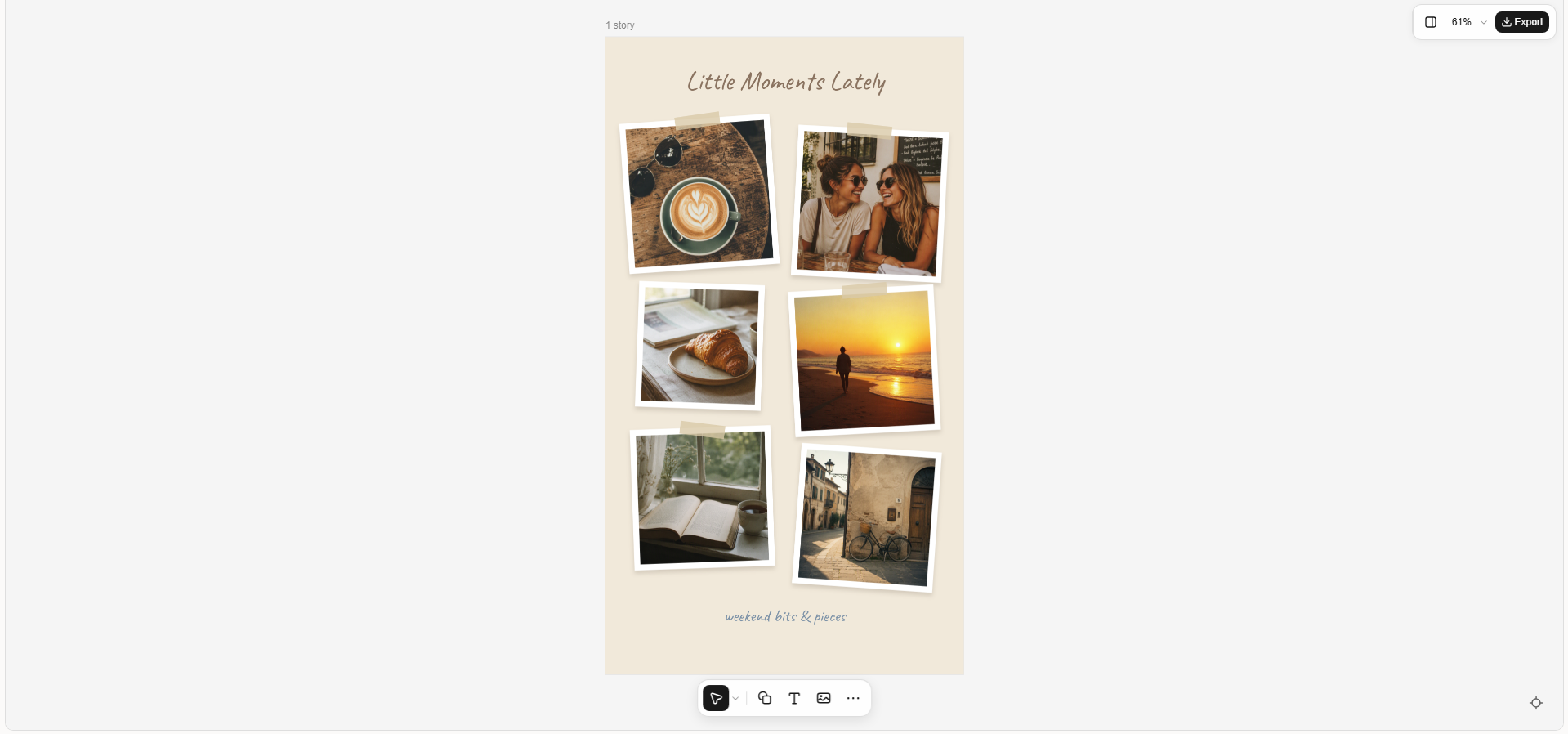
| Photo dump story template | Multiple photos, short caption, date or occasion | Scrapbook collage, tilted frames, soft shadows, casual styling | Sharing everyday moments and personal highlights |
10 Instagram Story templates for every occasion
Your stories can do more than share information. They can show your style and give people a reason to engage. Let's explore 10 Instagram Story templates for ideas you can adapt to your own content.
Product launch story template
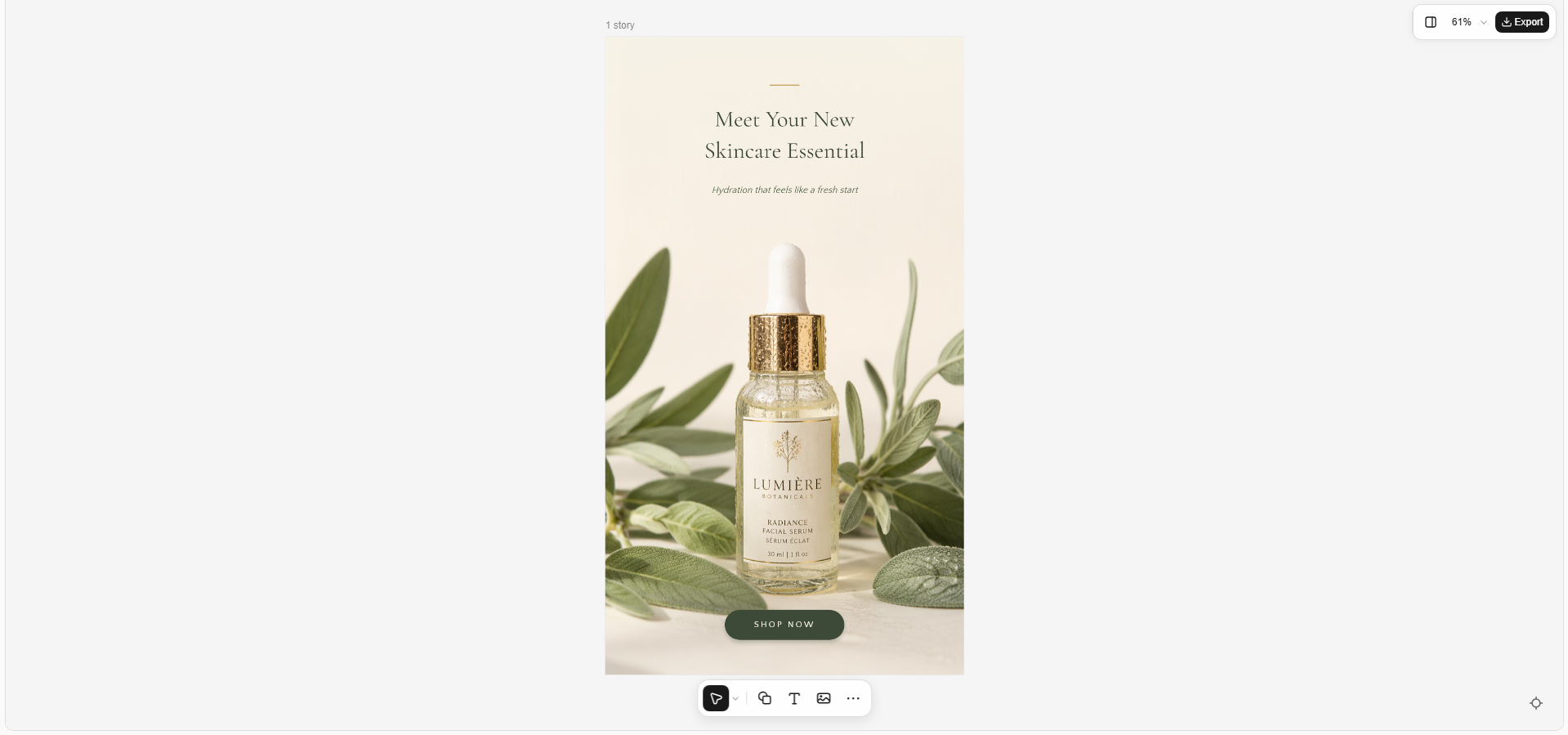
A product launch story introduces a new product and highlights what makes it worth noticing. It often combines a clear product image, a short headline, and a few key details. This template works well for brands launching new collections, gadgets, skincare products, or other items.
How to use
Step 1: Enter your prompt
Open Kimi Design and enter a prompt that describes your product, brand style, preferred colors, and the message you want to share. Include a launch headline and a call to action such as "Discover the New Collection."
Prompt:
Step 2: Let AI generate your template
Kimi Design processes your prompt and creates a story layout with the product, background, colors, and text arranged into a coordinated design.
Step 3: Review and export the template
Check that the product stands out, the launch message is readable, and the call to action is easy to notice. Make any needed changes, then export the finished design for Instagram.
Behind-the-scenes story template
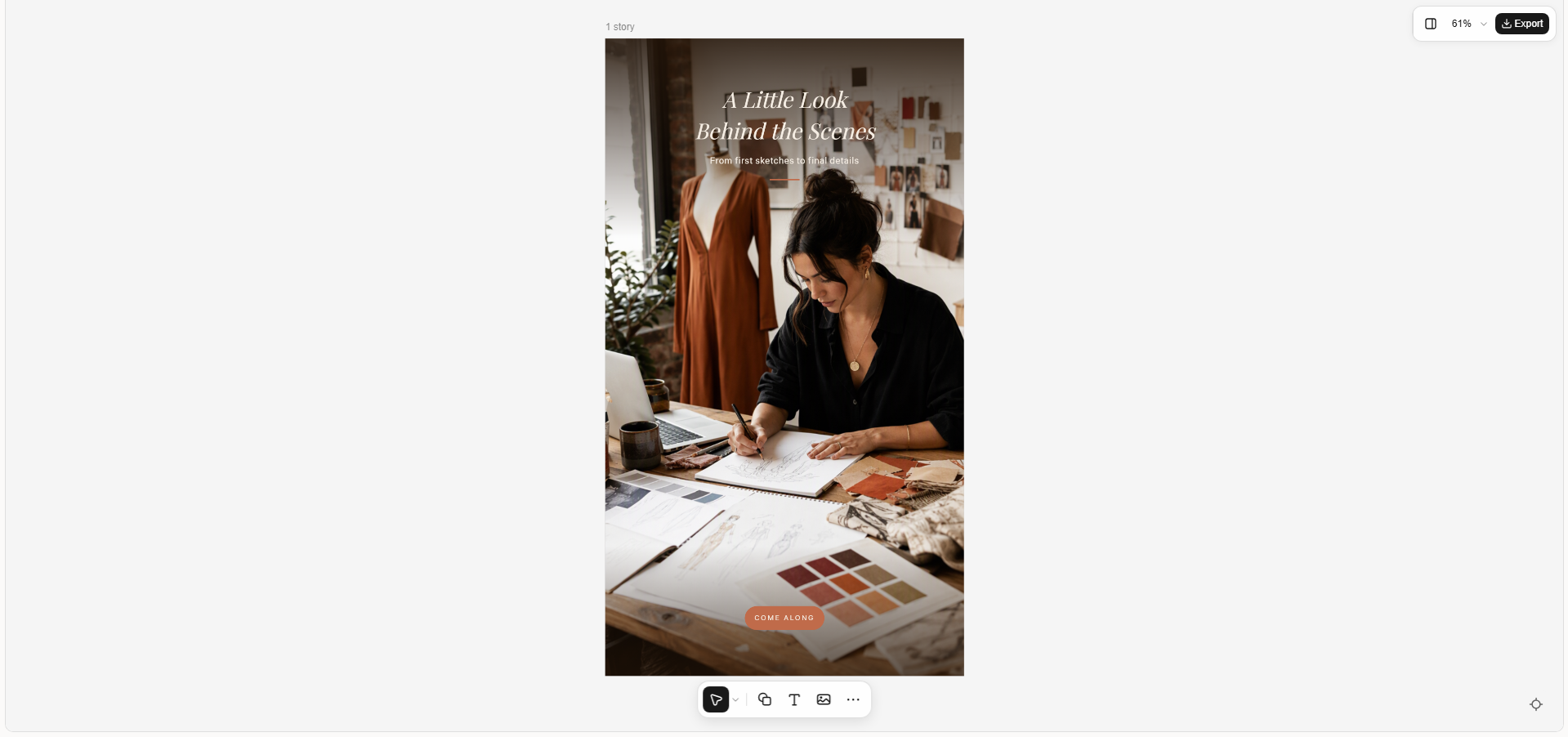
A behind-the-scenes story gives followers a look at the people, process, or daily work behind a brand. It can show how a product is made, how a team works, or what happens before a project is finished. This template helps make your content feel more personal and relatable.
How to use
Step 1: Enter your prompt
In Kimi Design, explain what happens behind the scenes and the atmosphere you want to show. Mention the setting, important details, and a headline that invites viewers to take a closer look.
Prompt:
Step 2: Let AI generate your template
The AI interprets your description and generates a visual scene, combining the studio setting, creative tools, lighting, colors, and text into one cohesive story design.
Step 3: Review and export the template
Make sure the scene feels natural, and the main headline is easy to read. Adjust any details that look too staged, then export the design to share your process with followers.
Quote story template
A quote story presents a short, meaningful line in a design that is easy to read and share. It may feature a motivational message, a business insight, or a thought that reflects your brand's values. This template is useful for creators, coaches, and businesses that want to share ideas and encourage interaction.
How to use
Step 1: Enter your prompt
Enter your quote into Kimi Design and describe the look you want, such as minimalist, elegant, or bold. Specify the background, font style, and any small decorative elements that support the message.
Prompt:
Step 2: Let AI generate your template
Kimi Design processes your quote and styling instructions to generate a layout with suitable typography, background details, spacing, and visual balance.
Step 3: Review and export the template
Check the quote carefully to ensure the wording is correct and readable on a phone screen. Refine the font size or spacing if needed, then export the story.
Sale and discount story template
A sale and discount story highlights a special offer and gives customers a clear reason to act. It usually features a strong discount message, product imagery, and a short call to action. This template works well for seasonal sales, limited-time deals, and promotional campaigns.
How to use
Step 1: Enter your prompt
Describe the product or collection on sale, the discount amount, and the campaign style in Kimi Design. Include any deadline or offer conditions you want displayed, so the main message is clear.
Prompt:
Step 2: Let AI generate your template
The AI transforms your offer details into a promotional composition, generating the background, product placement, bold discount text, and supporting design elements.
Step 3: Review and export the template
Verify the discount percentage, deadline, and offer wording before publishing. Make sure the product and main offer are easy to spot, then export the completed design.
Event announcement story template
An event announcement story shares the essential details of an upcoming event in an attractive, easy-to-follow format. It can promote a workshop, product launch, concert, webinar, or community gathering. A good design makes the event name, date, and location stand out.
How to use
Step 1: Enter your prompt
Enter the event name, date, time, location, and type of audience into Kimi Design. Describe the mood you want the design to create, whether it is formal, creative, festive, or professional.
Prompt:
Step 2: Let AI generate your template
Kimi Design uses the event details and visual direction to generate an announcement layout with a matching background, typography, decorative elements, and organized information sections.
Step 3: Review and export the template
Replace the placeholders with your confirmed event details and check every date, time, and location. Once the information is accurate and readable, export the design to announce your event.
Q&A and poll story template
A Q&A and poll story encourages followers to participate instead of simply watching your content. It can ask about preferences, collect questions, or help you learn what your audience wants to see next. This template is useful for creators and brands that want to start conversations.
How to use
Step 1: Enter your prompt
Choose a question that is easy to answer and relevant to your followers. Describe your preferred colors, layout, and response options in Kimi Design, leaving room to add Instagram's interactive stickers later.
Prompt:
Step 2: Let AI generate your template
The AI processes the question and design requirements to create a colorful Story layout, arranging the headline, answer choices, illustrations, and space for an interactive sticker.
Step 3: Review and export the template
Check that the question and both answer options are clear. Export the design, upload it to Instagram Stories, and add a native poll or question sticker in the reserved space.
Travel story template
A travel story captures the atmosphere of a destination and highlights memorable moments from a trip. It may feature a scenic photograph, a location name, or a few details about the experience. This template suits travel creators, holiday updates, and destination recommendations.
How to use
Step 1: Enter your prompt
Tell Kimi Design which destination you want to feature and the feeling you want the story to convey. Mention specific landmarks, scenery, colors, and a short caption to give the design a personal touch.
Prompt:
Step 2: Let AI generate your template
Kimi Design interprets the destination and mood to generate the scenery, color palette, text placement, and travel-inspired decorative details as a single story design.
Step 3: Review and export the template
Make sure the destination looks right and the caption does not hide important parts of the scenery. Personalize the text if needed, then export the design to share your travel memories.
Before-and-after story template
A before-and-after story shows a visible change between two stages of a process. It can highlight a room makeover, a design improvement, a fitness milestone, or a product transformation. The side-by-side comparison helps viewers understand the result quickly.
How to use
Step 1: Enter your prompt
Describe what the original and final results should show, and specify how you want the two stages arranged. If you have real before-and-after photos, you can use them as visual references.
Prompt:
Step 2: Let AI generate your template
The AI processes the transformation description and generates a two-panel composition with distinct before-and-after scenes, matching visual details, labels, and consistent styling.
Step 3: Review and export the template
Check that the contrast between the two stages is clear and the labels are correctly placed. If you are documenting a real transformation, replace generated visuals with your own photos for accuracy, then export the finished story.
Customer review story template
A customer review story shares feedback that helps potential buyers understand other people's experiences with a product or service. It often features a short testimonial, a customer name or initials, and a clean visual style. This template is useful for building trust and highlighting customer satisfaction.
How to use
Step 1: Enter your prompt
Choose a genuine customer review and describe the visual style that fits your brand. Include the exact review text and any approved customer details you want to display.
Prompt:
Step 2: Let AI generate your template
Kimi Design turns the testimonial and brand direction into a polished review layout, generating the background, quotation card, typography, and supporting decorative elements.
Step 3: Review and export the template
Confirm that the review is reproduced accurately and that you have permission to share any customer information. Check the readability and branding, then export the design for your story.
Photo dump story template
A photo dump story brings several everyday moments together in one casual collage. It can feature snapshots from a weekend, a celebration, a trip, or a collection of personal highlights. This template is ideal for sharing memories without making every image look overly polished.
How to use
Step 1: Enter your prompt
Describe the occasion and the types of photos you want to include, such as food, friends, places, or small everyday details. Specify the collage arrangement and any short caption or date you want to add.
Prompt:
Step 2: Let AI generate your template
The AI processes collage instructions to generate a scrapbook-style layout with varied photo frames, coordinated colors, decorative details, and caption placement.
Step 3: Review and export the template
Check that the collage feels balanced and that each frame has enough room for your photos. Replace the sample visuals with your own memories if needed, adjust the caption, and export the final story.
Why create custom Instagram Stories with Kimi Design
Using templates is a great starting point, but custom designs give you more freedom to match your content, brand, and audience. Kimi Design helps you create stories around your own ideas instead of relying on the same layouts every time. Here are a few ways it can make the design process easier.
Personalized Instagram Story designs from prompts and images
Describe the story you want, upload your own photos, or provide a visual reference to guide the design. Kimi Design brings together images, text, colors, and graphic elements in a cohesive composition, giving you more flexibility than fixed templates.
Instagram Story templates for different occasions
Create story designs for product launches, sales, event announcements, customer reviews, travel diaries, Q&A sessions, and everyday updates. Each design can reflect the purpose, audience, and visual identity of your content.
A variety of visual styles for Instagram Stories
Kimi Design supports different creative directions, from clean and minimal layouts to playful collages, scrapbook-inspired visuals, and polished promotional graphics. Customize the visual treatment to match your personal aesthetic or brand identity.
Flexible editing through conversation and direct controls
Kimi Design supports follow-up prompts for changing layouts, adjusting colors, replacing images, and revising text. Canvas comments and manual editing of text, images, shapes, colors, and positions provide additional control over individual design elements.
Version history and convenient image exports
Experiment with different story layouts and visual styles while keeping access to previous versions. When your design is ready, export it as PNG or JPG for uploading to Instagram or making further edits.
Tips for designing eye-catching Instagram stories
A good Instagram Story needs more than attractive visuals to keep people interested. Small design choices, from text placement to color selection, can make your message easier to understand and encourage viewers to take action. Keep these tips in mind when creating your next story.
Use bold, clear and readable text
Choose clear fonts and make important words stand out with bold text or a larger font size. Keep your message short so viewers can understand it quickly without pausing to read. Make sure the text contrasts with the background for easy reading on mobile screens.
Keep layouts clean and simple
Avoid filling every part of your story with text, images, and decorative elements. Focus on one main message and arrange the content so viewers know where to look first. Leave enough empty space around important elements to make the design feel balanced.
Stick to brand colors and fonts
Use colors and fonts that match your brand across different stories to create a consistent look. Choose two or three main colors and a small set of fonts rather than mixing too many styles. This helps followers recognize your content more easily as they browse.
Add strong, high-quality visuals
Use clear photos, sharp product images, or relevant illustrations that support your message. Blurry visuals and unrelated graphics can distract viewers and make your story look less professional. Choose images that fit the design and help people understand what you are sharing.
Leave space for stickers and polls
If you plan to add a poll, question box, or link sticker, reserve enough room for it in your layout. Keep important text and images away from the areas where these interactive elements will appear. This makes your story easier to use without covering key information.
Include a clear call to action
Tell viewers what you want them to do next, whether it is shopping, visiting a website, answering a poll, or sending a message. Use short, direct phrases such as "Shop Now," "Vote Below," or "Learn More." Place the call to action where it is easy to notice and connect it clearly to your story's main message.
Conclusion
A small change in your design can make your stories feel more engaging and personal. The right Instagram Story templates give you a starting point while leaving room to experiment and find your own style. Try Kimi Design to create a story that matches your vision. Turn your next idea into something worth sharing.