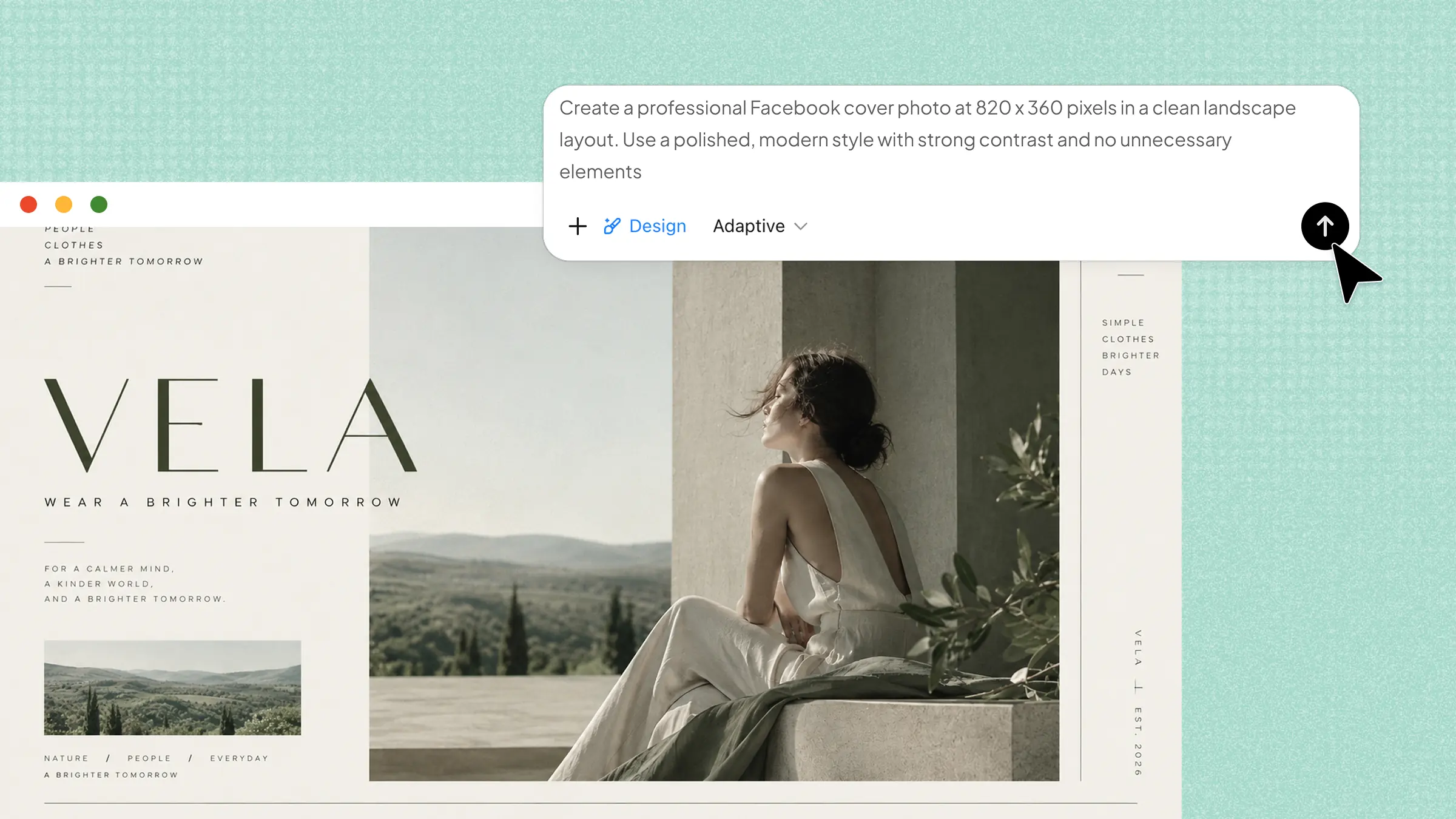
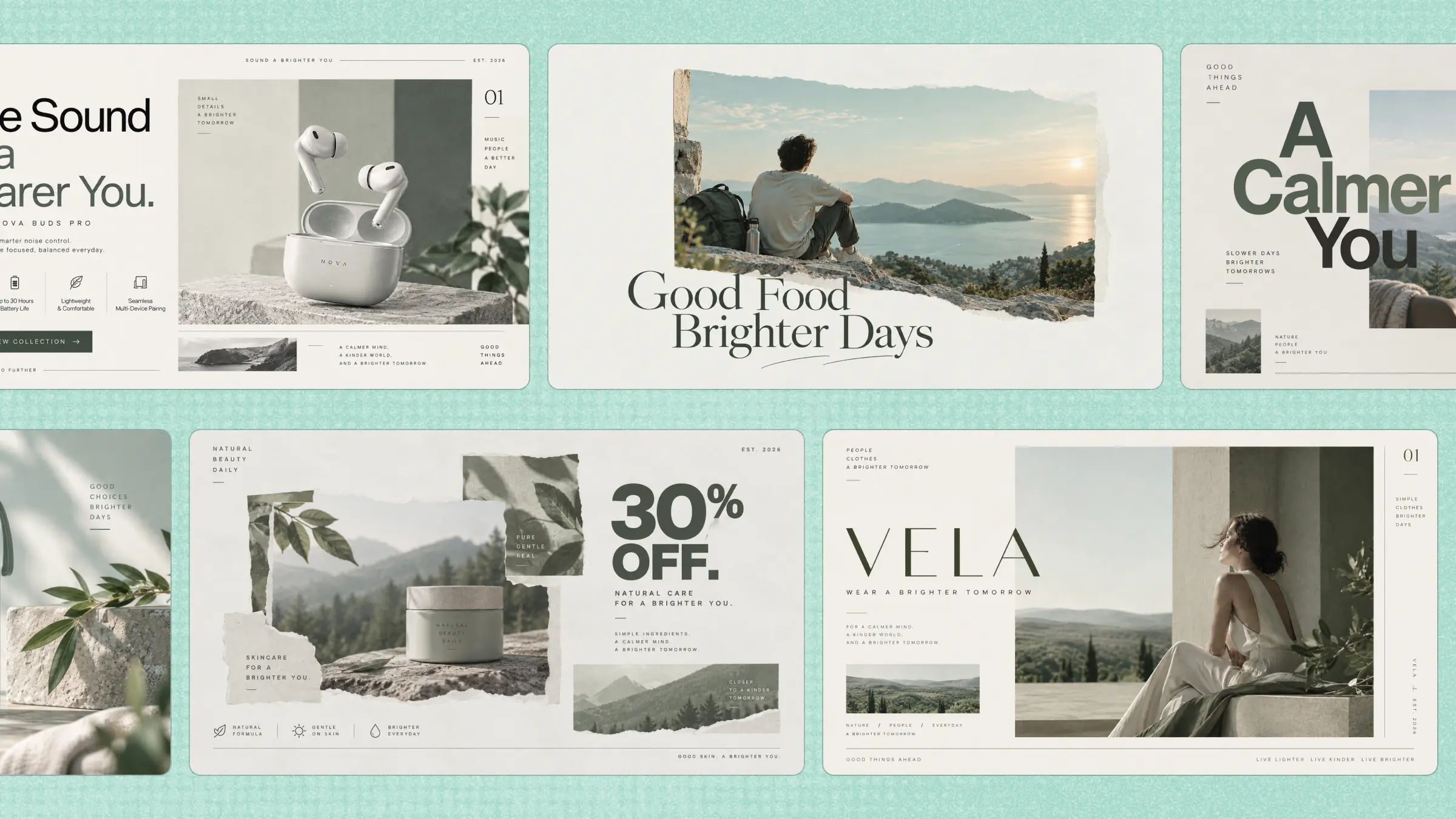
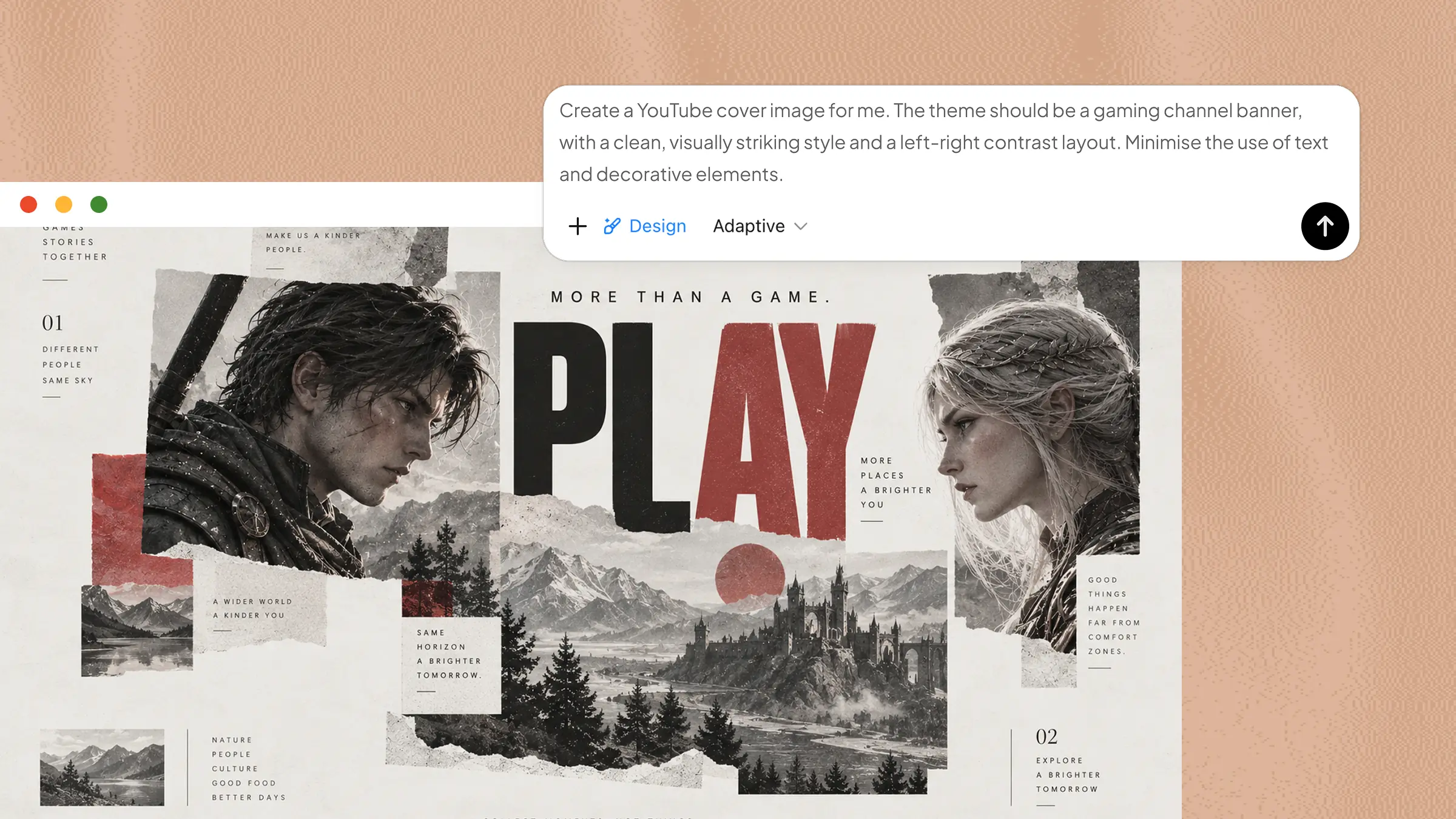
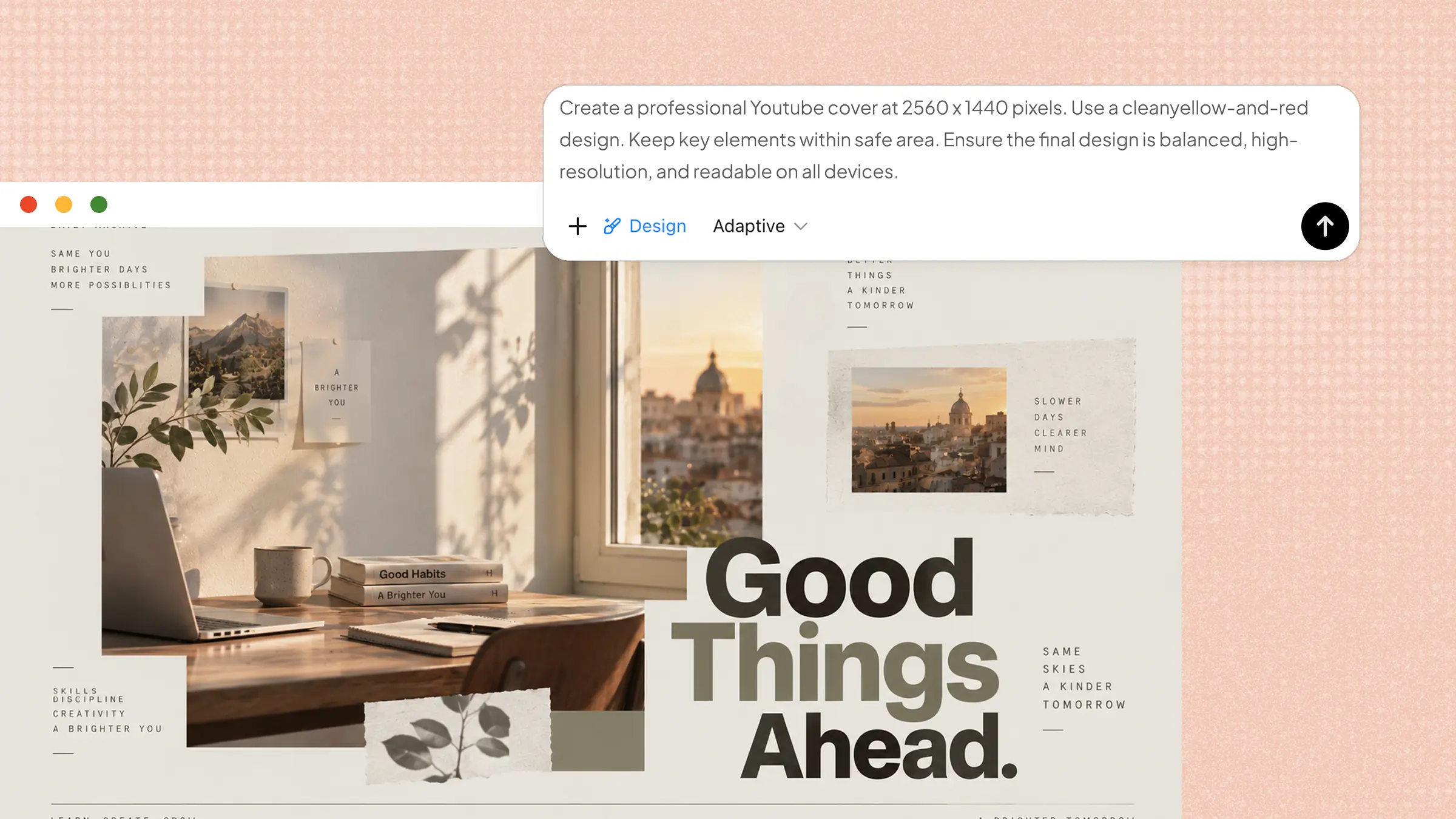
Planning an event can feel quite stressful when you need to choose the right invitation and share all the important details clearly. The right invitation template can make this process much easier while giving guests a clear and attractive first look at the event. This article explores 10 creative options, highlights their key features, and shares useful tips for creating memorable invitations.
Overview of 10 invitation templates
Invitation templates come in different styles and formats, from simple and elegant designs to colorful and creative options for various events and special occasions. The following templates are compared based on their design, key features, and suitable occasions to help you choose the right invitation for your event.
| Invitation template | Key content | Design direction | Suitable for |
|---|---|---|---|
| Product launch invitation | Product name, launch date, venue, product highlights, RSVP | Bold product visuals, modern typography, branded elements | New product launches, brand reveals |
| Academic conference invitation | Conference title, speakers, date, venue, agenda, registration details | Editorial layout, structured information, academic styling | Academic conferences, research events |
| Wedding invitation | Couple's names, wedding date, ceremony venue, reception details, RSVP | Elegant typography, refined decoration, romantic visuals | Weddings, marriage ceremonies |
| Birthday party invitation | Guest of honor, age, party theme, date, venue, RSVP | Playful graphics, expressive colors, energetic typography | Birthday celebrations |
| Baby shower invitation | Parent-to-be, shower date, venue, RSVP, registry details | Soft palette, delicate illustrations, gentle typography | Baby showers |
| Graduation ceremony invitation | Graduate's name, school, degree, ceremony date, venue | Formal typography, academic symbols, clean composition | Graduation ceremonies |
| Housewarming invitation | Host name, new address, date, time, RSVP, welcome message | Warm colors, home illustrations, casual typography | Housewarming gatherings |
| Charity fundraising invitation | Organization, campaign purpose, event date, venue, donation details, RSVP | Purpose-driven imagery, clear hierarchy, impactful typography | Fundraisers, charity events |
| Networking event invitation | Event title, host, date, venue, speakers, registration details | Professional layout, contemporary graphics, concise information | Networking sessions, industry meetups |
| Holiday party invitation | Celebration name, date, venue, theme, dress code, RSVP | Seasonal graphics, decorative elements, festive typography | Holiday parties, seasonal gatherings |
10 invitation templates for different events
Different events need different invitation approaches, from product launches and academic conferences to weddings, birthday parties, and baby showers. These 10 invitation templates cover a range of event types and show how layouts can be adapted to present the right information for each occasion.
With Kimi Design, you can turn a simple event idea into a ready-to-customize invitation card template using a short prompt. It can generate the layout, typography, colors, visuals, and essential event information based on your instructions. You can then edit individual elements or use AI to refine the design until it fits your event and preferred style. This makes it easier to create refined templates without starting from a blank canvas.
Product launch invitation
Launching a new product calls for an invitation that creates curiosity and excitement among guests. Include the product name, launch date, venue, and other key details in a clear layout. A modern design can give guests an early look at what the event invitation templates have to offer. Keep the wording simple while making the occasion feel important and memorable.
How to use
Step 1: Enter your prompt
Enter the prompt into Kimi Design to describe the type of product launch invitation you want to create.
Prompt:
Step 2: Let AI generate your template
Kimi Design will automatically create a professional template with the product name, launch date, venue, event details, and attractive visuals.
Step 3: Review and export the template
Review the invitation, make small edits if needed, and export the template in your preferred format.
Academic conference invitation
For an academic conference, guests need clear information about the topic and event schedule. The invitation can include the conference theme, date, location, speakers, and registration details. Free invitation templates online can help to create a clean layout that keeps all the information well organized and easy to read. Professional visuals can also give the event a refined and trustworthy appearance overall.
How to use
Step 1: Enter your prompt
Enter the prompt into Kimi Design to describe the type of academic conference invitation you need.
Prompt:
Step 2: Let AI generate your template
Kimi Design will automatically generate a template with the conference theme, date, venue, speakers, registration details, and suitable visuals.
Step 3: Review and export the template
Review the invitation, make small edits if needed, and export the template in your preferred format.
Wedding invitation
Elegant and thoughtful details can make invitation templates for engagement feel personal and memorable from the first look. Names, date, venue, and time should have a clear place on the design. Soft colors, beautiful fonts, and simple decorations can match the style of the celebration. Adding a personal message makes the invitation feel warmer and more meaningful for everyone.
How to use
Step 1: Enter your prompt
Enter the prompt into Kimi Design to describe the type of wedding invitation you need.
Prompt:
Step 2: Let AI generate your template
Kimi Design will create an elegant wedding design with names, date, venue, time, decorations, and suitable visuals.
Step 3: Review and export the template
Check the template, make small edits if needed, and export in your preferred format.
Birthday party invitation
Make the upcoming birthday celebration more exciting with a bright and cheerful invitation template. Fun graphics, colorful elements, and playful fonts can reflect the party theme and create a lively feel. Guests should easily find the date, time, location, and any special instructions. Creative design elements add a fun touch before the celebration even begins.
How to use
Step 1: Enter your prompt
Enter the prompt into Kimi Design to describe the type of birthday party invitation.
Prompt:
Step 2: Let AI generate your template
The AI will create a colorful birthday design with the party theme, date, time, venue, and fun decorations.
Step 3: Review and export the template
Review the invitation, make small edits if needed, and download the template.
Baby shower invitation
Soft colors and cute illustrations can give a baby shower invitation a warm and welcoming feel. Free invitation templates to print make it easier to create a simple design while keeping the date, time, venue, and RSVP information clearly visible for all guests. A simple theme creates a sweet look without making the design feel too busy or crowded. Adding a short personal message gives the invitation an extra special and heartfelt touch.
How to use
Step 1: Enter your prompt
Enter the prompt into Kimi Design to describe the type of baby shower invitation you need.
Prompt:
Step 2: Let AI generate your template
Kimi Design will generate a welcoming card with the date, time, venue, RSVP details, and cute decorations.
Step 3: Review and export the template
Check the template, make small edits if needed, and export in your preferred format.
Graduation ceremony invitation
Celebrating an academic achievement becomes more special when loved ones are invited to share the moment. The printable invitation templates can help create a design that clearly displays the graduate's name, ceremony date, venue, and time. Academic symbols, school colors, or simple decorative elements can strengthen the theme. A refined design helps reflect the importance of this proud occasion.
How to use
Step 1: Enter your prompt
Add the graduation ceremony invitation prompt into Kimi Design and tap the "Send" icon.
Prompt:
Step 2: Let AI generate your template
Kimi Design will generate a card with the graduate's name, ceremony date, venue, time, and graduation-themed visuals.
Step 3: Review and export the template
Check the invitation, make updates if needed, and export the final template.
Housewarming invitation
Moving into a new home is a special occasion worth sharing with close friends and family. A warm design can create a friendly feeling while introducing the gathering details in a simple way. Include the address, date, time, and any useful instructions for guests before the event. Simple home-themed elements can make the invitation feel welcoming, personal, and warm.
How to use
Step 1: Enter your prompt
Enter the housewarming invitation prompt into Kimi Design to describe the type of template you need.
Prompt:
Step 2: Let AI generate your template
The AI tool will create a warm template with the address, date, time, gathering details, and home-themed visuals.
Step 3: Review and export the template
Review the generated template, make small edits if needed, and export in your preferred format.
Charity fundraising invitation
Supporting a good cause starts with an invitation that clearly explains the purpose of the event. Share details about the fundraiser, including its date, venue, time, and donation options for interested guests. A thoughtful layout can make the message easier to understand and encourage participation. Meaningful visuals can also help connect guests with the cause.
How to use
Step 1: Enter your prompt
Enter the prompt into Kimi Design to describe the type of charity fundraising invitation you need.
Prompt:
Step 2: Let AI generate your template
Kimi Design will create a thoughtful charity template with the event purpose, date, venue, donation options, and meaningful visuals.
Step 3: Review and export the template
Review the template, make small edits if needed, and export in your preferred format.
Networking event invitation
Professionals attending a networking event need a quick way to understand what the gathering is about. Mention the purpose, date, time, location, and type of guests expected at the event. Modern and professional design can create a strong first impression for potential attendees. Clear information also helps attendees understand the value of joining the event and making connections.
How to use
Step 1: Enter your prompt
Paste the networking event invitation prompt into Kimi Design.
Prompt:
Step 2: Let AI generate your template
Kimi Design will create a professional networking design with key details and modern visuals.
Step 3: Review and export the template
Review the invitation, make changes if necessary, and export the template.
Holiday party invitation
Festive elements can instantly set the mood for a joyful holiday gathering. Seasonal colors, decorative graphics, and cheerful fonts can bring the celebration theme into the design in a creative way. Add the date, time, venue, dress code, and activity details if needed for complete event information. A lively invitation can build excitement and encourage guests to attend.
How to use
Step 1: Enter your prompt
Enter the holiday party invitation prompt into Kimi Design.
Prompt:
Step 2: Let AI generate your template
The AI will generate a festive template with the event date, time, venue, dress code, activity details, and seasonal visuals.
Step 3: Review and export the template
Review the template, make changes if required, and export the final template.
Why choose Kimi Design for invitation design
Whether you want to create a simple invitation or a detailed event design, Kimi Design can help make the process quick and presentable without spending hours on layout and styling. Here are a few of the main benefits of using Kimi Design to create invitation cards for different events.
Create invitations from multiple inputs
Start with a description, image, video, PDF, screenshot, or other reference material. Kimi Design understands your inputs and combines the relevant details, visual cues, and style references into a cohesive invitation design.
Bring more creative flexibility to invitation design
Kimi Design helps you explore different aesthetic directions with polished layouts, typography, color combinations, imagery, and decorative details. You can also use MusePool to bring in visual references and explore more distinctive design ideas, making it easier to develop an invitation with a refined and cohesive look.
Refine invitations with flexible editing options
Refine your invitation through conversational prompts, leave comments on specific elements to have AI make targeted changes, or make manual adjustments yourself. Switch between different editing methods depending on how precisely you want to control the design.
Roll back to previous invitation versions
Return to an earlier version while experimenting with different layouts, styles, or content. Compare different iterations and quickly restore the version you prefer, so you can explore new ideas without worrying about losing a design that already works.
Adapt invitations to different sizes and formats
Resize your invitation across multiple aspect ratios and formats, including 1:1, 16:9, 9:16, A3, and A4. Adjust the design for digital sharing, social platforms, or print while keeping key visuals, text, and other elements well balanced across different formats.
Tips for creating better invitation cards
Creating effective invitation cards becomes easier when the design focuses on clear information and an attractive visual style. A well-planned invitation helps guests understand important event details while creating a positive first impression. Below are some useful tips for creating clear, attractive, and memorable invitation cards.
Match the layout to the event
Different events need different invitation styles and layouts. A wedding may suit an elegant design, while a birthday party can use brighter elements and playful graphics. Choose a free invitation layout that fits the mood and purpose of the occasion.
Make essential details easy to scan
Guests should quickly find the most important event information. Keep the date, time, venue, and RSVP details clear and easy to notice. Simple headings and proper spacing can make the invitation easier to read at a glance.
Keep the visual style connected to the occasion
Colors, fonts, and graphics should match the type of event and its overall mood. Festive designs work well for holiday parties, while formal events may need a cleaner look. A consistent style makes the invitation feel more complete and suitable.
Leave room for personalization
Personal details can make an invitation feel more meaningful to guests. Add names, short messages, photos, or other elements that reflect the event. Avoid filling every space, so these details remain easy to notice and visually balanced.
Check the invitation at its final size
Before sharing or printing the invitation, check how the complete design looks at its actual size. Make sure text remains readable and important details are not too small. A final review can also help catch spacing, alignment, or layout issues.
Conclusion
Invitation templates make it easier to share important event details while creating an attractive and welcoming first impression for guests. Using a ready-made template helps save time and keeps designs organized, clear, and visually appealing for different occasions. With Kimi Design, users can turn event ideas into professional invitations in minutes, making it faster to create, customize, and share ready-to-use designs with guests for every occasion.