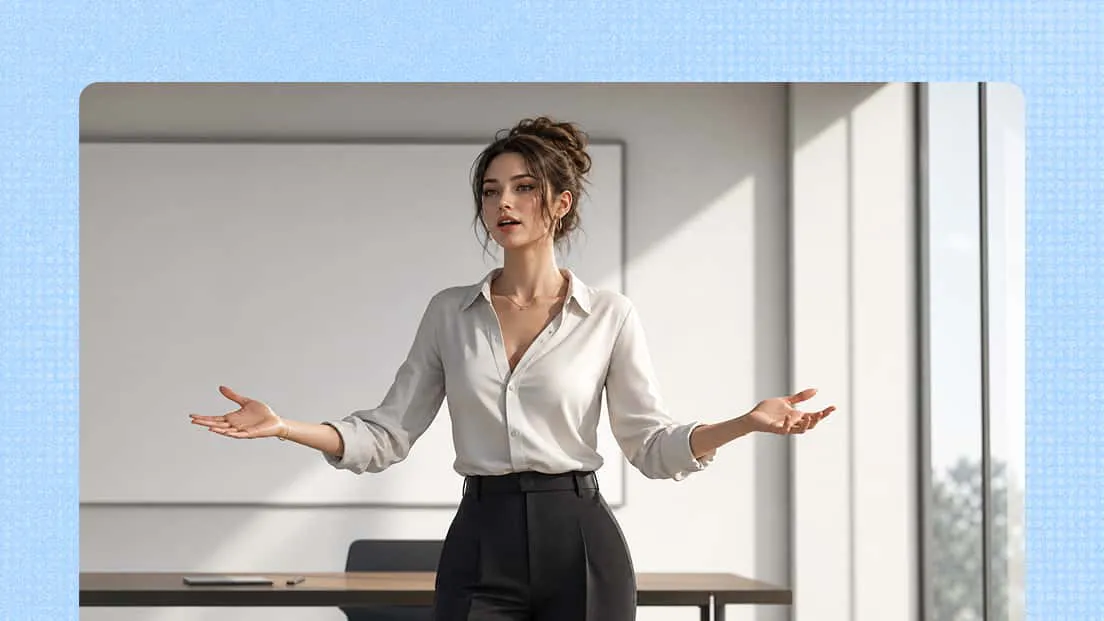
AI 3D Animation Generator
Explore new creative possibilities with an AI 3D animation generator. Use text prompts or image references to shape animated scenes, experiment with movement and visual effects, and fine-tune your results through conversational editing. Kimi 3D Make makes it easier to turn creative concepts into polished animation videos.
Turn text and images into engaging 3D animations
Create 3D animated videos from text and image prompts
Turn your ideas into 3D animations using text descriptions and visual references. Describe the characters, objects, scenes, movements, and visual details you have in mind, or upload images to guide the subject's appearance, shapes, and colors. Combine both inputs to develop your concepts into engaging 3D videos for storytelling, creative projects, and visual presentations.
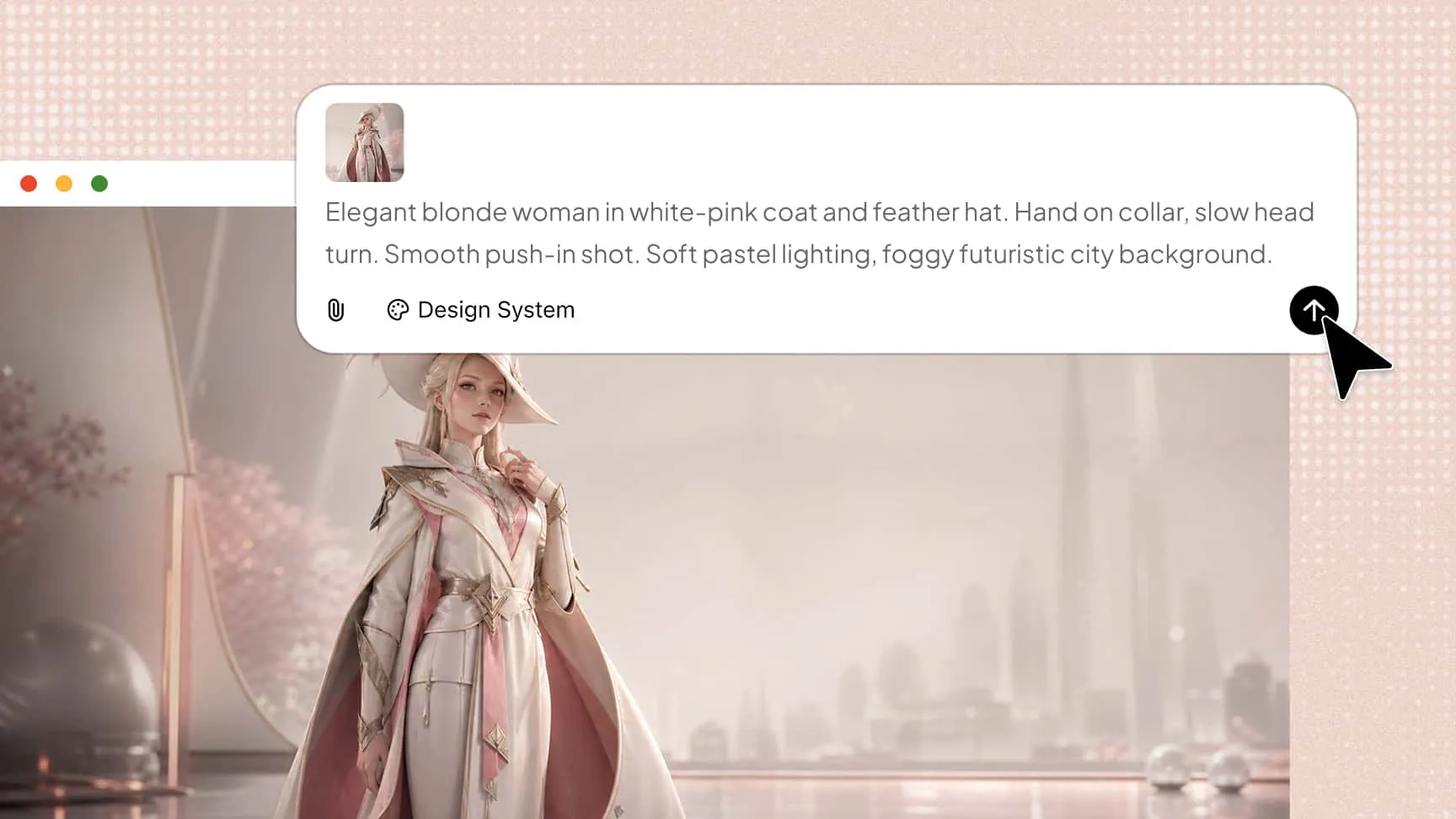
Create visually polished and cohesive animation effects
Enhance your animations with detailed textures, balanced compositions, realistic lighting, and consistent visual styles. This AI 3D animation generator helps bring scene elements together to create visually appealing animations with convincing depth and refined details.
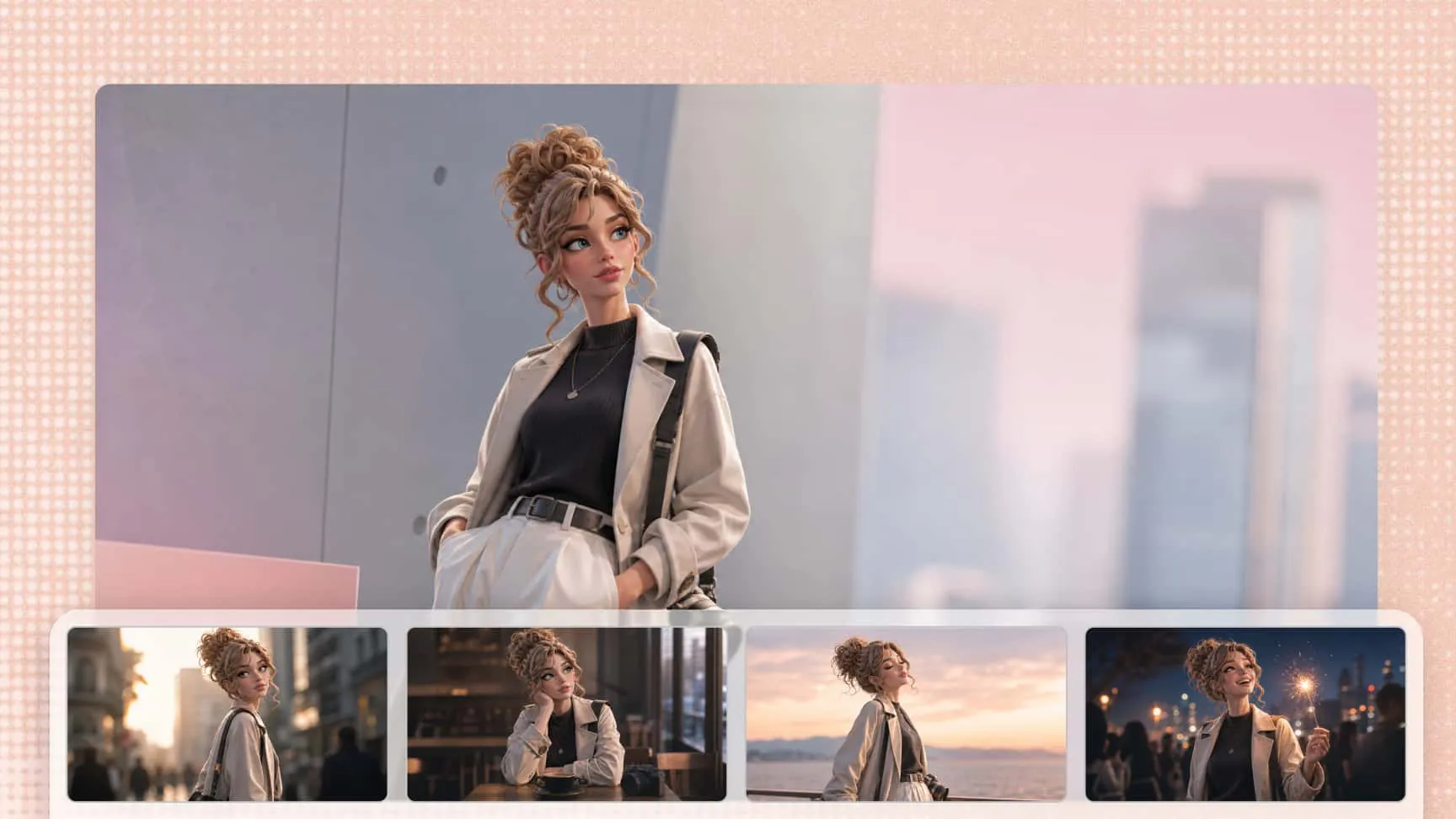
Refine animation videos with natural language prompts
Improve generated animations through conversational editing and follow-up instructions. Adjust scene elements, visual details, and styling with prompts to explore creative changes without rebuilding your project from scratch.
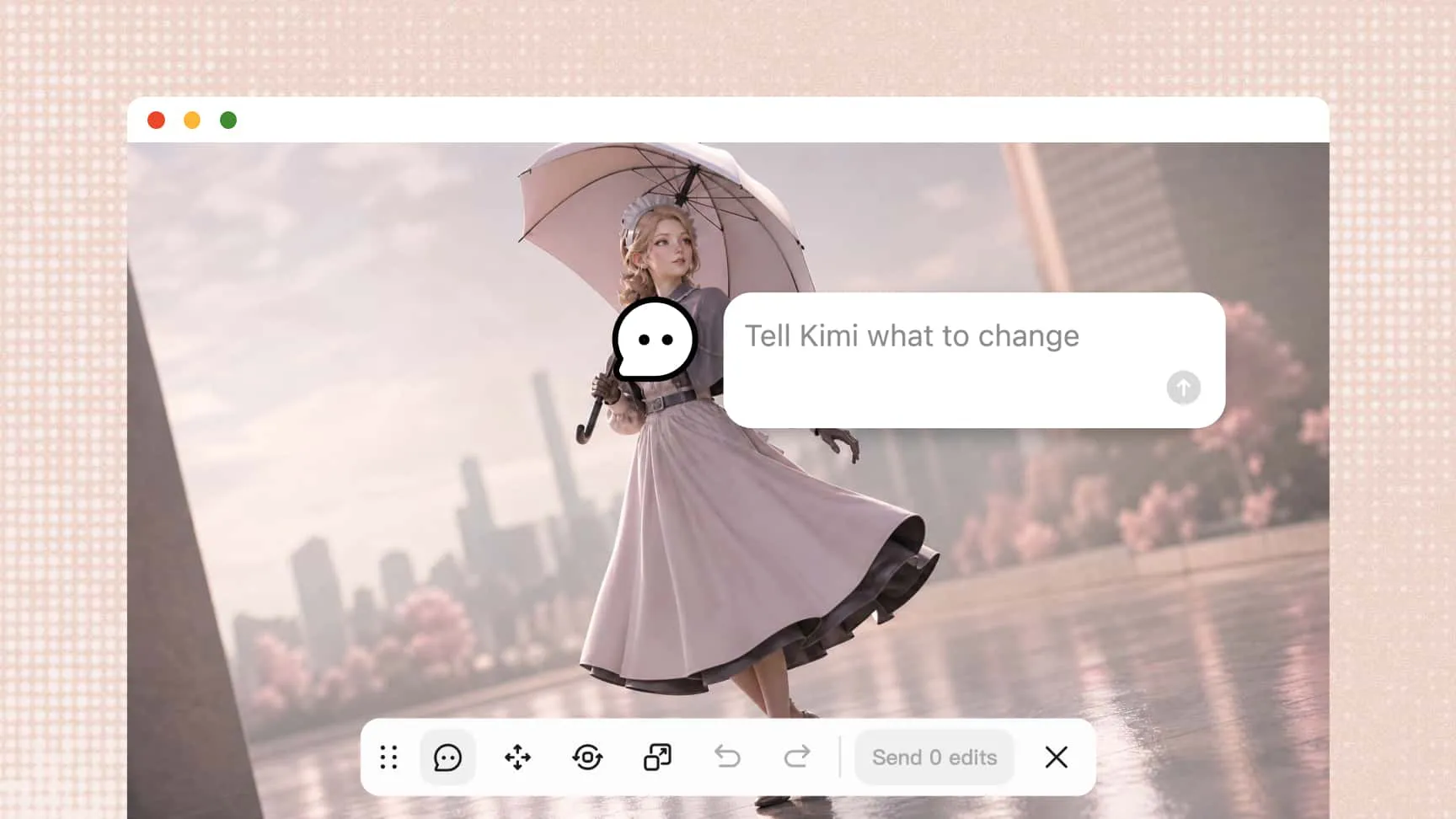
Export videos and restore previous versions
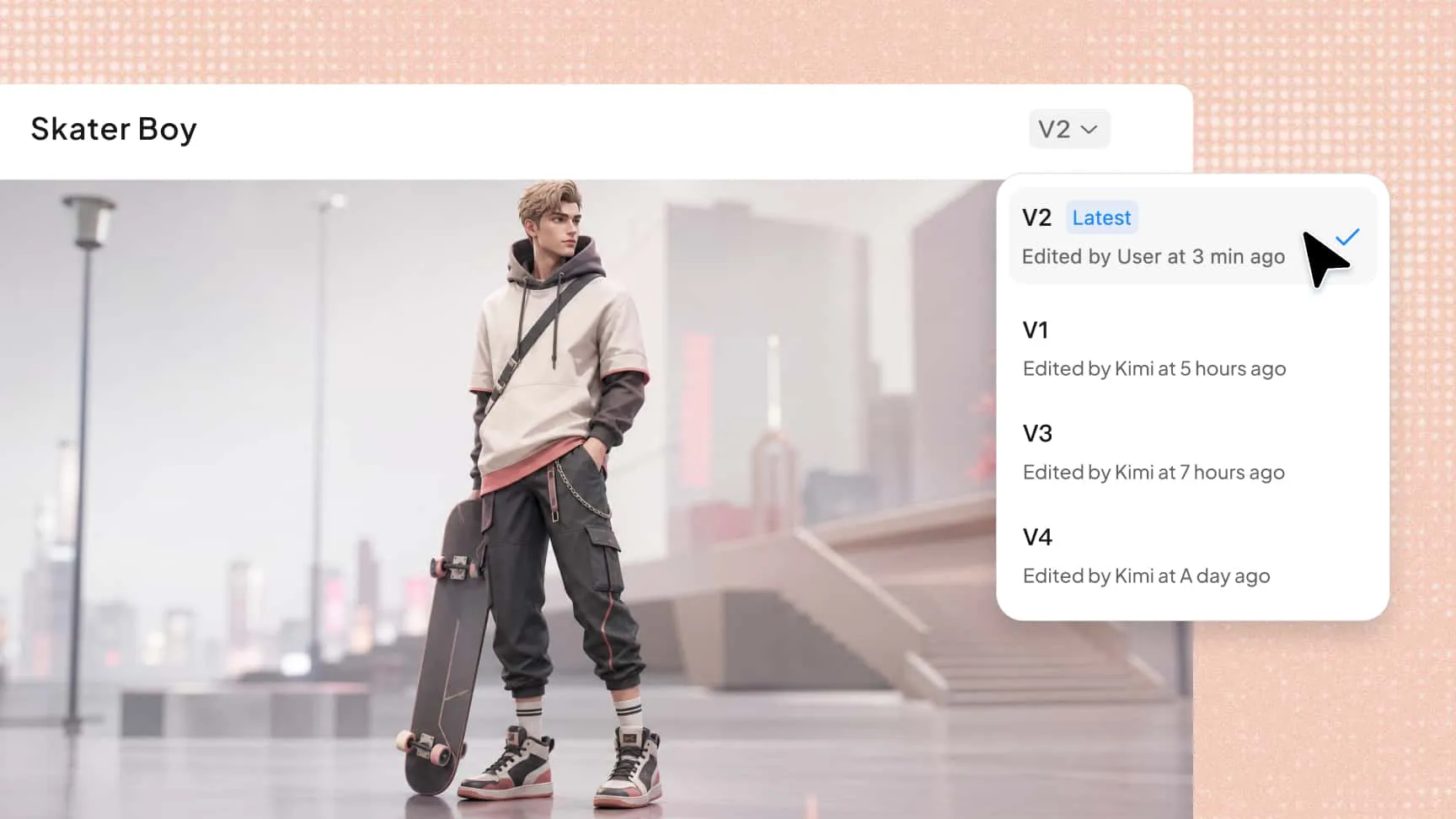
Export your finished 3D animation videos for sharing, publishing, or use in other creative projects. Use version history to revisit earlier results, restore previous designs, and explore different creative directions without losing your progress.
How to make 3D animations with AI
Upload a reference image and enter a prompt
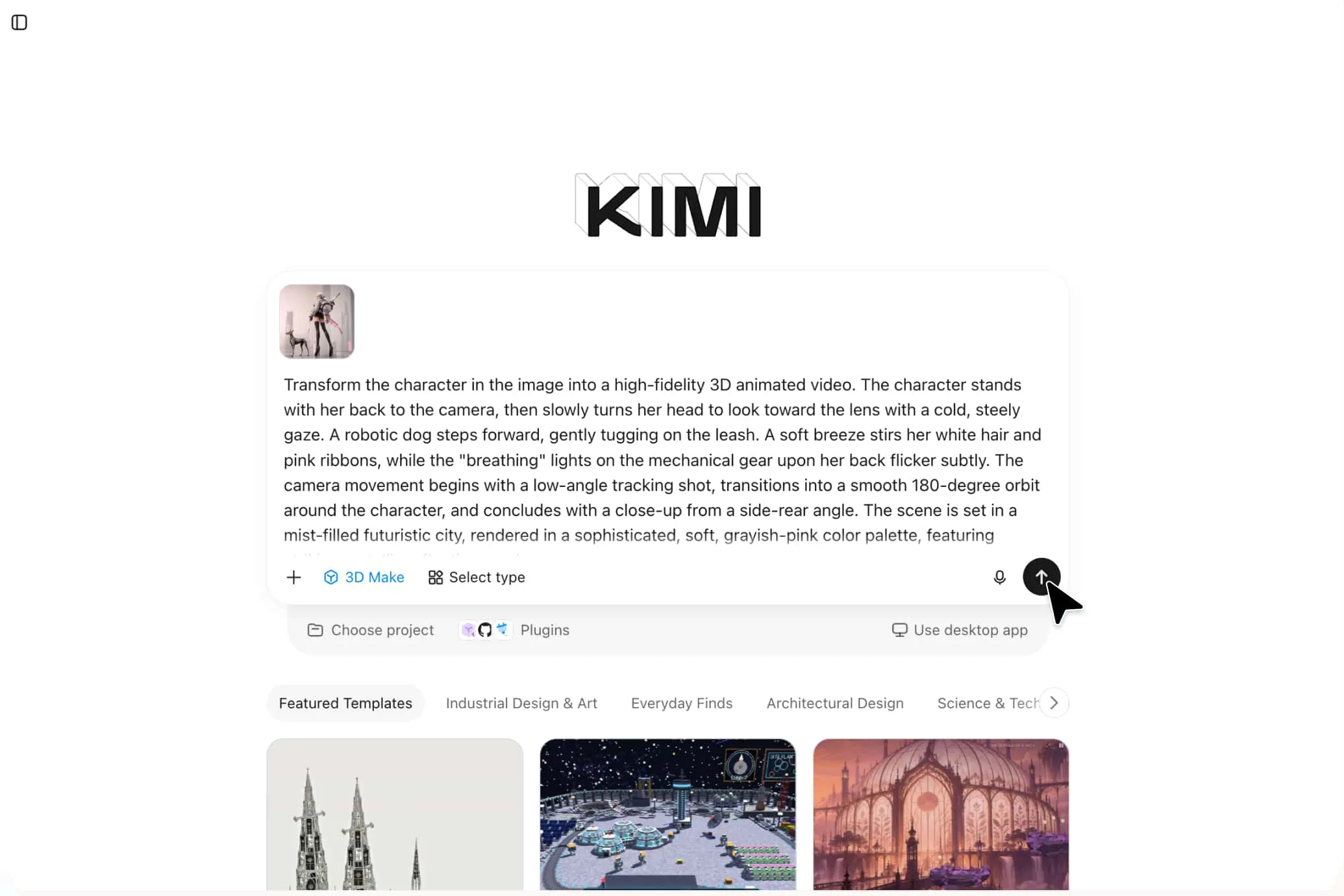
Upload a reference image and describe the animation, including movements, camera angles, and visual details.
Generate and refine the animation
Let Kimi 3D Make generate the animation, then use follow-up prompts to adjust movements, poses, and details.
Preview and export your creation
Review the result for movement and visual consistency, make final adjustments, and export in a supported format.
What can you create with an AI 3D animation generator
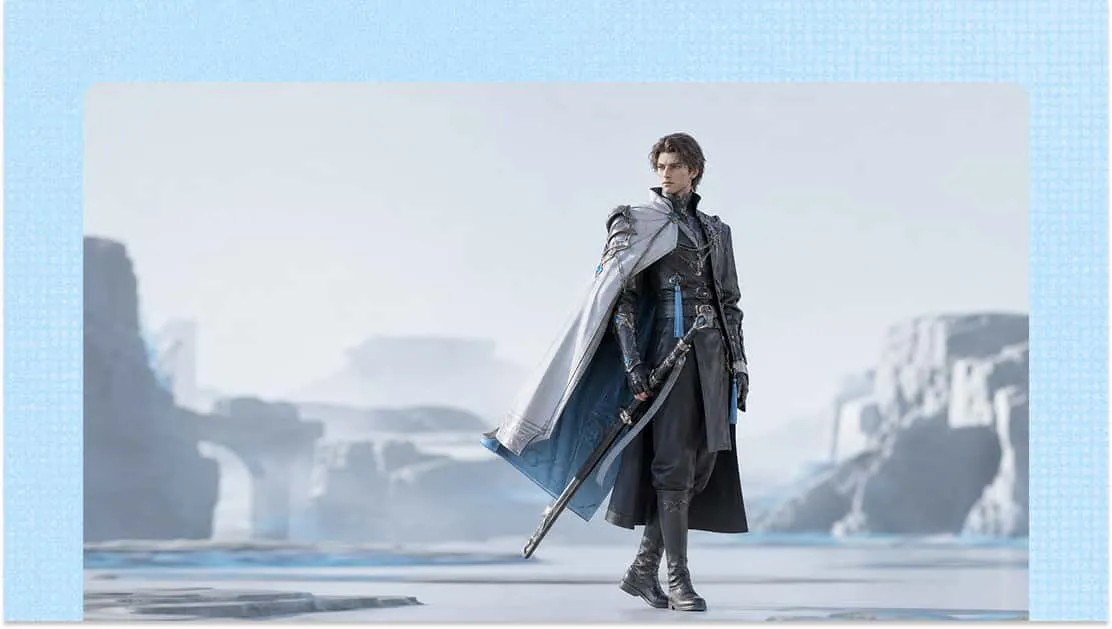
3D character animation
Create animated characters for games, short videos, digital storytelling, and social media. Use character images as references and add movement, expressions, and visual details to bring your concepts to life.
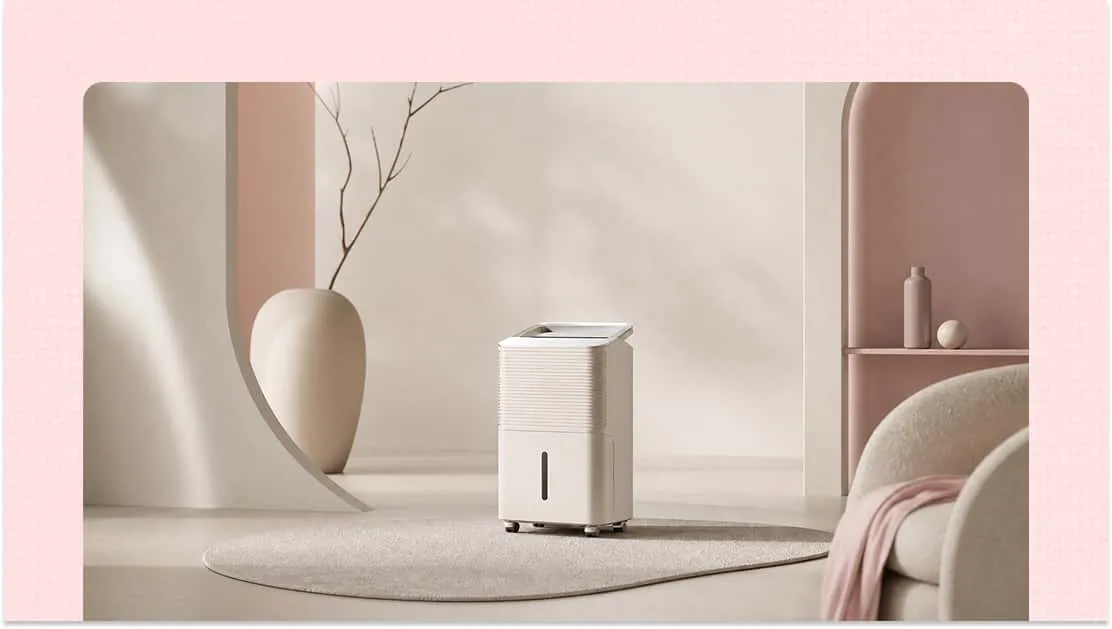
3D product animation
Showcase products through 3D visuals that highlight their shapes, materials, colors, and design features. Create animations for product presentations, promotional videos, and marketing campaigns.
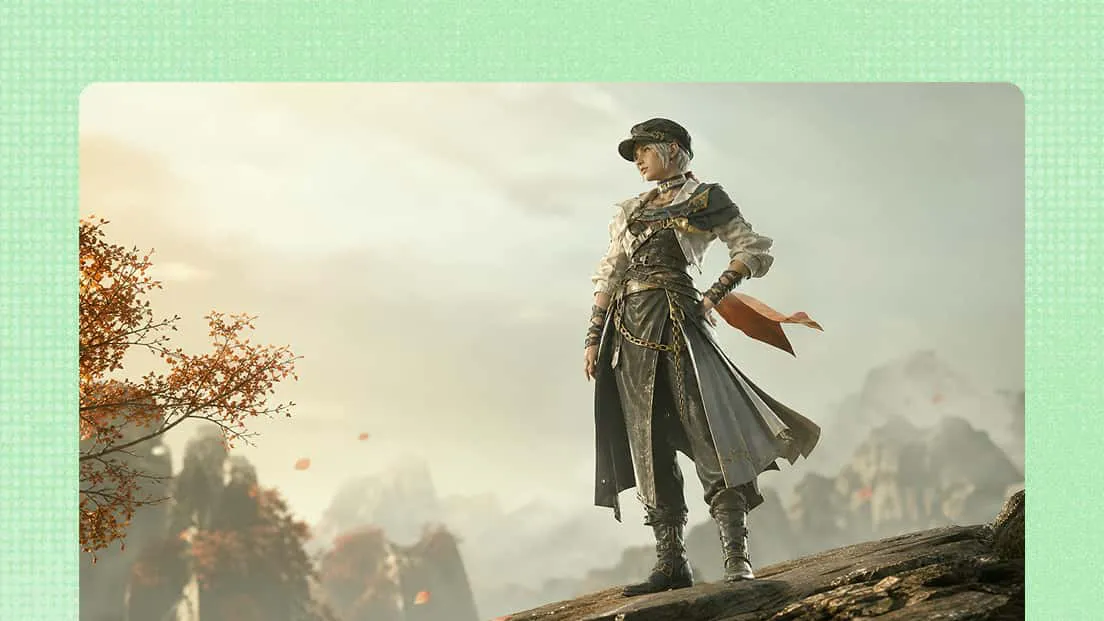
3D animated storytelling
Turn creative ideas into animated scenes with expressive characters, imaginative environments, and engaging visual sequences. Develop concepts for digital stories, short films, and other creative projects.
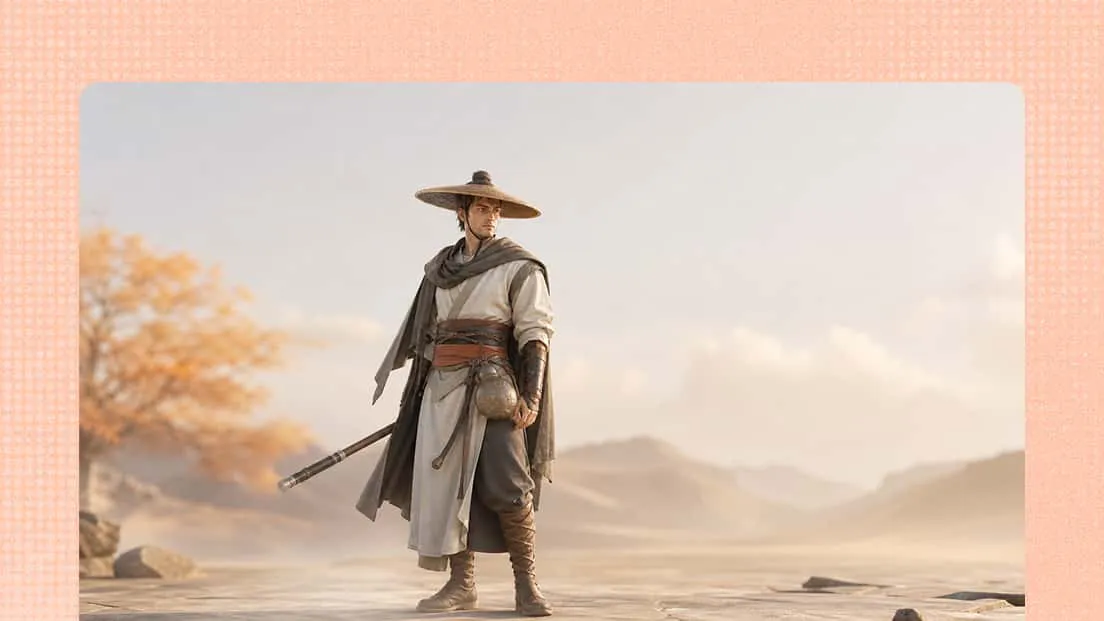
Social media animation content
Create 3D animations for social media posts, promotional visuals, and short-form videos. Add movement and depth to your ideas to make your content more engaging.
3D educational visuals
Make complex topics easier to understand with animated objects, characters, and explanatory scenes. Use 3D visuals to support tutorials, learning materials, and educational presentations.