AI 3D Render Generator
Discover a more flexible way to create 3D visuals with AI 3D rendering. Simply describe the scene you want or upload reference images to generate detailed 3D designs. With Kimi 3D Make, you can further adjust shapes, textures, and visual elements through natural-language prompts and iterative editing.
Explore AI-powered 3D rendering capabilities
Transform reference images into 3D visuals
Upload a reference image and let Kimi 3D Make transform your visual ideas into three-dimensional creations. Add text prompts to describe the desired shapes, materials, colors, and design details, giving the AI 3D render generator additional creative direction. Turn flat visual references into immersive 3D designs with greater depth and detail.
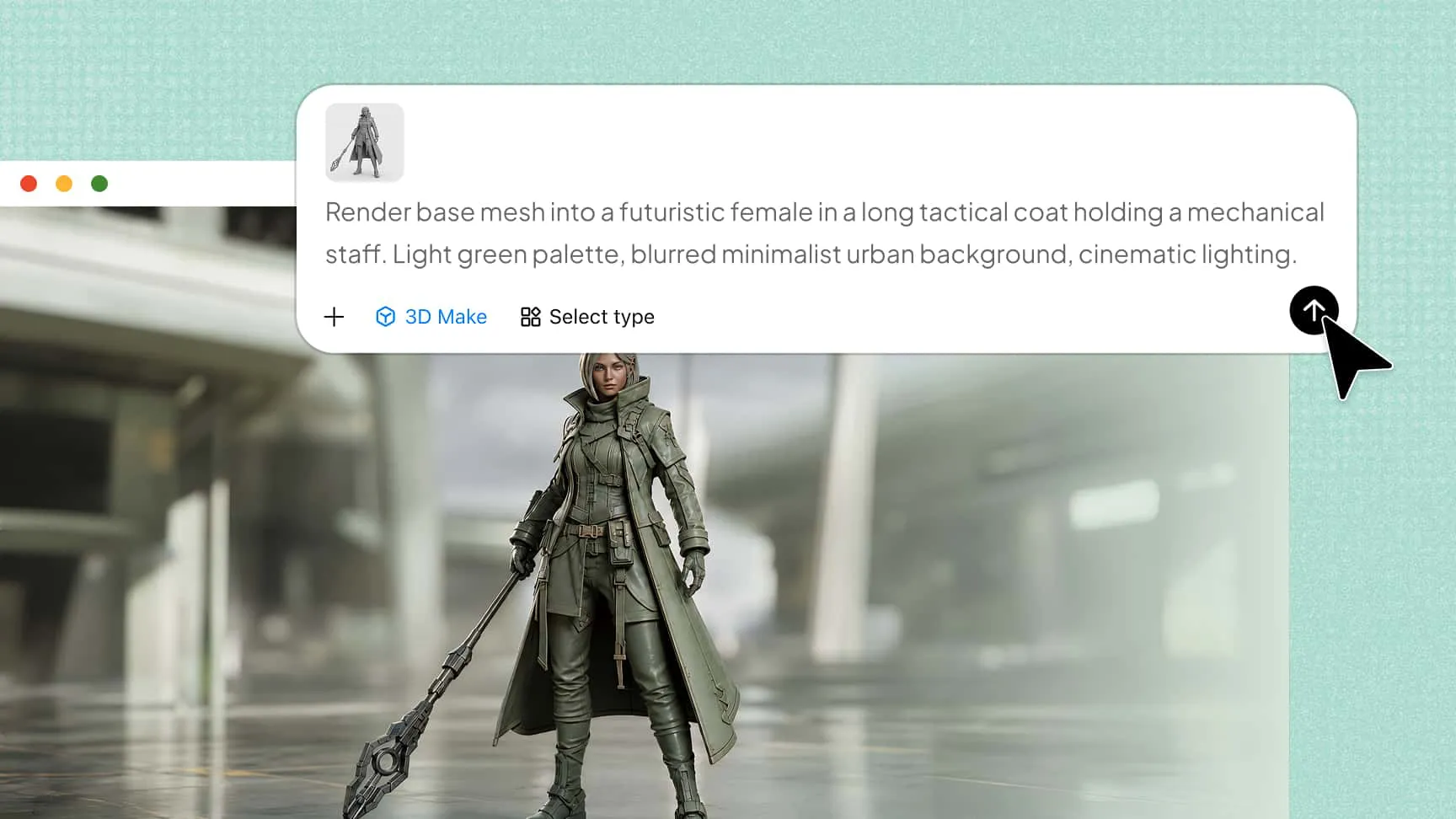
Create detailed and realistic 3D renders
Bring your visual concepts to life with refined shapes, realistic textures, materials, and surface details. Kimi 3D Make helps create cohesive 3D designs with a polished appearance, making it easier to explore product concepts, visualize creative ideas, and develop detailed 3D assets.
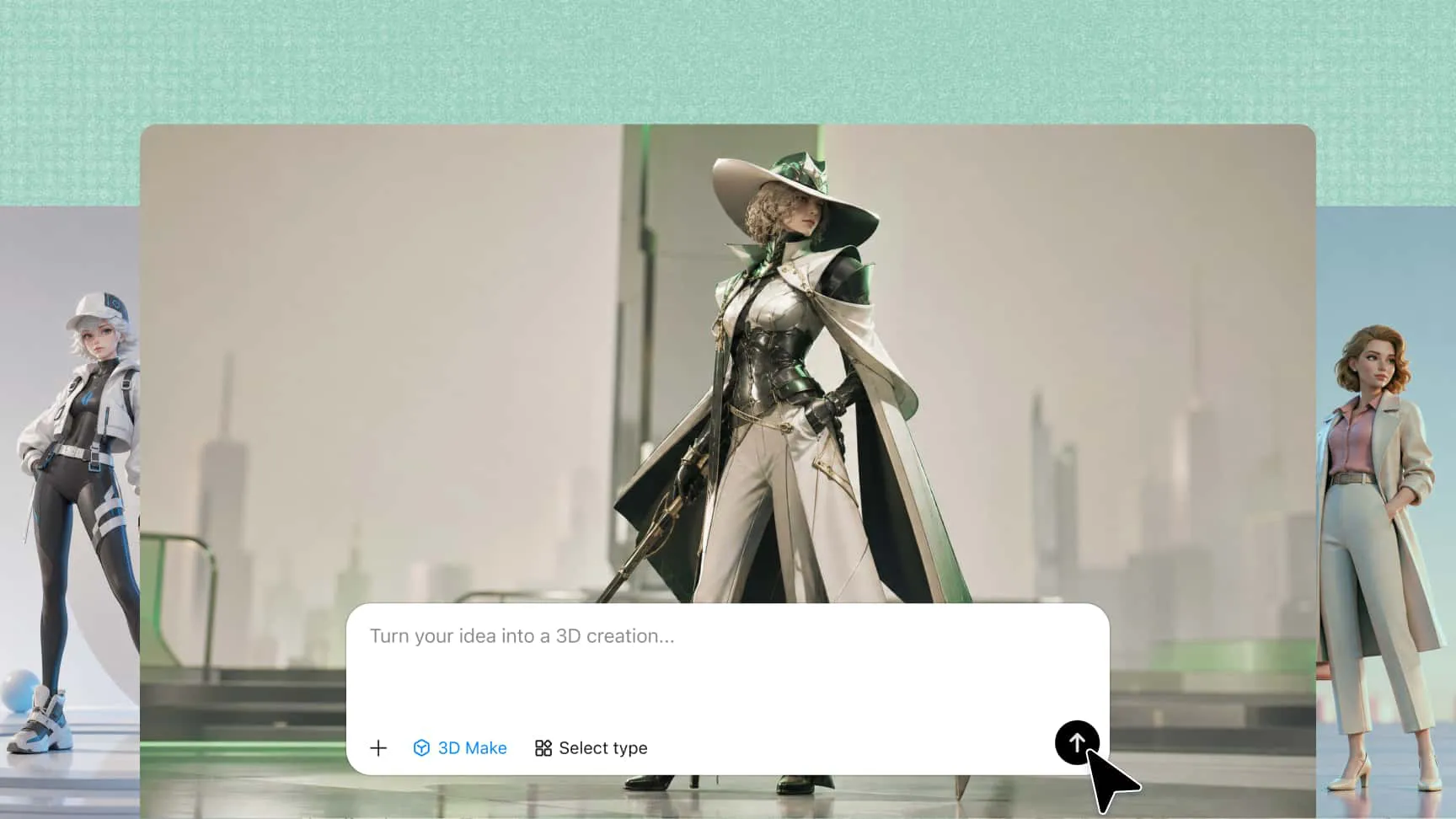
Customize and refine 3D designs with AI
Go beyond the initial result by describing the changes you want through natural-language prompts. Use element comments or manual editing to adjust specific parts, refine visual details, and explore different creative directions without restarting the entire process.
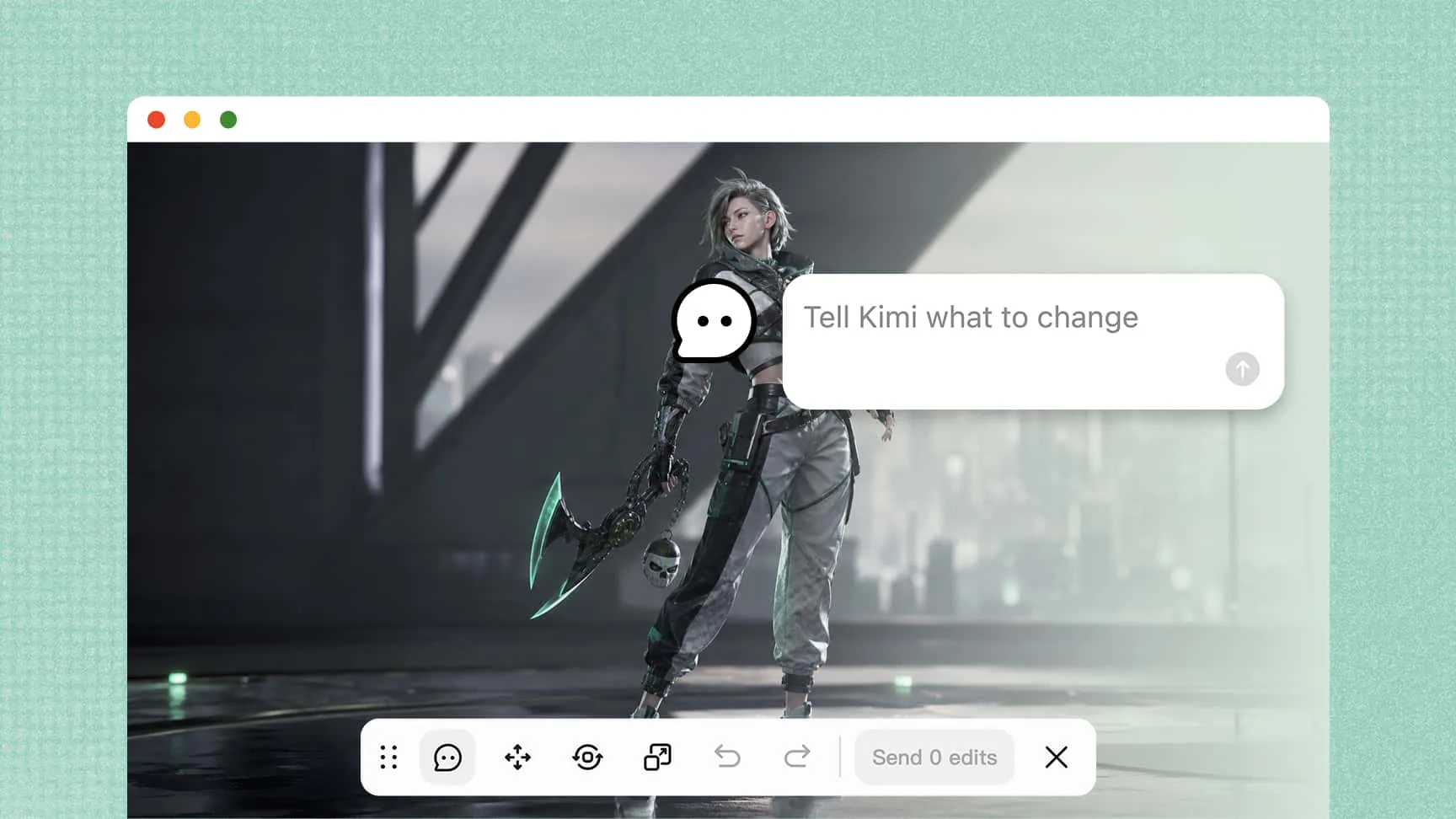
Preview and inspect 3D results from every angle
Use the interactive 3D preview to rotate and zoom in on your creations. Examine structures, proportions, materials, and finer details from different perspectives to evaluate your 3D renders online and identify areas that need further refinement.
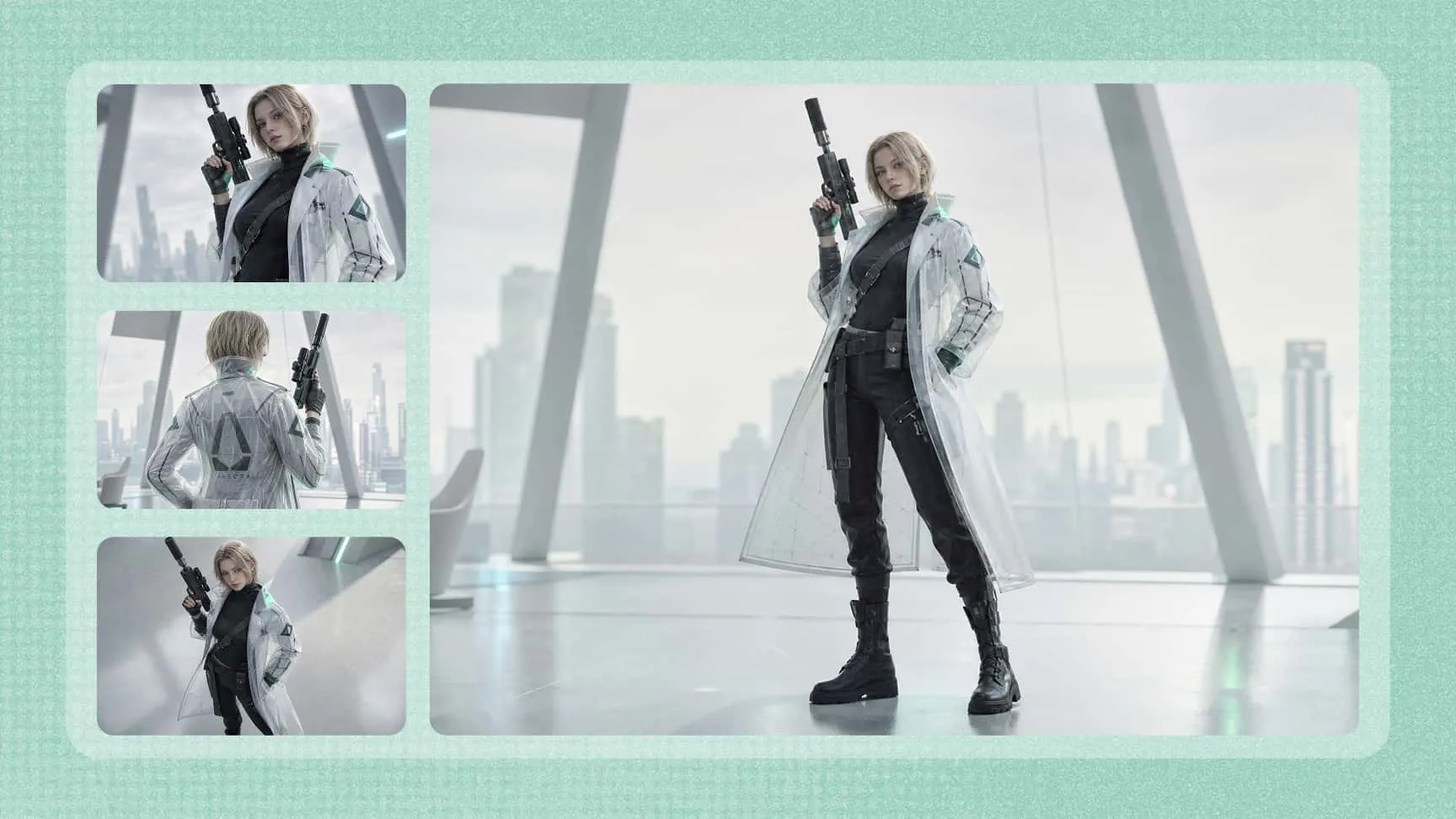
Export 3D assets for different creative workflows
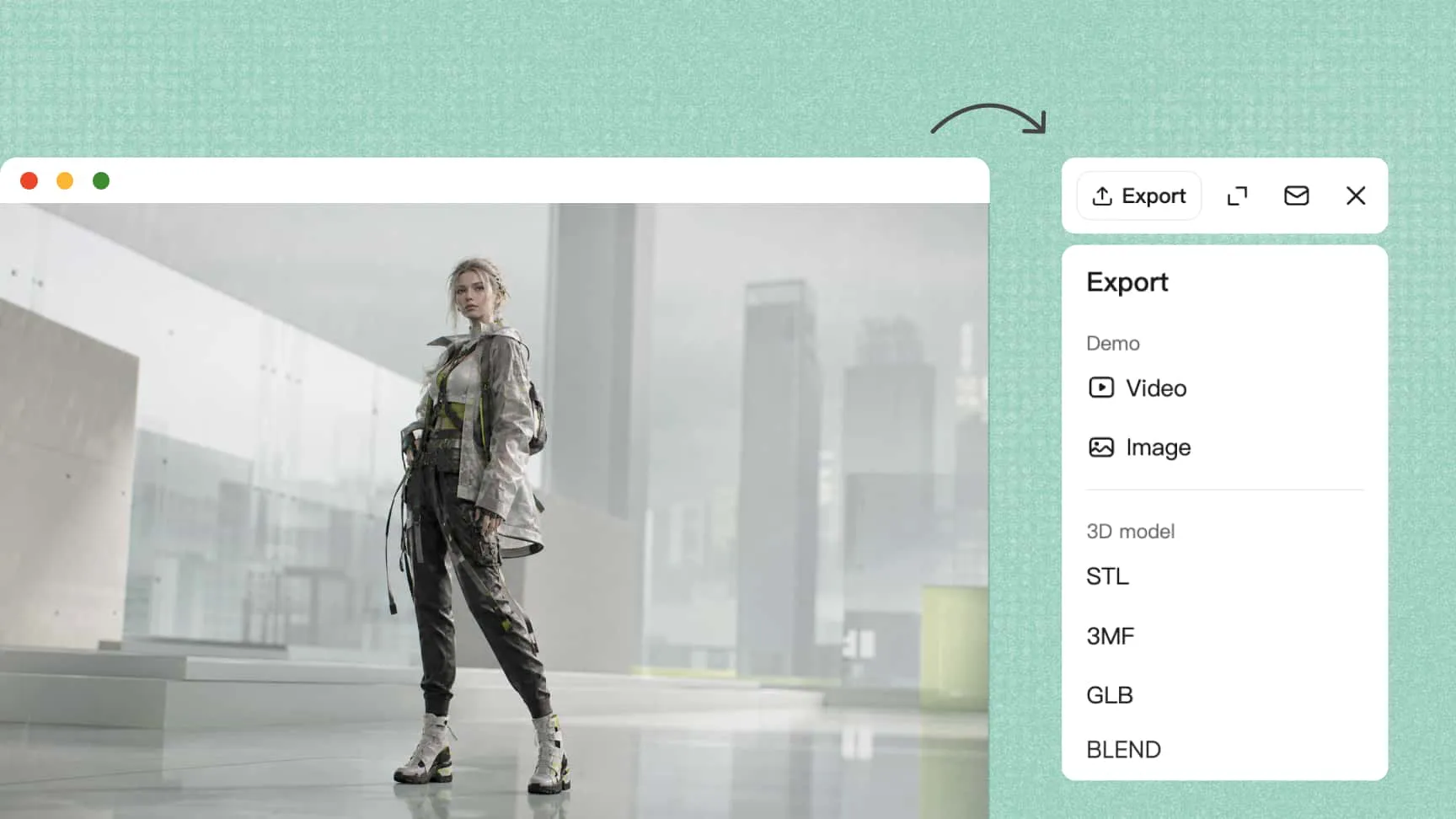
Once your design is ready, export it in GLB or BLEND format. These widely used 3D file formats make it easier to bring your creations into compatible software, including Blender, for further editing, development, and integration into other projects.
How to create 3D renders with AI
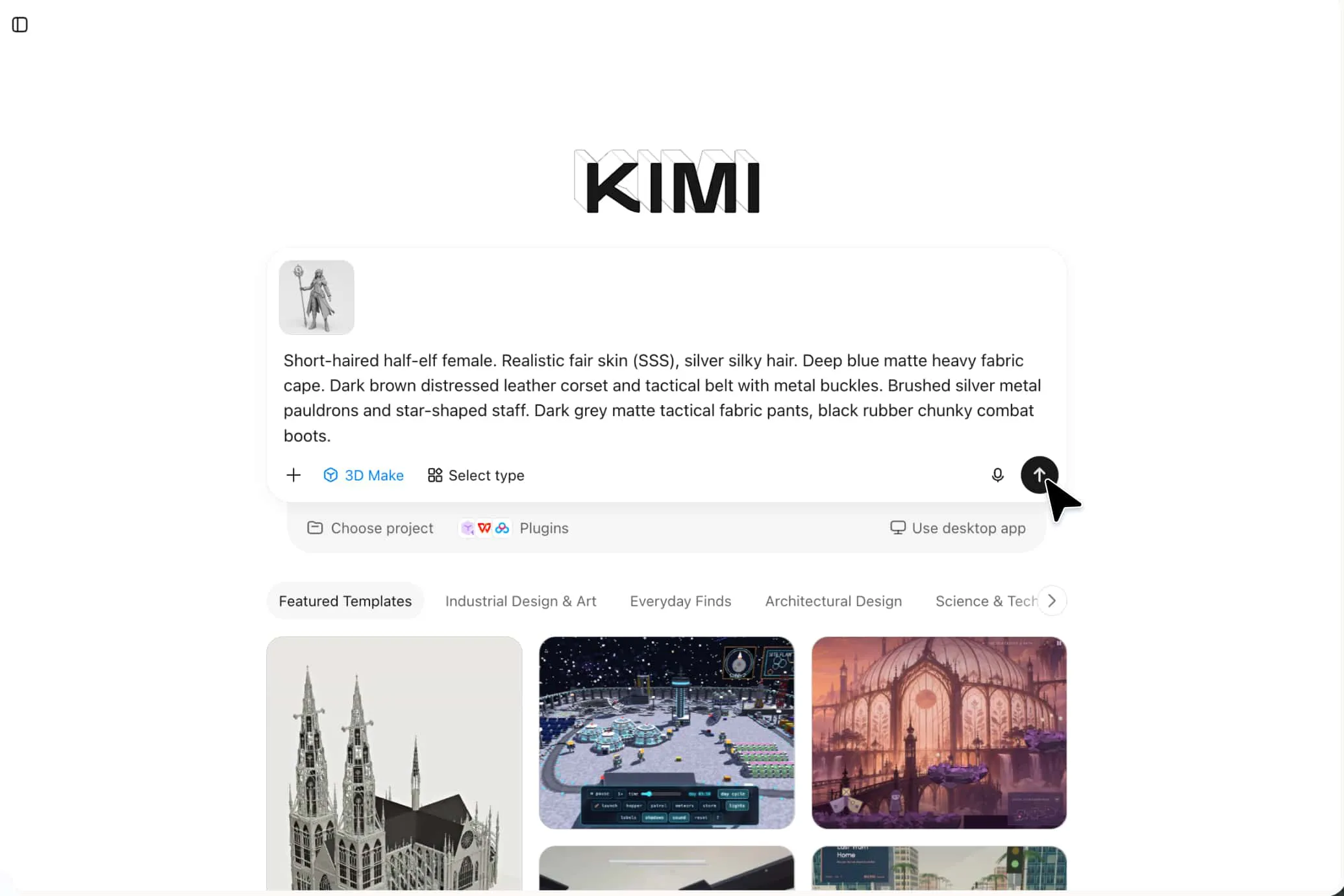
Upload a reference image and add your prompt
Upload a reference image and describe the desired shapes, materials, colors, and textures.
Generate and refine your 3D design
Let Kimi 3D Make generate the 3D model. Preview it from different angles and refine details with prompts, element comments, or manual edits.
Preview and export your finished 3D creation
Check the model's structure and proportions, then export it in a supported format, such as GLB or BLEND, for further use.
Transform images into 3D visuals for every creative project
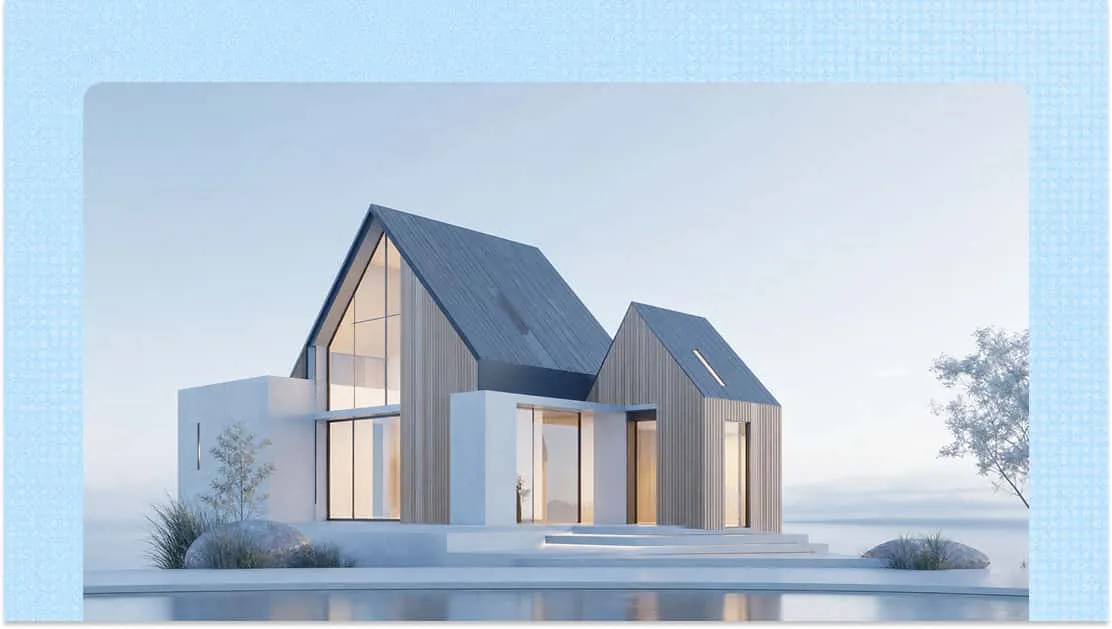
Architectural visualization
Turn architectural sketches, building references, and design images into detailed 3D representations. Use AI 3D rendering to explore building shapes, structural details, and exterior appearances while visualizing architectural concepts more clearly.
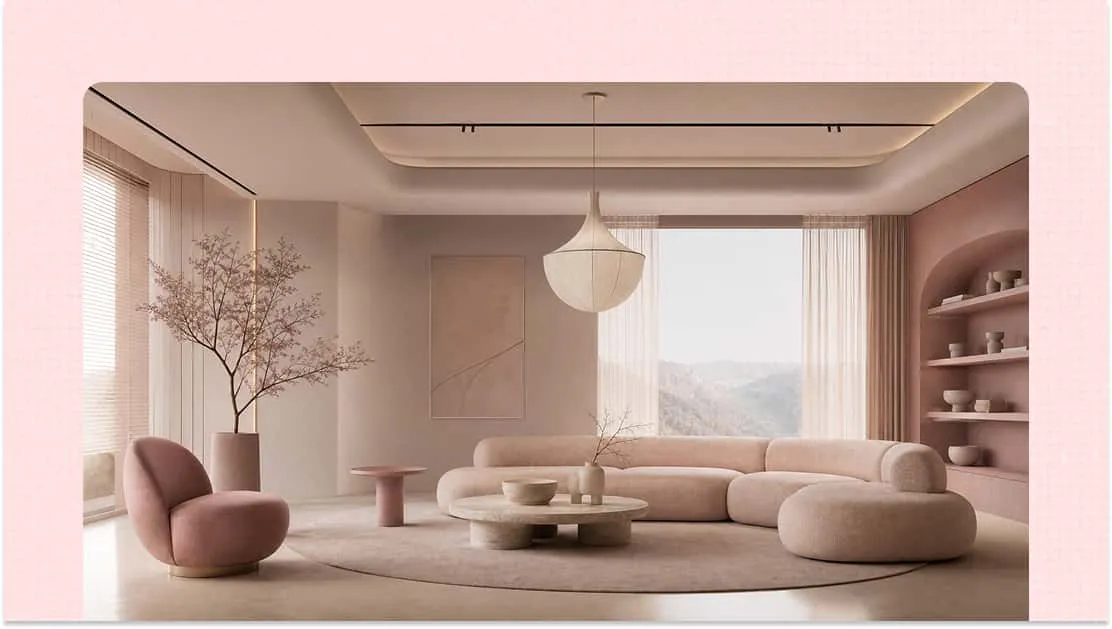
Interior design visualization
Transform interior design references into immersive 3D visuals. Explore furniture arrangements, decorative elements, spatial layouts, and material details to see how different design ideas work together before making design decisions.
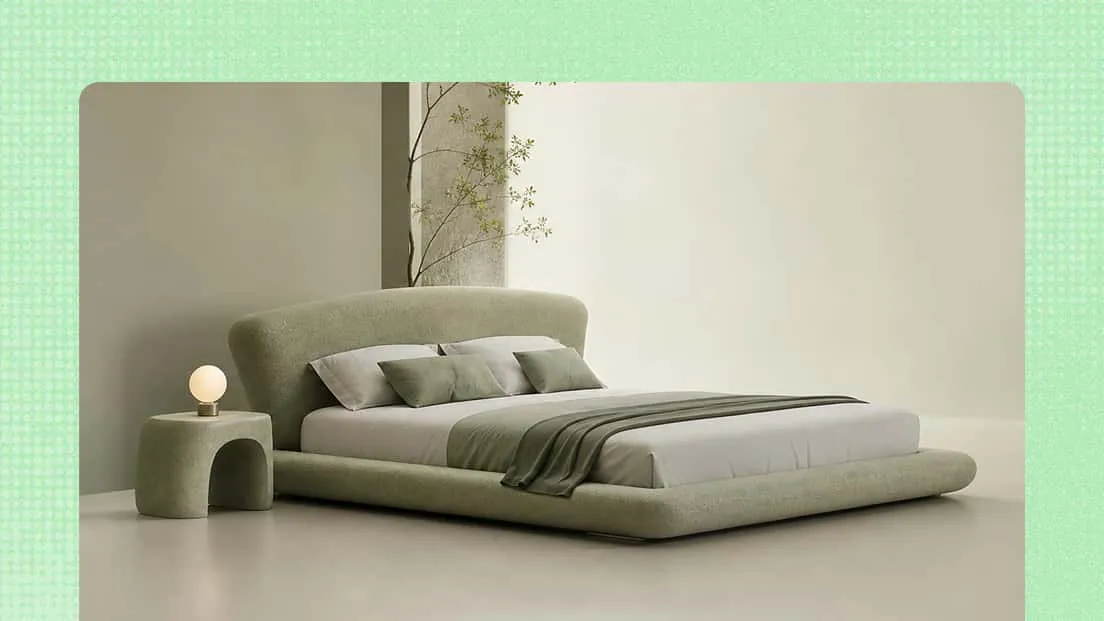
Product visualization
Transform product photos, sketches, and concept images into detailed 3D representations. Use AI-powered 3D generation to explore different product shapes, surface finishes, colors, and materials, and create realistic visuals for product presentations and marketing.
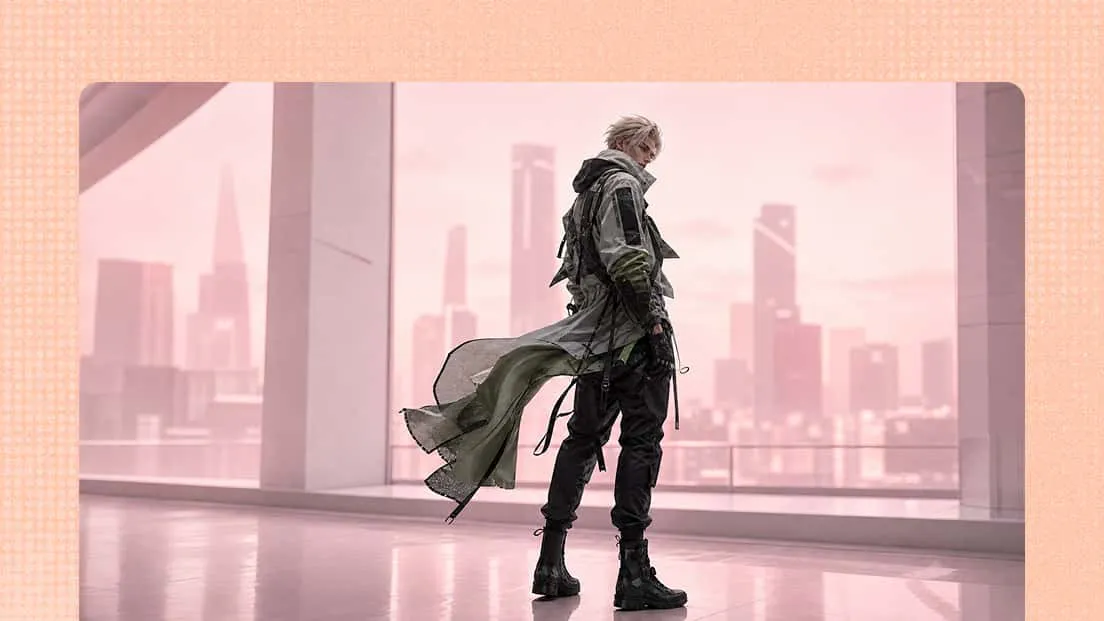
Game asset creation
Turn visual references into 3D assets for game development and digital environments. Create and refine objects, props, and other design elements, then export them for use in compatible 3D workflows.