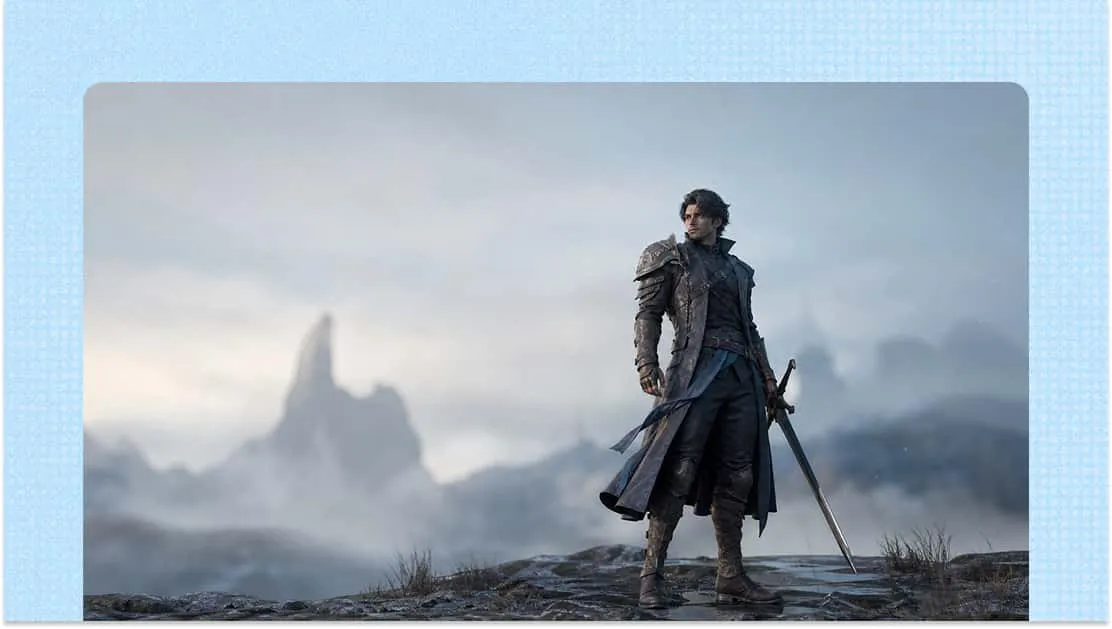
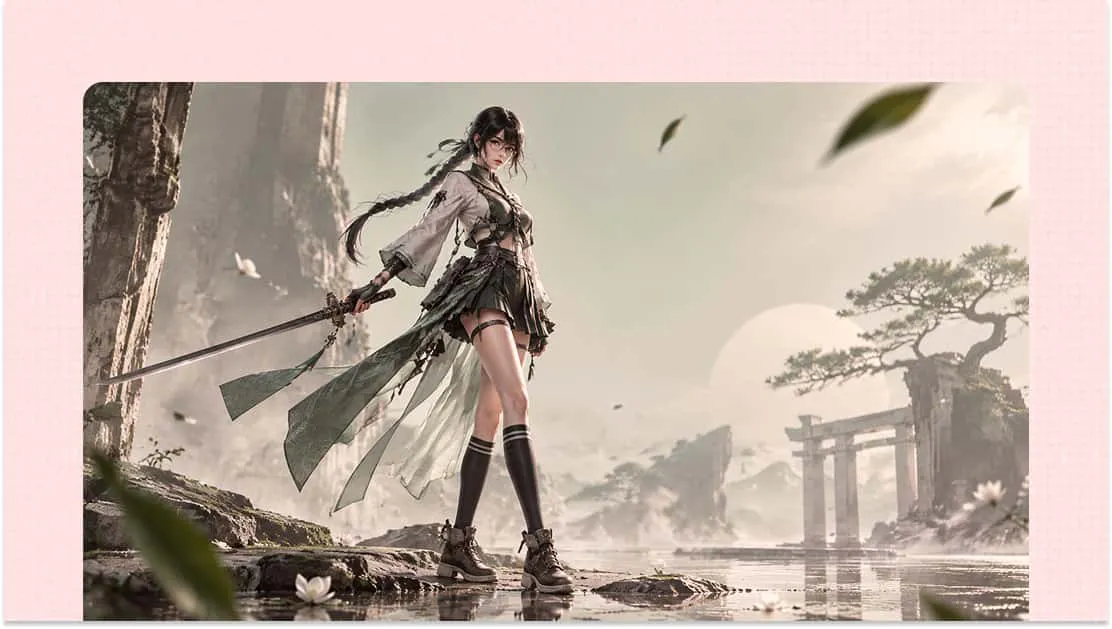
AI Video to 3D Animation
Transform the visual world captured in your videos into 3D creations. From people and everyday objects to distinctive visual elements, explore new dimensions of digital creation with Kimi 3D Make. Generate 3D animations, customize appearance, and export your finished designs.
Create 3D animations from video with AI
Transform video footage into 3D animations
Upload existing footage to Kimi 3D Make as a visual reference and use it to guide the creation of 3D models and scenes. The AI uses the footage as a reference for the subject's appearance, poses, and movements, helping you bring real-world visual elements into a 3D environment.
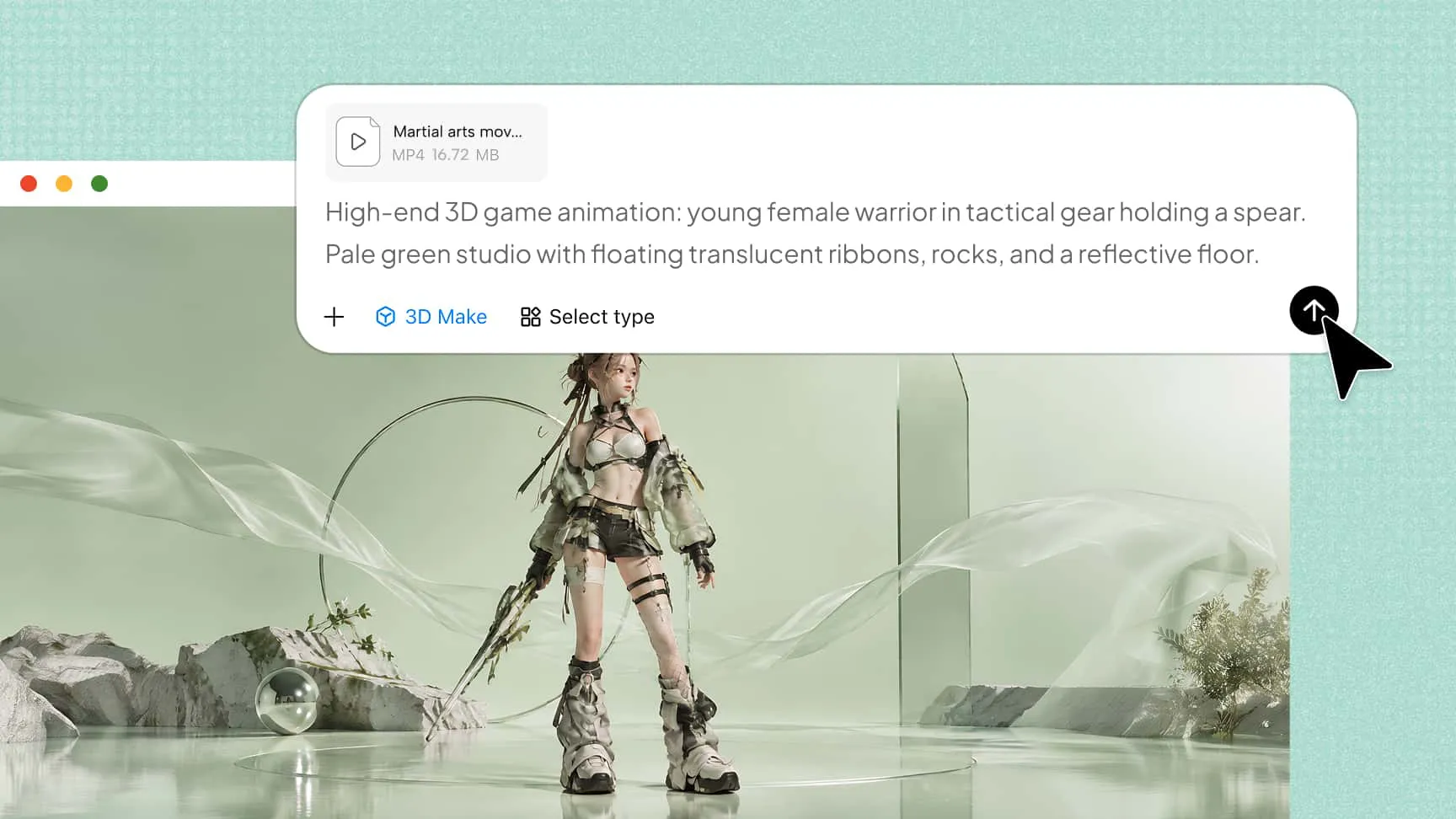
Customize 3D animations with natural language
Refine your creations through simple text instructions and follow-up prompts. Adjust shapes, colors, materials, and other visual details to achieve your desired results. This flexible editing process gives you more control over the appearance of your 3D creations without having to start over.
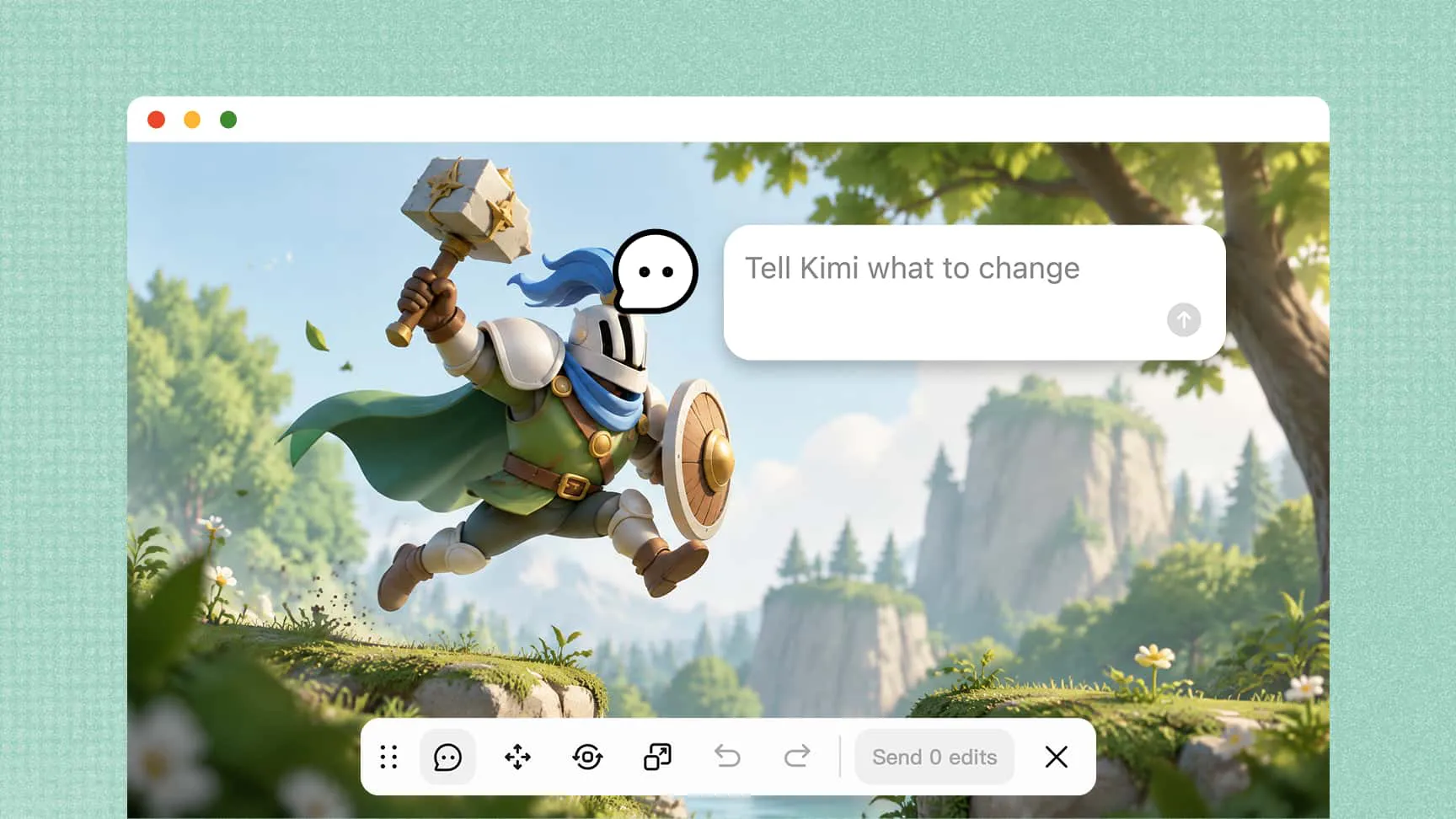
Experiment with different versions and creative directions
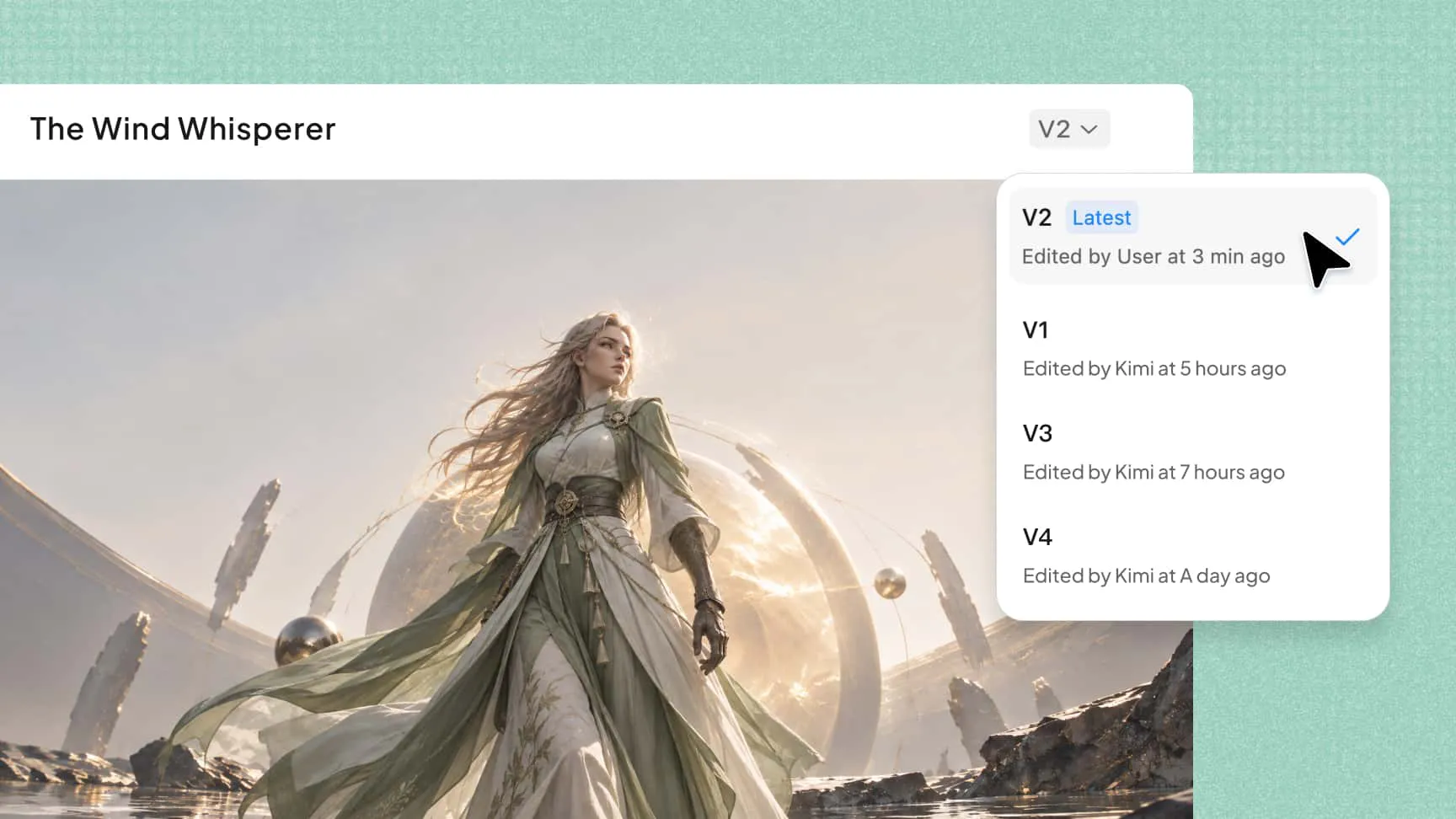
Explore different visual styles and creative possibilities without starting from scratch. Review previous versions, revisit earlier results, and roll back changes whenever you want to try another approach. This makes it easier to refine your 3D creations while preserving your progress and exploring new ideas.
How to convert video to 3D animation with AI
Upload your video and enter a prompt
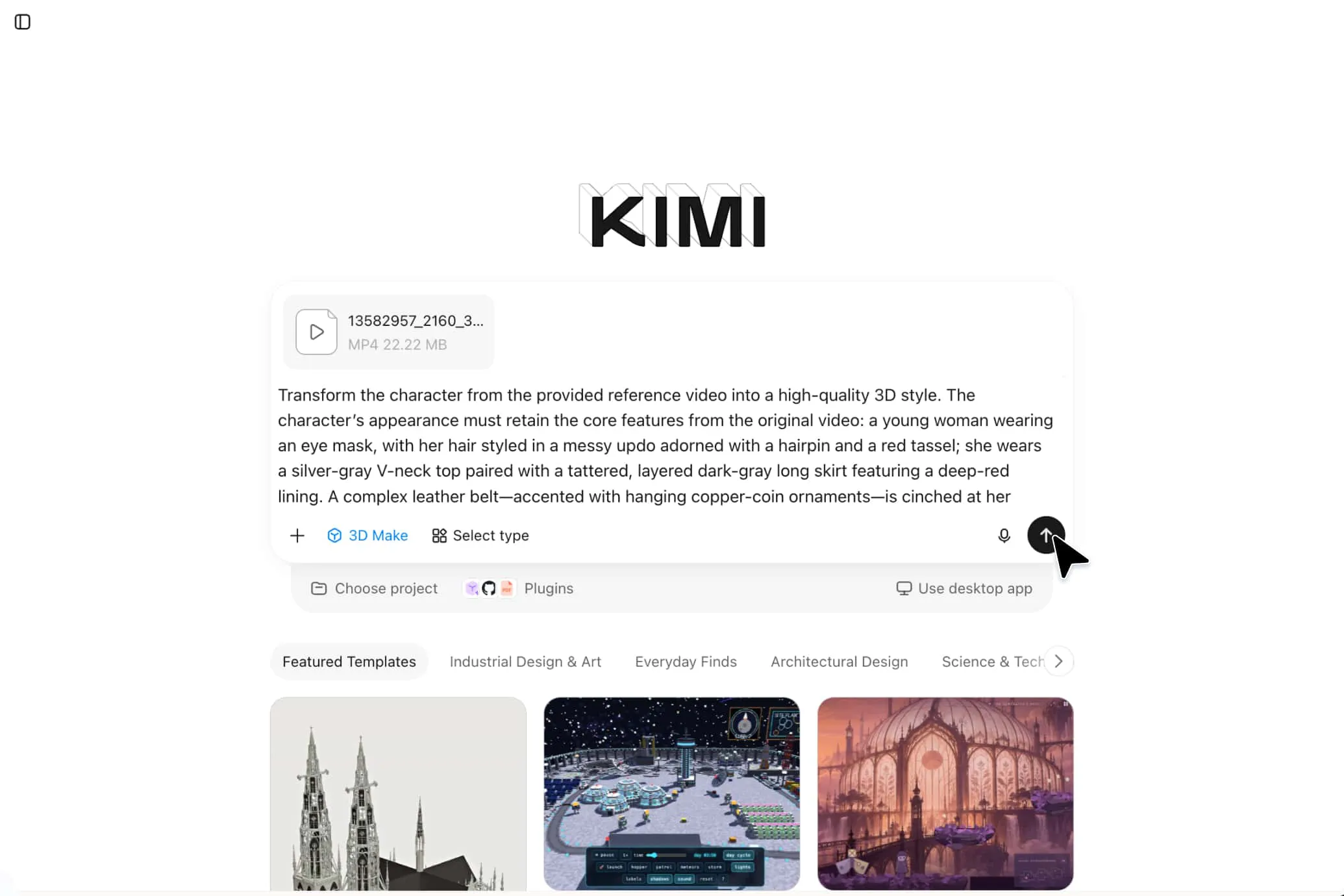
Upload a reference video to Kimi 3D Make and describe the desired animation, including its subjects, movements, and visual details.
Generate and refine your 3D animation
Let Kimi 3D Make process the reference and generate the animation. Use follow-up prompts to adjust movements, colors, textures, and other details.
Preview and export your animation
Review the result and make final adjustments. Then export your animation in a supported format, such as MP4.
Creative possibilities with AI video to 3D animation
Character animation
Convert dance videos, sports clips, performances, and everyday movements into expressive 3D character animations. By using real-world footage as a visual reference, you can explore body movements and gestures for character design, storytelling, and digital content creation.
Game development
Use recorded footage as a reference when developing 3D character movements for games. Experiment with different actions, poses, and movement sequences to create more dynamic characters for interactive experiences and game environments.
Product visualization
Turn product footage into engaging 3D presentations that showcase shapes, materials, and functional details. You can explore product appearances and show how different components look from various angles, making it easier to develop visual concepts for product presentations.
Animation and filmmaking
Use real-world footage as a starting point for developing animated scenes, character actions, and visual effects. Experiment with creative concepts and different movements to build engaging 3D visuals for short films, storytelling, and animation projects.