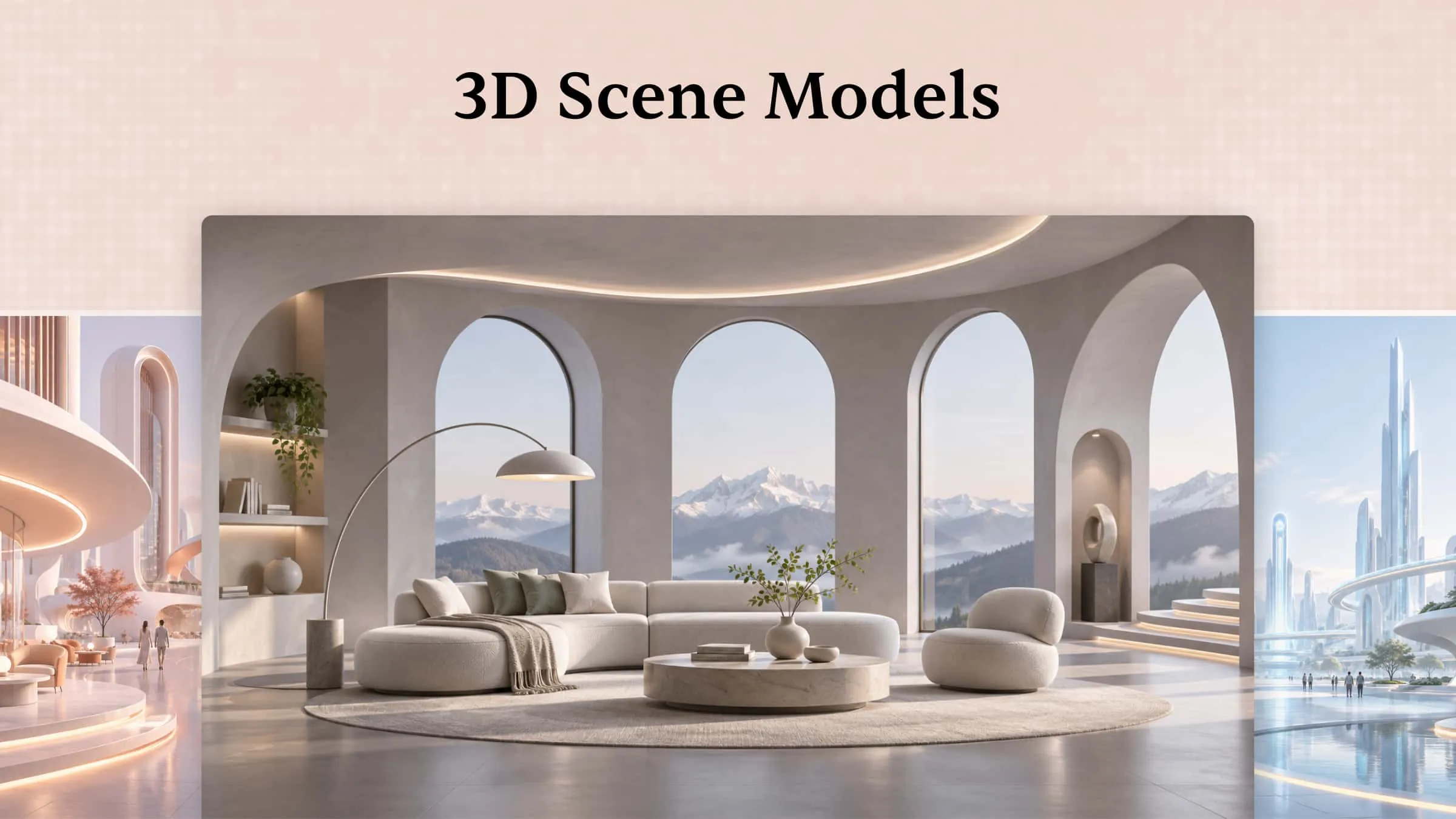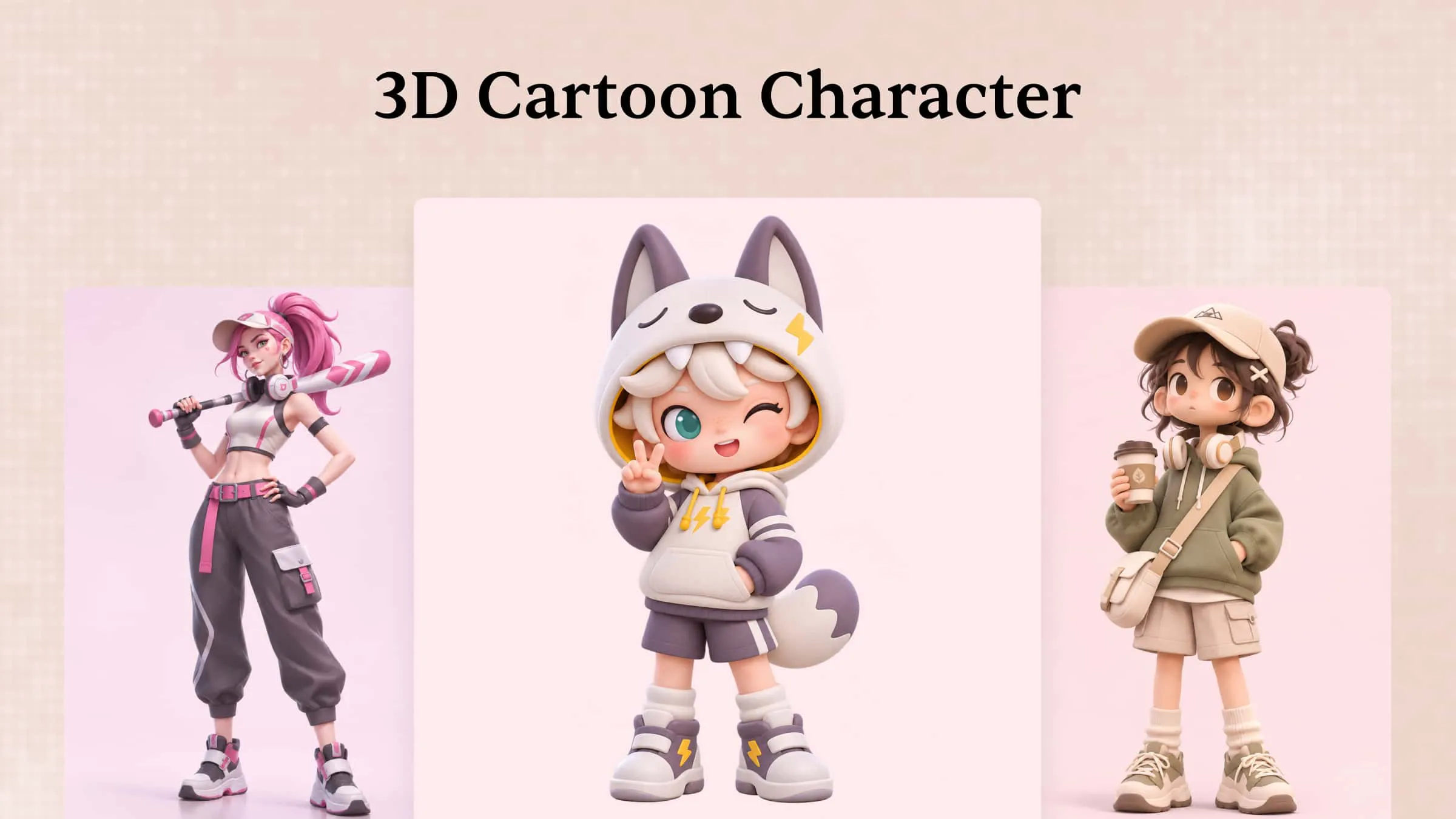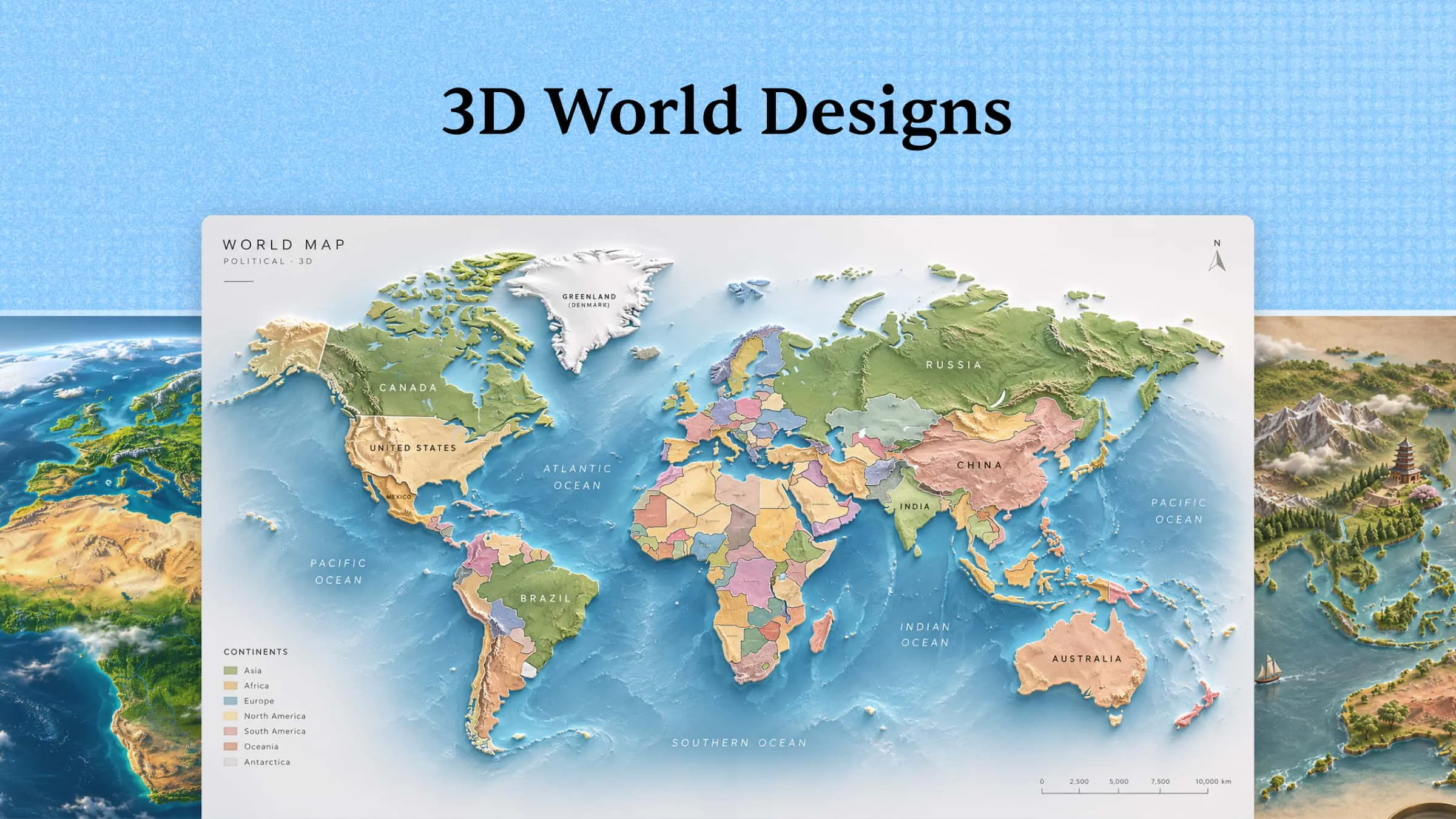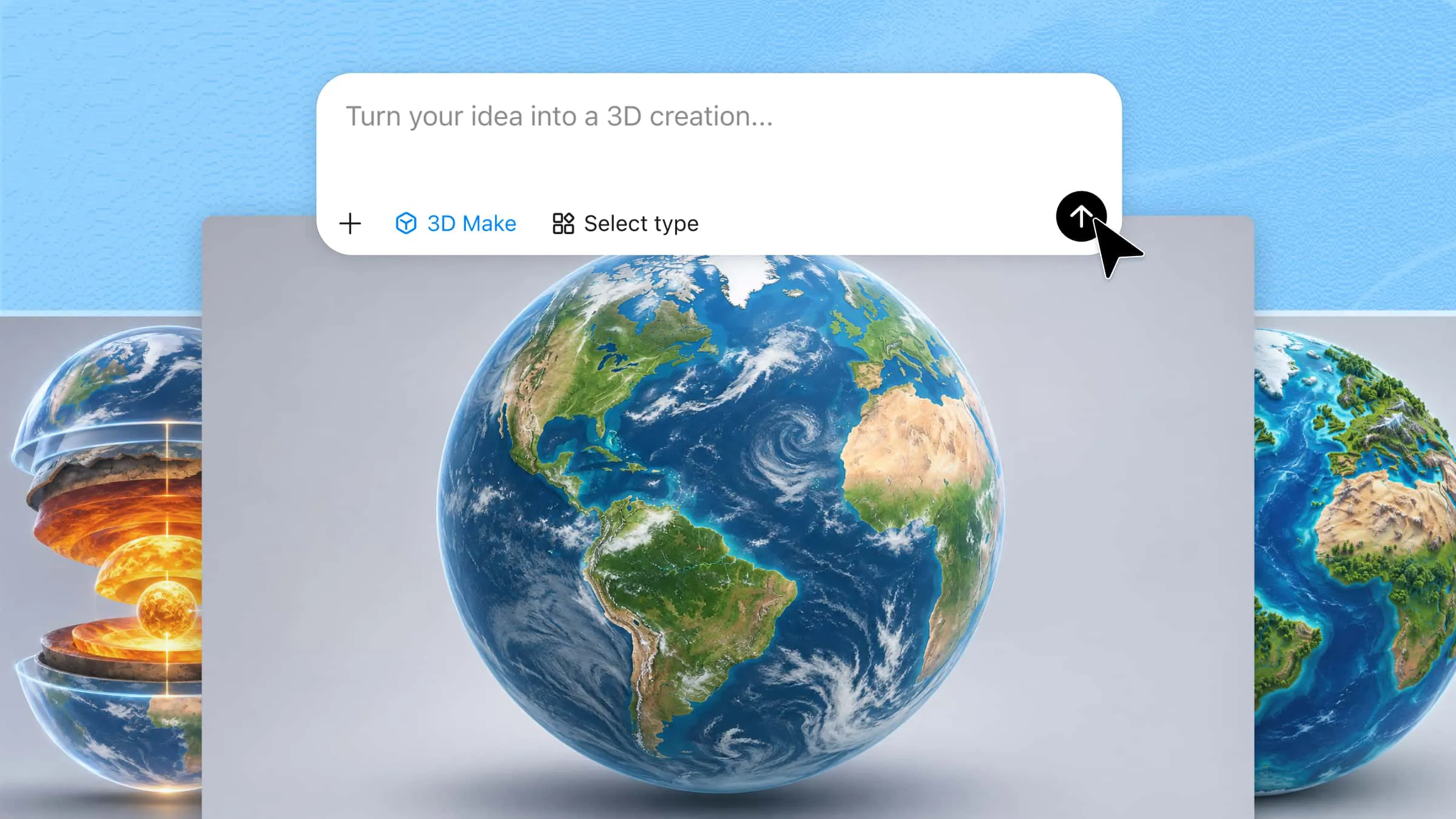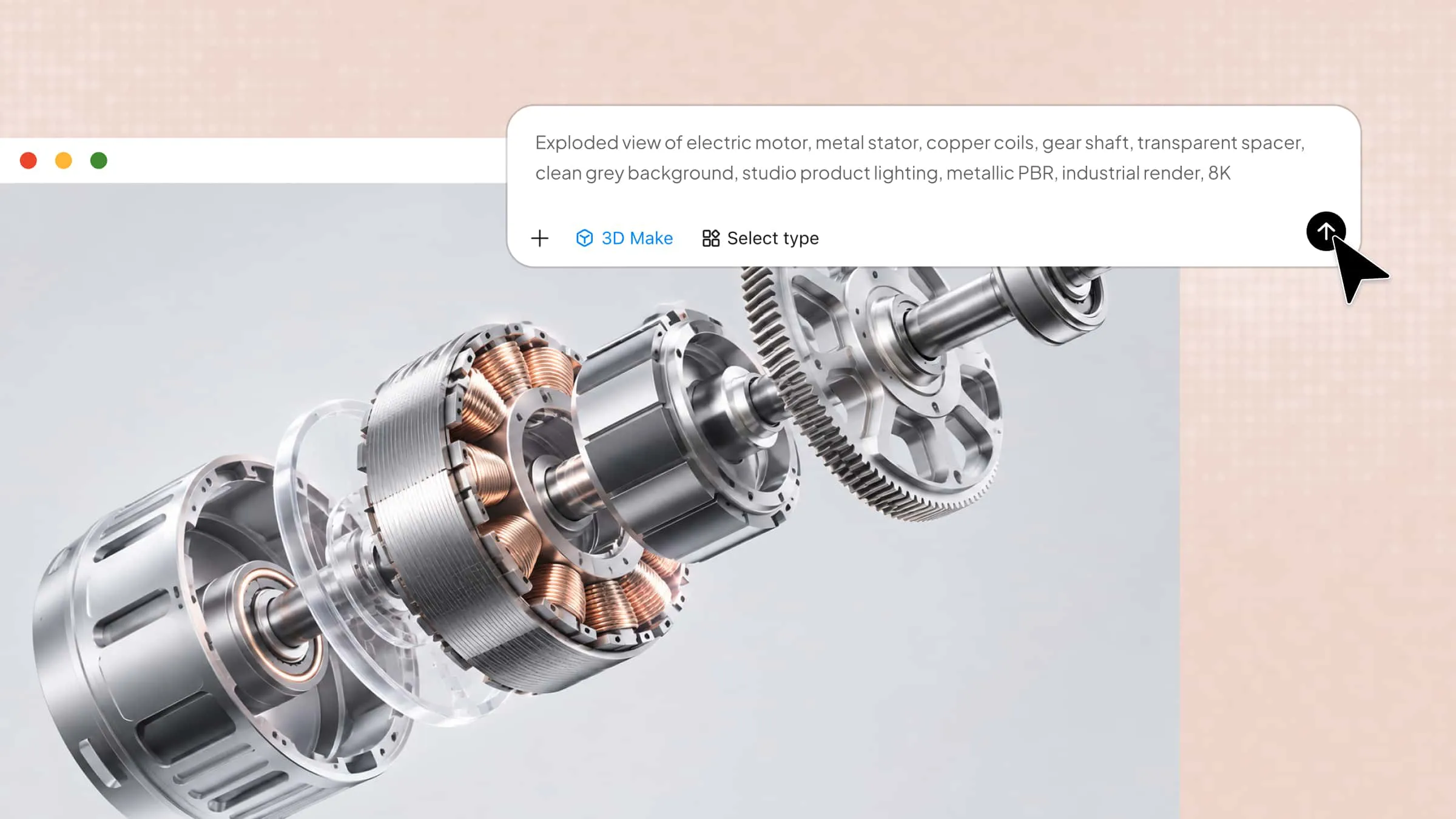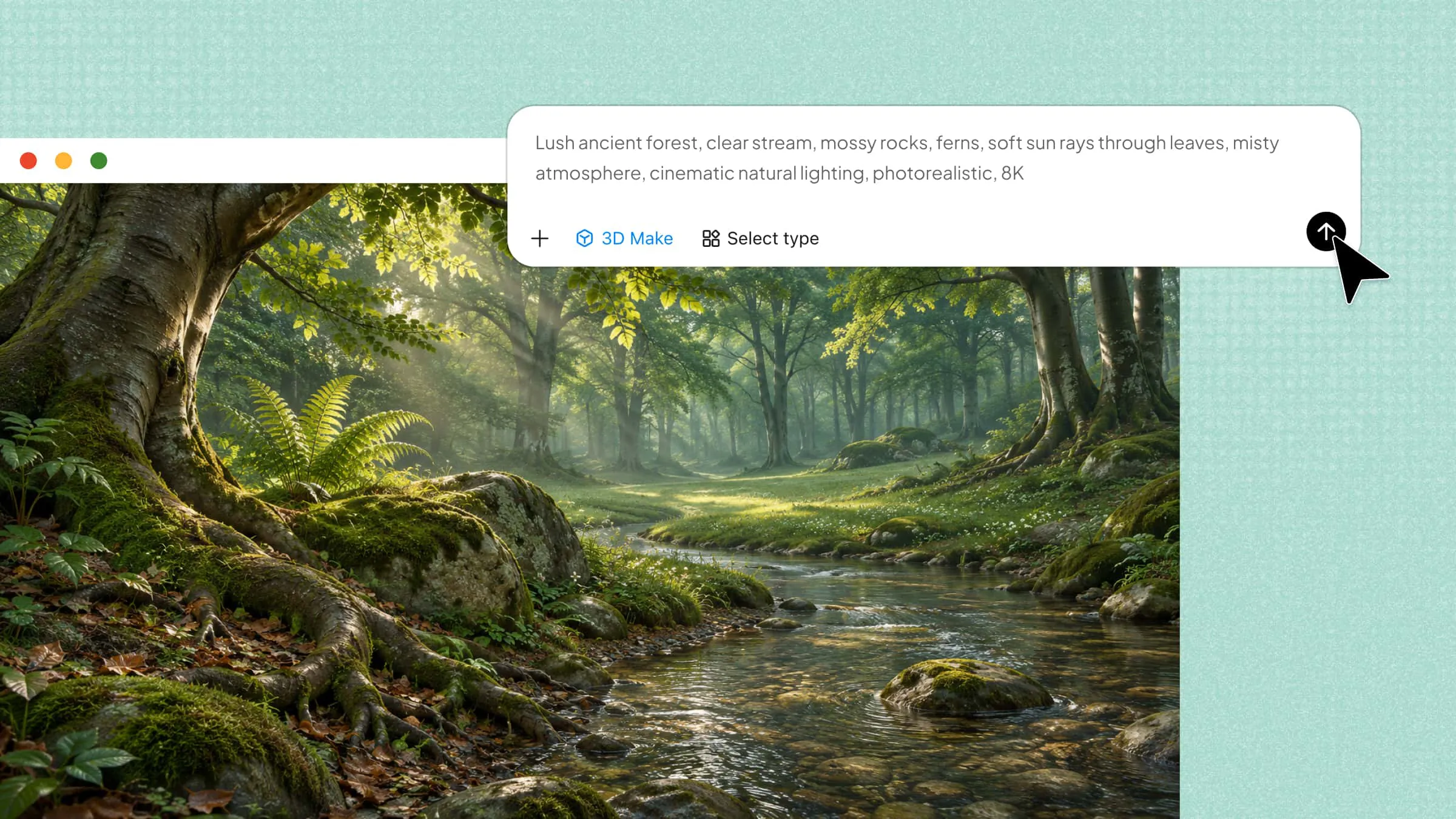
3D environments transform creative ideas into realistic and visually appealing digital spaces. From peaceful natural landscapes to detailed city streets and imaginative fantasy worlds, each model offers unique design possibilities for games, animations, and other creative work. This article explores 10 creative 3D environment models, their styles, how to create them, and useful tips for building detailed scenes.
Overview of 3D environmental models
3D environmental models differ in structure, complexity, and visual details, making them suitable for various project requirements. The following models highlight their defining features and common applications to help you understand their purpose and choose the right option.
| 3D environmental models | Key content | Visual direction | Suitable for |
|---|---|---|---|
| Forest environment 3D model | Trees, plants, grass, rocks, and natural paths | Dense greenery, layered vegetation, natural lighting | Games, animations, nature scenes |
| Desert environment 3D model | Sand dunes, dry land, rocks, and sparse plants | Warm colors, sandy textures, open landscapes | Adventure games, films, storytelling |
| Underwater environment 3D model | Fish, coral reefs, sea plants, and ocean rocks | Blue tones, water effects, soft lighting, marine details | Ocean games, animations, educational projects |
| Futuristic city environment 3D model | Skyscrapers, flying vehicles, advanced buildings, and digital screens | Metallic surfaces, neon lights, modern architecture | Sci-fi games, films, futuristic animations |
| Medieval village environment 3D model | Stone houses, castles, wooden bridges, and narrow streets | Earthy colors, old-style architecture, historical details | Historical games, fantasy films, storytelling |
| Fantasy forest environment 3D model | Magical trees, glowing plants, unusual creatures, and enchanted objects | Vibrant colors, magical effects, dreamlike lighting | Fantasy games, animated films, creative storytelling |
| Mountain environment 3D model | High peaks, rocky surfaces, snow, and valleys | Natural textures, layered terrain, atmospheric views | Adventure games, landscape scenes, simulations |
| Tropical island environment 3D model | Palm trees, beaches, clear water, and tropical plants | Bright colors, sunny lighting, coastal scenery | Vacation simulations, adventure games, animations |
| Space environment 3D model | Planets, stars, spacecraft, asteroids, and galaxies | Cosmic backgrounds, glowing details, expansive compositions | Sci-fi games, space animations, film production |
| Post-apocalyptic environment 3D model | Abandoned buildings, broken roads, damaged vehicles, and debris | Weathered surfaces, muted colors, dusty surroundings | Survival games, dystopian films, storytelling |
10 impressive 3D environment designs to explore
Every 3D environment has its own character, atmosphere, and level of detail, depending on the purpose of the design. These 10 impressive designs showcase different creative approaches and explain how various elements shape the overall appearance of a scene.
With Kimi 3D Make, an AI-powered 3D modeling tool, you can transform creative concepts into detailed environments using simple text prompts. It can generate landscapes, buildings, objects, textures, and lighting based on your descriptions. You can review the generated scenes, adjust individual elements, and refine the overall design to match your project requirements.
Forest environment 3D model
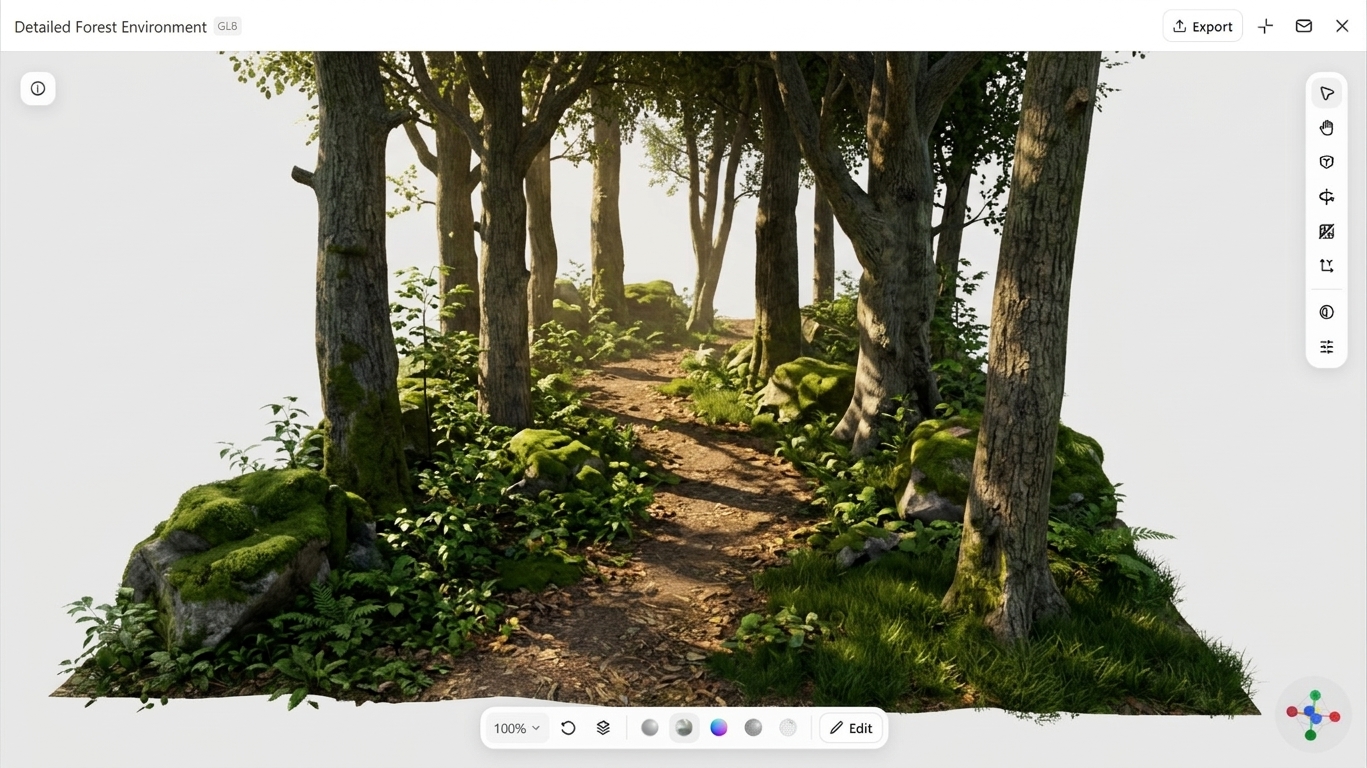
A forest environment 3D model recreates a natural setting filled with trees, plants, grass, rocks, and other outdoor elements. It uses realistic textures, natural lighting, and detailed surroundings to create a peaceful woodland atmosphere. Different shades of green, sunlight, and shadows add depth and make the scene look more lifelike. This model is commonly used in adventure games, animations, and nature-based projects.
How to use
Step 1: Enter your prompt
Enter the prompt into Kimi 3D Make to describe the type of forest environment you want to create.
Prompt:
Step 2: Let AI generate your 3D model
Kimi 3D Make will generate a forest environment featuring tall trees, green plants, natural paths, realistic textures, and sunlight based on your prompt.
Step 3: Review and export the 3D model
Review the generated forest environment, make small adjustments if needed, and export the final 3D model in your preferred format.
Desert environment 3D model
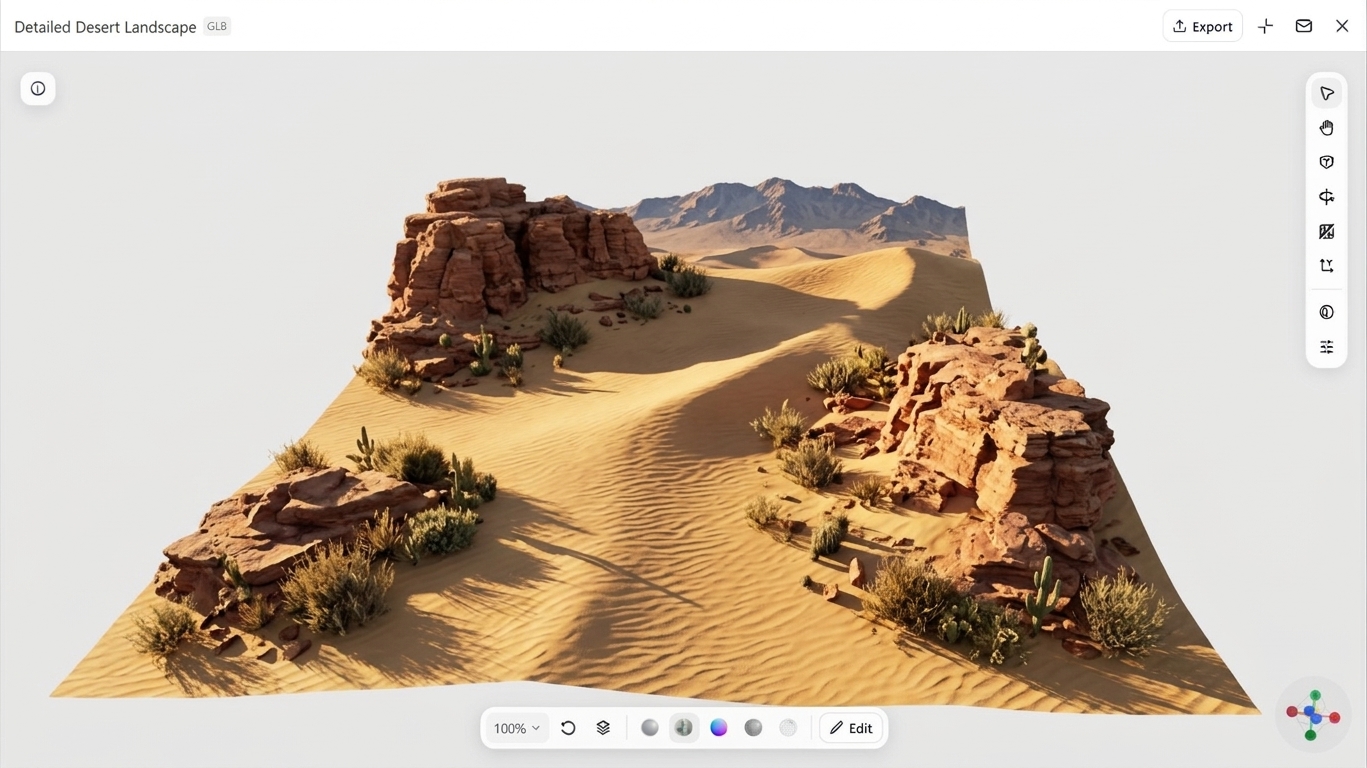
A desert environment 3D model captures dry, sandy regions through detailed digital scenery. It may include rolling dunes, rocky surfaces, scattered shrubs, and sunlit terrain. Warm shades, textured surfaces, and shadows give the landscape a natural appearance. Designers use this model to create a realistic 3D game environment, animated scenes, architectural presentations, and educational projects.
How to use
Step 1: Enter your prompt
Enter the prompt into Kimi 3D Make to describe the type of desert environment you need.
Prompt:
Step 2: Let AI generate your 3D model
Kimi 3D Make will automatically generate a 3D desert environment featuring sandy dunes, rocky terrain, dry plants, and natural lighting.
Step 3: Review and export the 3D model
Review the generated desert environment, make small edits if needed, and export the final 3D model.
Underwater environment 3D model
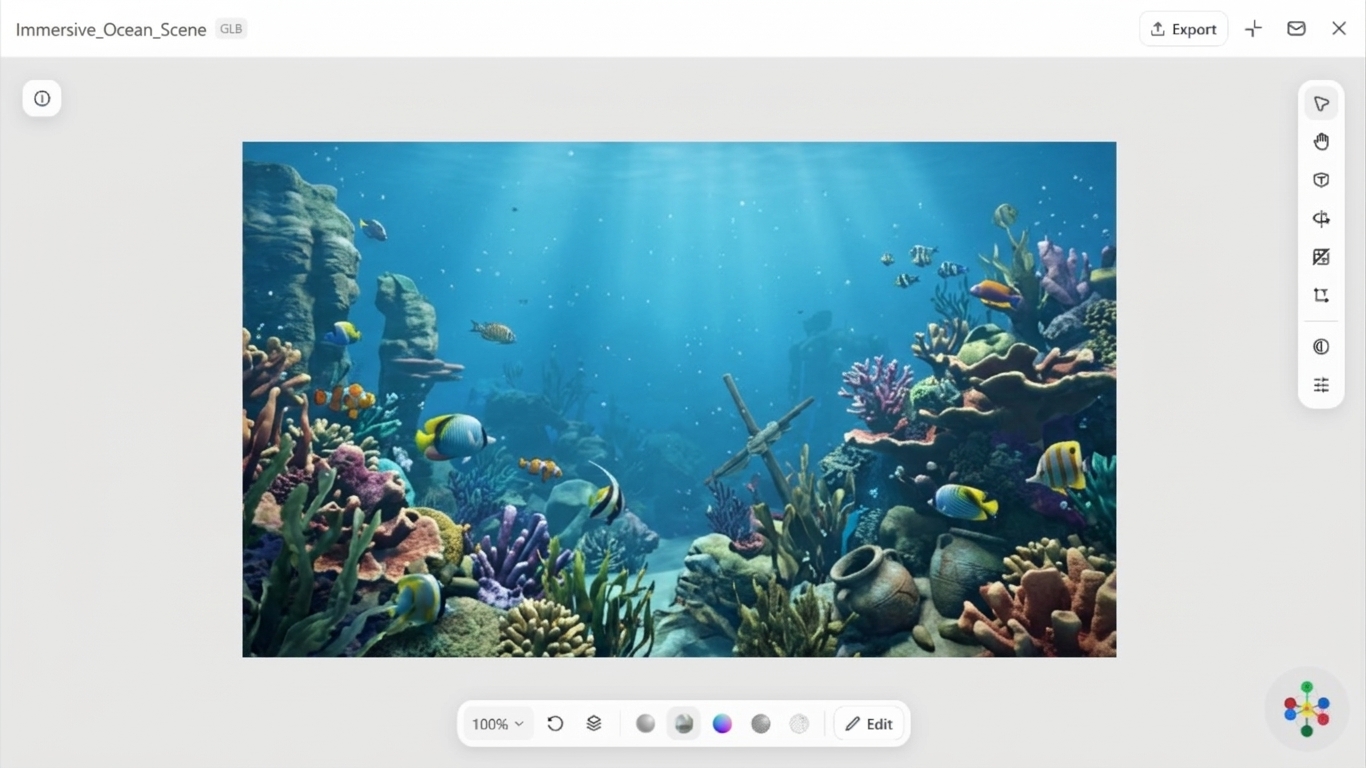
An underwater environment 3D model recreates the hidden world beneath the ocean's surface through detailed digital scenes. It can feature colorful fish, coral reefs, sea plants, rocks, and submerged structures. Realistic water effects, blue shades, and soft lighting help create a natural underwater atmosphere. These models are widely used in video games, animations, marine research, and educational projects.
How to use
Step 1: Enter your prompt
Enter the prompt into Kimi 3D Make to describe the type of underwater environment you need.
Prompt:
Step 2: Let AI generate your 3D model
Kimi 3D Make will create a 3D underwater environment featuring marine life, coral formations, submerged objects, and realistic water effects based on your prompt.
Step 3: Review and export the 3D model
Check the generated underwater scene, make small edits if needed, and export in your preferred format.
Futuristic city environment 3D model
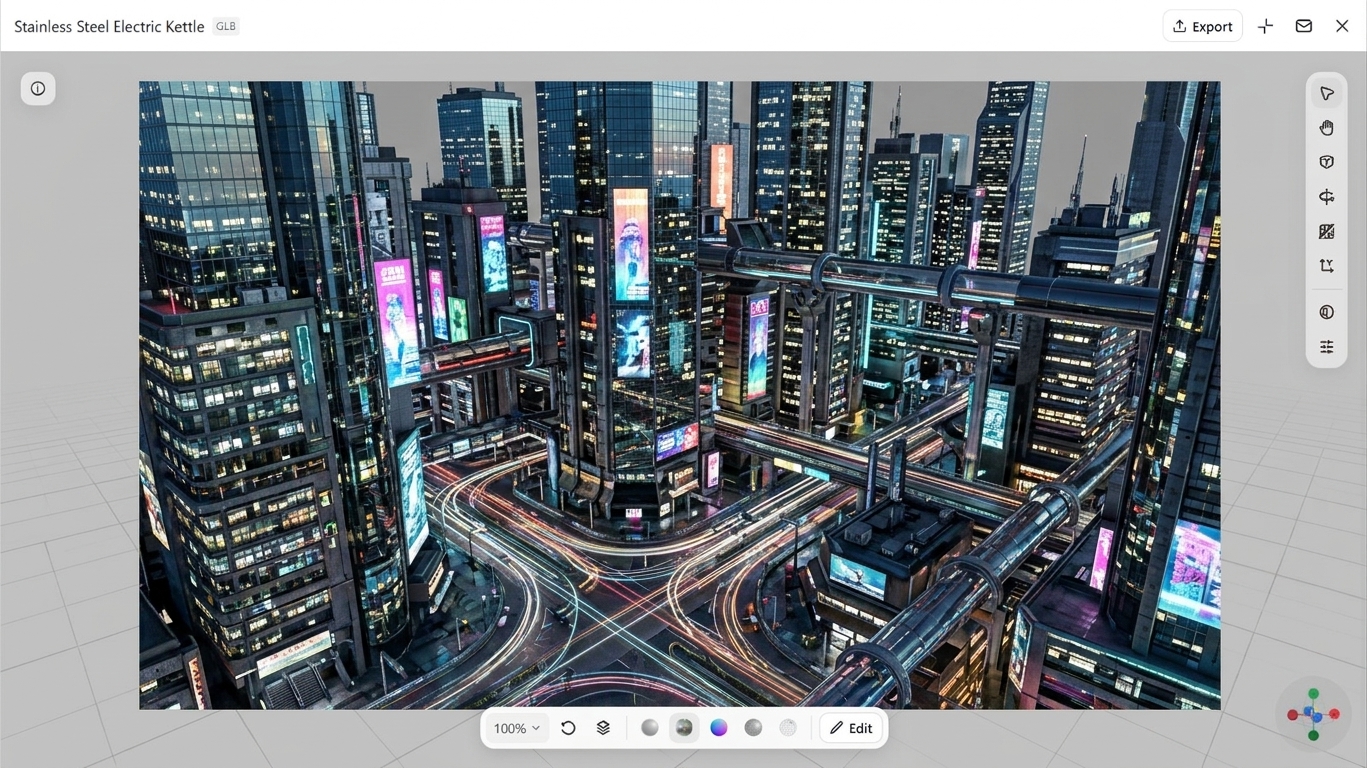
With advanced architecture and technology, a futuristic city environment 3D model recreates a city from the future. Towering buildings, flying cars, digital billboards, and glowing streets form its main elements. Neon colors, metallic textures, and creative lighting create a sci-fi appearance. Such environments are useful for games, films, and VR projects, with 3D environment free download resources available online.
How to use
Step 1: Enter your prompt
Enter the prompt into Kimi 3D Make to describe the type of futuristic city environment.
Prompt:
Step 2: Let AI generate your 3D model
The AI will create a futuristic 3D city environment featuring advanced architecture, flying vehicles, glowing signs, and cinematic lighting.
Step 3: Review and export the 3D model
Review the model, make small edits if needed, and export the final 3D model.
Medieval village environment 3D model
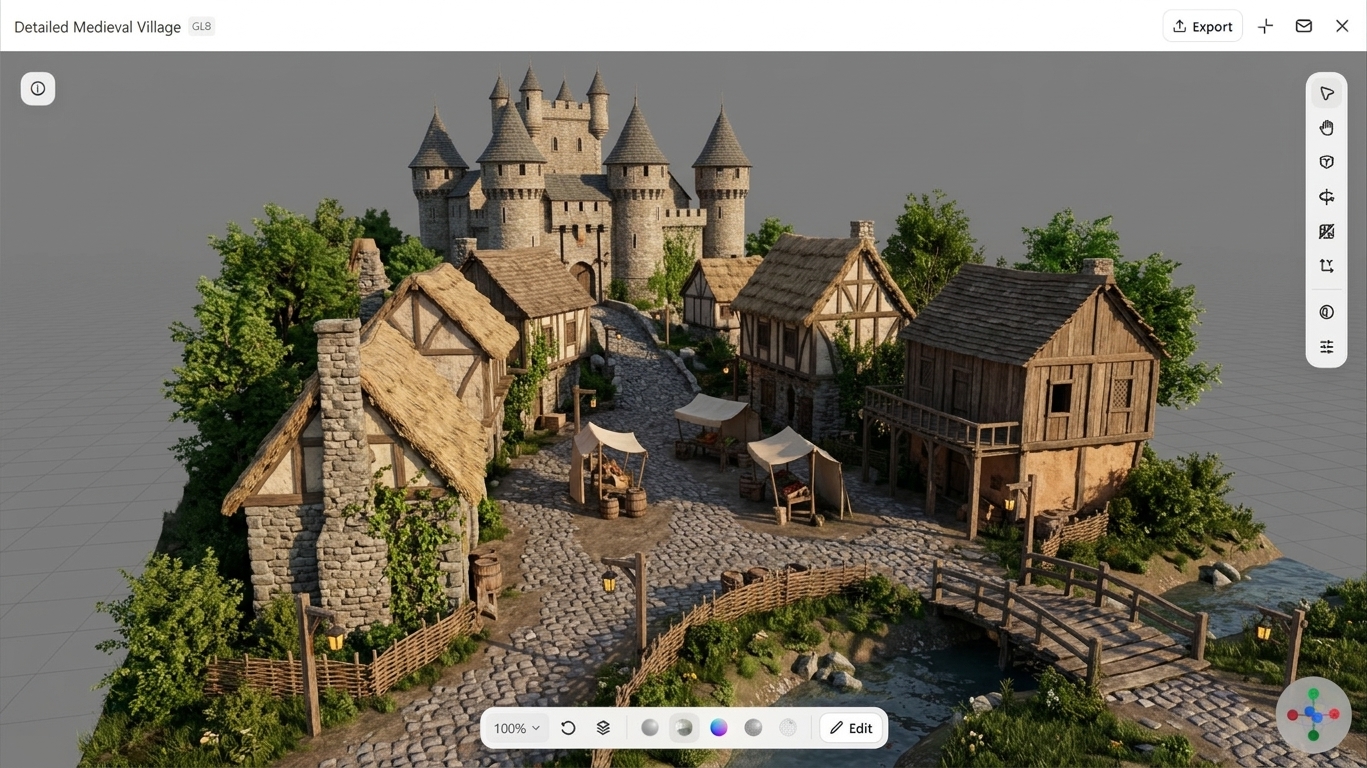
A medieval village environment 3D model brings historical settlements into a digital setting. It may feature stone cottages, wooden houses, castles, bridges, and narrow pathways arranged in a traditional layout. Rustic materials, earthy shades, and architectural details recreate the atmosphere of an earlier era. These models are suitable for historical games, fantasy animations, virtual experiences, and architectural visualizations.
How to use
Step 1: Enter your prompt
Enter the prompt into Kimi 3D Make to describe the type of medieval village environment you need.
Prompt:
Step 2: Let AI generate your 3D model
Kimi 3D Make will generate a medieval village environment featuring traditional houses, a castle, cobblestone streets, wooden structures, and rustic details.
Step 3: Review and export the 3D model
Check the model, make small edits if needed, and export in your preferred format.
Fantasy forest environment 3D model
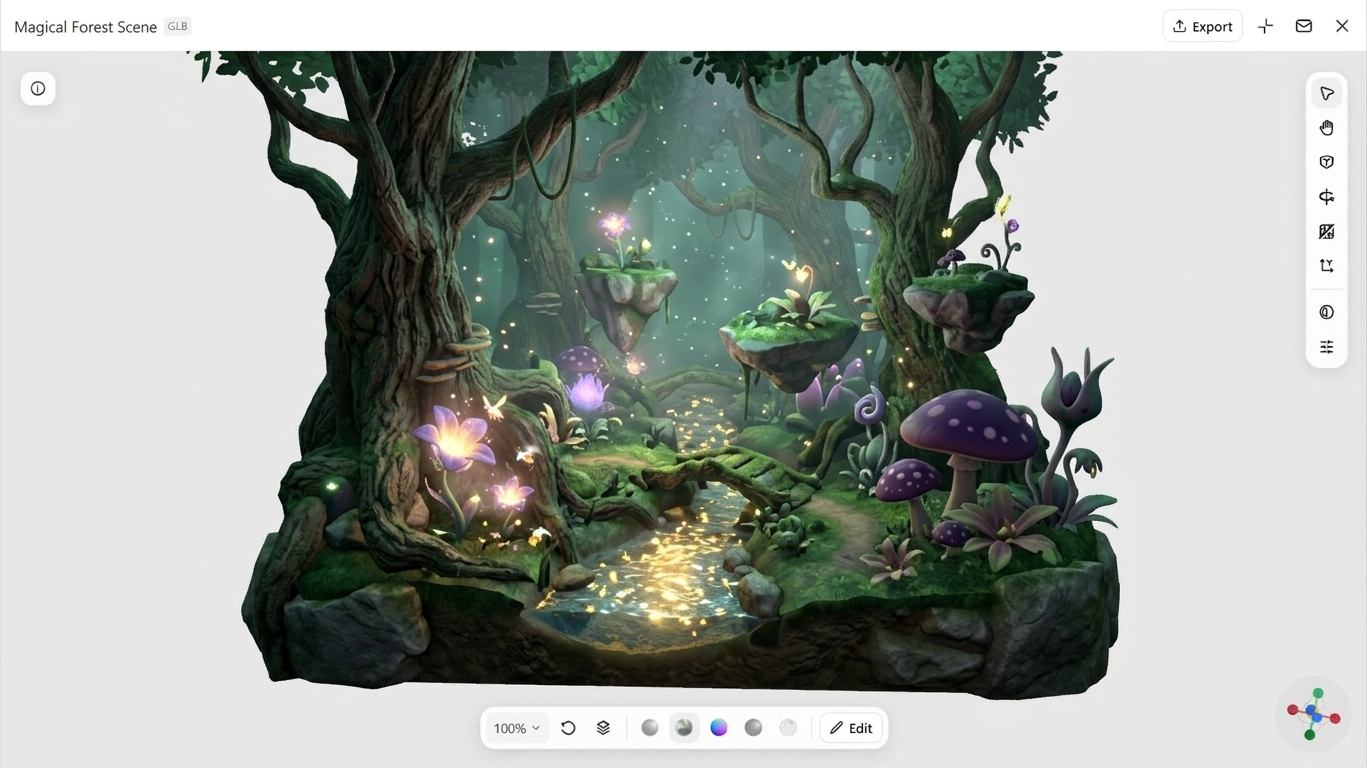
A fantasy forest environment 3D model creates an imaginative woodland filled with magical scenery. It can include unusual trees, glowing plants, mystical creatures, and hidden pathways. Creative textures, vibrant colors, and special lighting give the surroundings an enchanting appearance. Such models are creative 3D environment examples used in fantasy games, animated films, and virtual reality experiences.
How to use
Step 1: Enter your prompt
Add the fantasy forest environment prompt into Kimi 3D Make and tap the "Send" icon.
Prompt:
Step 2: Let AI generate your 3D model
Kimi 3D Make will generate a fantasy forest featuring unusual trees, glowing plants, mystical creatures, and magical scenery based on your prompt.
Step 3: Review and export the 3D model
Check the model, make updates if needed, and export the final 3D model.
Mountain environment 3D model
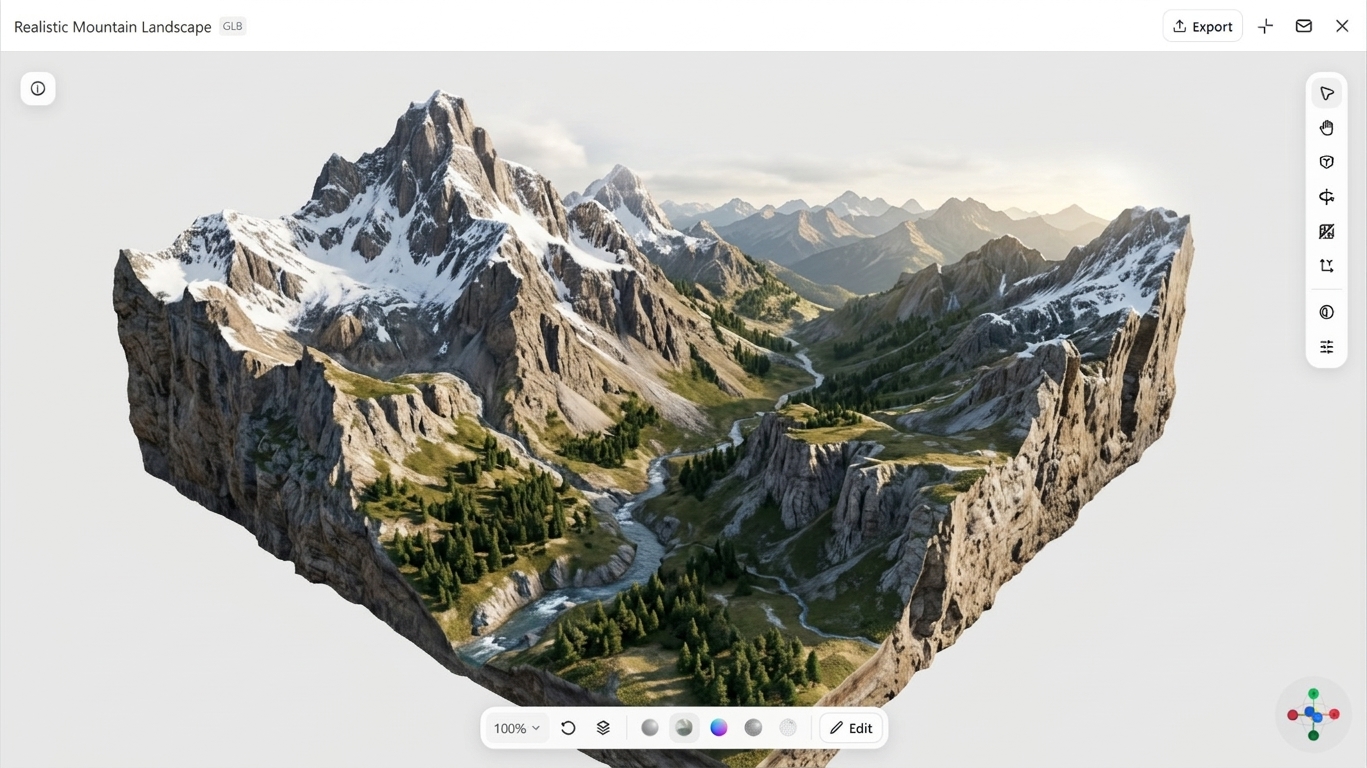
A mountain environment 3D model recreates rugged outdoor terrain in a digital space. It may include towering peaks, rocky slopes, deep valleys, and snow-covered areas. Varied elevations, natural surface details, and atmospheric effects give the landscape a realistic appearance. These models are useful for video games, animations, virtual reality experiences, and architectural visualizations.
How to use
Step 1: Enter your prompt
Enter the mountain environment prompt into Kimi 3D Make to describe the landscape you want to need.
Prompt:
Step 2: Let AI generate your 3D model
The AI tool will create a mountain environment featuring rocky peaks, deep valleys, snowy slopes, and natural landscape details.
Step 3: Review and export the 3D model
Review the generated model, make small edits if needed, and export in your preferred format.
Tropical island environment 3D model
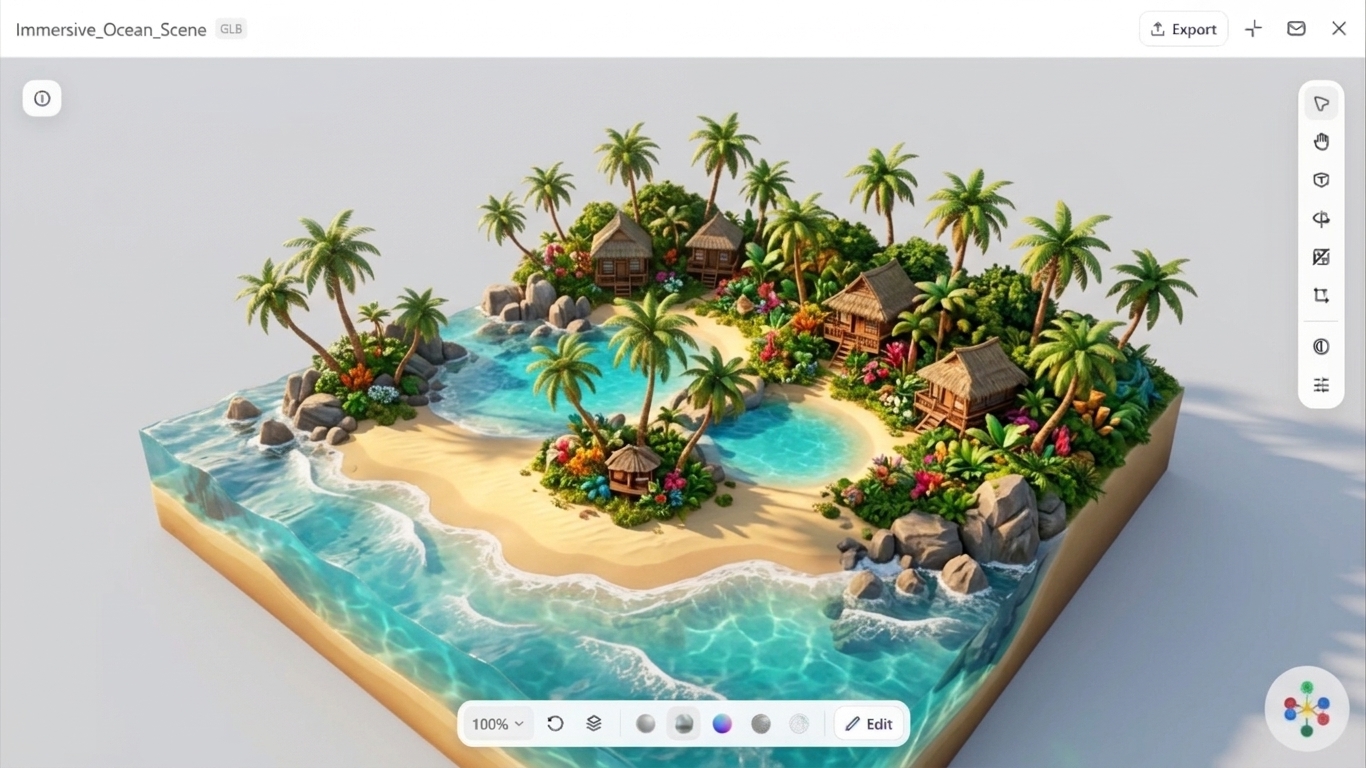
A tropical island environment 3D model brings a secluded coastal setting into a digital scene. It features sandy shores, clear ocean water, rocky formations, palm trees, and dense tropical plants. Bright colors, detailed surfaces, and natural lighting recreate the look of a warm island destination. Such models are used in video games, animations, virtual experiences, and 3D design projects.
How to use
Step 1: Enter your prompt
Enter the prompt into Kimi 3D Make to describe the type of tropical island environment you need.
Prompt:
Step 2: Let AI generate your 3D model
Kimi 3D Make will create a tropical island environment featuring sandy beaches, palm trees, clear water, coastal rocks, and lush vegetation.
Step 3: Review and export the 3D model
Review the model, make small edits if needed, and export in your preferred format.
Space environment 3D model
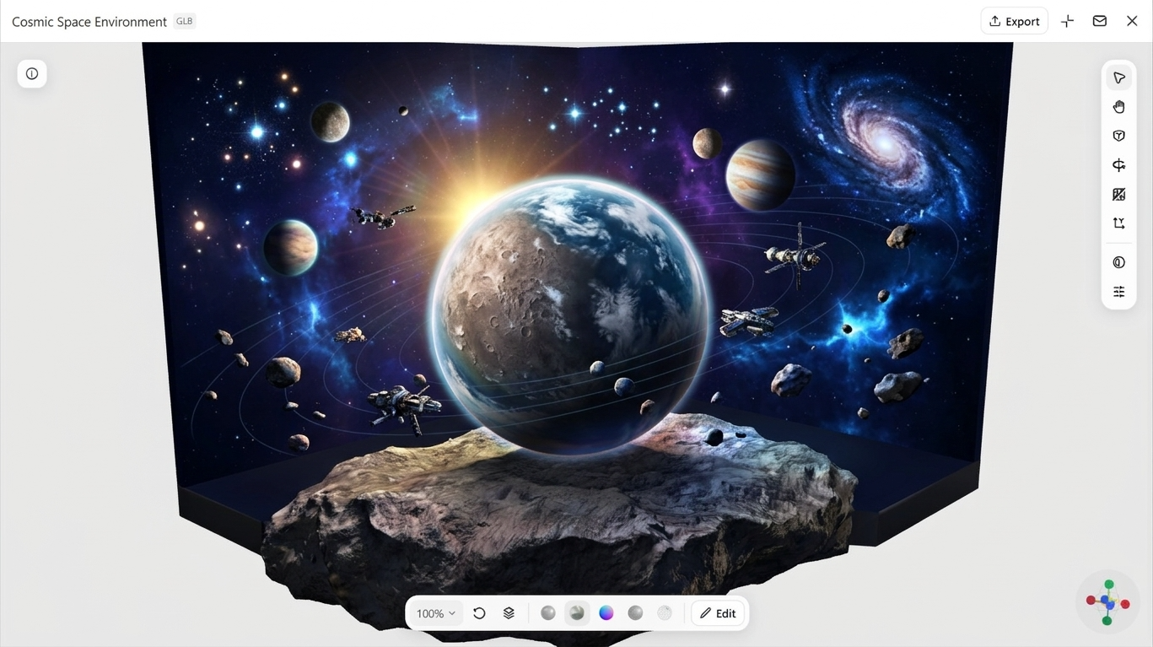
A space environment 3D model recreates outer space through detailed digital scenes. Common elements include planets, stars, galaxies, spacecraft, and other celestial objects. Three-dimensional depth, realistic lighting, and glowing effects create an immersive 3D environment background for digital projects. These models are widely used in sci-fi games, animations, films, and virtual reality experiences.
How to use
Step 1: Enter your prompt
Paste the 3D space environment prompt into Kimi 3D Make.
Prompt:
Step 2: Let AI generate your 3D model
Kimi 3D Make will generate a space environment featuring planets, galaxies, stars, spacecraft, and detailed cosmic effects.
Step 3: Review and export the 3D model
Review the model, make changes if necessary, and export the final 3D model.
Post-apocalyptic environment 3D model
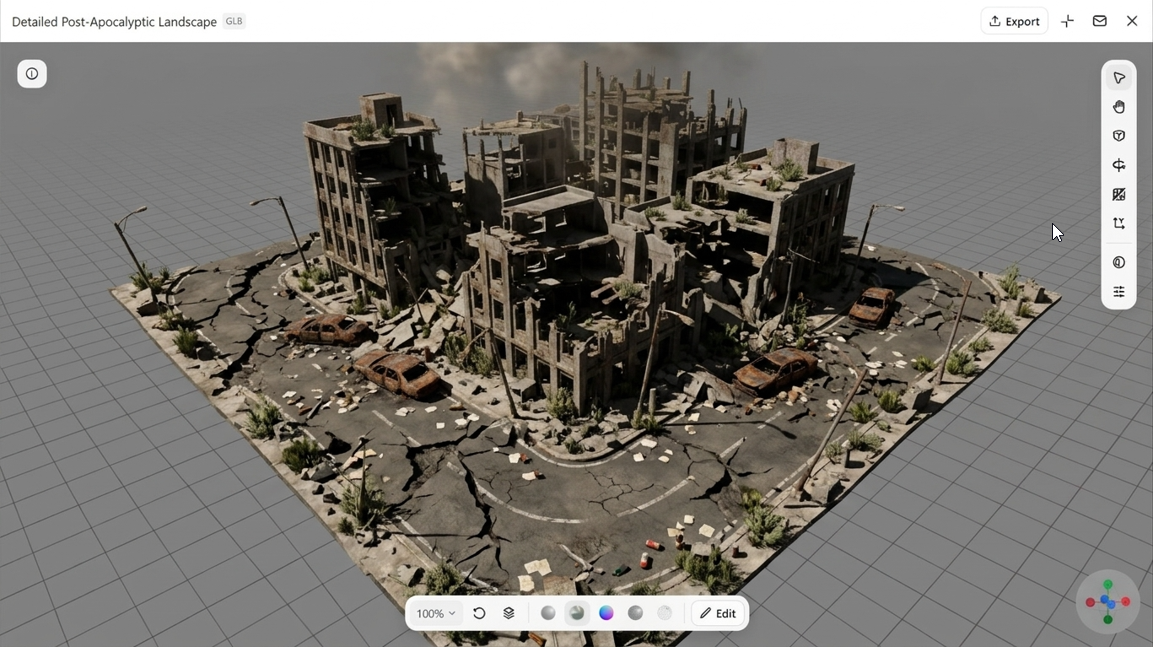
A post-apocalyptic environment 3D model depicts a world transformed by destruction and abandonment. Collapsed buildings, damaged roads, overgrown structures, and underground shelters are common elements of these scenes. Weathered surfaces, scattered debris, and muted colors help create a realistic sense of decay. Such environments are widely used in survival games, animations, and cinematic visual effects.
How to use
Step 1: Enter your prompt
Enter the 3D post-apocalyptic environment prompt into Kimi 3D Make.
Prompt:
Step 2: Let AI generate your 3D model
The AI will generate a post-apocalyptic environment featuring ruined buildings, damaged roads, abandoned vehicles, and overgrown surroundings.
Step 3: Review and export the 3D model
Review the model, make changes if needed, and export the final 3D model.
Why create 3D environment models with Kimi 3D Make
Kimi 3D Make combines AI-powered generation with simple text prompts to help you create detailed 3D environments. From designing natural landscapes and futuristic cities to adjusting textures, lighting, and scene details, it makes the modeling process easier and faster. Here are the key features that make Kimi 3D Make a practical tool for creating, refining, and exporting 3D environment models.
Create detailed 3D environments with prompts and reference images
Kimi 3D Make supports text-to-3D and image-to-3D generation, allowing you to describe your desired environment or upload reference images to guide the results. Specify elements such as terrain, trees, rocks, buildings, roads, vegetation, architectural details, lighting, and visual style to create distinctive scenes with rich environmental details.
Easy prompt-based editing and refinement
Kimi 3D Make supports follow-up instructions for adjusting generated models. You can describe changes to colors, shapes, textures, proportions, or individual design elements to explore variations and refine the environment without having to start over.
Flexible export options for creative workflow
Generated 3D environment AI models can be exported in formats such as GLB and BLEND. These formats enable you to bring your assets into compatible 3D software and development workflows for further editing, rendering, and integration into creative projects.
How to make realistic 3D environment designs
Creating realistic 3D environments becomes easier when you understand the scene you want to build and its required elements. Consider the purpose, layout, textures, lighting, and detail to achieve a natural appearance. Here are some steps to help you create visually appealing 3D designs.
Start with a clear concept and mood
Decide what kind of environment you want to create before starting the design process. Choose a setting, such as a forest, desert, or futuristic city. A clear idea helps you select suitable colors, objects, and visual styles for the scene.
Use high-quality textures for surfaces
Apply detailed textures to make surfaces look natural and realistic. Select suitable materials for objects such as wood, stone, water, and soil. Small surface details can make the entire environment look more lifelike and visually rich.
Add natural lighting and soft shadows
Use lighting effects to create the right atmosphere in your 3D scene. Adjust brightness, shadow direction, and light intensity to show the shape of objects clearly. Soft shadows also add depth and make the surroundings look more natural.
Mix small details like rocks and plants
Include smaller objects to make the environment feel complete and more interesting. Rocks, plants, grass, and fallen branches can add variety to the scene. Place these elements naturally instead of arranging them in a repeated pattern.
Keep proper scale and proportions
Make sure objects have sizes that match their surroundings and overall layout. For example, trees should look suitable beside houses, roads, and other structures. Correct proportions help viewers understand space and make the scene more believable.
Use depth with fog and color contrast
Create a sense of distance by placing objects at different depths throughout the scene. Light fog and changes in color can make faraway objects appear more distant. This technique gives the environment a wider, more balanced, and realistic look.
Conclusion
3D environment models transform creative concepts into detailed digital spaces through realistic landscapes, objects, and attractive visual settings. Exploring different environmental styles helps you understand how textures, lighting, colors, and small details shape a complete scene. With Kimi 3D Make, you can turn your concepts into impressive 3D environments in minutes, making it easier to create, customize, and refine models for different projects with less effort.