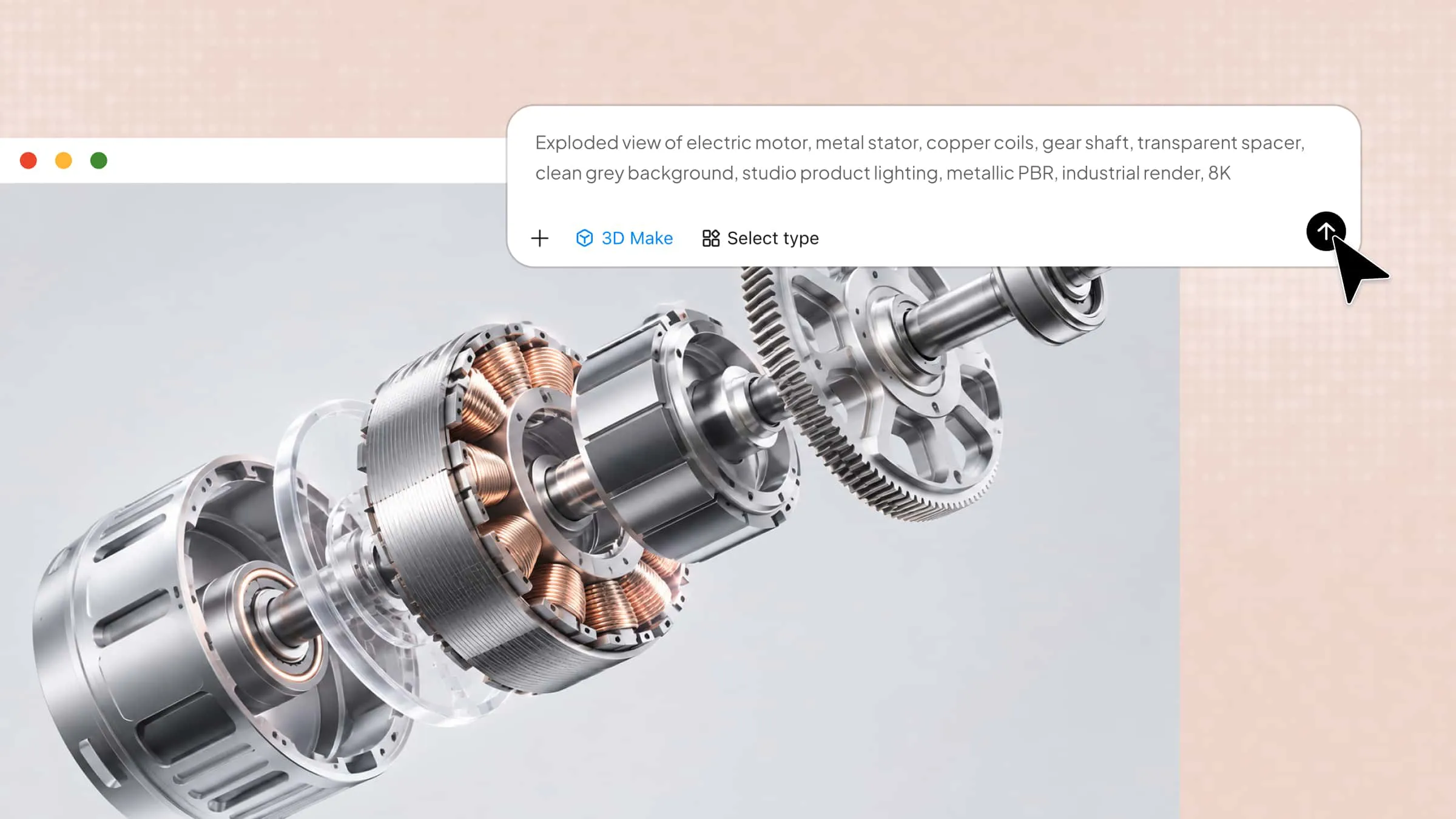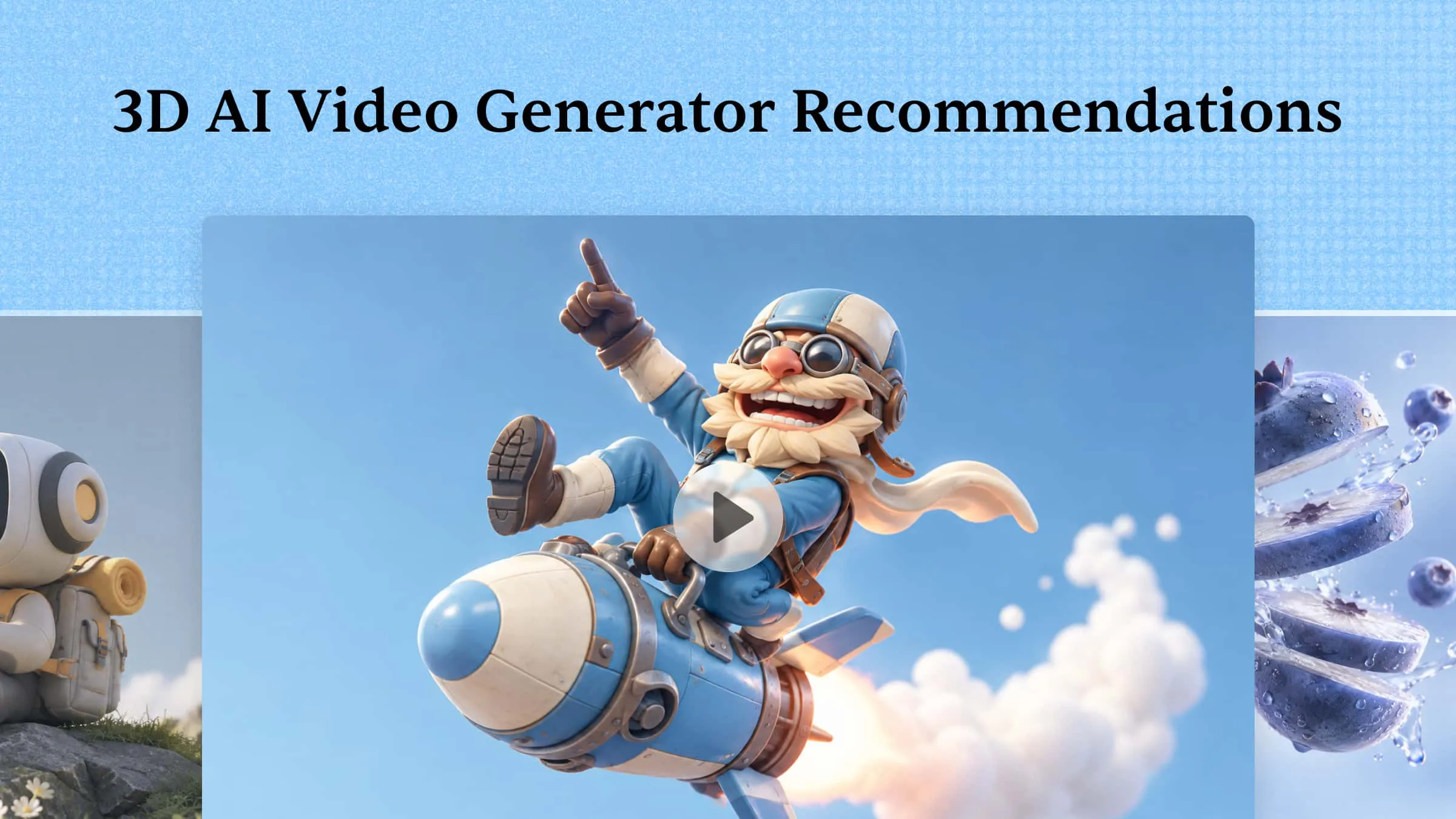
You no longer need to build every 3D scene from scratch to bring an idea to life. With an AI video generator, you can create animations, experiment with character movement, and produce engaging product videos using simpler workflows. Some tools are great for quick experiments, while others offer more control over the final result. Check out 10 free and paid 3D AI video generators in this article to see which one works best for your projects.
Overview of 10 AI 3D video makers
The 10 tools below offer different approaches to 3D video creation, from AI-generated clips and animated scenes to editable 3D models and motion capture. Compare their key features, suitable projects, and pricing options to find a tool that fits your creative needs.
| Tool | Core features | 3D creation approach | Suitable projects |
|---|---|---|---|
| Kimi 3D Make | Prompt-based creation, reference-guided design, conversational editing | Create and refine 3D visuals and scenes | Product videos, promotional content, creative storytelling |
| Wink | Video enhancement, portrait retouching, AI effects | Enhance existing footage with visual effects | Social media clips, portrait videos |
| Adobe Firefly | Text-to-video, image-to-video, camera controls | Generate videos with 3D-style visuals | Marketing clips, animated concepts |
| Hailuo AI | Text-to-video, image animation, cinematic motion | Generate short videos from prompts and images | Character animation, concept videos |
| LTX Studio | Storyboarding, scene generation, character management, timeline editing | Build multi-scene video narratives | Short films, explainers, visual storytelling |
| Meshy | Text-to-3D, image-to-3D, texturing, rigging, animation | Generate editable 3D assets for animation workflows | 3D characters, game assets, animation projects |
| Autodesk Flow Studio | Motion capture, character rigging, scene reconstruction | Integrate CG characters with live-action footage | Film VFX, character animation |
| Hypernatural | Script-to-video, AI narration, captions, character consistency | Create animated videos from scripts and visual references | Storytelling, tutorials, social media content |
| Runway | Text-to-video, image-to-video, AI video editing | Generate realistic or 3D-style video footage | Advertisements, cinematic clips, visual effects |
| Google Veo | Text-to-video, image references, audio generation, scene extension | Generate cinematic video with 3D-style visuals | Film concepts, creative clips, promotional videos |
10 free and paid 3D video creators with useful features
Finding the right tool depends on what you want to create, how much control you need, and what you're willing to spend. The following tools offer different ways to make 3D videos, so you can explore their features and find a good match for your projects:
Kimi 3D Make
Kimi 3D Make offers a practical way to turn creative ideas into 3D content using text prompts and visual references. You can use it to create 3D models, refine existing designs, and explore different looks without building everything from scratch. It also lets you make changes to your content as your ideas develop. This makes it a useful option for creators who want more flexibility when working on 3D projects.
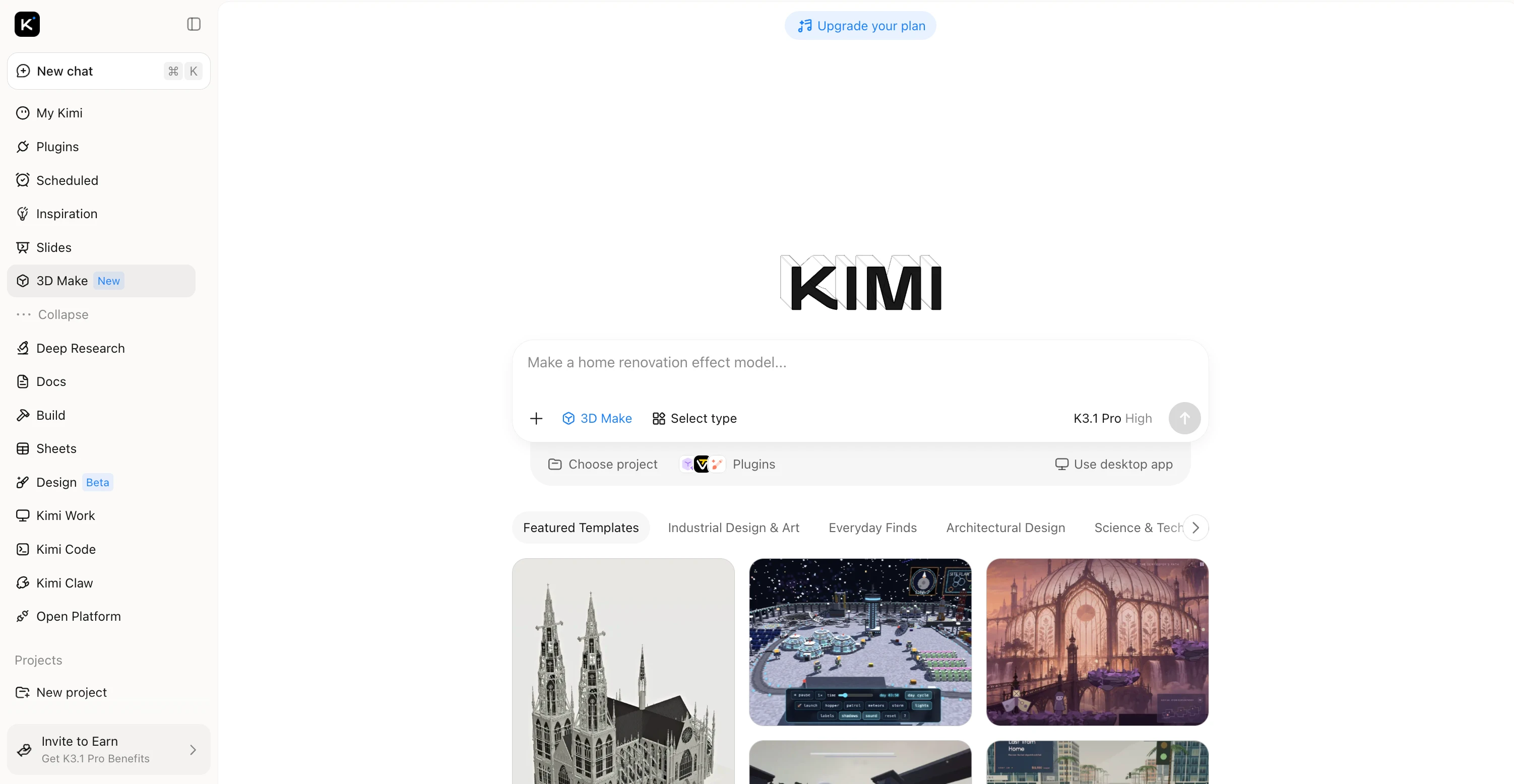
Main features
Kimi 3D Make offers several tools to help you move from an initial idea to a more polished 3D creation. Here are the main features that make it useful for creating and refining 3D content:
Turn creative ideas into dynamic 3D videos
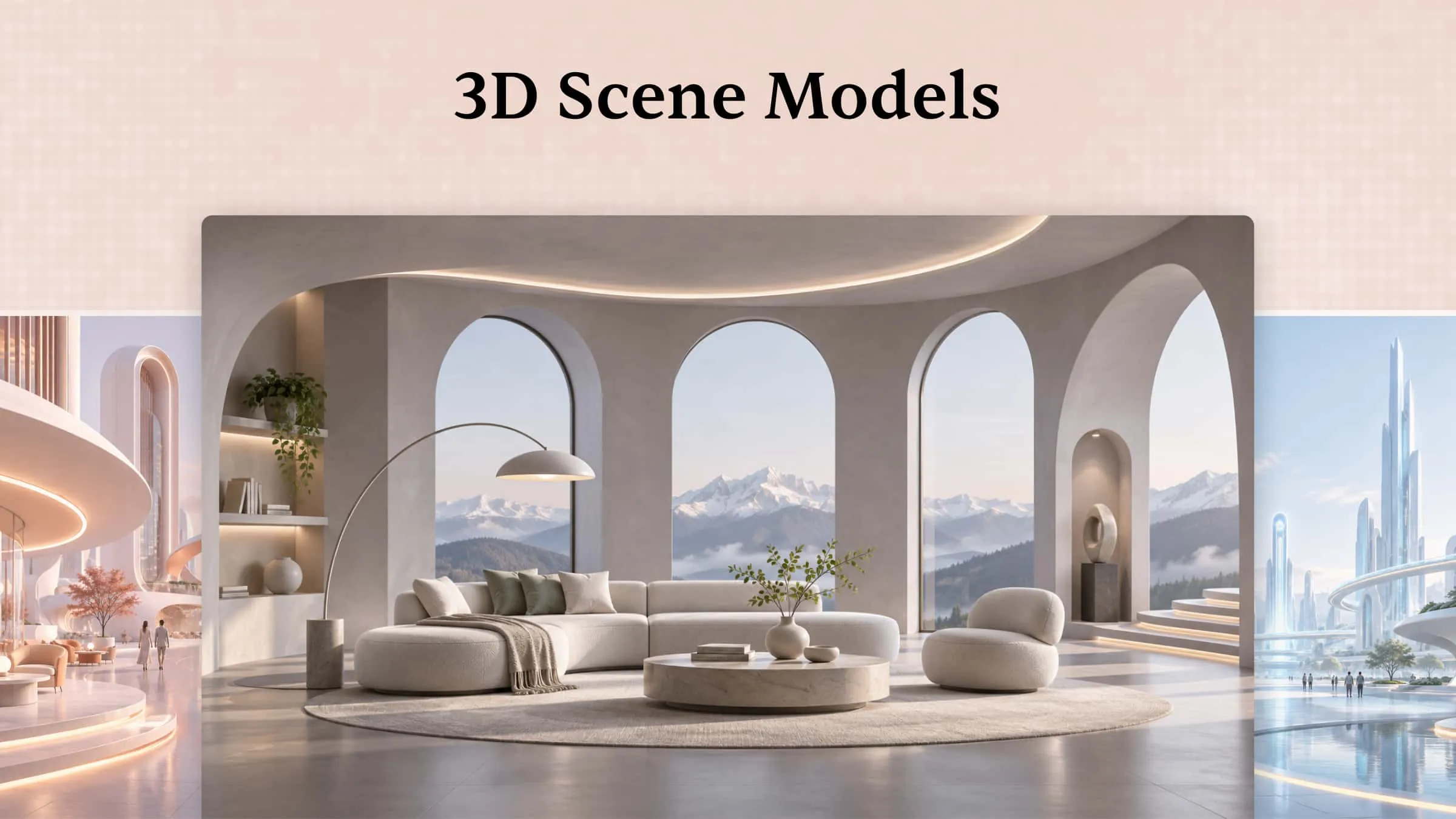
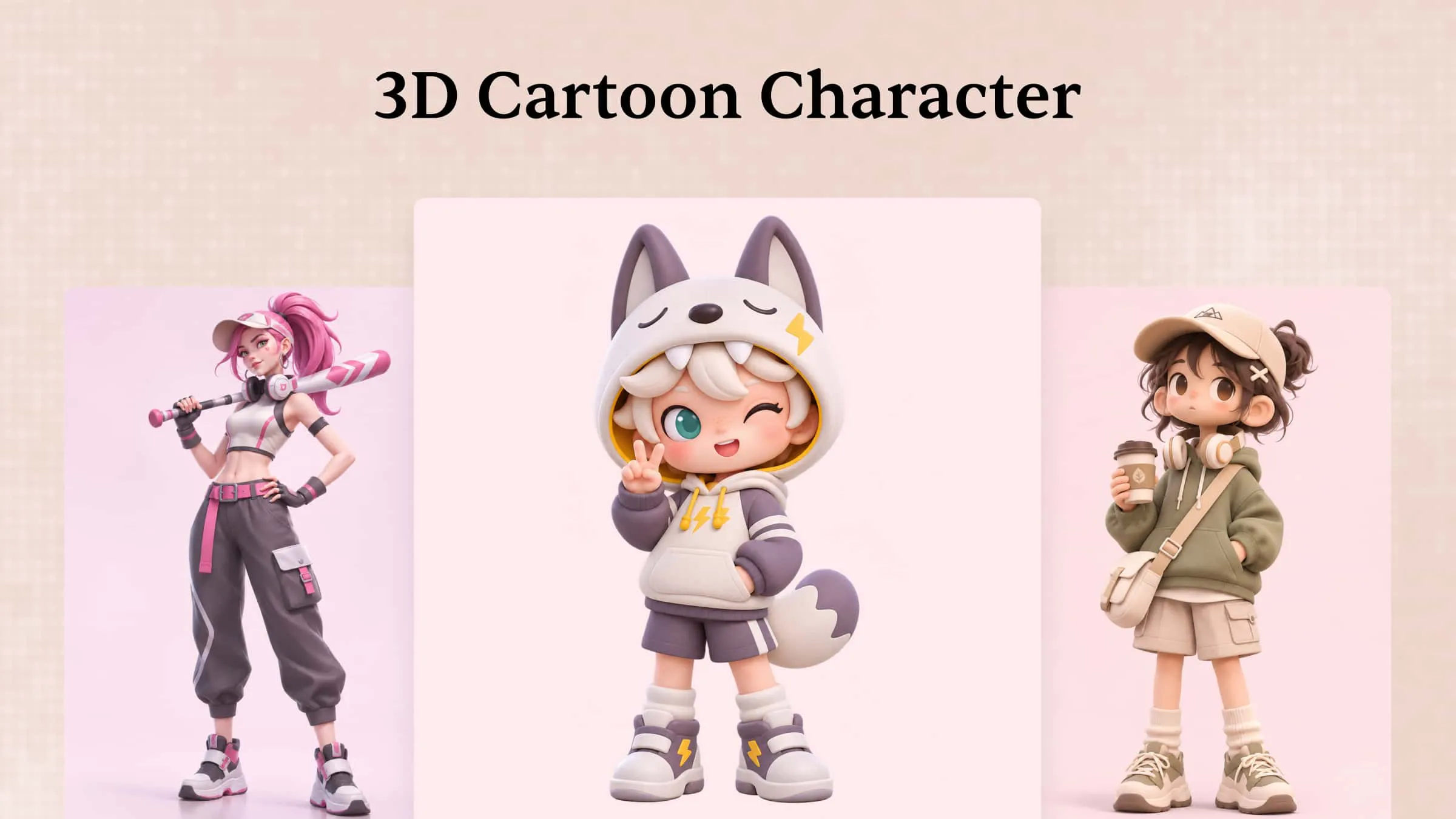
Kimi 3D Make helps transform creative concepts into 3D video content through prompt-based generation and visual references. Bring characters, objects, and imaginative scenes to life with generated visuals that give your ideas movement and depth.
Enhance 3D videos with cohesive visual styles
Kimi 3D Make helps create visually cohesive 3D videos with balanced framing, clear focal points, and a consistent visual style. Support a range of formats, including 16:9 widescreen videos, 9:16 vertical clips, and 1:1 square content, for use in promotional campaigns, social media posts, product showcases, and other video projects.
Refine video details through conversational editing
Kimi 3D Make makes it easier to develop a video beyond its initial result with natural-language editing. Describe the changes you want in a conversation, whether you're refining a subject's appearance, adjusting scene details, or changing the overall visual direction.
Create 3D videos for a wide range of projects
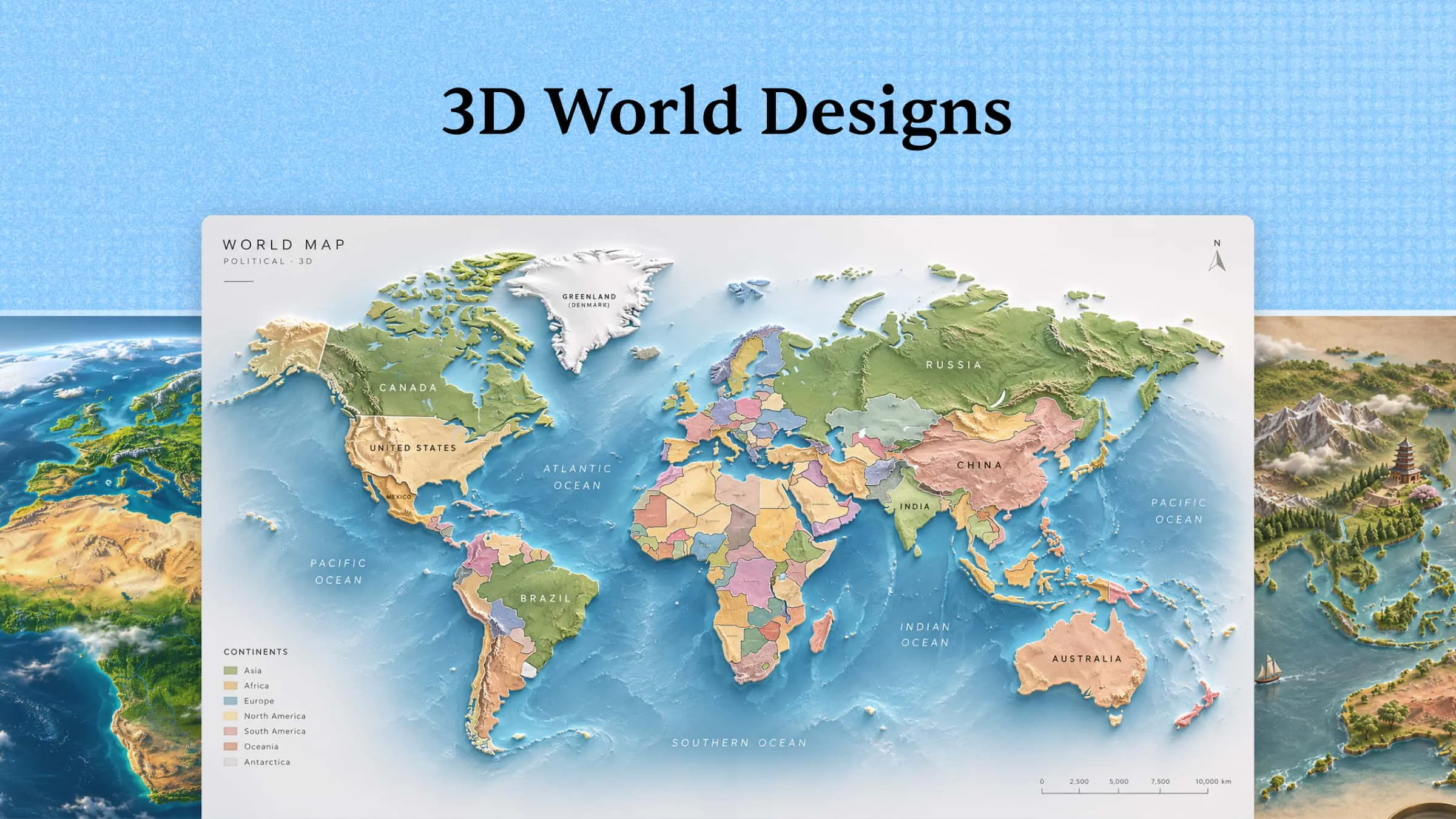
Kimi 3D Make supports 3D video creation for product showcases, promotional content, social media visuals, and imaginative storytelling. Present products with more visual depth, develop engaging scenes for campaigns, or turn creative concepts into compelling visual narratives.
Suitable for
Creating 3D videos from prompts and references
Refining scenes and character details
Making promotional and product videos
Creating visuals for different social platforms
How to create 3D AI videos with Kimi 3D Make
Ready to bring your ideas to life in 3D? Kimi 3D Make lets you shape your visuals with simple prompts and make changes as you go. Follow these steps to create your own 3D AI video from start to finish:
Step 1: Describe your 3D video idea
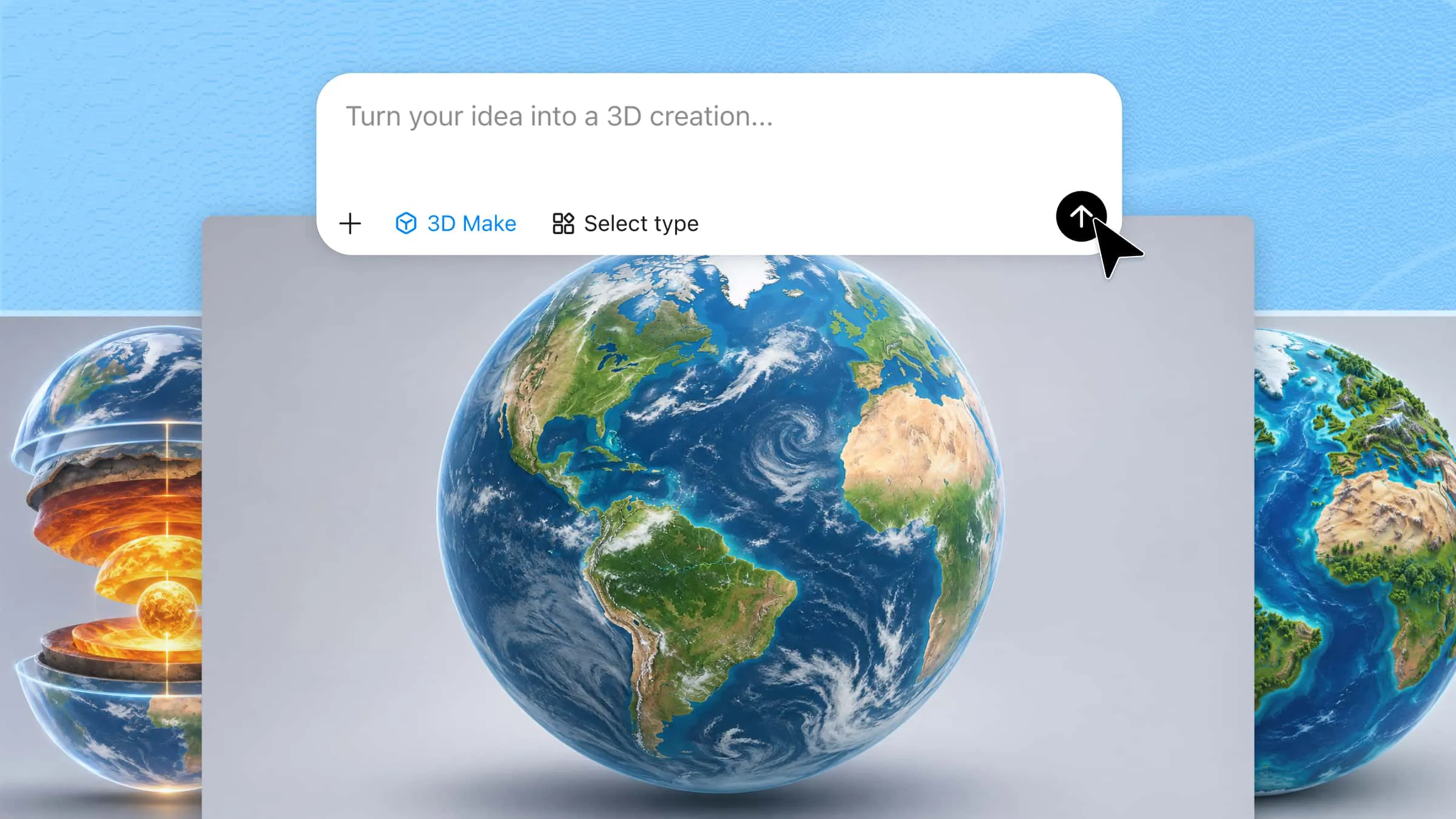
Enter a prompt describing the scene you want to create. Include the main subject, setting, movement, and visual style to guide the results.
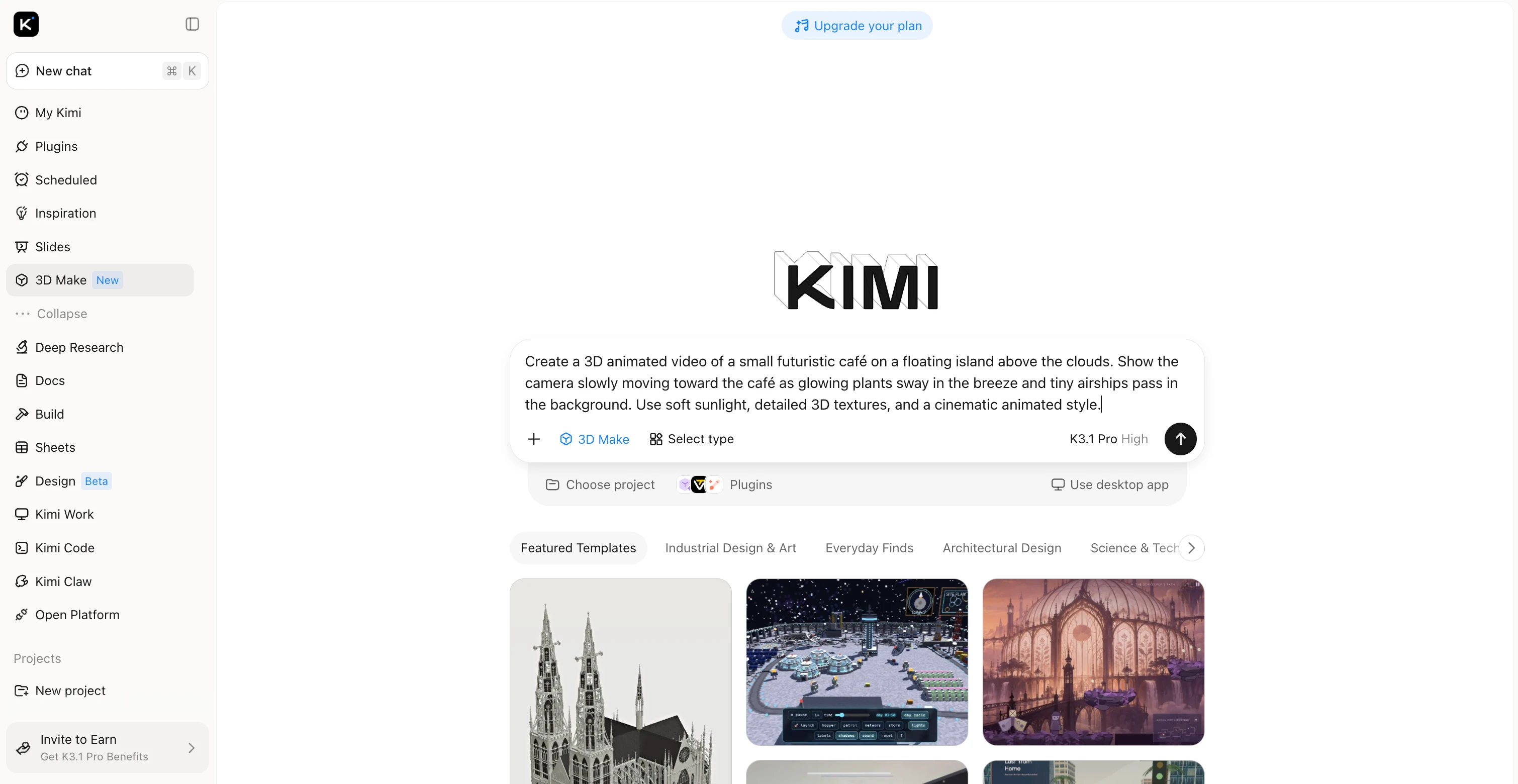
Step 2: Generate and refine your 3D visuals
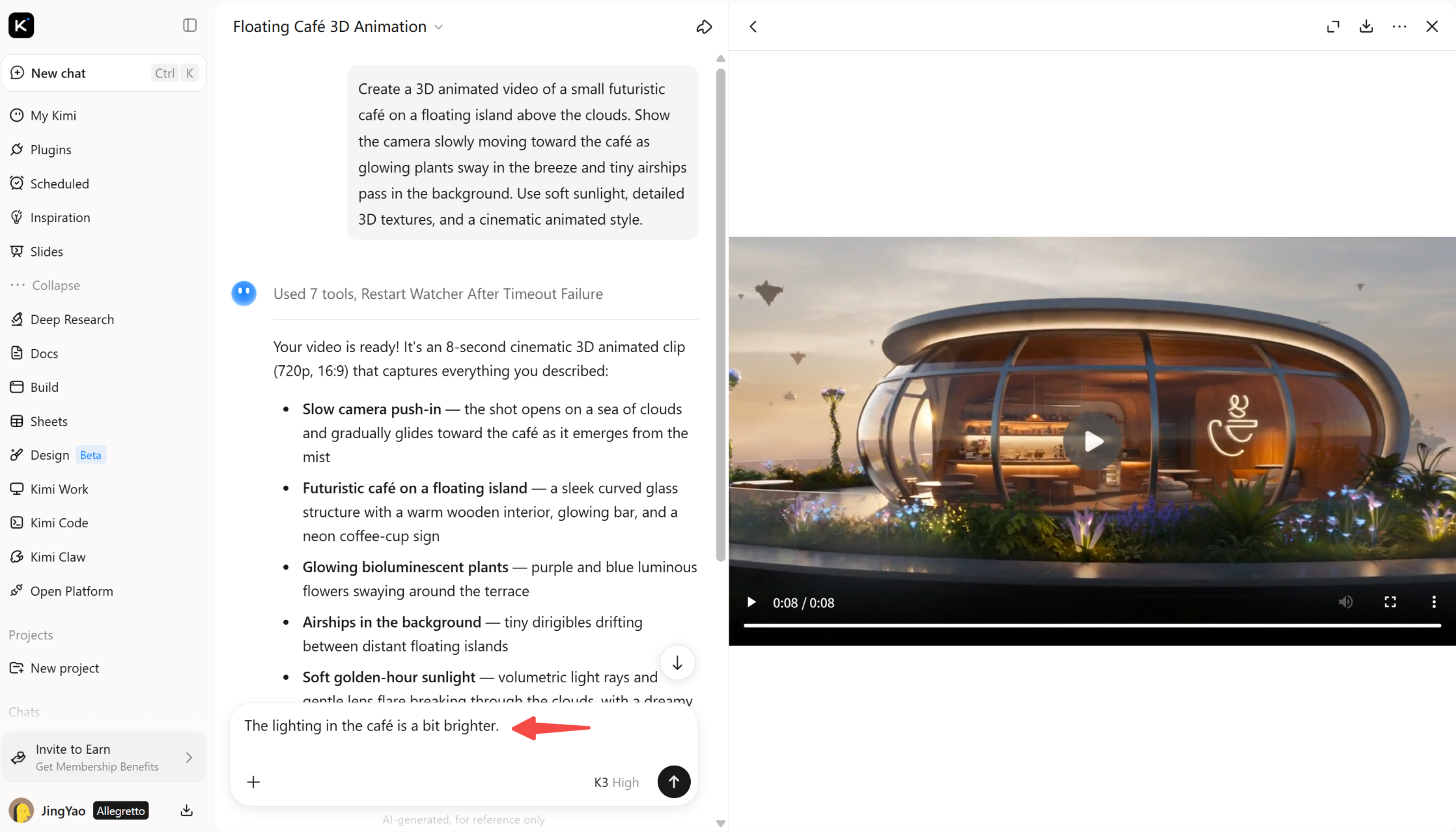
Generate your video and review the results. If you want to improve the scene, use follow-up prompts to adjust the camera movement, lighting, colors, or object details until the visuals match your idea.
Step 3: Preview and export your 3D video
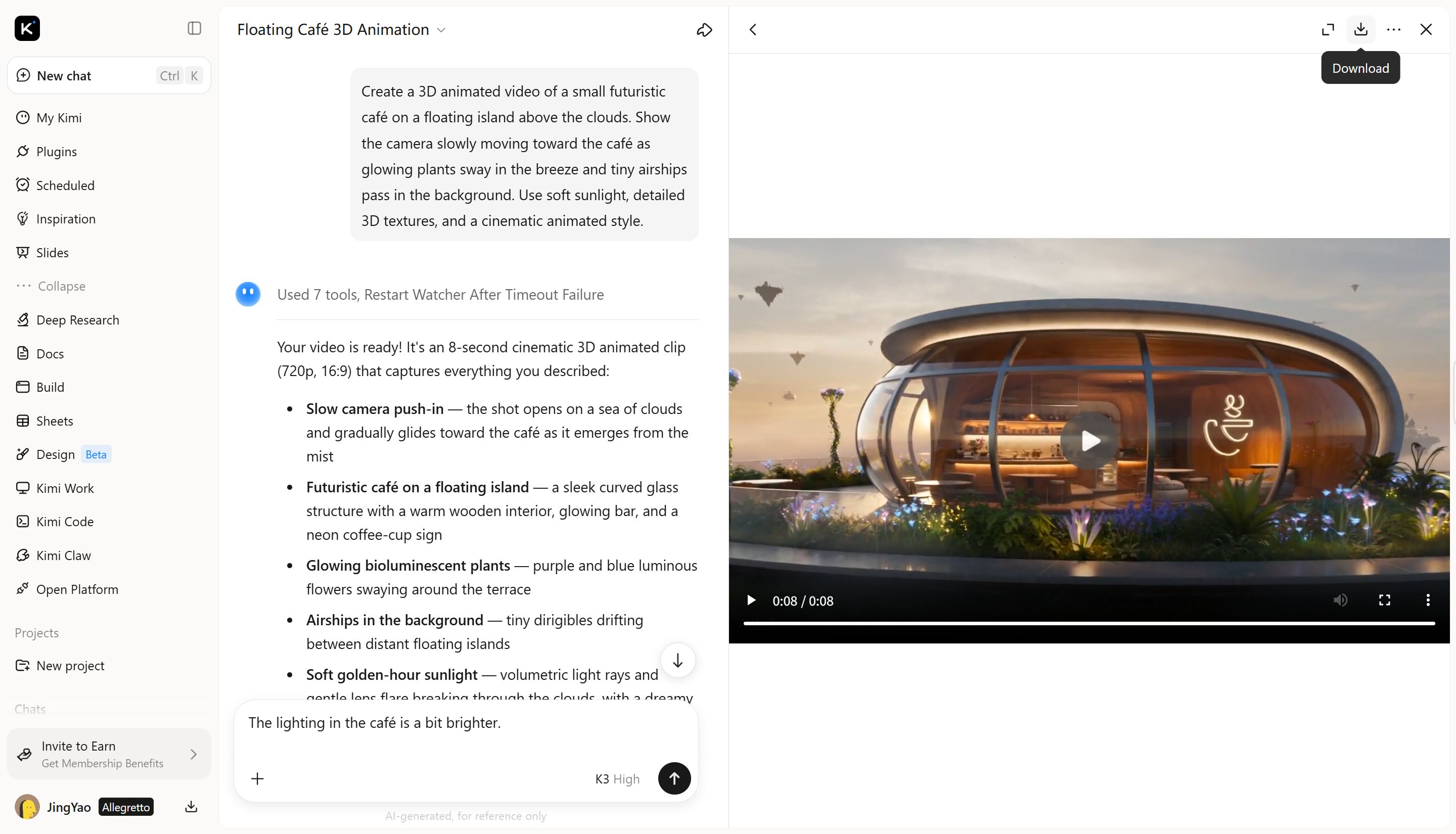
Preview the final result to check the animation, scene details, and overall composition. Once you're happy with the output, export the video using the available options.
Wink
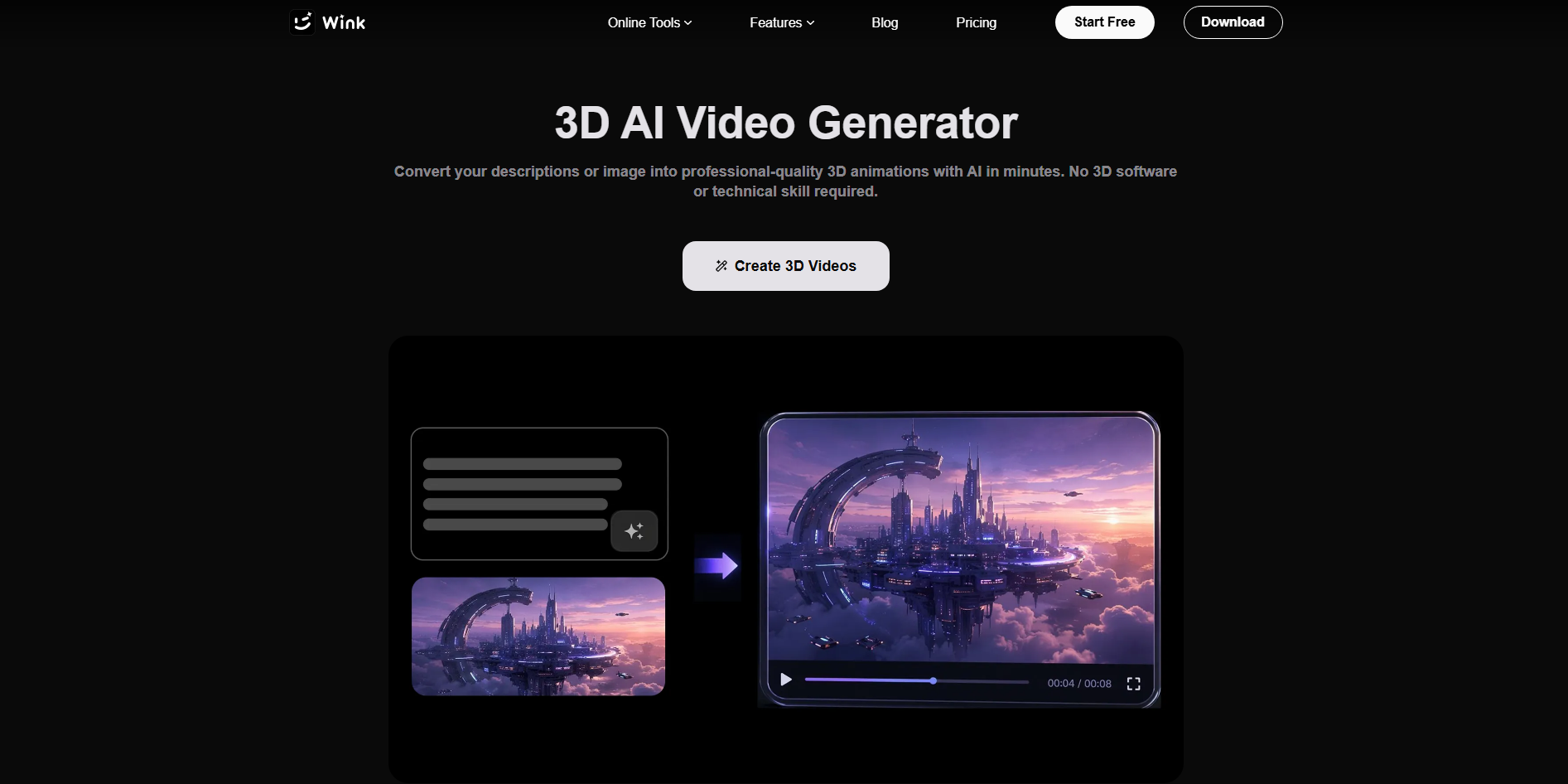
Wink is an AI-powered video and photo editing tool designed to improve visual quality with minimal effort. It offers features for video enhancement, portrait retouching, and AI-powered visual effects. Rather than generating complete 3D scenes from scratch, Wink focuses on improving existing footage and giving it a more polished look.
Main features
Enhance video quality: Improve video clarity and visual details with AI-powered enhancement tools.
Retouch faces and portraits: Refine facial details and improve portrait appearance in videos and photos.
Apply AI effects: Add creative effects to change the look and feel of your footage.
Edit videos for social media: Use accessible editing tools to prepare polished clips for sharing online.
Suitable for
Enhancing existing video footage
Retouching portraits in videos
Creating polished social media clips
Improving video visuals for online content
Adobe Firefly
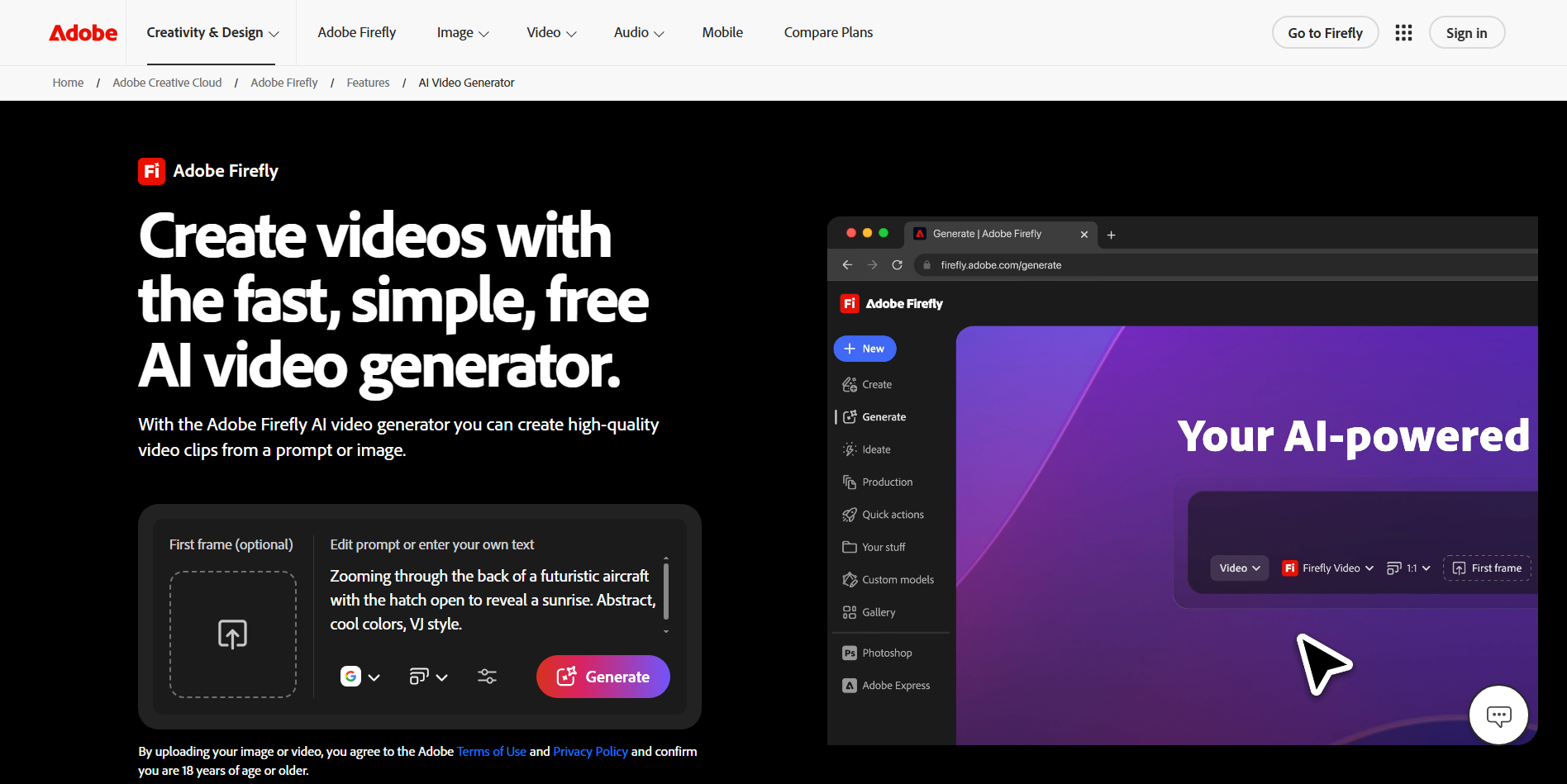
Adobe Firefly brings AI-powered image and video generation into Adobe's creative ecosystem. It turns written prompts and reference images into video clips for different creative projects. Its tools also support camera movement and visual adjustments, depending on the features used. This makes Firefly useful for creators who want to combine AI generation with familiar editing workflows and other Adobe applications.
Main features
Generate videos from text prompts: Describe a scene and its visual style to generate a video clip without creating every element manually.
Animate reference images: Turn still images into moving clips by describing the motion you want to see.
Control camera movement: Guide camera direction and motion to add depth and create more engaging shots.
Integrate with Adobe tools: Bring generated assets into compatible Adobe applications for further editing and creative work.
Suitable for
Creating short AI-generated clips
Animating still images and concept art
Producing marketing content
Developing visuals for further editing
Hailuo AI
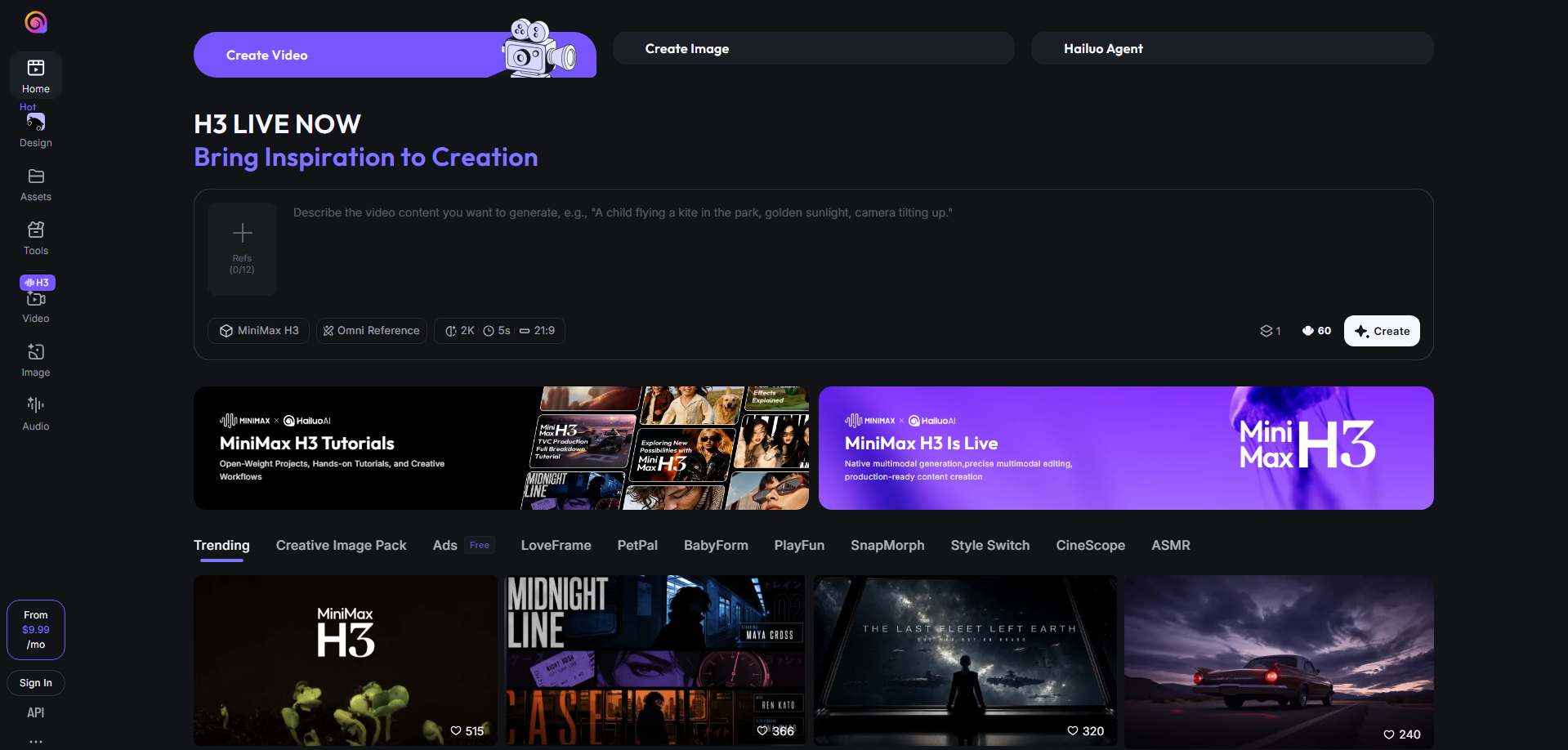
Hailuo AI is a video generation platform developed by MiniMax that creates short clips from text descriptions and images. It focuses on transforming written scenes and visual references into moving footage with natural-looking motion. Users can describe subjects, surroundings, and actions in simple prompts. This makes it useful for quickly exploring visual ideas without a traditional video production setup.
Main features
Generate videos from text: Describe a scene and its actions to generate a clip based on your prompt.
Animate images: Add movement to character artwork, landscapes, and other still visuals using text instructions.
Create expressive character movement: Guide character actions and expressions to make animated scenes feel more lively.
Explore cinematic visuals: Describe lighting, atmosphere, and camera movement to experiment with different visual styles.
Suitable for
Creating short animated scenes
Bringing character illustrations to life
Generating cinematic concept clips
Producing social media videos
LTX Studio
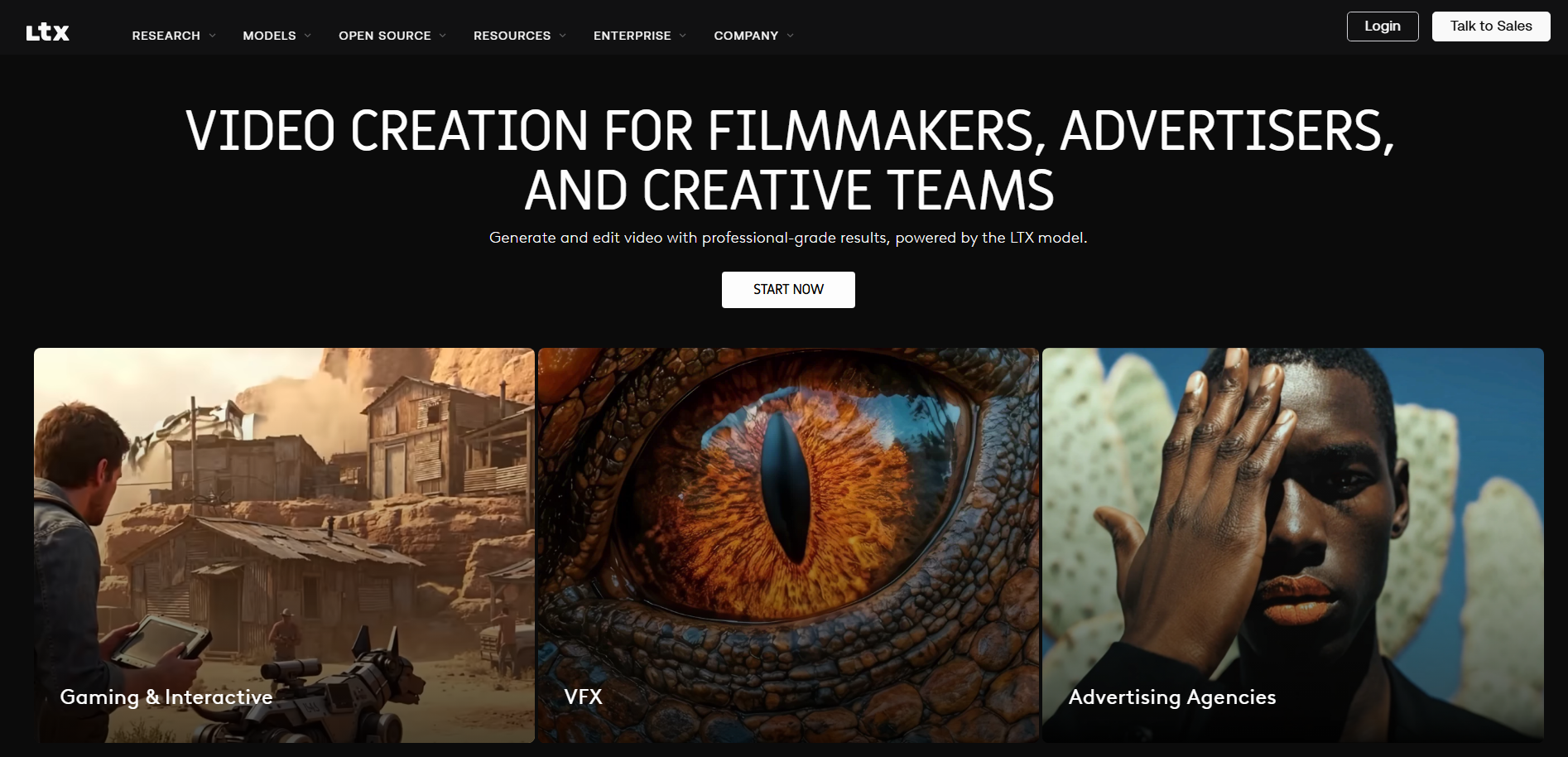
LTX Studio is an AI-powered filmmaking platform designed to take creative projects from an initial idea to a finished video. It combines script development, storyboarding, scene generation, and timeline editing in one workspace. Creators can plan shots and characters before turning them into moving scenes. This structured workflow makes it useful for projects that require planning, connected scenes, and consistent storytelling.
Main features
Turn scripts into storyboards: Convert a script or story idea into visual shots before generating scenes.
Build connected scenes: Organize multiple shots into a sequence with a clear beginning, middle, and end.
Create and manage characters: Develop characters and reuse them across scenes to support visual consistency.
Edit videos on a timeline: Rearrange shots and refine the sequence to improve pacing and flow.
Suitable for
Planning AI-generated short films
Creating storyboards and visual scripts
Producing multi-scene narratives
Developing video concepts for clients
Meshy
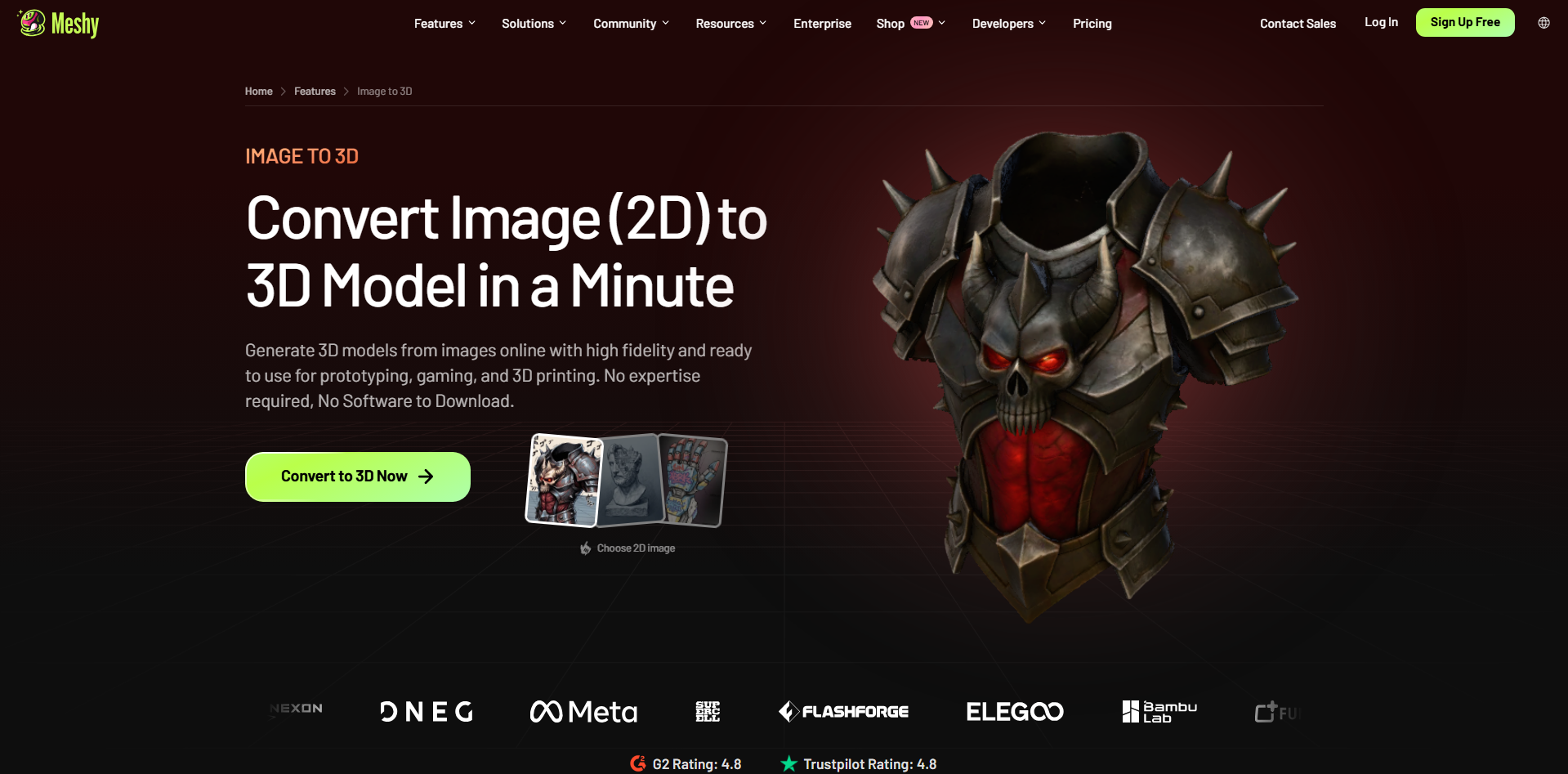
Meshy takes a model-focused approach to 3D creation rather than concentrating only on finished video clips. It uses AI to turn text descriptions and images into textured 3D assets that can be refined and animated. Its tools include model generation, texturing, rigging, and animation features. This makes Meshy useful when projects require actual 3D objects that can be reused across different creative workflows.
Main features
Generate 3D models from text: Describe an object or character to create a 3D model without manually building every shape.
Convert images into 3D assets: Turn sketches, photographs, and concept images into models for further development.
Add textures to models: Generate surface materials and visual details to make models look more complete.
Animate 3D characters: Use available rigging and animation tools to add movement to supported characters.
Suitable for
Creating 3D characters and props
Developing assets for games and animation
Preparing models for 3D printing
Building 3D assets for video projects
Autodesk Flow Studio
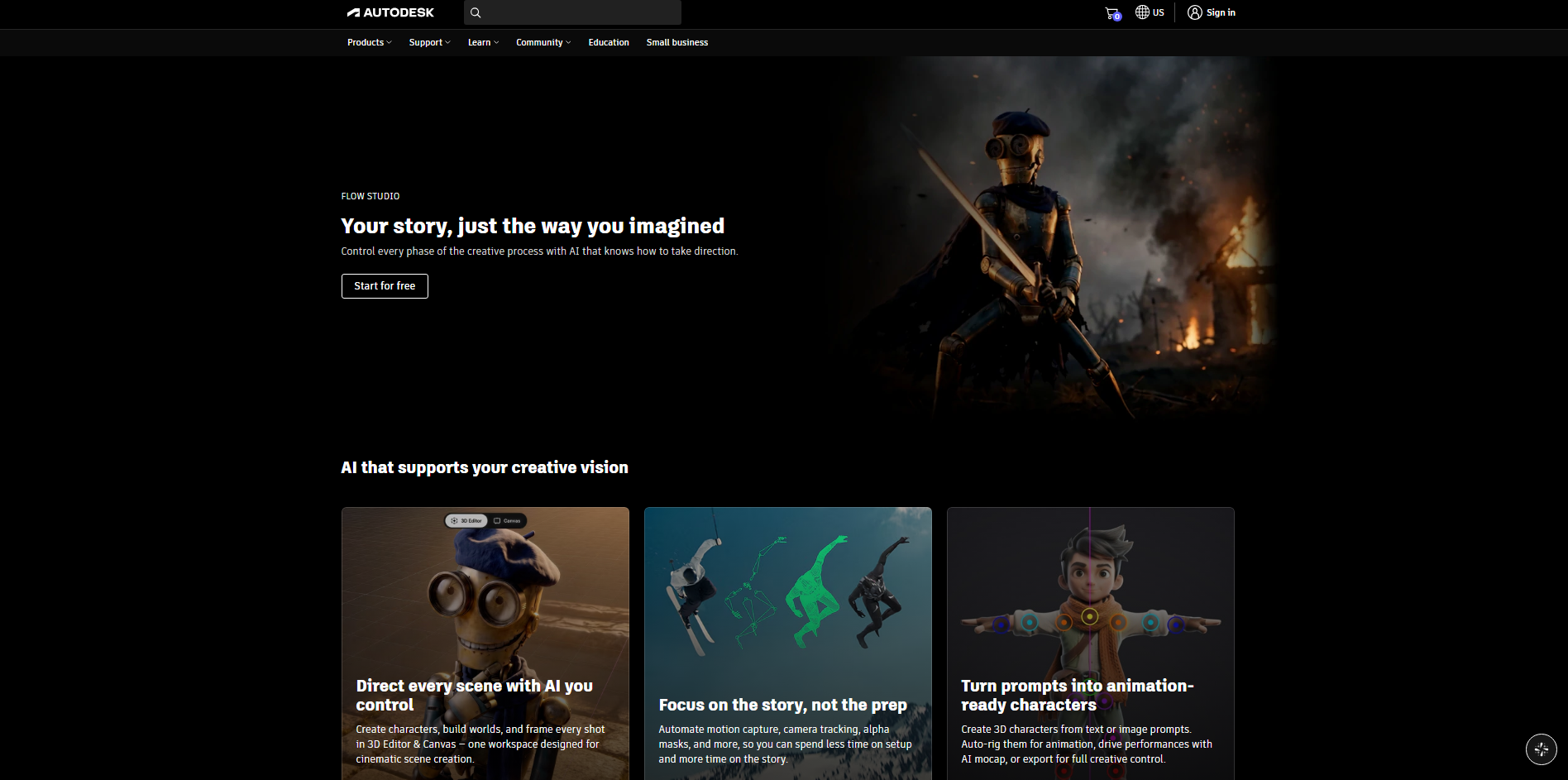
Autodesk Flow Studio is a cloud-based platform for combining live-action footage with computer-generated characters and scenes. It analyzes recorded performances and helps transfer actors' movements to digital characters through AI motion capture. Its tools also support character generation, automatic rigging, and 3D scene reconstruction.
Main features
Combine live-action and CG scenes: Integrate digital characters into recorded footage to create mixed live-action and animated scenes.
Capture motion without special suits: Extract body, facial, and hand movements from video using markerless motion capture.
Generate and rig 3D characters: Create characters from text or images and prepare supported models for animation.
Export editable production assets: Transfer supported motion and camera data into compatible 3D software for further editing.
Suitable for
Adding CG characters to live-action footage
Transferring real performances to 3D characters
Creating visual effects for films
Preparing animation assets for 3D software
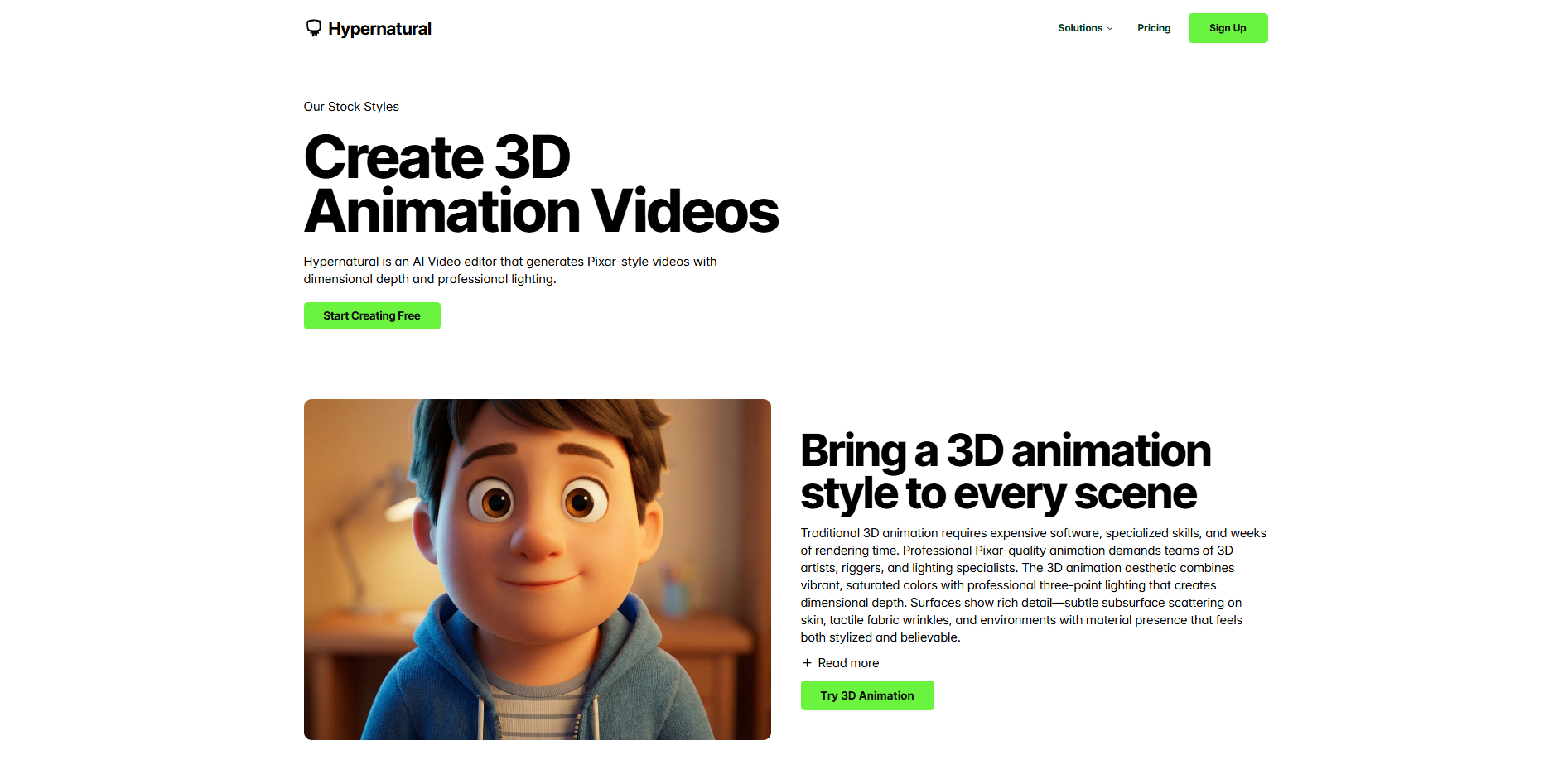
Hypernatural
Hypernatural is an AI video creation platform built around scripts, visual storytelling, and ready-to-publish content. It can turn ideas into sequences of scenes with narration, captions, and animation. Creators can choose visual styles and use references to help maintain consistency across shots. This makes Hypernatural useful for producing complete videos without assembling every visual and audio element separately.
Main features
Turn scripts into complete videos: Transform written ideas into videos with generated visuals and organized scenes.
Keep characters consistent: Reuse characters across scenes to maintain a recognizable appearance throughout a story.
Add narration and dialogue: Use AI voices for narration and character dialogue in storytelling videos.
Generate captions automatically: Add captions to make videos easier to follow and understand.
Suitable for
Creating animated storytelling videos
Producing short-form social content
Making narrated explainers and tutorials
Developing product advertisements
Runway
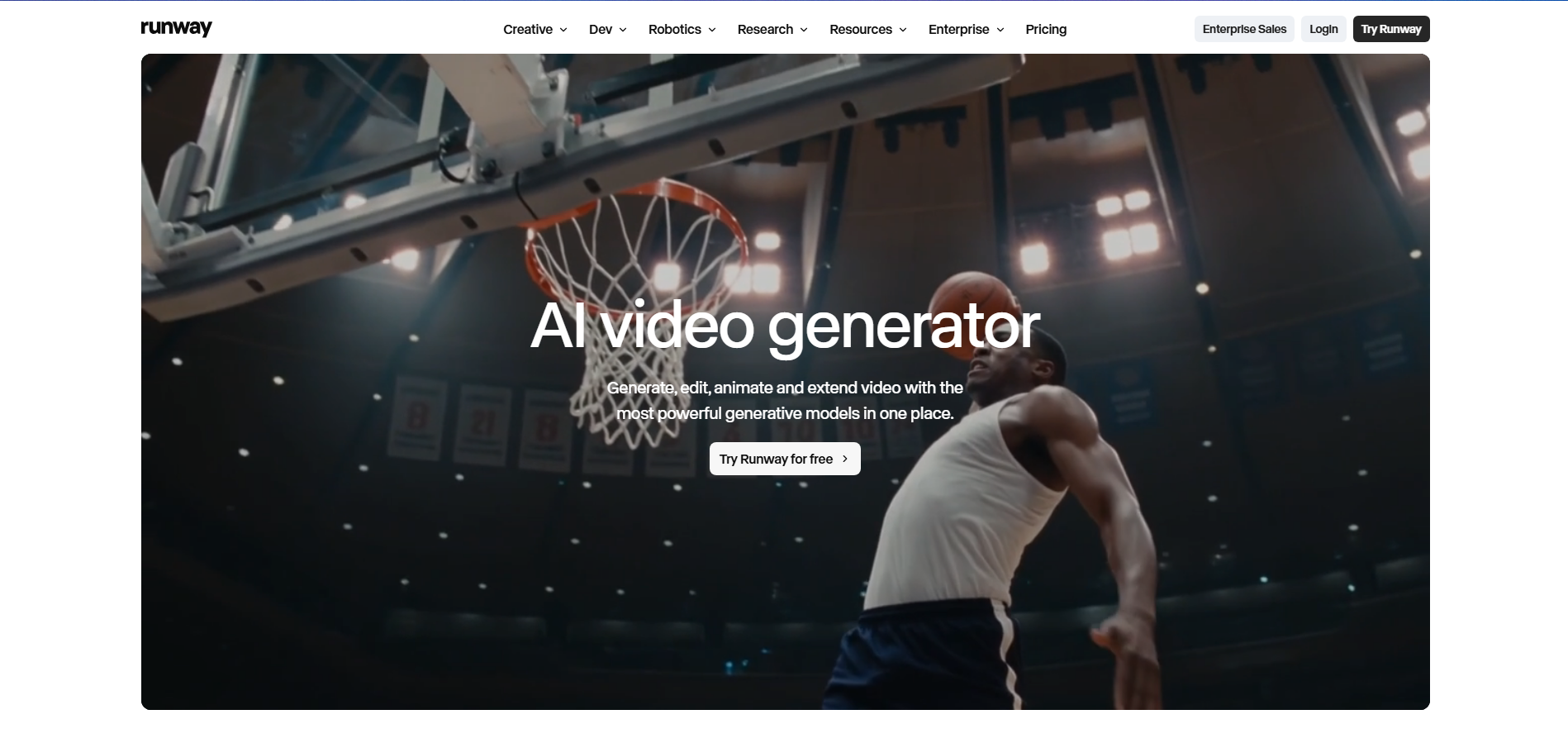
Runway is a generative video platform that combines AI video creation with advanced editing tools. It generates clips from text prompts, animates still images, and works with existing footage. Creators can also use AI tools to change visual elements, backgrounds, and objects in a scene. Rather than focusing on editable 3D models, Runway is better suited to generating polished video footage with realistic or 3D-style visuals.
Main features
Generate video from text or images: Turn written descriptions or reference images into moving video clips.
Edit existing footage with AI: Change backgrounds and selected objects without recreating the entire shot.
Maintain character consistency: Use reference images to guide a character's appearance across different shots.
Extend and enhance clips: Extend supported footage or improve its resolution using available tools.
Suitable for
Creating cinematic AI video clips
Animating images and character designs
Editing and restyling existing footage
Producing advertisements and visual effects
Google Veo
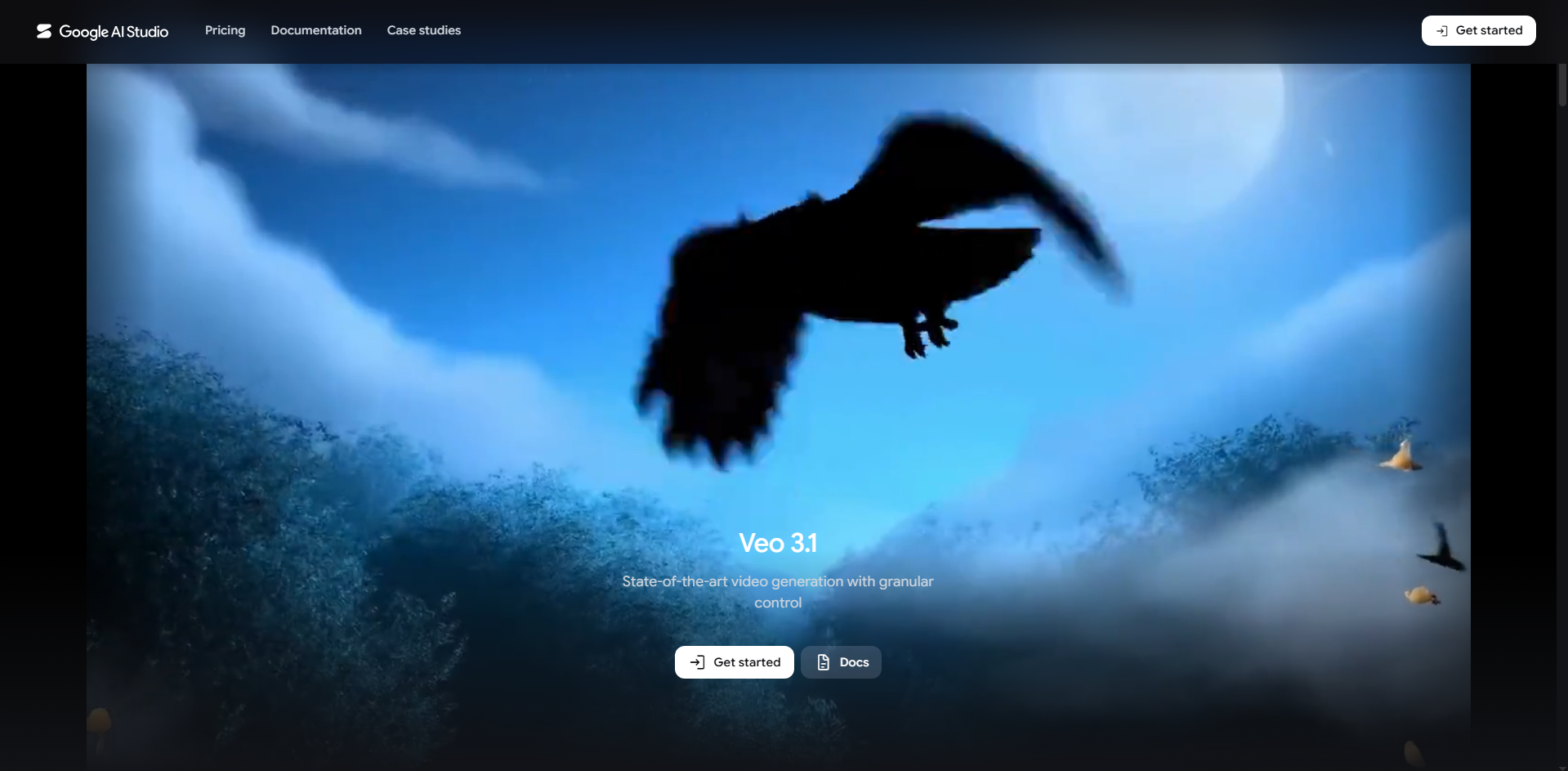
Google Veo is an AI video generation model developed by Google DeepMind. It creates video from text descriptions and can use reference images to guide characters, objects, and environments. Depending on the version, its capabilities include generated audio, camera controls, and scene extension. This makes Veo a great option for creators who want cinematic visuals with control over how their videos look and sound.
Main features
Generate cinematic video from prompts: Describe the setting, action, and mood to create footage that follows your visual direction.
Guide scenes with reference images: Use reference images to help establish the appearance of characters, objects, and environments.
Generate video with audio: Supported versions generate audio alongside video, including sound effects and speech.
Control shots and extend scenes: Use available camera controls and scene-extension features to shape and continue video clips.
Suitable for
Creating cinematic video scenes
Generating clips with synchronized audio
Developing visual concepts for films
Producing short creative videos
How to select a 3D AI video maker for your projects
Choosing the right tool depends on what you want to create and how much control you need over the results. Some tools focus on generating clips from prompts, while others offer more options for modeling, animation, and editing. Consider these factors before deciding which tool best fits your needs:
Match the tool to your project goals
Decide whether you want to create product videos, animated characters, or cinematic scenes. An AI 3D video generator can help you develop visual concepts quickly, while dedicated 3D tools may suit projects that need editable models. Choose based on your final output and budget.
Check the supported input methods
Check whether the tool supports text prompts, reference images, or existing footage. Some work best with written descriptions, while others combine multiple inputs. Choose one that suits your workflow, content needs, and overall creative goals.
Evaluate animation quality and motion consistency
Check how smoothly subjects move and whether characters maintain their appearance throughout a clip. Some tools produce good-looking frames but struggle with consistent motion. Test a few scenes to see if the results meet your expectations and quality standards.
Look for flexible editing and refinement options
Check whether you can adjust camera movement, lighting, and visual details after generation. Tools that support follow-up prompts and conversational editing make it easier to improve results without starting over or repeating the entire process.
Compare export formats and compatibility
Review the available resolutions, file formats, and export options. If you need editable 3D assets, check compatibility with your existing software. The right formats can simplify editing and help you reuse your work in other projects more efficiently.
Conclusion
AI tools are opening new ways to create engaging 3D content without complicated workflows. A suitable text to 3D video generator can help you turn creative ideas into visuals more efficiently. Take time to experiment and discover which tool suits your needs. You can start with Kimi 3D Make to explore prompt-based 3D creation. Try your first idea and see where your creativity takes you.