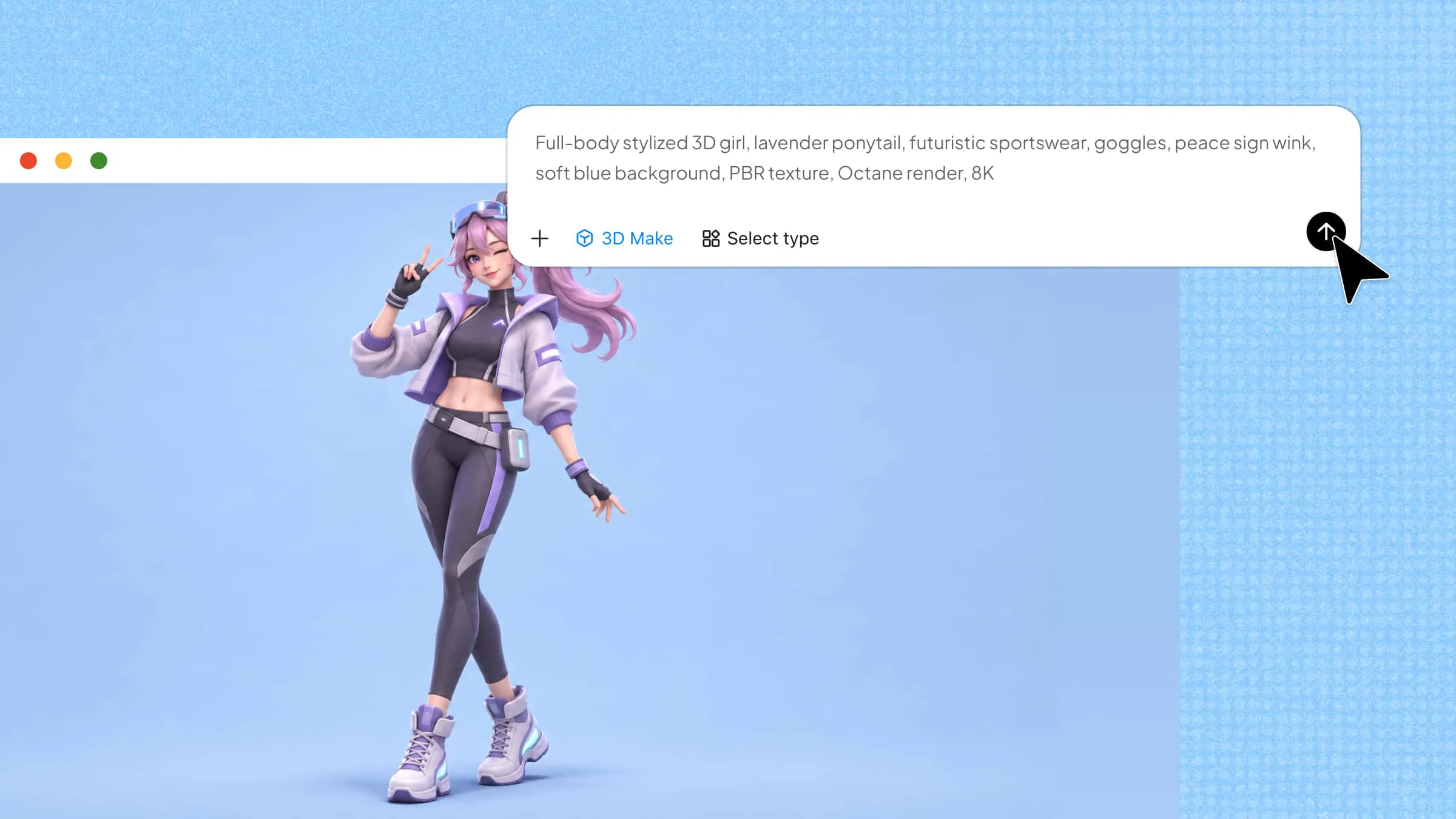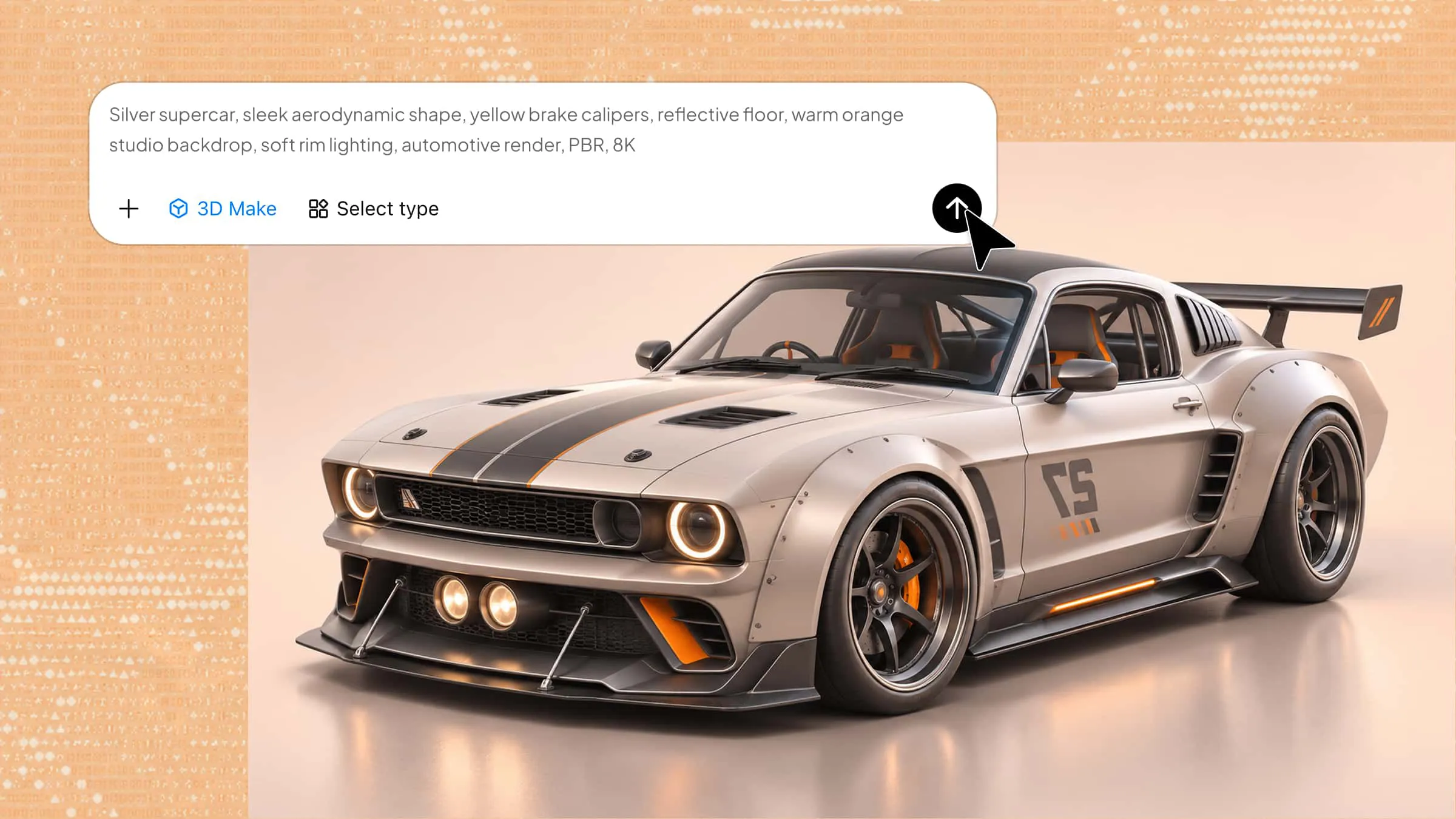
A car 3D model can capture everything from the elegant contours of a sedan to the rugged construction of a heavy-duty truck. Bringing these designs to life, however, requires attention to vehicle proportions, exterior details, material selection, and realistic visual presentation. AI-powered 3D tools make it easier to experiment with different vehicle styles without relying entirely on time-consuming manual modeling. In this guide, you'll explore 10 popular vehicle types, discover prompts for generating each model, and learn practical techniques to improve their realism.
Overview of 10 3D car models
The following table highlights ten vehicle types, their defining design characteristics, and potential applications in 3D projects. It can help you identify the visual elements to prioritize when generating each model with Kimi 3D Make.
| 3D car model | Key design characteristics | Distinctive features to include | Potential applications |
|---|---|---|---|
| Sedan | Four-door configuration, streamlined body, enclosed trunk, and balanced proportions. | Alloy wheels, sleek headlights, side mirrors, and refined body contours. | Automotive visualization, driving simulations, and urban environments. |
| Police car | Patrol-style body, emergency light bar, distinctive markings, and practical exterior design. | Roof-mounted siren lights, police decals, marked doors, and reinforced bumpers. | Police simulations, action games, and emergency response scenes. |
| Fire truck | Extended body, heavy-duty construction, and specialized firefighting equipment. | Rescue ladder, side compartments, emergency lights, and equipment storage. | Rescue simulations, educational projects, and emergency scenarios. |
| Ambulance | Spacious medical cabin, recognizable emergency styling, and functional body structure. | Medical symbols, rooftop warning lights, rear access doors, and red markings. | Healthcare simulations, emergency scenes, and educational animations. |
| Semi-truck | Powerful front cabin, long cargo trailer, multiple axles, and sturdy chassis. | Large side mirrors, heavy-duty tires, metallic components, and trailer connections. | Logistics simulations, transportation games, and industrial visualization. |
| School bus | Elongated yellow body, large passenger windows, and safety-oriented construction. | Wide windshield, emergency exits, safety markings, and folding stop signs. | Educational games, school environments, and transportation simulations. |
| Taxi | Compact passenger-car structure, urban styling, and recognizable commercial appearance. | Rooftop taxi sign, distinctive paintwork, fare markings, and detailed doors. | City simulations, driving games, and urban animations. |
| Race car | Aerodynamic body, low-profile chassis, and performance-focused proportions. | Rear spoiler, racing tires, air intakes, and streamlined cockpit. | Racing games, motorsport animations, and vehicle simulations. |
| Military vehicle | Armored exterior, reinforced construction, elevated suspension, and rugged proportions. | Protective panels, all-terrain tires, durable windows, and underbody components. | Military simulations, tactical games, and historical visualizations. |
| Pickup truck | Separate passenger cabin, open cargo bed, elevated stance, and robust chassis. | Heavy-duty tires, reinforced bumpers, cargo-bed detailing, and side mirrors. | Off-road games, outdoor environments, and vehicle advertisements. |
Explore 10 different types of 3D car models
Kimi 3D makes it easier to turn creative concepts into detailed three-dimensional assets without requiring extensive modeling experience. You can describe the object you want to create and use AI to generate a 3D model from your instructions. The resulting design can serve as a starting point for visualization, creative experimentation, or digital projects. This offers a practical way to explore different vehicle forms and bring your ideas into a tangible 3D representation.
3D sedan model
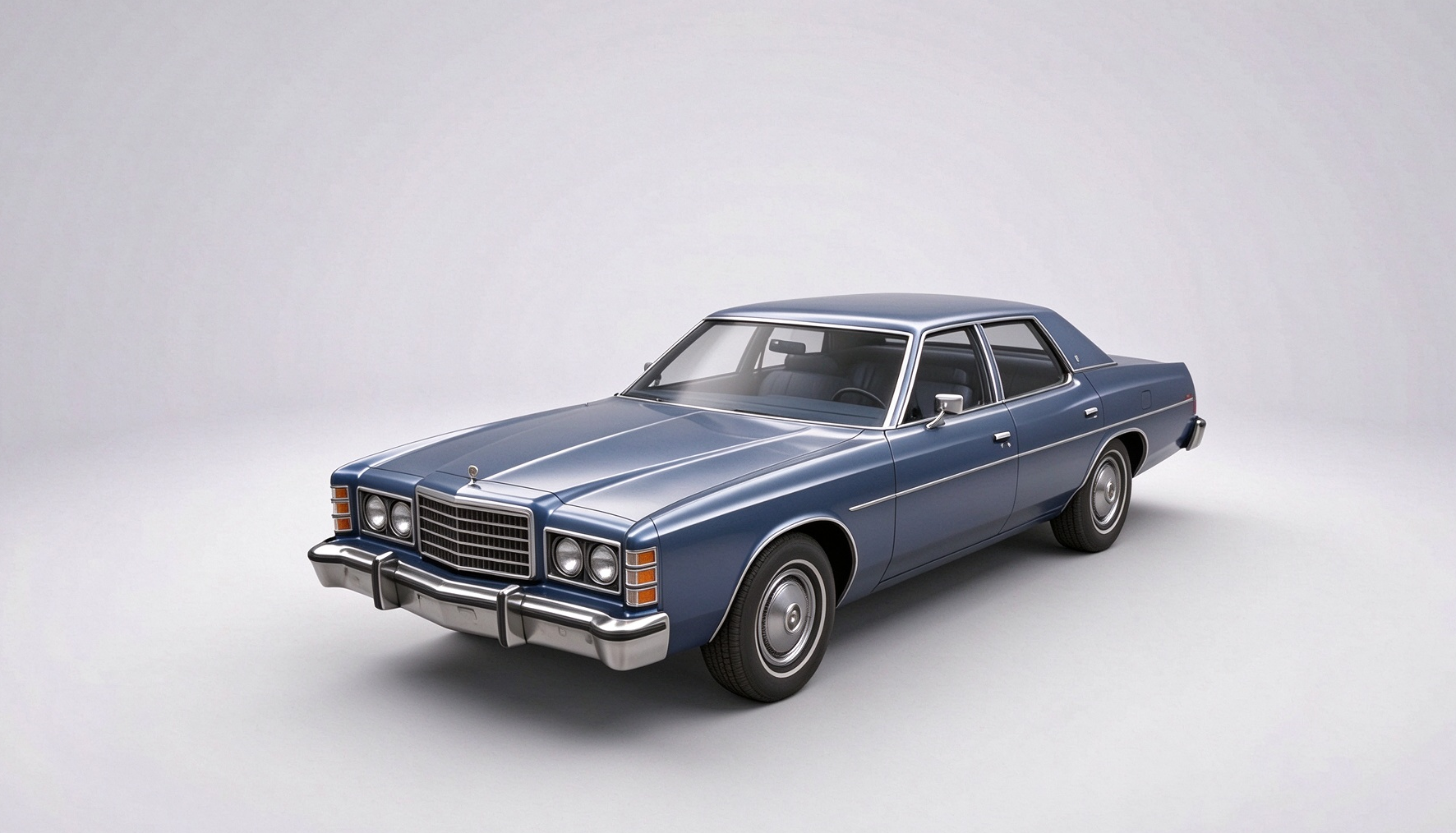
Sedans are recognized for their balanced proportions, enclosed passenger cabin, and separate trunk compartment. Their streamlined bodywork, defined grille, and carefully shaped headlights make them useful subjects for practicing realistic vehicle design. Artists exploring 3D car models can use sedan designs to study everyday automotive styling. They also provide a versatile foundation for visualizations, animation scenes, and vehicle concept projects.
How to use
Step 1: Enter your prompt
Describe the sedan you want to create, specifying its body style, proportions, exterior finish, and any distinctive features.
Prompt:
Step 2: Let AI generate your 3D model
Allow the AI to interpret your description and construct the sedan, including its body shape, wheels, windows, and exterior details.
Step 3: Review and export the 3D model
Inspect the vehicle's proportions and surface finish, make any necessary refinements, and export the completed model in your preferred format.
3D police car model
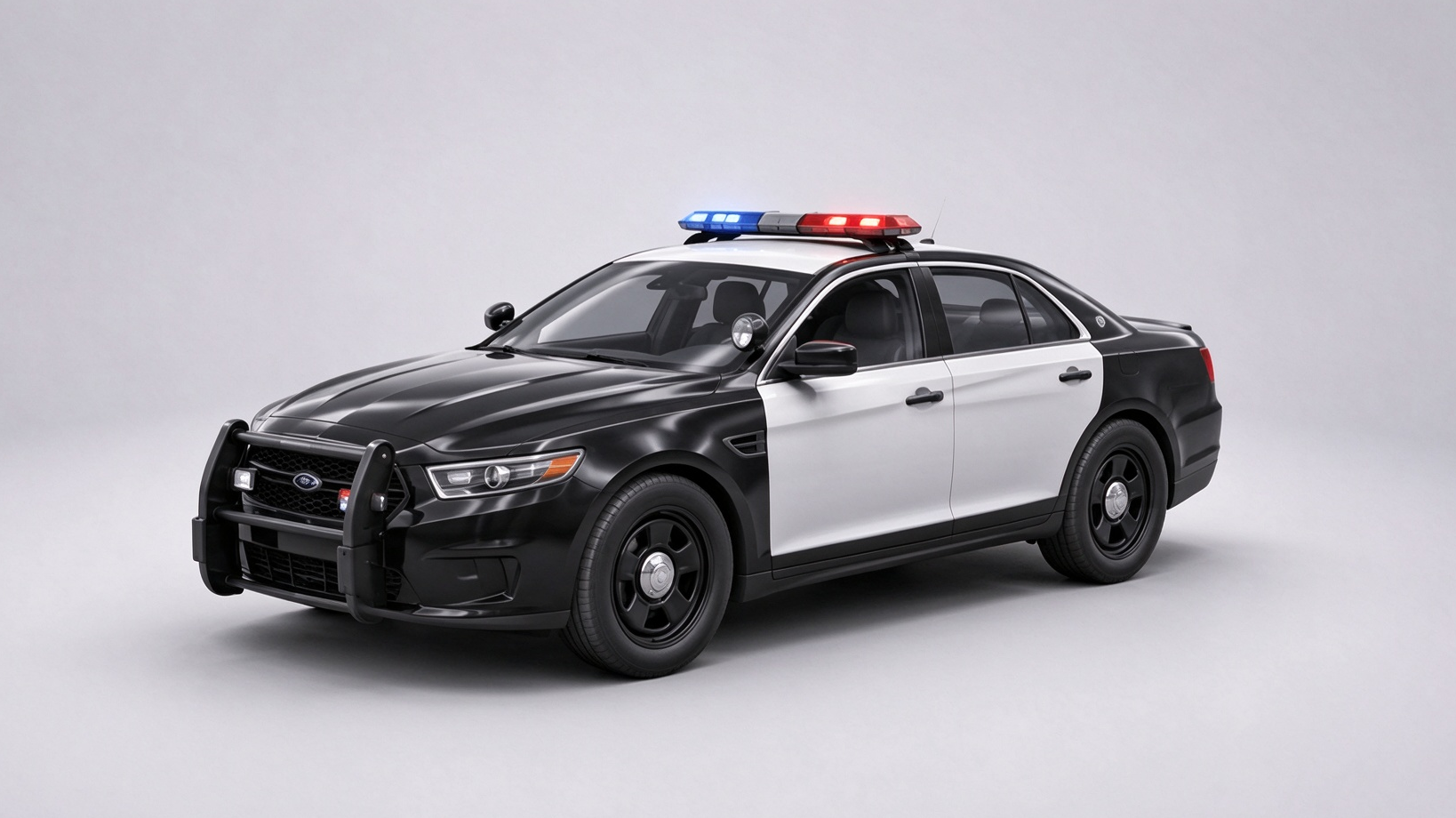
A police car combines a standard vehicle body with distinctive features such as emergency light bars, official markings, and specialized equipment. These elements create a recognizable design while adding opportunities for detailed texturing and surface work. This type of car 3D model is useful for building law enforcement scenes, immersive game environments, and animated chase sequences.
How to use
Step 1: Enter your prompt
Specify the patrol vehicle's appearance, including its color scheme, emergency equipment, markings, and structural details.
Prompt:
Step 2: Let AI generate your 3D model
The AI will transform your instructions into a recognizable police vehicle, incorporating its distinctive markings and emergency equipment.
Step 3: Review and export the 3D model
Check the light bar, door markings, and body structure to ensure the details look consistent before exporting your model.
3D fire truck model
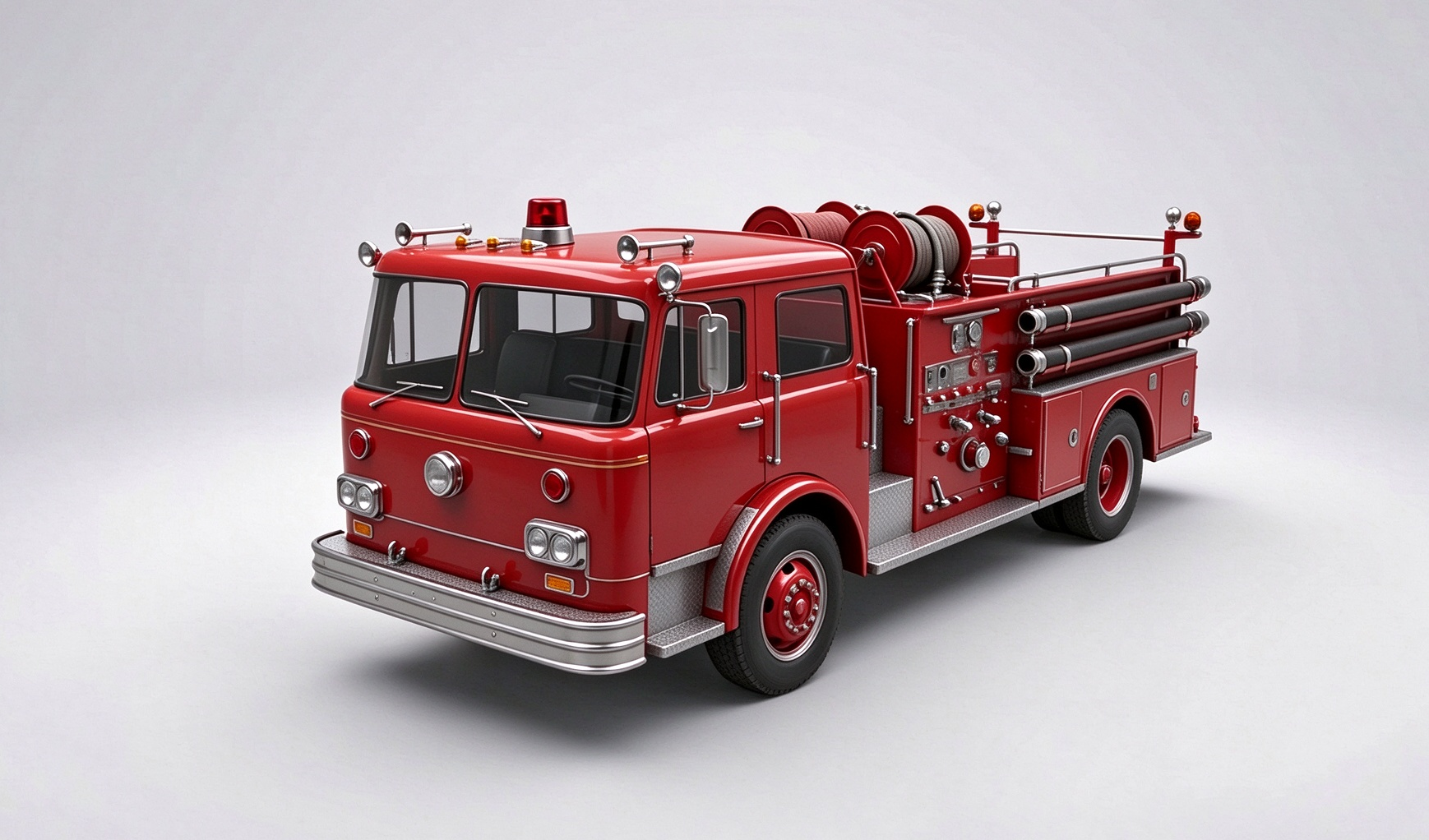
Fire trucks feature a substantial chassis, an elevated cabin, and specialized firefighting equipment designed for emergency response. Depending on the vehicle, details may include extendable ladders, water hoses, storage compartments, and reinforced bumpers. Free 3D model car collections that include fire trucks can provide useful references for studying complex vehicle structures.
How to use
Step 1: Enter your prompt
Outline the fire truck's design by mentioning its color, ladder configuration, storage compartments, and firefighting equipment.
Prompt:
Step 2: Let AI generate your 3D model
Watch as the AI develops the truck's main structure and incorporates the specialized features described in your prompt.
Step 3: Review and export the 3D model
Examine the ladder placement, compartments, and overall proportions, then save the model once its appearance meets your expectations.
3D ambulance model
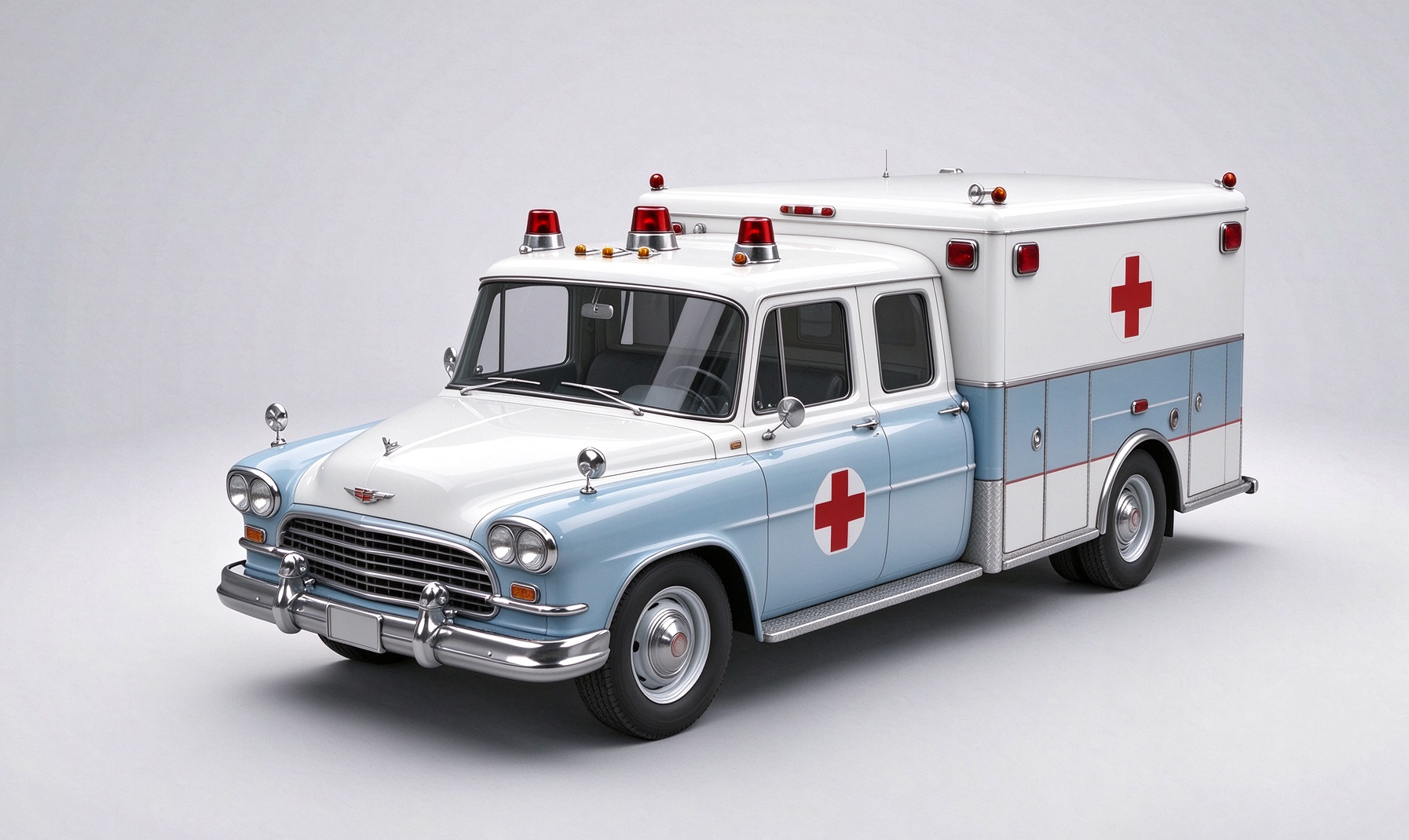
An ambulance is designed for emergency medical transport, featuring a spacious rear compartment for essential patient-care equipment. Its exterior typically includes high-visibility markings, warning lights, and recognizable medical symbols. This type of 3D vehicle model is useful for adding emergency response scenarios to games, simulations, and architectural visualizations.
How to use
Step 1: Enter your prompt
Explain the ambulance's exterior design, medical markings, cabin structure, and emergency features to guide the generation process.
Prompt:
Step 2: Let AI generate your 3D model
Give the AI a moment to shape the ambulance and translate your instructions into its recognizable emergency vehicle design.
Step 3: Review and export the 3D model
Look over the medical markings, cabin structure, and exterior components; adjust any incomplete details before exporting the finished asset.
3D semi-truck model
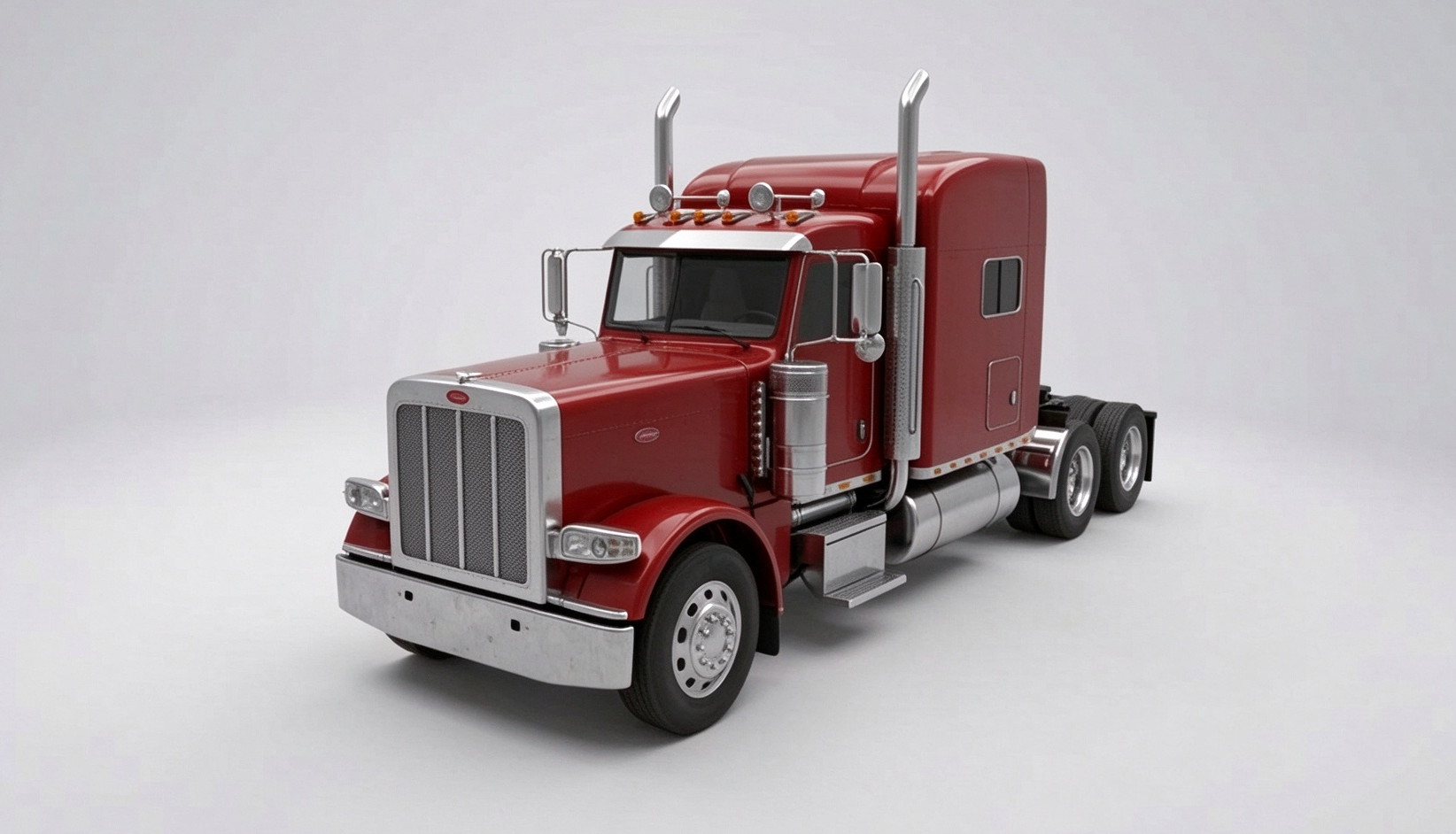
Semi-trucks are heavy-duty vehicles designed to transport large loads over long distances. Their distinctive features include a powerful tractor unit, a spacious cab, multiple axles, and a detachable trailer adapted to different cargo requirements. This type of 3D vehicle model is well suited for creating logistics scenarios, transportation simulations, and detailed roadway environments.
How to use
Step 1: Enter your prompt
Provide details about the truck's cab, trailer dimensions, wheel arrangement, and mechanical features for a more defined result.
Prompt:
Step 2: Let AI generate your 3D model
The AI will assemble the cab and trailer into a cohesive vehicle model, interpreting the structural features you specified.
Step 3: Review and export the 3D model
Assess the connection between the cab and trailer, inspect the wheel alignment, and export the model for your intended project.
3D school bus model
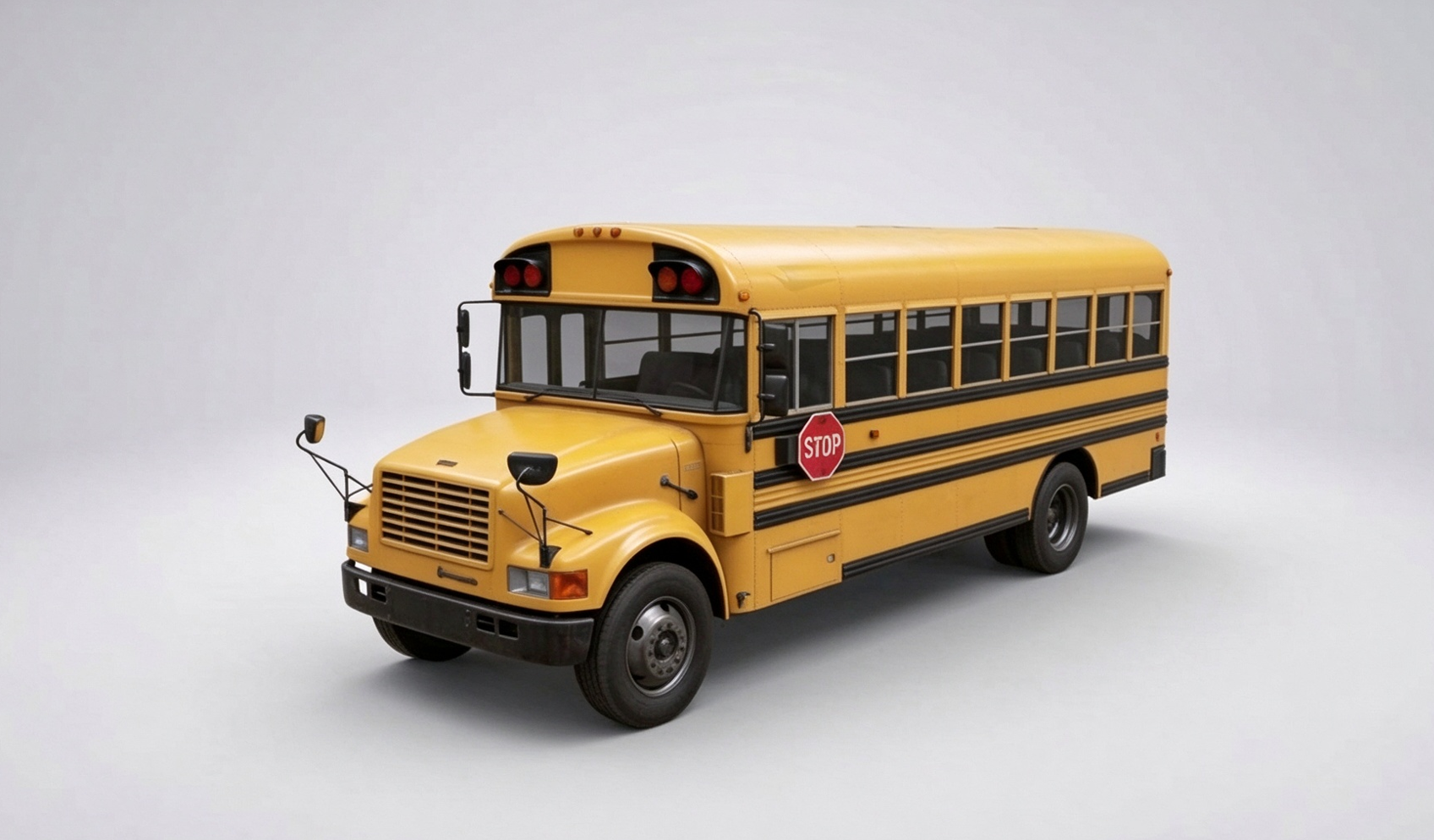
School buses feature a distinctive elongated body, spacious passenger cabin, and high-visibility exterior markings. Recognizable details such as large windows, safety lights, and emergency exits make them interesting subjects for 3D modeling. A school bus 3D model can capture these characteristic features in either realistic or stylized designs, making it suitable for educational animations, children's games, and virtual environments.
How to use
Step 1: Enter your prompt
Mention the bus's signature yellow finish, passenger windows, safety features, and elongated body shape in your description.
Prompt:
Step 2: Let AI generate your 3D model
The AI will turn your description into a school bus, shaping its extended body and adding the essential exterior features.
Step 3: Review and export the 3D model
Pay attention to the window arrangement, safety signs, and body finish, then export the bus for animation or visualization.
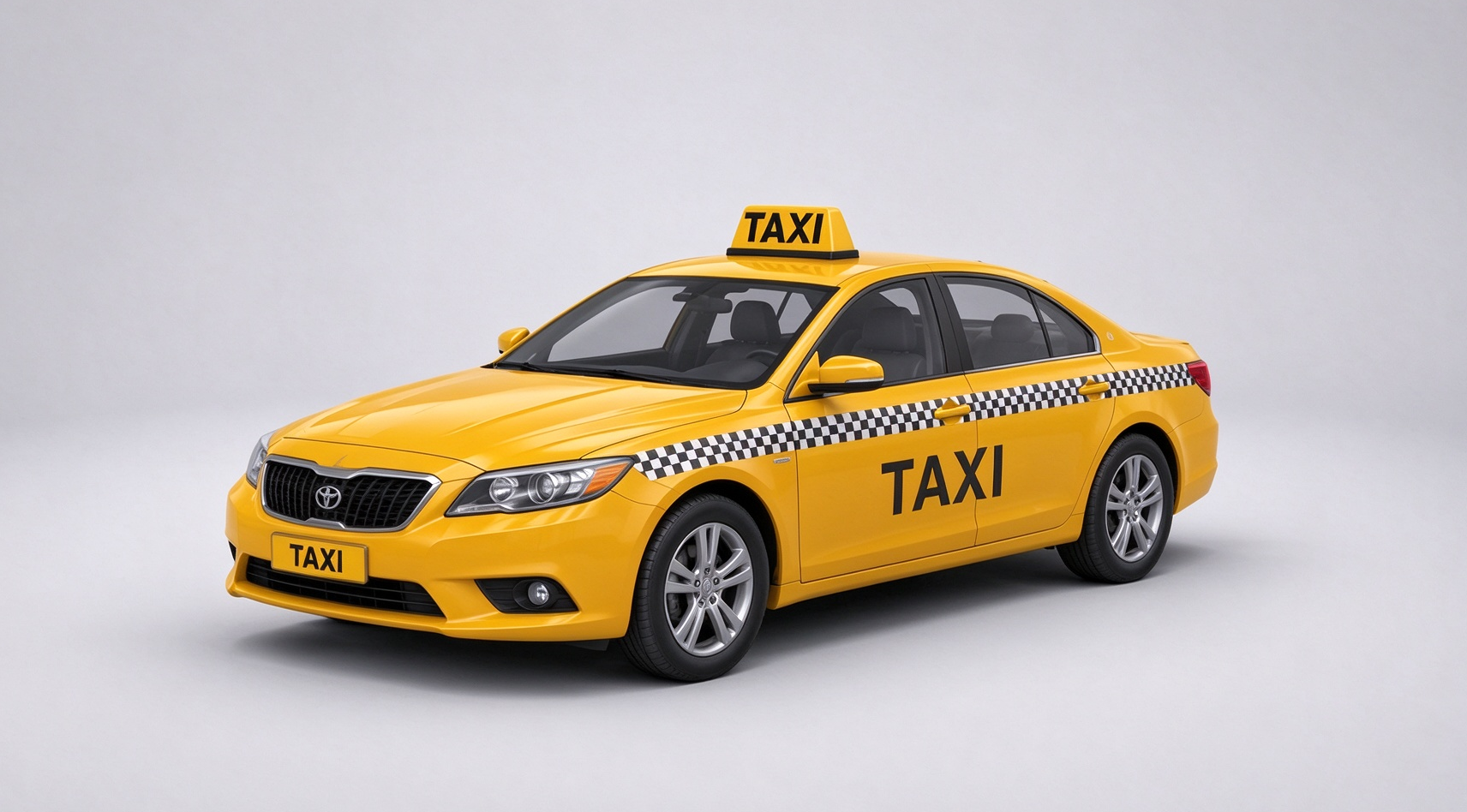
3D taxi model
Taxi models reflect the practical design of urban transportation, often featuring compact proportions, passenger-friendly interiors, and prominent roof signs. Details such as fare indicators, door markings, and distinctive paint schemes help establish their identity. Creating a simple 3D car model of a taxi is a useful way to explore everyday vehicle structures without excessive mechanical complexity. These assets can bring greater realism to city simulations and interactive street scenes.
How to use
Step 1: Enter your prompt
Describe the taxi's overall shape, commercial color scheme, rooftop sign, and other details that distinguish it from an ordinary passenger car.
Prompt:
Step 2: Let AI generate your 3D model
AI will interpret the requested design elements and produce a city taxi with its familiar commercial appearance.
Step 3: Review and export the 3D model
Inspect the roof sign, paintwork, and exterior components, making small adjustments before selecting your preferred export format.
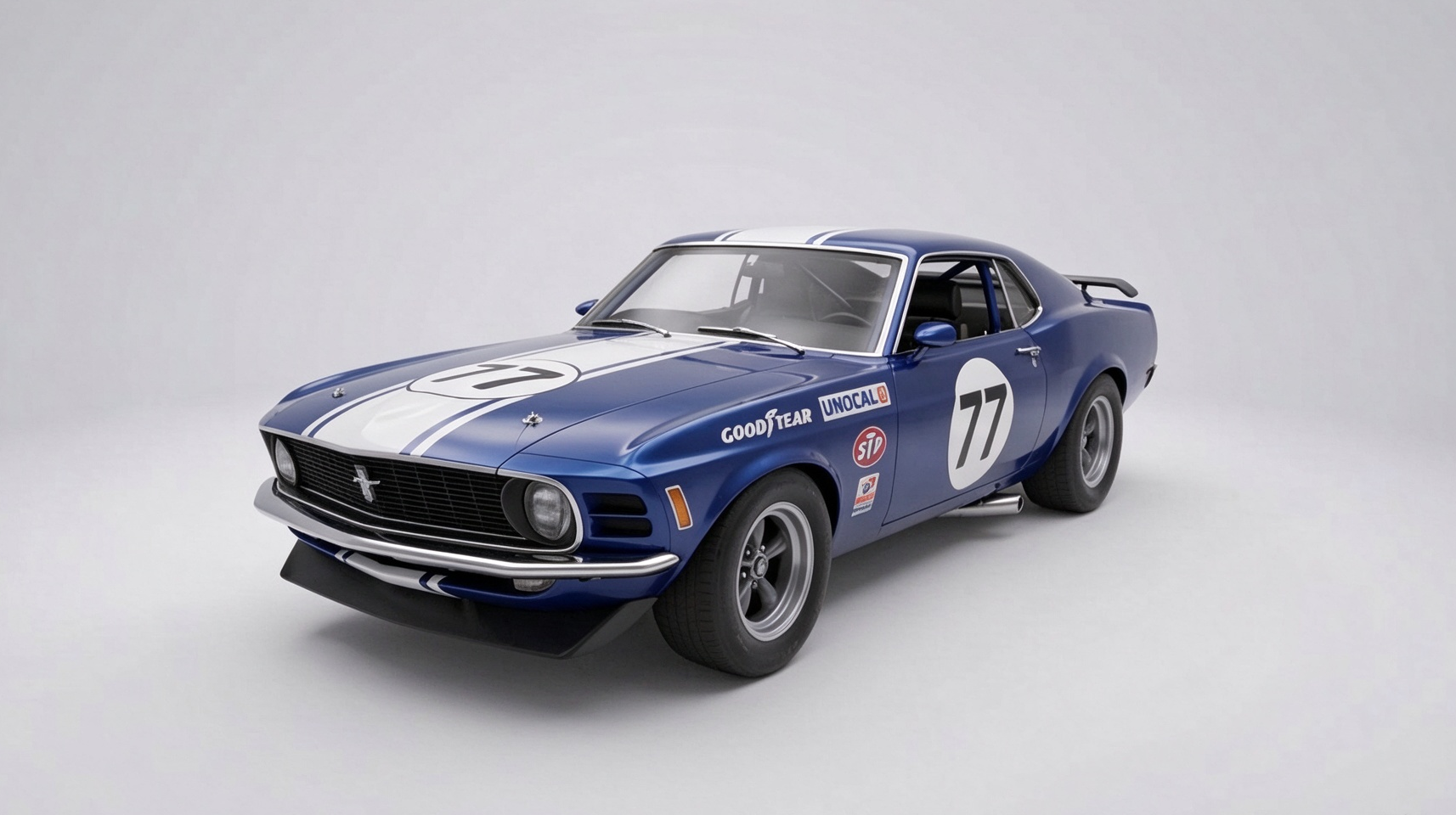
3D race car model
Race cars are designed for aerodynamic efficiency, high-speed performance, and lightweight construction. Their sculpted bodywork, prominent spoilers, racing tires, and aggressive front profiles create a distinctive appearance. A sports car 3D model can serve as a reference for developing performance-inspired vehicle designs, while an F1 car 3D model offers a closer look at open-wheel racing vehicles and their specialized aerodynamic components. These models are useful for racing games, automotive visualizations, and motorsport-themed environments.
How to use
Step 1: Enter your prompt
Focus on the car's aerodynamic profile, racing components, wheel design, and visual styling when writing your instructions.
Prompt:
Step 2: Let AI generate your 3D model
The AI will develop the racing vehicle's streamlined silhouette and translate its performance-inspired features into a three-dimensional asset.
Step 3: Review and export the 3D model
Evaluate the spoiler, body contours, and wheel design, refining the details until the model is ready to export.
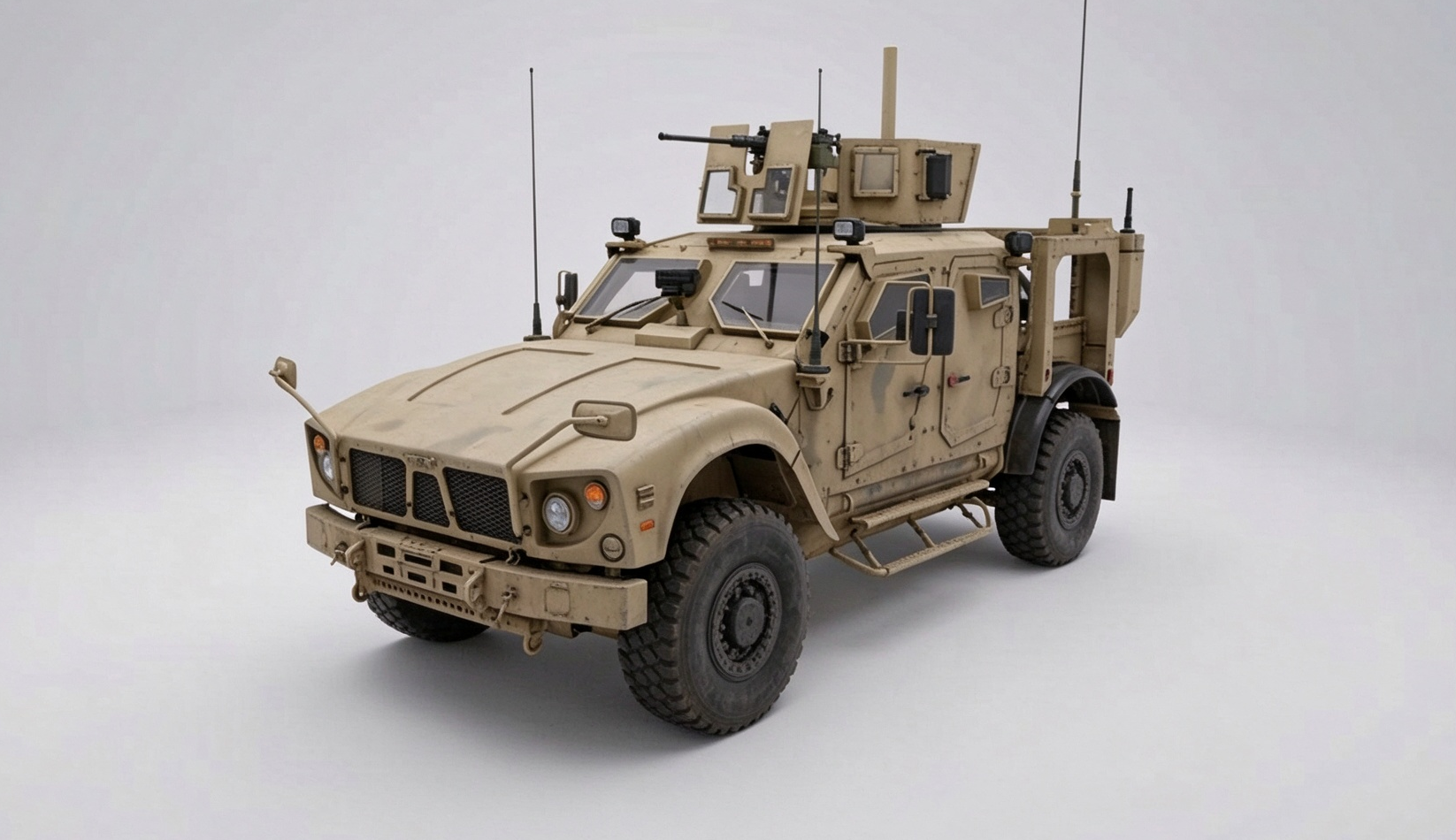
3D military vehicle model
Military vehicles are engineered for demanding terrain and operational durability, with reinforced bodies, elevated ground clearance, and rugged exterior components. Depending on the vehicle category, details may include protective armor, heavy-duty tires, utility storage, and specialized equipment. A car 3D model download featuring a military vehicle can support the creation of historical scenes, simulation environments, or fictional game settings. Its robust construction offers an opportunity to explore complex surface detailing and industrial styling.
How to use
Step 1: Enter your prompt
Set out the vehicle's rugged appearance, armor design, suspension, and exterior finish to establish the intended military style.
Prompt:
Step 2: Let AI generate your 3D model
Let the AI construct the vehicle's robust exterior and incorporate the protective features into its overall structure.
Step 3: Review and export the 3D model
Study the armor detailing, wheel structure, and surface finish before finalizing and exporting the generated vehicle.
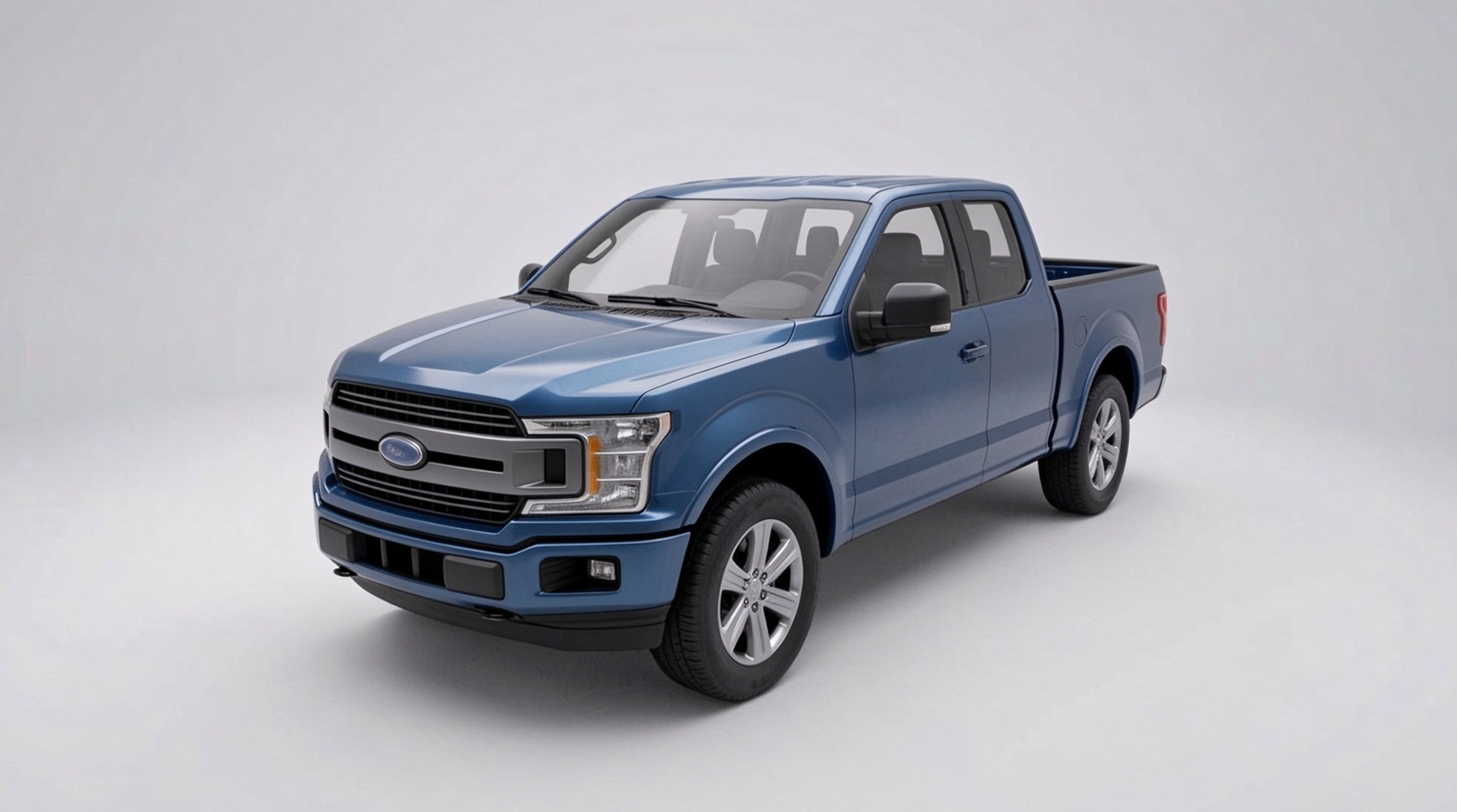
3D pickup truck model
Pickup trucks combine a passenger cabin with an open cargo bed, making them recognizable for their practical design and versatile proportions. Their elevated stance, sturdy chassis, pronounced wheel arches, and durable exterior styling give them a distinctive appearance. Exploring a pickup truck 3D model can help artists understand how utility-focused features influence vehicle design. These models are suitable for rural environments, automotive visualizations, and interactive driving projects.
How to use
Step 1: Enter your prompt
Define the pickup's cabin layout, cargo bed, suspension height, and exterior styling to achieve the desired utility vehicle design.
Prompt:
Step 2: Let AI generate your 3D model
The AI will convert your description into a pickup truck, bringing together its passenger cabin, open cargo area, and rugged exterior features.
Step 3: Review and export the 3D model
Check that the cargo bed and cabin are properly defined, polish any remaining details, and export the completed vehicle model.
Why use Kimi 3D Make to create 3D car models
Creating a 3D car model involves more than shaping a vehicle; it also requires attention to detail, visual consistency, and flexibility during the design process. Kimi 3D Make simplifies this workflow with AI-assisted features that help turn creative concepts into usable 3D vehicle assets.
Generate 3D car models from prompts and reference images
Describe the vehicle type, body shape, proportions, colors, materials, and other design details in a text prompt, or upload reference photos to guide generation. Kimi 3D Make transforms your ideas and visual references into 3D car models, giving you greater control over the appearance of the generated vehicles.
Create realistic vehicles with refined visual aesthetics
Generate 3D vehicle models with realistic proportions, authentic structural details, and well-balanced designs. From natural body contours and accurately shaped components to carefully crafted headlights, grilles, wheels, and surface details, Kimi 3D Make helps create vehicles with a convincing sense of realism and polished visual appeal.
Edit and refine specific vehicle details with flexible controls
Fine-tune your vehicle models through multiple editing options. Enter prompts in the chat to describe the changes you want, add comments to specific elements to request targeted modifications, or manually adjust individual components such as body contours, wheels, windows, headlights, bumpers, and grilles. These flexible controls let you refine specific details, adjust proportions, and bring every part of your vehicle design closer to your vision.
Export 3D car models for different applications
Download generated models in supported formats such as GLB and BLEND. These file types allow you to transfer vehicle assets into compatible 3D software, visualization environments, and game development workflows, where you can continue editing and incorporating them into larger projects.
Tips for making 3D car models look realistic
Generating a vehicle model is only part of the process; its realism depends on how carefully you approach the finer design elements. Keep the following tips in mind to create more convincing car models with balanced proportions, authentic details, and natural-looking finishes.
Start with accurate car proportions
A vehicle's proportions establish its overall appearance, so pay close attention to the relationship between its length, width, height, and wheelbase. Make sure the cabin, hood, trunk, and wheel arches are scaled appropriately rather than relying on exaggerated dimensions. Even small inconsistencies can make a familiar car design look unusual, so use real vehicle measurements or reference images to maintain visual balance.
Pay attention to exterior details
Small components often distinguish a convincing car model from a basic vehicle shape. Refine elements such as headlights, taillights, door handles, side mirrors, grilles, bumpers, and window frames to give the exterior a more complete appearance. Consider how these features differ across vehicle categories, since a sports car, ambulance, and pickup truck each have distinctive structural characteristics.
Choose realistic materials and textures
Material selection has a considerable impact on how a 3D car model looks under different lighting conditions. Use suitable surface properties for painted metal, glass, rubber, chrome, and plastic rather than applying one uniform finish across the entire vehicle. Subtle reflections, appropriate roughness, and carefully applied textures can add depth and make individual components feel more authentic.
Use lighting and shadows effectively
Good lighting helps reveal the vehicle's shape, surface quality, and smaller design features. Combine soft ambient illumination with directional light to create natural highlights and shadows without obscuring important details. You can also experiment with different lighting environments to see how the paintwork, windows, and metallic components respond in studio or outdoor settings.
Use multiple reference angles and refine the design
A single reference image may not reveal enough information to reproduce a vehicle accurately, particularly around its rear structure, side profile, and interior. Gather front, rear, side, and three-quarter views to understand how the different components connect and maintain consistent proportions. Compare your generated model against these references, identify areas that need improvement, and refine the design until the overall structure looks cohesive.
Conclusion
Creating a realistic car 3D model involves balancing accurate proportions, distinctive details, suitable materials, and visual appeal. From everyday vehicles to emergency and racing cars, each design offers unique creative possibilities. Kimi 3D Make helps bring these ideas to life by generating 3D vehicle models from text prompts and reference images, allowing you to explore different visual styles and create detailed vehicle designs.