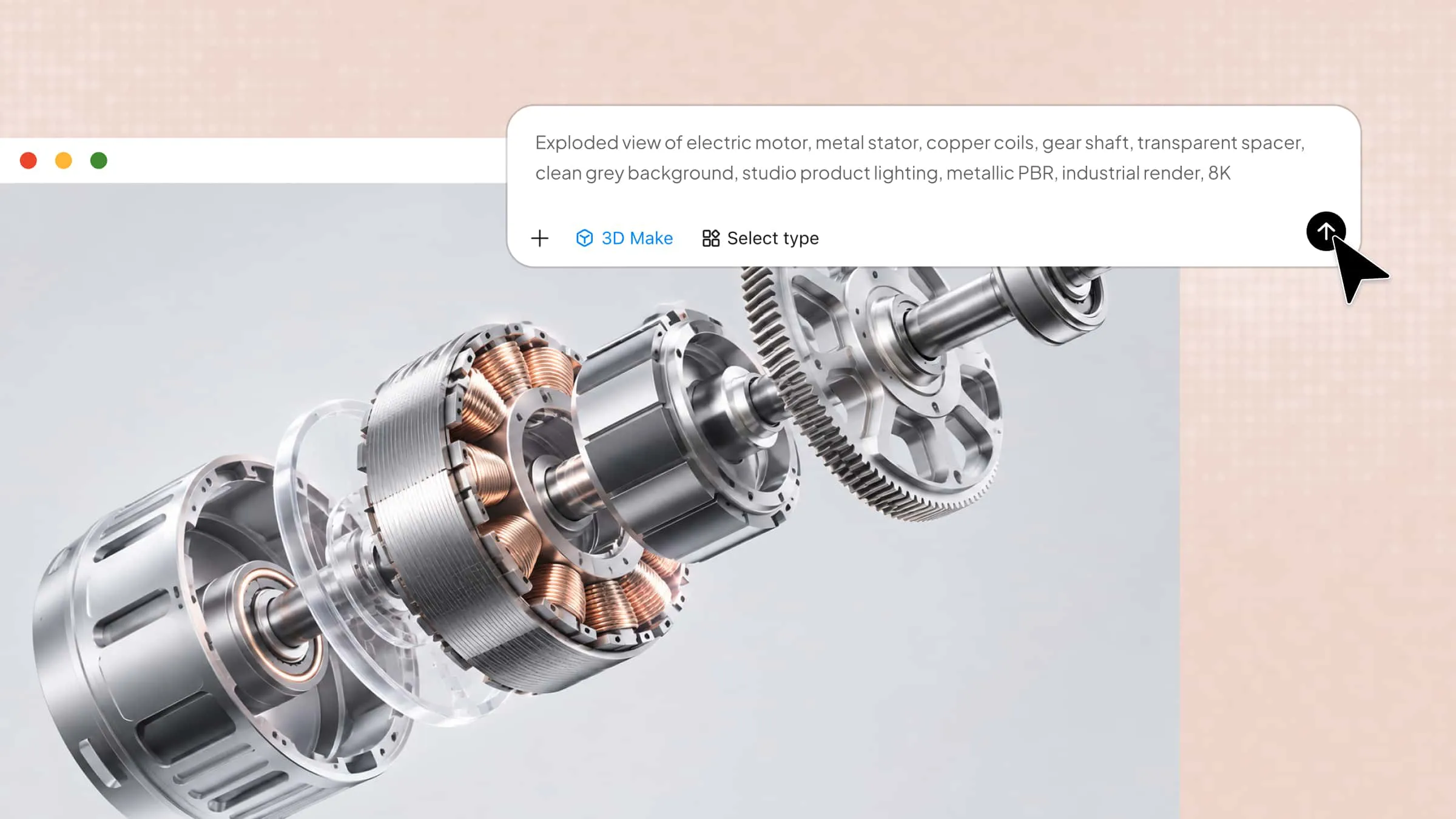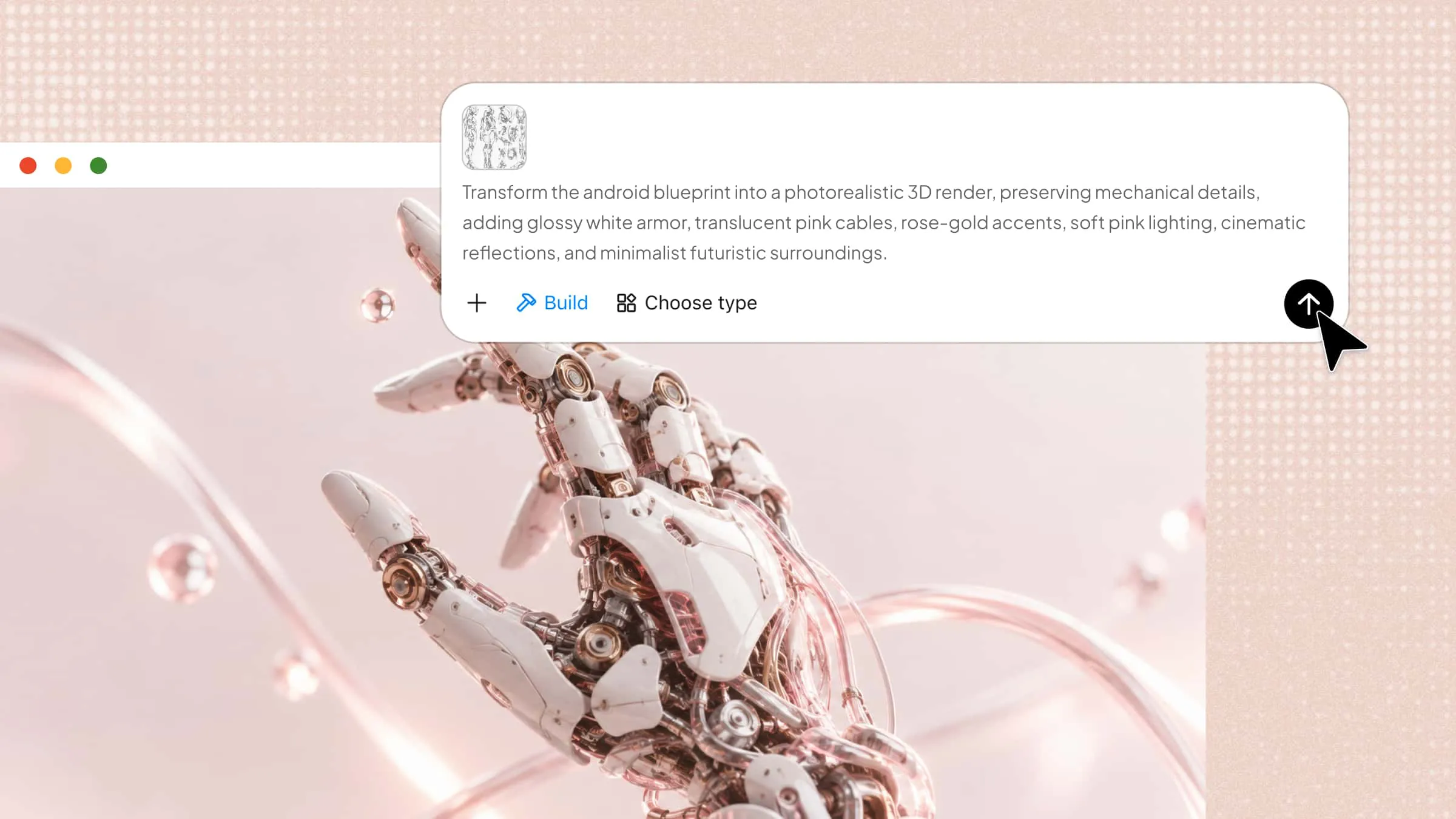
Creating realistic or stylized 3D characters can be challenging without the right tools, especially for beginners who lack modeling and animation skills. The right 3D character creator software makes it easier to design detailed characters for games, films, animations, and other creative projects. In this article, we'll explore 10 software options to help you find the right fit for your needs.
Overview of 10 3D character creator software options
These 10 character creator tools support different workflows, from generating characters with text prompts and reference images to detailed sculpting, customization, rigging, and animation. Compare their character creation methods, editing capabilities, animation support, and suitable use cases to find a tool that fits your project.
| Software | Character creation method | Customization and editing | Animation support | Suitable for |
|---|---|---|---|---|
| Kimi 3D Make | Text prompts and reference images | Prompt-based editing, element comments, manual adjustments | Can extend workflows through Blender and Tripo 3D plugins in Kimi Work | Beginners, character concept designers, creative projects |
| Meshy AI | Text-to-3D and image-to-3D | AI texturing and model refinement | AI rigging and animation tools | Game developers, 3D asset creators |
| MetaHuman | Digital human creation and customization | Detailed facial features, skin, hair, and appearance controls | Facial performance and animation workflows | Realistic digital humans, film, games, virtual production |
| Blender | Manual modeling and sculpting | Mesh modeling, materials, texture painting, and rigging | Character rigging and animation | 3D artists, game developers, animators |
| The Character Creator | Customizable digital human creation | Body and facial morphs, clothing, accessories | Rigging and skinning workflows | Digital human designers, game and animation teams |
| ZBrush | Digital sculpting | Detailed anatomy, facial features, and surface details | Not a primary animation tool; supports downstream production workflows | Character sculptors, creature designers |
| Autodesk Maya | 3D modeling and character production | Mesh modeling, rigging, skinning, and detailed scene controls | Keyframe and procedural animation | Animation studios, film and game production |
| Mixamo | Upload compatible humanoid models | Automatic rigging and available animation adjustments | Automatic rigging and a ready-made motion library | Beginners, game developers, animation prototyping |
| VRoid Studio | Anime-style avatar creation | Facial features, hairstyles, body proportions, and clothing | Avatar workflows for compatible animation tools | VTubers, anime artists, avatar creators |
| Daz Studio | Customizable 3D figures | Morphs, clothing, accessories, poses, and scene composition | Character posing and scene-based workflows | Digital illustrators, character portrait creators |
Explore 10 professional 3D character creator software options
Each tool offers a different approach to character design, from AI-generated models to detailed sculpting and animation. Explore these 10 options to find the right character creation software for your skill level, creative goals, and workflow.
Kimi 3D Make
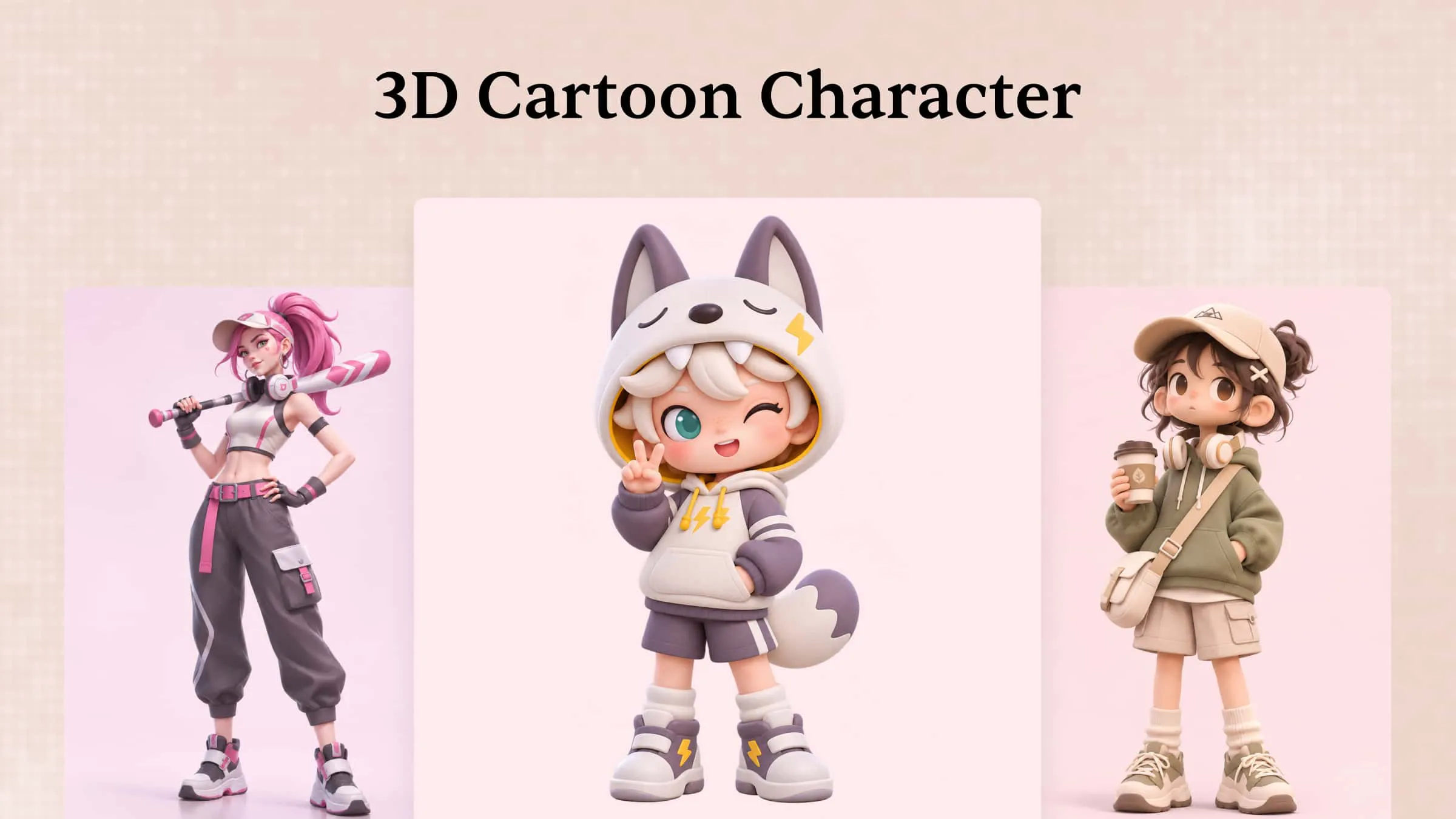
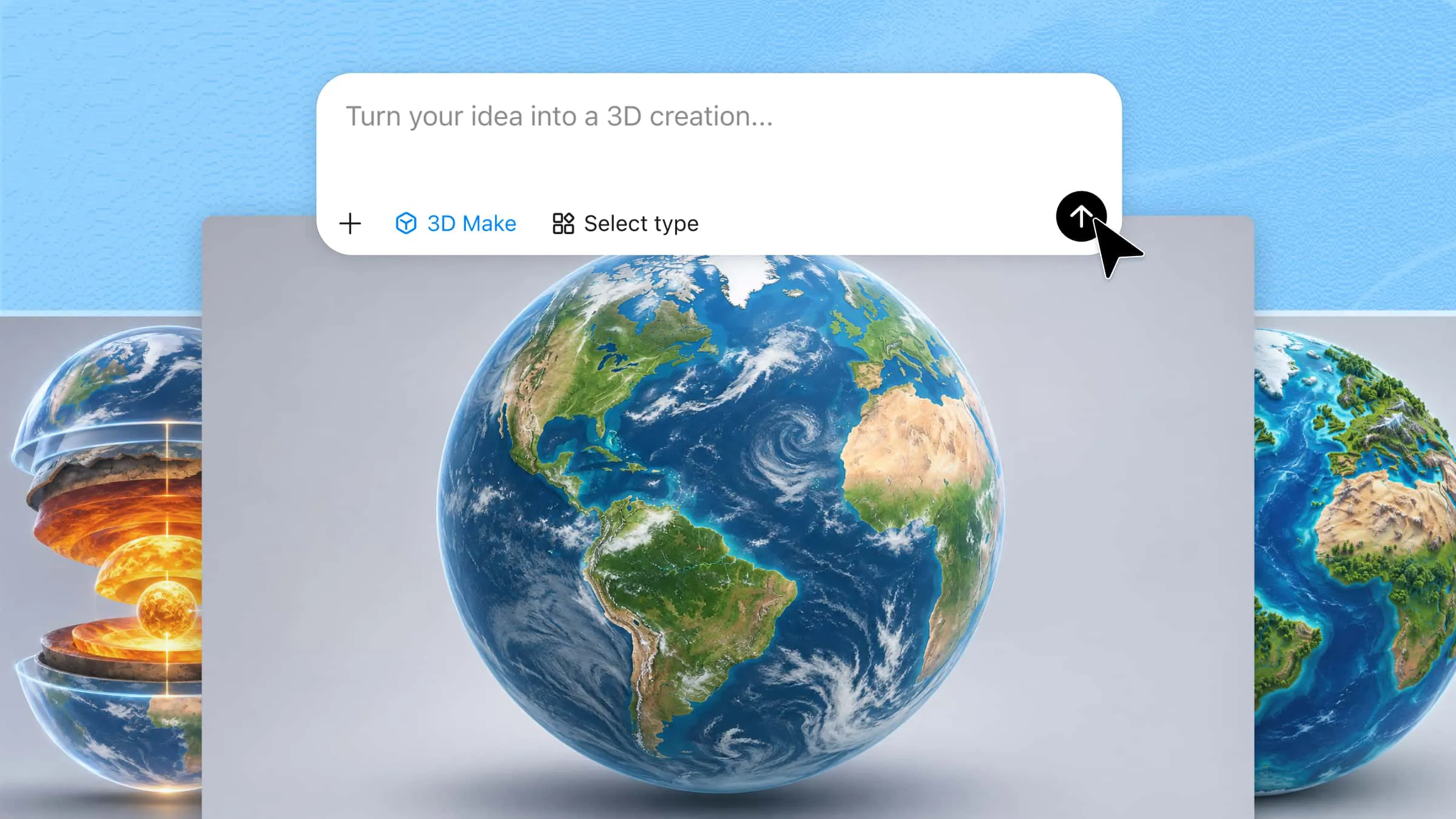
Kimi 3D Make is an AI-powered tool that helps users create 3D models from text prompts and reference images. It simplifies the early design process by turning ideas into visual concepts without requiring advanced modeling skills. Users can refine their designs through prompts and adjustments to better match their intended appearance. It is a useful starting point for character concepts, creative experimentation, and 3D design projects.
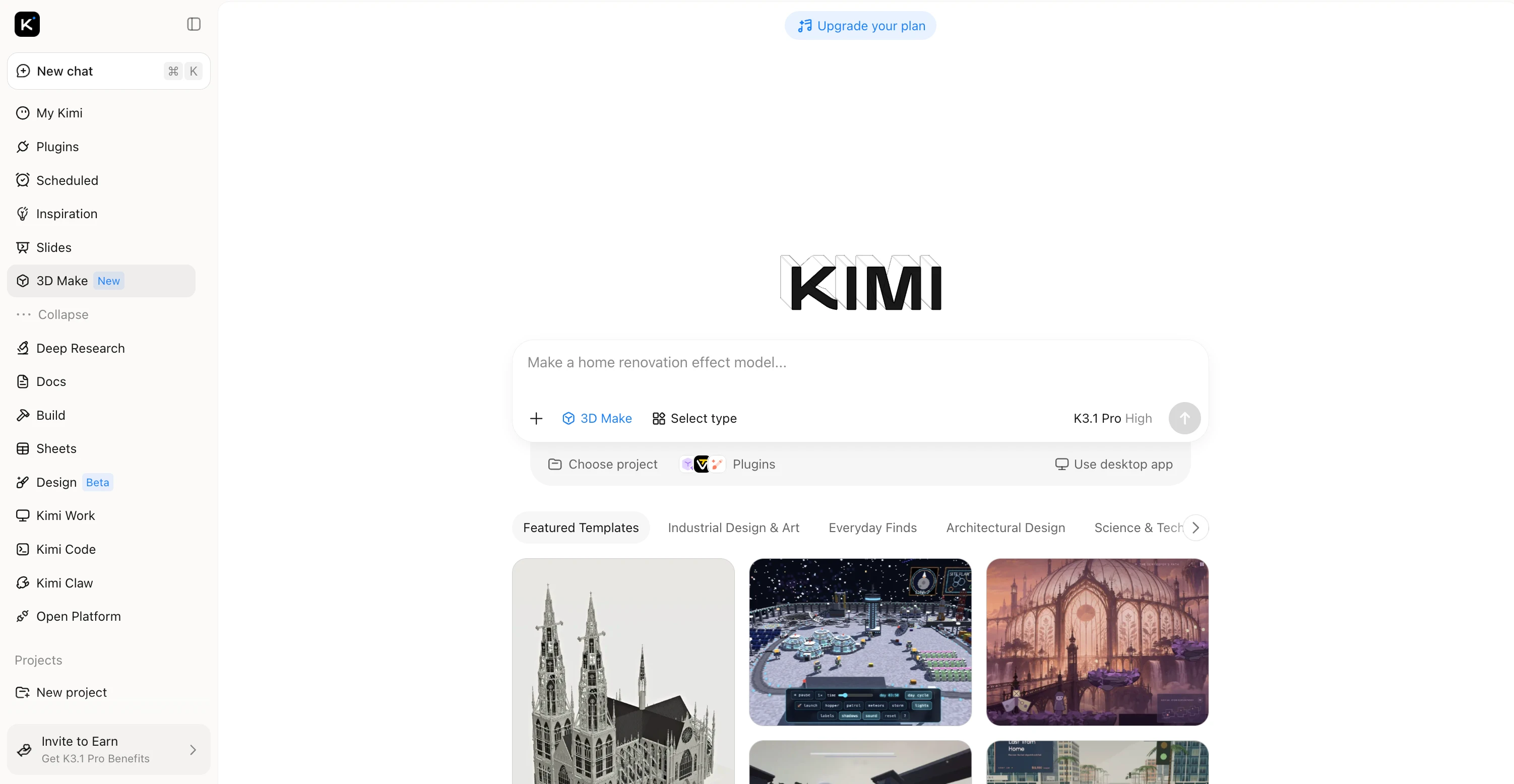
Main features
Create 3D characters from prompts and references: Turn text descriptions, concept sketches, and visual references into 3D character designs with Kimi 3D Make. Explore character concepts, including appearance, clothing, proportions, and visual style, without building every detail from scratch in traditional modeling software.
Customize character designs with flexible editing tools: Describe changes in the chat, comment on specific elements for targeted adjustments, or edit details manually. Refine facial features, outfits, colors, and other visual elements through an iterative process while maintaining control over the character's appearance.
Refine character details and visual style: Adjust the look of your character by refining colors, materials, textures, and surface details. Develop more polished designs for game concepts, digital scenes, virtual avatars, and creative presentations.
Extend character workflows with specialized 3D tools: Use Kimi Work plugins such as Blender and Tripo 3D for additional modeling and development capabilities. Blender supports detailed mesh editing, rigging, and animation, while Tripo 3D can generate 3D models from text and images. Depending on the tool and workflow, formats such as FBX, GLB, glTF, and OBJ can support further editing and integration.
Suitable for
Beginners who need a simple way to create 3D characters.
Game developers who need quick character concepts.
Designers who want to turn text prompts or reference images into 3D models.
Creators who need visual assets for presentations, prototypes, and creative projects.
How to create a 3D character with Kimi 3D Make
Kimi 3D Make offers a straightforward way to turn character ideas into 3D designs. Follow these three steps to create, refine, and prepare your character model for use in other creative projects.
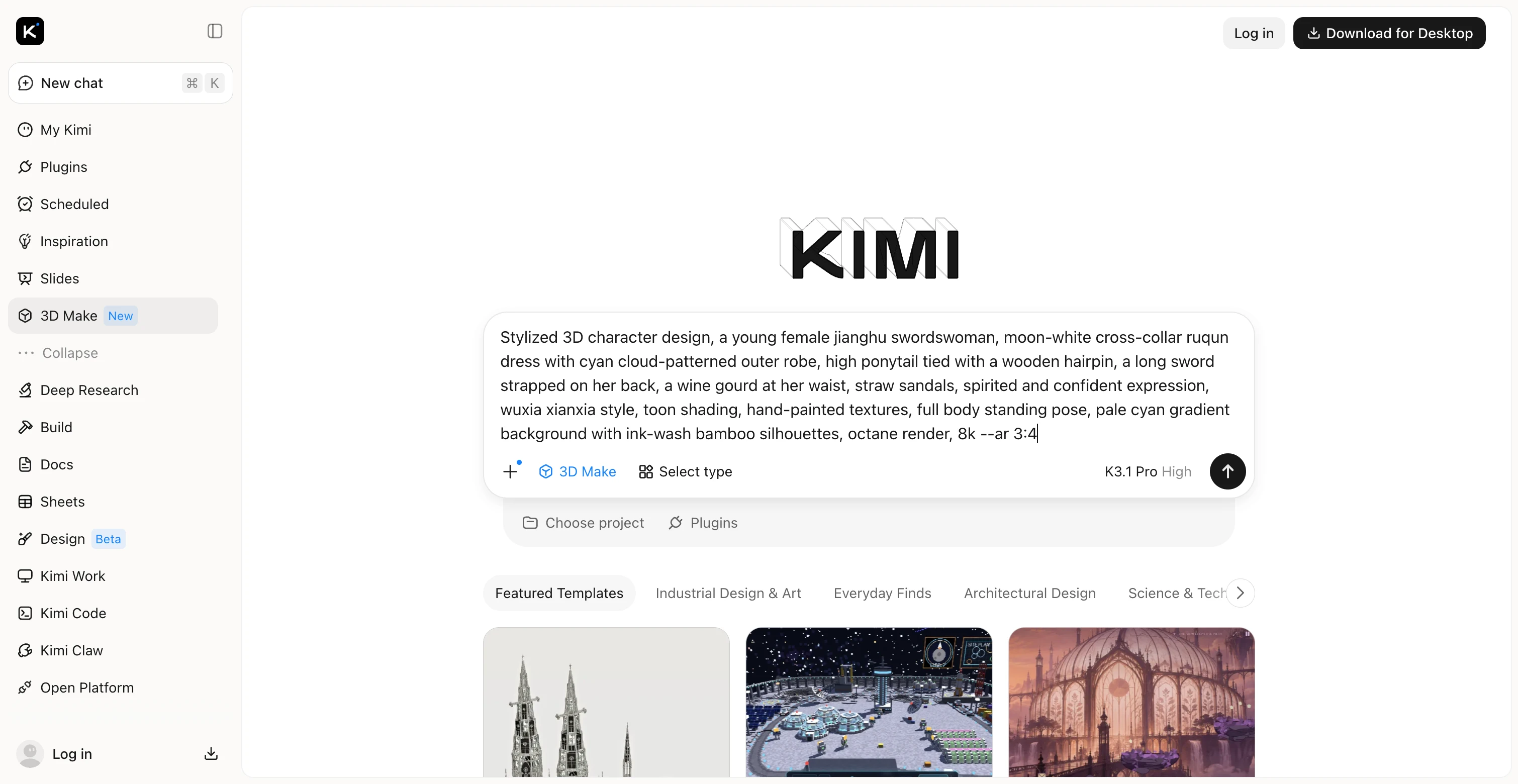
Step 1: Describe your character or upload a reference
Enter a detailed prompt that explains your character's appearance, shape, colors, materials, clothing, and distinctive features. You can also upload a reference image to guide the design.
Step 2: Generate and refine your 3D character
Generate your 3D character from the prompt and review the result. To refine specific details, leave a comment on the element you want to change, enter a prompt in the chat to adjust features such as clothing, colors, or proportions, or edit the model manually. Repeat these adjustments until the character matches your vision.
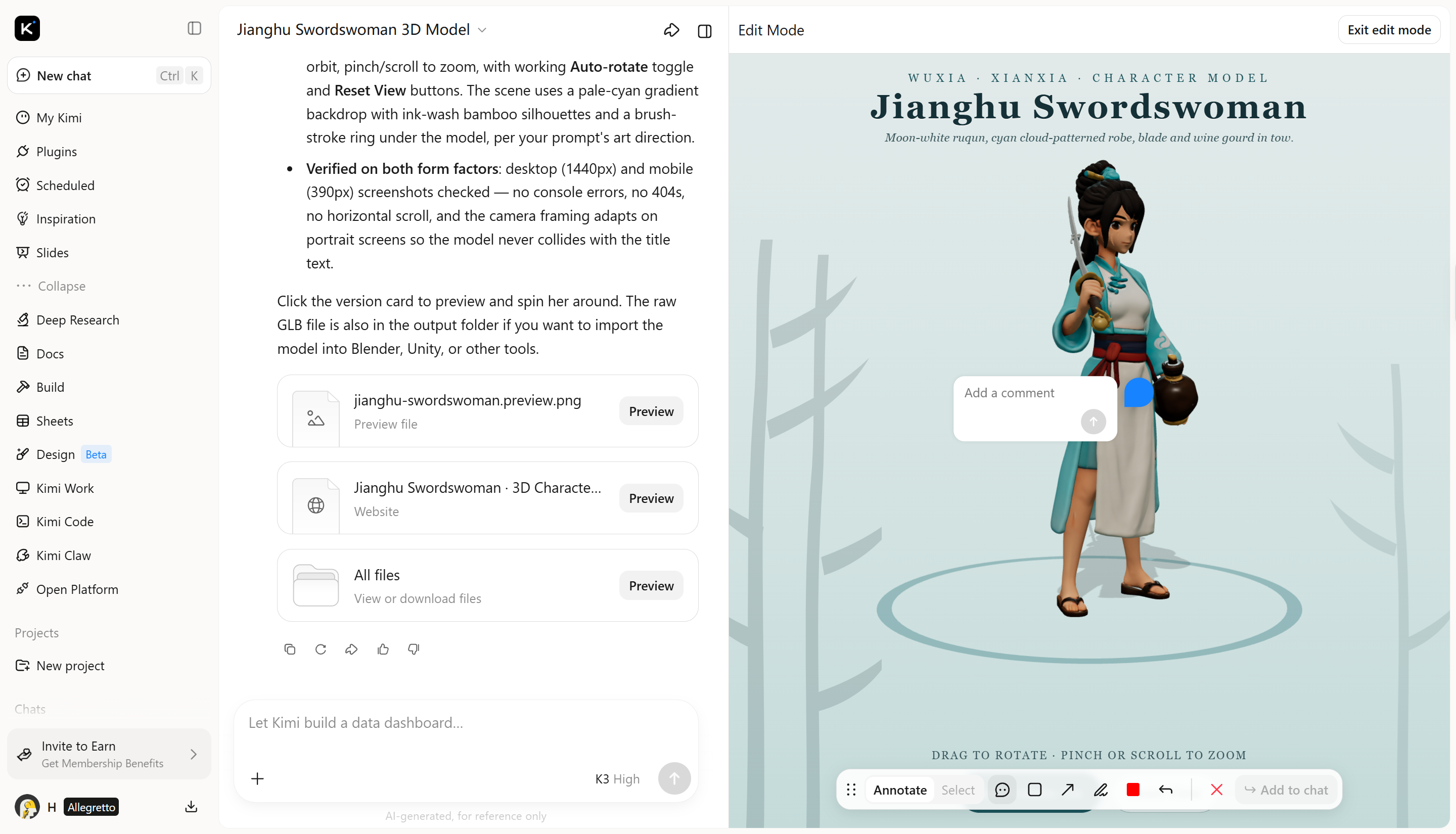
Step 3: Export your finished character
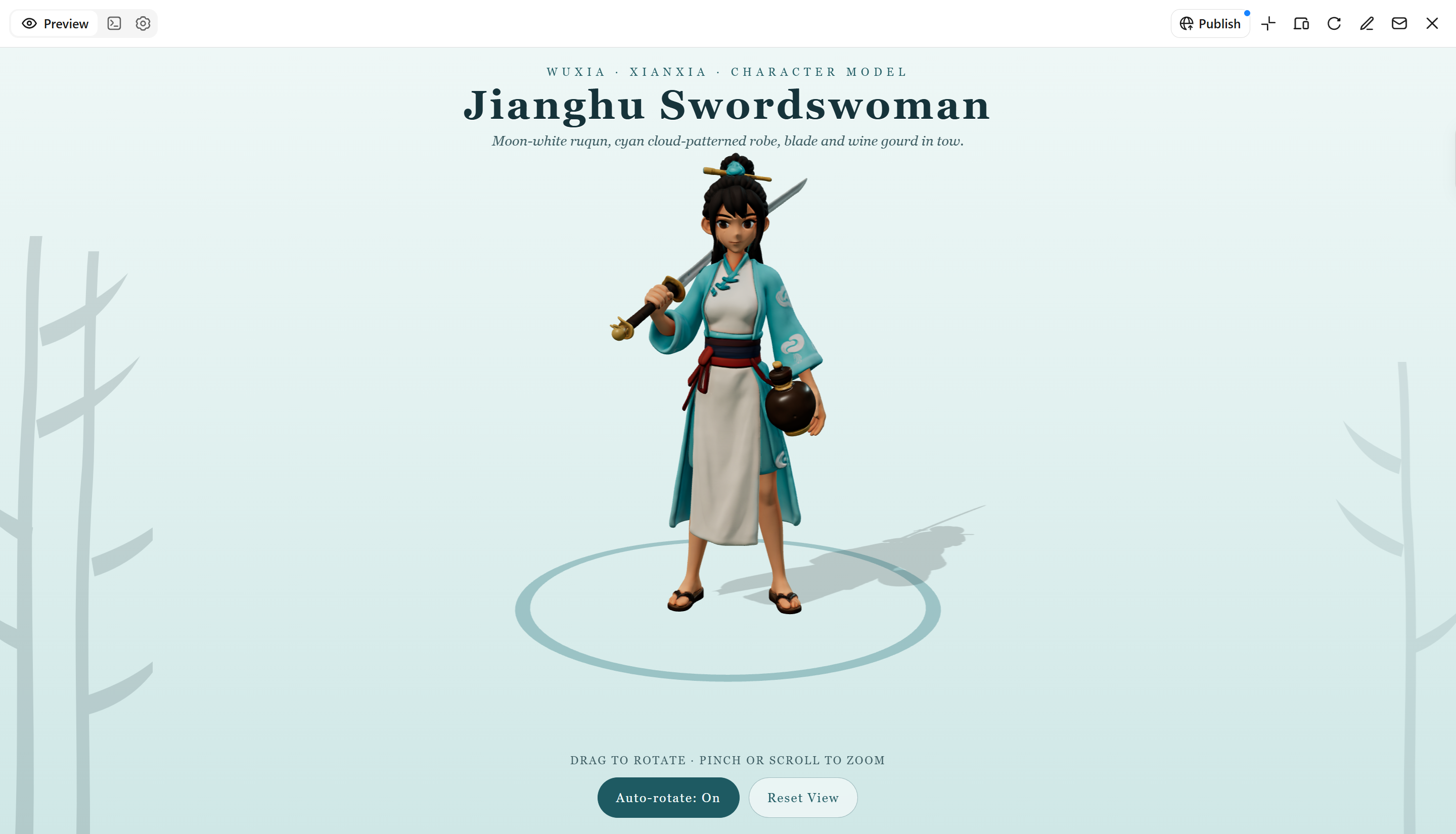
Once you're satisfied with your 3D character, prompt Kimi 3D Make to generate it in a supported format, such as GLB, glTF, or OBJ. You can also publish the character online for web-based viewing or export the model for use in other 3D software, game development, animation, or rendering workflows.
Meshy AI
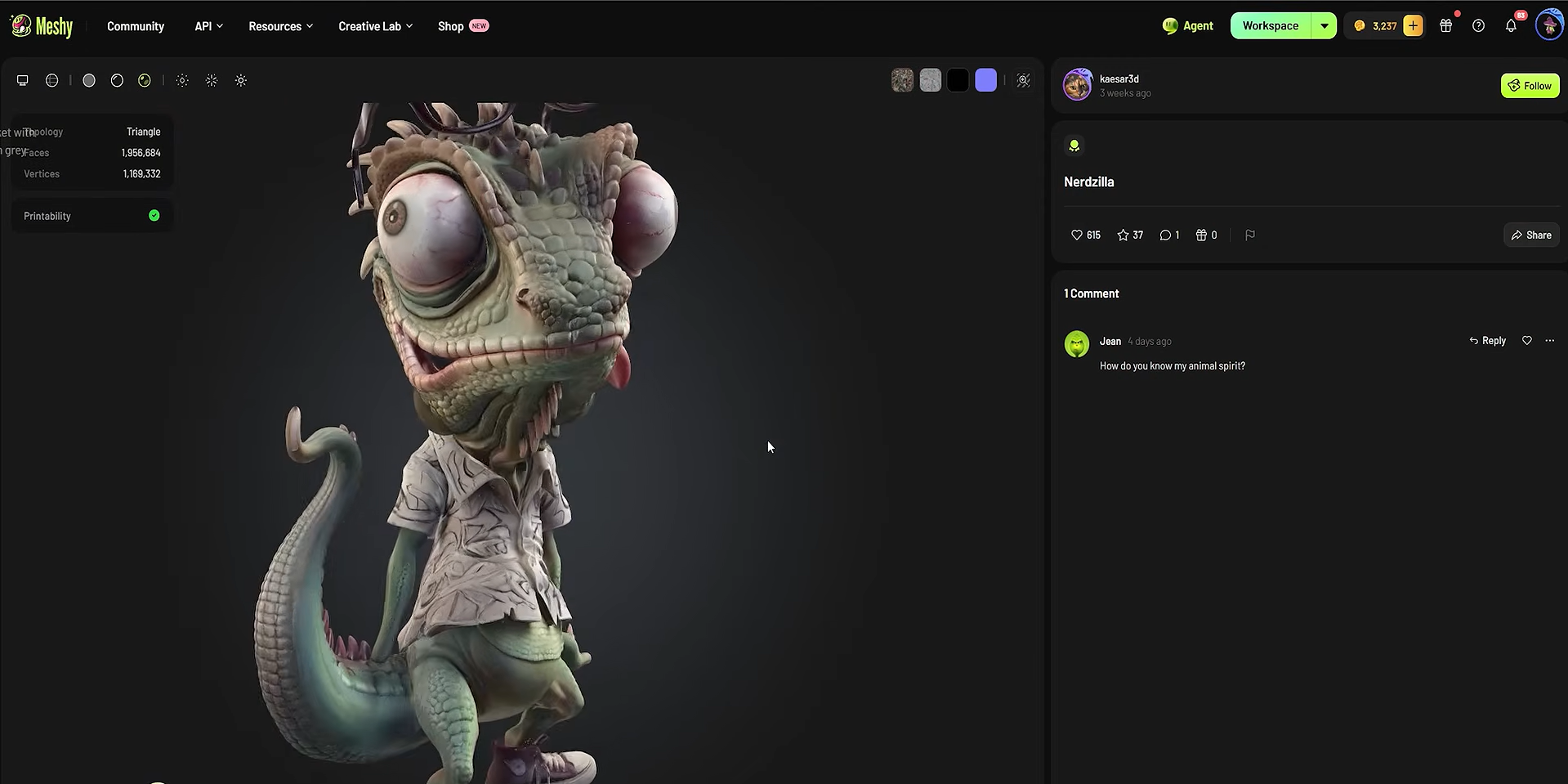
Meshy AI is an AI-powered 3D modeling platform that converts text descriptions and images into 3D assets. It supports workflows for generating models, applying textures, and preparing compatible characters for animation. This character maker software can help creators reduce the time spent on initial modeling and asset preparation.
Main features
Text-to-3D and image-to-3D generation: Transforms written prompts or reference images into 3D assets with shapes and details based on the supplied input.
AI texturing: Generates surface textures and materials that add color and visual detail to 3D models.
AI rigging and animation tools: Supports compatible character preparation and movement workflows through available rigging and animation features.
3D asset export: Provides supported model formats for transfer to external applications used for modeling, animation, and game development.
Suitable for
Beginners who want to generate 3D assets with AI.
Game developers who need character models and other game assets.
Designers who create models from text or reference images.
Creators who want to shorten the initial 3D production process.
MetaHuman
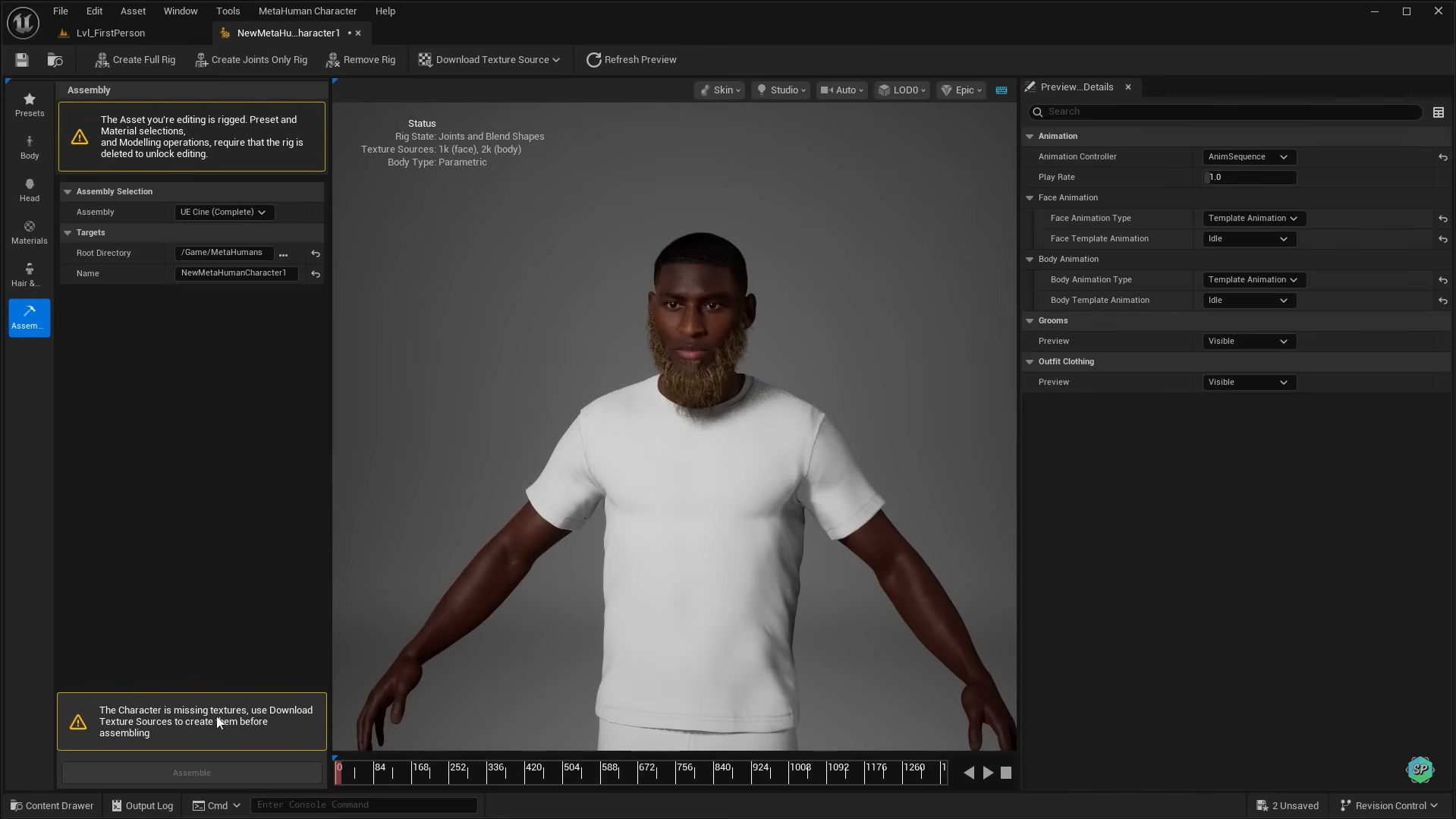
MetaHuman is part of Epic Games' ecosystem for creating realistic digital humans. It offers detailed controls for facial appearance, skin, hair, and character performance. It is particularly suitable for projects that require lifelike human characters rather than stylized or cartoon designs.
Main features
Digital human customization: Provides controls for facial features and other physical attributes to create distinct human characters.
Realistic skin and hair: Supports detailed materials, hairstyles, and visual features for lifelike digital humans.
Facial performance workflows: Integrates with compatible tools for facial animation and performance capture.
Unreal Engine integration: Supports digital human workflows for interactive projects, games, and virtual productions.
Suitable for
Game developers who need realistic human characters.
Film and visual effects teams that create digital actors.
Creators who develop virtual humans for interactive experiences.
Animators who need detailed facial expressions and performance workflows.
Blender
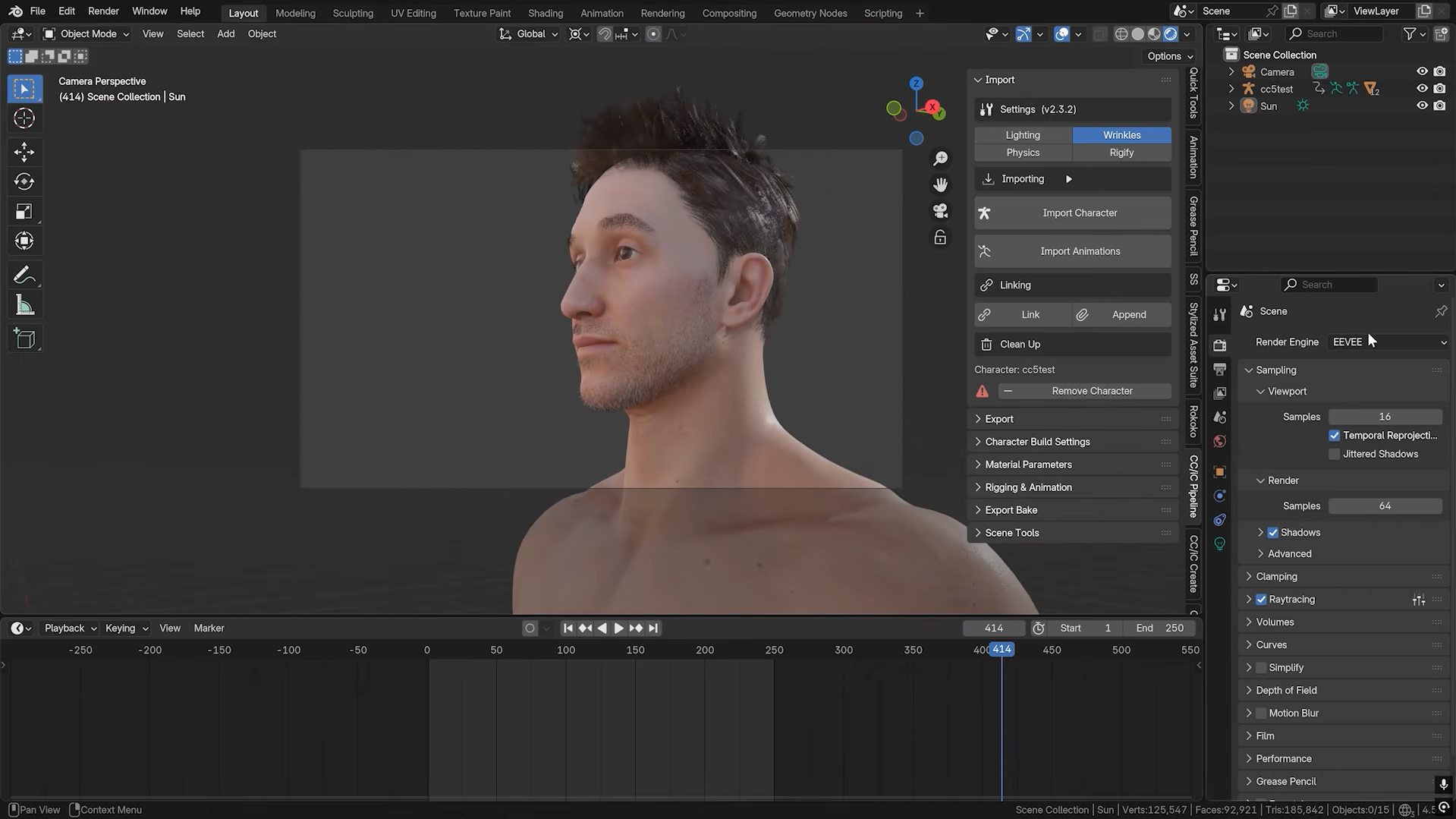
Blender is a free, open-source application for 3D modeling, sculpting, animation, and rendering. It offers a complete production environment for creating characters, from basic shapes to detailed models with custom materials and rigs. Its extensive toolset makes it a versatile 3D character modeling software option for beginners and professionals.
Main features
Polygon modeling and sculpting: Builds character meshes from basic geometry and refines them with digital sculpting tools.
Character materials and texturing: Creates surface appearances through materials, texture painting, and shading controls.
Rigging and character animation: Add skeletons, control systems, and keyframe animation to support character movement.
Rendering and asset export: Produces finished images and exports models in supported formats for other 3D applications and game engines.
Suitable for
Beginners who need free 3D character creator software.
Artists who want modeling, texturing, and animation in one application.
Game developers who want to create custom characters and assets.
Animators who need control over the complete 3D production process.
The Character Creator
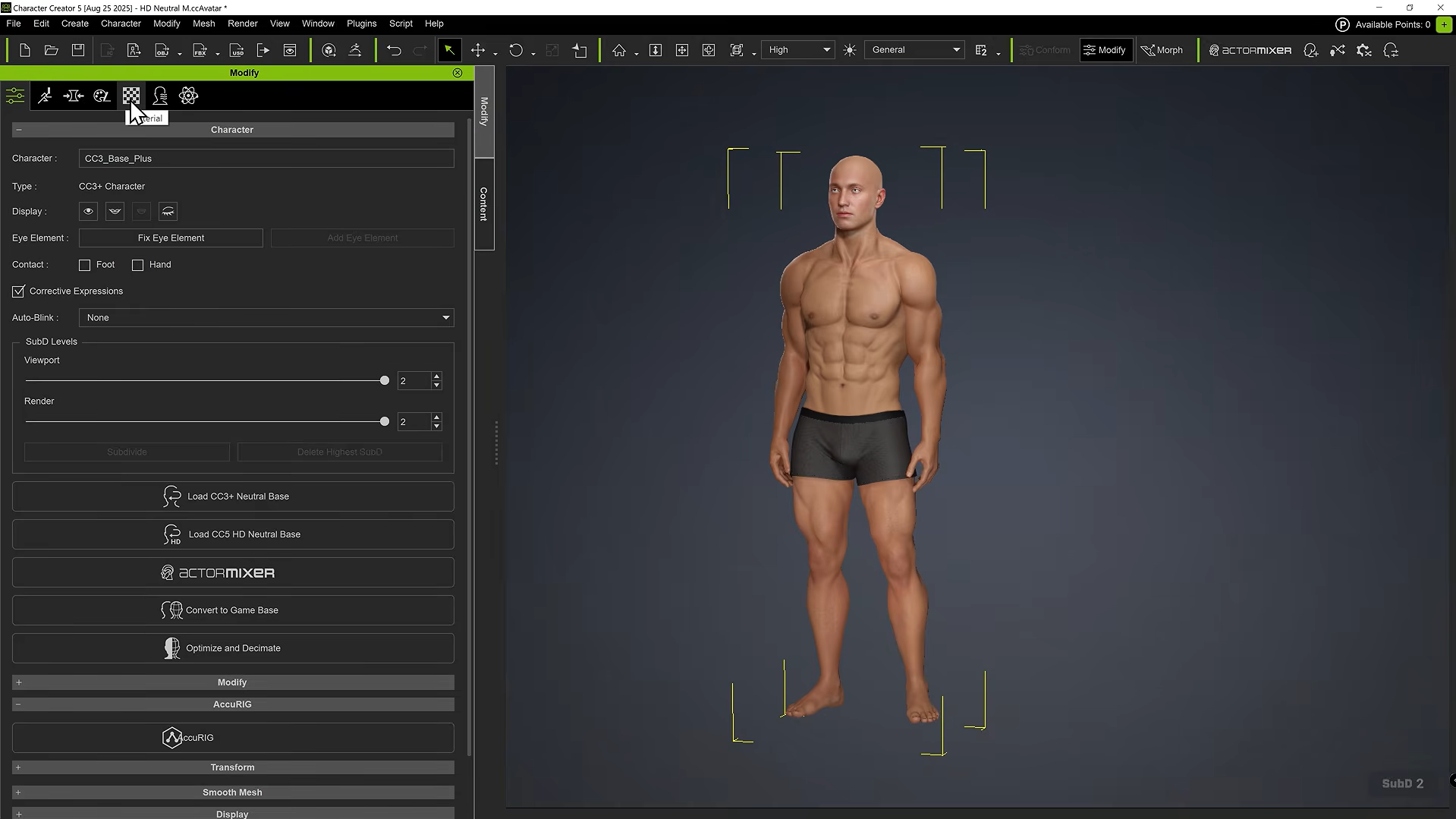
The Character Creator by Reallusion is popular 3D character design software for building customizable digital humans. It offers tools for adjusting body proportions, facial features, clothing, and other visual details. Its character preparation and export workflows also support production in compatible animation and game development applications.
Main features
Body and facial morphs: Adjusts proportions, facial structures, and other character attributes to create varied appearances.
Clothing and accessory customization: This software adds outfits, hairstyles, and accessories to match a character's intended style.
Character rigging and skinning: Provides character structures and preparation tools for animation workflows.
Pipeline integration: Transfers supported character assets to compatible applications and game engines for further production.
Suitable for
Game developers who need customizable human characters.
Animators who want characters prepared for movement.
Digital artists who create realistic people and avatars.
Studios that require repeatable character creation workflows.
ZBrush
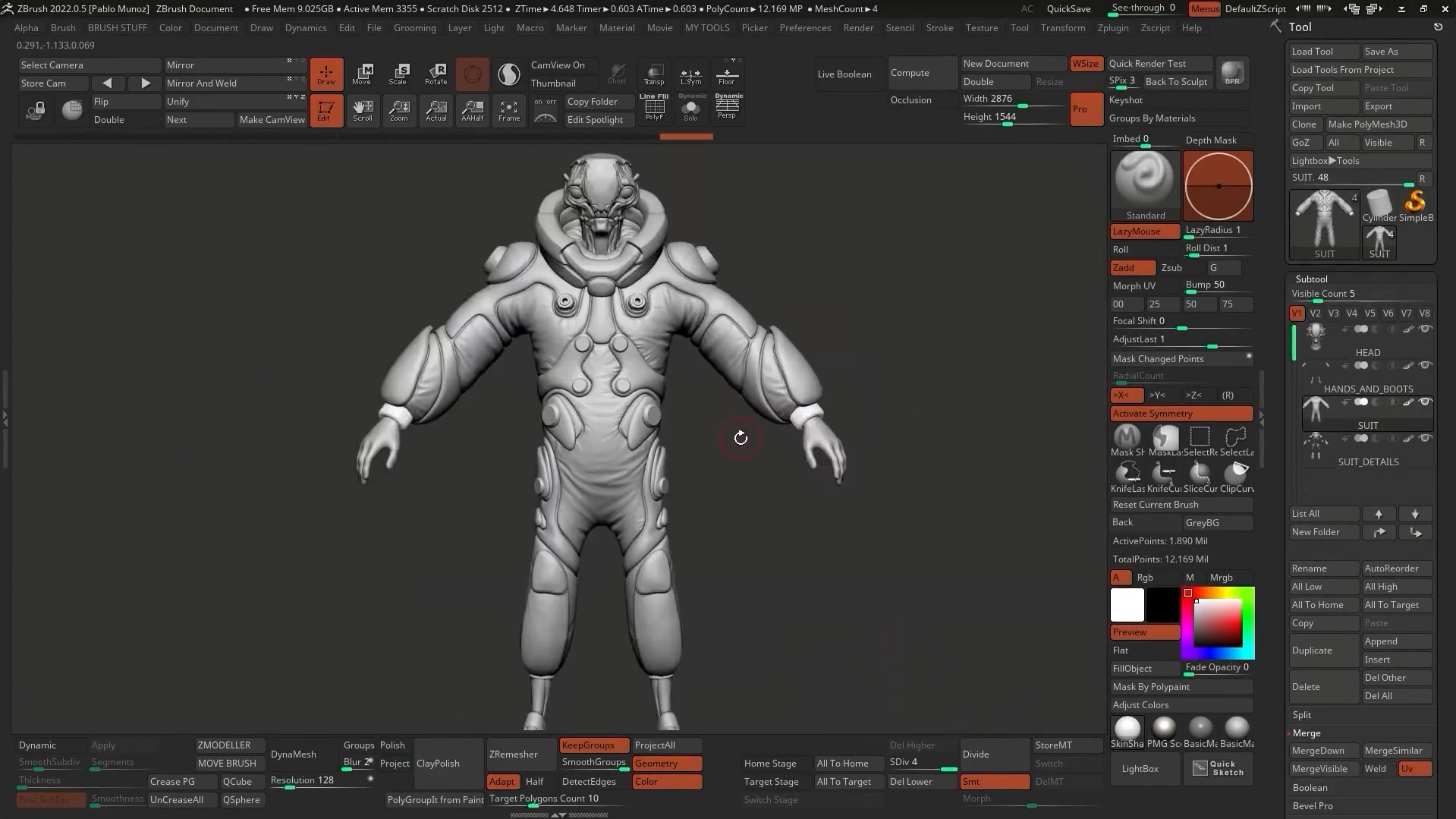
ZBrush is a professional digital sculpting application designed for detailed organic modeling. It gives artists precise control over anatomy, facial structures, and fine surface details. Unlike automated character creation tools, ZBrush focuses on hands-on sculpting and refinement of complex 3D forms.
Main features
Digital sculpting brushes: Shape and refine character anatomy, facial features, creatures, and other organic forms.
High-resolution detailing: It adds fine surface features such as wrinkles, scales, pores, and decorative patterns.
Dynamic mesh workflows: Support flexible sculpting and shape development for complex character designs.
Model preparation and export: Transfers supported 3D assets to compatible applications for retopology, texturing, rigging, or 3D printing.
Suitable for
Professional artists who create highly detailed characters.
Creature designers who need complex organic shapes.
Artists who prepare characters for film and game production.
Sculptors who create collectible figures and 3D-printable models.
Autodesk Maya
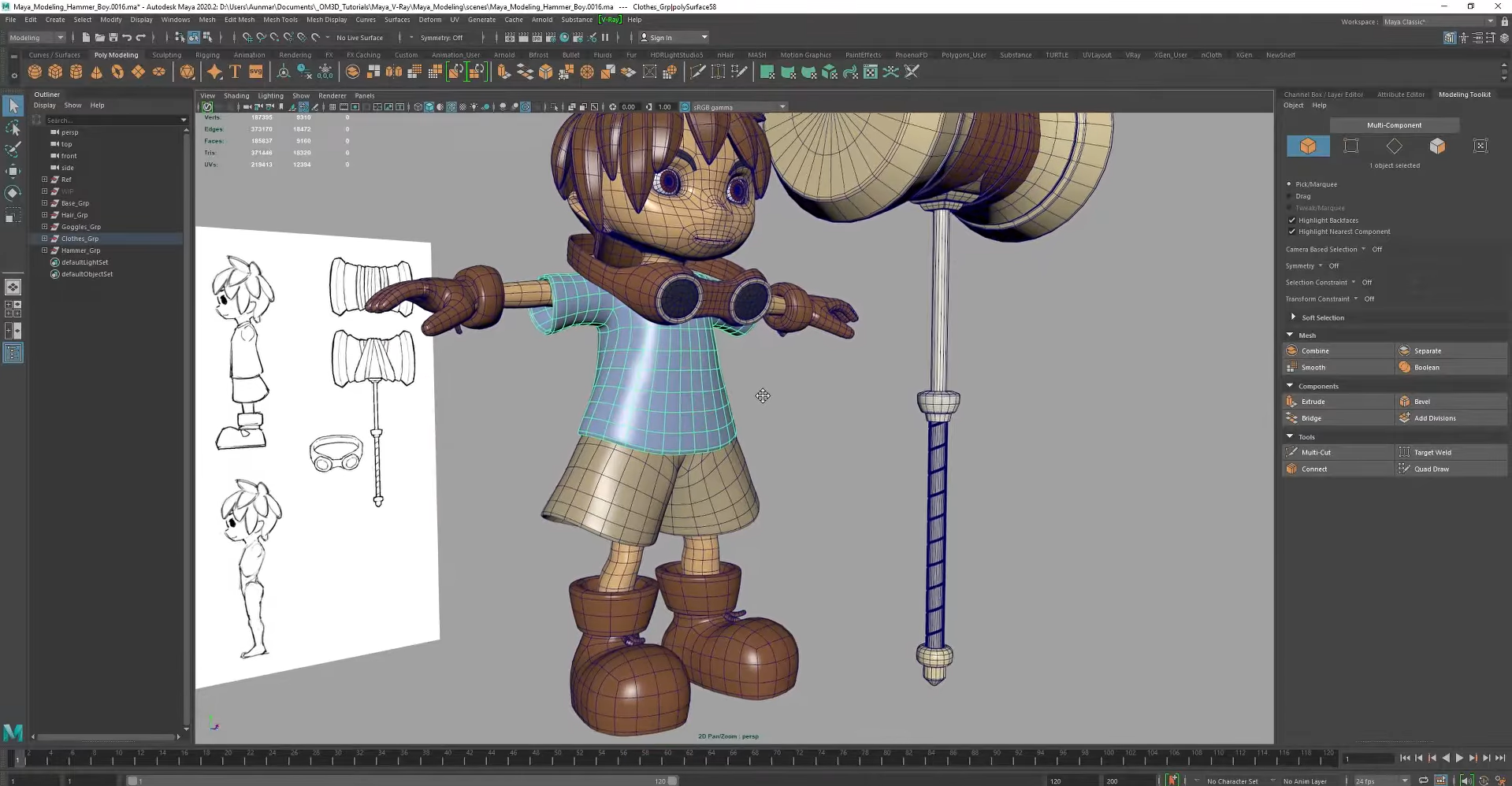
Autodesk Maya is professional 3D character software used for modeling, rigging, animation, and visual effects. It offers extensive controls for building detailed characters and developing complex movement systems. Its production-oriented tools make it suitable for animation studios and experienced 3D artists.
Main features
Polygon and surface modeling: Creates detailed character meshes and refines their shapes for production.
Skeleton rigging and skinning: Builds joint systems and assigns mesh deformation so characters can move naturally.
Keyframe and procedural animation: Supports character movement, timing adjustments, and complex animation sequences.
Rendering and visual effects: Provides tools for lighting, scene rendering, simulation, and integration into larger productions.
Suitable for
Animation professionals who need advanced character controls.
Film and television teams that create digital characters.
Game developers who build custom, animation-ready assets.
3D artists who work on complex production pipelines.
Mixamo
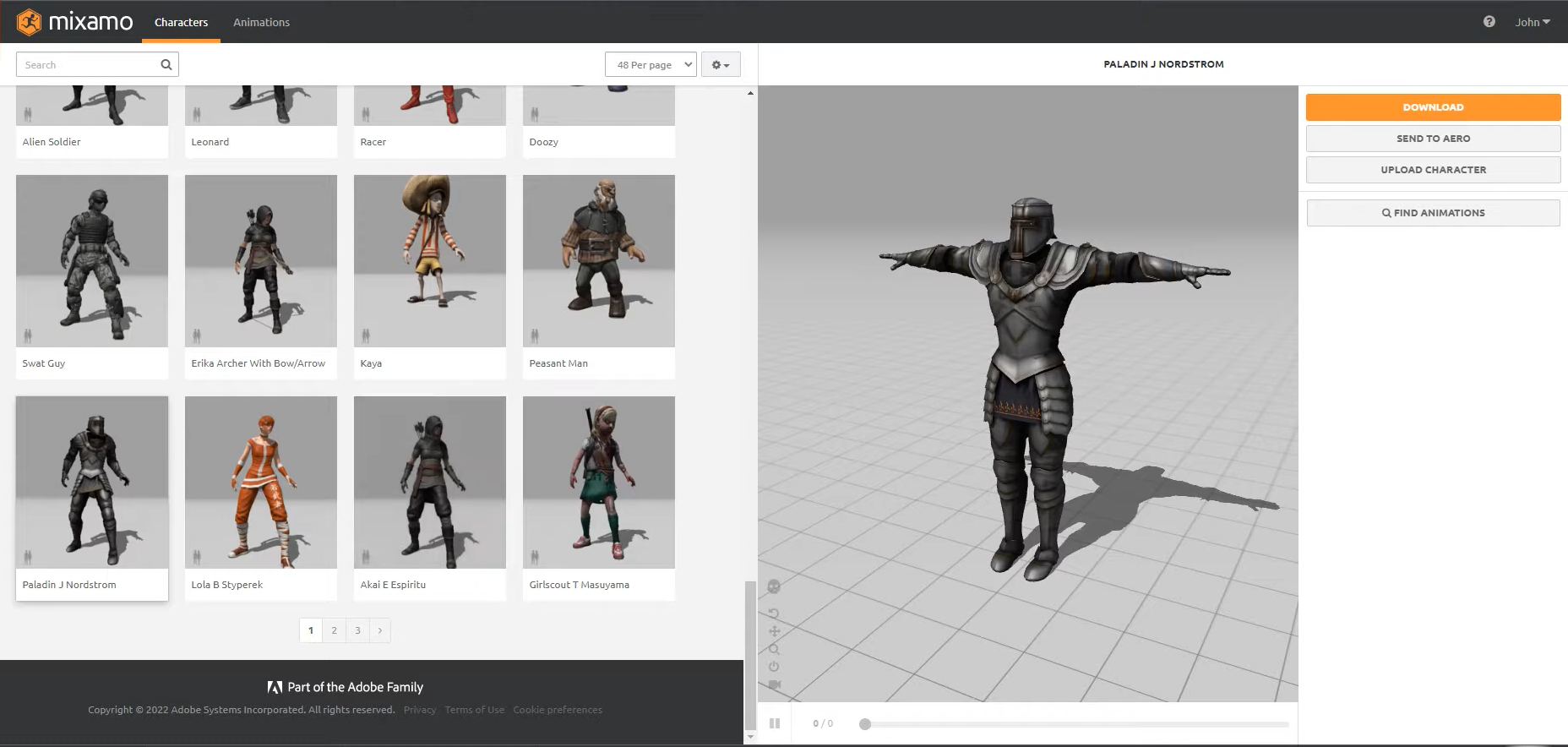
Mixamo is a web-based character rigging and animation service from Adobe. It simplifies the process of preparing compatible humanoid models with automatic rigging and a library of ready-made movements. This tool is especially useful for creators who need 3D character animation software features without building a complete rig manually.
Main features
Automatic character rigging: Places a compatible skeletal structure on supported humanoid models through an automated setup process.
Ready-made animation library: Offers movements such as walking, running, jumping, and other common character actions.
Animation preview and adjustment: Lets users preview selected movements and adjust available animation settings before export.
Character and motion export: Downloads compatible character models and animation data for use in supported 3D software and game engines.
Suitable for
Beginners who need animation without complex rigging.
Game developers who want quick character movement prototypes.
Students who are learning character animation workflows.
Creators who need ready-made humanoid motions for 3D scenes.
VRoid Studio
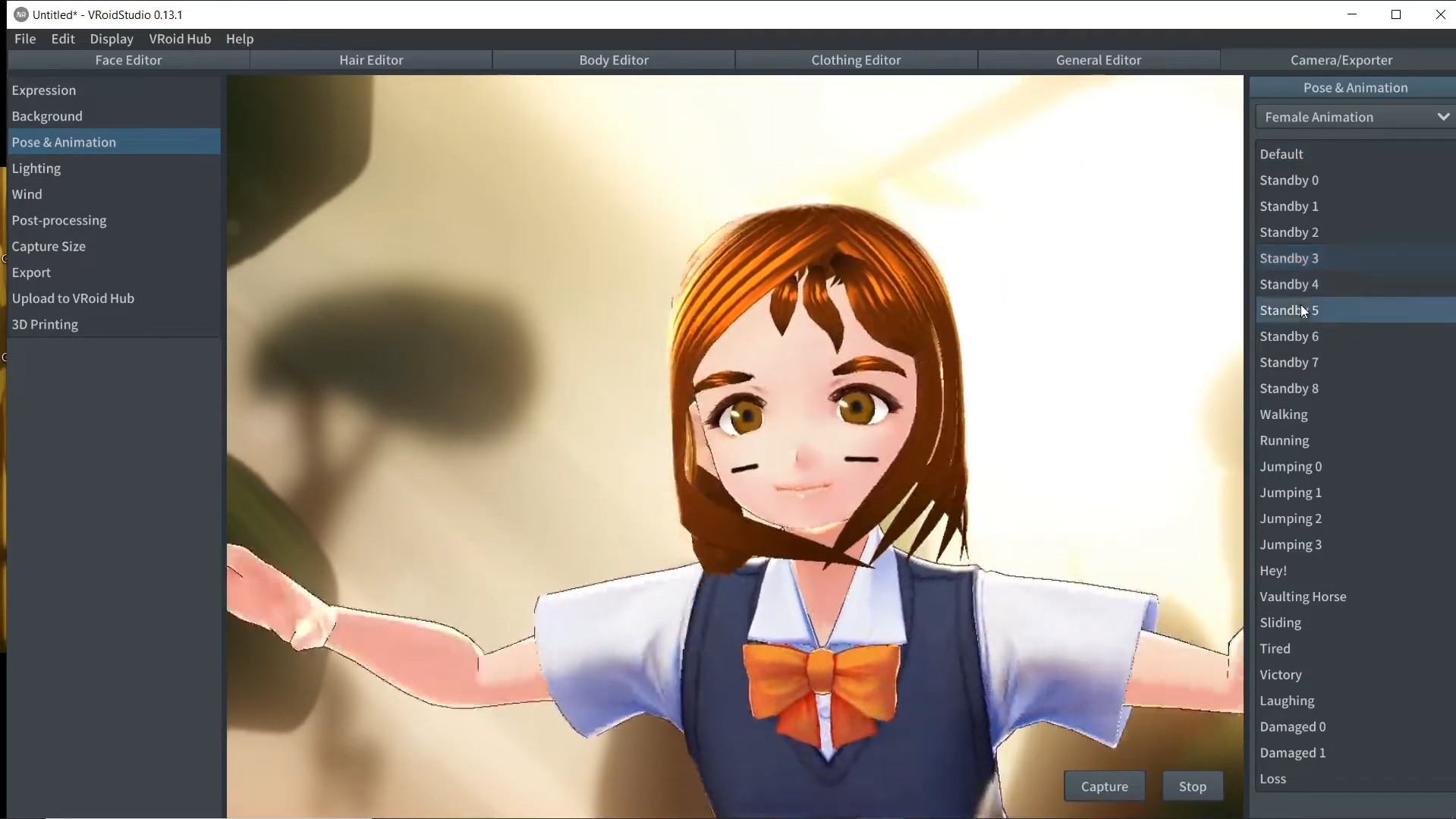
VRoid Studio is a free 3D character design program focused on anime-style avatars. It provides accessible controls for facial features, hairstyles, body proportions, and clothing. Its visual editing workflow makes it a practical choice for beginners, VTubers, and artists who want to create stylized 3D characters.
Main features
Anime-style face customization: Adjusts facial proportions, eyes, and other features to create distinctive anime characters.
Hair design tools: Builds and modifies hairstyles through dedicated editing controls.
Outfit and body customization: Changes clothing, proportions, and visual details to match the intended character style.
VRM character export: Exports avatars in the VRM format for compatible virtual streaming, animation, and 3D applications.
Suitable for
Beginners who want free character creation software.
VTubers who need personalized 3D avatars.
Artists who specialize in anime-inspired character design.
Creators who need stylized characters for virtual environments.
Daz Studio
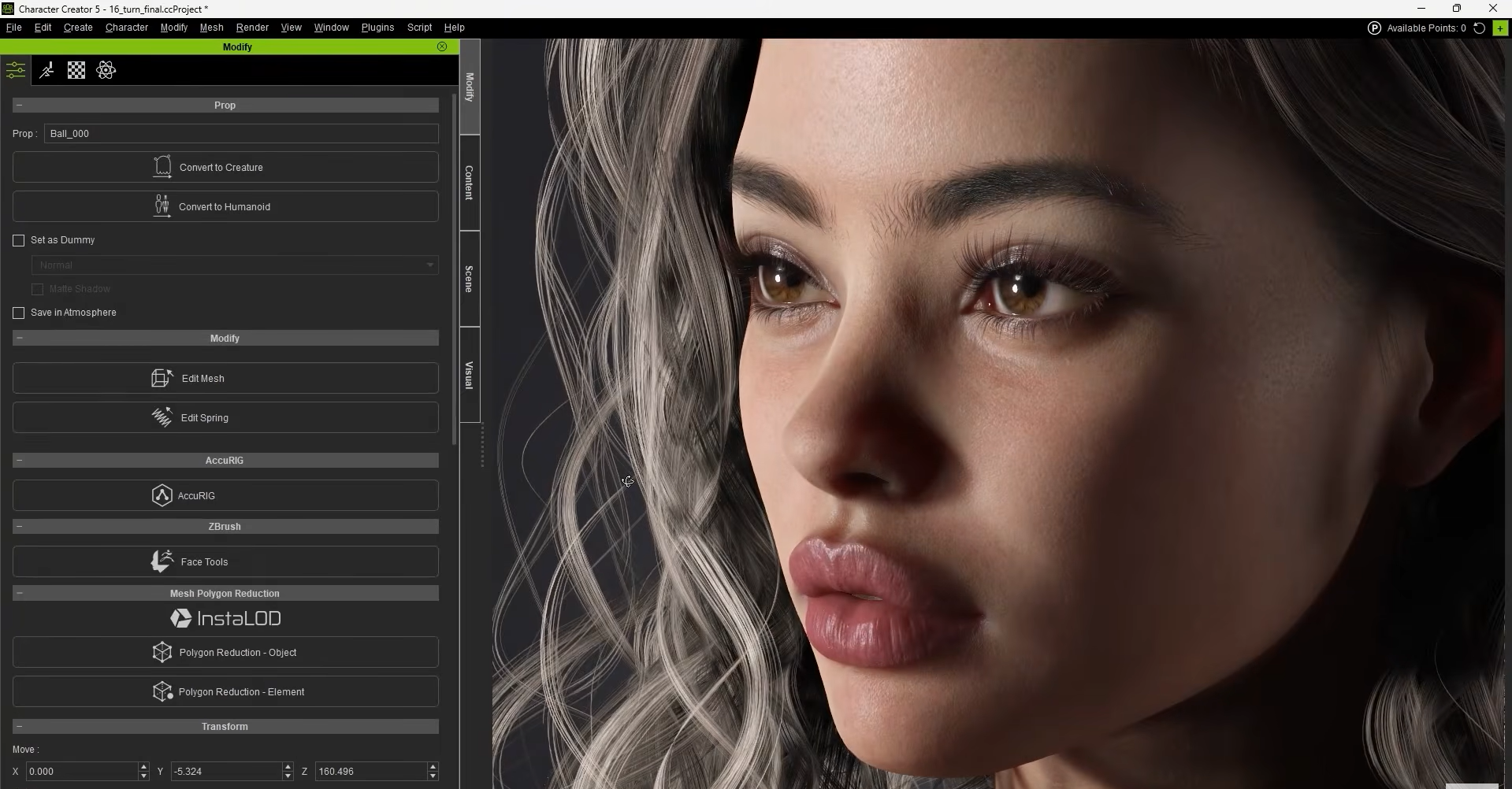
Daz Studio is a 3D character creation application built around customizable figures, morphs, clothing, posing, and rendering. This 3D character software lets users develop detailed human characters without modeling every component from scratch. It is particularly suitable for digital illustrations, character portraits, and visual storytelling.
Main features
Figure and morph customization: Adjusts body proportions, facial features, and other attributes to create distinct character appearances.
Clothing and accessory libraries: It adds outfits, hairstyles, props, and other elements to personalize character designs.
Pose and scene composition: Positions characters and arranges objects to build scenes for illustrations or visual narratives.
Lighting and rendering controls: Adjusts illumination, materials, and camera views to produce finished character images.
Suitable for
Beginners who prefer customizable figures to manual sculpting.
Digital artists who create character portraits and illustrations.
Storytellers who need characters for visual scenes.
Creators who want detailed character designs with a figure-based workflow.
How to choose the right 3D character creator
The best tool depends on your creative goals, technical skills, and intended use for the final model. Consider these factors to find the right 3D character creator for your project.
Define your character creation goals
Decide whether you need realistic humans, anime avatars, cartoon characters, or creatures for games and films. Some 3D character makers focus on quick generation, while other tools specialize in detailed sculpting or animation.
Consider your skill level
Beginners may prefer AI-powered tools and visual editors with simple controls. Experienced artists may benefit more from advanced 3D character modeling software with greater control over geometry, textures, and rigging.
Check the editing capabilities
Look for features that match your design requirements, such as facial customization, body shaping, clothing, texturing, and sculpting. If you plan to animate your character, check for rigging tools and support for movement adjustments.
Verify export formats and compatibility
Check whether the software supports formats such as FBX, OBJ, GLB, or VRM, depending on your intended workflow. The right format helps ensure your character works with compatible modeling applications, game engines, and animation tools.
Match the tool to your production workflow
Consider how the software fits into your process, from initial design to modeling, animation, and final rendering. For example, AI-based tools can speed up concept creation, while professional applications offer more detailed control over finished assets.
Conclusion
To sum up, choosing the right 3D character creator depends on your skills, budget, and creative goals. Some tools simplify character creation with AI, while others offer advanced modeling and animation features. Compare these options to find the best fit for your workflow. Kimi 3D Make is worth trying if you want to turn text prompts and reference images into 3D character concepts.