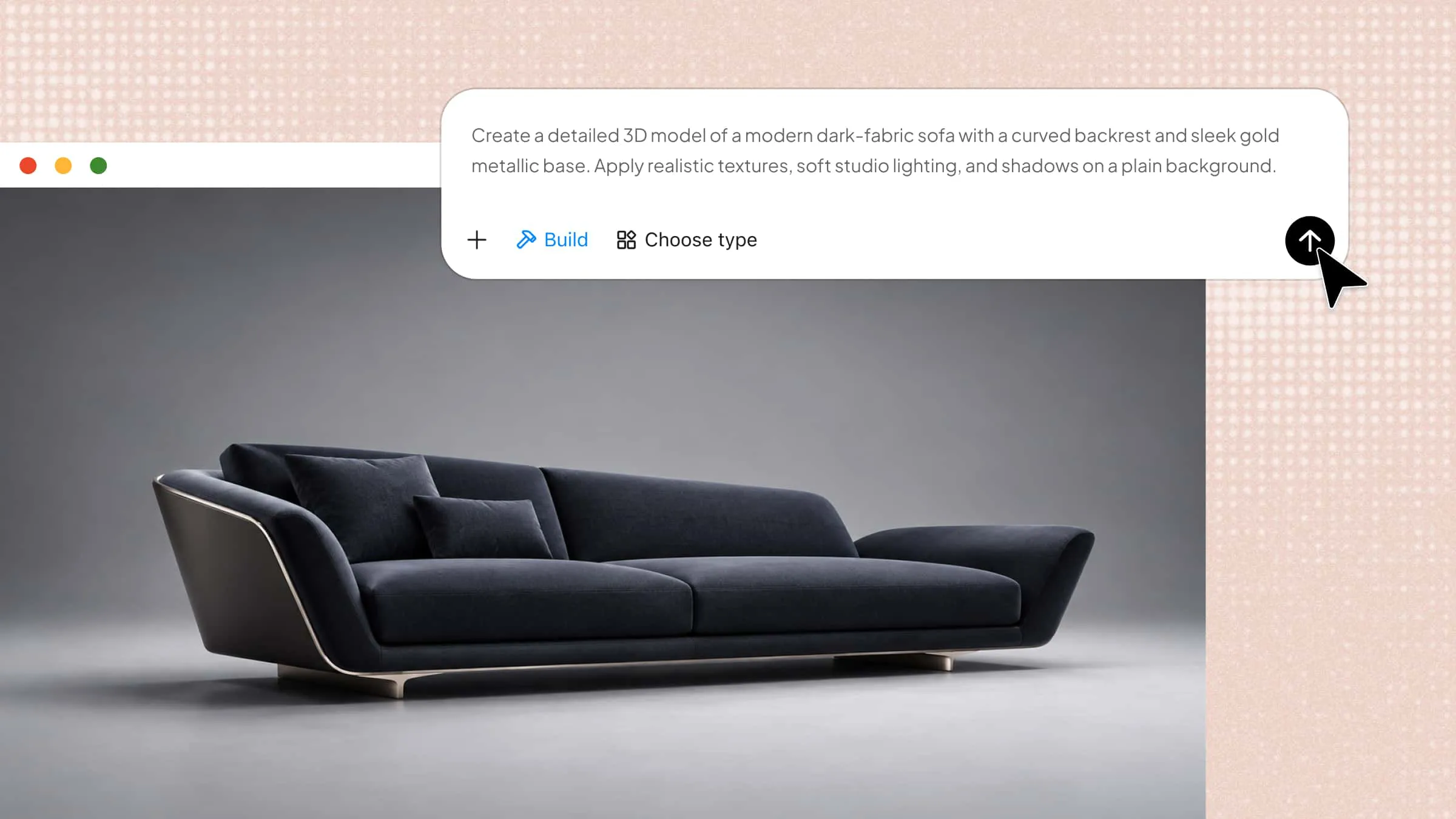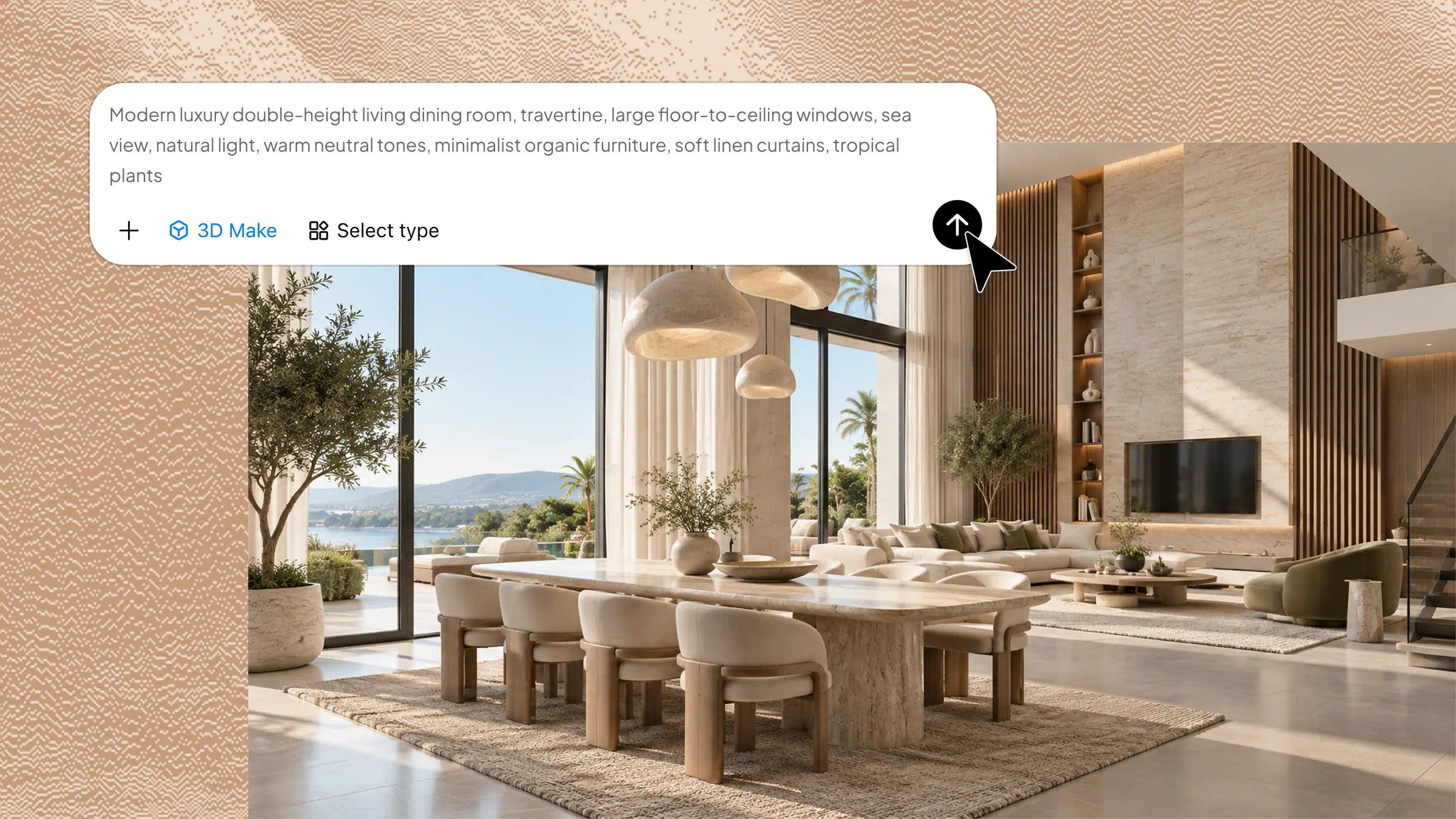
3D modeling is the process of creating digital objects with depth, shape, and size, making them look realistic or creative on screen. It is used in fields such as gaming, animation, architecture, product design, and film production. From simple shapes to detailed characters and buildings, different types of 3D modeling help turn ideas into digital designs. This article explains what 3D modeling is, how it works, its main types and uses, and the key steps involved in creating 3D models.
What 3D modeling is and where it is used
The definition of 3D modeling refers to creating digital objects that designers can edit and examine before production. In entertainment, artists use it to build characters, vehicles, movie scenes, and visual effects. Architects and engineers use these models to plan buildings, design machine parts, and test product ideas with greater accuracy. It also supports medical training, virtual experiences, product previews, and 3D printing, helping professionals improve designs and identify problems early.
Understanding the 3D modeling process: From concept to finished model
The 3D modeling process follows several steps to turn an initial idea into a finished digital model. Each stage plays an important role in shaping the design and improving its overall quality. Understanding these steps helps beginners learn how digital models are created and prepared for different purposes.
The process starts with sketches, photos, or measurements that guide the design. Designers create the basic shape using specialized software, then refine its size, structure, and fine details. Next, they add colors, materials, and textures when needed to improve its appearance. Finally, the model is checked and exported for its intended use, such as games, animation, product design, or 3D printing.
Overview of the main types of 3D modeling
3D modeling includes different types, each designed for specific needs, design styles, and levels of detail. The following sections explore the main types, their key features, and common uses to help you understand which method suits different projects.
| 3D modeling types | Key content | Common uses | Suitable for |
|---|---|---|---|
| Polygonal modeling | Vertices, edges, faces, and mesh structures | Game development, animation, and visual effects | Characters, props, and virtual environments |
| Solid modeling | Volume, dimensions, and complete object geometry | Engineering, manufacturing, and product testing | Machine parts and mechanical products |
| Surface modeling | Smooth curves, detailed surfaces, and complex outer shapes | Automotive design, aerospace, and industrial design | Cars, aircraft, and consumer products |
| Digital sculpting | Fine details, textures, and organic shapes | Character creation, animation, and visual effects | Creatures, faces, and artistic models |
| Procedural modeling | Rules, algorithms, and repeated patterns | Game development, film production, and environment design | Landscapes, buildings, and complex environments |
| CAD and NURBS modeling | Precise measurements, mathematical curves, and smooth surfaces | Technical design, product development, and manufacturing | Furniture, industrial parts, and engineered products |
Explore 6 types of 3D modeling
Choosing the right 3D modeling type helps you create designs that match your project needs. Each method has its own features and uses, from building game characters to designing machine parts. Here are six common types of 3D modeling worth exploring.
Polygonal modeling
Polygonal modeling builds 3D objects by connecting points, lines, and flat surfaces called polygons. Artists reshape these parts to create anything from simple objects to detailed characters. This technique is widely used in video games, animated films, and character design, with Blender, Autodesk Maya, and 3ds Max among its popular tools.
Solid modeling
Unlike surface-based methods, solid modeling creates complete objects with defined volume, dimensions, and enclosed shapes. Designers can combine basic forms, add parts, or remove sections to develop complex products with accurate measurements. SolidWorks, Fusion 360, and FreeCAD are commonly used to design machine parts, engineering components, and products for 3D printing.
Surface modeling
Smooth curves and carefully shaped outer surfaces are the main focus of surface modeling. By adjusting and joining surfaces, designers create clean finishes and complex shapes that are difficult to build with simple forms. This approach is especially useful for car bodies, aircraft parts, and consumer products, using tools such as CATIA, Autodesk Maya, and Fusion 360.
Digital sculpting
Digital sculpting enables artists to shape 3D objects just like working with clay. They use virtual brushes to stretch, smooth, reshape, and add fine details to make models look natural and realistic. Common 3D modeling examples include human faces, animals, and fantasy creatures created for films and video games using tools such as ZBrush and Blender.
Procedural modeling
Rather than building every detail manually, procedural modeling generates shapes by following computer rules and instructions. Changing a few settings can create multiple versions of an object or an entire environment in much less time. It is particularly useful for generating forests, city layouts, and large landscapes, with Houdini, Blender, and Grasshopper for Rhino providing tools for this process.
CAD and NURBS modeling
Precision is essential in CAD modeling, where designers create technical plans with exact measurements. NURBS uses mathematical curves to form smooth surfaces and rounded shapes, making it suitable for product design. These methods are valuable in engineering, furniture design, automotive development, and manufacturing, with software such as AutoCAD, SolidWorks, Rhino, and Fusion 360 supporting workflows.
Explore beginner-friendly 3D modeling with AI
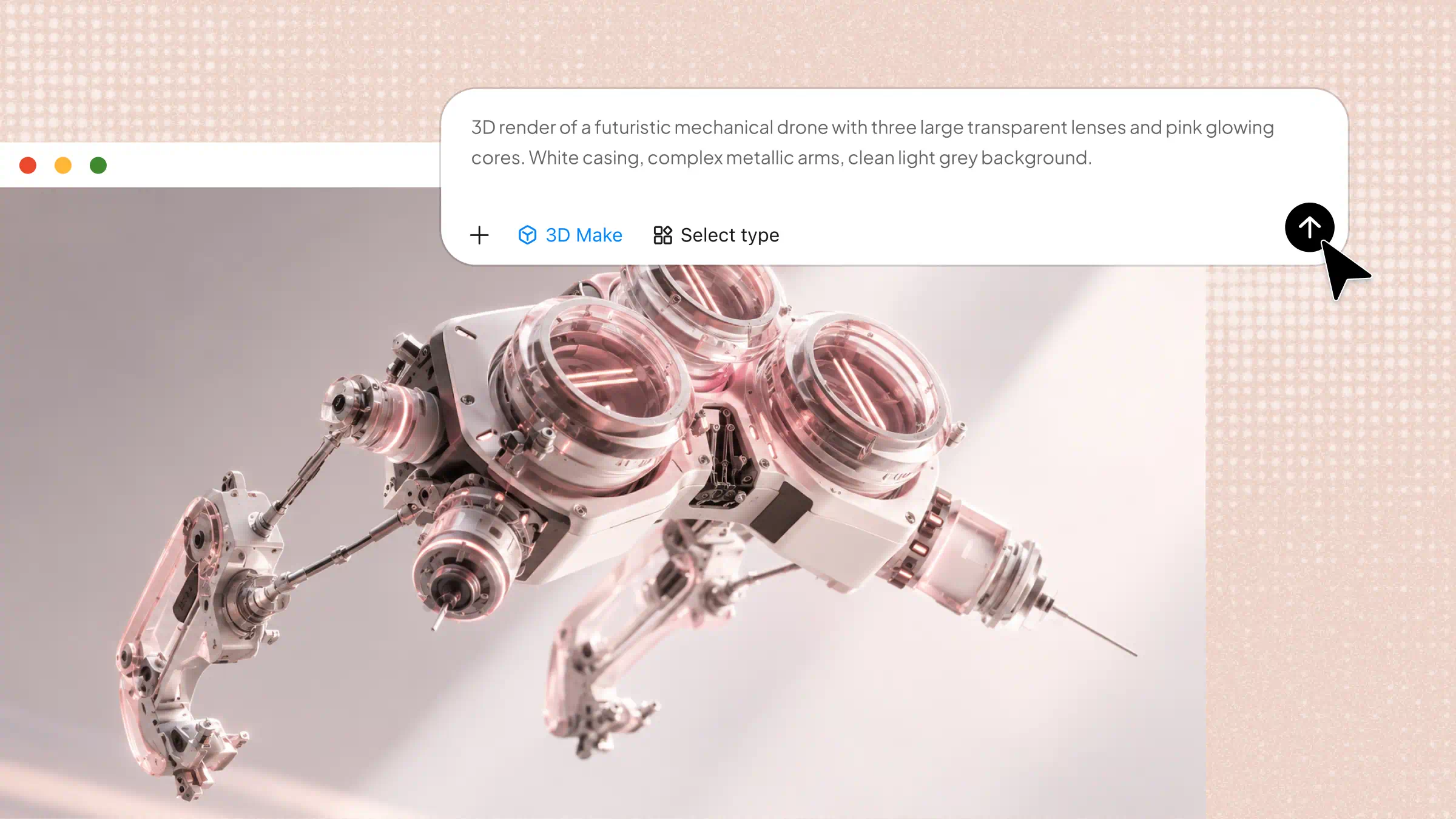
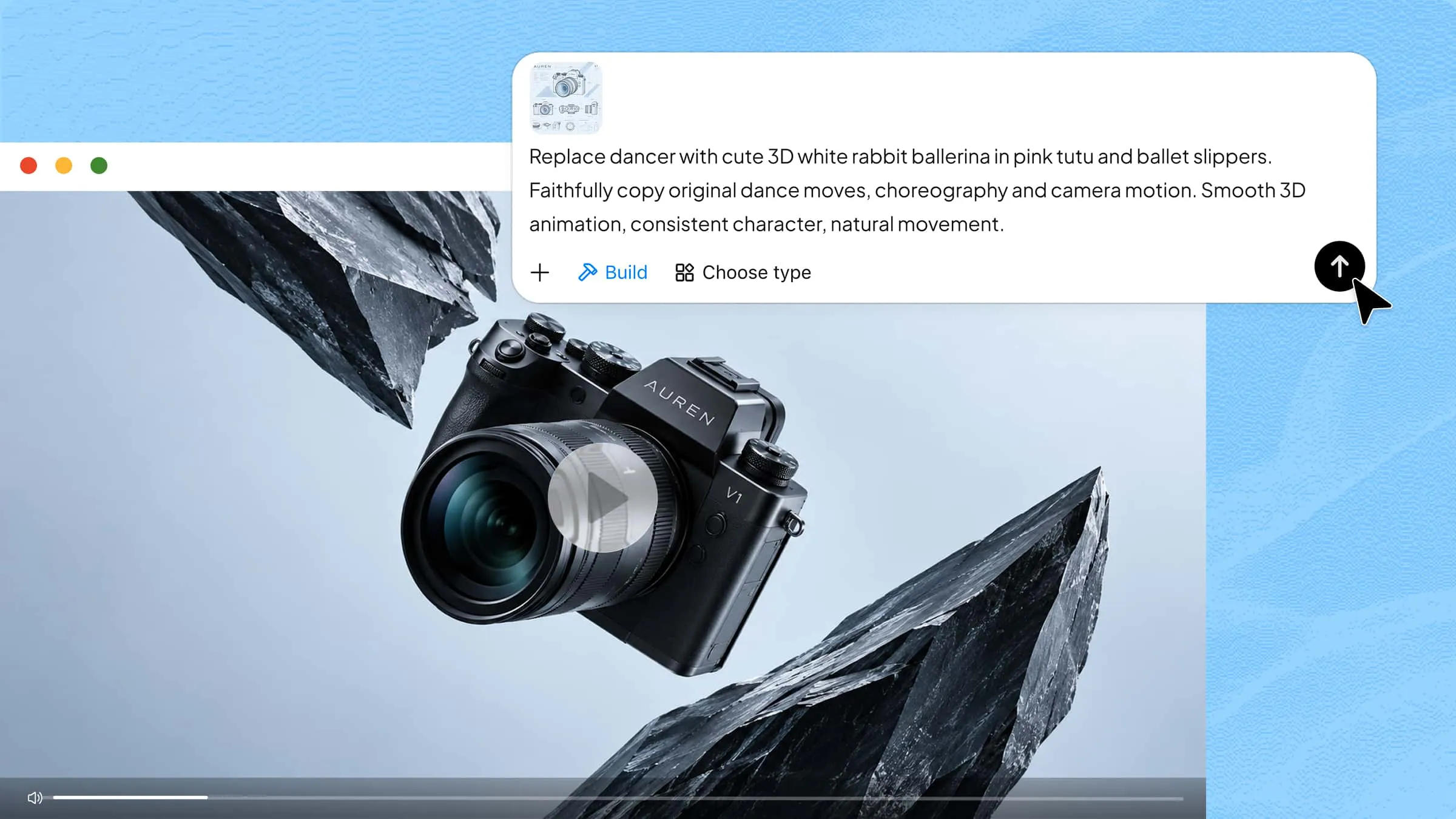
Kimi 3D Make is an AI-powered tool that helps beginners explore 3D modeling and create interactive digital experiences. Turn simple ideas into 3D scenes, objects, and game environments using natural-language prompts. Its AI-assisted features make it easier to experiment with shapes, animations, and visual elements without advanced modeling skills. Users can refine their creations and test different concepts directly in the browser.
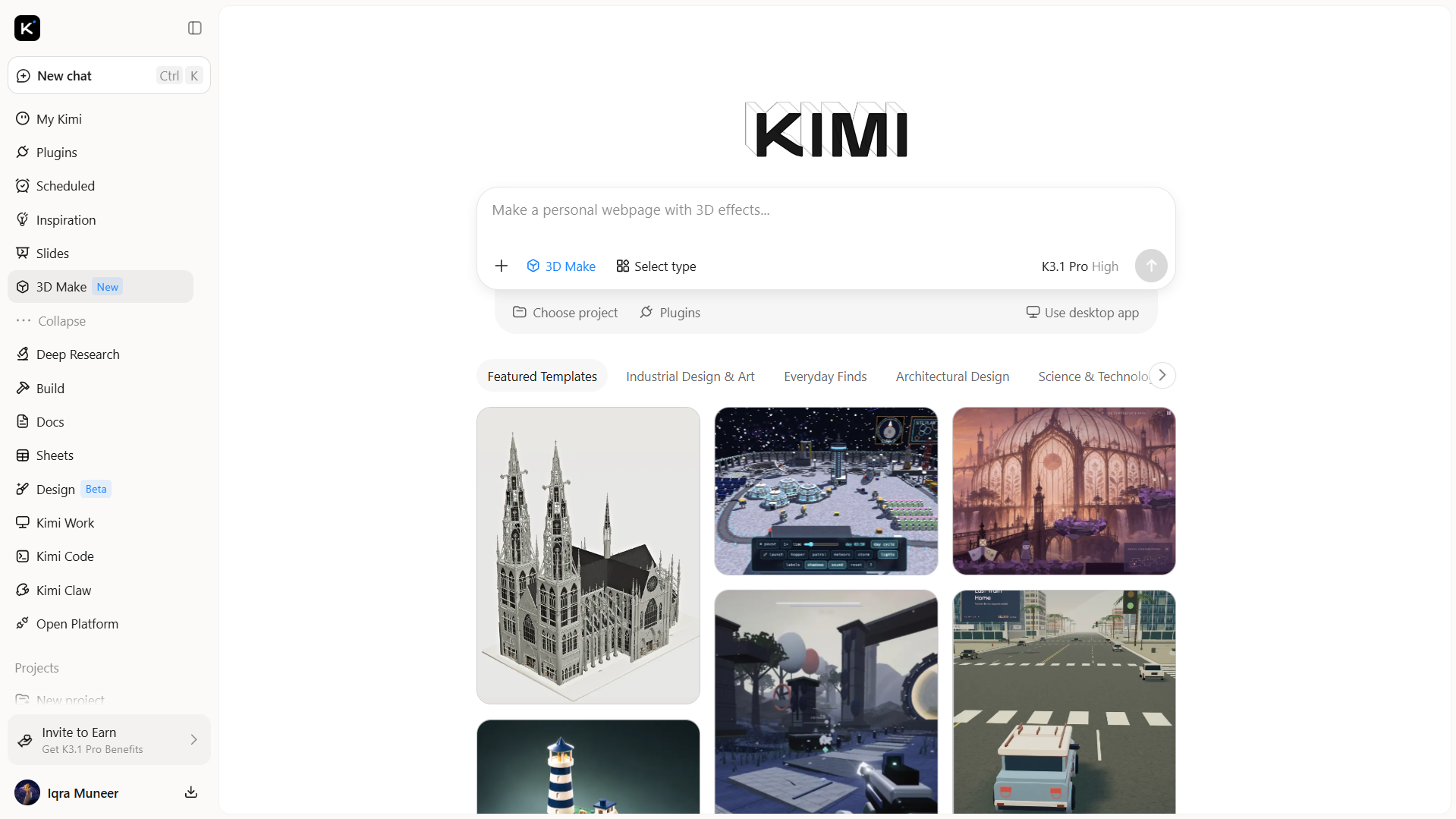
Key features of Kimi 3D Make
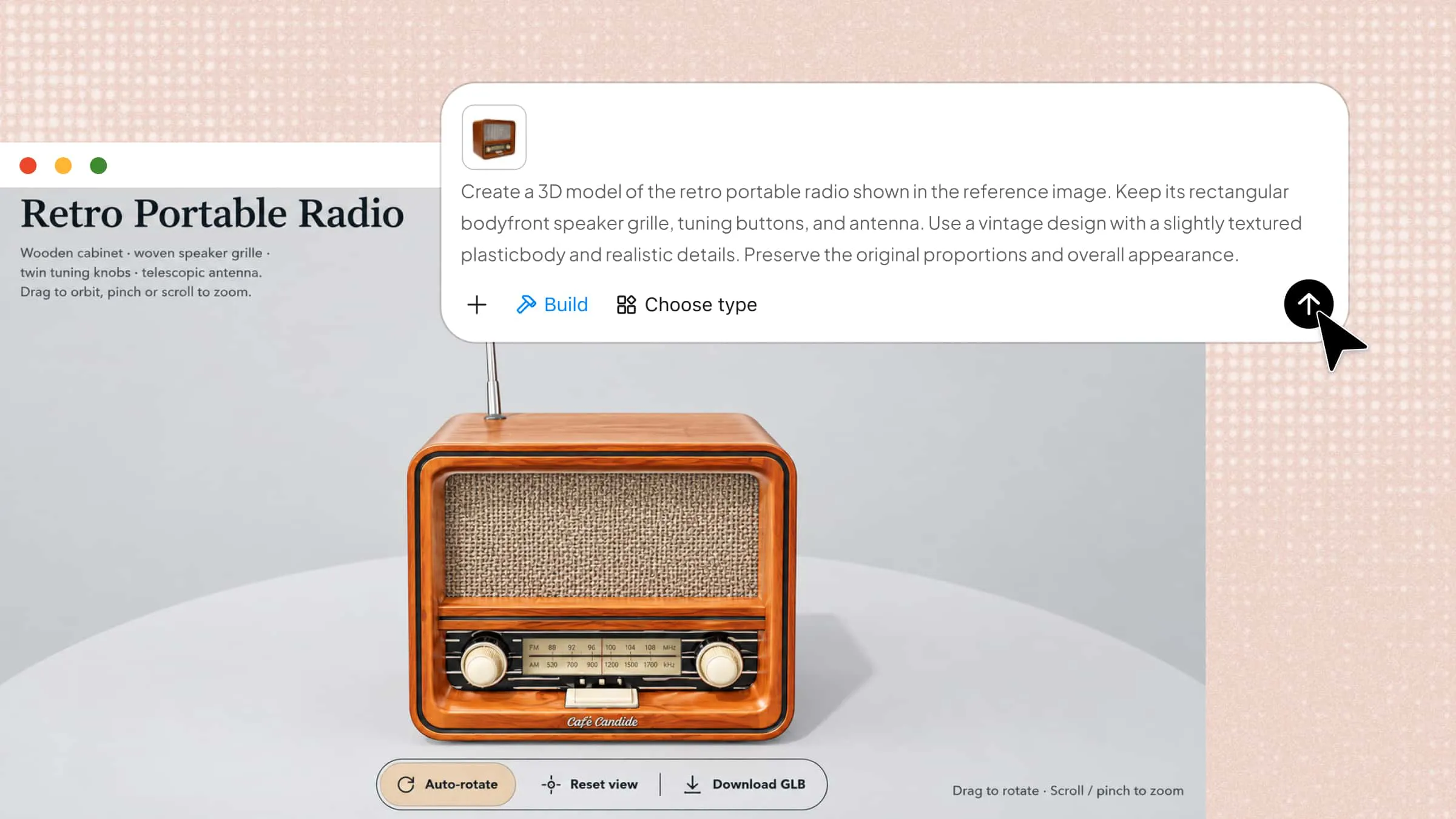
Turn ideas into 3D models: Transform text prompts and visual references into 3D models with Kimi 3D Make. Use reference images to guide shapes, proportions, and stylistic details, creating assets for product visualization, digital environments, and creative projects.
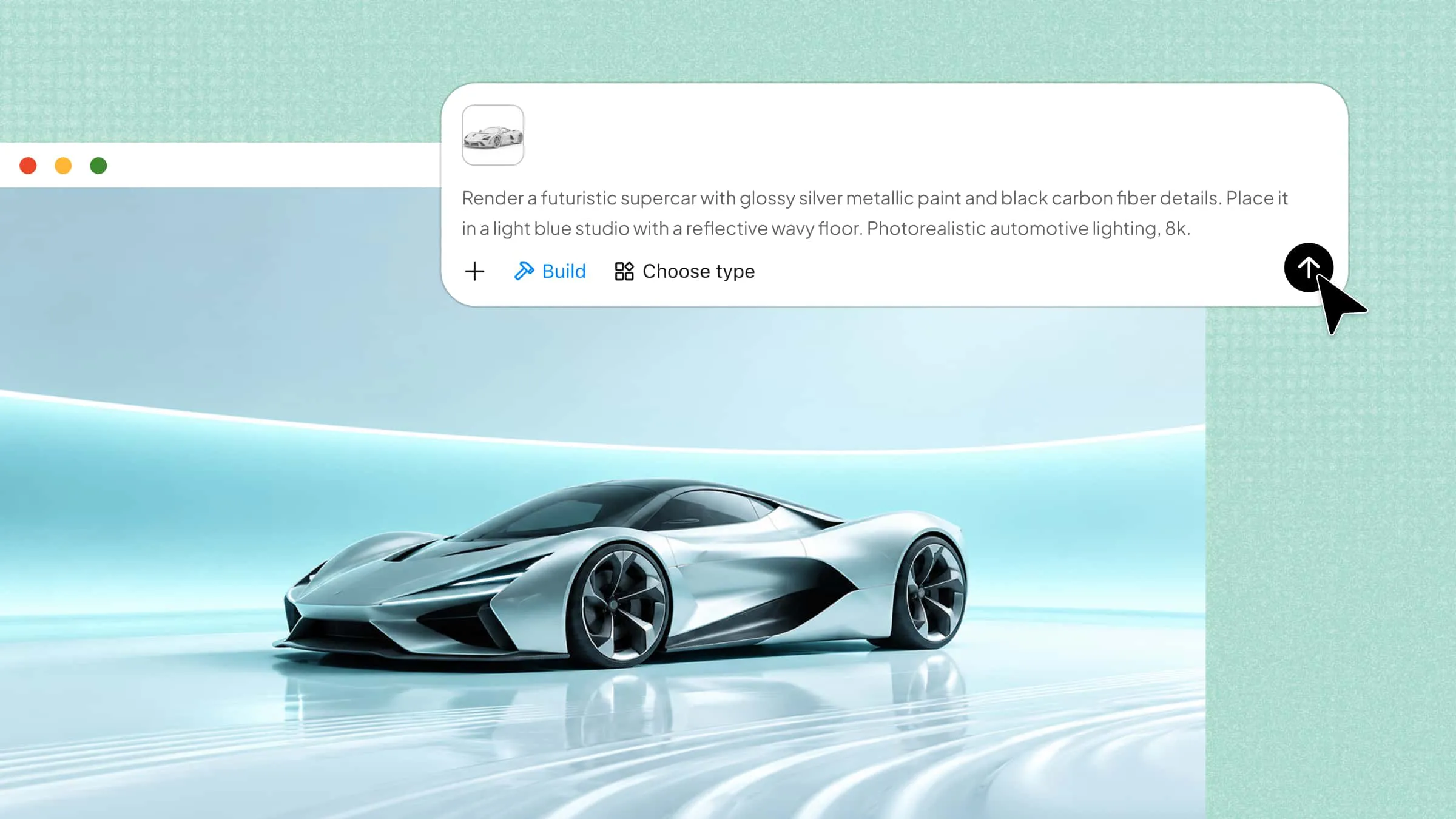
Add textures and surface details: Enhance 3D models with colors, textures, and material details to define their visual appearance. Create more polished assets for product concepts, digital scenes, and presentations.
Refine models through flexible editing: Describe changes in chat, comment on specific elements for targeted adjustments, or edit details manually. Iterate on shapes, components, and overall designs to bring your 3D modeling ideas closer to your intended result.
Export models for different workflows: Export 3D models in formats such as GLB and BLEND for use in compatible 3D software and creative projects. For 3D printing, export your models in 3MF or STL formats to prepare them for printing workflows. Choose the appropriate format based on your next steps, whether you plan to continue editing, integrate assets into a scene, or produce physical objects.
What is 3D modeling used for
From designing realistic characters to developing products and buildings, 3D modeling serves many creative and practical purposes. It helps turn ideas into detailed digital objects for different industries and projects. Here are the common uses of online 3D modeling across various fields.
Video games and animation
Game developers build interactive settings, playable characters, and objects that respond to user actions. Animators shape digital figures to express emotions, perform movements, and tell stories. These elements help create immersive experiences for players and viewers.
Film and visual effects
Digital models help directors bring imaginary worlds and impossible scenes to the screen. Effects artists use them to create creatures, vehicles, and complex backgrounds that blend with recorded footage. This expands creative possibilities without relying entirely on physical sets or props.
Architecture and interior design
Building models allow architects to examine a project's structure before construction begins. Designers can experiment with room arrangements, furniture placement, and lighting to find suitable combinations. Clients gain a clearer idea of the finished space before making decisions.
Product design and e-commerce
Virtual prototypes let designers test shapes, styles, and features during product development. Retailers can display interactive product views or realistic images on their websites. Shoppers can examine an item's appearance before deciding whether to buy it.
Manufacturing and 3D printing
Engineers prepare digital plans for components, tools, and machine parts. These designs guide production equipment or serve as blueprints for creating physical objects layer by layer. Early testing can reveal fitting problems and help limit costly production errors.
Healthcare, education, and simulation
Medical teams can examine body structures and prepare for procedures using digital representations. In classrooms, visual models help explain difficult topics through interactive examples. Training simulations let learners practice technical skills in a controlled setting.
How to start 3D modeling with AI
Getting started with 3D modeling using AI is easier when you have the right tools and a clear idea of what you want to create. AI can help turn simple prompts or reference images into digital models while reducing the need for manual work. Let's explore the steps to create your 3D model online with AI.
Step 1: Define your 3D modeling idea
Start by deciding what you want to create using Kimi 3D Make, such as a character, product, building, or game environment. Consider the model's shape, style, colors, and purpose to help the AI understand your vision.
Step 2: Upload reference images and write a detailed prompt
Upload a reference image if available, then describe the model’s appearance, materials, dimensions, and visual style in a clear prompt. Specific instructions help the Kimi 3D Make tool generate a result that better matches your idea.
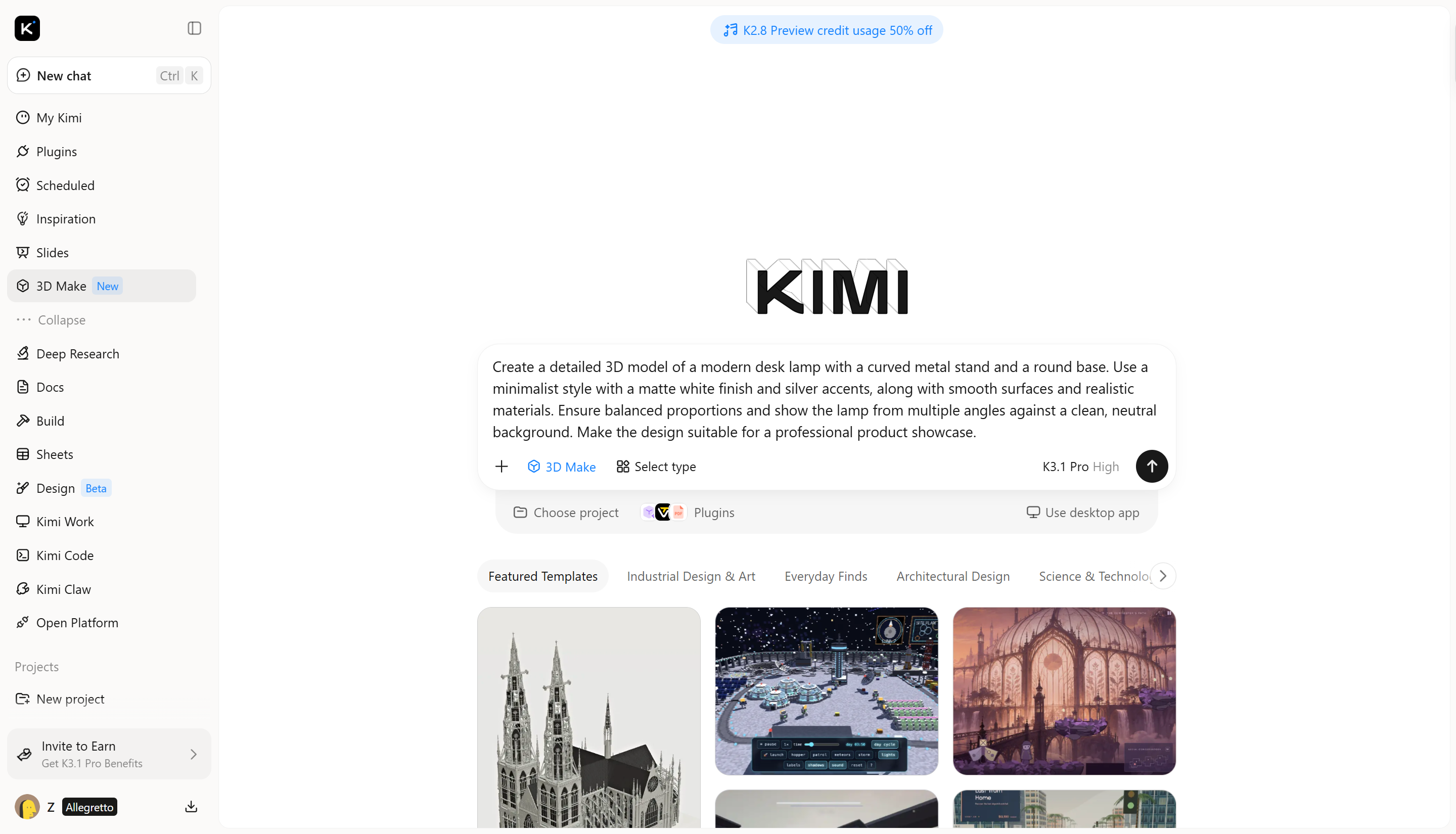
Step 3: Refine the model and details
Review the generated 3D model to check whether its shape, proportions, and appearance match your original idea. Use Kimi 3D Make to adjust colors, textures, materials, and other visual features. Modify specific parts or add finer details to improve the design until it meets your requirements.
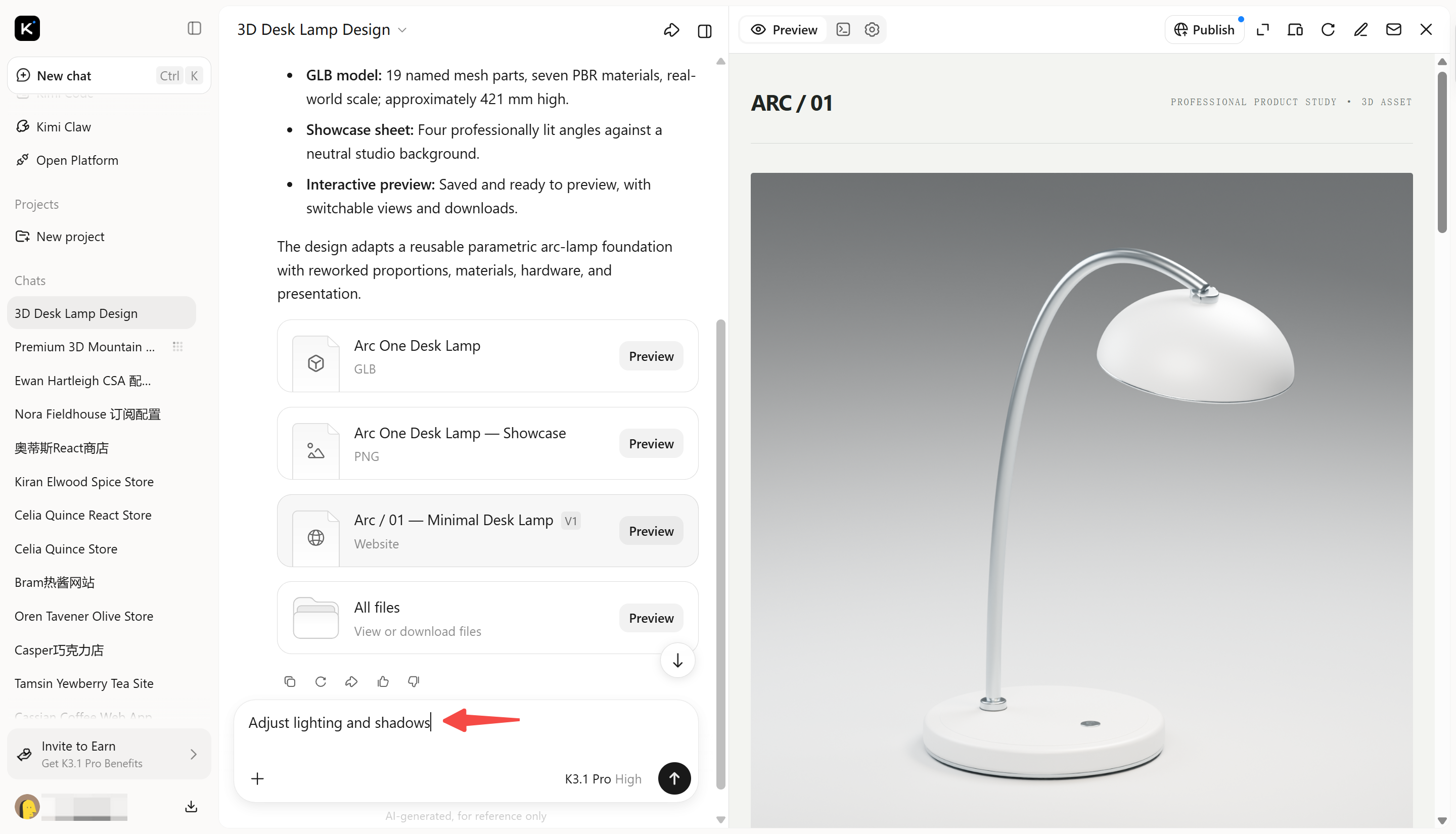
Step 4: Export your 3D model
Once the design is ready, select a suitable file format based on your intended use. Export the finished model for further editing or use in websites, animation, or 3D printing.
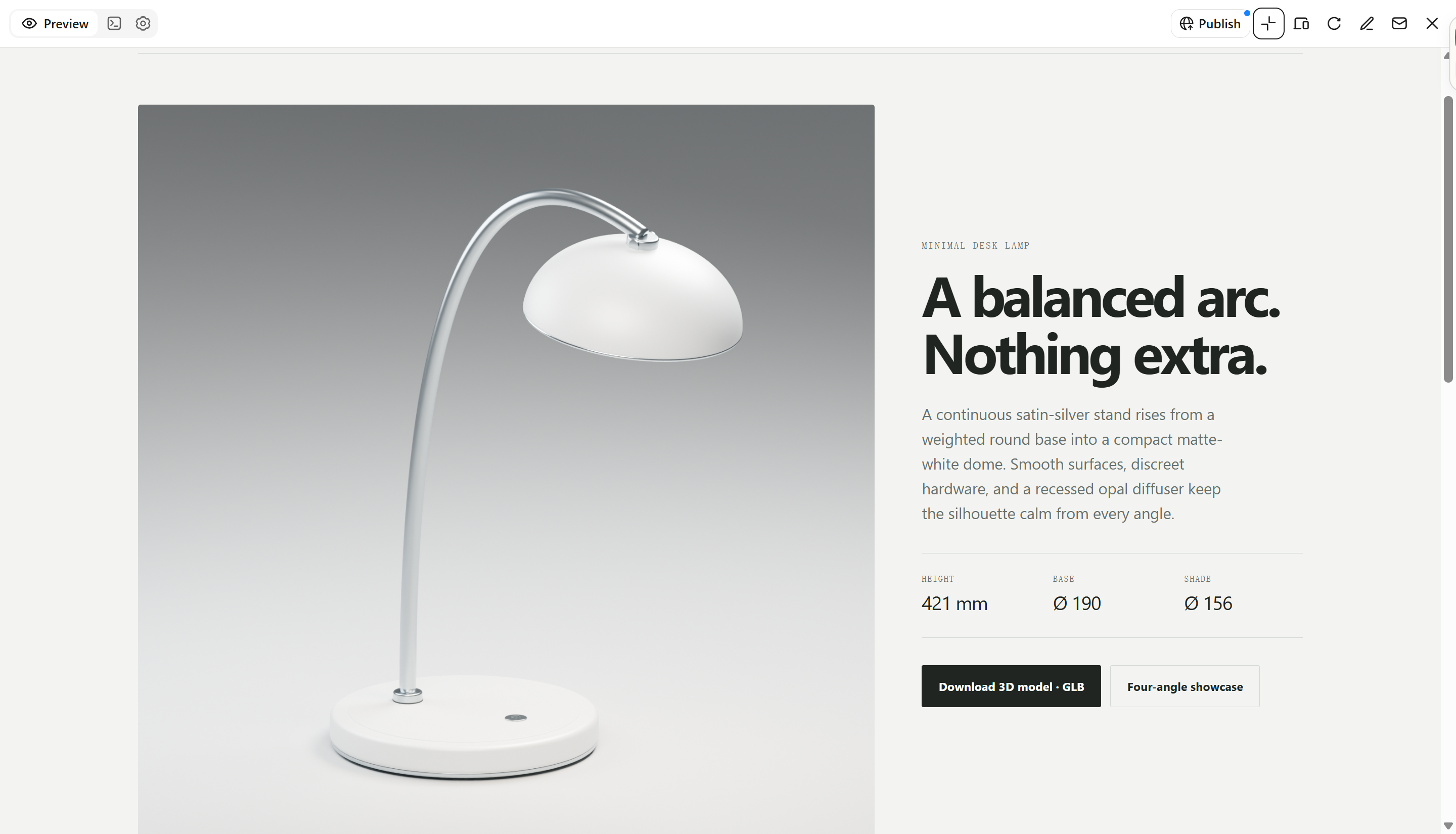
Helpful tips for creating 3D models
Understanding the definition of a 3D model helps beginners learn how digital objects are created and refined. Choosing suitable tools and following practical design techniques can improve a model's appearance, detail, and overall quality. Here are some helpful tips for creating better 3D models with AI.
Start with simple shapes
Begin with basic forms such as cubes, spheres, and cylinders. Combine and adjust them to build the main structure before adding small details. A simple starting point makes the modeling process easier for beginners to understand and follow.
Use reference images for accuracy
Keep clear images nearby to guide the model's shape, size, and design. Compare your work with the references to identify missing features or incorrect details. Visual guidance helps you achieve a result closer to your original idea.
Keep your model clean and organized
Arrange different parts neatly and give each component a clear name. Remove unwanted elements to keep the design easy to edit. An organized structure saves time when making changes or preparing the model for other projects.
Check proportions from every angle
Rotate the model to inspect its shape from the front, sides, and back. Look for uneven parts, incorrect sizes, or features that seem out of place. Reviewing multiple views helps maintain a balanced and natural appearance.
Add textures and lighting last
Focus on shaping the object before applying colors, materials, and surface details. Once the structure is complete, use suitable lighting to highlight important features. Following this order helps create a polished result without overlooking basic design issues.
Save versions as you work
Save your project after completing important changes to protect your progress. Keep earlier versions so you can restore a previous design whenever needed. Regular backups reduce the risk of losing work and make comparing ideas easier.
Conclusion
In conclusion, 3D modeling turns ideas into digital objects for various purposes, from entertainment and product design to engineering and education. Understanding its types, uses, and basic processes helps you choose the right approach for your project. If you want an easy way to explore 3D modeling online with AI, Kimi 3D Make provides a beginner-friendly starting point. Describe your idea, generate a model, and refine the results to bring your vision to life.