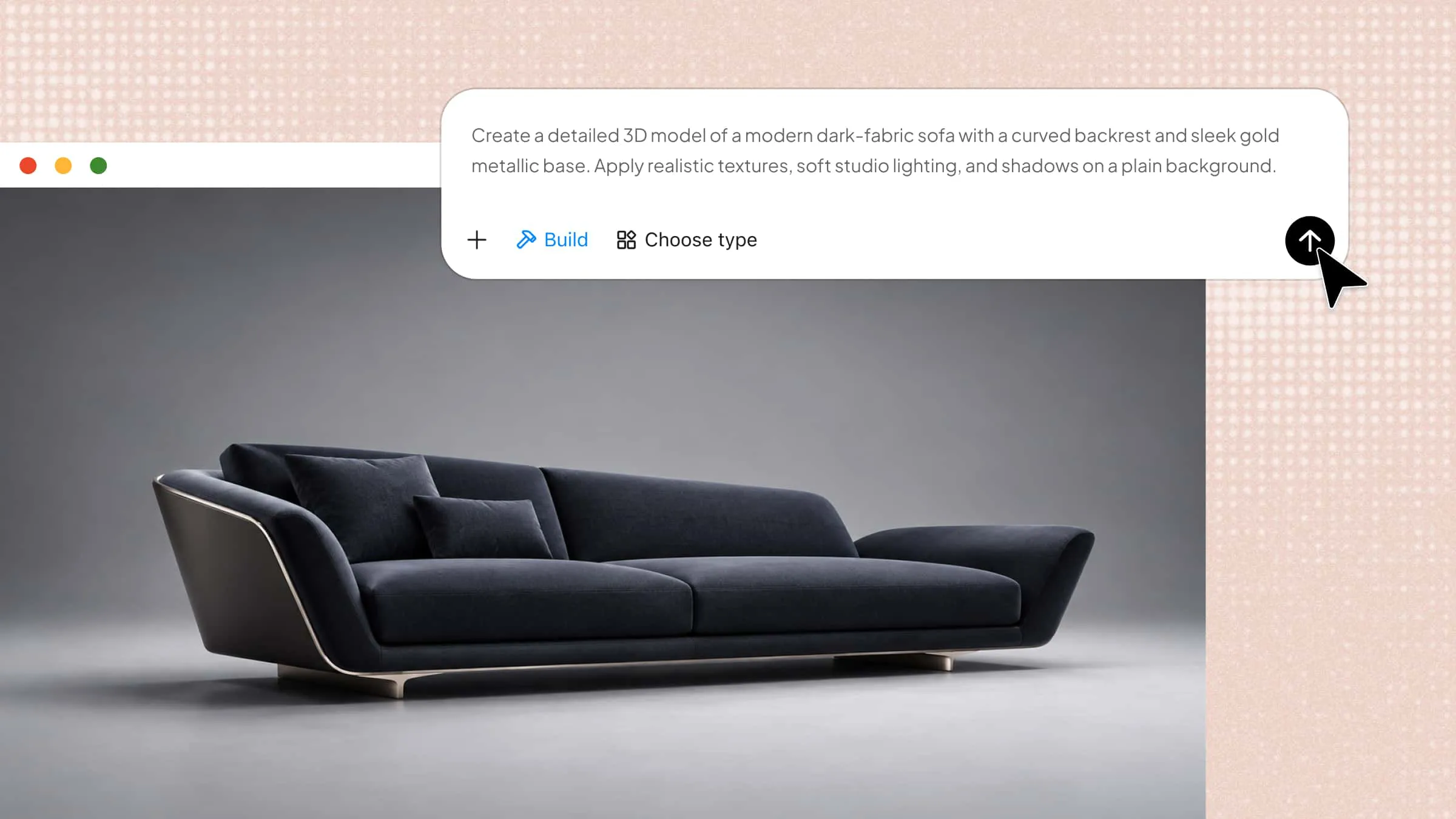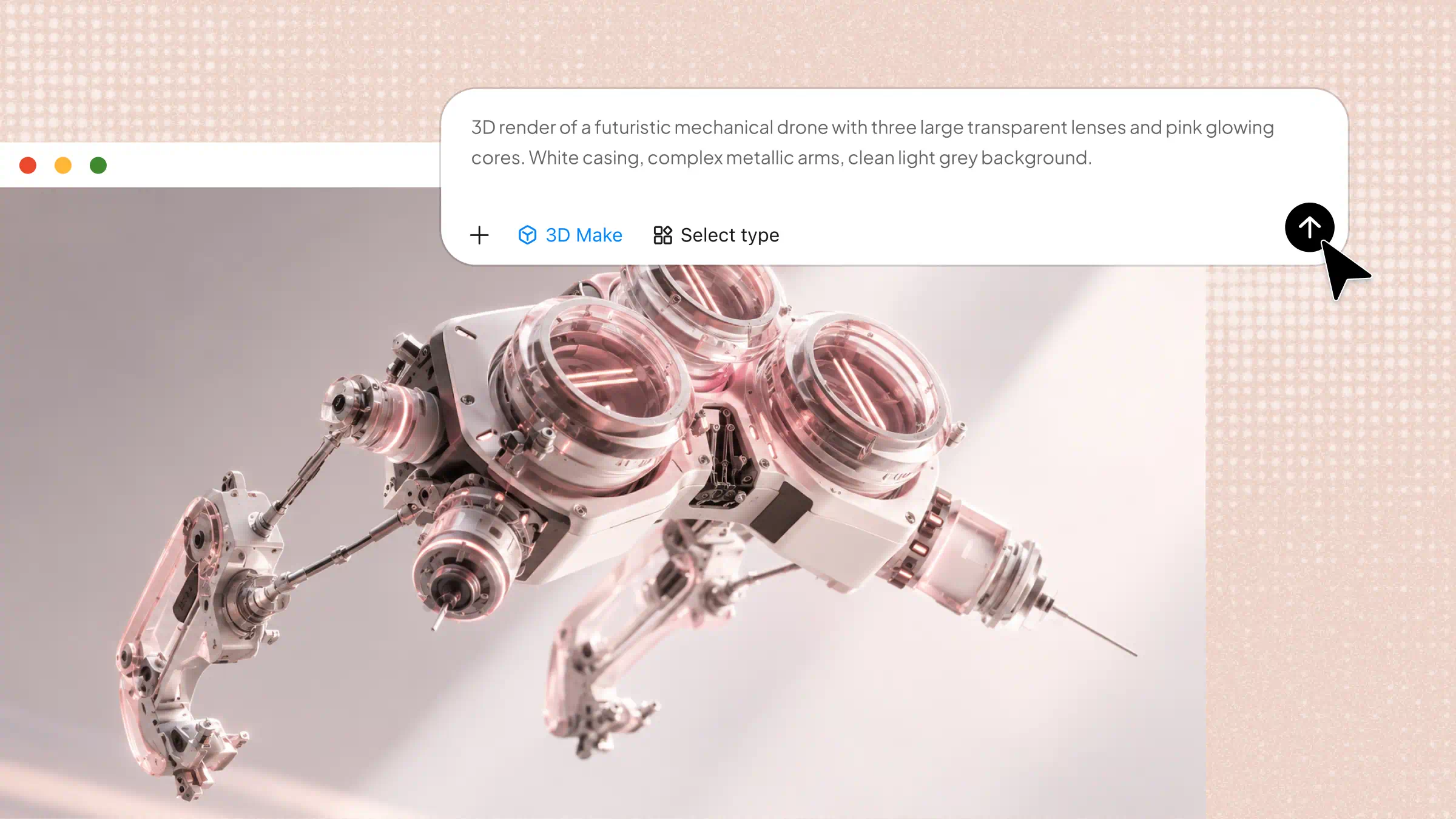
3D product modeling can be challenging for beginners who want to create realistic digital designs without advanced technical skills. Understanding the right tools, techniques, and workflow can make the process much easier. This guide explains 3D product modeling step by step, from choosing software and creating your first model to refining details and preparing designs for use.
What is 3D product modeling
3D modeling for product design is the process of creating a three-dimensional digital version of a product using specialized software. It allows designers to define an object's shape, size, structure, and details before manufacturing begins. These digital models help visualize ideas, explore design changes, and identify potential issues early. They can also be used to create realistic images for presentations, marketing, and product development.
Overview of main types of 3D product visuals
Each type of 3D product modeling visual highlights a different aspect of a design, such as its appearance, functionality, or internal structure. The following table compares their key features, benefits, and common applications to help you choose the right format.
| Type of 3D product visual | What it shows | Main benefit | Common applications | Example |
|---|---|---|---|---|
| 3D product prototypes | Basic shape, dimensions, and structure | Helps evaluate ideas before manufacturing | Product development and design testing | A preliminary smartphone model |
| Photorealistic product renders | Realistic materials, textures, lighting, and colors | Presents a product before a physical sample exists | E-commerce, advertising, and catalogs | A realistic perfume bottle image |
| Lifestyle product visuals | Products in realistic environments | Helps customers imagine using the product | Marketing campaigns and social media | A sofa displayed in a modern living room |
| Exploded view and cutaway renders | Internal parts and component arrangements | Explains how a product is assembled or works | Technical documentation and presentations | An exploded view of a coffee machine |
| 360-degree interactive product views | Multiple angles of a rotatable 3D model | Lets customers inspect products interactively | Online stores and product pages | A rotating sneaker model |
| Animated product demonstrations | Movement, operation, or assembly processes | Makes complex features easier to understand | Promotional videos and tutorials | An animation showing how a blender works |
Explore 6 types of 3D products
Different types of 3D product modeling visuals help designers present ideas, demonstrate functionality, and showcase products to potential customers. Each type serves a specific purpose, depending on the product and the intended audience.
3D product prototypes
3D product prototypes help designers explore a product's shape, dimensions, and structure before manufacturing begins. They make it easier to test ideas, identify design issues, and refine features early in development. For example, a designer can create a preliminary model of a smartwatch before producing a physical sample.
Photorealistic product renders
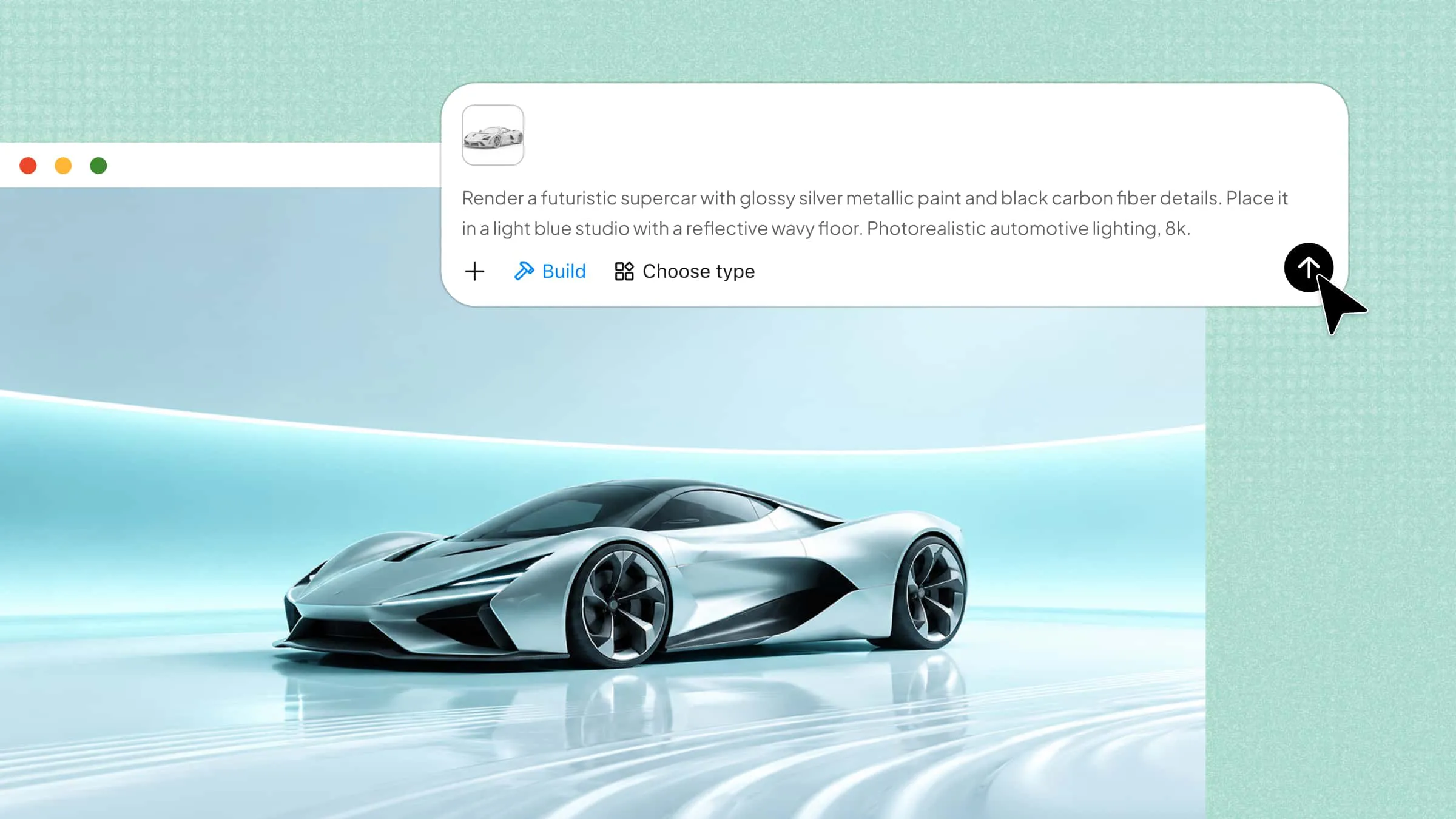
Photorealistic renders use detailed textures, materials, lighting, and shadows to make digital products look realistic. This form of 3D product rendering allows businesses to showcase products before physical samples are available. These visuals are widely used in e-commerce listings, advertisements, catalogs, and product presentations.
Lifestyle product visuals
Lifestyle visuals place products in realistic settings to show how they fit into everyday life. For example, a 3D model of a coffee machine might appear on a kitchen counter surrounded by other household items. This approach to 3D product visualization helps customers understand the product's appearance, context, and practical use.
Exploded view and cutaway renders
Exploded views separate a product's components to show how individual parts fit together, while cutaway renders reveal internal structures without displaying the entire exterior. These visuals make complex designs easier to understand. They are particularly useful for technical documentation, product demonstrations, and engineering presentations.
360-degree interactive product views
These visuals allow users to rotate a digital product and inspect it from different angles. Customers can examine details that may not be visible in standard product images, such as the back, sides, or bottom. This format is especially useful for online stores that want to provide a more interactive shopping experience.
Animated product demonstrations
Animated demonstrations show how a product moves, operates, or is assembled through a sequence of frames. Designers can use animation to explain features that static images cannot communicate clearly. For example, an animated blender model can demonstrate how its components work together during operation.
What are 3D products used for
3D products have many practical applications across design, manufacturing, and marketing. They help businesses present product ideas clearly, improve customer experiences, and evaluate designs before investing in physical production.
E-commerce product listings
Businesses use 3D product visualization to display products from different angles without relying entirely on physical photography. Realistic digital models help customers examine shapes, colors, textures, and details before purchasing. Interactive views can also make online shopping more engaging.
Product marketing and advertising
3D visuals help brands create attractive product images, promotional videos, and advertising campaigns. Through 3D product rendering, businesses can showcase different colors, materials, and product variations without manufacturing every version. This approach also supports consistent visuals across websites, social media, and digital advertisements.
Product design and prototyping
Designers create digital models to explore ideas, test dimensions, and refine product features before manufacturing. 3D product modeling makes it easier to identify design problems and evaluate different concepts early in development. It can reduce the need for repeated physical prototypes and help teams communicate design changes.
Packaging and industrial design
3D models help designers develop product packaging, containers, household items, and industrial components. They can evaluate dimensions, shapes, materials, and how different parts fit together before production. These models also help teams visualize packaging concepts and assess a product's appearance in realistic conditions.
Virtual showrooms and product configurators
Businesses use interactive 3D models to let customers explore products in virtual environments. Product configurators may allow users to change colors, materials, sizes, or other available features and preview the results. This is particularly useful for furniture, vehicles, electronics, and customizable consumer products.
Product presentations and sales demonstrations
3D visuals make it easier to explain product features to clients, investors, and sales teams. Animated demonstrations and detailed models can show how a product works, how its components fit together, or how it differs from competing options. These visuals support clearer presentations, especially when a physical sample is unavailable.
How to create 3D product models with AI
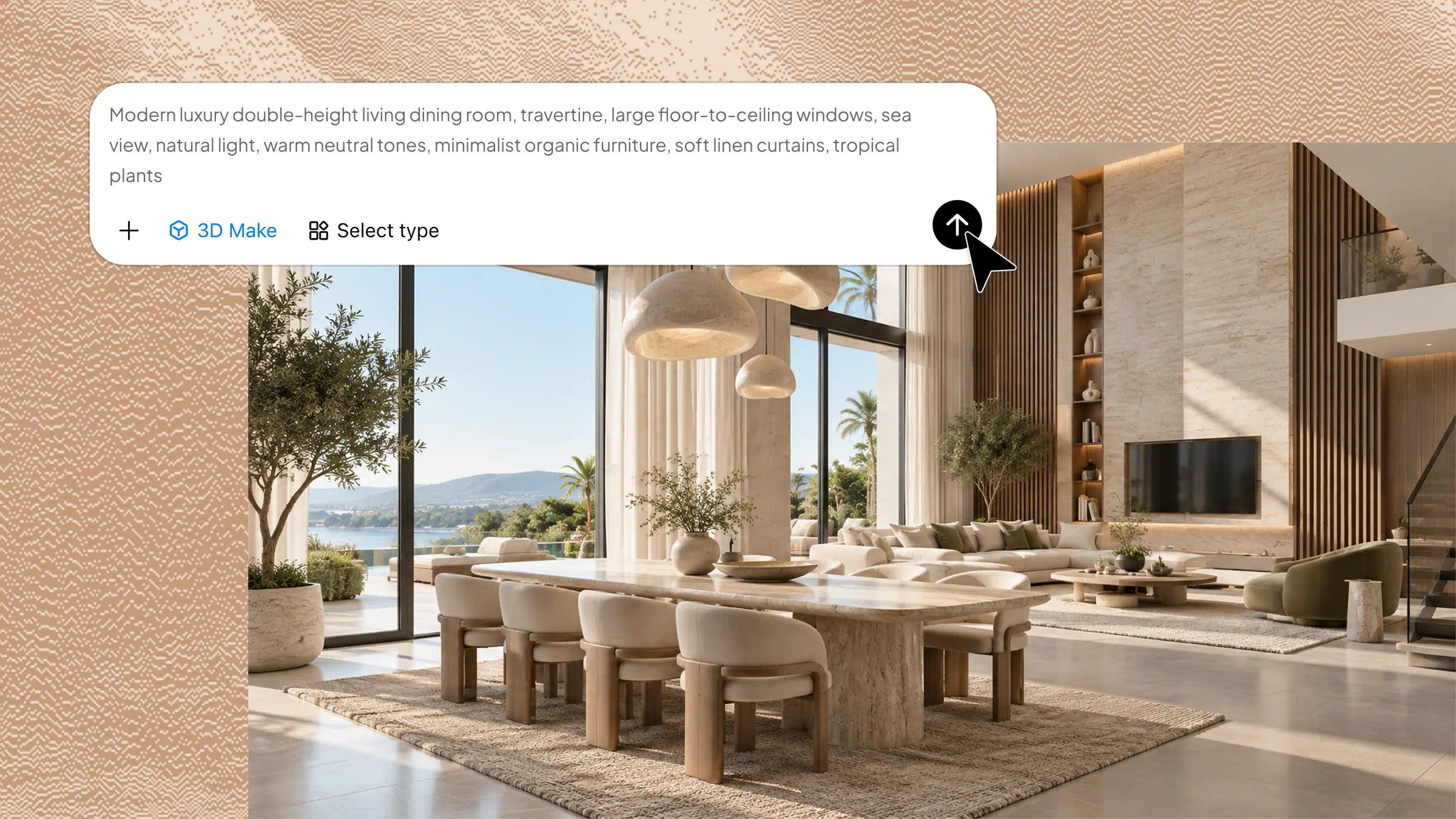
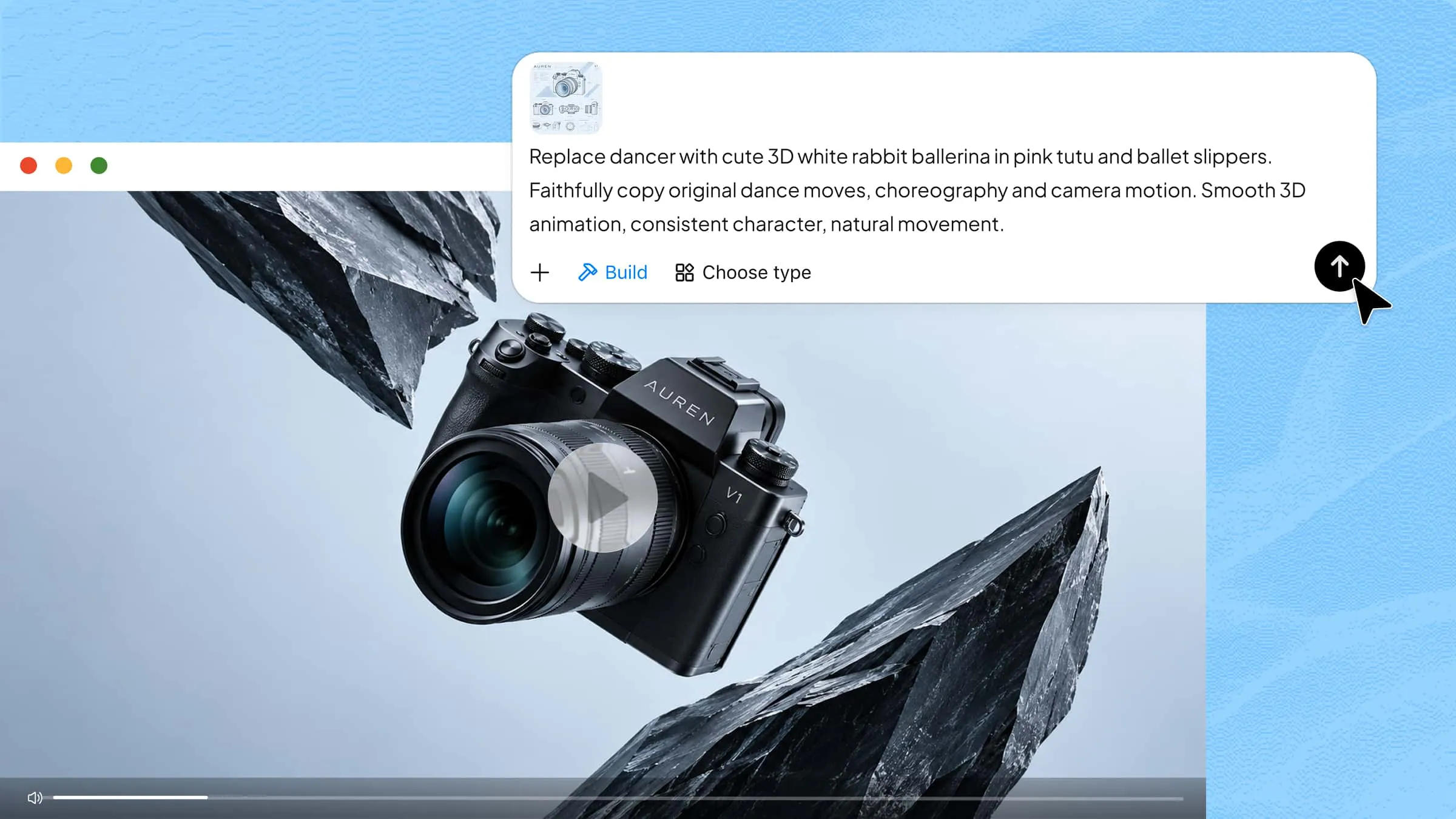
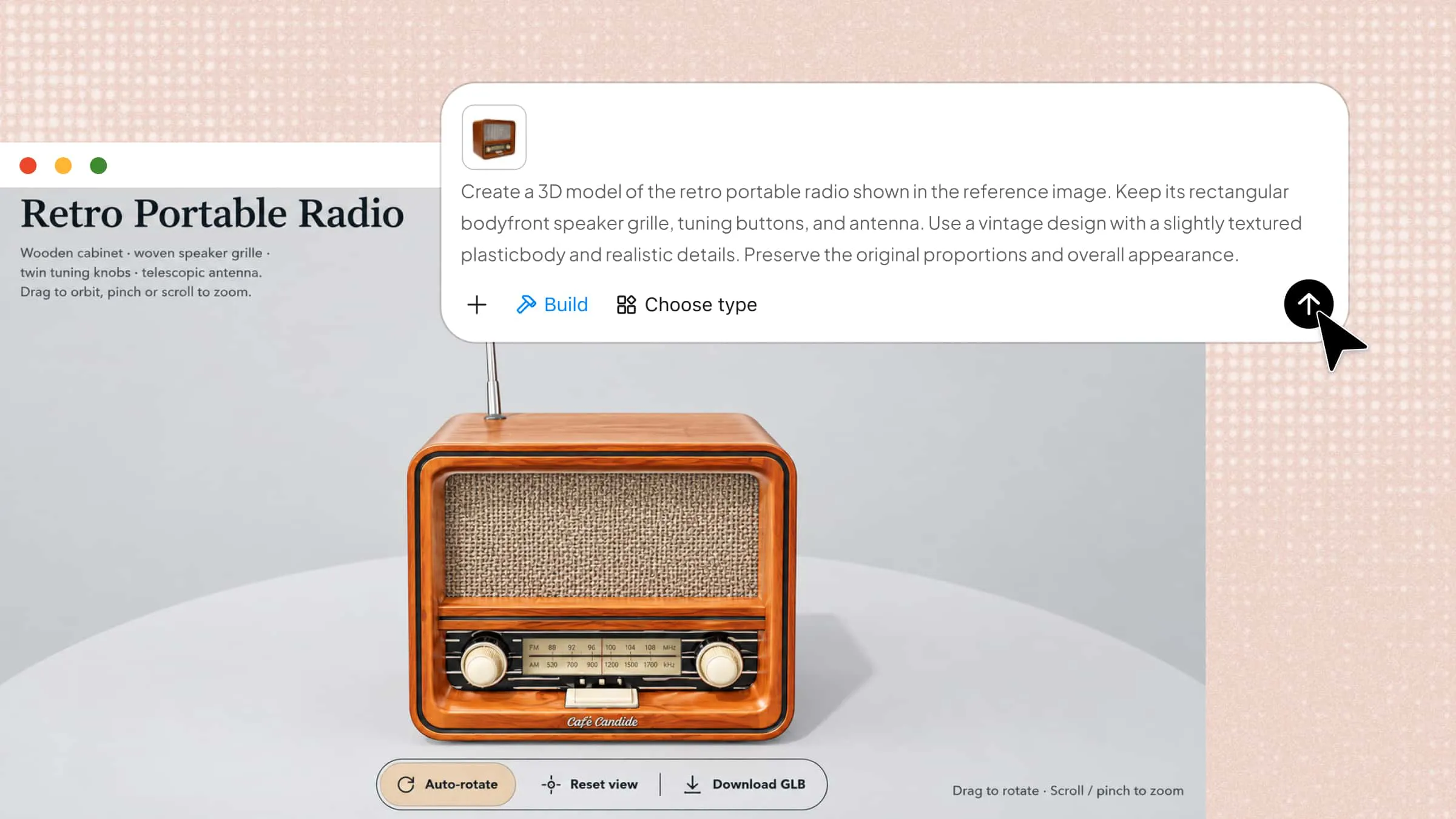
Creating a 3D product model from scratch can be challenging for beginners without modeling experience. AI tools can simplify the process by turning text descriptions and reference images into digital models. Kimi 3D Make helps users generate 3D assets from prompts and visual references, making it easier to explore product shapes, materials, and details. You can refine the generated model and export it for use in compatible 3D workflows. Here is how to get started.
Step 1: Upload product reference images and enter the prompt
Start by uploading clear reference images of your product from different angles, if available. Describe its shape, dimensions, materials, colors, and distinctive features to guide the generation process.
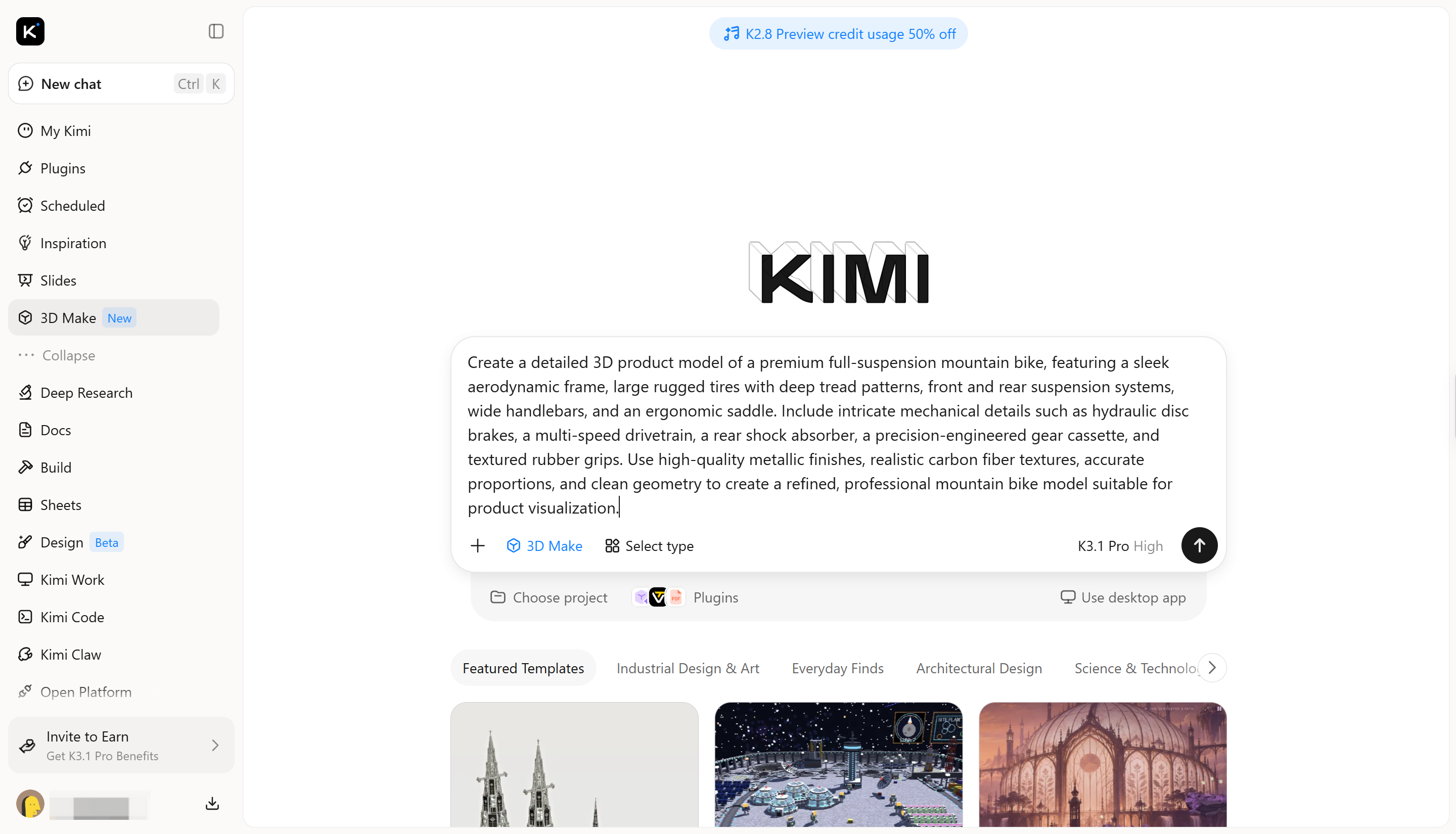
Step 2: Let AI generate the initial 3D model
Let Kimi 3D Make generate the initial model based on your prompt and reference images. Review the overall shape, proportions, colors, and main features to see how closely the result matches your intended product design.
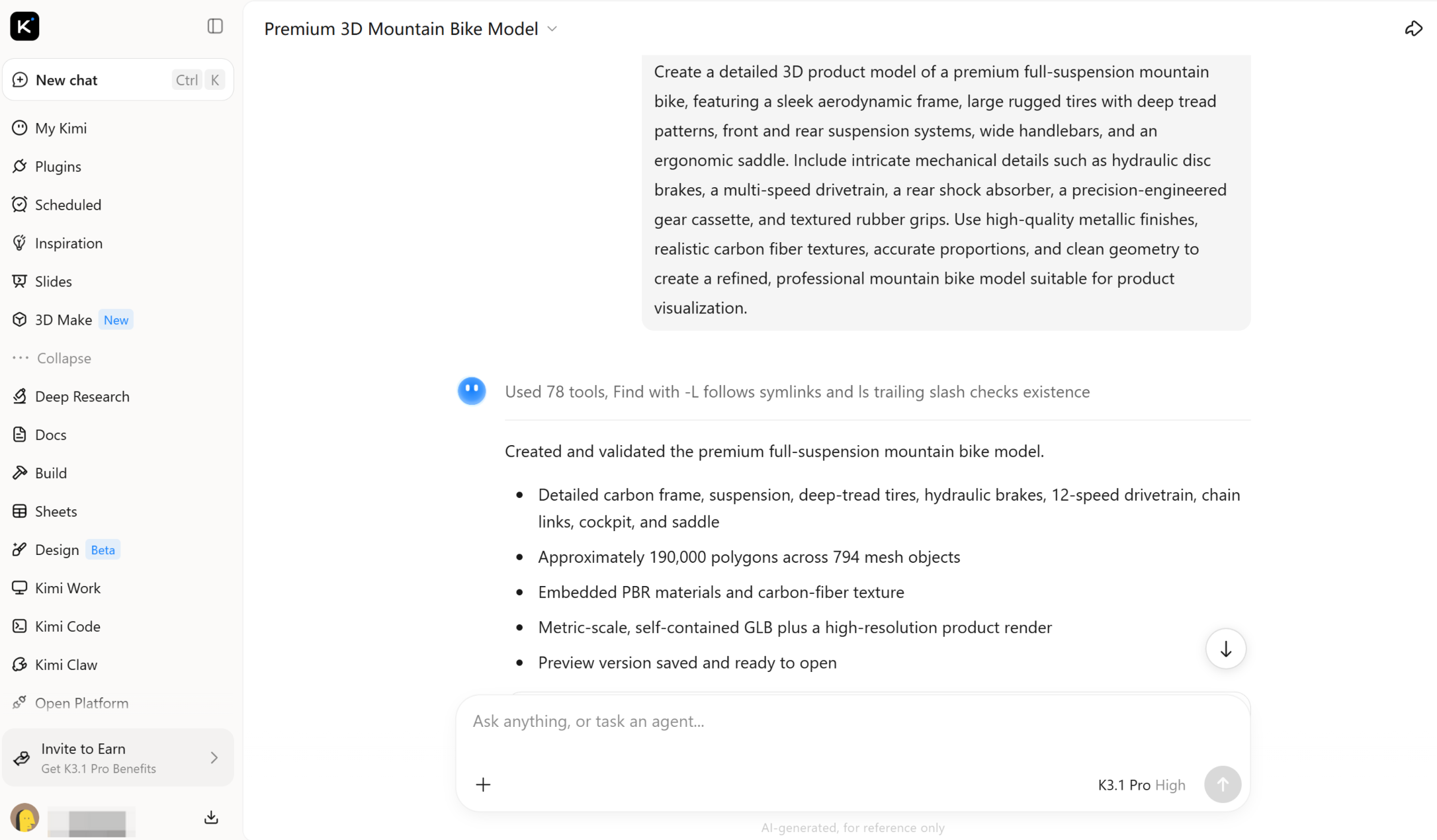
Step 3: Refine shapes and surface details
Review the model for uneven surfaces, incorrect proportions, or missing details. Adjust the prompt or use the available editing controls to improve the shape, materials, textures, and other visible features. Repeat the process until the model meets your requirements.
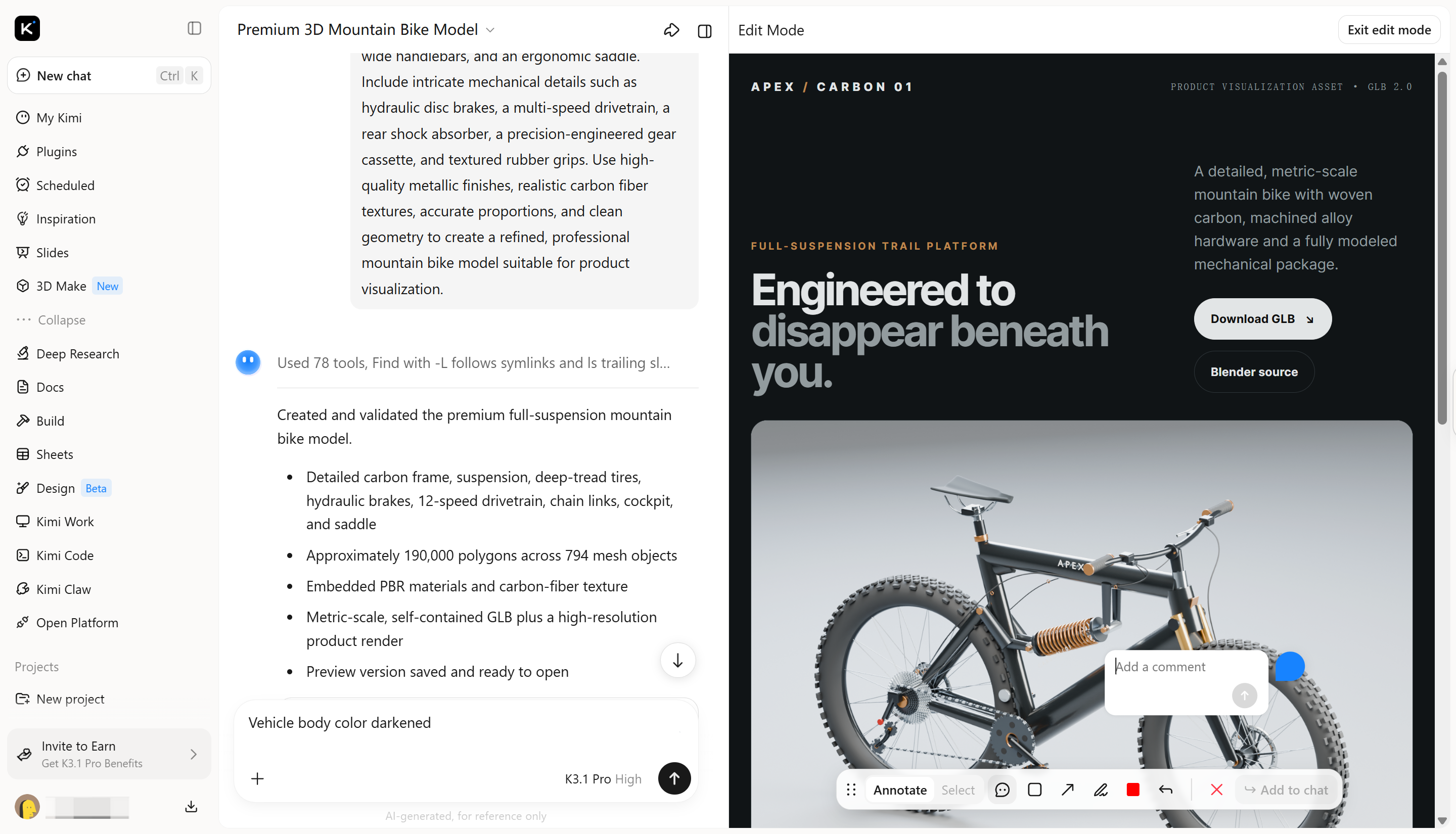
Step 4: Export the model for further use
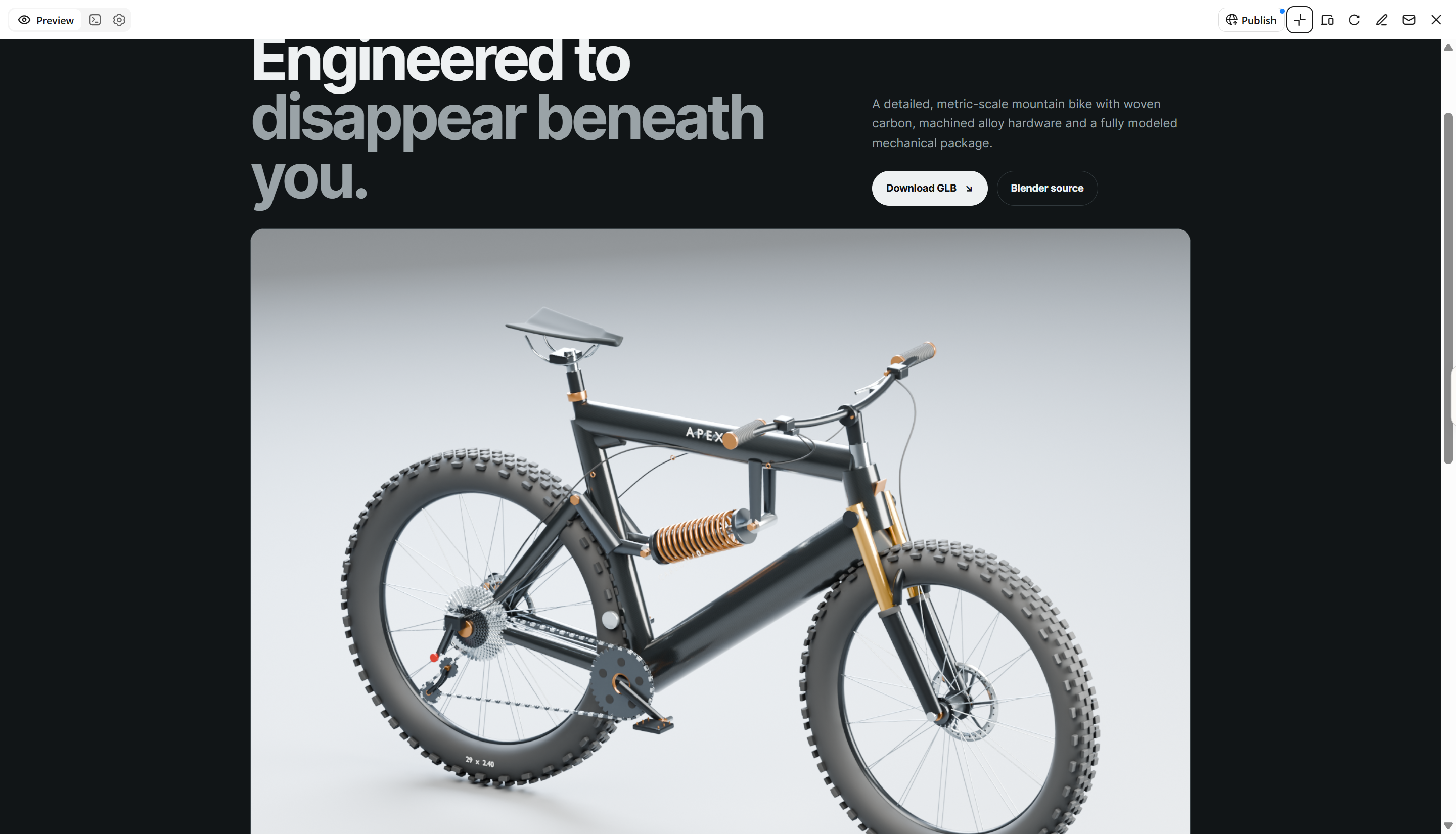
Once you are satisfied with the result, export the model in a supported 3D file format. You can then import it into compatible 3D software for additional editing, rendering, animation, or integration into product presentations. Check the export settings and file compatibility before using the model in another application.
Key features of Kimi 3D Make
Kimi 3D Make offers features that help beginners turn ideas into digital models without starting from scratch. From generating objects with text prompts to refining details and preparing files for export, these capabilities simplify the 3D product modeling workflow and support different creative projects.
Create 3D product models from prompts and references
Turn product descriptions, sketches, and reference images into three-dimensional product concepts with Kimi 3D Make. Explore different shapes, proportions, and design directions for consumer products, accessories, and other product concepts.
Customize product designs through iterative editing
Adjust product shapes, dimensions, colors, and design details through chat instructions, targeted comments, or manual edits. Refine individual elements and overall compositions to develop product variations that align with your design goals.
Explore product materials and surface finishes
Experiment with colors, textures, and surface details to visualize different product finishes and appearances. Develop design variations for product concept reviews, visual presentations, and e-commerce creative assets.
Export 3D product models for further use
Export product models in supported formats such as GLB and BLEND for use in compatible 3D applications and creative workflows. Continue refining model geometry, preparing product visualizations, or integrating assets into digital scenes based on your project requirements.
Tips for designing better 3D products
Creating effective 3D products requires clear instructions, attention to detail, and a few rounds of refinement. These tips can help you improve model accuracy and achieve better results with AI-powered design tools.
Describe your product clearly
Explain the product's shape, size, structure, and distinctive features in your prompt. Specific descriptions help AI tools generate more accurate models and reduce the need for major corrections.
Add reference images for accuracy
Upload clear images from different angles to show the product's overall structure and smaller details. Visual references can guide 3D product design and help the generated model match your intended concept.
Specify materials and colors
Mention materials such as metal, glass, wood, plastic, or fabric, along with the desired colors and surface finishes. These details help create more realistic textures and improve the final 3D product rendering.
Refine results with small edits
Instead of changing the entire design at once, adjust individual features such as curves, edges, textures, or proportions. Small, targeted edits make it easier to improve the model while preserving the parts that already look right.
Check proportions from all angles
Inspect the front, back, sides, and top of your model to identify inconsistencies or missing details. This is especially important when preparing a 3D product model for animation, interactive viewing, or further editing.
Test several concepts before choosing
Generate different versions by changing the shape, colors, materials, or overall style. Comparing multiple concepts helps you select the strongest design before investing time in detailed refinements.
Conclusion
To sum up, 3D product modeling makes it easier to turn ideas into realistic digital designs for marketing, presentations, and product development. With AI tools like Kimi 3D Make, beginners can create, refine, and export models using simple prompts and reference images. Start with a simple project and explore different 3D product design possibilities as your skills improve.