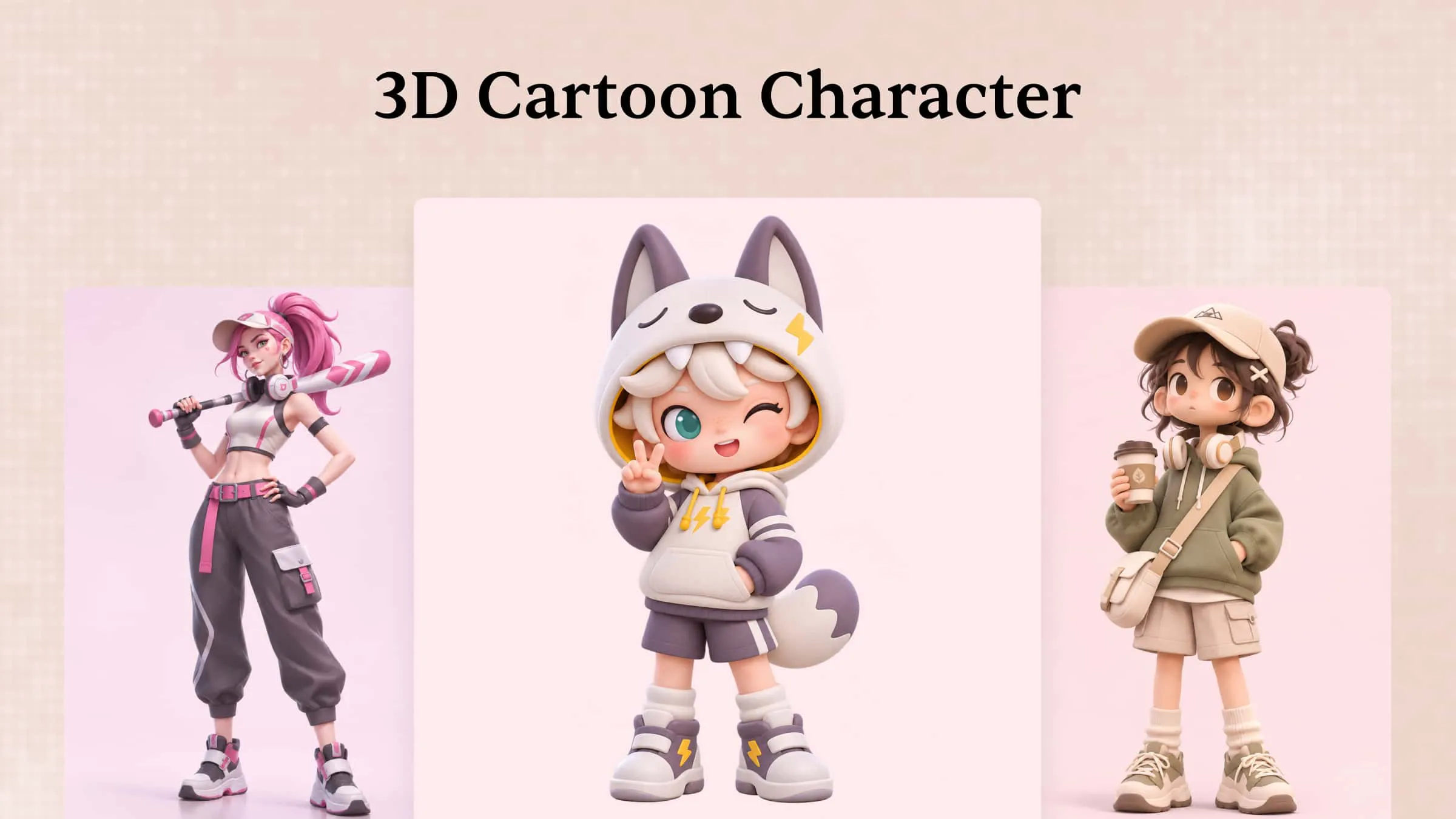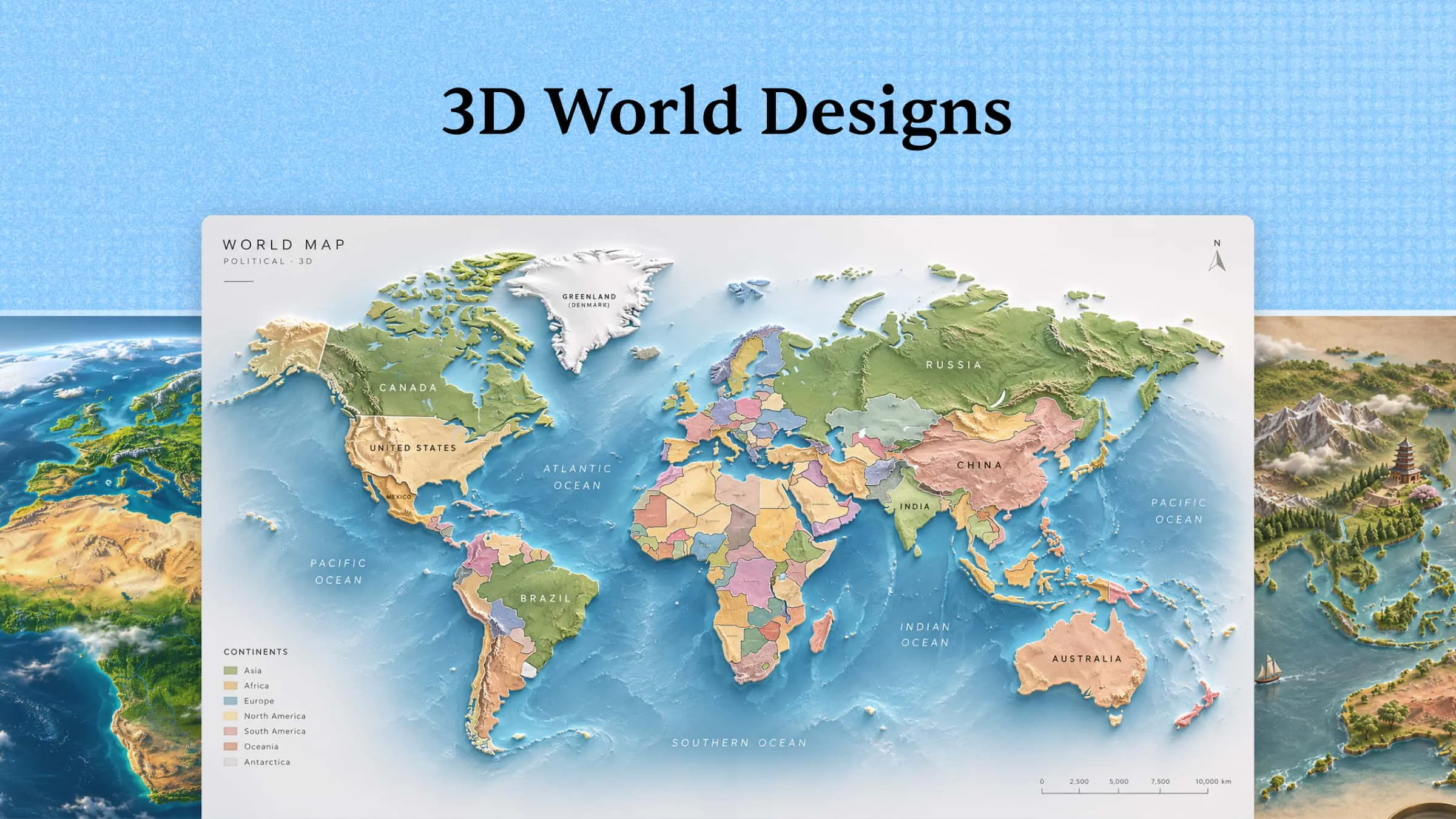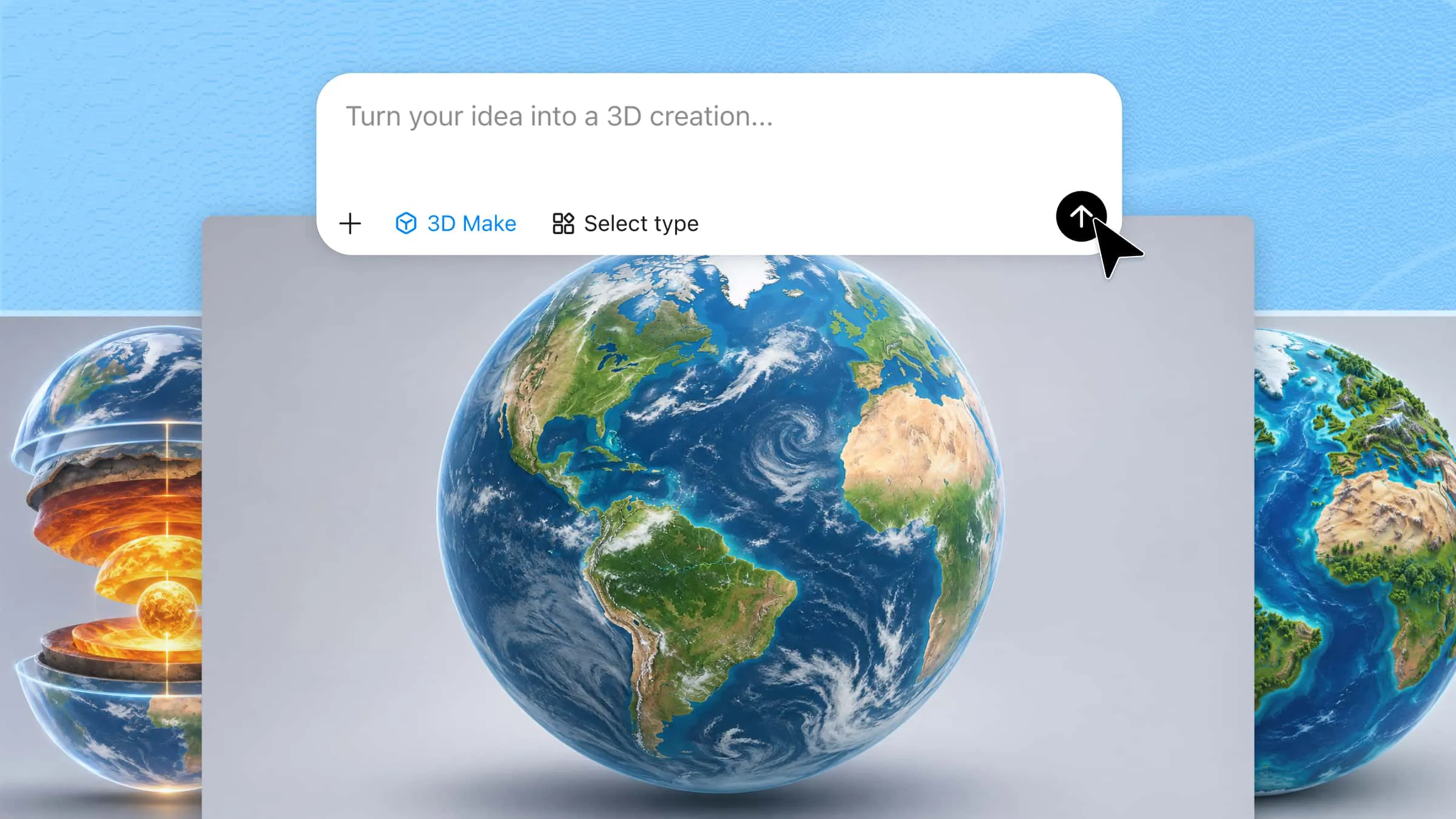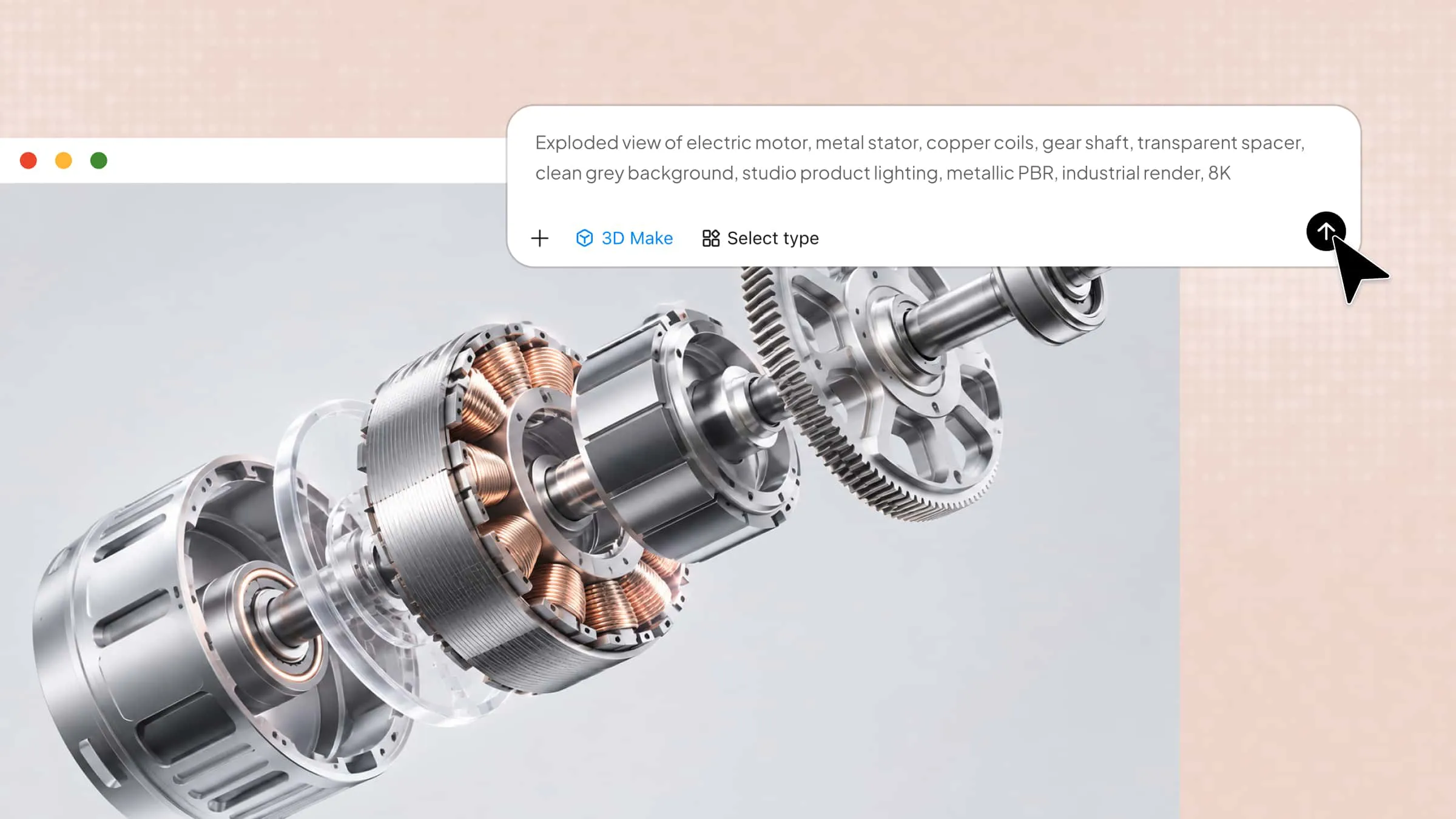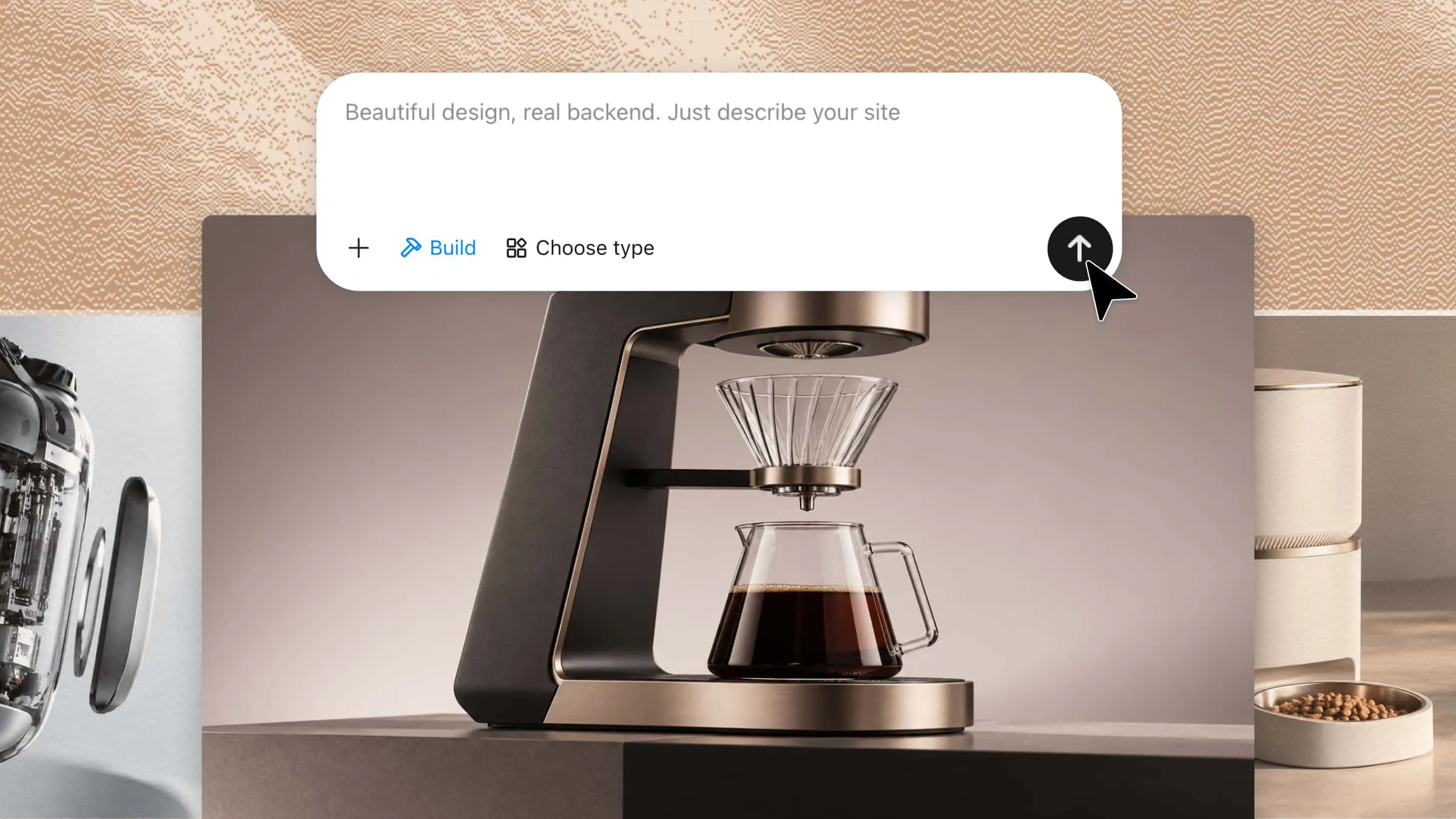
Choosing the right 3D modeling software for product design can be difficult, especially when tools differ in features, ease of use, and design flexibility. The right solution can help you turn initial ideas into detailed 3D concepts more efficiently. AI-powered tools such as Kimi 3D Make offer another approach by generating 3D models from text prompts and reference images. This article explores 10 3D modeling tools and their capabilities to help you choose one that suits your product design projects.
Overview of 10 3D product design software options
The 3D product design platform depends on how you develop concepts, refine geometry, and prepare designs for practical use. This overview outlines each tool’s key features, modeling capabilities, and typical applications to help you assess how it fits your design workflow.
| Software | Standout capability | Design input | Editing flexibility | Manufacturing support | Ideal application |
|---|---|---|---|---|---|
| Kimi 3D Make | AI-generated 3D concepts | Text and visual references | Prompt-based refinement | Depends on exported assets | Early product ideation |
| Autodesk Fusion | Integrated engineering workflow | Sketches and CAD geometry | Parametric and direct edits | CNC, additive manufacturing | Functional product development |
| SOLIDWORKS | Detailed mechanical assemblies | Sketches and engineering dimensions | Feature-based modifications | Drawings and production documentation | Precision components |
| Rhino 3D | Complex surface construction | Curves and reference geometry | Extensive curve and surface control | Fabrication through compatible workflows | Organic product forms |
| Blender | Creative visualization pipeline | Meshes and reference images | Sculpting and mesh editing | Export-dependent | Product presentation |
| PTC Creo | Engineering optimization | Parametric geometry | Constraint-driven revisions | Integrated manufacturing tools | Complex engineered products |
| Onshape | Browser-based collaboration | Sketches and CAD features | Versioned, collaborative editing | Integrated CAM options and exports | Distributed design teams |
| Autodesk Inventor | Mechanical assembly development | Sketches and component geometry | Parametric feature editing | CNC preparation and drawings | Machinery and equipment |
| CATIA | Multidisciplinary product engineering | Complex geometry and system definitions | Advanced surface and system editing | Industrial engineering integration | Aerospace and automotive |
| SketchUp | Rapid geometric construction | Basic shapes and imported references | Intuitive push-pull editing | Extensions and compatible exports | Furniture and conceptual products |
Explore 10 popular 3D product design software options
Choosing the right 3D product design software depends on your design goals, technical requirements, and experience level. Explore these 10 tools to compare their features, ease of use, and capabilities for creating and refining product designs.
Kimi 3D Make
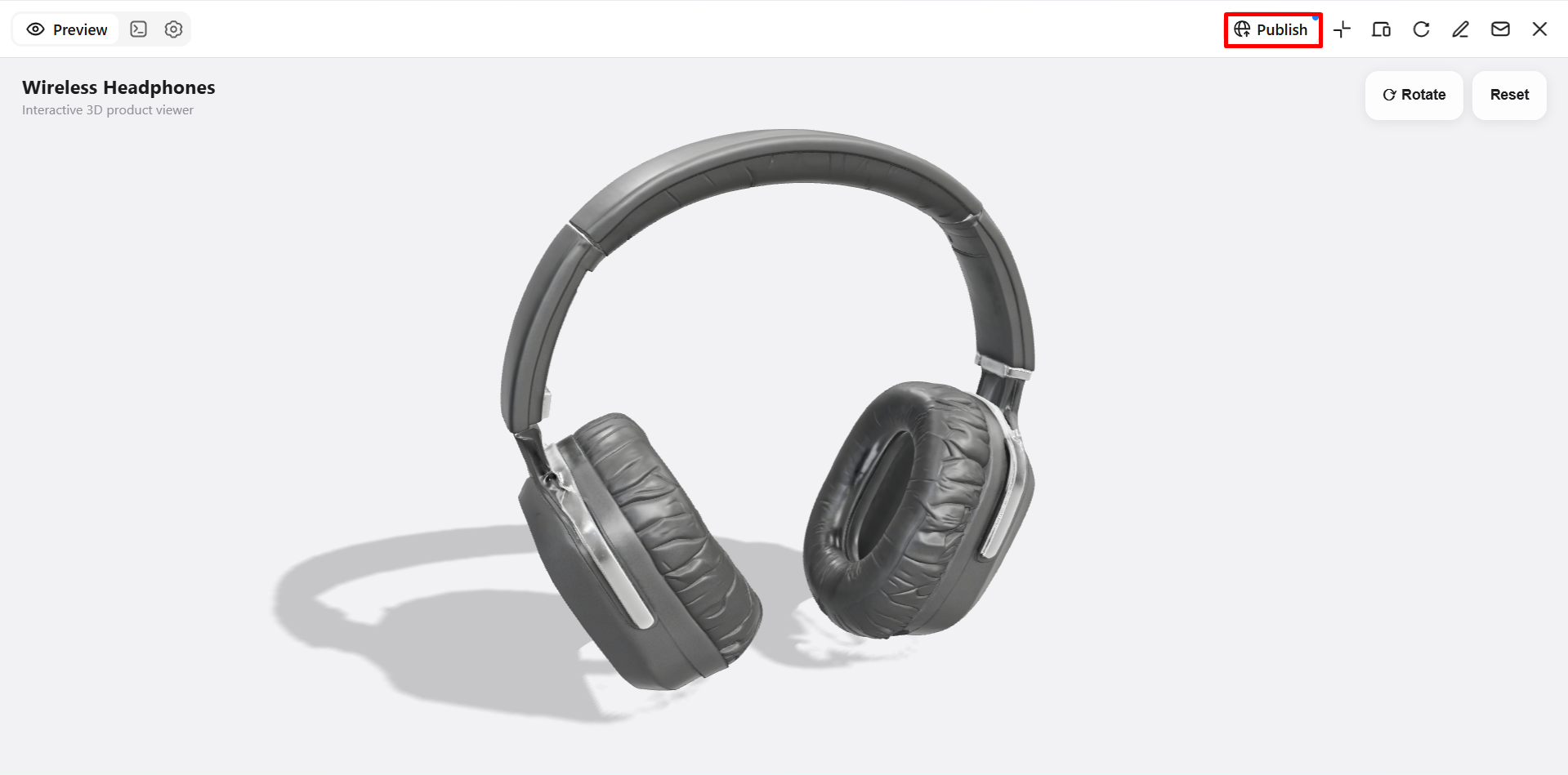
Kimi 3D Make offers an AI-powered approach to creating digital objects from written descriptions and visual references. As 3D product software, it helps creators explore new forms without relying entirely on traditional modeling techniques. Its conversational editing capabilities allow users to modify generated assets through targeted instructions and iterative feedback. The platform is particularly useful for translating initial inspiration into preliminary three-dimensional concepts.
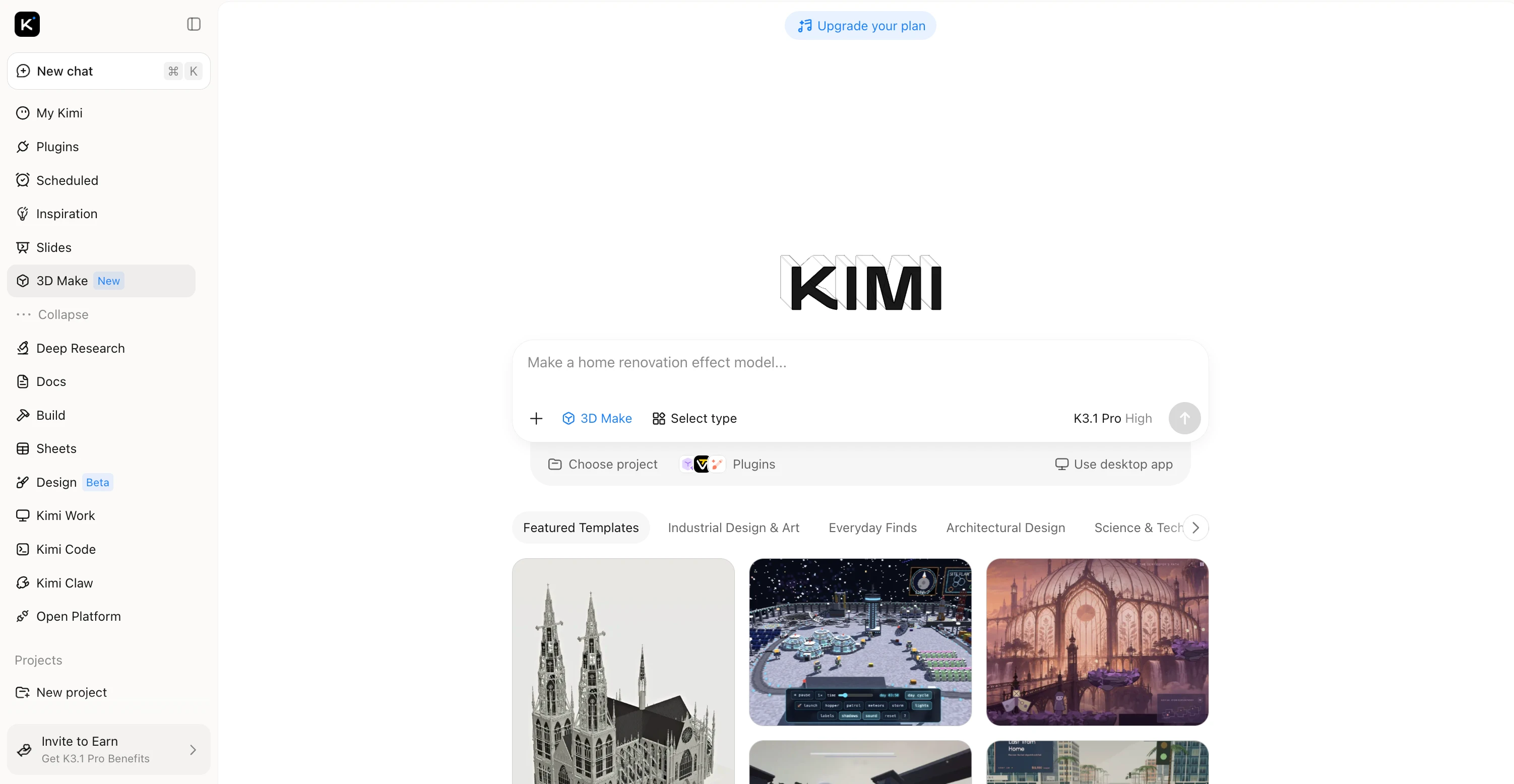
Main features
Create 3D products from prompts and references
Transform textual descriptions, sketches, and visual inspiration into detailed three-dimensional concepts, exploring product forms and proportions without constructing every element manually.
Customize product models with flexible editing tools
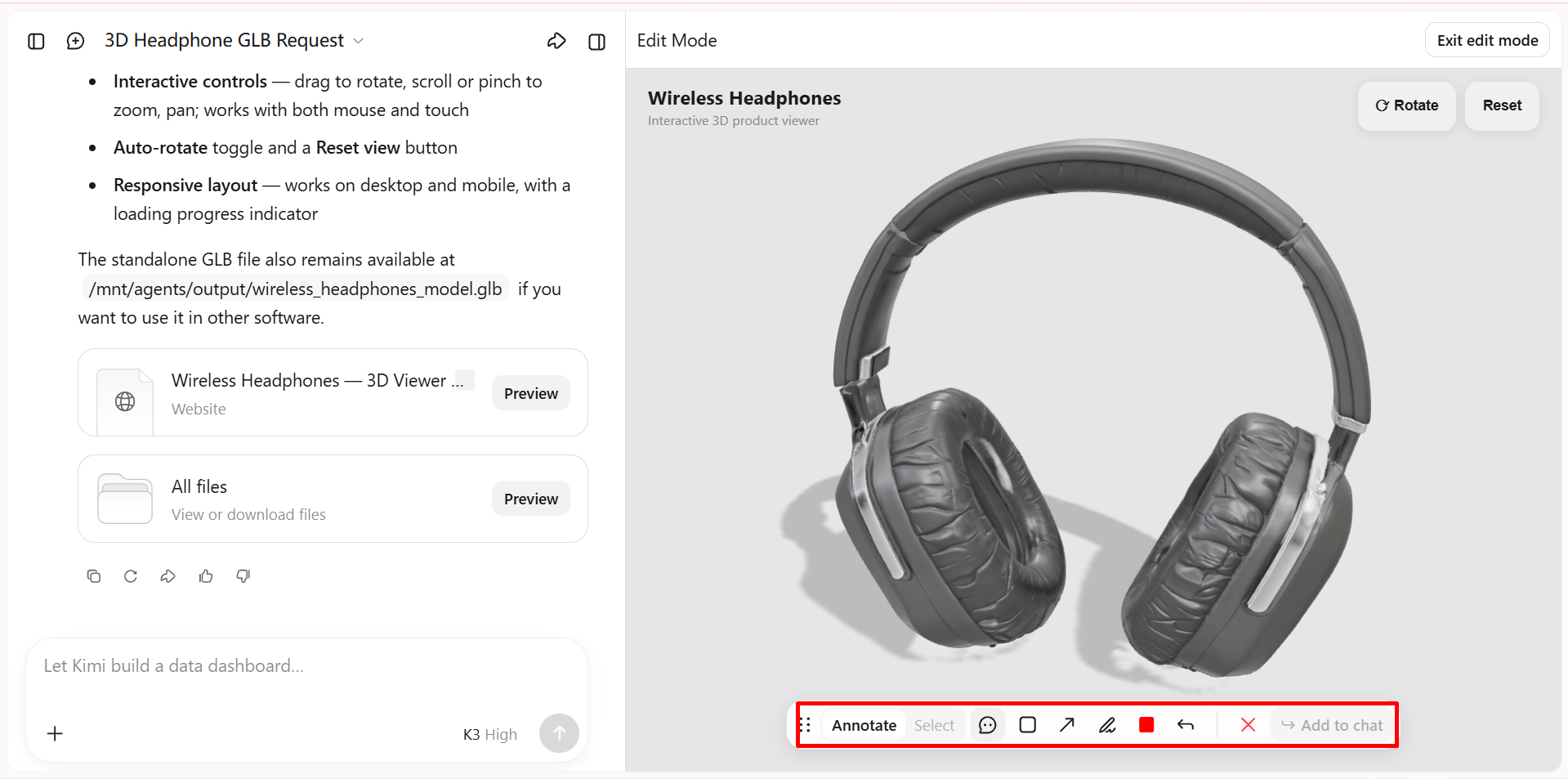
Refine shapes, dimensions, colors, and individual components using conversational instructions, targeted annotations, or manual adjustments, maintaining creative control throughout successive design iterations.
Refine materials, textures, and surface finishes
Experiment with nuanced color palettes, surface textures, and material appearances to develop distinctive product variations for concept reviews and polished design presentations.
Extend product design workflows with specialized 3D tools
Connect with Blender for advanced mesh editing and rendering or Tripo 3D for AI-driven model generation, then use supported formats such as FBX, GLB, glTF, and OBJ to continue developing assets in compatible applications.
Suitable for
Creating 3D models from text prompts and reference images.
Rapid prototyping of product concepts.
Exploring different shapes, styles, and materials.
Refining AI-generated models for creative projects.
How to make 3D products with Kimi 3D Make
Follow these steps to make 3D products with Kimi 3D Make.
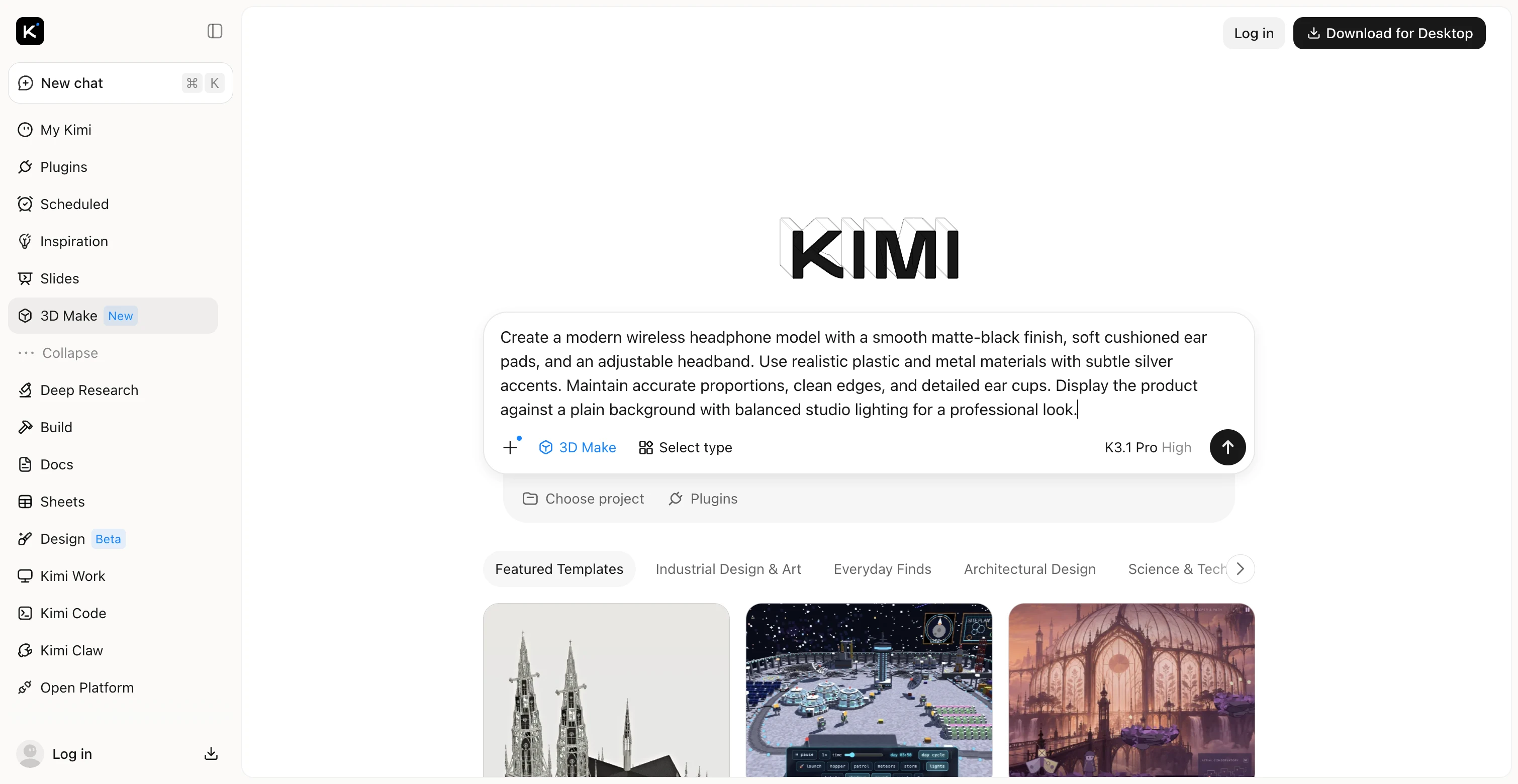
Step 1: Describe your product or upload a design reference
Describe your product's shape, dimensions, materials, colors, and style, or upload a reference image to guide the generation process.
Step 2: Generate and refine your 3D product model
Generate the initial model, then refine its proportions, geometry, colors, and surface finishes using targeted instructions or manual edits until the design matches your vision.
Step 3: Export your finished 3D product
Export the finalized model in a supported format, such as GLB, OBJ, or FBX, for further editing, rendering, or integration into compatible 3D applications.
Autodesk Fusion
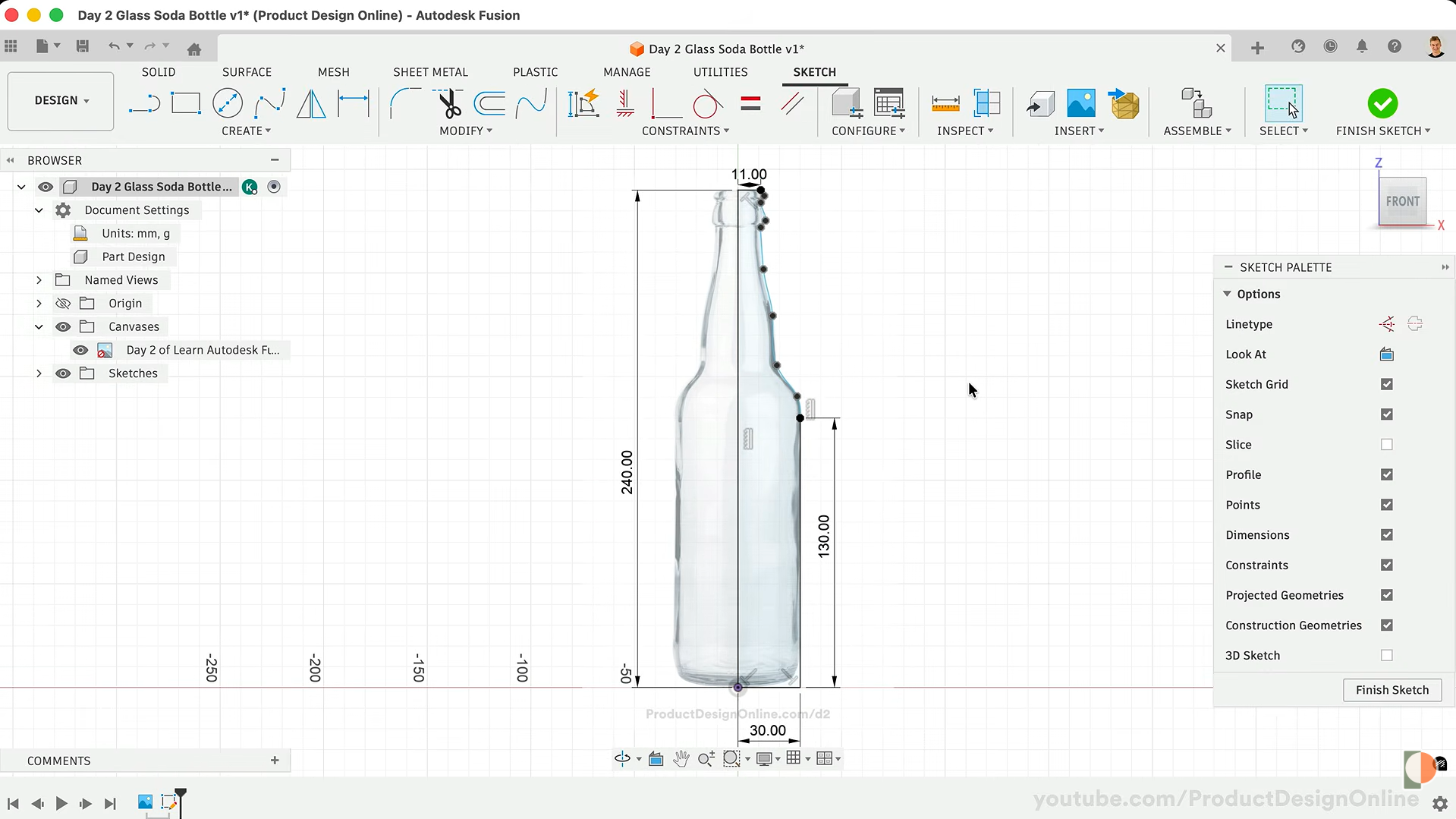
Autodesk Fusion connects digital engineering with practical product development through an integrated design environment. Its parametric architecture maintains dimensional relationships as components evolve throughout the development process. For teams preparing presentation-ready imagery, its integration with visualization workflows complements 3D product rendering software capabilities.
Main features
Integrated simulation for structural performance assessment.
Automated CNC toolpath generation and machining preparation.
Sheet metal design with flat-pattern development.
Assembly constraints for complex mechanical configurations.
Cloud collaboration with centralized design data.
Suitable for
CNC machining and fabrication workflows.
Functional product prototyping.
Mechanical part design and assembly.
Manufacturing preparation and engineering validation.
SOLIDWORKS
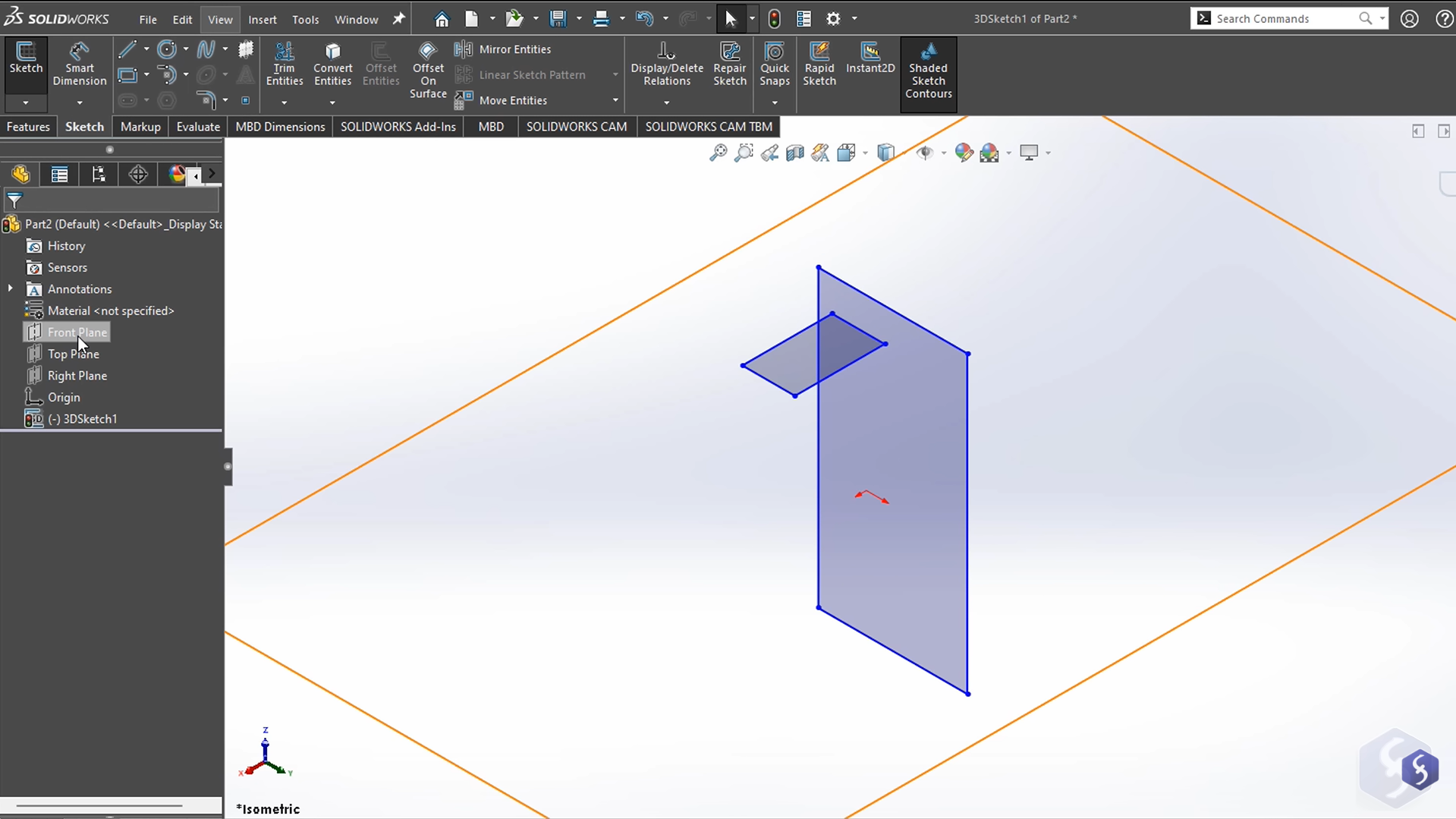
SOLIDWORKS provides a structured environment for engineering intricate components and complex mechanical assemblies. Its feature-based architecture enables designers to manage design intent across successive revisions. The platform also supports technical documentation, mechanical validation, and the development of detailed 3D product modeling software workflows.
Main features
Automated technical drawings with dimensional annotations.
Assembly interference detection and clearance verification.
Motion analysis for dynamic mechanical mechanisms.
Finite element analysis for structural evaluation.
Configurations for managing multiple product variants.
Suitable for
Industrial machinery and equipment design.
Precision mechanical component modeling.
Complex assembly design and validation.
Engineering analysis and product development.
Rhino 3D
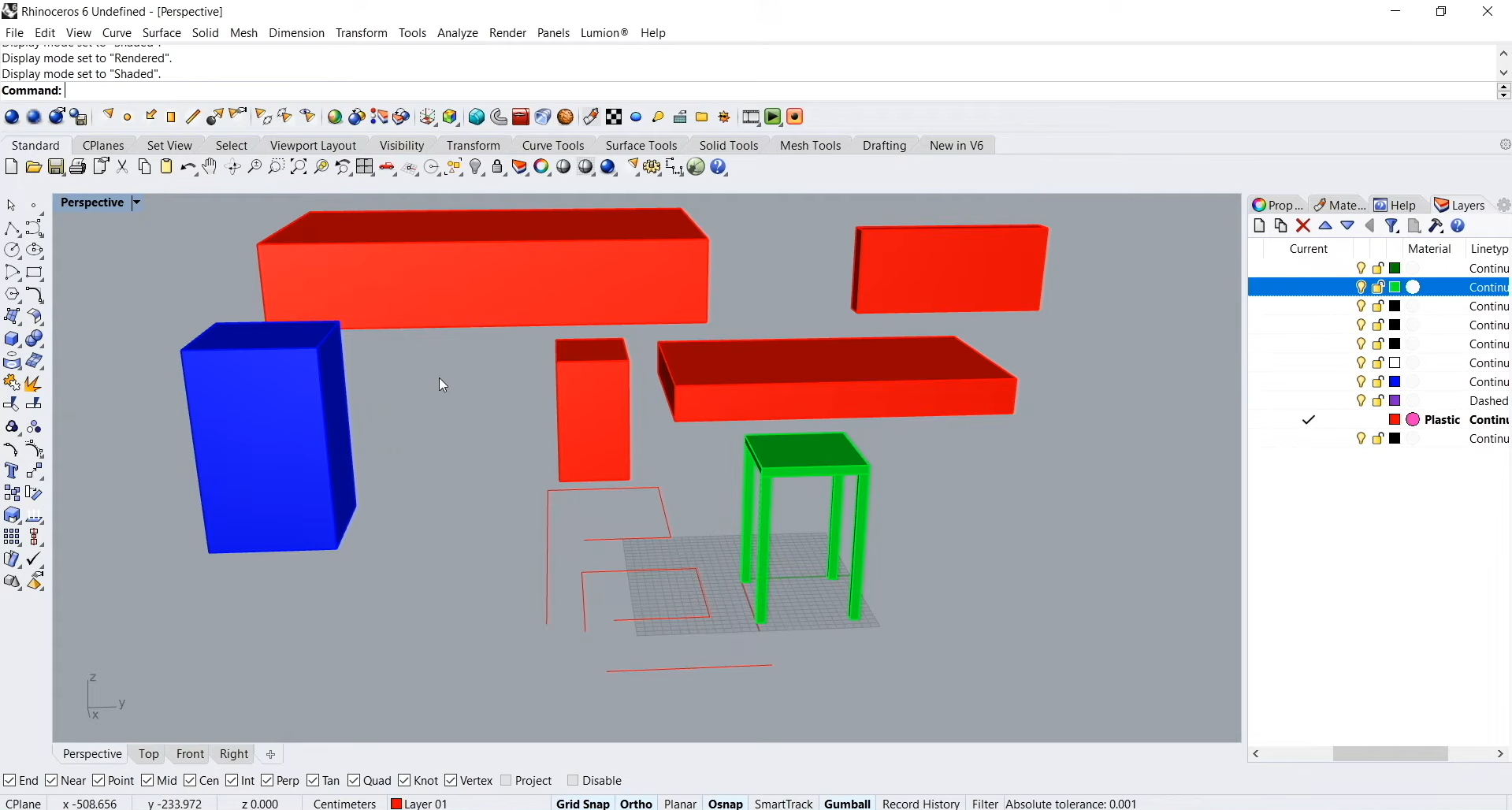
Rhino 3D excels at developing sophisticated geometric forms through precise curve and surface manipulation. Its NURBS-based modeling system accommodates intricate contours that are challenging to construct with conventional polygonal techniques. Through compatible animation workflows, its geometry can contribute to 3D product animation software pipelines for showcasing shape, movement, and functionality.
Main features
Advanced curve manipulation for intricate object contours.
Grasshopper visual programming for algorithmic form generation.
Mesh conversion for fabrication-ready geometry preparation.
Broad interoperability across industry-standard file formats.
Scripting support for customized modeling operations.
Suitable for
Jewelry design and intricate form creation.
Custom furniture and sculptural product modeling.
Complex curved surface development.
Parametric and algorithmic shape generation.
Blender
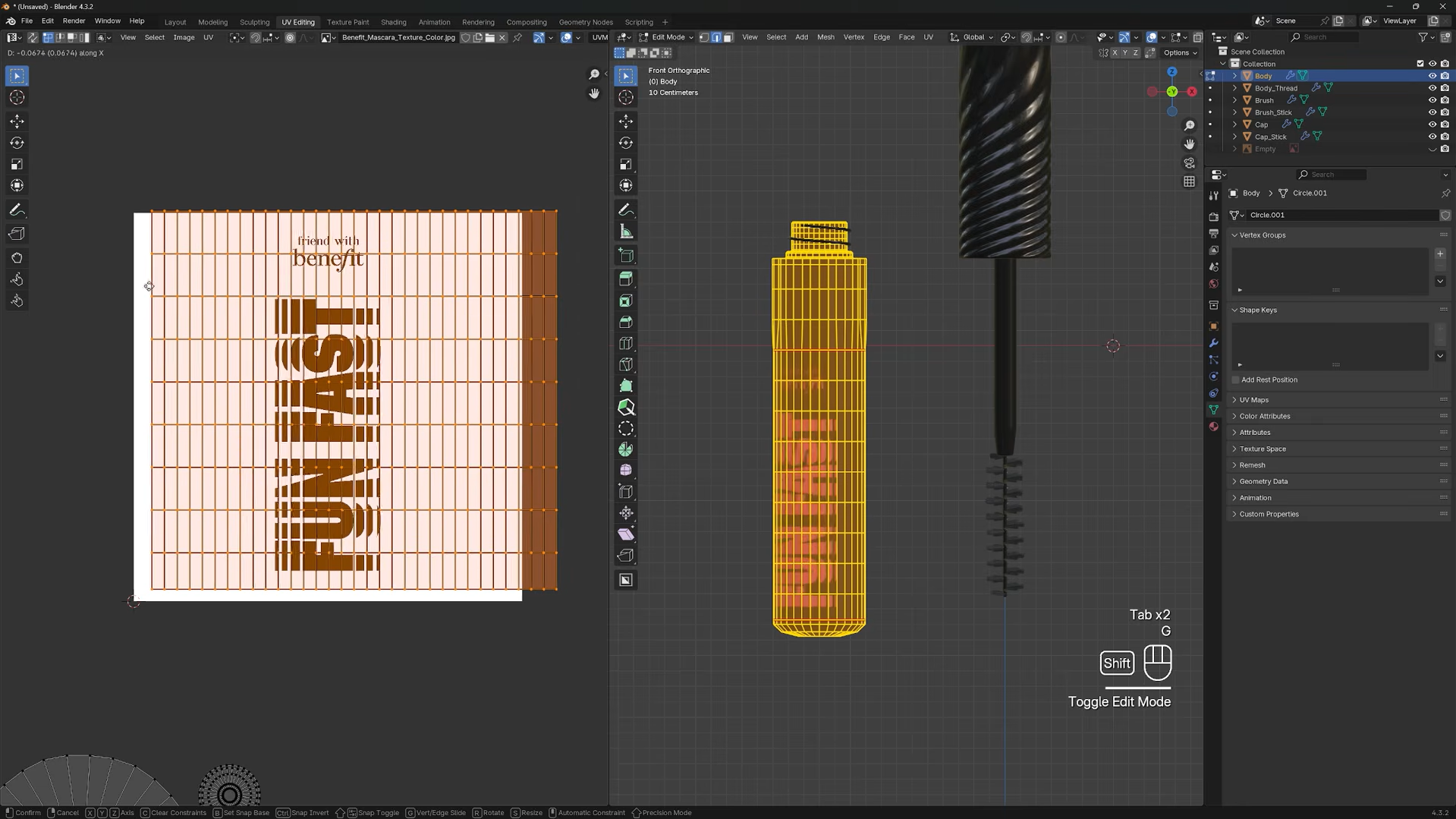
Blender combines digital sculpting, material creation, lighting, and compositing within a versatile creative environment. Its extensive toolset supports both stylized representations and highly detailed digital product imagery. Artists can construct compelling scenes using procedural materials, customizable lighting arrangements, and flexible camera controls.
Main features
Polygonal mesh construction with advanced editing tools.
Physically based shaders for convincing surface appearance.
Cycles path tracing for detailed image synthesis.
Eevee rendering for accelerated visual previews.
Keyframe animation with procedural motion capabilities.
Suitable for
Product animation and promotional videos.
3D packaging visualization and presentations.
Creative advertising and marketing campaigns.
Realistic product rendering and visualization.
PTC Creo
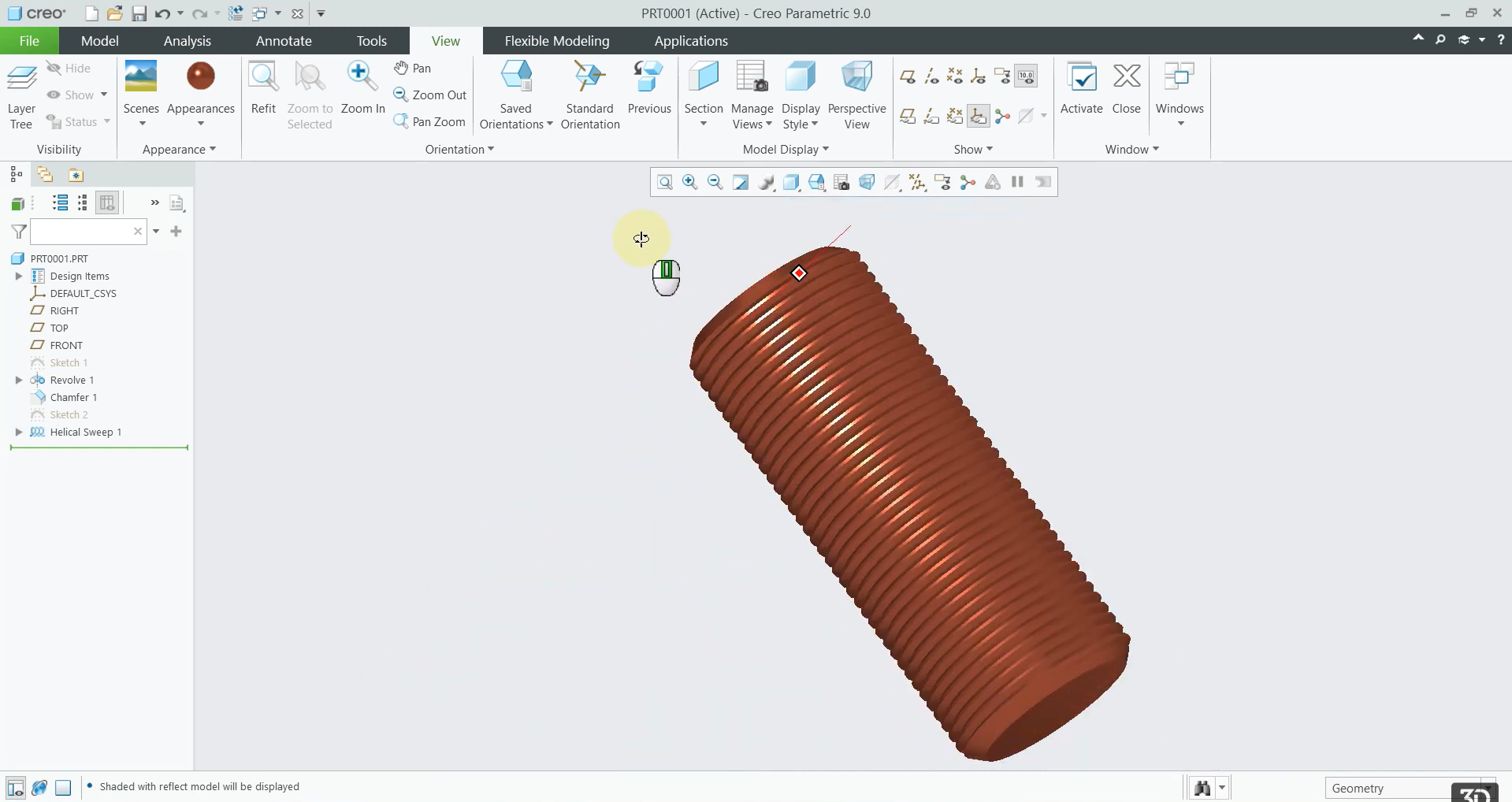
PTC Creo provides an advanced engineering environment for developing sophisticated mechanical products and highly constrained geometries. Its feature-driven architecture accommodates intricate component relationships and demanding design specifications. As 3D software for product design, it supports specialized workflows for topology optimization, simulation, and manufacturing preparation.
Main features
Parametric feature trees with flexible model regeneration.
Generative design for lightweight component optimization.
Integrated structural, thermal, and motion simulation.
Automated manufacturing documentation and drawing generation.
Direct modeling tools for rapid geometry modifications.
Suitable for
Aerospace part and component design.
Automotive product development and engineering.
Industrial machinery and equipment modeling.
Complex assemblies and parametric product design.
Onshape
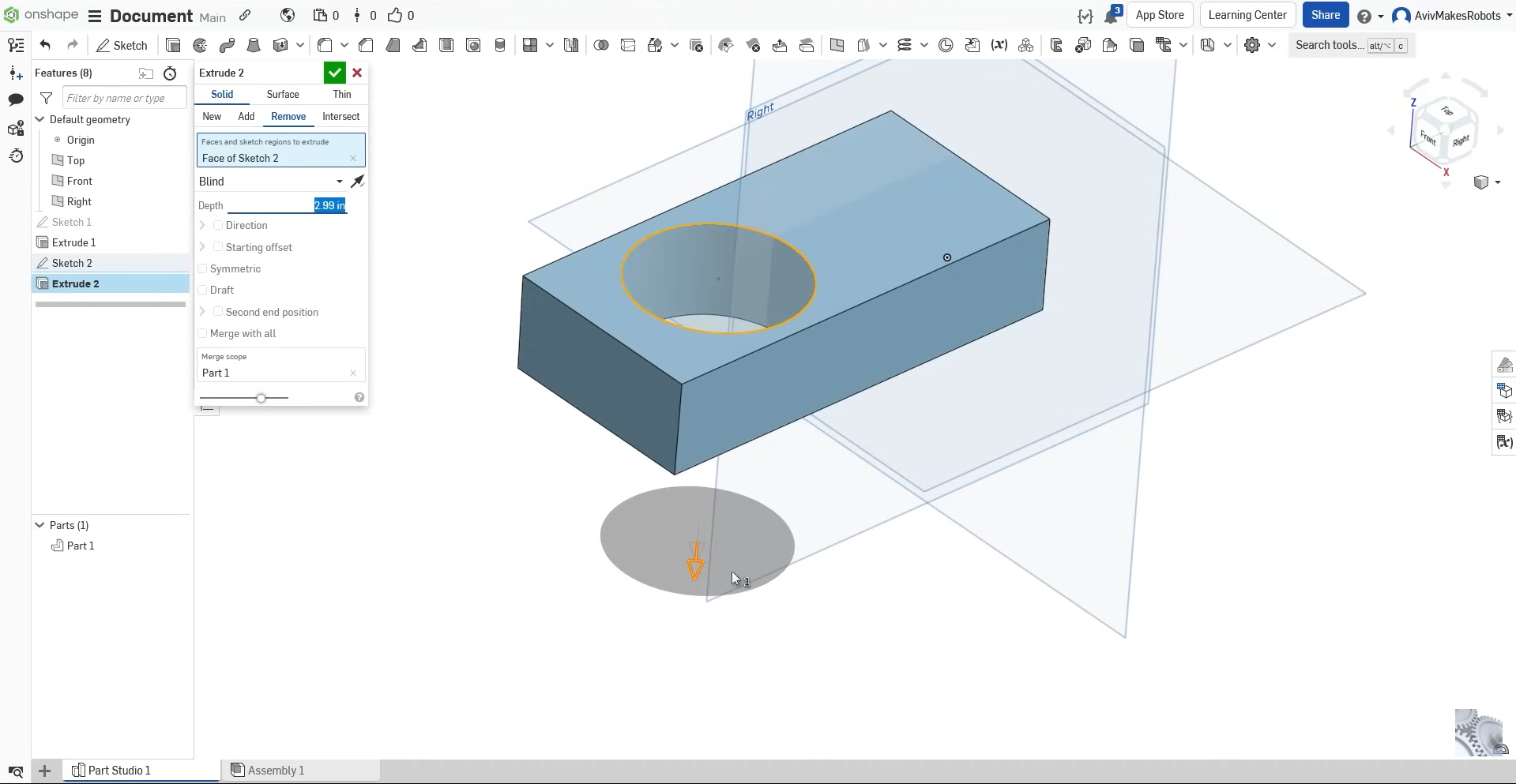
Onshape provides a cloud-native design environment that enables teams to create and refine products directly in a web browser. Its centralized data management supports version control and collaboration, helping teams track design changes and coordinate work across locations. With tools for parametric modeling, configurable assemblies, and technical drawings, Onshape supports product development from initial concepts to engineering documentation.
Main features
Browser-based CAD accessible across compatible devices.
Automatic version history and branching management.
Configurable assemblies for multiple product variants.
Integrated release management and approval workflows.
Built-in tools for technical drawing creation.
Suitable for
Distributed product design and engineering teams.
Real-time collaboration across multiple locations.
Collaborative engineering education and training.
Cloud-based prototyping and product development.
Autodesk Inventor
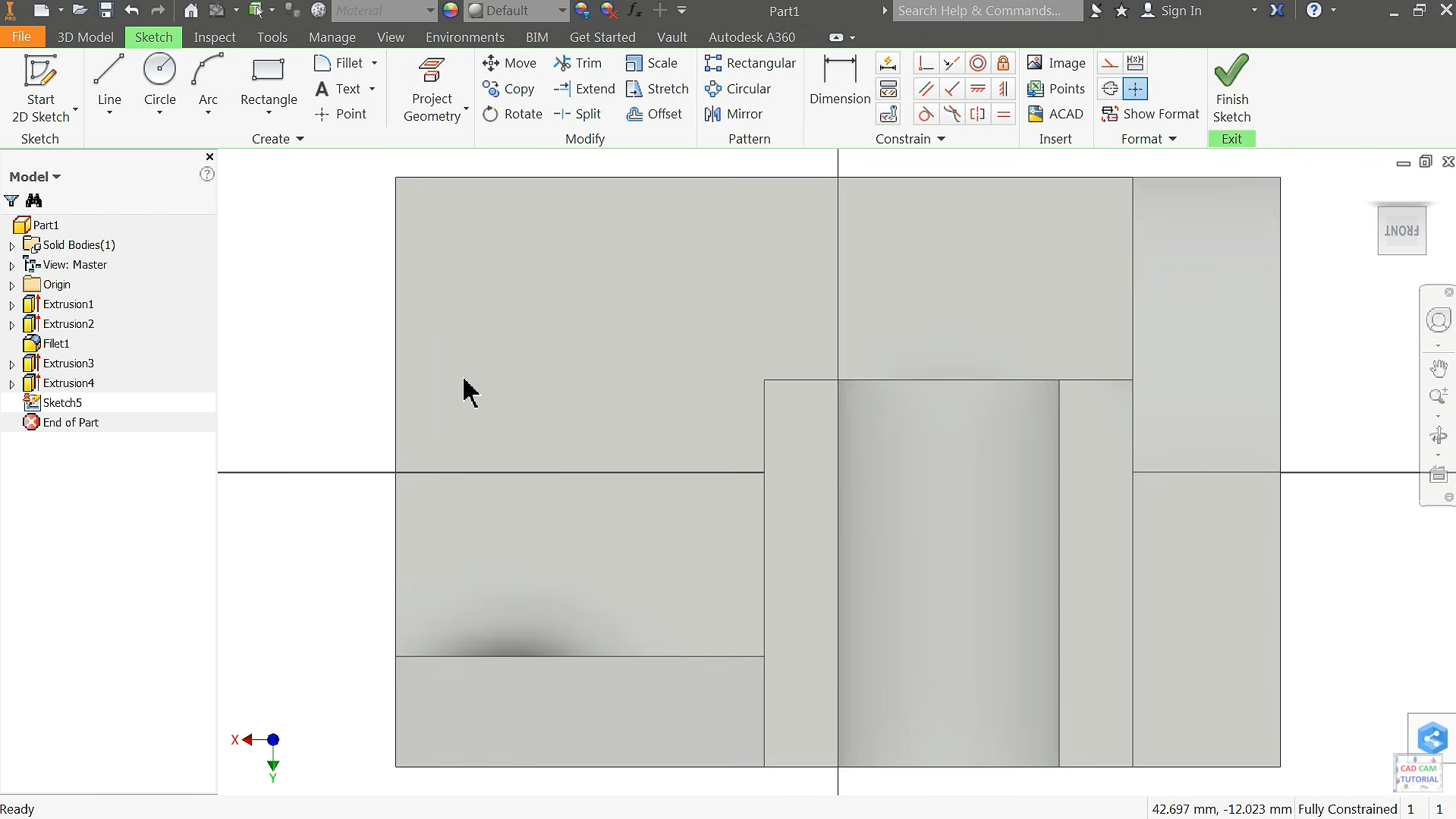
Autodesk Inventor is designed for mechanical engineering workflows involving detailed components, complex assemblies, and manufacturing documentation. Its modeling environment supports precise dimensional control alongside specialized tools for machinery and industrial equipment. Professionals seeking 3D modeling software for product design can use its integrated capabilities to develop component systems and evaluate mechanical relationships.
Main features
Rule-driven iLogic automation for repetitive design tasks.
Sheet metal tools with flat-pattern generation.
Frame generator for structural member assemblies.
Tube and pipe routing for equipment systems.
Automated bills of materials and engineering drawings.
Suitable for
Industrial equipment and machinery design.
Complex mechanical assembly modeling.
Engineering drawings and assembly documentation.
Functional mechanical prototyping and testing.
CATIA
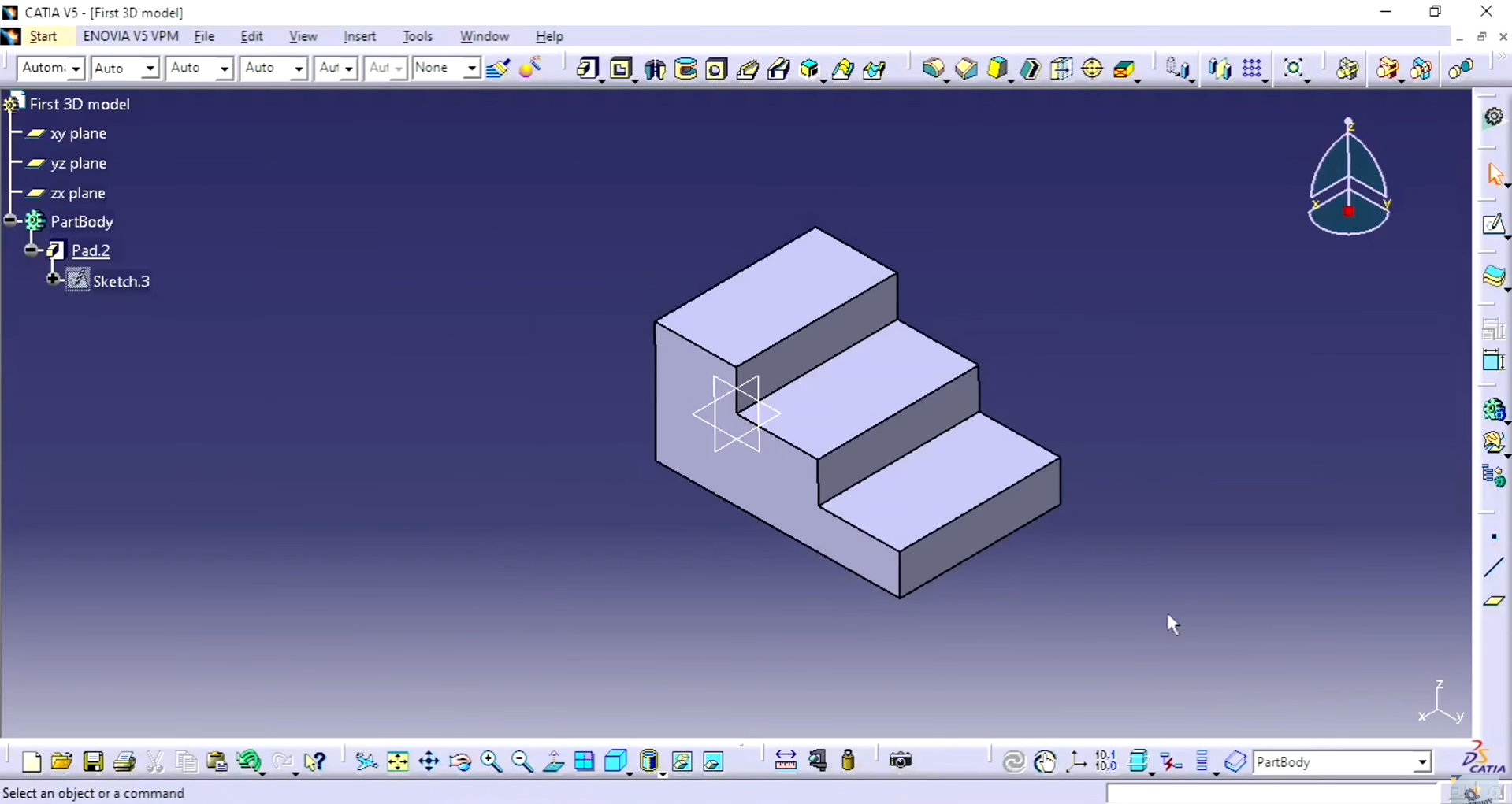
CATIA is a comprehensive engineering platform used to develop highly complex products across multiple industrial disciplines. Its capabilities extend from detailed component engineering to large-scale system architecture and advanced surface construction. Designers can incorporate 3D modeling software for product design into preliminary workflows, but CATIA itself is a commercial platform rather than a generally free application.
Main features
Advanced Class A surface modeling for exterior components.
Systems engineering tools for multidisciplinary product architecture.
Large assembly management for complex industrial projects.
Digital mock-up analysis for spatial interference detection.
Knowledge-based engineering for reusable design automation.
Suitable for
Aircraft structure and component development.
Complex industrial system integration.
Multidisciplinary engineering collaboration.
Large-scale product design and simulation.
SketchUp
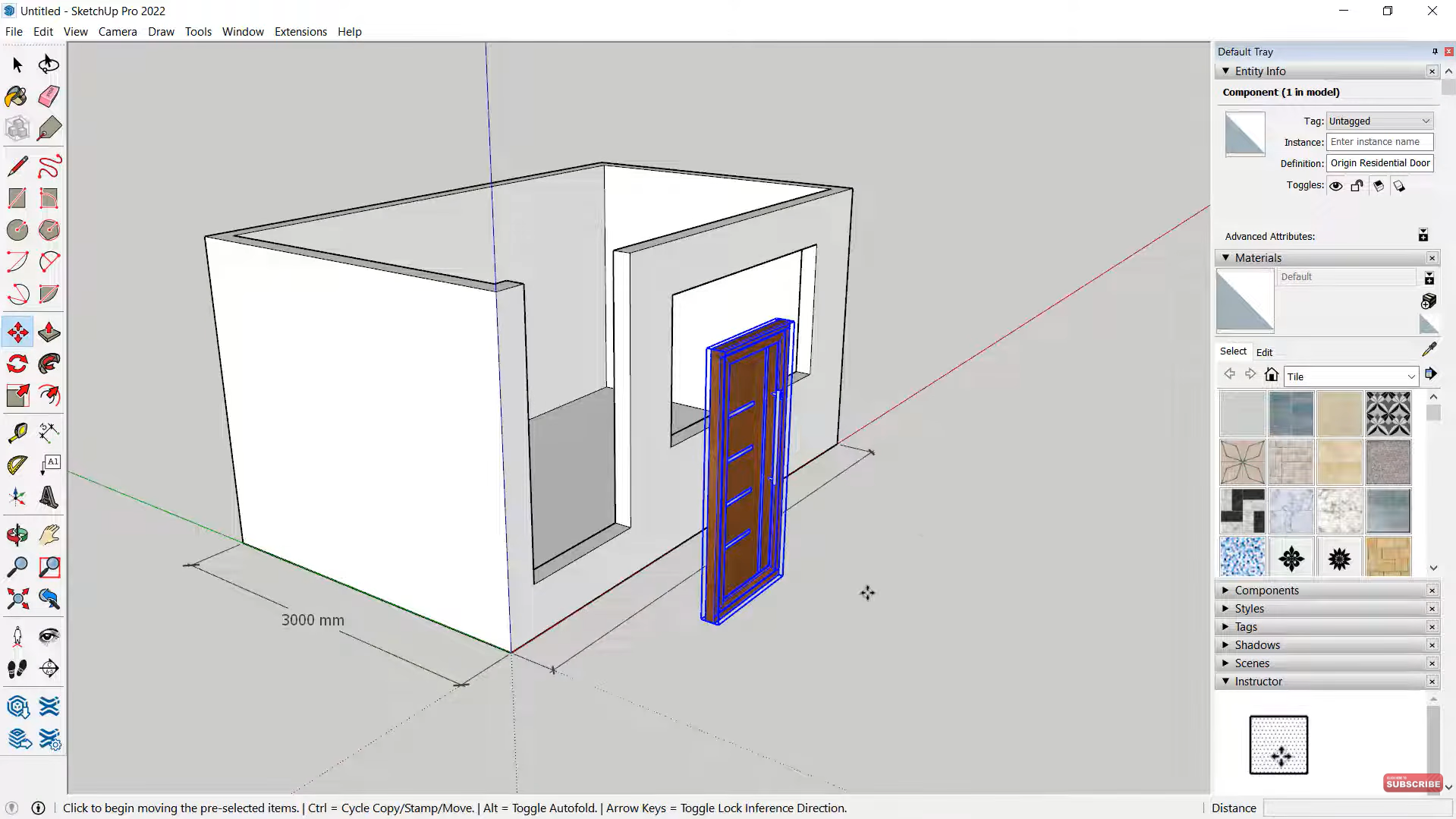
SketchUp emphasizes accessible three-dimensional modeling through an intuitive interface and direct geometric manipulation. Its straightforward workflow enables users to construct spatial concepts without mastering highly specialized engineering commands. When paired with compatible extensions, it can support 3D rendering software for product design workflows involving materials, lighting, and presentation-quality imagery.
Main features
Component libraries for reusable design elements.
Dynamic components with configurable object behavior.
Section planes for revealing internal spatial relationships.
Extension ecosystem for specialized modeling capabilities.
Scene management for organized visual presentations.
Suitable for
Furniture design and concept development.
Consumer product modeling and visualization.
Retail fixture and display design.
Interior layouts and spatial product planning.
How to choose the right 3D modeling software for product design
Choosing the right 3D modeling software depends on what you want to create, how precisely you need to model it, and how you plan to bring it to life. By comparing each tool's capabilities with your design goals, technical expertise, and production workflow, you can find a solution that balances creative freedom with practical functionality
Define your product design goals
Identify whether you want to develop initial concepts, consumer products, mechanical components, or manufacturing-ready prototypes. Your objectives will help you choose suitable 3D product design software with the tools needed for your projects.
Compare modeling capabilities
Different applications specialize in parametric modeling, freeform surfaces, sculpting, or AI-assisted generation. Select software that supports your product's geometry, complexity, and expected design revisions.
Consider your experience level
Evaluate the interface, learning curve, and available tutorials before committing to a platform. Beginners may prefer intuitive tools and guided workflows, while experienced designers may need advanced controls and customization options.
Evaluate precision and engineering tools
For functional products, look for dimensional constraints, accurate geometry, assembly management, and engineering validation. These features are essential when choosing the right 3D modeling software for product design that requires precise components and reliable technical specifications.
Check prototyping and manufacturing support
Choose software that supports your intended production methods, including 3D printing, CNC machining, and technical documentation. Formats such as STEP and STL simplify model transfers between design applications and manufacturing workflows.
Assess rendering and animation features
Consider whether you need realistic product images, material previews, or animated demonstrations. Dedicated rendering and animation tools can showcase product appearance, surface finishes, and functionality before physical production.
Compare pricing and workflow compatibility
Review subscription costs, export options, and compatibility with your existing tools before making a decision. If you prefer to try a platform first, Kimi 3D Make offers limited free credits to explore its AI-powered 3D modeling features, with paid subscriptions providing additional benefits and more advanced modeling capabilities.
Conclusion
In conclusion, choosing the right 3D modeling software for product design can make it easier to turn your ideas into clear, detailed models. From engineering-focused applications to AI-powered tools, each option offers different ways to develop and refine products. If you want to explore concepts without starting from scratch, Kimi 3D Make helps you generate 3D models from text prompts and visual references. You can then adjust shapes, colors, and details to bring your ideas closer to your vision.