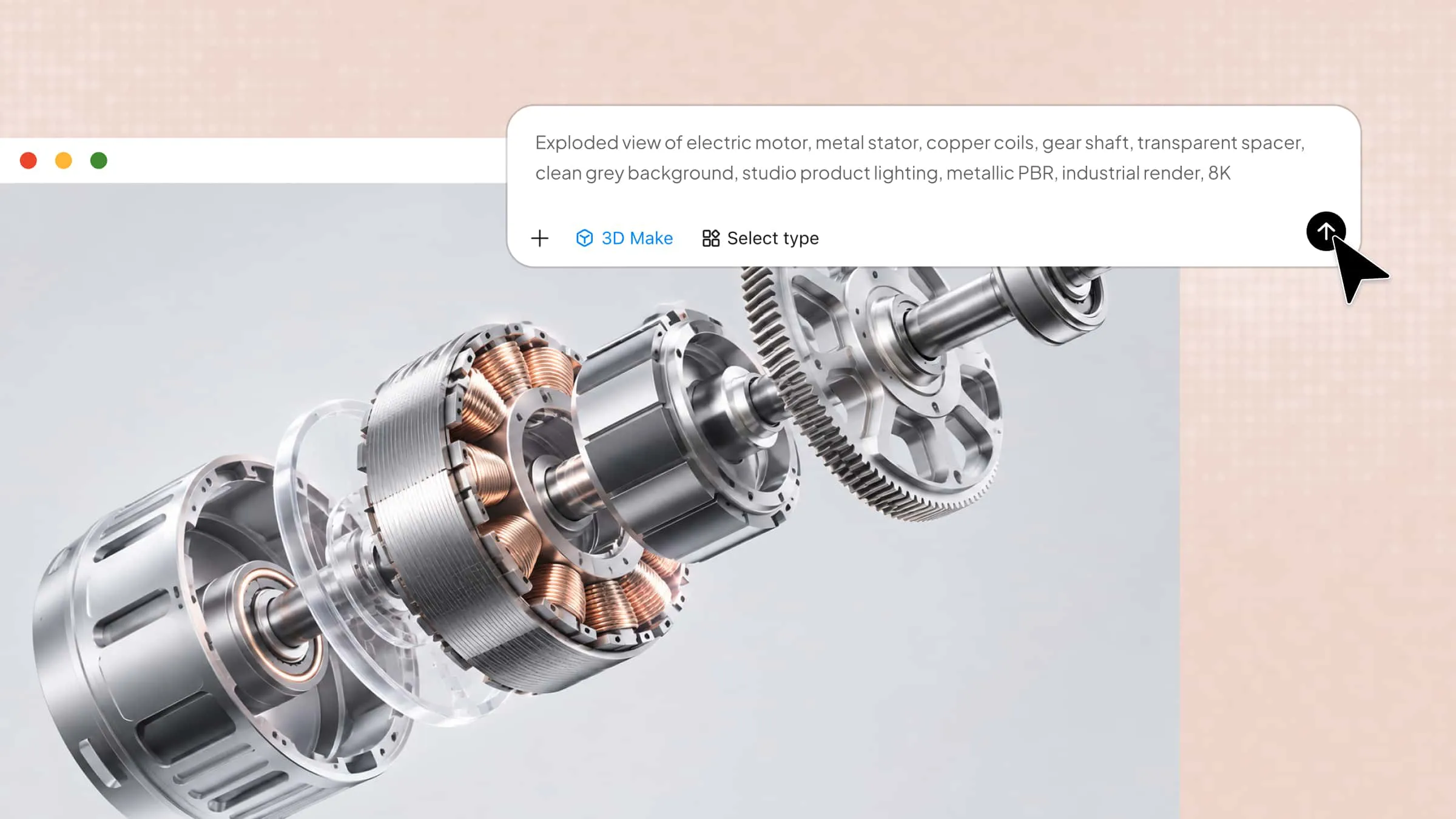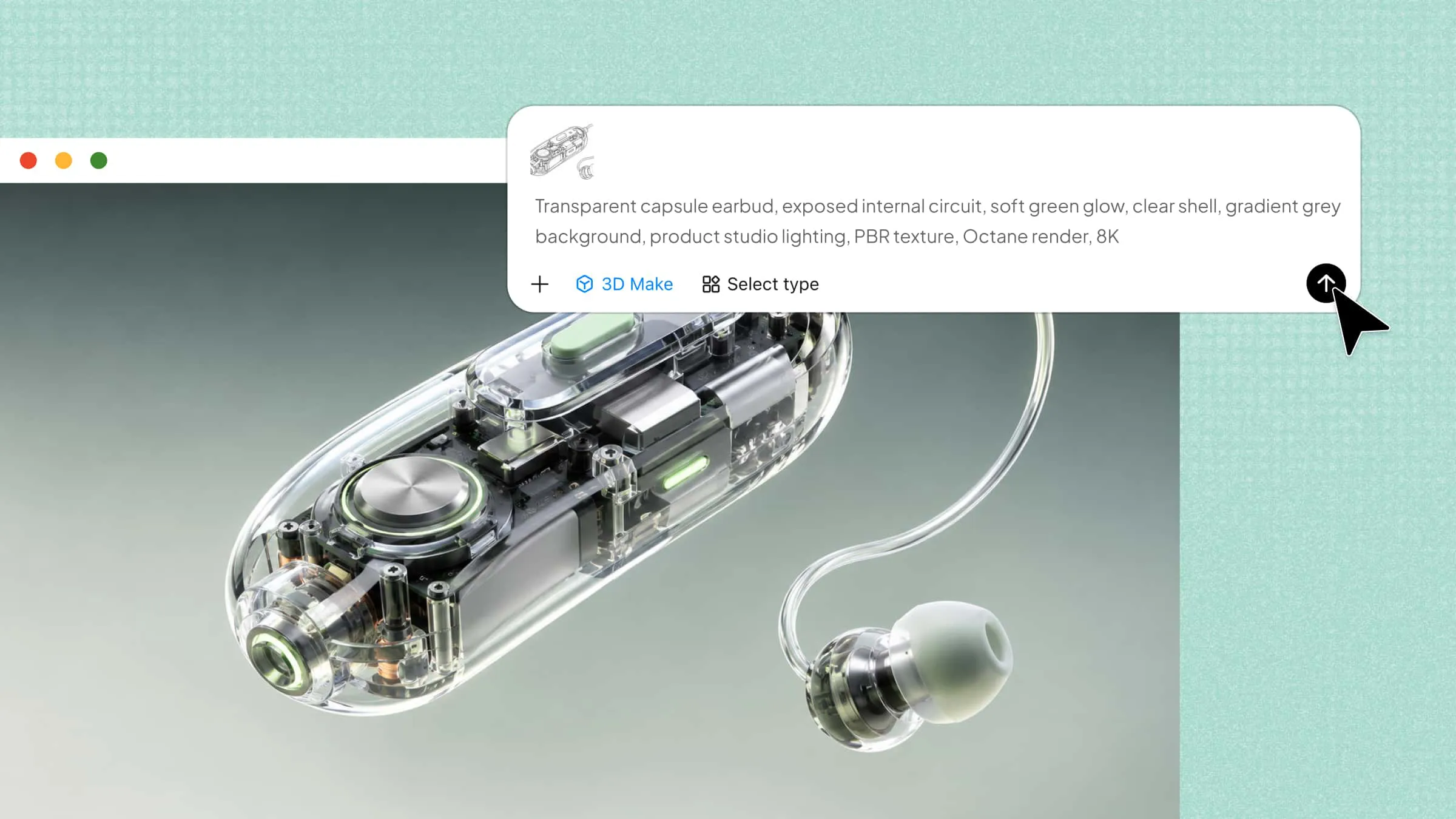
Launching a new product without physical samples can make it difficult to show customers exactly what it will look like. 3D product visualization software bridges this gap by transforming digital designs into realistic product renders and interactive models. In this article, explore 10 software options to create compelling product visuals without relying on traditional photoshoots.
Overview of 10 3D product visualization software tools
Choosing the right tool depends on your product type, design requirements, and preferred workflow. The following product visualization tools offer different capabilities, from AI-powered 3D modeling to interactive product configurators, virtual showrooms, and e-commerce displays.
| Software | Key features | Ease of use | Suitable for |
|---|---|---|---|
| Kimi 3D Make | AI text-to-3D, image-to-3D, conversational editing, 3D model export | Beginner-friendly | Generating and refining 3D product concepts from text prompts and reference images |
| Fibbl | 3D product scanning, photorealistic models, 360° viewing, AR and virtual try-on | Business-focused | Footwear and bags e-commerce visualization |
| imagine.io | 3D product configurators, real-time customization, 360° views, lifestyle renders | Business-focused | Furniture, home furnishings, and complex configurable products |
| Zakeke | 3D product configurators, real-time customization, AR previews, virtual try-on | No-code platform | Personalized products and interactive e-commerce experiences |
| Spiff3D | No-code product customization, interactive product experiences, fulfillment automation | No-code platform | Personalized retail products and custom e-commerce workflows |
| Cylindo | 360° product views, interactive 3D models, material and product variants, e-commerce integration | Business-focused | Furniture and home decor product visualization |
| Threekit | 3D product configurators, real-time rendering, product variants, AR experiences | Advanced | Complex product catalogs, modular products, and enterprise sales |
| Kivicube | Drag-and-drop AR creation, WebAR publishing, interactive animations, ready-made templates | Beginner-friendly | AR product demonstrations and interactive marketing experiences |
| Vectary | Interactive 3D scenes, product configurators, animations, hotspots, product variants | Intermediate | Interactive product displays, embedded 3D experiences, and marketing presentations |
| 3D AI Studio | Text-to-3D, image-to-3D, AI texturing, remeshing, model conversion and export | Beginner-friendly | Generating and preparing 3D product models for further editing and visualization |
Explore 10 3D product visualization tools for 2026
Explore these 10 tools to compare their features, capabilities, and ideal use cases. Find the right 3D product visualization software for your design and business needs.
Kimi 3D Make
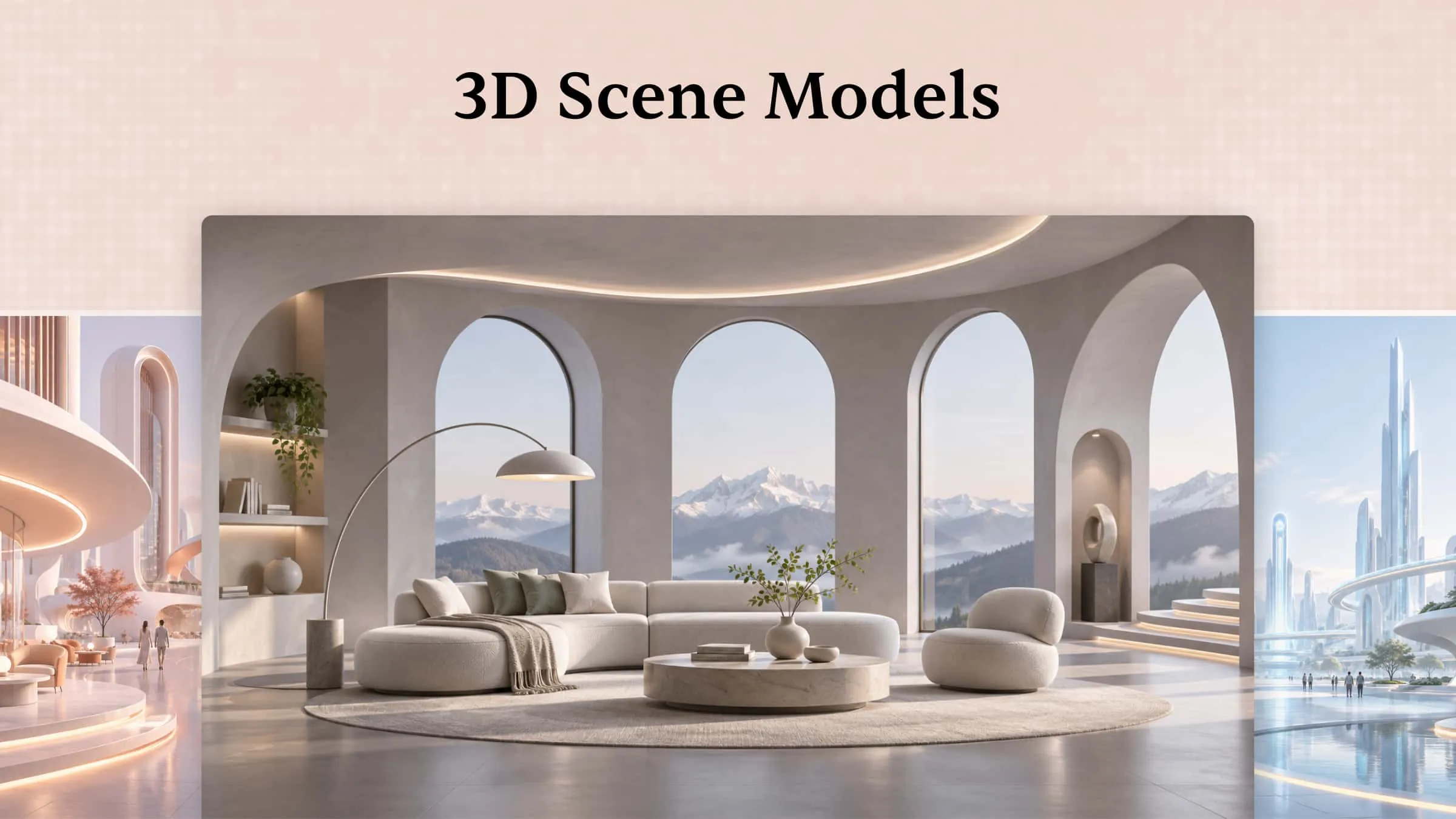
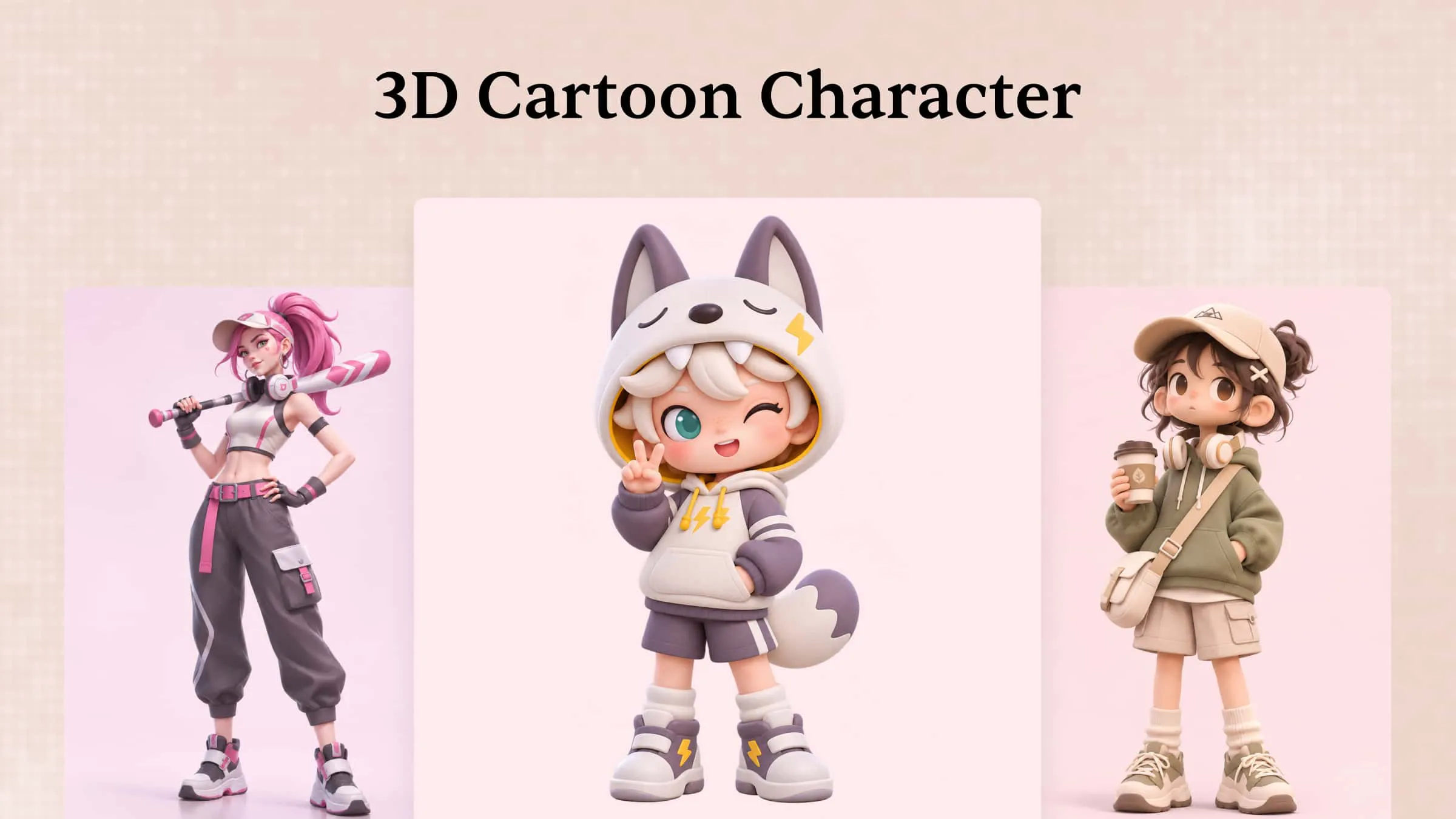
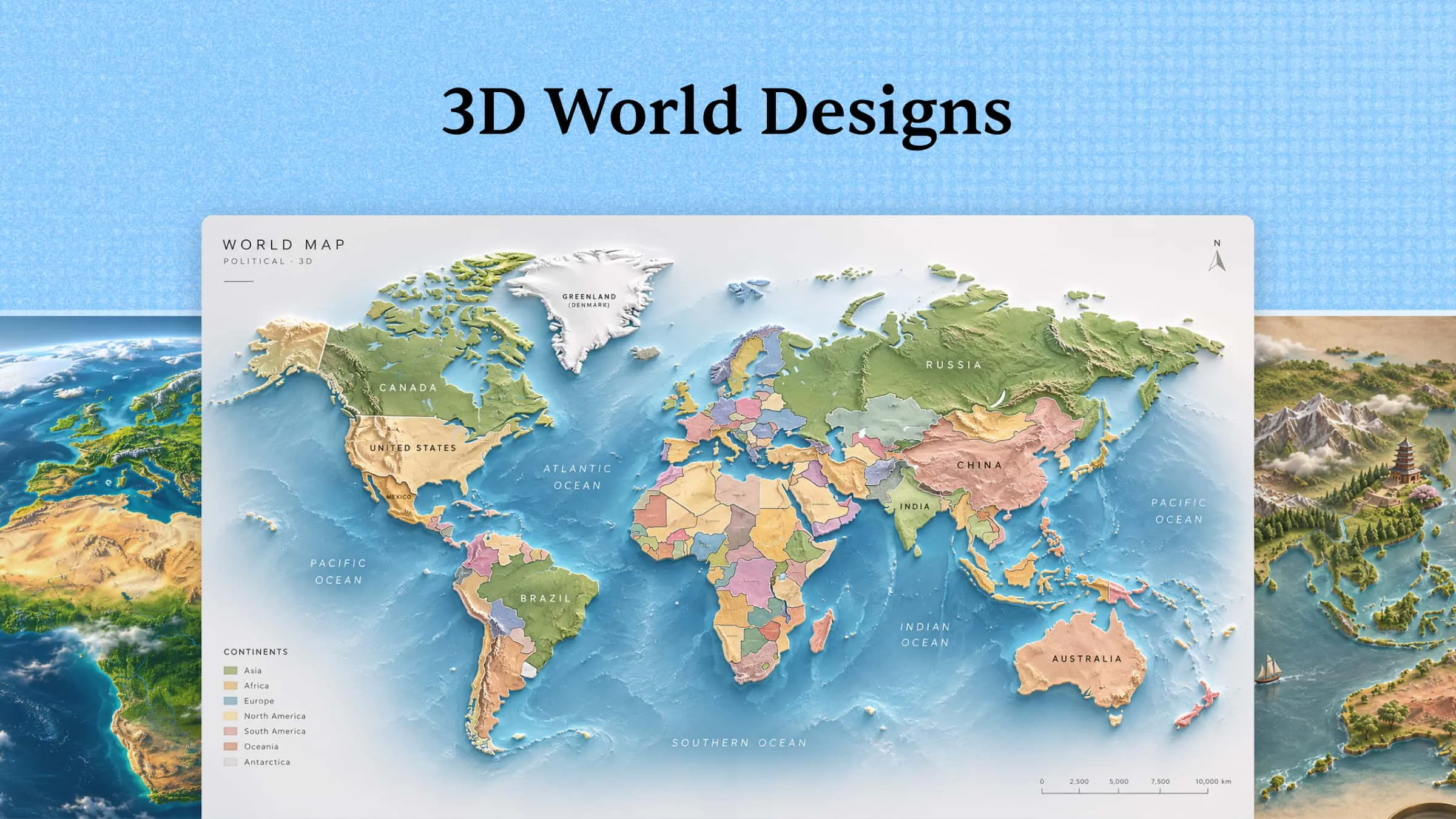
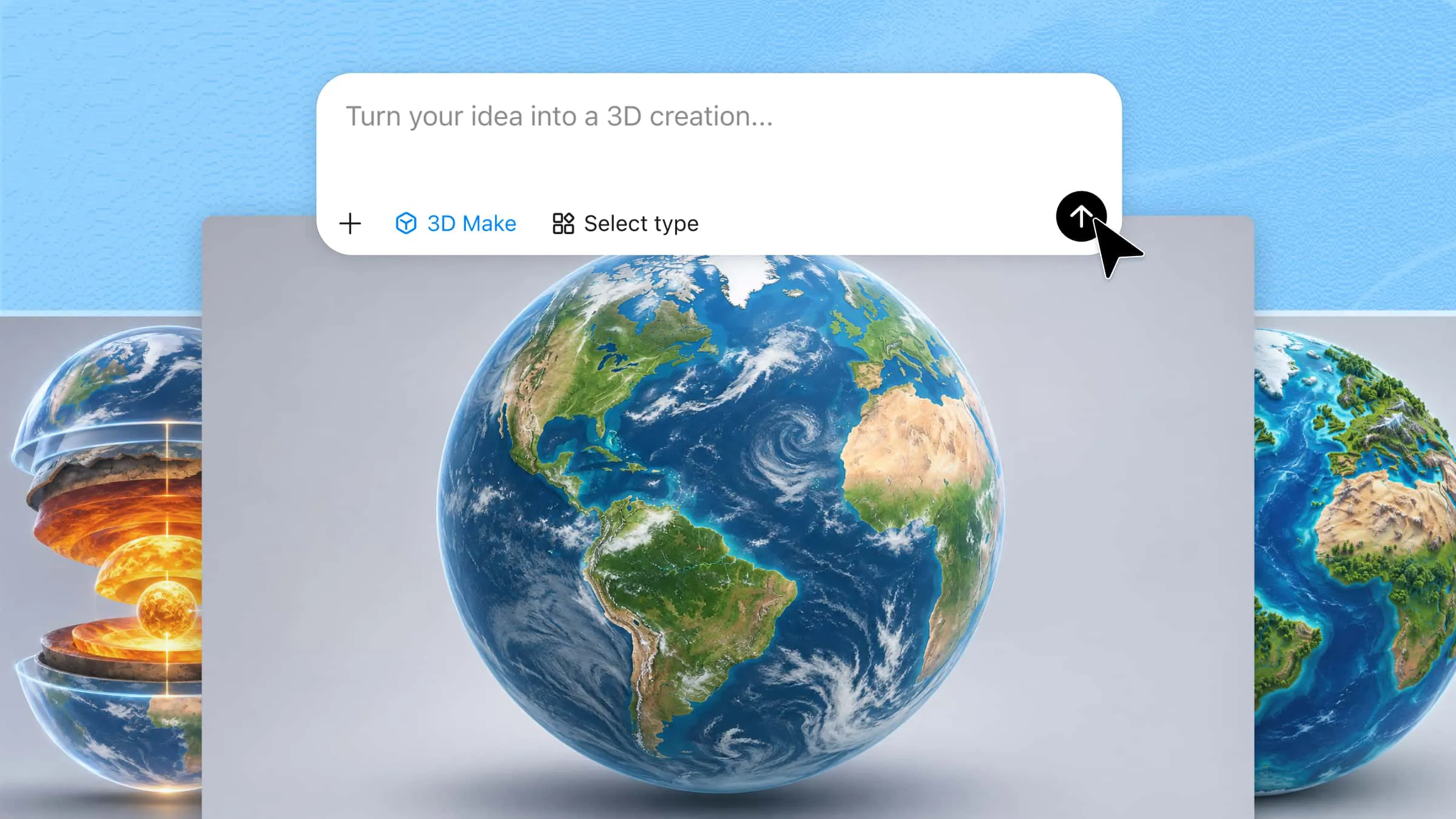
Kimi 3D Make is an AI-powered tool that helps users turn creative ideas into detailed 3D models. It supports text prompts and reference images, making product model creation accessible without advanced modeling skills. Users can refine generated designs through additional prompts, comments, and manual edits. It also supports exporting models in formats such as GLB and BLEND for use in compatible 3D applications.
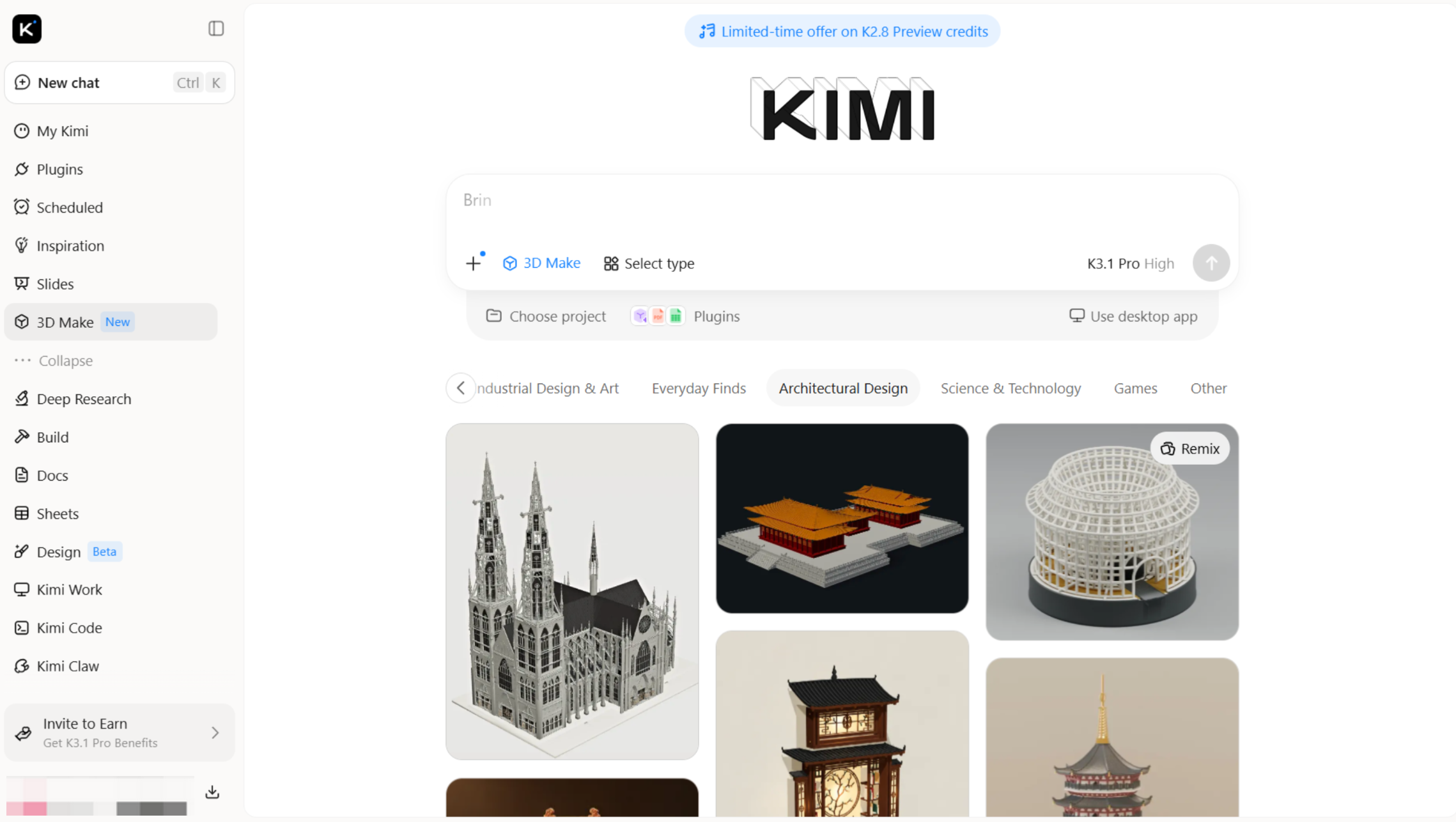
Main features
Kimi 3D Make combines AI generation and flexible editing to simplify the 3D modeling process. Its main features help users create, customize, and export 3D product models for different creative and commercial projects.
Bring product ideas to life with AI-powered 3D generation: Turn simple product descriptions, hand-drawn sketches, or reference images into detailed 3D models. Kimi 3D Make helps you transform early-stage concepts into tangible visual assets, explore creative directions, and bring new product ideas closer to reality.
Create product variations with flexible editing: Fine-tune your 3D designs through natural-language instructions. Refine shapes, proportions, colors, and individual details to explore different product styles and variations. Whether you're developing a new concept or polishing an existing design, you can make adjustments without rebuilding the model from scratch.
Showcase every angle with interactive 3D previews: Go beyond static product images and explore your designs in 3D. Rotate, zoom, and inspect models from different angles to highlight their form and details, making product concepts easier to review, present, and communicate.
Take your 3D designs into your creative workflow: Export models in supported formats such as GLB and OBJ for use in compatible 3D applications. Continue refining materials, creating rendered product scenes, or preparing visual assets for e-commerce pages and marketing campaigns.
Suitable for
Beginners who want to create 3D models without advanced modeling skills.
Product designers who need quick visual concepts and prototypes.
E-commerce creators who want 3D product assets for online displays.
Marketers who need customizable 3D visuals for presentations and campaigns.
How to make 3D product visualization with AI
Kimi 3D Make simplifies product modeling with an AI-powered workflow that turns text prompts and reference images into customizable 3D assets. Follow these steps to create your own product visualization.
Step 1: Upload a product image or describe your idea
Upload a clear product reference image or enter a text prompt describing the desired design. Include the product's shape, materials, colors, textures, and distinctive features.
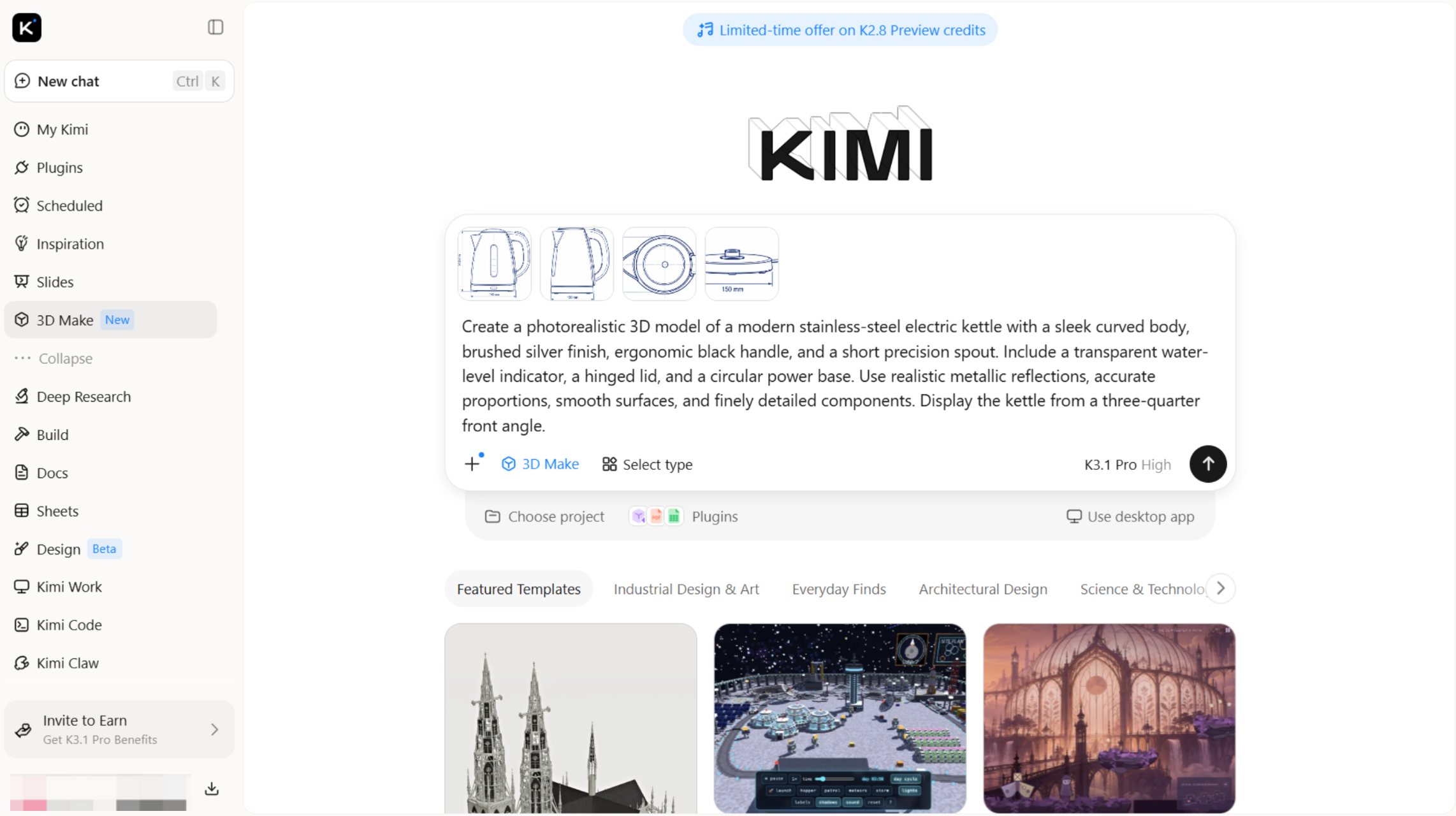
Step 2: Edit and refine the 3D model
Review the generated model and adjust its shape, proportions, colors, materials, or surface details. Use additional prompts, comments, or manual editing to improve the design.
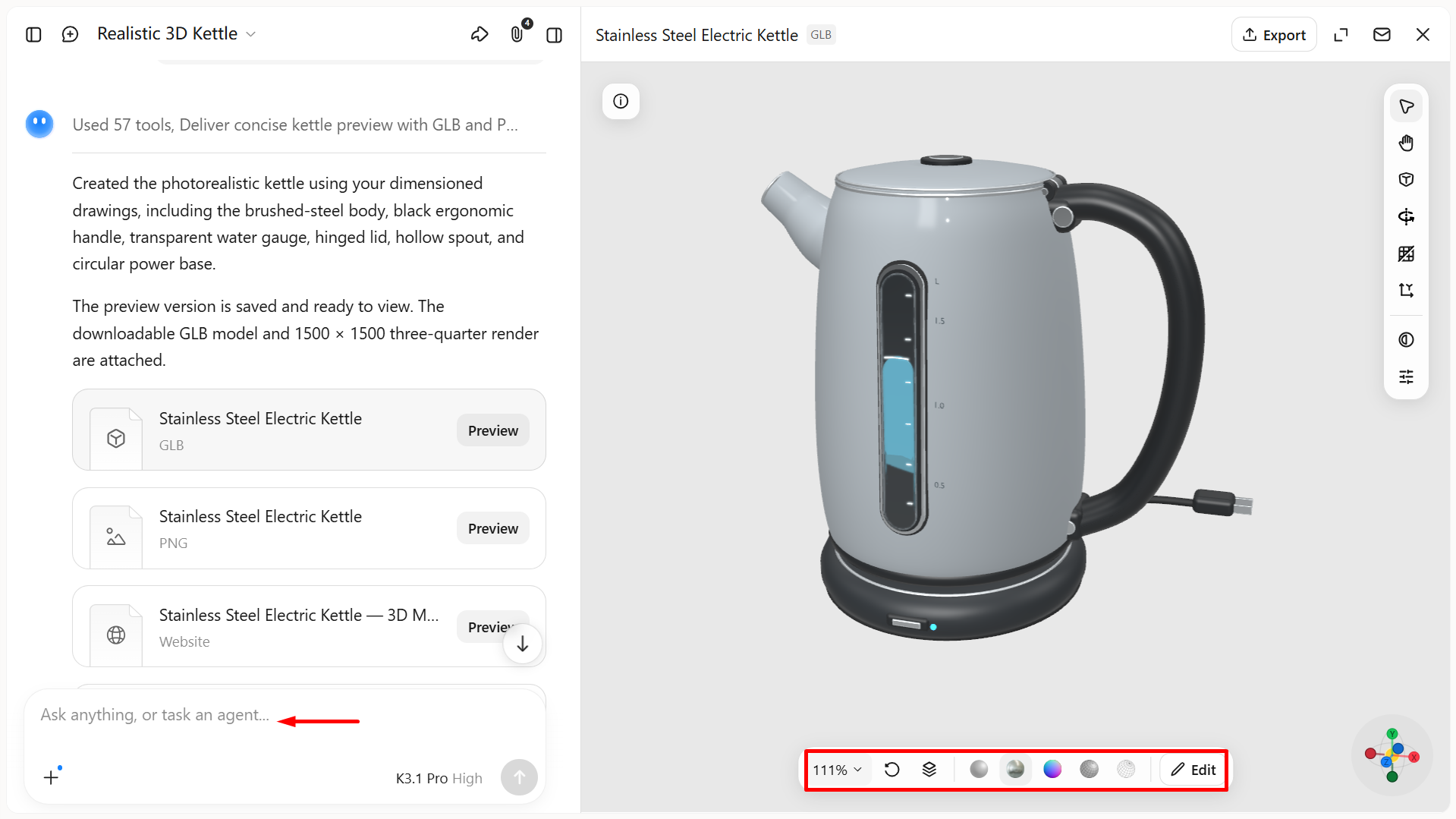
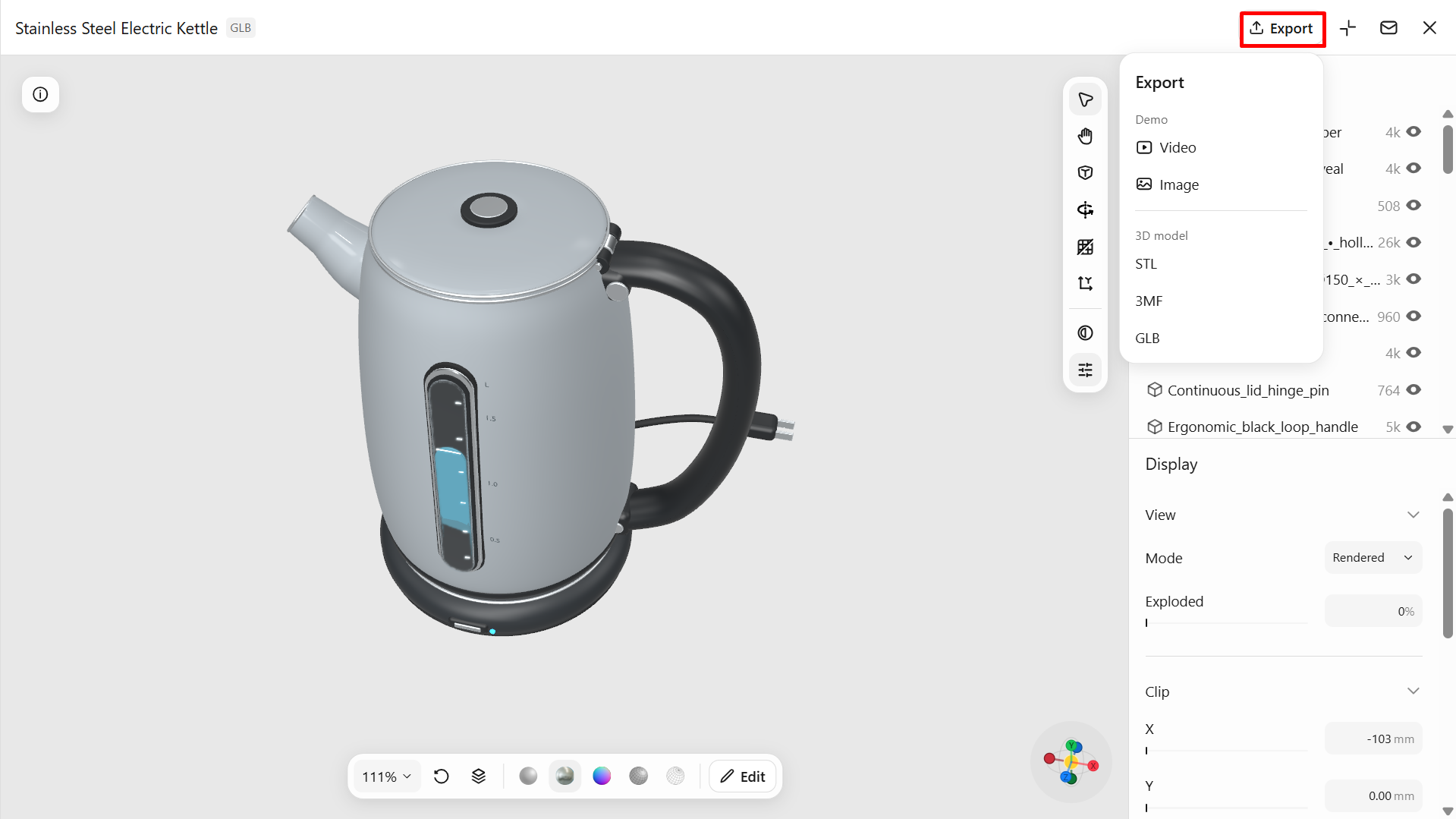
Step 3: Export and use your 3D model
Once satisfied with the result, export the model in a supported format, such as GLB or BLEND. Use it in compatible 3D software, product presentations, or other creative projects.
Fibbl
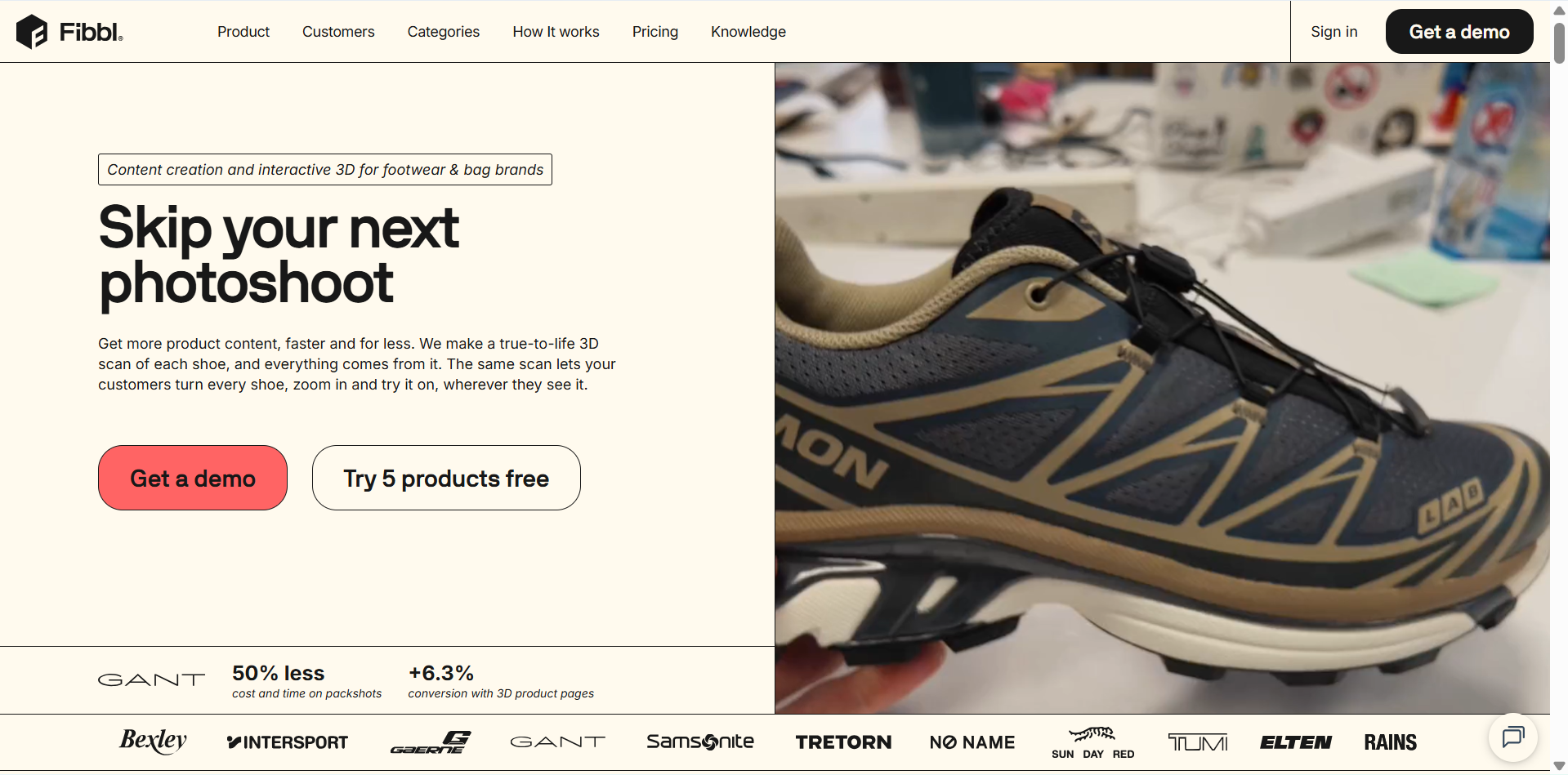
Fibbl is an end-to-end 3D commerce platform designed for footwear, bags, and fashion brands. It transforms physical products into photorealistic 3D models through scanning and uses these digital assets to create interactive product viewers, AR experiences, virtual try-ons, and marketing visuals. Its integrated content creation and distribution capabilities make it a specialized solution for brands looking to enhance e-commerce product presentation and customer engagement.
Main features
Photorealistic 3D scanning: Convert physical footwear and fashion products into detailed digital models that closely represent their original appearance.
Interactive 3D product viewer: Let customers rotate and explore digital products from different angles to examine their design and details.
Virtual try-on: Allow shoppers to preview selected products digitally before making a purchase.
Marketing content creation: Generate product images and visual assets for online stores, advertisements, and promotional campaigns.
Suitable for
Footwear and sneaker brands.
Handbag and accessories businesses.
Fashion retailers with large product catalogs.
Brands looking to improve online product presentation.
imagine.io
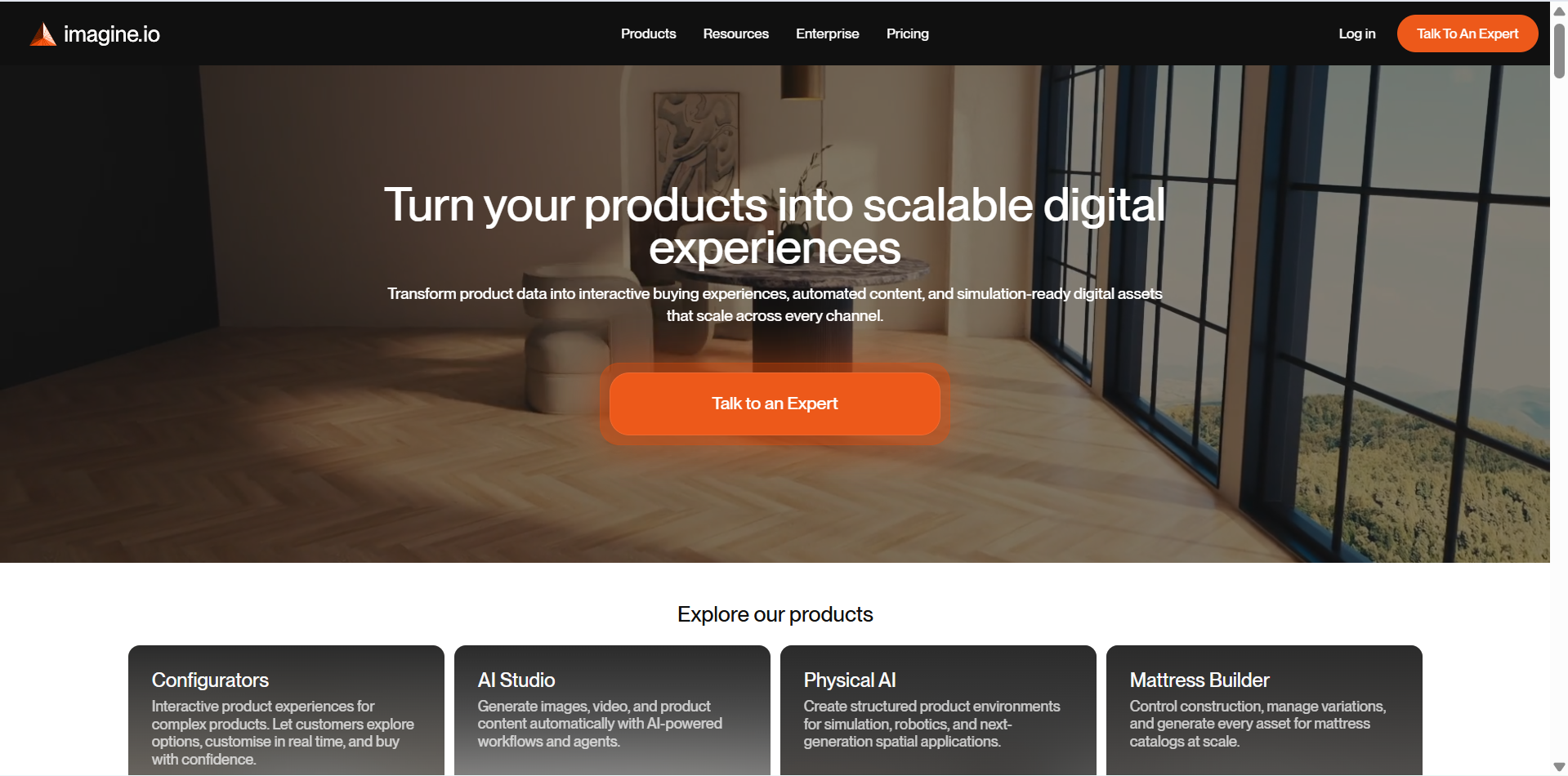
imagine.io is a product visualization and configuration platform that helps businesses create interactive digital product experiences. It allows customers to explore product variations and customize features such as colors, fabrics, shapes, and finishes. Its combination of 3D configurators and automated imagery makes it useful for businesses seeking the ideal 3D software for product visualization in retail and e-commerce.
Main features
Interactive 3D configurators: Allow customers to customize product features, such as colors, materials, and finishes, while viewing changes in real time.
Automated product imagery: Generate consistent product images and packshots from 3D models for online catalogs and marketing materials.
Lifestyle visualization: Place digital products in realistic virtual environments to create engaging promotional images.
Product variant management: Organize different product sizes, materials, and finishes to make large catalogs easier to manage.
Suitable for
Furniture and home decor brands.
Businesses selling customizable products.
E-commerce teams managing large product catalogs.
Marketing teams creating product and lifestyle imagery.
Zakeke
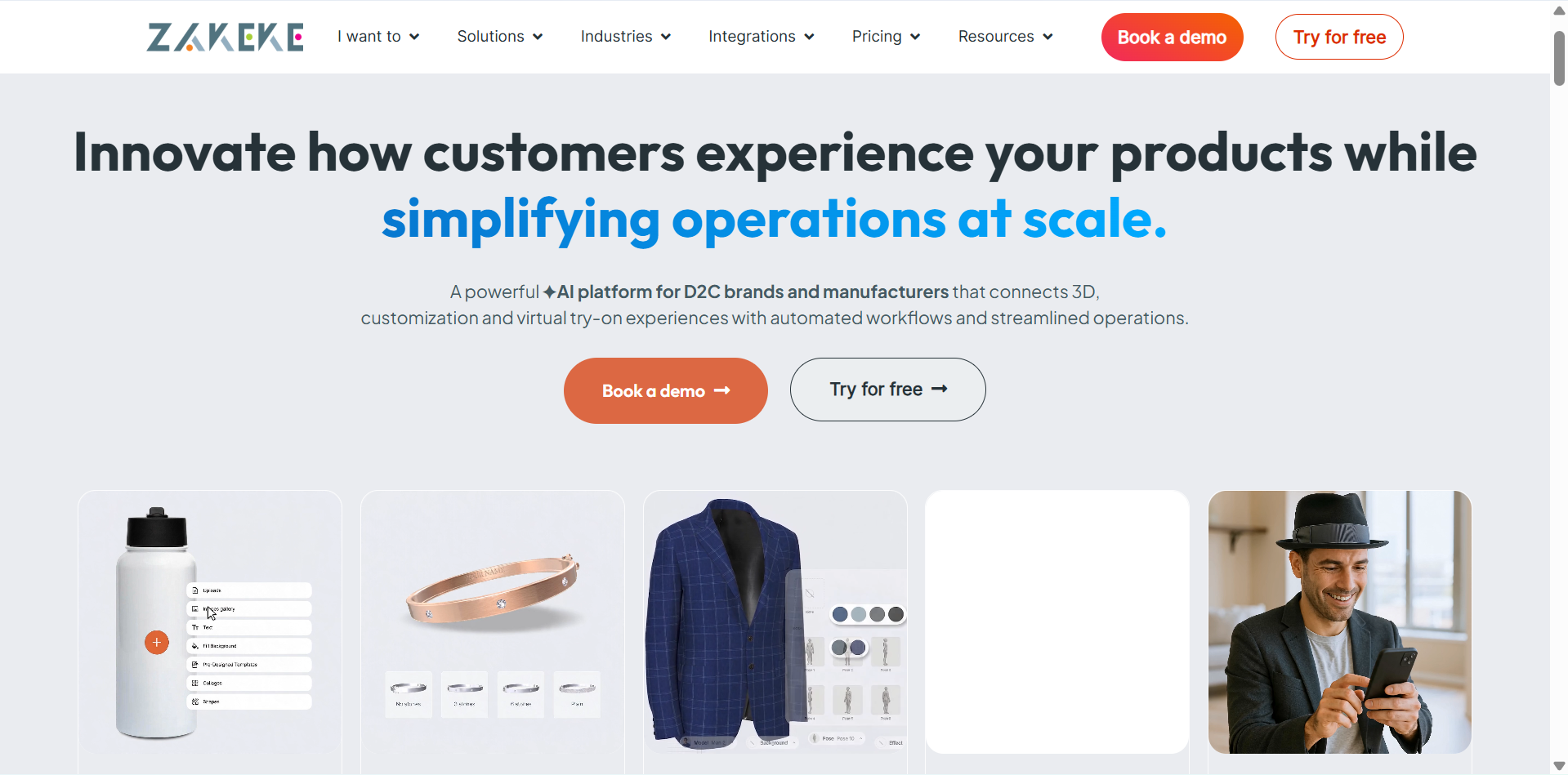
Zakeke is a visual commerce platform that helps online businesses offer interactive product customization. Customers can personalize products by changing colors, materials, and components or adding text and images. With 3D previews and augmented reality features, it is among the 3D product visualization tools designed to make online shopping more interactive.
Main features
3D product configurator: Let customers explore and customize product components, colors, and materials through interactive 3D previews.
Visual product customization: Allow shoppers to personalize products by adding text, images, artwork, and other design elements.
Augmented reality previews: Enable customers to view products in their real surroundings before purchasing.
E-commerce integration: Connect the platform with online stores, including Shopify, WooCommerce, and BigCommerce, to offer customization directly on product pages.
Suitable for
Online stores selling personalized products.
Fashion and apparel businesses.
Furniture and home decor retailers.
Brands offering made-to-order products.
Spiff3D
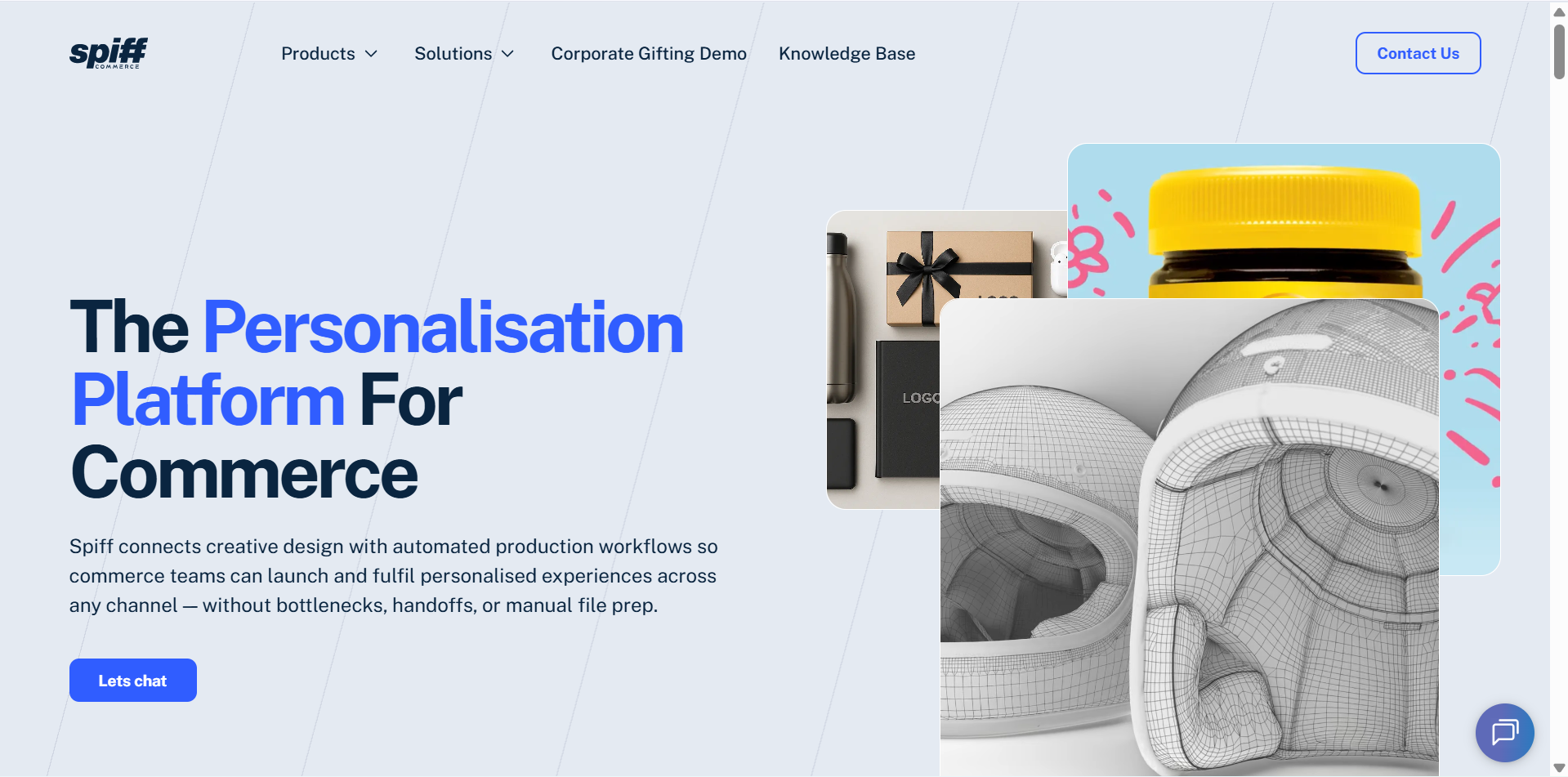
Spiff3D focuses on creating interactive retail experiences through real-time 3D product customization. Its platform allows businesses to build product experiences where customers can change colors, add or remove components, and explore different variations. These capabilities make it a useful option for brands that need 3D product visualization software with customization and order management features.
Main features
Interactive 3D experiences: Create digital product displays that allow customers to explore models and examine different product details.
Real-time customization: Let shoppers change colors, add or remove components, and view product variations instantly.
No-code product management: Build and update product customization experiences through visual tools without requiring programming skills.
Fulfillment automation: Generate production-ready files and connect customer customization choices with order fulfillment workflows.
Suitable for
Retail brands offering personalized products.
Businesses selling configurable items.
E-commerce teams building interactive shopping experiences.
Companies managing customized product orders.
Cylindo
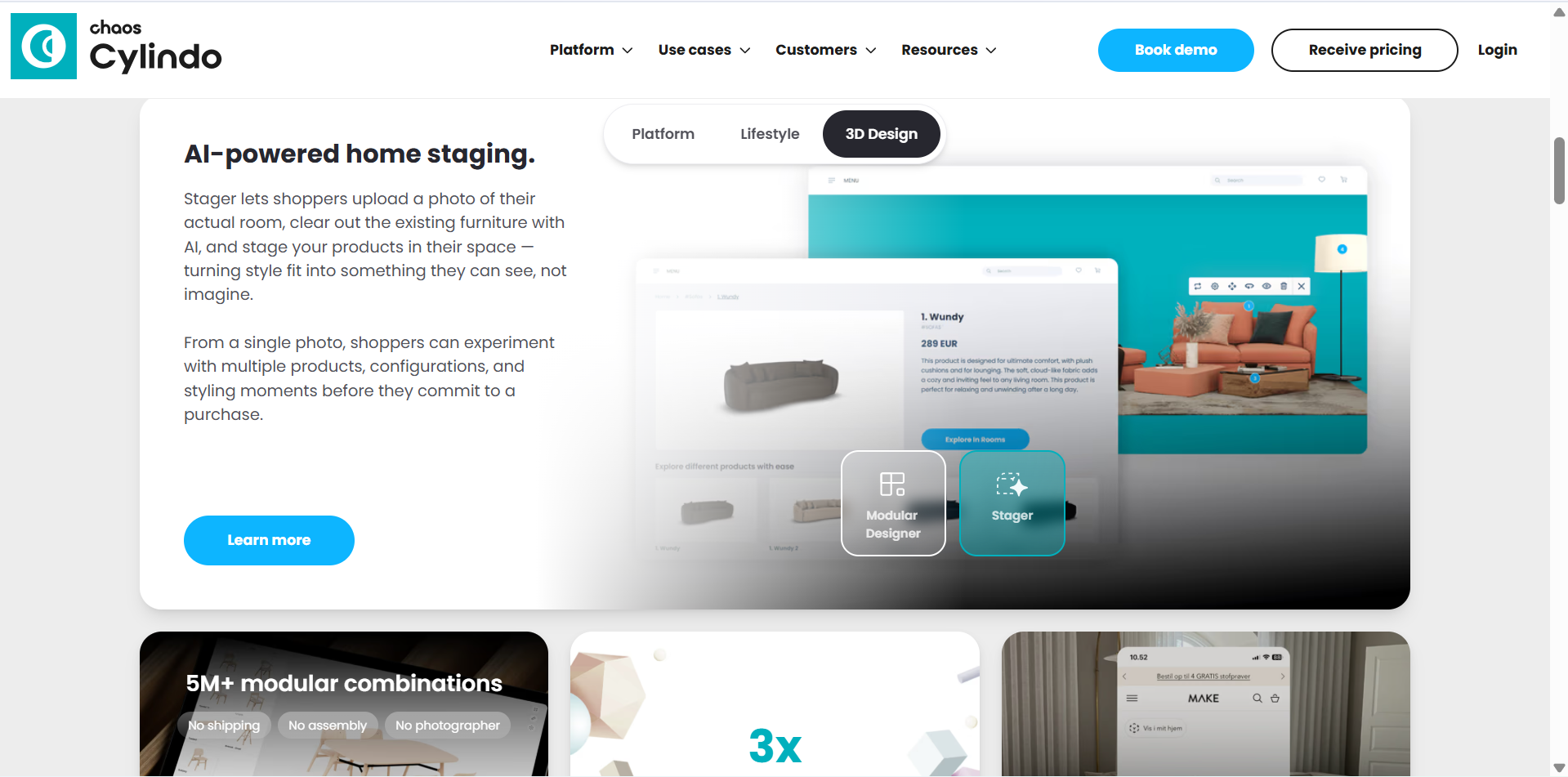
Cylindo is a visual commerce platform that helps furniture and retail brands create realistic product imagery and interactive shopping experiences. It combines 3D visualization with digital content tools to showcase products across different channels. Its features make it a specialized choice among product visualization tools, particularly for furniture and home decor businesses.
Main features
360-degree product visualization: Create rotating product views that allow customers to examine items from multiple angles.
Interactive 3D models: Give shoppers a closer look at product shapes, structures, and design details through digital models.
Material and color customization: Display different finishes, fabrics, and color options to help customers compare product variations.
E-commerce visual content: Create product visuals for online stores and other sales channels to maintain consistent product presentation.
Suitable for
Furniture and home decor retailers.
Brands with large product catalogs.
Businesses offering multiple product variations.
E-commerce teams improving digital product displays.
Threekit
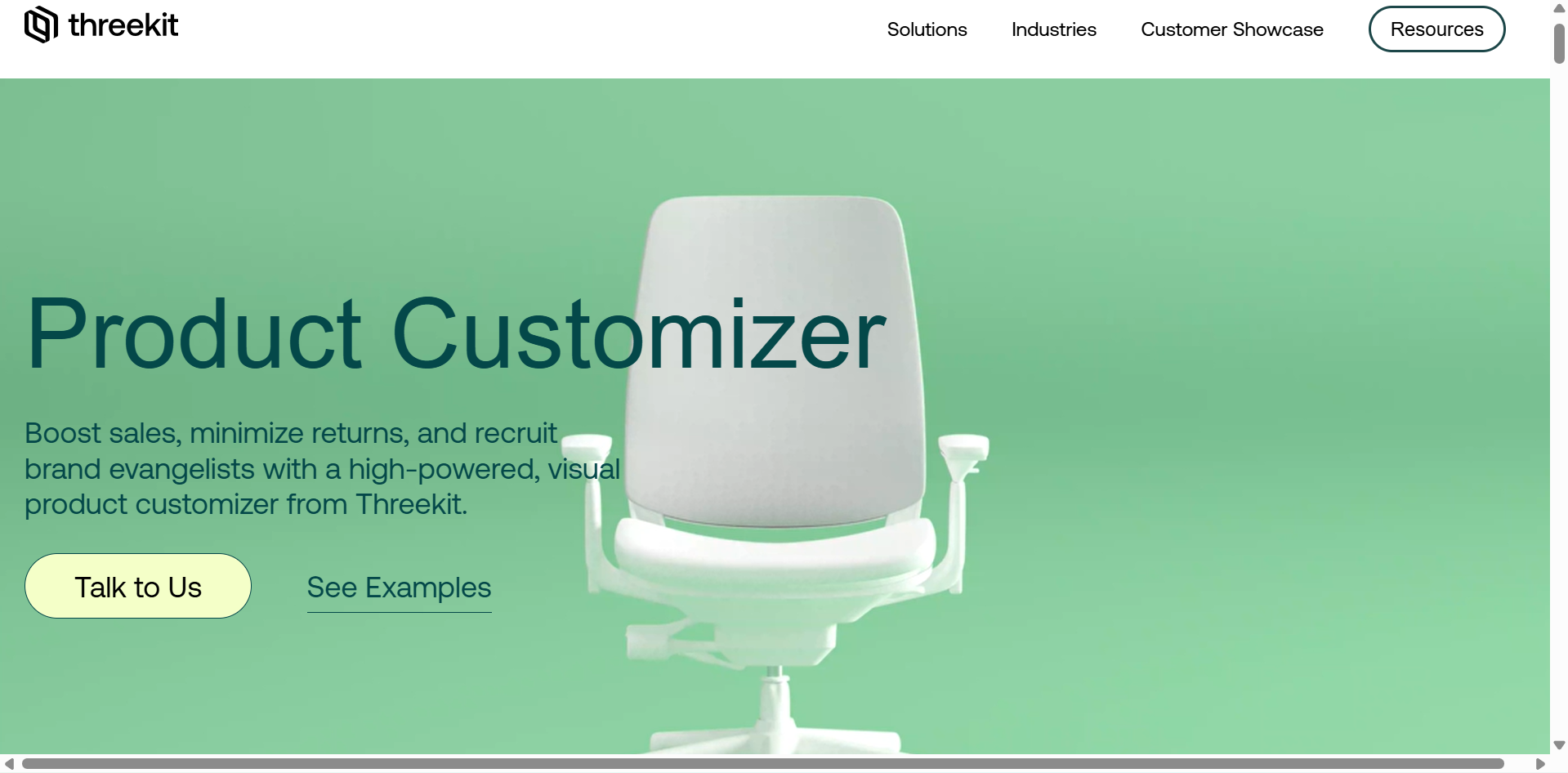
Threekit is an enterprise-focused product visualization platform for businesses that sell complex or configurable products. It combines 3D models, product data, and customization options to create interactive buying experiences. Its advanced rendering and configuration capabilities make it a strong contender for businesses comparing the ideal 3D software for product visualization at scale.
Main features
3D product configurator: Let customers personalize complex products by selecting components, materials, colors, and other available options.
Real-time rendering: Display product changes instantly as customers select different configurations.
Virtual photography: Generate high-quality product images from digital models without arranging a separate physical photoshoot for every variation.
Augmented reality visualization: Allow shoppers to preview configured products in real-world spaces before placing an order.
Suitable for
Manufacturers with configurable product lines.
Furniture and home improvement businesses.
Brands that sell complex products with multiple variations.
Enterprise sales and e-commerce teams.
Kivicube
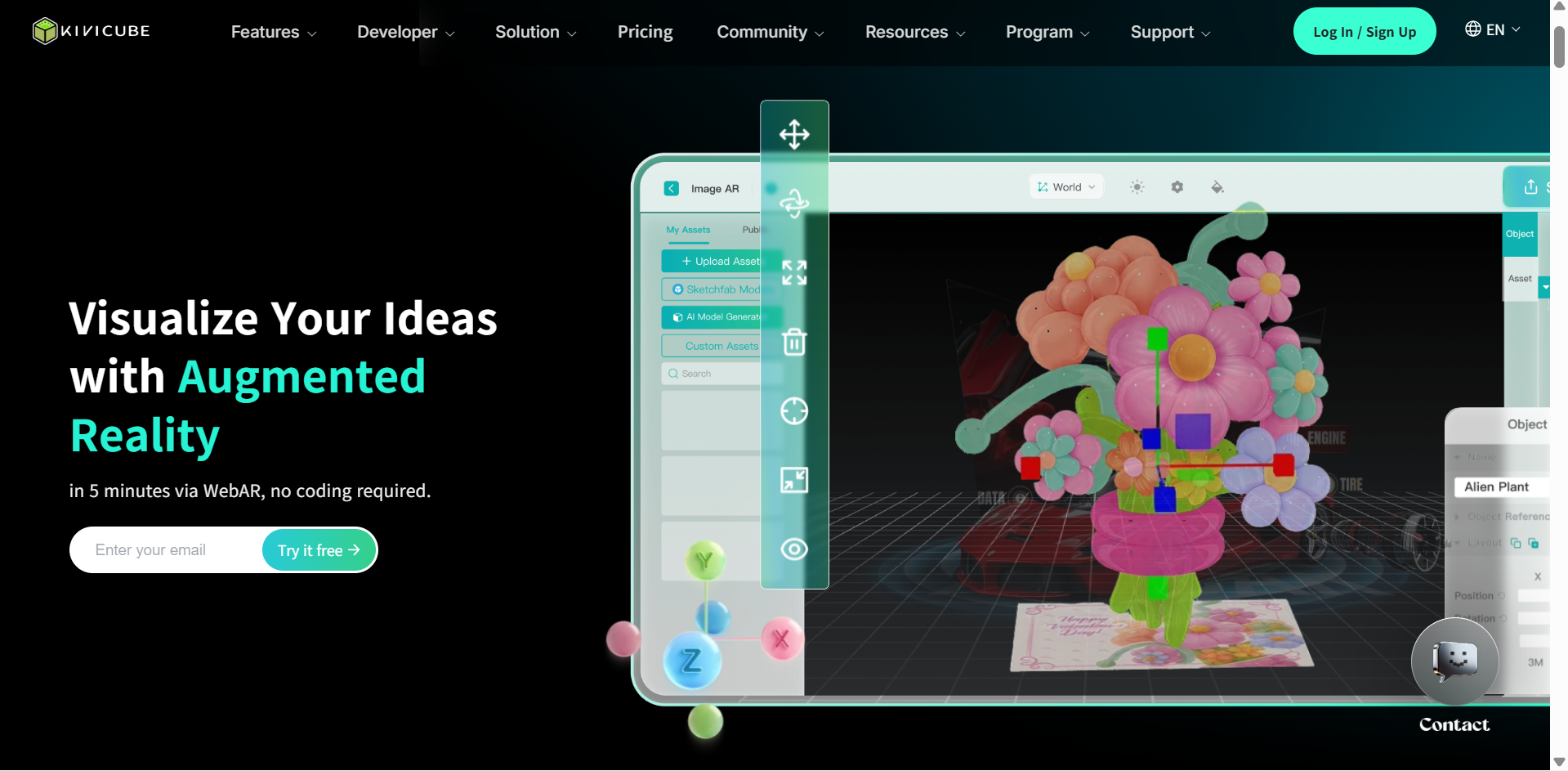
Kivicube is a web-based augmented reality creation platform that helps users build interactive digital experiences without coding. It provides drag-and-drop tools, ready-made templates, and asset libraries for creating AR scenes. While it focuses more on augmented reality than traditional 3D rendering, it can support 3D product visualization through interactive product demonstrations.
Main features
Drag-and-drop AR creation: Build augmented reality scenes by placing and arranging digital elements through a visual editor.
Ready-made templates: Start with pre-designed layouts and reusable assets to create AR experiences more quickly.
Interactive animations: Add animated objects and interactive elements to make product demonstrations more engaging.
WebAR publishing: Share completed experiences through web links or QR codes so customers can access them without installing a separate app.
Suitable for
Brands that create augmented reality campaigns.
Businesses presenting products through interactive experiences.
Marketing teams developing digital promotions.
Creators building browser-based AR projects.
Vectary
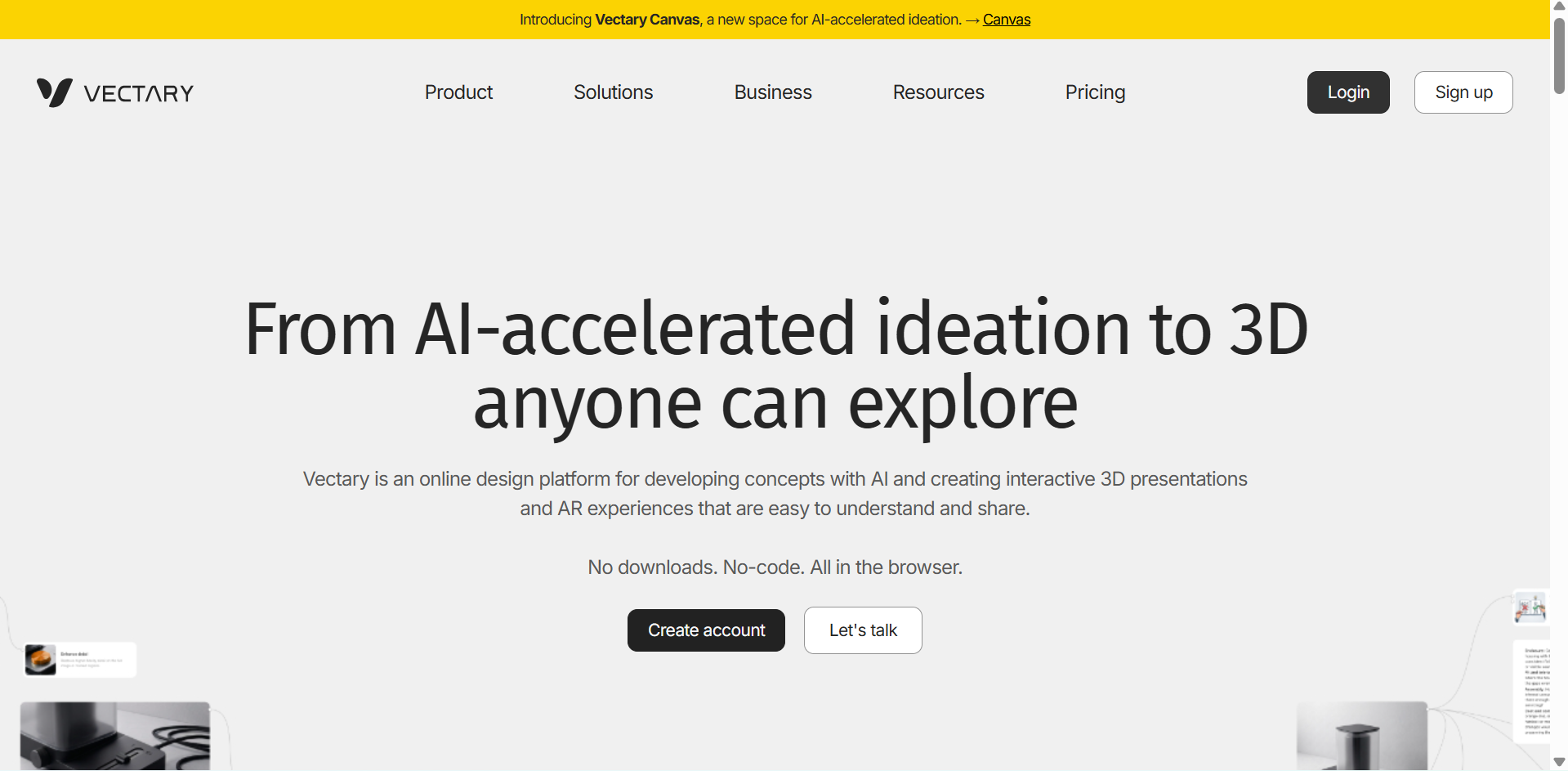
Vectary is a browser-based 3D design and visualization platform for creating interactive digital experiences. It provides tools to build product presentations with animations, customizable variants, and interactive elements. Users can also embed their 3D projects into websites to create engaging product displays.
Main features
Interactive 3D presentations: Create browser-based product displays that let viewers explore and interact with 3D models.
Product variants: Add different product options so viewers can switch between colors, materials, and designs.
Animations and interactions: Animate 3D objects and add interactive elements to demonstrate product features.
Hotspots and floating interfaces: Highlight important product details with clickable information points and on-screen labels.
Suitable for
Product designers who create interactive presentations.
E-commerce businesses that showcase digital products.
Marketing teams developing web-based 3D experiences.
Designers who create product demonstrations and prototypes.
3D AI Studio
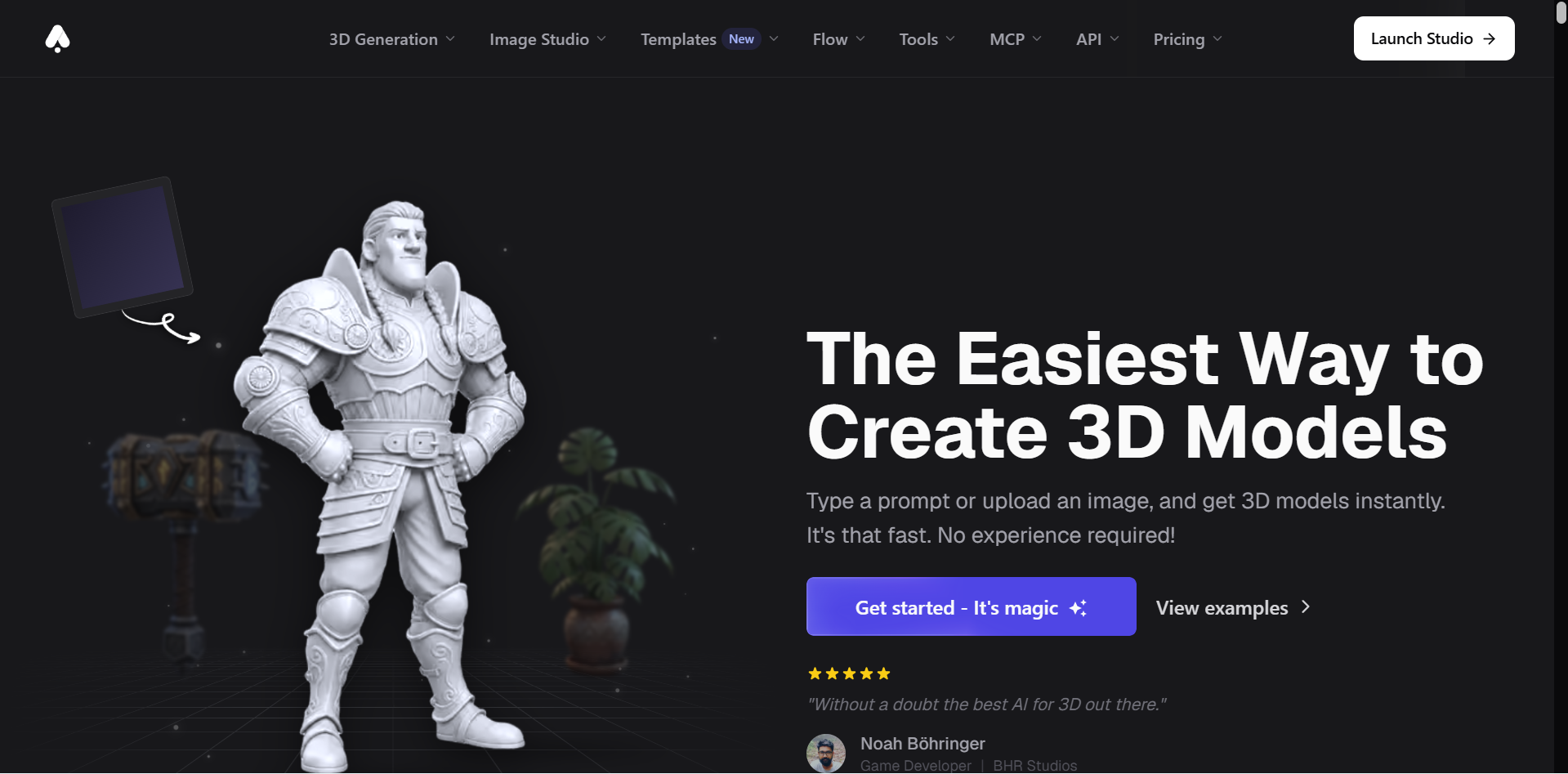
3D AI Studio is an AI-powered platform that generates 3D models from text descriptions and reference images. It also provides tools for improving textures, refining geometry, and preparing models for different applications. Its browser-based workflow makes it useful for creating product concepts without installing complex modeling software.
Main features
Text-to-3D generation: Enter a written description to generate a 3D model with the requested shape, appearance, and details.
Image-to-3D conversion: Upload product photos, sketches, or concept images to create corresponding 3D assets.
AI texturing: Generate and apply surface materials and textures to give models a more realistic appearance.
Mesh optimization and export: Improve model geometry and prepare assets for different workflows by exporting formats such as GLB, OBJ, FBX, STL, and USDZ.
Suitable for
Beginners creating 3D models with AI.
Product designers who are developing digital prototypes.
Creators who are preparing assets for games and AR projects.
Designers who need export-ready 3D models for different workflows.
How to find the right software for 3D product visualization
Choosing the right software depends on your products, design requirements, and business goals. Compare the following factors to evaluate different 3D product visualization tools and find one that fits your workflow and budget.
Define your product needs
Start by identifying the types of products you want to showcase and the visuals you need to create. Some businesses require realistic product renders, while others need interactive 3D models, animations, or product configurators. Choose 3D product visualization software that supports your specific requirements.
Check realistic rendering quality
Look for software that produces detailed models with accurate shapes, realistic materials, natural lighting, and high-quality textures. These elements help customers understand how products look from different angles. Review sample renders to determine whether the software meets your visual standards.
Look for easy-to-use tools
Choose a platform with a clear interface, accessible editing features, and a workflow that matches your experience level. Beginners may prefer AI-powered generation or drag-and-drop editors, while experienced designers might need advanced modeling and rendering controls. Easy-to-use product visualization tools can also reduce the time required to create product visuals.
Test export and sharing options
Check which file formats the software supports and whether you can export models for use in other applications. Common formats include GLB, glTF, OBJ, FBX, and STL, although availability varies by platform. Also, look for options to embed or share interactive product visuals through websites and presentations.
Read reviews and try demos
Explore customer reviews, tutorials, and sample projects to understand how the software performs in real-world workflows. Use free trials or demos to test its interface, rendering quality, customization features, and export process. Comparing a few 3D product visualization tools firsthand can help you make a more informed decision.
Conclusion
3D product visualization software helps create realistic renders and customizable models for product presentations, online stores, and marketing campaigns. The right tool depends on your creative needs and business goals. If you want to turn text prompts or reference images into 3D models, try Kimi 3D Make to generate and refine product assets for your creative and commercial projects.