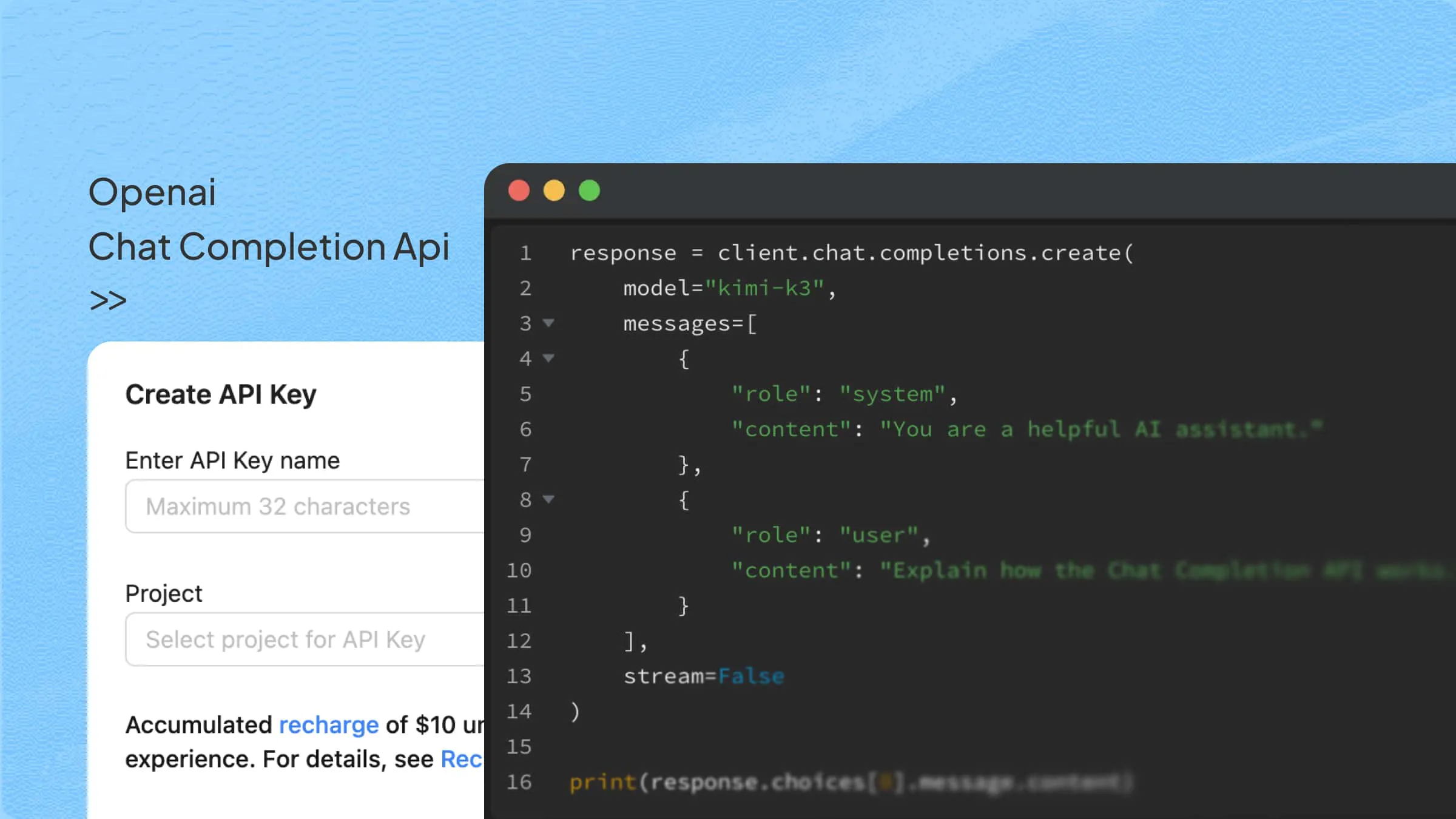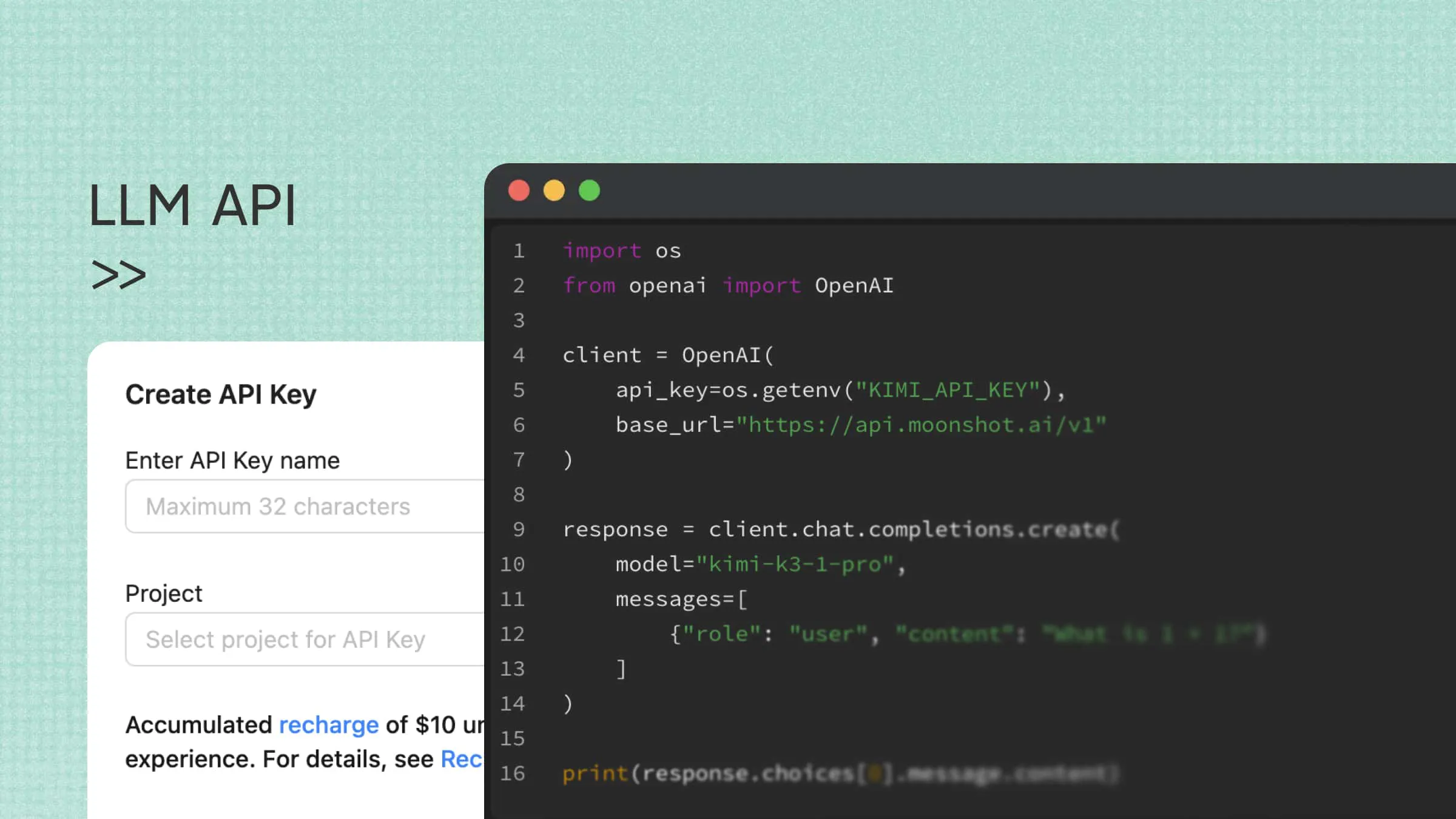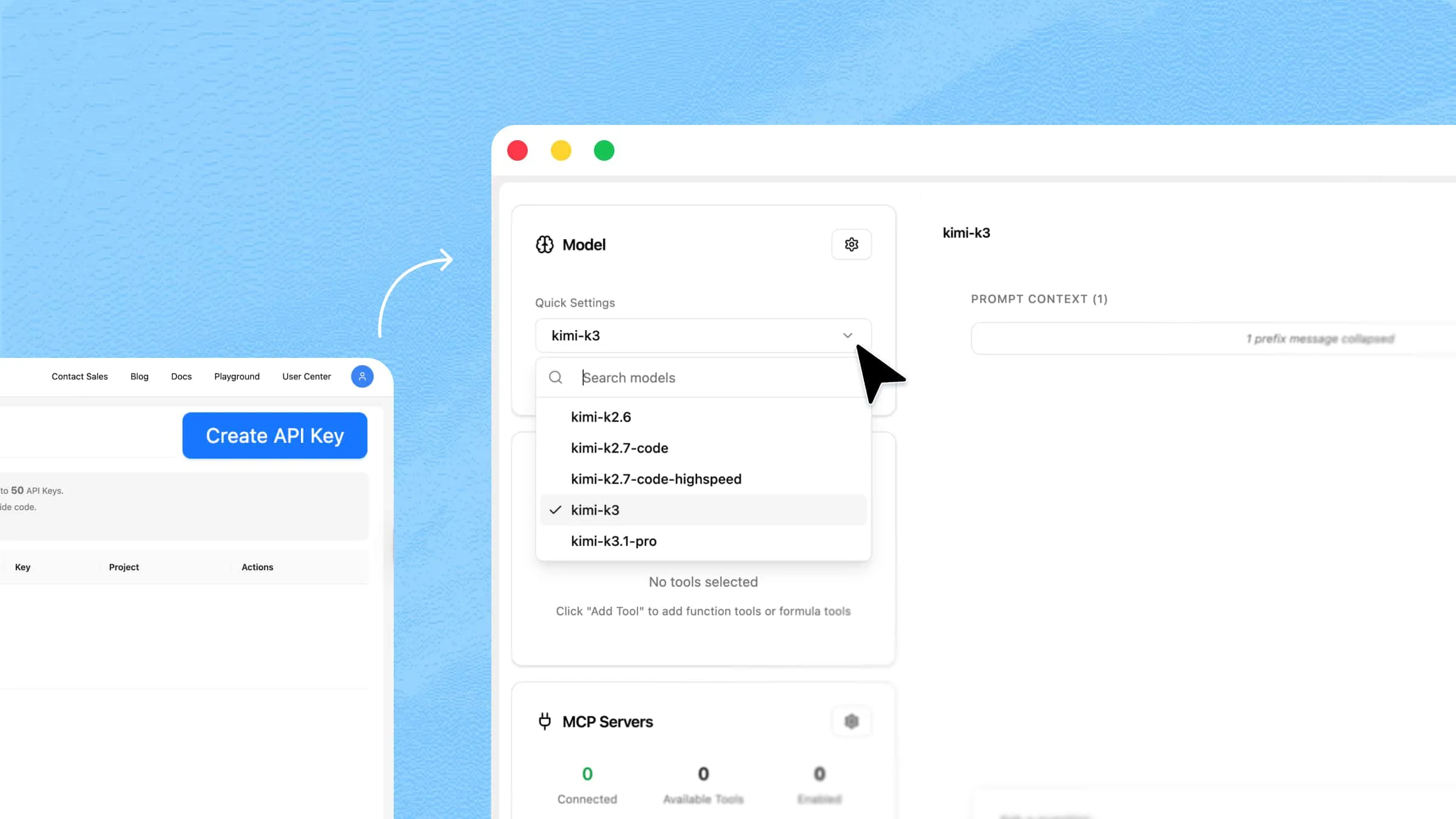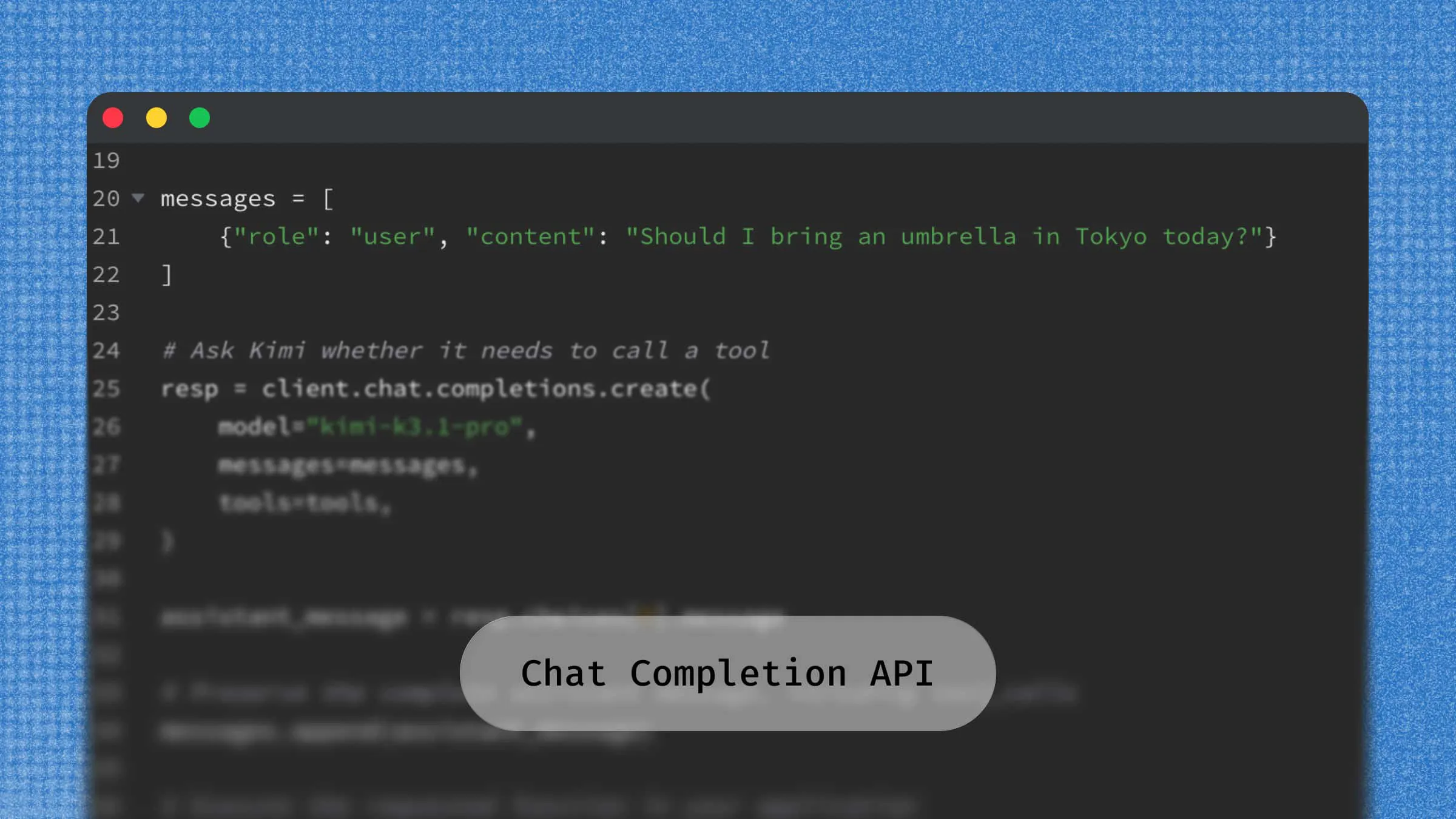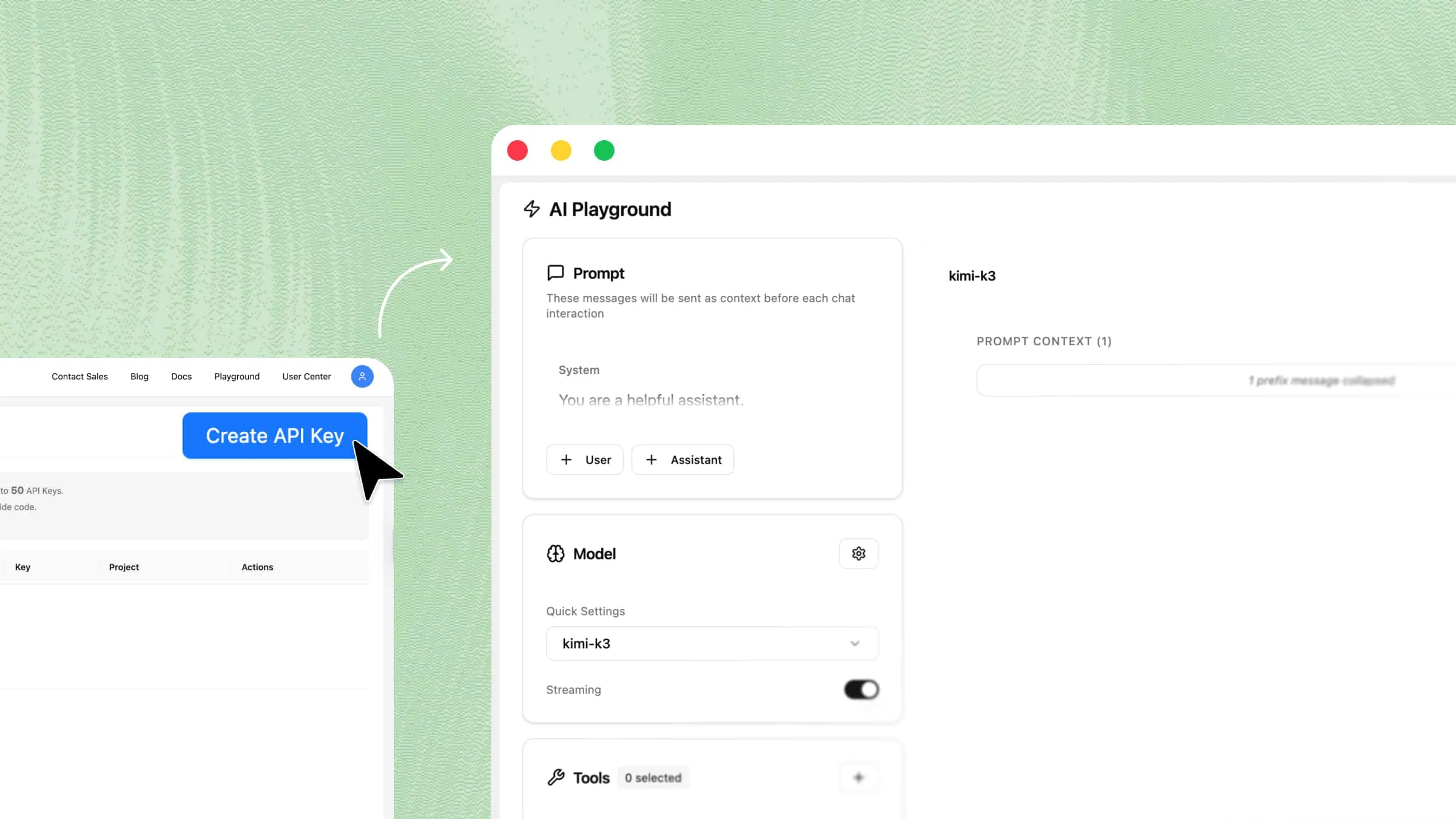
An AI API lets your application use AI capabilities through code. Instead of training a model from scratch, developers can call a hosted service to generate text, analyze images, or process documents, depending on the provider. This guide explains how AI APIs work, where they are useful, and how to make a first request to an API using a customer-support example.
What is an AI API
An API, or Application Programming Interface, is a set of rules and protocols that allows different software applications to communicate and exchange information. It acts as a bridge between systems, enabling one application to request data or services from another without understanding its internal operations.
For example, a mobile application can use a mapping service API to request location data and display directions without building its own mapping system.
An AI API exposes AI capabilities through a software interface. An application sends inputs such as text, images, or audio and receives results such as predictions, extracted information, or generated content. Hosted AI APIs let developers use existing models without training or operating them themselves. This article focuses on that hosted-service model.
Depending on the model and available endpoints, an AI API can provide several capabilities:
Text generation: Create articles, product descriptions, emails, summaries, and other written content.
Natural language understanding: Interpret user questions, identify intent, and extract relevant information from text.
Conversational AI: Power chatbots and virtual assistants that understand and respond to user messages.
Image understanding: Analyze images, recognize objects, and identify visual details.
Document processing: Extract information, summarize files, and answer questions based on supplied documents.
Code generation: Generate code, explain programming concepts, and assist with debugging.
These capabilities make AI API integration useful for developers who want to add intelligent features to existing applications. Instead of building AI systems independently, they can connect to available models and focus on improving their application's functionality and user experience.
How AI APIs work
An AI API typically connects an application to an AI service through a request-and-response workflow. The application submits input, the service runs the relevant model or processing pipeline, and the API returns the result. Some services also offer streaming or asynchronous jobs. A typical synchronous request follows these steps:
Collect user input: The application receives information from the user, such as a text prompt, question, document, or image.
Send an API request: The application sends the input to the AI service through an API endpoint, including the required authentication credentials, model selection, and optional parameters.
Process the request: The AI model analyzes the submitted information and generates a response based on the input, context, and its supported capabilities.
Return the response: The API sends the result back to the application, often as JSON. Streaming APIs can send output incrementally, allowing the application to display partial results before generation finishes.
Use the result: The application displays the response or processes it further to perform a specific task, such as answering a question or generating content.
This process allows developers to add AI-powered features through AI API integration without building or maintaining their own AI models.
What are the main types of AI APIs
AI APIs serve different purposes depending on the type of information an application needs to process or generate. Common AI API capabilities include language processing, content generation, image analysis, speech recognition, and translation.
Natural language processing (NLP) APIs
Natural Language Processing (NLP) APIs help applications understand, interpret, and analyze human language. They can identify meaning, recognize sentiment, classify text, and extract useful information from written content.
Common applications include:
Analyzing customer feedback and product reviews.
Categorizing customer support requests.
Extracting keywords and important information from text.
Detecting the language of user-submitted content.
Summarizing large volumes of written information.
Generative AI APIs
Generative AI APIs allow applications to create new content based on user instructions and contextual information. Depending on the model, an AI API can generate text, code, images, and other types of content.
Common applications include:
Generating articles, marketing copy, and product descriptions.
Building AI chatbots and conversational assistants.
Creating and explaining programming code.
Producing personalized responses and recommendations.
Generating creative content from text prompts.
Computer vision APIs
Computer vision APIs enable applications to analyze and interpret visual information, including images and videos. They can recognize objects, identify patterns, extract text from images, and classify visual content.
Typical applications include:
Identifying products in retail applications.
Classifying images and moderating visual content.
Extracting text using Optical Character Recognition (OCR).
Inspecting products for quality control in manufacturing.
Supporting image-based search and information extraction.
Speech and audio APIs
Speech and audio APIs allow applications to process spoken language and other audio inputs. They support functions such as speech recognition, audio transcription, and text-to-speech conversion.
Common applications include:
Converting recorded conversations into text.
Building voice-controlled assistants.
Generating spoken responses from written text.
Transcribing meetings, interviews, and lectures.
Supporting voice-based customer service.
Translation APIs
Translation APIs help applications convert text from one language into another. AI-powered translation models can consider context, sentence structure, and language patterns to produce more natural translations.
They are commonly used for:
Translating website content and product information.
Supporting multilingual customer service.
Localizing applications for international audiences.
Translating documents and business communications.
These categories overlap: a generative language model may handle translation, summarization, and other NLP tasks, while a multimodal model may combine text and visual understanding. Not every AI API supports every capability. Check the available models, endpoints, supported input formats, and documentation before choosing a service.
Kimi API: Bringing AI capabilities to your applications
The Kimi API allows developers to integrate Kimi's AI capabilities directly into their applications, websites, and software systems. It provides access to AI models that can understand prompts, process information, generate text, and assist with complex tasks. Through API requests, developers can build intelligent features without creating an AI model from scratch. This makes Kimi API a practical option for applications that require advanced language processing and AI-powered interactions.
Key features of Kimi API
Kimi API provides language and visual capabilities for application development. Key features include:
Text generation and multi-turn conversations: Use the Chat Completions interface to generate content or answer questions. Preserve conversation context by including earlier messages in later requests; for reasoning and tool workflows, follow the documentation on retaining complete assistant messages.
Long-context processing: Kimi K3 supports million-token context window for long documents, code, and conversation histories. Input and generated output share that context budget; check the selected model's limits.
Multimodal understanding: Supported models can process text together with visual inputs. Use the documented image or video input format for the model you select.
File processing and tool integration: Extract supported document contents with the file APIs, then include the extracted material in model requests for question answering. External information, such as web or database results, must be supplied through a separate integration or tool workflow; ordinary model calls do not automatically access those sources.
OpenAI-compatible interfaces: Kimi supports OpenAI-compatible Chat Completions and Responses interfaces. Configure the API key, base URL, and model ID, and check supported parameters when adapting existing SDK code.
How to use an AI API: A practical example with Kimi API
The following example uses Kimi API to answer a customer's return-policy question. Create an account, generate a key, configure your access, and send a request containing both the sample policy and the customer's question.
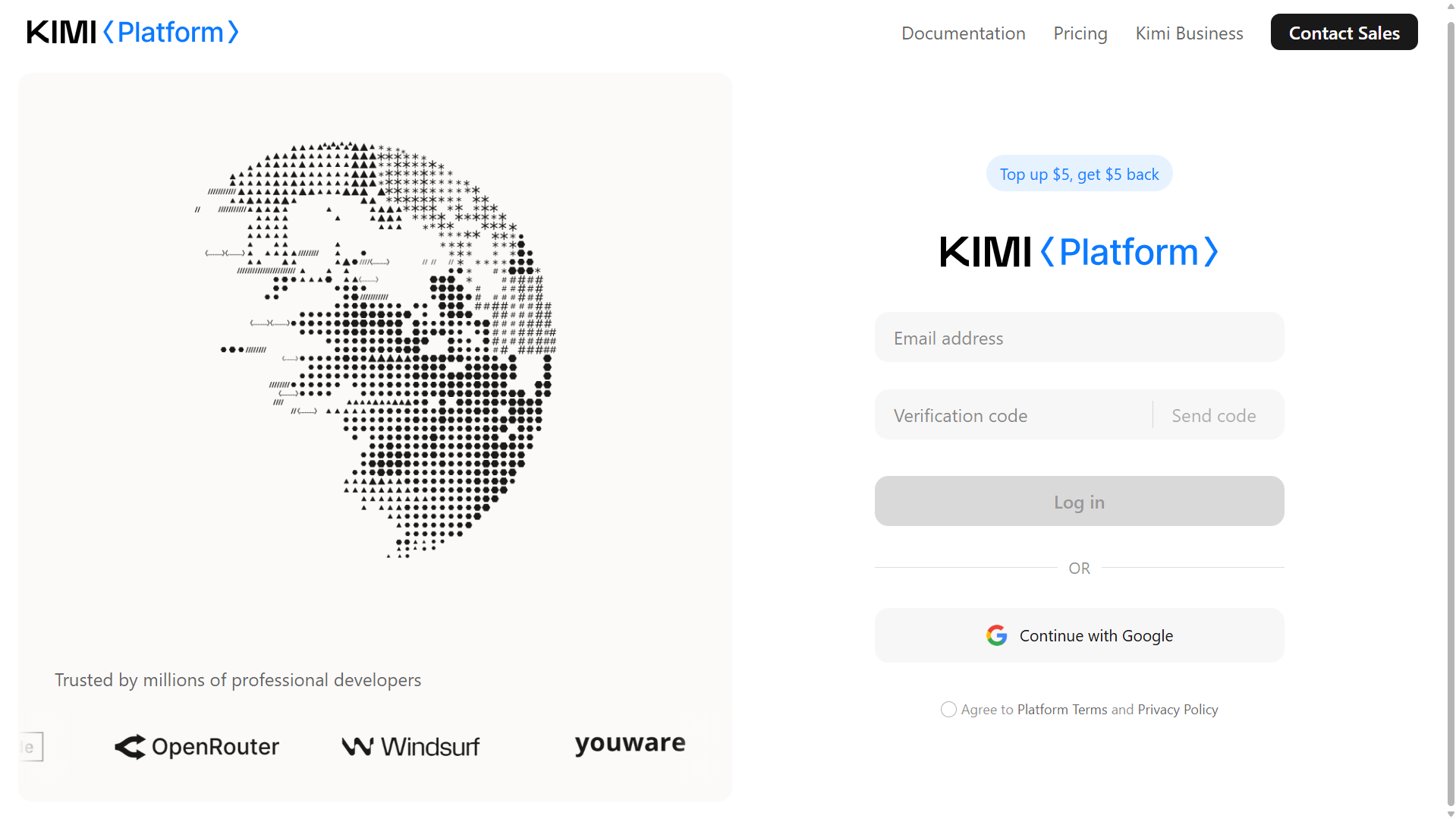
Step 1. Create a developer account
Visit the Kimi API platform and sign up for a developer account. Sign in to manage API keys, usage, and billing. Review the current recharge policy on the console.
Step 2. Generate an API key
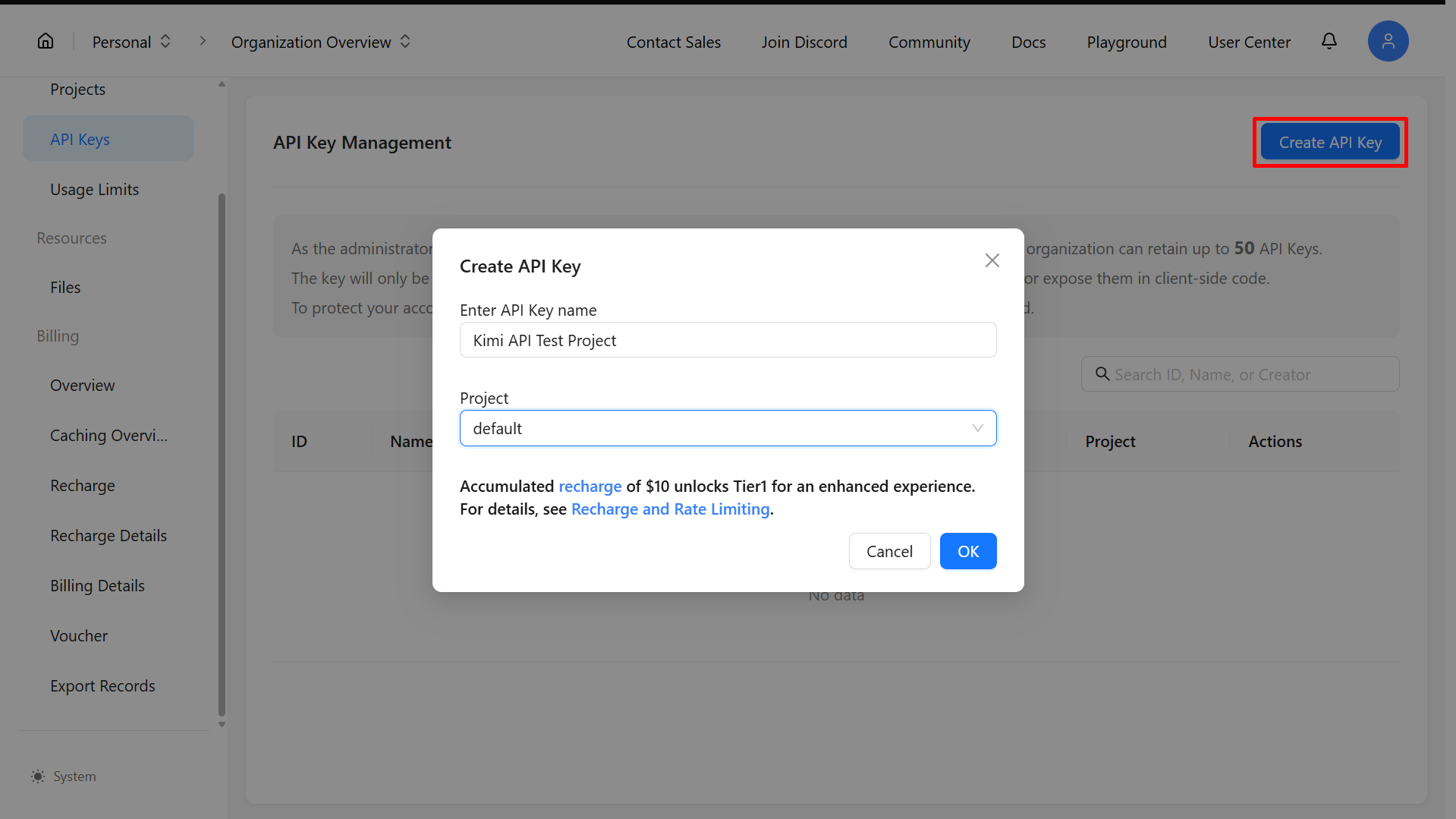
Open the API key management section in the console and click Create API Key. Enter a name to identify your key, confirm its creation, and copy the generated key.
Keep your API key secure. Store it in a server-side environment variable or secrets manager, and never expose it in public repositories or client-side code.
Step 3. Configure your API access
This example uses the international Kimi API endpoint, https://api.moonshot.ai/v1, and the model ID kimi-k3.1-pro. Use an API key issued by the platform for that endpoint. For another regional platform, follow its own account, endpoint, and model documentation.
In a Bash-compatible terminal on macOS or Linux, set your key as an environment variable. On Windows, use a Bash environment such as WSL for the commands below; they are not PowerShell syntax.
Step 4. Make your first API request
In the same terminal, send the sample return policy and the customer's question to Kimi. This request uses reasoning_effort: "low" for a simple policy lookup; more demanding tasks may benefit from a higher reasoning effort.
On success, the API returns a JSON response. Read the final answer from choices[0].message.content. An illustrative answer can be: "Yes. Based on the sample policy, you can return the unused item within 30 days of delivery with your receipt".
The wording may vary. This example supplies the policy directly in the request. In a real application, your backend can retrieve the relevant policy and include it with the customer's question, then validate important details before displaying the answer. If a request fails, inspect the error response and check the API key, model ID, account balance, and rate limits.
How Kimi API pricing works
Kimi API uses pay-as-you-go token billing, separate from Kimi membership or Kimi Code subscriptions. For the kimi-k3.1-pro model used above, international API rates are listed below in USD per million tokens, excluding applicable taxes.
| Billing item | USD per million tokens |
|---|---|
| Uncached input | $2.00 |
| Output | $10.00 |
| Cache hit | $0.20 |
| Cache write: 5-minute TTL | $2.00 |
| Cache write: 1-hour TTL | $4.00 |
For Chat Completions, uncached input, cache hits, and cache writes are mutually exclusive input categories. A cache-write token is not also billed as uncached input. Eligible prefixes use a 5-minute cache TTL by default; a 1-hour option is available. Cache hits renew the existing TTL without another write fee.
For example, 10,000 uncached input tokens and 1,000 output tokens cost $0.03 at these rates, before tax and any other applicable charges. Use the API-reported usage to estimate actual costs: generated reasoning can contribute to billable output, and tools may have separate fees. See the official API pricing and caching documentation for current details.
What are AI APIs used for
AI APIs support a wide range of applications by automating tasks, processing information, and adding intelligent features to existing software. The following AI API examples show how developers and businesses use these tools in practical situations.
Customer service automation: Businesses can use AI API integration to add intelligent chatbots and automated support features to their customer service platforms. These systems can understand incoming questions, categorize requests, and generate relevant responses.
For example, an e-commerce chatbot can answer questions about products, shipping, and returns. The application's backend can retrieve relevant product records and policies, then include that information in a model request. This grounds the response in current source material, but the application should still check important details and handle questions the supplied information cannot answer.
Content creation and marketing: Generative AI APIs help businesses create, revise, and organize marketing content more efficiently. They can be integrated into content management systems, marketing platforms, and writing applications.
For example, a marketing tool can send product details and writing instructions to an AI model to generate multiple product descriptions. Users can then review and edit the suggestions before publishing them.
Document analysis and information extraction: AI APIs allow applications to process documents, summarize lengthy reports, and extract important details automatically. This reduces the time required for manual document review.
For instance, a business application can analyze uploaded reports, identify important figures, extract names and dates, and organize the results into structured fields.
Data analysis and reporting: Developers can connect AI models to analytics platforms to help users understand datasets and interpret business performance.
For example, a reporting tool can provide selected sales data to an AI model and request a summary of monthly trends, significant changes, or performance patterns. Numerical results should still be verified against the original data to ensure accuracy.
Software development: AI APIs can add coding assistance to development environments, code editors, and internal software tools. They help developers generate functions, explain programming concepts, identify potential errors, and suggest code improvements.
For example, a development platform can send a code snippet to an AI model and request an explanation or debugging suggestions. This allows developers to access AI-powered assistance directly within their existing workflows.
Benefits of using AI APIs
AI APIs make it easier to add artificial intelligence to applications without developing and managing complex AI systems independently. They offer several practical advantages that can simplify development, reduce costs, and expand application capabilities.
Faster AI integration: AI APIs provide ready-to-use access to existing AI models, allowing developers to add intelligent features without building models or inference infrastructure from scratch. This simplifies AI API integration and reduces the time needed to develop and test new features.
Lower development and maintenance costs: Building an AI model requires technical expertise, computing resources, training data, and ongoing maintenance. Using an AI API reduces the need to manage these components independently.
Businesses can rely on the provider's infrastructure and focus their resources on application development, product improvements, and user experience. However, the overall cost still depends on AI API pricing, usage volume, and the selected service plan.
Greater development flexibility: AI APIs allow developers to add different capabilities to websites, mobile applications, internal business tools, and existing software systems. They can select suitable models, adjust configurations, and introduce additional features as project requirements change.
This flexibility also makes it easier to explore different AI API examples and test how specific models perform within an application.
Improved workflow automation: AI APIs can automate repetitive tasks involving text, documents, images, and other types of data. For example, a business can integrate an AI model into its document management system to extract information, categorize files, and generate summaries.
These automated processes reduce manual work, improve efficiency, and allow employees to focus on tasks that require human judgment.
Easier scalability: As an application attracts more users, its AI processing requirements may increase. API services provide access to managed model infrastructure, allowing developers to handle growing demand without maintaining their own AI serving systems.
However, scalability depends on factors such as provider capacity, rate limits, usage restrictions, and AI API pricing. Developers should review these conditions when selecting a service for long-term use.
Conclusion
Start with one task your application needs to handle, such as answering questions from a supplied policy. Use the Kimi API example above to test a request, inspect the response and usage, and compare the result with your expected answer. Before expanding the integration, evaluate accuracy, latency, and total API cost on representative inputs.